Week 02: Computer-Aided Cutting
Results
For cutting 4mm thick cardboard using the Universal PLS 6.75 laser cutter in the EDS, we recommend these settings:
- Power: 100
- Rate: 500 (any is fine)
- Speed: 12
This results in a kerf of ~0.2 mm.
Key reminder that offset = kerf / 2 and that offset should be in the direction of the open cut.
Process
We kept the power at 100 and z=0.01 and tested various speed/PPI combinations. The three squares on the right were cut with power 100, PPI 800, speed 14, across varying z’s (top to bottom: 0.05, 0.1, 0.2)
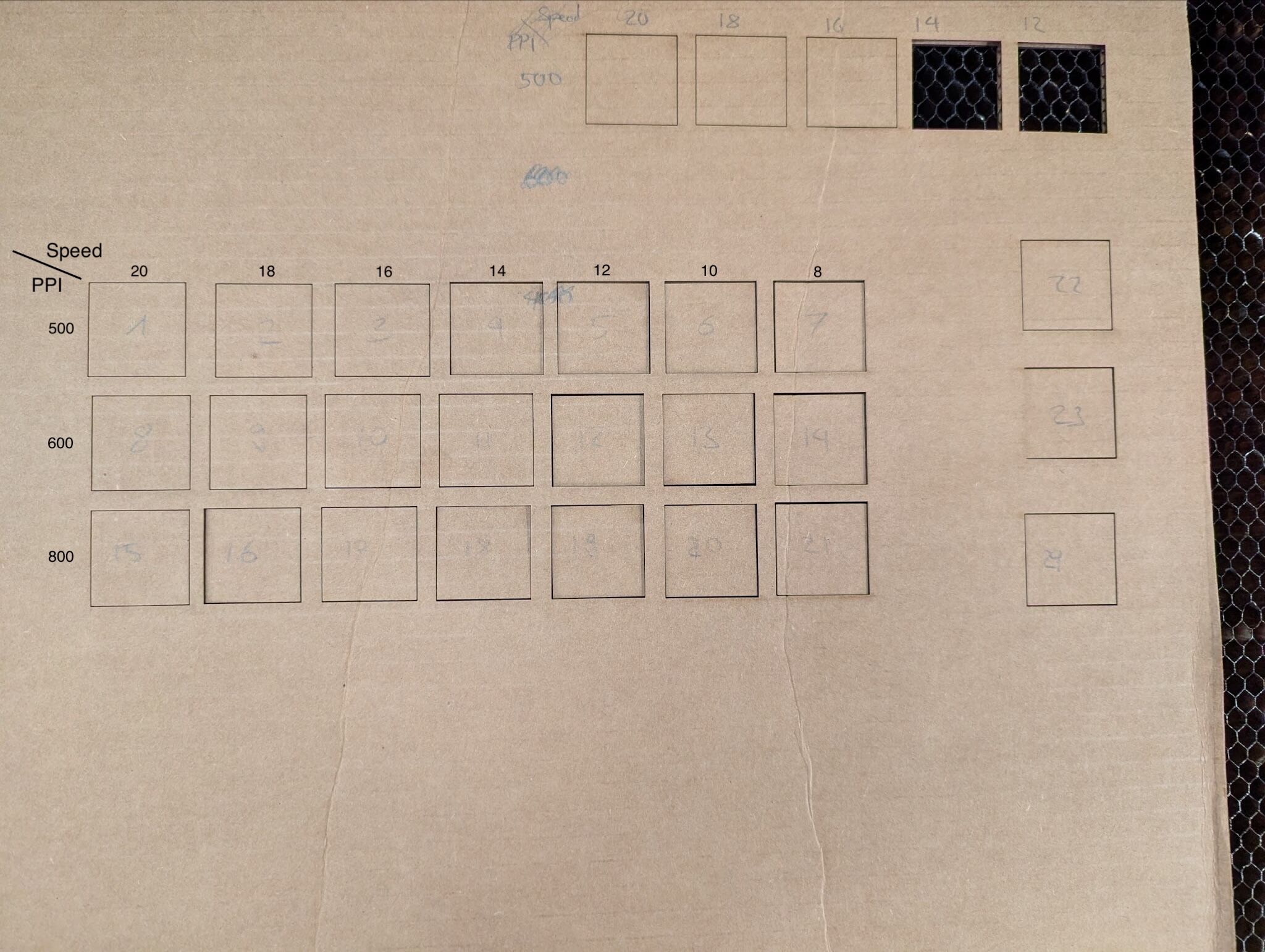
Figure 1: Cut cardboard before lifting.
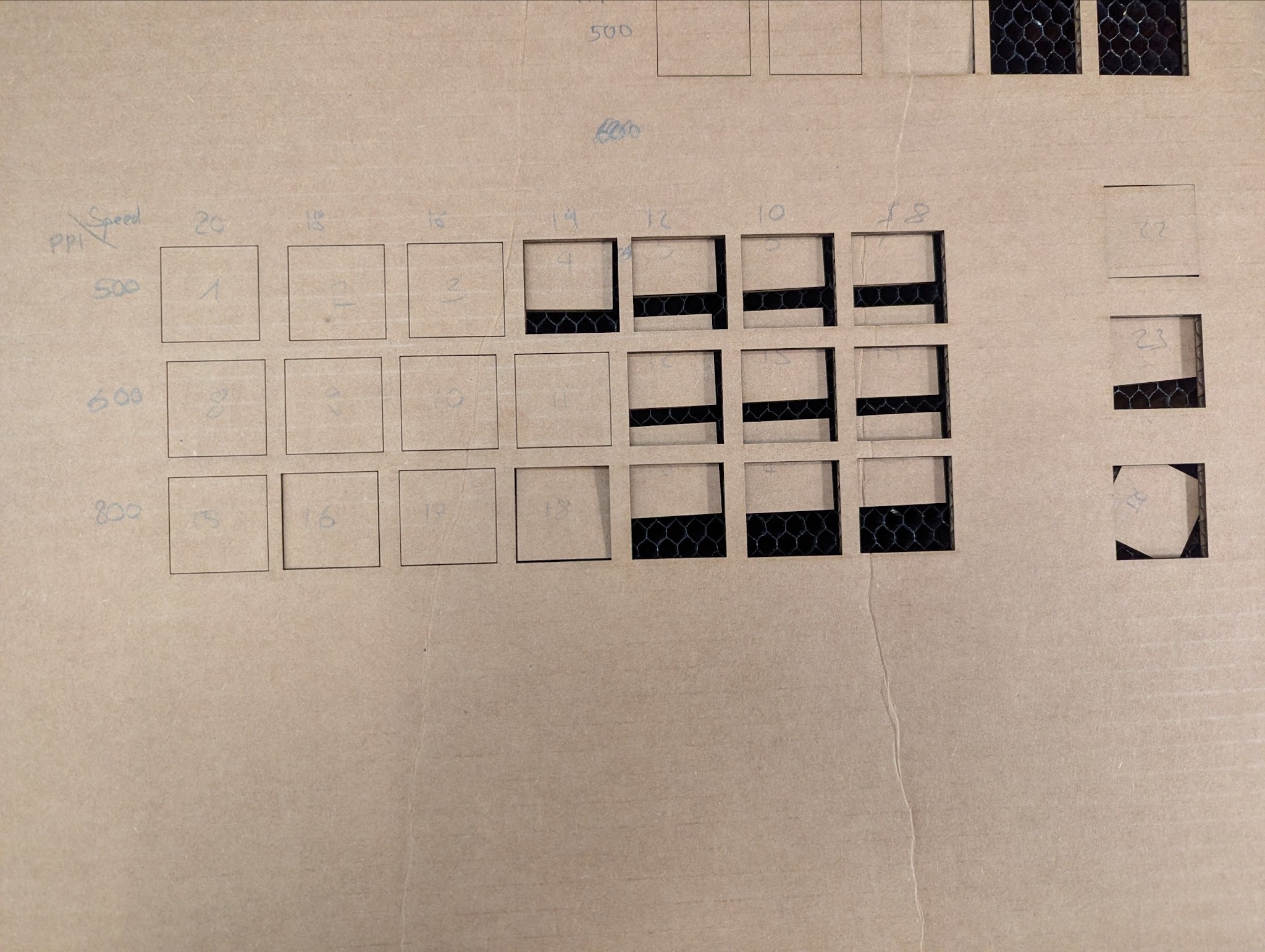
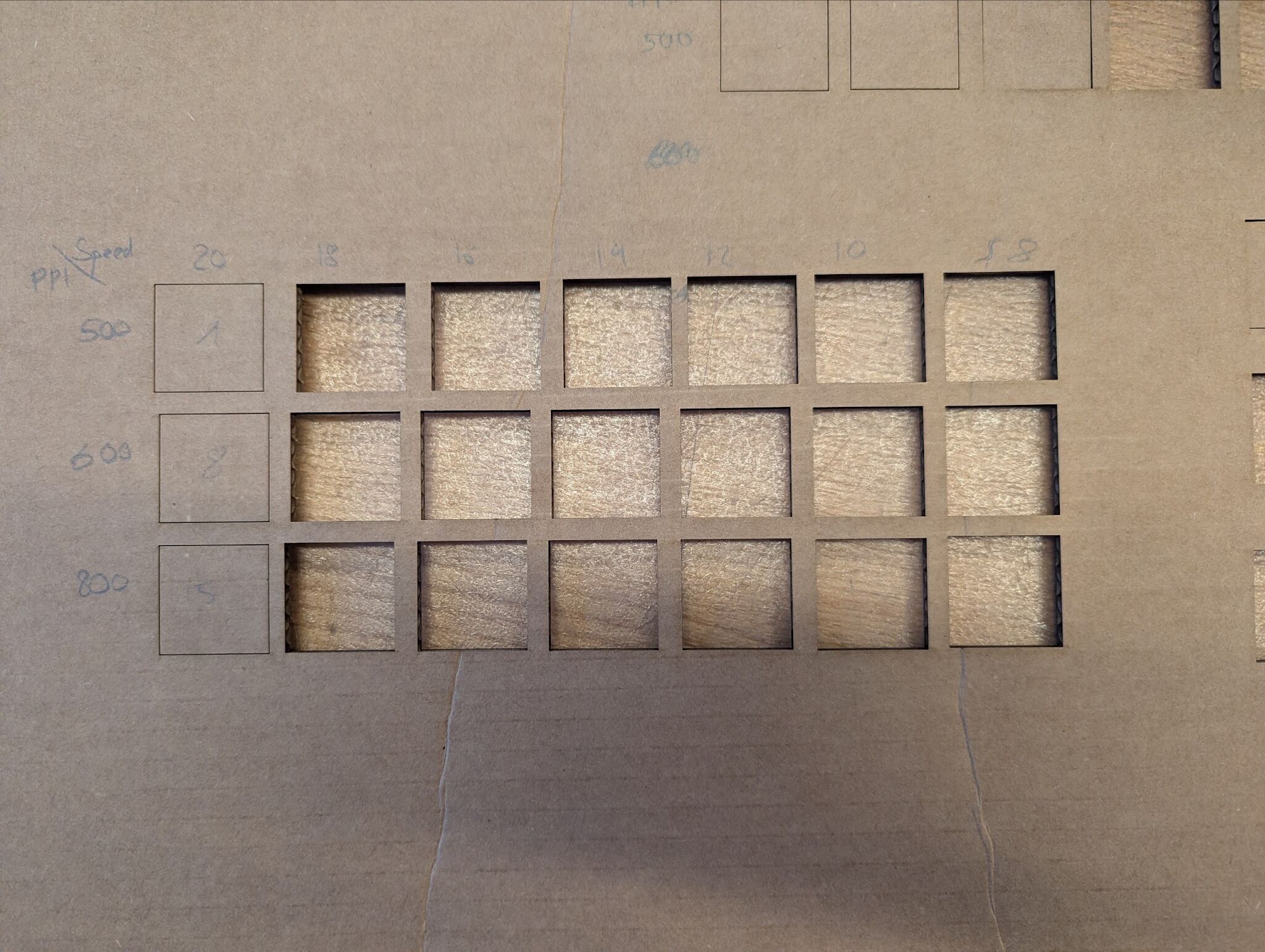
We utilized calipers the measure the horizontal and vertical widths of both the squares and the resulting cutout. H and V represents the arbitrary horizontal and vertical widths respectively determined by the orientation of the number written on the square.
The kerf is measured as (side length of the cutout - side length of the square) / 2 to account for the laser cutting through both top/bottom or left/right. Then, the average kerf was calculated by the average between the calculated horizontal kerf vs vertical kerf.


Overall, we found that the PPI did not have a significant effect on the resulting cut, but that slower speeds result in a wider kerf.
We decided to use the power 100, PPI 500, speed 12 setting to cut out and test some joints. We modeled and cut a press-fit, chamfer, and snap-fit joint. Each joint edge was offset by kerf / 2 so 0.1 mm for our configuration. Snap-fit joint was the most secure, but difficult to align due to the rigidity of the cardboard. However, the cardboard is relatively forgiving in its thickness both press-fit and chamfer joints worked fine without any issues in alignment.
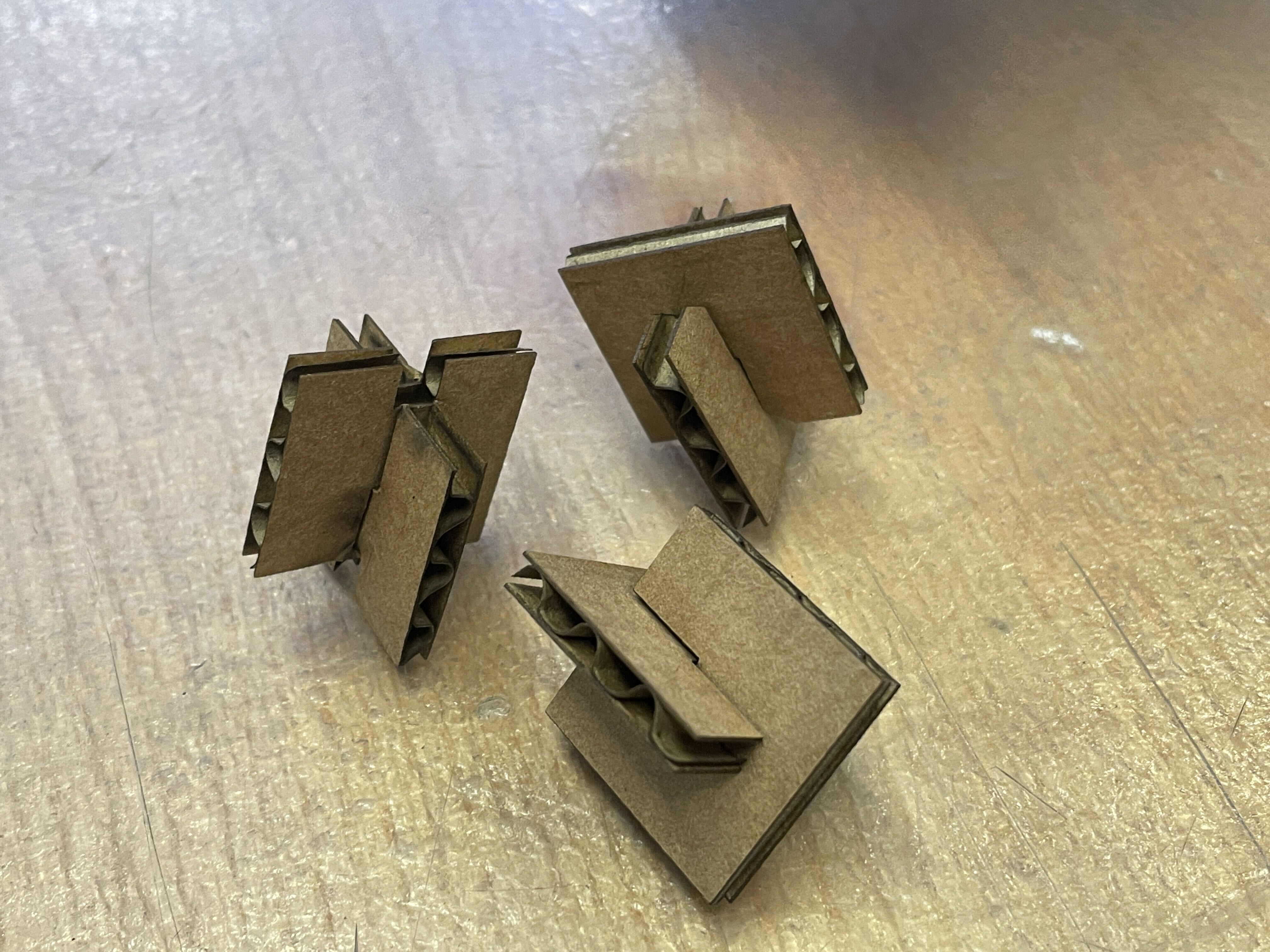
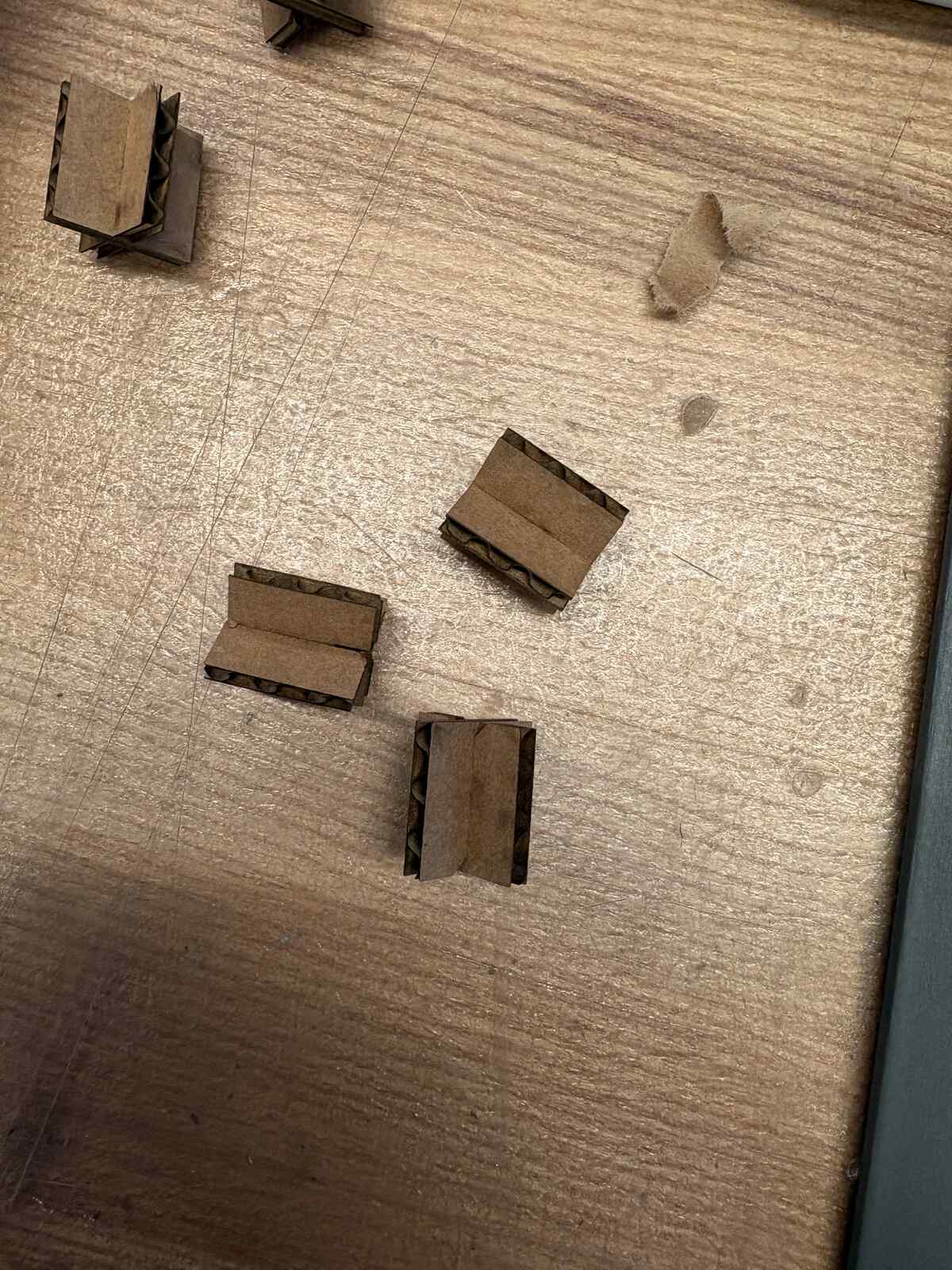
Initially, we set our joint depth to an arbitrary depth. This resulted in the first iteration of our joints to be overlapped after assembly. Thus after debugging, we set the depth of the joint to be equal to 1/2 the length - offset. since the kerf accounts for extra volume removed by the laser, the kerf offset in the design should be in the direction of the open cut. Figure 6 shows our joints where the edges are aligned nicely after this fix. Here is our final dxf file