Messages
Hey! Tell me about yourself
I hate writing bios so let's do it in bullet points:
- I pronounce my name as "Ah-dee-tee"
- I work in SLMs, using a combination of GPU optimization and Reinforcement learning to make them better, faster, lighter.
- I previously built open-source projects, including a browser that tracks birds across California and Africa!
- My hobbies include drawing portraits, composing my own music, and on occasion, dancing.
So what did you work on this week?
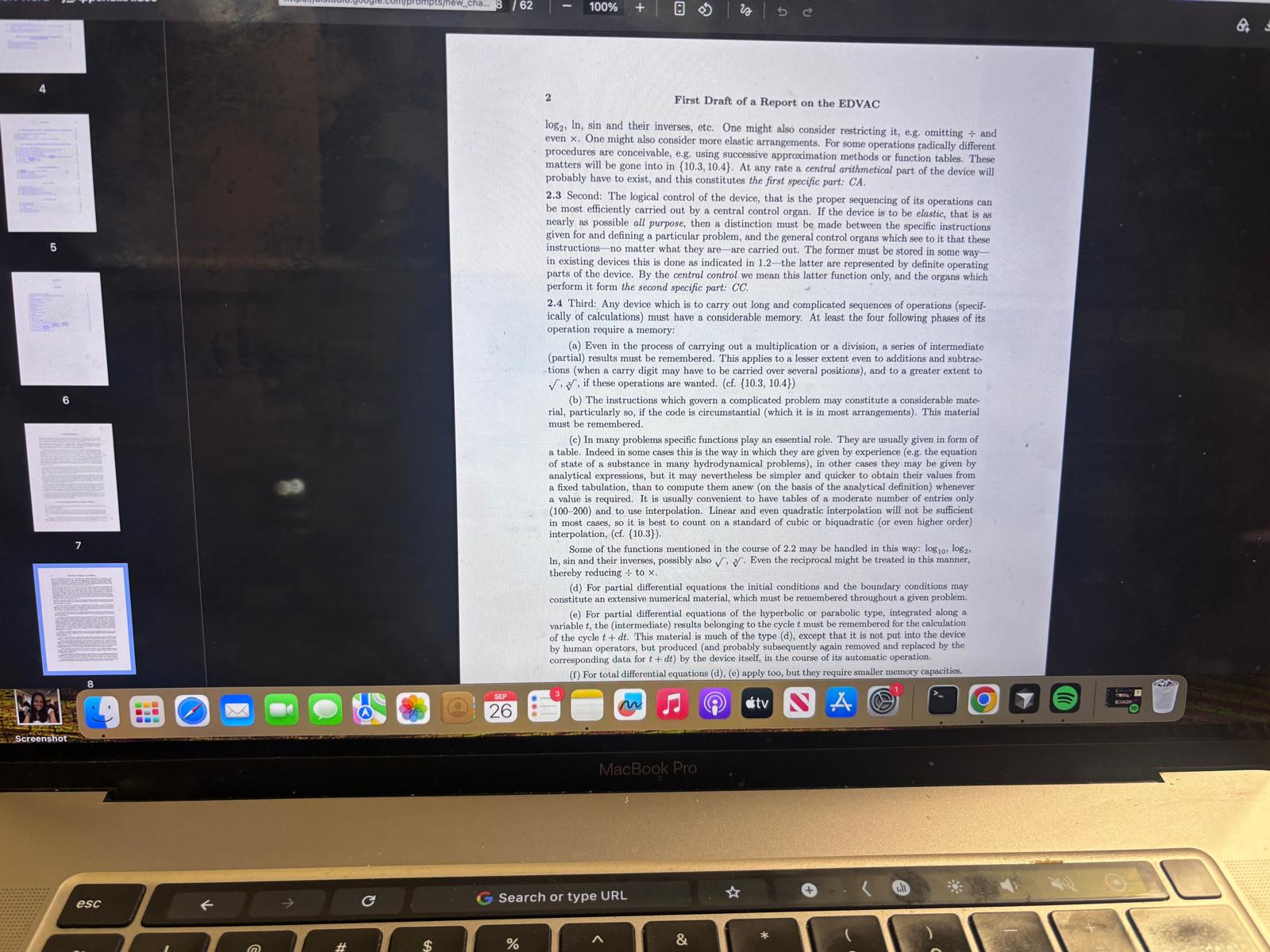
I started off with reading about all the different architectures, such as Harvard and Von Neumann. I spent a few hours looking at this and also experimenting with a virtual microprocessor and programming it in Rust and Python. I didn't touch C++ as I was afraid of having to deal with memory and pointers stuff. I spent a few hours on this and also learnt about my chip specification.
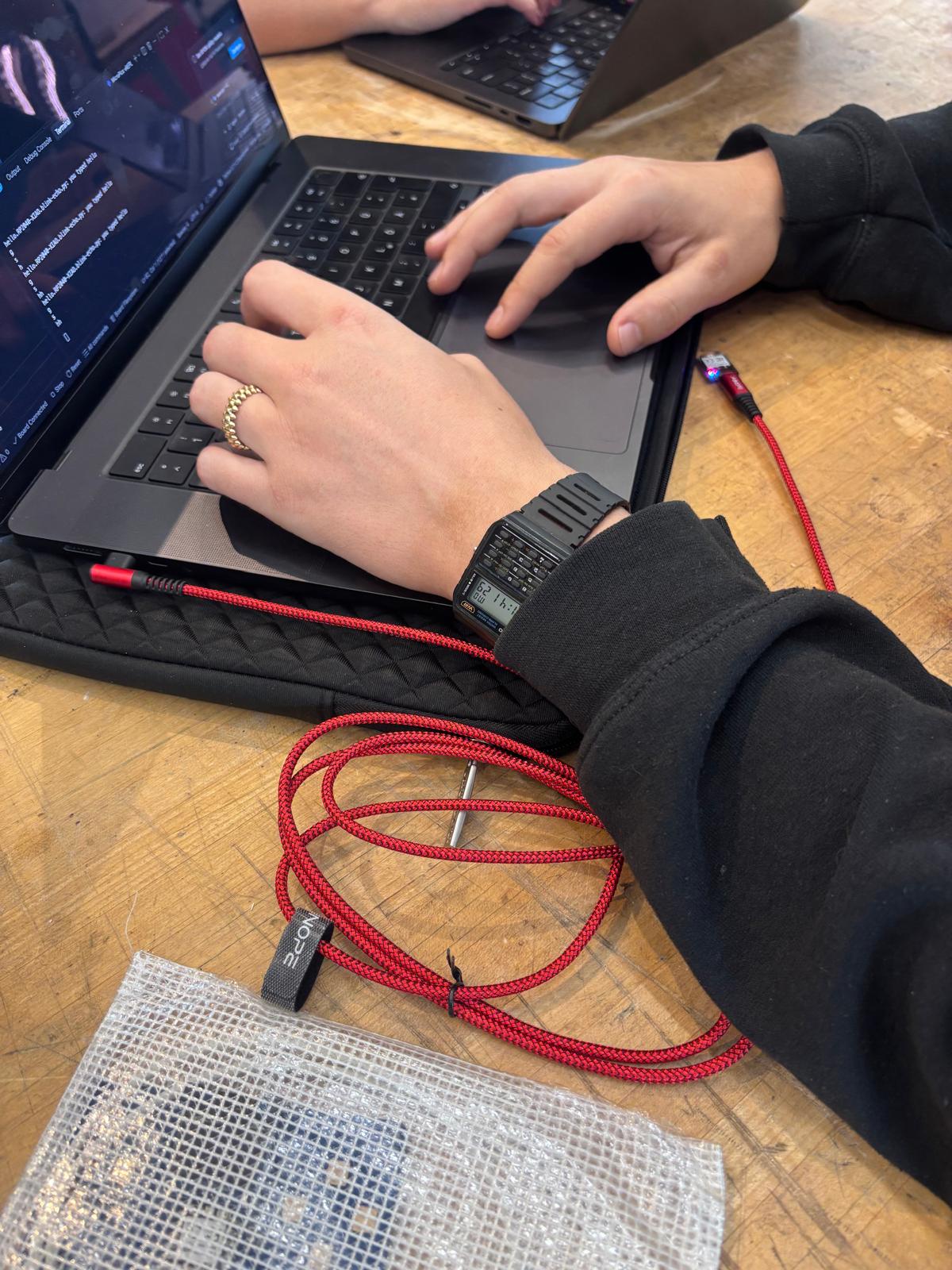
I was gone for a conference and so I lost Thursday and Friday and the weekend to solder my chip, so I met up with my group to test different architectures on Monday at 11 AM. I was in charge of the Rust architecture, and most people were put off by it as I worked on it completely in bash and I was able to do it completely without a single visual IDE. It was useful as I usually work in bash and am used to using Vim and bash commands. This was fun and I learnt about booting the chip and understanding how some of the code worked. I chose to not use Python in the end to present a challenge on how to program a chip, as I use Python in my everyday work and did not want to keep using Python.
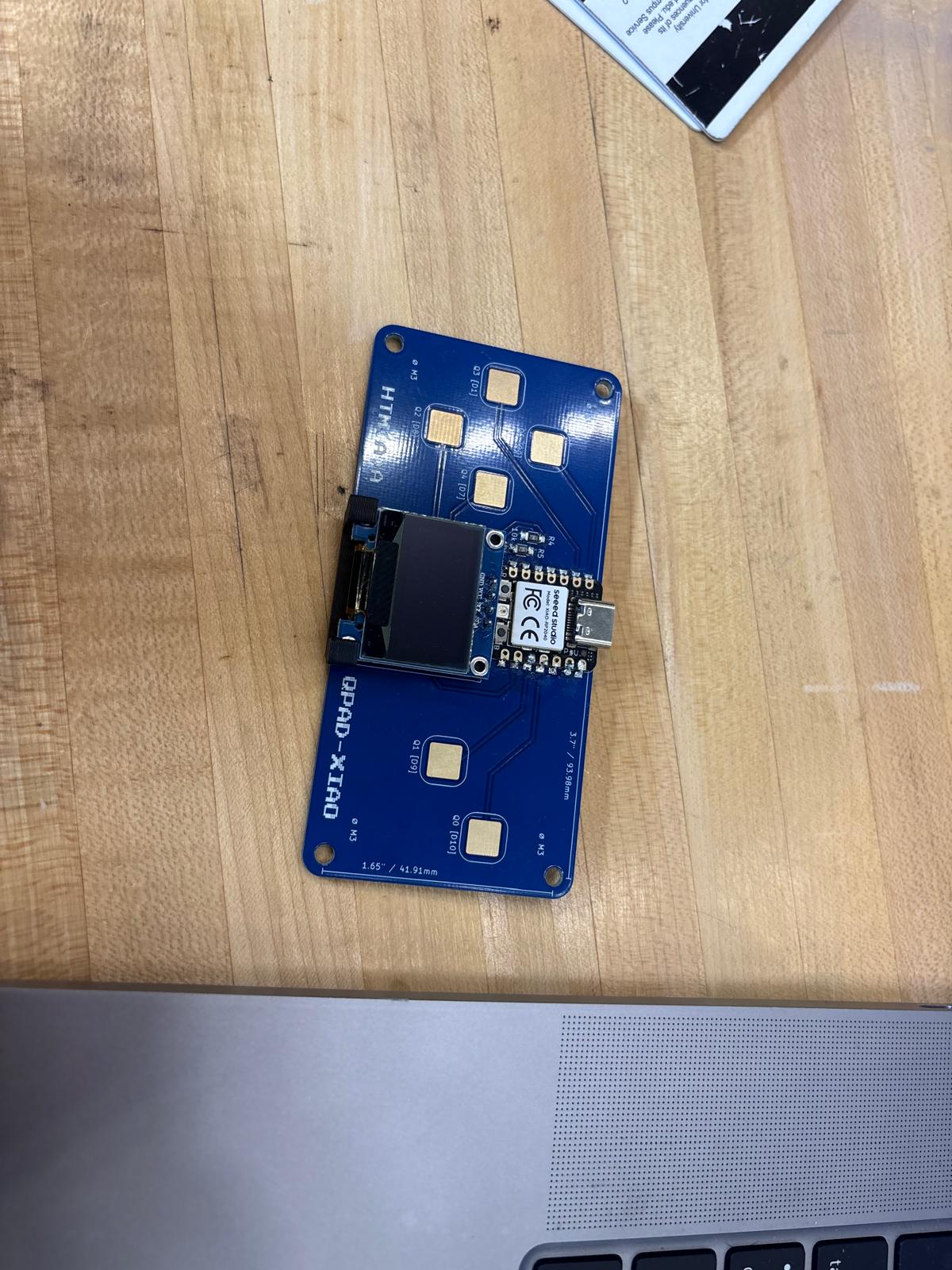
I initially used a pre-soldered chip provided by Quentin, as I had not received soldering training yet, but I ended up using my own soldered chip in the end to run the program. Overall, the screen working is like magic and I began to read about other chips. It is insane that such a small chip can do so much. I was weighing between a Street Fighter game as I love this game from the 90s and it involves spamming your machine angrily to win at the game, but I chose to do a TinyML program and a touch sensor program that you could train in detecting different hand gestures on the spot, and it would learn how to do it. I programmed it to be able to handle 5 gestures at the same time. I'll get more into that later.
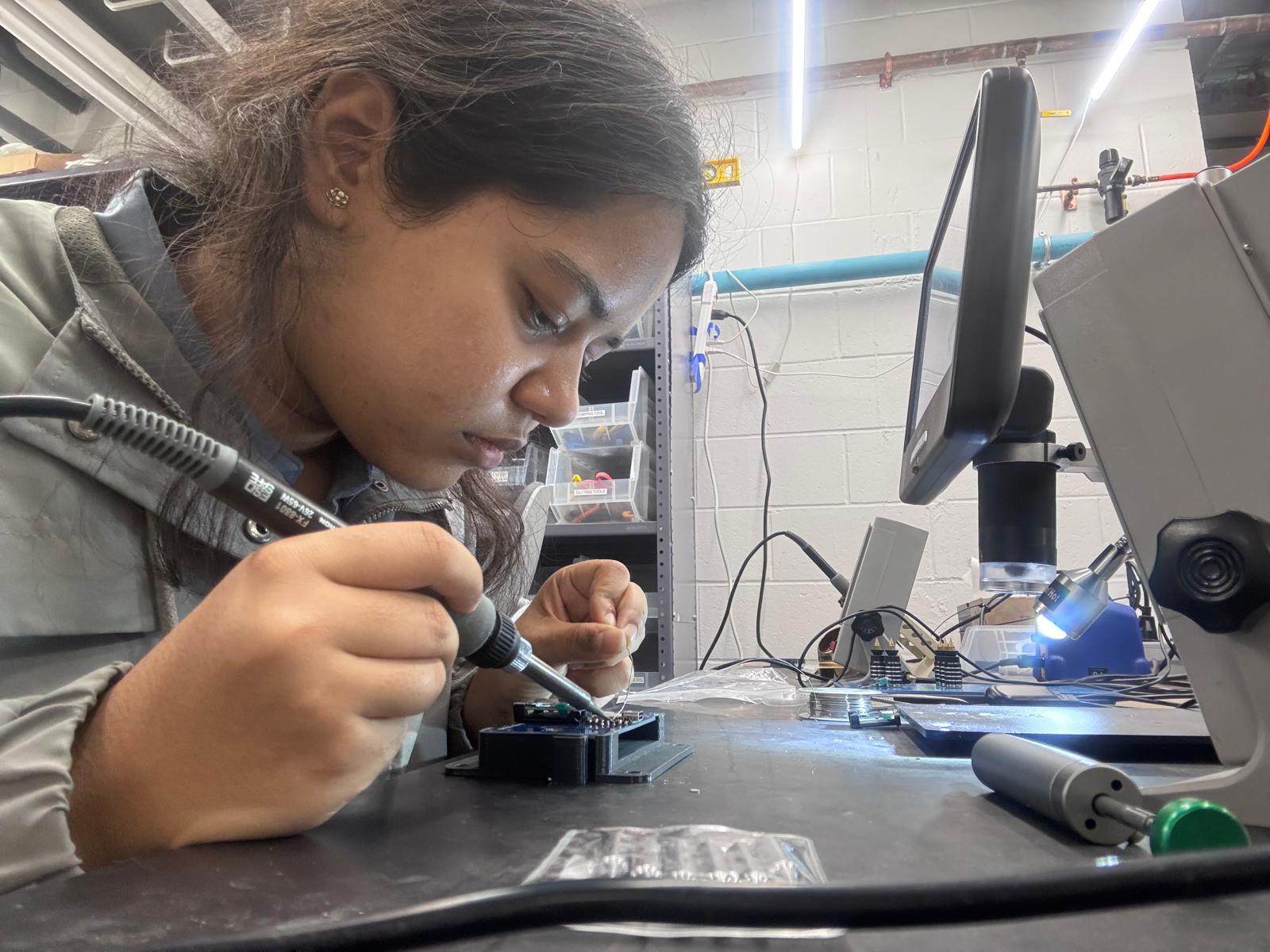
Here's me soldering the chip. I received a lot of help from the most wonderful Alan, who taught me to use flux, to heat up the pin and surface enough that the solder would melt upon touch, and the most interesting observation I had was that if there was a hole and I was soldering in the hole, then a vacuum would form and the hole would be all filled up. That was very cool. I soldered my own board and had to use the suction pen to scoop some stuff out when I made mistakes, but overall I was able to use my own board and USB-C cable for my purposes.
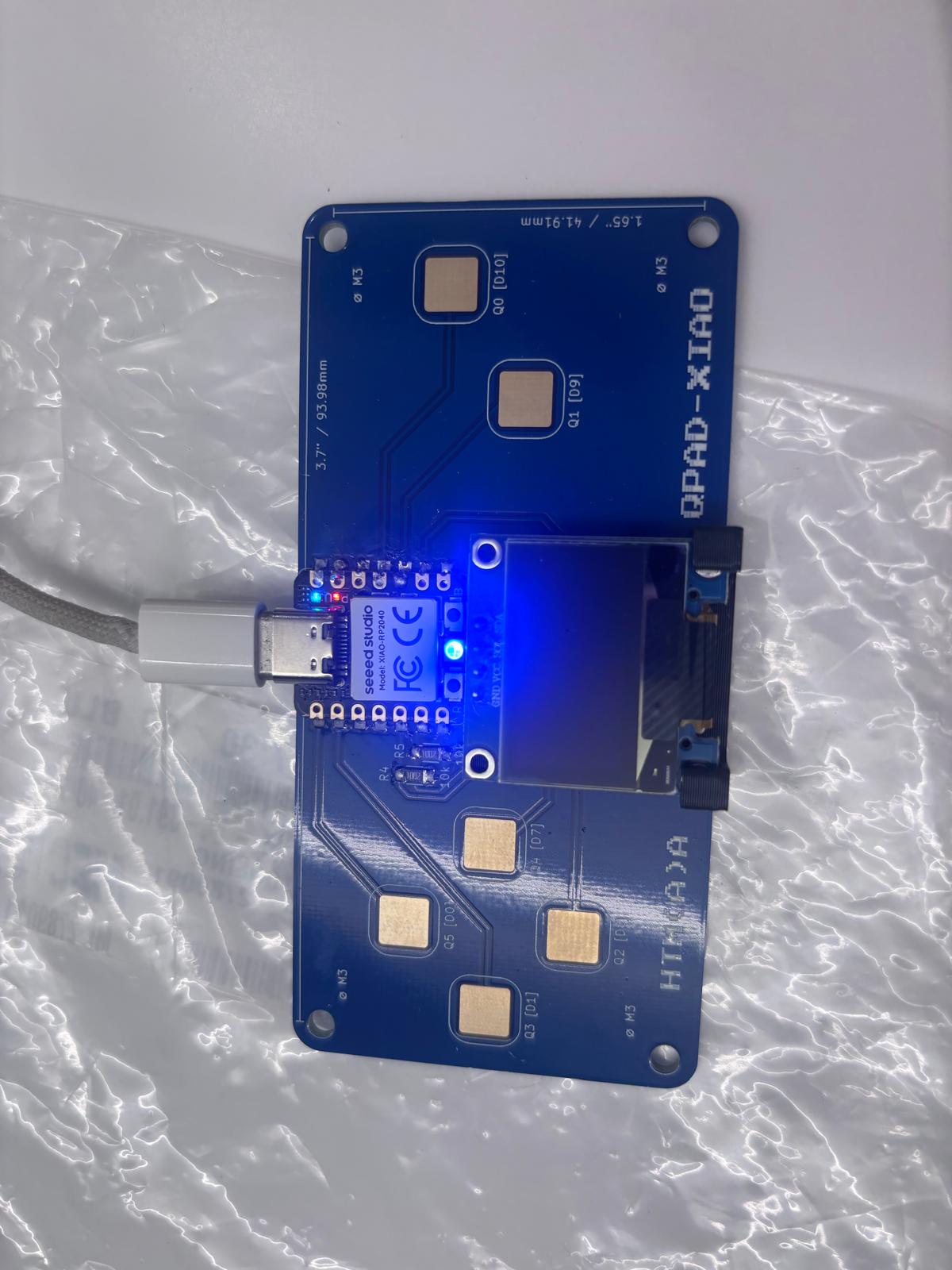
Here is my connected board with the cable. I began to program in Arduino in C++ as a challenge, working off Quentin's example to stay as close to home as possible for me, and because it was a good reference to seeing how the touch sensing functions worked. It took me quite some time to learn to set up Arduino for the board, and I had to experiment with the tool section and seeing where everything was, but I picked up the interface and became quite good at it.
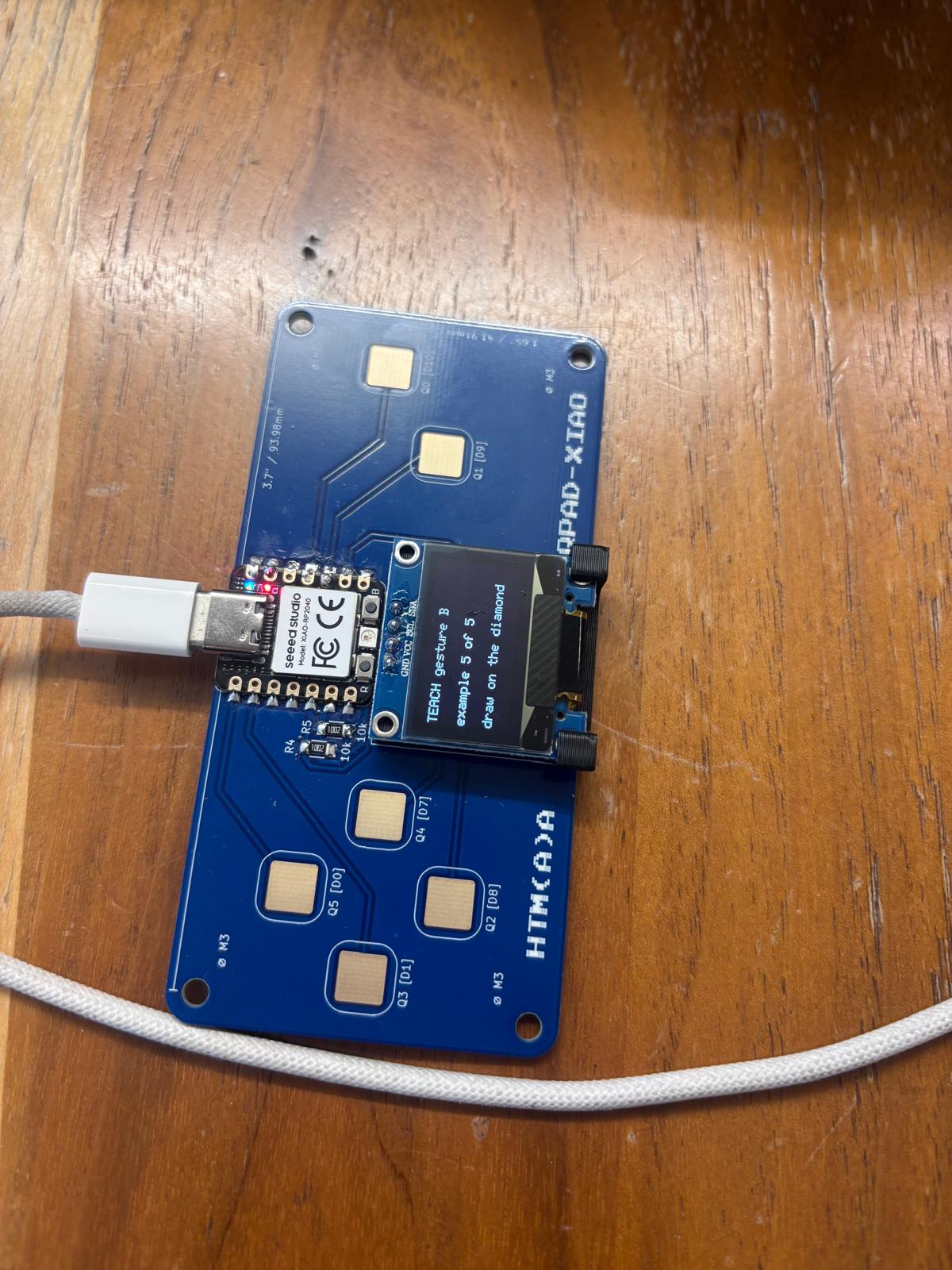
Here is my completed program and some sort of display for it. My touch sensor was working great, and I had to experiment a lot with making it work on the Plotter function over and over, as I was struggling to understand how the board reacted to different kinds of touch. I was able to test multiple things. Code coming soon.
What else have you been building?
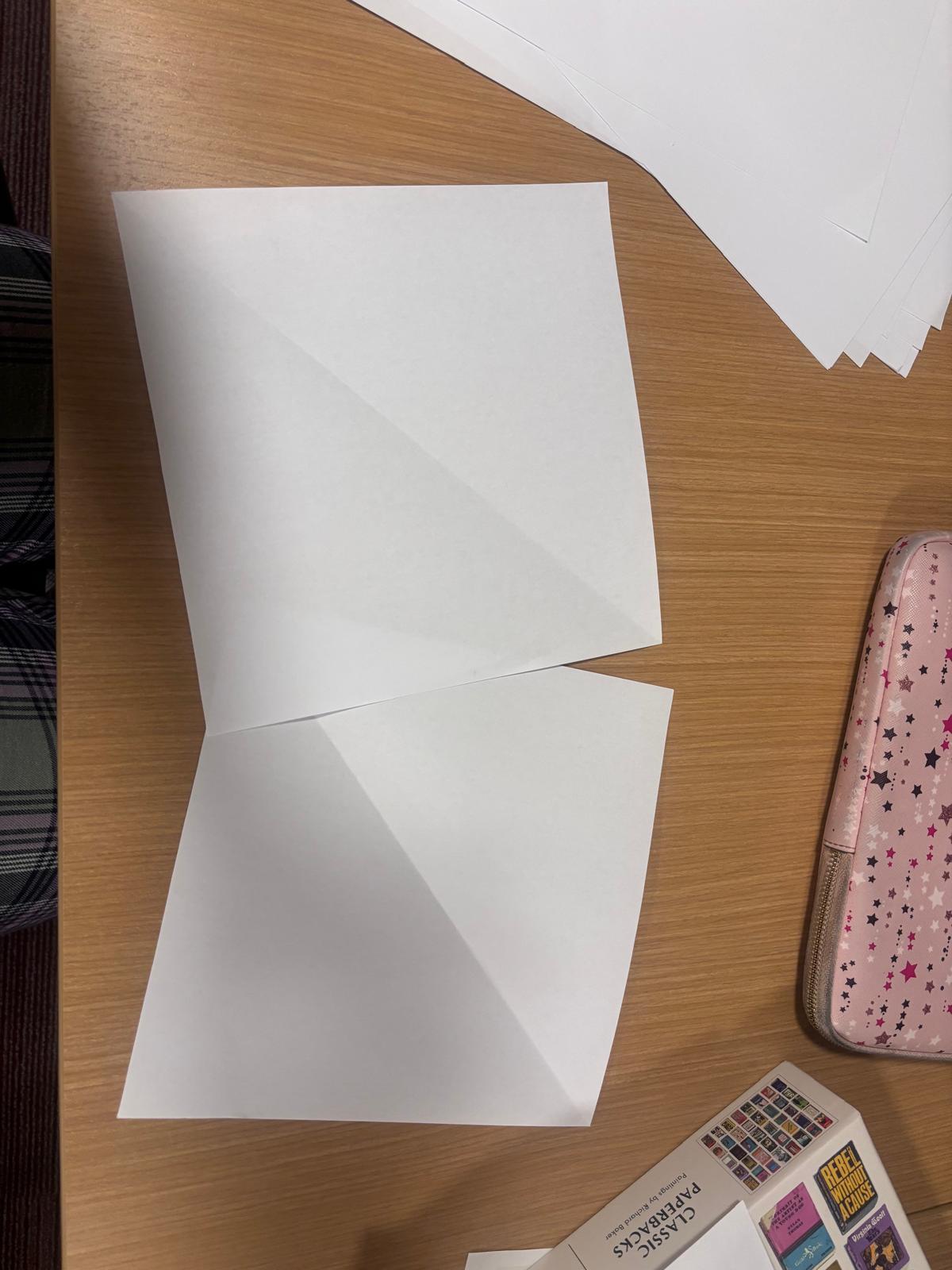
I am prototyping with printer paper here. I watched a lot of YouTube videos on folding boxes and used my own past knowledge to prototype. Here I have made a cute box and I can make an extra fold so that the box goes from 90 degree edges to 45 degree edges, so it becomes more of a display bowl rather than a standard box. I thought this was cool. With some strategic folding it can become a triangular prism which is basically the cup. The goal of the project was to do a plate to a cup to a bowl, etc.
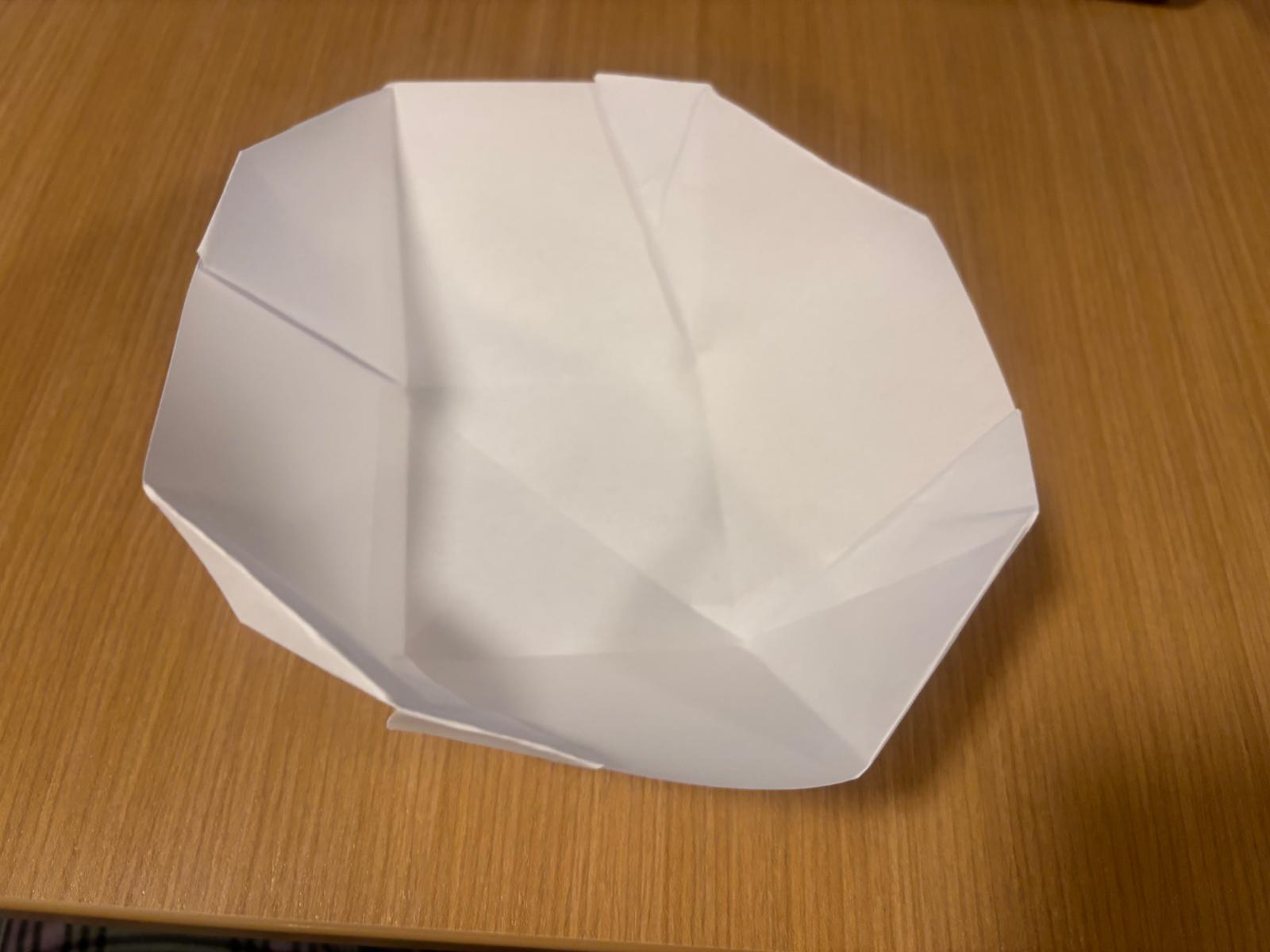
Here is a close-up of the bowl. This is more of a display bowl style that I would have in my living room. I only folded the edges at a 45 degree angle so it looks prettier in some capacity.
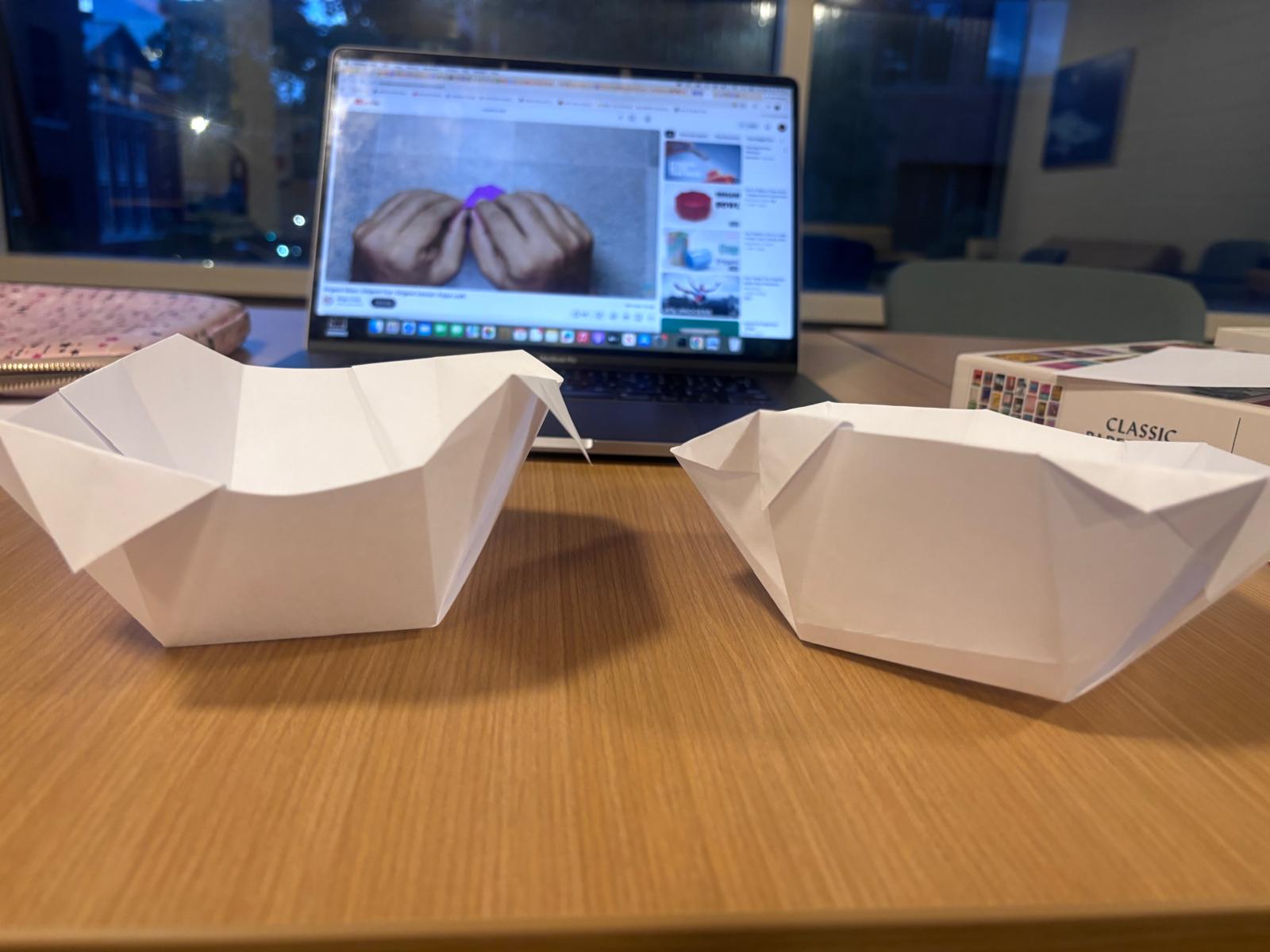
Here are two different orientations I experimented with depending on the kind of tutorial I watched and what I was feeling like doing. The different folding techniques come into play when you need them to be reversible or multifunctional. I am planning on folding on cardboard so that every crease counts as it can be destructive to the cardboard. My idea of parametric design is that a 2D can become 3D and vice versa, as I dislike static standing still projects.
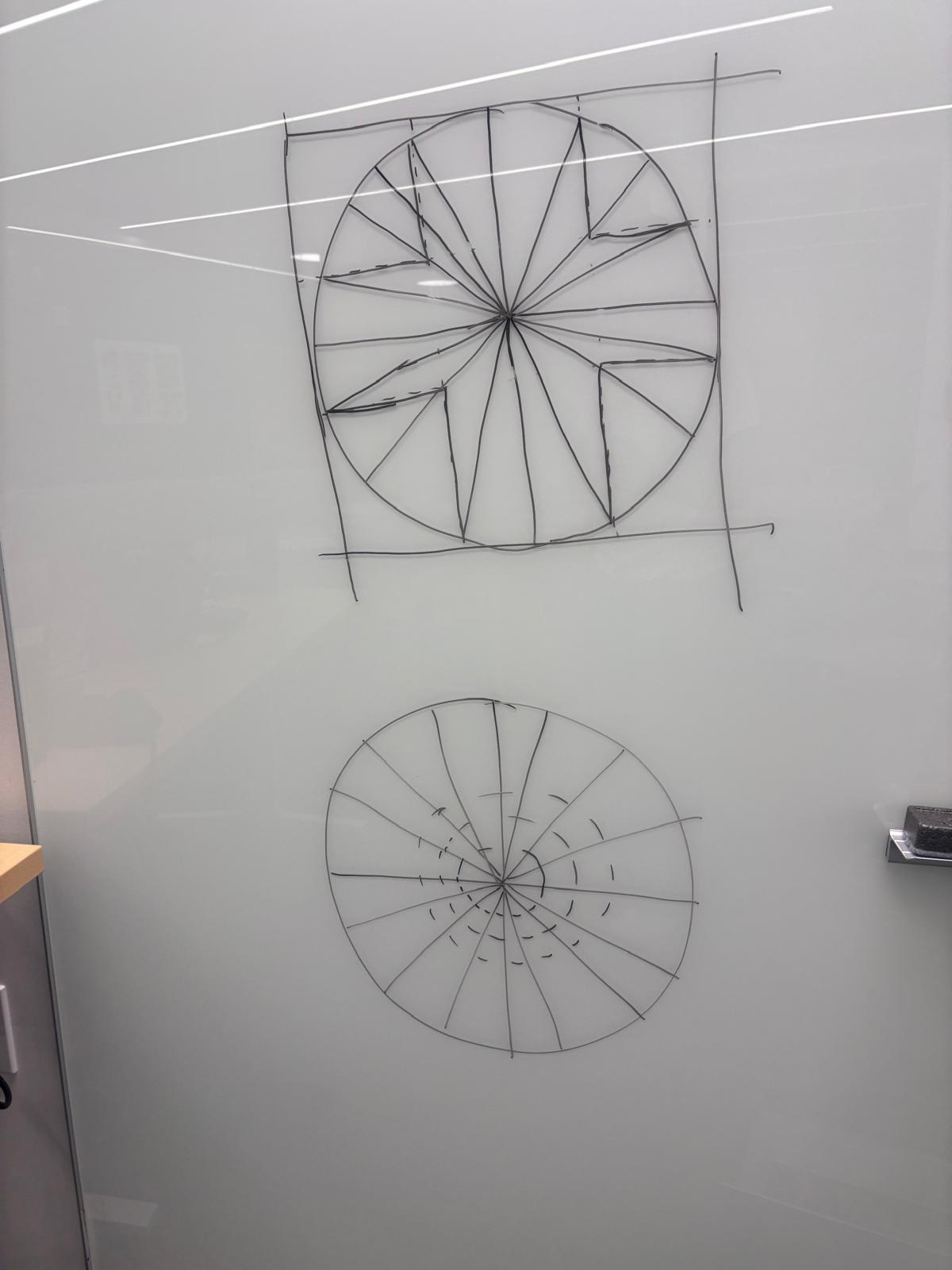
I spent some late nights prototyping the final crease lines. Here I haven't really figured out what to do regarding how I will score, but this is what the paper should look like when it is fully folded and flattened out. I can't make so many scores on cardboard without destroying it so I'm trying to be as minimalistic as possible.
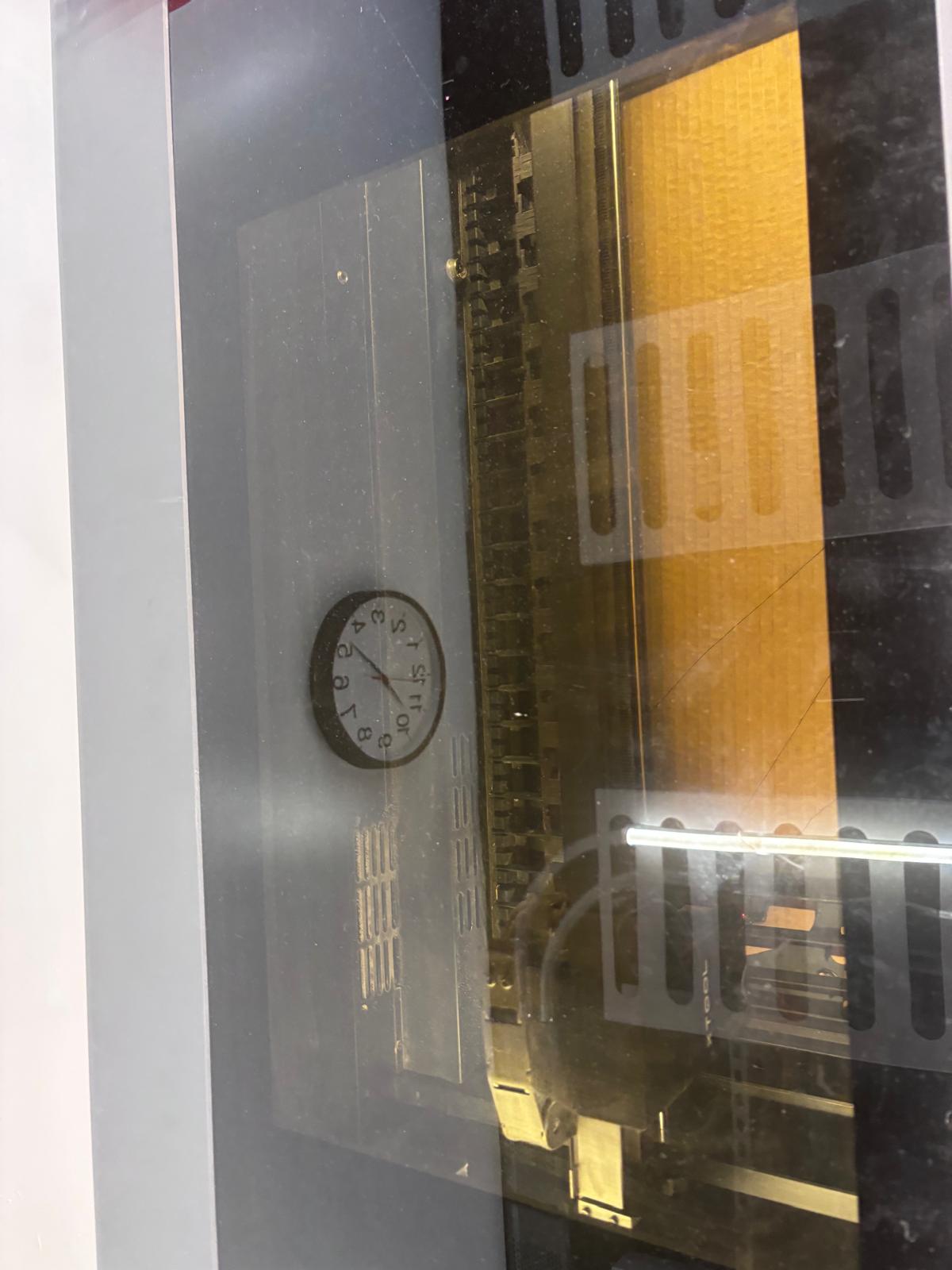
Here's me scoring the cardboard according to the orientation I mentioned. I did some practice scoring to figure out the right depth, and then I was able to determine that I needed to do about 50% power at 400ms. This was best and the most easily bendable without destroying the cardboard too much.
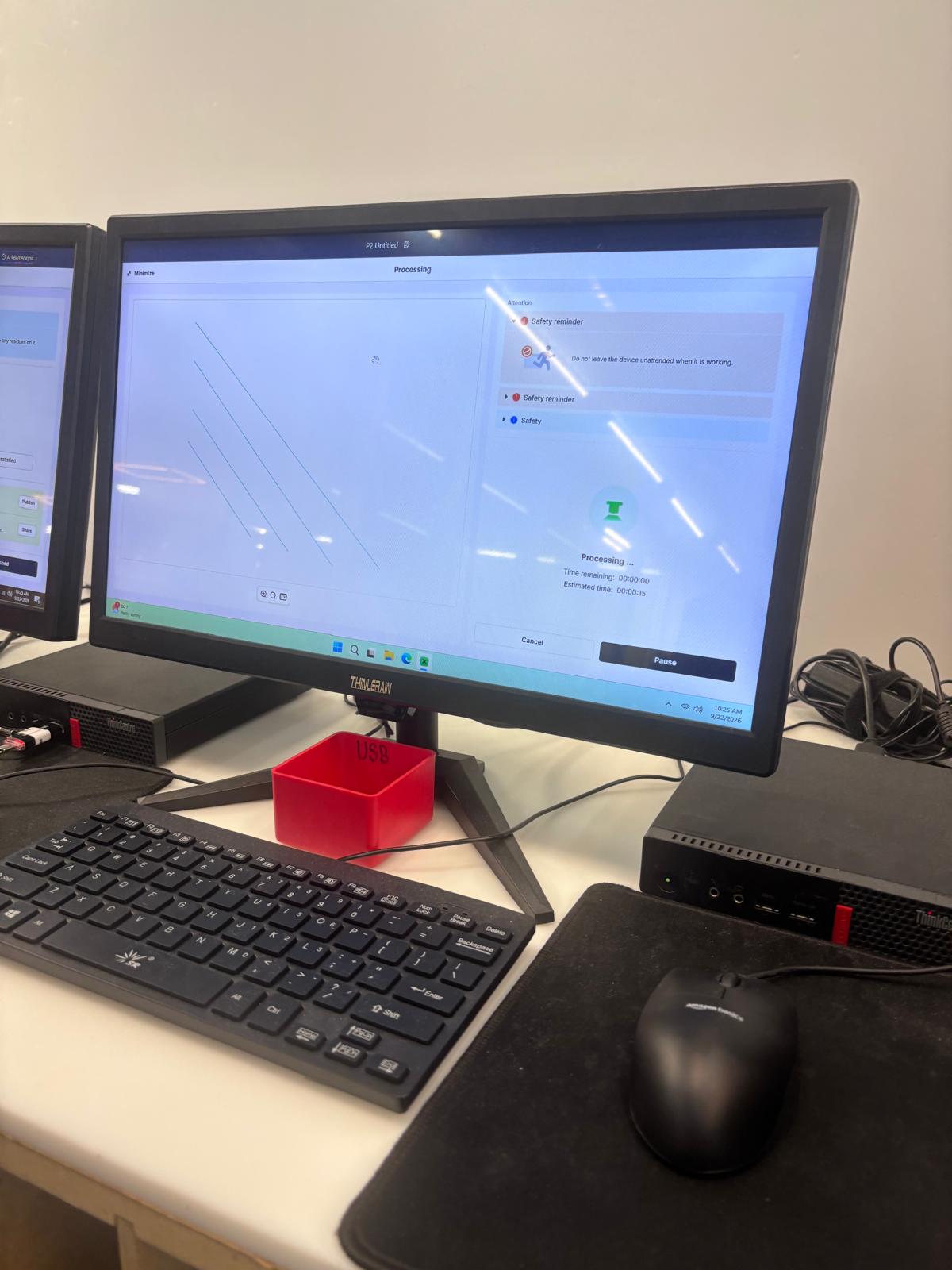
Here is the practice scoring diagram so I could practice the scores and see what they looked like. I changed my mind and did 30% at 400ms after this.
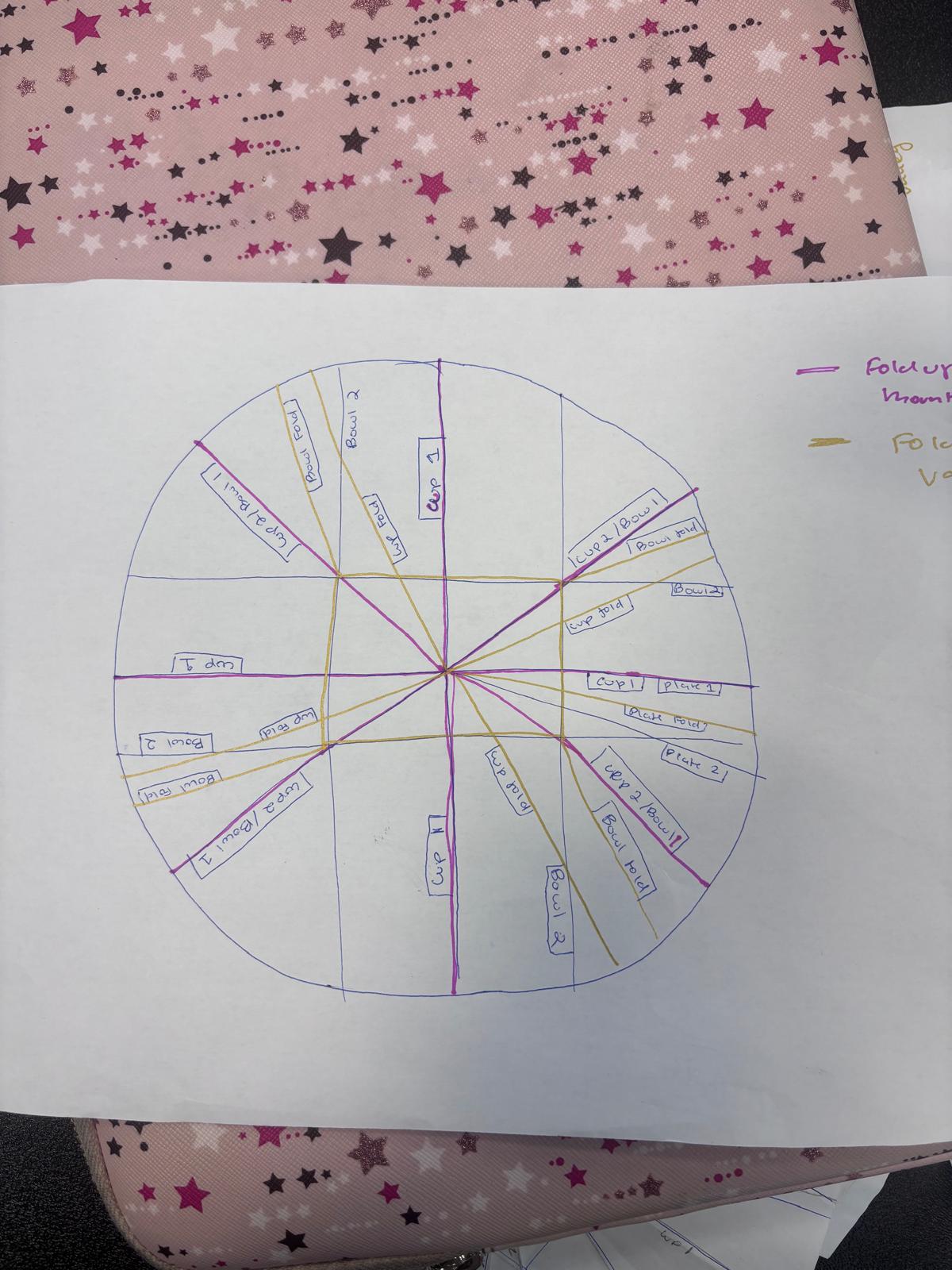
Here is me finally mapping out the folds. If I score underneath, it's a valley fold. If I score above, it's a mountain fold. So it took some careful planning to figure out how to score the cardboard on both sides. I also added an extra bump on my circle as a jig so I could precisely flip over my cardboard and make sure the lines weren't topsy-turvy. This took many many attempts.
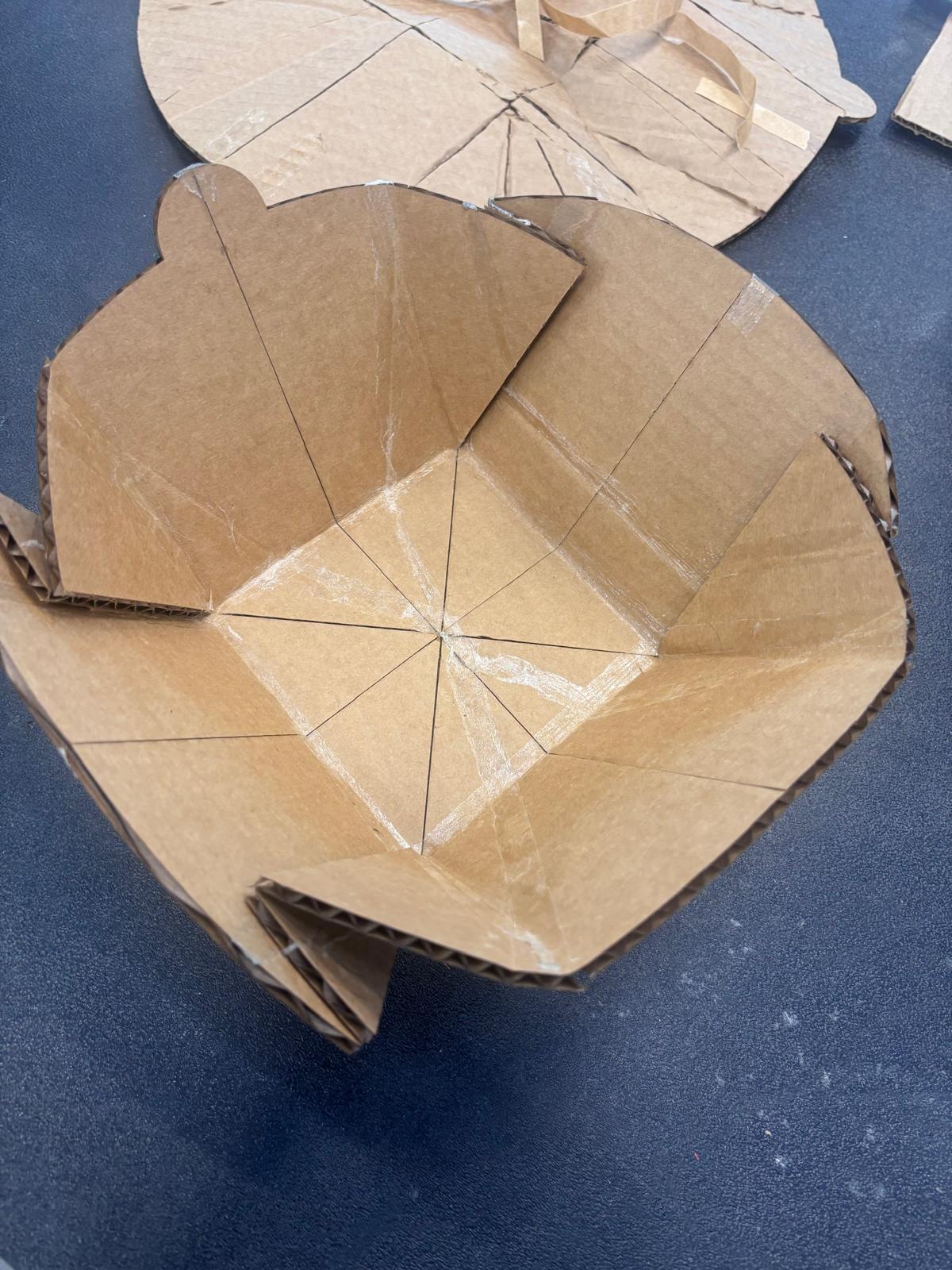
Here's me folding out the pretty bowl. It is super delicate and I was able to make it stay with double-sided tape but the double-sided tape dried out. I was not able to make the precise fold for the plate, as I ripped my cardboard apart many many times.
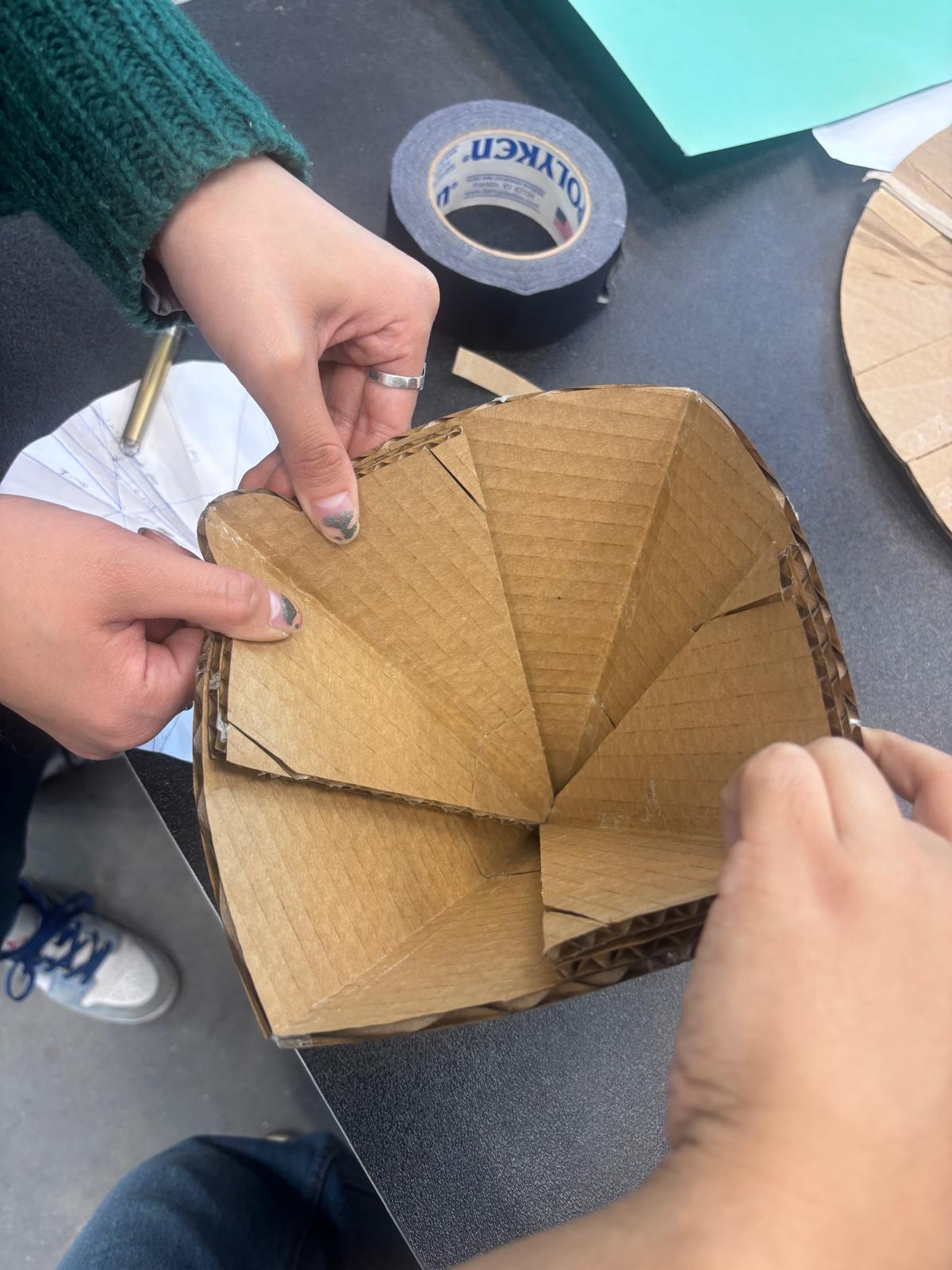
Here's me folding the chalice, and someone is helping me hold it together. It's a reversible fold by design so I don't destroy the other side too much when I demo the folds to people.
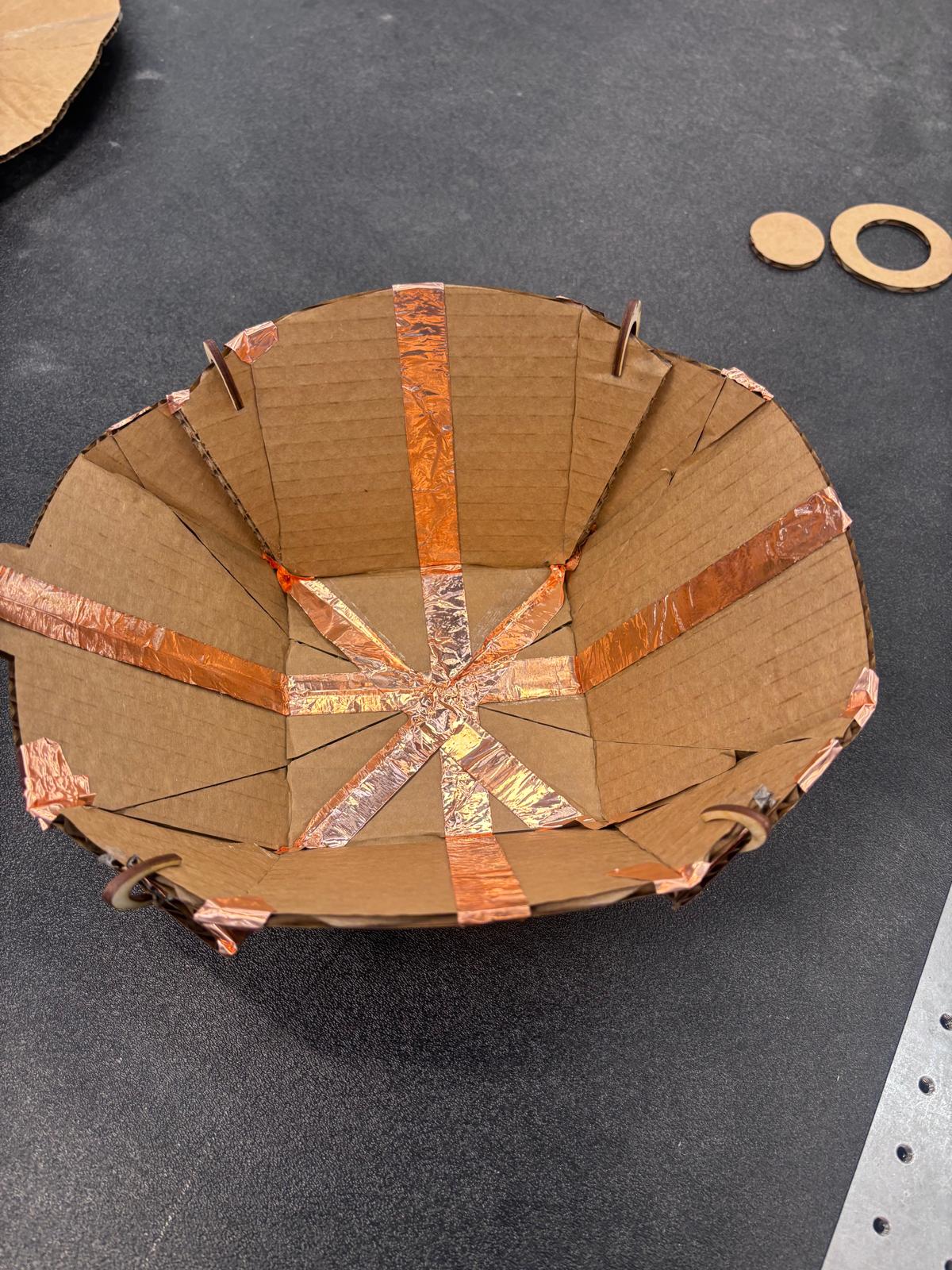
I reinforced valley folds so that it wouldn't rip by demo day. I used this foil tape, but now my folding isn't as neat and precise as I taped badly, but the model is much stronger and will last till demo day. I also scored these prongs to hold the model together as the tape will dry out or rip the cardboard.
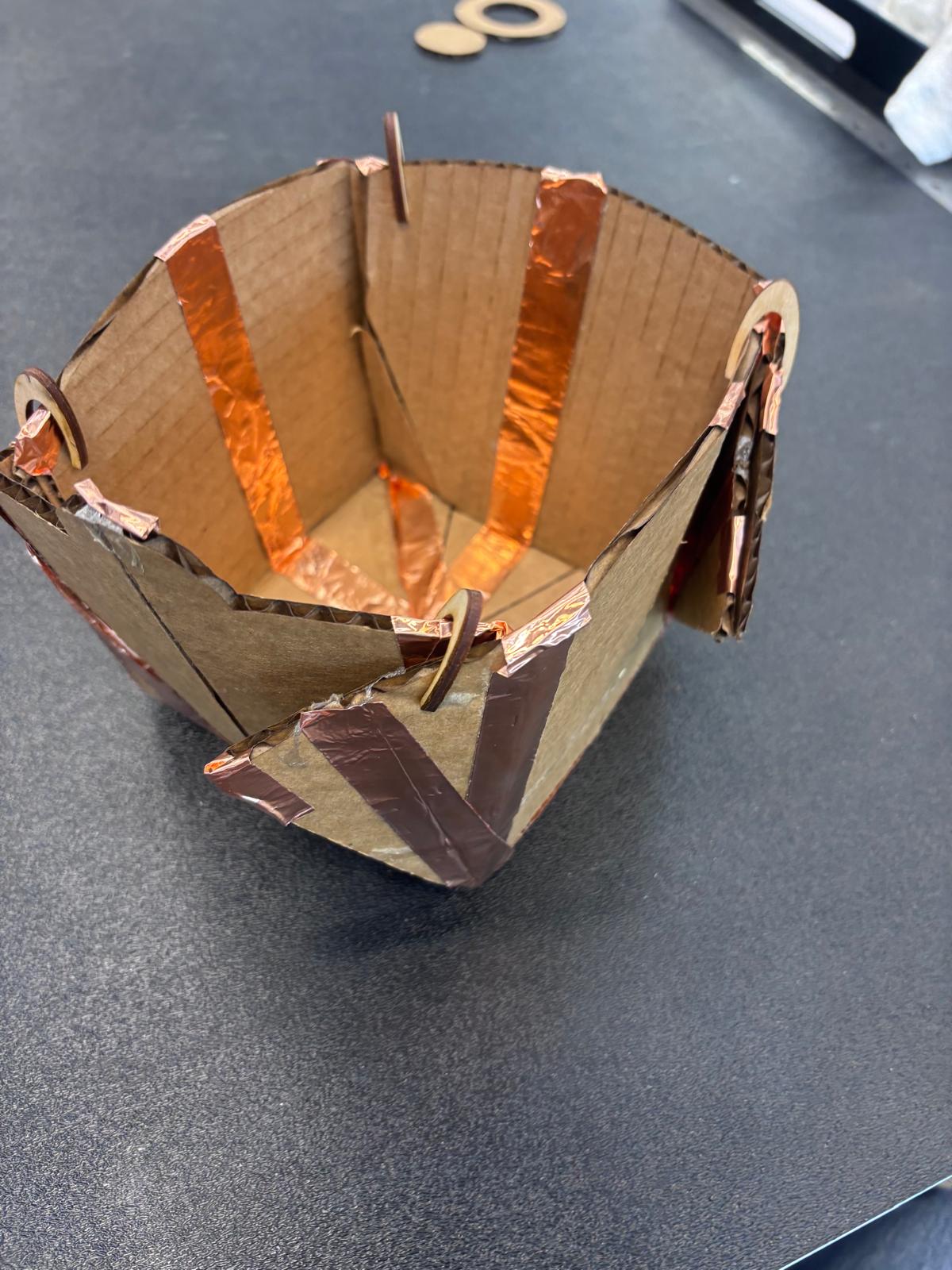
Here is the 90 degree box fold. It's badly folded here but I will demo the better fold during class.
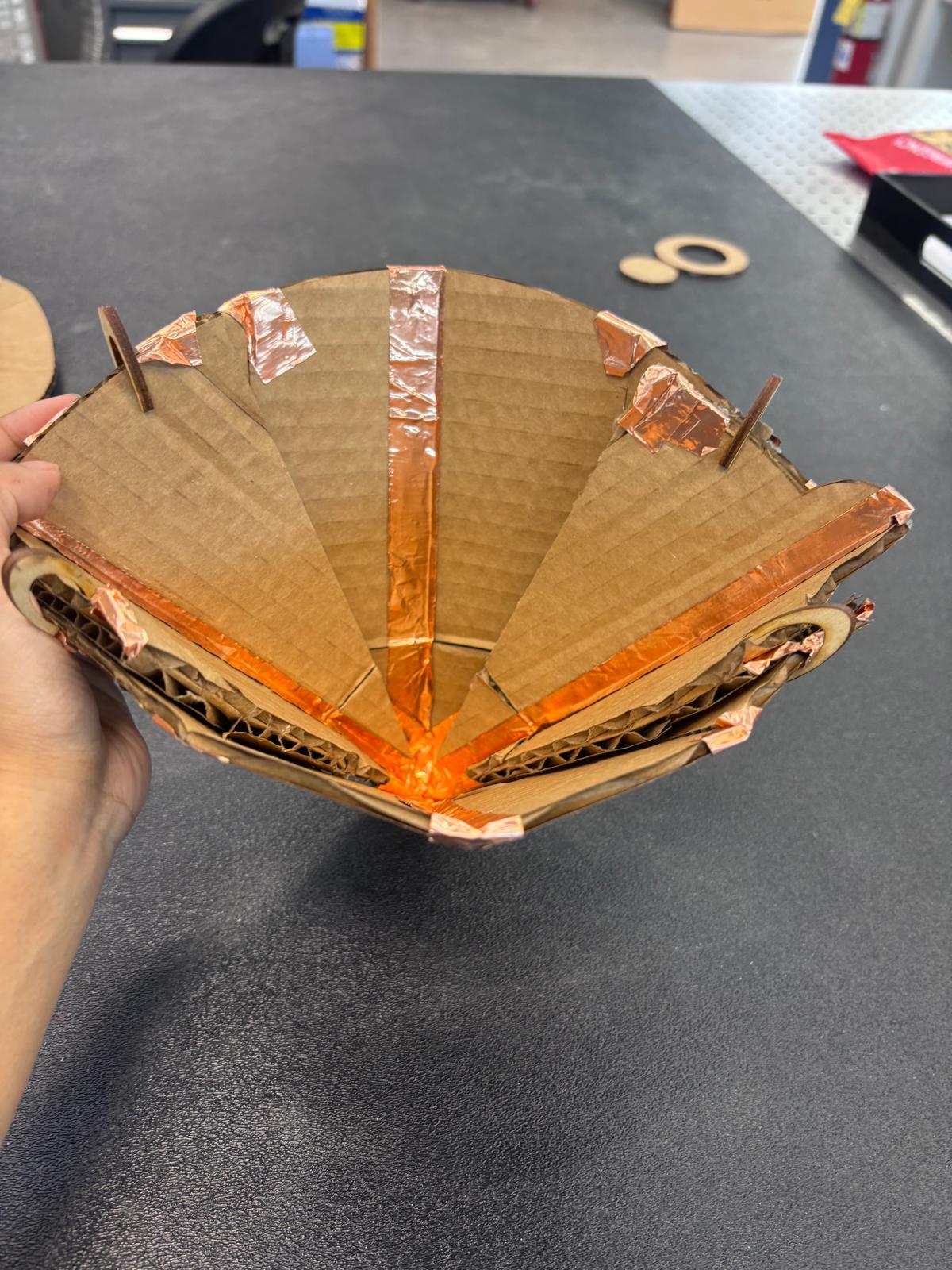
Here is the chalice fold for the final product, held by the prongs.
Show me what you've been making with 3D printing!
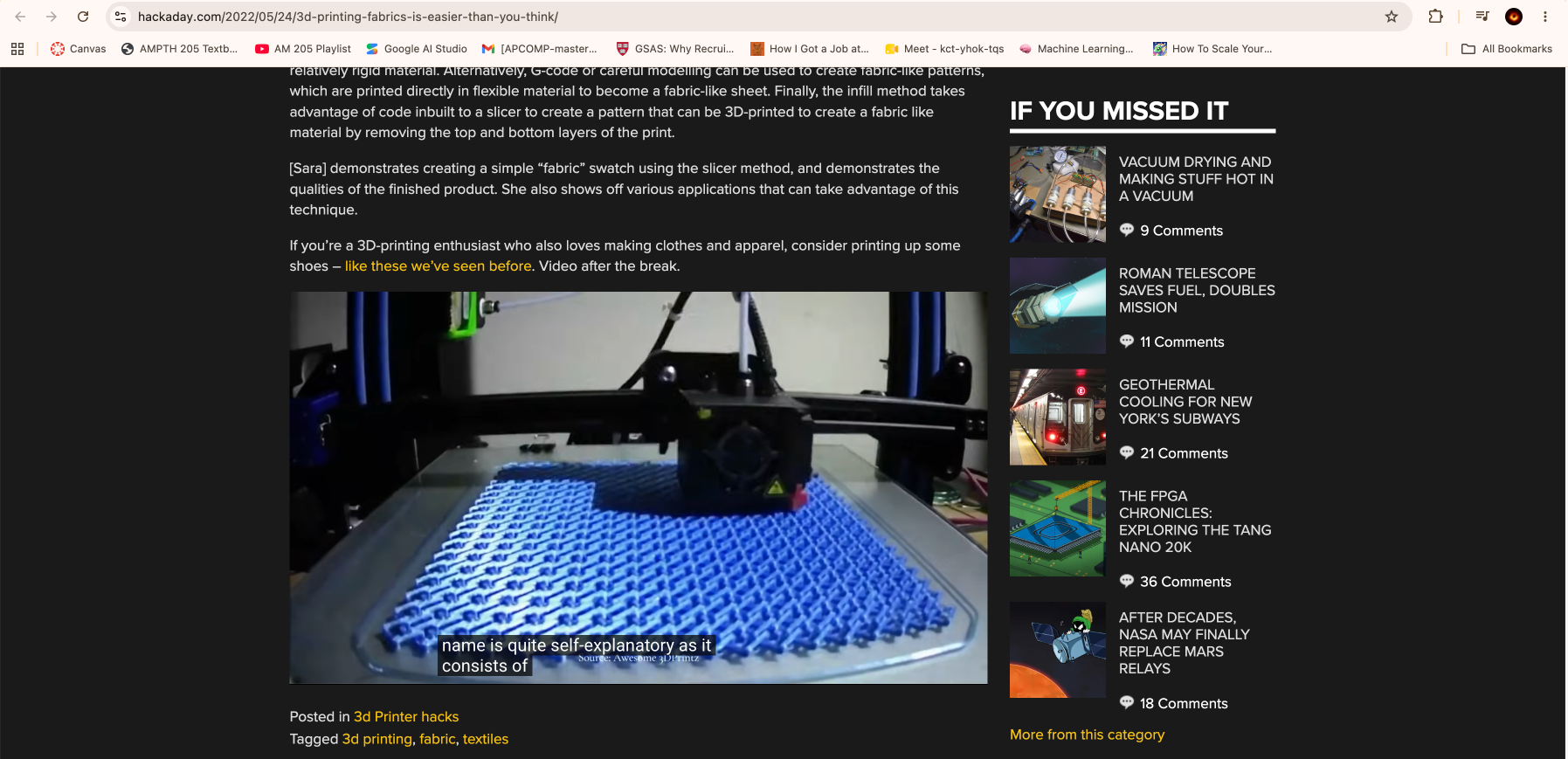
I wanted to 3-d print fuzz, I thought it would be cool and I considered 3-d printing a jig and placing fur around it, and putting googly eyes on the board and making some sort of sitting robot. I watched this video on printing fabrics. I then researched 3-d printing fur, and in true MIT student fashion, realized that the MIT tangible media group at the Media lab had already done it! Thanks guys.
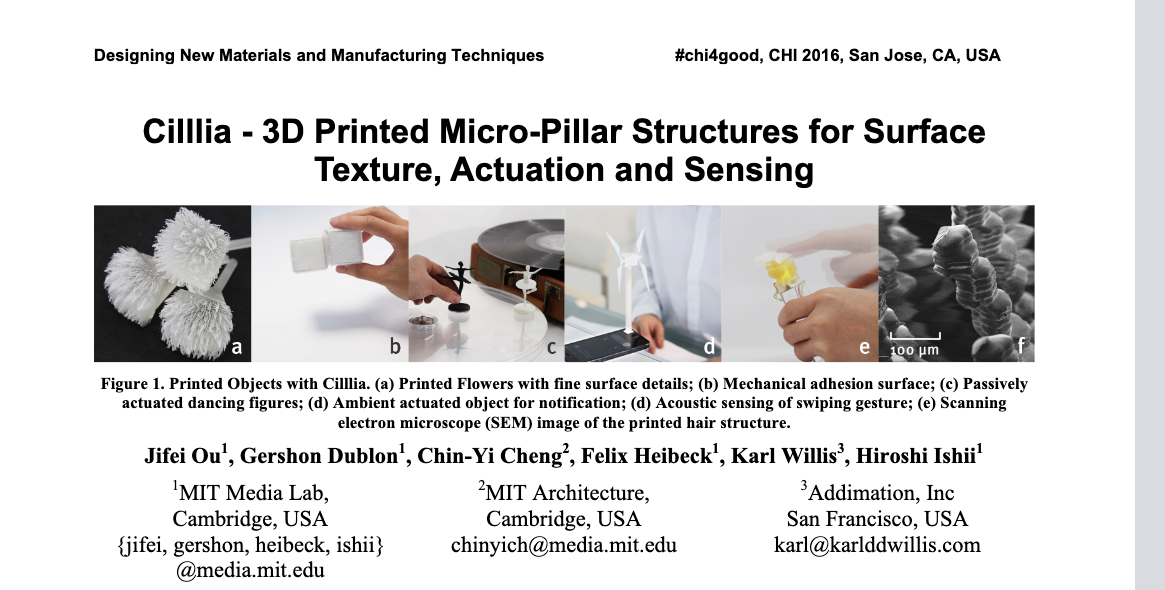
I am reading about Cilliia, let's see how they made the fur and How it can sense stuff. Maybe I can solder multiple boards and then the boards can sit behind the fur and so when we pet the animal the animal can be happy or make a sound, like a very simple Tamagotchi
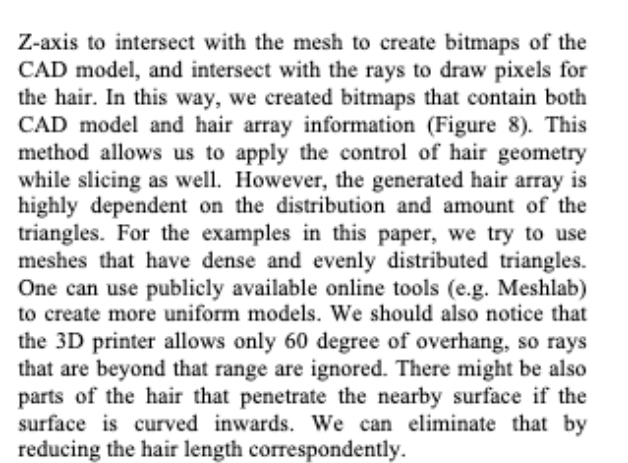
This is an interesting section. They used bitmaps to map lots of hair. What if we used Brownian motion? More to come. Maybe I could be wrong but could different distributions cause different levels of sensing? Could be an interesting experiment. Actually, I think I could do a scientific study. Can cilia touch sensing be more superior than the cilia sensing with microjphones, and can it beat normal touch sensing? Im curious because of the fact that cilia is considered highly sensitive and so trees and animals use it to detect surroundings like antenna. Okay, so I will 3-d print a jig(either borrowed from Quentin or design a jig myself) and then also 3-d print the fur to wrap around it. I'll also code up a microprocessor that detects touch and it makes a happy face when it is pet, or angry when you poke it. I thought it could be a cool beginner robot of sorts. I don't know. Here are some initial sketches.
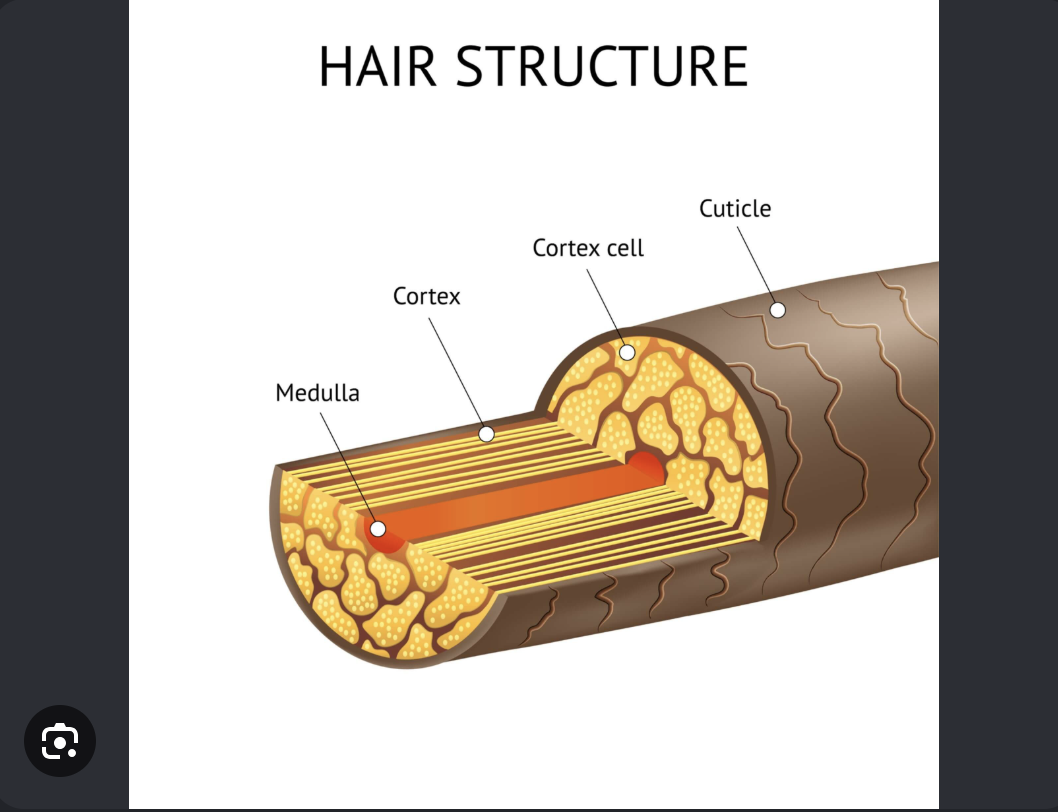
In addition to the Cillia paper, I'll take inspiration here. Hair has these crusty plates on the outside which kind of crack off if your hair isn't well taken care of. It's not a problem though. It's hard to put into cad so I am considering breaking spokes I have made myself.
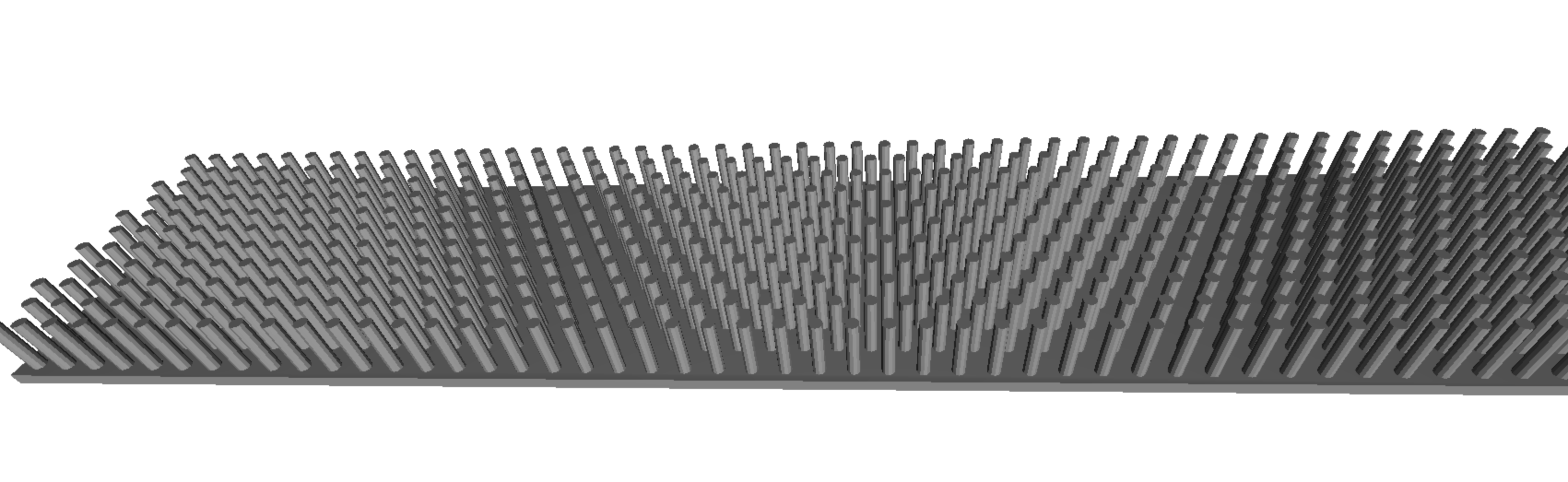
I took measurements of the board with the jig from Quentin and I am printing a strategic variation of this pattern to fit the whole jig. So far looks interesting. I will then manually break these spokes gently. The reason why this spokes stay on in my opinion is because of the fact that when the 3d printer has to print things this close, there is a film that connects them all together because of the stringy melted plastic. This will help me simulate Cilia fuzz with some form of malleability, as opposed to the study of Cillia where I didn't find anywhere that said that the spokes were somewhat flexible.
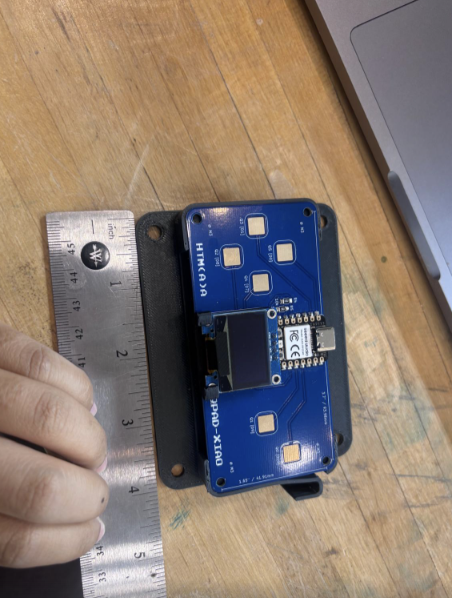
Here is a summary of the Tests I am running, to test whether the bare board can detect better or a cilia board can detect better. Three tests are run: presses at four levels (none, hover, light, and firm, with force measured on the scale), slides across the diamond pads in four directions, and taps on non-sensor areas of the board's face and edges. The analysis measures signal strength, signal-to-noise ratio, how distinguishable each touch type is, whether slide direction can be detected, and how often off-pad taps would falsely trigger the gesture learner.
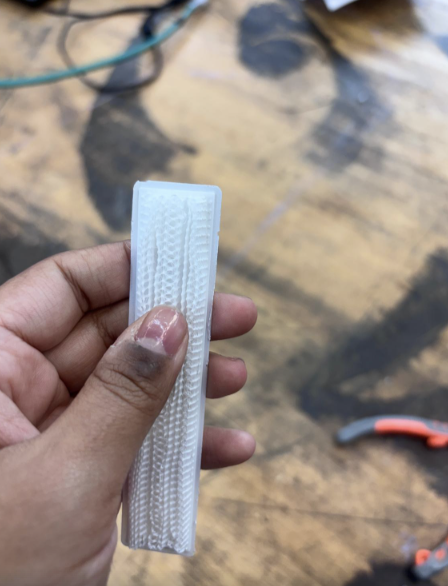
Here is a summary of the Tests I am running, to test whether the bare board can detect better or a cilia board can detect better. Three tests are run: presses at four levels (none, hover, light, and firm, with force measured on the scale), slides across the diamond pads in four directions, and taps on non-sensor areas of the board's face and edges. The analysis measures signal strength, signal-to-noise ratio, how distinguishable each touch type is, whether slide direction can be detected, and how often off-pad taps would falsely trigger the gesture learner.
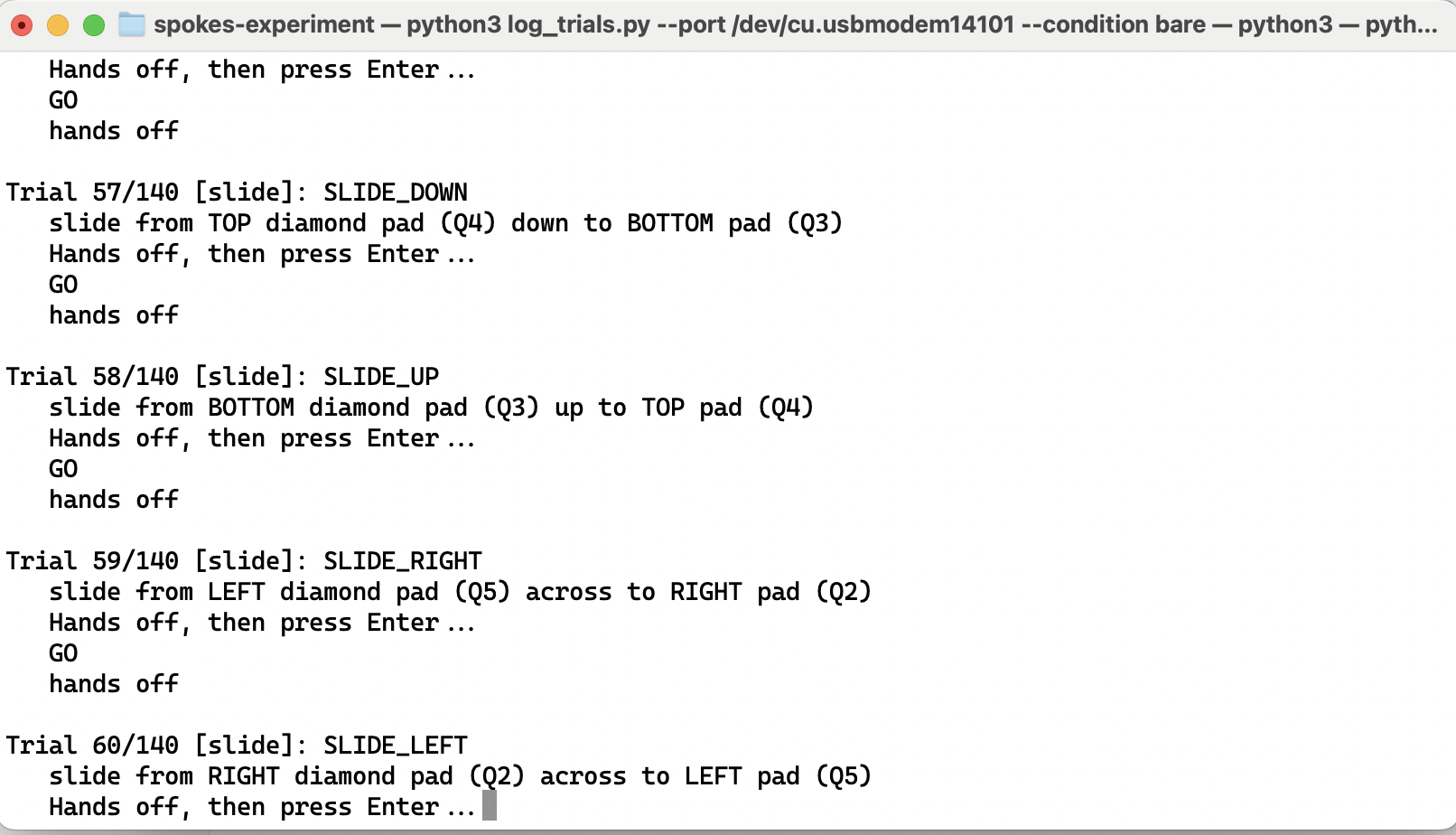
Here is what my terminal looks like as I tap on and off trying to get all the different possible touches in. Interestingly, if you touch the jig, the board detects it! How cool is that. It could be a lot more sensitive that I realize.
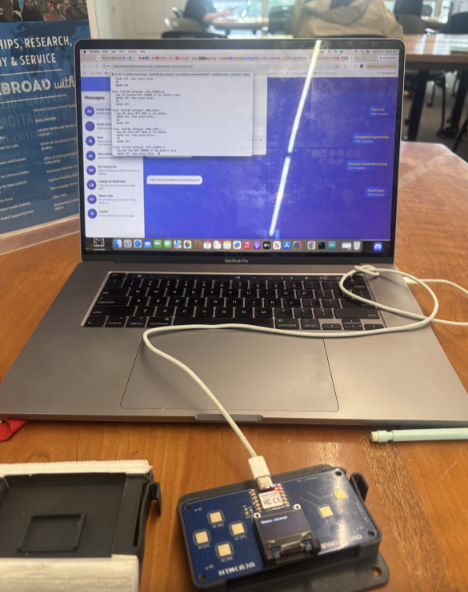
Takes about 12 mins to get all the readings. This is the bare bones version and the next photo will be with the fuzz.
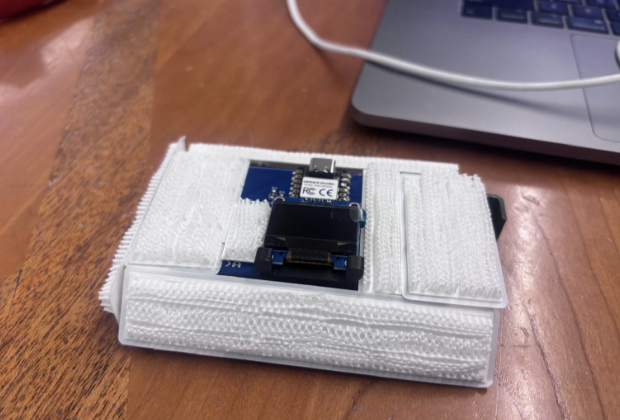
The bare sensor outperformed the spoke layer on every touch measure. On the bare board, firm presses produced clearly larger signals than light ones (about 3,877 versus 1,142 counts, Cohen's d = 1.90), slide direction was detected correctly in 100% of trials in all four directions, and off-pad taps mostly went undetected, except for a hot spot on the face near the middle of the left side, which caused false touches on Q3 in 80% of trials. With the spoke layer, touches on the covered pad were not detected at all, likely because the spokes held the finger far enough from the electrode that the change in capacitance fell below the sensing method's resolution; even hovering 5 mm over the bare pad read zero. The spoke layer greatly reduced the board's strongest unwanted response, cutting false triggers at the left-side hot spot from 80% to 20% and lowering its signal by about two-thirds (57.6 to 18.2), with a similar drop on the right side (71.3 to 21.7). Because touches through the spokes never registered, including firm presses, the layer also acted as a reliable guard against accidental activation, which could be useful for covering pads that should ignore resting hands or pocket contact.
Cool! Any final projects you're working on?
I want to build an always on LLM or multimodal model that I can place on a few Xiao2040s or similar chips and connect them all together to create an ultra tiny model, and then I will create touch sensors for the model to touch the world with. It will be like a robot with movement and it will be a constant data collection as the model stays awake that will make it better and better as the time goes on, so we start barebones and untrained and it gets better. It could be a social interaction robot or a robot that solves mazes, chess, to learning about movies, learning about your health. The robot's main application could be learning to clean my room based off the mess I make. But the LLM is small and should be local, that is the most important thing and I want to teach it to clean my room.
I could not decide if I wanted to do the above or not but I wanted to Make it simpler with less parts as it drives me crazy to build the arms. I decided to do something with water based sensing, like the way the water moves and ripples makes the sensing different to normal touch sensing. Here is a design I did where a humanoid arm and leg could work.
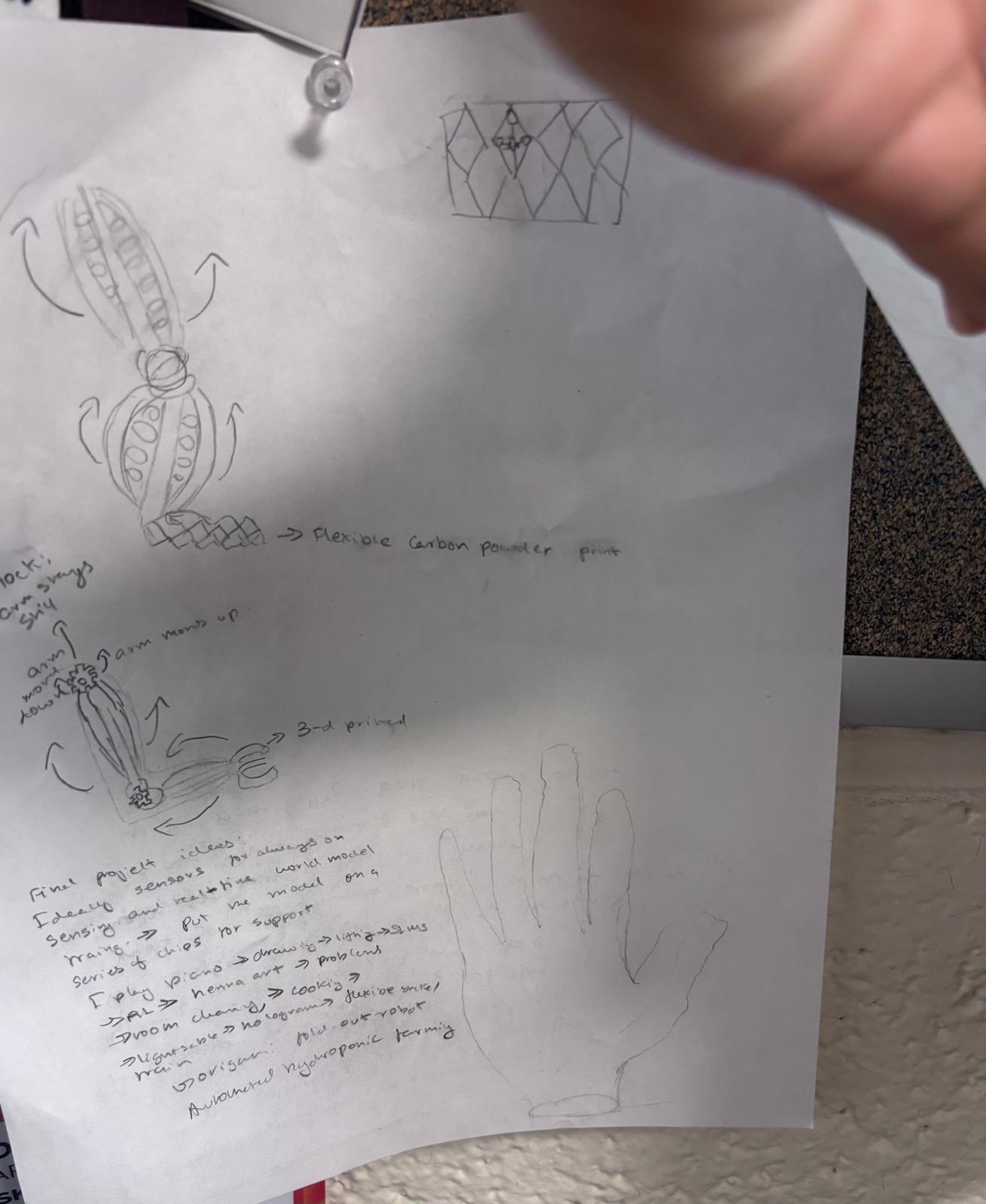
Design sketch for humanoid arm and leg with water-based sensing system.
I then wanted to work with water sensing for building a physical neural network. I ended up in the reservoir computing territory....I looked at this paper here: https://pubmed.ncbi.nlm.nih.gov/41638108/
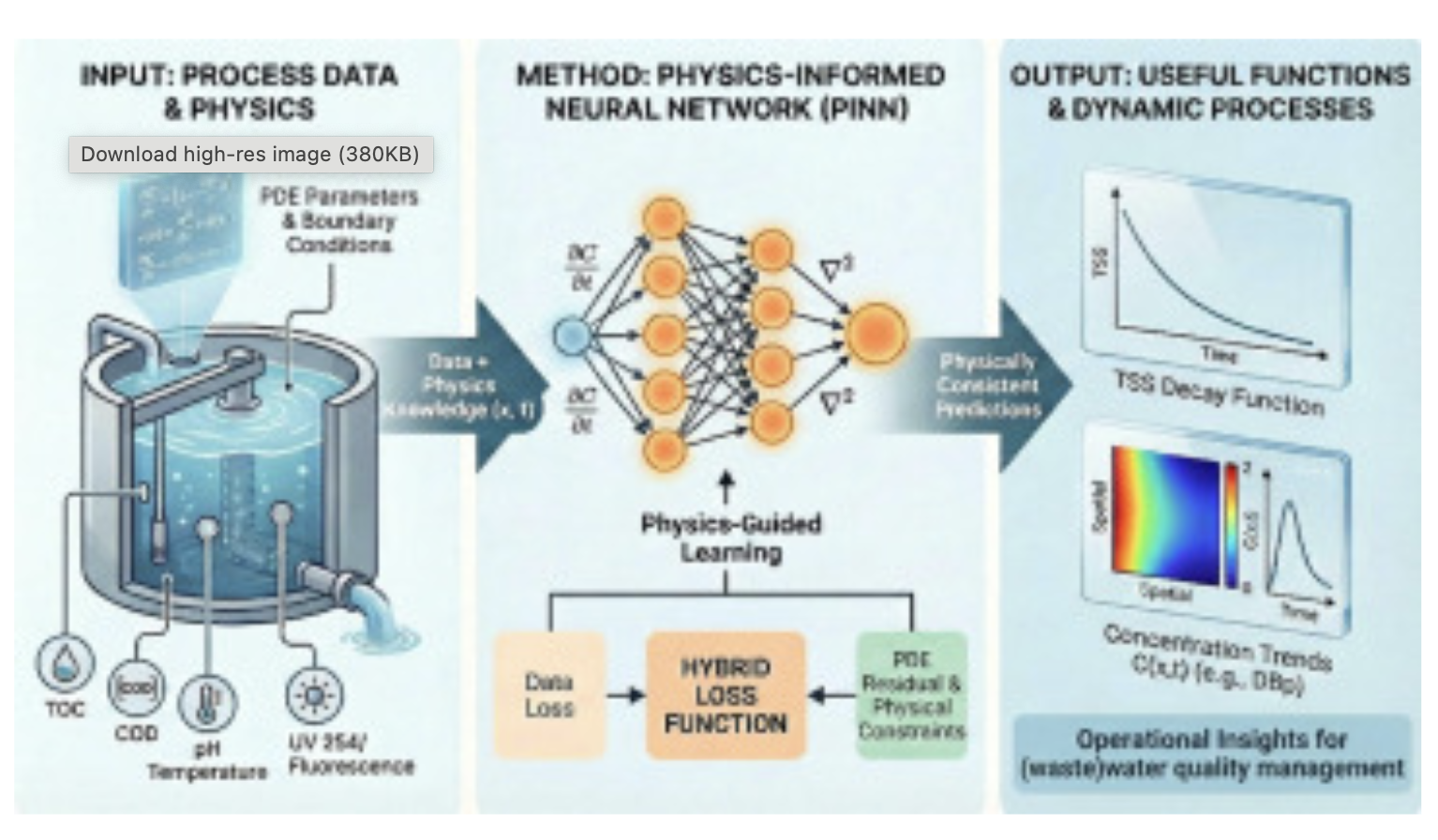
Research paper on physics-informed neural networks for water systems.
This one's a review paper about physics-informed neural networks, basically neural nets where you build the physics equations right into the training so the model can't break the laws of physics. They looked at how people used them in water systems from 2014 to 2024, like drinking water pipes, wastewater plants, drainage, and water treatment. The big wins are that they work well when you only have a little data or indirect measurements, and some studies needed 3 to 30 times less training data than normal neural nets. They also hold up better when conditions change. The downsides are that you need to actually know the right equations, they struggle with big networks of separate parts, they have trouble with stiff or multi-scale problems, and they're not great at telling you how uncertain they are. So the authors say don't replace regular simulation with them, use them alongside it for things like calibrating parameters, placing sensors, and estimating what's happening in real time.
There are other water detection and computing methods I found. This one is theoretical from Bhovad and Li, interesting stuff about using origami as a computer. So basically this paper is about using origami as a computer. You take a folded sheet, a Miura-ori, and when you push it, all the creases bend in these complicated ways that depend on what happened a moment ago. That's kind of what you want for a reservoir, because the body does the hard thinking. Then you only train a really simple layer on top that reads the crease angles and gives you an answer. They showed in simulation that it can copy nonlinear filters and make repeating rhythms, and they found you don't need sensors on every crease, only like 30 to 40 percent. They also did a simulated worm that crawls using those rhythms. The catch is that almost all of it was simulation, with just one small real test on a shaker, and the readout got trained once and never updated. So it's a good proof that the idea works, but nobody really built the hardware version yet.
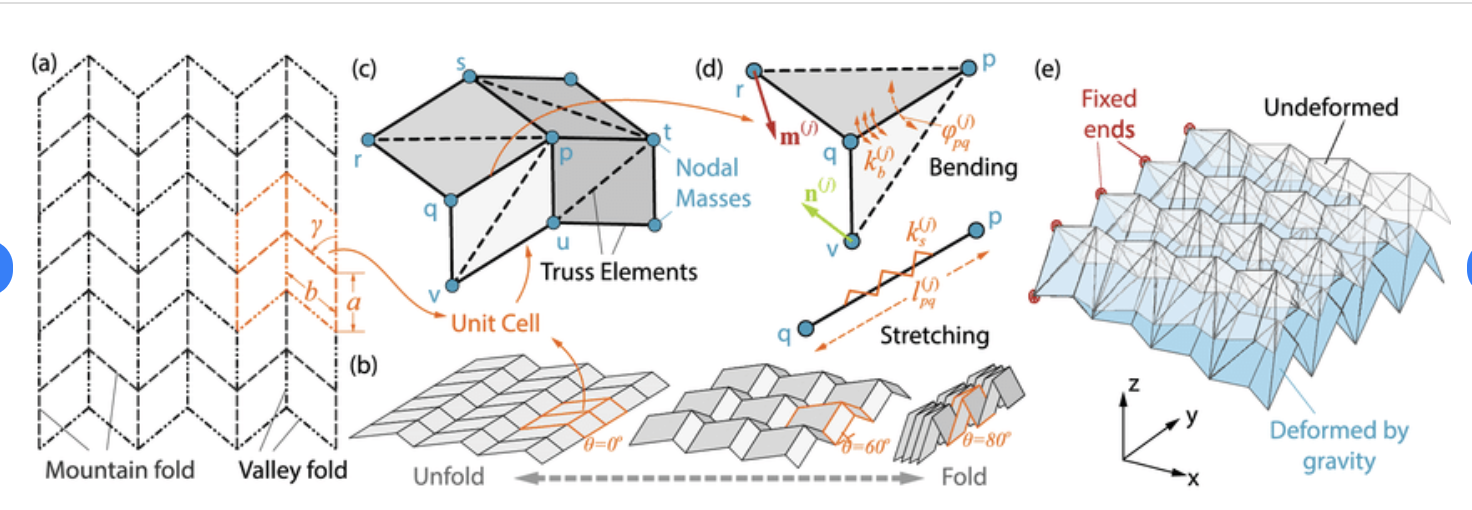
Research on origami-based computing using Miura-ori patterns for reservoir computing.
I love origami and want to integrate origami engineering in some form for my final project.
I want to build something cool and personable though. Something cute that can be a friend but with cool sensing. I've decided on designing a companion butterfly, projecting off my idea of the companion room cleaning robot.
My goal is to build a flying butterfly that follows me around as you go. Ideally there's a tracker in my hands that it can follow around, and a small camera on it so it can visually see where I am and follow me around. It can see the expressions on my face. If I look sad, it can give me a hug. If I'm laughing, then it's great. If I tell it to go away, it goes away. It's collecting real-time data on me and my expressions, and it can tell me how I feel or what I'm up to.
It connects to the cloud and sends a connection to an LLM. If I talk to it, it's basically a companion that follows me around. I'm not trying to innovate too much except on the mechanical parts. I could just use an existing LLM, talk to it, and imagine it as a butterfly. The innovation here would be making the LLM multimodal, so it understands where the different avenues of data are coming from. A challenge is context windows and how much data it can absorb. I'll probably have to look at that. The wings are not the reason it flies, a motor makes it fly. Everyone can build a butterfly that can fly. A key caveat is I want the motor to be soft, because motors tend to be loud. I still have to keep the butterfly as soft and as light as possible.
There's fluid sensing in the butterfly. It looks soft and cool, with neon fluid or something in it. I can tap the butterfly, and I can not tap the butterfly. Body as a computer is the concept I was looking at: if you have a worm and you touch it, the worm's whole body is kind of computing what's going on to the worm. I wanted to replicate that with the butterfly. Example: the butterfly lands on my wrist, I pet it, and it'll be happy.
I want to design the wings first as they are the prettiest part. So basically, the wings aren't what make the butterfly fly. The motor does that. That means the wings can be about three things: staying as light as possible, looking soft and cool with the neon fluid in them, and being how I tap and pet the butterfly. So I'm designing them around those three jobs.
Before I design anything, I need to decide a few things. Do the wings flap just so it looks realistic, or do they stay still? I haven't decided yet, and it changes the design a lot, because flapping adds a mechanism and weight. Where does the neon fluid go, and is it just for looks or does it also do the sensing? What should tapping the butterfly versus not tapping it actually do?
I'll 3D print the wing frame (the "veins") very, very light, with as little material as I can get away with. I'll use laser cutting for the thin, soft parts of the wing. I'll weigh every version, because every bit of weight I add is something the motor has to lift. I want the wings to look soft and glowing, with neon fluid or something similar. I'll start by testing a single wing strip on the bench before I build a full wing, so I can see whether it holds fluid without leaking and what it weighs. I'll check the 3D printing ideas with the TF, since printing thin sealed channels might be tricky.
The fluid in the wing should be how the butterfly feels me tapping or petting it. This is where I get the body-as-computer idea: like the worm, where touching it makes the whole body kind of compute what's going on, I want the wing to respond as a whole when I touch it. The thing I want to see is the butterfly land on my wrist, and I pet it, and it's happy. I'll test tap versus not tap on one wing first, and see whether the signal is clear enough to tell the difference. Then I'll build a full pair of wings and weigh them, attach them to the body and check that the motor can still lift everything, test the tap and pet behavior on the actual butterfly, and redo whichever part was too heavy or too leaky.
What did you design for EDA week?
I started this project pretty late, so I decided to read Ani, Kai, Adrian's respective projects.
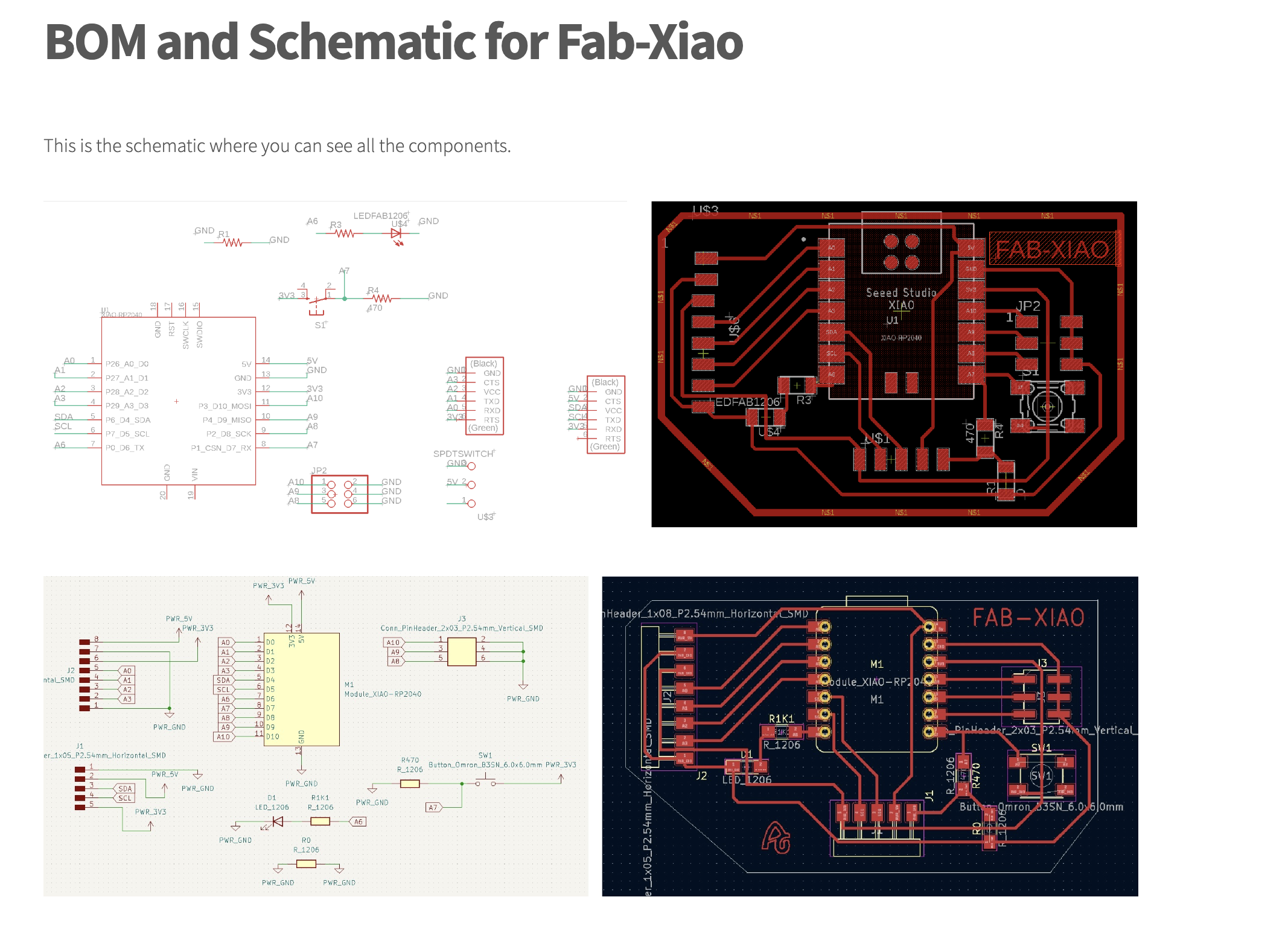
I decided to go with the Xiao 2040 as well due to my familiarity with it last couple of weeks and then design something for that. After looking at the data sheet and understanding where the points were of contact and how they worked, I began to choose a design tool. Fusion does not work well on my computer so I often have to either use a school-provided computer or download an alternative. I decided to use Kicad.
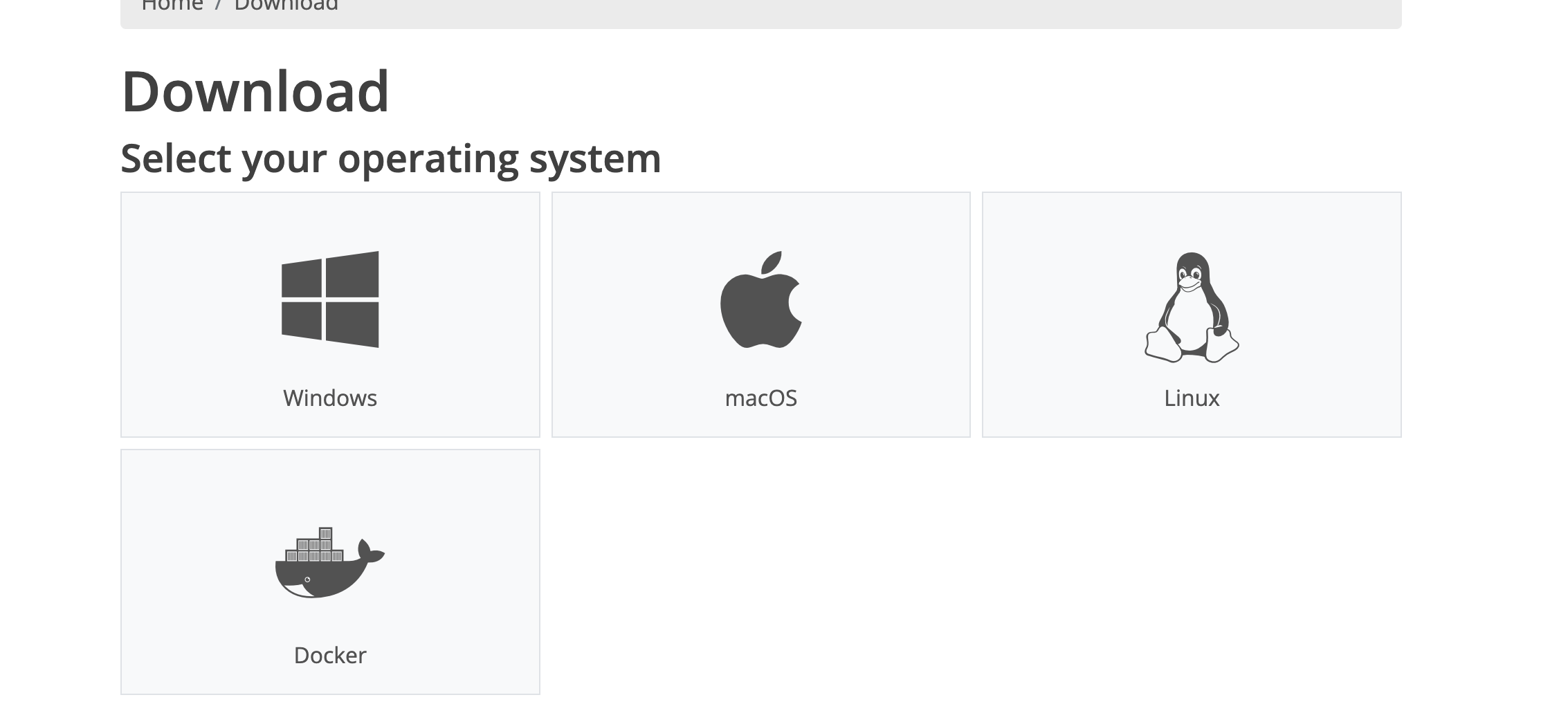
Cool that they have a docker download. I am building something super simple, just an LED light that can blink as I'm still learning more about circuit boards and electronics. Kicad has an MIT license download so obviously I chose that.
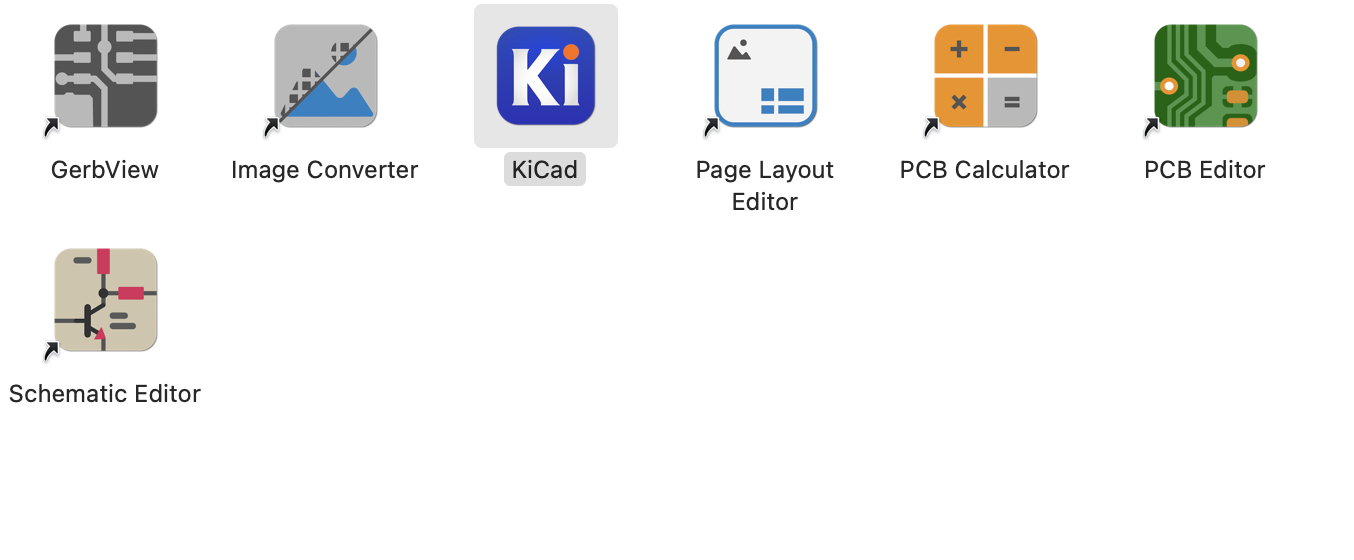
So here are the list of tools I got when downloading Kicad. I only know what KiCad is but I will explore the rest of the tools this upcoming week when I can. Okay so I have to explore the tools as I go as they all have different purposes. I picked Schematic editor to start editing from a blank sheet and start designing the circuit board. Super interesting stuff. I like that everything has its own purpose but the software engineer in me does not like so many different apps for one thing. Here is what the blank screen looks like:
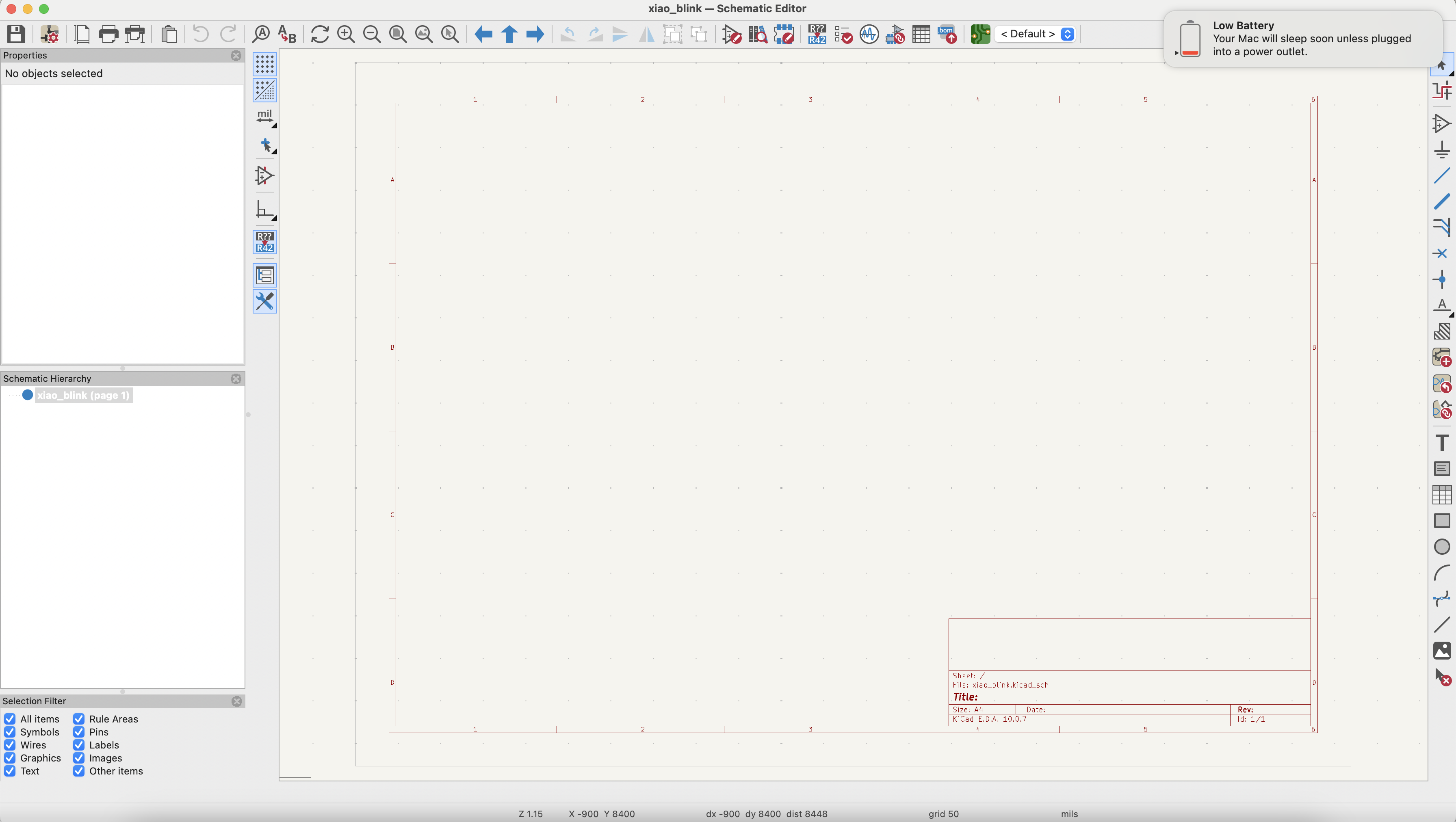
Time to start designing!
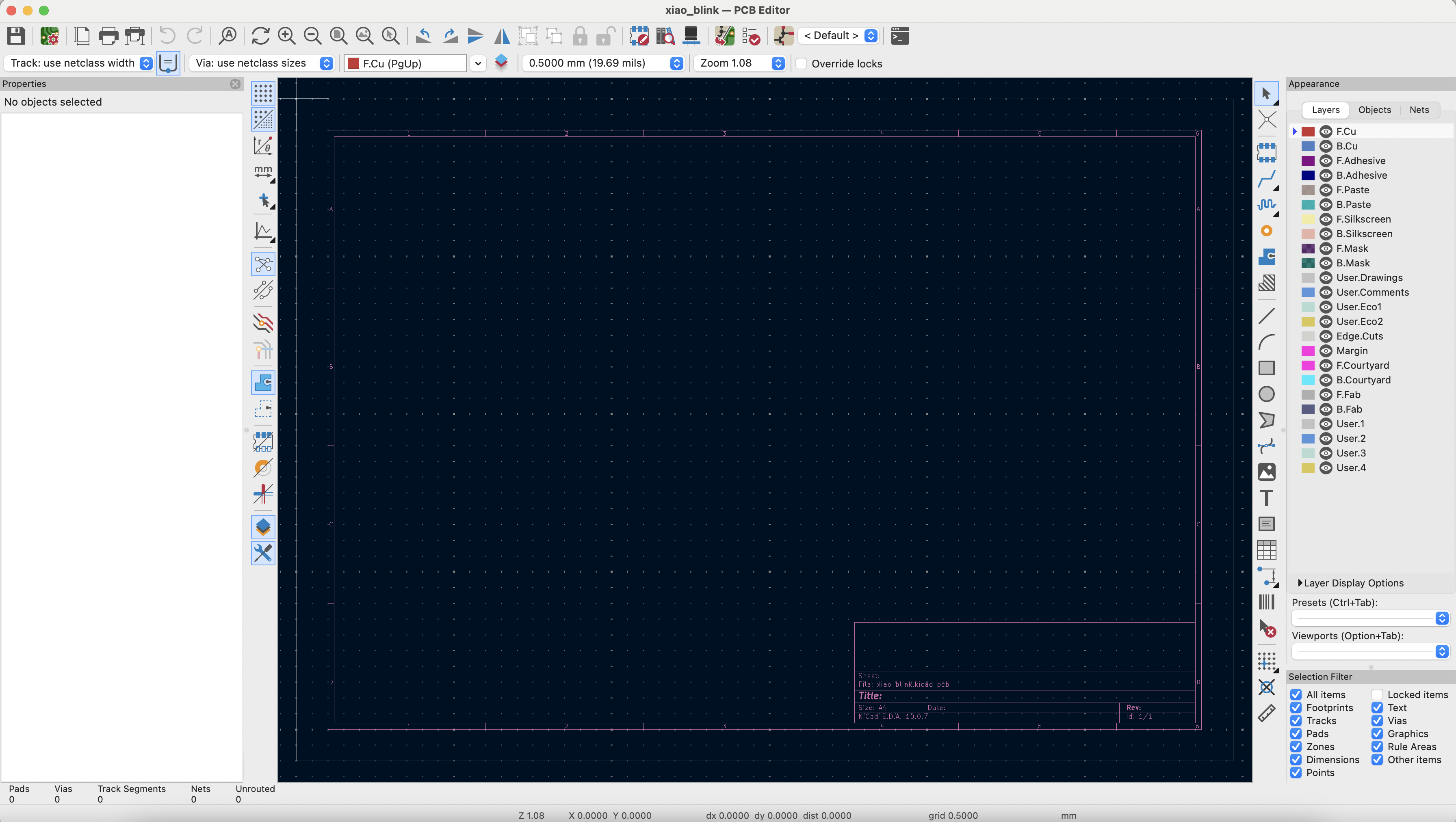
Here is the PCB editor as I had to set something up here to add the .pretty folder to the editor here so I could start using the Xiao symbols.
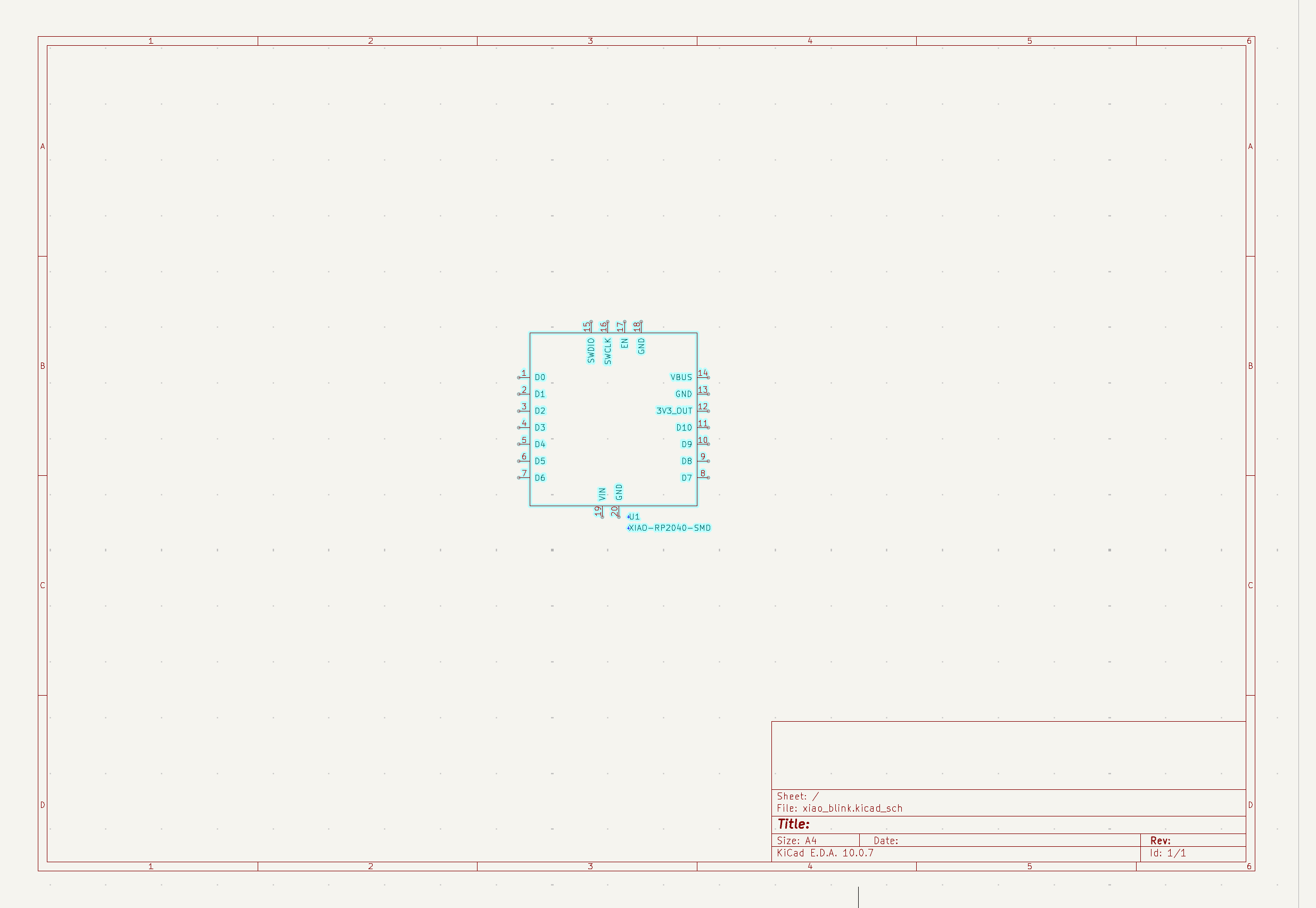
I had to get the Xiao library from Github and then import it here. I click the letter A and then it is the shortcut for adding something. We have begun! Time to add a resistor.
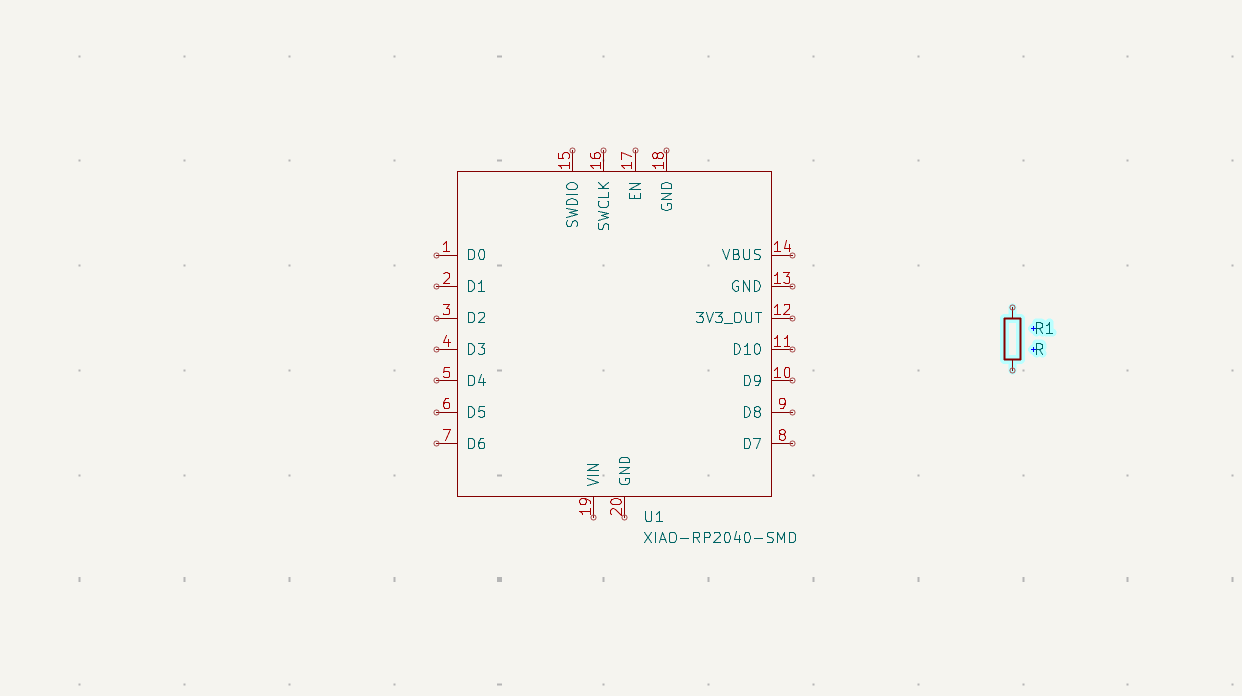
Wowwwww magic
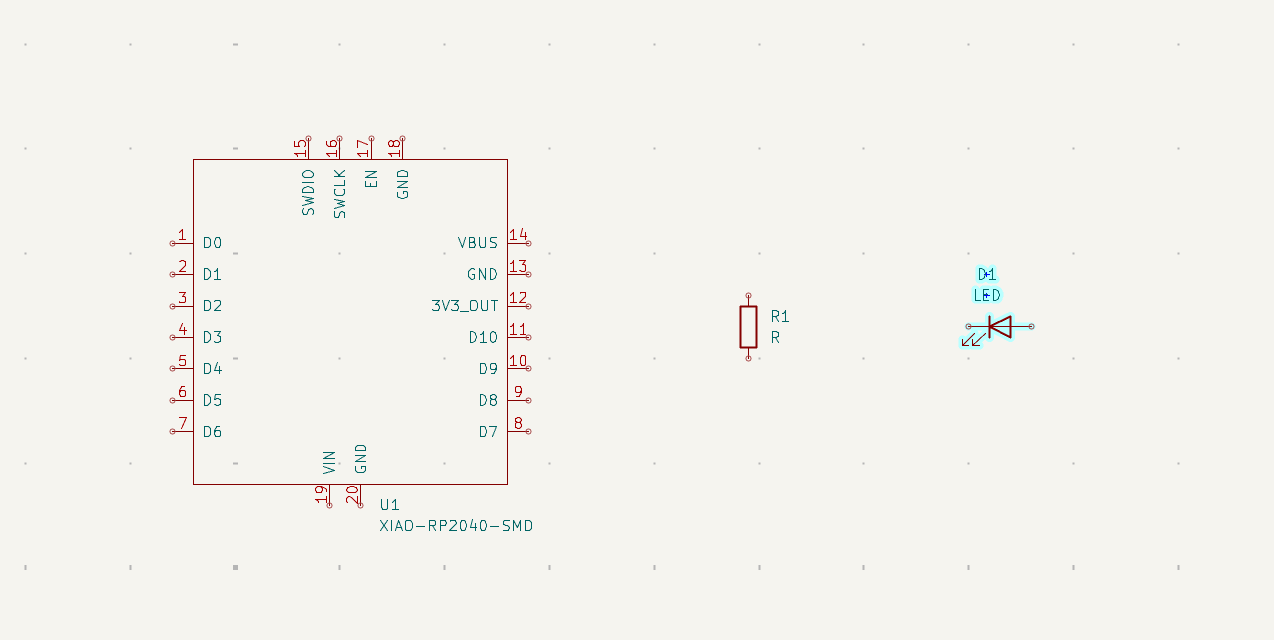
Wowww LED
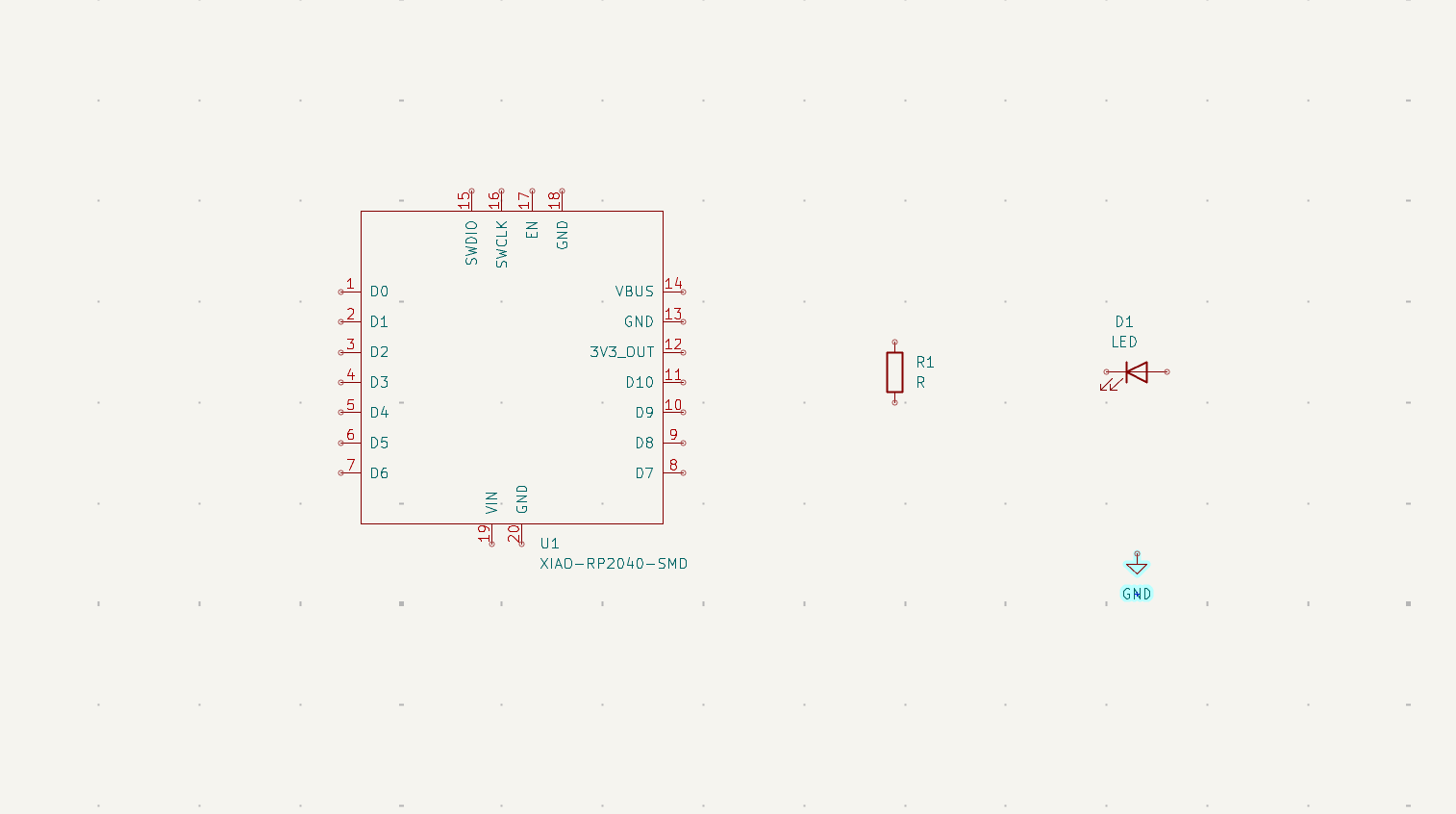
Wowww ground
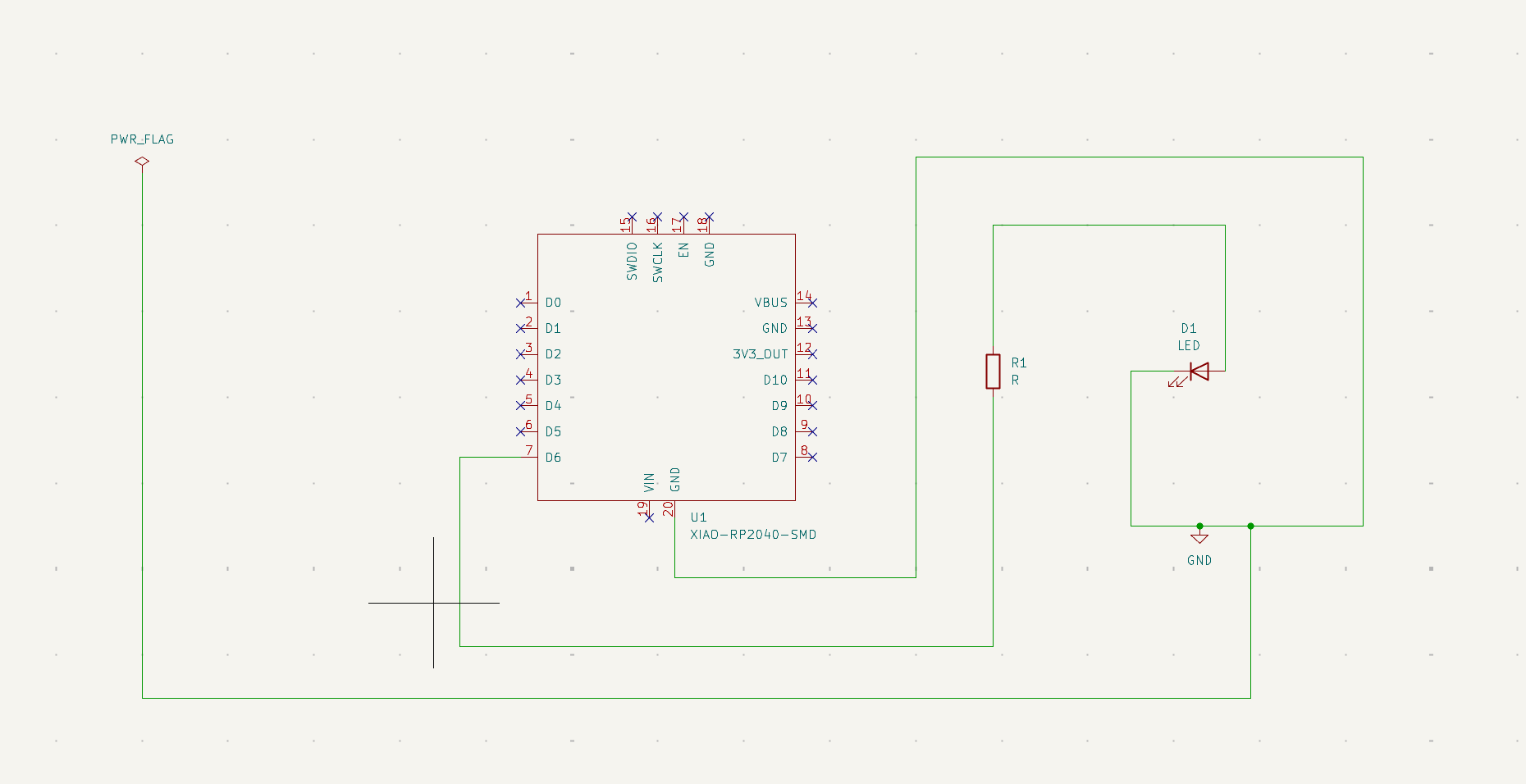
This is after connecting, fighting with ERC and realizing that I have to x out anything that is not used, and then connect wires to the right ones. For example, for the power flag section I accidentally connected it to a wire that went to ground but not directly and got a huge error.
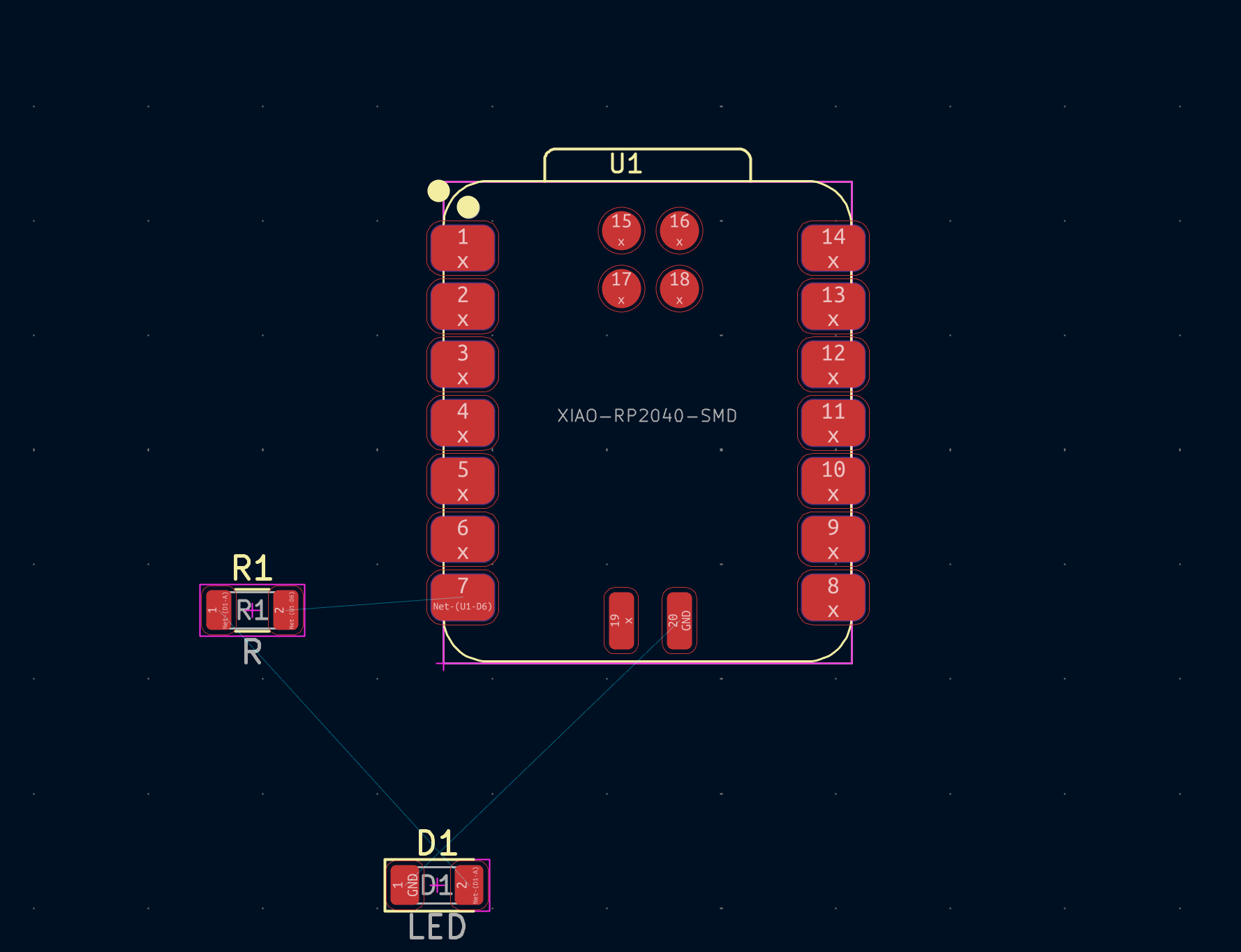
I went to the PCB editor and then moved some stuff around and here is what I got. I remember seeing this on Quentin's Qpads as well for the embedded programming portion of the class. Perhaps I'm going the right direction.
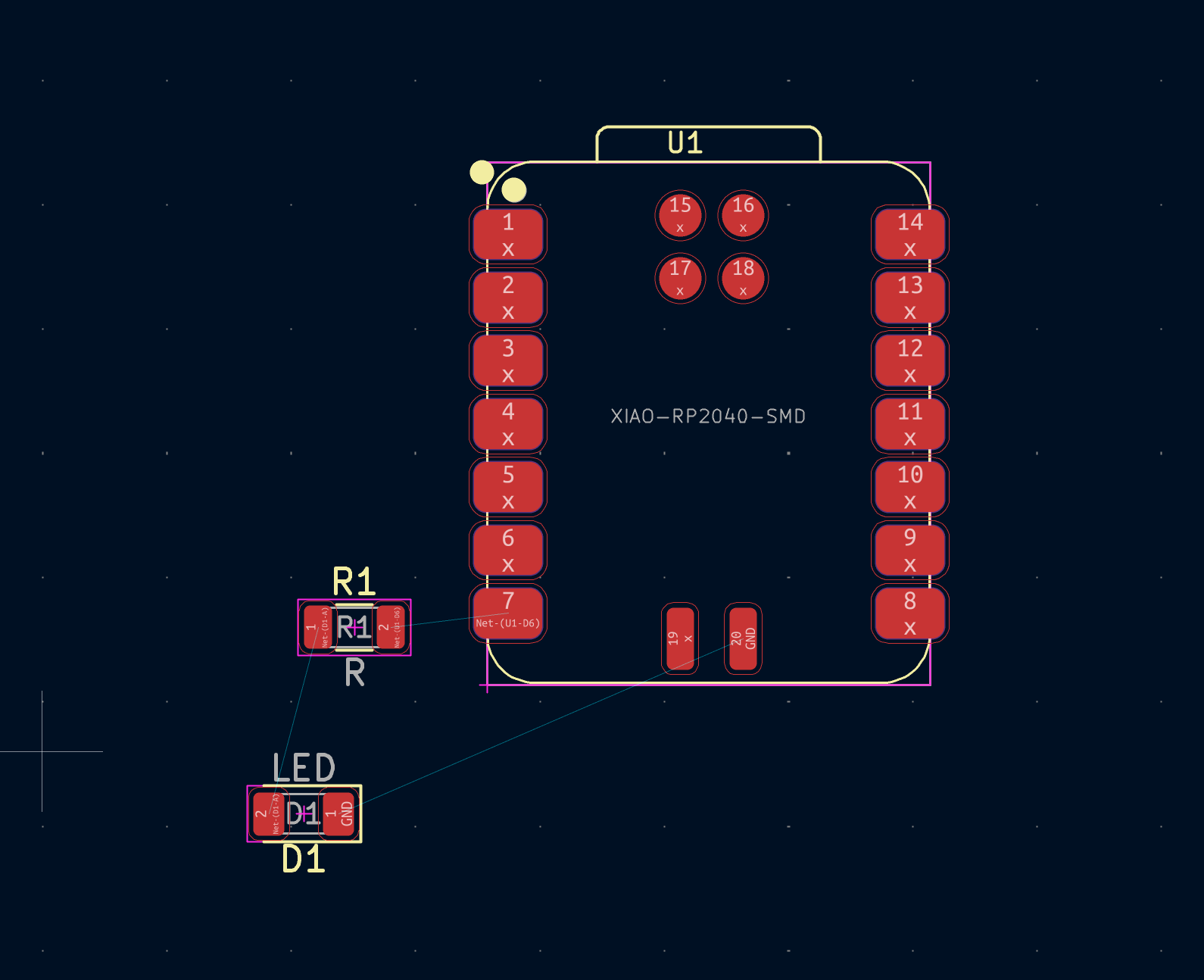
So here I realized that the wires are crossing themselves which is not very good in my humble opinion. So then I figured out the R key shortcut so they don't cross themselves. I am also setting a minimum clearance.
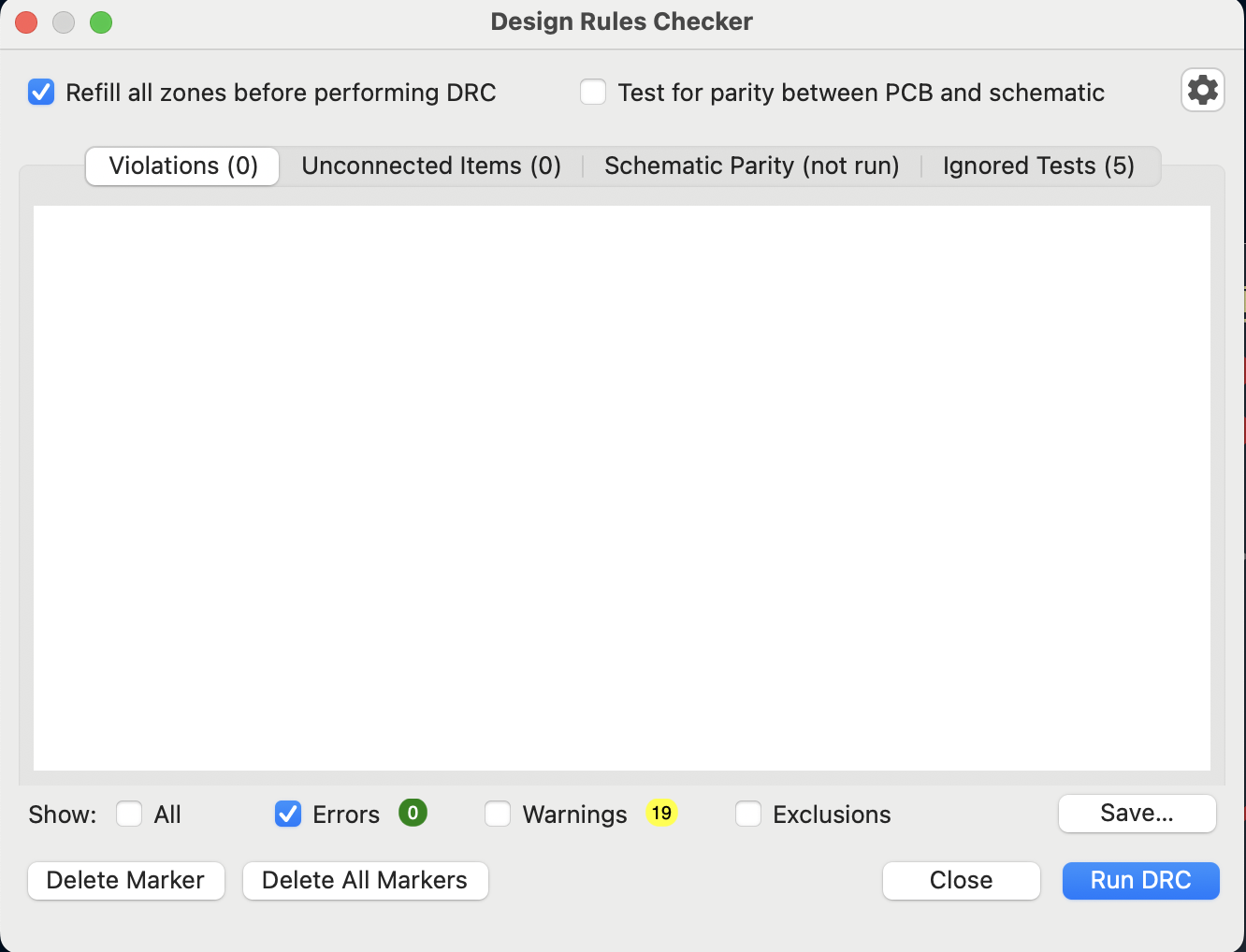
No errors! I just drew a rectangle around my board as well for safekeeping. I get some warnings about the solder stuff but it should hopefully be okay, as long as there are no errors.
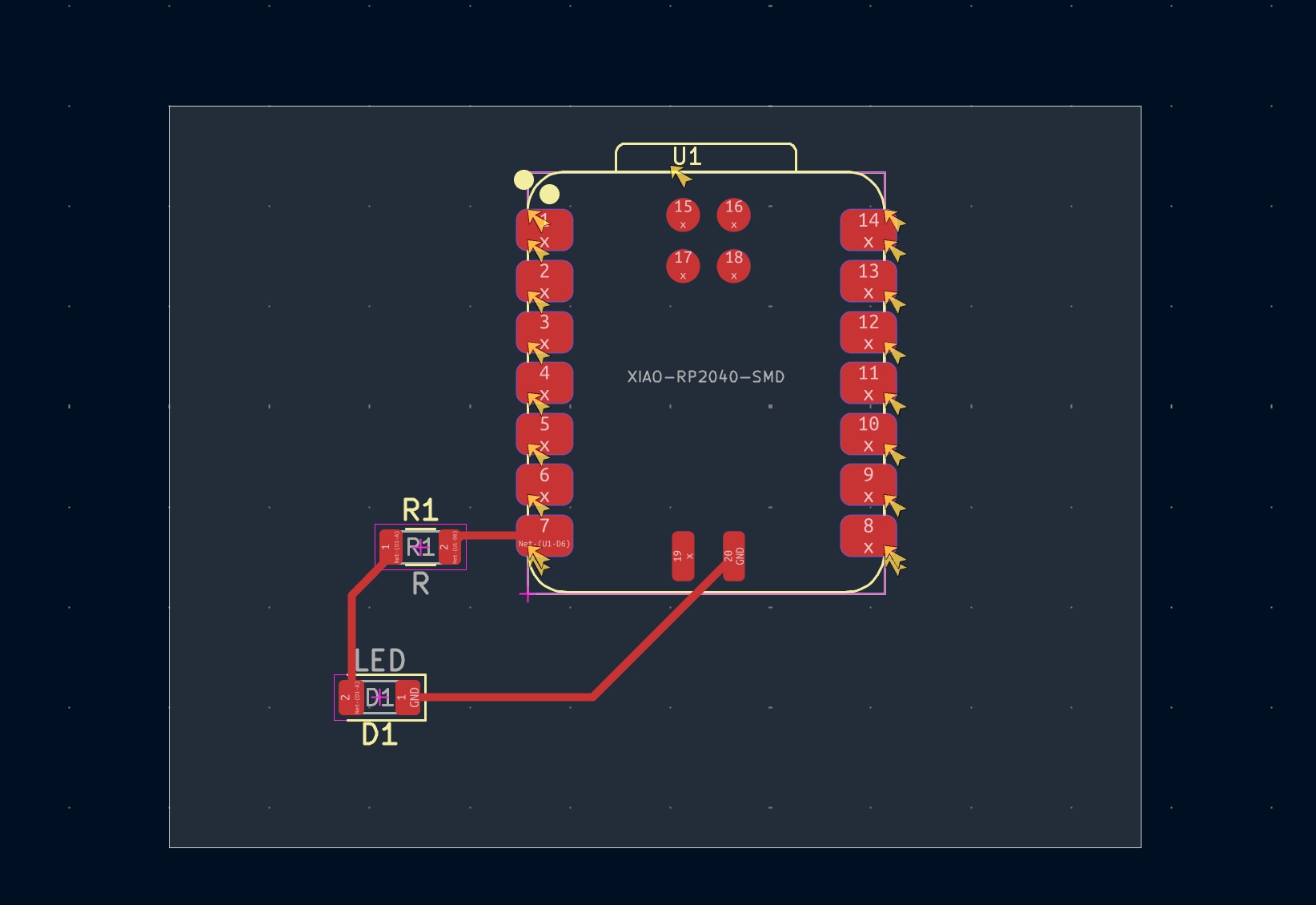
Here is the final board! We are doneeee. Just kidding, not done. Let's do the extra credit and simulate it.
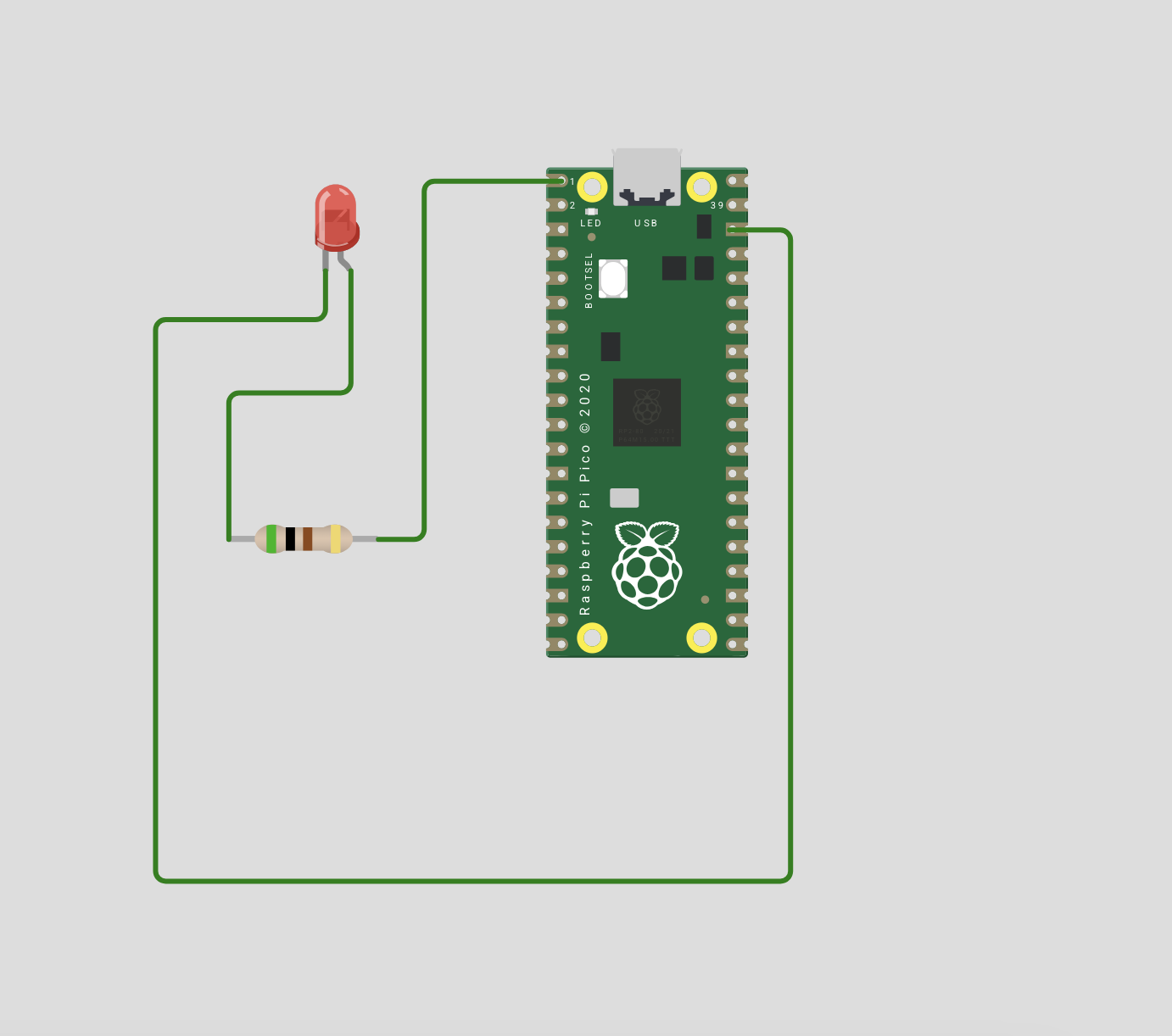
I put this on Wokwi and did some wiring. Wokwi is easier for me to use and I can hover on any pin and then choose any that says "GND" on it.
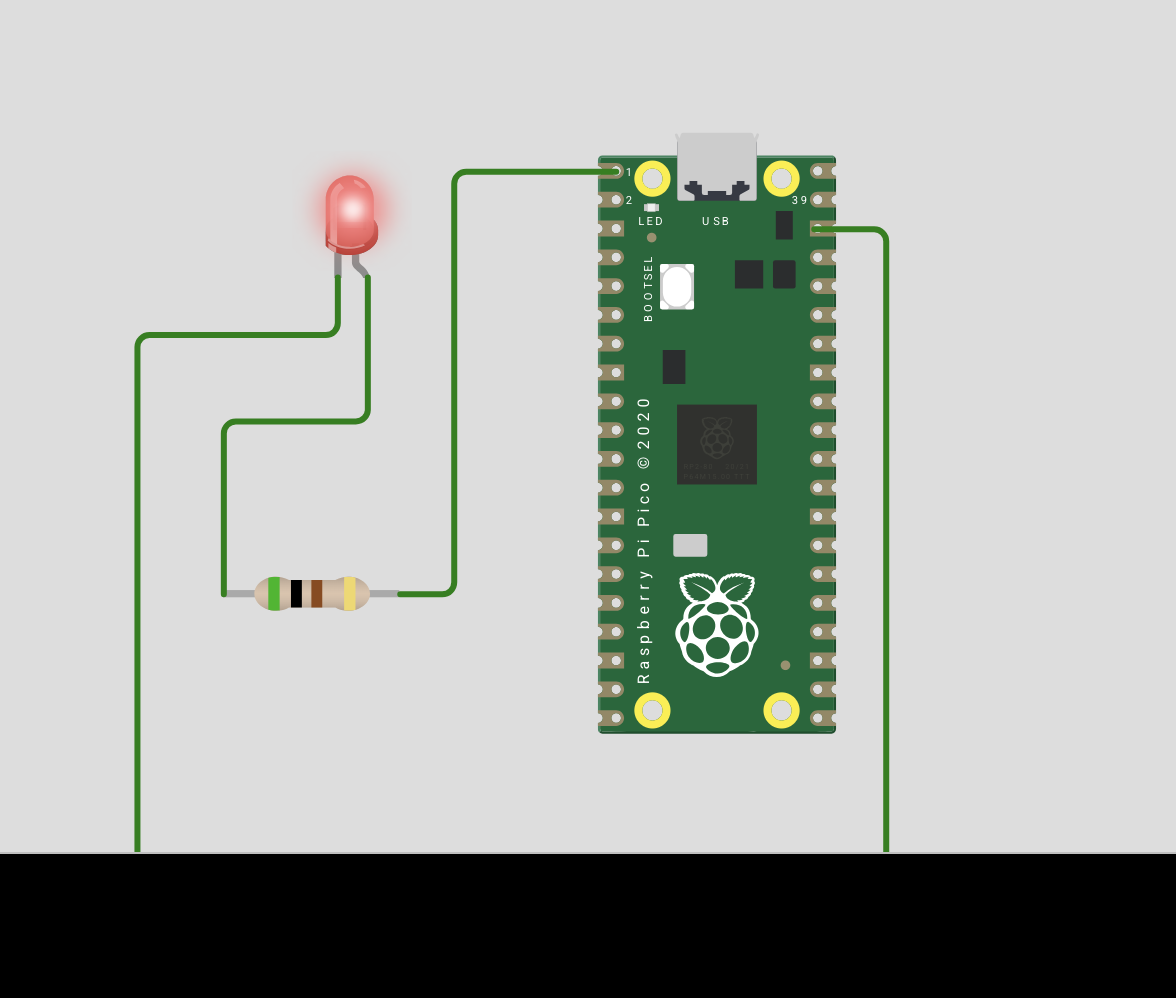
Yay! It's blinking
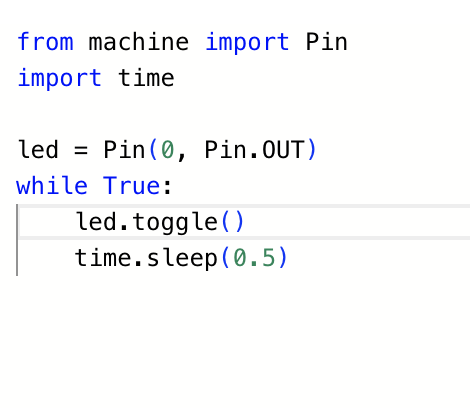
Here is the simple program I wrote for it. Since I liked Wokwi online so much, I'm considering trying this out with another online tool. Let's try easyeda.com
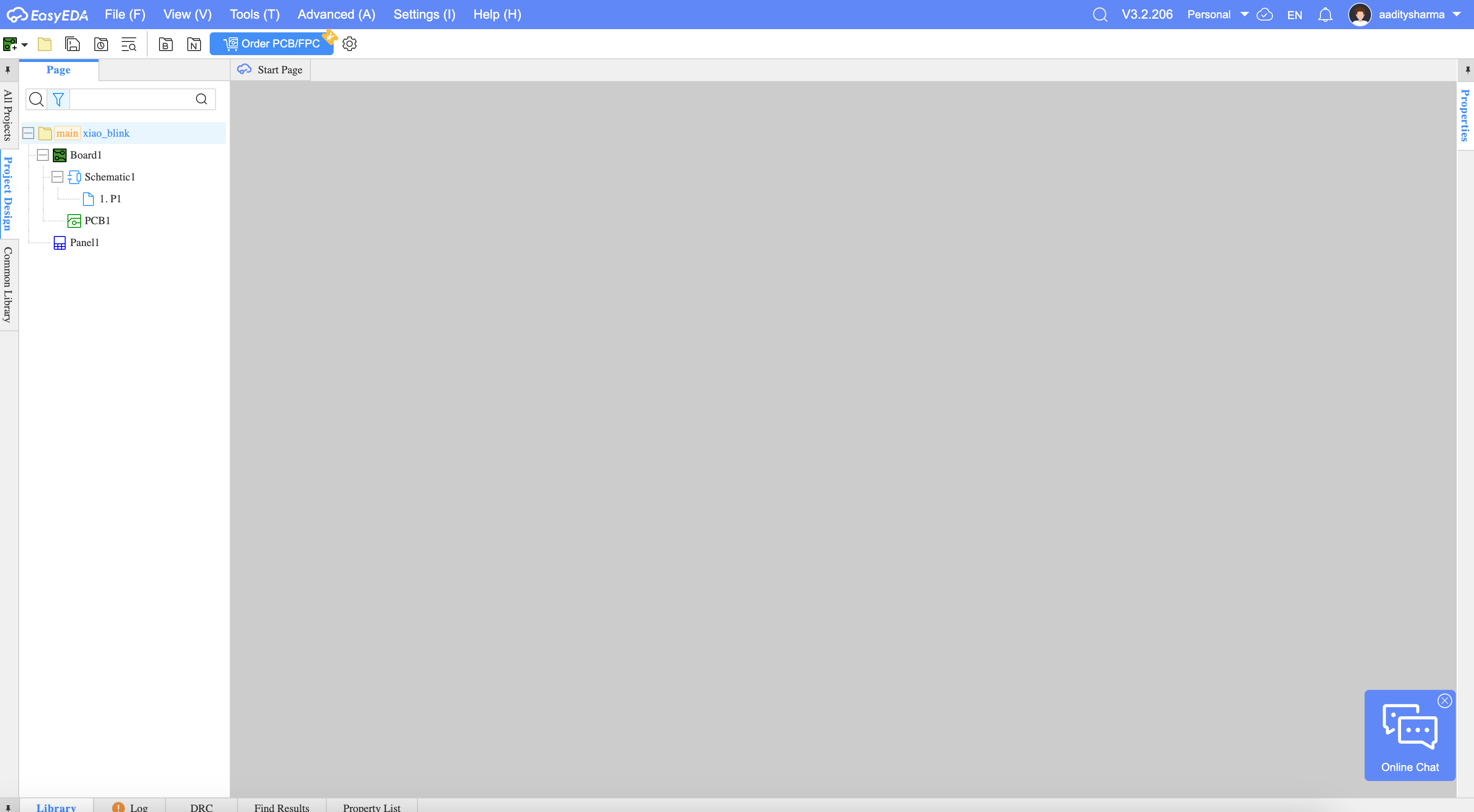
Okay so it made me make a config about how it arranges wires automatically. Let's see how it looks like once I build it.
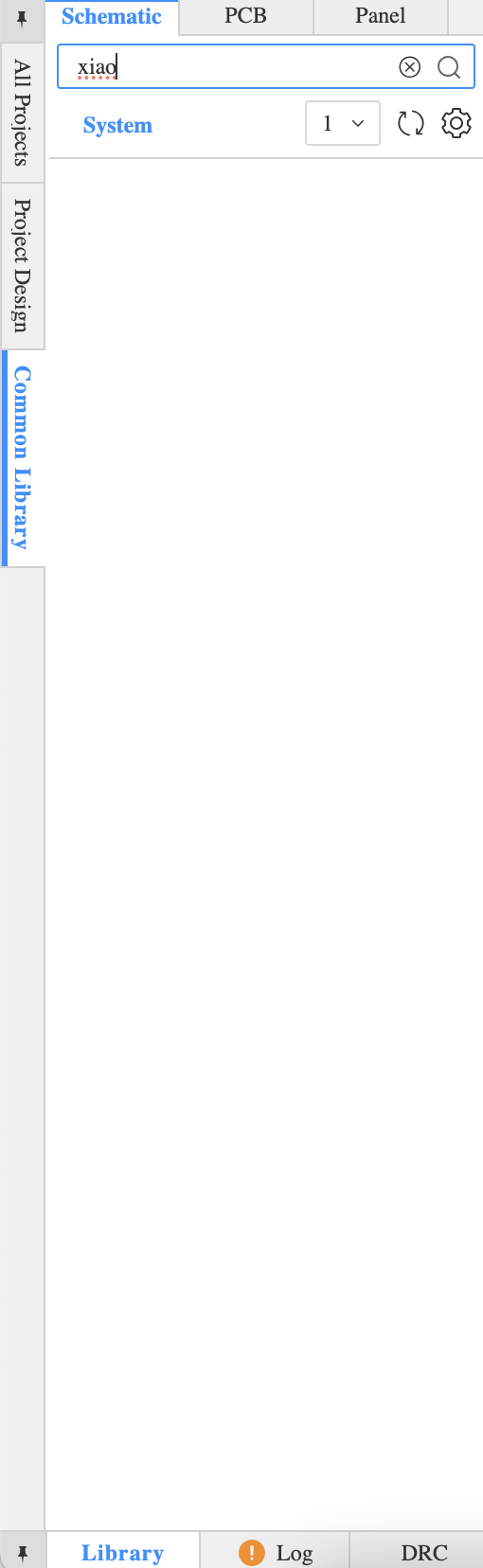
It does not have what I want on it, which is the Xiao RP2040 loaded. So now I have to find an alternative. According to AI and Google, a stand-in can be using header 1x7. Nm, returned nothing. I found the real big library
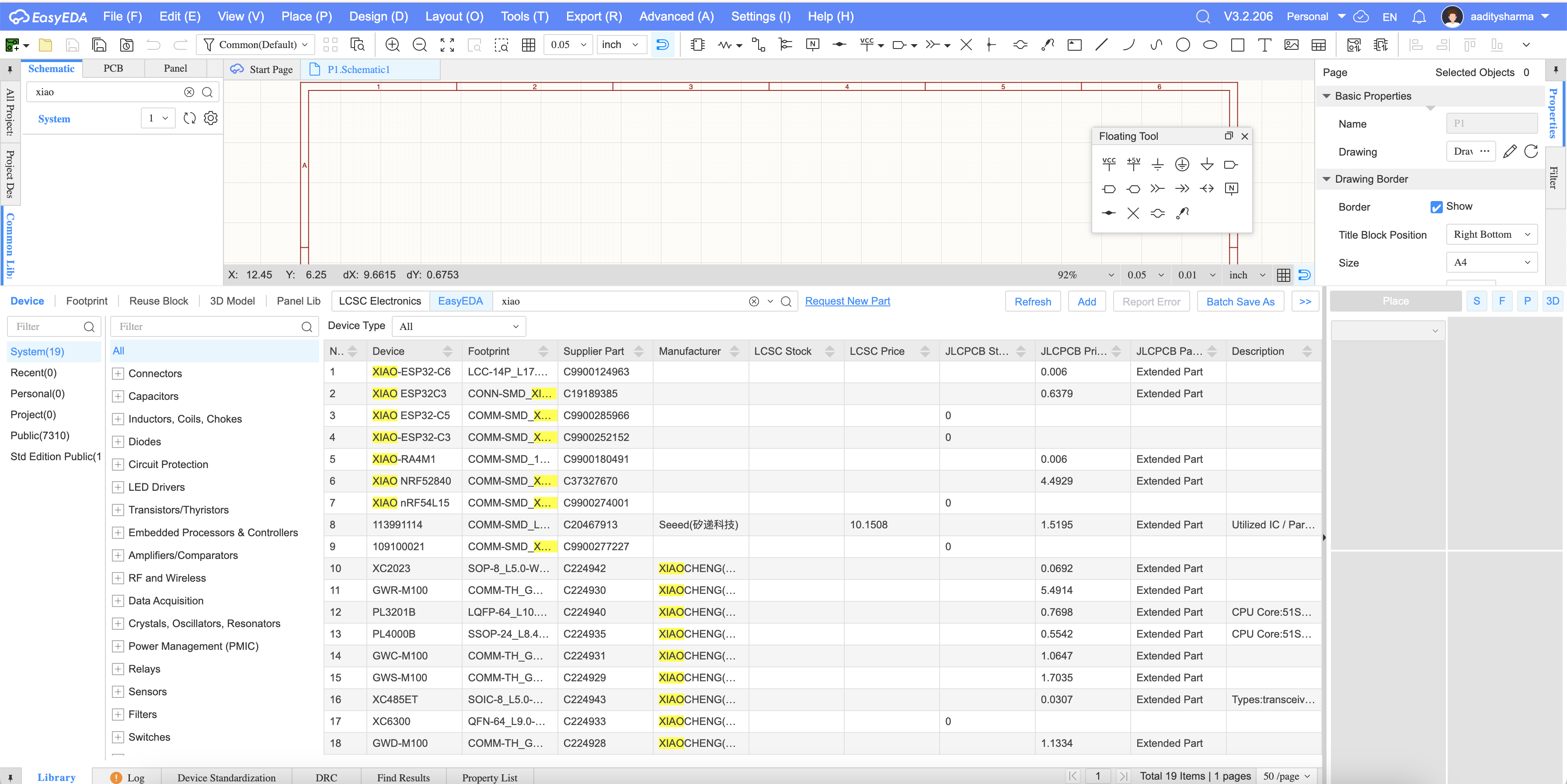
I forgot to open schematic editor so now I see it. I don't have the original Xiao I wanted but I'll use the ESP32-C6 as a stand-in
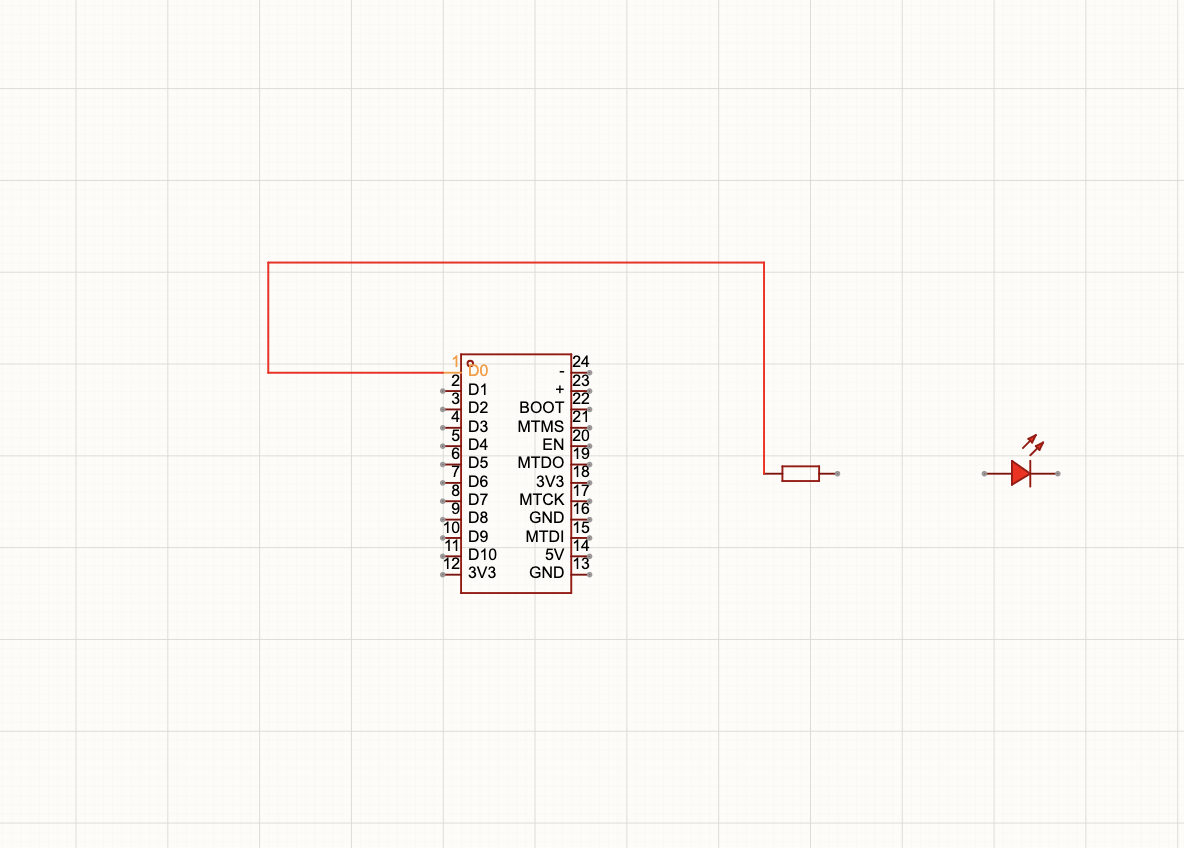
I began the new process. Using D0 so I can connect to the resistor. Then this will go to the anode. Then the cathode goes to ground. Then the chip itself is connected to ground.
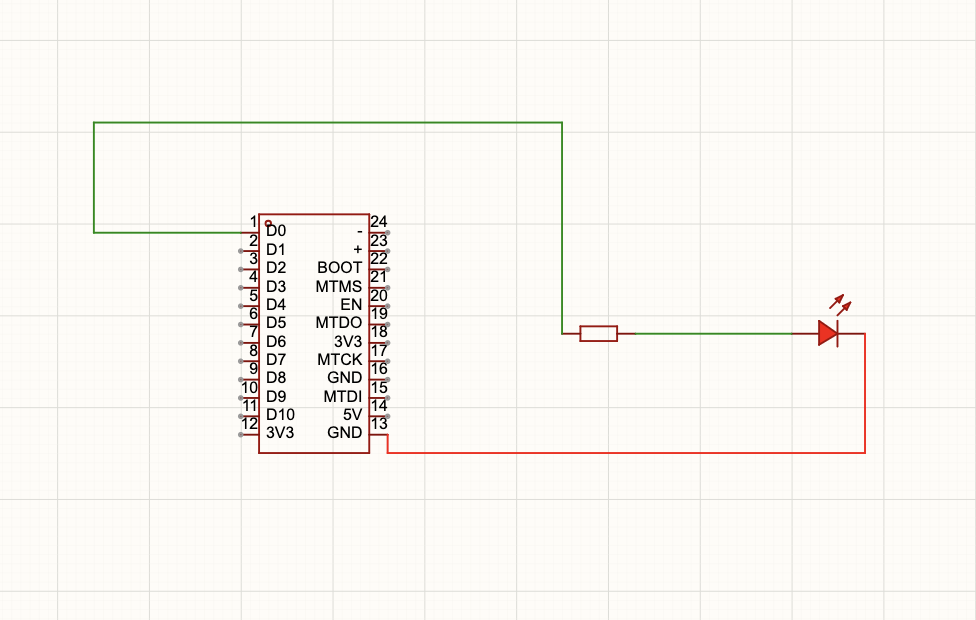
Fully connected. No need for ground as I have a ground on the chip itself
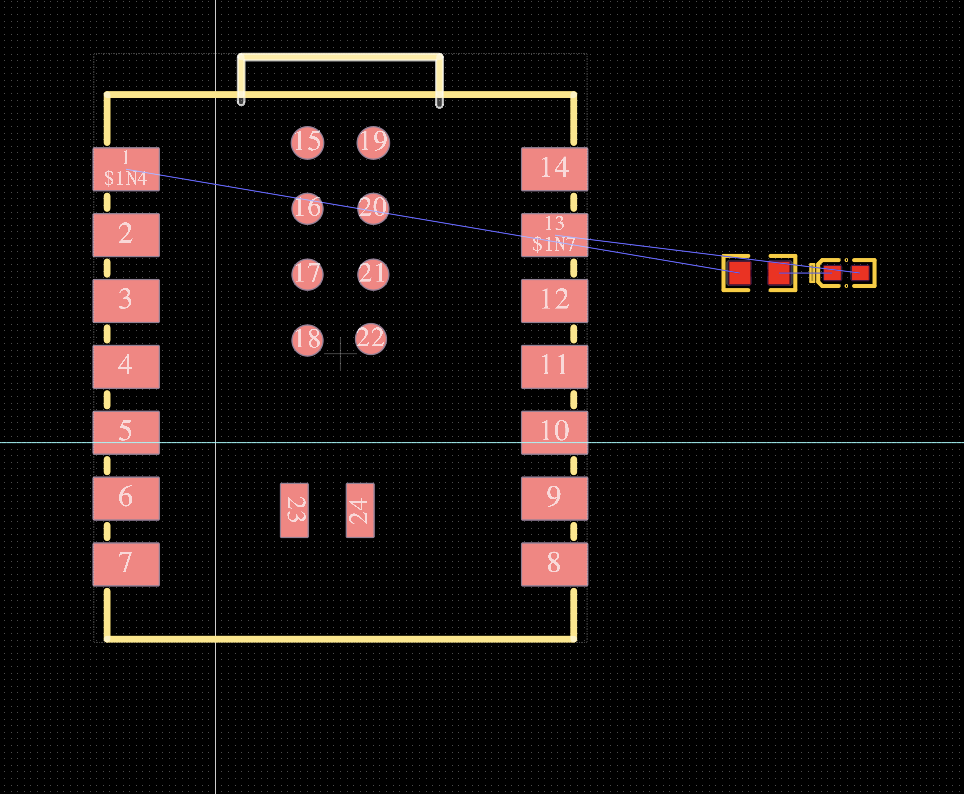
I converted it to PCB design itself.
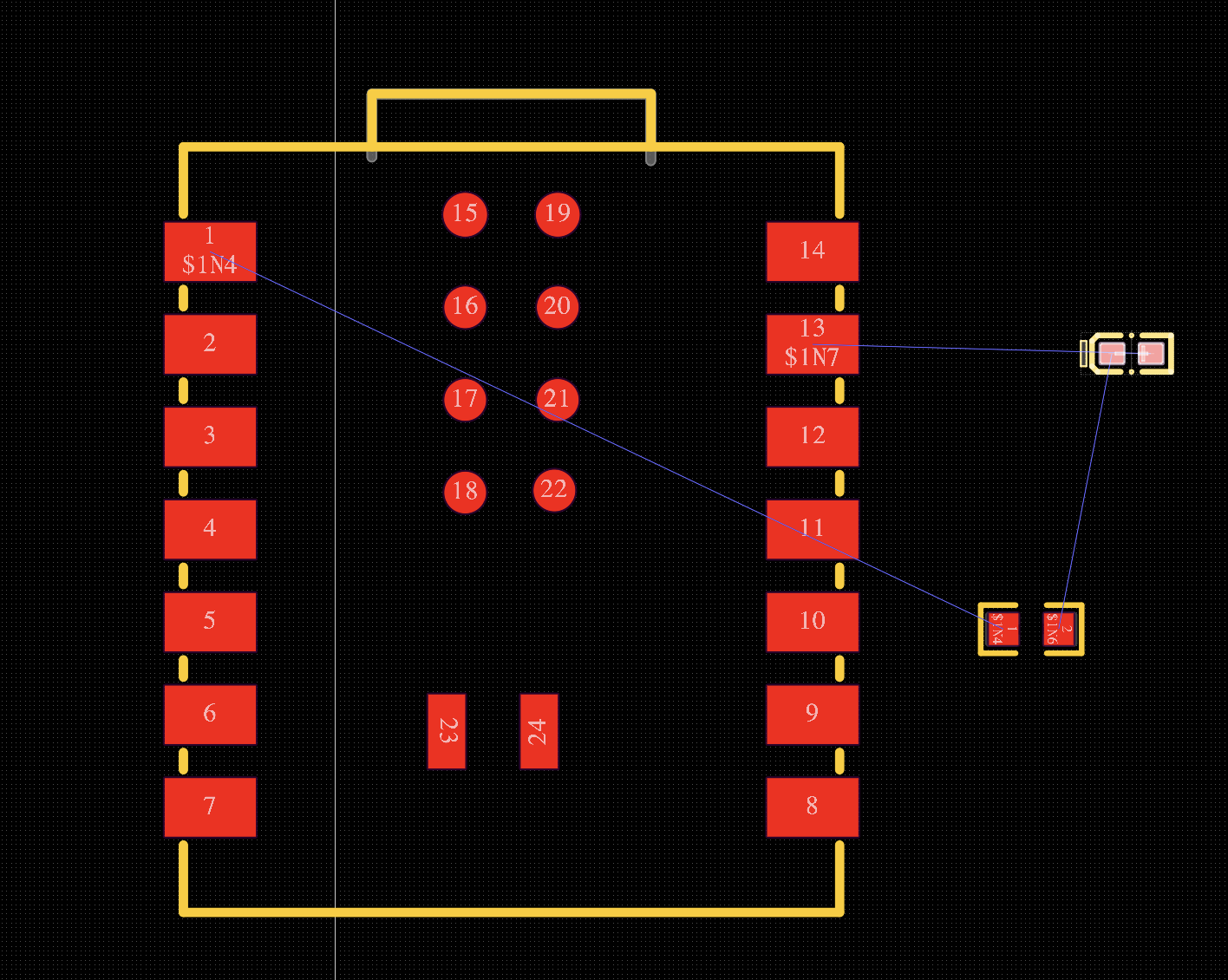
I did some moving so the wires would not cross. This is the product in using a different workflow to design the same circuit. I like local better as the online has less flexibility in letting me import libraries for more flexibility.
How did electronics production go?
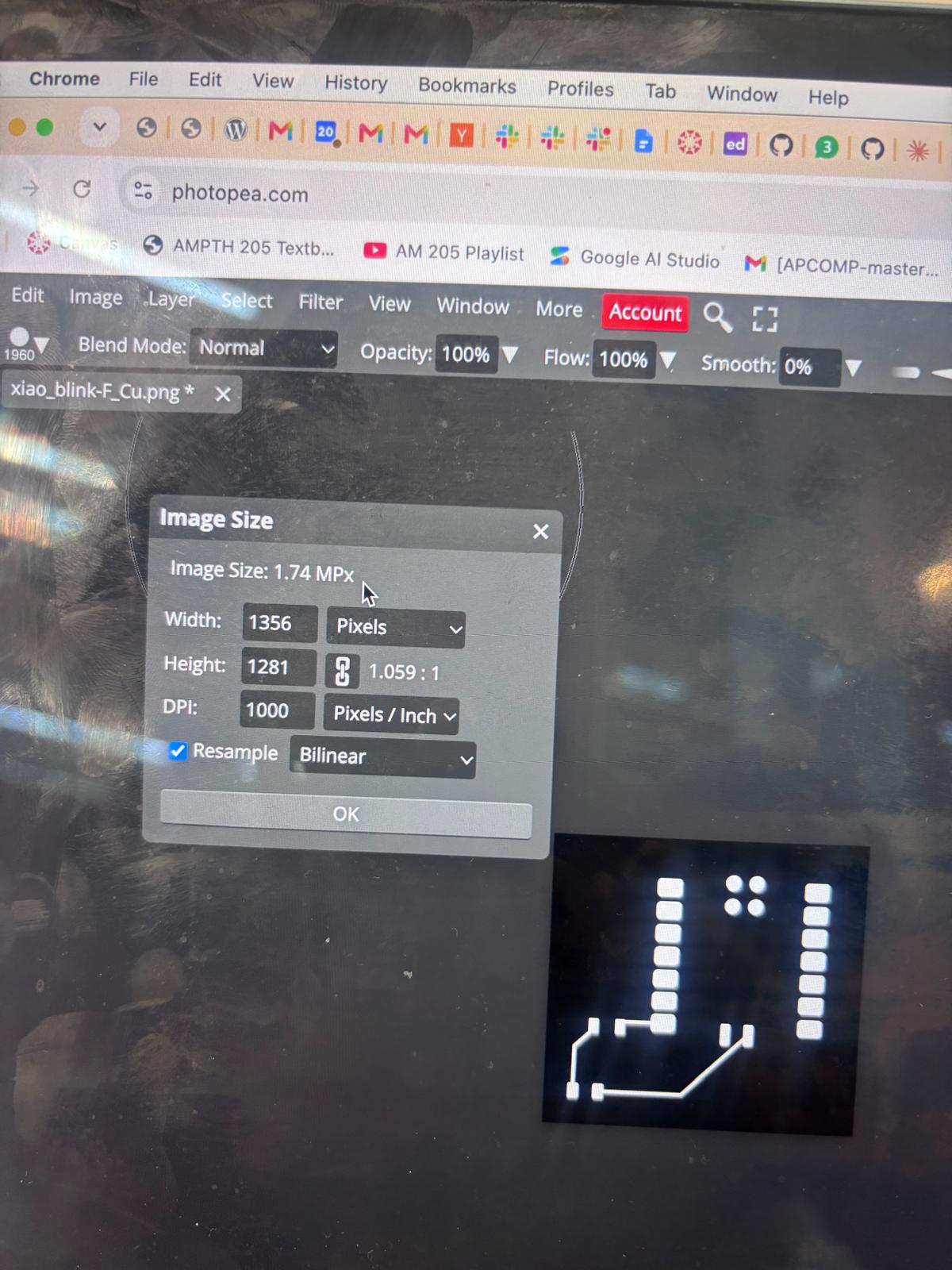
I took my board design from last week and put it in a converter to turn it into a PNG. I realized that the background was completely wrong - it had to be white on black for the mods-project website to process it. So I went to Photoshop, cropped and inverted the image.
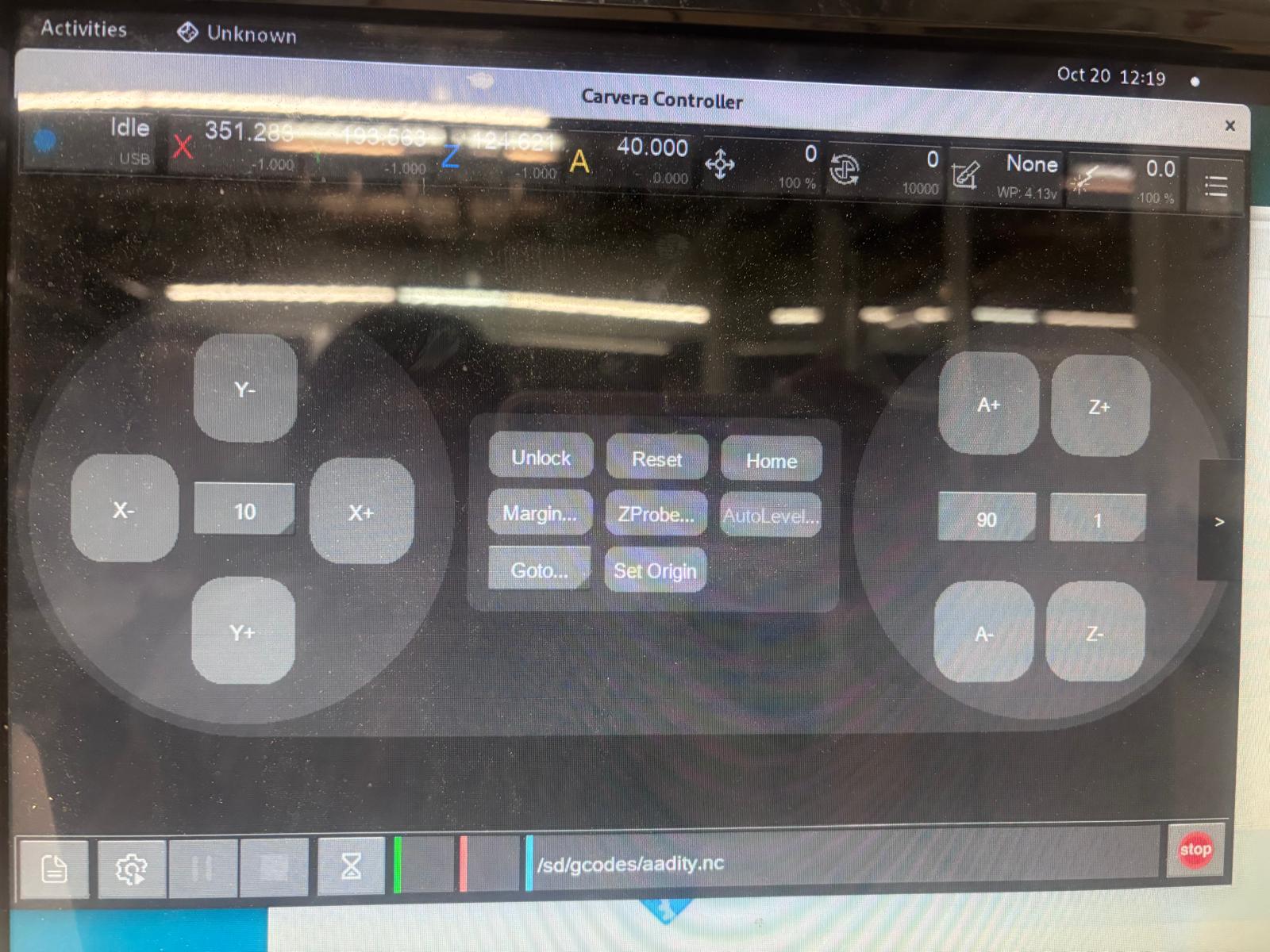
I struggled with the remote controller for the Carvera for a long time. I realized I made a huge mistake exporting my G-code - I couldn't use the same trick I used for 3D printing, which was just renaming the file to a .nc file. So I had to re-download and fix it through the mods-project website. The UI was harder to get used to, but I adjusted and understood why there were different layers to the map diagram.
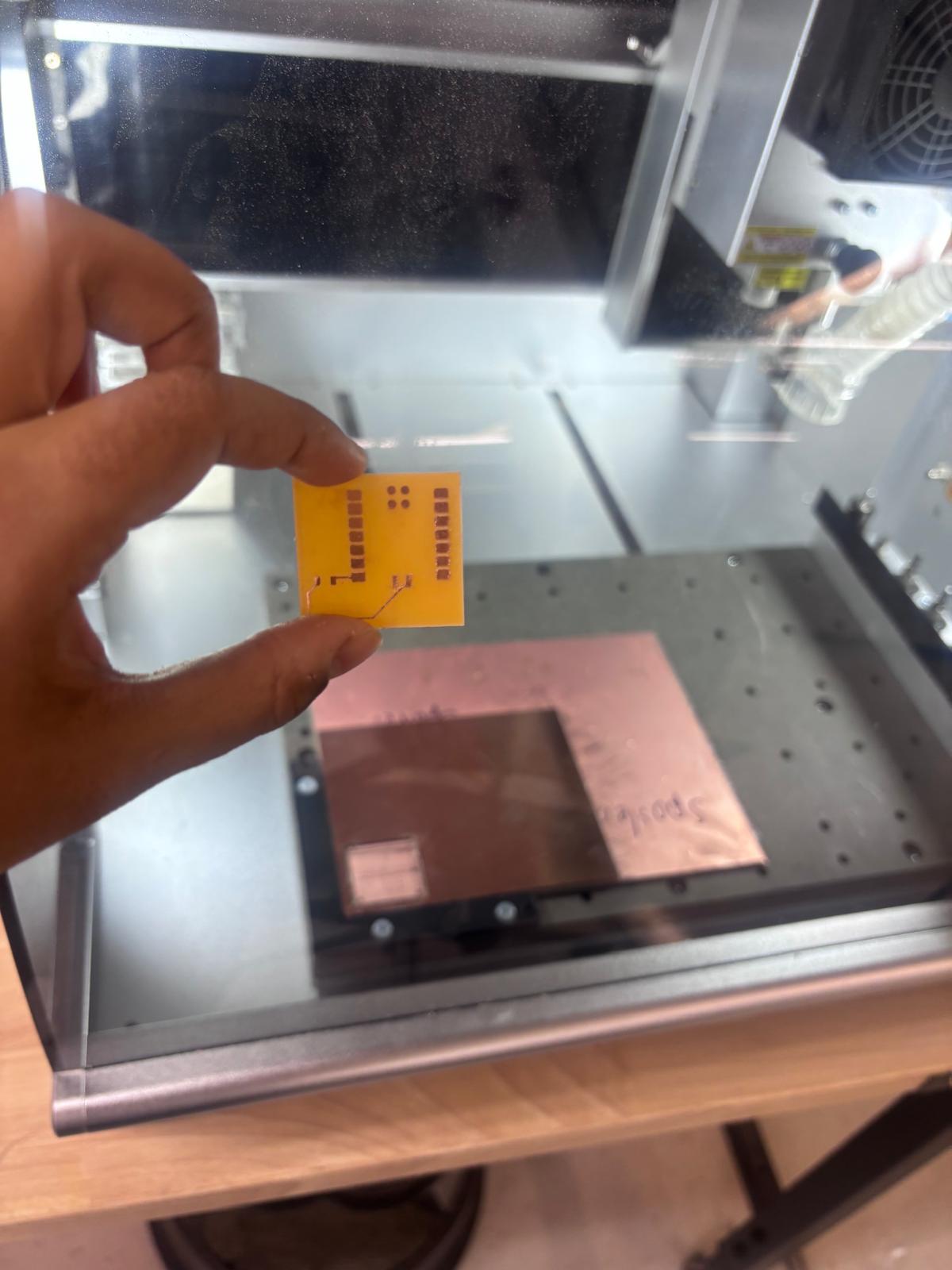
Here is the board once it came out. For recap, it's a simple Xiao-2040 circuit that lights up an LED. Thank you @Siddarth for recommending a lot of YouTube channels to learn the simple physics behind the boards! I was able to design this myself after watching the videos and understood how everything was working. This board was inverted so it was a bit harder to solder. Next time, I'll take the tip that Enoch and Siddharth shared, which was to invert the board and have the ground all around - as in, the pattern should be drilled in rather than drilled out. It would also be easier to solder that way.
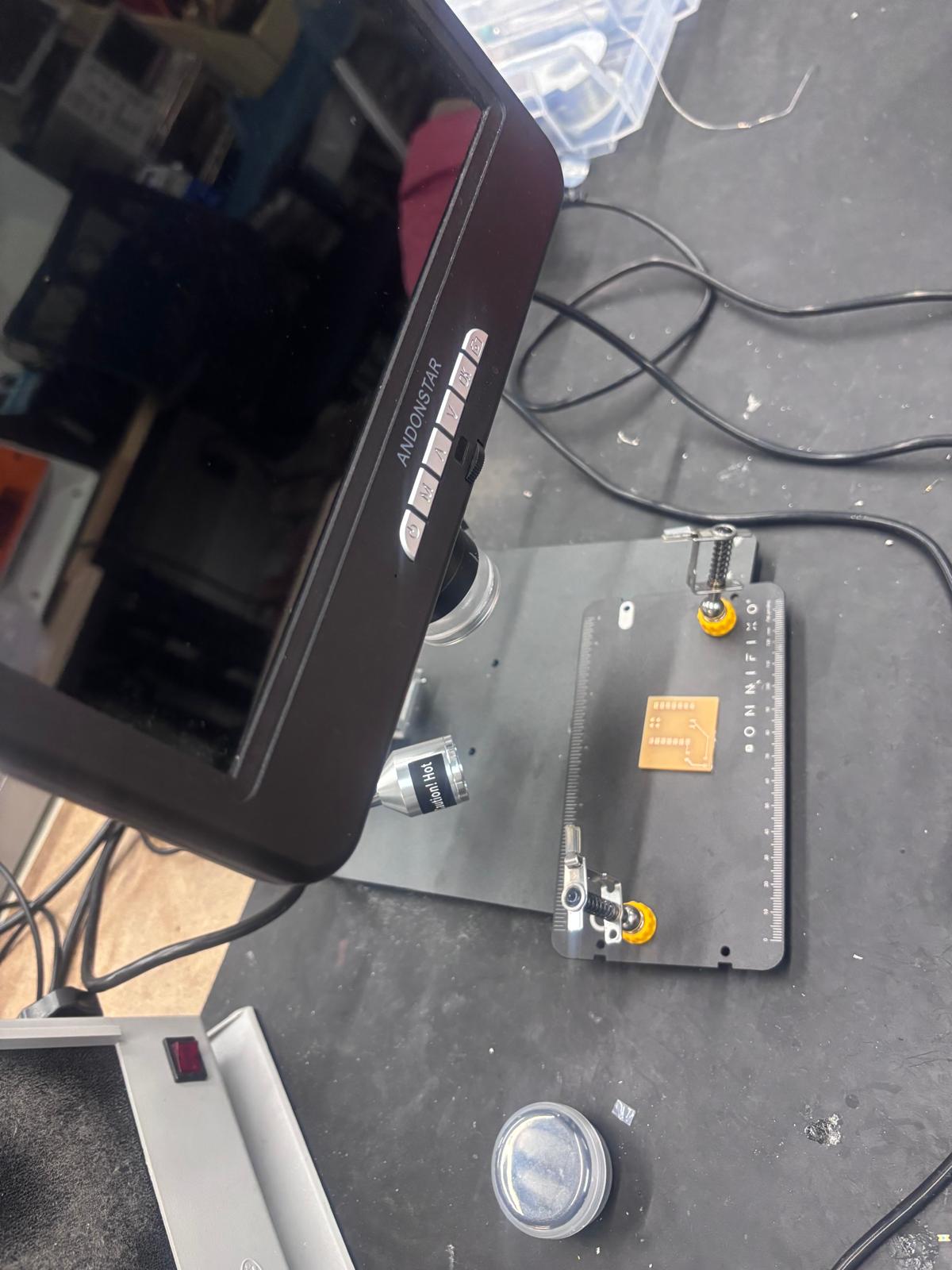
Here is me beginning to solder. I realized I had to solder the chip backwards and that took me a lot of tries. It drove me crazy enough that I would hold the hot iron to get the solder liquid and quickly move the chip on top to make sure it stuck onto the board. @Cesar mentioned that this step was not completely necessary as the board is already touching the copper tightly if I just soldered the sides, and also those spots were not connected to anything outside of the chip. So I decided to take a chance and just solder the sides to save myself time.
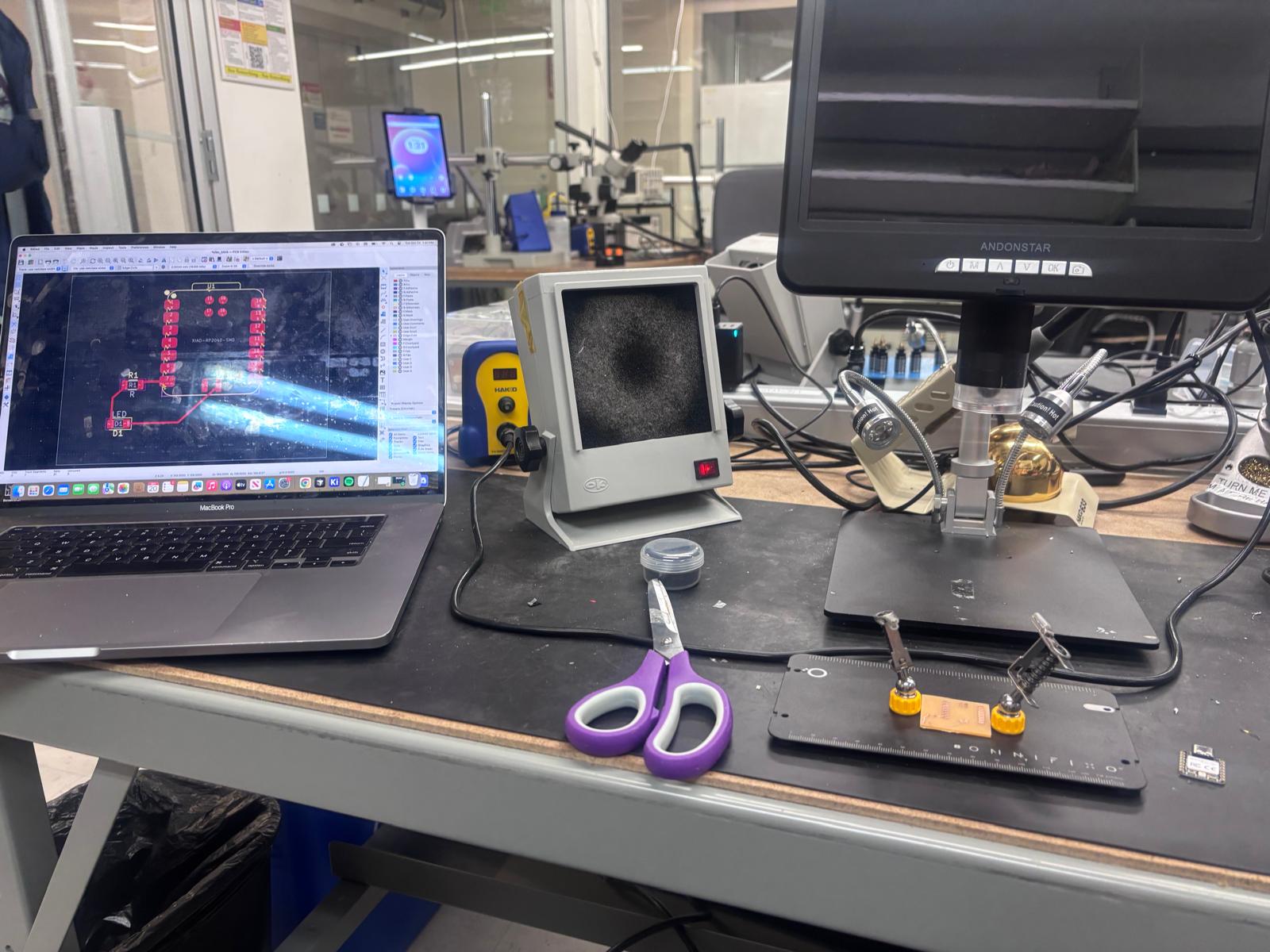
I had the diagram of the PCB open while I was soldering to make it easier. I forgot which side of the LED to solder to what, as the point of the triangle is soldered differently than the flat side.
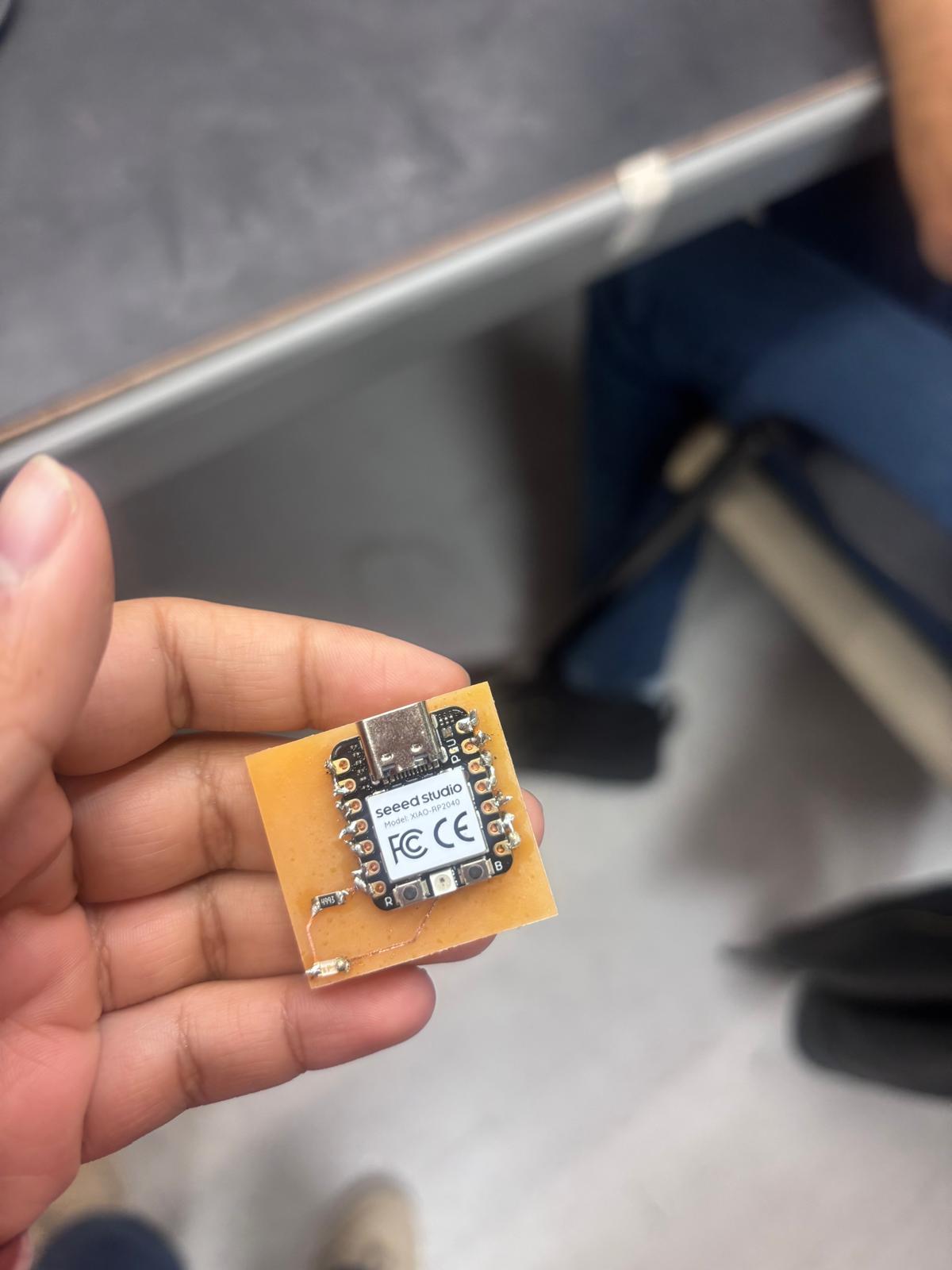
I have fully soldered the chip here. Some of the soldering joints came out pointy and I was struggling to fix them. In hindsight, I should have gotten some flux and asked for help in using the copper strips to help remove the solder I didn't want.