Week 2: Computer-controlled cutting
This week had three parts: Using the plotter to create stickers, characterising the laser cutter on cardboard with a parameter sweep, and using the results to cut Gridfinity compatible boxes.
Stickers
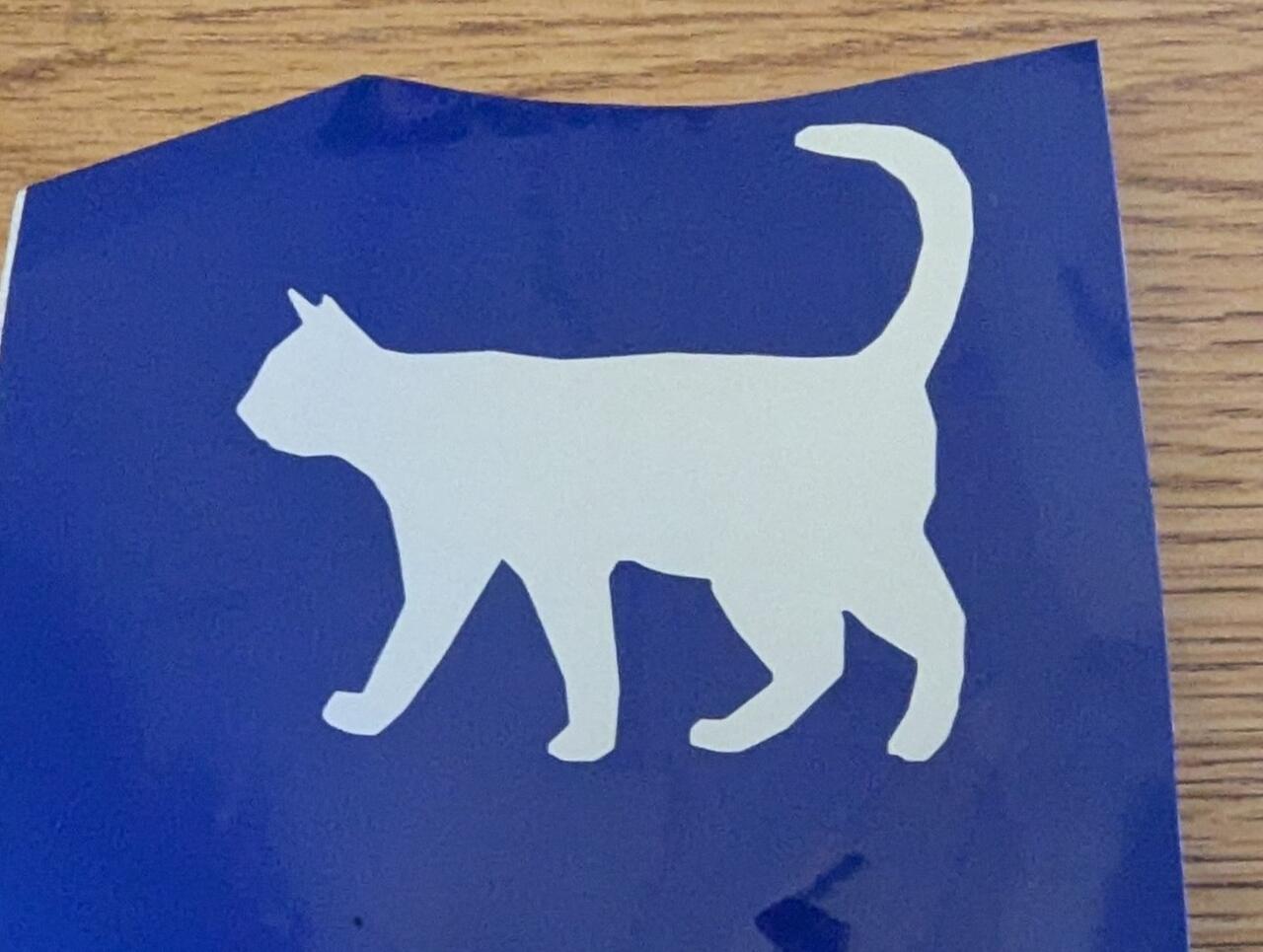
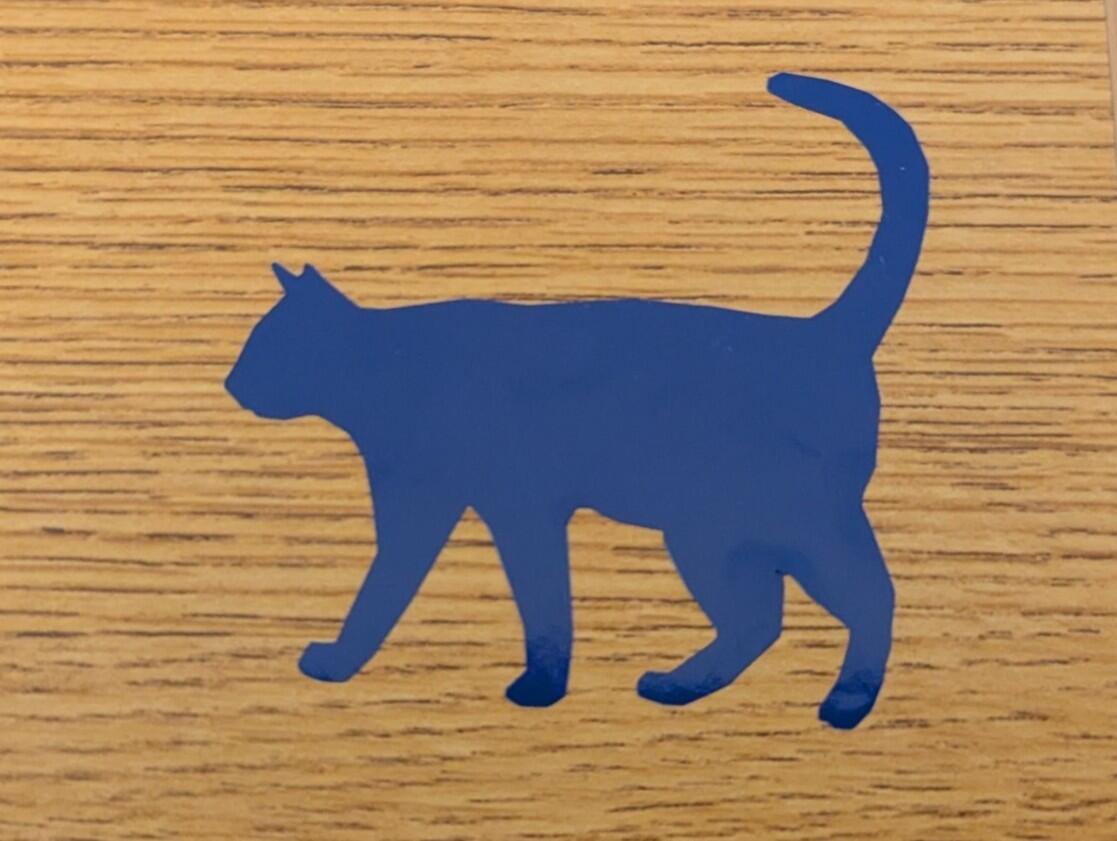
I did not have a particular usage case this week for the cutting plotter therefore I stuck with making a simple vinyl sticker generated from an image. Probably I will come back in future weeks, but usage is very intuitive. The workflow is ether you bring your own SVG or other vector file format or you bring a picture and use software to make a svg out of it. There is a online software provided on that particular PC but technically it could be any compatible software doing that.
Laser cutter parameter sweep
I cut a grid of numbered squares in cardboard (Z 0.01) at three pulse rates, 500, 600 and 800 ppi, and seven speeds from 8 to 20 %. For every square I checked if it cut through, if it fell out on its own, and measured the square and the cutout in both directions. The kerf is (cutout minus square) / 2.
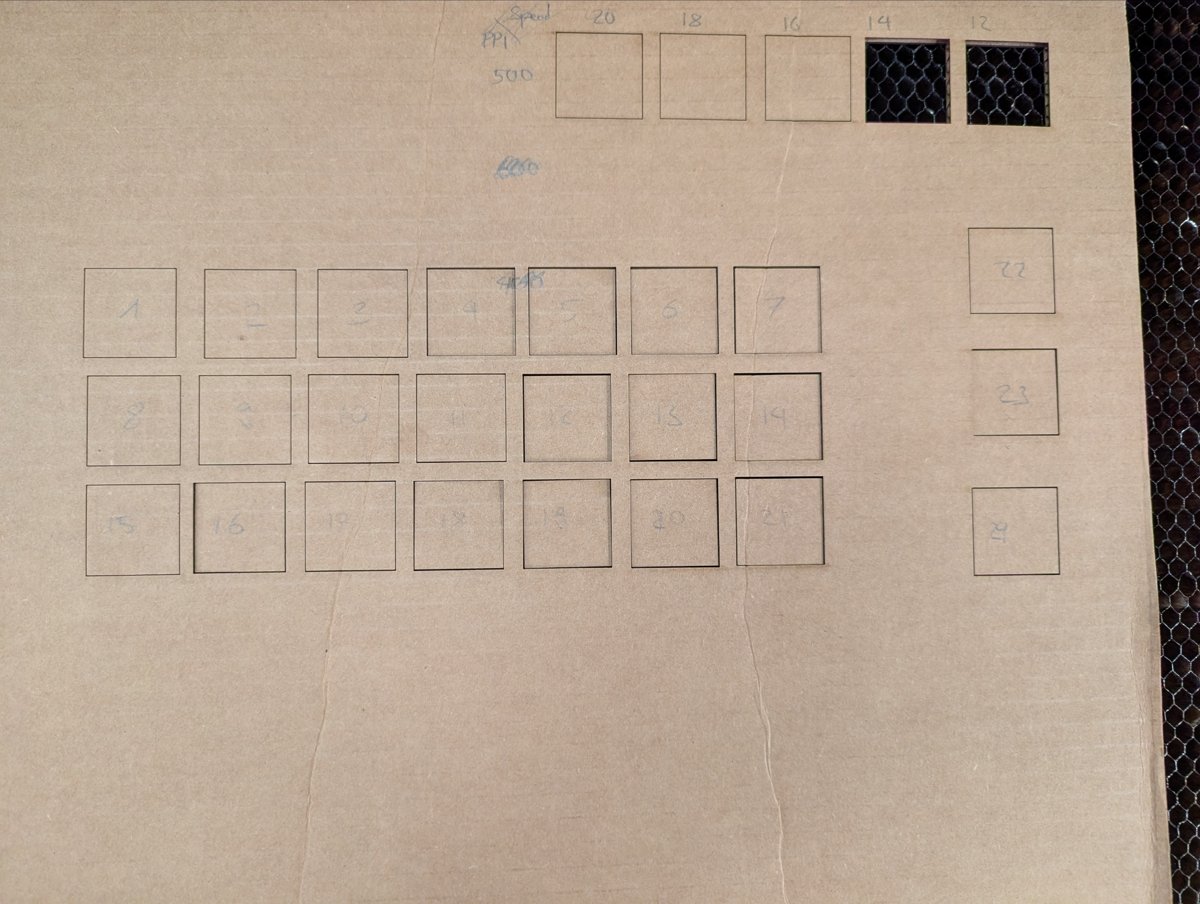
The sheet straight after cutting. Columns from left: speed 20 to 8. Rows: 500, 600, 800 ppi.
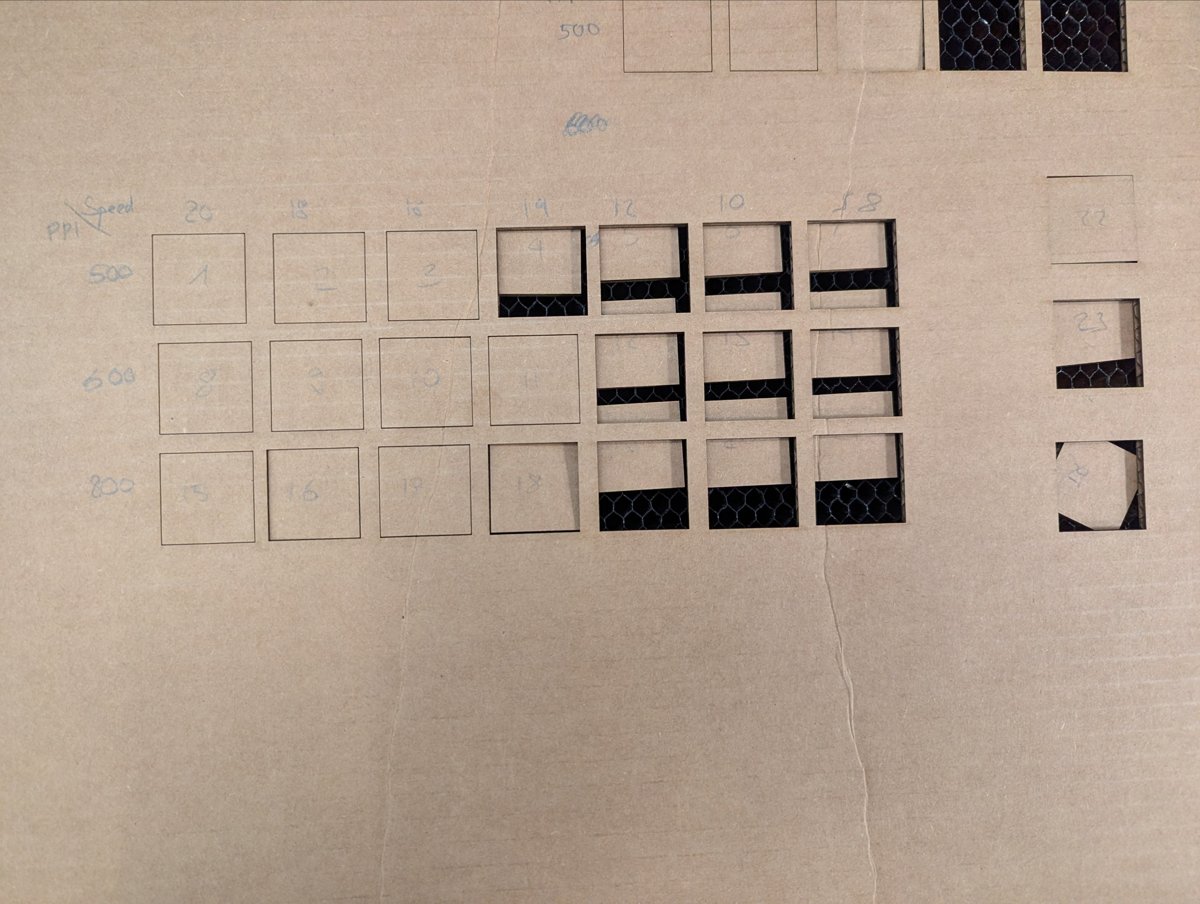
After lifting the sheet: squares at slow speeds fell out by themselves.
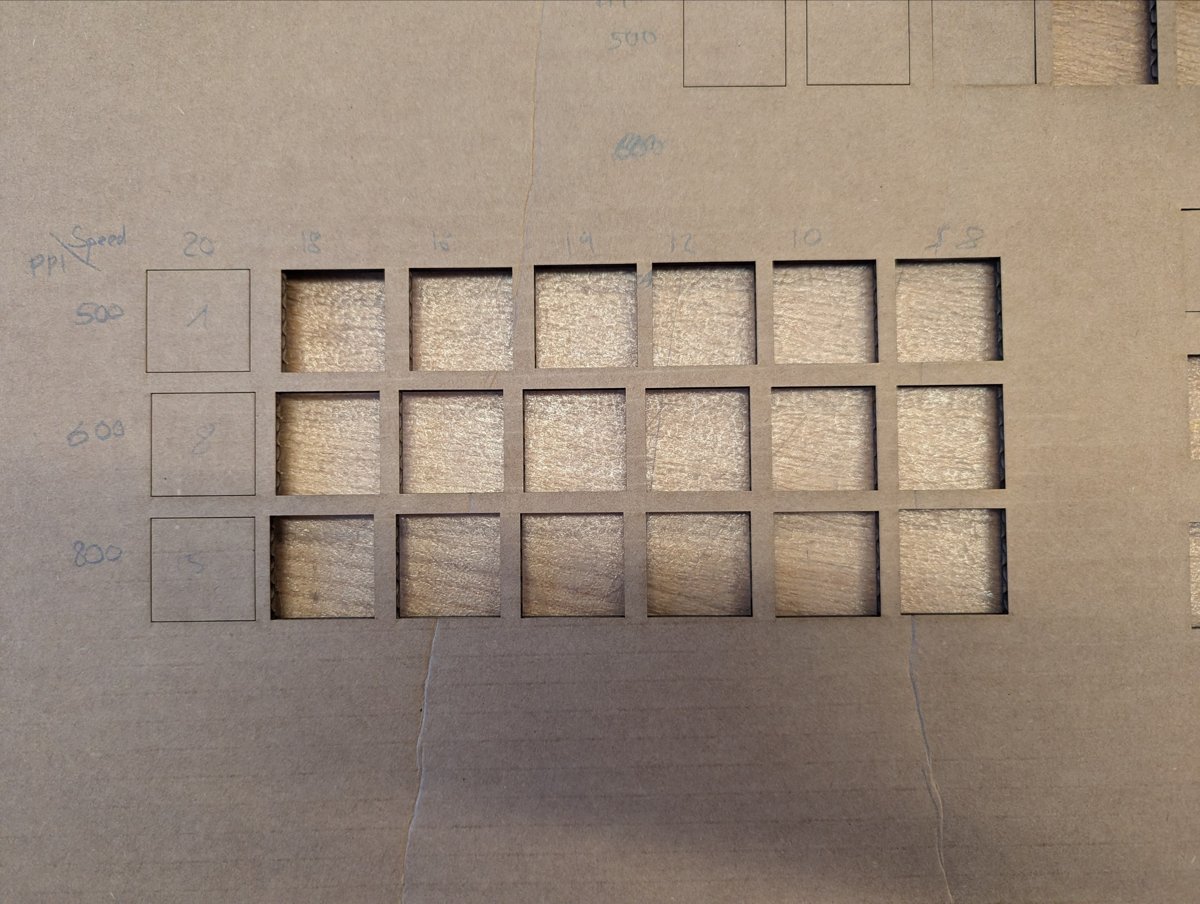
All squares removed. Speed 20 did not cut through at any ppi.
Average kerf in mm (mean of horizontal and vertical):
| speed [%] | 500 ppi | 600 ppi | 800 ppi |
|---|---|---|---|
| 20 | no cut through | no cut through | no cut through |
| 18 | 0.133 | 0.150 | 0.135 |
| 16 | 0.163 | 0.205 | 0.135 |
| 14 | 0.193 | 0.203 | 0.203 |
| 12 | 0.203 | 0.185 | 0.205 |
| 10 | 0.285 | 0.165 | 0.255 |
| 8 | 0.268 | 0.248 | 0.325 |
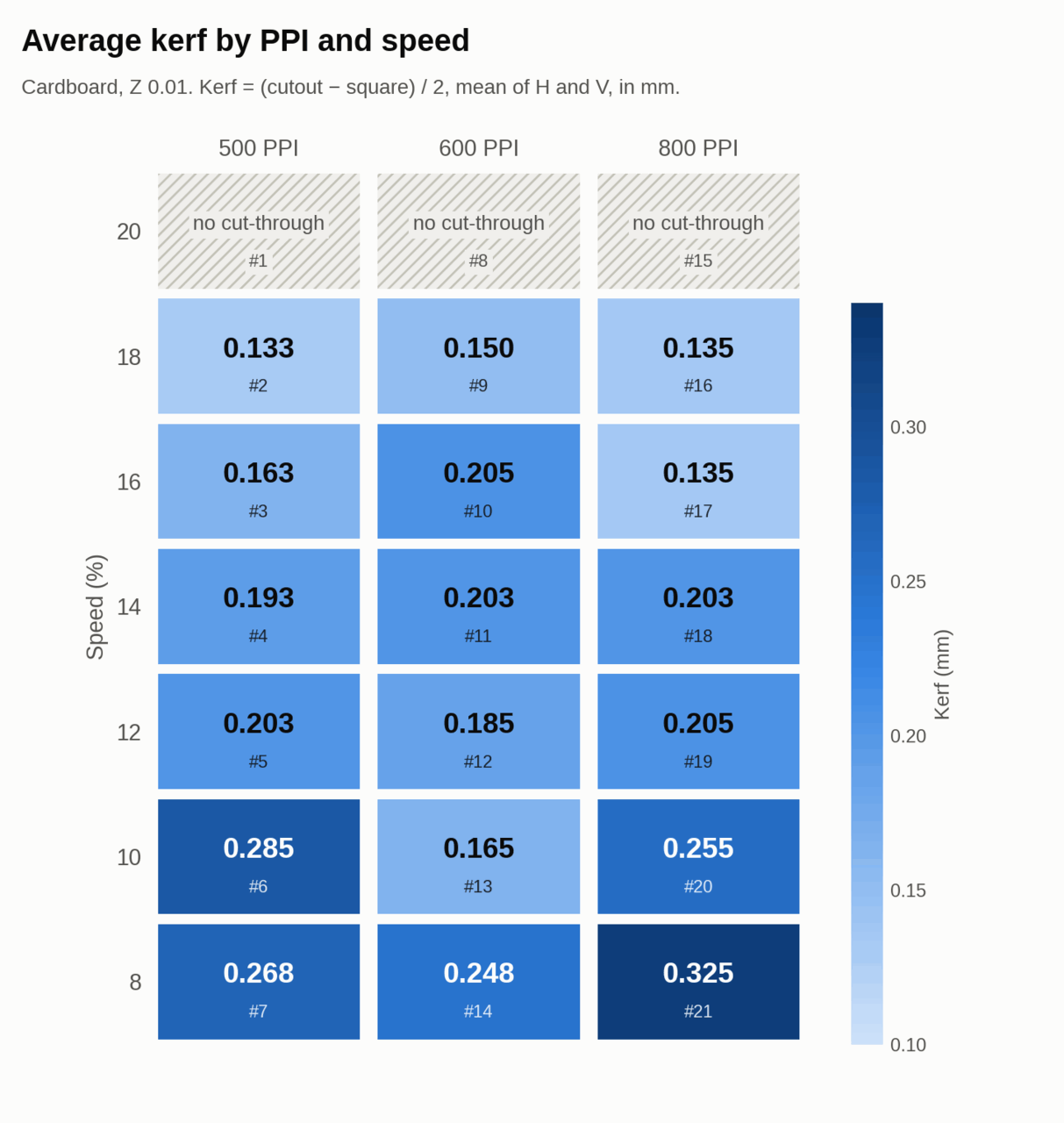
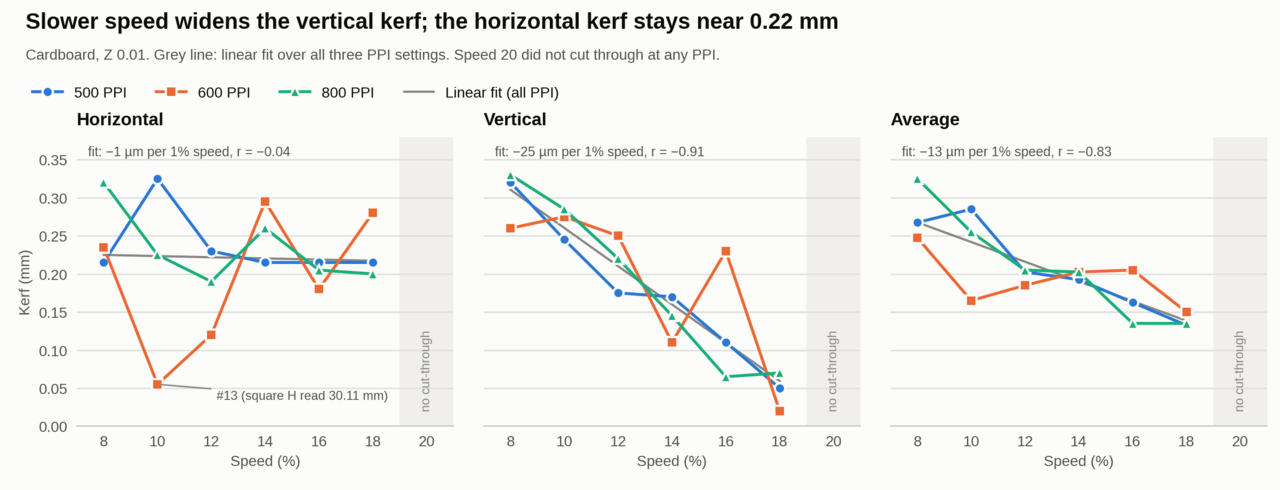
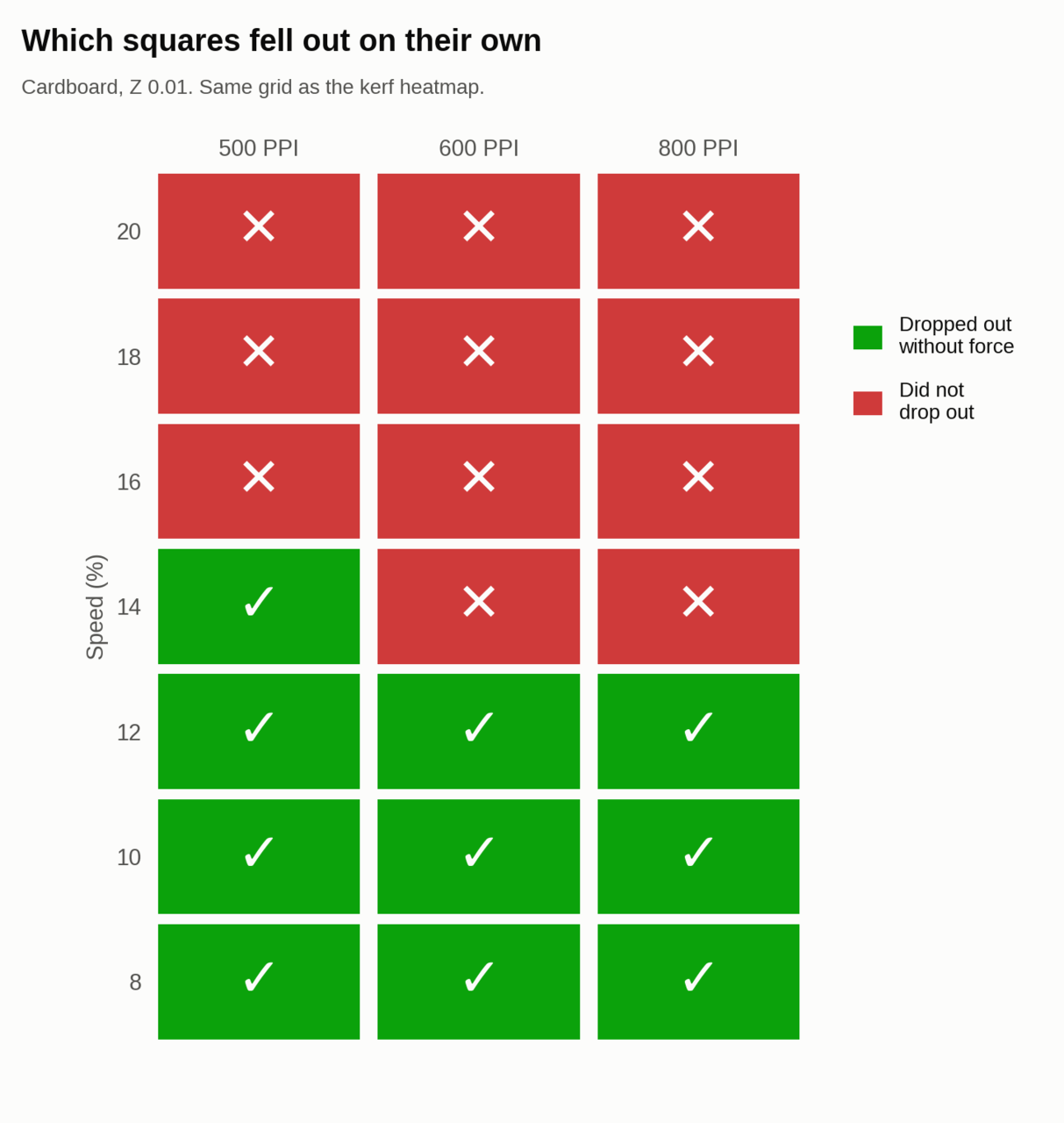
What I took from it:
- Speed 20 is too fast for this cardboard; nothing cut through.
- Slower speed gives a wider kerf, about 13 µm more per 1 % less speed on average.
- Almost all of that comes from the vertical direction (r = −0.91). The horizontal kerf stays near 0.22 mm regardless of speed.
- The pulse rate has no clear effect on kerf in this range.
- For parts that should drop out on their own, speed 12 or below works at every ppi; at 500 ppi speed 14 is enough.
- One outlier: square #13 (600 ppi, speed 10) measured 30.11 mm horizontally, which gives an unrealistically small horizontal kerf.
In the group we also tested some joints and tolerances with mixed success, press fit works relatively well for cardboard but interlocking joints are the best for cardboard because of the relatively soft nature of cardboard.
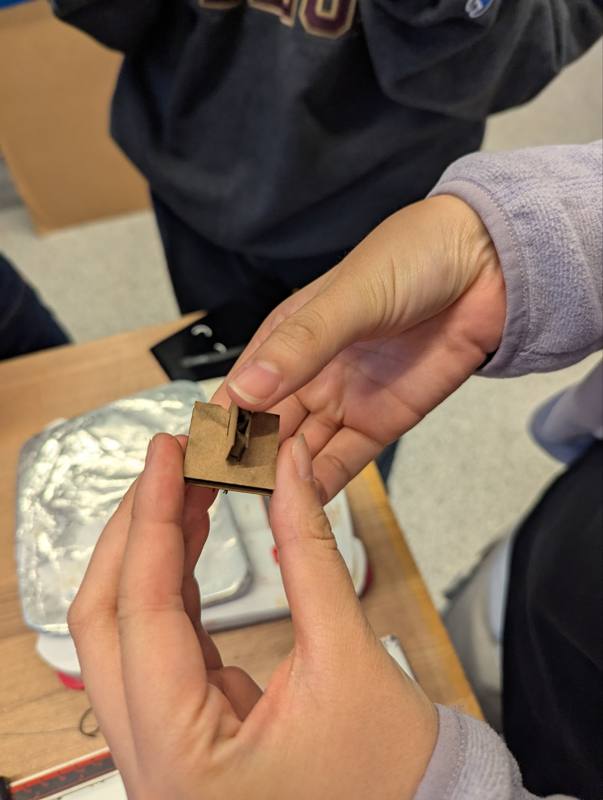 | 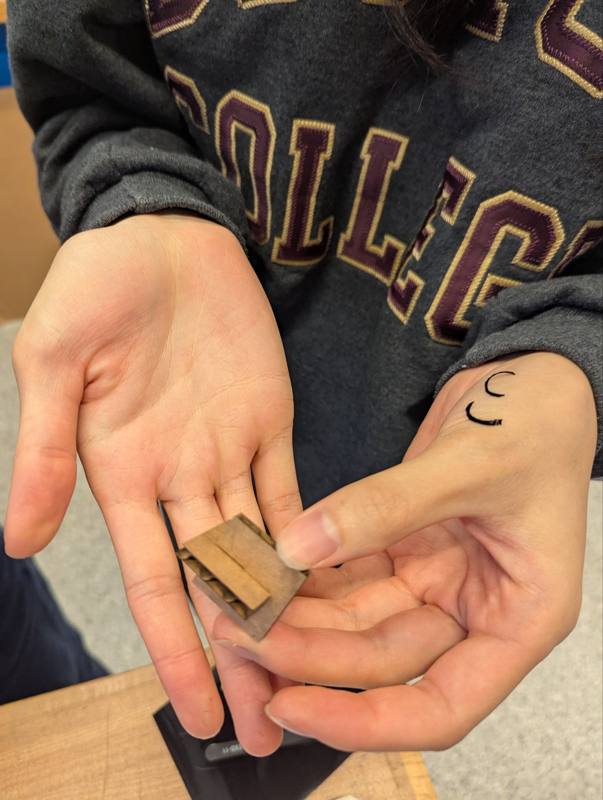 | 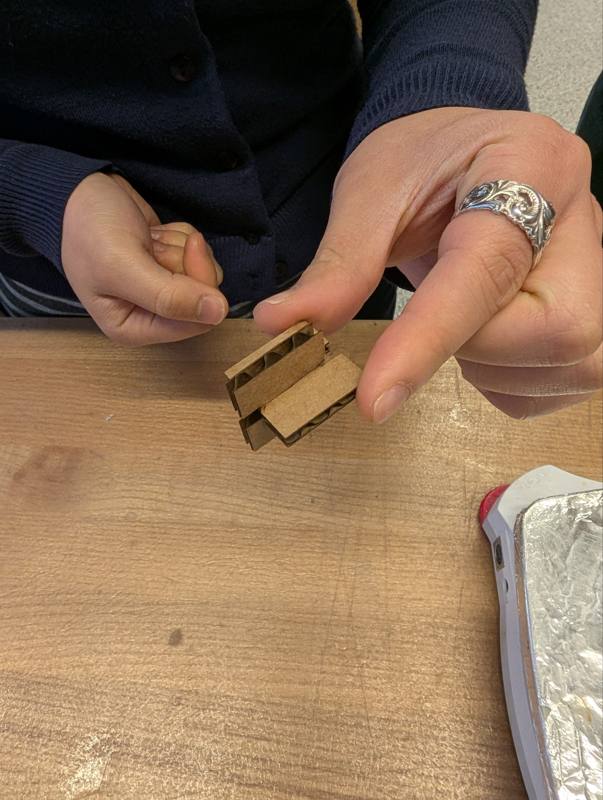 |
Joint tests from the group session in cardboard.
Gridfinity boxes
Gridfinity is a modular storage system on a 42 mm grid, usually 3D printed. I wanted to see if the same system works as laser cut cardboard boxes, each with a tool shaped niche so every tool has its own place.
To get from a tool to a cut file quickly, I built a small browser tool together with AI: the Shadow Box Builder. You take a photo of the tool next to a cardboard strip of known length, the tool detects the outlines and scales them with the strip. It then generates a folding box net on the Gridfinity grid, with loose floors that form the niche, kerf and slot play as parameters (taken from the sweep above), and exports an SVG with a cut layer and a score layer.
AI use: the Shadow Box Builder was built in collaboration with AI (Claude Opus 5.5). I gave the general design parameters for the box itself. The code, including the image processing, the layout and the box geometry, was written by AI.
The builder opens with an example photo (the screwdriver below), so it can be tried out without taking a photo first. Dropping your own photo replaces it.
Grip holes. A tool that sits flush in its niche is hard to get out again. In the Top view you click next to the tool to add a round grip hole (25 mm by default), drag it to move it, and click it again to remove it. The hole goes through the top panel and every floor that has the tool cutout, down to the floor the tool rests on, so there is room for a finger to lift the tool. Internally the tool cutout and the grip holes are combined into one outline before export, so overlapping shapes become a single clean path and the laser never cuts the same line twice. Grip holes are also kept inside the floor area with a small web of cardboard left at the edge.
Engraving. Every loose floor gets its name engraved, for example “floor 1 front”, so it is clear in which order and orientation the floors go into the box. On top of that you can add your own labels in the Top view: type the text (for example the tool name), set the text height and drag it to where it should sit. The label is engraved on the top panel, which makes it easy to see which box belongs to which tool.
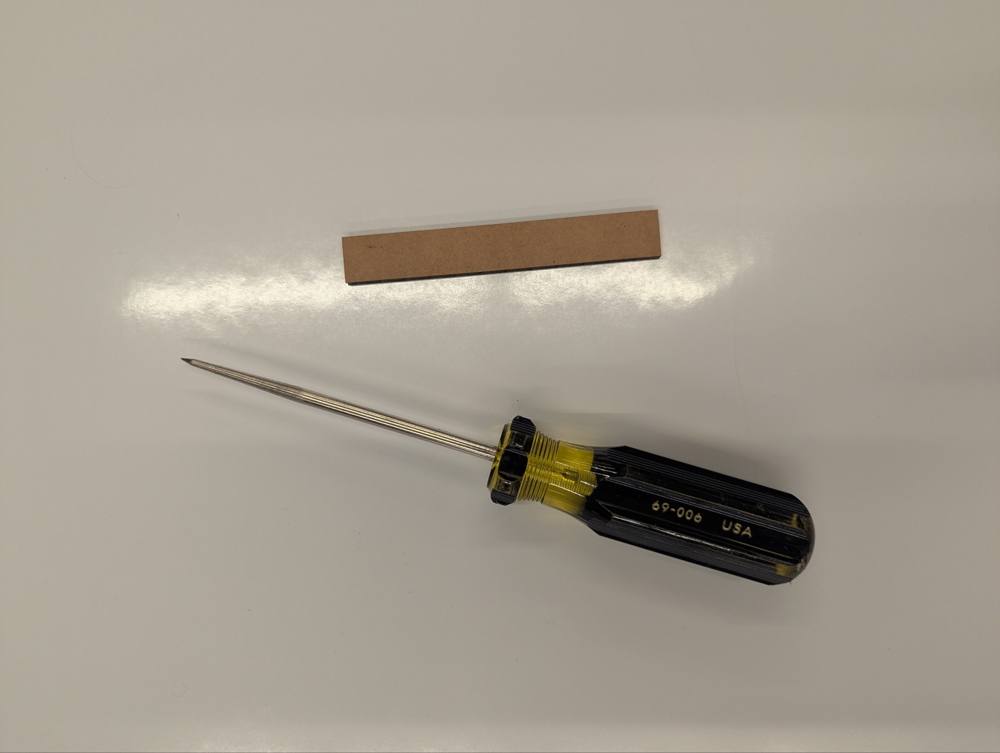 | 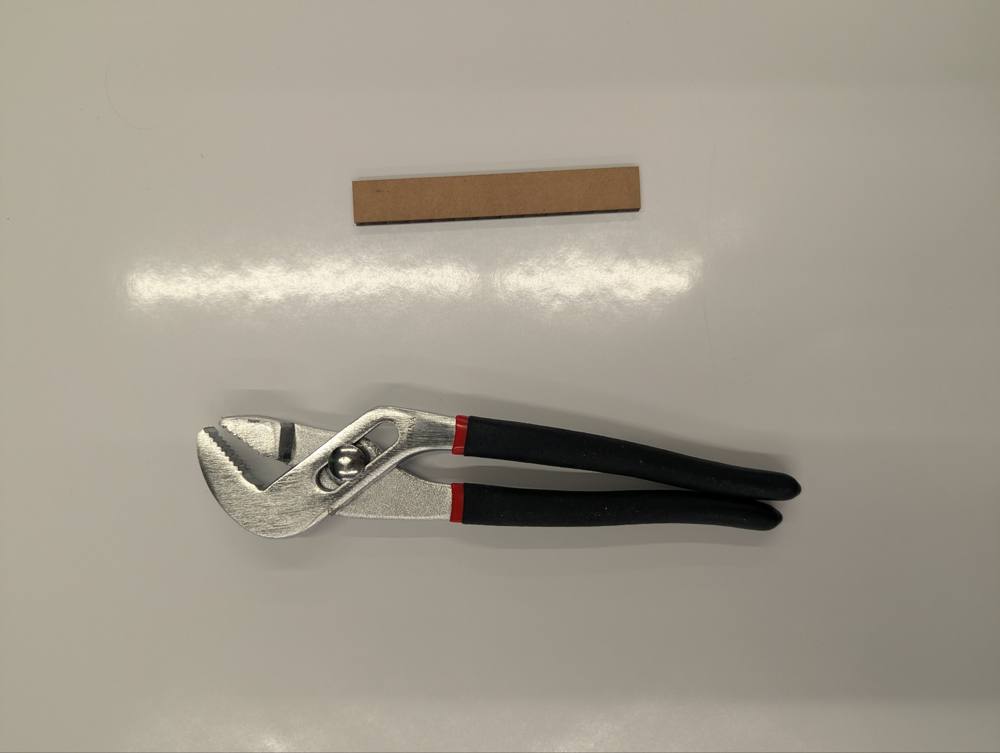 | 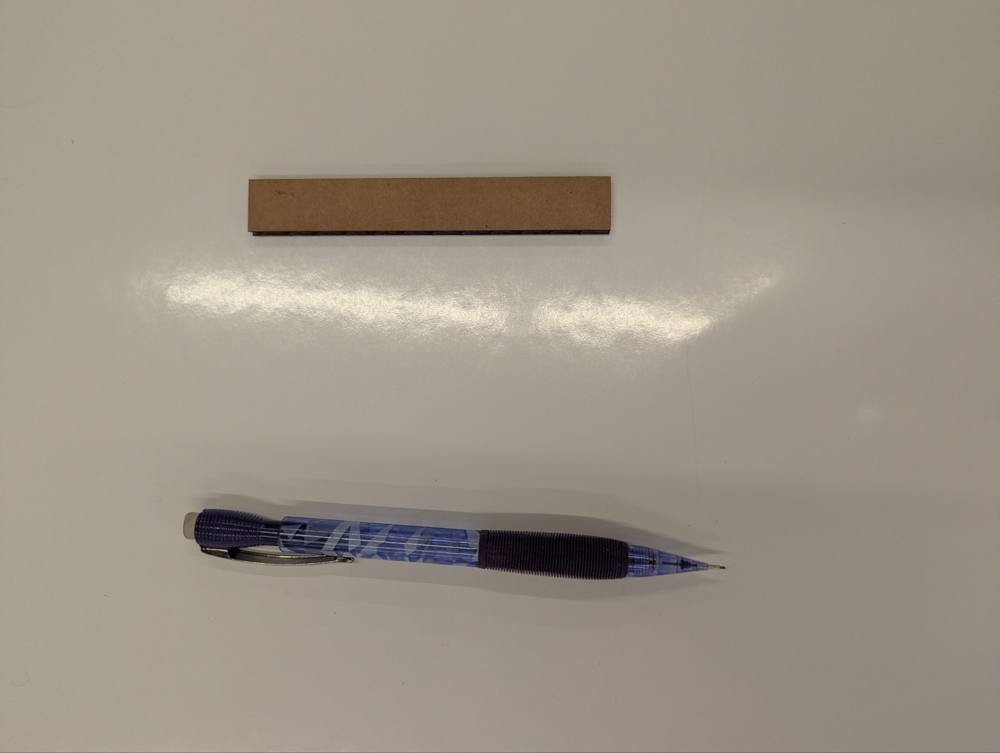 | 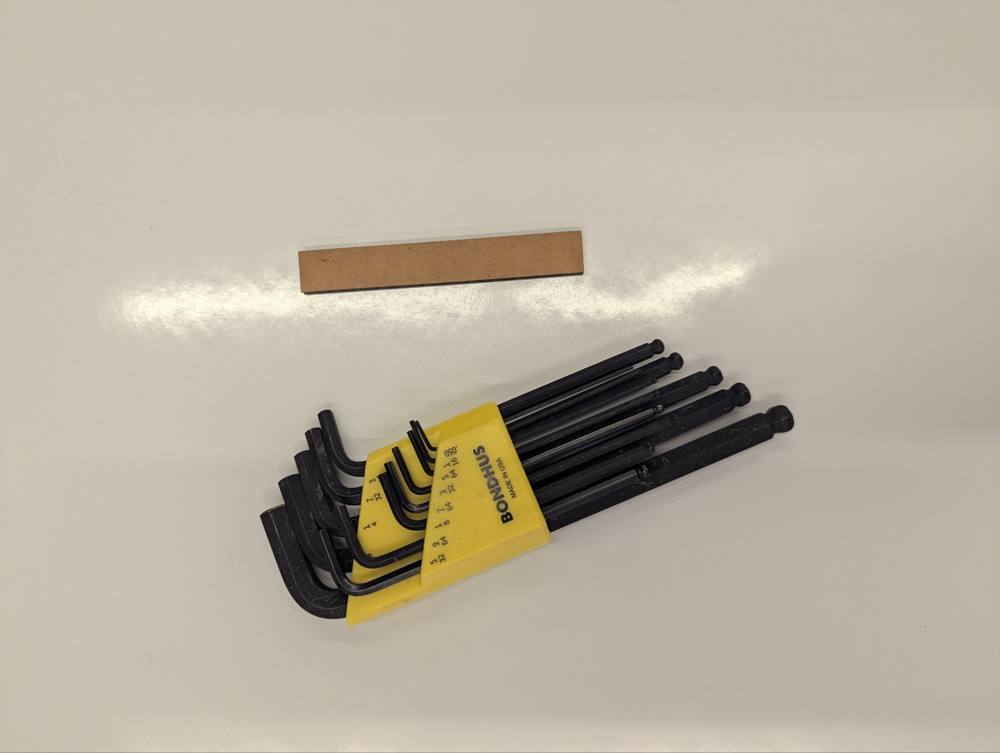 |
Input photos: the tool next to the reference strip.
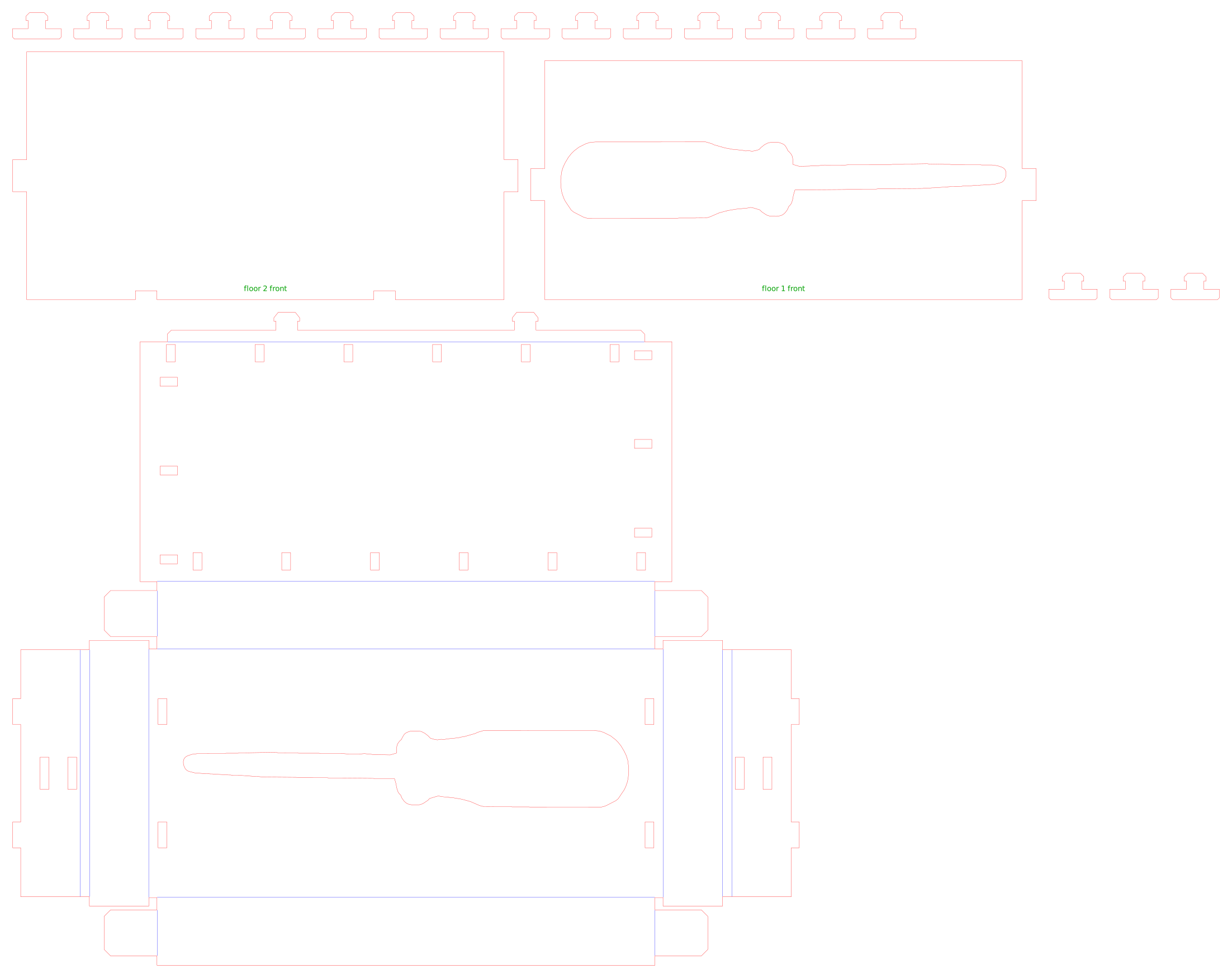
Cut file from the builder: red is cut, blue is score.
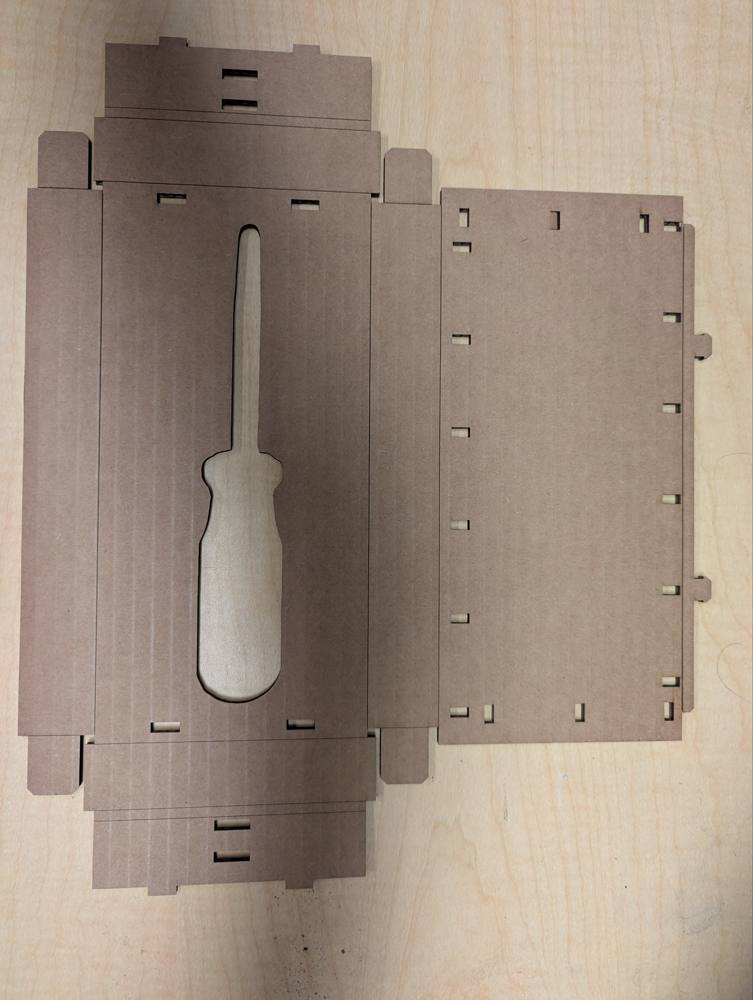
Cut parts: the folding net with the niche floor on the left, the lid on the right.
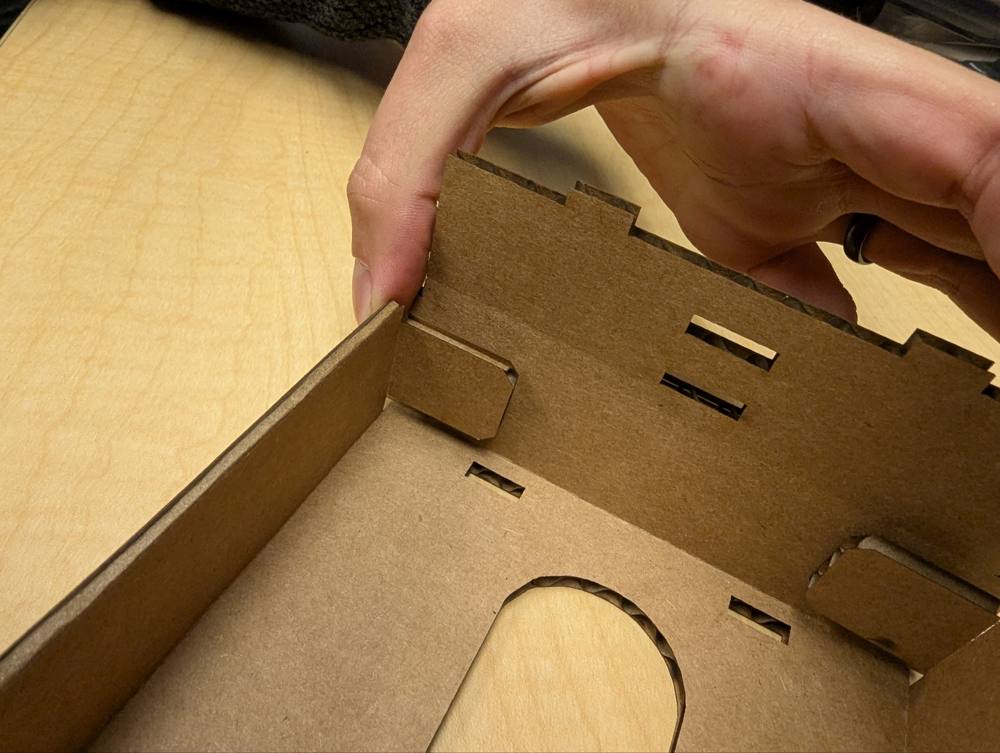
Folding the walls: corner flaps tuck behind the next wall.
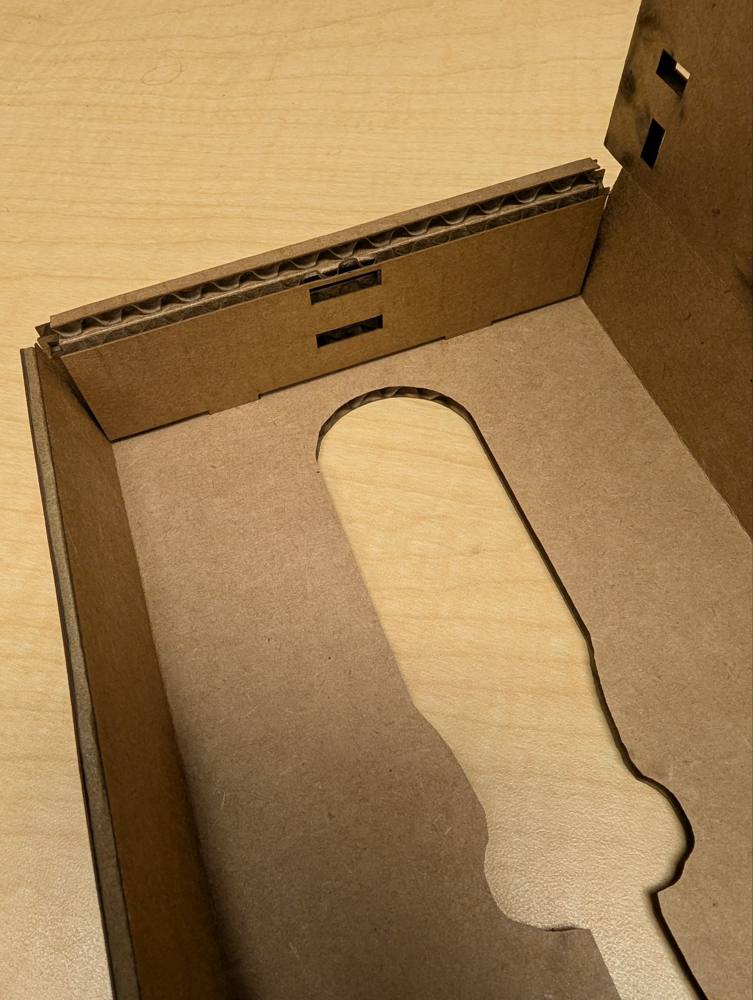
Inside corner with the double wall and the slots for the floors.
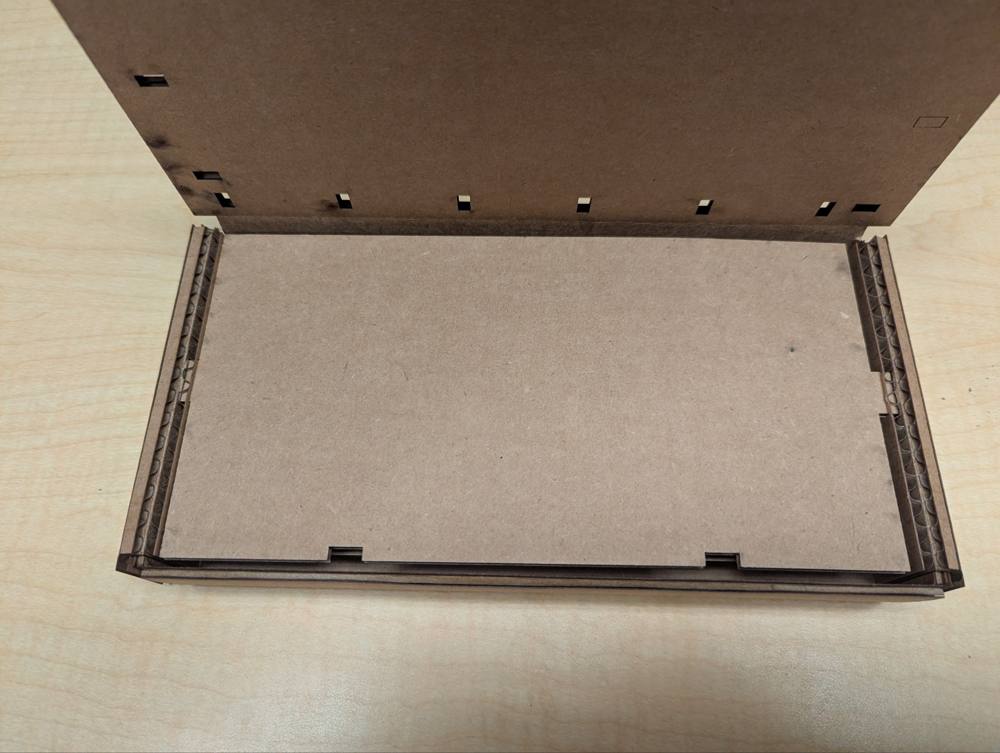
Base with the bottom floor in place.
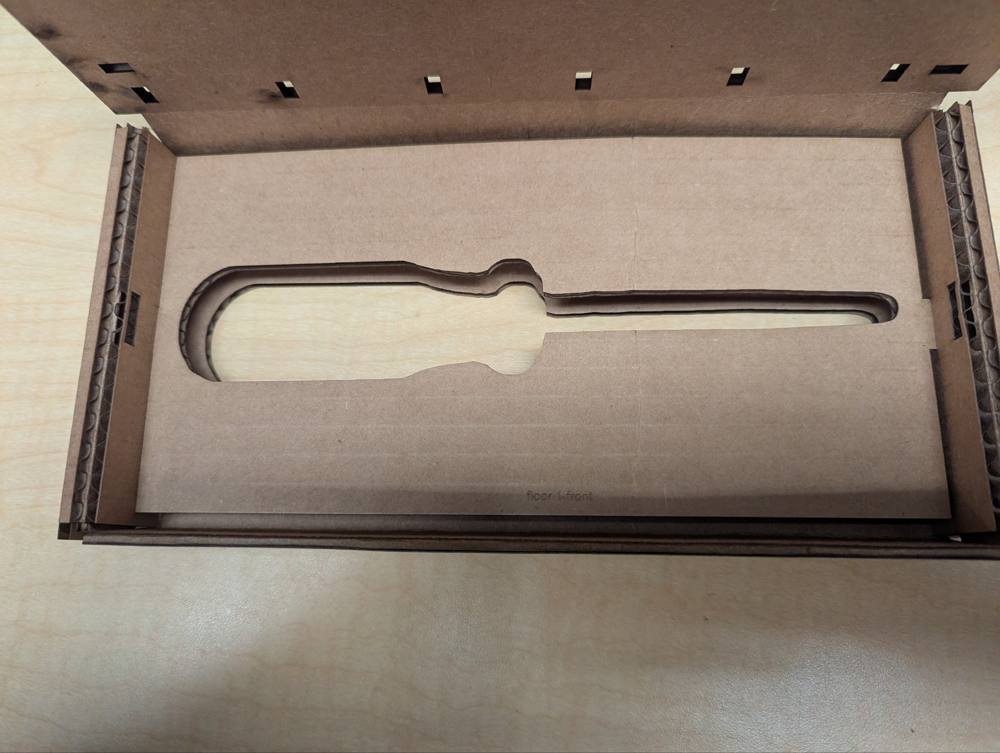
Floors stacked to form the screwdriver niche.
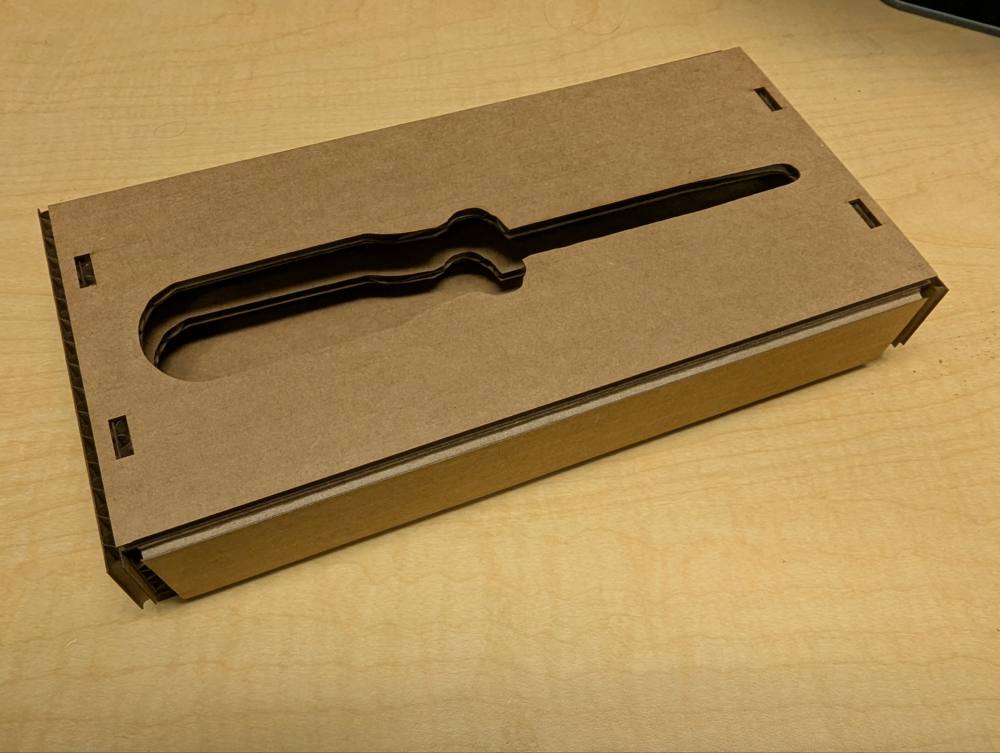
Finished screwdriver box.
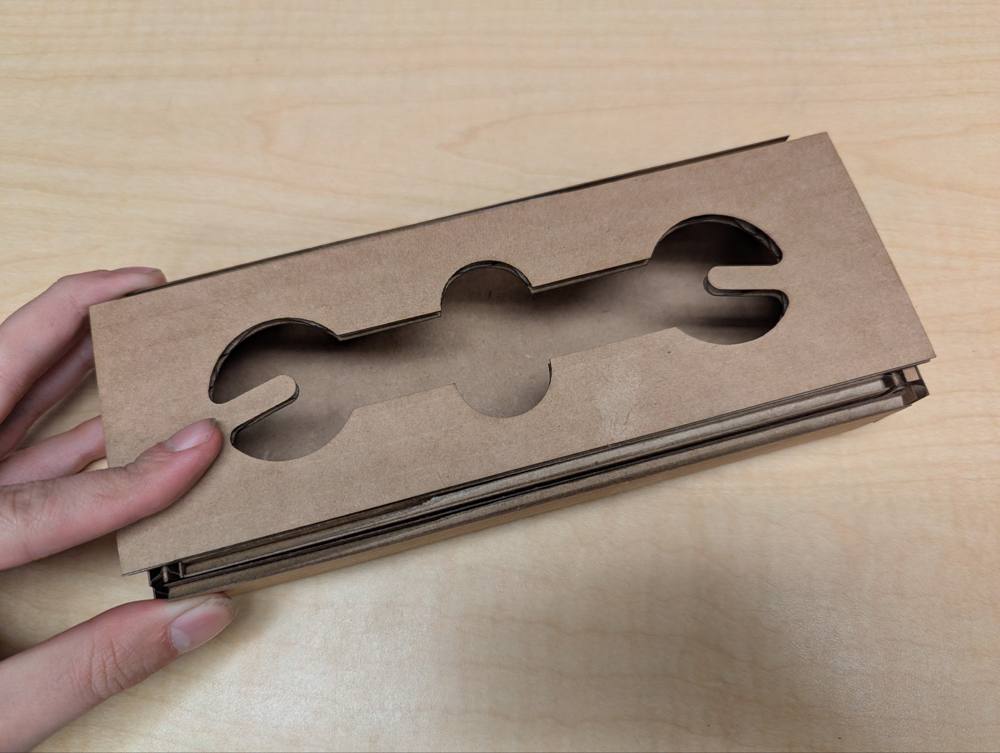
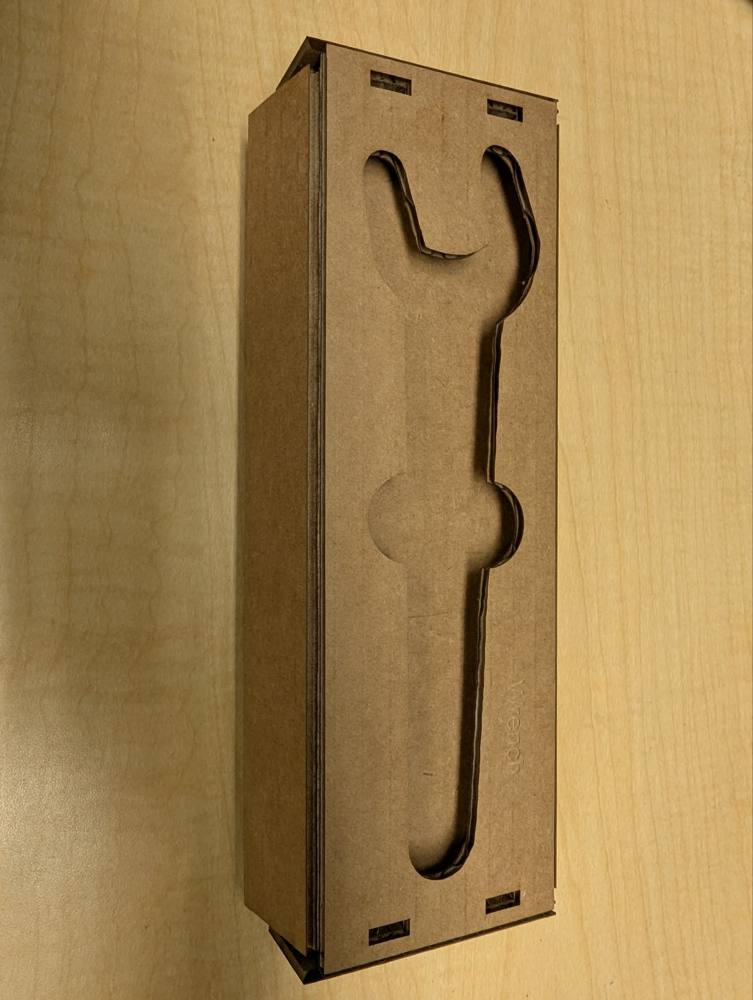
Wrench box, with the part name engraved on the floor.
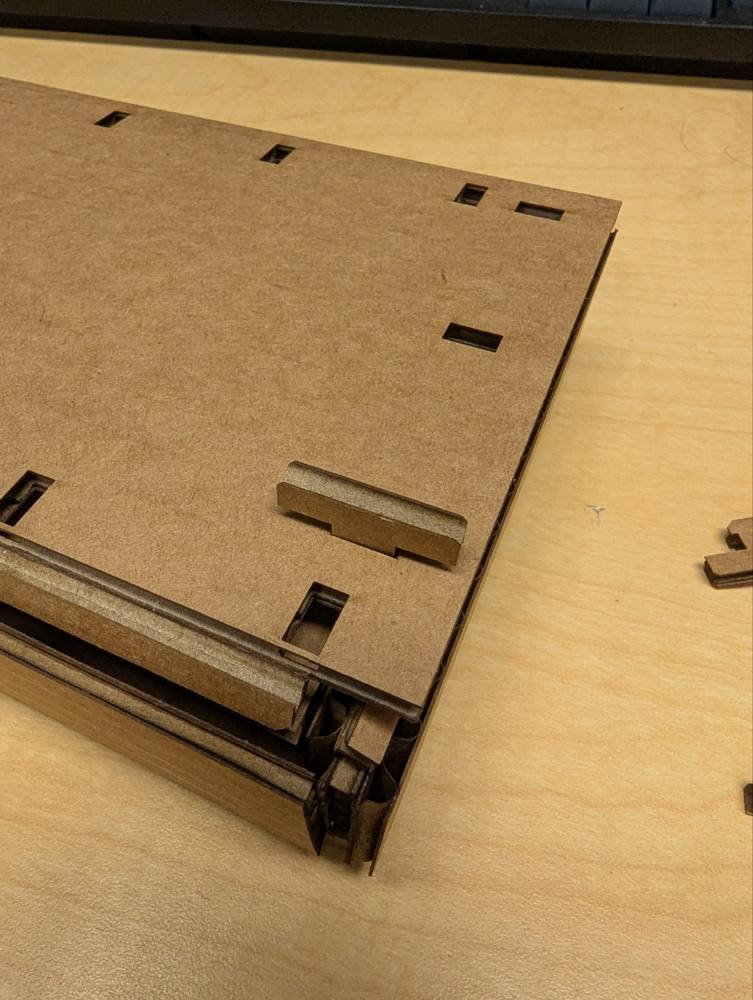
Underside: Gridfinity feet pushed into the base.
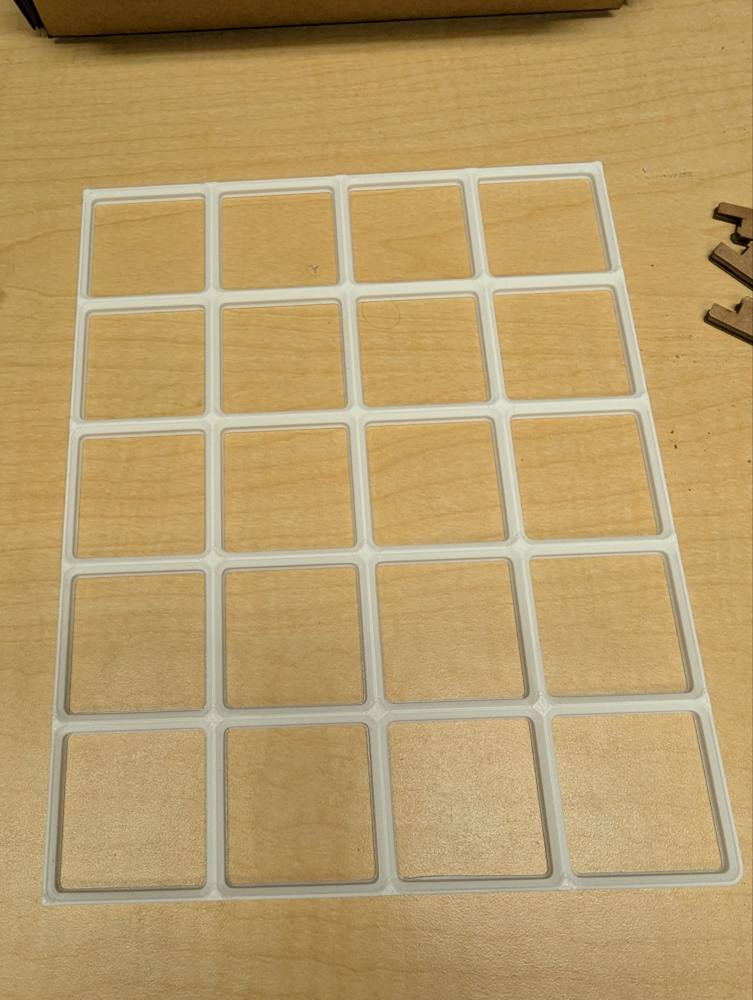
3D printed Gridfinity baseplate the boxes sit on.
What did not work (yet)
- Bend direction: on the first boxes some folds were on the wrong side, so the walls wanted to bend the wrong way. The score lines had to be moved to the correct face.
- Cut parameters: not every part cut through on the first try. The settings from the sweep were a good start, but power and speed still needed some tuning for the full size parts.
- Geometry: the first net was not right from the start. Flaps, slots and wall dimensions needed several iterations before the box folded together cleanly.
- Gridfinity interface: the feet on the underside do not yet seat properly in the baseplate. The boxes work as boxes, but the Gridfinity fit still needs to be fixed. This is left for a future iteration.
AI use
- Grammar check of the text with Claude Opus 5.5.
- Shadow Box Builder: built in collaboration with Claude Opus 5.5. I gave the general design parameters for the box, the kerf and slot play come from my laser cutter sweep. The code (image processing, layout, box geometry, export) was written by AI.
- Laser cutter sweep, measurements and boxes are my own.