Week 4: 3D scanning and printing
This week was about 3D scanning and 3D printing, two technologies I find very exciting. Both still come with their challenges. In my opinion the biggest ones are compute power, good software, the skills to operate that software and the printing parameters.
Compute power is reaching a point where we can load and process mesh files of several GB. This matters because highly complex geometries, often generated with tools like PicoGK or nTop, can now be processed without losing resolution beyond what the printing process can resolve anyway. The software is slowly becoming both user friendly and powerful, but I still see limitations in support generation, multi material and color printing. For 3D scanning, good software for reverse engineering is still hard to find. Printing parameters are mostly a solved problem, as long as you are willing to not buy the cheapest material.
3D scanning
Photogrammetry
From my time in industry I know precise scanners that measure parts down to 0.02 mm quite well. So this week I gave photogrammetry a try. Not because I expect it to be better, but because it is accessible and I thought it might just be fun. I used RealityScan, a free phone app from Epic Games, and scanned an MIT branded stress ball.
Capturing the ball with RealityScan (2x speed). The app shows in green which areas are already covered.
The app takes pictures automatically while you walk around the object and warns you when images are not connected to the rest. The reconstruction runs in the cloud and returns a textured mesh. The result is surprisingly good for a phone, the shape and the print on the ball are clearly recognizable, but the bottom side is missing since the ball was lying on the table.
The scanned ball, drag to rotate.
Foot scan from a shoe store
Then I remembered that I recently bought new running shoes. In the store they had me stand on a device which scanned my feet and generated a set of measurements. The website is myfeet.com and the company behind it is Aetrex.
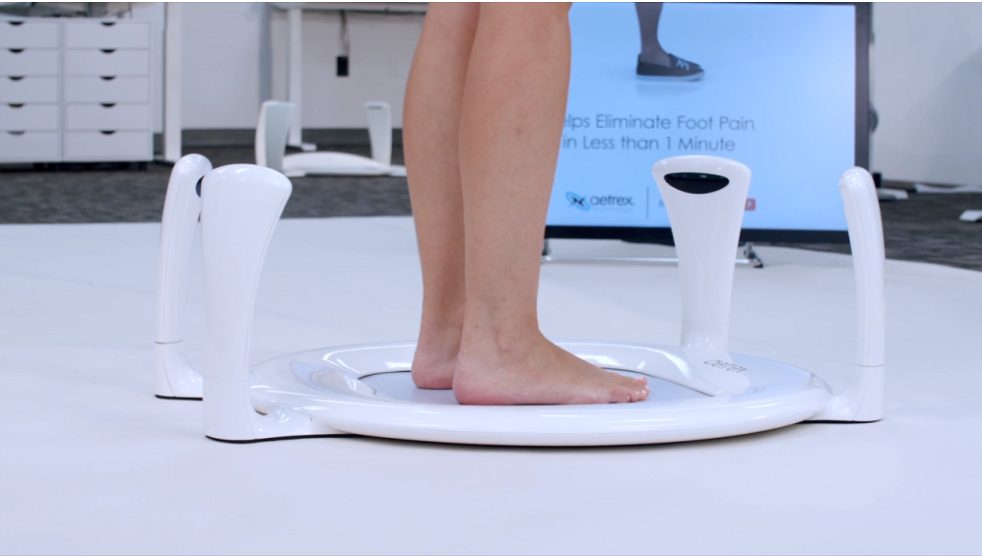
The Aetrex foot scanner (image: Aetrex).
The website shows a 3D mesh of both feet, generated from the cameras placed around the device. There is no download button, but the viewer loads the mesh as a plain OBJ file, so a simple GET request is enough to download it:
BASE="https://s3.amazonaws.com/aetrex-scanneros-scans/PROD/<scan-id>/CurrentTest/3DModel"
curl -O "$BASE/left_foot.obj"
curl -O "$BASE/right_foot.obj"
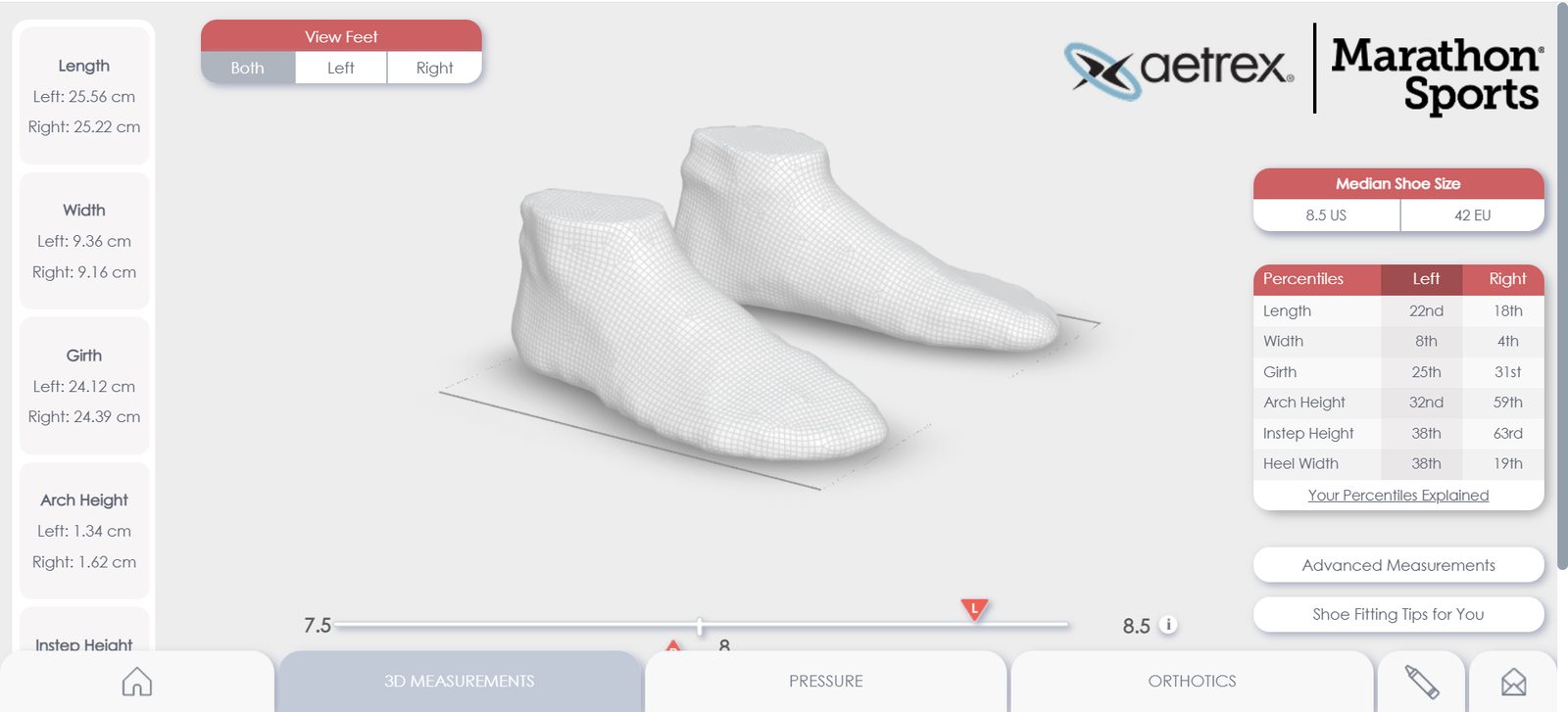
The mesh comes correctly scaled, and the result is actually quite close to what I would expect from the laser scanners I know.
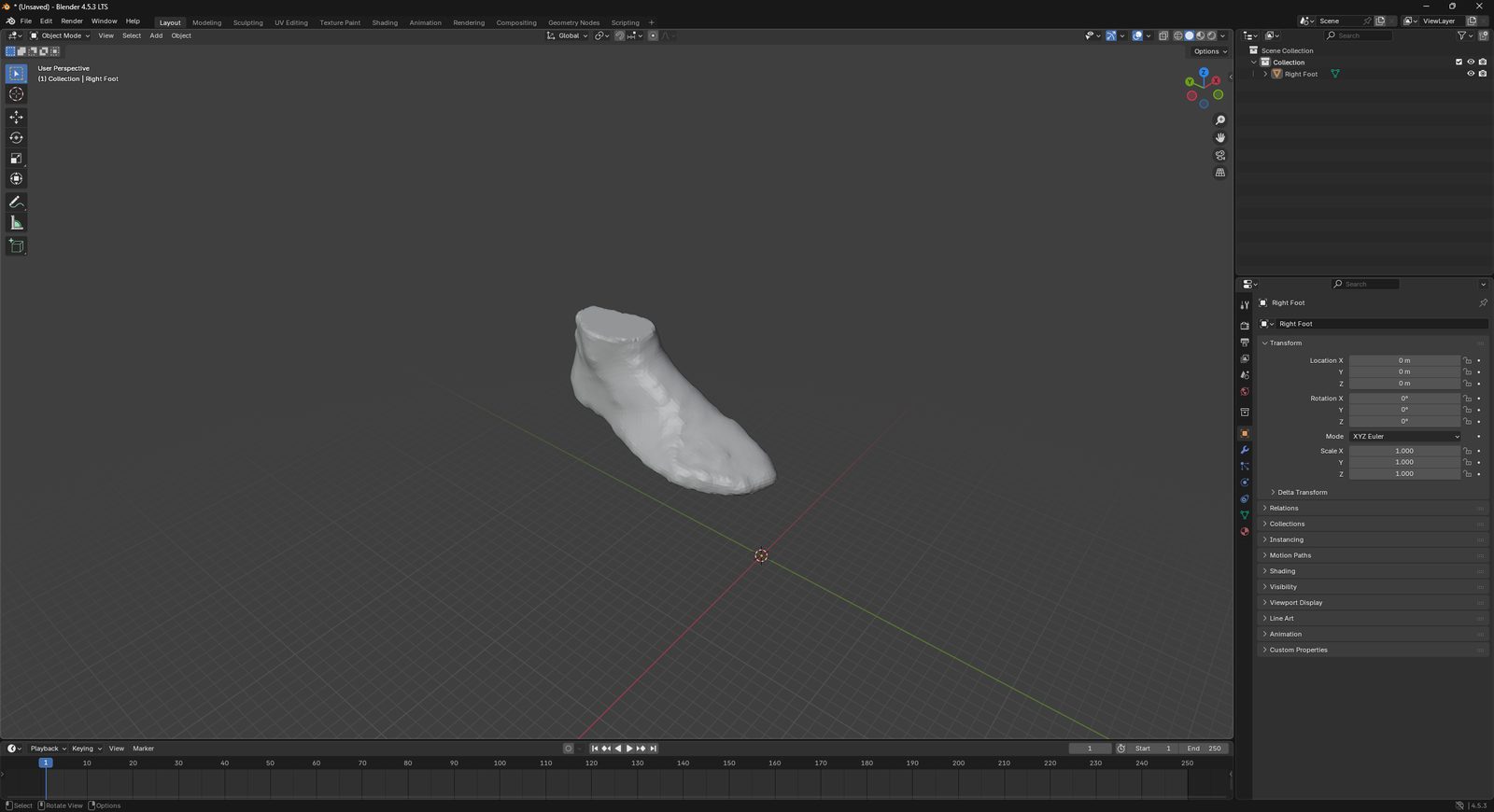
The foot scan imported into Blender.
The foot scan, drag to rotate.
3D printing
I wanted to model something outside of my comfort zone. That would be either PicoGK or freeform modelling in Blender, both of which I have wanted to try for a long time. PicoGK creates complex, optimized geometry that is hard or impossible to machine subtractively. I would put it in the same corner as nTop, even though the two are quite different in how they are used and how they work in the background. Since I have already built several heat exchangers and other projects with nTop, I went for Blender.
With Blender, the part that makes something hard to make subtractively is usually the freeform geometry itself, plus internal structures like infill that are only added in the slicer to control stiffness or other properties. I decided to model a shoe. Shoes in general are not hard to manufacture, but an oddly shaped one off shoe is basically impossible to make subtractively, and certainly not cost efficient. That is where 3D printing and mass customization get fun.
Modelling the shoe
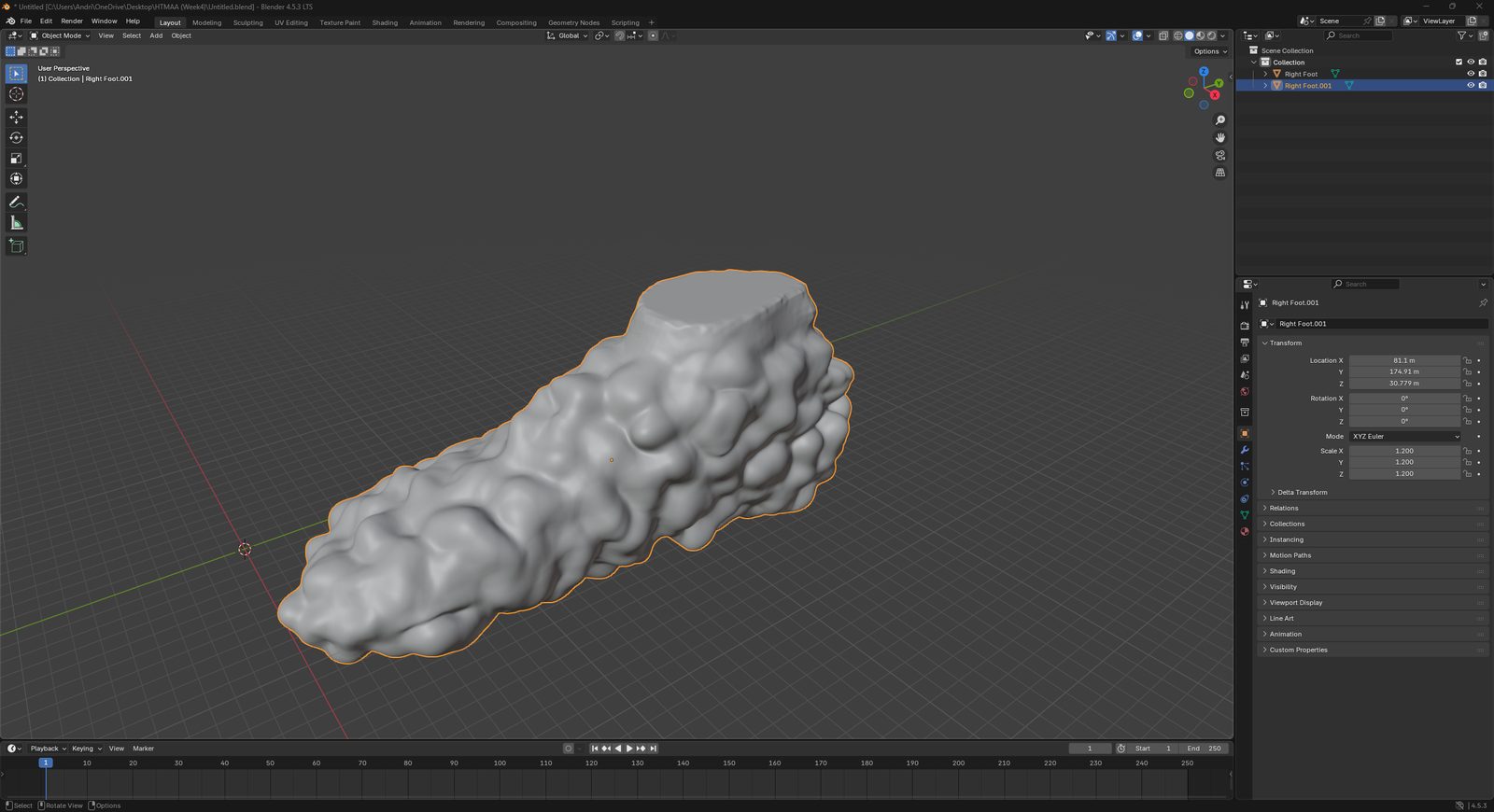
I imported my foot scan into Blender and used it as the core of the shoe. With the sculpting tools I built up a bumpy, organic surface around the foot.
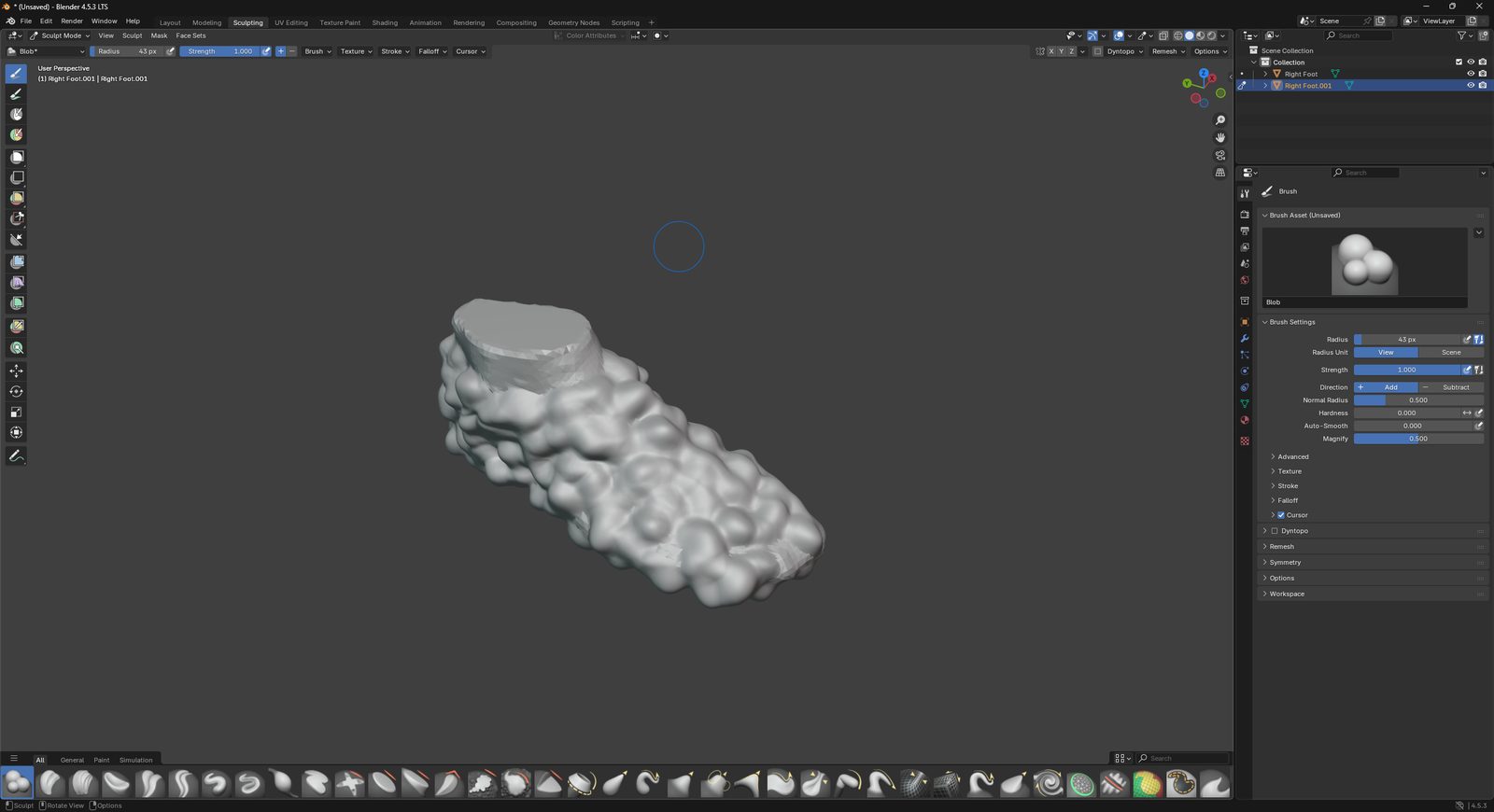
I then scaled a copy of the foot up slightly, so the inside of the shoe has some clearance around the foot.
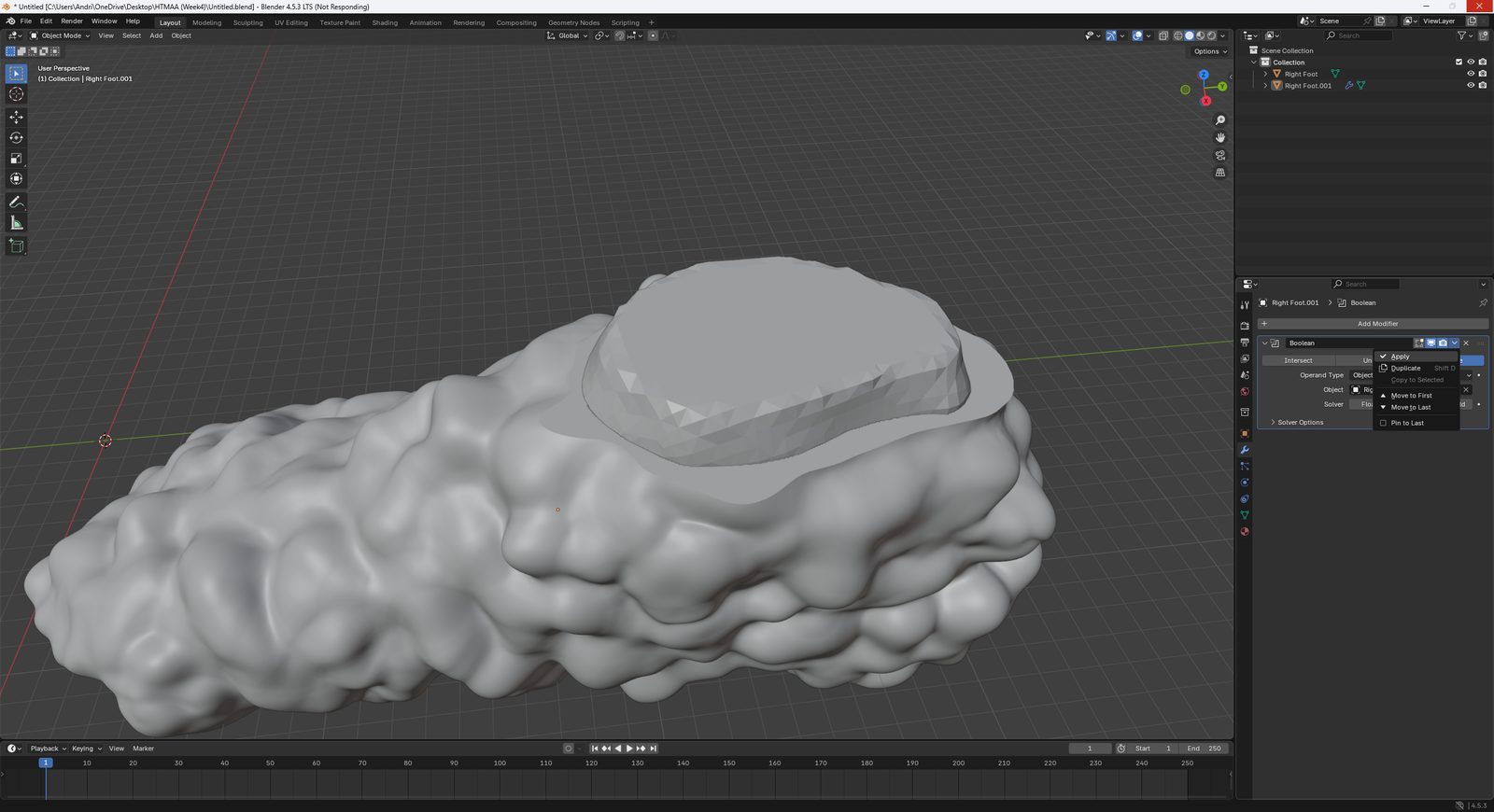
With a boolean difference I subtracted the scaled foot from the sculpted body, which leaves a hollow shoe with an opening at the top.
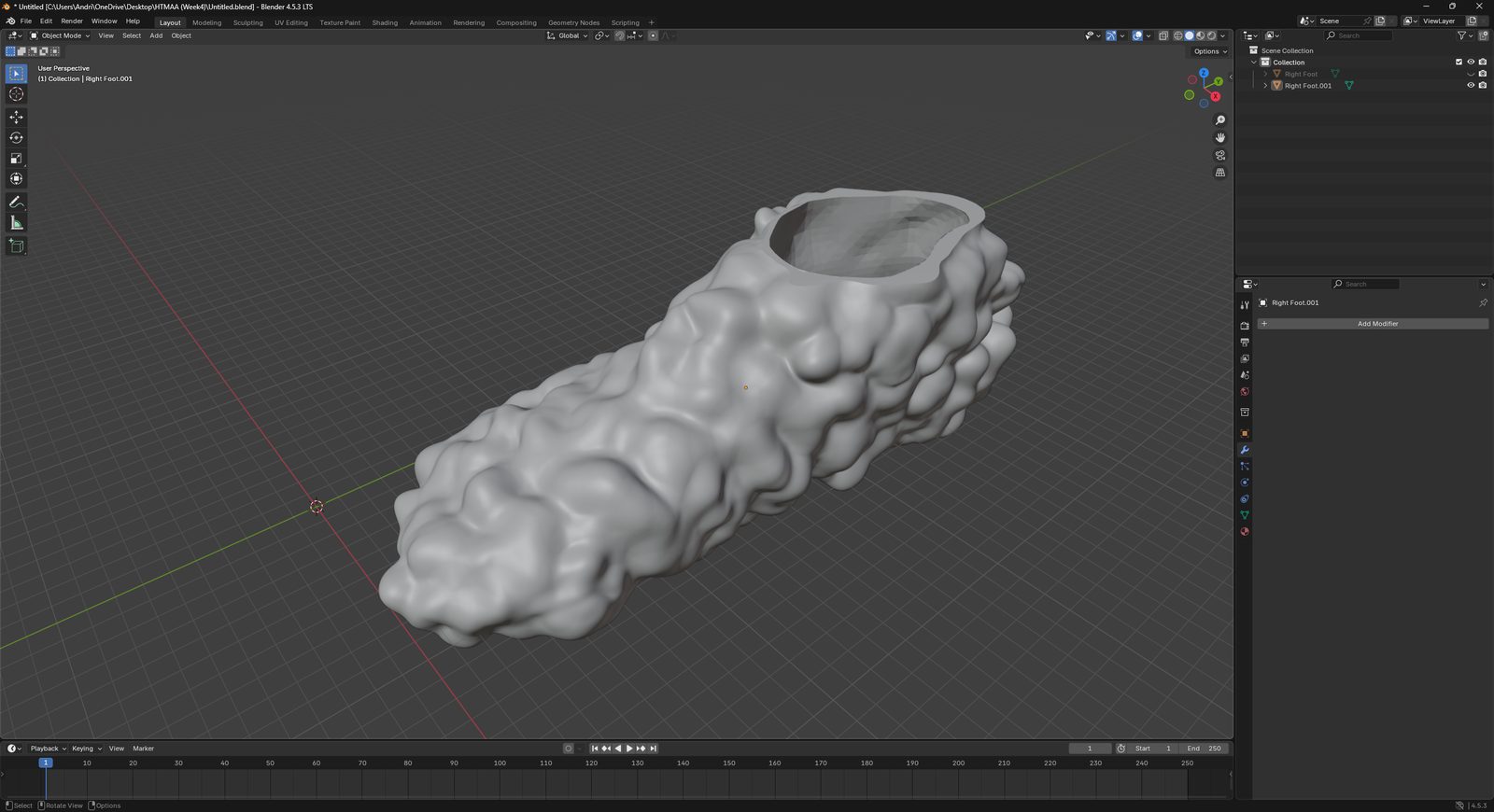
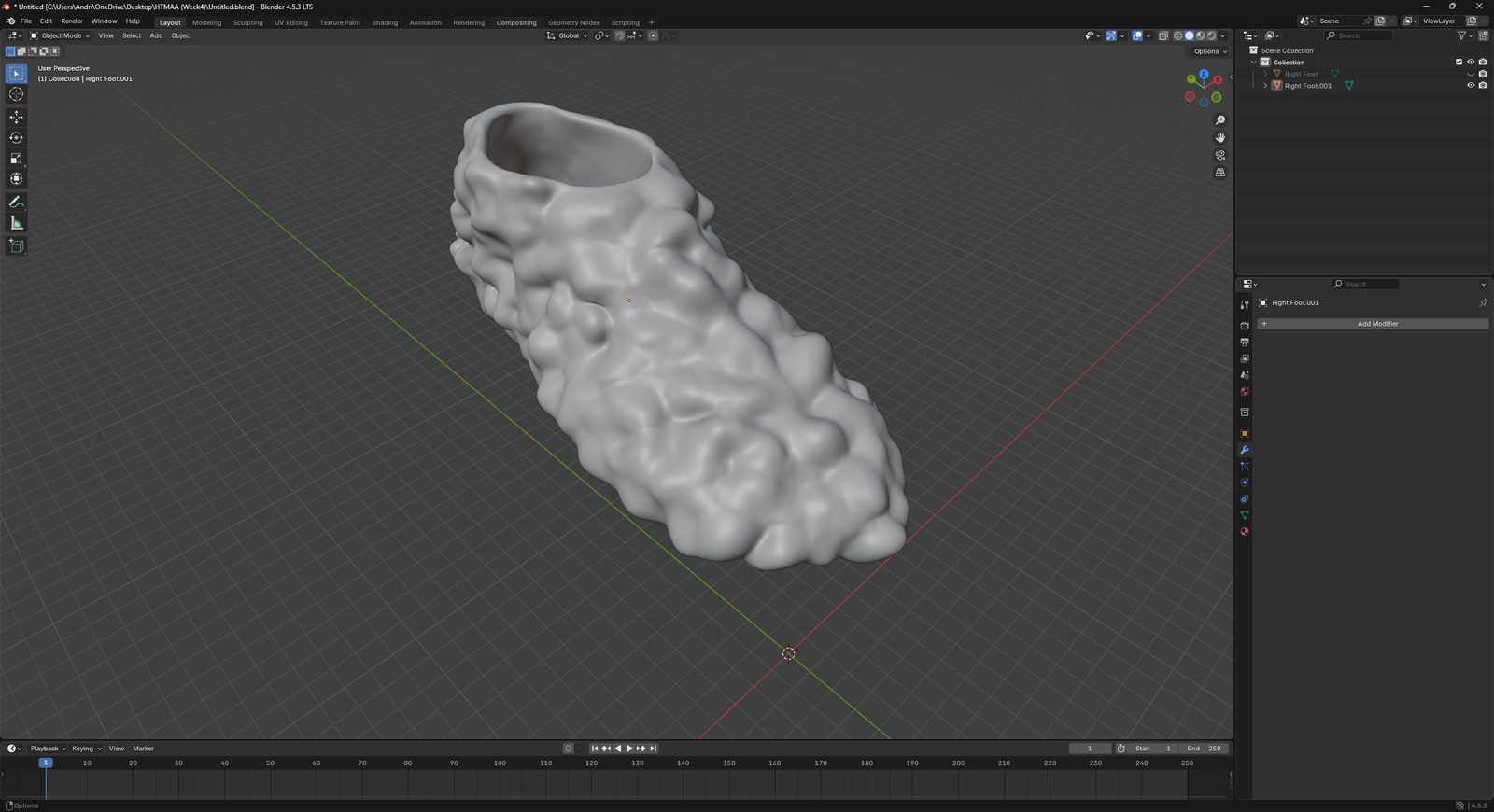
The final shoe model, drag to rotate.
Design files: week4_design_files.zip (STL of the shoe and the foot scan)
Reducing the mesh
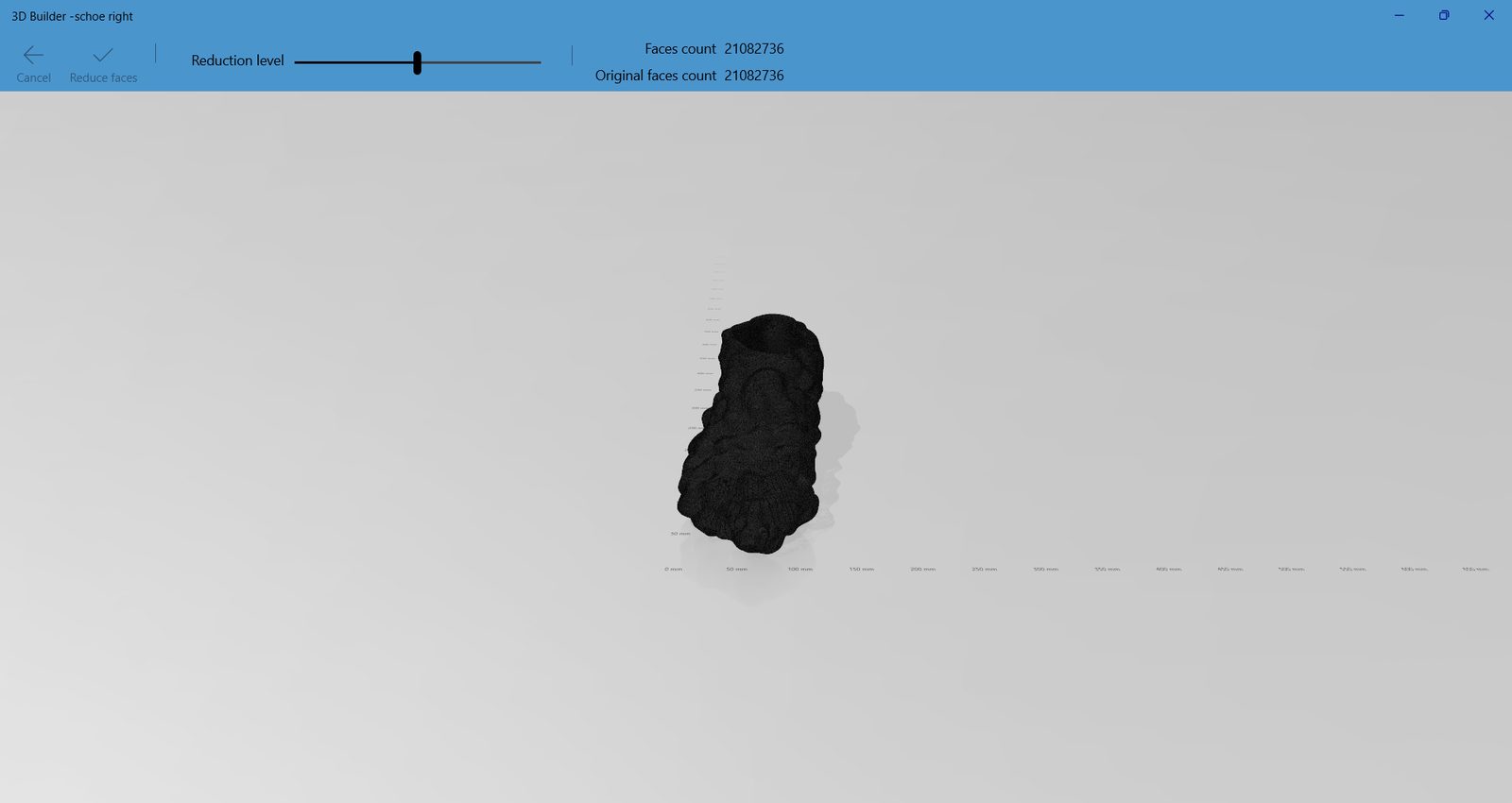
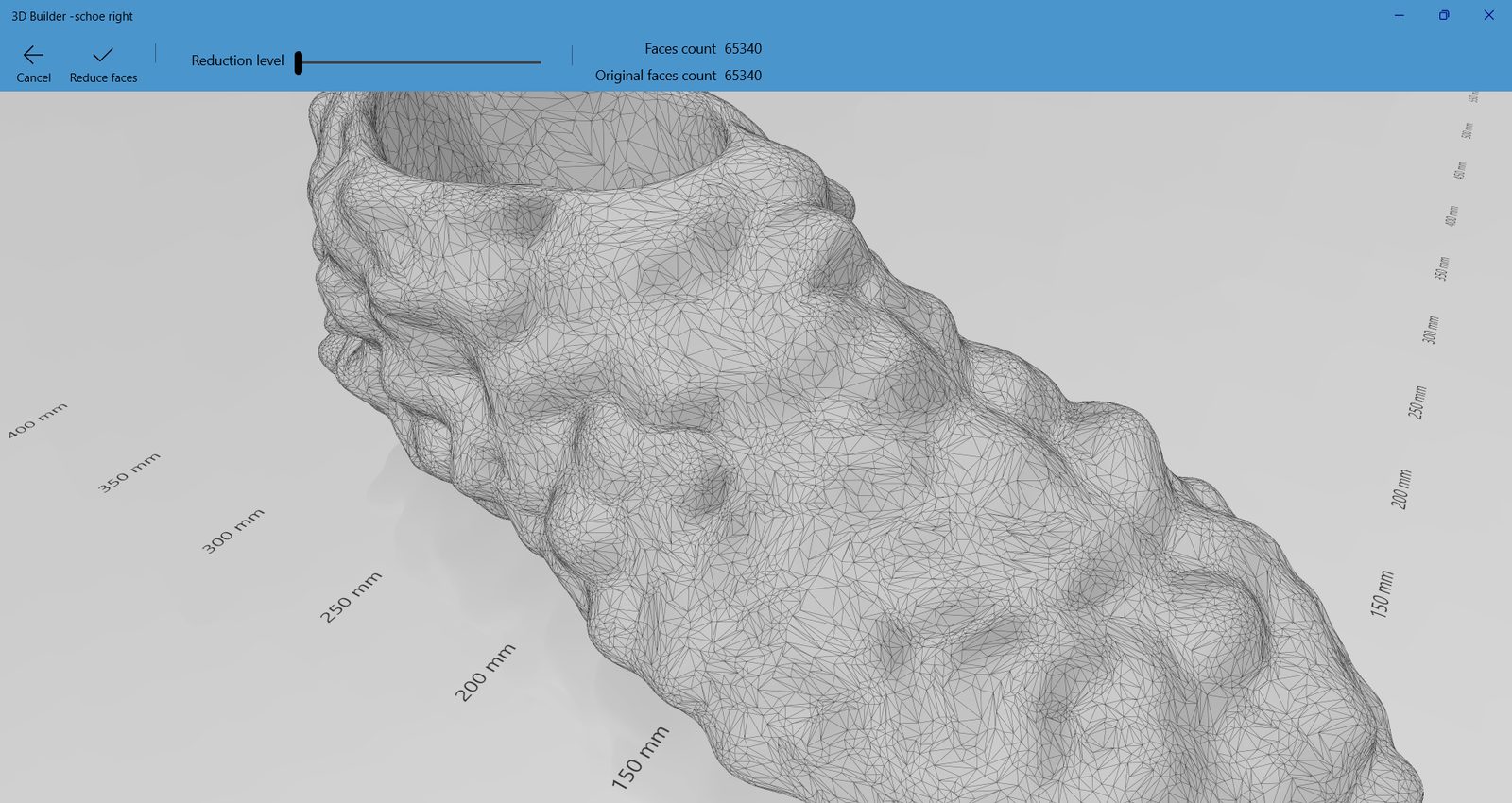
The sculpted mesh had over 21 million faces. That is far more detail than a 0.4 mm nozzle can print, and it makes the slicer slow and unstable. I used the reduce function in Microsoft 3D Builder to bring it down to about 65 000 faces. At print resolution the difference is not visible.
Slicing and printing
I sliced the shoe for the Snapmaker U1 with TPU for the shoe itself and water soluble PVA for the supports. The tool changer makes this combination possible: the soft TPU does not need to be pulled off any supports, the PVA simply dissolves in water afterwards.
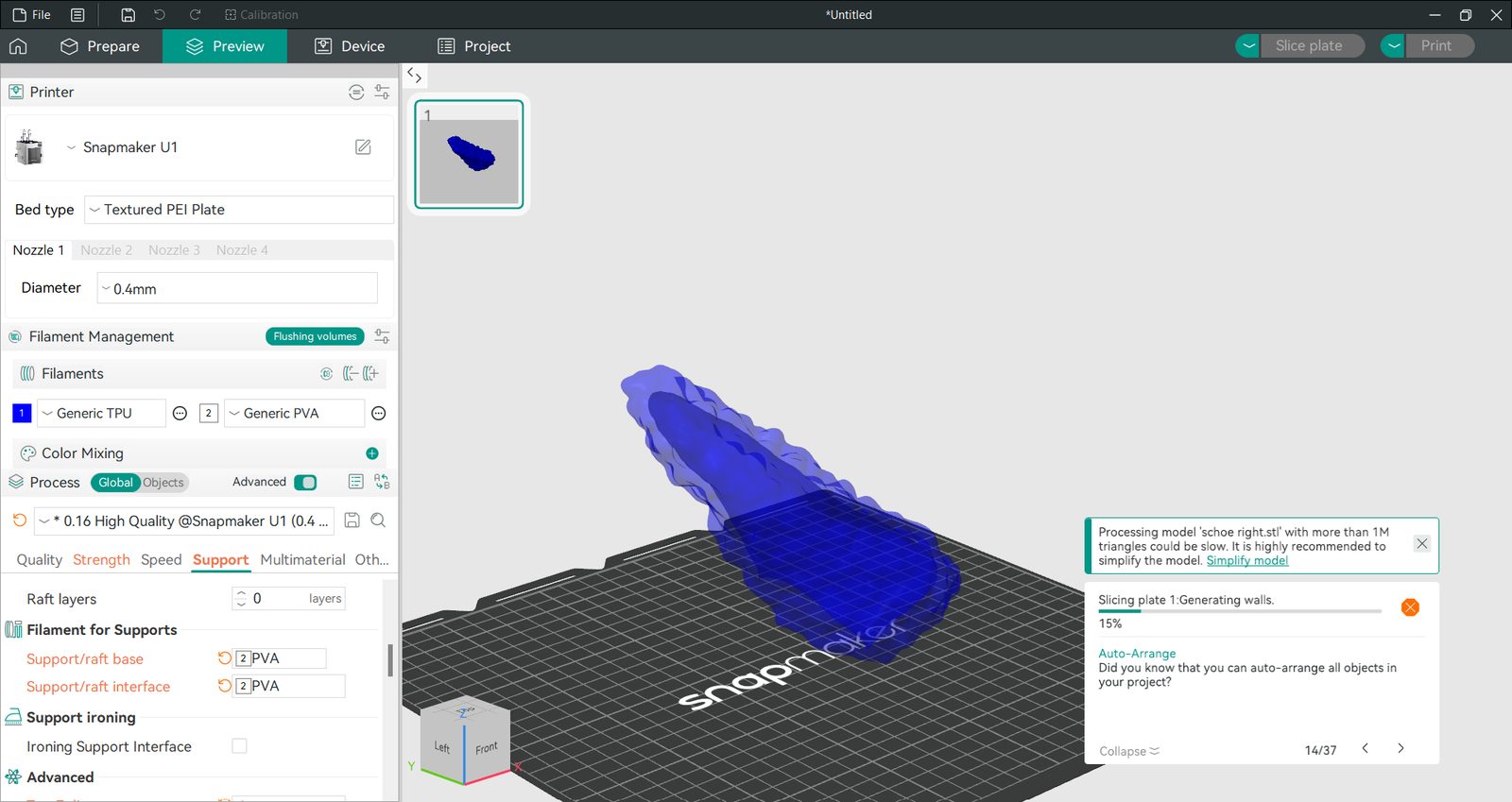
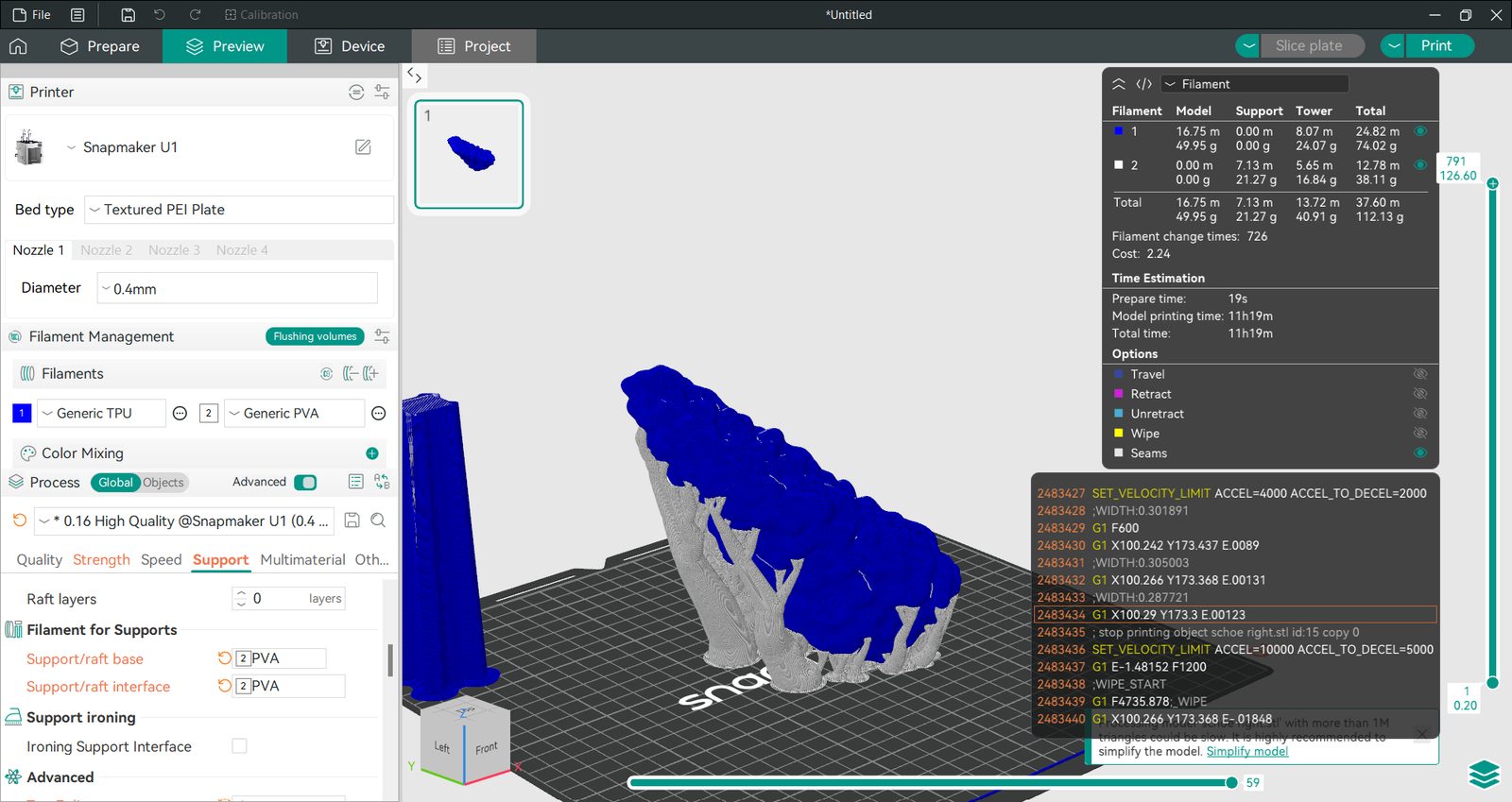
The slicer estimated 11 h 19 min and about 112 g of filament, of which a good part goes into the prime tower because of the 726 filament changes.
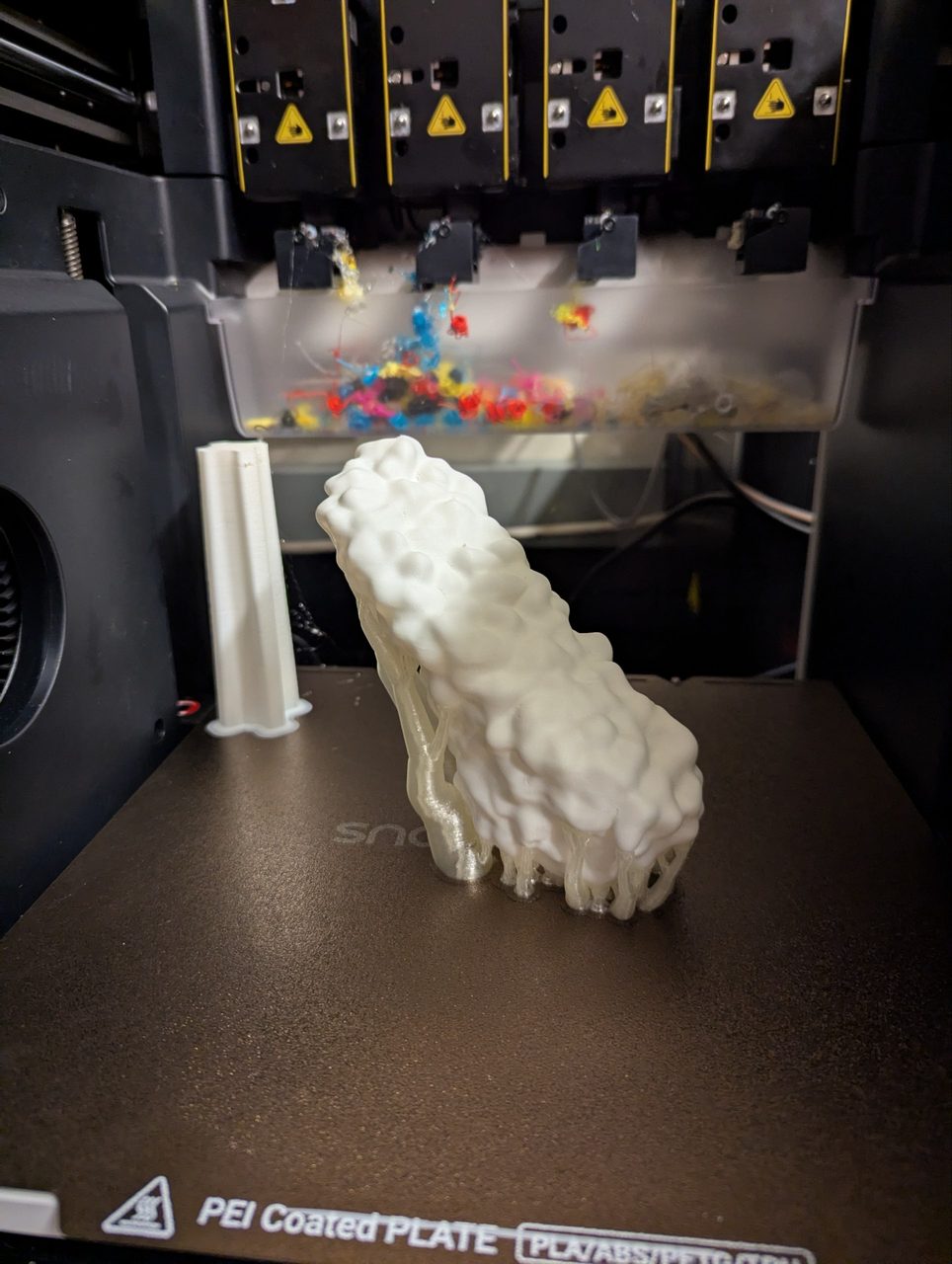
The print itself worked out. Here is the shoe in the printer right after printing, still sitting on its PVA supports next to the prime tower.
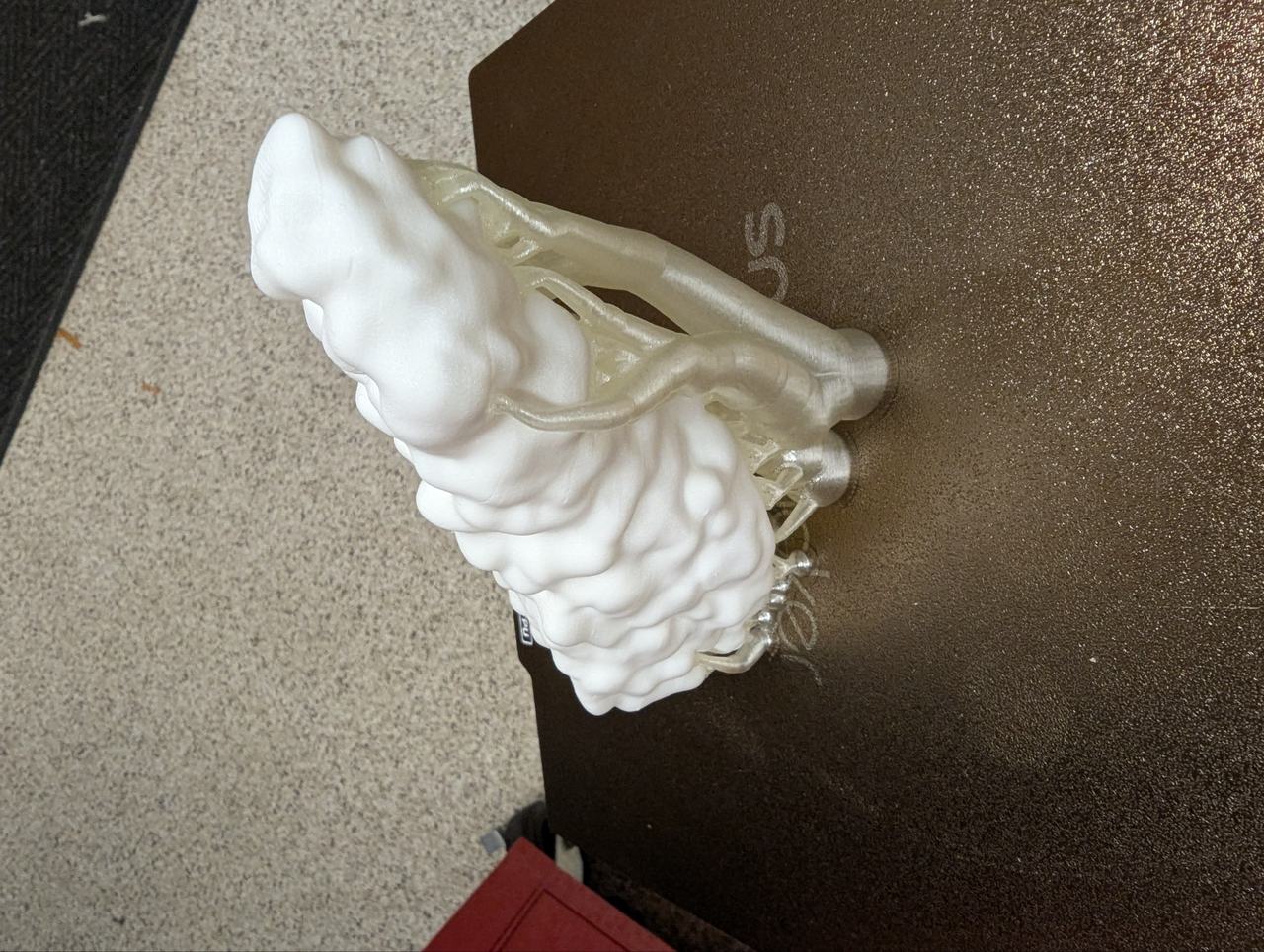
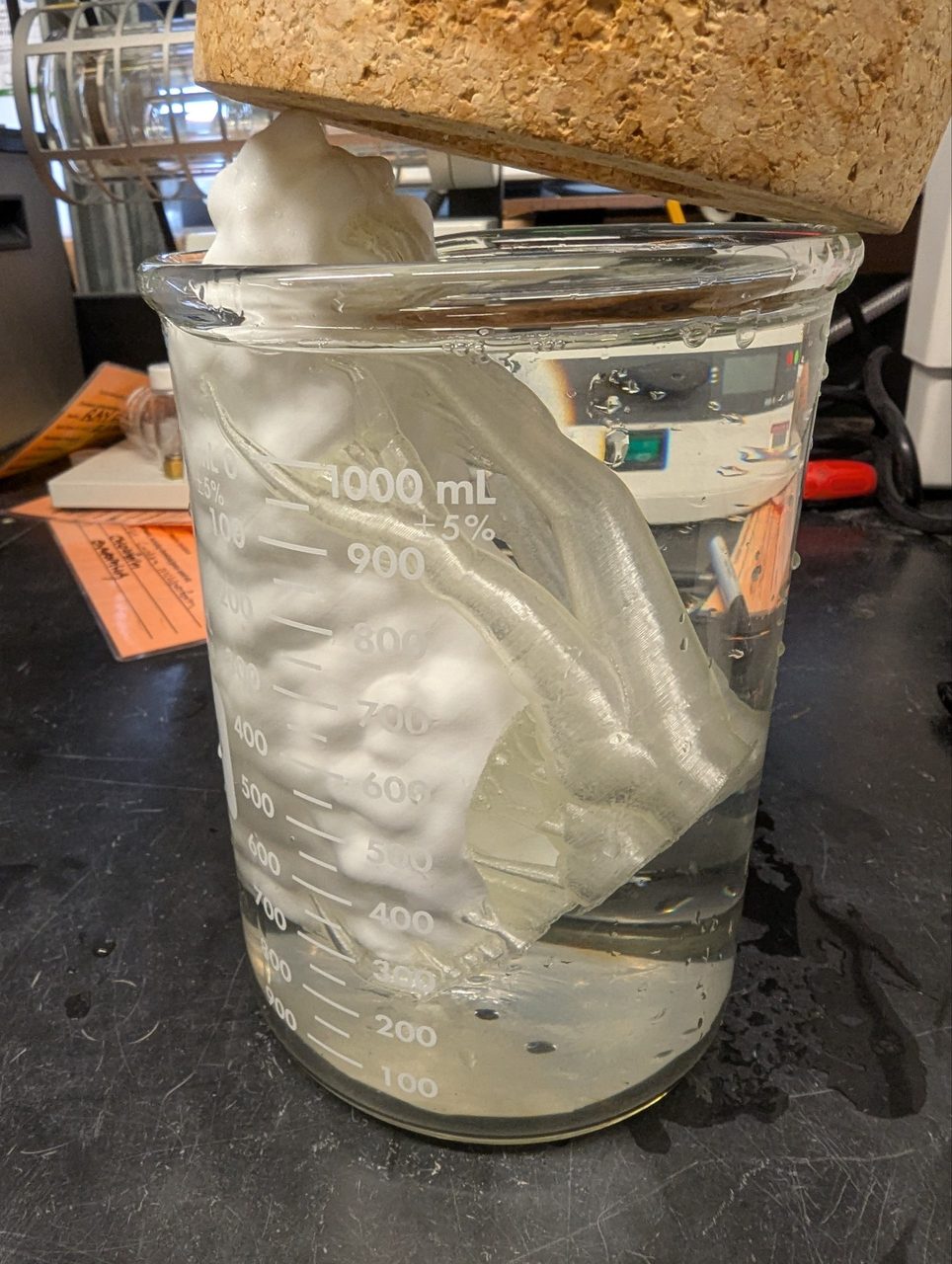
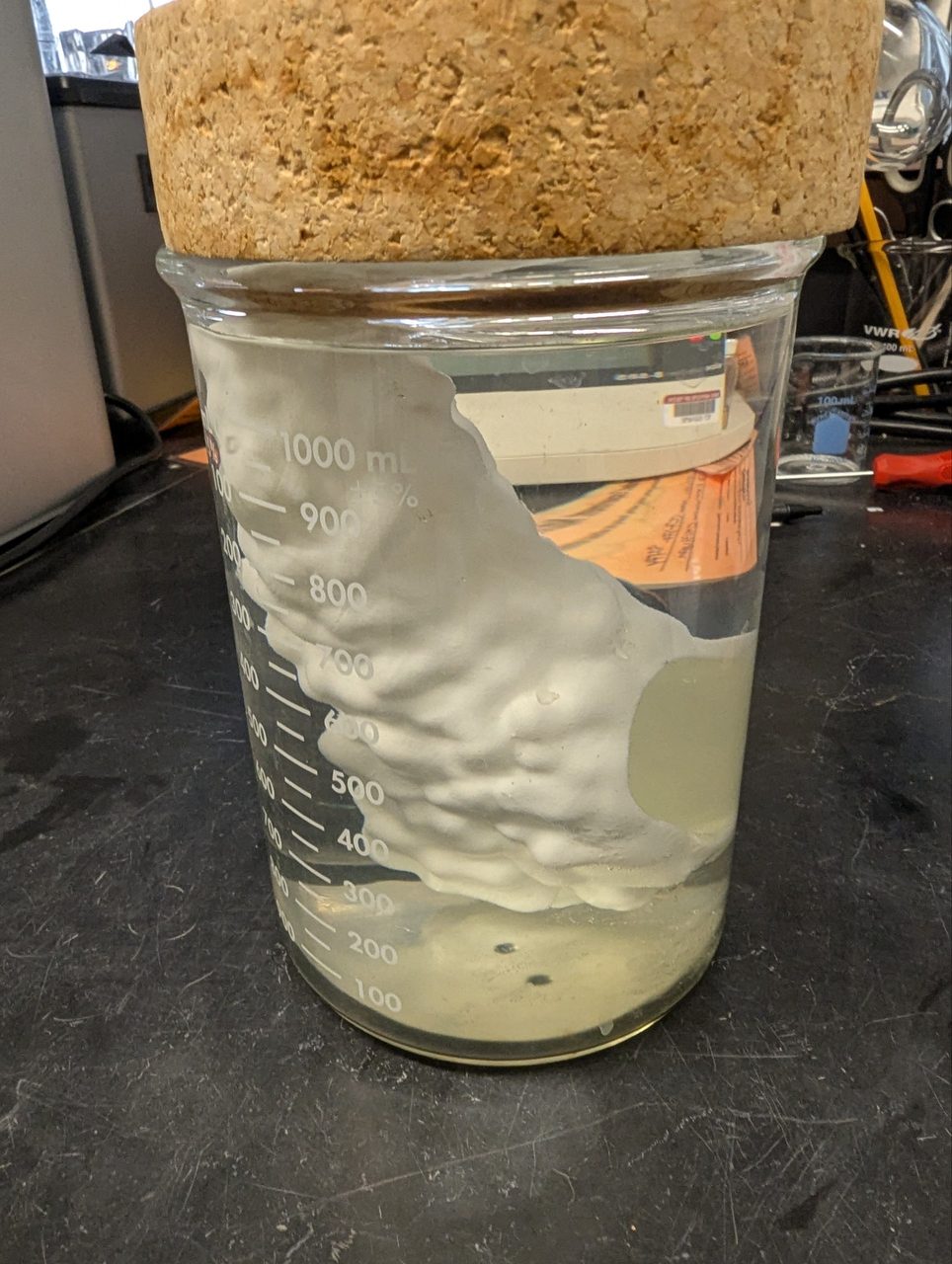
To remove the supports I put the shoe in a beaker with water and let the PVA dissolve.
Color mixing
Instead of testing overhangs or other print parameters, like undersizing holes for screws (0.1 mm smaller than the nominal diameter for metric screws), where I already have a lot of intuition, I wanted to test color printing. The idea: with a tool changer and the three base colors, the printer lays down very thin layers in alternating colors. From far away the colors blend and the eye sees a new color. The software for this is a fork of the open source OrcaSlicer and is implemented in Snapmaker Orca.
I printed two sample parts, one in PLA and one in TPU. In the slicer I set up a ring of spheres in mixed colors from red, yellow and blue TPU at 0.08 mm layer height.
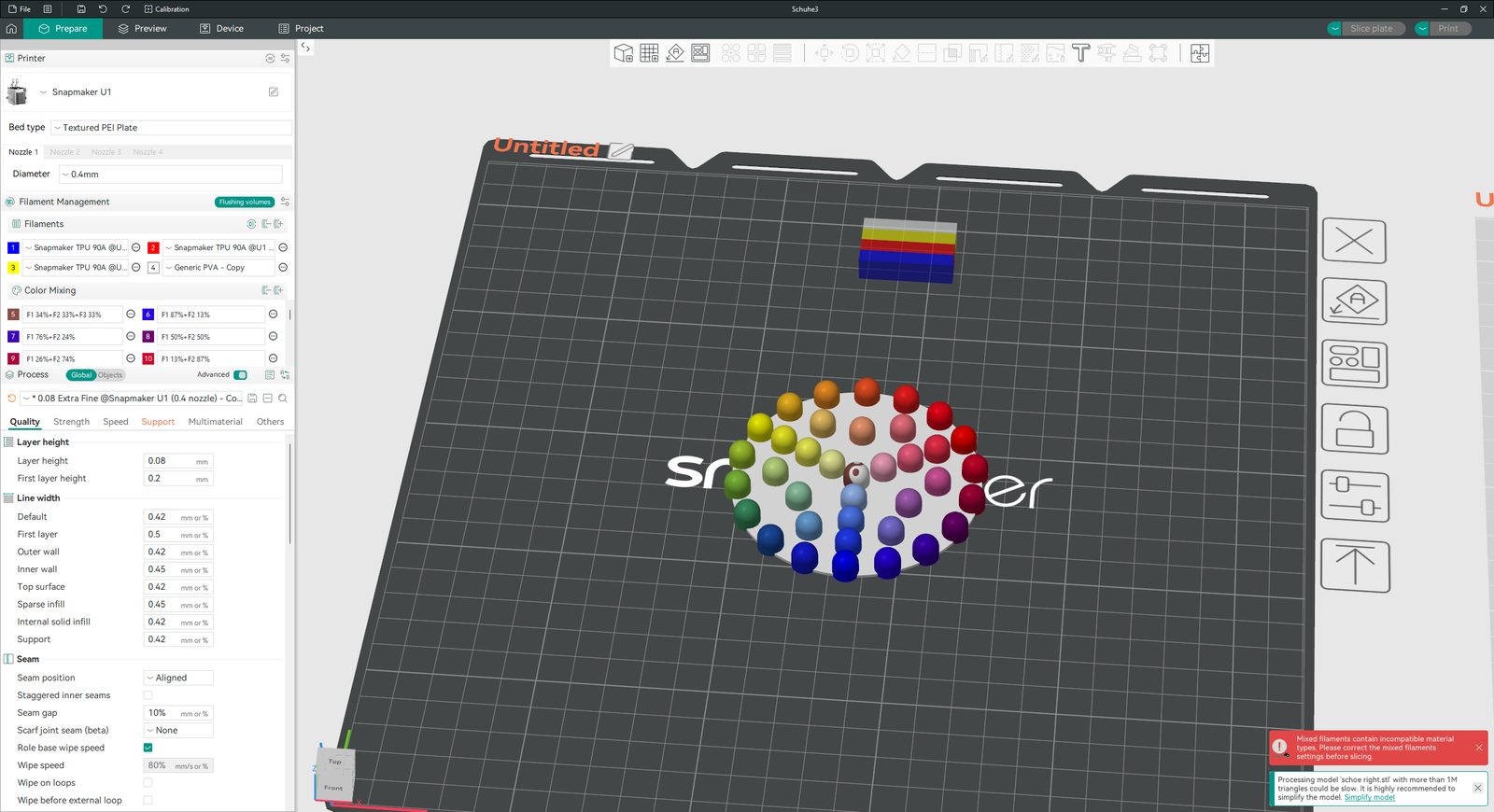
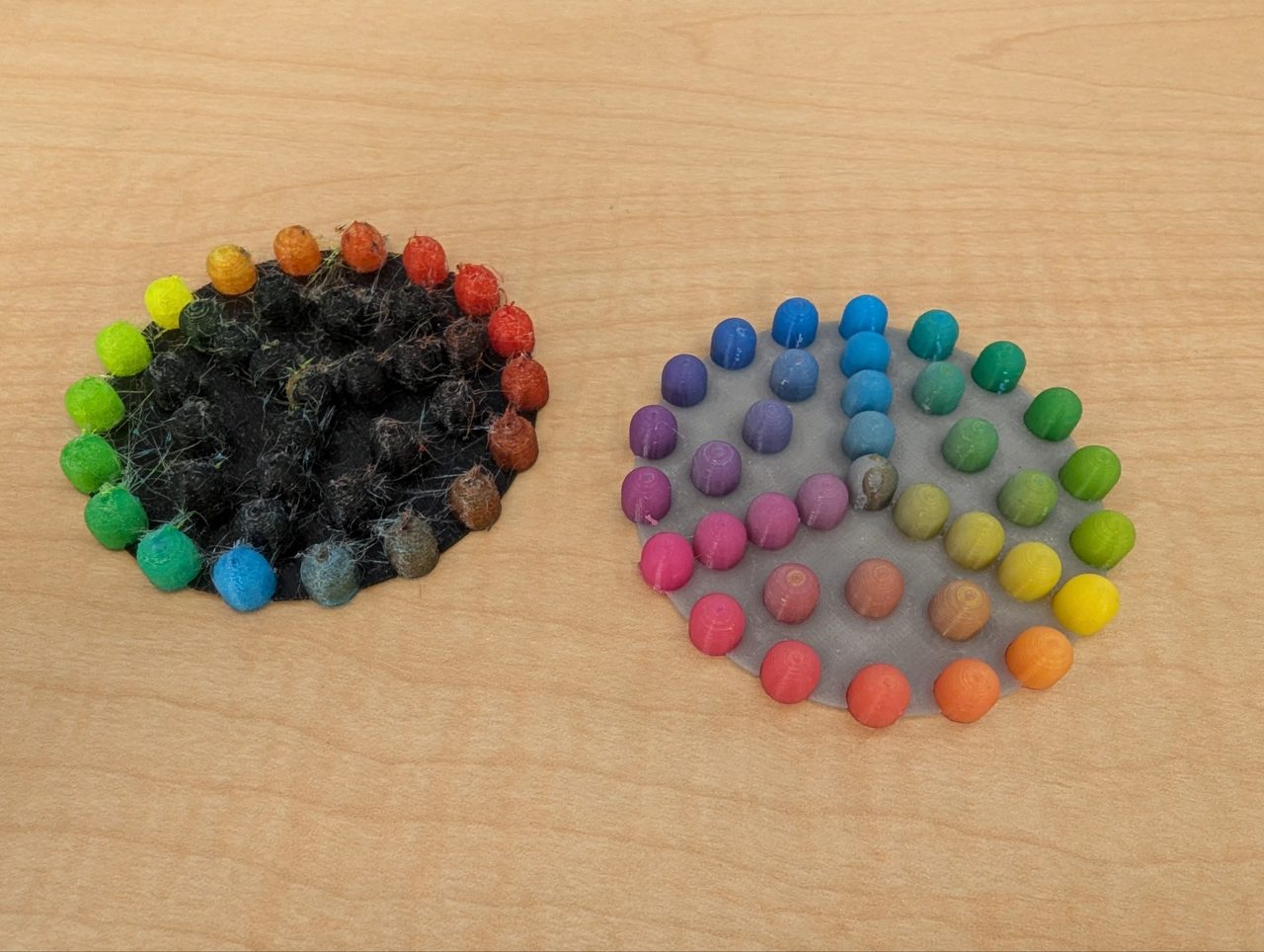
The color mixing samples.
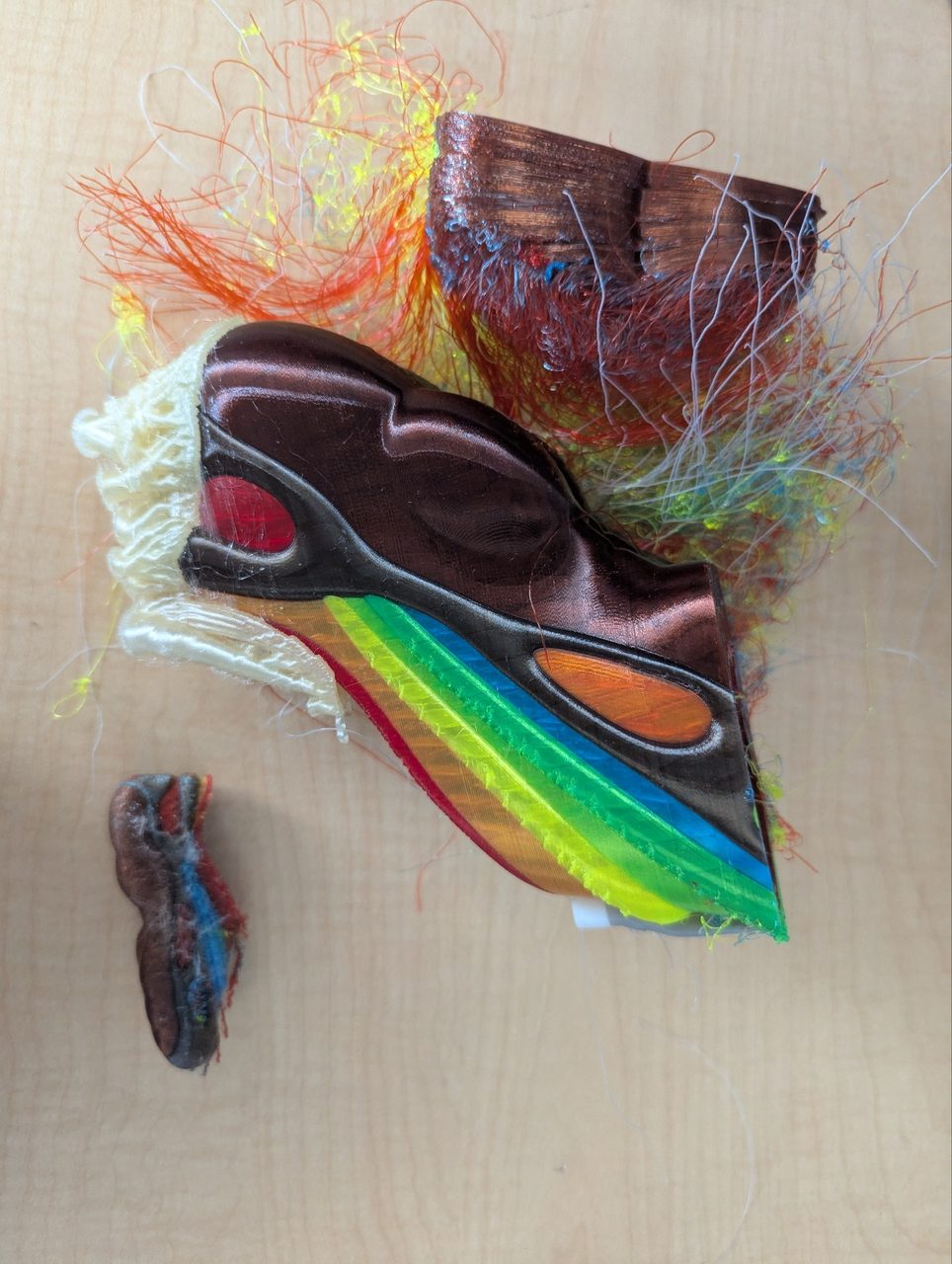
For a bigger test I took a shoe model I did not design myself and painted it in the slicer with the mixed colors, again with PVA as support material.
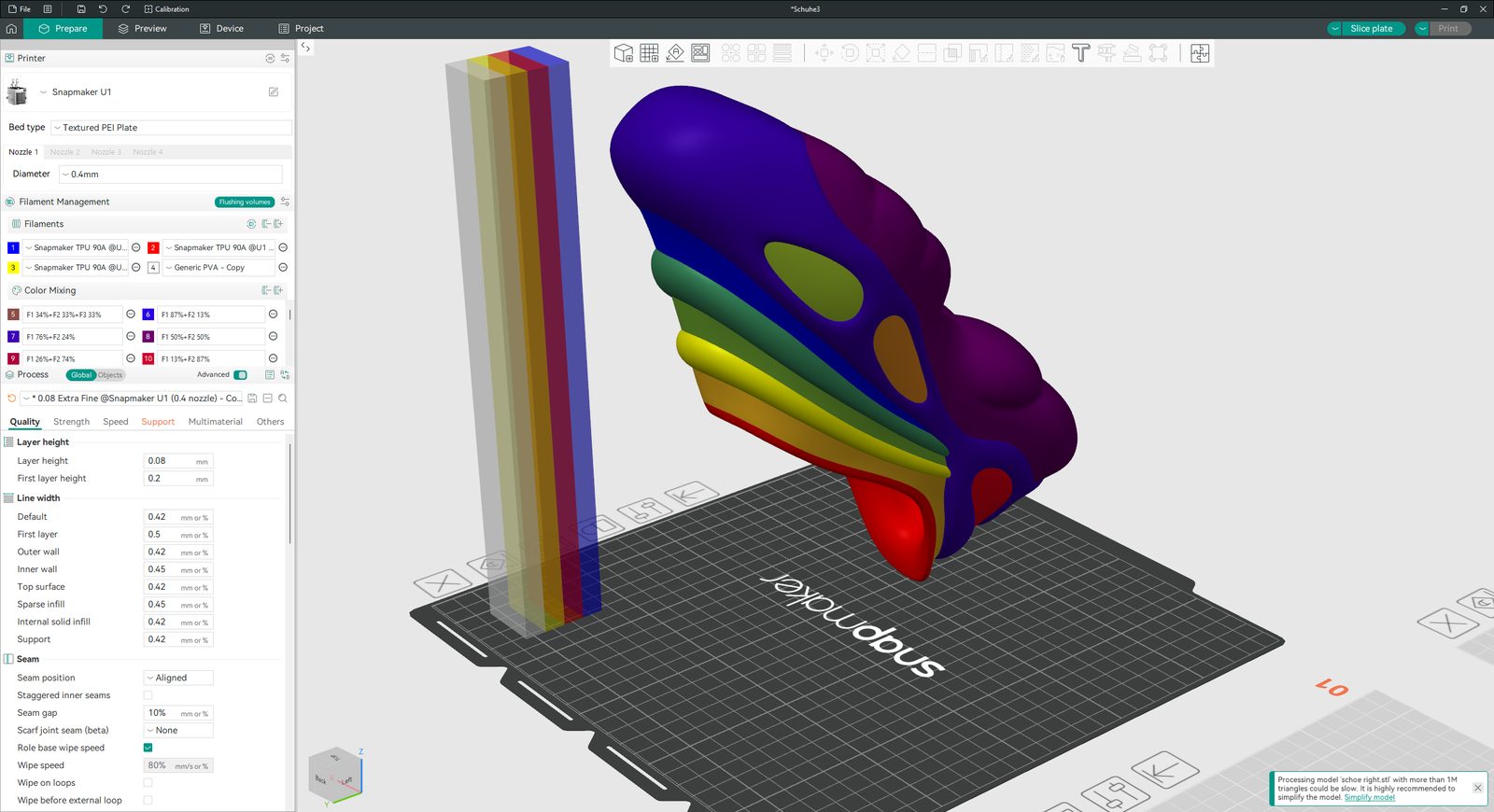
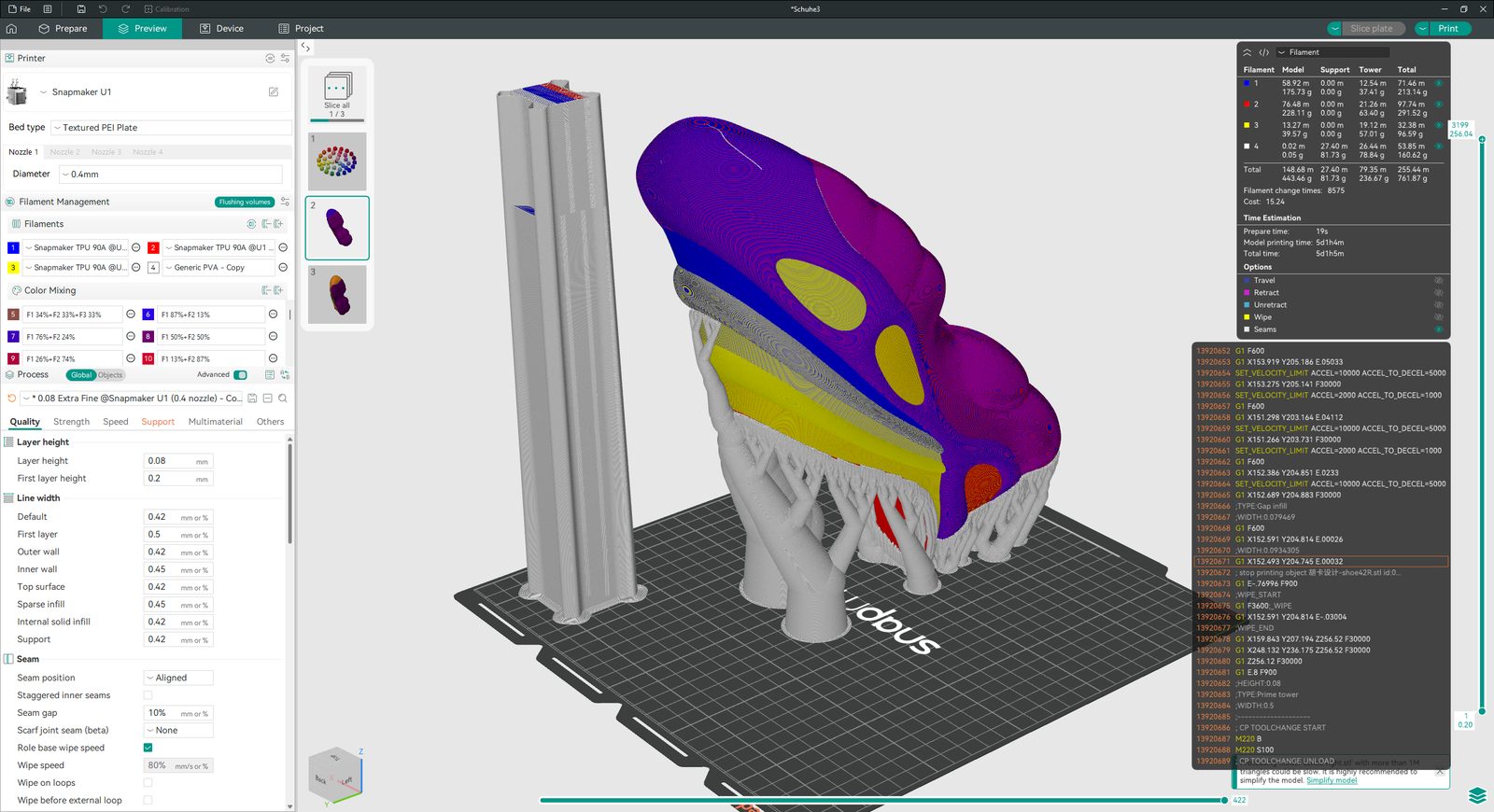
Sadly this print failed about halfway. The lower part already shows the color gradient nicely, but then the print stopped and left a lot of stringing. I might reprint it at a later stage.
AI use
Grammar check of the text with Claude Opus 5.5. Scans, modelling and prints are my own.