Made this website! There isn’t much to it, just basic HTML for each page and some CSS.
The navigation / landing page is a blackout poem made using the lyrics of Ichiko Aoba’s “A Hill of the Moon” (from
qp, probably my favorite album of hers) — I admire her work so, so much, and thought it would be nice to frame my own like this.
Every week, I’ll reveal another part of it, which will have some connection to that week’s project. The full poem will describe my final project and the underlying threads in its design.
---
For the group assignment, I went through a basic safety orientation to get shop access in the MET Warehouse, then was taught how to use both the laser cutter and vinyl cutter by Qilmeg, with Syuan-Bo. I did this part on my own later, but I also measured the kerf of the laser cutters using
this template I found, and made a few test cuts to find out what the best power/frequency settings were for this cardboard (it was more like 0.26” thick, not 3/16”).
5.0235” (upper uncut section) - 4.9055” (boxes), divided by 12 lines = 0.00983” kerf. This was done at the default speed for 3/16” cardboard, but with power at 45% and frequency at 25%, repeated four times.
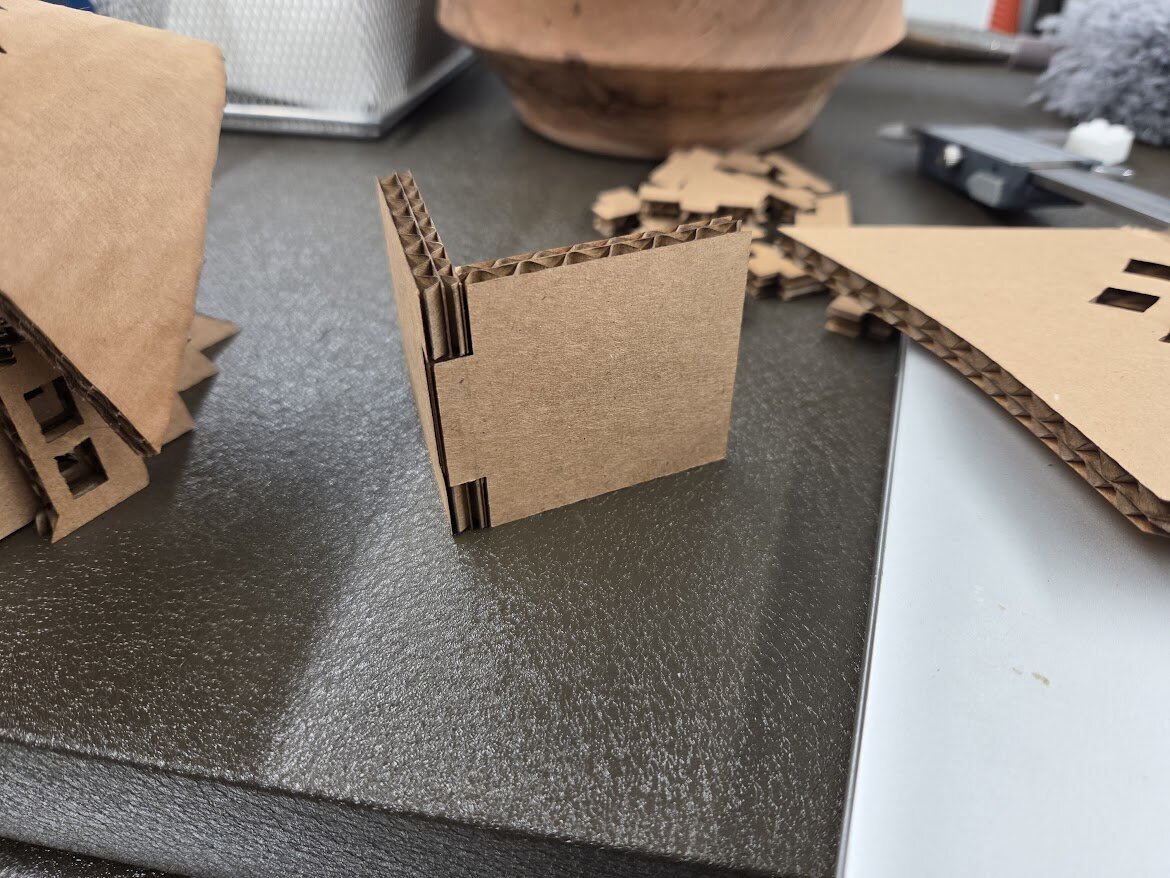
Here’s a box joint I made — I just added kerf*3 = 0.027” to the length of the joint insert, from its midpoint:
---
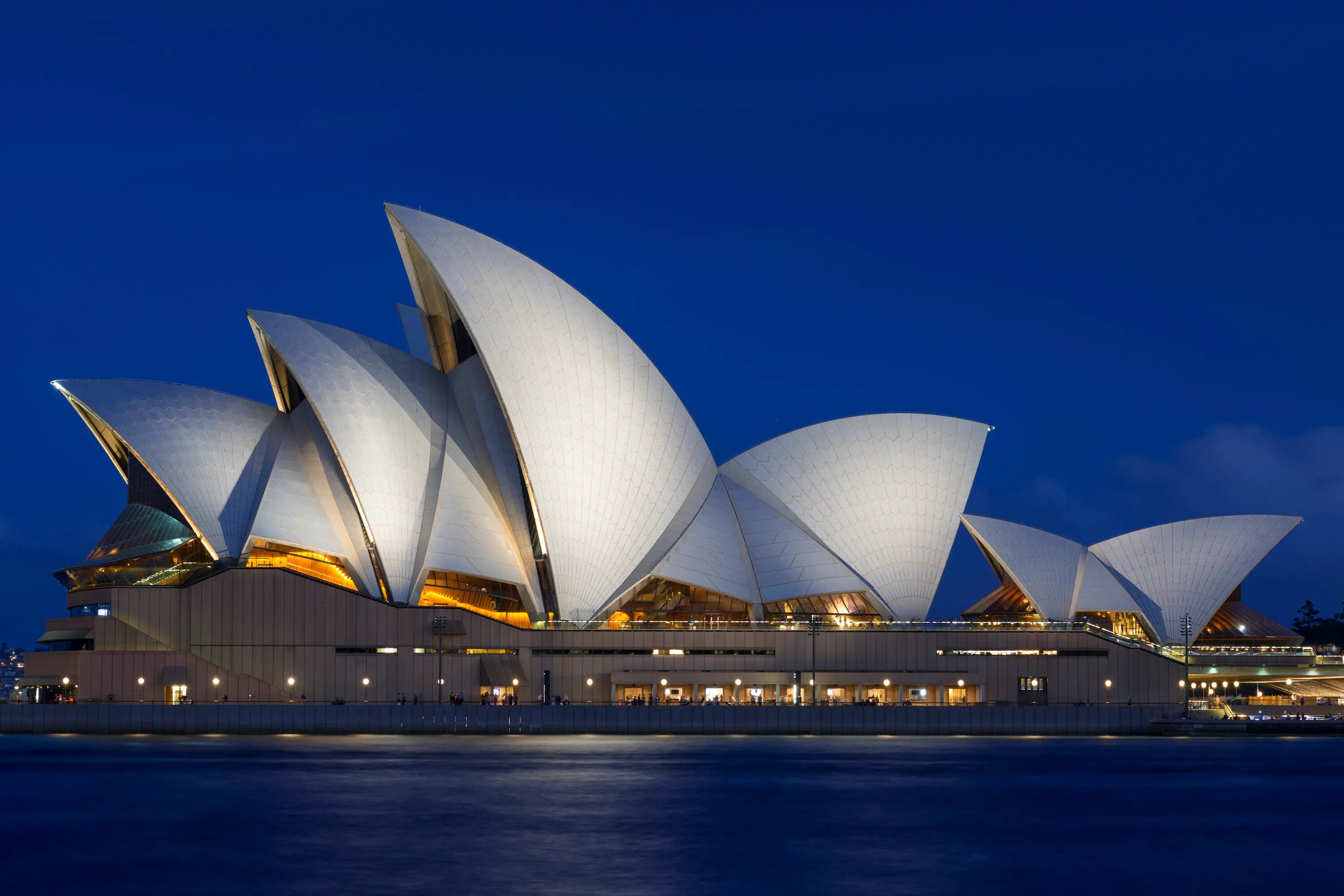
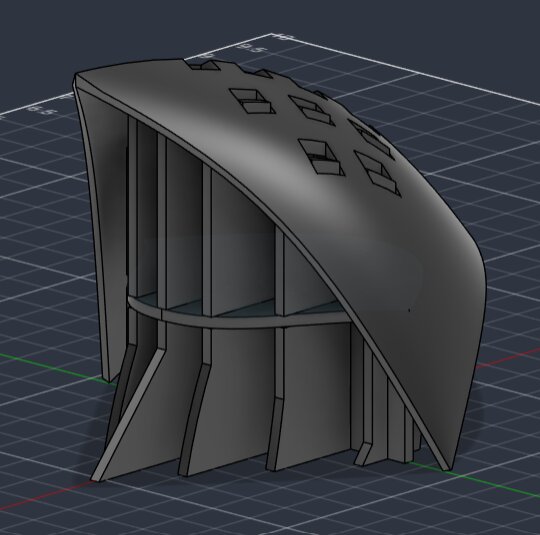
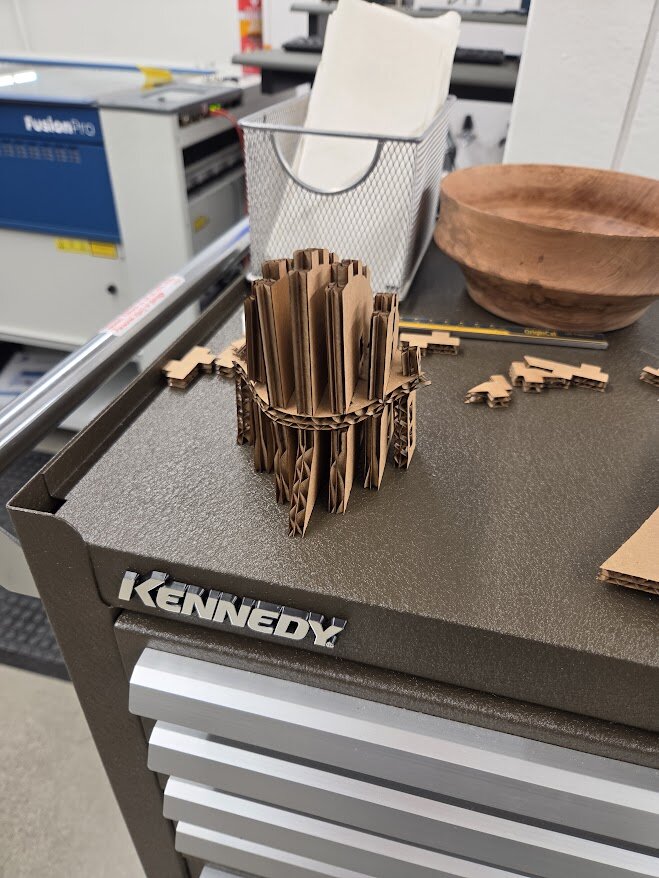
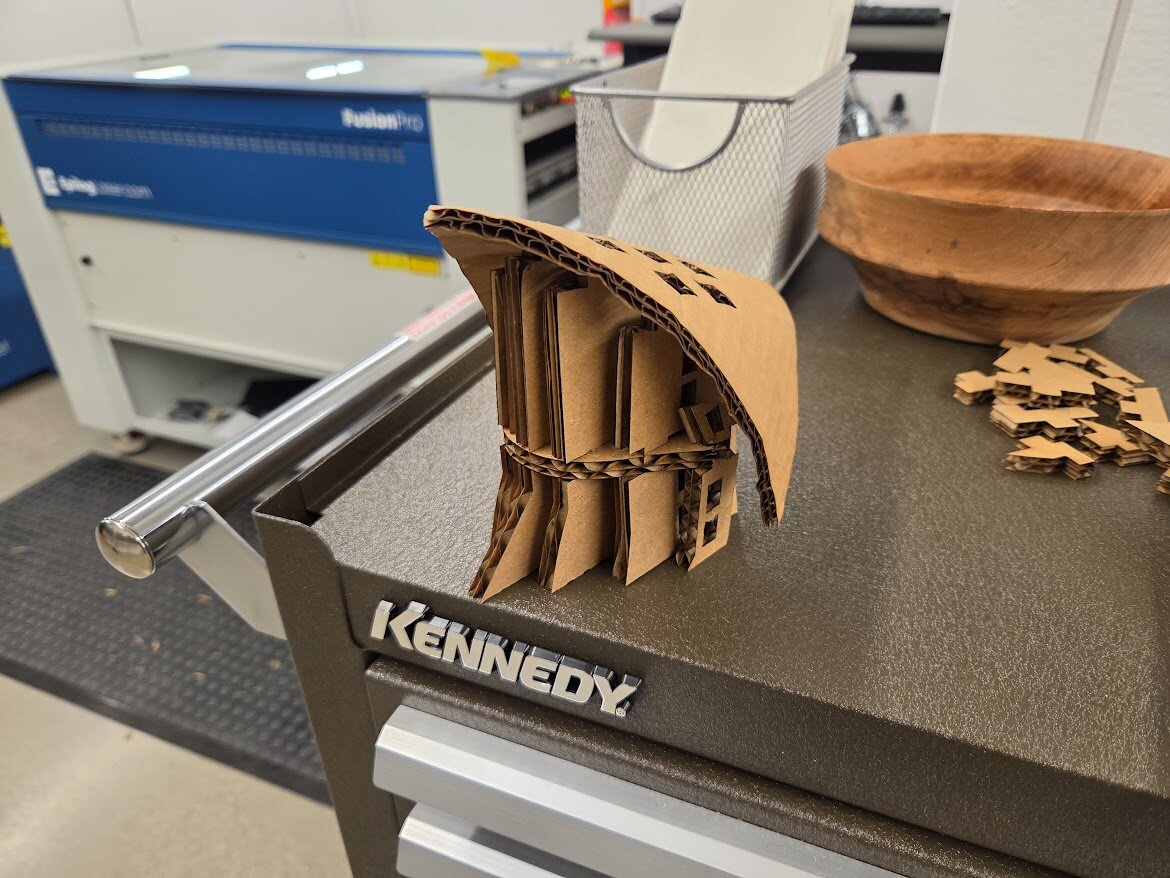
I decided to make a part of the Sydney Opera House for my individual assignment:
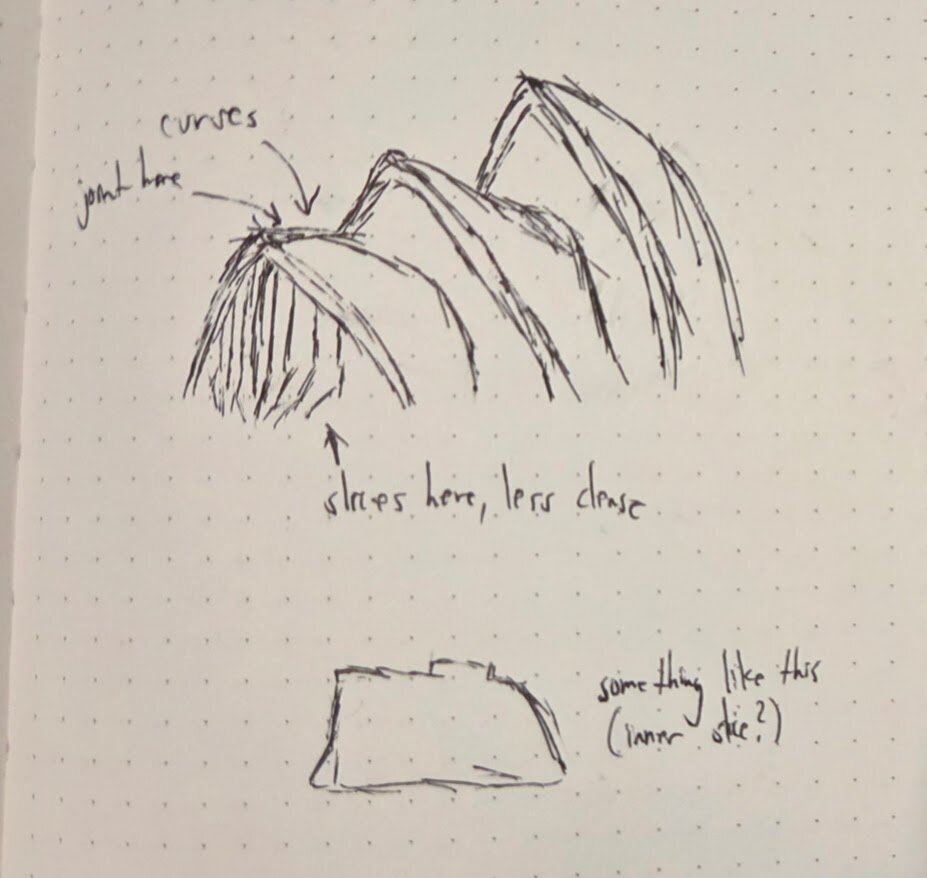
I really wanted to make some kind of building, and I thought it’d be interesting to make a curved form with volume since I already have some experience with CAD and didn’t exactly do much for last week’s assignment. Here’s a quick sketch of how I wanted to break it down:
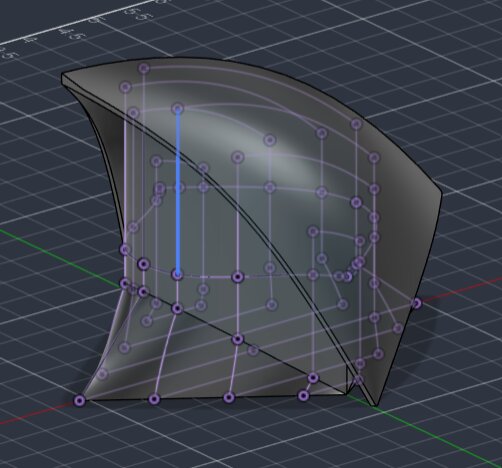
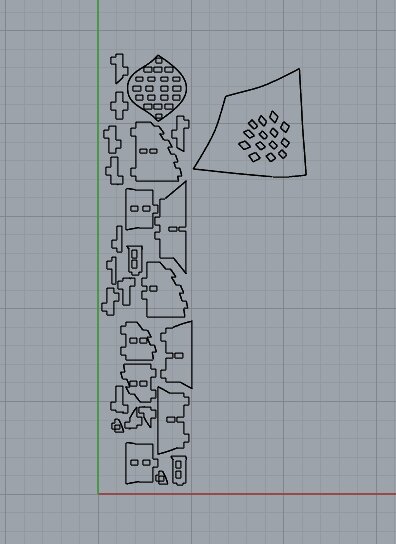
The process was basically: model the roof/shell and inner body, extrude a few cross sections of the body, make and parameterize the cardboard thickness + joint slots/inserts, and lay everything out for cutting in Fusion (following this week's recitation) -> Rhino + flatten the roof using Autodesk Meshmixer.
Here's the Rhino file:
laser_cut_file_r7.3dm
From there, I just followed the
archshops.mit.edu tutorial for laser cutting (Epilog laser cutters) — super grateful this is accurate even with the new machines, because I did this at 2am on Monday.
This is where I messed up.. I made parameters that applied to both the slot inserts and the slot holes in Fusion, so I had to add the extra widths (to slot inserts for a friction fit) and depths (accounting for the cardboard being 0.26” and not 3/16”) to the Rhino cut file manually. Haha!! Whatever.
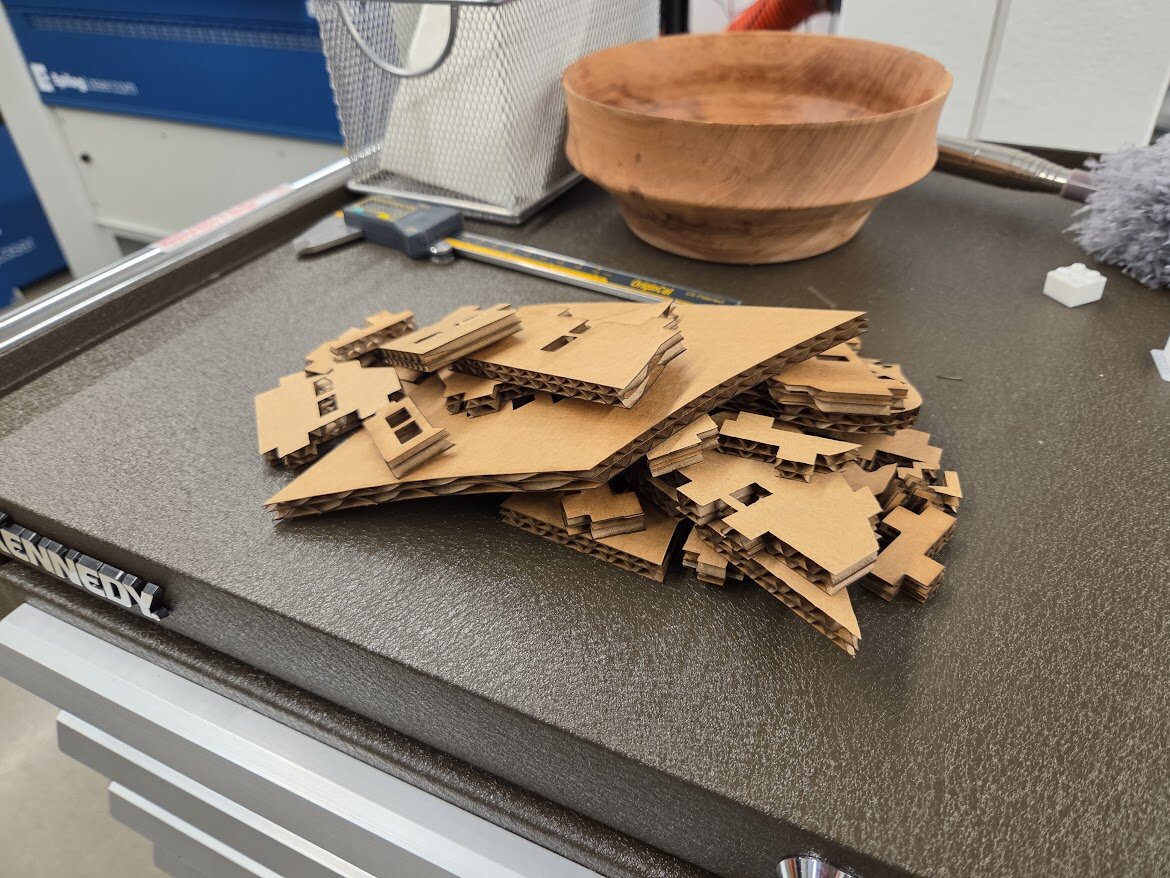
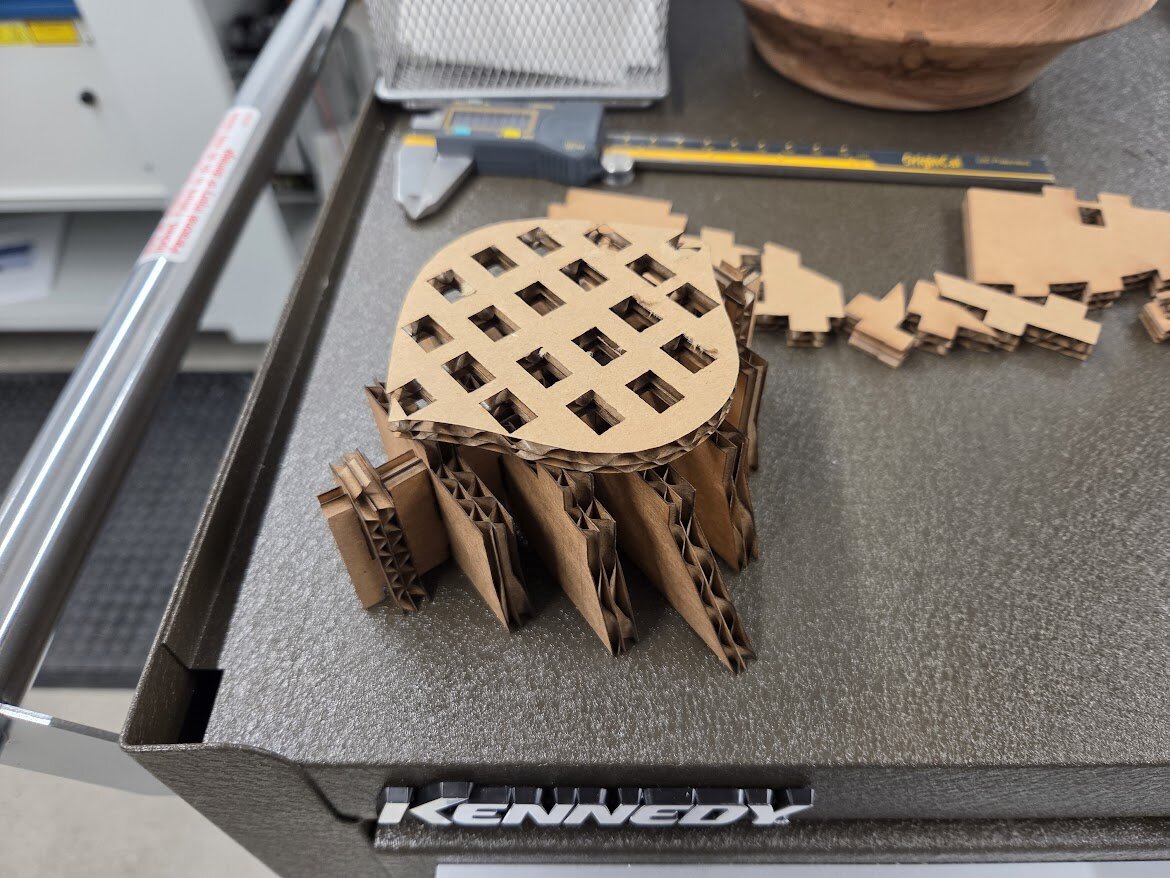
But after that, I cut it, and everything fit the first time, thankfully:
I also completely forgot to reduce the width of the innermost supports (on I think the XZ plane) to account for the new cardboard thickness, so I had to ditch them. Though, they would’ve become really thin even if I did.
I was originally going to try adding the kerf bending cuts in Rhino (or make them manually with a knife), but I made the executive decision to just bend it by hand because I was mighty exhausted at this point and really wanted to go home. It looks super jank, but the friction fit worked perfectly I promise, aside from the roof
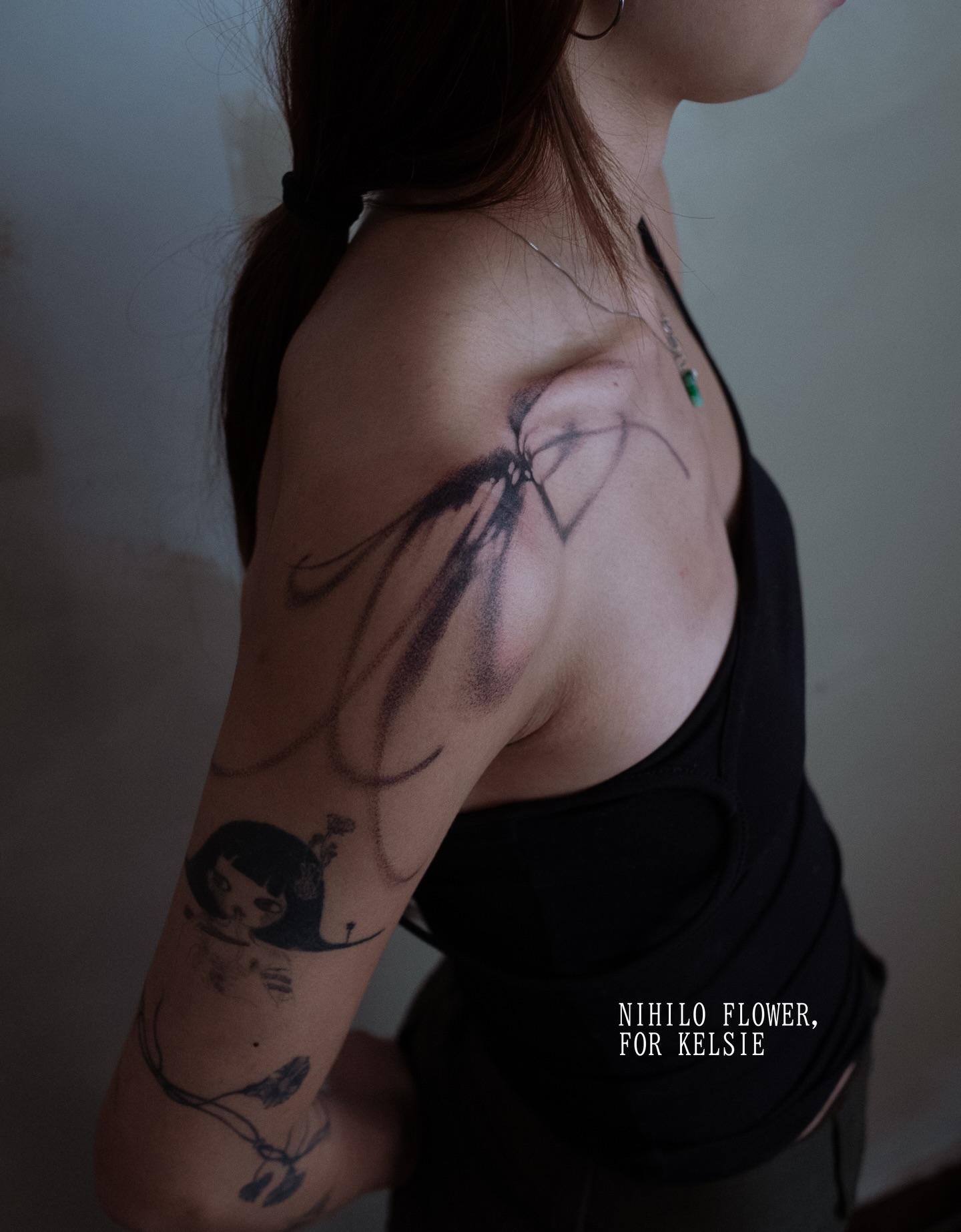
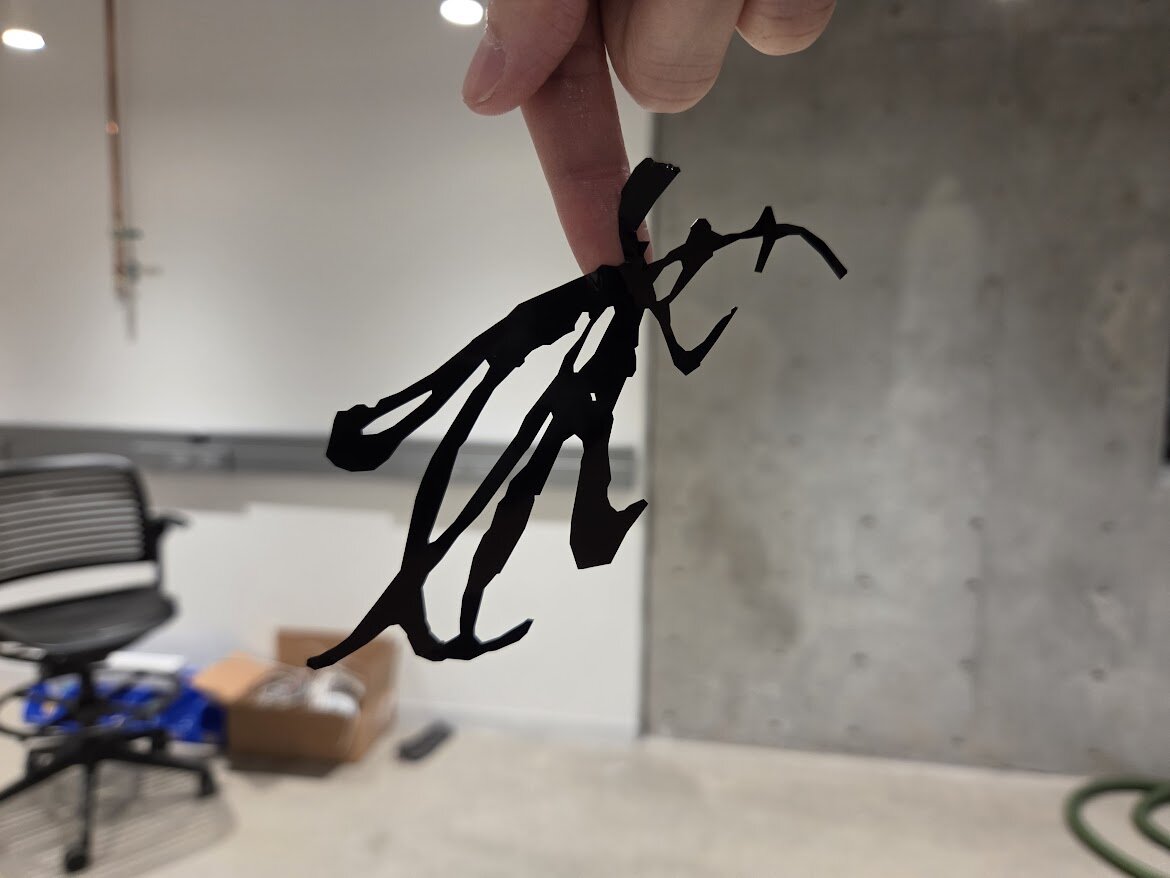
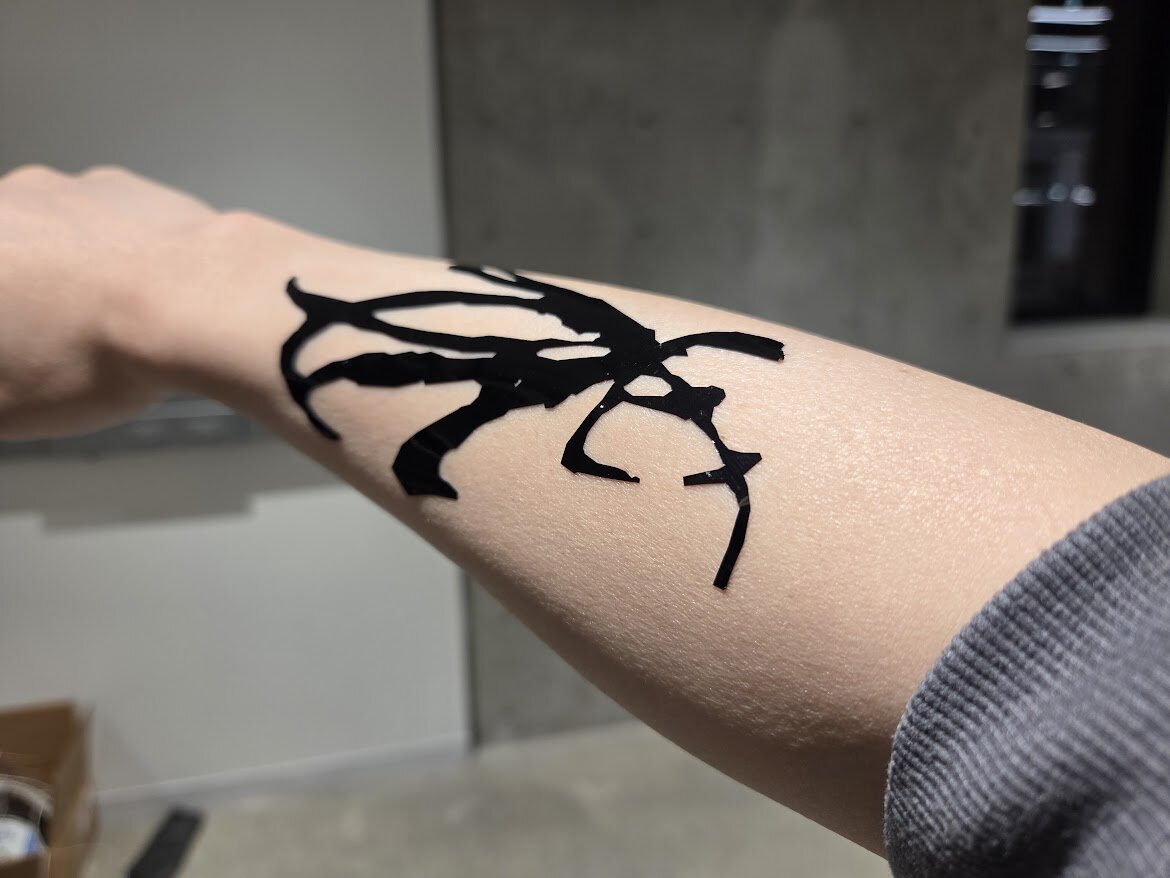
For my vinyl cut decal, I decided to make this sick 'nihilo' / light impression flower tattoo I saw on my fyp (linked
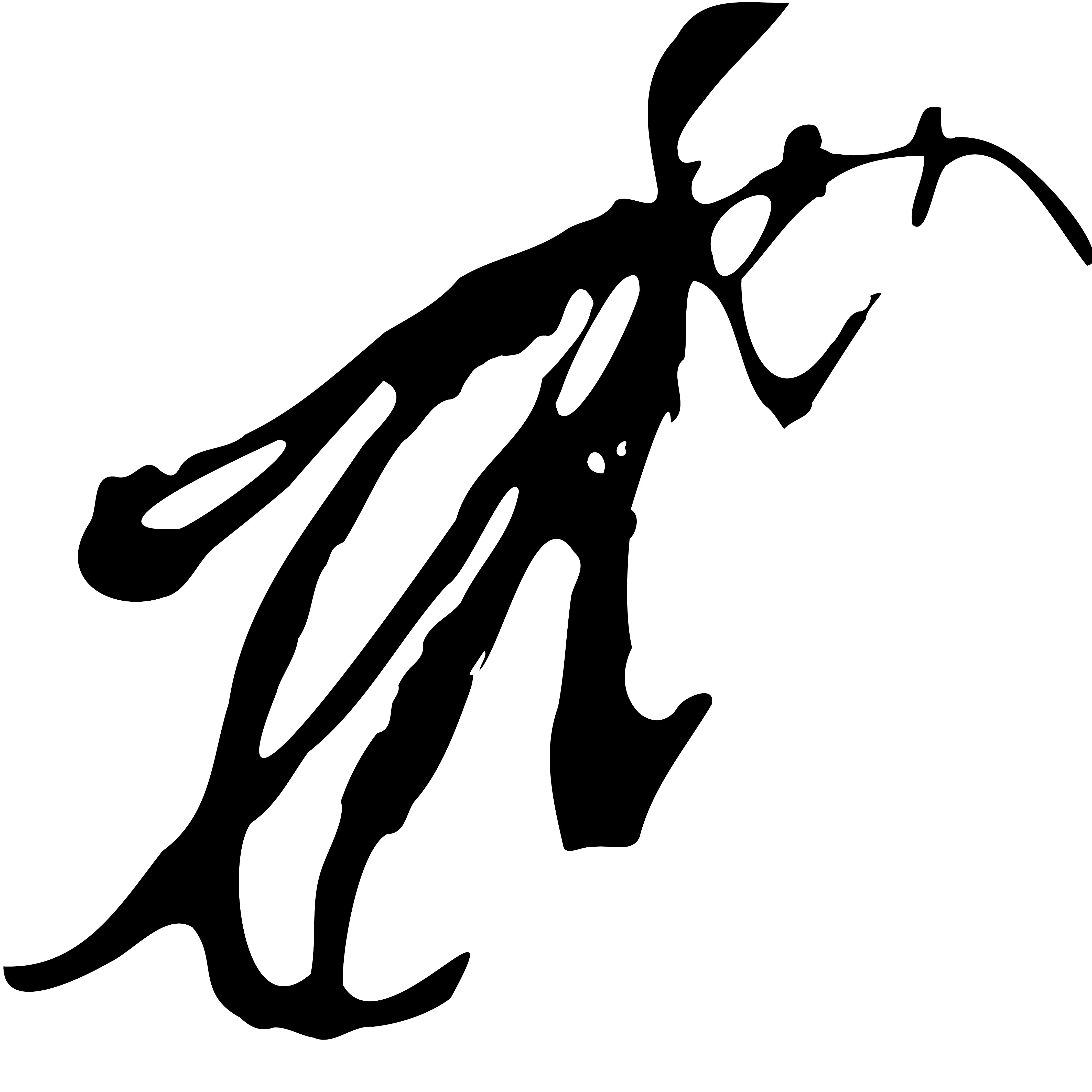
here). Instead of drawing my own rendition like I planned to, I gave up (had other things to do) and just used the background removal tool in Photoshop on a pic of one — thought the wobbly edges in my attempt was interesting, and preserved those when converting it to a black and white outline with Illustrator’s image trace tool. I also used object → path → simplify to clean up the edges so it’d be easier on the machine:
Turned out better than I thought! I might get a tat from this artist one day
This was cut on a Roland vinyl cutter, following the tutorial at
https://archshops.mit.edu/vinyl.php. The program uses black and white pictures to cut, so you can just save the image above if you want to try cutting it.