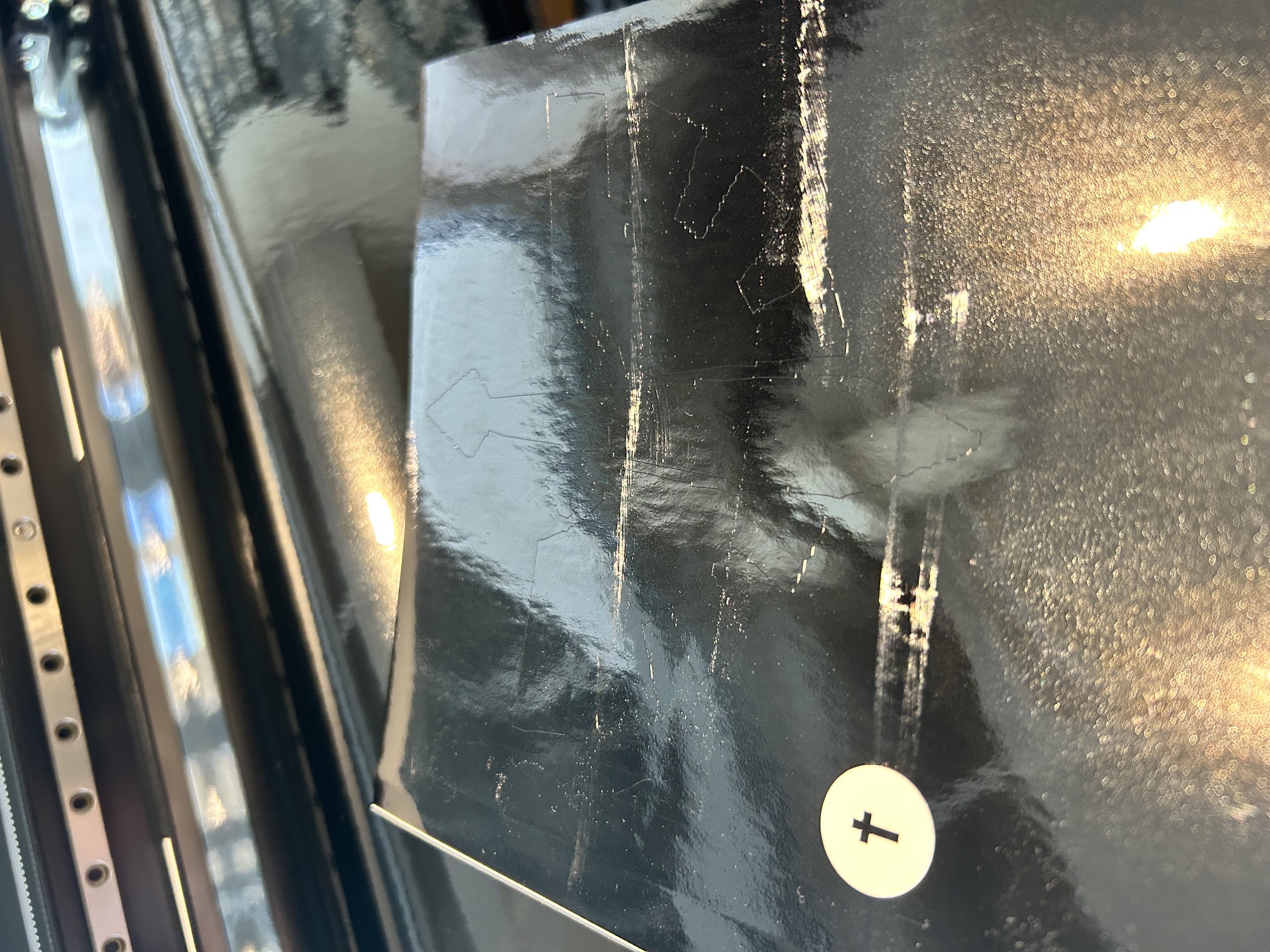
Here is the cut itself with a passed vinyl pressure test with the cross in the middle..
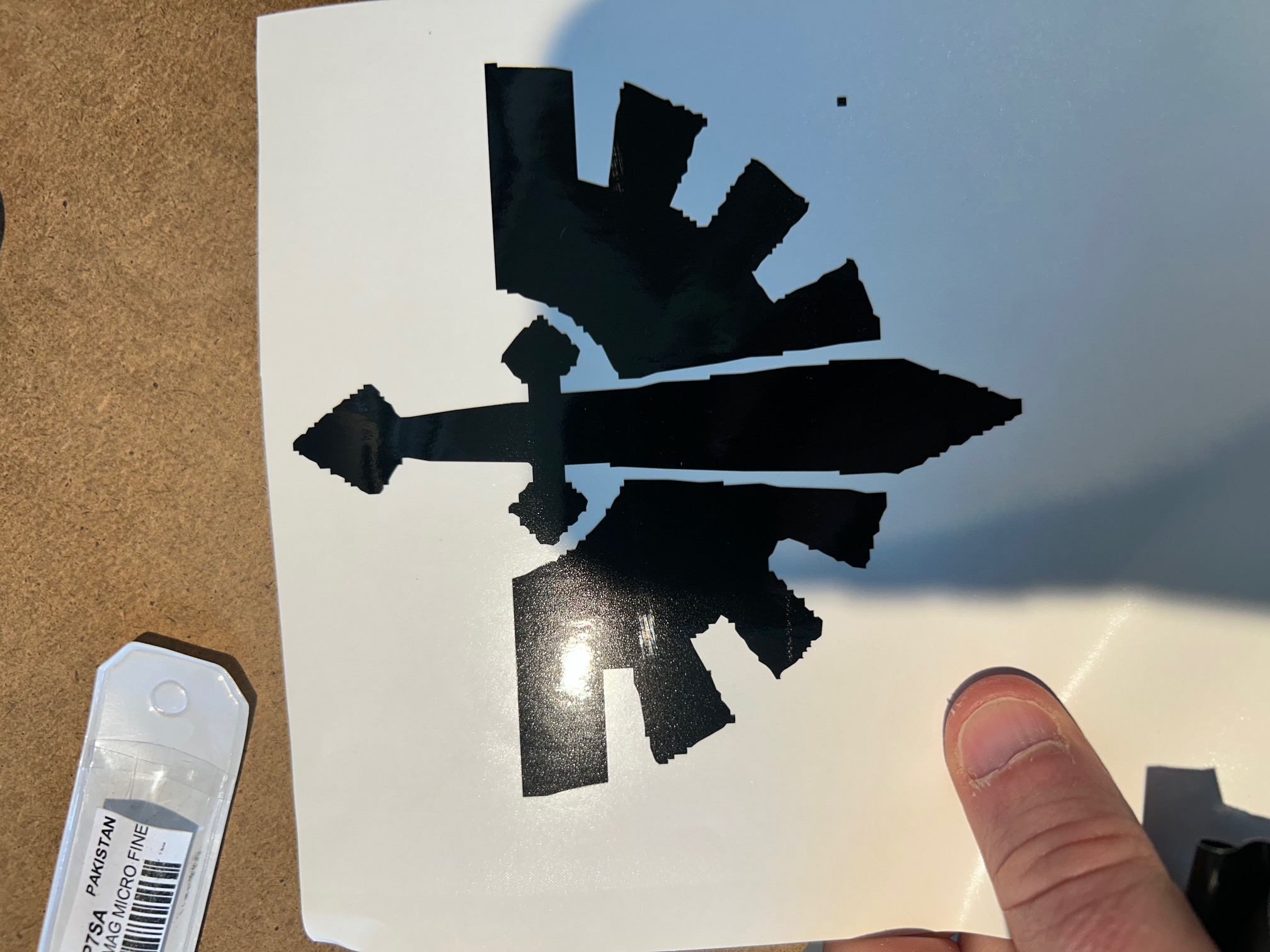
Weeding the excess vinyl and the finished decal. In resizing the png I lost a bit of smoothness. Notes for next time.
Laser Cutting - Press-Fit Terrain Kit
This is the first piece of the terrain in Fusion 360, which was extruded from a trace and then a drop-in tab was added to connect it to the other parts of the terrain. Jagged edges were traced to both add the the effect of partially dectroyed terrain and to experiment with different sketching tools.
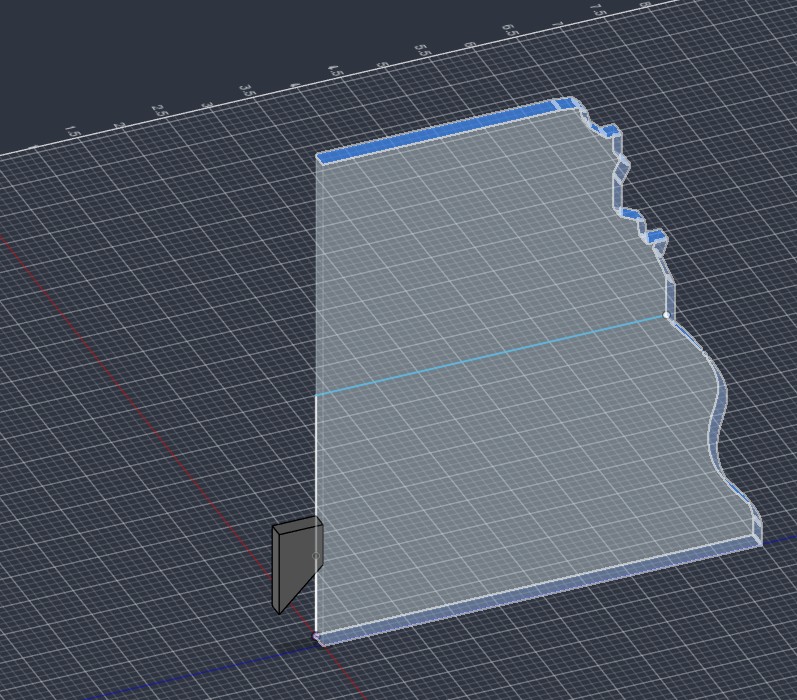
The tab was multiplied using the rectangular pattern tool (which will be commonplace in this) with all of the different distances saved as parameters.
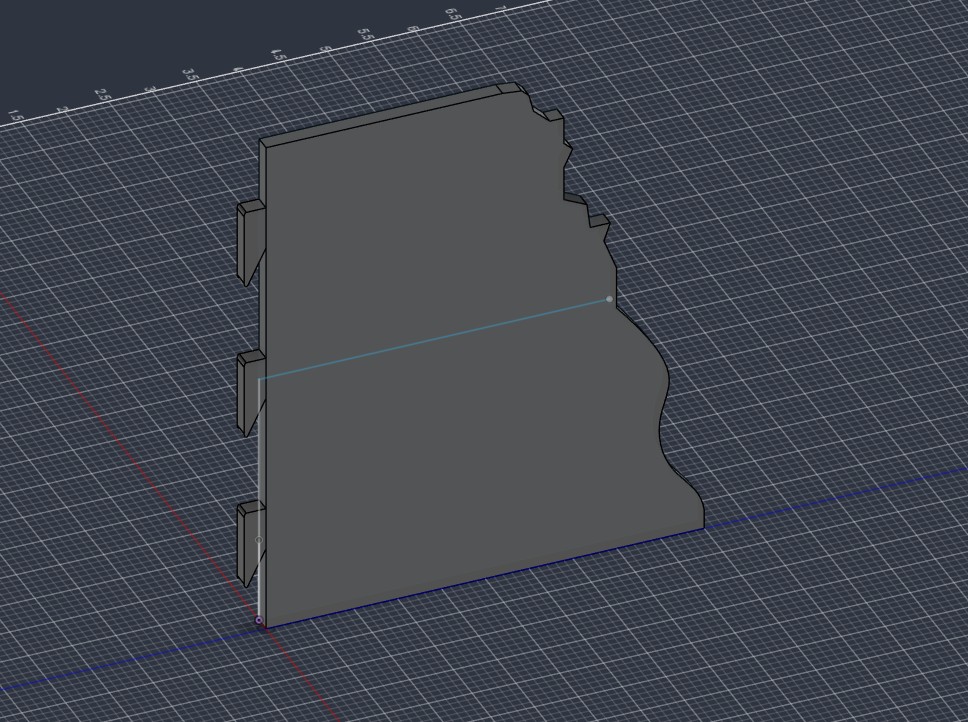
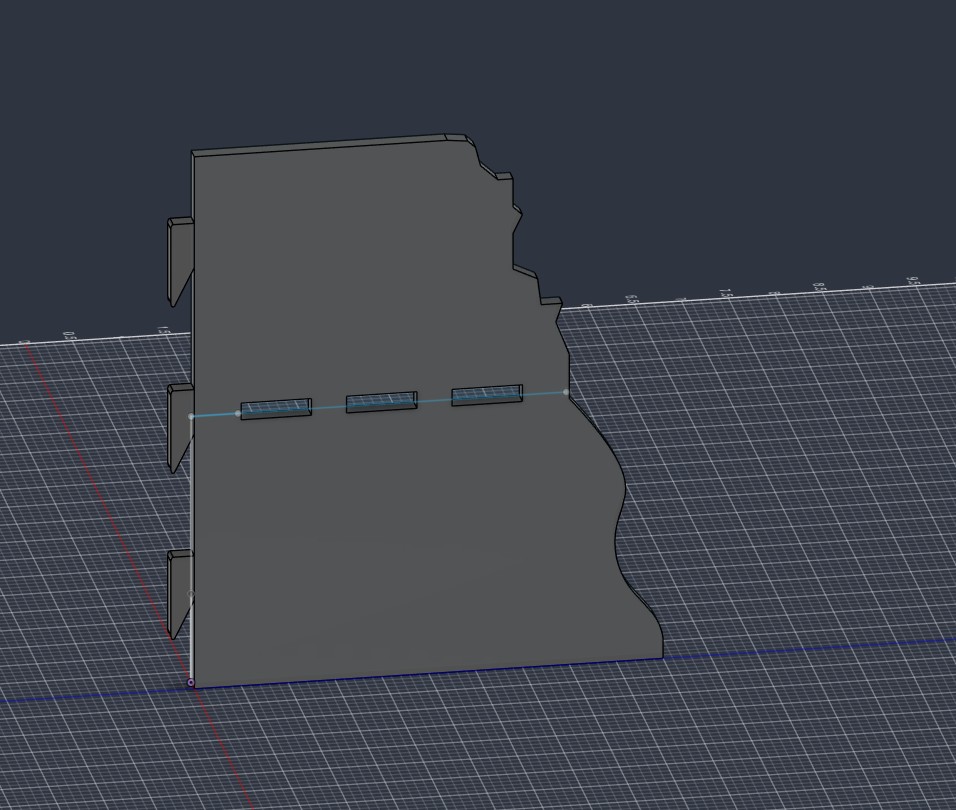
Three holes were added for tabs to allow for future installation of the second level that begins 3' off the ground, which is standard in the game. These were replicated with the rectangular pattern tool once again.
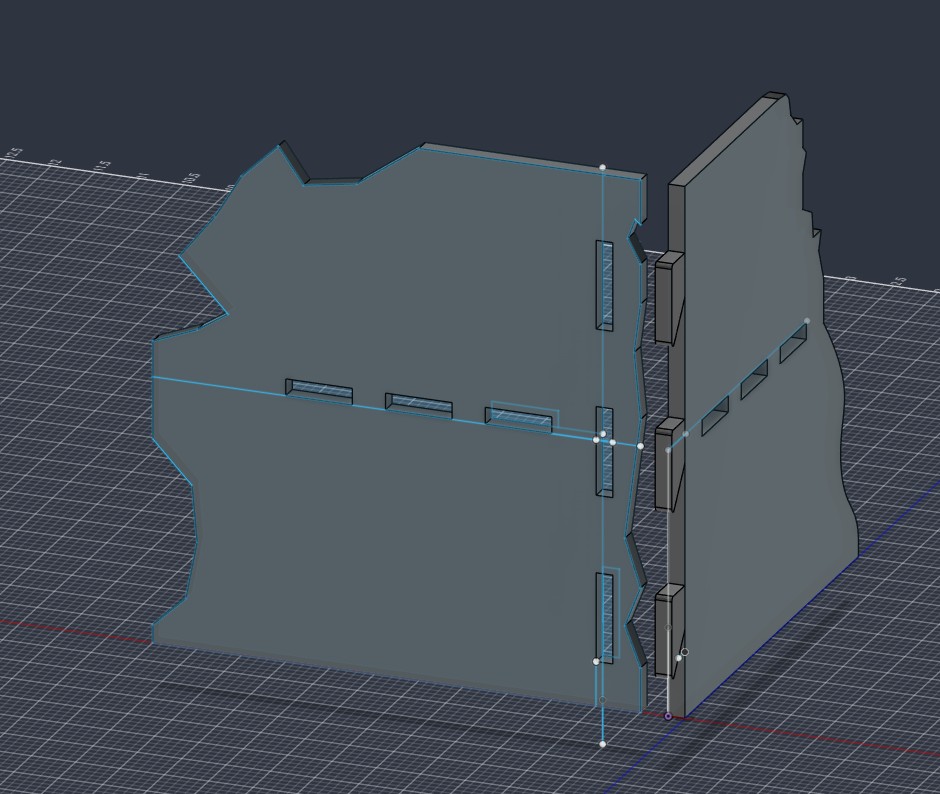
A second, right half of the terrain was added, this one is more aggressive with the ruined parts to allow for differentiation in cover provided to the units inside (an important aspect of the game). Here, I added holed that are the same size as the tabs on the right side, but their bottom is located where the tabs angled part (at their bottoms) is 3/16" wide, which should make a secure fit.
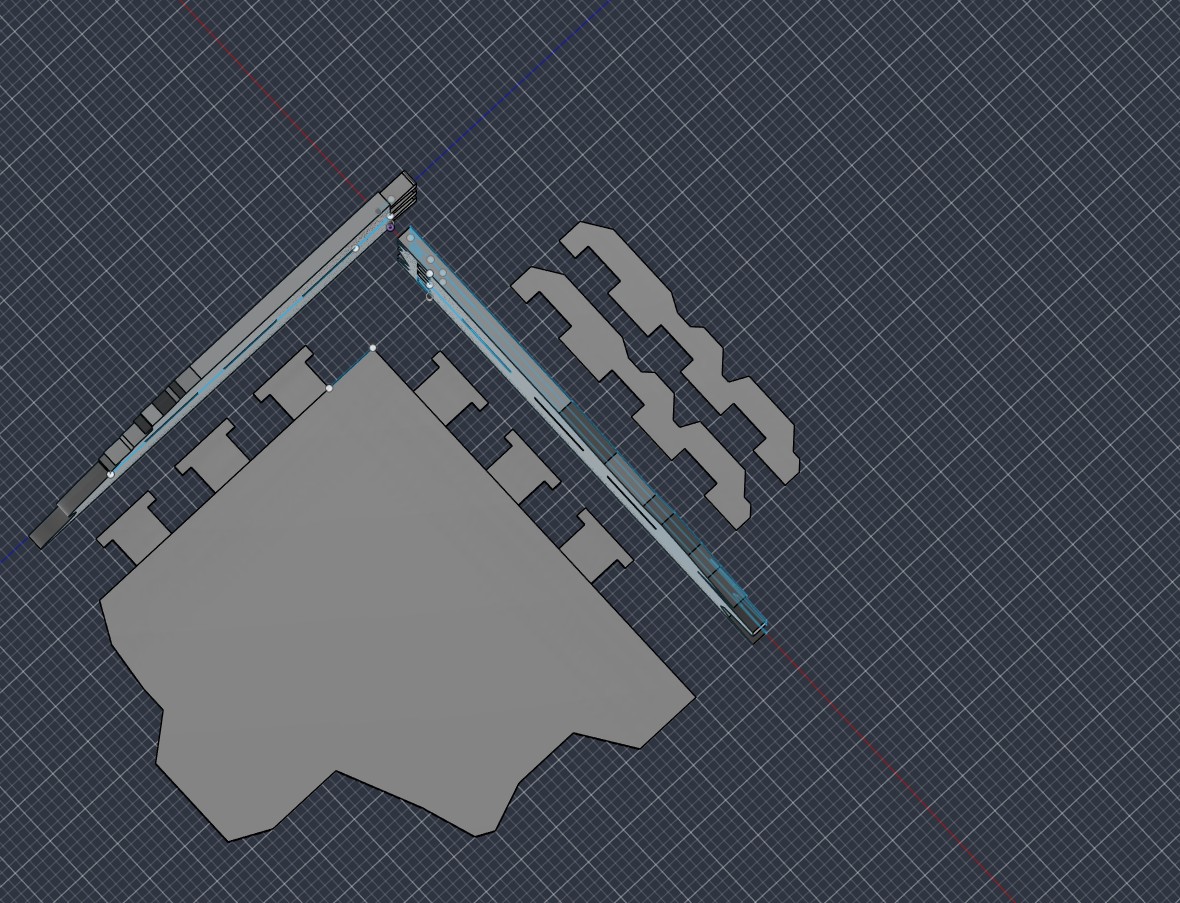
I then created a shelf that models can be put on. THis has the T shaped tabs, which will allow for the future locks to be inserted to link the whole piece together.
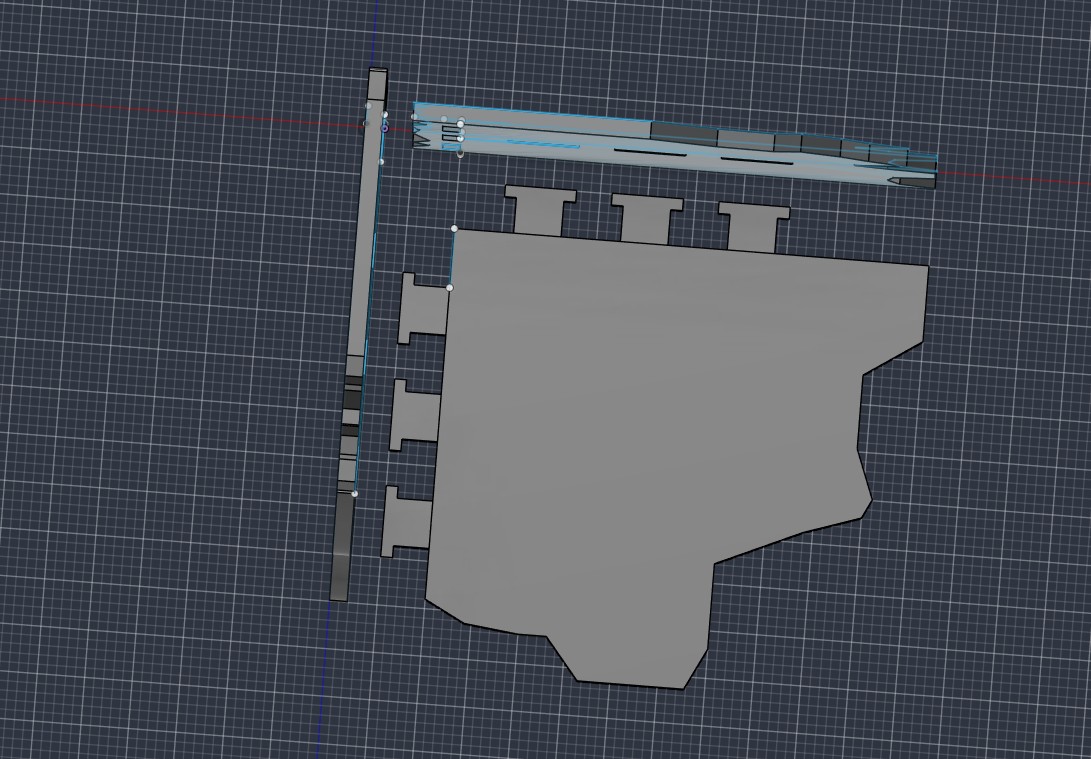
Here, you can see the two locks that will lock the tabs of the shelf/2nd floor in place as the tabs are put through the walls. This also adds dimension to the terrain piece. Because of the shared parameters between all of the pieces, the walls, locks, and floor can be assembled multiple different ways.
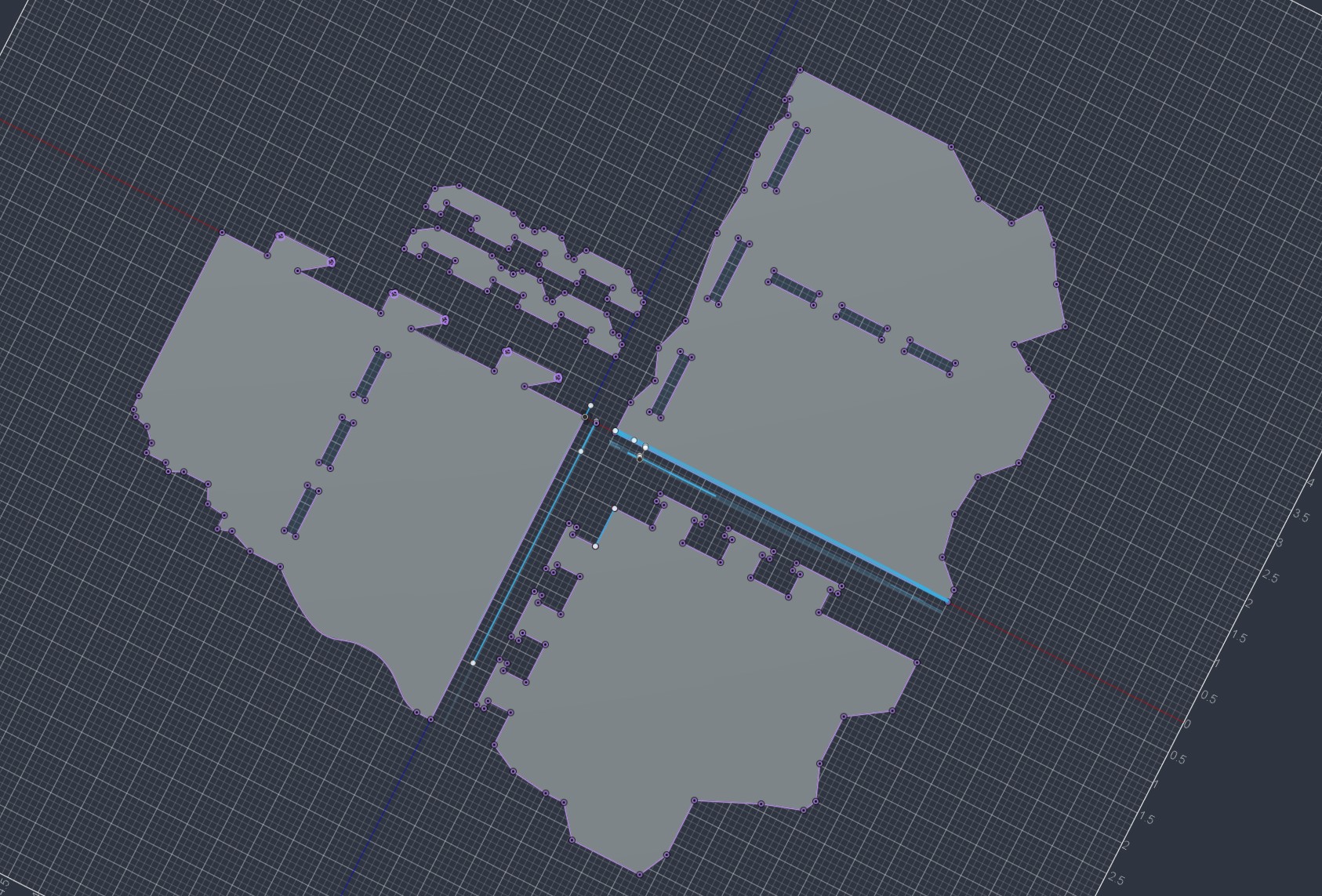
I then rotated everything to a single plane, projected all of the sketches, and exported a dxf file for processing..
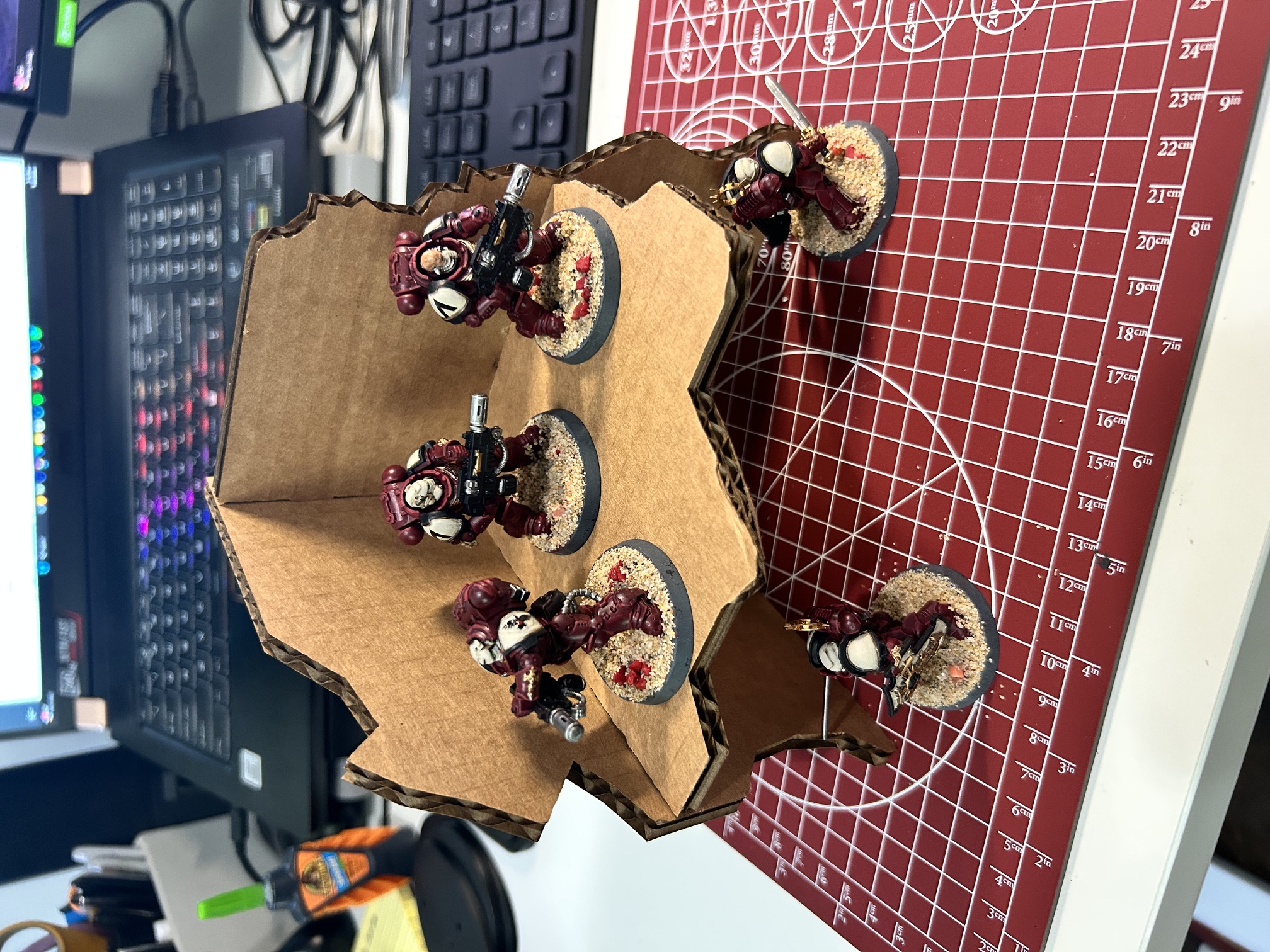
Here is the printer model assembled with a squad of Space Marines taking cover from whatever may lurk around the corner. * Note there is an engraving but I assembled the shelf up-side down. Due to the very tight tolerances and fragility of the cardboard, I fear taking it apart.
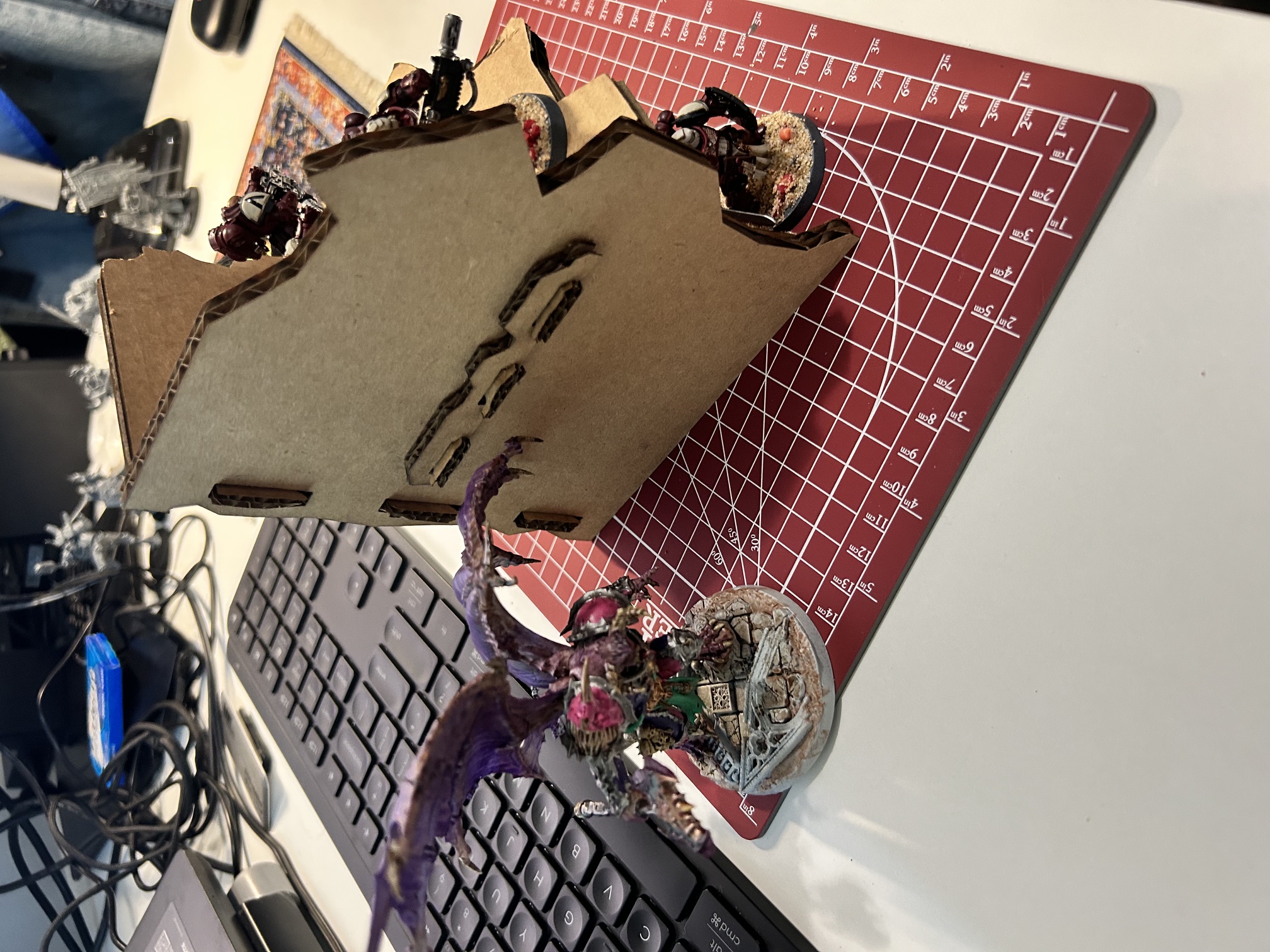
Thank goodness there is good cover for the space marines against this demon prince! You can also see the two joints in this picture. The walls are joined by a v-shaped groove that slides into the slot until snug (Though not offset as perfectly as I would have liked). The shelf itself is locked in by small pieces as seen. The tab design can be seen in the model pictures.
AI use notated in the html