3D Scanning and Printing
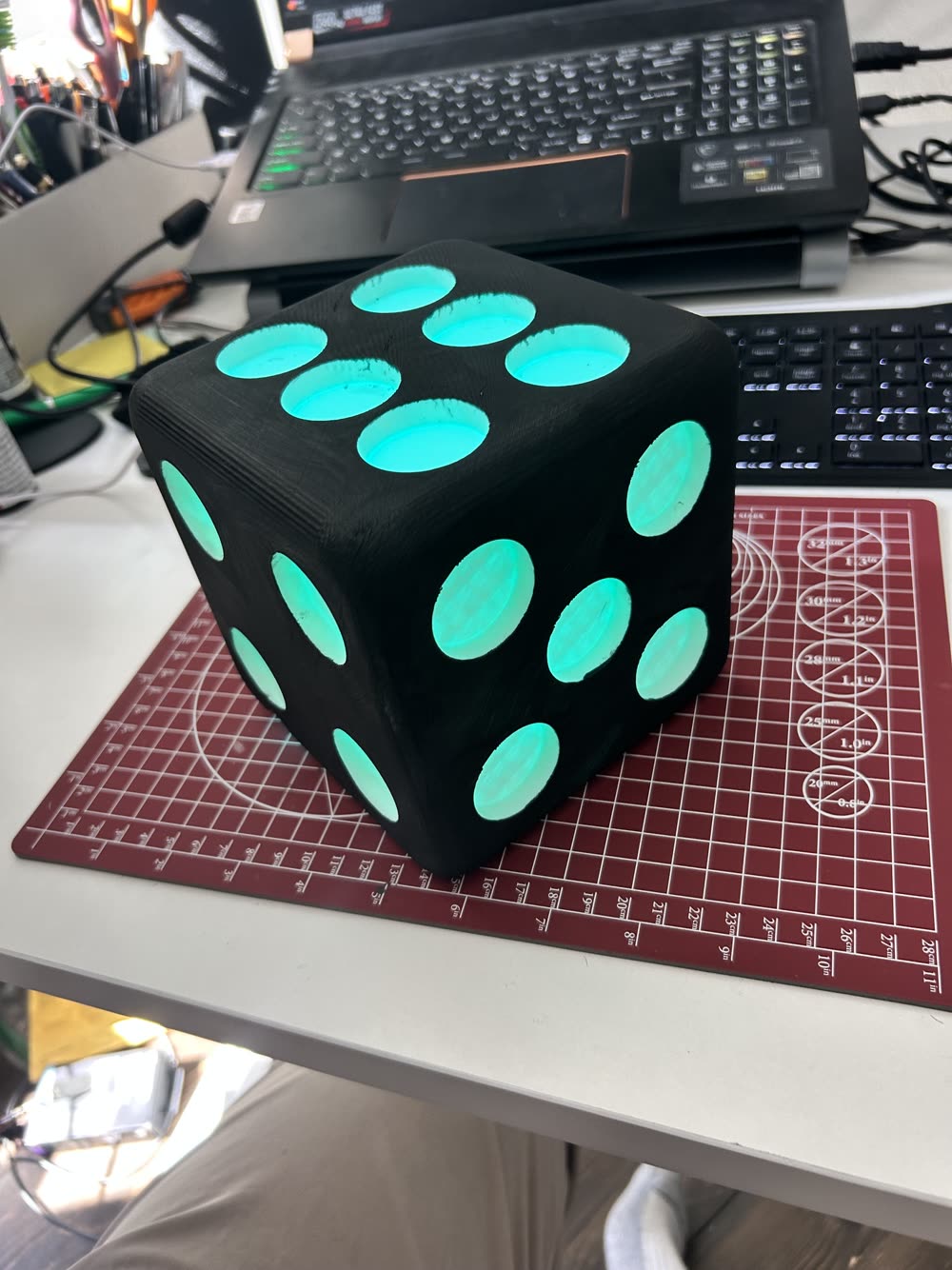
This week's tasks were to both design and print an object that can't be made subtractively as well as to scan an object. I decided to scan a chair in my kitchen... It wasnt amazing. Though the 3D printing project was much more smooth. For that, I designed a dice with an internal light holder. The walls of the pips are very thing (.8mm) to allow light to pass through. The exterior was also painted black to block light elsewhere, creating a cool-looking lamp (see below).
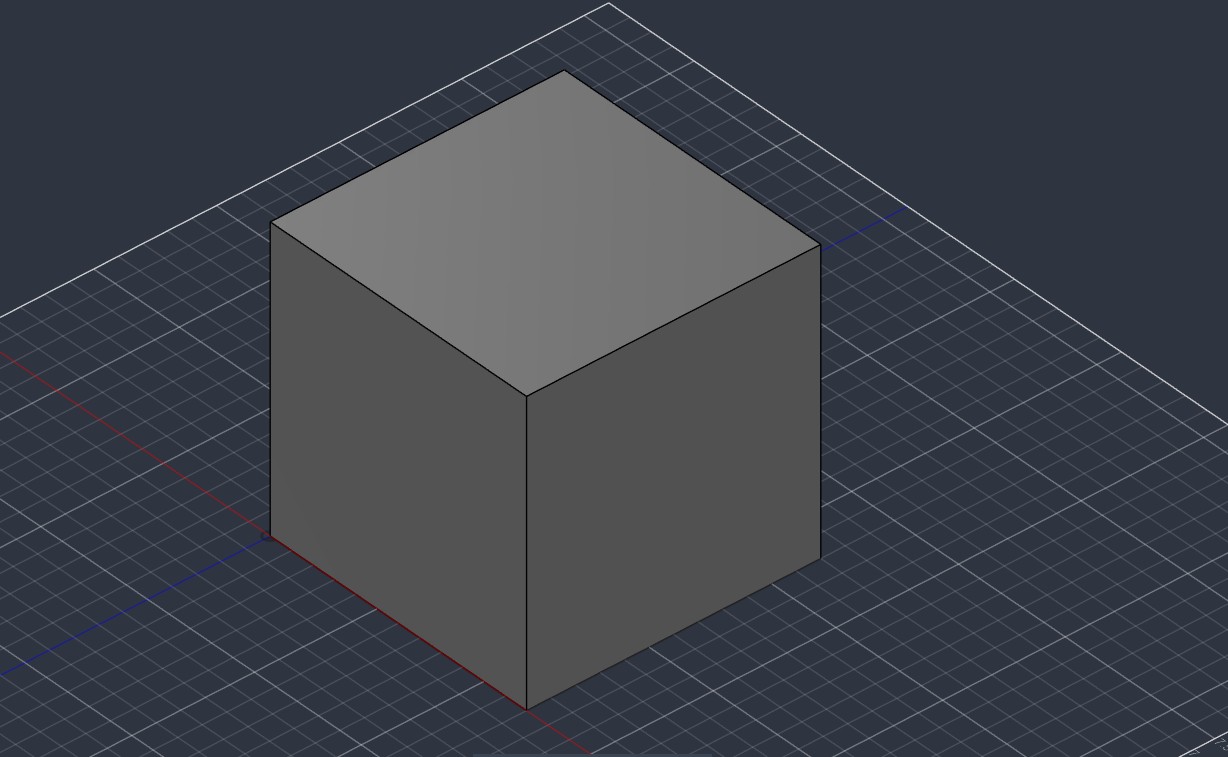
I started in Fusion 360 with a plain cube as the base of the dice.
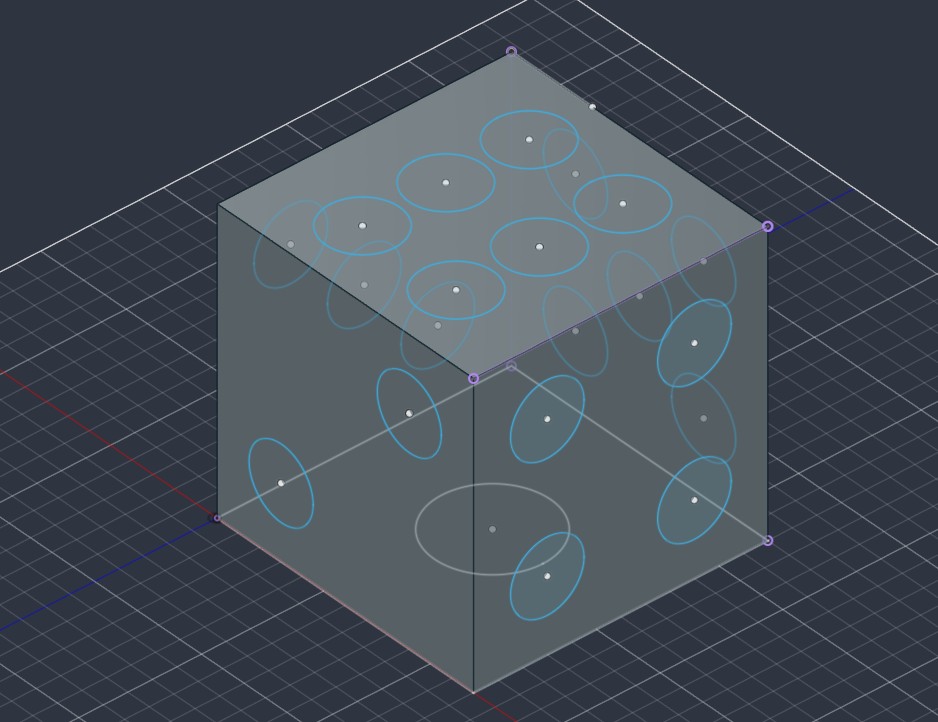
I sketched circles on each face to lay out the pips. I subjected the different sides to fit to a 3x3 grid (except the 6 dice side) to maintain spacing.
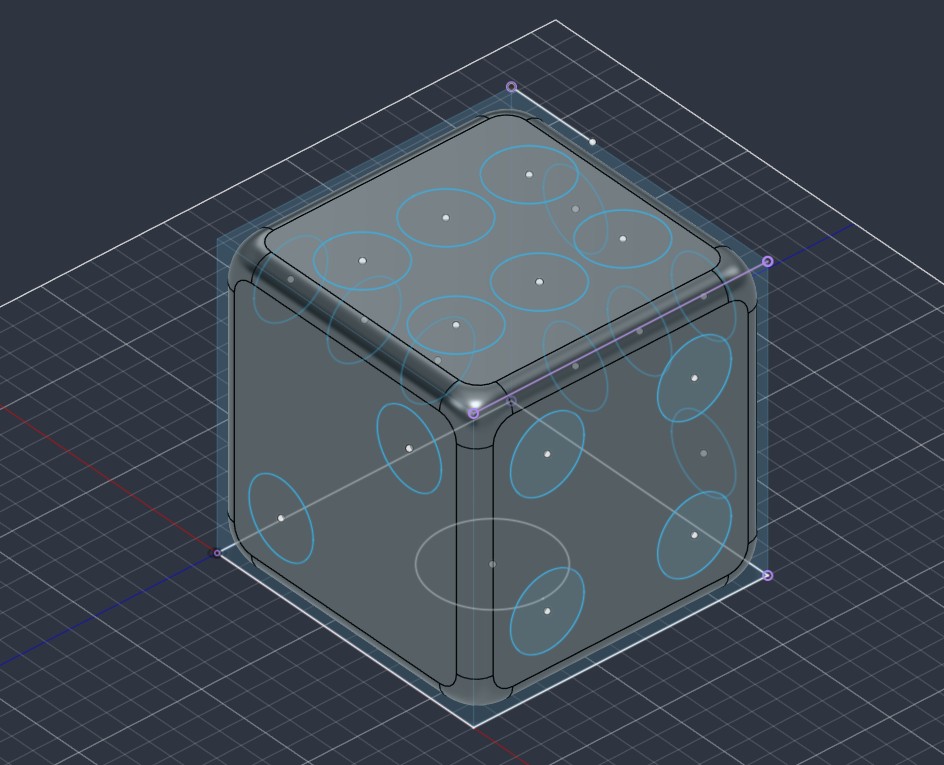
The edges and corners were then rounded with fillets. Just like real dice.
The pips were cut into the faces and the cube was hollowed out. This was done to leave a .8mm wall for the pip internal surface.
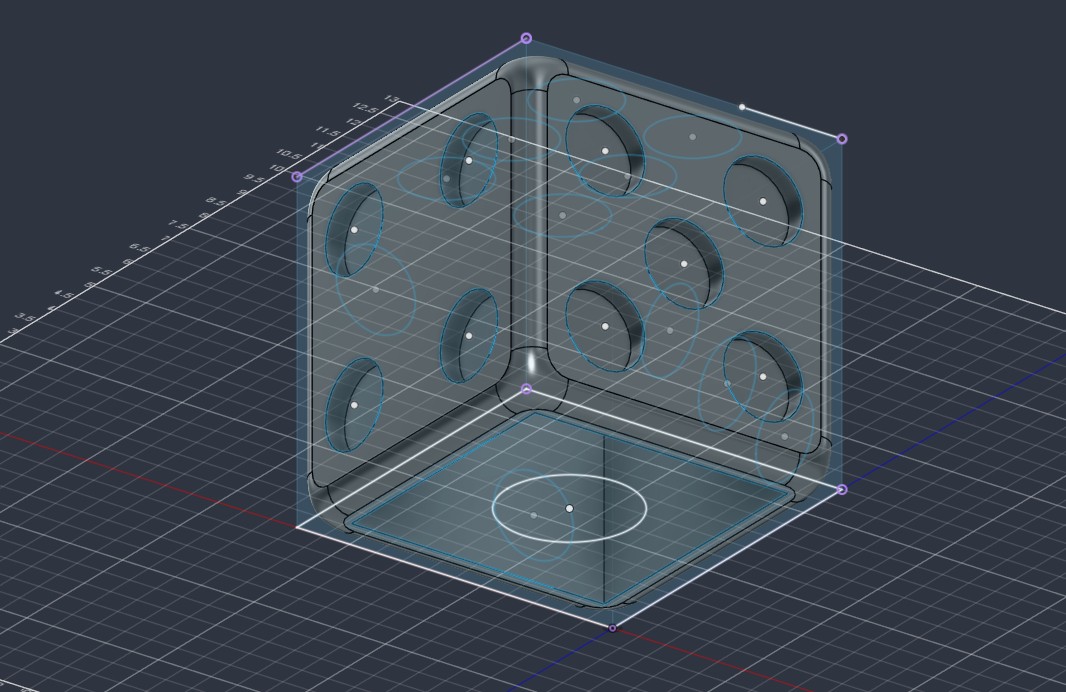
A close up of the bottom of the dice is seen as well as a sketch for the size of the light itself.
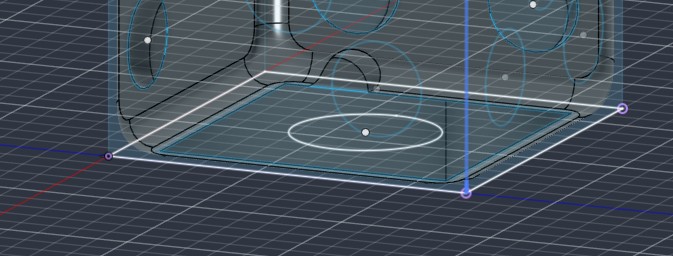
Looking inside the dice from below to see the internal structure. I also sketches and extruded a light holder that will allow for mounting with no assembly. In the top you can also see a channel I made for the power cord.
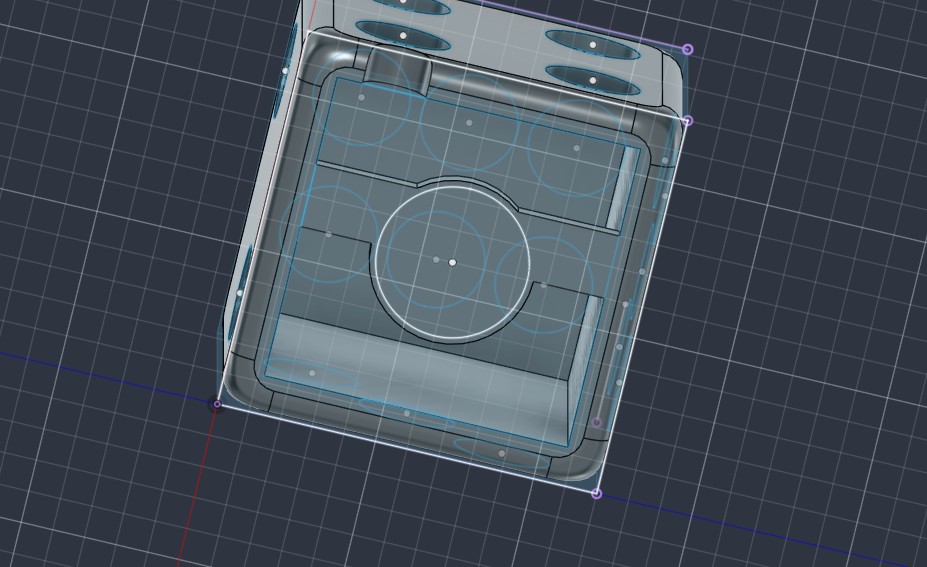
Here is the embedded Fusion file of the dice light.
Here is the printed model prior to any painting.
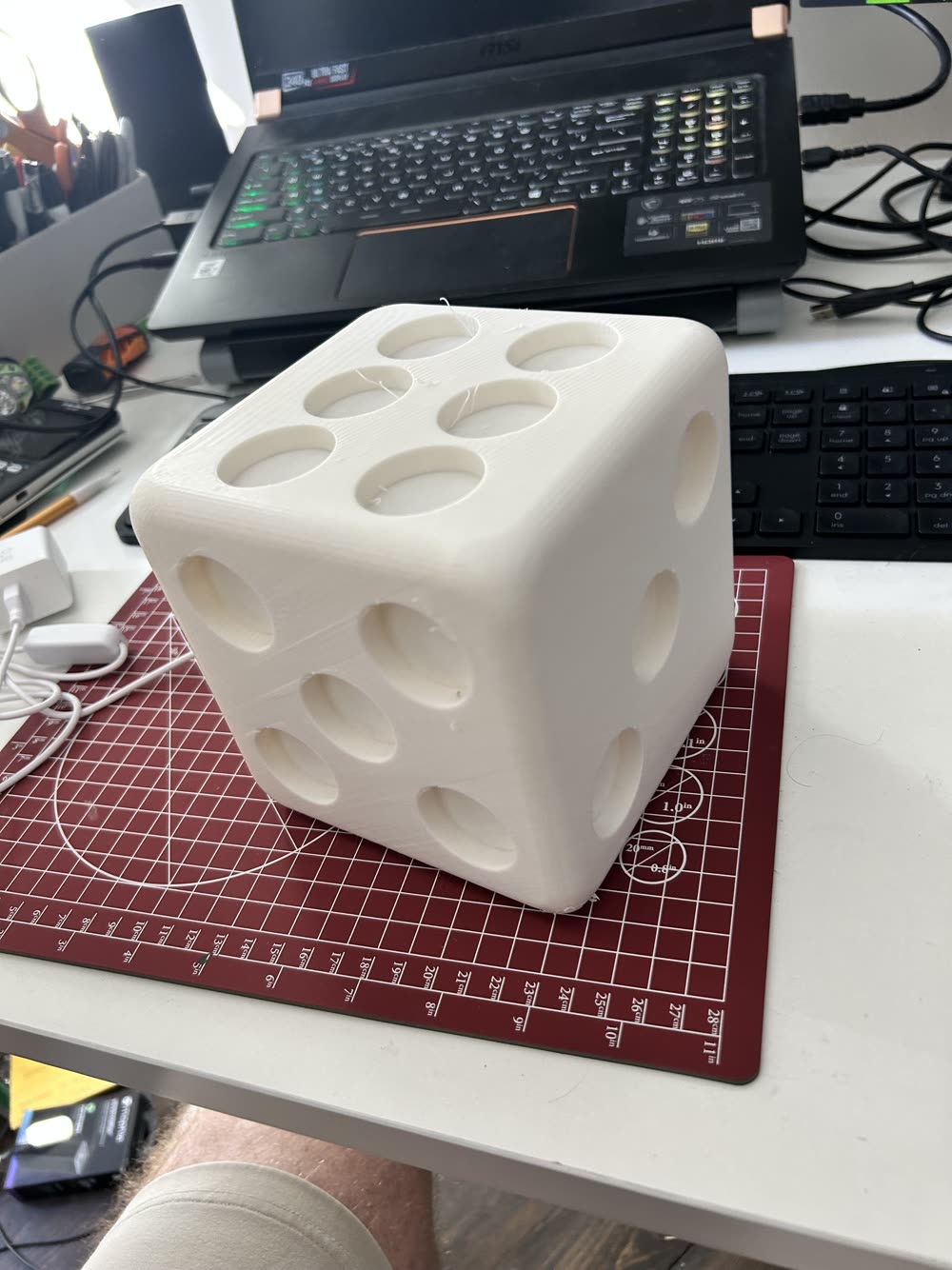
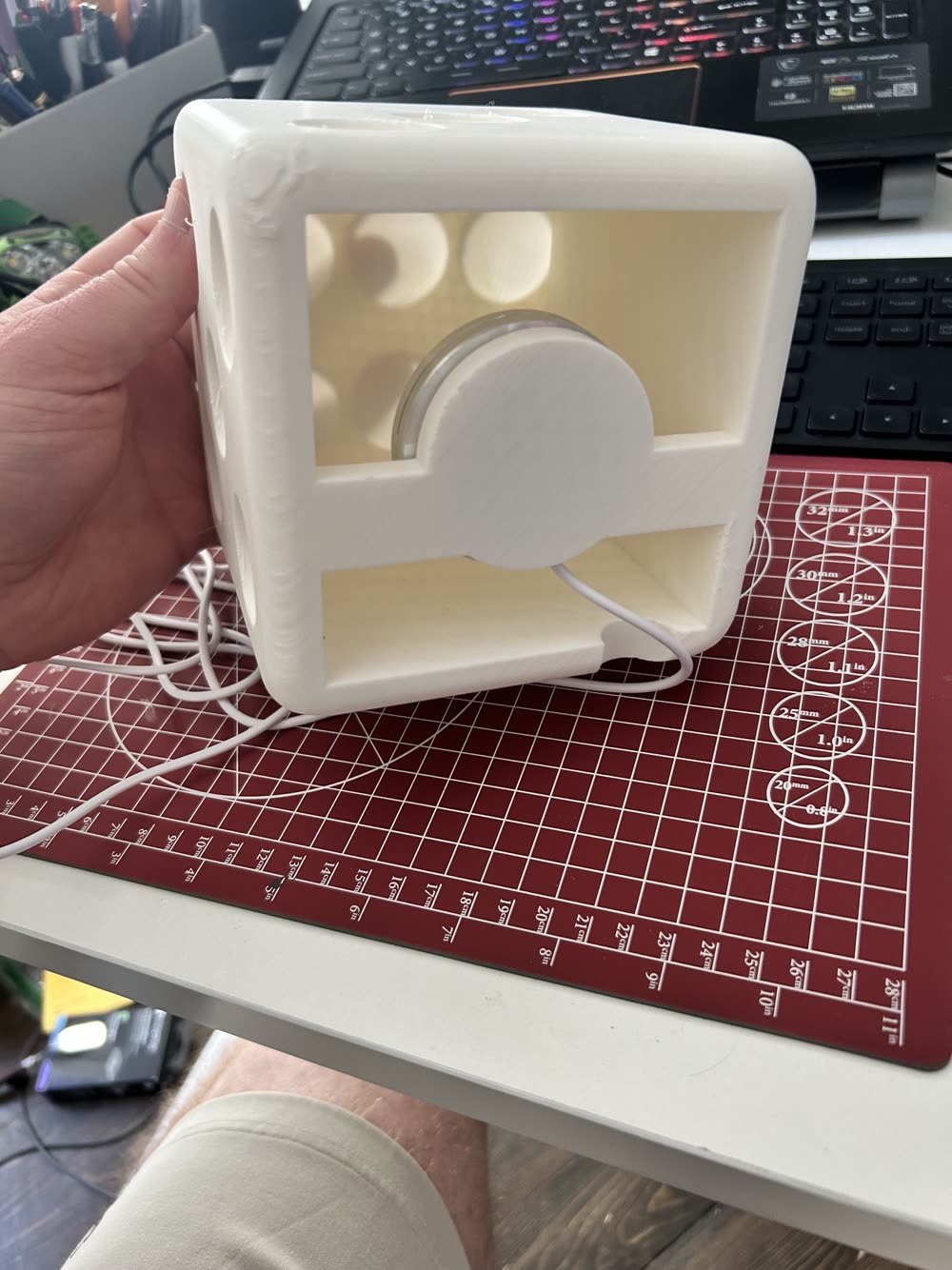
I cleaned the surface with plastic snips and an xacto knife. I then primed it with vallejo paint-on primer and added 4 layers of craft black paint lightly thinned to block light coming through the surface.
This is my chair. I scanned it using "3D Scanner App". We'll say it was alright. It took 36 pictures to achieve the observed resolution.
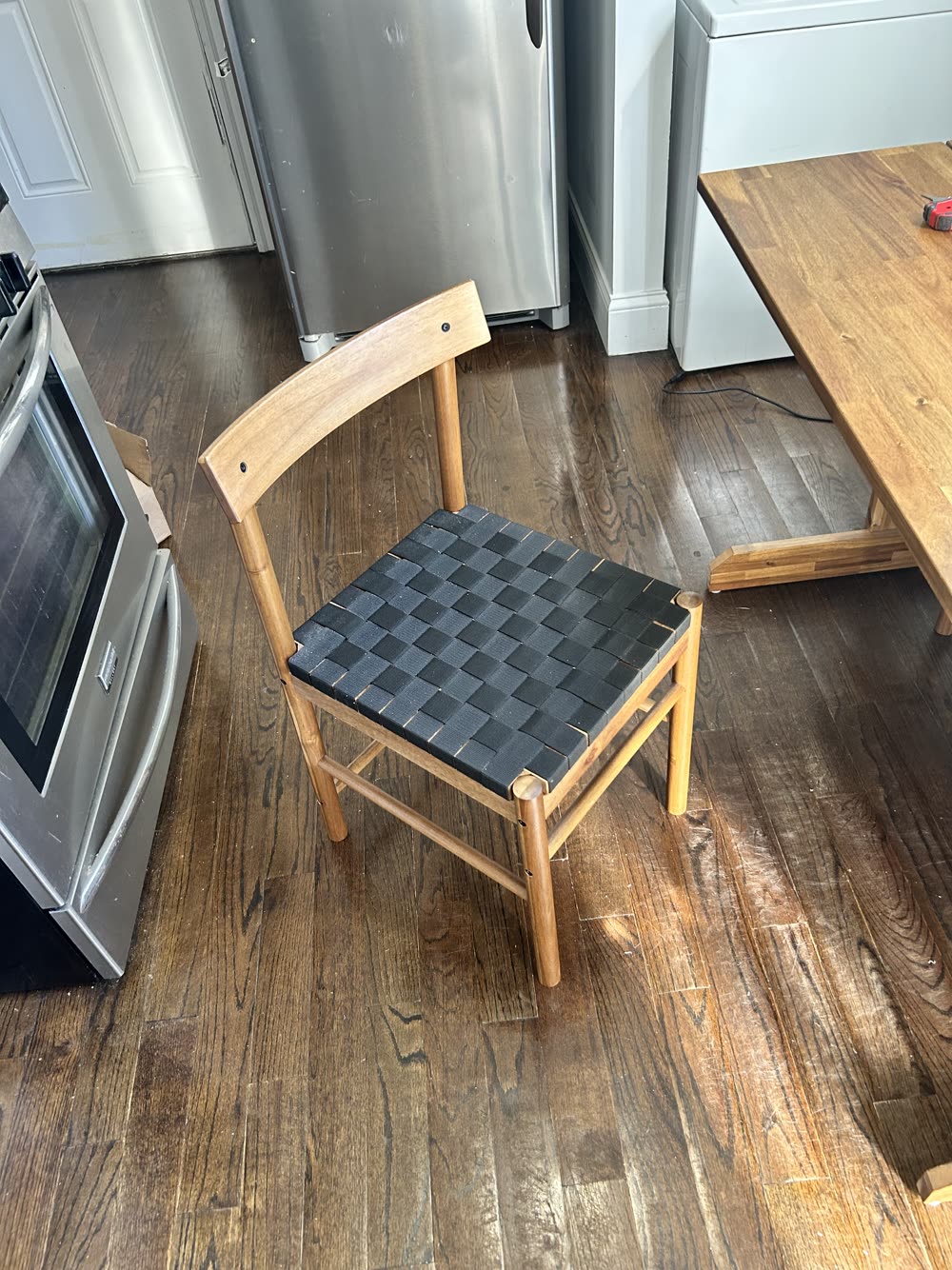
Here is the embedded chair scan.
AI use notated in the html