"To conquer fear, you must become fear." - Ra's Al Ghul
I hate jumpscares. So, for as an exercise in strengthening my embedded programming skills, I thought, "wouldn't it be funny if I made one of the things I hate?" I remember getting shocked to the core as a kid watching the jumpscare maze video. Let's try to recreate the same thing using the Q-pad.
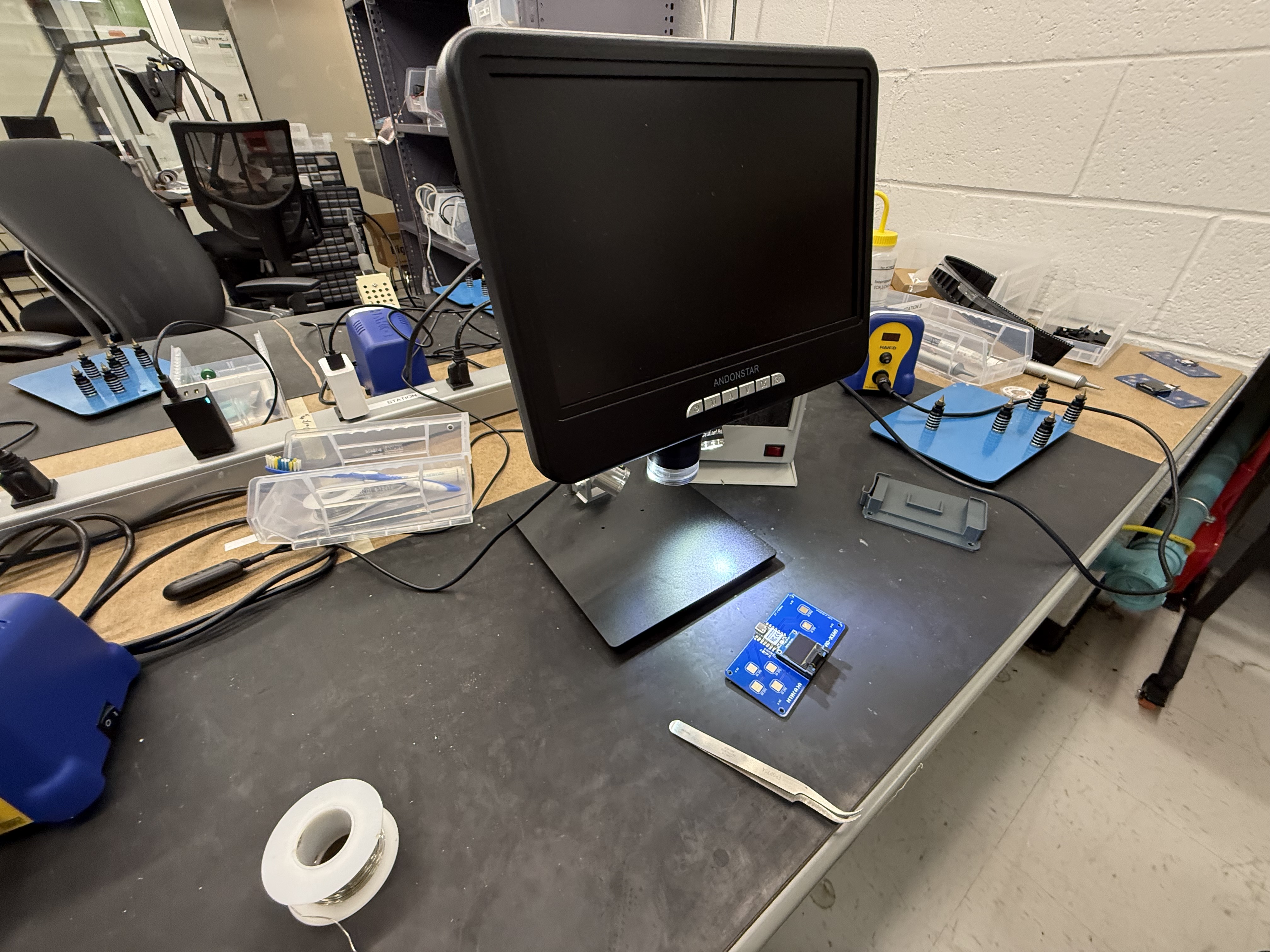
Soldering took a lot longer than I would have hoped. I have soldered in the past, but it appears that I made a large enough mistake that the board could not be recognized by my computer. Trying to read to another Xiao RP2040 worked, and so I essentially had to redo my work before I could make my own program.
\
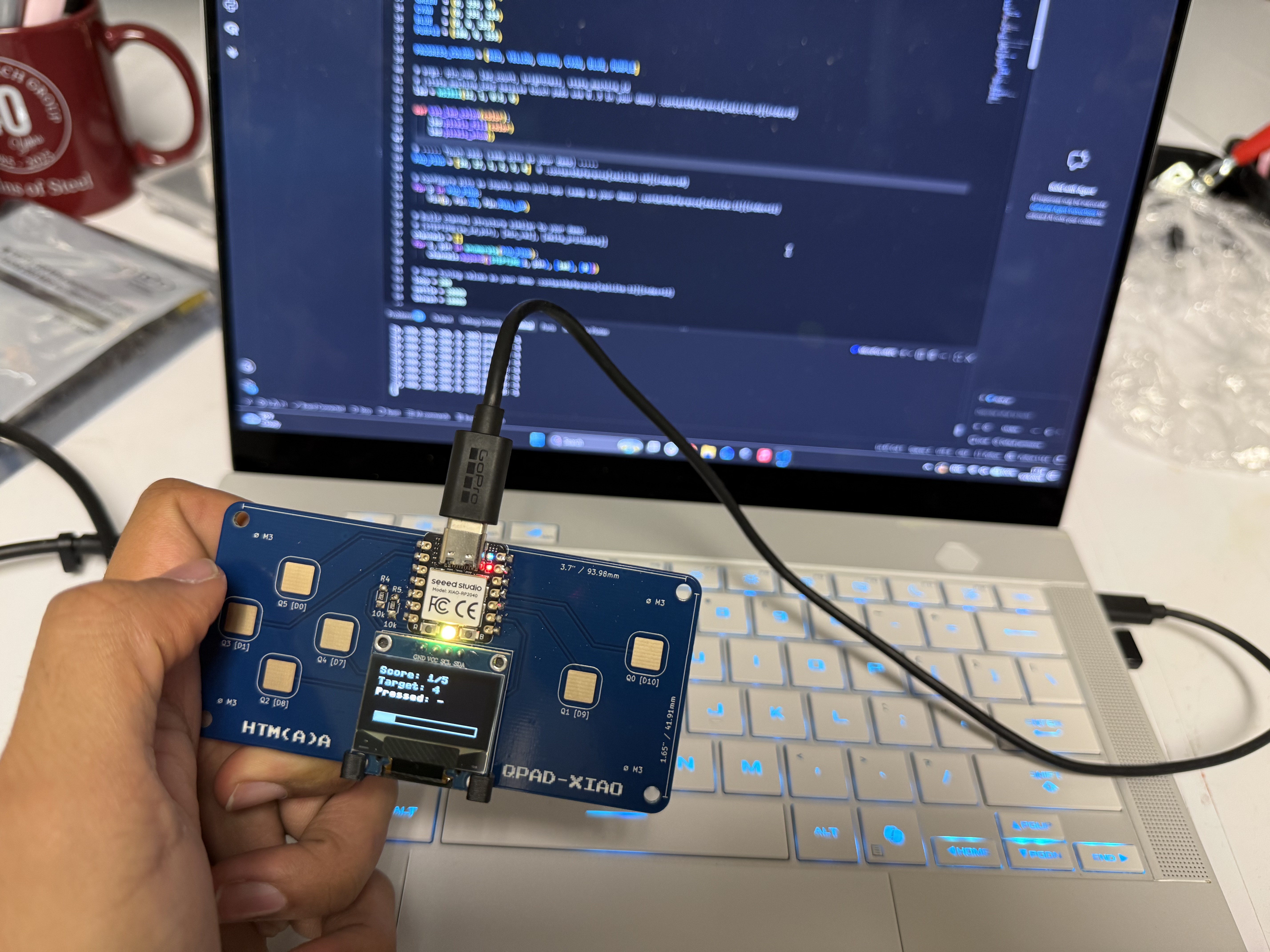
Thereafter, I tested one of Quentin's example programs, and---voila---I was ready to begin working!
\
In theory, creating the maze game was relatively simple: I needed a bitmap of images, a sprite for the player, and edge-detection logic to keep the sprite from running into walls. To generate a bitmap for the jumpscare image, I used the website https://www.image2cpp.com/. Similarly, I used the website https://www.mazegenerator.net/ to generate three maps---upon reaching the third map, the jumpscare image would fill the screen.
After a couple of trials, it became clear to me that I needed to us the buffer library to store images onto the Xiao's memory, otherwise, the program would keep rendering the image row by row. Full disclaimer: I'm not typically enthused about using AI in these projects, but I did need to use Claude to troubleshoot some issues I was having with the edge detection function. After hours of questioning, recompiling, and re-running, I finally got what I was looking for.