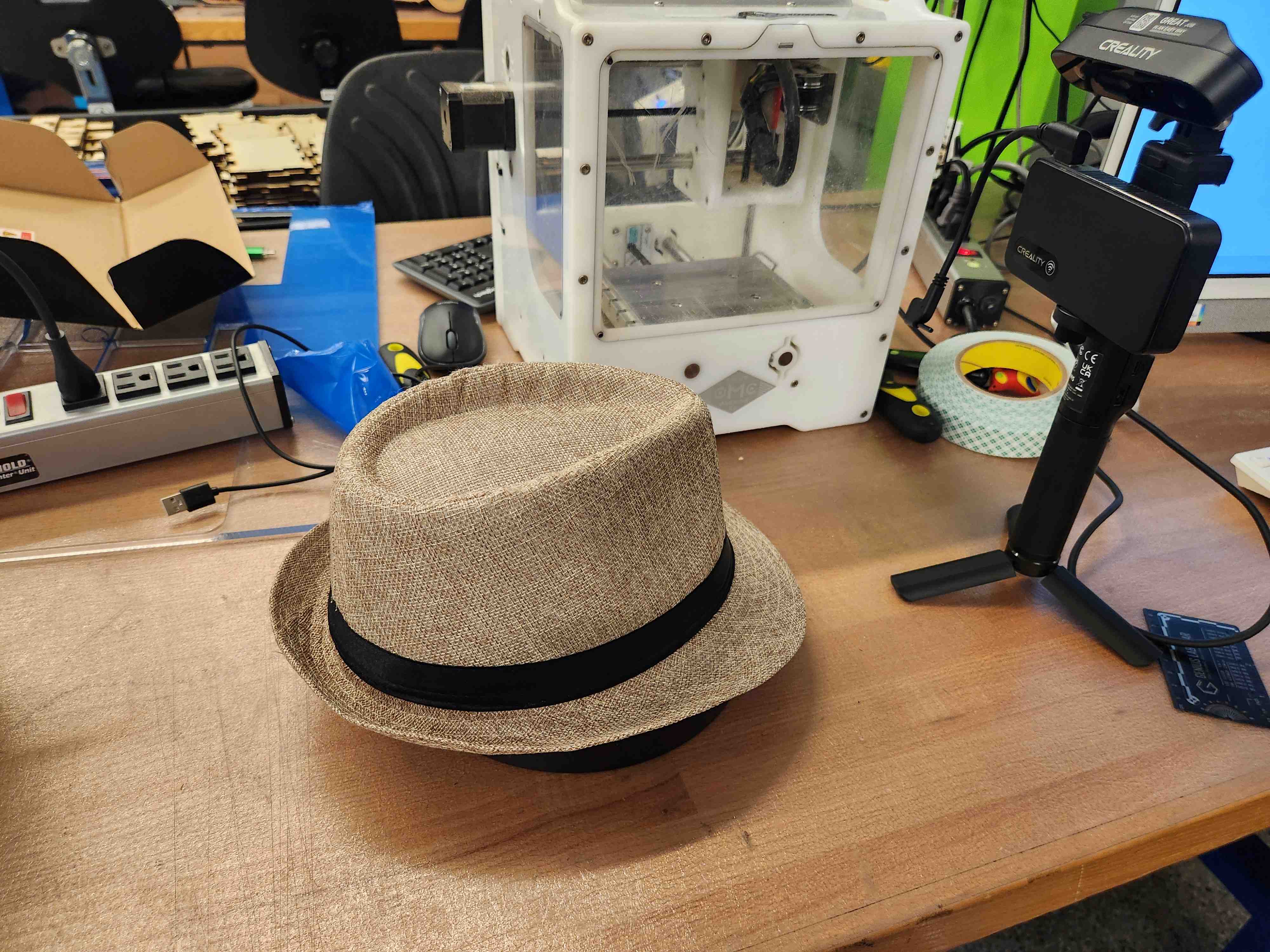
I scanned a Cuban hat from my salsa club using the Creality 3D scanner and CrealityScan. Its fabric contours and thin walls mean it would at best be very expensive, wasteful, and time-consuming on a very precise mill using various tool sizes.
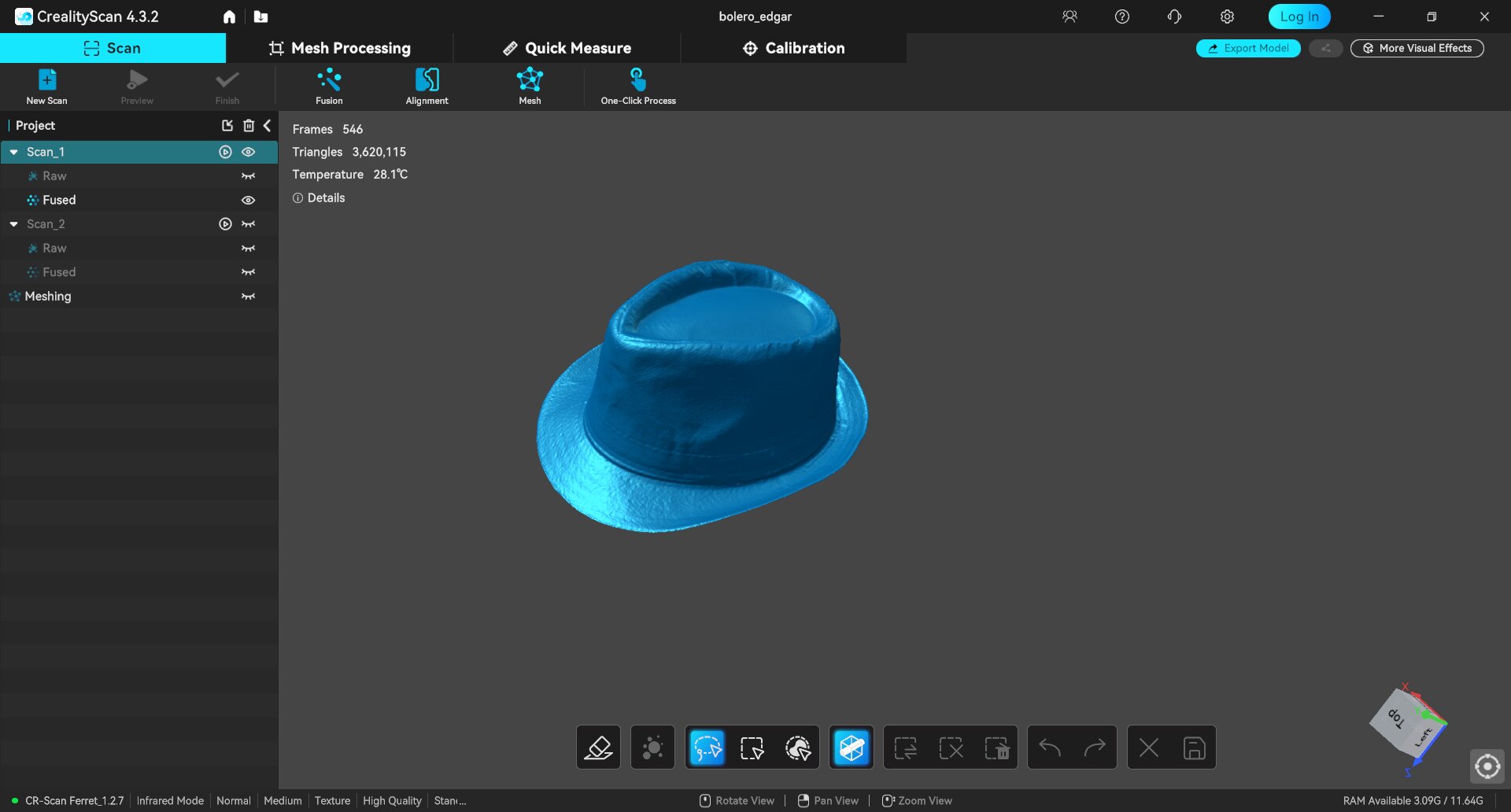
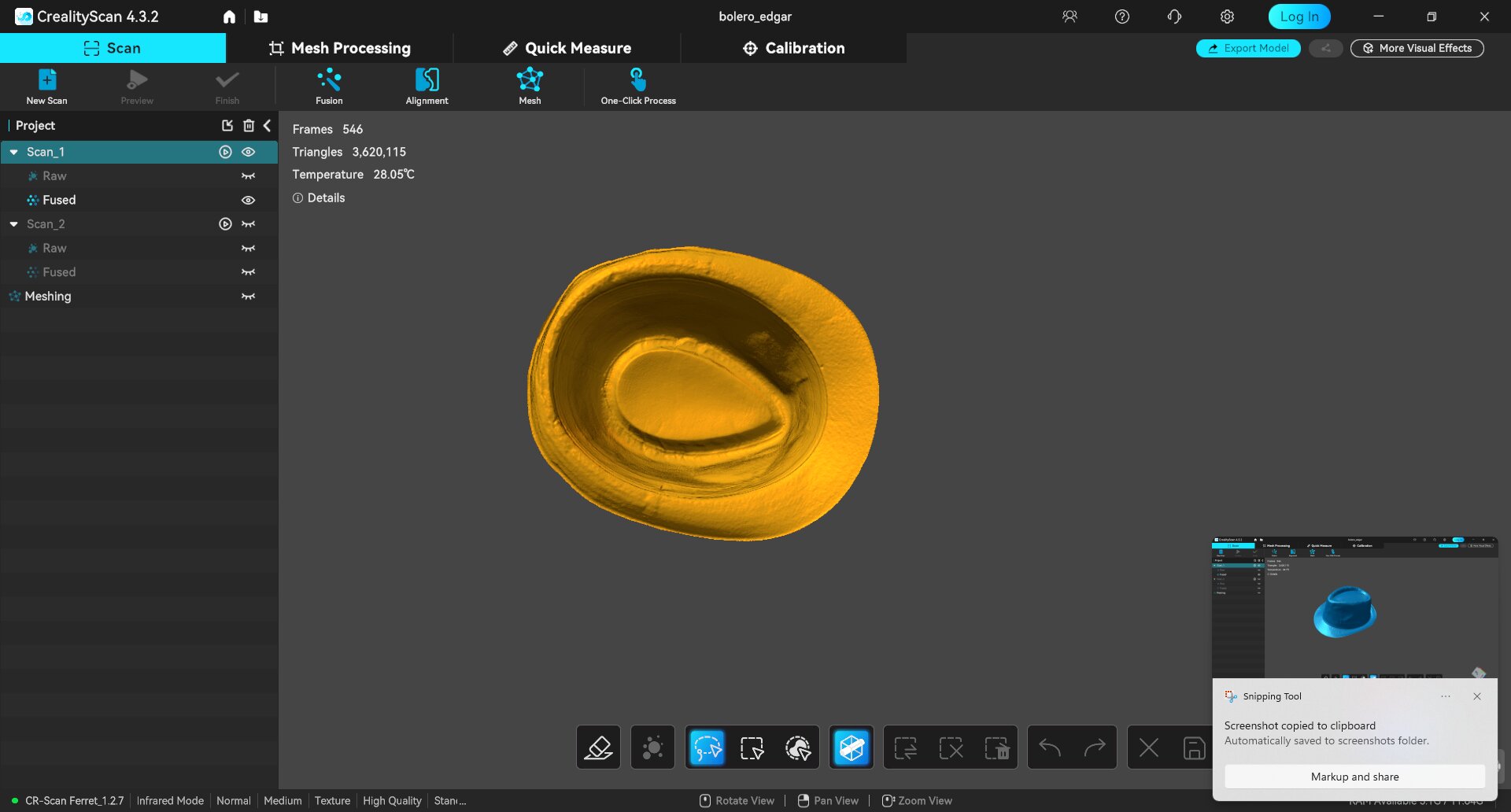
The top scan (not flipping the hat) was very precise and created an amazing 2D surface.
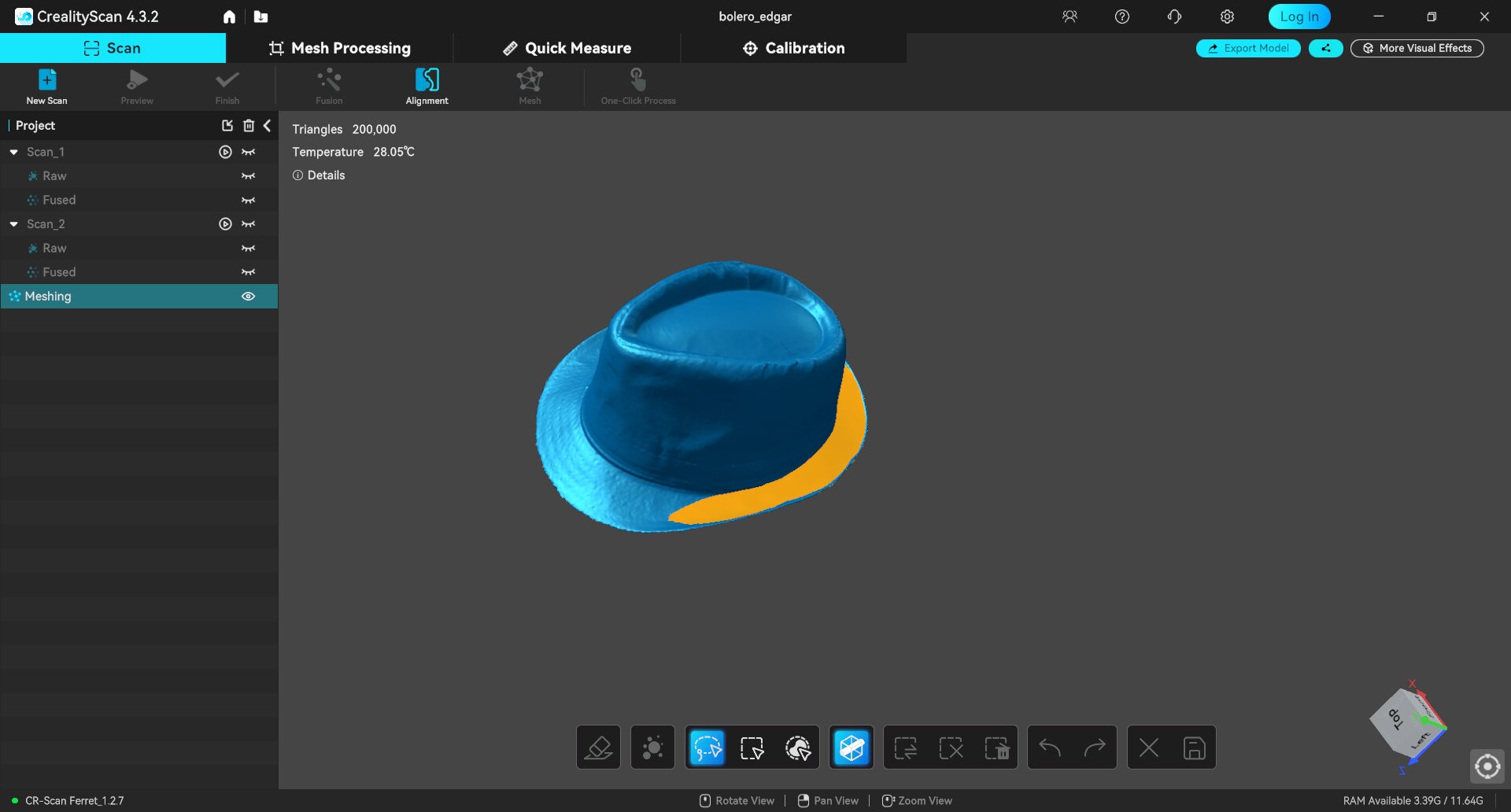
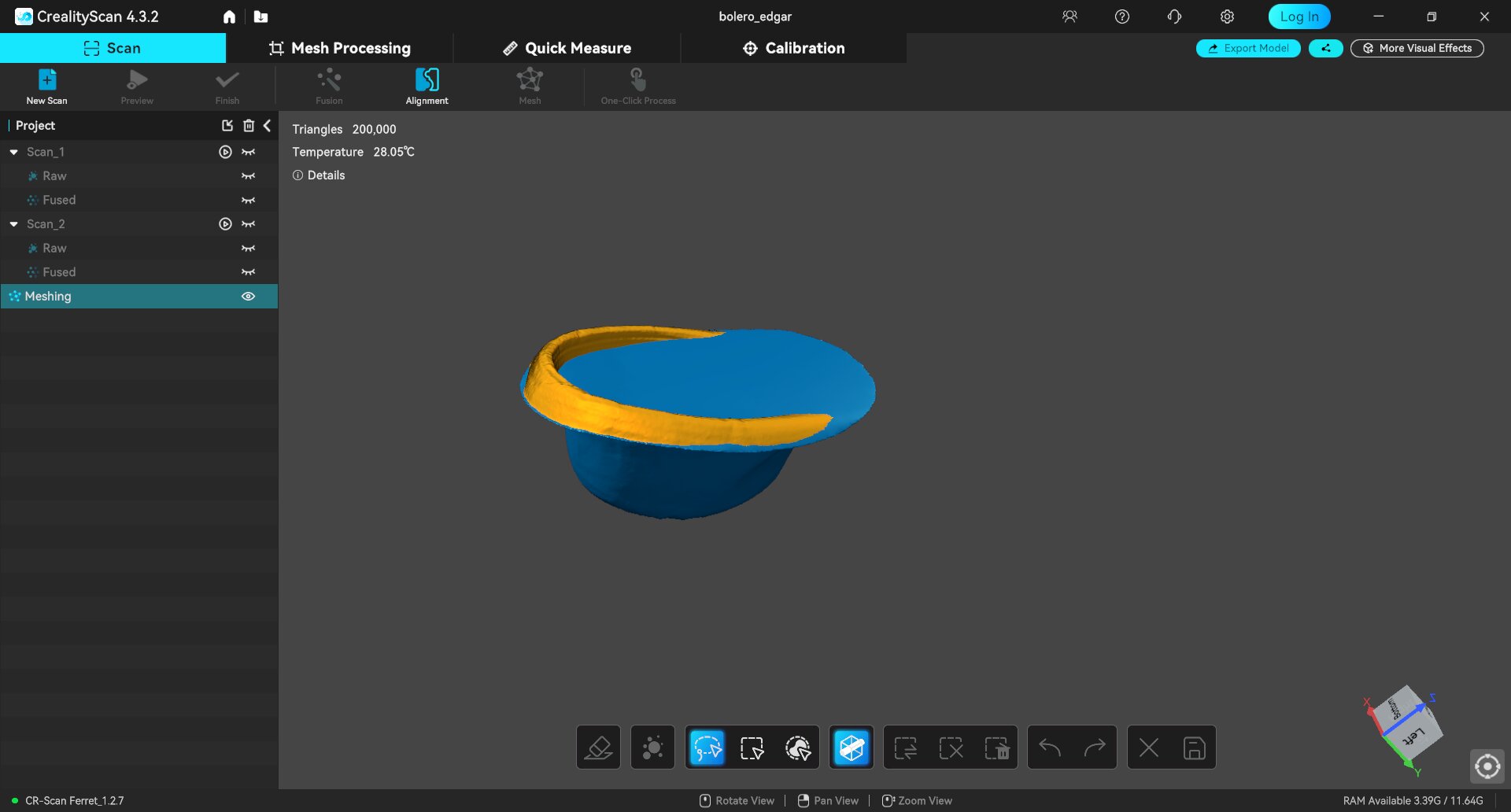
However, when I tried closing the shape, it wanted to slice the easiest plane across the whole opening. However, I wanted the interior of the hat to be at full detail so it was wearable by a very small head.
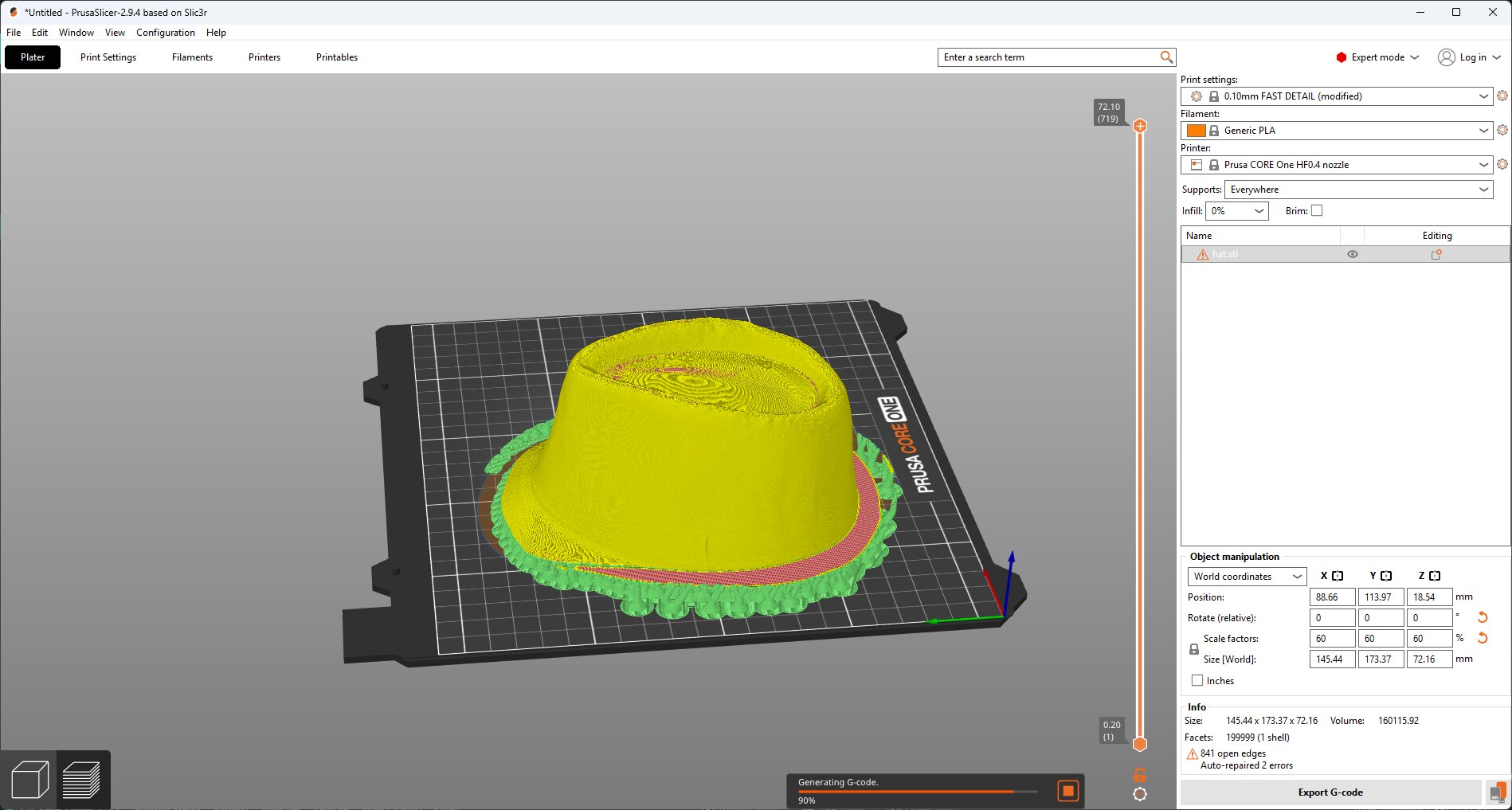
This is what it looked like in the Prusa slicer. The edge was so thin, it couldn't create the whole brim even with the finest setting. Further, it wouldn't solve and export gcode without closing the shape, and it did it in the same way as the scanning software.
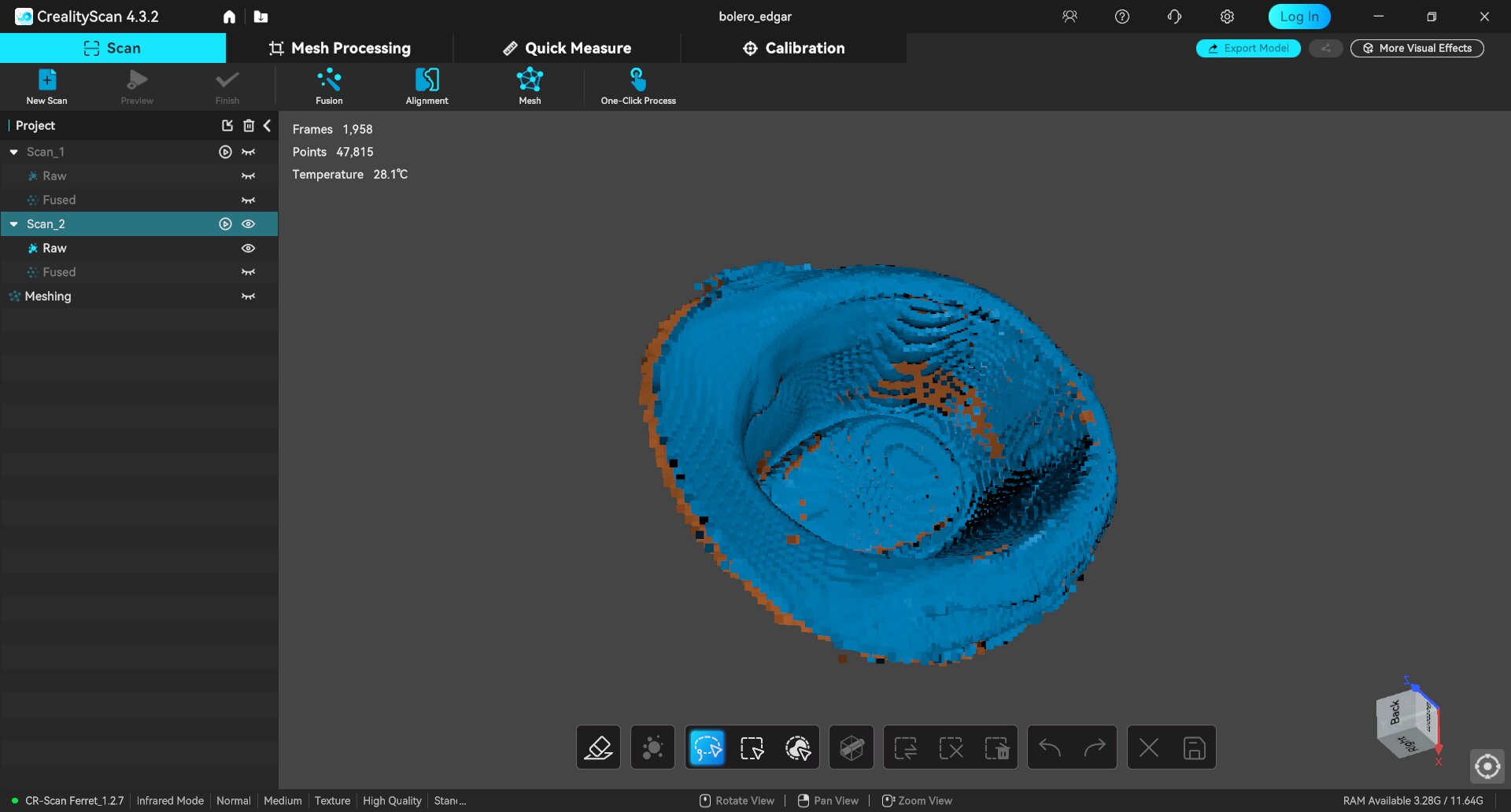
I tried a full scan of both sides of the hat, and it did fairly well, but it lost tracking after a bit, so all I could get was the pointcloud seen above. This looks alright to the human eye, but it did not have nearly enough point density on the inside surface to close it. With noise removal, it chopped off the whole interior section. With none it looked like this:
Not ideal.
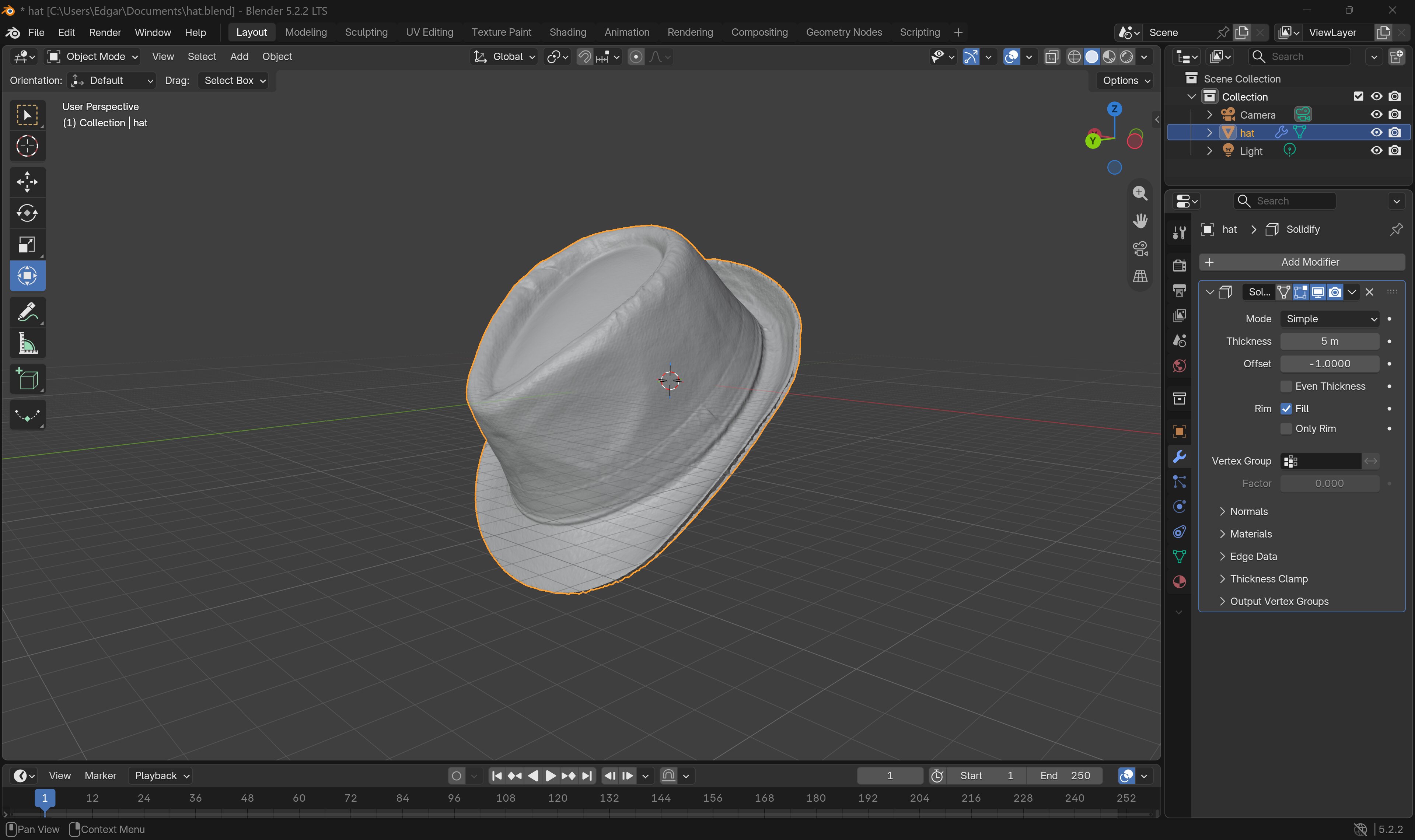
Instead, with help from Anthony, I discovered I could take the 2D surface into Blendr and thicken it. This preserved the contour but made it a full 3-dimensional geometry that could be sliced.
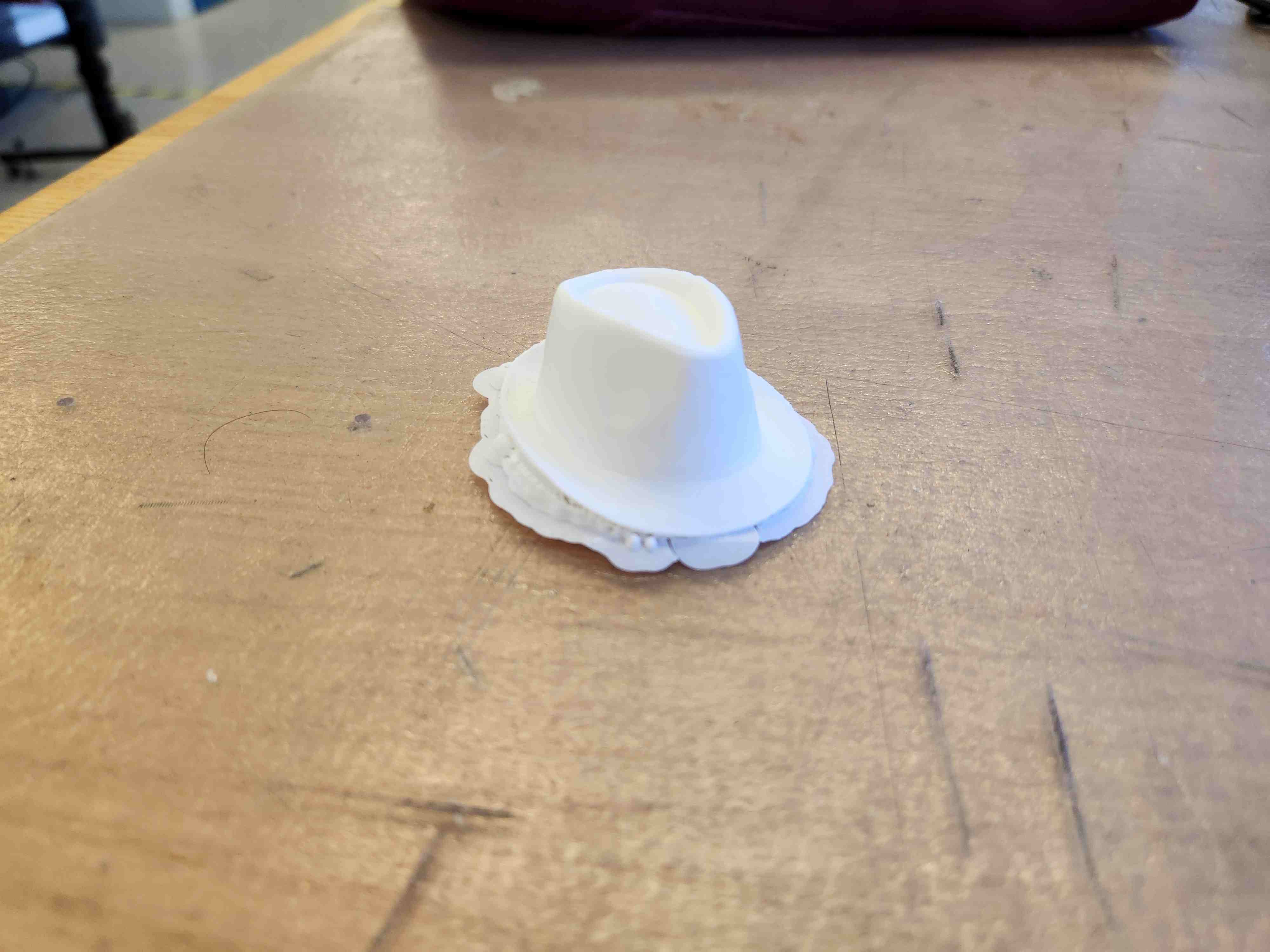
The printed output with supports still attached. Internal contouring required supports. Because there was no chance to pull all the way across. I put it on the finest setting (0.1mm) to handle the detail. It printed in about an hour.
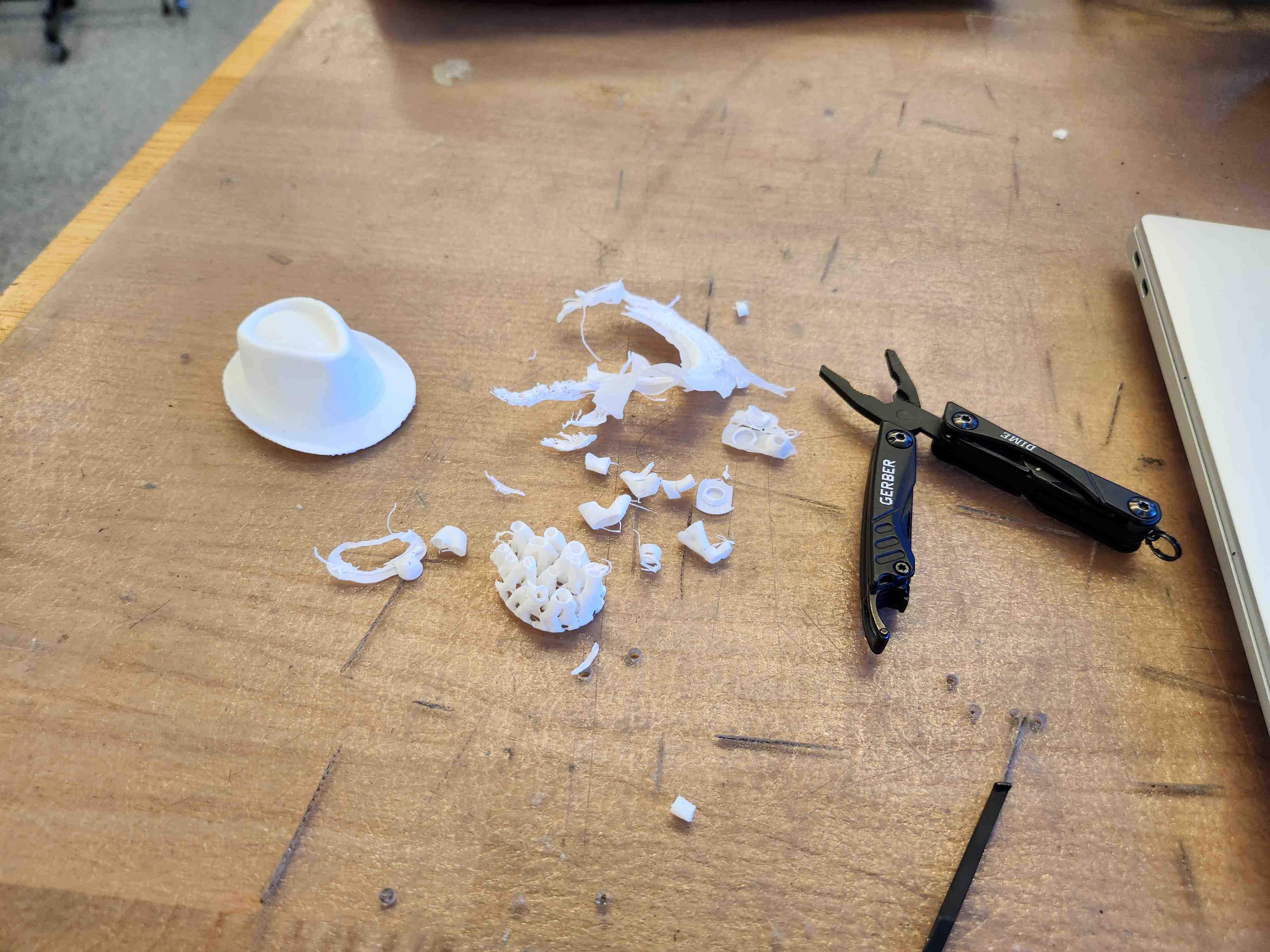
Supports came off cleanly with the help of my pocket pliers.
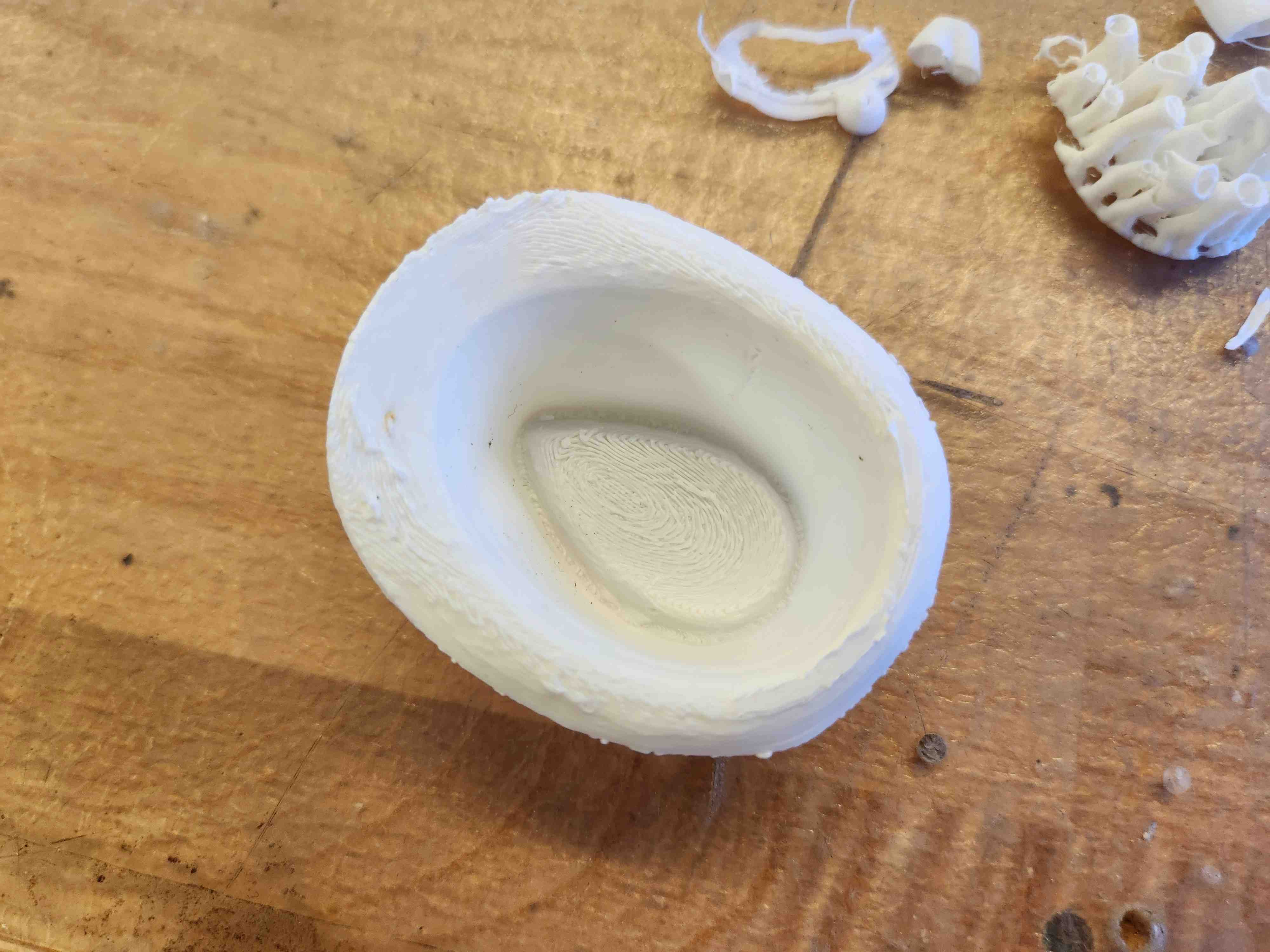
Looks pretty good. A little stringy, but perfectly acceptable for such fine contour detail like this.
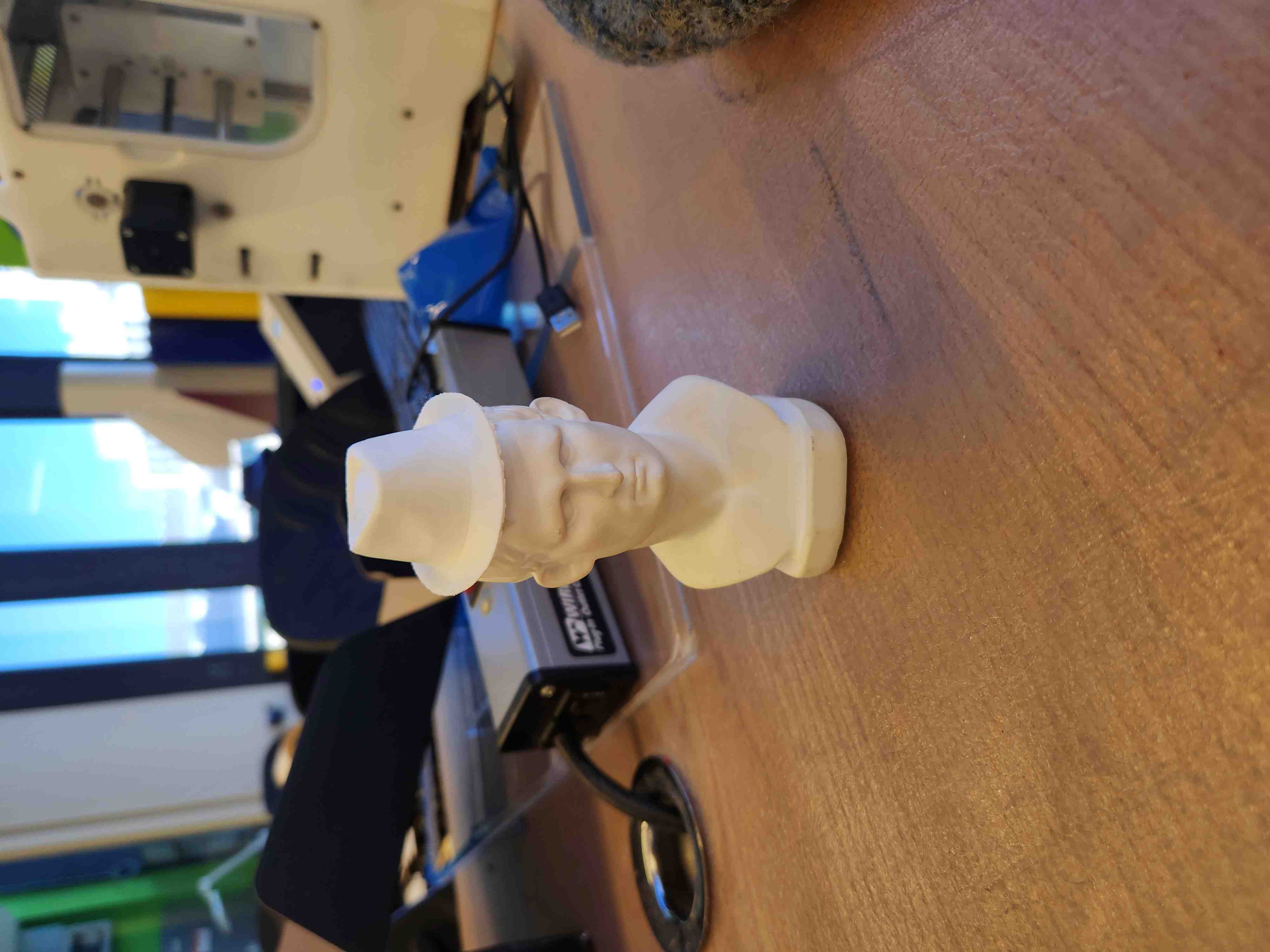
Here is the final printed hat printed on a Prusa Core One, adorning the EECS section's famous statue we scanned during the Creality scanner tutorial.