3D Printing: Substractive vs Additive#
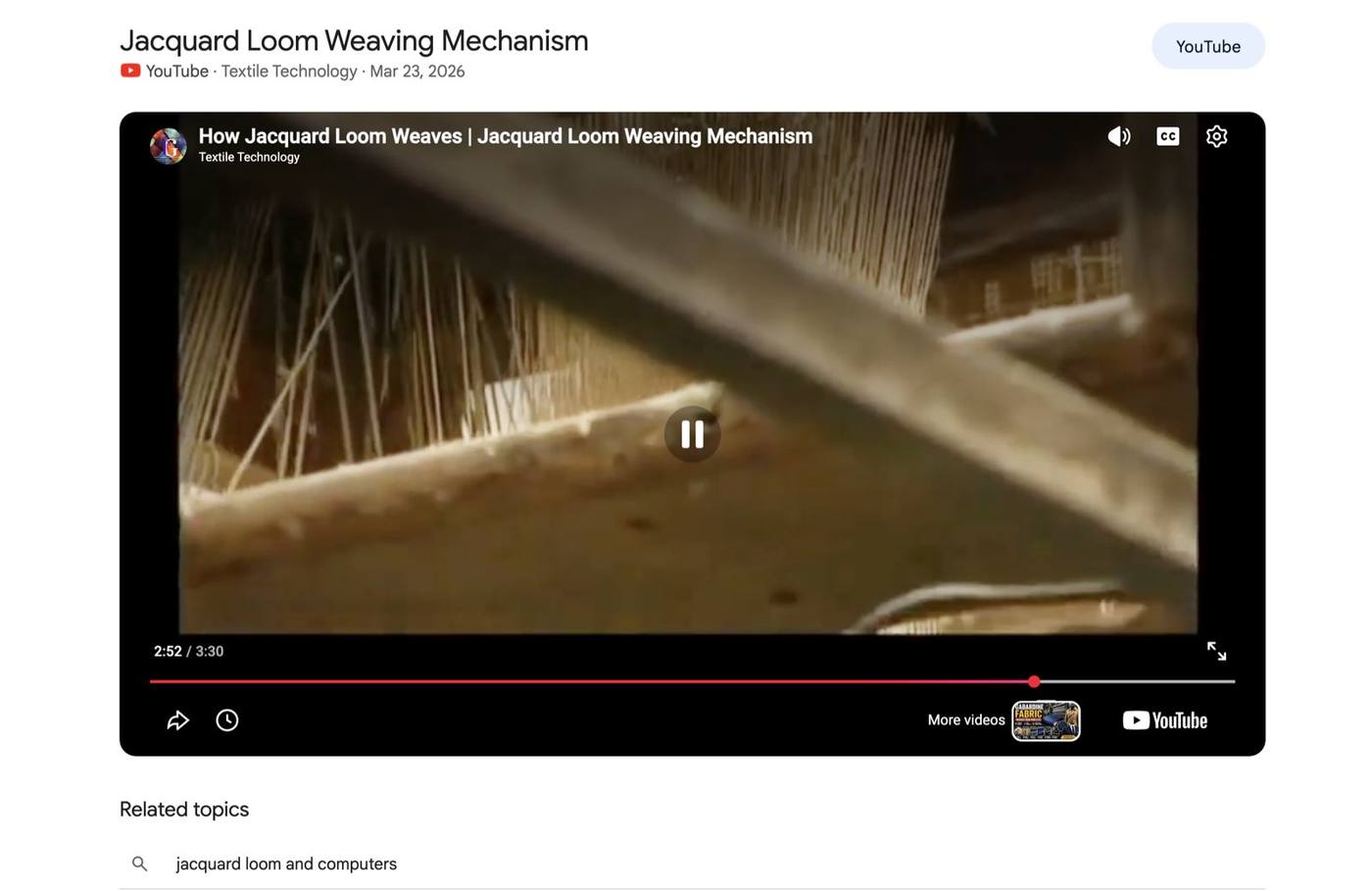
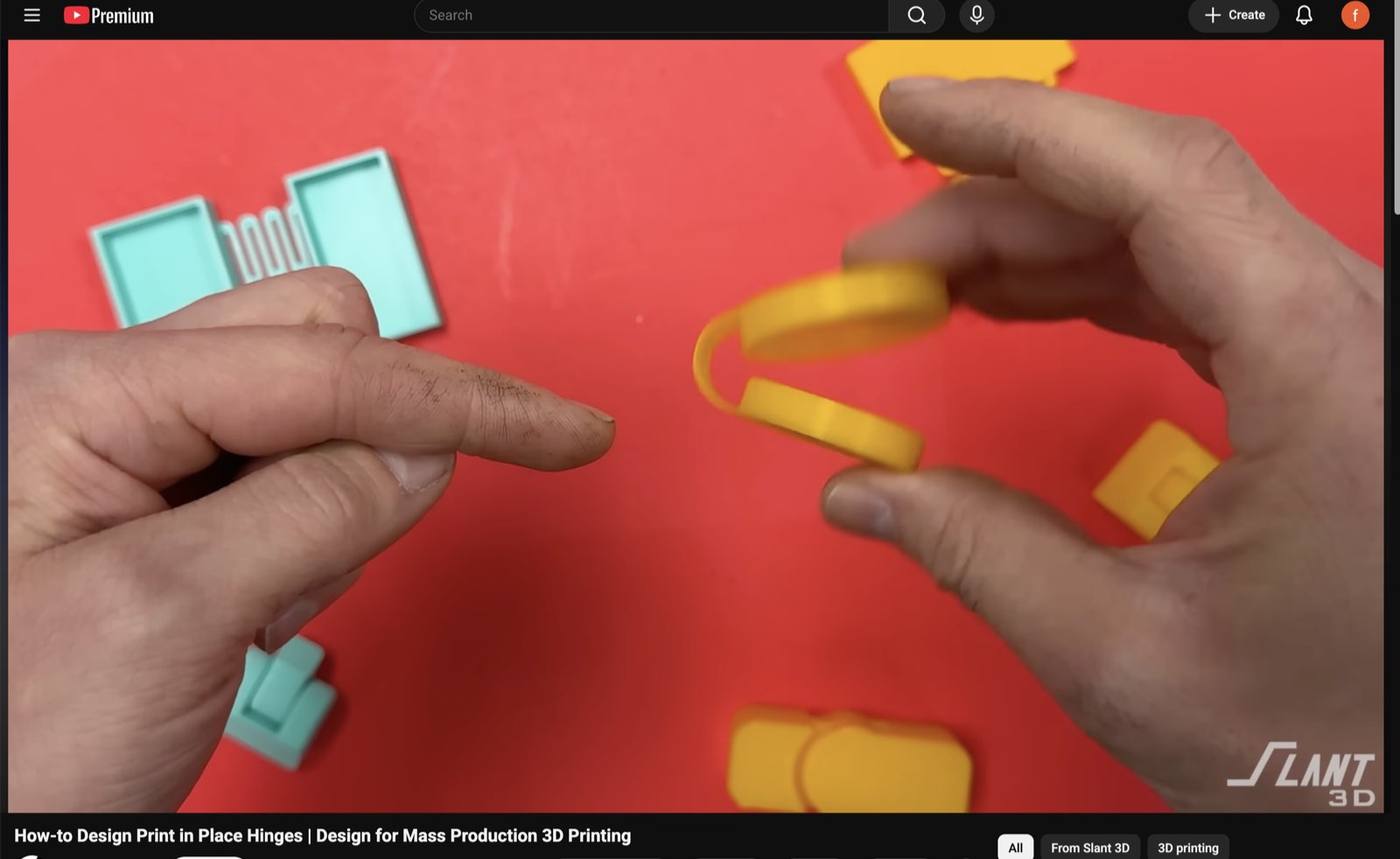
This week's assignment was to design and print an object that couldn't be made subtractively (by cutting material away) using 3D printing, and I started by watching some videos for some inspiration.
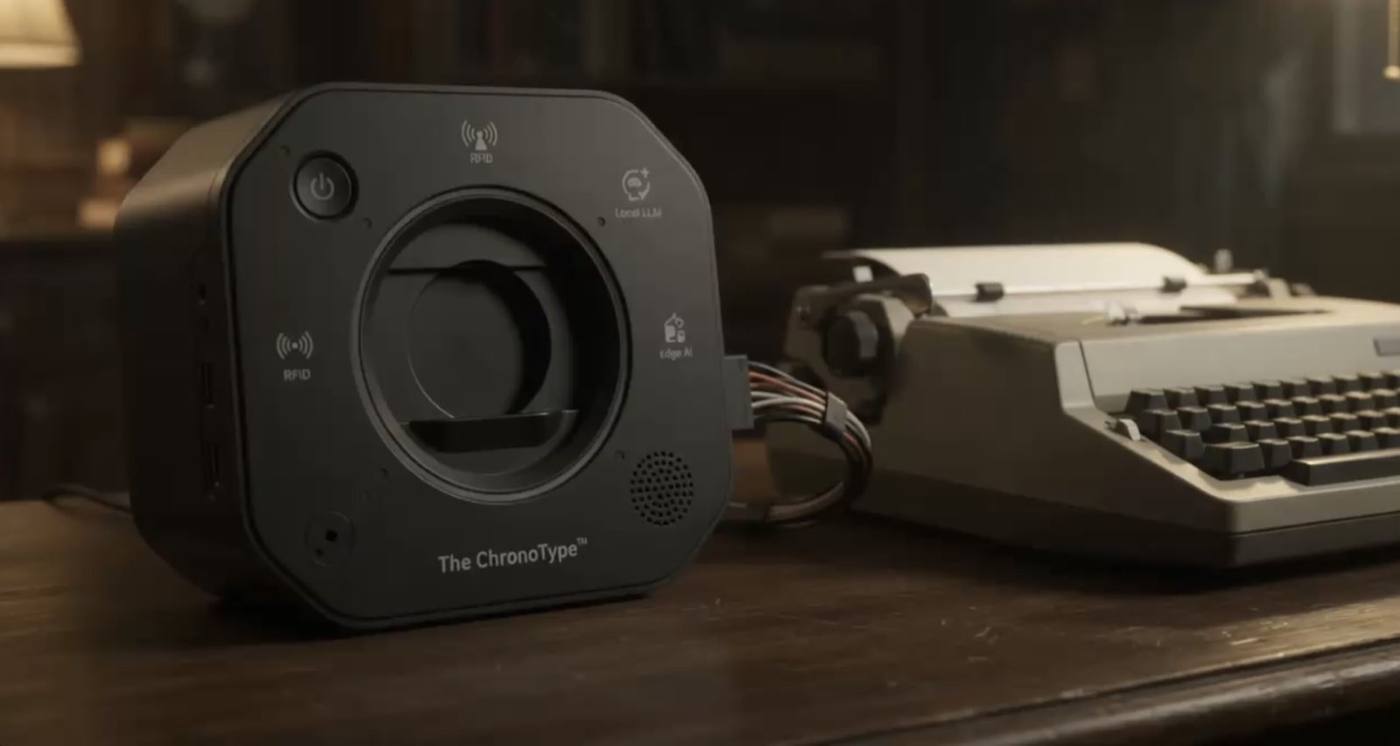
As I set out in my final project plan, I wanted to use the weekly assignments to build on the components that I could use for The ChronoType.
Given it will be activated by using the ink ribbon case, I took the ChronoPulse built from last week and decided to build a home for it in the shape of this case.
It also should have a speaker connected to play the save theme melody while the additive piece will be a 3D-printed hinge.
3D print set up: GenAI connection to Fusion#
The interlocking box in week 2 took me at least two full days to draw on Fusion and it was time to try something I'd been curious about following the week 4 tutorial: letting an AI assistant model directly inside Fusion.
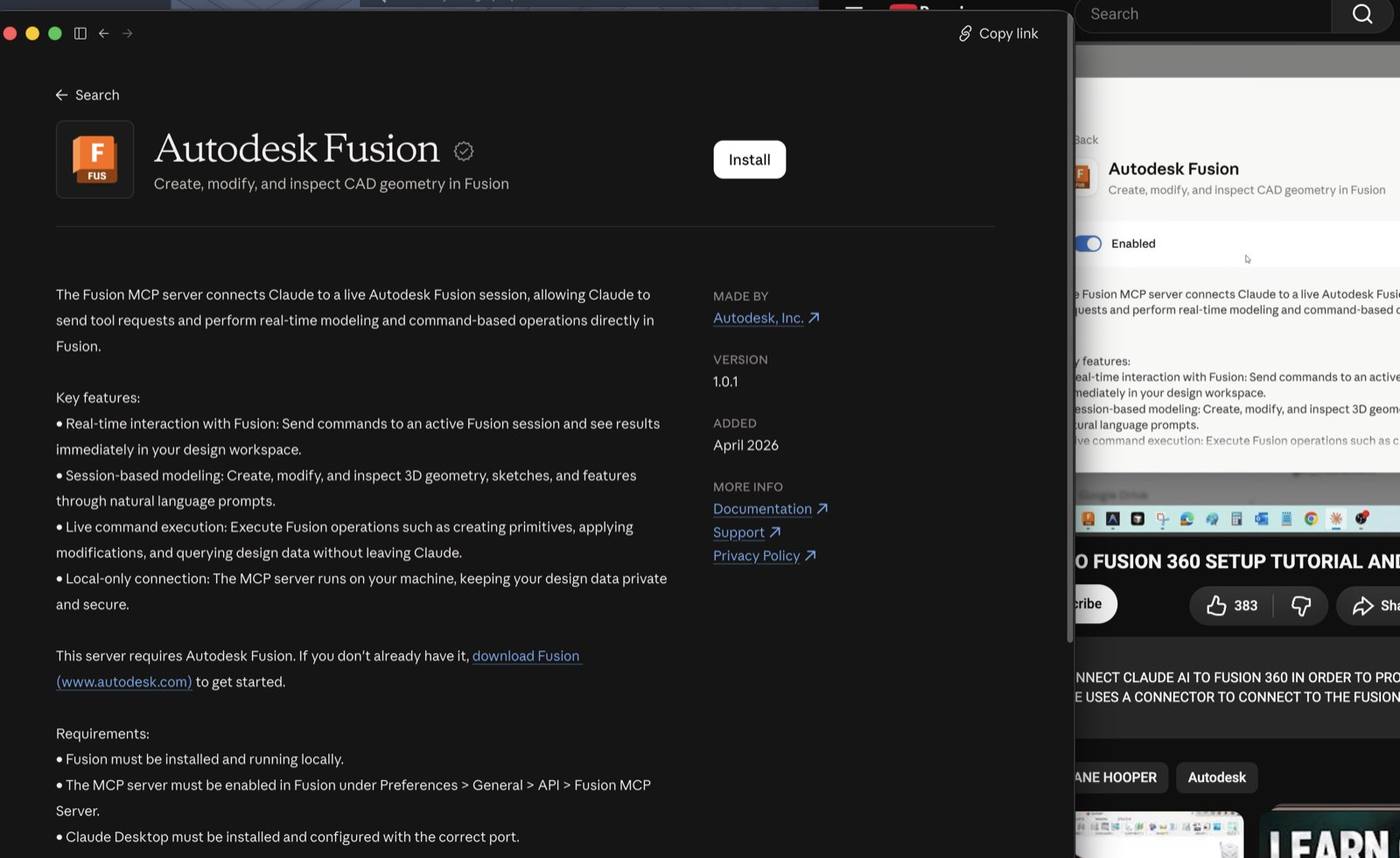
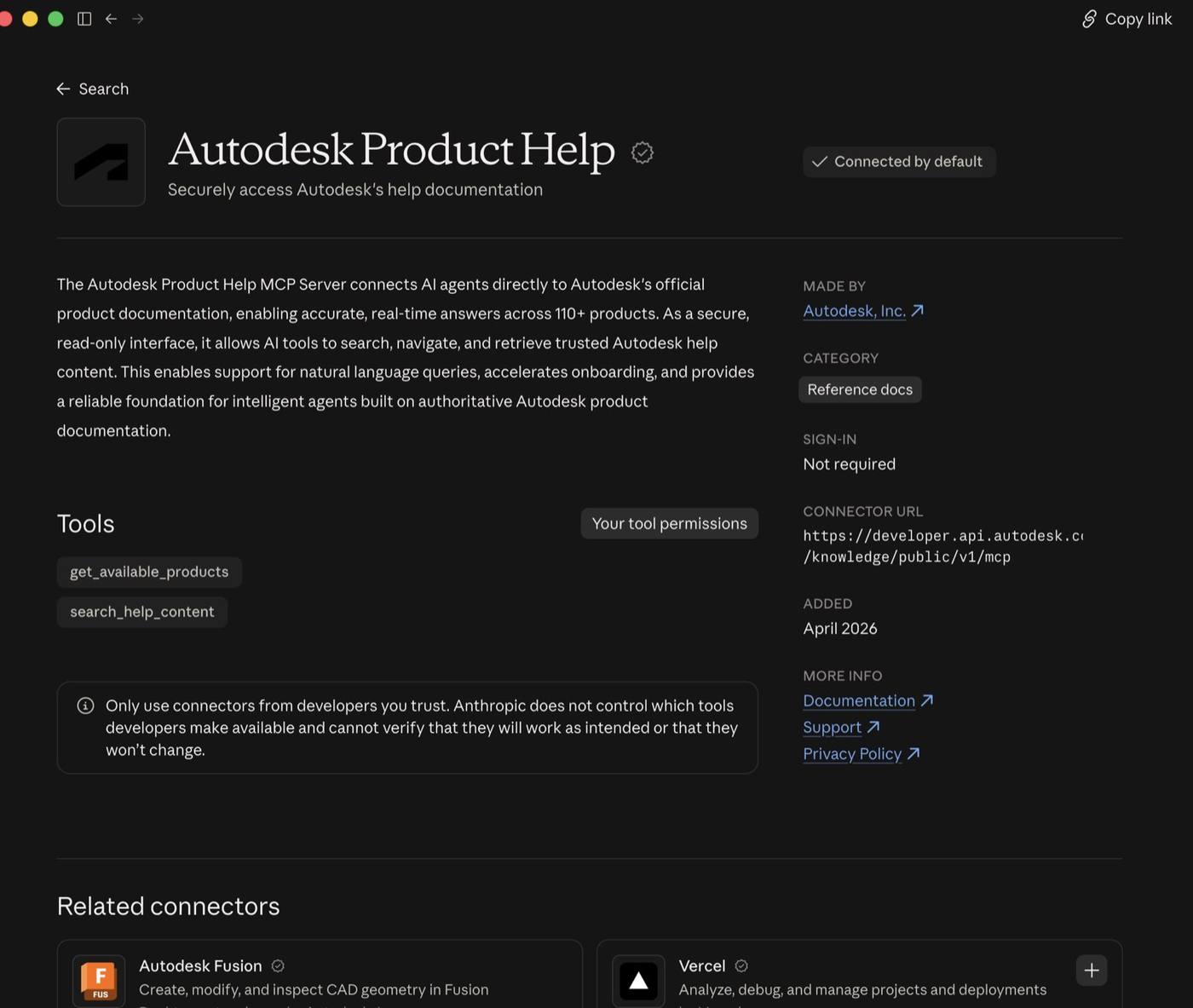
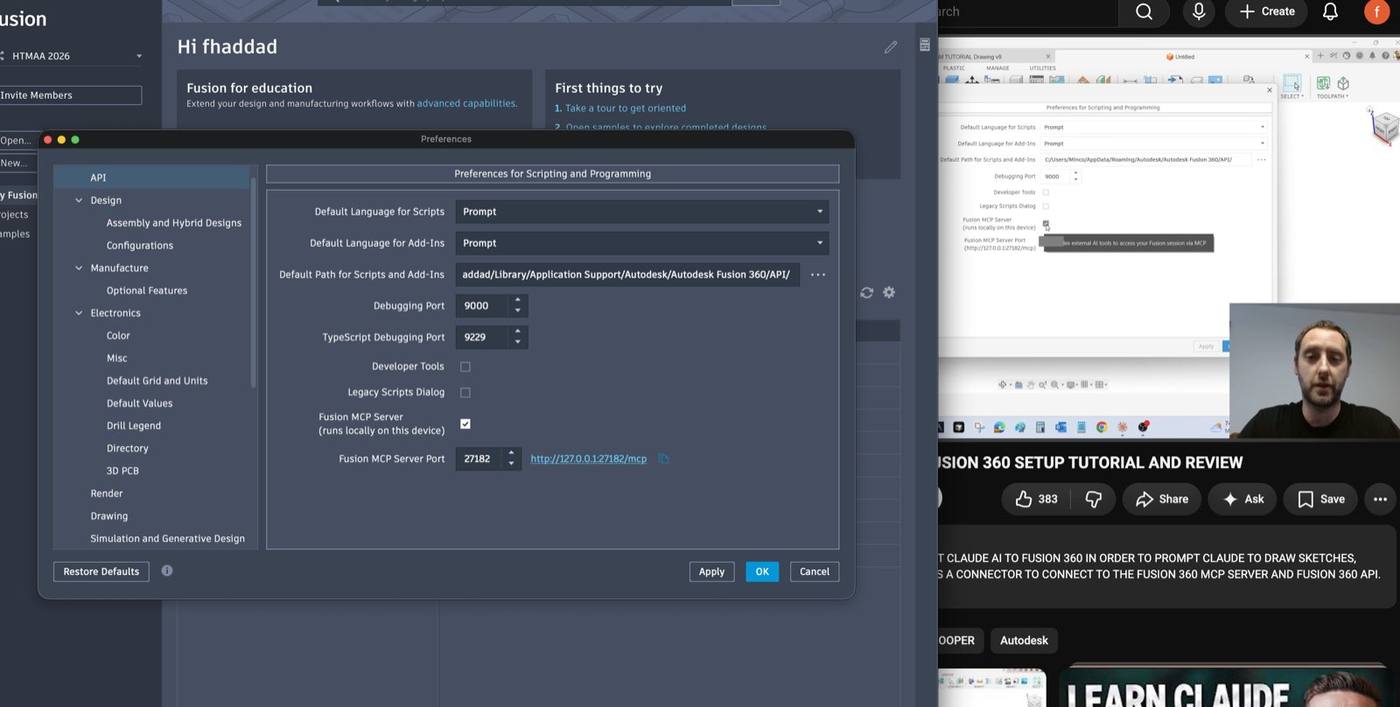
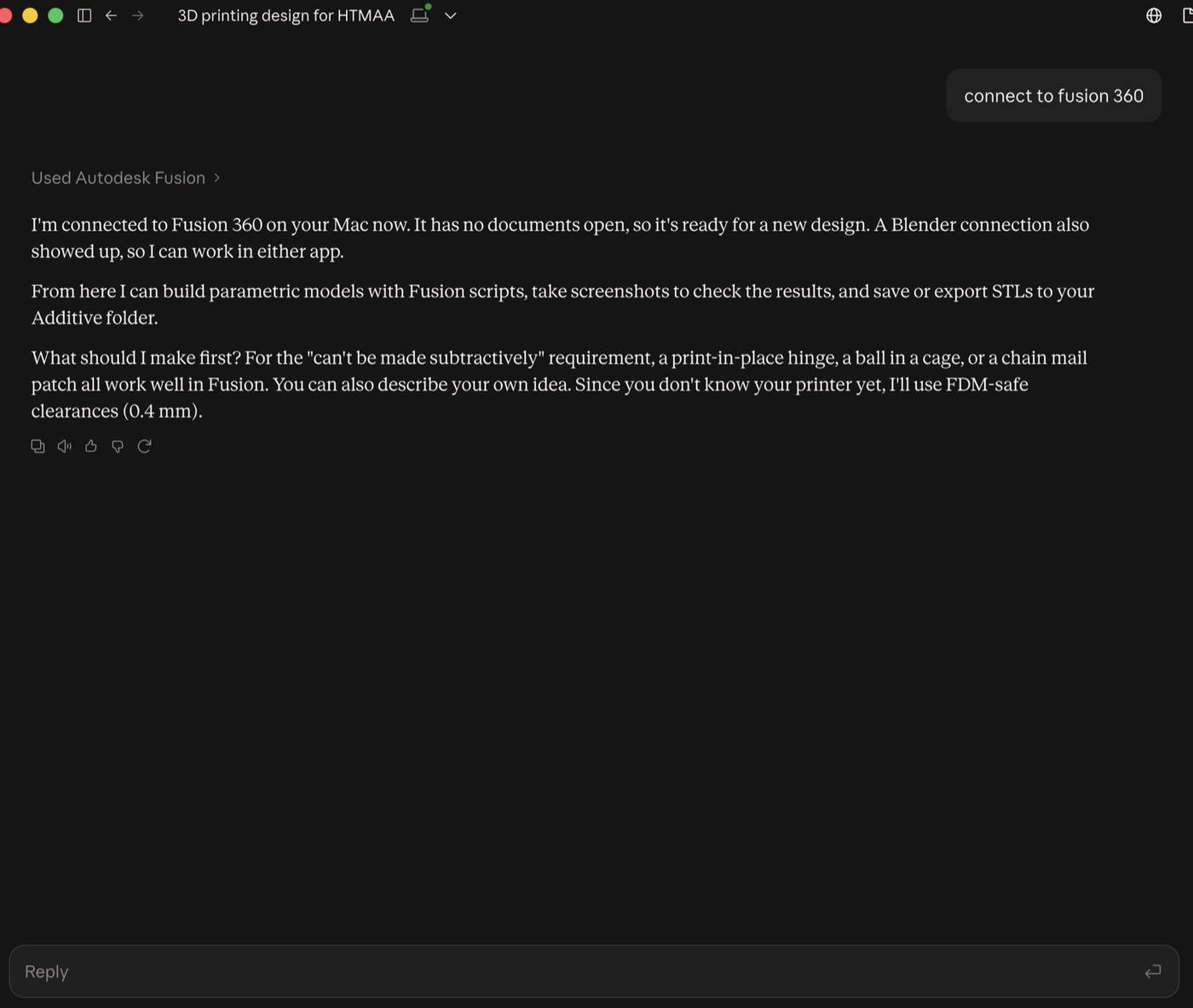
Autodesk released a connector that lets Claude send modeling commands to a live Fusion session through MCP (Model Context Protocol) , a bridge that lets the AI run Fusion's scripting tools while I watch the model update.
Setting it up meant turning on the MCP server in Fusion's preferences and enabling the connector in the Claude app.
Developing (prompting and iterating) the design#
To design the 3D printed case with the didactic pad, I needed accurate digital stand-ins.
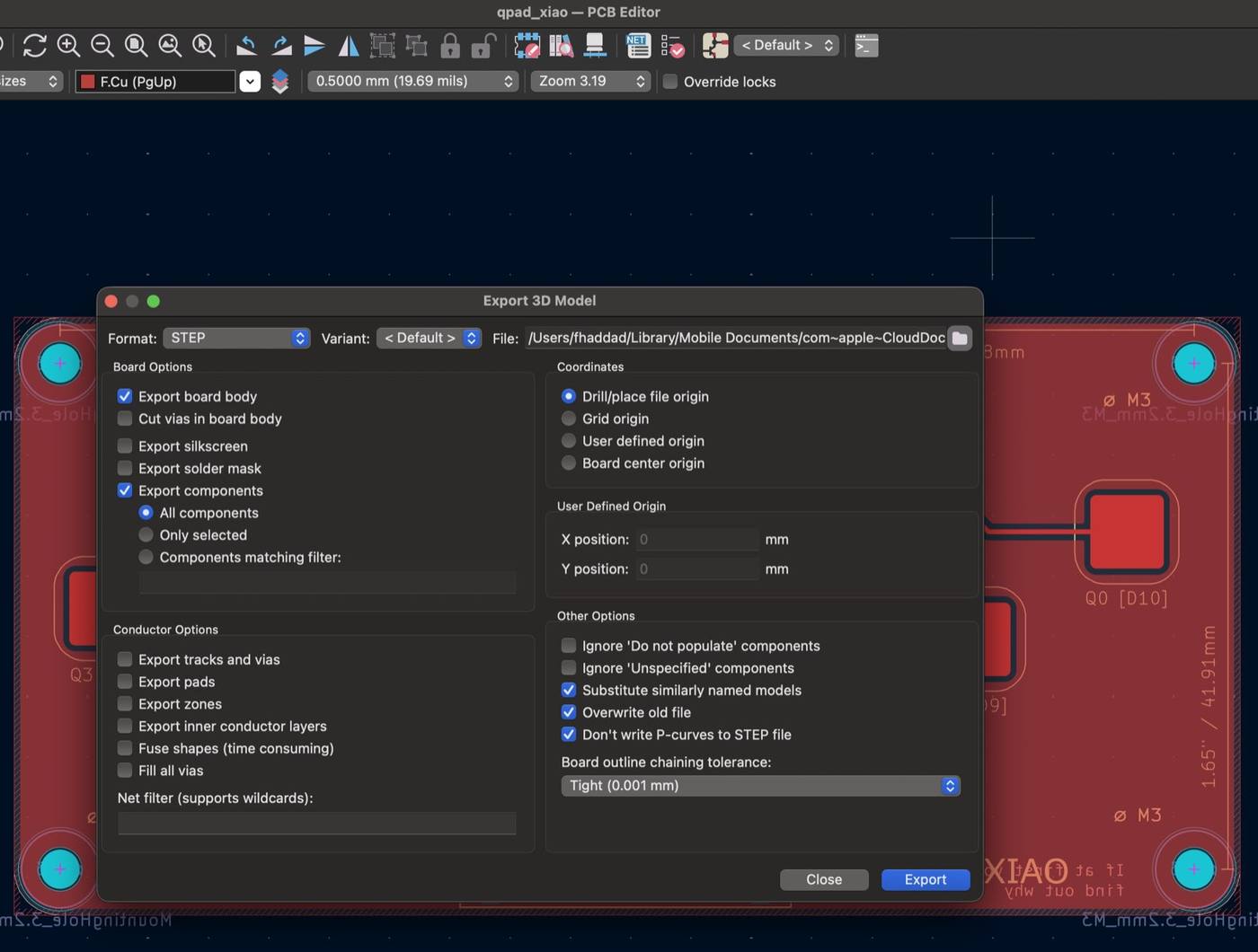
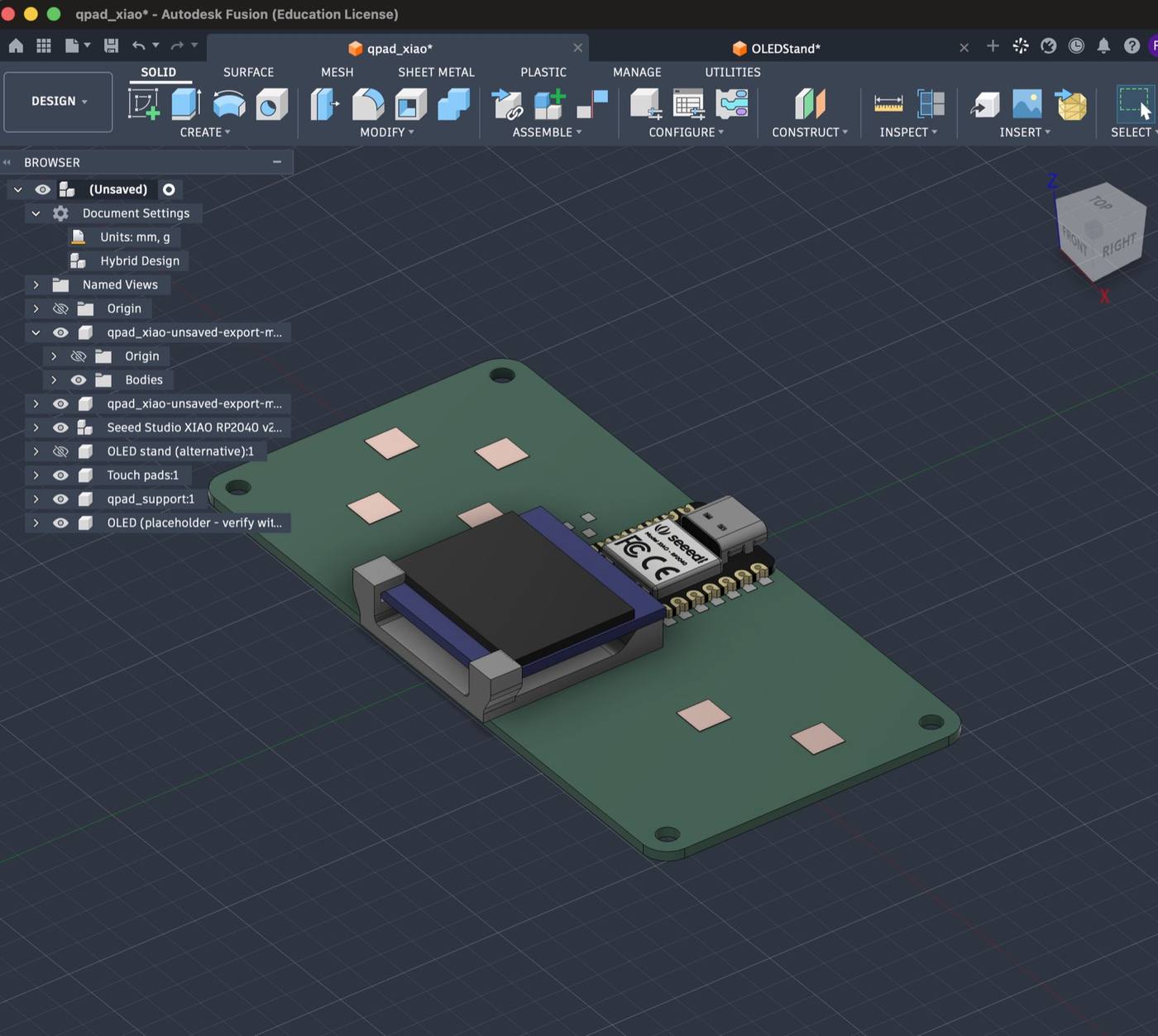
I went back to the QPAD-xiao from Quentin’s repository and I exported the QPAD-xiao circuit board from KiCad as a STEP file (a 3D format Fusion can read), then exported it again with “board center origin” and “export pads” turned on so it landed centred with its pads visible.
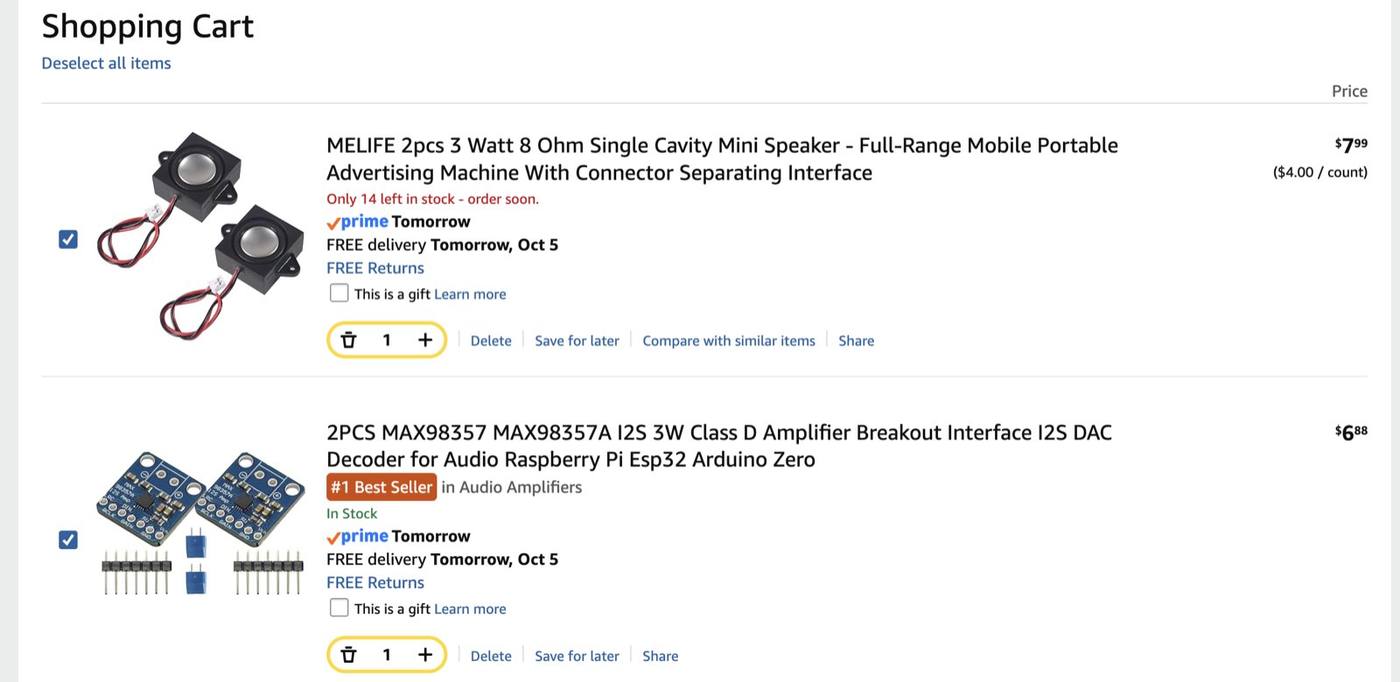
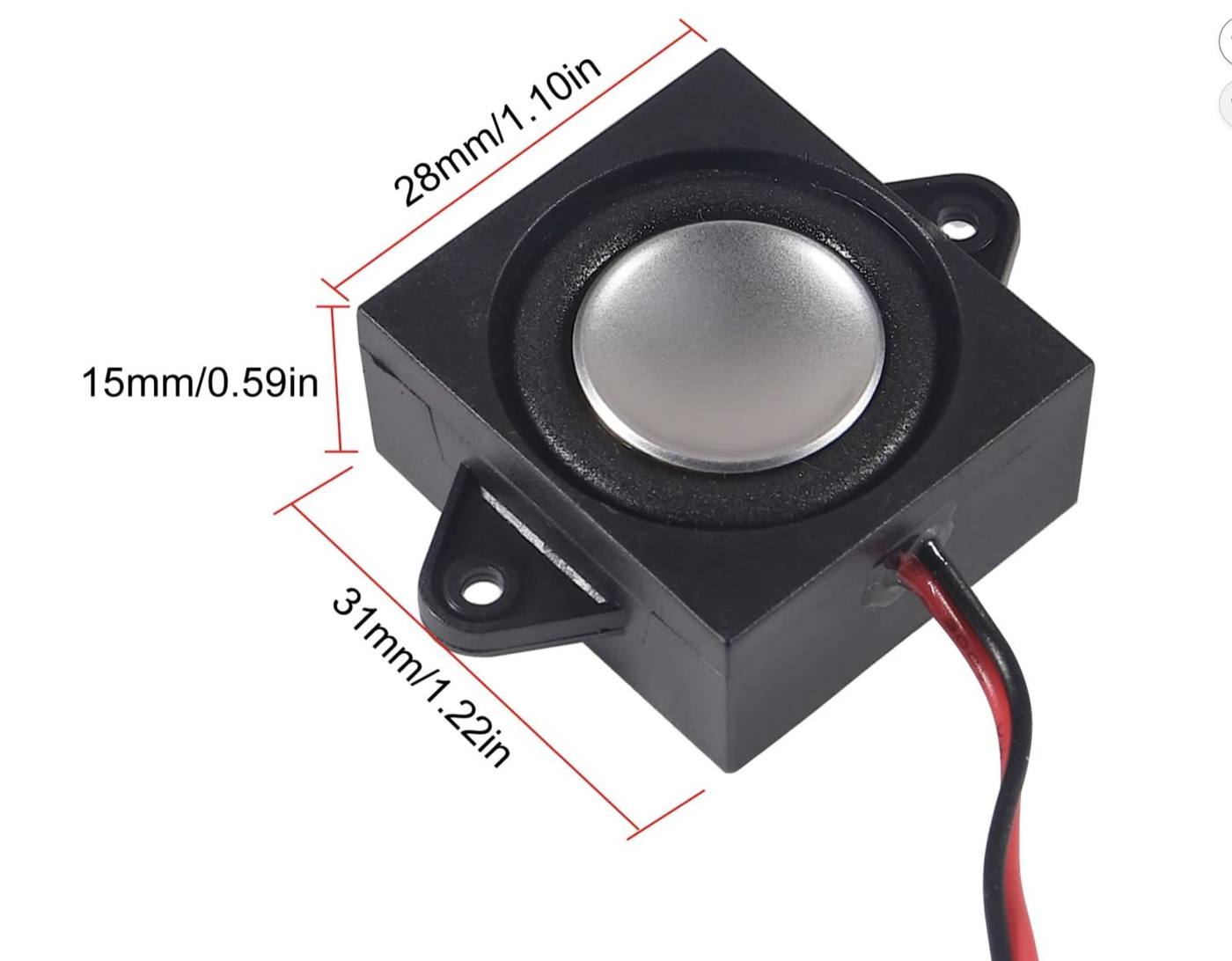
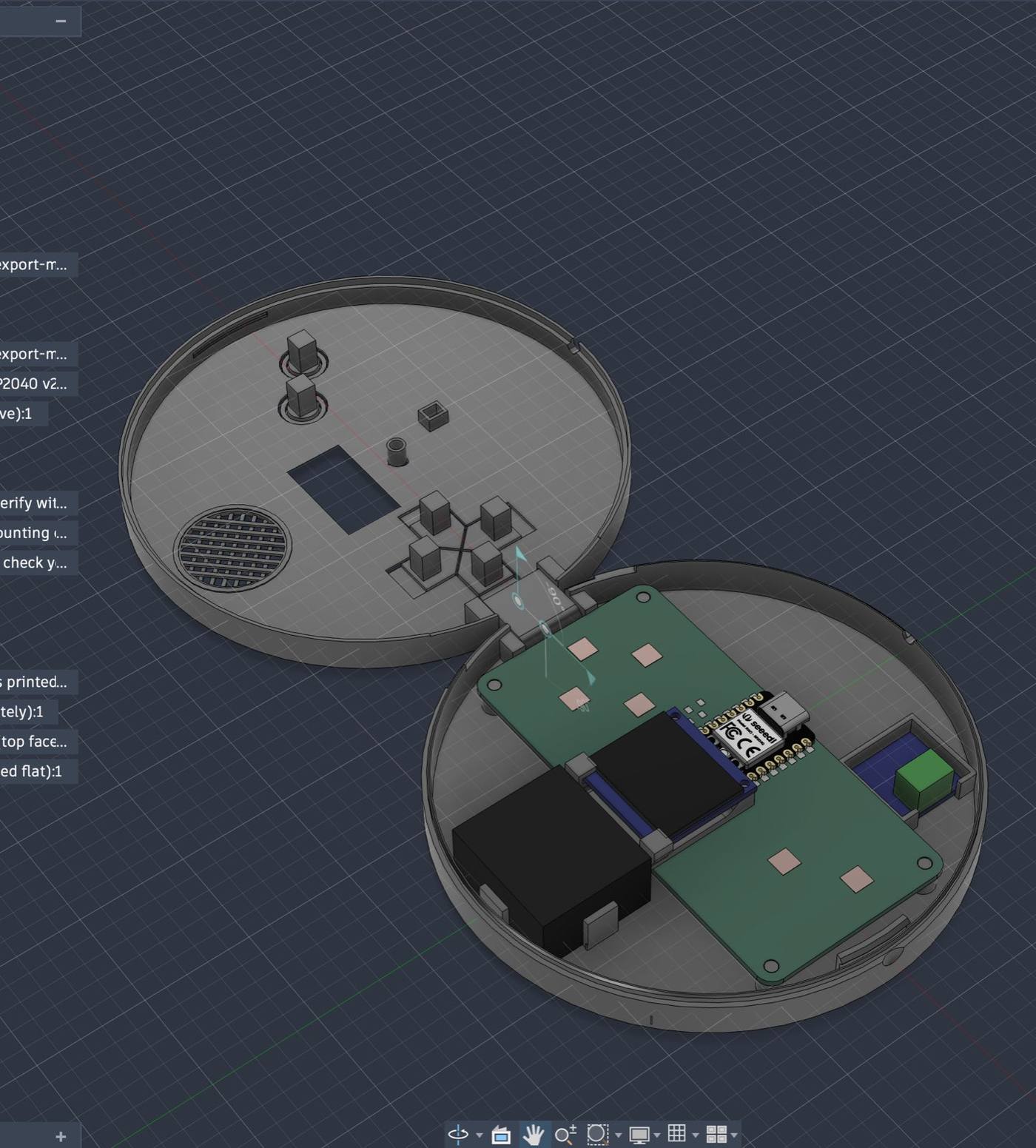
The board came in flat and bare, so I assembled it in Fusion with models of the XIAO RP2040, the OLED screen on its stand and the touch pads. I found a speaker on Amazon with its size coming from its product listing (28 × 31 × 15 mm, with mounting tabs), which was enough to start modeling a place for it.
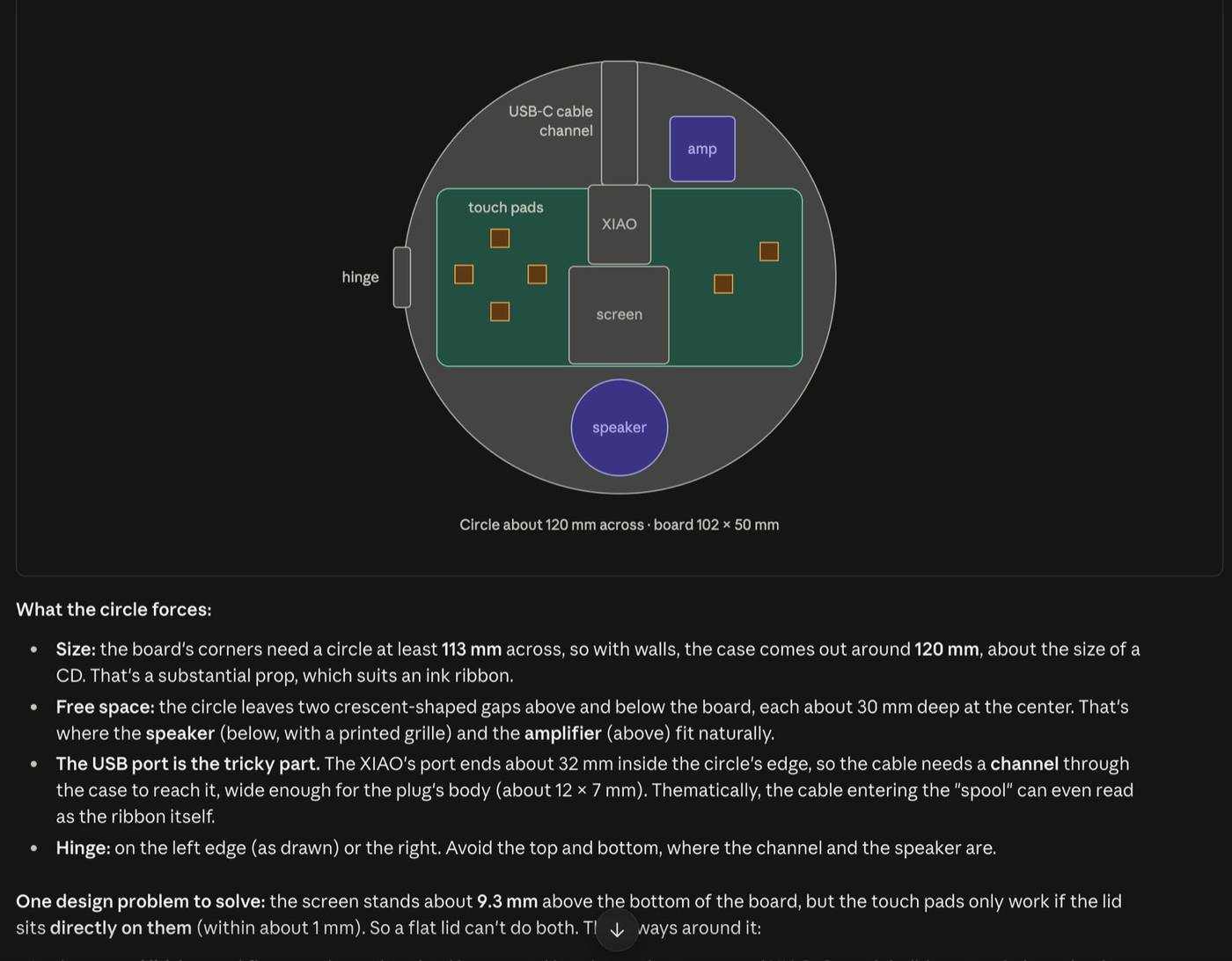
With the board in place, a first layout sketch showed it fits inside a circle about 120 mm across, with the speaker and amplifier in the crescent-shaped spaces left over, a channel for the USB-C cable and the hinge on one side.
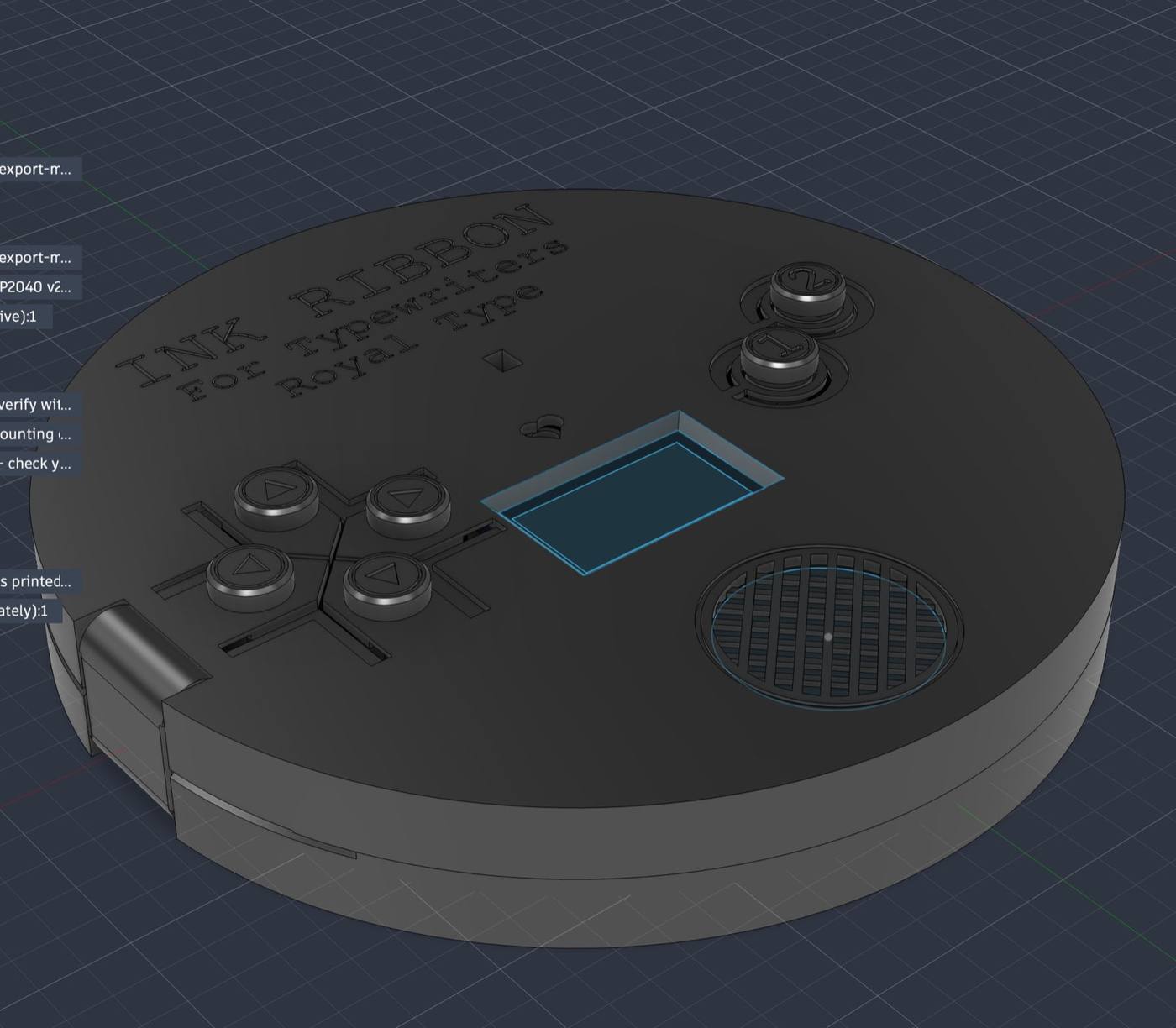
The first version of the base was modeled around the board, speaker and amplifier: 121 mm across, a hinge printed in place, pockets over the touch pads, a window for the screen and a perforated speaker grille.
The screen's glass sits 7.75 mm above the touch pads, so one flat lid couldn't sit close to both. The answer was a lower lid with a bevelled screen window, with some metal contact carrying my finger's touch down from the lid to the pads underneath.
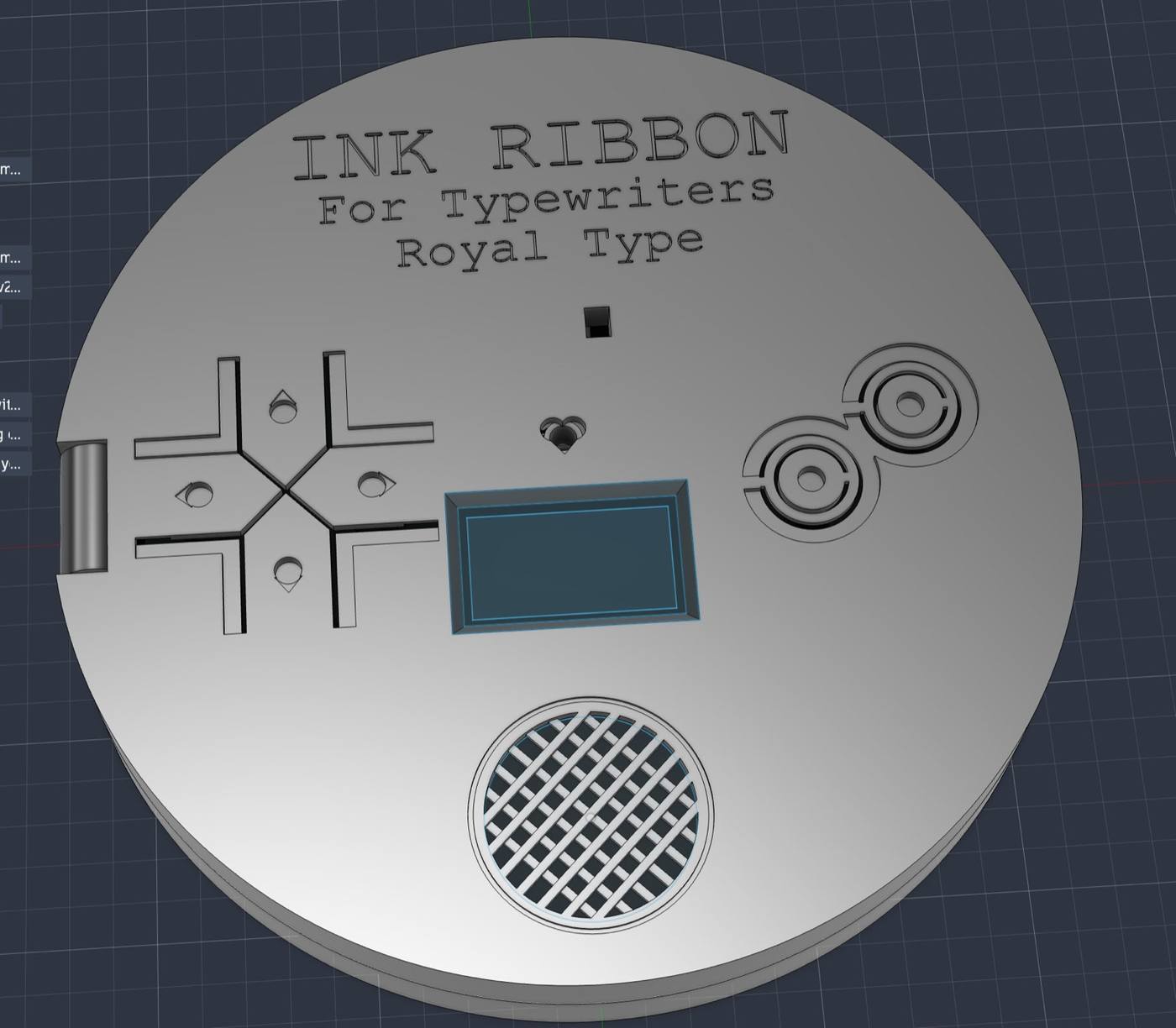
I directed Claude to split the cross-shaped D-pad into four separate arrow keys with thin slots, added ring-cut A and B buttons, and cut a heart-shaped window so the board's LEDs would glow through in line with the heart rhythms from last week.
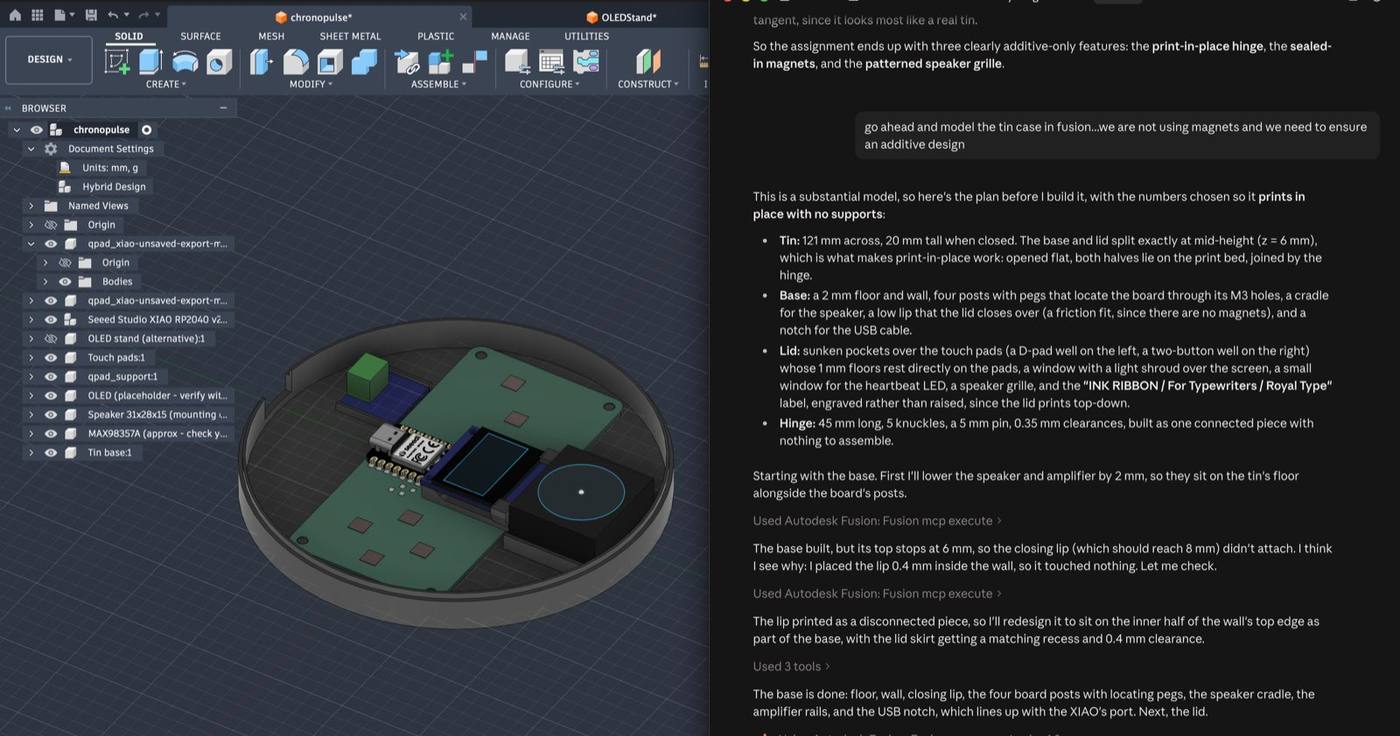
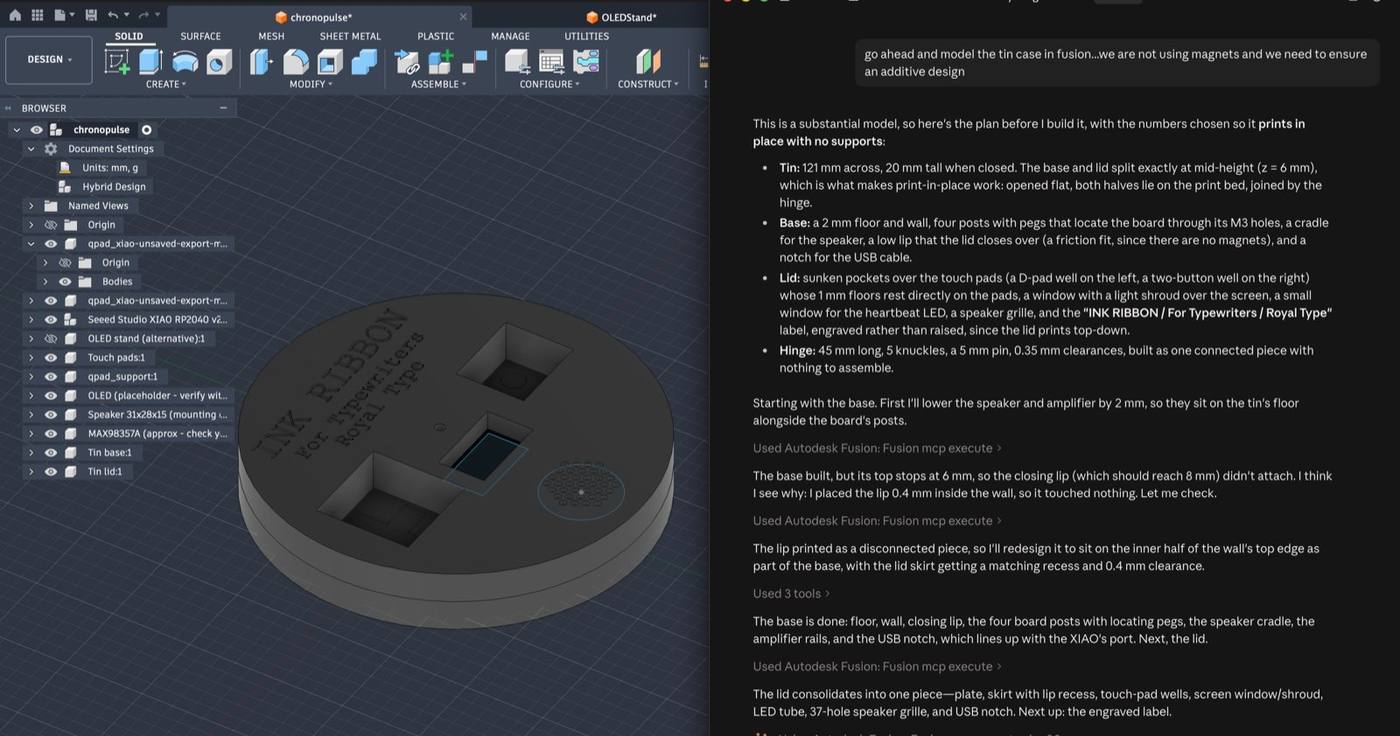
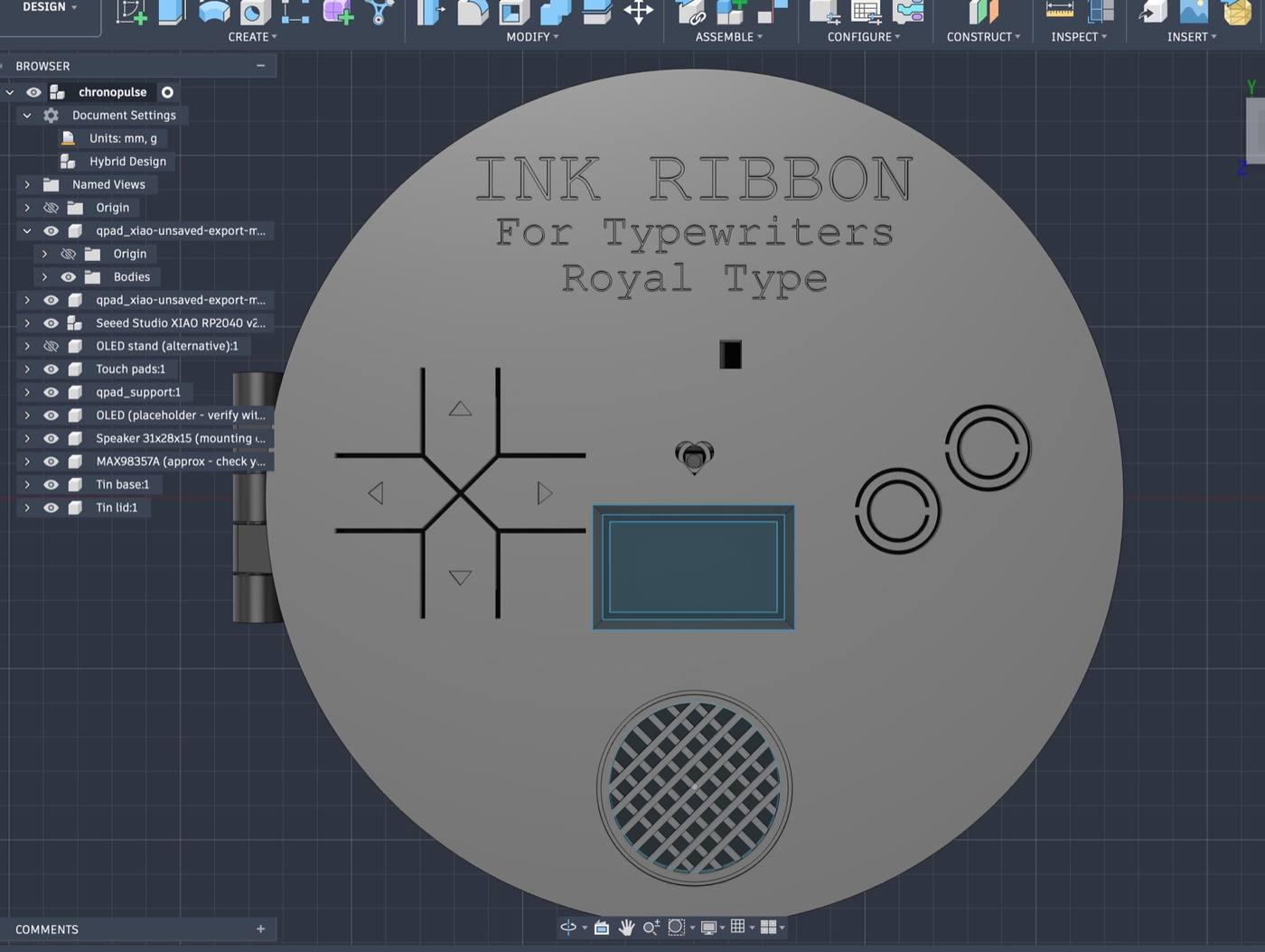
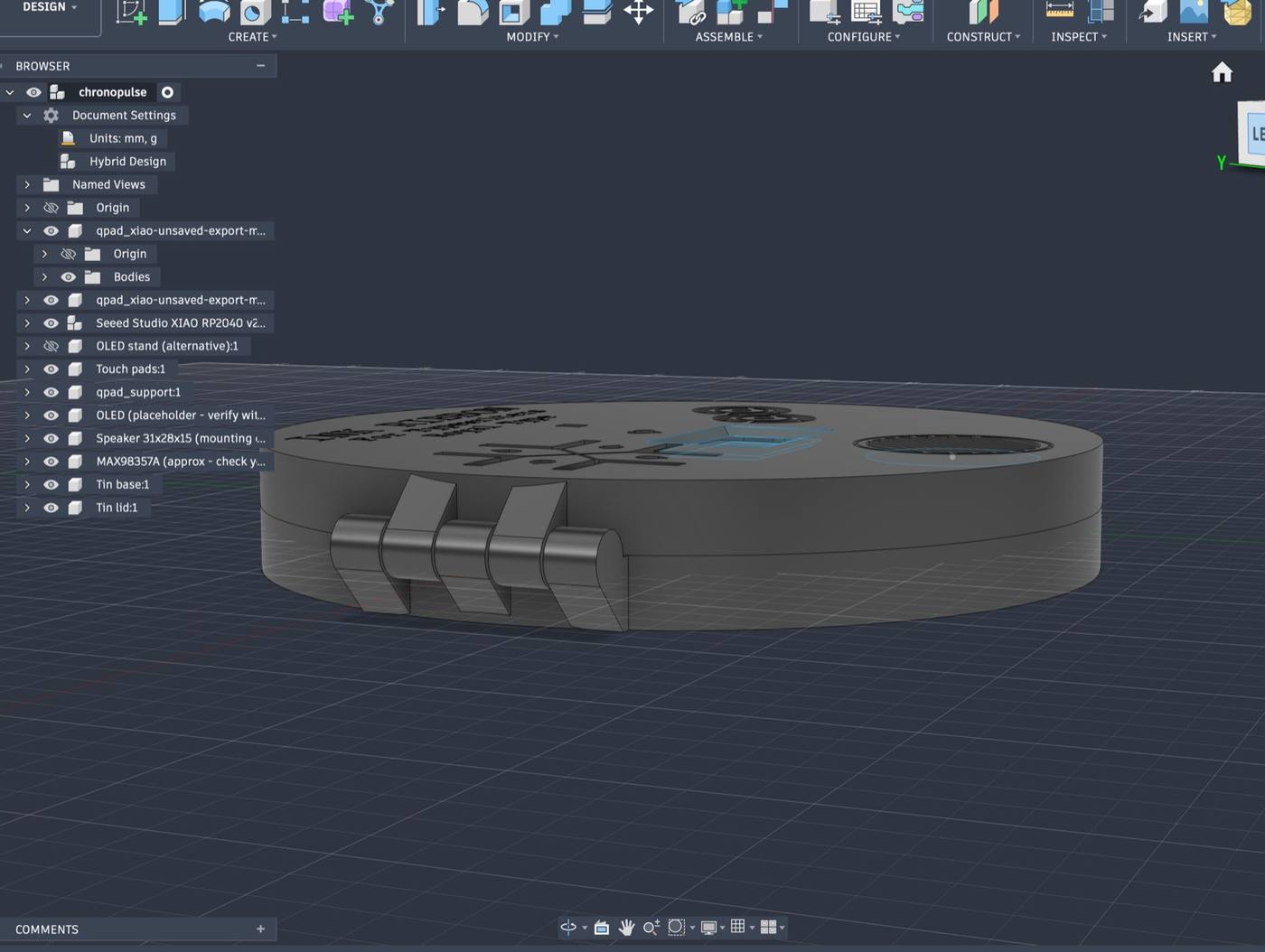
The hinge is what made this an additive 3D printing project. A lid that swivels on a single pin can't be printed in one piece. Printed flat and open, the lid, base and link can come off the printer already assembled.
The first design had an outer hinge, and I prompted Claude to make the hinge slimmer and flush with the side so the tin stayed round, with it suggesting a two-pivot hinge where a short link joining two small hinges, like a folding ruler.
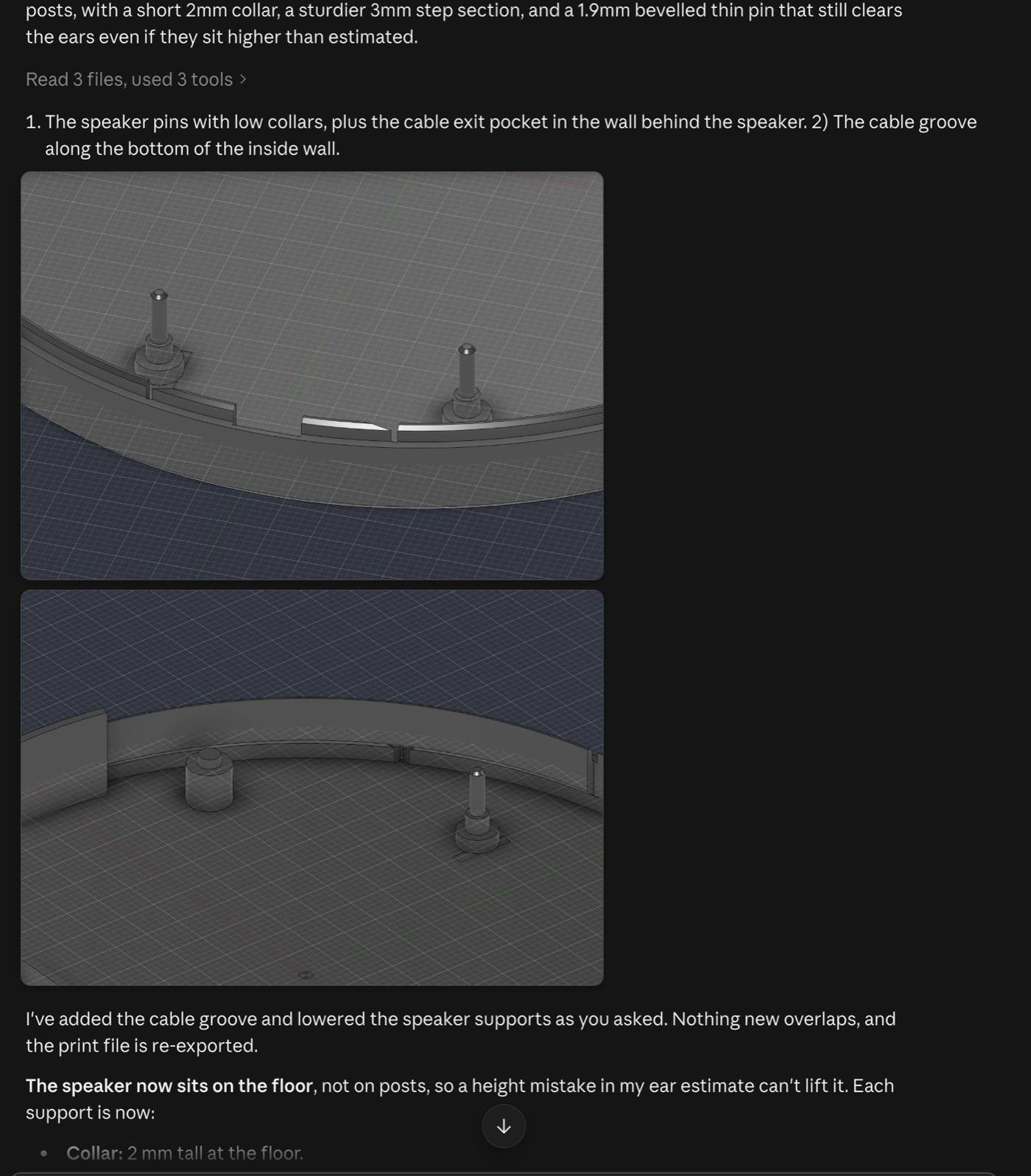
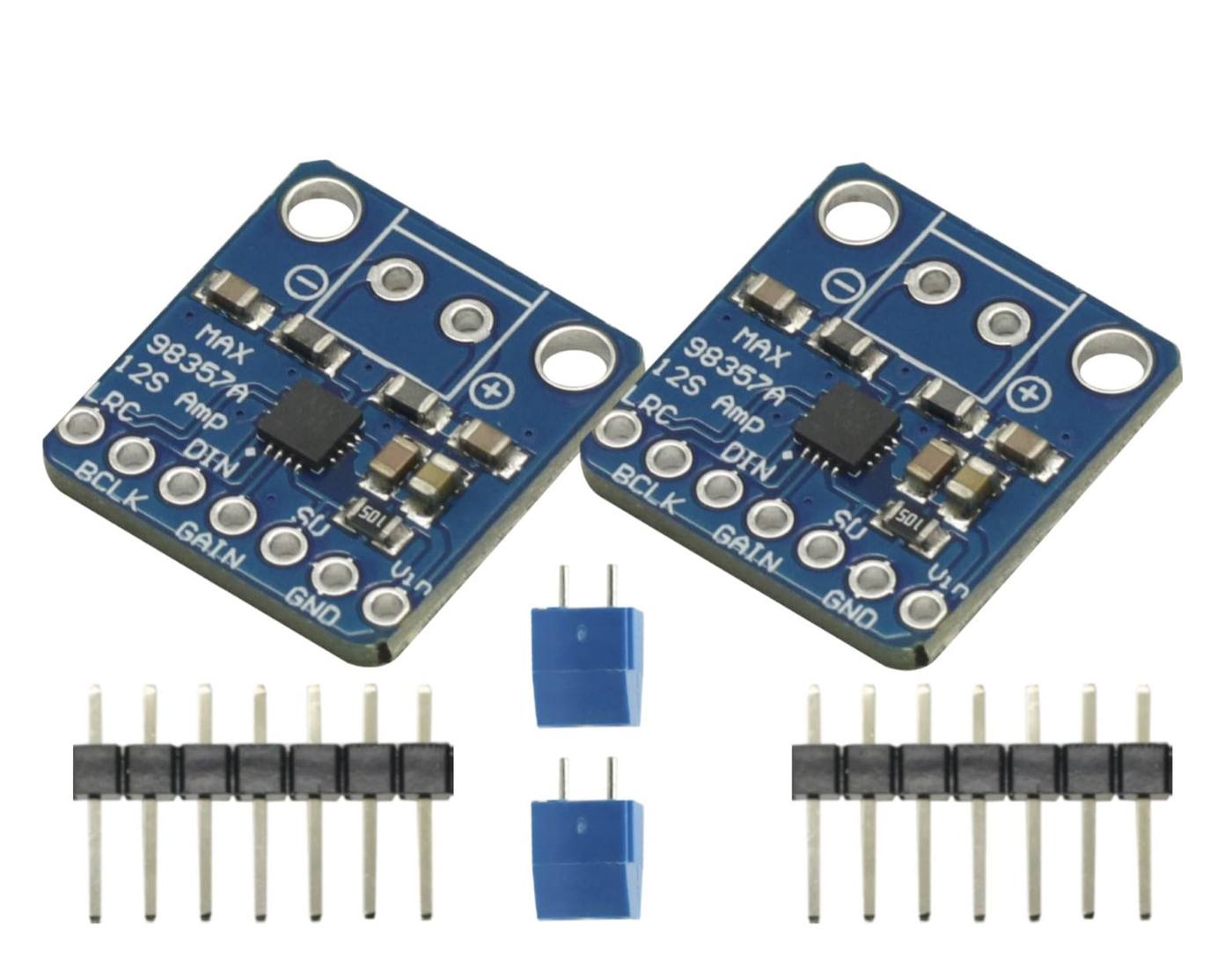
Fitting the electronics took several rounds. I ordered a pair of 3 W, 8 Ω mini speakers and MAX98357A amplifier boards from Amazon, and used the speaker's photos and spec sheet to design its mount. A clamp at the height of the USB port grips the cable when the lid closes.
I swung the lid through its full motion in Fusion using the drive joints settings to check it cleared everything inside.
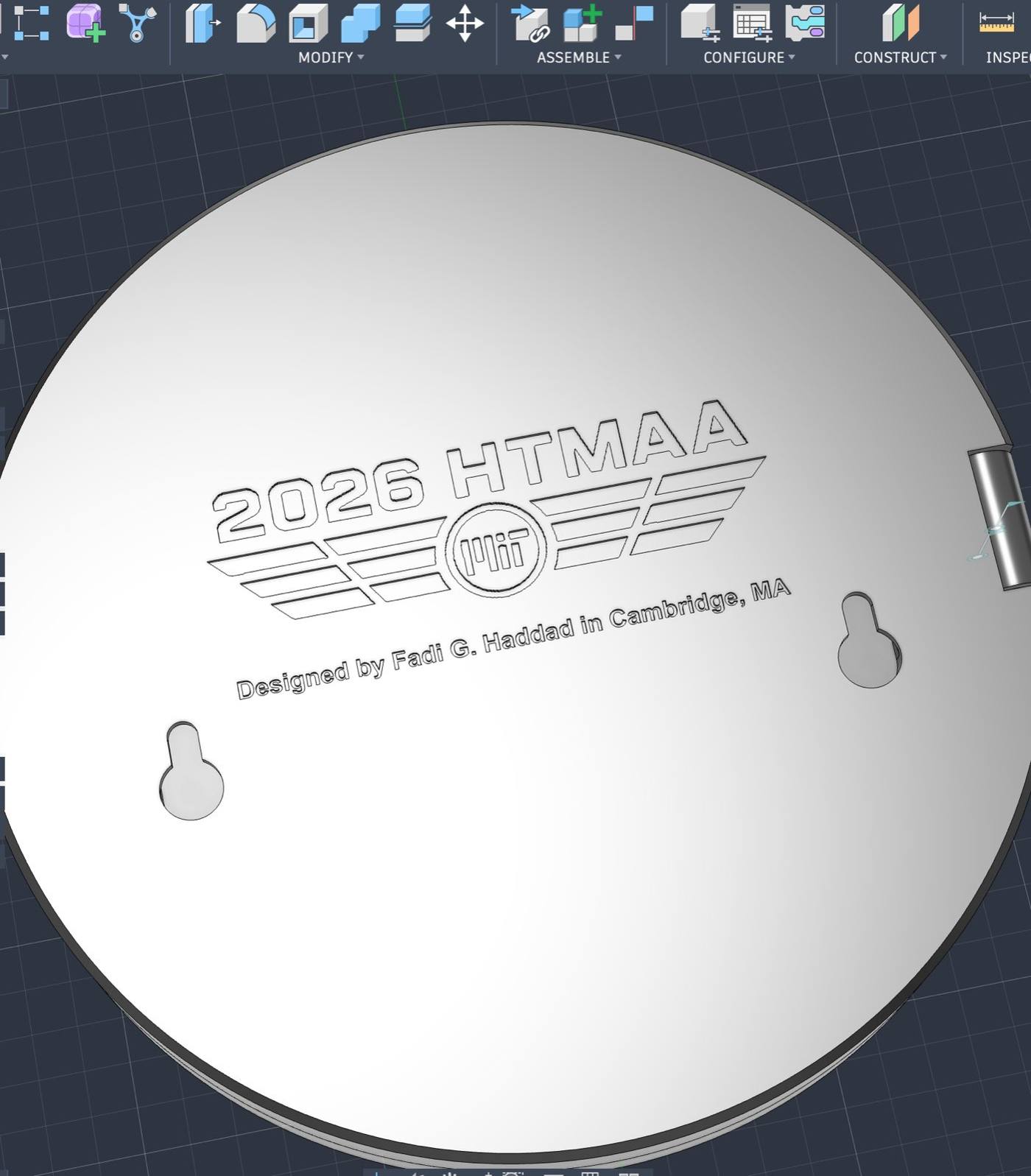
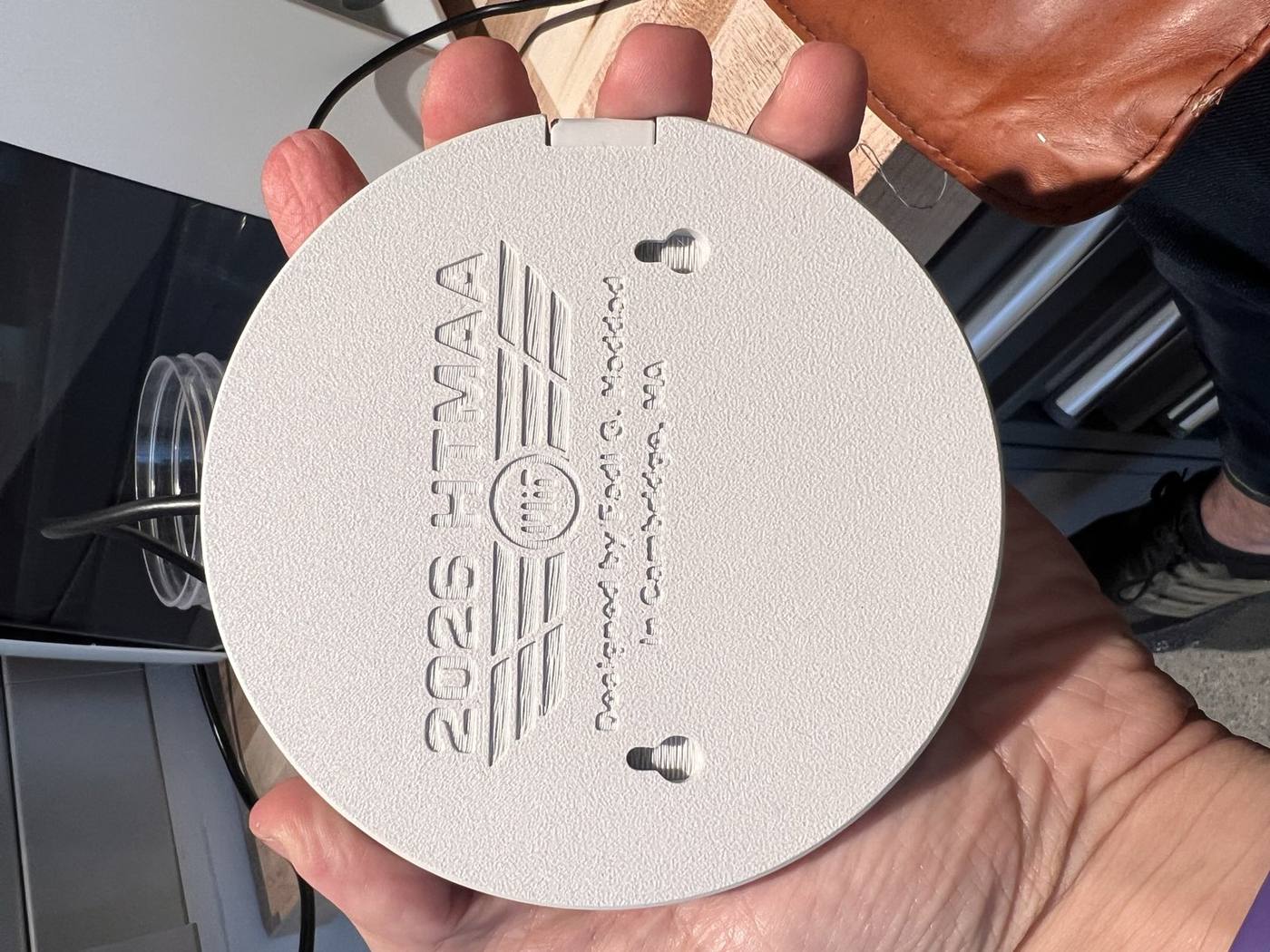
On the bottom I engraved the HTMAA 2026 logo and two keyhole slots so the tin can attach on the main ChronoType module.
3D Printing Prep + Tests#
Once the design was finalized, the next step was to prepare the prints for 3D print using a slicer.
Bambu Studio turns the Fusion model into a layer-by-layer instruction (G-code file format) that the ArchShop 3D printer (Bambu P1S) follows. I set it up for the shop's printer, i.e., a textured plate, a 0.4 mm nozzle, white PLA and the standard 0.20 mm layer height.
I turned the brim setting off (an extra rim that helps parts stick to the bed) so it couldn't fuse the hinge parts together.
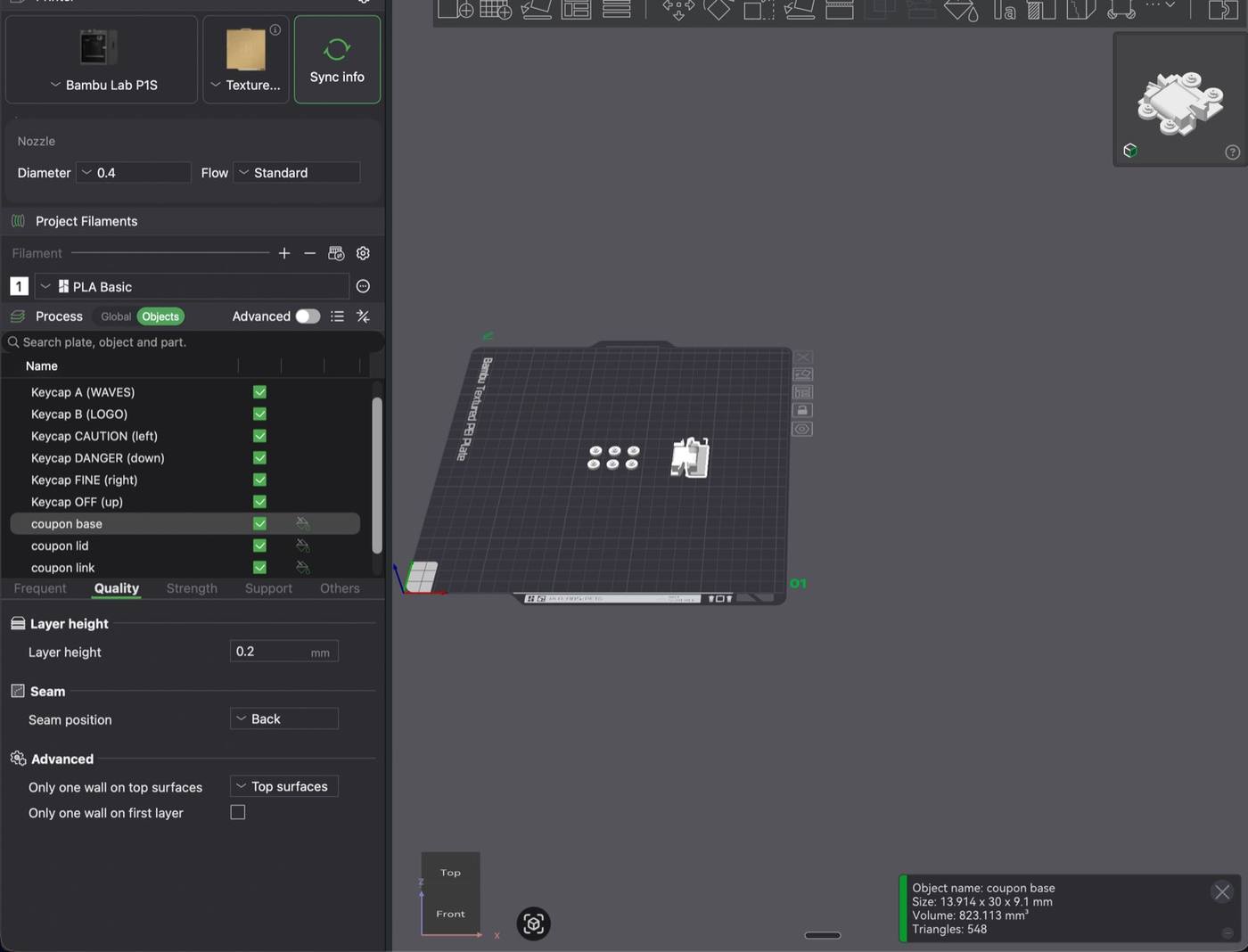
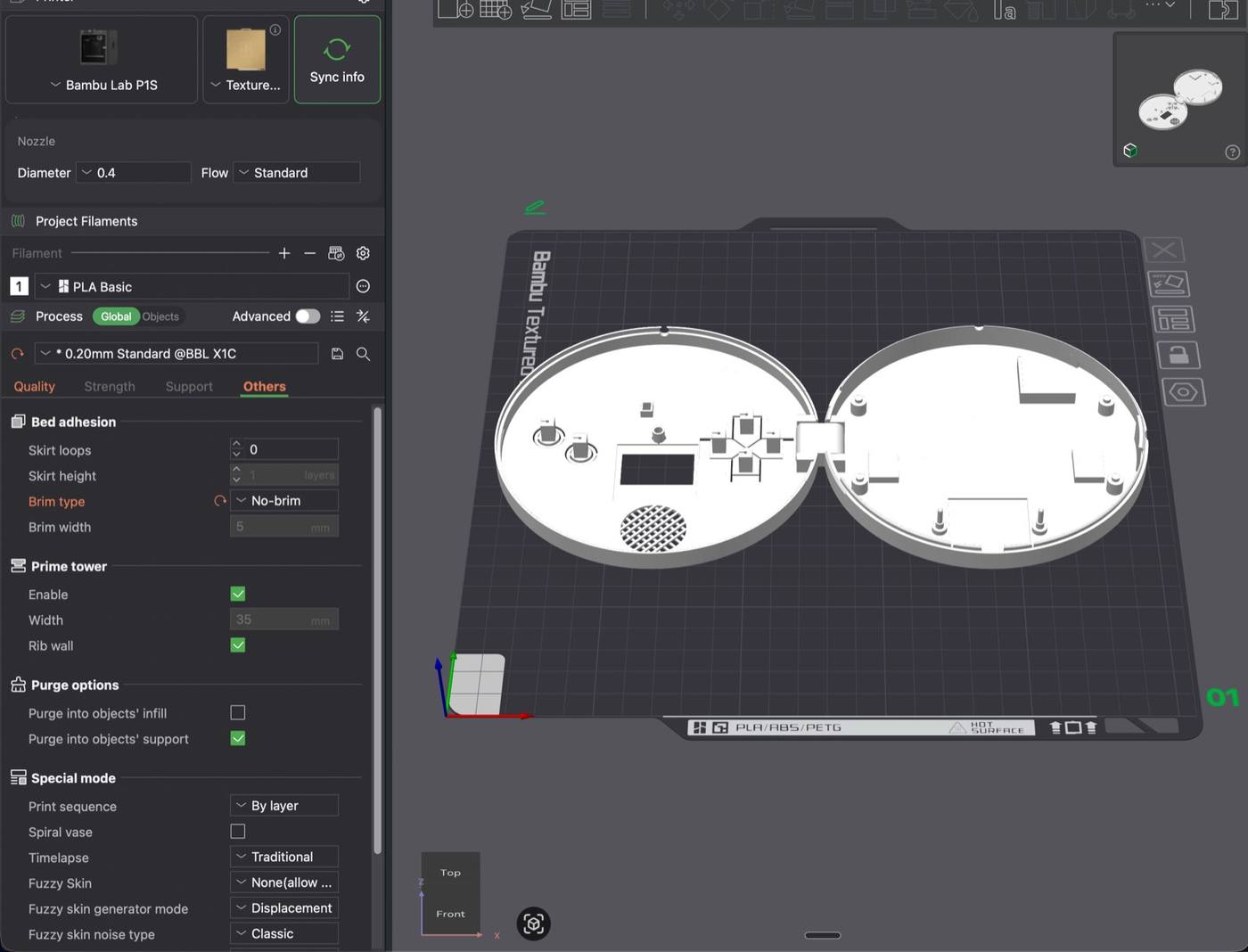
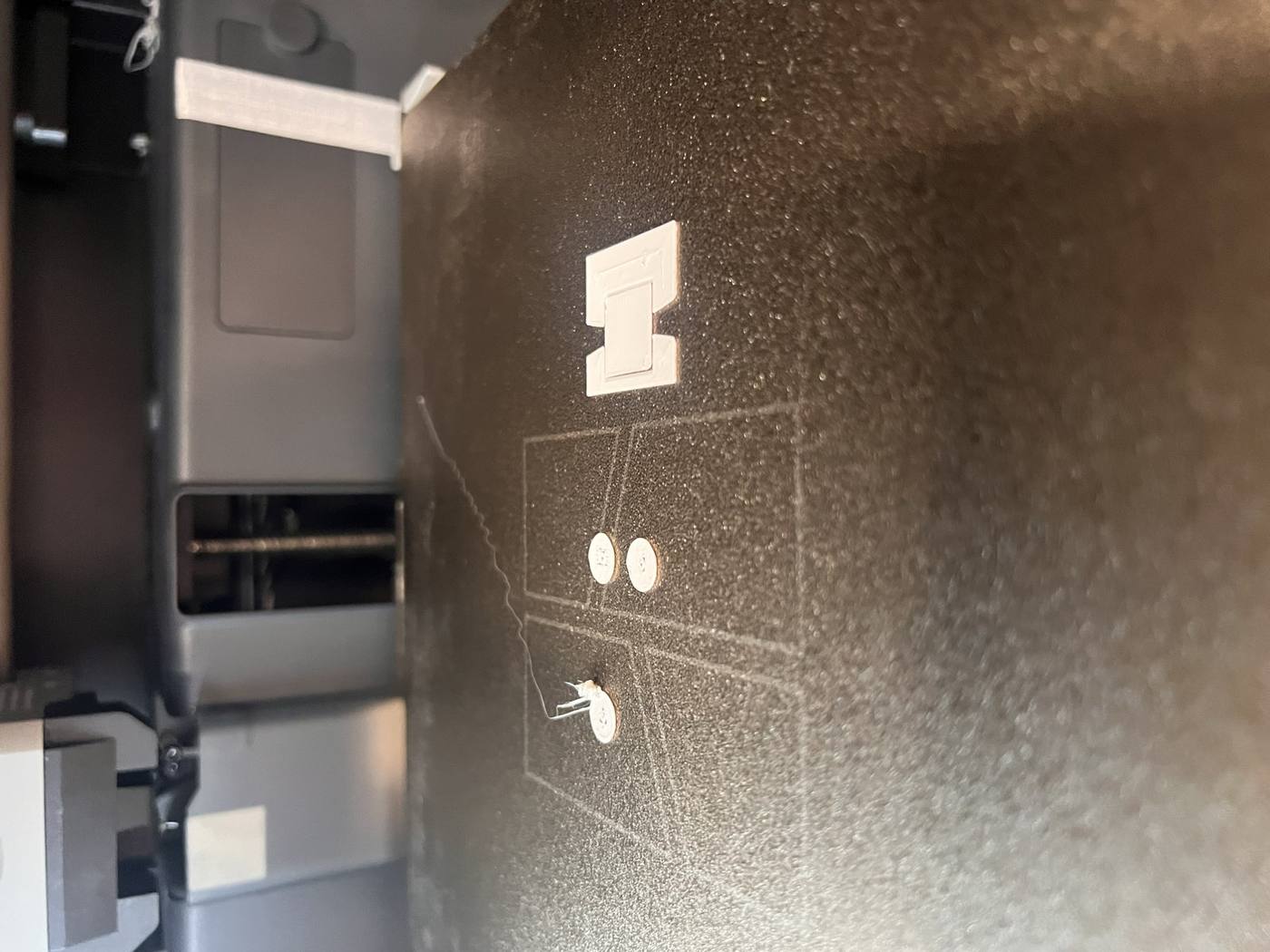
My first ever 3D print was a test one for the six keycaps and the hinge piece on its own to make sure it worked.
I stopped the print mid-way since the small parts of the keycaps didn’t stick well with the printing bed, leaving a stray string of plastic across the plate.
In the next iteration I added the brims for the keypads, and with the hinge test too, I got my full test print done.
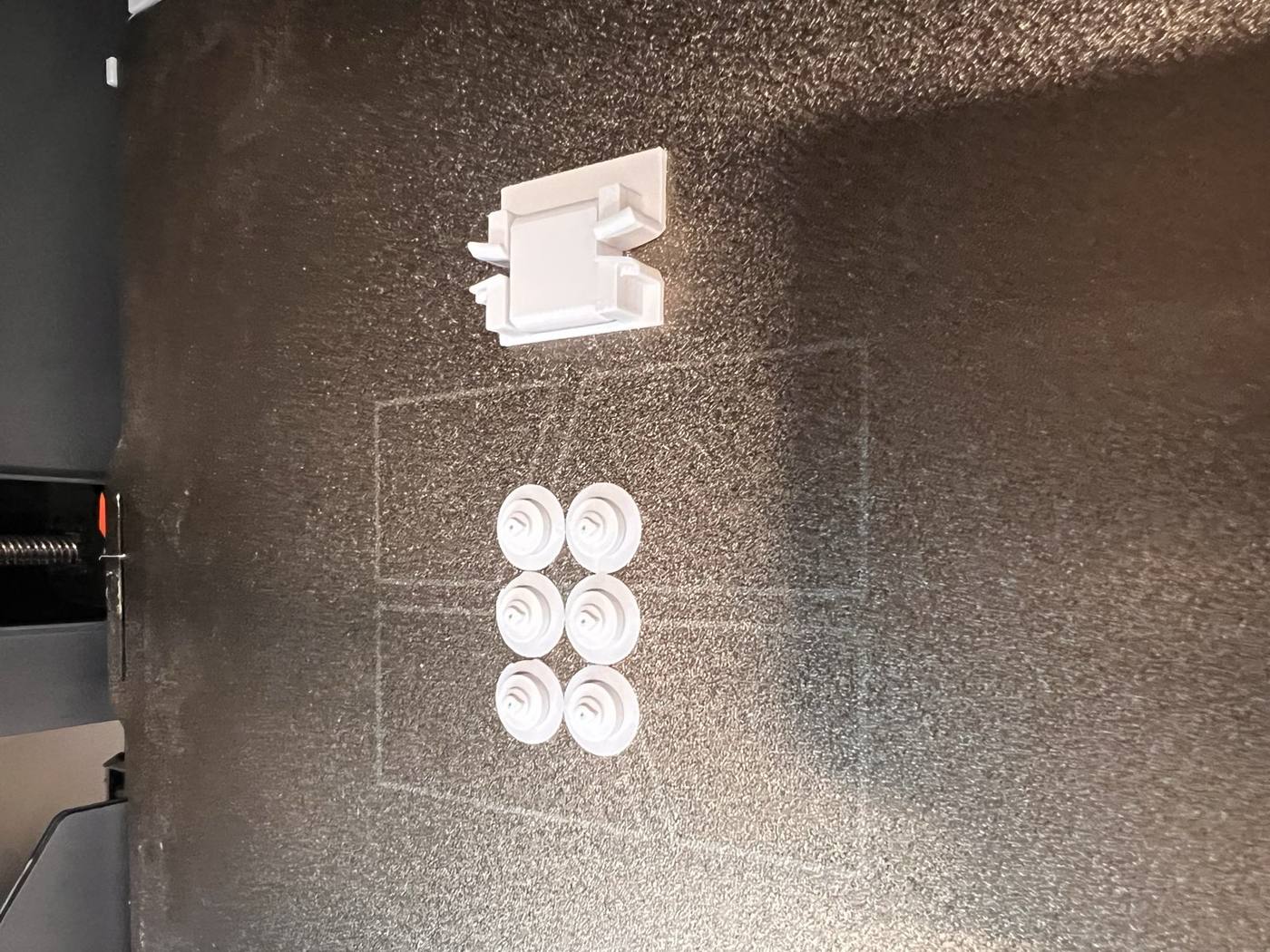
I imagined the hinge moving parts being impossible to detach from one another but the test revealed that actually the prompting with Claude gave me cone-shaped pins that popped out when the side walls bent.
If a part can be just clipped on, it defeats the purpose of this week’s assignment which was to produce an additive 3D printing piece that can’t be made with traditional manufacturing machinery.
For the second version I had the cones replaced with a through-axle. Basically, a rod that runs through the link and is joined to the case on both sides, printed with a small air gap all around so it turns but can’t come out.
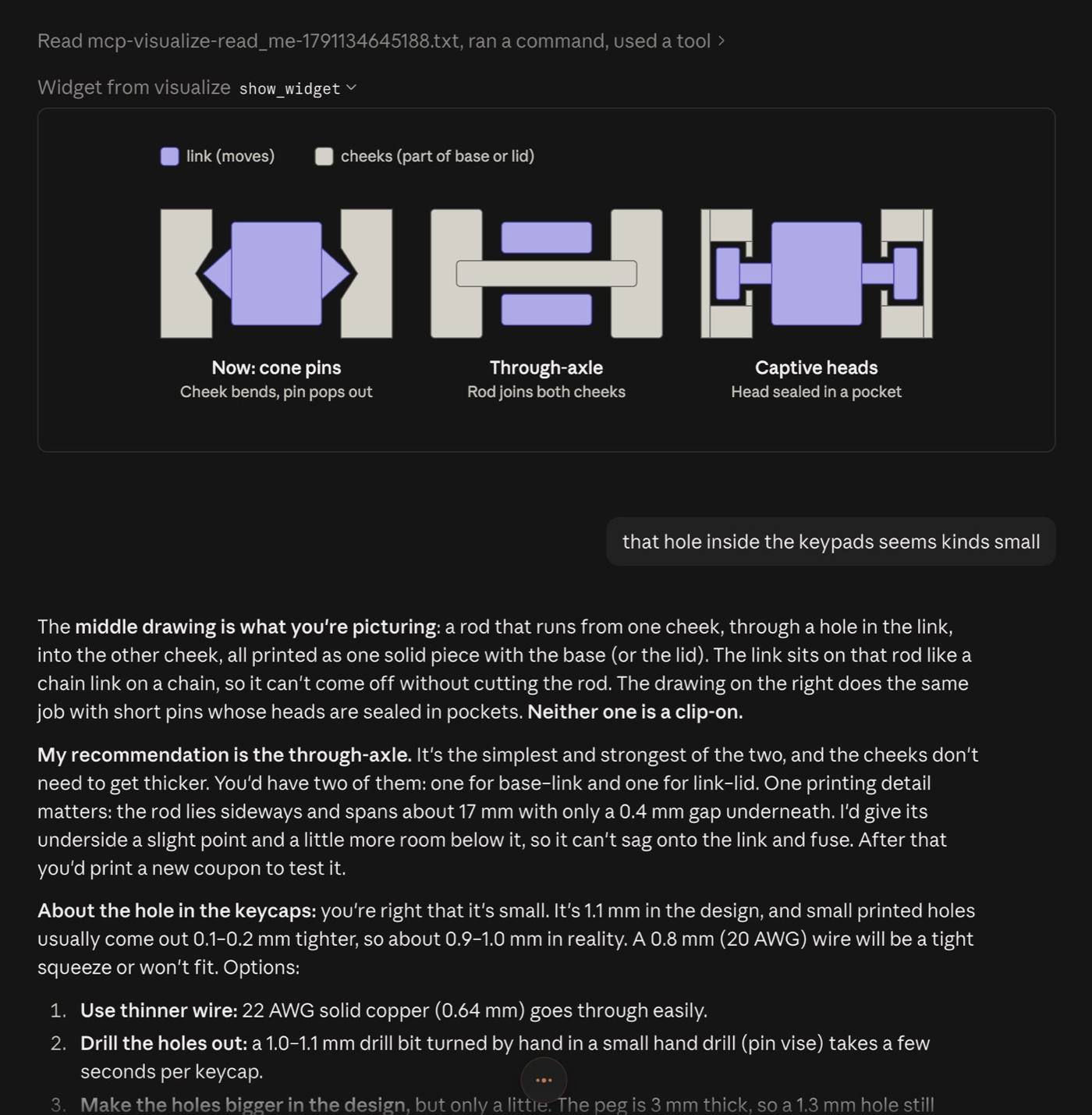
The second test piece came out nicely and was a good exercise in thinking about what 3D printing can do.
Full print and first assembly#
I left the print job to start at 11 pm on Sunday to pick it up the next morning (it estimated a 2 hour print).
It was a relief to come back in the morning to see the full tin coming off the P1S with the lid and base still laid out flat and joined by the hinge link with no visible issues.
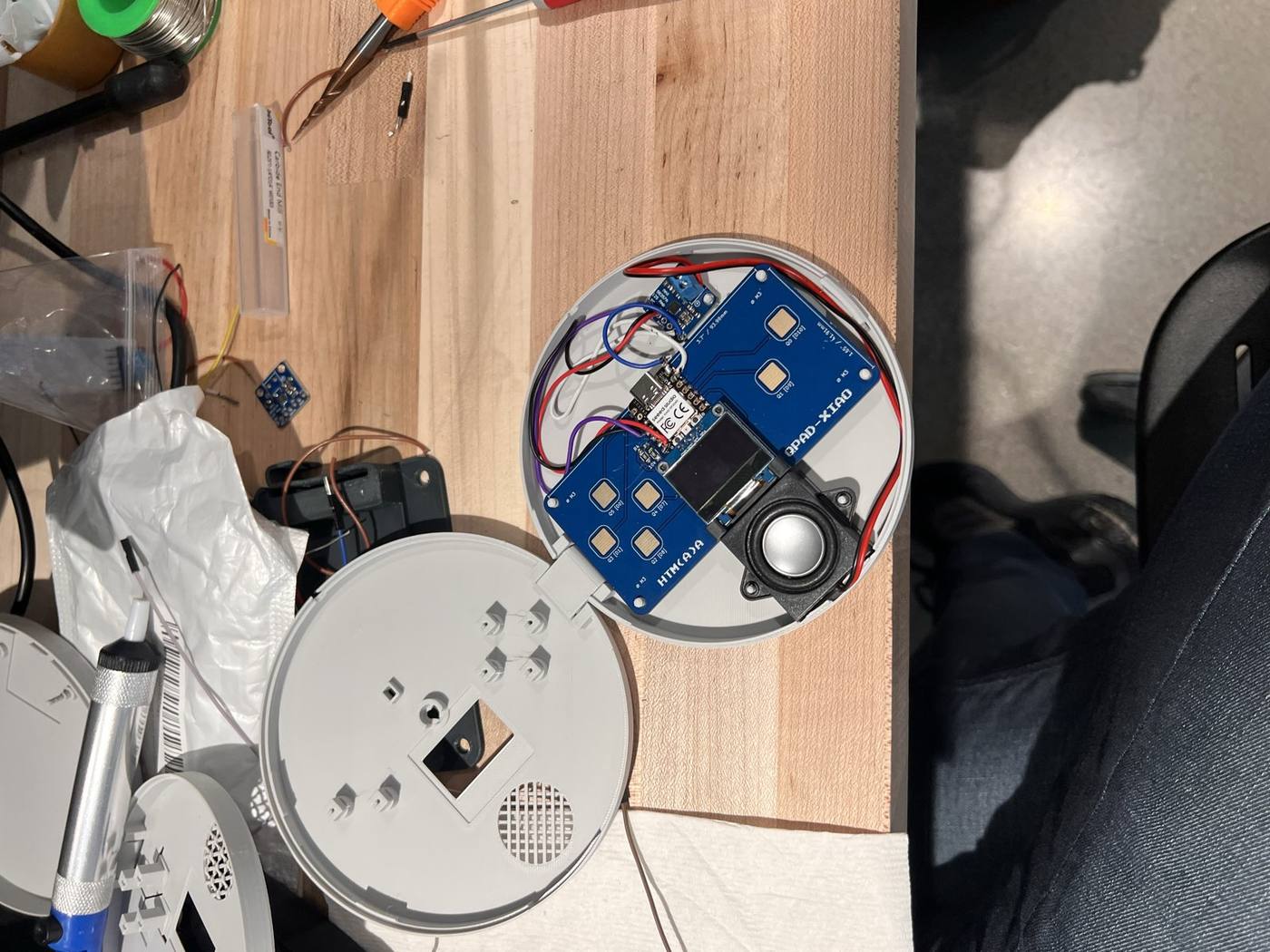
I set the QPAD board onto its posts in the base, plugged in the USB-C cable and closed the lid. The fit felt a bit fragile but powering it on was the best moment of the week.
I made notes of what to fix for the next iteration. For instance, the lid didn't snap shut, the edges around the keys printed stringy, the smaller engraved lines were barely readable.
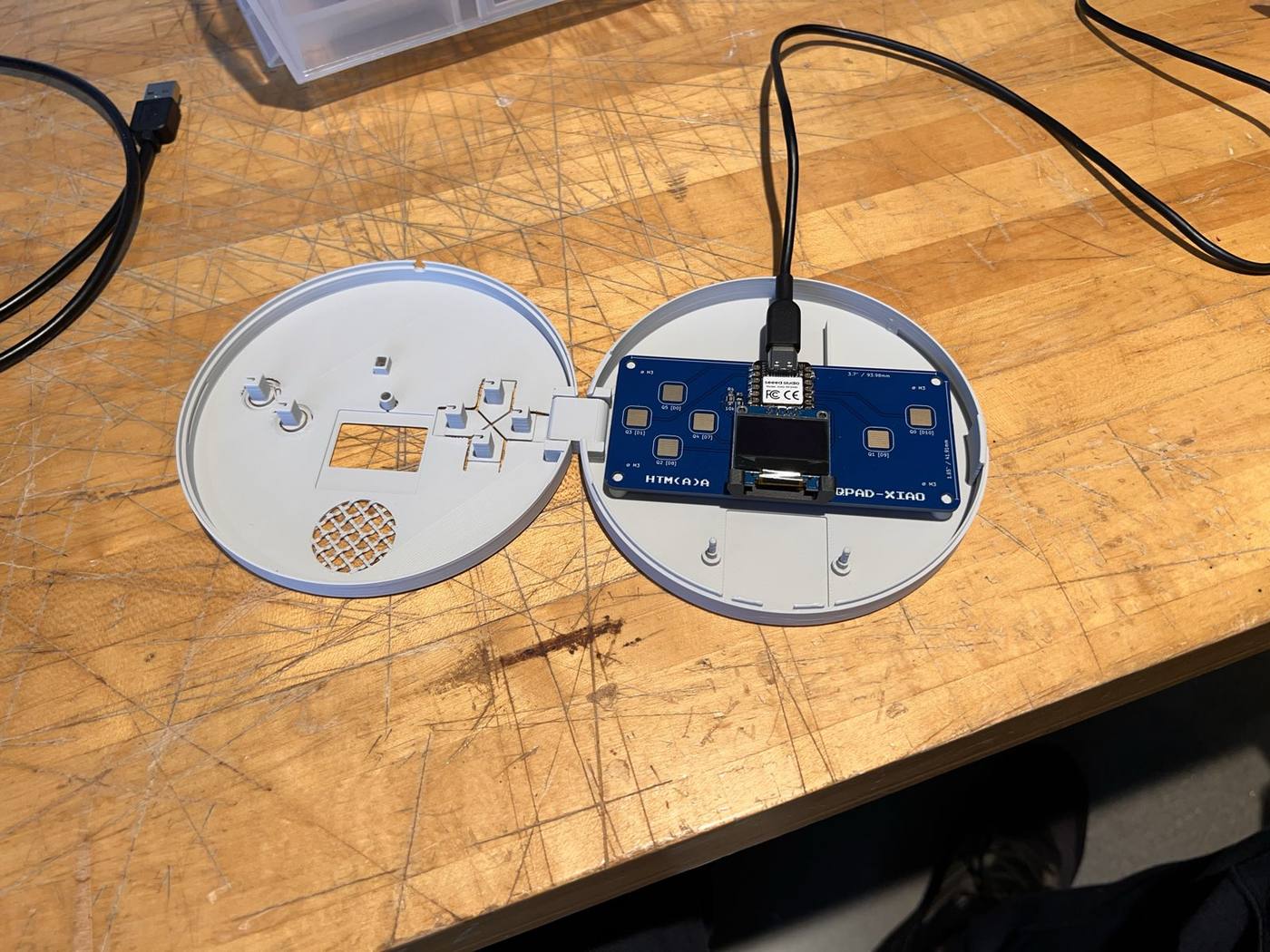
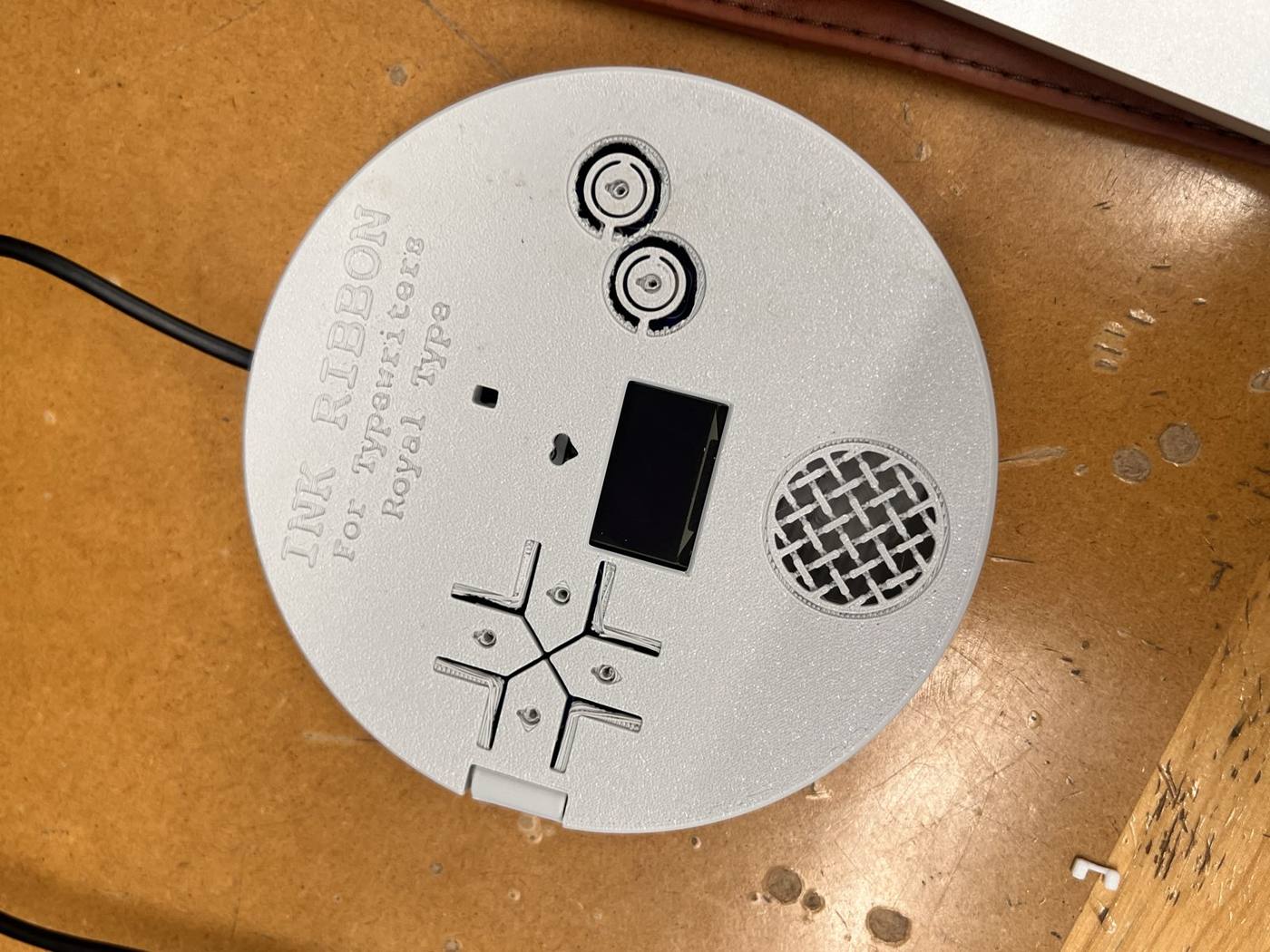
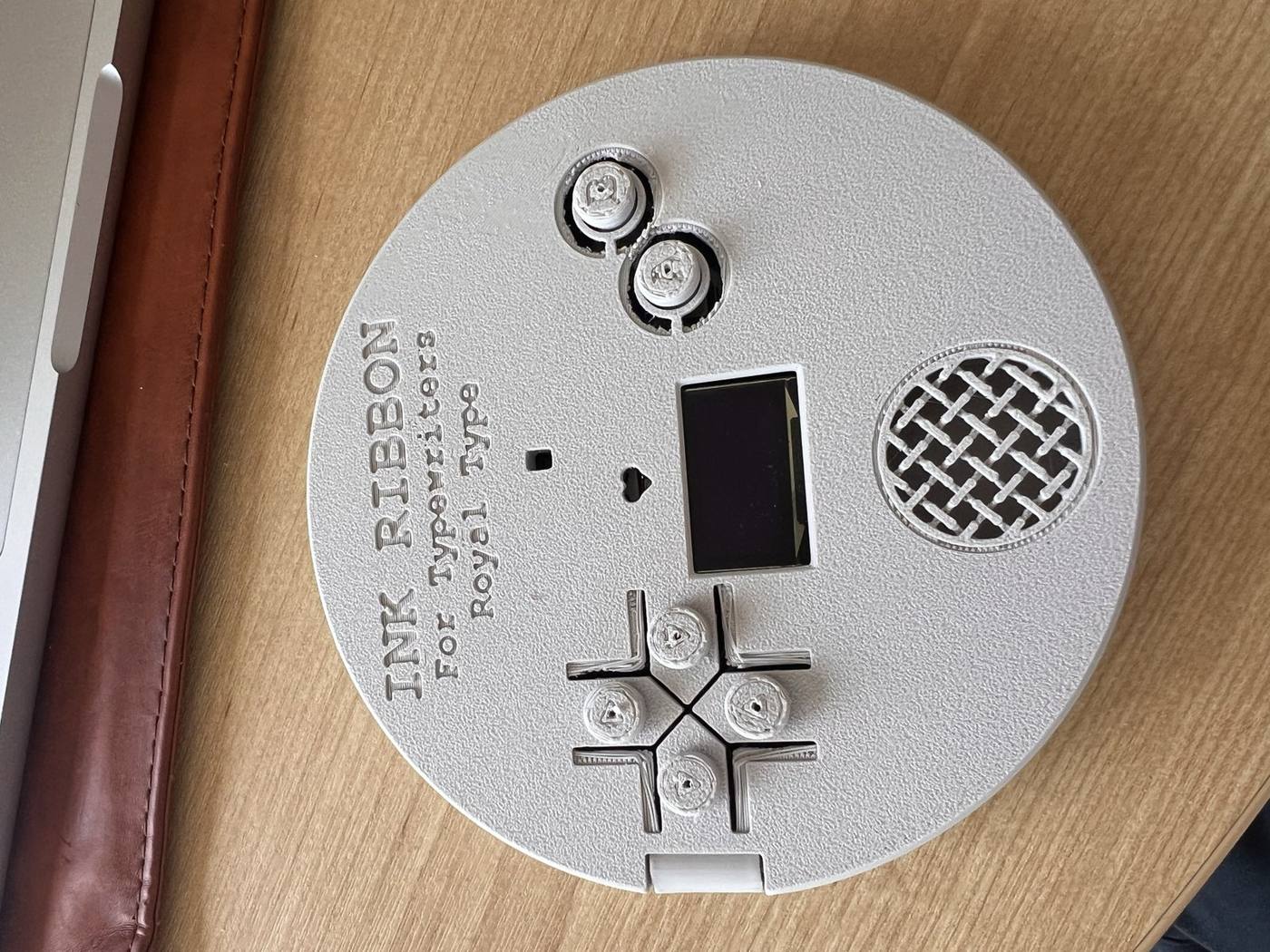
The separated keypads felt flimsy and were the weak point in the design. I asked Claude to provide a more stable key mount where a metal wire could carry the touch from the key down to the board's pad.
I also had it make the lid with a stronger snap (a 0.6 mm overlap with two keeper ribs) since I felt the piece moved easily, enlarged the lid lettering and the credit text, and the amplifier to be sitting on two pegs instead of being boxed in by walls, so it's easier to fit and wire.
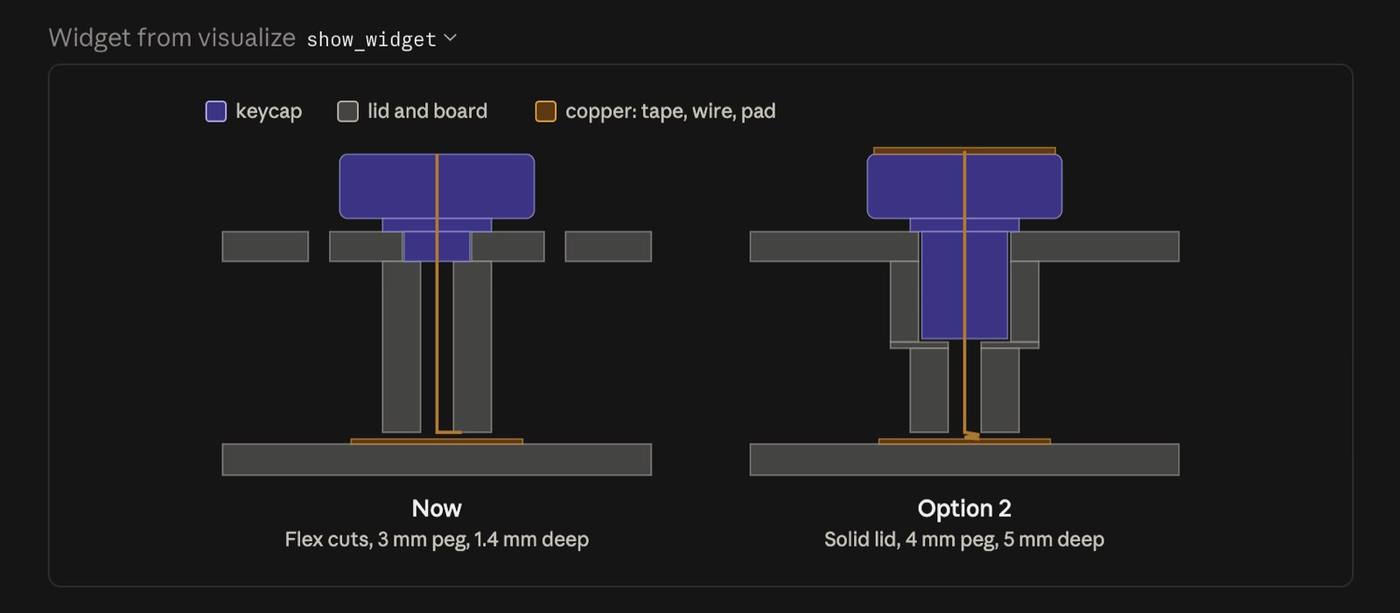
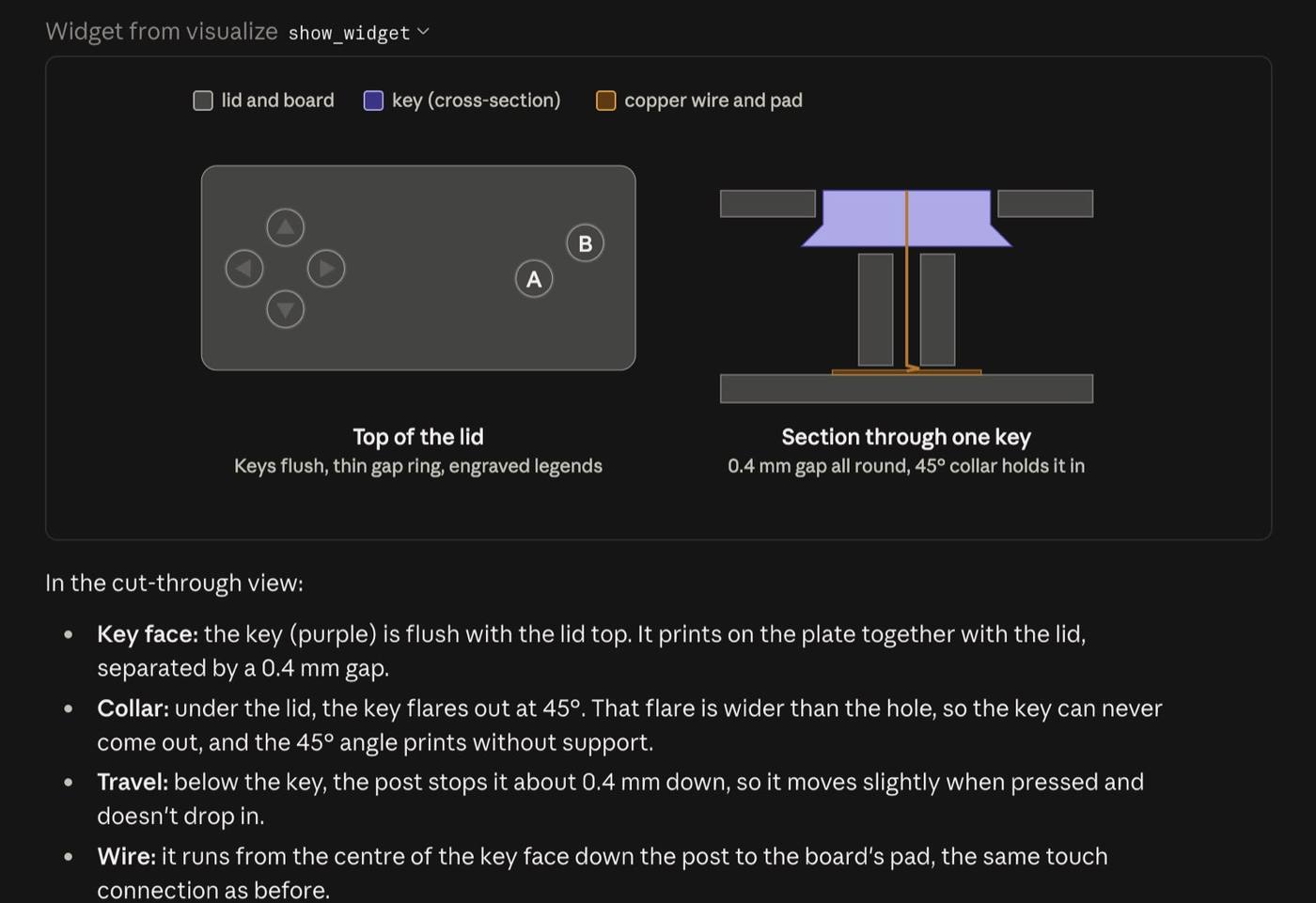
The 3D print process took about 1 h 37 min and used 52 g of white PLA.
Amplifier wiring and soldering#
I took this week's assignment a step further to get a feel of how the final project could look like with the envisioned melody playing through the ChronoType module.
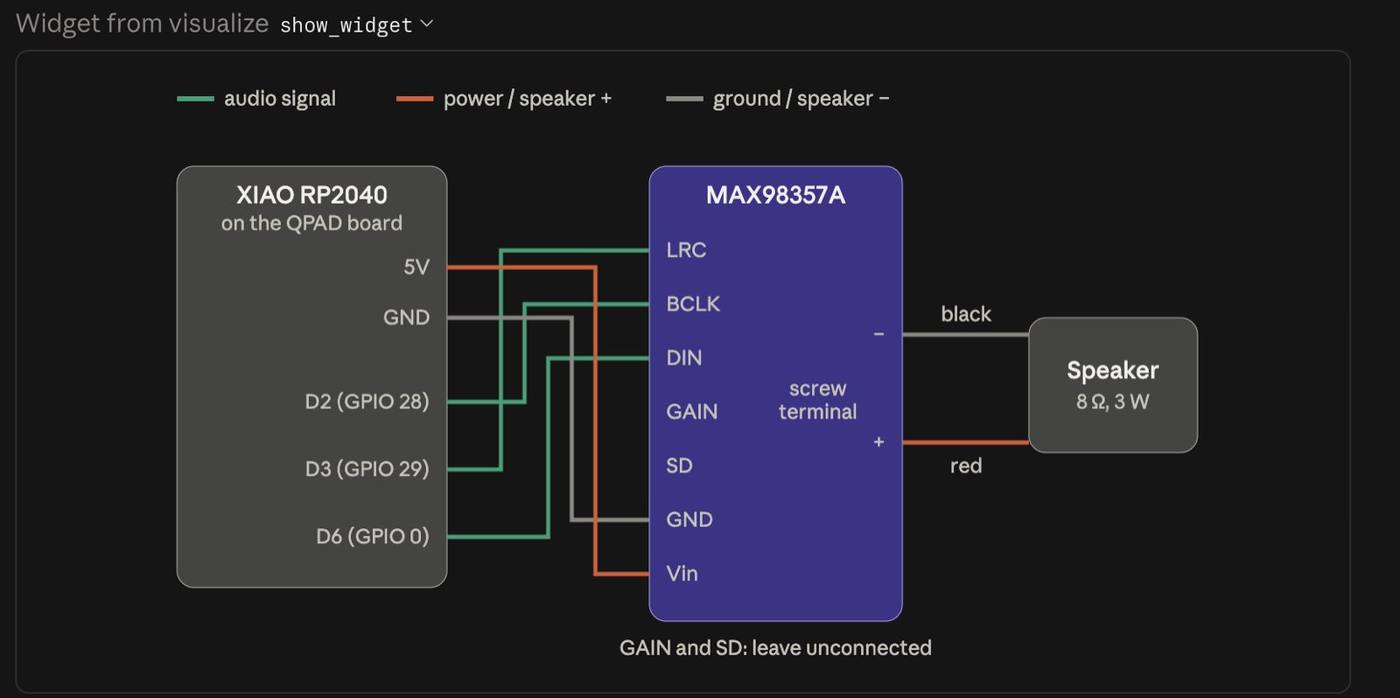
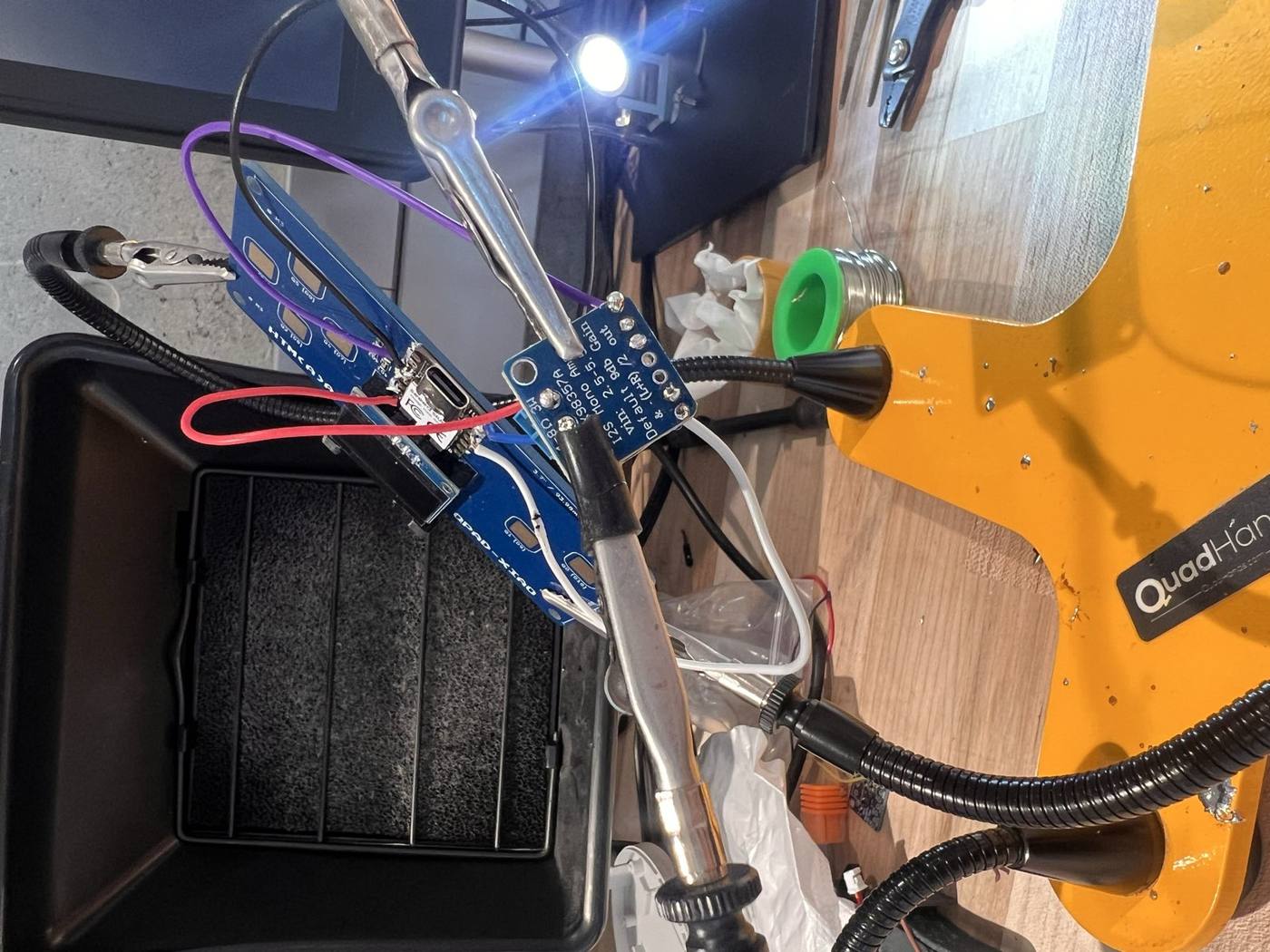
I had worked out the audio wiring that could be compatible with the XIAO using product photos of the MAX98357A amplifier (a small board that turns the XIAO's digital audio signal into power for the speaker).
Using Claude to map the connections, it required three audio-signal wires (BCLK, LRC and DIN) plus 5 V and ground from the XIAO, with the speaker on the amp's screw terminals.
Final Assembly#
The final assembly turned out better and I had removed the details around the keypads to avoid the 3D printing "staircase" mesh look for now.
Troubleshooting for about 2 hours with Claude using Arduino IDE conntected to the Board, I finally got the melody playing onto the device (details to be discussed in Week 9).
3D Scanning#
This week’s mission also included 3D scanning. I had done 3D Gaussian Splatting as part my TeleAbsence project so I was quite familiar with using phone applications like Luma AI to scan a room or the outdoors.
I haven’t tried it with objects yet so for this task I decided to scan the Brother IF-50 typewriter module that would connect it electronically to The ChronoType.
One of the goals was to decide whether this bulky module should be inside The ChronoType or kept outside next to the typewriter.
I first tried using the scanning station at the shop, run through Creality Scan . The software first asks you to adjust the distance between the scanner and the object until it's in the “optimal” range, then builds the 3D surface live on screen as the object turns.
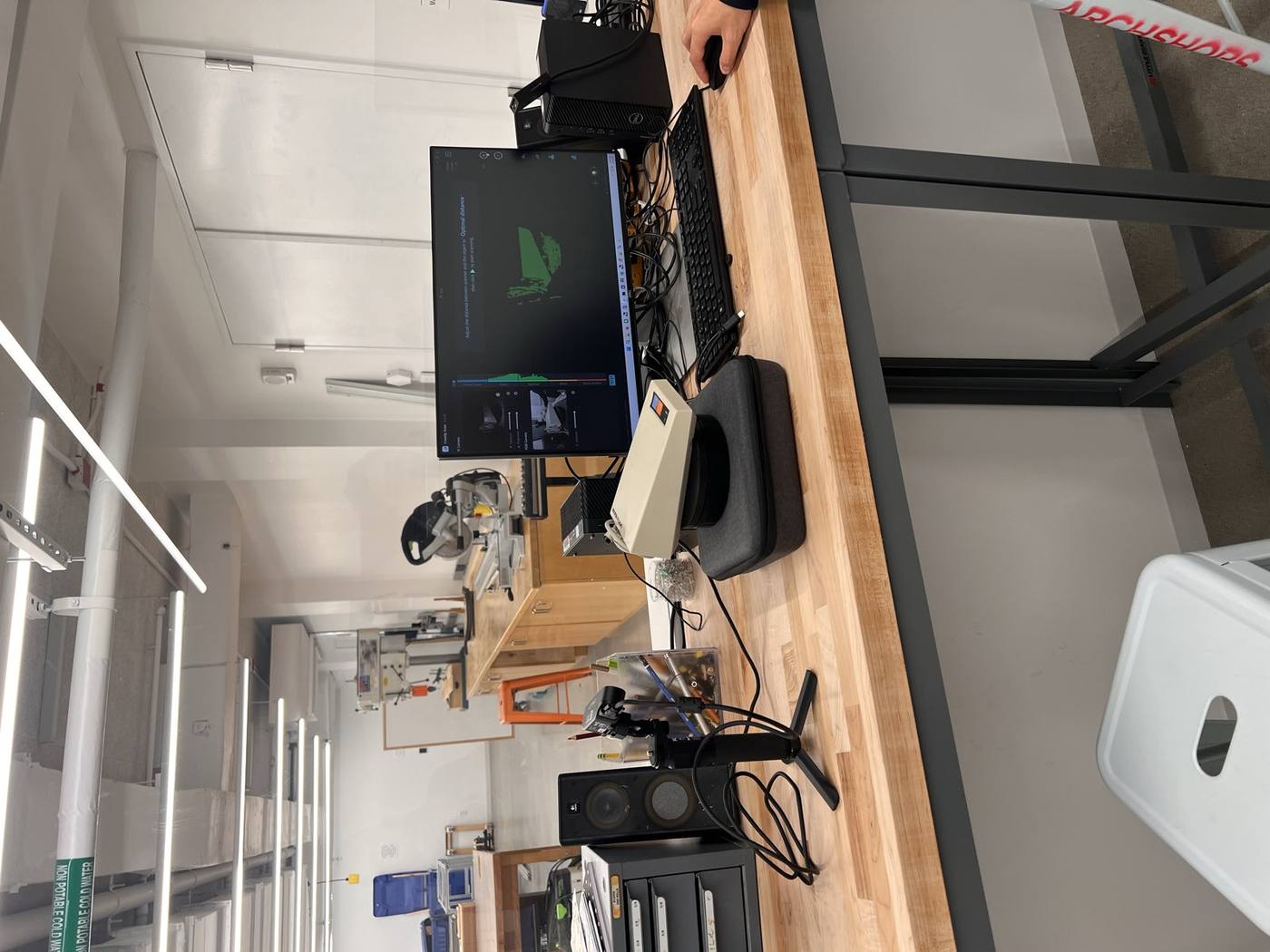
Unfortunately despite several iterations, it would not properly detect my device (I suspect it had something to do with the bulky shape and the beige colour).
I also tried scaniverse which worked well in terms of the shape of the object but did not have geometry mesh export options like PolyCam .
I exported the Polycam file into an STL folder and opened it in Fusion.
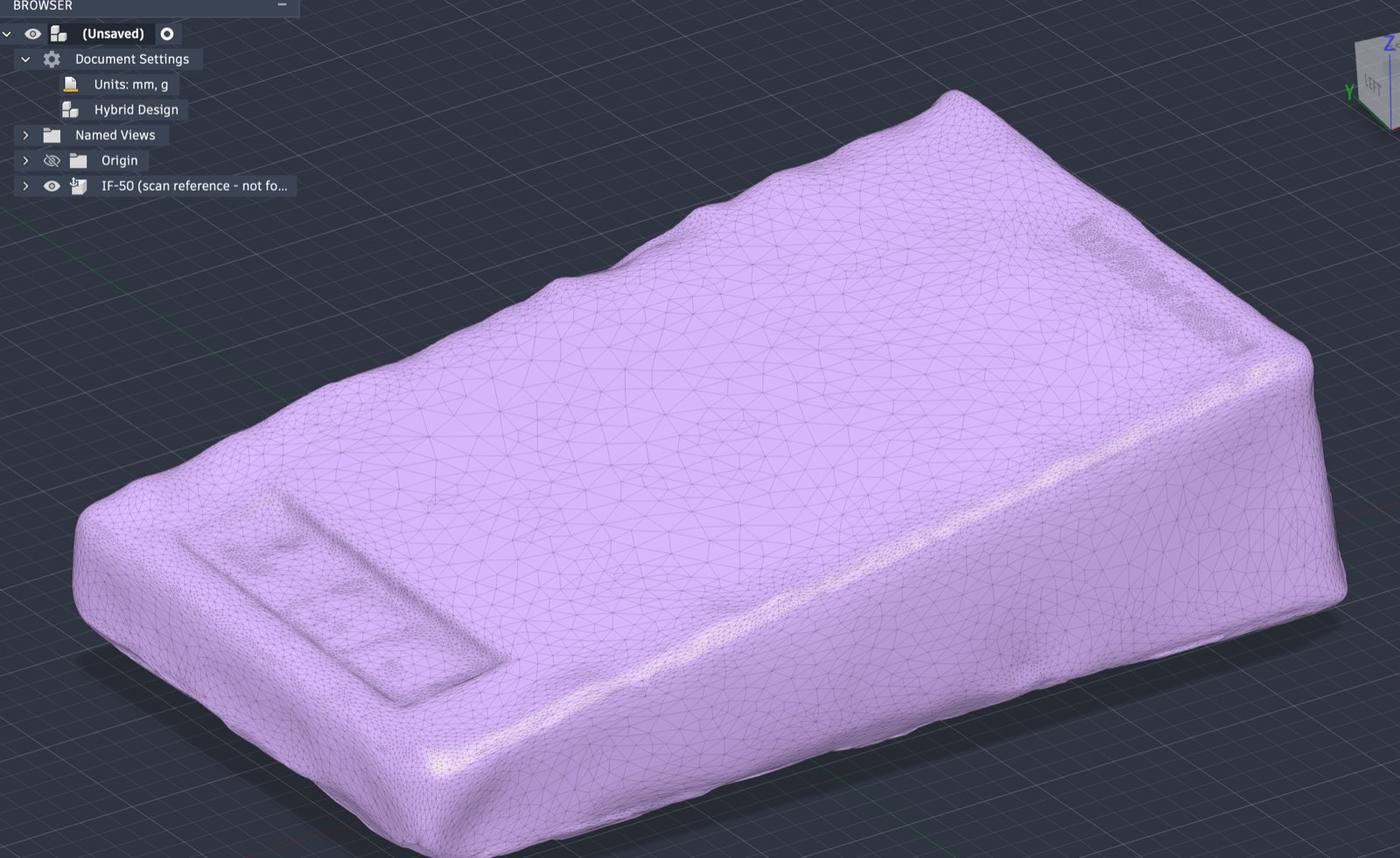
The measurements came out three times as big as the real thing and I scaled it down using my own measurements, working with Claude MCP connected to Fusion. This gave a clean model with straight edges.
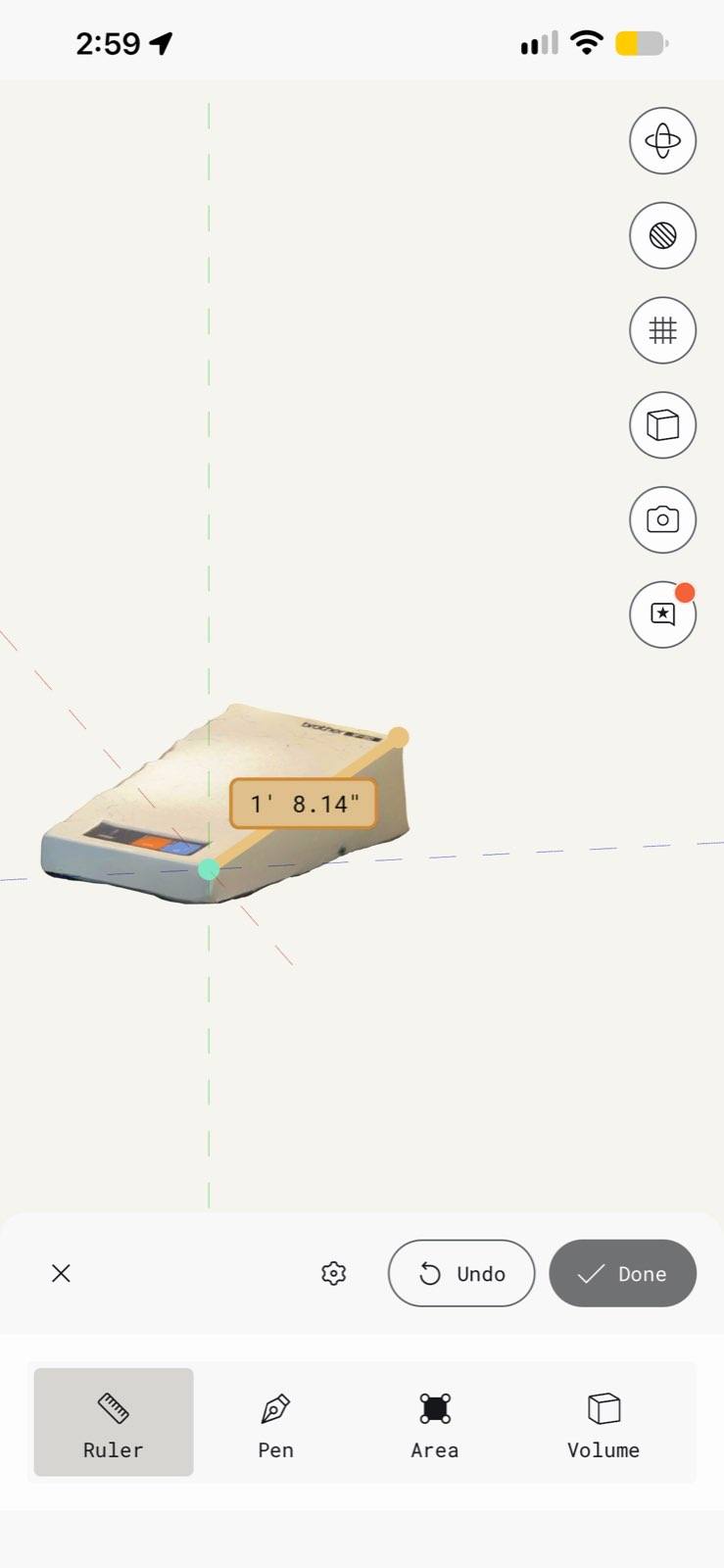
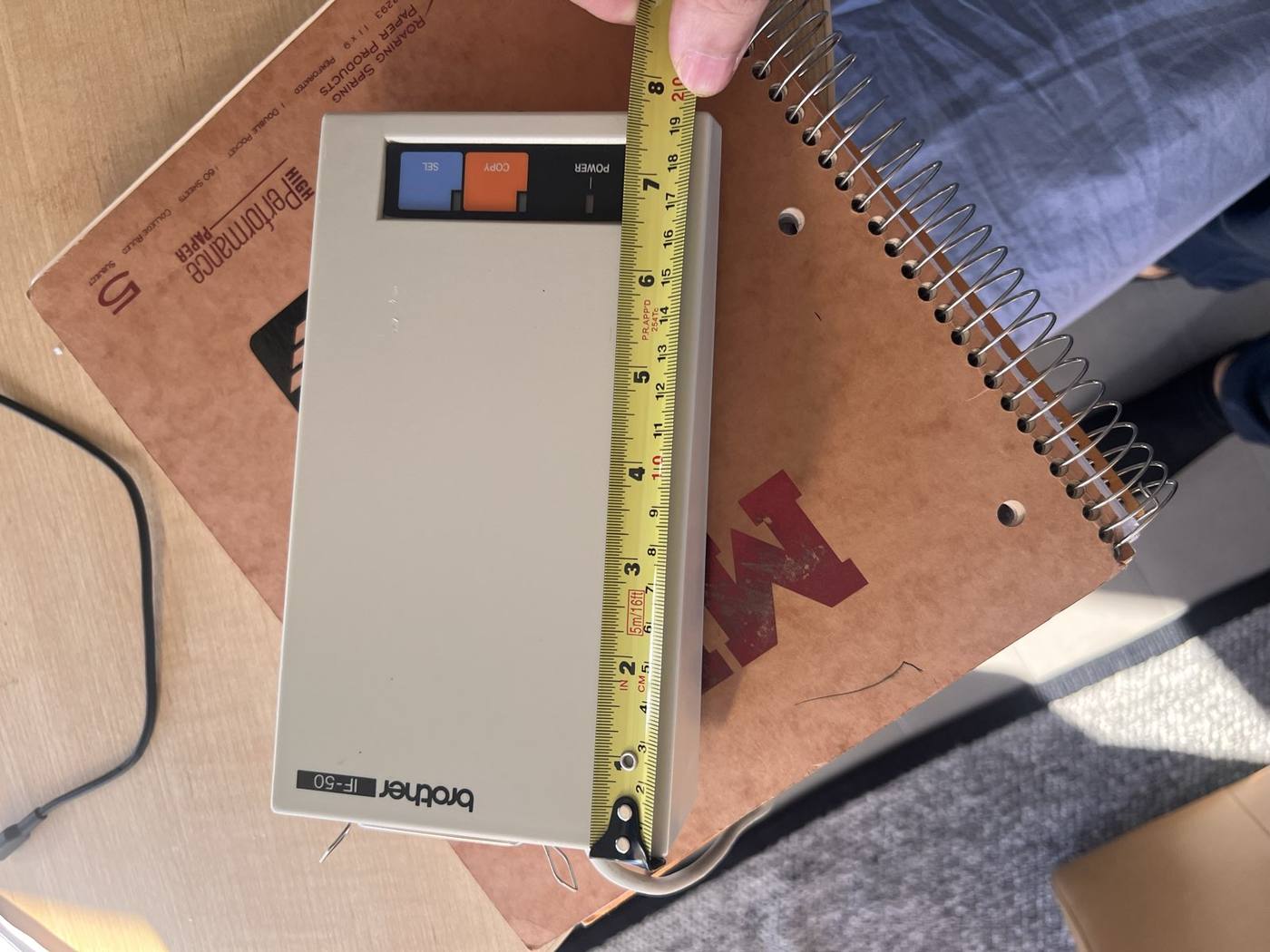
Looking at how big the interface is, it would turn the ChronoType module from something elegant to bulky, and so I decided after this 3D scan exercise to keep it outside.