Group assignment#
PCB production design rules#
The week started with an introduction by our TAs Qilmeg and Gert on how to submit a PCB design to a board house.
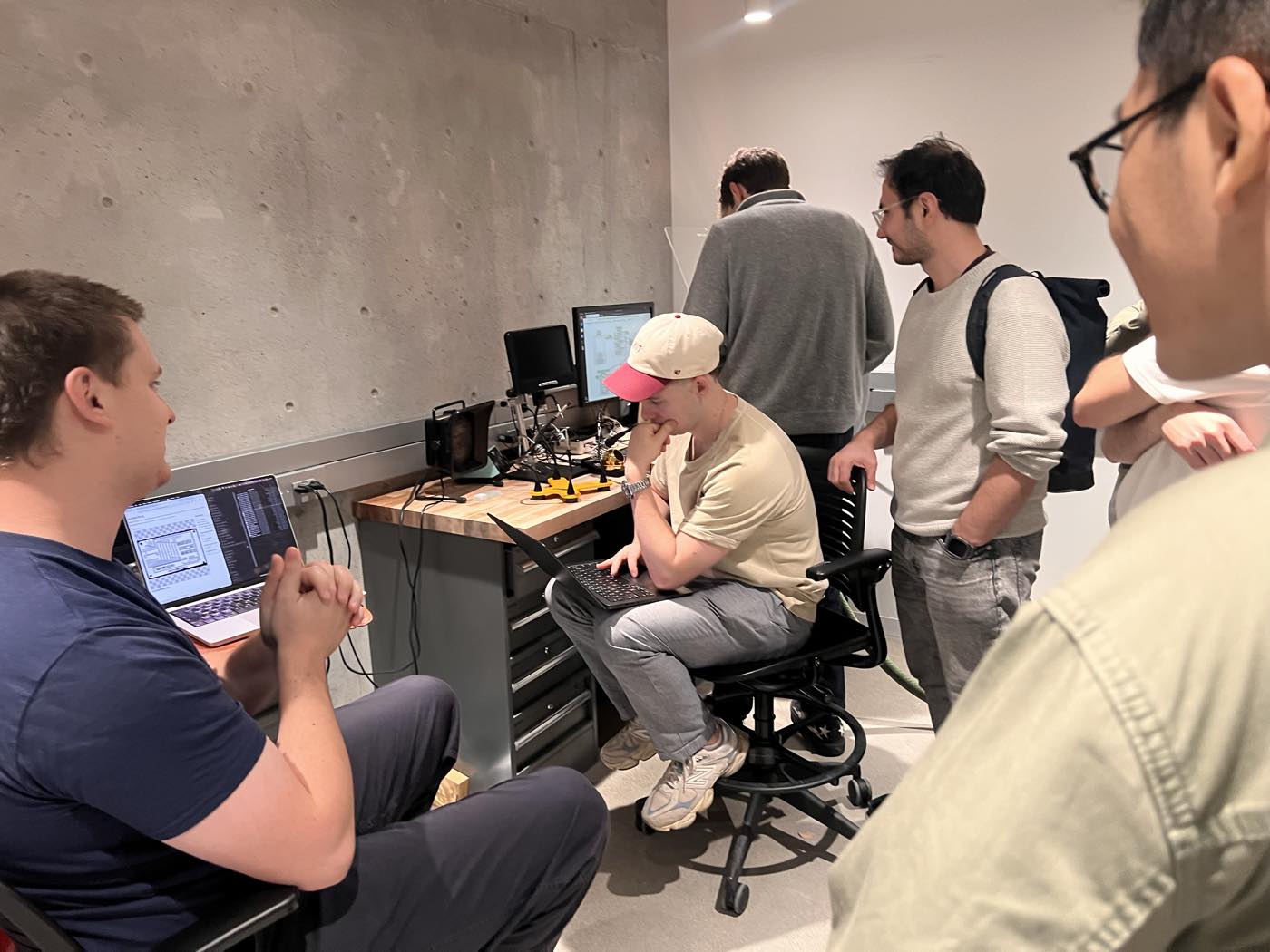
The key advice to retain:
- The board flat and ensure no air bubbles to ensure no height differences in the cut
- Swap the bits with the Allen key: 1/64" for the traces, 1/32" for the outline.
- Ensure the PNG DPI matches the file, set the origin abotu 10 mm in front of the bottom-left corner
With our TA Qilmeg and Jason, we milled a Fab line test on the Roland SRM-20 with the 1/64" end mill. It’s a comb of 20 teeth whose traces and gaps grow from 0.001" to 0.020" in 0.001" steps.
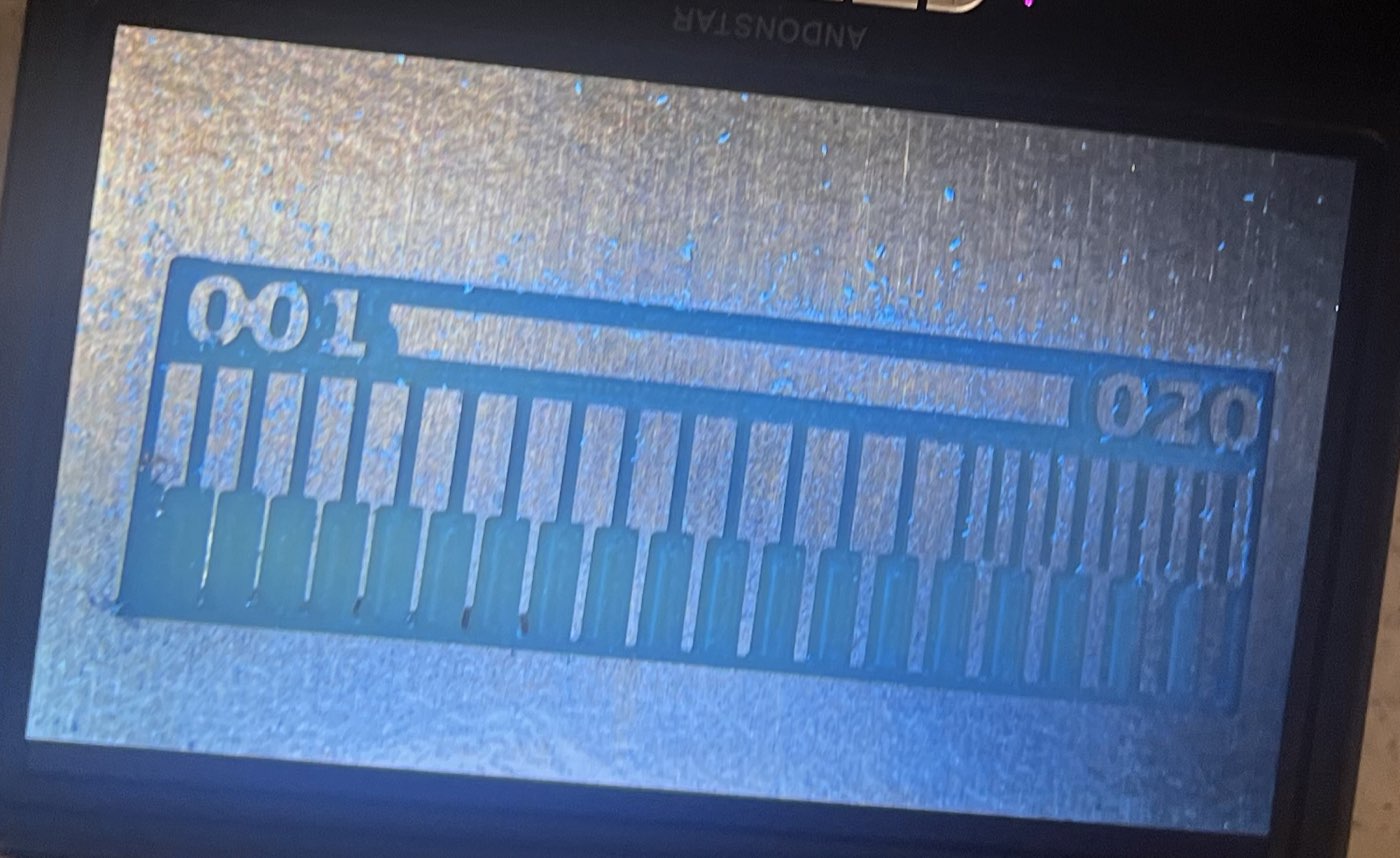
The first 8 teeth came out imperfect detaching the PCB or missing all together. The first clean one was the 9th, at 0.009", meaning it would be the smallest feature our process can reliably cut.
My week 5 board used the fab rules of 0.016" traces with gaps of 0.020" or more, above this 0.009" limit.
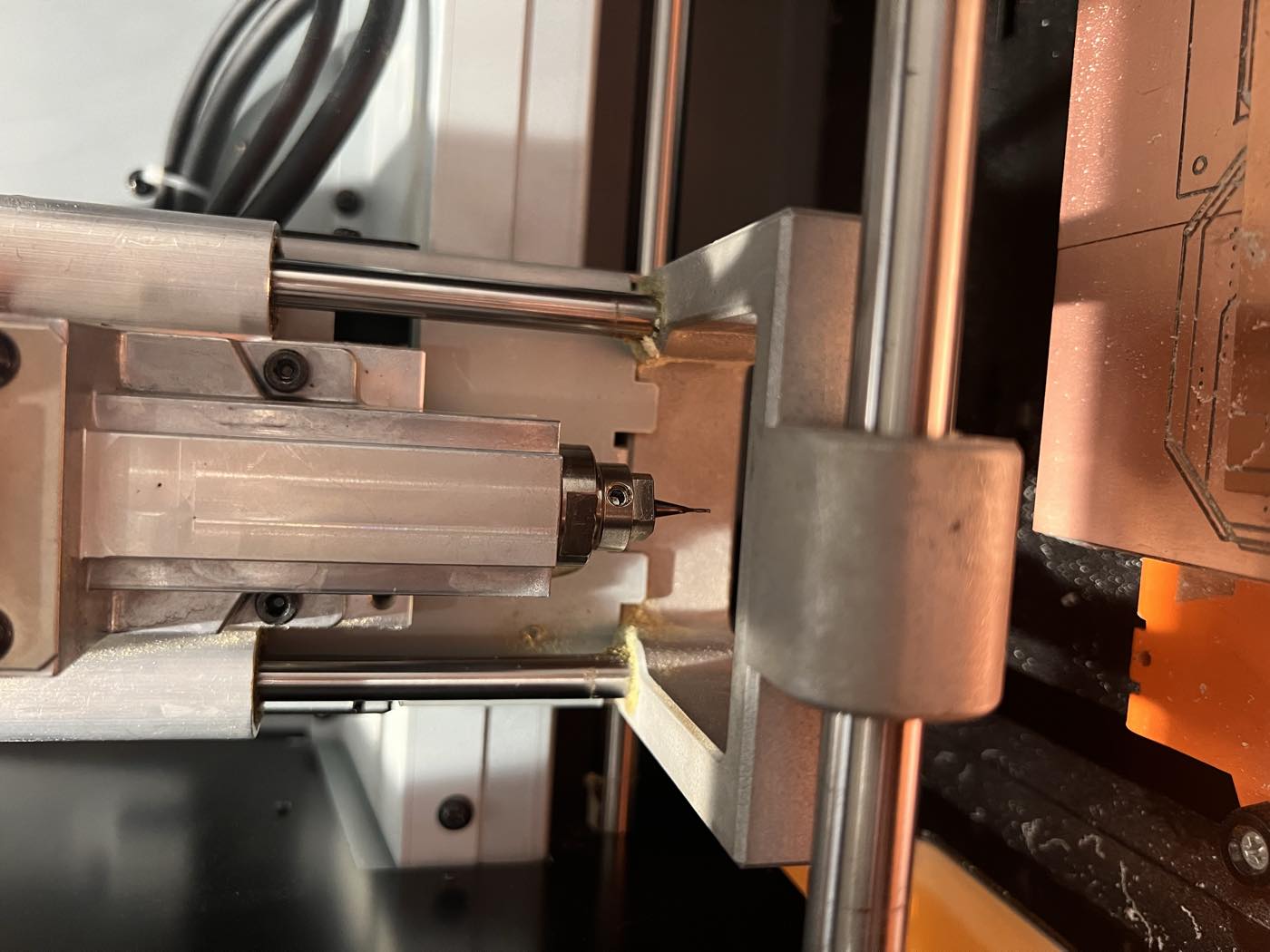
Milling the IF-60 module#
To mill my IF-60 module from week 5, I exported it from KiCAD as Gerber files (copper, outline, drill) and went through gerber2img to become the PNGs that mods reads.
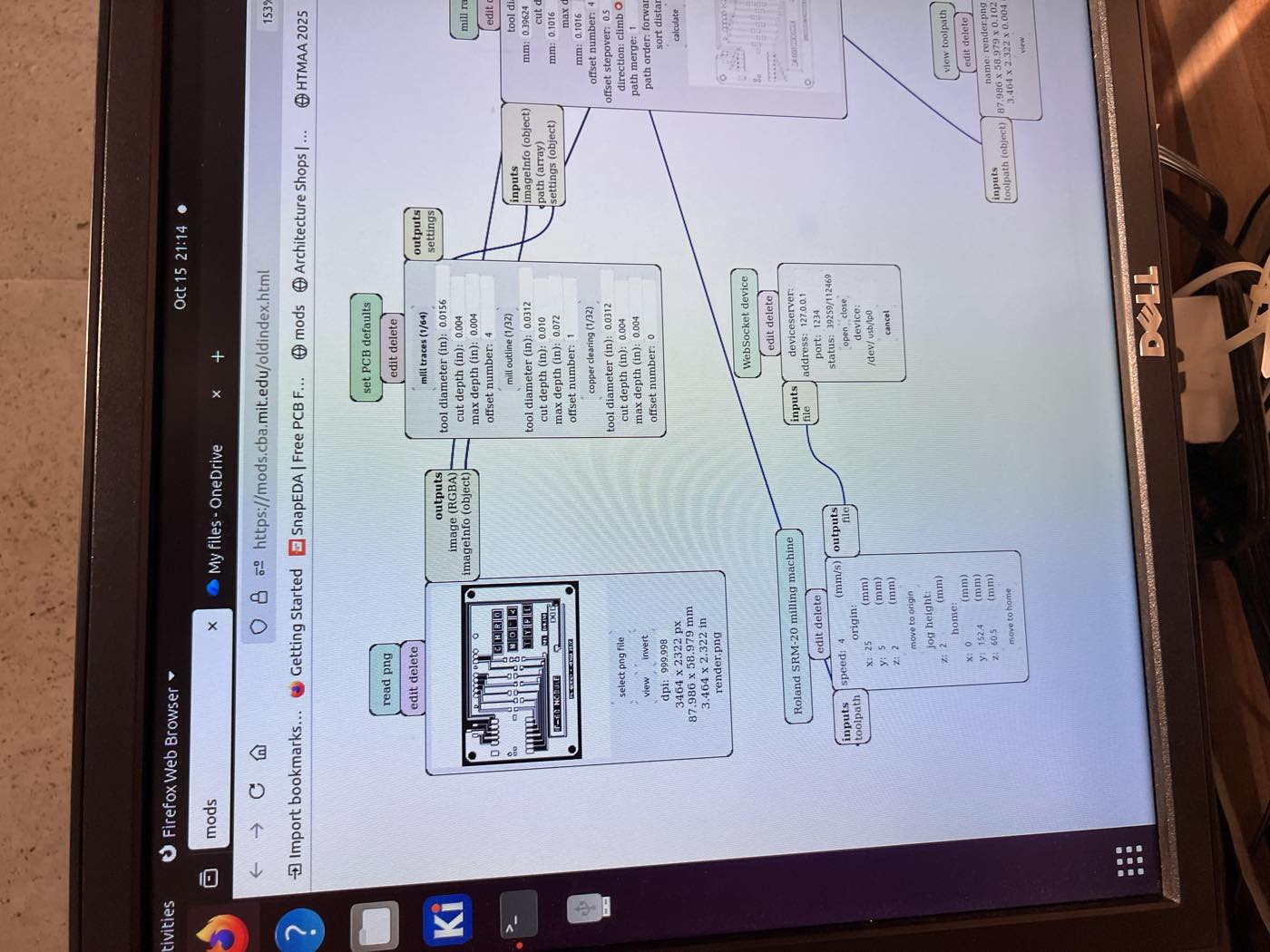
My milling process only worked on the third try. The first one, had rough edges on the right side of the PCB, which Anthony explained a bit that was too loosened.
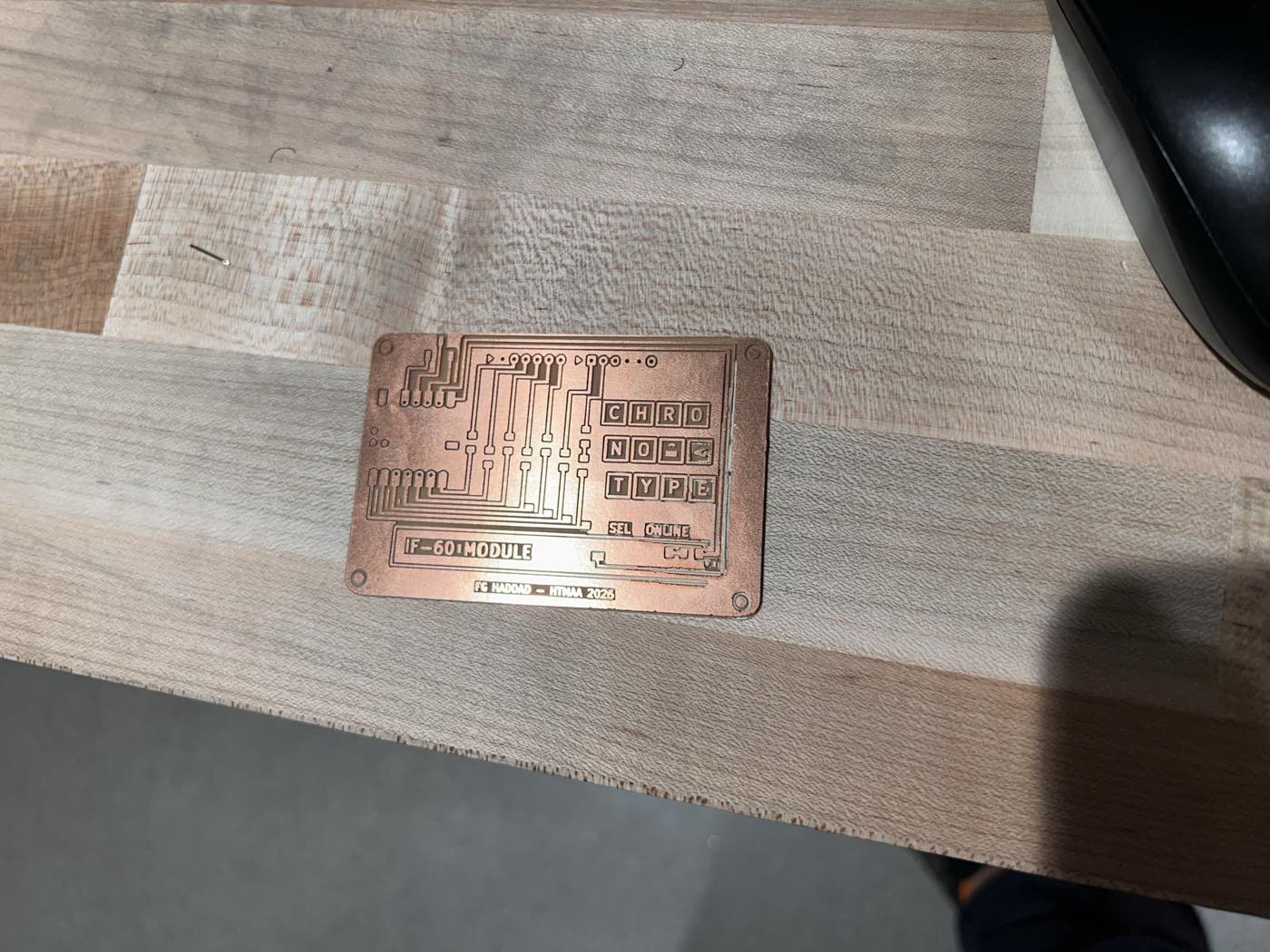
The second iteration, the bit was dull and did not produce clean lines.
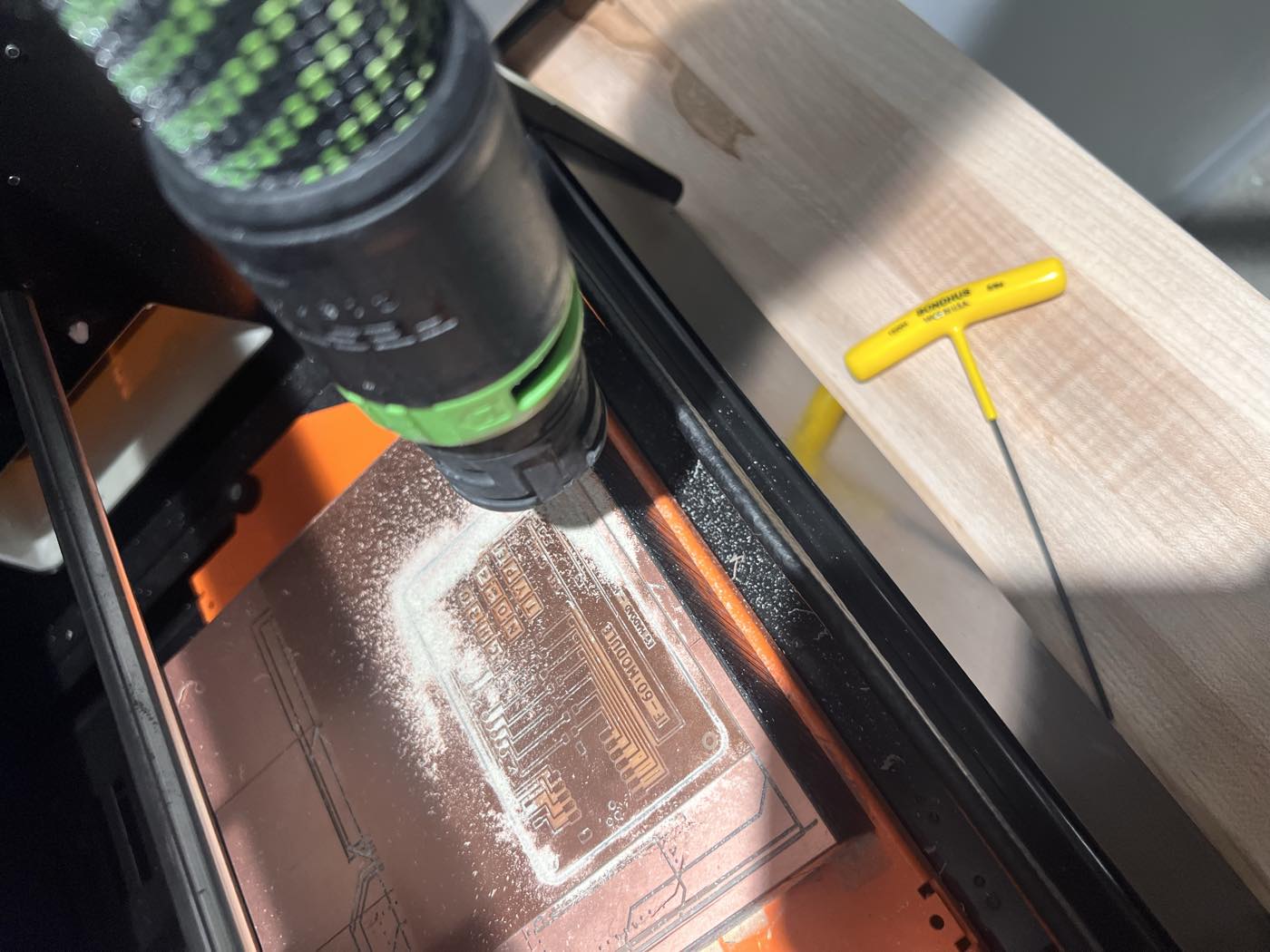
The third worked well albeit my outline PNG got mixed from a previous milling iteration, resulting in an offset of the cut but had no material impact on the board apart from cosmetic and being able to place it in the case designed for it.
(A huge thanks to Qilmeg for her invaluable support in this process and the many hours in the mill shop until we got the third milling correct!)
The advice we received from TAs on PCBs, is to also consider the case to keep it neat and avoid having desoldered or wires coming loose during transport.
With Claude connected to Fusion through MCP, I iterated the design to obtain a closed box lid that clicks on with snaps, and a window over the screem a press tab for SEL, a light tube for the online LED and the engravings on the case for some additional flair.
Soldering and testing#
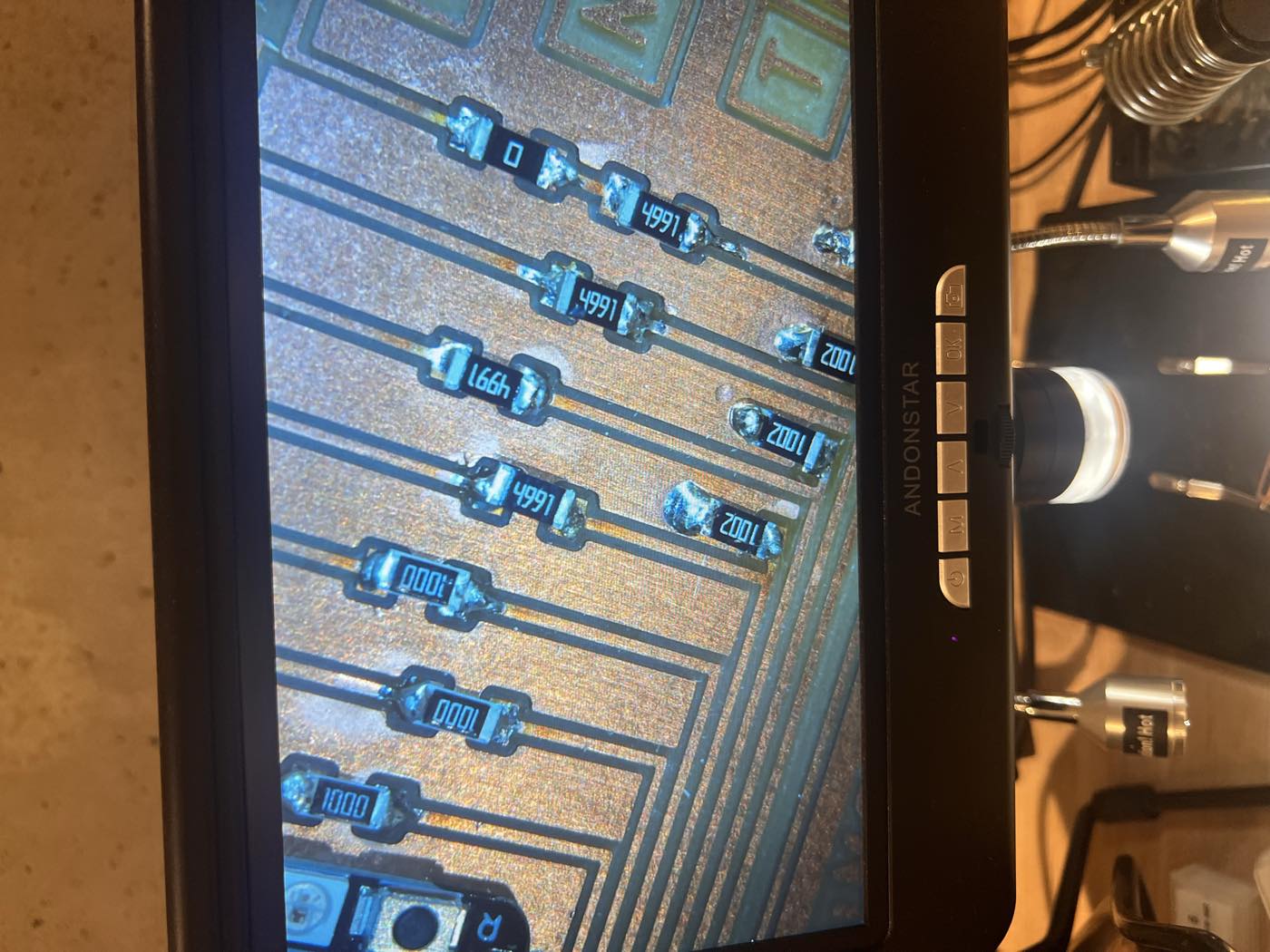
Once I had it milled, I soldered the XIAO RP2040, 13 resistors, the ONLINE LED, the SEL switch, the OLED socket and two 6-pin JST headers (thanks to Anthony who had them at the EECS shop!).
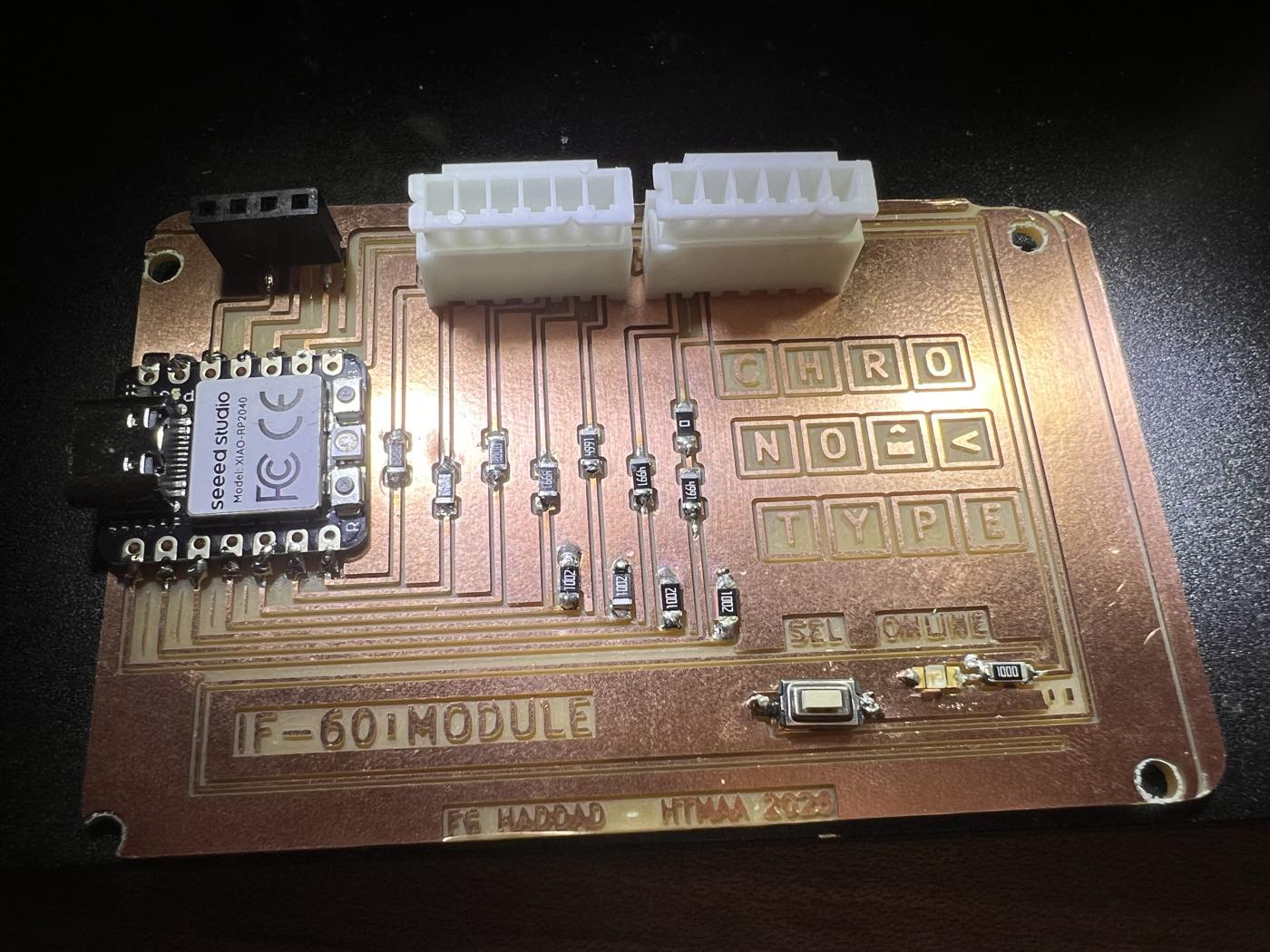
Since I was not at the archshop, I asked Claude whether it would be possible to do some testing without a multimeter to get a sense of what is working in the board.
It wrote an Arduino IDE sketch for the XIAO RP2040 using the same approach set up in week 3.
Show source (47 lines)
// IF-60 module board test (v0.5): LED, SEL button, the four 5 V input dividers, OLED presence.
// Pin map from the schematic: D0 KBRQ, D1 PWR, D2 KBACK, D3 SO (inputs via 4.99k/10k dividers),
// D4 READY, D5 SI, D6 SCK (outputs via 100 R), D7 LED, D8 SEL (to GND), D9 SDA, D10 SCL.

const int LED = D7, SEL = D8, SDA_PIN = D9, SCL_PIN = D10;
const int INS[] = {D0, D1, D2, D3};
const char *IN_NAMES[] = {"KBRQ", "PWR", "KBACK", "SO"};

// minimal software I2C, only to see whether the OLED answers (D9/D10 are not a hardware I2C pair)
void sda(bool h) { pinMode(SDA_PIN, h ? INPUT_PULLUP : OUTPUT); if (!h) digitalWrite(SDA_PIN, LOW); delayMicroseconds(5); }
void scl(bool h) { pinMode(SCL_PIN, h ? INPUT_PULLUP : OUTPUT); if (!h) digitalWrite(SCL_PIN, LOW); delayMicroseconds(5); }
bool i2cProbe(uint8_t addr) {
  sda(1); scl(1); sda(0); scl(0);                       // start
  uint8_t b = addr << 1;
  for (int i = 7; i >= 0; i--) { sda(b >> i & 1); scl(1); scl(0); }
  sda(1); scl(1); bool ack = digitalRead(SDA_PIN) == LOW; scl(0);
  sda(0); scl(1); sda(1);                               // stop
  return ack;
}

void setup() {
  Serial.begin(115200);
  pinMode(LED, OUTPUT); pinMode(SEL, INPUT_PULLUP);
  for (int i = 0; i < 4; i++) pinMode(INS[i], INPUT);
  pinMode(D4, OUTPUT); pinMode(D5, OUTPUT); pinMode(D6, OUTPUT);   // outputs held low
  digitalWrite(D4, LOW); digitalWrite(D5, LOW); digitalWrite(D6, LOW);
}

void loop() {
  static unsigned long t = 0; static bool led = false; static bool lastSel = false;
  bool pressed = digitalRead(SEL) == LOW;
  if (pressed != lastSel) { Serial.println(pressed ? "SEL pressed" : "SEL released"); lastSel = pressed; }
  if (millis() - t > 1000) {
    t = millis(); led = !led;
    digitalWrite(LED, pressed ? HIGH : led);
    Serial.print("LED "); Serial.print(led ? "on " : "off");
    Serial.print(" | SEL "); Serial.print(pressed ? "DOWN" : "up  ");
    for (int i = 0; i < 4; i++) { Serial.print(" | "); Serial.print(IN_NAMES[i]); Serial.print("="); Serial.print(digitalRead(INS[i])); }
    pinMode(SDA_PIN, INPUT); pinMode(SCL_PIN, INPUT); delay(2);      // no internal pull-up: only the OLED's resistors can pull these high
    int sdaIdle = digitalRead(SDA_PIN), sclIdle = digitalRead(SCL_PIN);
    Serial.print(" | SDA idle="); Serial.print(sdaIdle); Serial.print(" SCL idle="); Serial.print(sclIdle);
    int found = -1;
    for (int a = 0x08; a < 0x78 && found < 0; a++) if (i2cProbe(a)) found = a;
    Serial.print(" | I2C scan: ");
    if (found < 0) Serial.println("nothing"); else { Serial.print("device at 0x"); Serial.println(found, HEX); }
  }
}
The check is meant to send a status line once a second over USB, from there it became apparent the soldering for D7 to the LED needed rework.
The SEL button also had a constant connection, which I suspect was one leg touching the ground copper.
With no typewriter connected, each voltage divider’s 10 kΩ resistor holds its line at 0. Any line reading 1 would mean a missing resistor. All four (R5, R7, R9, R13 (10 kΩ)) read 0.
The OLED didn’t answer. Using the arduino sketch, Claude wrote a second test program that makes use of the screen's pull-up resistor on each line, which brings a connected line back to 3.3 V. By pulling each line to 0 V and letting go, I could see whether it was connected to the screen: SDA bounced back, while SCL stayed at 0 V.
Show source (19 lines)
// For each line: drive LOW, release (no internal pull-up), time how long until it reads HIGH again.
// Connected to the OLED's pull-up resistor -> back high within a few microseconds.
// Floating (unsoldered XIAO pin or open J2 leg) -> stays low much longer or never returns.
const int PINS[] = {D9, D10}; const char *NAMES[] = {"D9 (SDA)", "D10 (SCL)"};
void setup() { Serial.begin(115200); }
void loop() {
  for (int i = 0; i < 2; i++) {
    int p = PINS[i];
    pinMode(p, OUTPUT); digitalWrite(p, LOW); delay(5);
    pinMode(p, INPUT);
    unsigned long t0 = micros(); long dt = -1;
    while (micros() - t0 < 20000) { if (digitalRead(p)) { dt = micros() - t0; break; } }
    Serial.print(NAMES[i]); Serial.print(": ");
    if (dt < 0) Serial.print("stays LOW (floating or held low)");
    else { Serial.print("back HIGH in "); Serial.print(dt); Serial.print(" us"); }
    Serial.print(i == 0 ? "   |   " : "\n");
  }
  delay(1000);
}
Completing them and debugging the tool is next on my list to test it for my final project.
For now at least, the heavy lifting of the milling which took one full evening and the second day due to three milling was at least completed. Phew...