Week 2: Computer-Controlled Cutting
Introduction
This week's assignment focused on three goals:
- Learn to operate a CO2 laser cutter and characterize its cutting parameters.
- Use Adobe Illustrator to design a curved wooden wheel with joints and engraved details.
- Learn to use the vinyl cutter.
Laser Cutter Characterization
I used 3 mm plywood for the CO2 laser-cutting tests. At the preset focus setting and the laser's default repetition frequency, I characterized power and speed with a 3 by 3 test grid. A setting of 50% power at 40 mm/s produced a suitable engraving, while 90% power at 40 mm/s cut through the material.
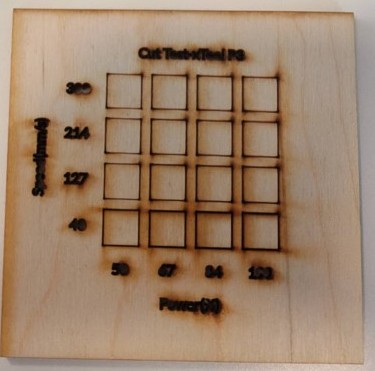
Power and speed characterization
Because an individual kerf was too small to measure accurately with digital calipers, I cut nine 1-inch squares in a series and measured their combined length. The total measured 8.952 inches, giving an estimated kerf of (9.000 - 8.952) / 9, or approximately 0.005 inches.
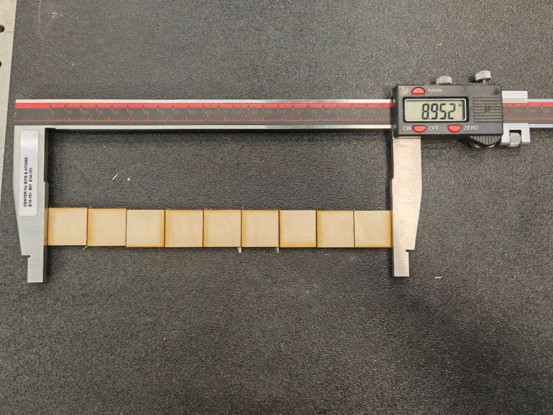
Kerf measurement
I also tested chamfered joints with widths from 2.62 mm to 3.32 mm in 0.10 mm increments to match the thickness of the plywood. A 2.92 mm joint provided the best fit.
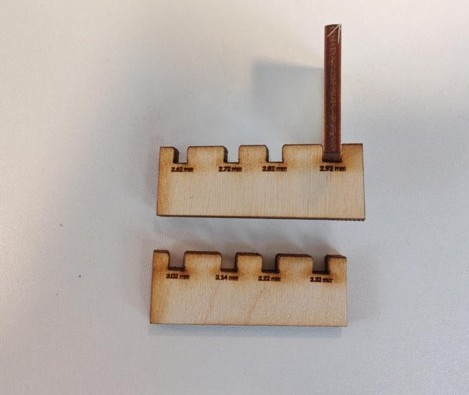
Joint-clearance test
Wooden Wheel Cutting and Assembly
From the beginning of the class, I wanted each assignment to contribute to my final project: building a wheel for Sparky, a wooden model car. To create the curved outer wrap, I used barcode-like flexures. I first sketched the concept by hand, then used ChatGPT to develop a general structure. I manually refined the flexure in Adobe Illustrator and added engraving details and chamfered joints.
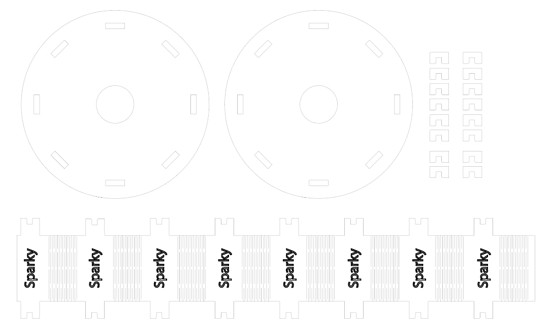
Adobe Illustrator design for the wooden wheel
Download the wheel design (.dxf)
I cut the final file from 3 mm plywood on an Epilog Fusion M2 120 W CO2 laser cutter at the MIT Makerspace.
Troubleshooting. Some joints were very small and could have fallen through the cutting bed, so I used tape to hold and remove them safely.
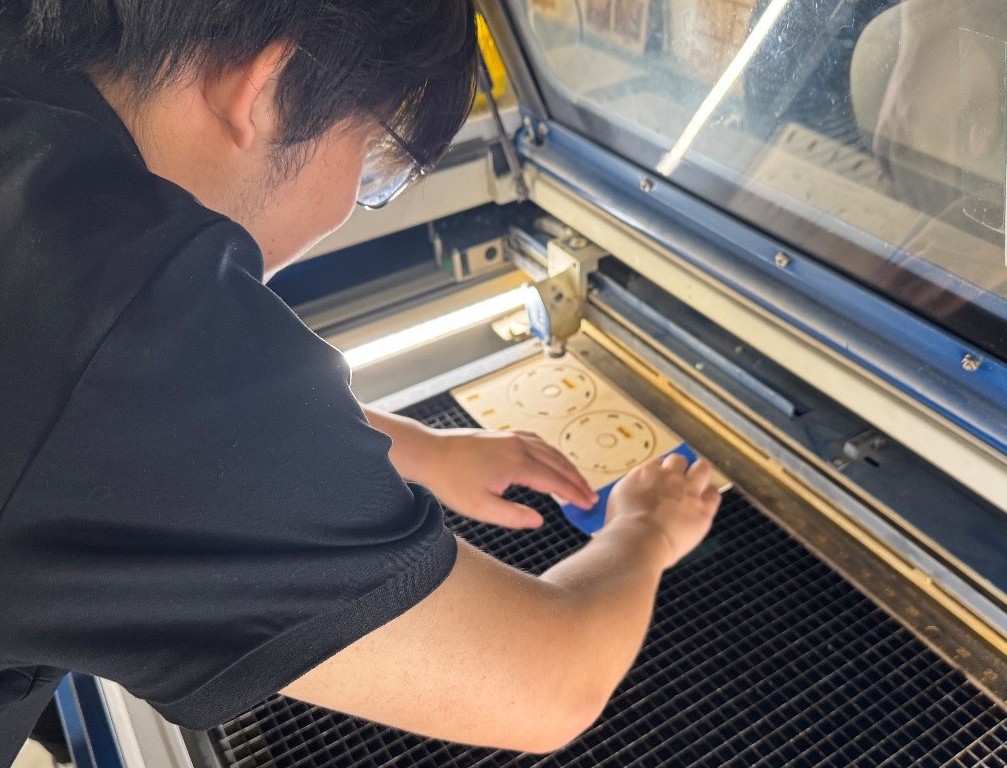
Joint removal with tape
My first flexure did not cut all the way to the edge, which made the wrap difficult to bend. I corrected the design and continued with the cutting and assembly process.
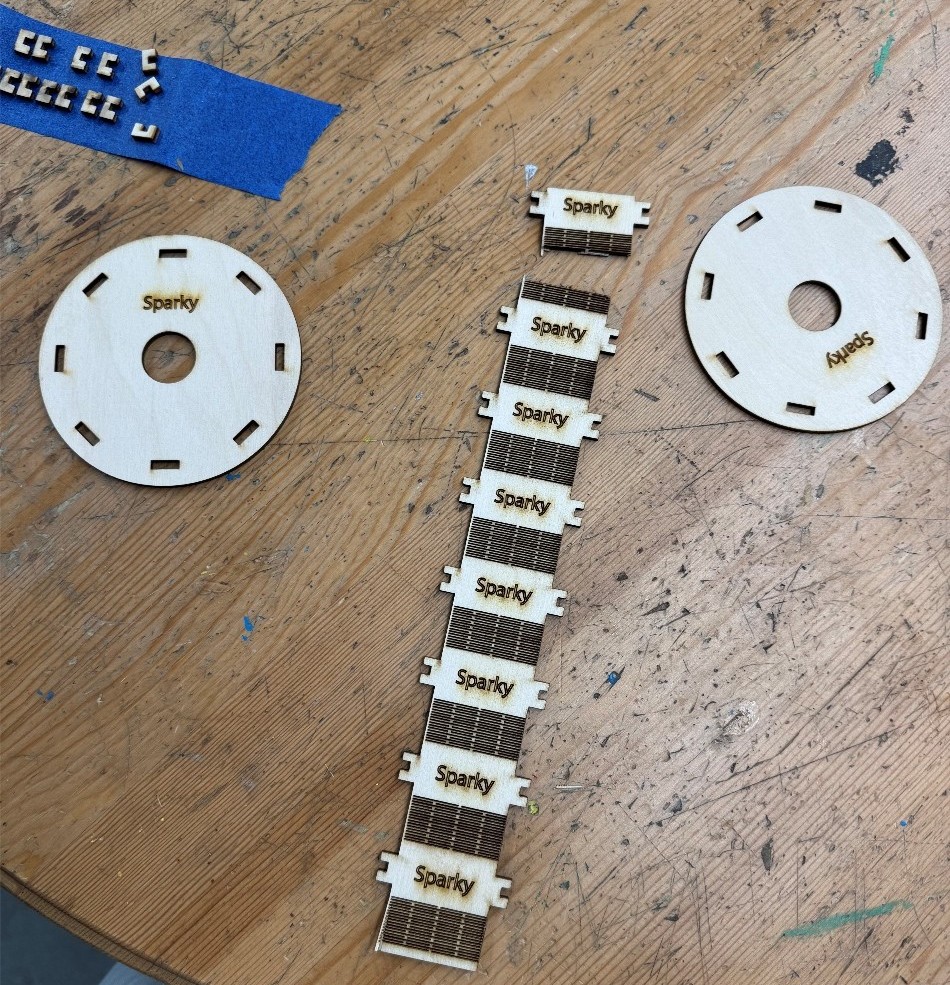
Broken flexure wrap
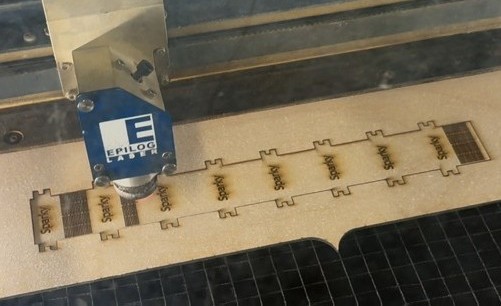
Laser cutting in progress
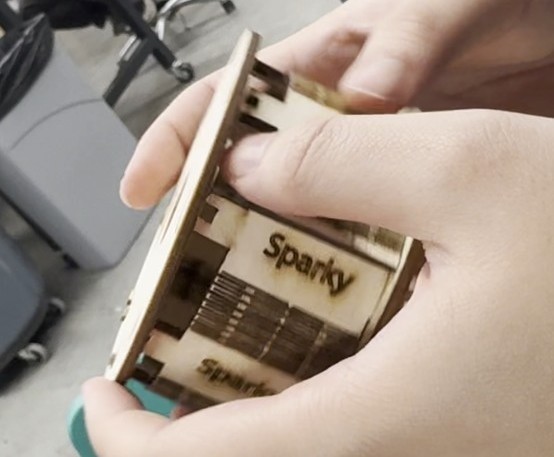
Wheel assembly
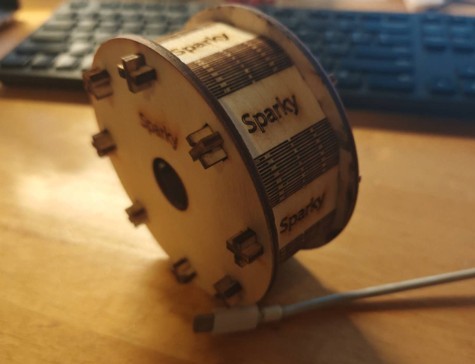
Completed Sparky wheel
Vinyl Cutting
Maltese Line Puppy was cut out by the vinyl cutter at the MIT Makerspace.
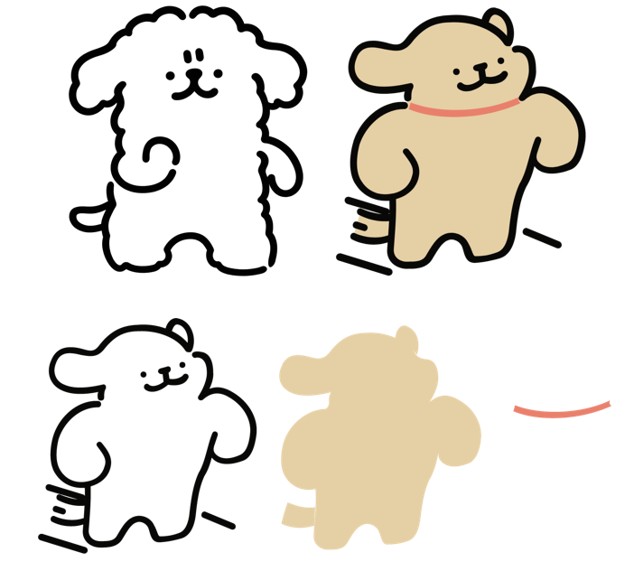
Line Puppy Design
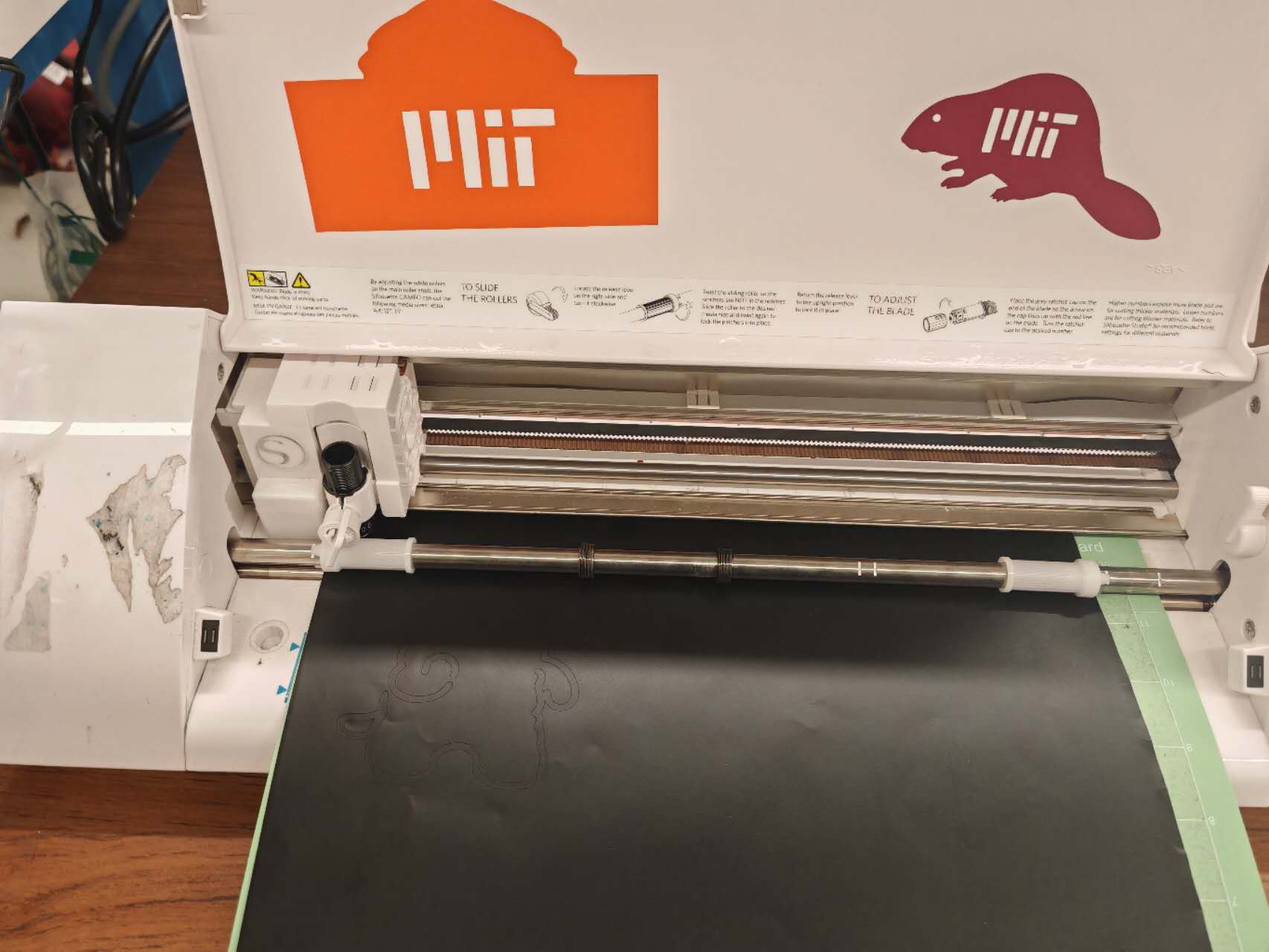
Vinyl cutting in progress
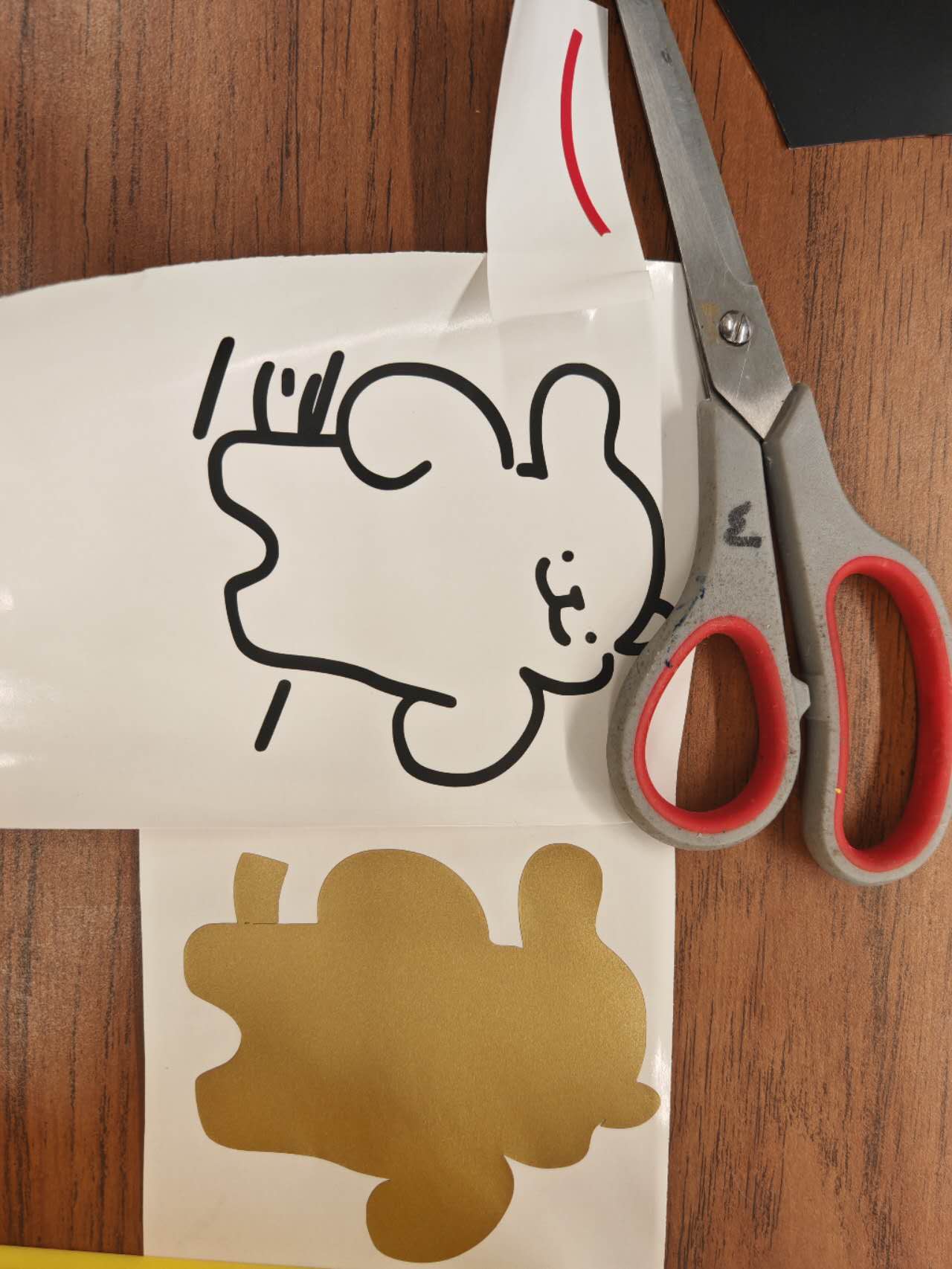
Three Layers to be transferred
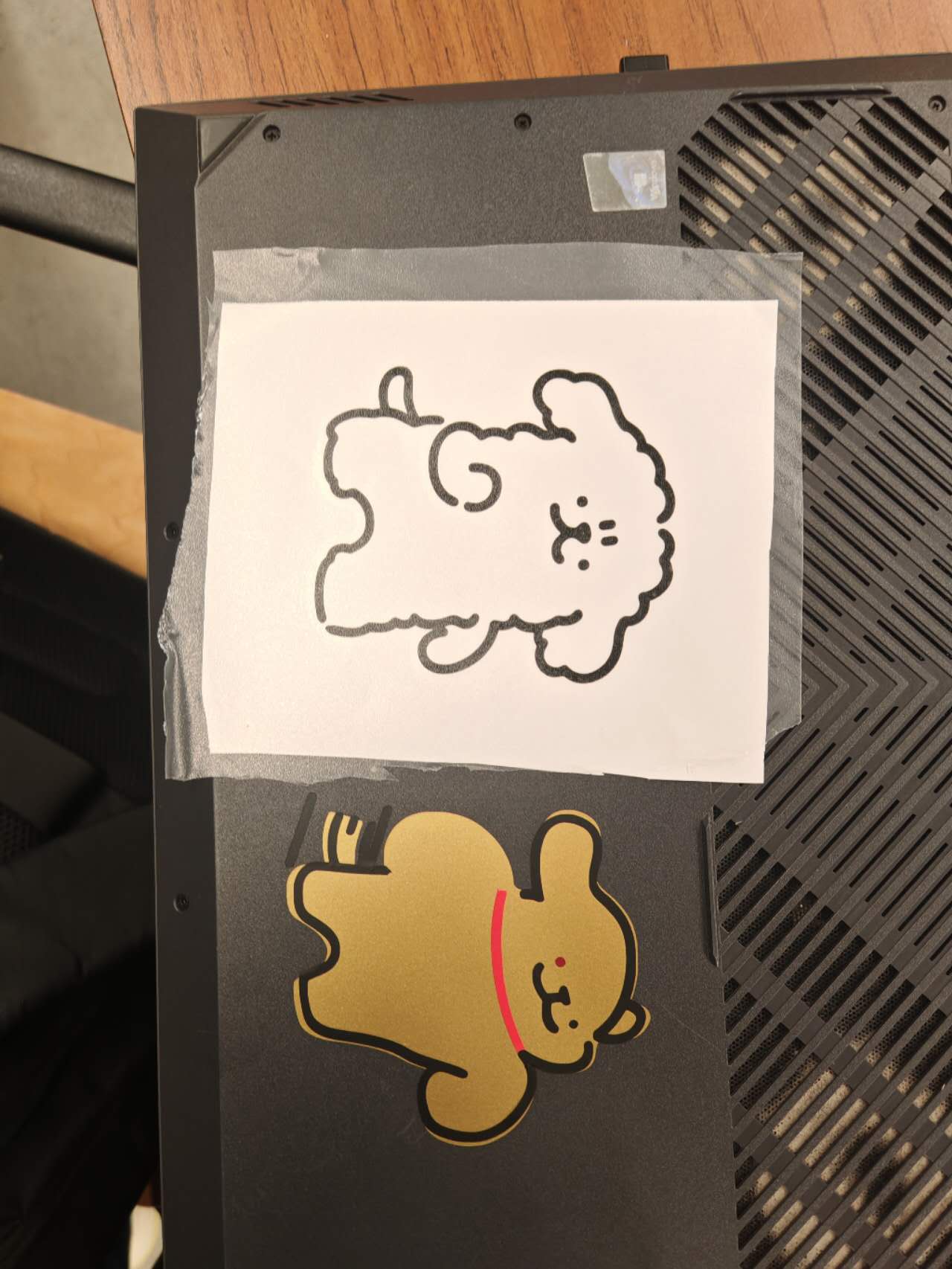
Taped "Mutant" Puppy
Problem was met when transferring the vinyl to the transfer paper, small dots dropped during the process (that's why one of the eyes of the puppy is dark red instead of black :), and the right arm sticked to the raw vinyl, so the it was not in the last picture either.