Week 1: Grow Chamber
Goal: Ideate a grow chamber for my final project
Tools: Sketchpad, Inkscape
Overview
In an attempt to learn something new and prepare for my final project, I decided to use Inkscape to ideate. My original plan was to create a grow chamber for both terrestrial and aquatic organisms.
I usually sketch out my projects on paper to roughly figure out the dimensions, main parts and then focus on the details. For example, I roughly know how I want the heating and cooling systems to be like; in this case, if I want to use thermoelectric devices, I’ll need heatsinks and some method of physically contacting the growing enclosure. With this in mind, I can begin fleshing out the details here of how to interface with the growing enclosure and keep things sealed; this is especially important if I want to raise aquatic organisms in the chamber.
This time around, I used an online sketching app called Sketchpad and began ideating.
Ideation
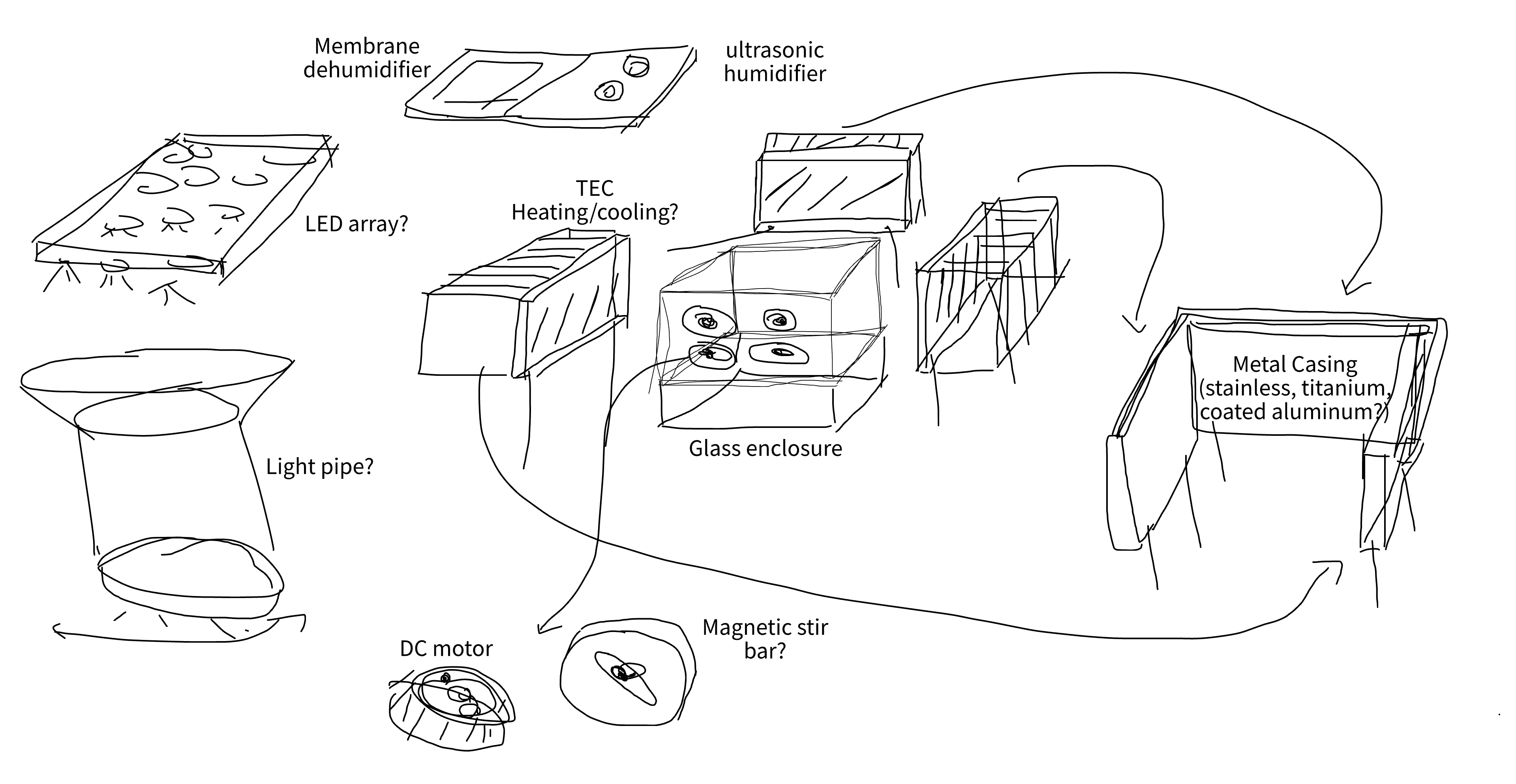
To start, I focused on the actuation that I wanted to achieve in this system. In Sketchpad, I drew up approximately which systems I would need and how they would be oriented in the grand scheme of things.
| System | Approach |
|---|---|
| Heating and cooling | A thermoelectric system can handle both if you reverse the polarity. |
| Flow control | I want to avoid any wires that need to be placed into the enclosure. A potential solution is similar to chemistry stirbars, with a DC motor equipped with magnets spinning on one side while a ceramic magnetic stirrer is attached on the other end. This should generate some amount of flow wherever the stirrer is attached. |
| Lighting | A customizable LED panel would be the best. Preferably you get a main panel with a set of LED chips optimized for a certain grow setup, and then some level of control over the channel intensities and timings. |
Additional hardware could be added for more specific situations:
- A humidification and dehumidifier combo could be added for terrestrial systems.
- For reef tanks, maybe an external filter or doser that can replace elements being consumed.
- Or even better, an automatic water changing system to periodically replace the water inside the tank.
These would all run off of a main panel that has additional power outputs and MCU control.
Going Deeper
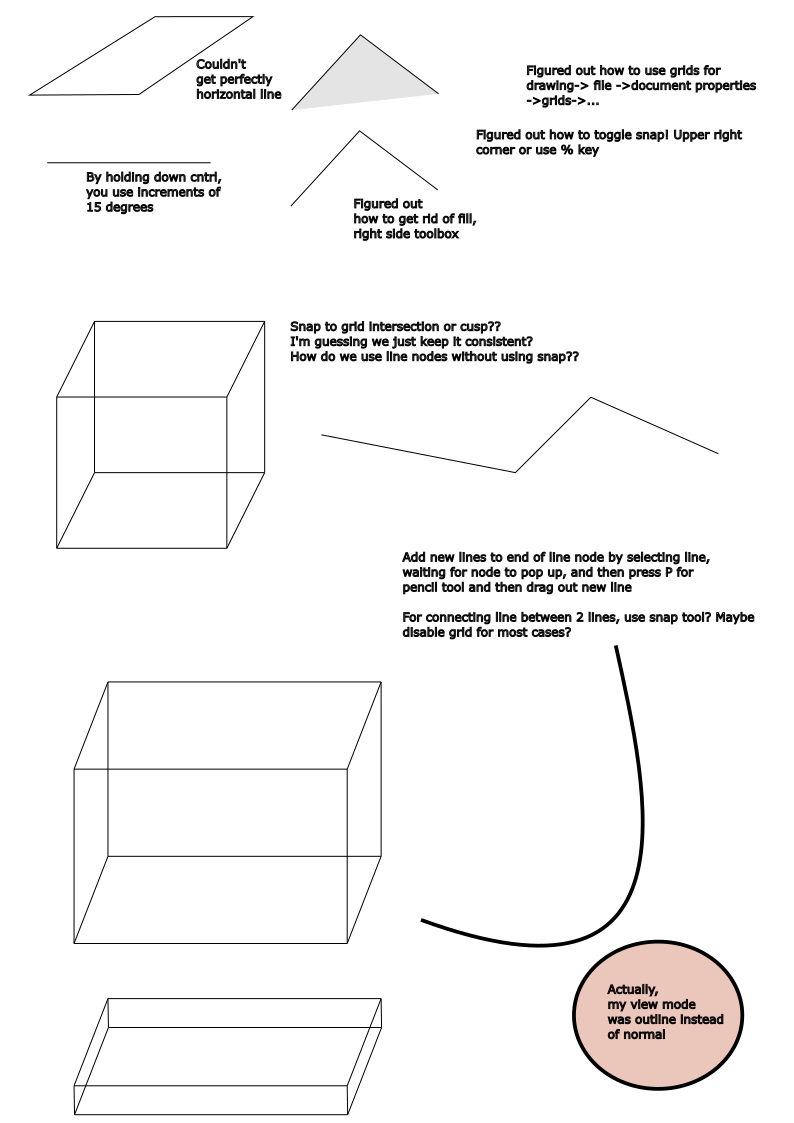
With a rough sketch in place, I wanted to try drawing in 2D. I used Inkscape this time around, and first familiarized myself to the tools available to me. I had a lot of trouble in the beginning, since drawing and connecting lines were actually a lot more difficult than I imagined. The nodes need to correctly connect, and even drawing specific angles needs a keyboard shortcut. I spent some time online watching tutorial videos, and then outlined my learning process as I tried to draw different shapes.
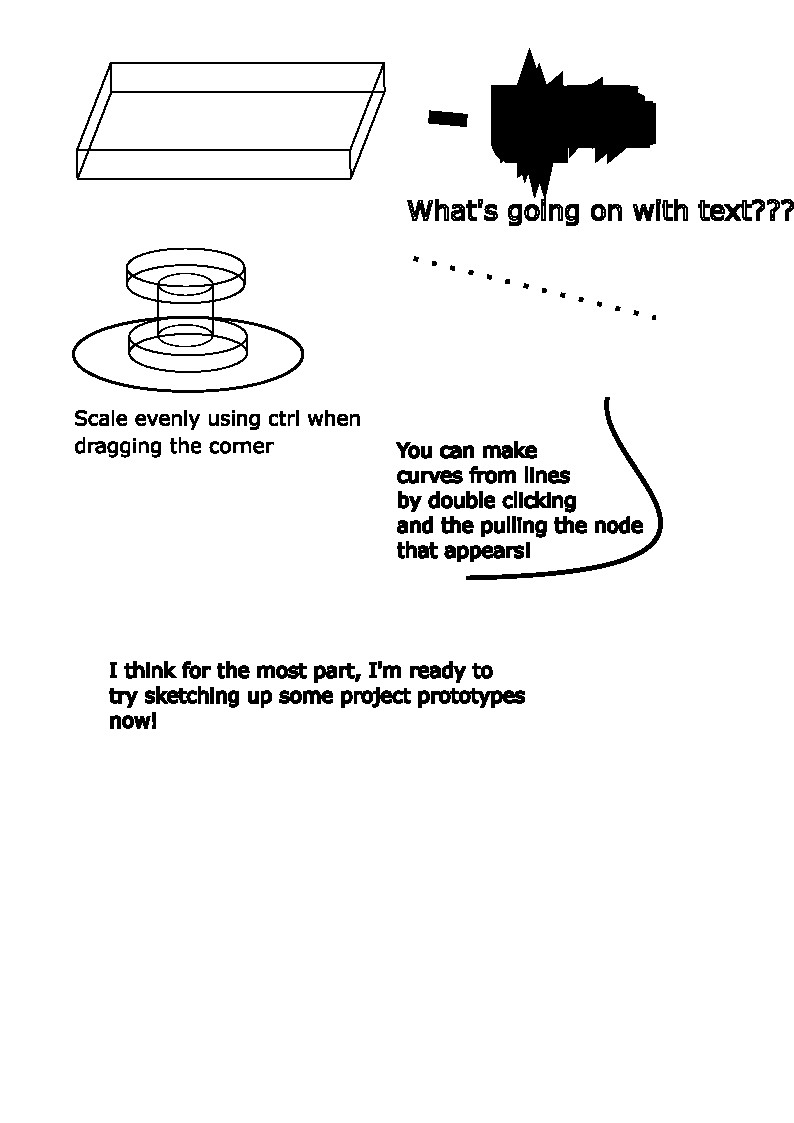
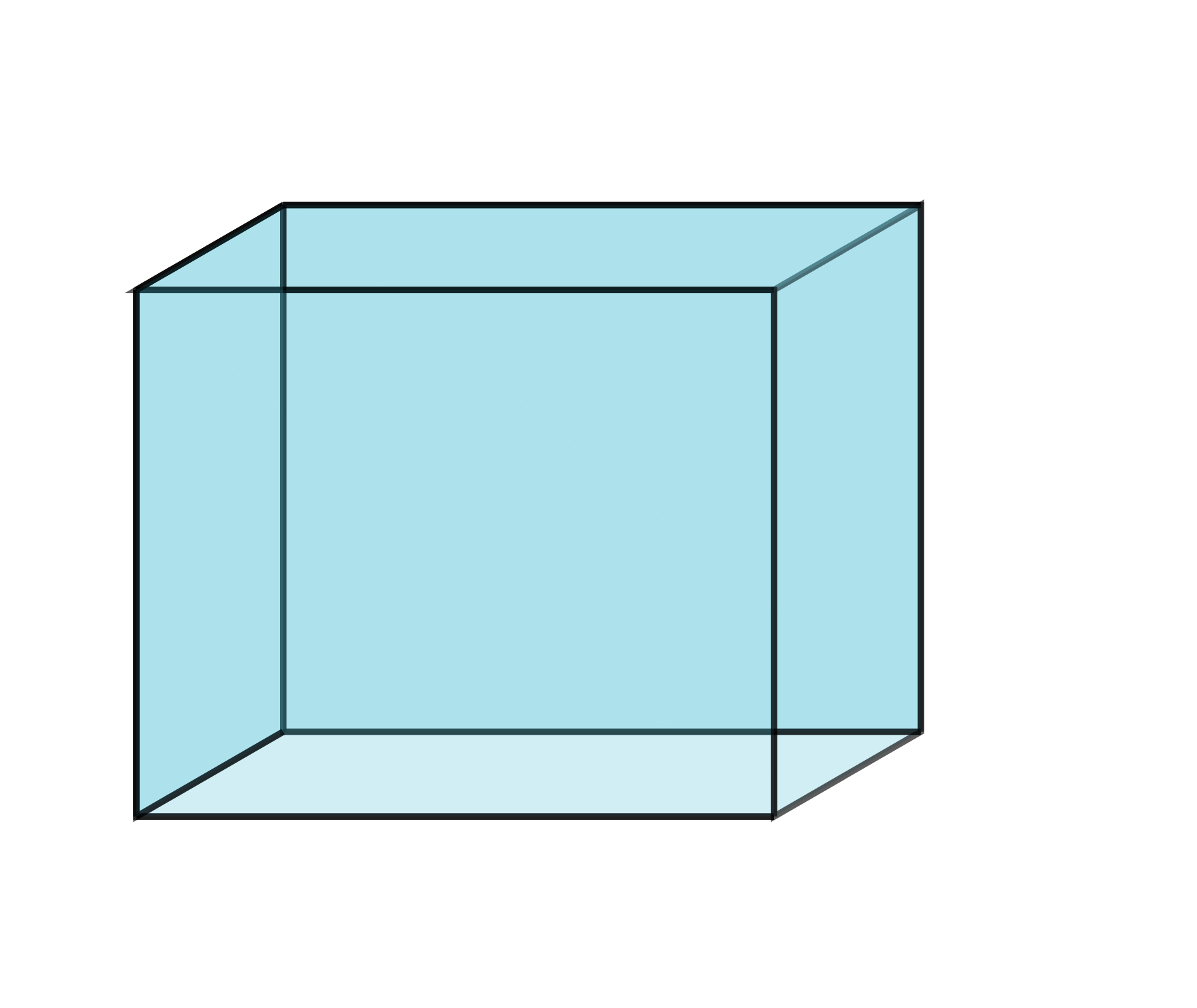
Once I had figured out how to draw simple shapes and layer my objects, I began drafting out my sketch ideas. It took me surprisingly long to draw a cube and then to sketch out the rest of the thermoelectric system.
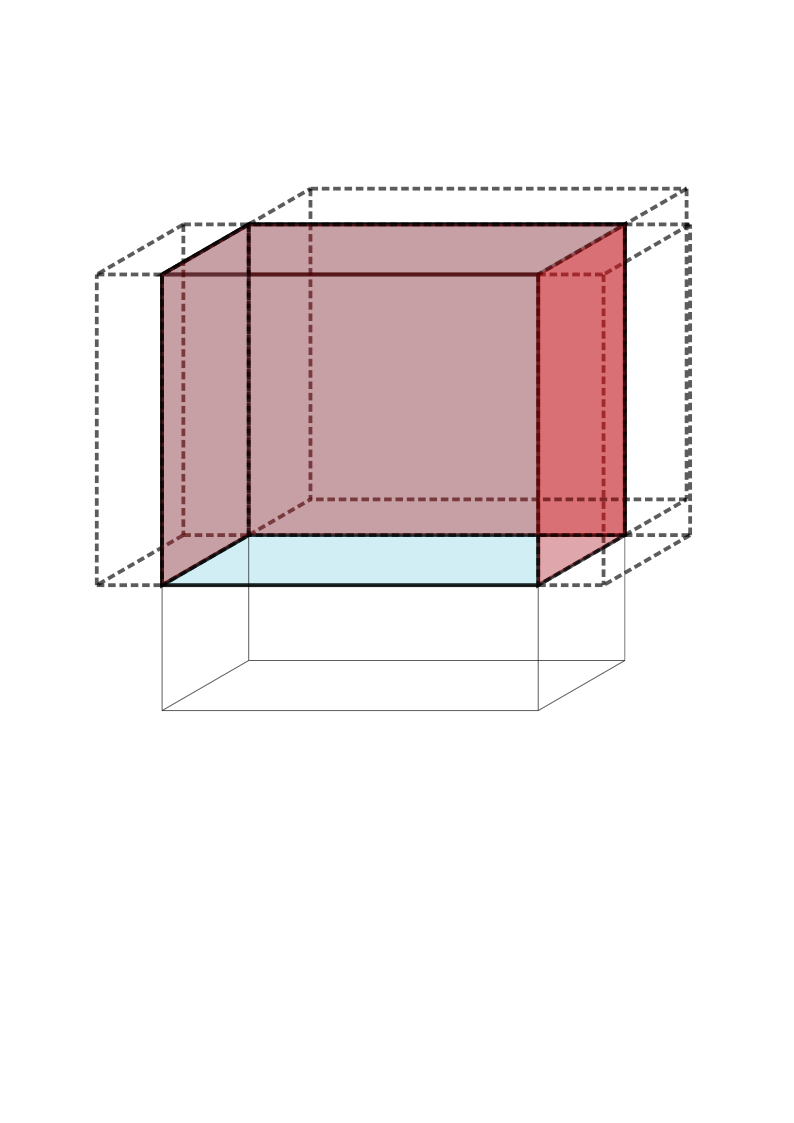
- Layers: One thing that I realized I liked was using different layers for different distinct subsystems. I could use this to separate each module into its own series of shapes. It felt like it was also a lot easier to keep my drawing organized and to edit specific parts of the drawing by using this, since you can toggle drawing visibility.
- Fills: Filling up the shapes I was drawing was tedious because I wanted to make the drawing look 3D. For example, for a 3D cube, I had to click through a collection of edges and then fill, and then do that for each side so 6 times.
Once I finished messing around with the layers, I moved onto a more final draft.
Final Draft
I used the parts I had already drafted as a baseline, which you thankfully can just copy and paste. Then, I added:
- Heatsinks: the actual details for the thermoelectric system.
- Contact plate: As a contact piece for the other side of the thermoelectric modules, I drew out a piece of metal plate with a couple of sides, folded into the right shape.
- Stirrer: Next, I wanted to try adding a movement generator like a stirrer at the bottom of the tank. This came with a stirbar and also a rough sketch of the actual stirrer, which would be some small DC motor with magnets. This I just represented as a rectangle with a circular cutout.
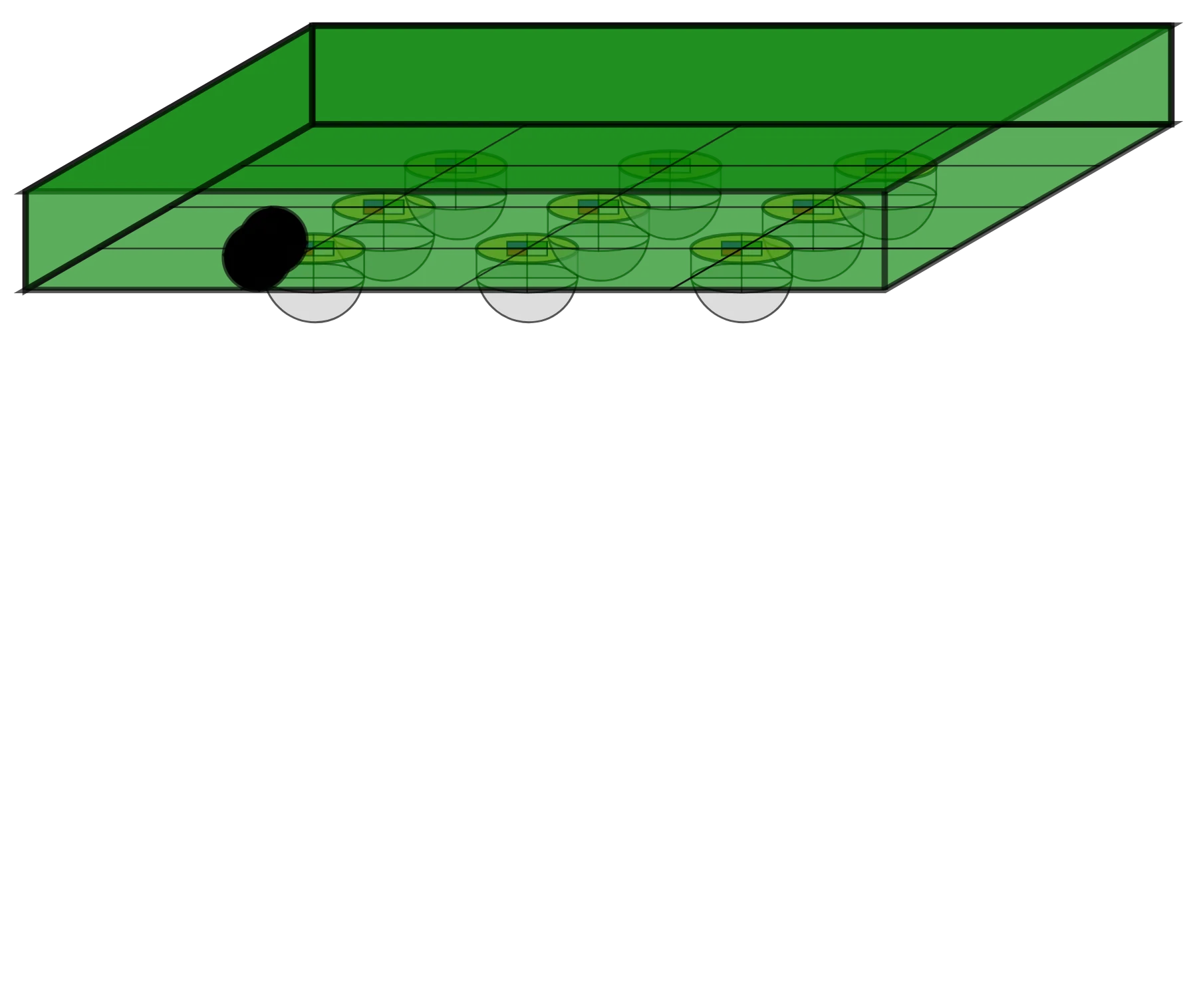
- LED panel: The last thing from my sketch I wanted to try implementing was the LED panel. This took me the longest, since I tried drawing out the LED lens and also the chip with 4 different colors (like a RGBW). This also came with the rest of the panel, and then a little knob that could be the intensity adjustment.
Finally, the only thing I needed to do was order the parts I had drawn in such a way that a viewer looking at my system would see everything in the right order. Luckily this is also very easy with layers! I just needed to swap the order of layers around since this changed the order that they were rendered in.
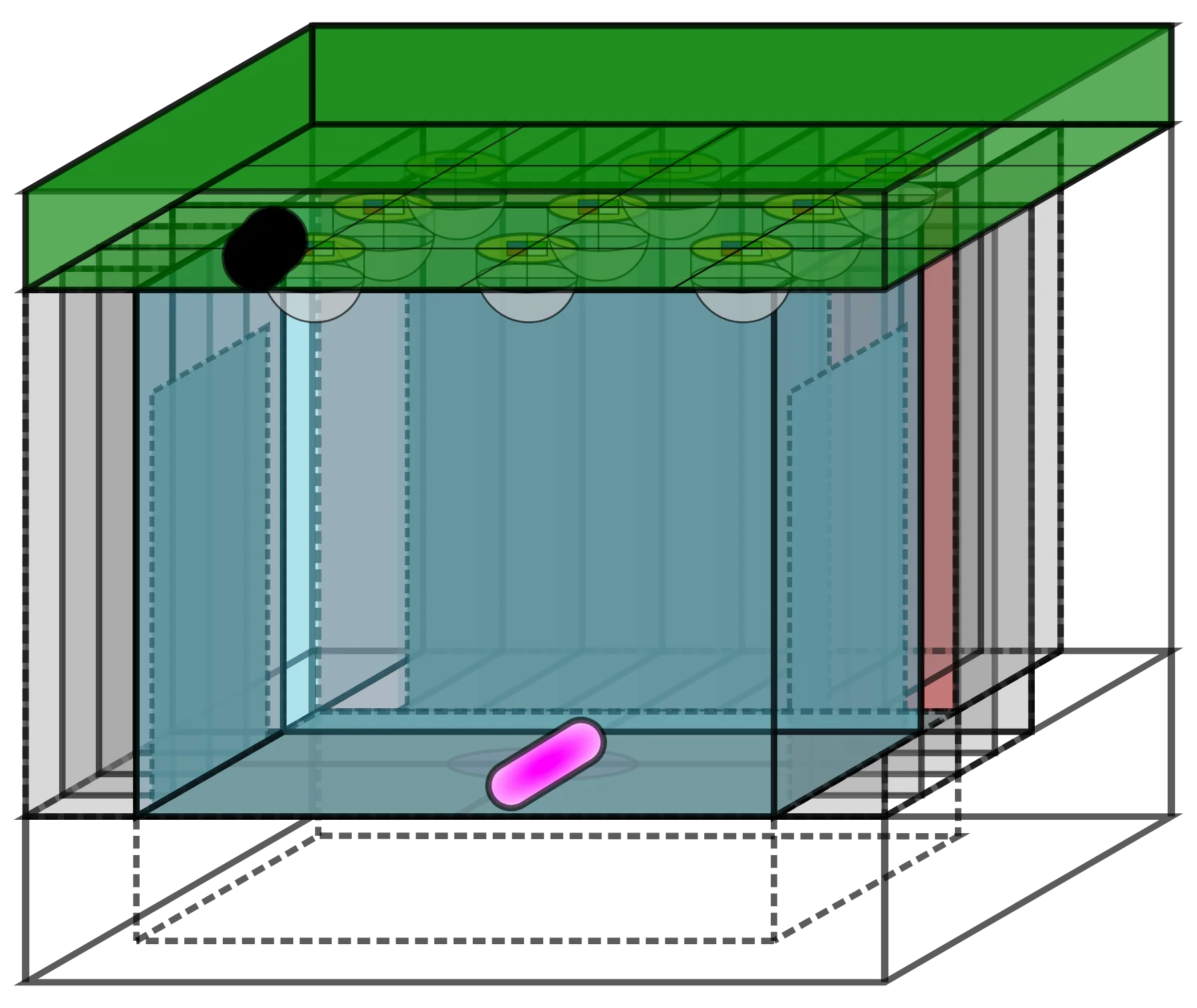
| base | heaters | stirrer |
|---|---|---|
 | 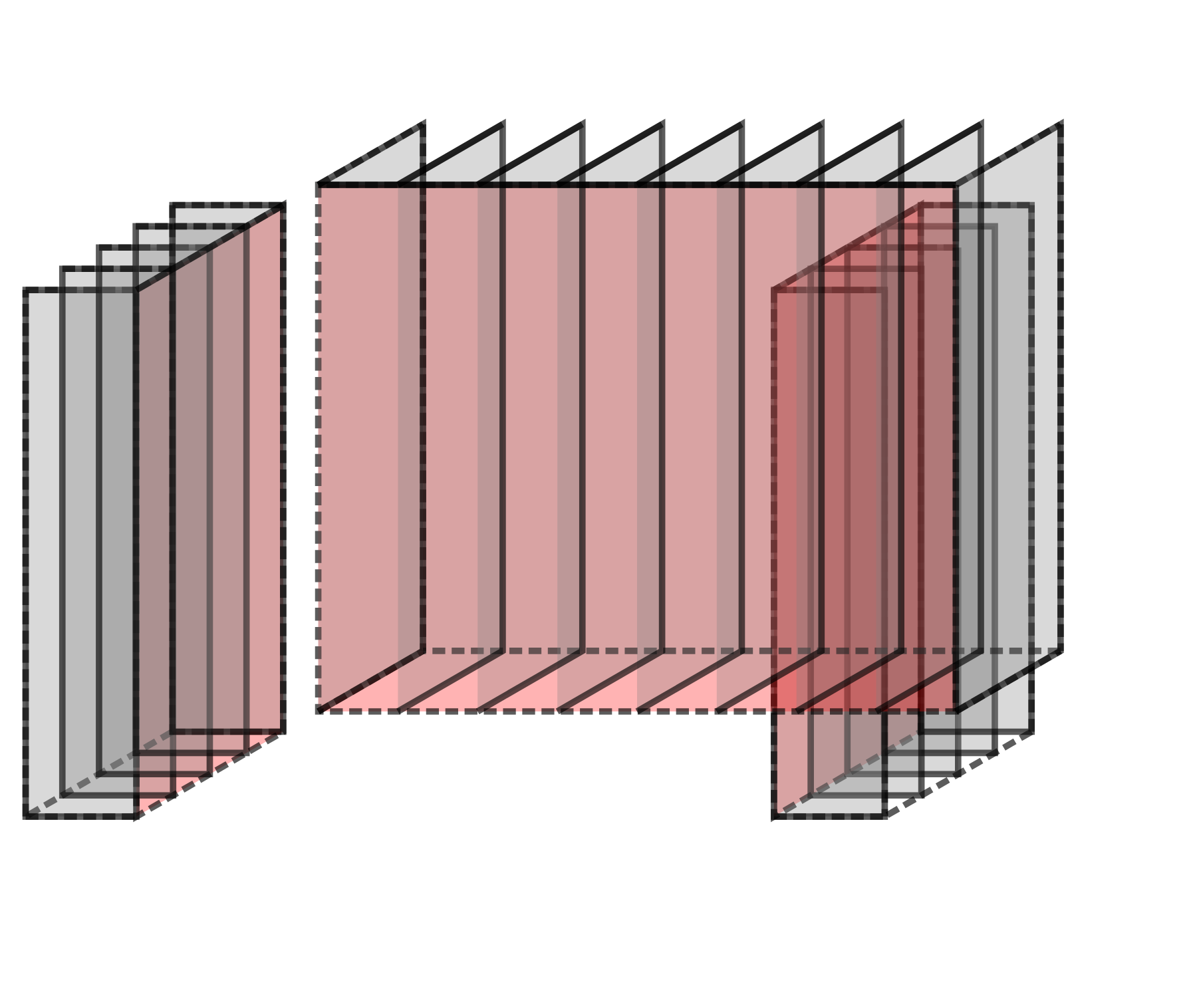 | 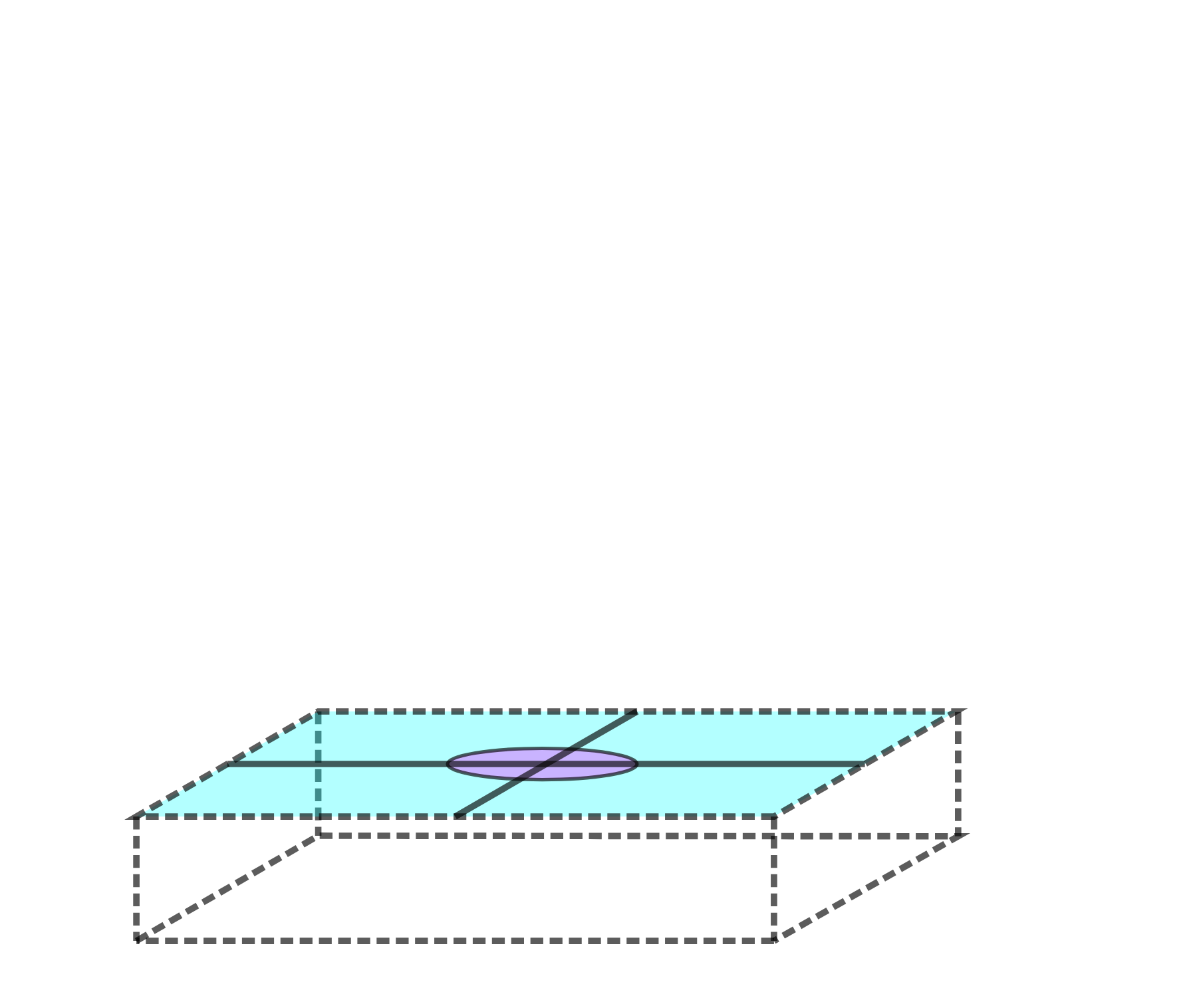 |
| heat plate | tank | lighting |
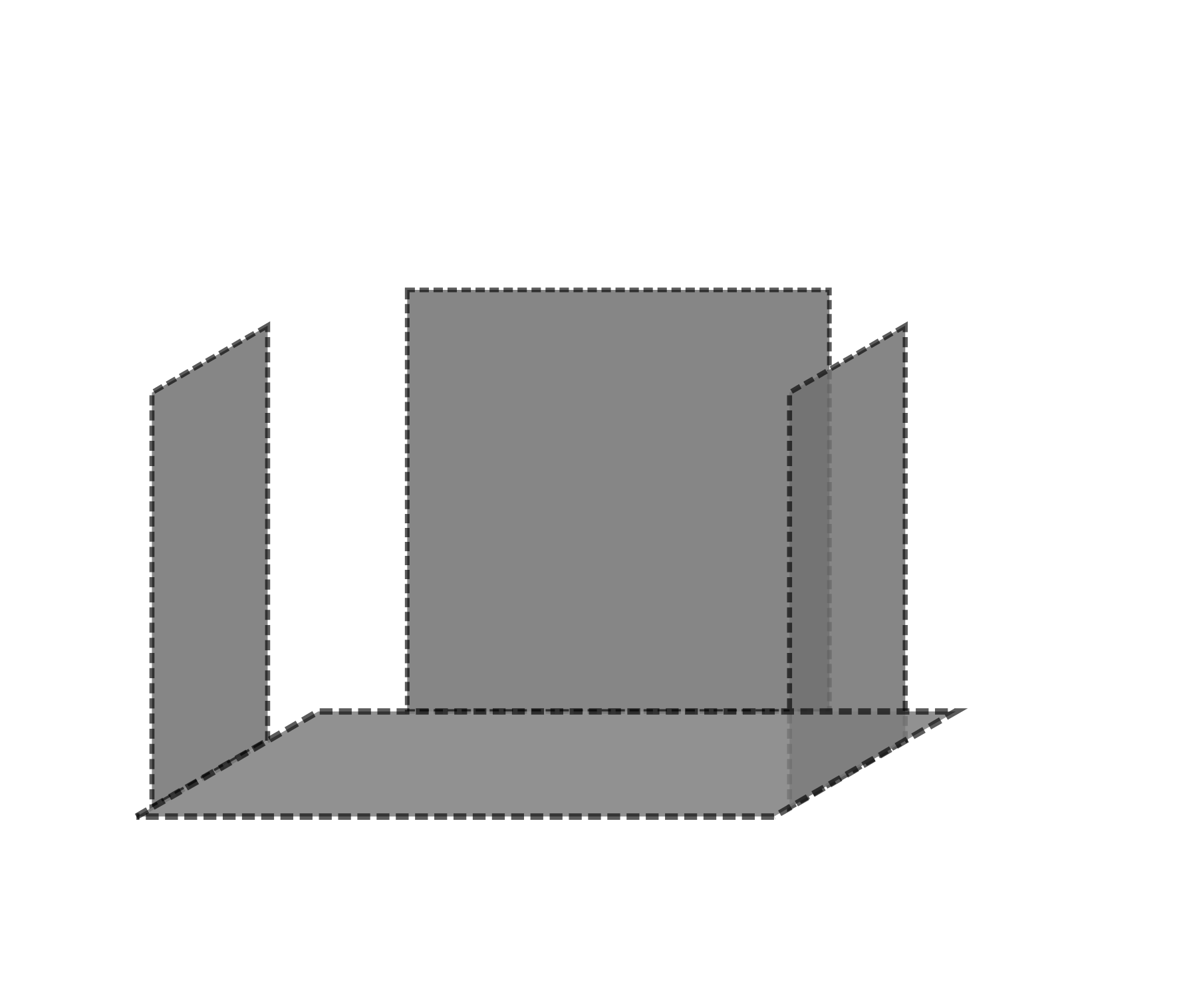 |  |  |
| stir bar | ||
 |
Thoughts
I’m happy to say that I feel much more comfortable with Inkscape and Sketchpad. And that I at least am aware of the free tools that are at my fingertips. I will be fairly honest, I think I’ll stay with using my paper and pencil for sketching. In my experience, I usually don’t like to get too deep into the 2D drawing process since I go straight to CAD.
- It was more controlled and structured than just sketching, so I feel like my final drawing and the layers were actually pretty useful from a design standpoint, since I could flesh out exactly where went what, and what subsystems might look like.
- It also forced me to think a little more about all of these details before committing to CAD.
- Without a stylus and a touchscreen, sketching is actually pretty tedious using a mouse and keyboard.
- I wasn’t a huge fan of how my sketches came out and additionally, it took longer to make sure everything looked somewhat legible.
- Inkscape was also slightly unnecessary I think for my use cases.
- I didn’t like how long it took in comparison to CAD. Especially since it was just an additional step I had to do before going to CAD, and because CAD can also be used to design and then display a model once you’ve finished it. At more angles too!
Sources
- Introduction to Inkscape by Gavin Corley, Inkscape Wiki