Week 3: A rough position sensor
Goal: Build a rough position sensor from RF signals
Tools: RP2040, op amps, ferrite coils, function generator, oscilloscope
Ideation
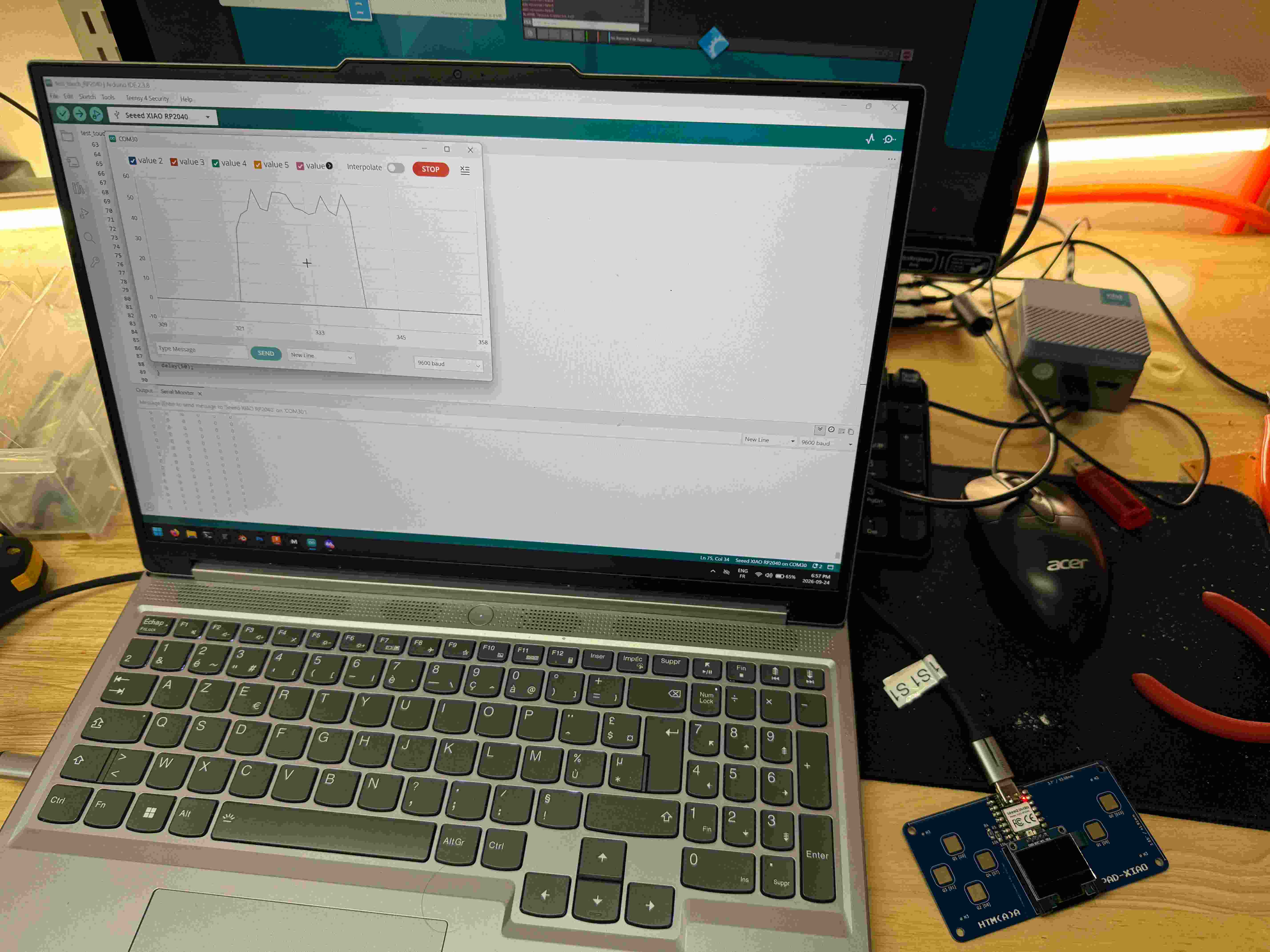
Once I realized the pads that were exposed were analog pads, I realized we didn’t have to be limited to simply digital output. With a recent lecture of different localization methods in one of my other classes, I thought it’d be cool if I could build some form of position sensor. To do so, I decided to try receiving and amplifying RF signals that were generated by a transmitter antenna.
- Receivers: To triangulate the rough position, you need to have 3 receiver antennas.
- Amplifier: To properly measure the difference in received signals, an amplifier circuit would need to be built, most likely from some op amps.
- Filters: Some simple filters would probably be useful too, just some RC filters in this case.
- Signal processing: I would need to capture the received signal, transform it into the frequency domain to find the transmitted frequency, and then use the strength of that frequency to determine approximately how far I was from each of the receivers. I believe this is a 1/r cubed relationship?
- Calibration: Calibration would be required too, since each antenna is slightly different. From what I could see, this just meant that I would hold the transmitter at a fixed distance and measure the strength of the received field; the field depends proportionally to area, number of loops, and since these would differ slightly, we could just scale them to be approximately equal.
Anyways, I then went onto deciding how to build each system.
Process
Now, this requires a few steps if I wanted it to work. So I decided to split up the project into a few parts, while also using existing instruments as intermediate helpers.
Reference voltage
First, I needed to build an amplifier circuit to capture and amplify the receiver signals. A 23741 chip contains 4 op amps, which can be configured with a fixed gain.
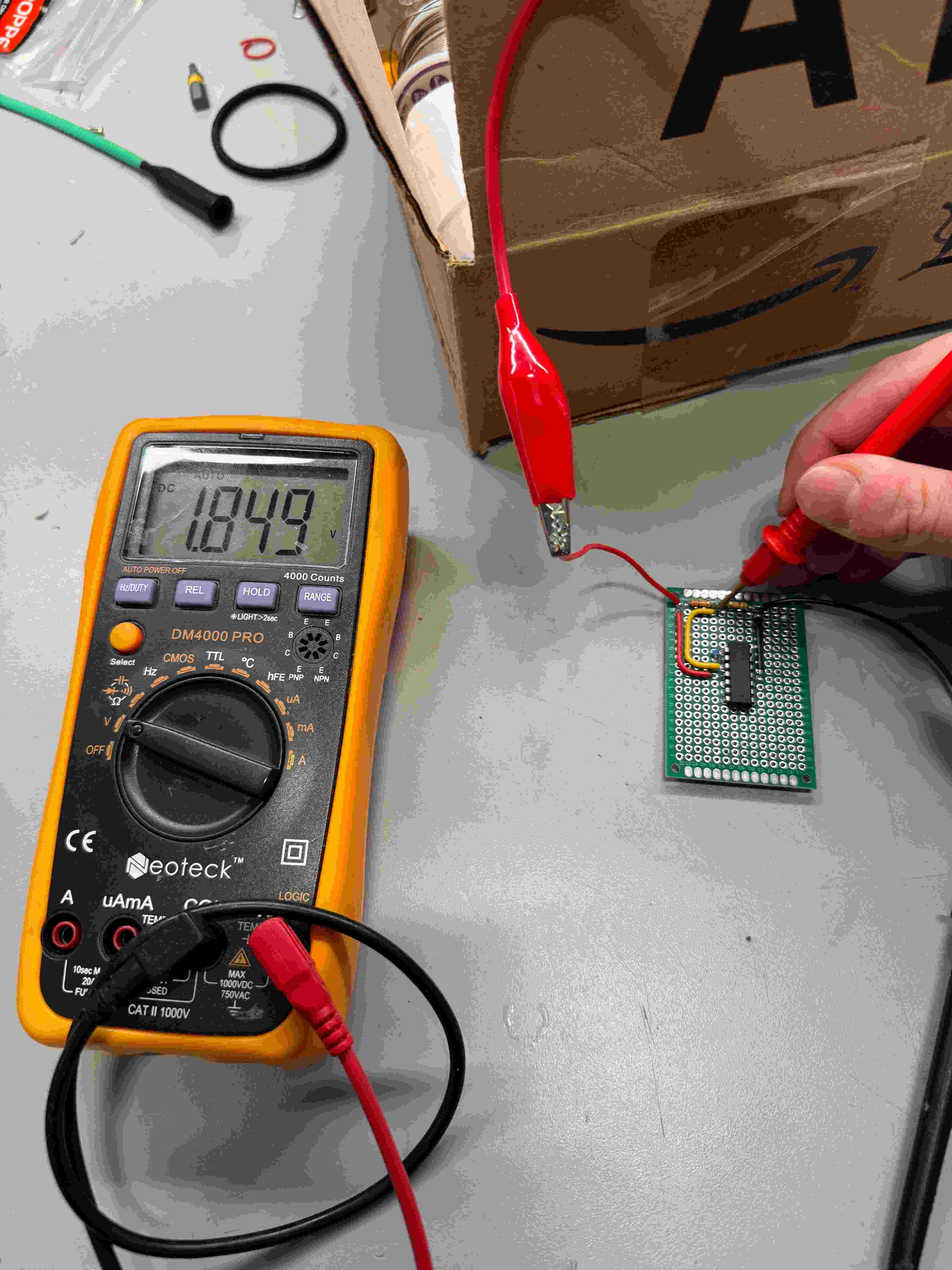
- Avoiding negative values: An important thing to remember is that I need to avoid negative values, since the ADC can only measure positive voltage values. So I shifted the baseline voltage value to about halfway of the 3.3V supply.
- Stable reference: We can use one of the op amps to generate a more stable reference voltage to use here, with one of the inputs of the op amp being linked to a voltage divider, and the other in negative feedback.
- Resistor variance: Unfortunately, my resistors were significantly more variant than I thought when I was building the voltage divider; luckily in the frequency domain, constants don’t really matter here, so I just ignored it.
I tested this reference voltage and it appeared as expected.
Antennas
Next, I went digging a little deeper and I realized it would be cool to build the antennas, since I had none of them around. Regrettably, I have no real experience in RF, so I went off mostly some online resources, and AI responses based on my use case. I went scrounging for ferrite rods and enameled copper wire, then designed and printed a little holder for the wire and the ferrite rods. The idea here is that the permittivity of free space is quite a bit less than that of ferrite, so the fields being generated and received would be stronger.
- Receivers: I used about 50 turns on each of the receivers.
- Transmitter: Once I ran out of wire, I used a thicker wire to put about 80 turns on the transmitter (I had to add 2 different coils in series since the first time, it wasn’t enough).
- Test: I used a function generator to produce a sine wave at around 25 kHz, and then fed this into the transmitter coil to see what kind of waveform amplitude was being generated at the receiver end; it looked like around 20-40 mV for the most part.
Amplifiers
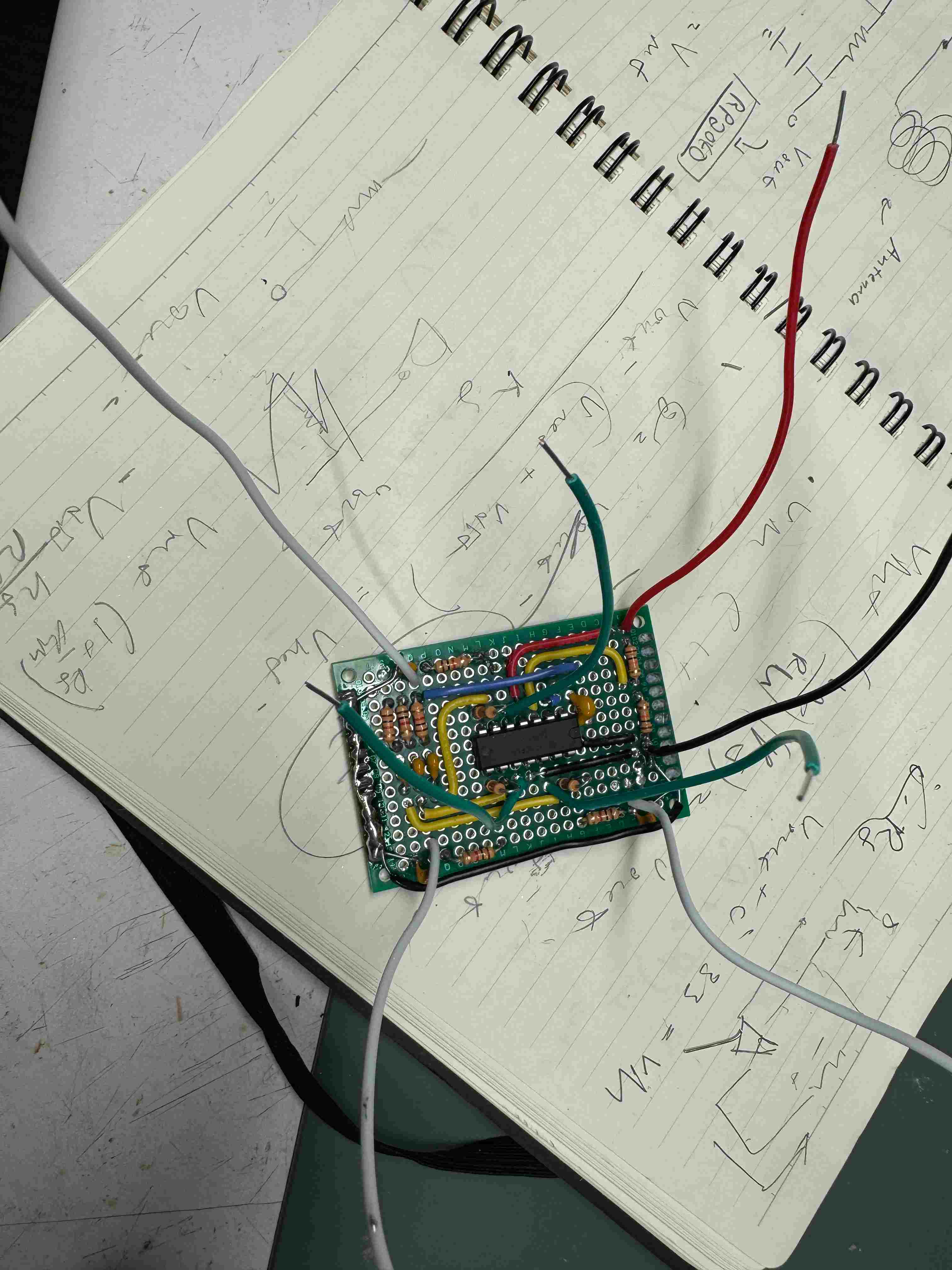
Then, each receiver needed an amplifier.
- Gain: Considering that the signals received would be around 20-40 millivolts, and because we only had about 3.3-1.85 = 1.45 V of headroom, then we would need around a gain of 1.45/40 = 36 or so at max? I chose 34 eventually, with input from AI.
- Configuration: So I then had to set up 3 op amps in a fixed gain configuration, with gain set by resistor values Rf and Rin. I read an online post to help me with this.
- Filtering: Some additional filtering was added to the input to only register AC signals, and also at the output of the op amps.
Testing
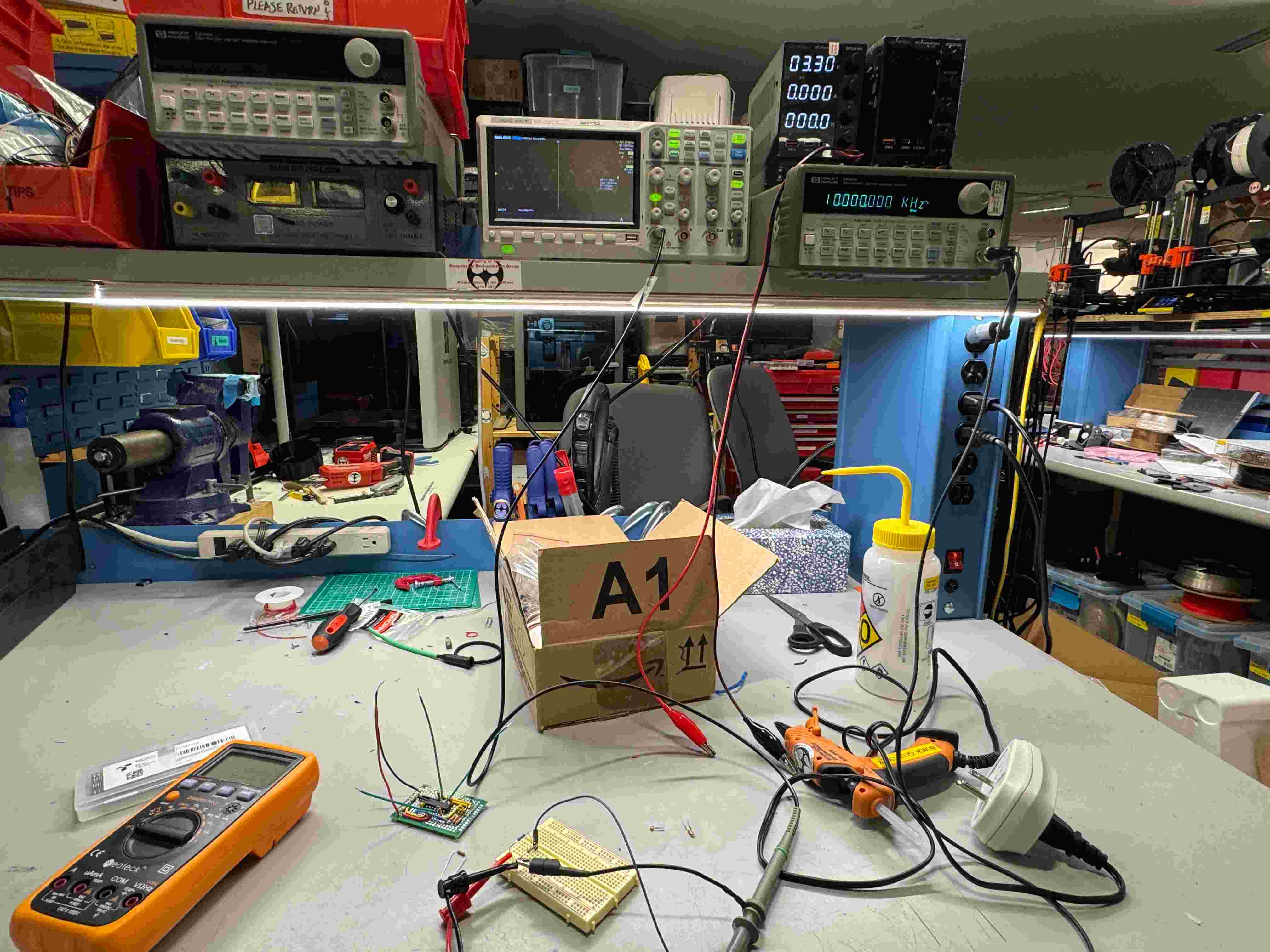
Once this was done, it was time to do some testing. I first started out with an artificially generated signal from the function generator, but scaled down to about 25 mV to emulate the receiver signals. Then, I checked the output to see if I was getting an amplified sine wave.
Unfortunately something looked like it went wrong. I couldn’t seem to get the same output frequency waves even after adjusting the settings. At this point, it was too late to debug or replace the amplifier board, so I decided to plug in my antennas. Since the output wasn’t working from the amplifiers, I just decided to sense across the receiver antenna terminals to see if any signal was being received at all.
And they were! So I’m definitely missing something simple here, but I’m glad to say that the coil position and the received signals clearly related to each other, and I tested each coil to confirm. There definitely is calibration that needs to be done, but I think it’s a good start.
Pivot: sine wave generator
Since I couldn’t accurately measure the position, I decided to pivot and make a simple sine wave generator instead. Now, I was using 10 VPP to transmit, which is higher than the RP2040’s capabilities. So I just made it a standalone system. The idea is relatively straightforward:
- LUT: A LUT stores the duty cycle values that correspond to each of the amplitude values of a sine wave; this way, if we look at the averaged current output, the PWM output becomes a sine wave.
- Adjustable frequency: The frequency should be adjustable, which I did using 2 of the pads as buttons and thresholding/using a state variable to register full presses.
- Output: Finally, at each interval (which is determined by the frequency we want), the duty cycle updates according to the LUT and is sent over the PWM output.
- Display: The screen was used to show the frequency value, and that was basically it.
Happy to say it worked, though I had some troubles because I was looking at the wrong channel on the oscope. I will fully say that aside from me scaffolding, the entirety of the code was written by AI in interest of time.
Final production
Here’s the code for the sine wave generation. Regrettably, aside from explaining the different functions I needed, I offloaded this coding job to Claude due to timing. The rough overview for the code is the following: a LUT generator that produces the duty cycle values that correspond to sine wave amplitudes:
// sine_touch_buttons.ino - lookup-table sine on D8, touch pads on D9 (DOWN) and D10 (UP)
// Filter the output: 1 kohm in series, then 4.7 nF to GND.
#include "hardware/pwm.h"
#include "hardware/irq.h"
#include "hardware/clocks.h"

#include <Wire.h>
#include <Adafruit_GFX.h>
#include <Adafruit_SSD1306.h>

#define SCREEN_WIDTH 128 // OLED display width, in pixels
#define SCREEN_HEIGHT 64 // OLED display height, in pixels
#define SCREEN_ADDRESS 0x3C // 0x3D or 0x3C depending on brand

Adafruit_SSD1306 display(SCREEN_WIDTH, SCREEN_HEIGHT, &Wire, -1, 1700000UL, 1700000UL);

const int OUT_PIN  = D8;
const int DOWN_PIN = D9;
const int UP_PIN   = D10;

double FREQ = 24000.0;
const double FREQ_STEP = 1000.0;   // change per press
const double FREQ_MIN  = 1000.0;
const double FREQ_MAX  = 40000.0;

bool DOWN_pressed = false;         // true for one press, cleared by updateFrequency()
bool UP_pressed   = false;

uint32_t downBase, upBase;         // pad readings with nothing touching them
bool downWasTouched = false, upWasTouched = false;
uint32_t lastPressMs = 0;

uint8_t sineLut[256];
uint32_t phase = 0;
volatile uint32_t phaseInc;        // volatile: changed in loop(), read in the interrupt
uint slice, chan;

// Runs once per PWM cycle (~520 kHz): load the next table value as the duty cycle
void __not_in_flash_func(onPwmWrap)() {
  pwm_clear_irq(slice);
  phase += phaseInc;
  pwm_set_chan_level(slice, chan, sineLut[phase >> 24]);
}

// How long the pad takes to charge through the internal pull-up.
// A finger adds capacitance, so this number goes up when the pad is touched.
uint32_t touchReading(int pin) {
  uint32_t total = 0;
  for (int i = 0; i < 16; i++) {
    pinMode(pin, OUTPUT);
    digitalWrite(pin, LOW);          // empty the pad
    delayMicroseconds(5);
    pinMode(pin, INPUT_PULLUP);      // let it charge
    while (digitalRead(pin) == LOW && total < 1000000) total++;
  }
  return total;
}

// Threshold: touched if the reading is 30% above the untouched reading
bool isTouched(int pin, uint32_t base) {
  return touchReading(pin) > base * 1.3;
}

// Registers one press per touch: only the moment a pad goes from untouched to touched
// counts, and nothing counts for 250 ms after a press (debounce).
void buttonCheck() {
  bool downNow = isTouched(DOWN_PIN, downBase);
  bool upNow   = isTouched(UP_PIN, upBase);
  bool quiet   = millis() - lastPressMs > 250;

  if (downNow && !downWasTouched && quiet) { DOWN_pressed = true; lastPressMs = millis(); }
  if (upNow   && !upWasTouched   && quiet) { UP_pressed   = true; lastPressMs = millis(); }

  downWasTouched = downNow;
  upWasTouched   = upNow;
}

void applyFrequency() {
  phaseInc = FREQ / (clock_get_hz(clk_sys) / 256.0) * 4294967296.0;
}

void showFrequency() {
  display.clearDisplay();
  display.setTextSize(2);
  display.setTextColor(SSD1306_WHITE);
  display.setCursor(0, 24);
  display.print(FREQ / 1000.0, 1);
  display.print(" kHz");
  display.display();
}

void updateFrequency() {
  if (!UP_pressed && !DOWN_pressed) return;   // nothing pressed: nothing to do
  if (UP_pressed)   FREQ += FREQ_STEP;
  if (DOWN_pressed) FREQ -= FREQ_STEP;
  FREQ = constrain(FREQ, FREQ_MIN, FREQ_MAX);
  applyFrequency();
  showFrequency();
  UP_pressed = false;
  DOWN_pressed = false;
}

void setup() {
  display.begin(SSD1306_SWITCHCAPVCC, SCREEN_ADDRESS);

  for (int i = 0; i < 256; i++) sineLut[i] = 128 + 127 * sin(2 * PI * i / 256);

  gpio_set_function(OUT_PIN, GPIO_FUNC_PWM);
  slice = pwm_gpio_to_slice_num(OUT_PIN);
  chan  = pwm_gpio_to_channel(OUT_PIN);
  pwm_set_wrap(slice, 255);
  applyFrequency();

  pwm_set_irq_enabled(slice, true);
  irq_add_shared_handler(PWM_IRQ_WRAP, onPwmWrap, PICO_SHARED_IRQ_HANDLER_DEFAULT_ORDER_PRIORITY);
  irq_set_enabled(PWM_IRQ_WRAP, true);
  pwm_set_enabled(slice, true);

  // Measure the untouched pads after the sine is running, so conditions match later readings
  delay(200);
  downBase = touchReading(DOWN_PIN);
  upBase   = touchReading(UP_PIN);

  showFrequency();
}

void loop() {
  buttonCheck();
  updateFrequency();
  delay(20);
}
Thoughts
I think I want to come back to this. It seems very possible that we can improve the performance here/debug the amplifier. And then have some rough triangulation calculation that lets you locate something within the antennas. Evidently I think the scope and timing here wasn’t amazing, but I’m relatively happy with the outcome.
Sources
- Operational Amplifiers Summary, Electronics Tutorials
- Operational Amplifier As DC Amplifier, Instructables
- TLV2374-Q1 datasheet, Texas Instruments
- Seeed Studio XIAO RP2040 with Arduino, Seeed Studio Wiki
- ESP32 SSD1306 OLED: Drawing circles, DFRobot
- How to Make a Crystal Radio, wikiHow