Week 6: Magnetic Coil Driver Board
Goal: Mill the magnetic coil driver board from Week 5
Tools: KiCAD, gerber2img, modsproject, Carvera
Preparation
Exporting from KiCAD
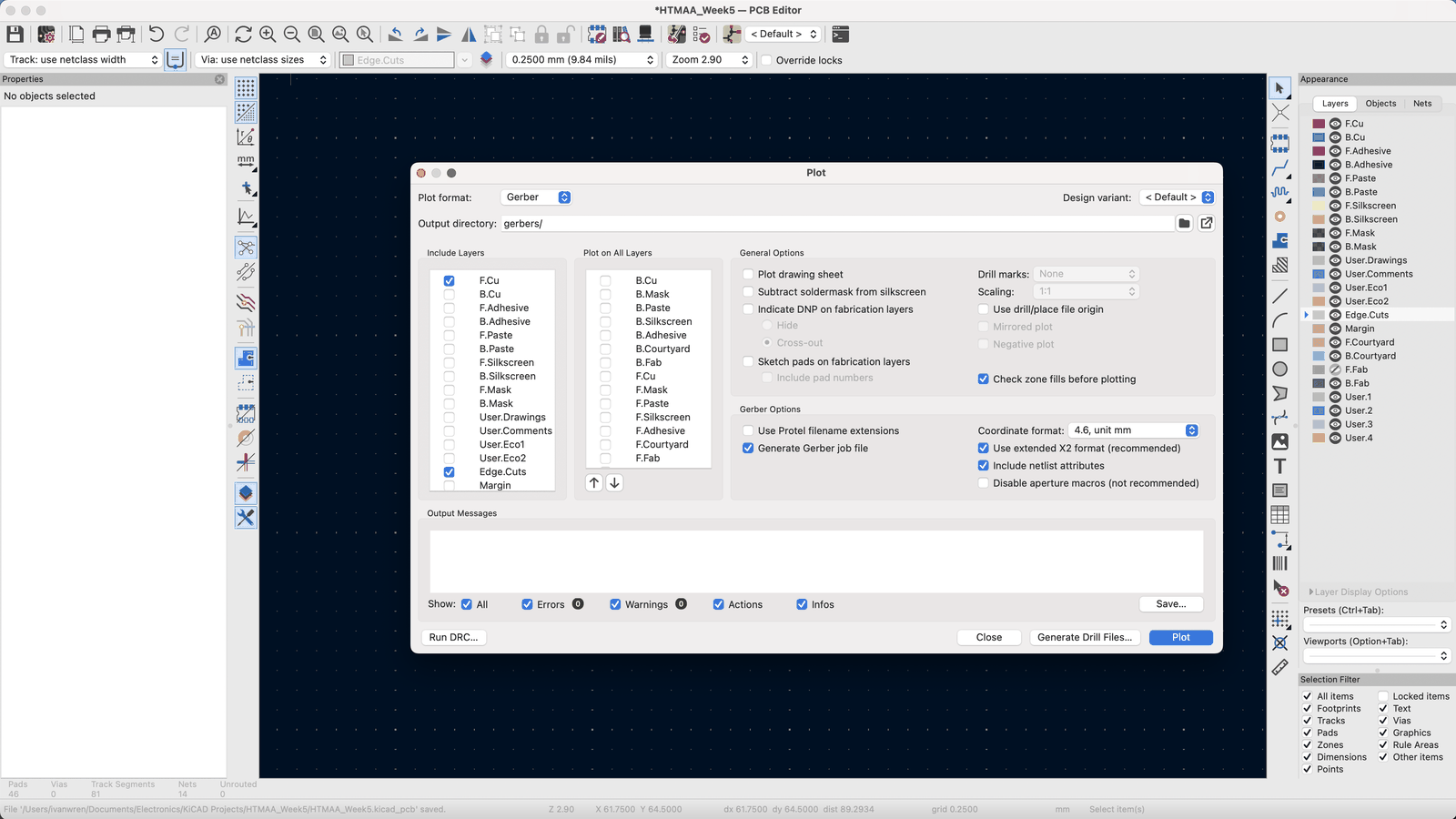
After designing a driver board for producing a sinusoidal magnetic wave output using PWM input from the RP2040, I began the task of fabrication. Following the steps that we learned in our training, I first produced my gerber and drill files by going to Files -> Fabrication Outputs -> Gerbers. In this page, you can select the layers you want to produce, as well as some settings.
- Layers: I selected the front copper since my board is a 1 layer board, and the edge cuts to generate the border of the board.
- Settings: I left them as they were.
- Drill files: From this page, you can also generate drill files, which I did using the default settings as well.
Converting to images
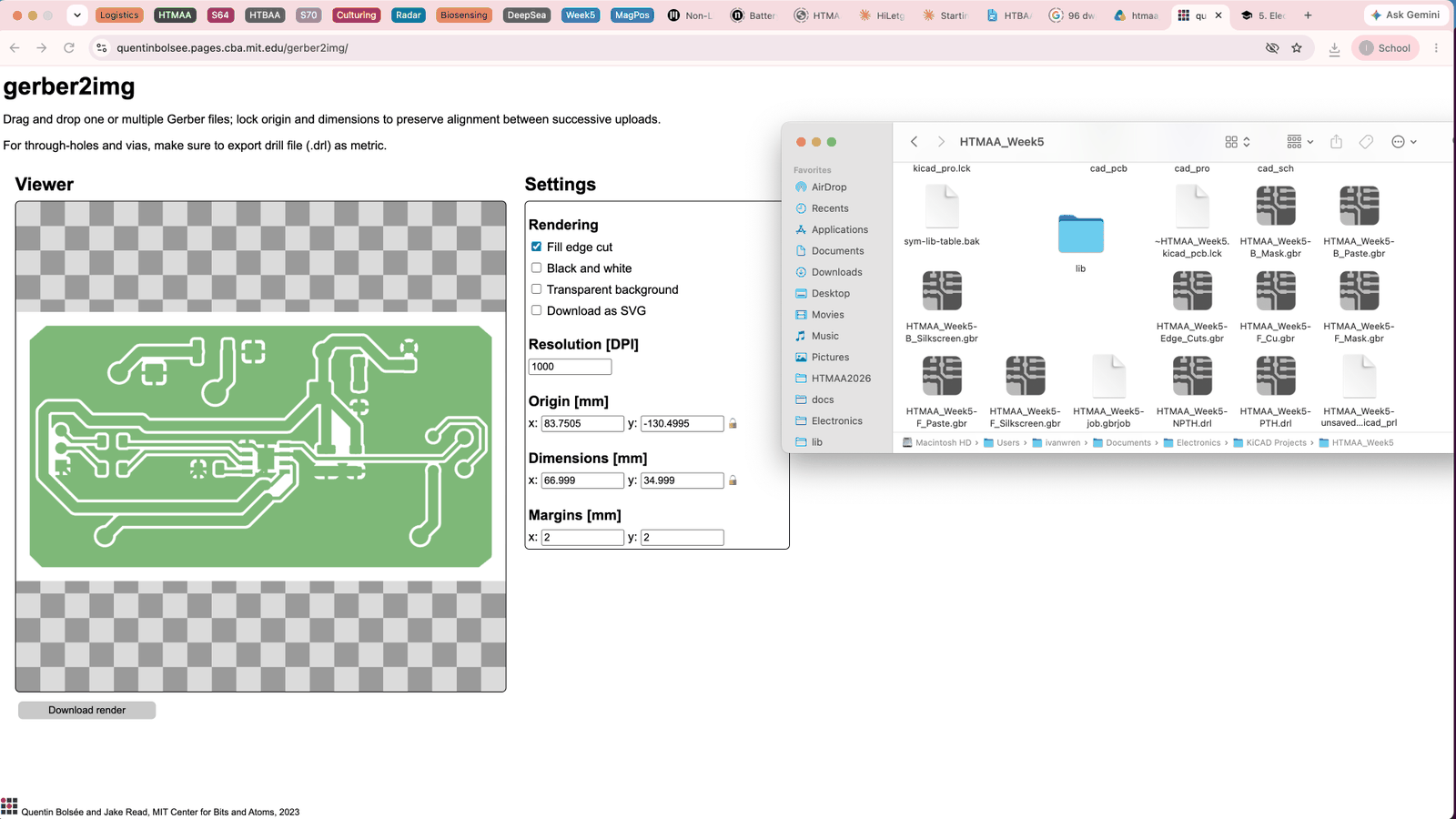
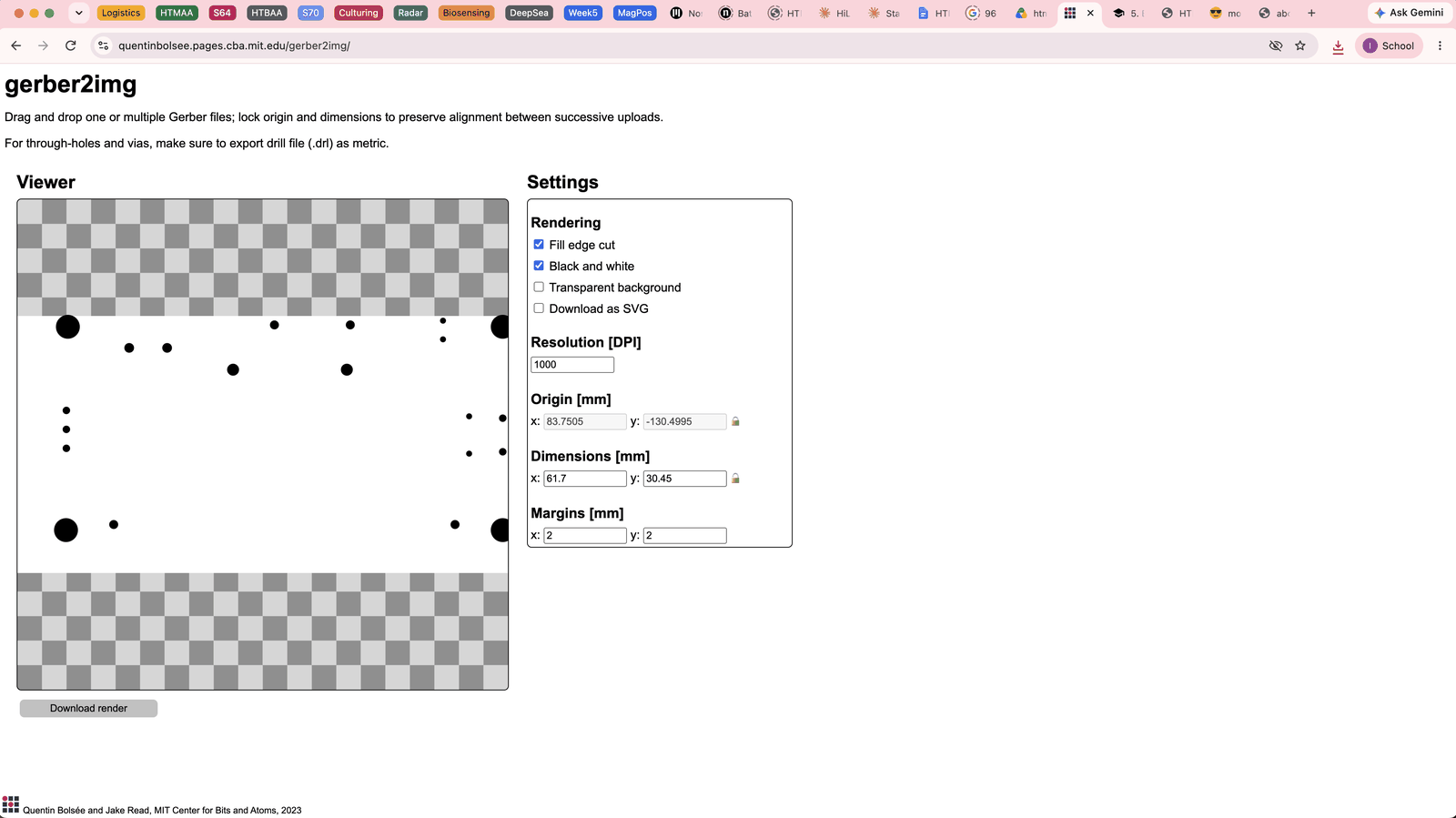
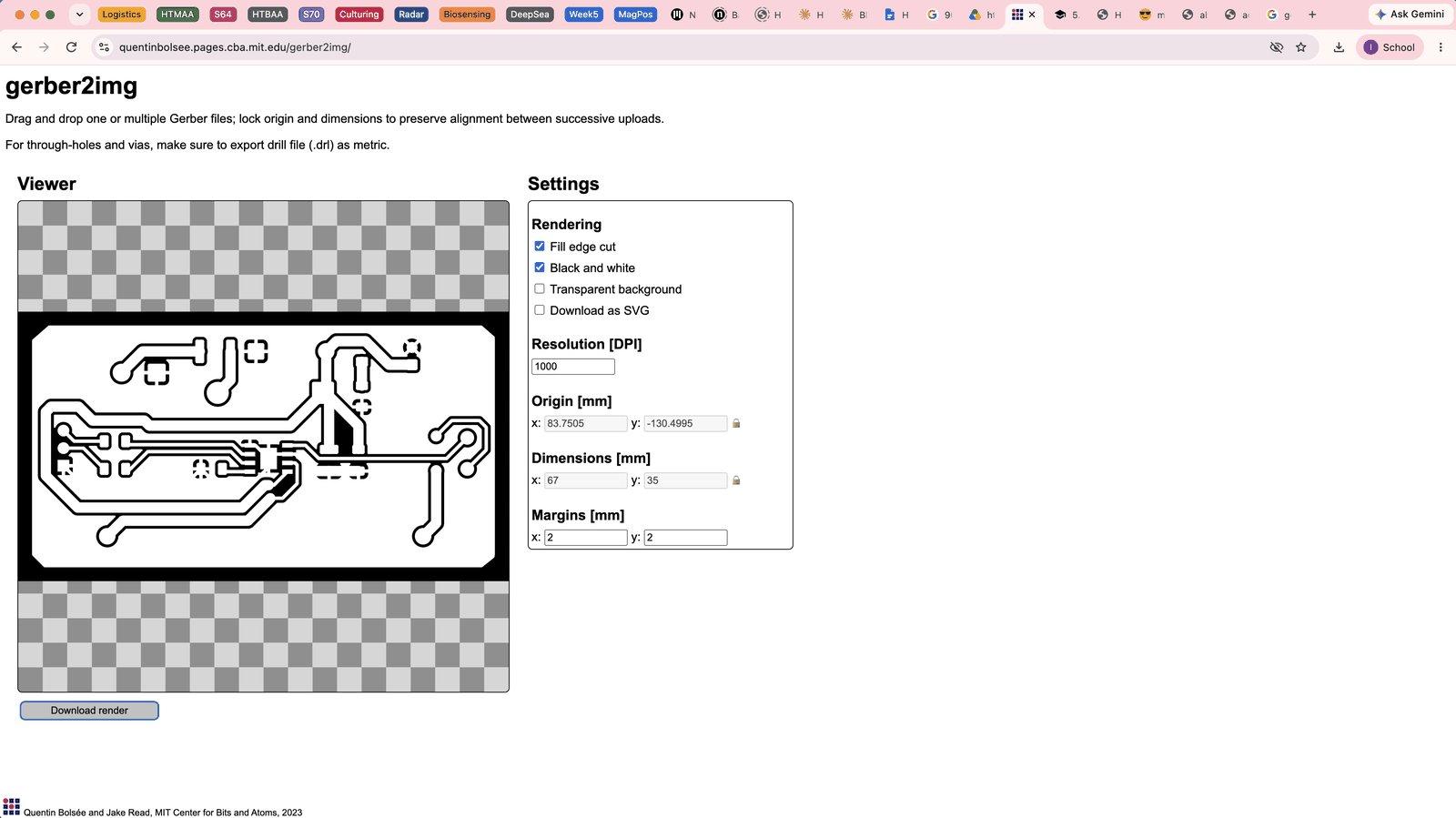
Then, we go to the gerber2img website, that turns our gerber files into pngs to be used with the modsproject program. In this tab, I just dropped my gerber files into the page and then outputted them, which would end up causing issues. I did the same for the drill and edge cut files separately at this point, since I didn’t know you could just place them together until later.
Troubleshooting in mods
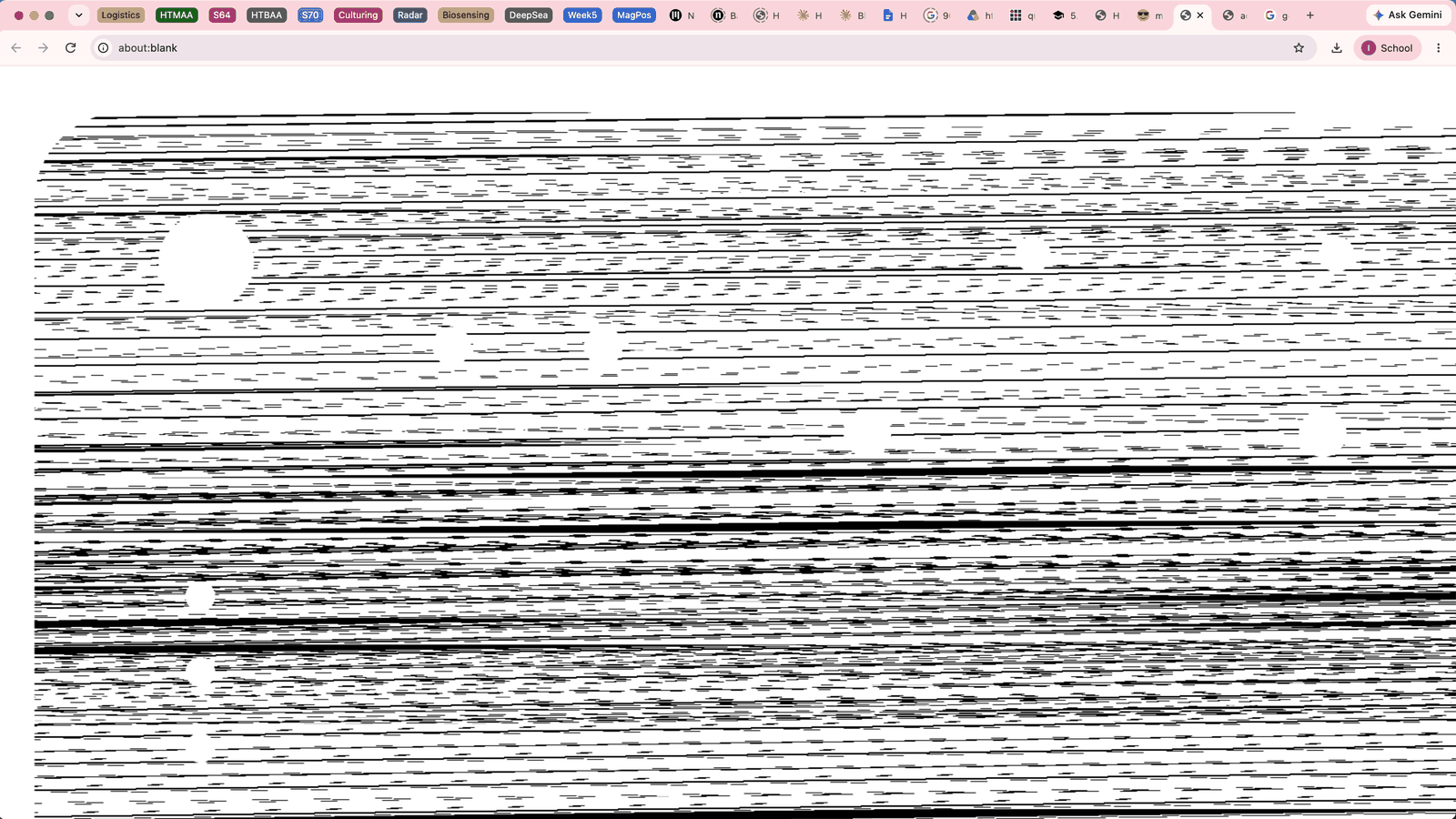
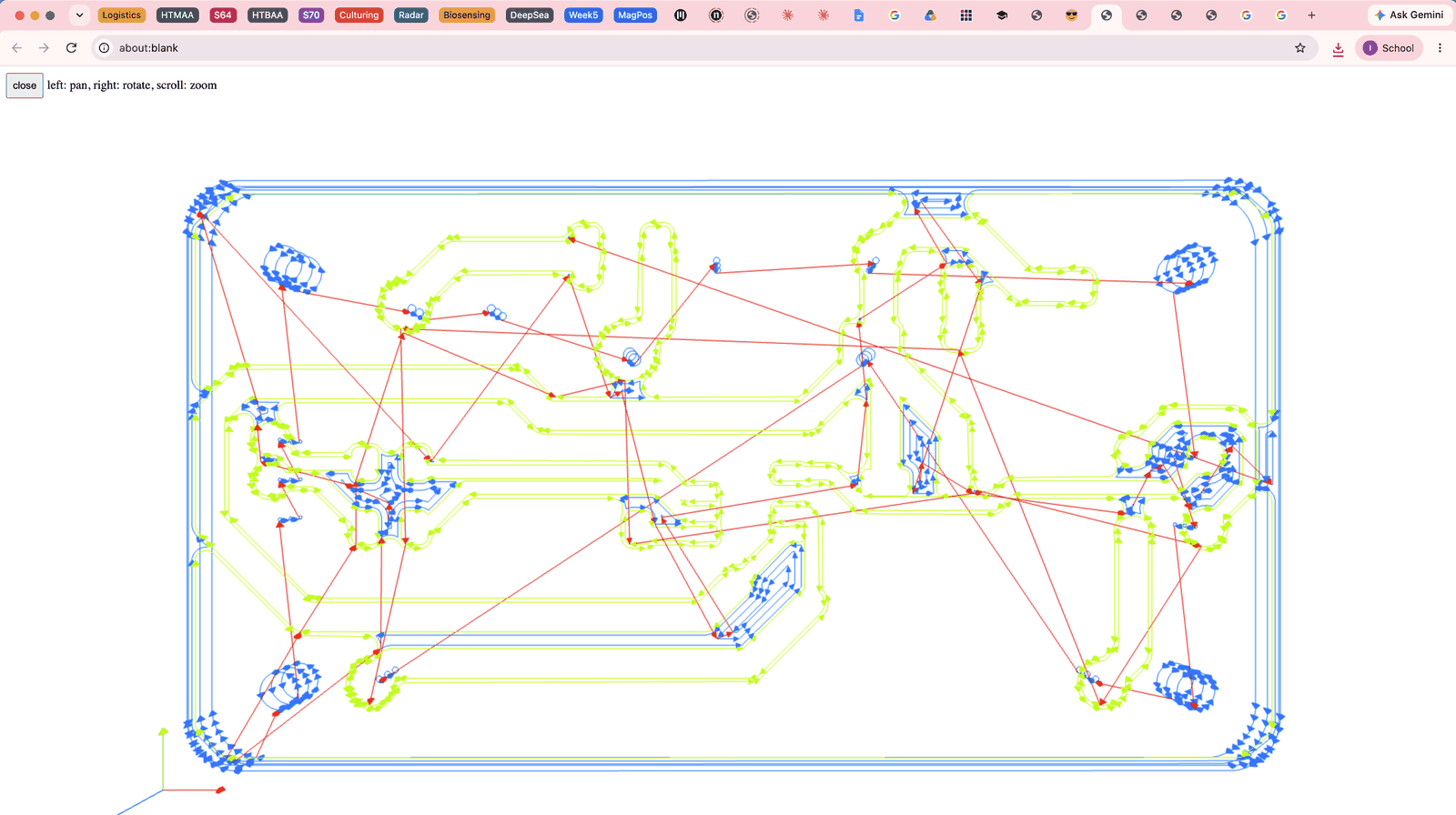
When I went to modsproject, I ran into a few issues. First of all, the black is actually the part being cut and you have to invert it to have the correct parts being cut. The output tool job was mostly blank at first with a few weird lines at the bottom, which I believe is because my board color was not black and white (green and white) and so the places to remove were not being identified correctly. By pressing invert, the colors of the png also changed to purple and black, and then the traces properly rendered, but in a very strange way.
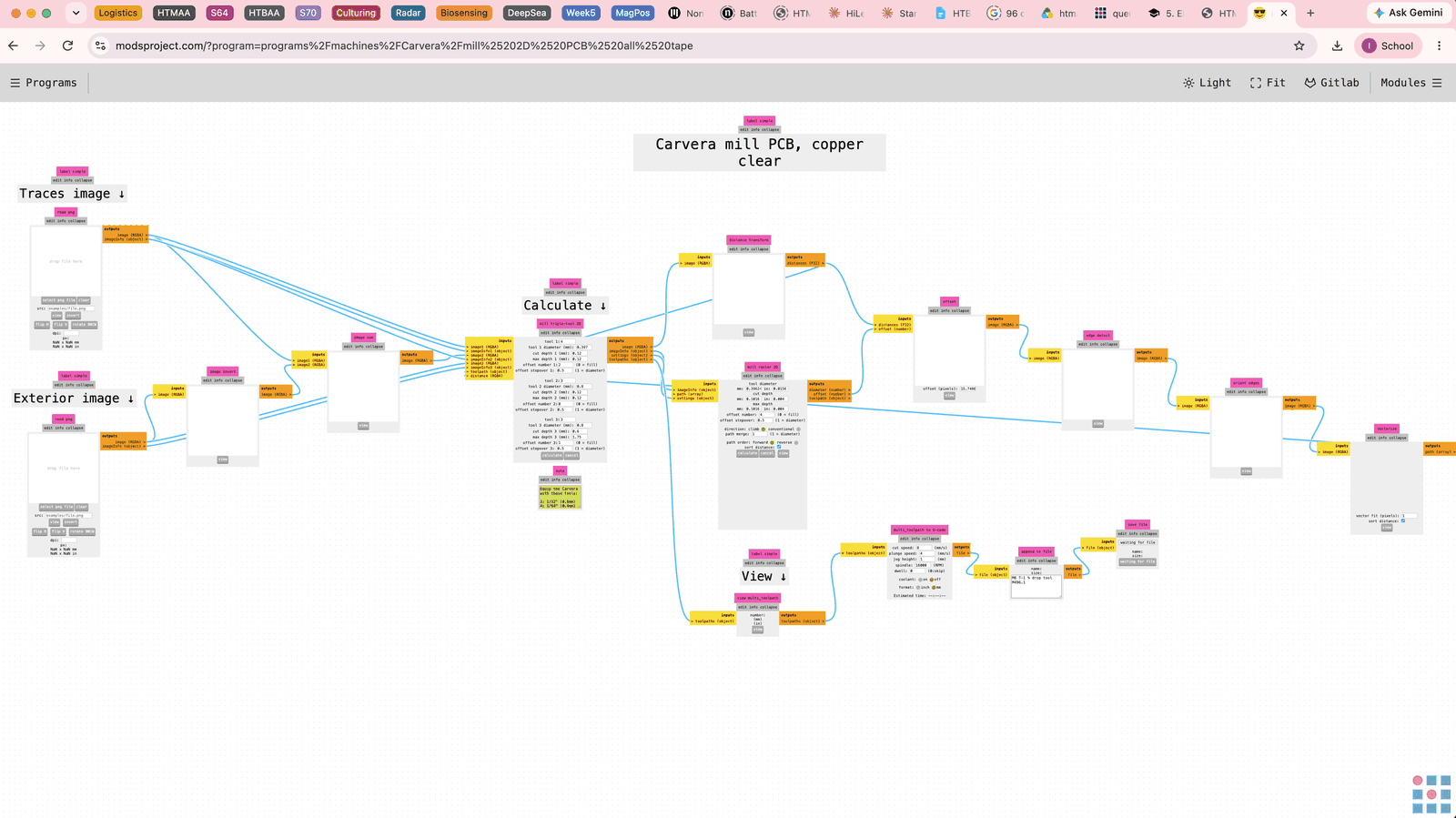
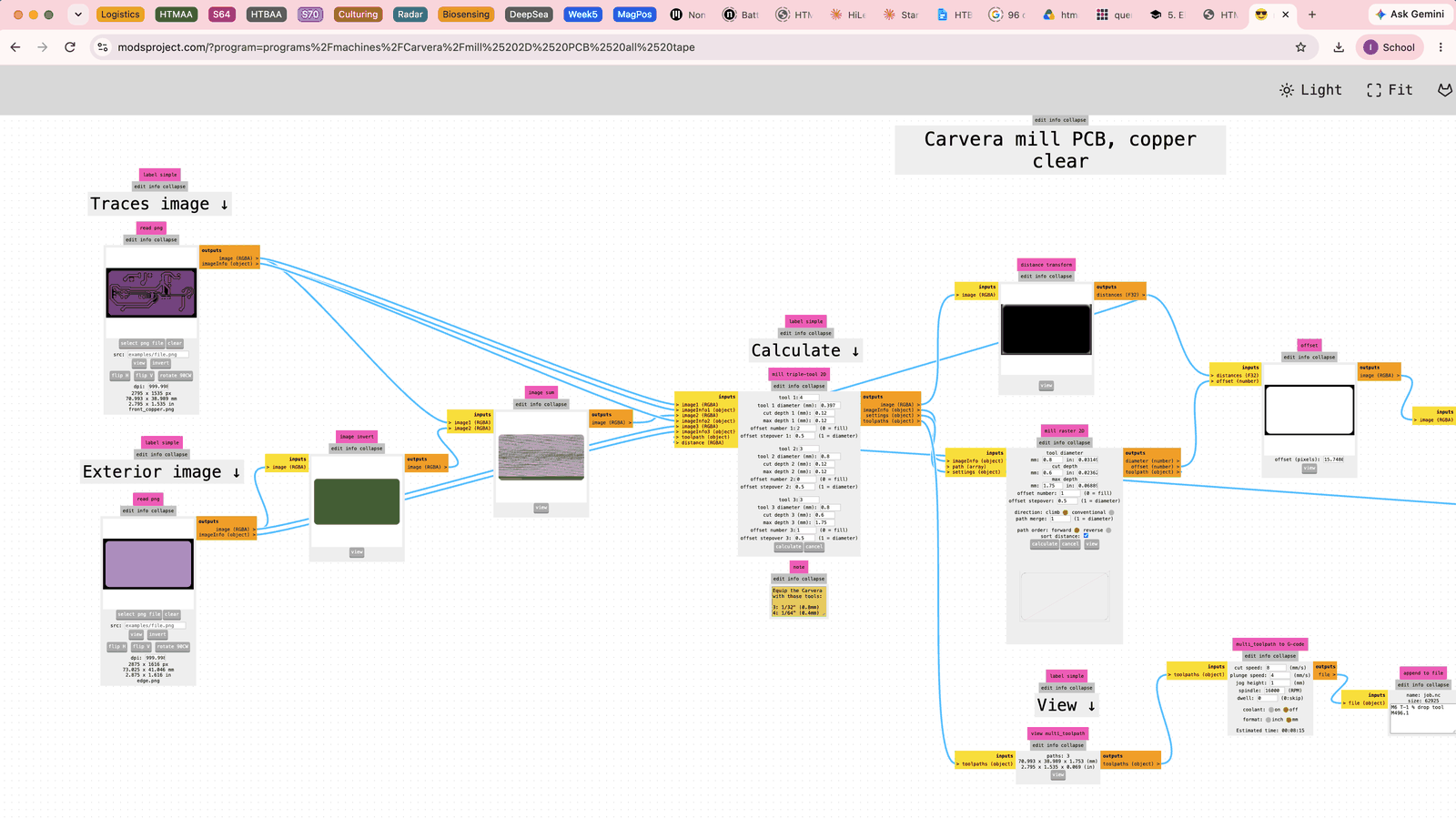
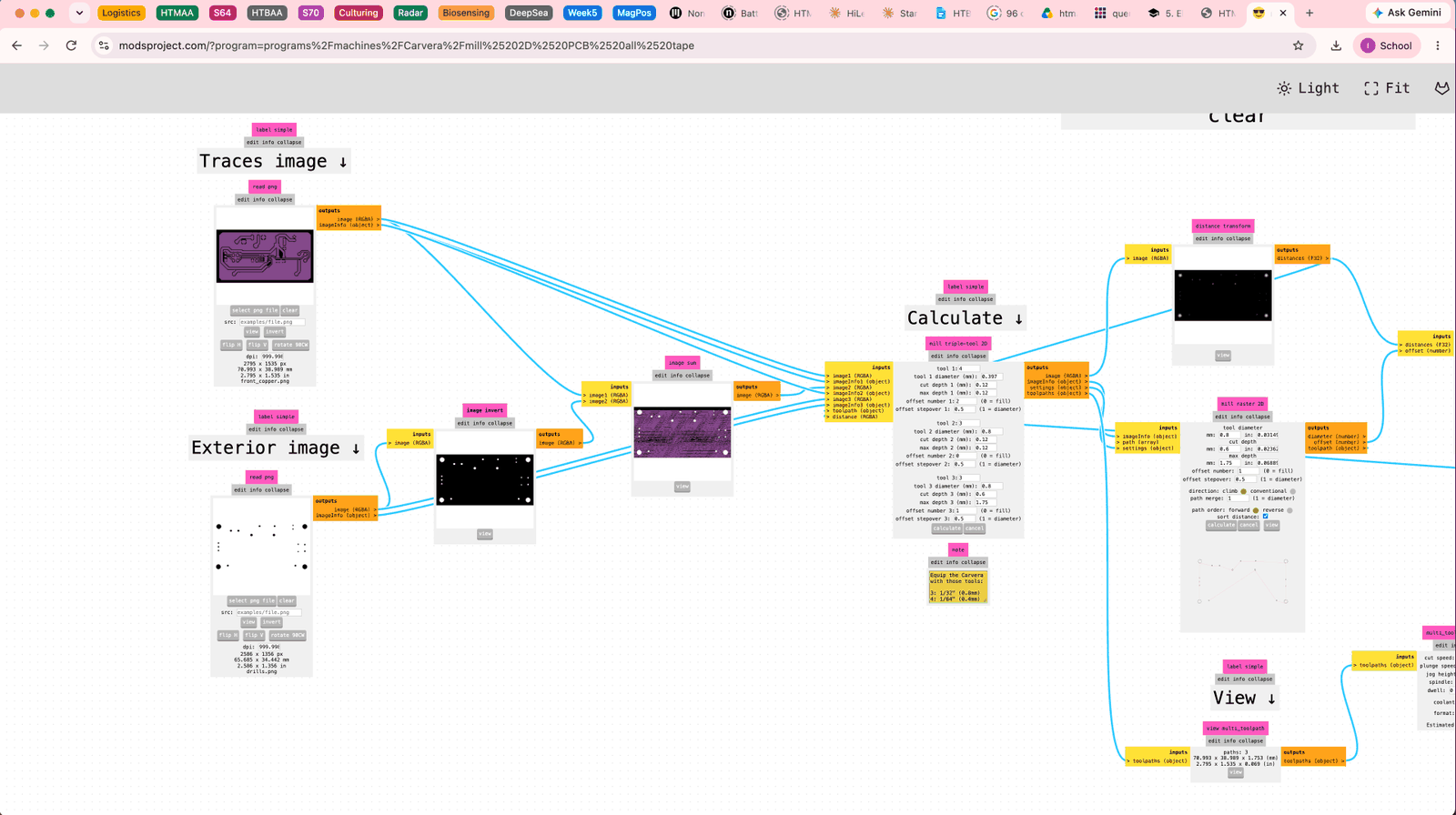
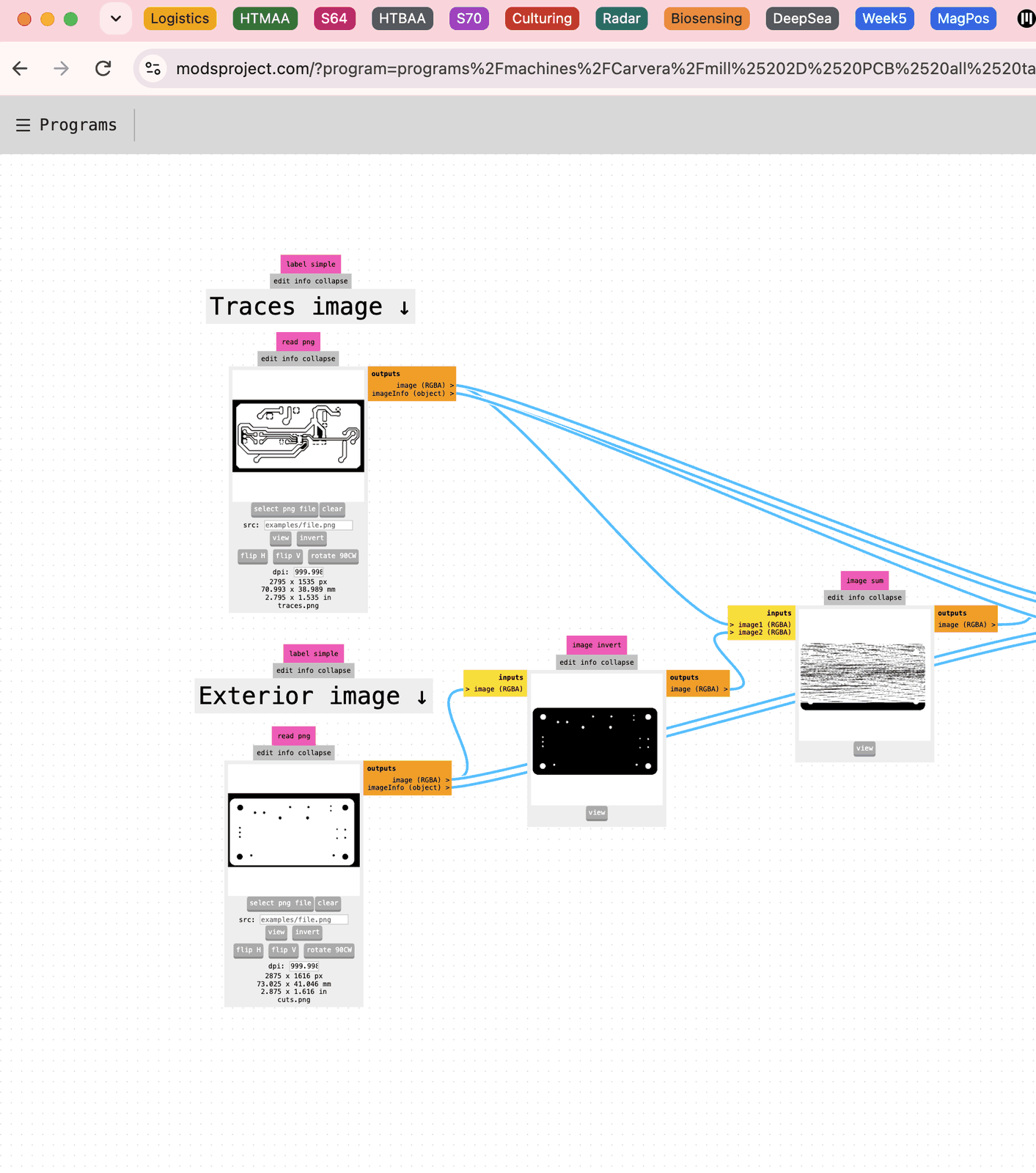
First of all, I was seeing an extremely strange image sum output in the tool. The actual paths being drawn by the output tool job were also completely off, with many traces being standalone lines, or just missing sections. Adding to this, the holes from the drill files were not lining up with any of the pads that they were supposed to be connected to, which was very clear from the 3D output.
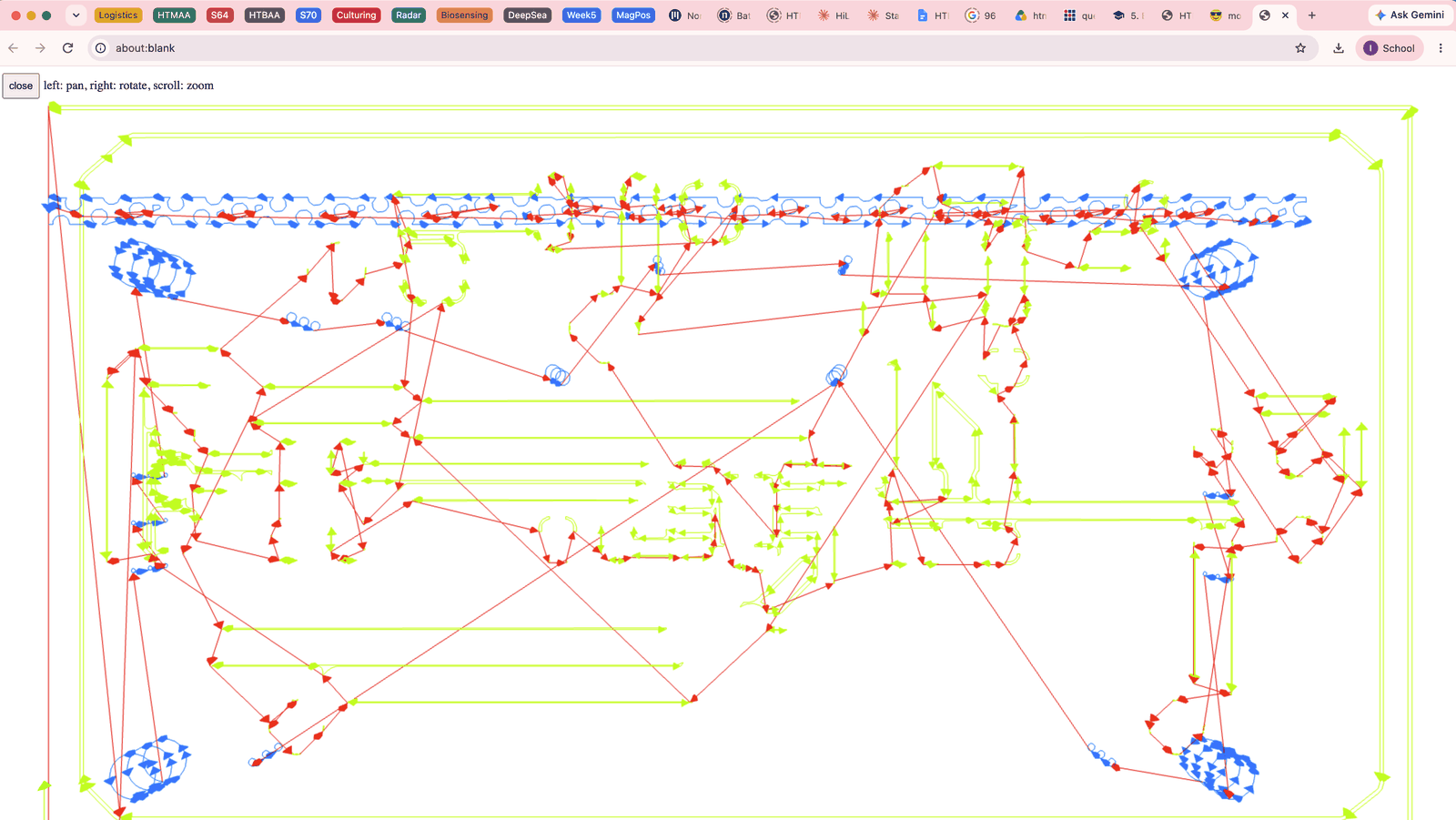
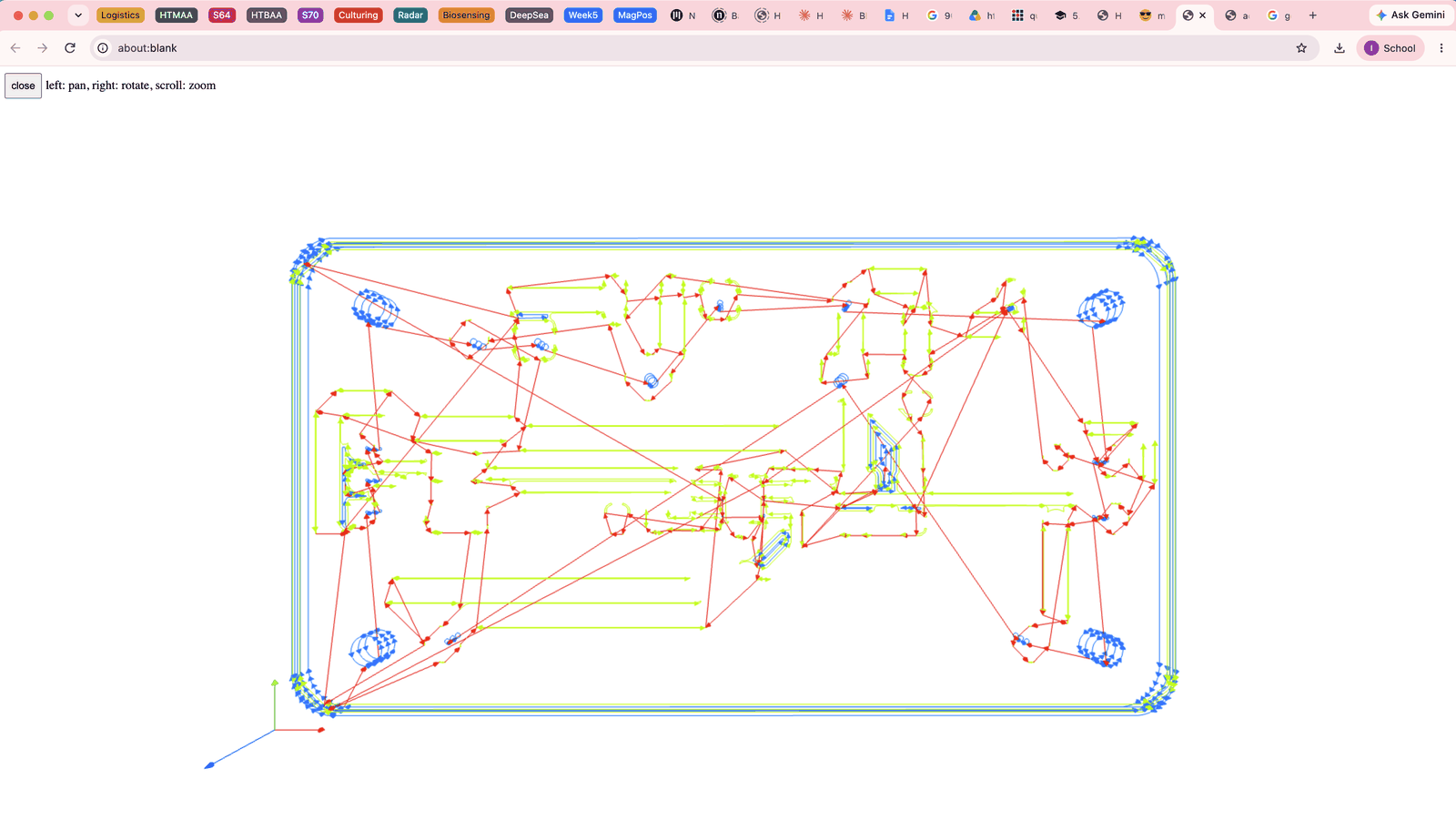
I tried to fix this one at a time, first going back to the gerber to image tool and locking the origin to make sure the holes line up with the pads and the traces. The output image still looked somewhat strange, since the shifted image now was being cutoff at the top. I still tried it with the mods tool, and now the holes lined up in the 3D model. But there were a lot of issues still, especially this strange line of holes and traces in blue that was appearing at the top of the board. During the calculation process, I could see it spawning in, even though none of my files had anything similar to it.
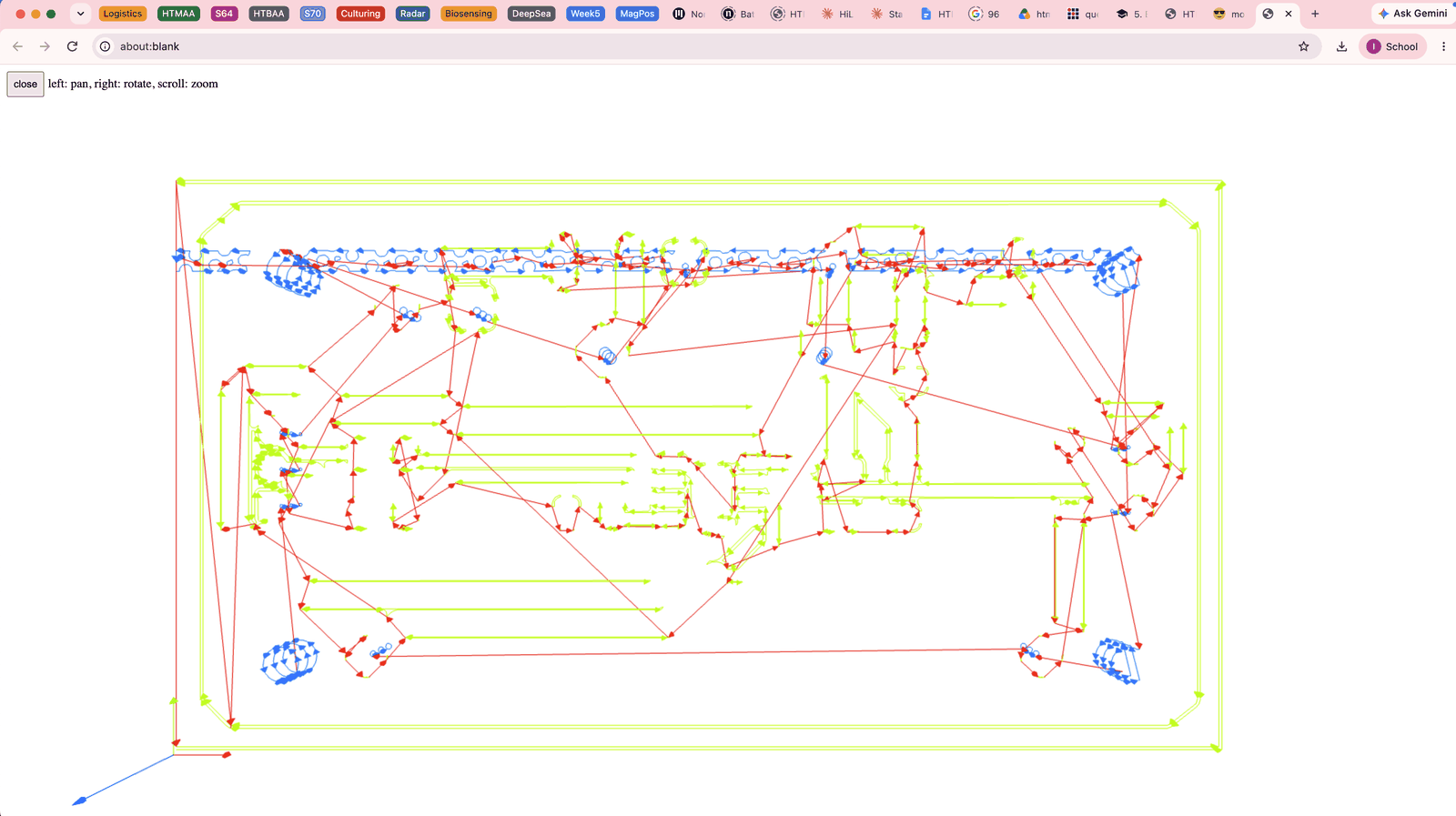
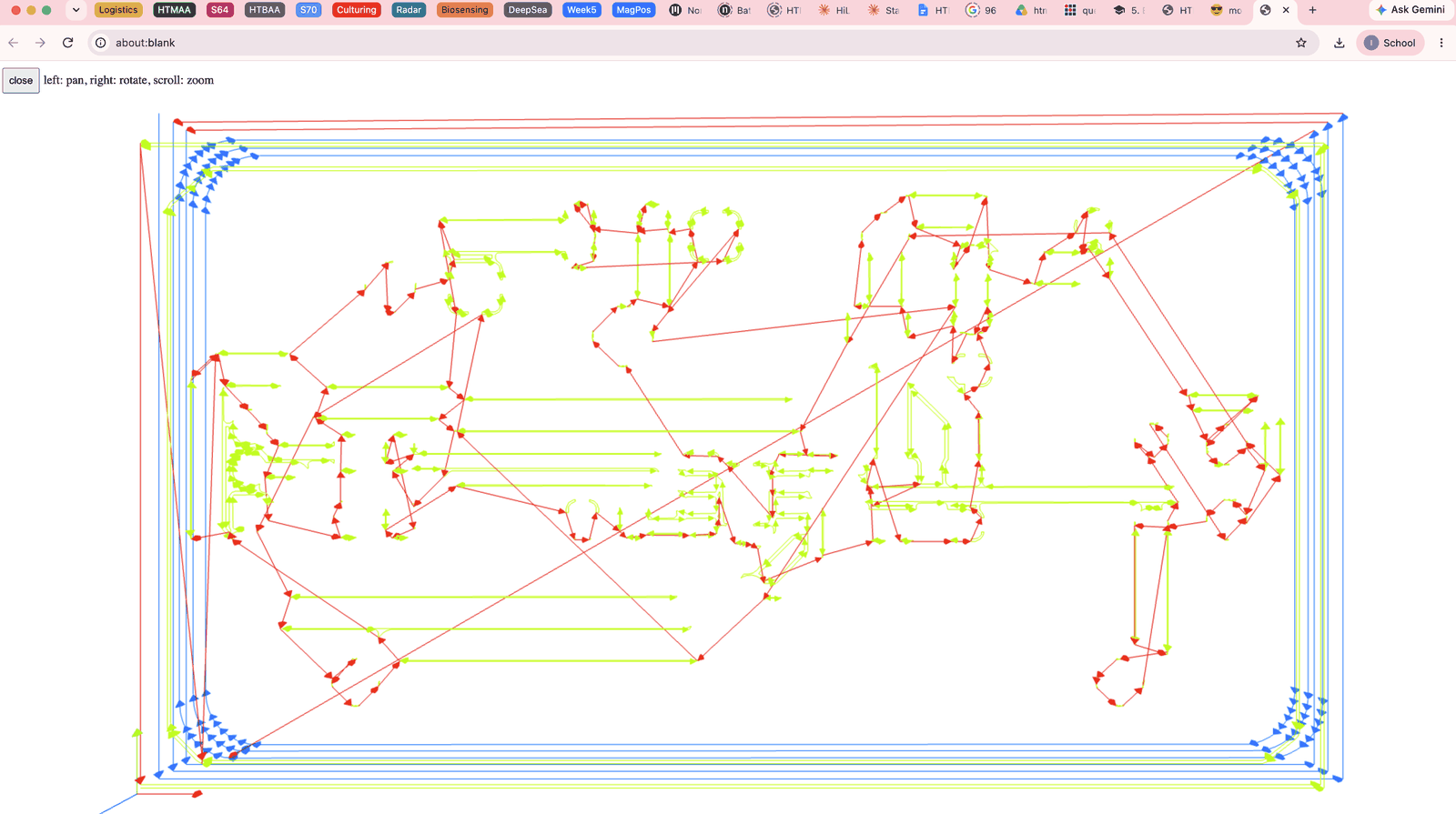
It seemed to almost be like some form of text, so I went back to fabrication outputs and looked through the settings for anything label or text related.
- I unchecked indicate DNP since I thought this might be the issue.
- I combined the drill files into one file instead of PTH and NPTH, and then reexported everything and generated imgs from gerbers.
- This time, I also checked black and white output to avoid having a green PNG that wouldn’t properly render the traces.
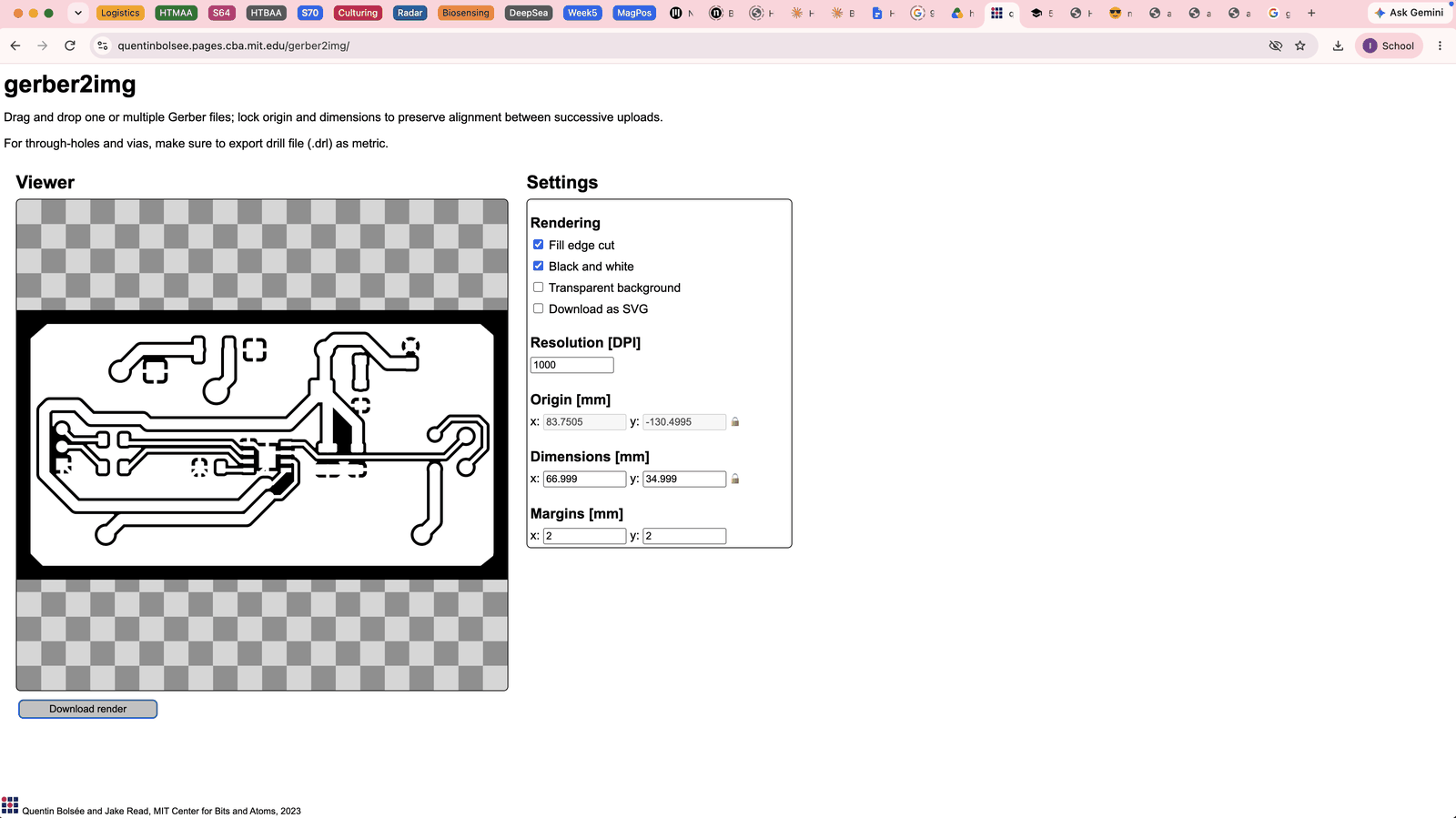
When I tried the mods tool again, the artifact had changed shape into multiple new lines at the bottom of the board that definitely weren’t there in any of the images or gerbers. At this point, I wasn’t entirely sure what was happening, and the image sum was still very weird in terms of output.
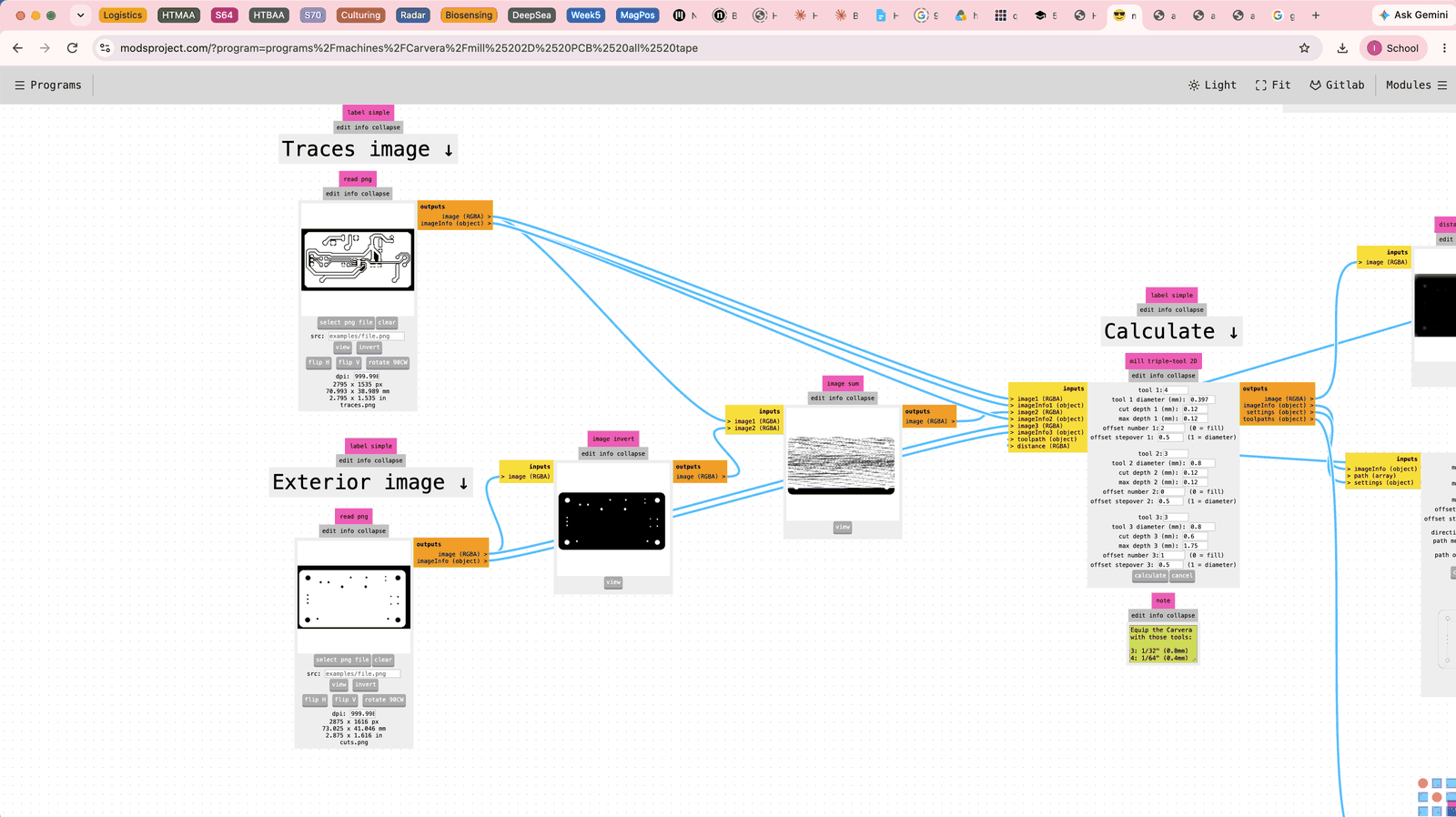
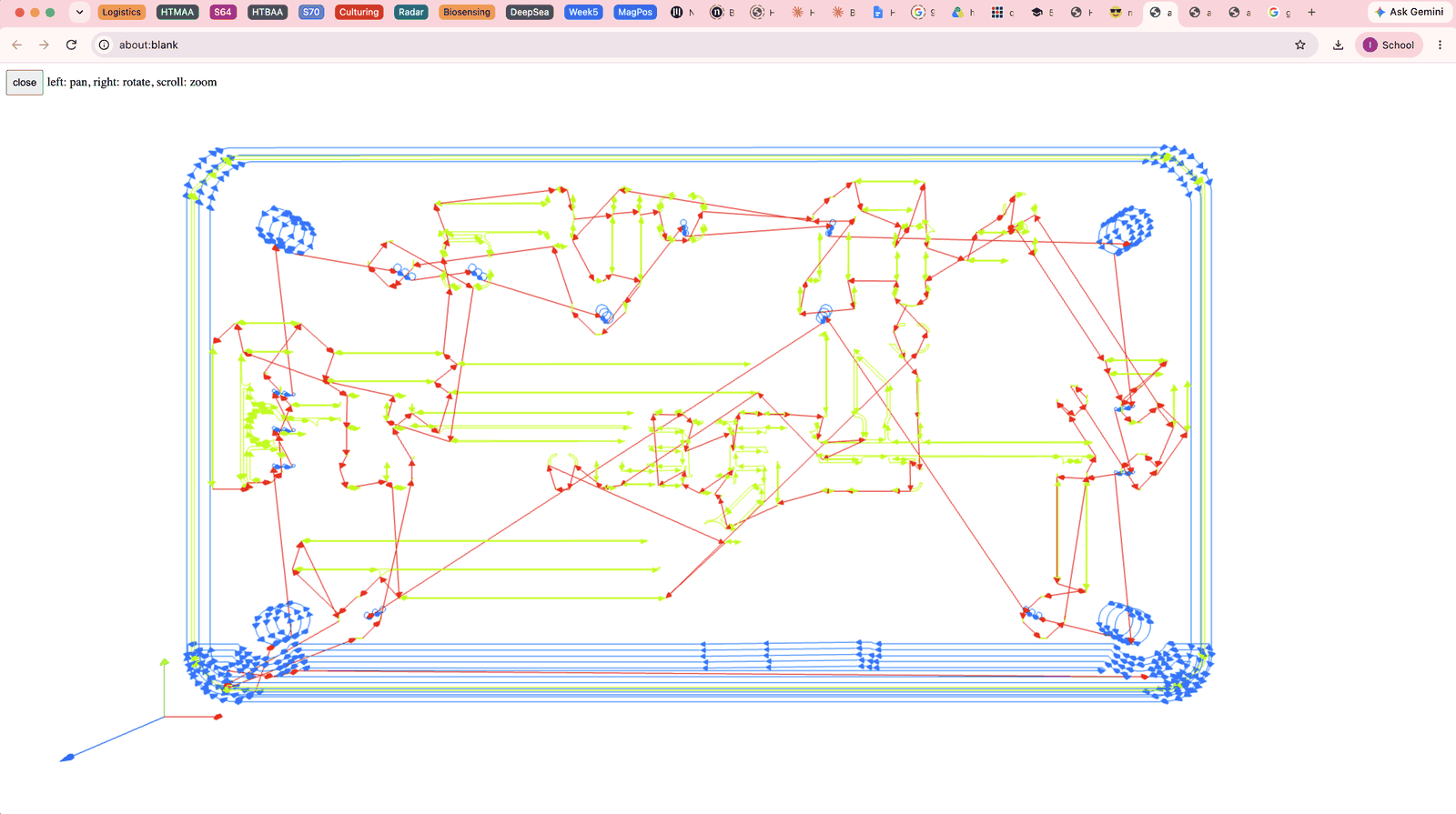
I asked other members in my lab, and then tried prompting a LLM with the following prompt and all the associated screenshots:
“I am using a modsproject.com and the carvera pipeline, I’m getting this really strange image sum output and then for some reason, my output board looks very strange when it comes to my traces cuts and my edge cuts, with this blue blob happening at the bottom.”
The answer was actually pretty simple, my board dimensions weren’t locked. I tried doing that, and then not only did the alignment issue go away, but after using modsproject again, the output was finally as expected, though some of my traces still looked a little strange.
Fixing the design
I was told that my clearance of 0.4mm could be improved, especially since there was definitely space for wider traces. So I went back to KiCAD and selected the copper pour:
- Clearance: I increased my pour clearance.
- Thermal relief: I changed the thermal relief to a normal solid pad connection, since I feel like it would be unnecessary to have spokes for this sort of board.
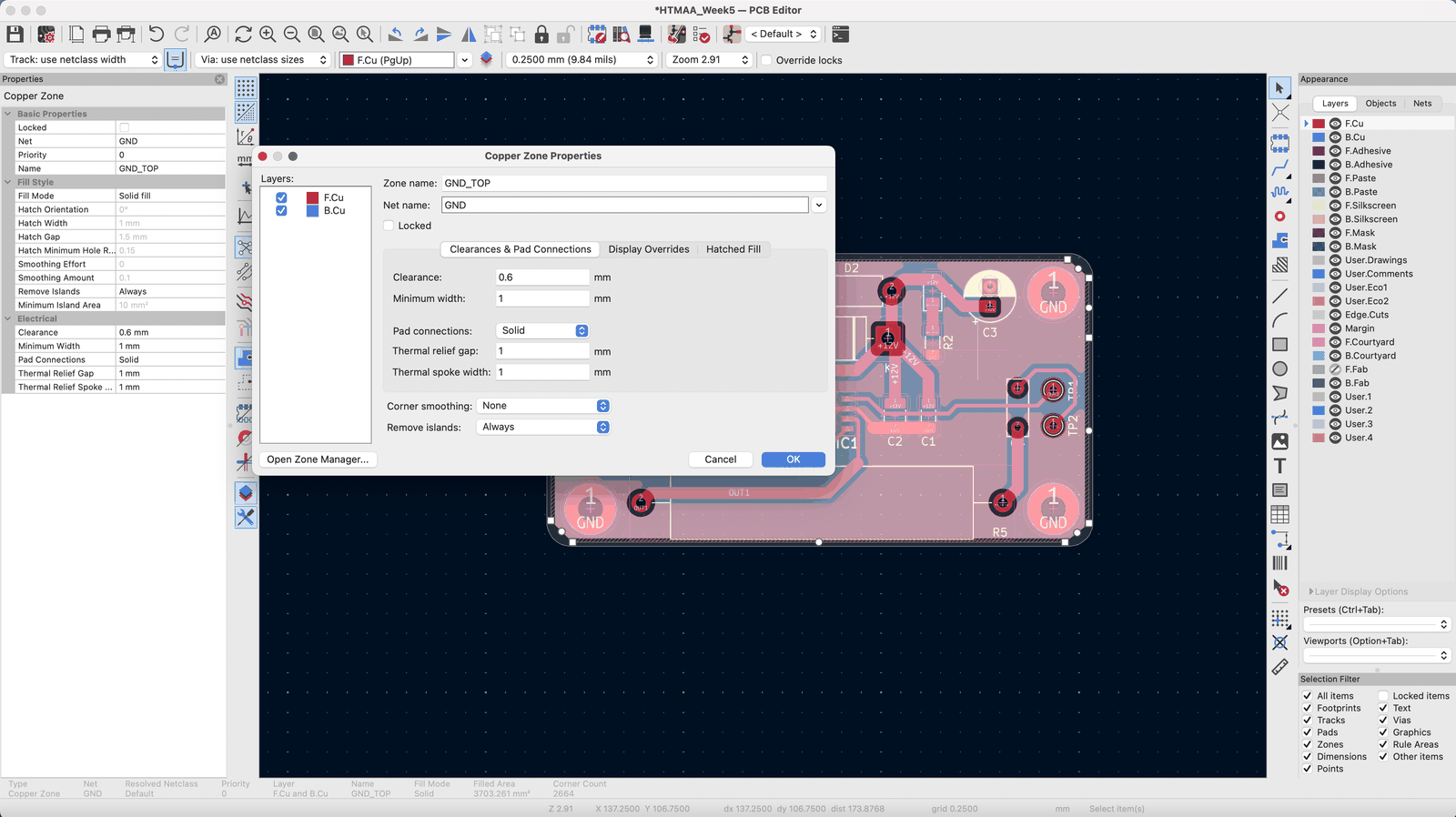
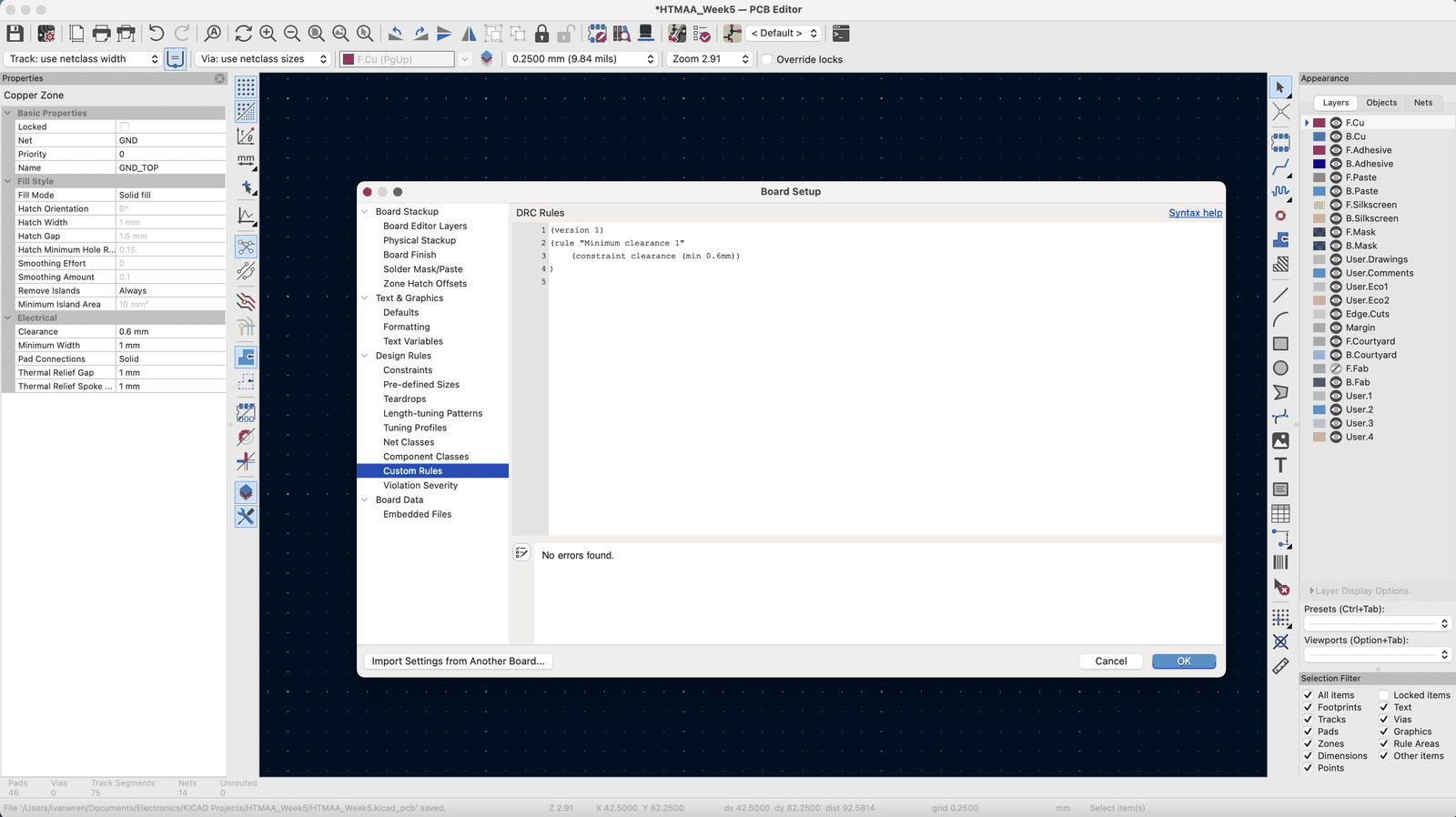
I had some strange issue with setting clearance values though through the design rules for this board, and I realized that I had some additional custom rules set up from maybe a while back. Using this, the changes properly rendered when I repoured. I adjusted the clearance to a full 0.6mm and the final output looked a lot less likely to accidentally short.
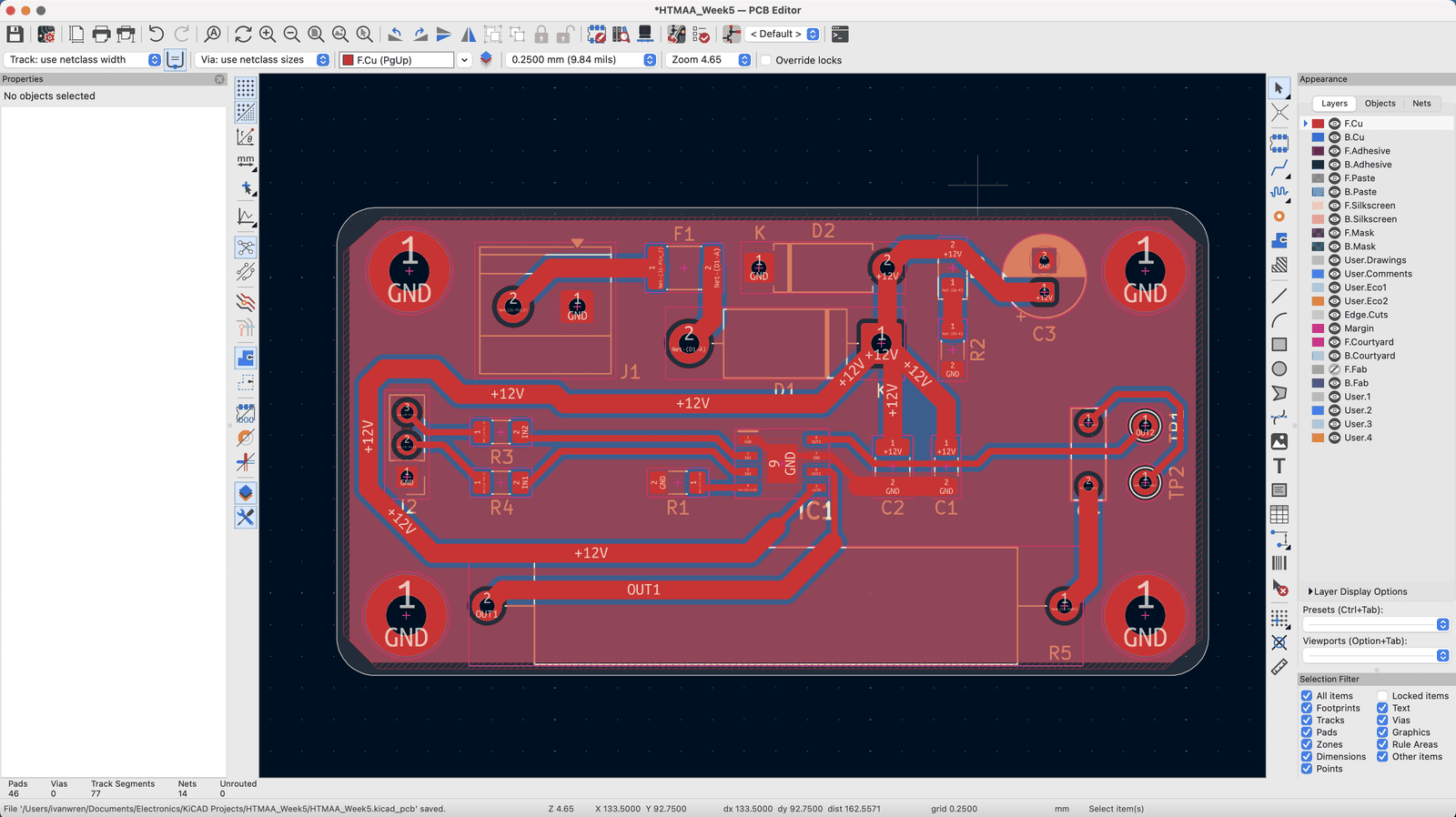
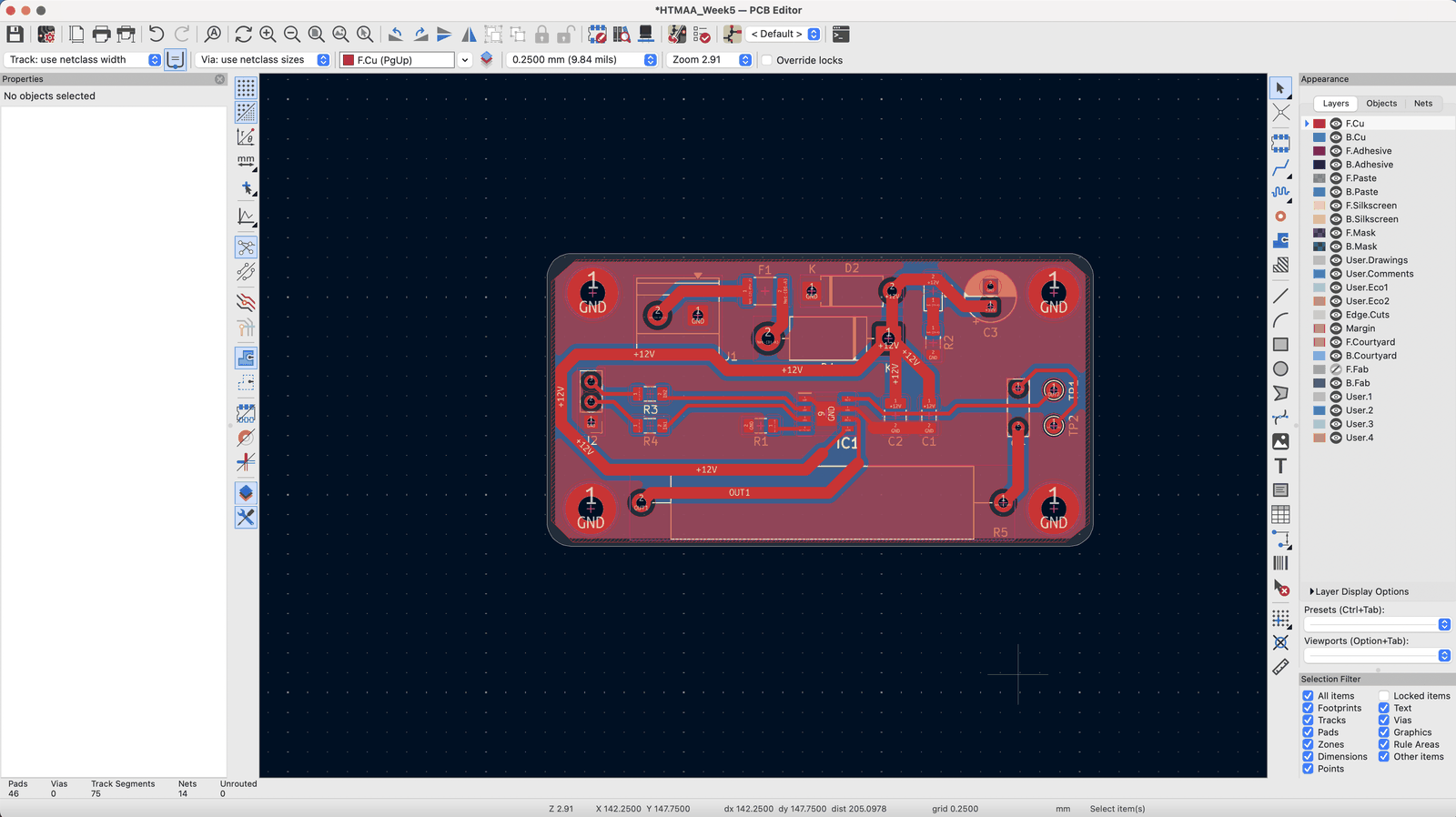
I followed the exact same protocol previously to generate my images and then my gcode, with the output looking as expected, with clear trace lines and reasonable looking clearances.
Fabrication
Setup
The fabrication steps are relatively straightforward:
- I first uploaded everything to google drive and went downstairs.
- I opened the Carvera application and downloaded my images from drive.
- I went to modsproject and then saved the output gcode.
- I then connected to the machine in the Carvera software using dev/usb…
- I uploaded and set my file and then setup the physical side.
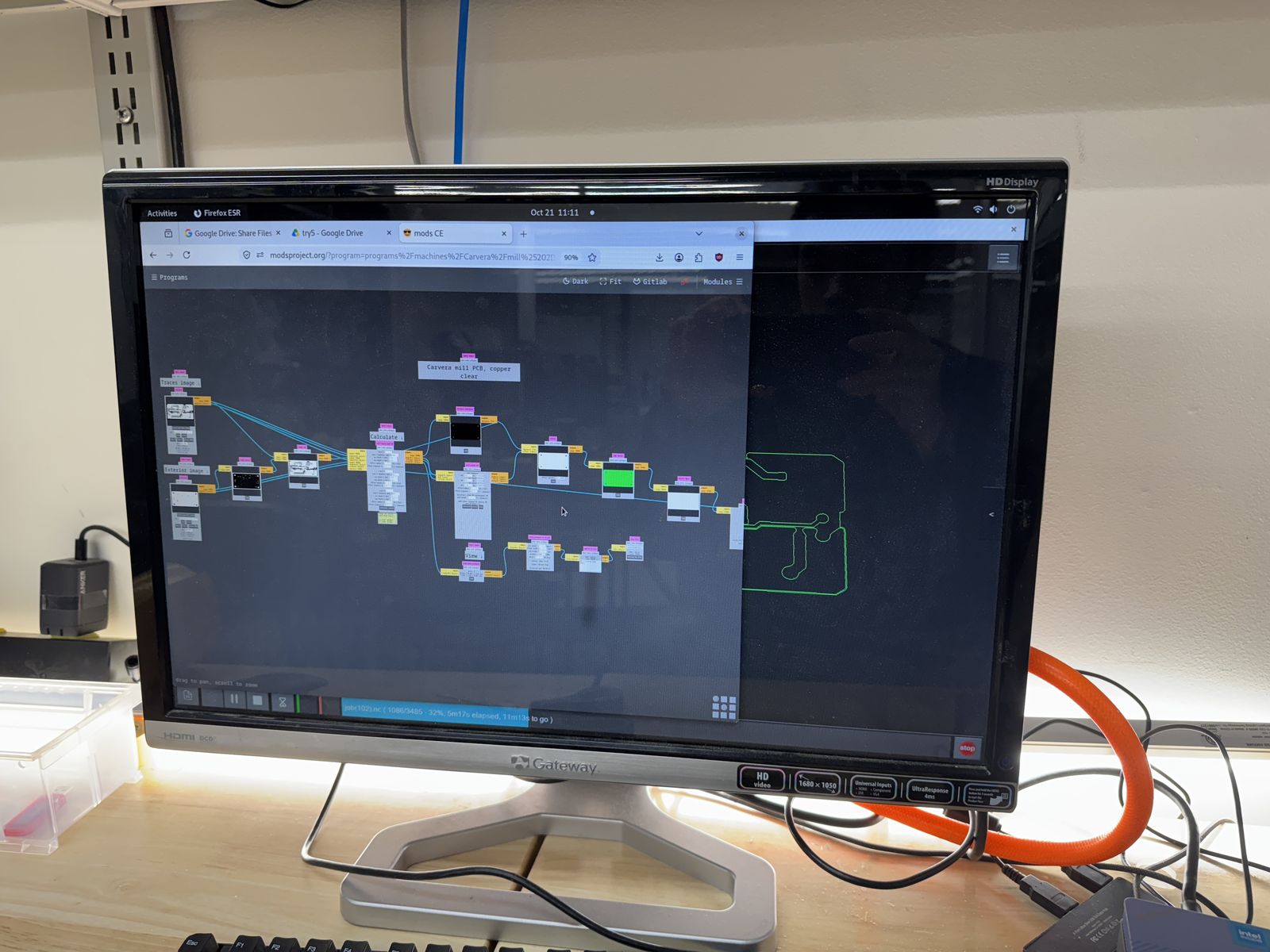
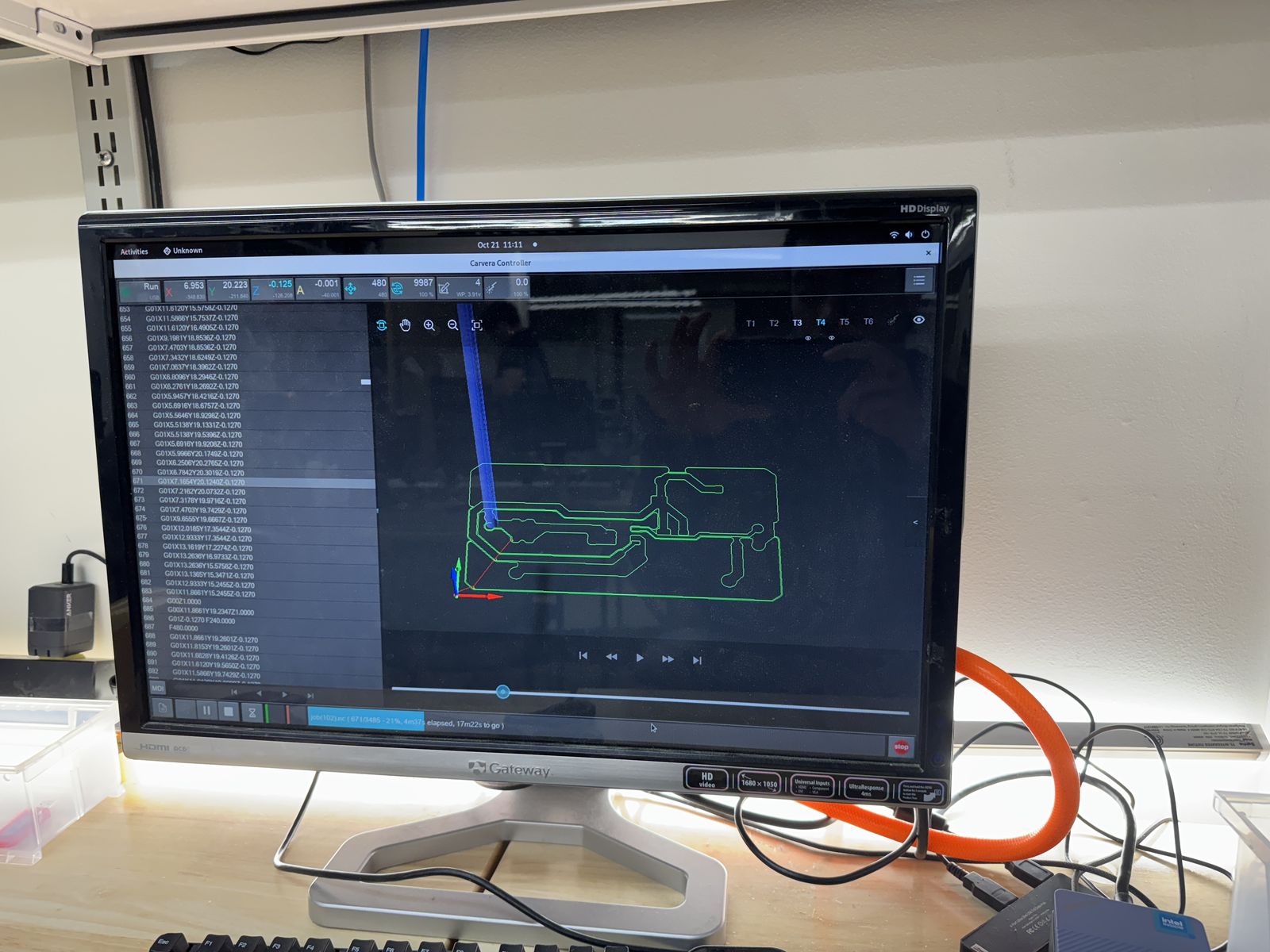
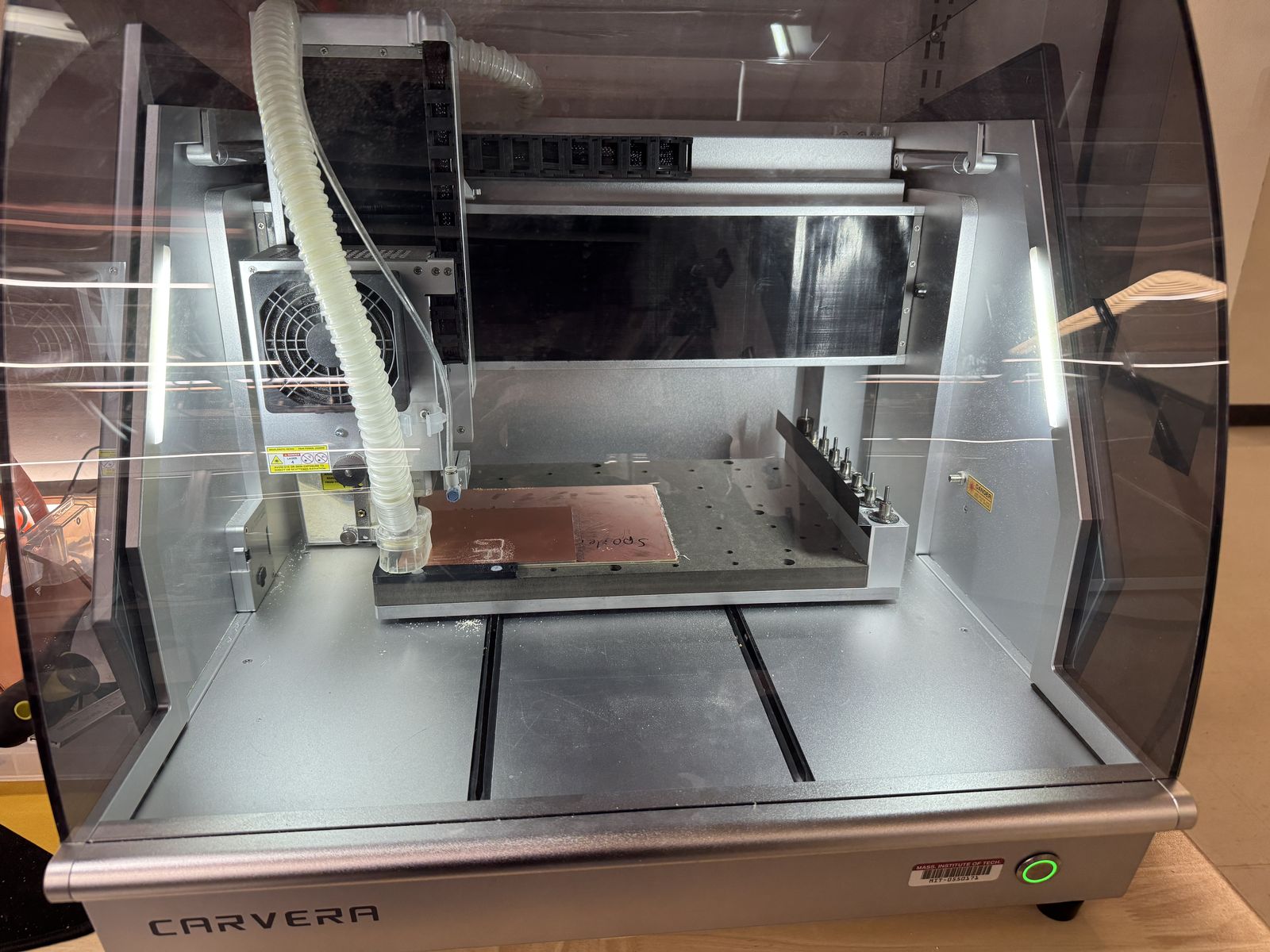
I selected a board and then taped up one of the sides, cleaned out any bubbles, and placed it on the sacrificial board in the PCB milling machine. Then, I configured my milling job, checked that the position of where my board would be milled was reasonable and then went for it.
Milling
I noticed a few issues while the board was being fabricated. First of all, when the milling machine began milling with the first tool, the traces looked completely uneven in depth. So much so that there was still evidently copper connecting traces. When I checked on the output board, the milling job was clearly badly configured. The way a lot of traces had different depths of cut made me think that this was probably a leveling issue. I went back, found that z-leveling was an option, selected a 5x5 grid and then chose a different area to mill.
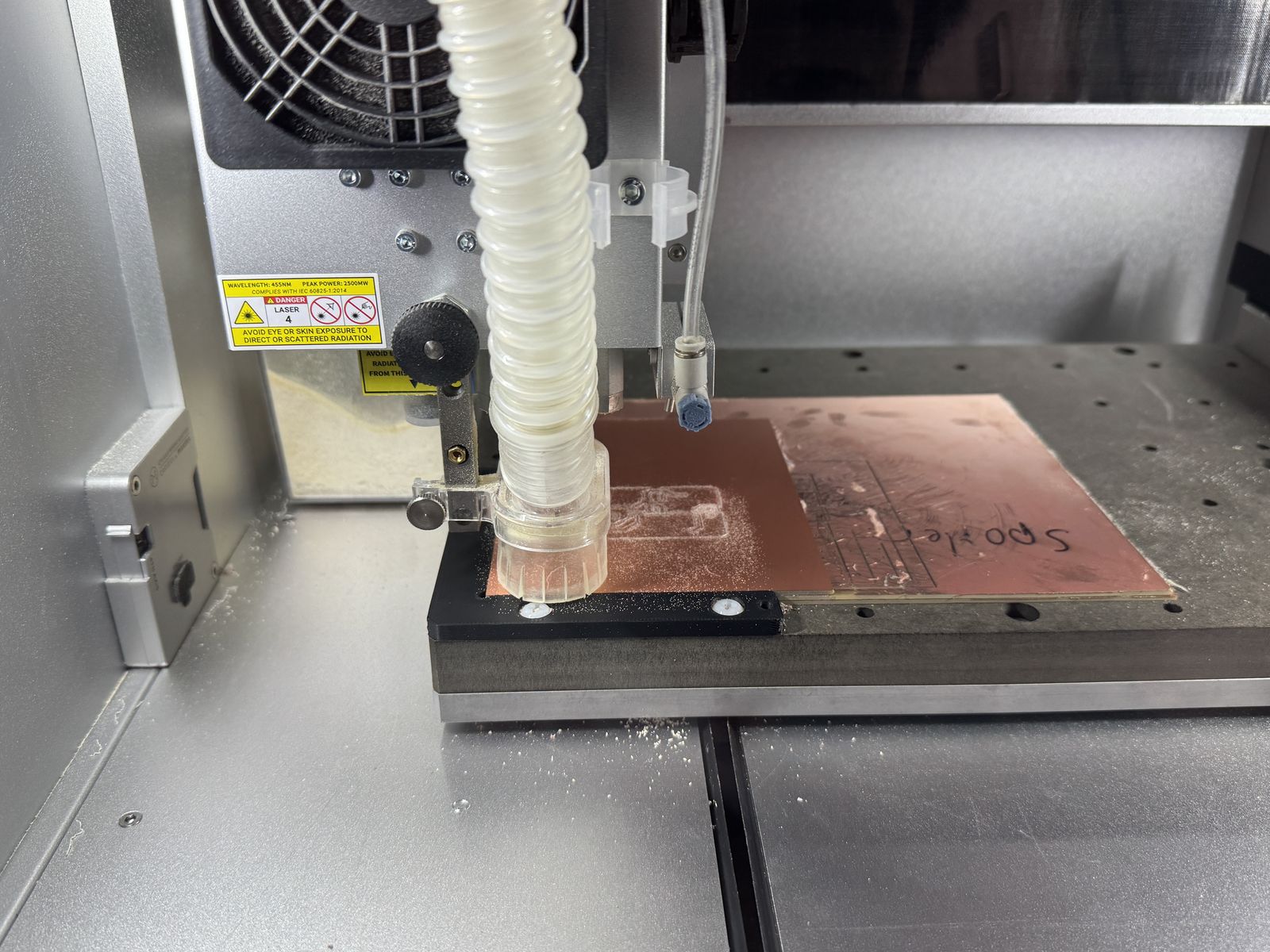
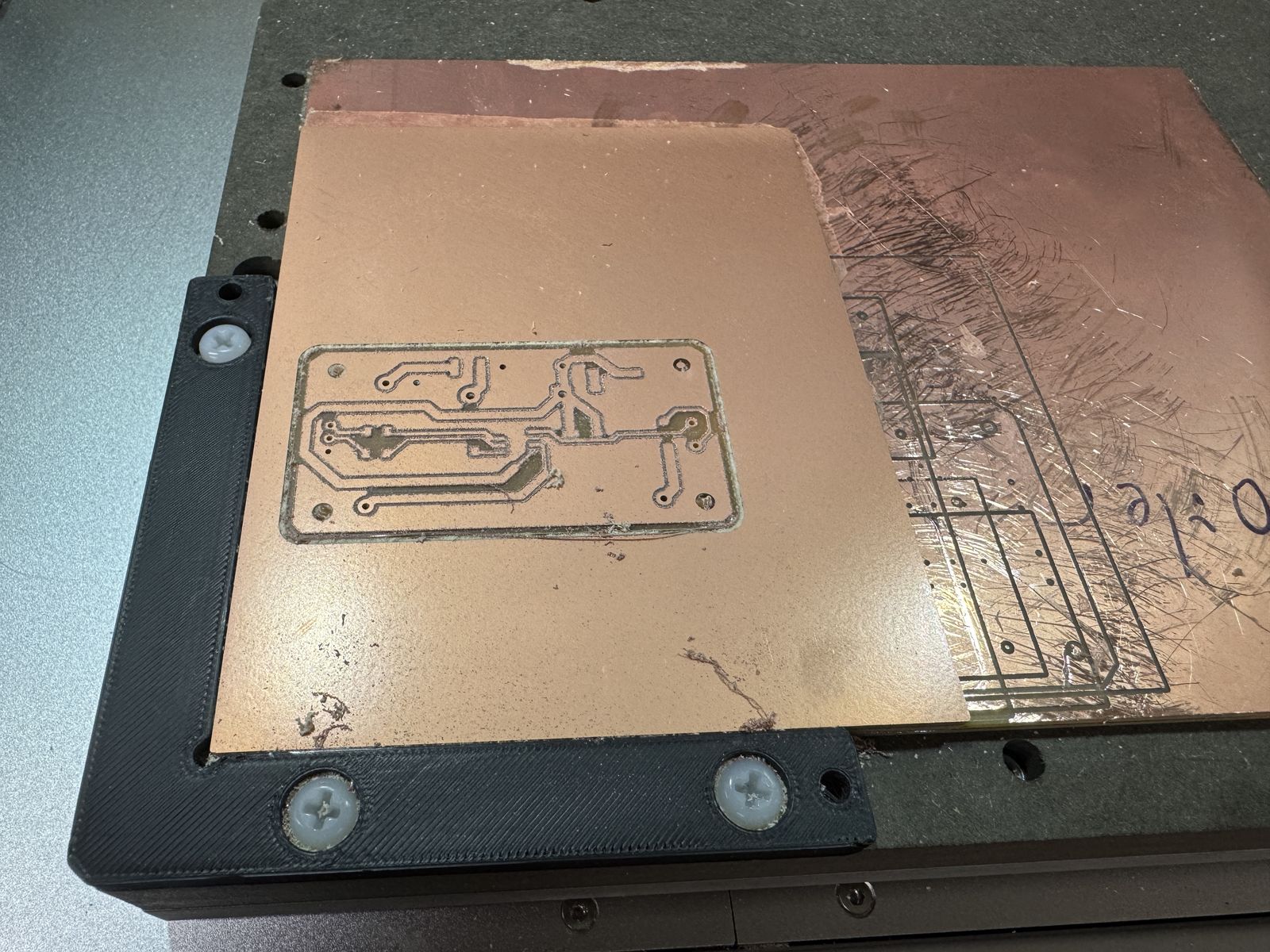
This time, most of the traces turned out alright, and fully cut through. The quality of the traces wasn’t amazing though, and some of the edges looked rough. I believe this looks like either an endmill issue that needs to be swapped out, or some other issue with my configuration.
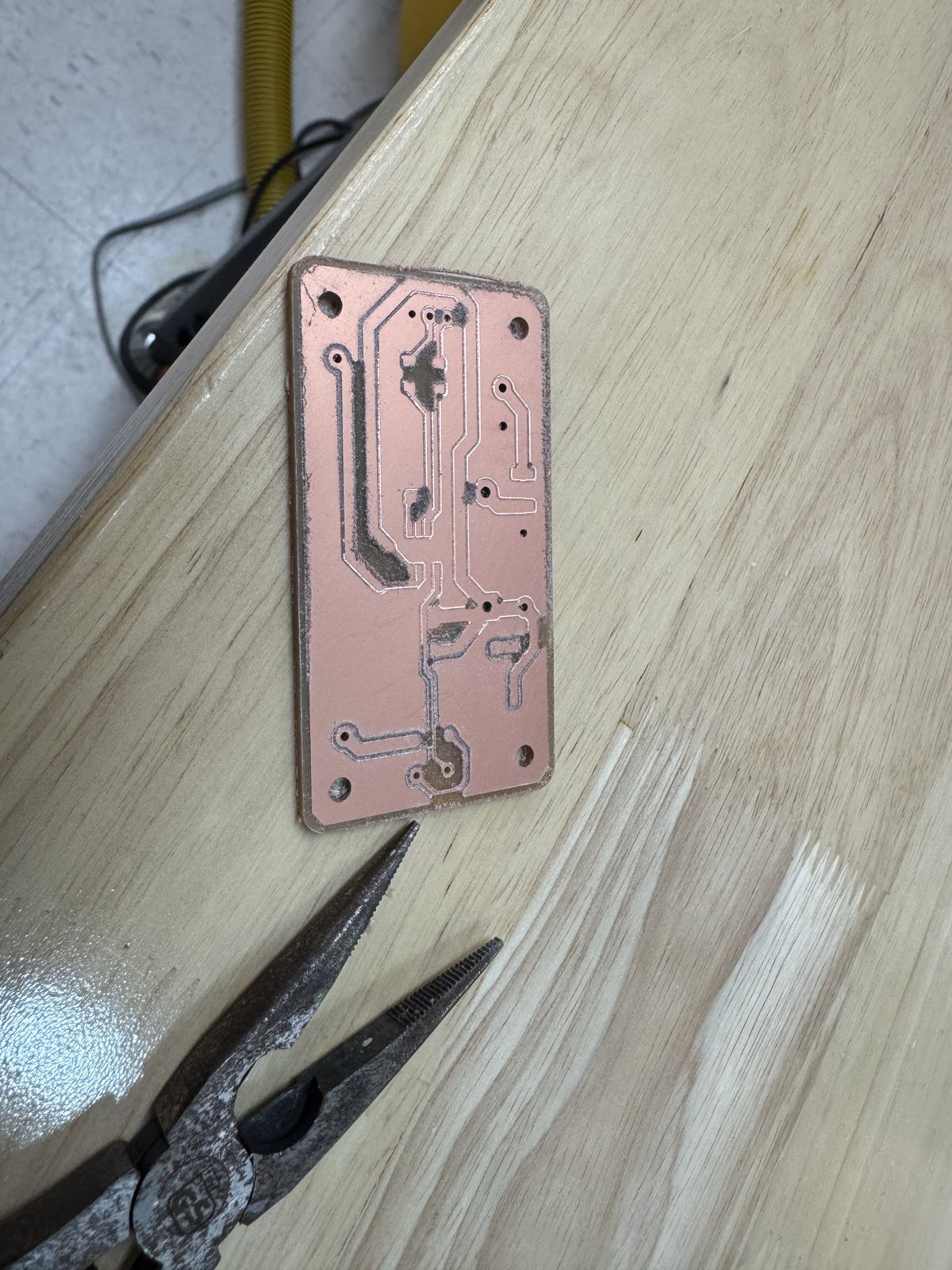
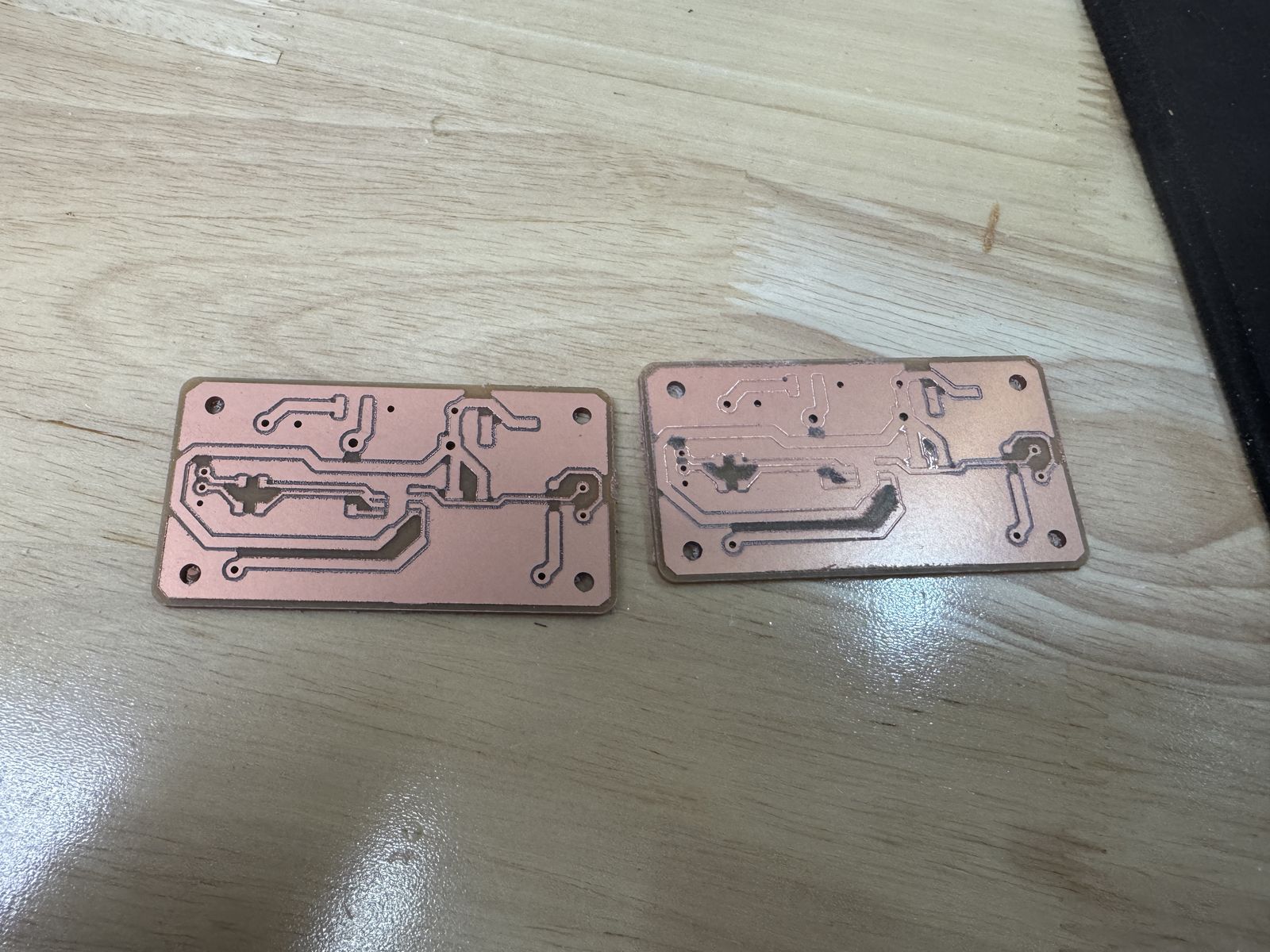
Issues
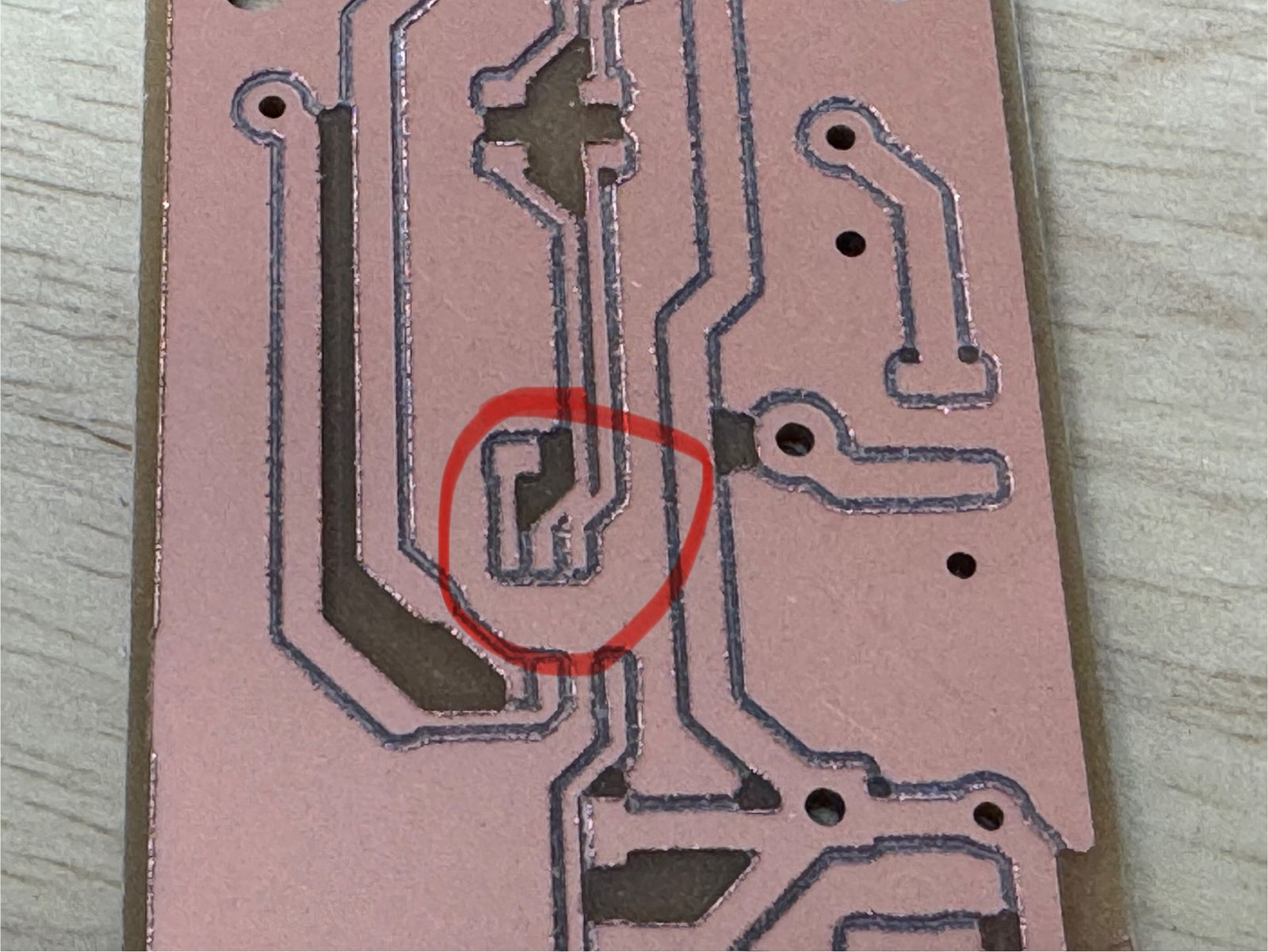
I also noticed that my tolerances might still be too small, since there was clearly two traces that were still connected.
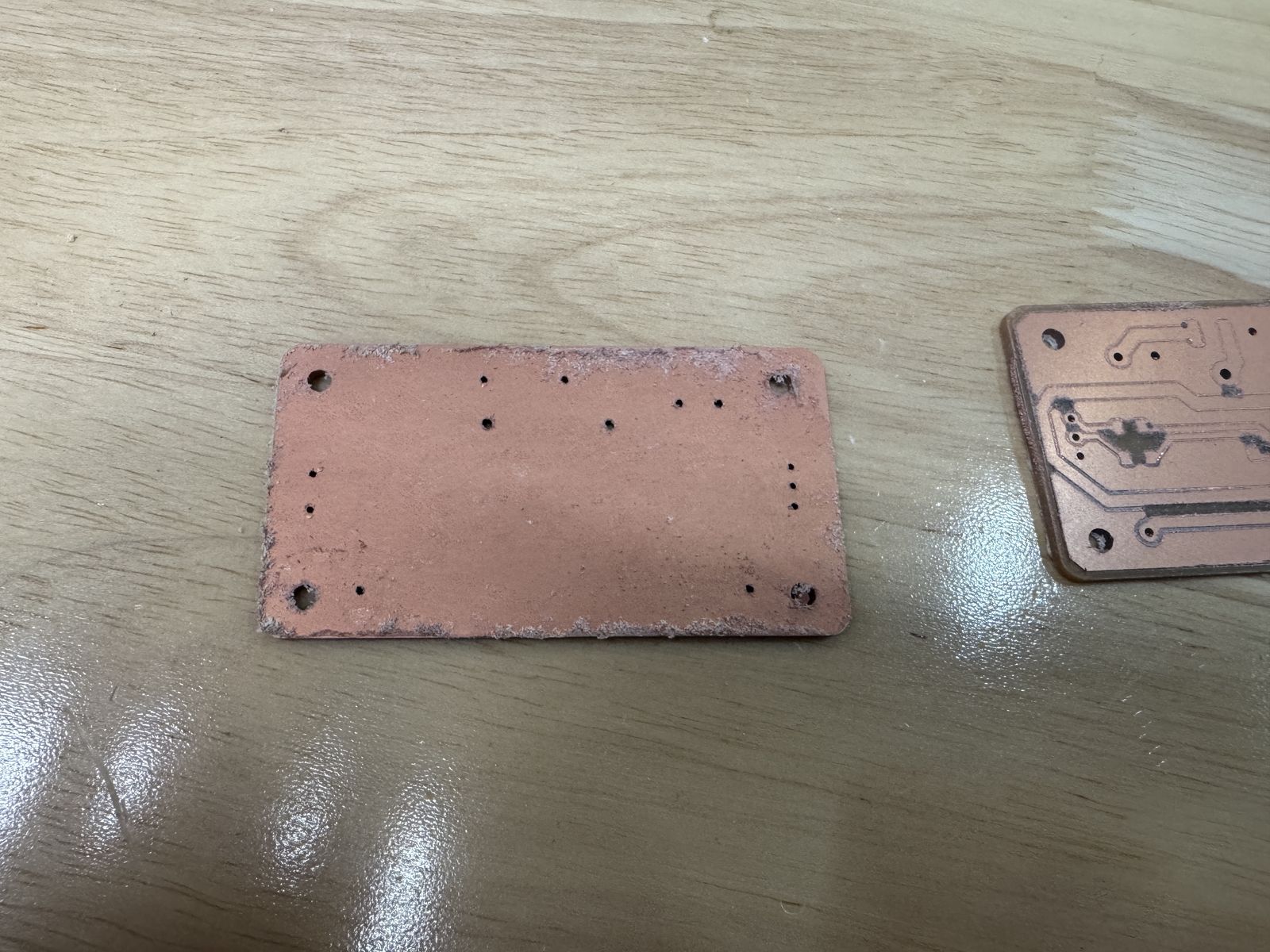
More importantly, I noticed a glaring issue in my design and PCB choice. Since this board has through hole components, but I had selected a 2 layer board, I was inadvertently shorting any pin that I would be soldering down through the board. This just completely destroys any chance that I can use this current board.
To be fairly honest, even if I use a 1 layer board, I find it hard to imagine how I can secure these through hole components on the board without soldering them down. I could maybe reflow, but the issue is that these connectors are usually quite sensitive to high temperatures too. I probably need to completely go back to the drawing board here with part selection and board design.