Week 3: 3D Scanning and Printing
3D printing a vine
Ideating
This week’s assignment was to 3D print something that cannot be created subtractively. I decided to do a print-in-place ball and socket joint. Thinking about how to make it more complictaed and cute, I decided to chain a bunch of them together to make a vine. This could also function as a chain later on for my final project, to hang the birdhouse from a tree.
Fusion
To create the socket, I first made a cylinder with a sphere on the end, wrapped it with another sphere, and made a cutout with a sphere in between the two. Then, I made an opening to allow the first cylinder to move more freely. Lastly, I added leaves on the sides, with filets the make them rounder.
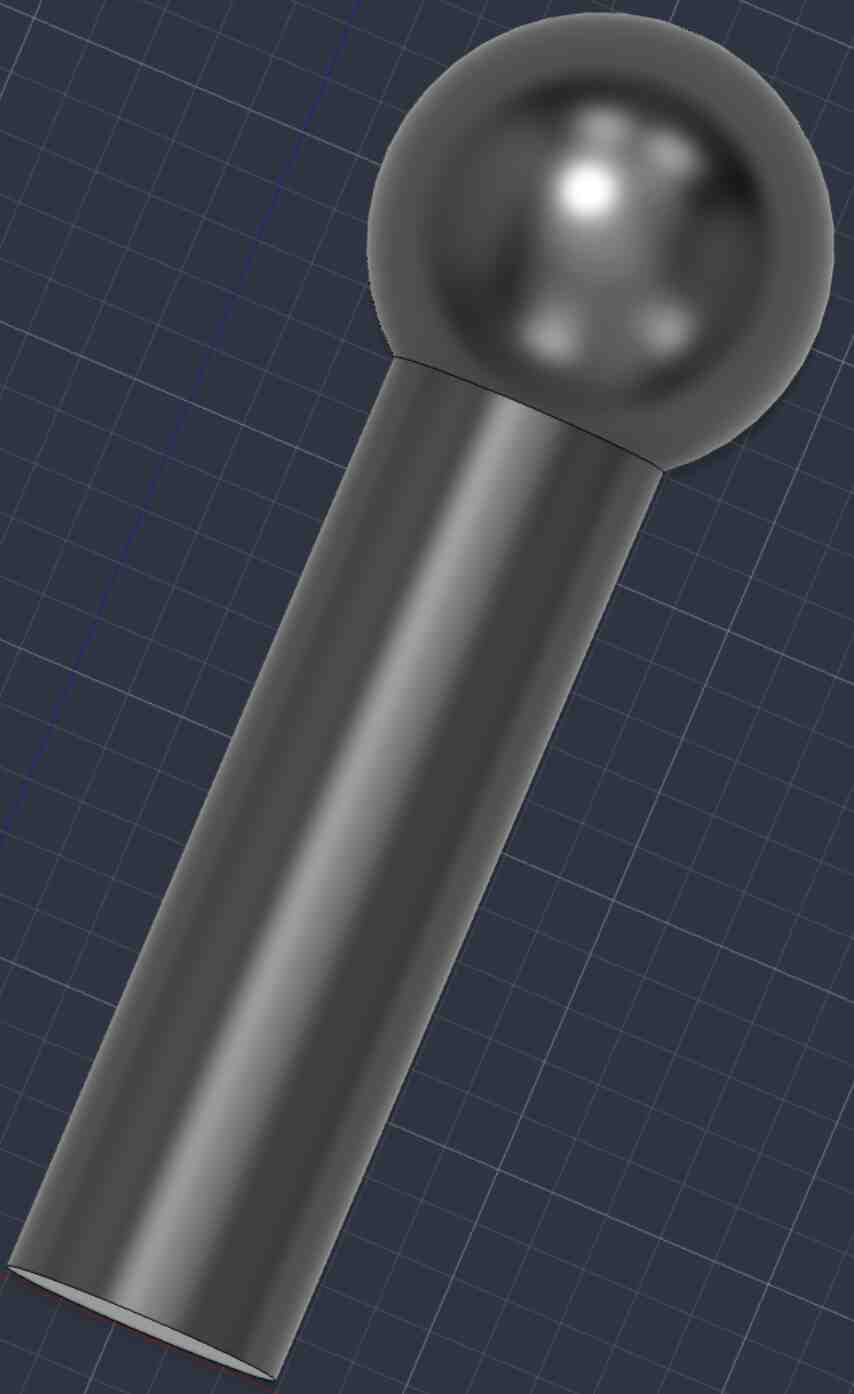
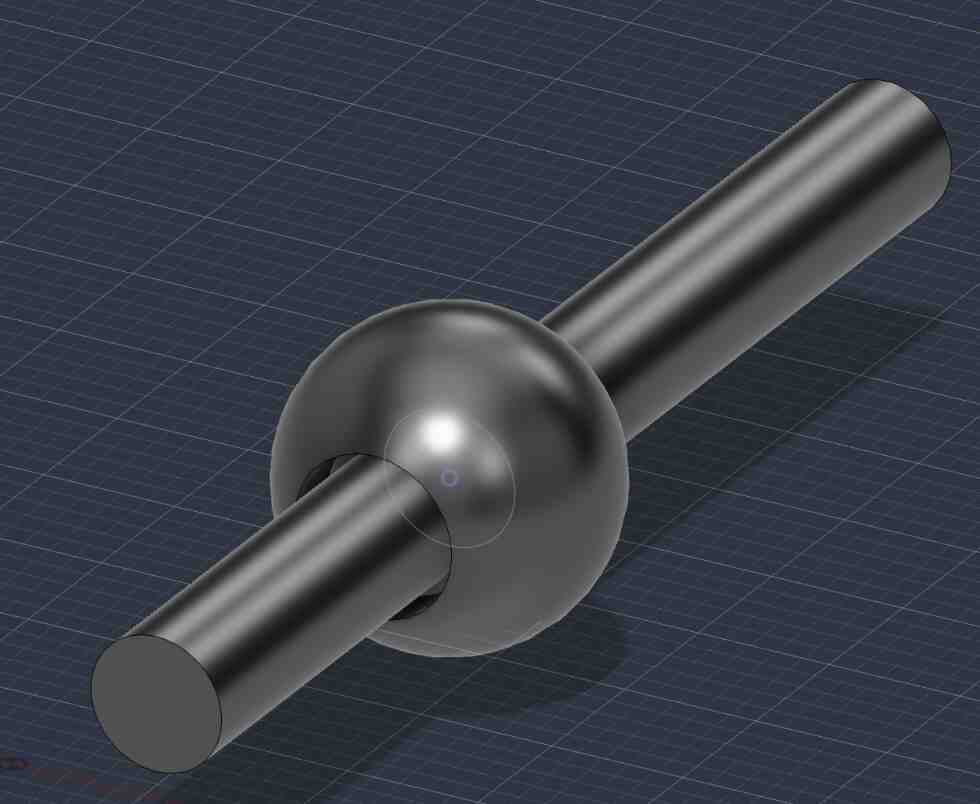
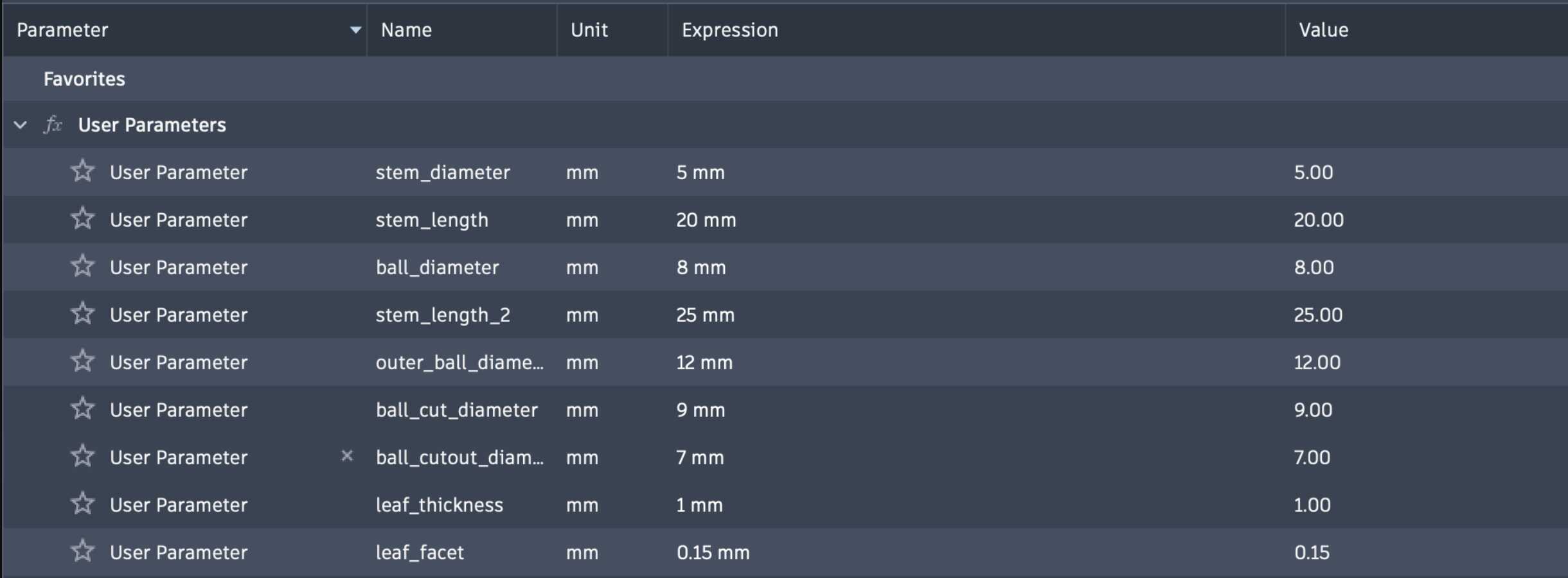
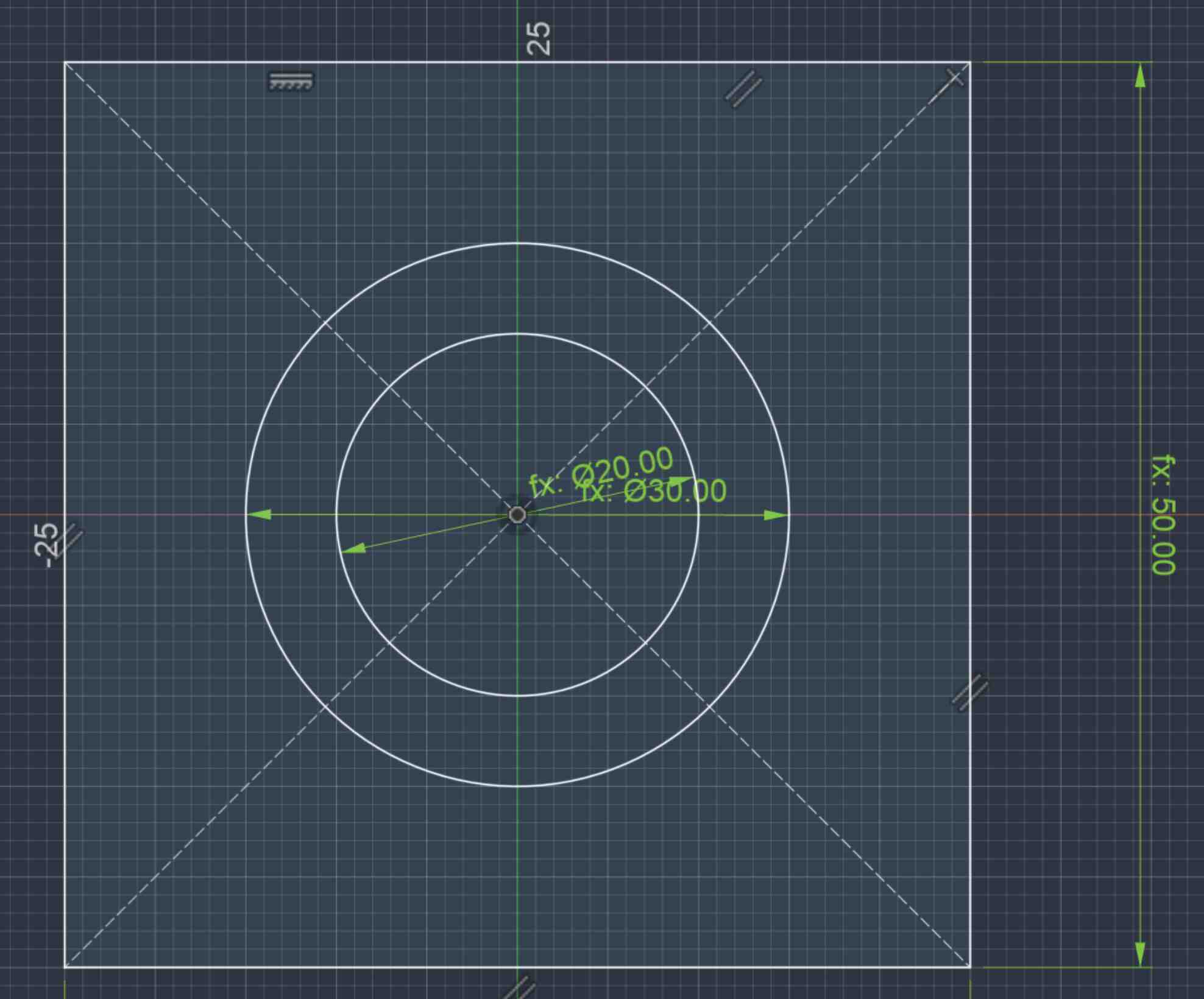
This was my first time doing 3D Fusion, so I spent some time learning the commands. The design was parameterized, and the parameters that I used are here.
Printing a single joint
I used the Prusa MKS4 to print the joints. I went to the 3D printing training and learned the steps to print an object:
- Export the design as an STL file from Fusion
- Import it into PrusaSlicer
- Arrange the design and add a brim/supports if needed
- Transfer to the. 3D printer and start printing
- Tune the paramters (speed, nozzle heat, bed heat) if needed
- After the print finishes, leave it on the bed as it cools down
- Remove the bed and bend it gently to remove the print
- Remove supports and brim
The PrusaSlicer software automatically calculates the supports needed, which was heplful and easier than expected. I used the same settings as we used in the training:
- generic pla
- original prusa mk4s hr0.4 nozzle
- 15% infill
- placed on leaf face so leaves wouldnt need much support
- added supports
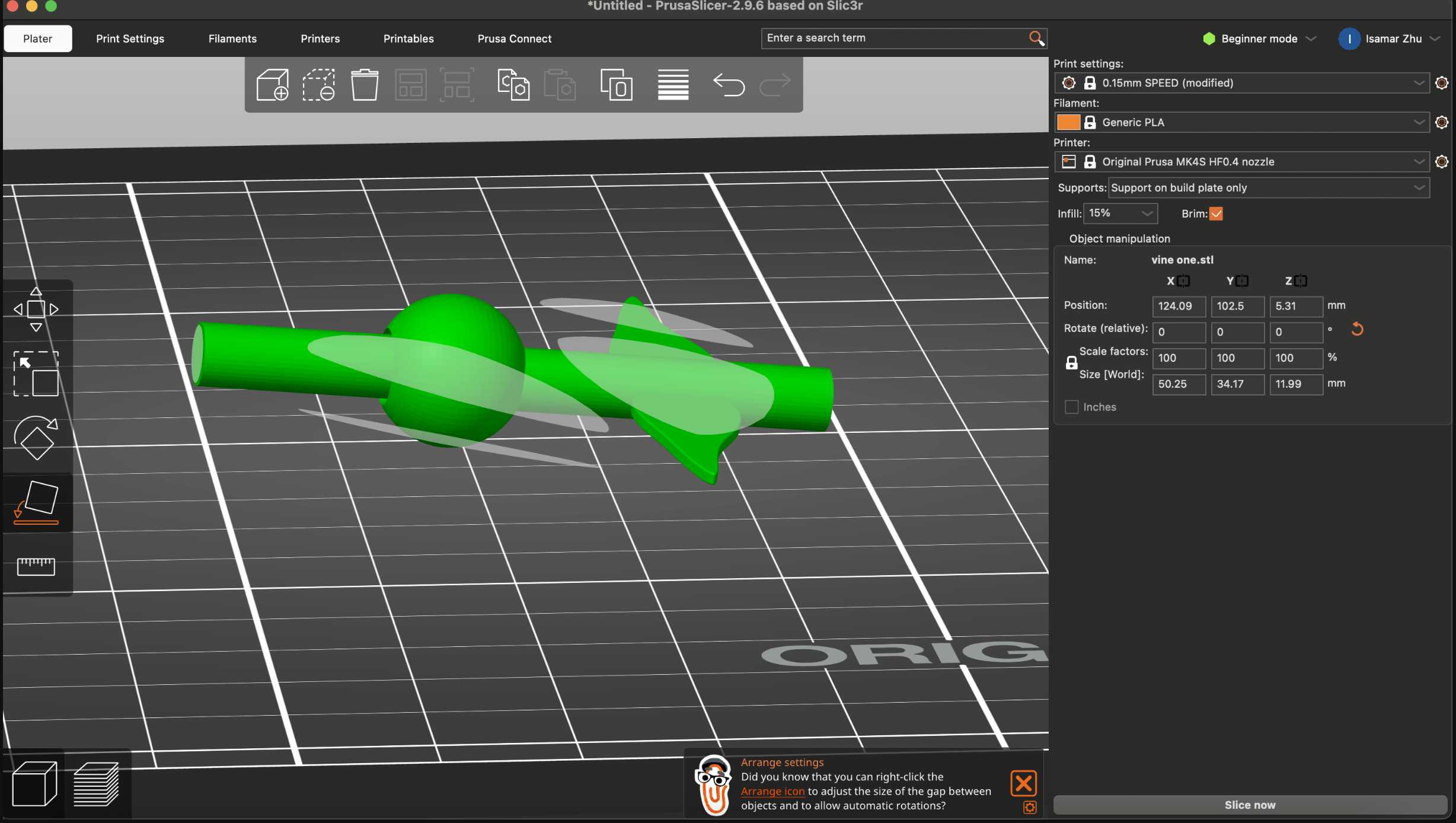
I wasn’t sure if the space between the balls would become filled or not, but thankfully, the 2mm space between the spheres was enough to allow the joint to rotate (after loosening it right out of the printer). The single joint took around 15 minutes to print. The supports were a bit difficult to remove, but the joint rotates! I didn’t expect so much material to be used for the supports, so I wished there was an option on PrusaSlicer to minimize support was by orienting the object correctly.
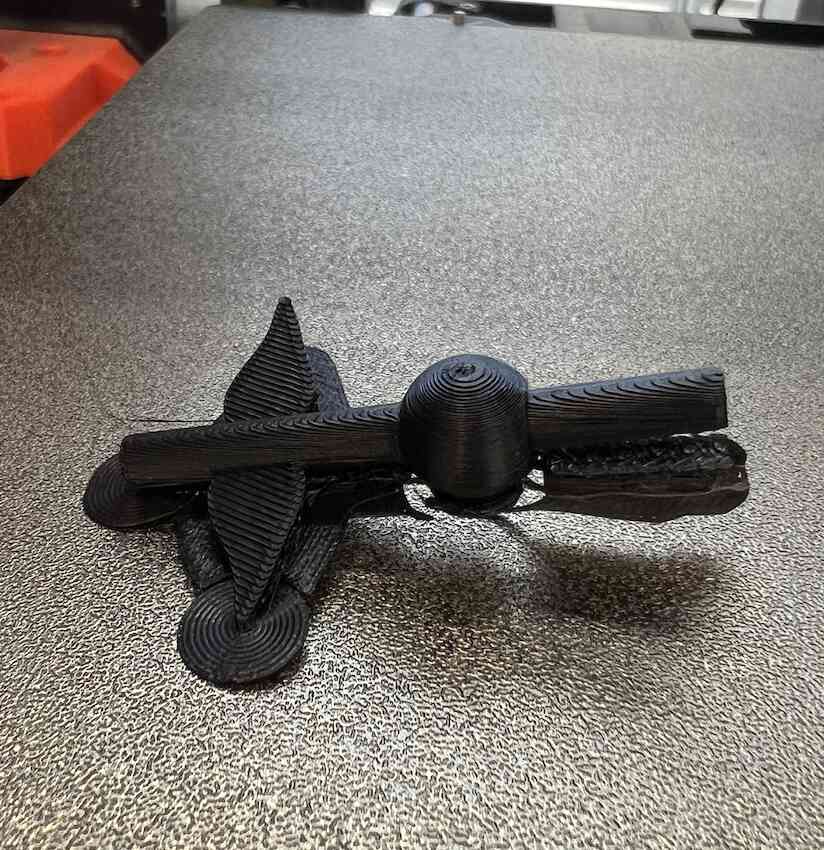
Small edits
I noticed that the joint was a bit stiff and there wasn’t much clearance between the larger ball and the first vine, so I made the opening wider. This time, the filament stopped coming out after a few minutes, and I noticed that the temperature of the nozle was set to 170C. I increased it to 230C (the recommended amount), and restarted it.
Printing multiple joints
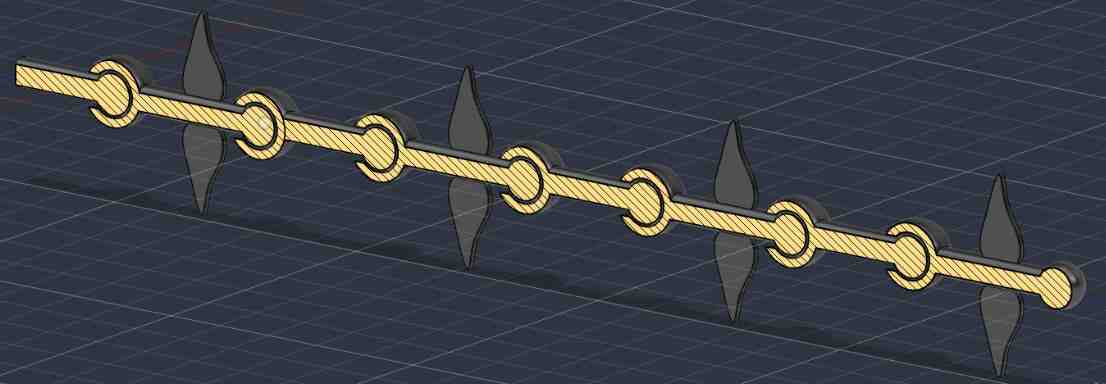
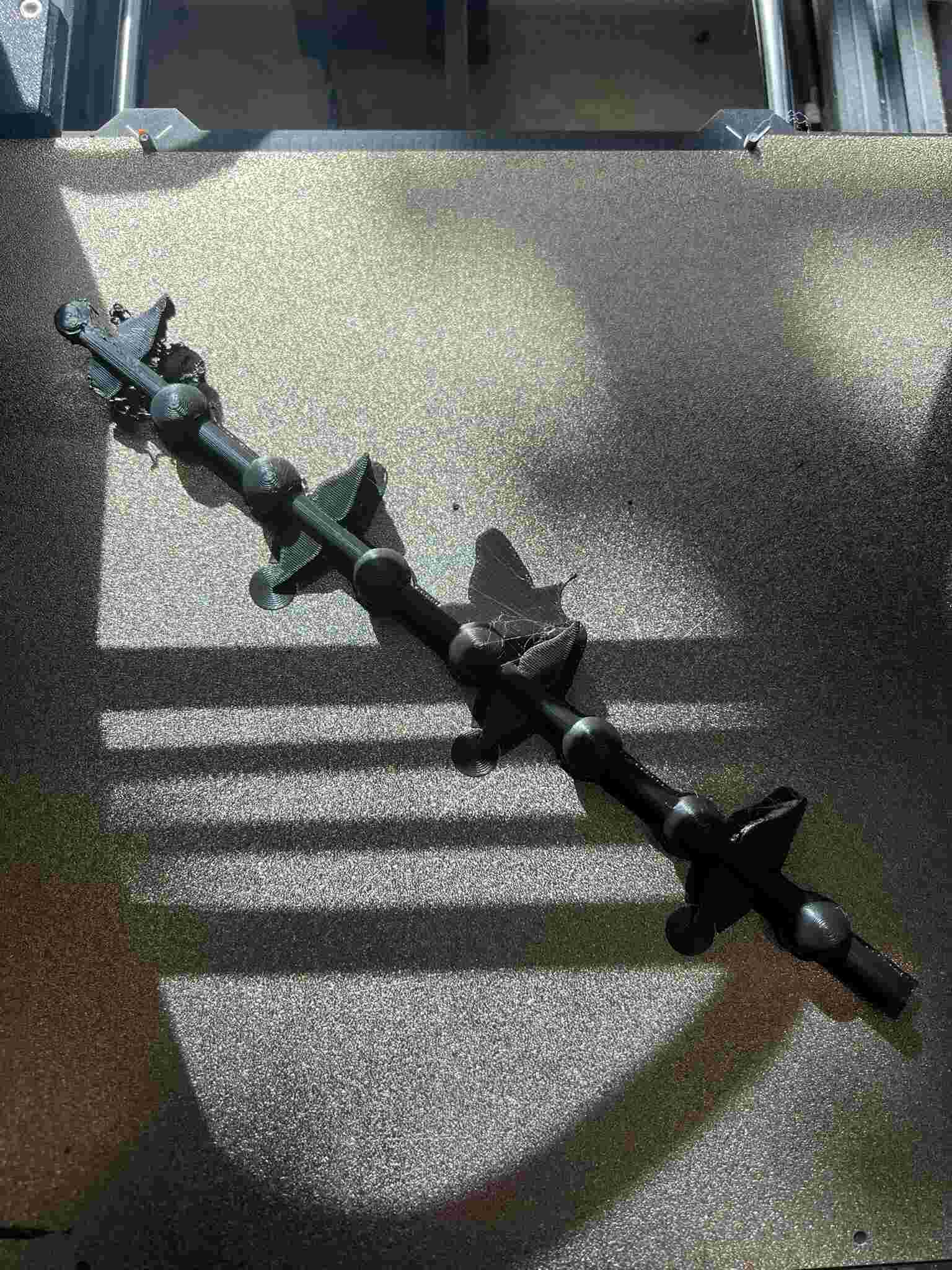
After testing that the single joint worked, I tried to print out an entire vine. Cesar helped me duplicate some of the components to create a long chain of ball-and-socket joints. The cross section tool was useful to visualize the inside of the joint. This time, it took ~53 minutes to print.
3D printing a vase
I also wanted to print something using organic shapes, to practice CADing the structure of my final project. Since I printed vines, I decided to print a vase to hold them. I followed this tutorial on YouTube to create the organic vase, then this tutorial to create the mesh form.
Fusion
These were the steps that I did in Fusion to create the vase:
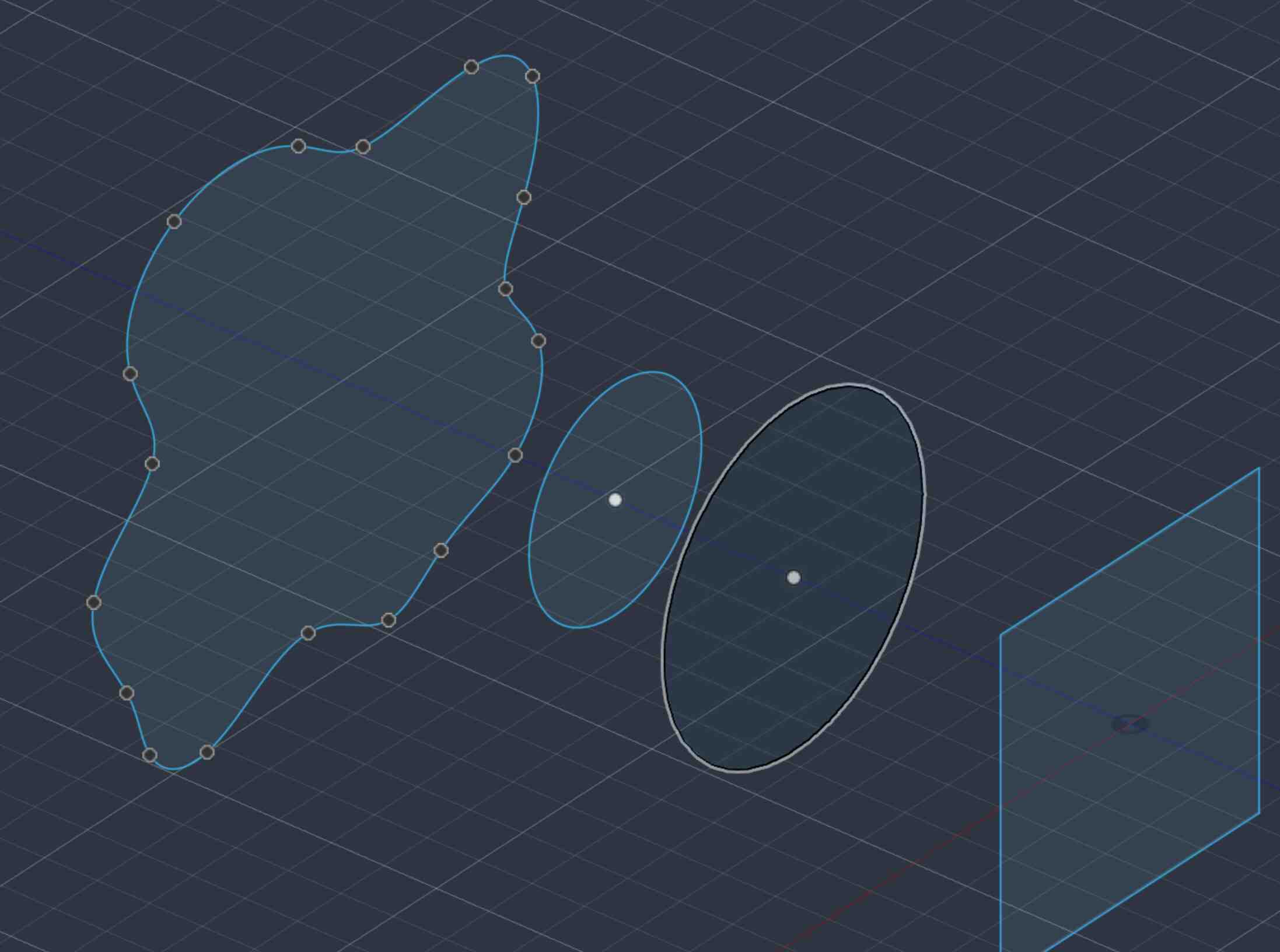
- Created 4 shapes and separated them along the same axis
- In Surface->Loft, I added a smooth surface between them
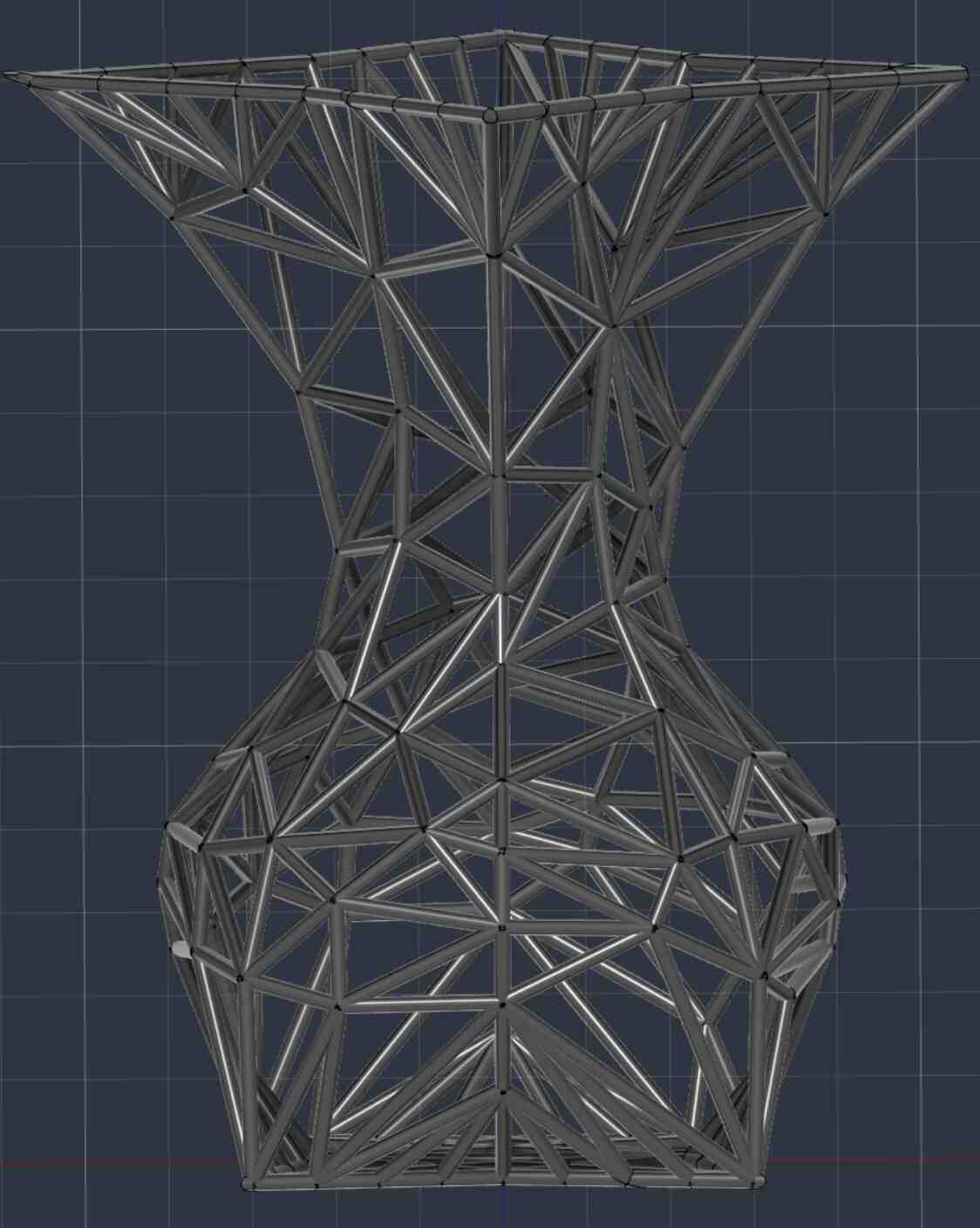
- Tessalate to create a mesh out of the surface
- Remesh, then make the traingles as big as possible
- Reduce edges, which further simplifies the mesh into fewer polygons
- Pipe all the edges
The Pipe function only works on paths, not individual edges. Instead of manually piping each edge, I asked ChatGPT to write a script to pipe every edge with a 1mm pipe for the selected object. The downside to this was that every pipe created a new timeline event, which clogged the timeline up.
import adsk.core
import adsk.fusion
import traceback


def run(context):
    ui = None

    try:
        app = adsk.core.Application.get()
        ui = app.userInterface

        design = adsk.fusion.Design.cast(app.activeProduct)
        root = design.rootComponent

        # Select triangulated BRep body
        selection = ui.selectEntity(
            'Select the triangulated BRep body',
            'Bodies'
        )

        body = adsk.fusion.BRepBody.cast(selection.entity)

        if not body:
            ui.messageBox('Please select a BRep body.')
            return

        # Desired strut diameter
        diameter_mm = 1.0

        # Fusion API internal length unit = cm
        diameter_cm = diameter_mm / 10.0

        pipe_features = root.features.pipeFeatures

        success_count = 0
        fail_count = 0

        # Save the edges before we start modifying the model.
        # Creating features can invalidate/change body topology.
        edges = [edge for edge in body.edges]

        for edge in edges:
            try:
                # Make ONLY this edge the path.
                # Do not chain neighboring edges.
                path = adsk.fusion.Path.create(
                    edge,
                    adsk.fusion.ChainedCurveOptions.noChainedCurves
                )

                pipe_input = pipe_features.createInput(
                    path,
                    adsk.fusion.FeatureOperations.NewBodyFeatureOperation
                )

                pipe_input.sectionSize = (
                    adsk.core.ValueInput.createByReal(diameter_cm)
                )

                pipe_features.add(pipe_input)

                success_count += 1

            except:
                # Don't stop the whole script if one edge fails.
                fail_count += 1

        ui.messageBox(
            f'Finished!\n\n'
            f'Pipes created: {success_count}\n'
            f'Failed edges: {fail_count}'
        )

    except:
        if ui:
            ui.messageBox(
                'Failed:\n{}'.format(traceback.format_exc())
            )
Printing vase
I used the Prusa Core One to print the vase, since I wanted to try multiple printers. It was pretty much the same process to upload the STL file to PrusaSlicer - I just had to change the printer type.
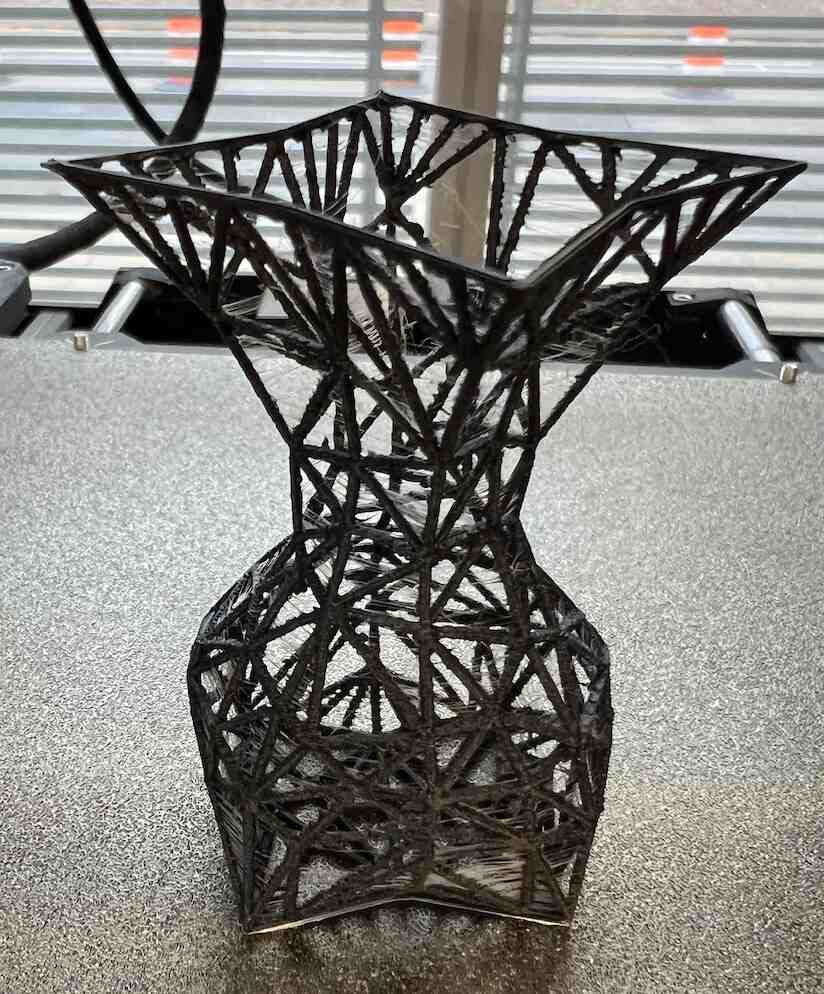
I was worried that the 1mm pipes would be too thin for the printer, but it actually worked alright. I was also slightly concerned about putting supports because they would be hard to remove from the thin vase structure, so I didn’t use them. The bridging effect worked ok, and there wasn’t any spaghettiing on the horizontal parts.
Some printing failures
Stuck filament
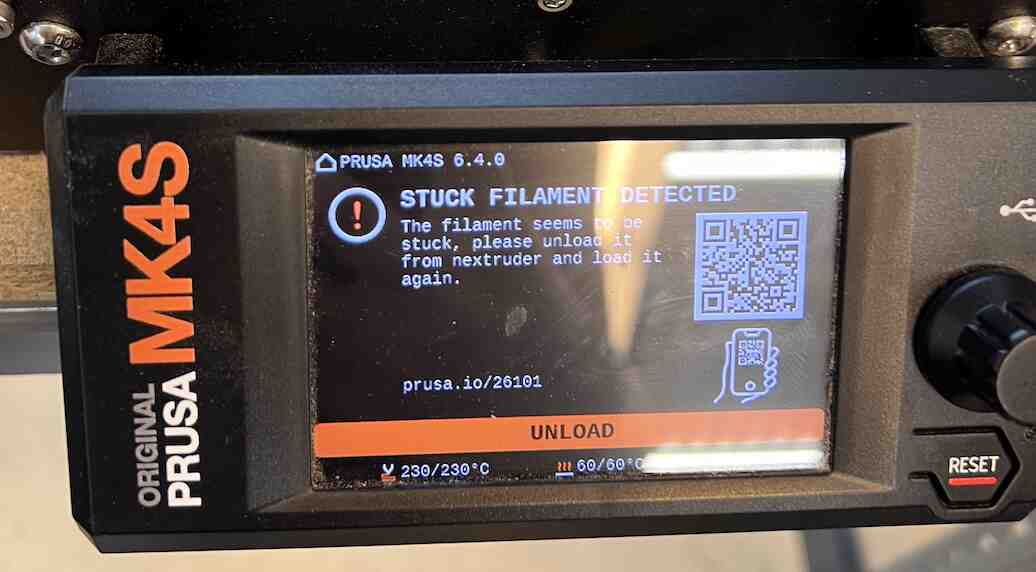
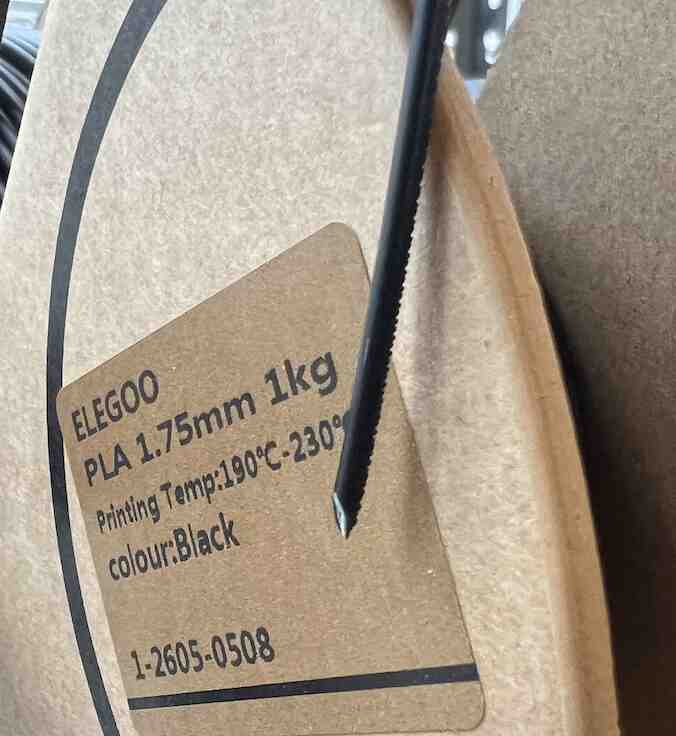
There were a few instances where the machine would produce a “stuck filament” error. To fix this, I followed the prompts to unload the filament, reinsert it, and make sure that it purged correctly before continuing to print. I learned from Michael that cutting the filament at an edge before reinserting would help it insert more cleanly, in case it had gotten slgihtly deformed.
Spaghetti
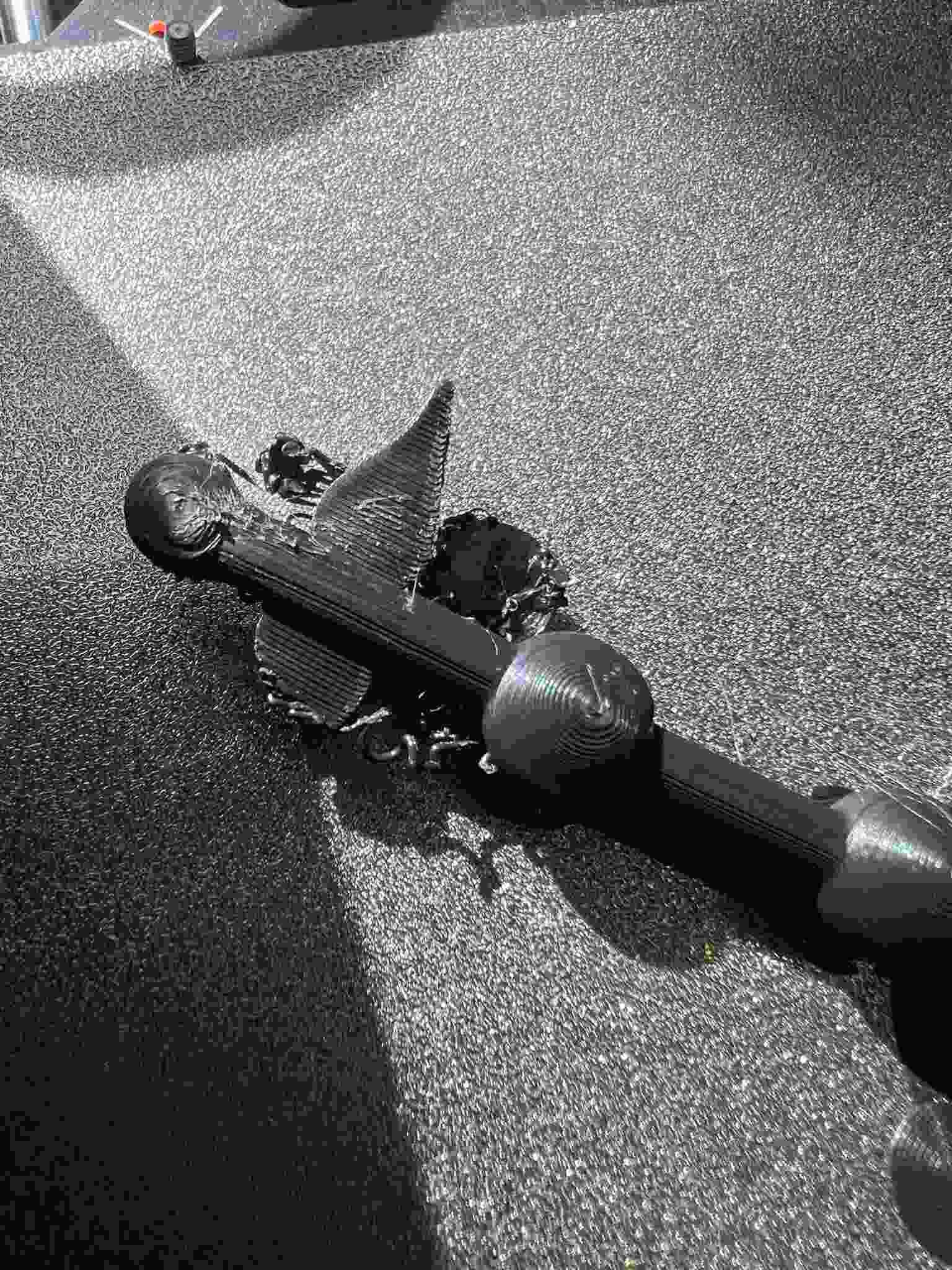
The end of my long vine print spaghettid, and I’m still not completely sure why. I’m guesssing the angle was too extreme, and the filament started drooping without supports.
Deforming on overhangs
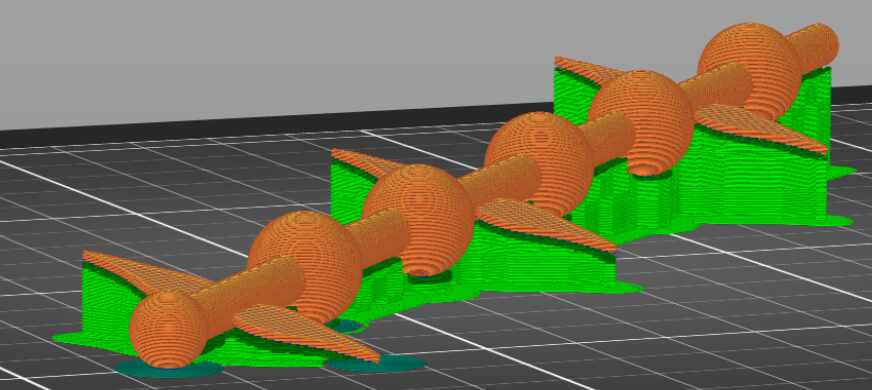
On one of the shorter prints, the sphere were deformed on one side, making the joint stiff and unable to rotate. I fixed this by rotating and tilting the vine on PrusaSlicer so that more of the sphere had supports.
3D Scanning
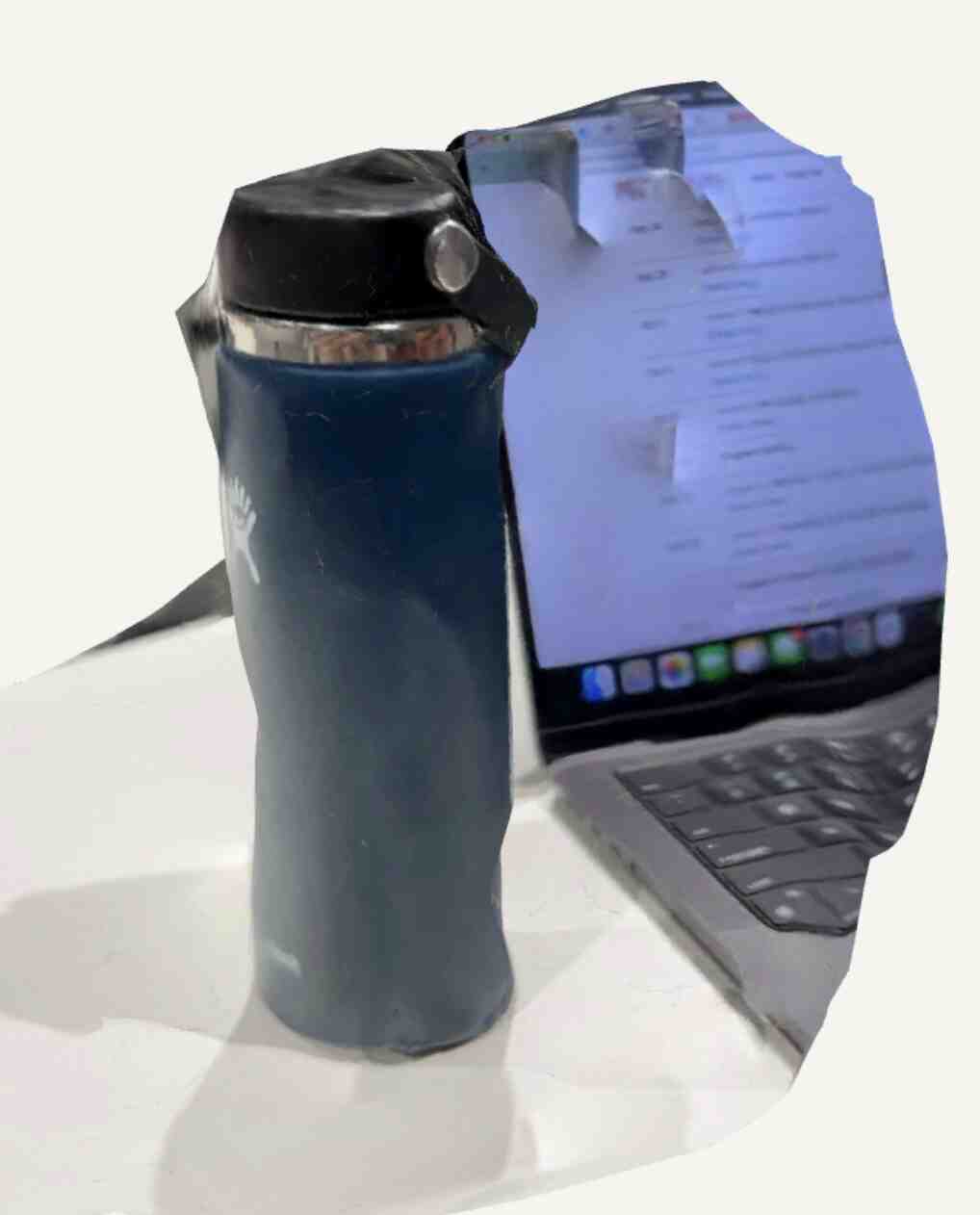
I decided to scan something simple on PolyCam, and landed on my water bottle. I didn’t realize that my laptop would get into the scan, but everything was captured pretty accurately. There was also some noise in the back, potentially because I was tilting the phone a lot while scanning. This scan used 20 images (the minimum needed).
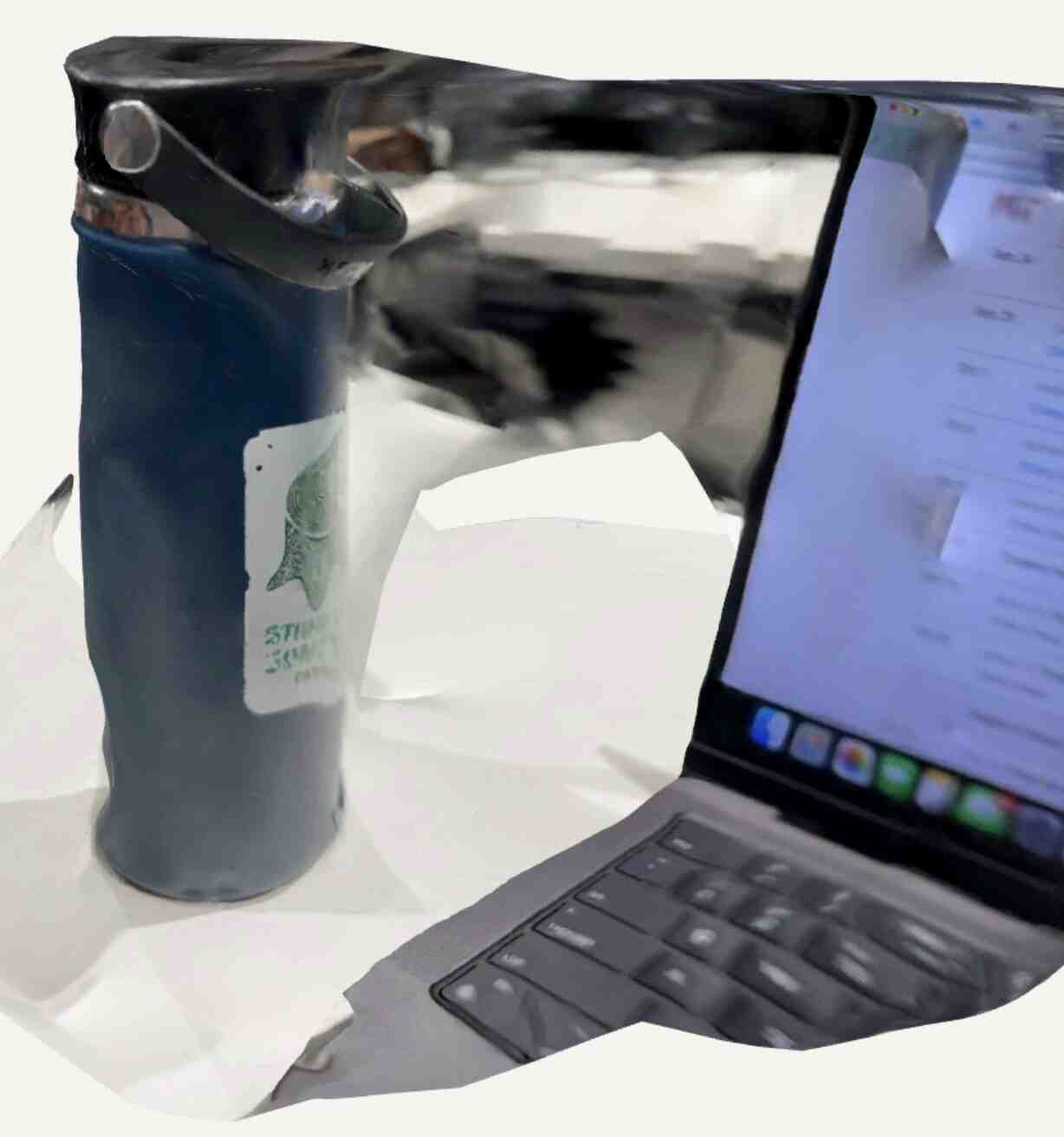
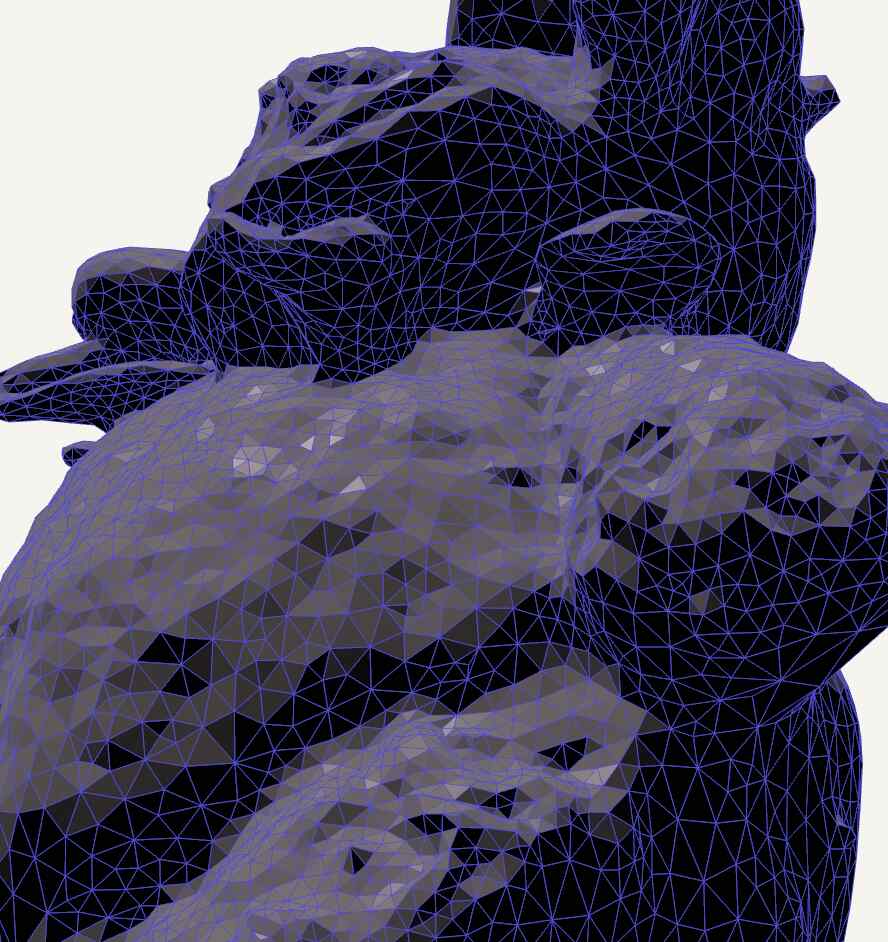
Since the scan turned out poorly, I wanted to try again with more images. I decided to scan Bart, my bear Jellycat. I used 51 images this time, and made sure to get as many angles as possible, resulting in a better scan. The fur texture wasn’t captured in detail, as shown in the mesh view.
Group Assignment
Our group assignment page for this week is [here](INSERT LINK). My contribution for this week was creating the shared documentation file, coming up with a plan to test the design rules from the STL files on the website, and taking photos + writing documentation for the surface finish, wall thickness, overhang, troubleshooting, and setup sections.