Post
jeannie
Week 3
3D Printing and Scanning
Group Assignment
- Task: Test the design rules for your 3D printer(s)
- View the group assignment documentation here.
Individual Assignment
- Design and 3D print an object that could not be made subtractively (small, few cm3, limited by printer time)
- 3D scan an object (and optionally print it)
3D Printing
Brainstorm
At the start of the week, I really struggled to brainstorm something that could not be made subtractively, but I still felt motivated to make. I’m also still struggling with the concept of not “wasting” my time making something that is “not useful” during this whole class.
The brief mention of “3D printing on fabric” caught my eye during lecture, so I looked into one of the links that Prof. Gershenfeld left, which was an instructible on 3D printing snaps onto fabric.
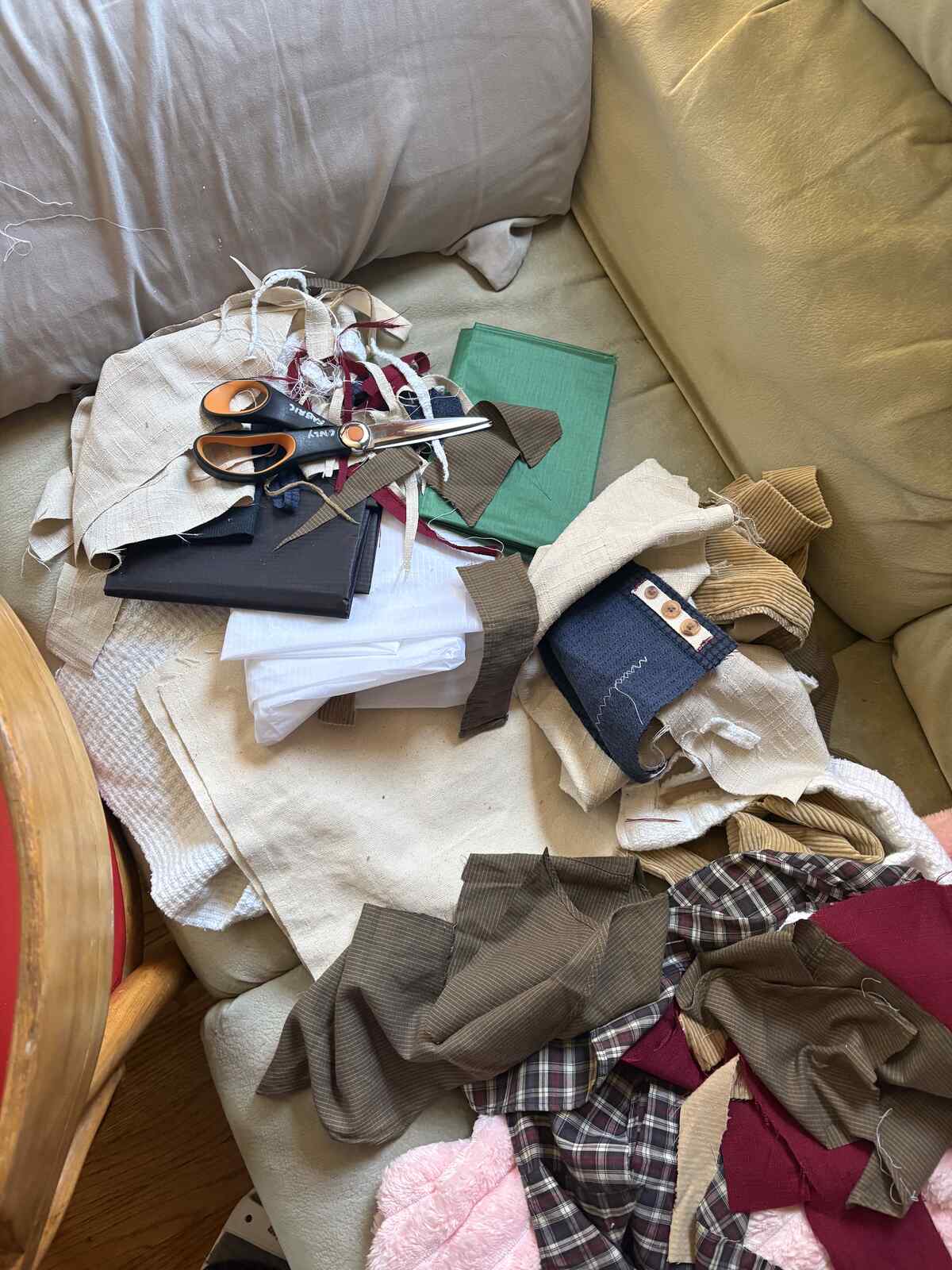
After asking Anthony about the fabric in the shop I saw that there were a ton of these fabric scraps, all fall colored, that I wanted to use up. I set out to 3D print a pocket for a bag.
I started by selecting a fabric scrap that was more robust to tears because I wanted to optimize for the strength of the pocket. Then, I laser cut a few designs of holes on the fabric as test strips to see how far apart those holes should be. I also tested two different laser cutter settings, first Power: 100 / Speed: 14 / PPI: 800 which seemed to singe the fabric, then Power: 100 / Speed: 15 / PPI: 800 which I stuck with for my final laser cuts. I ended up going with a 5 mm distance between the holes.
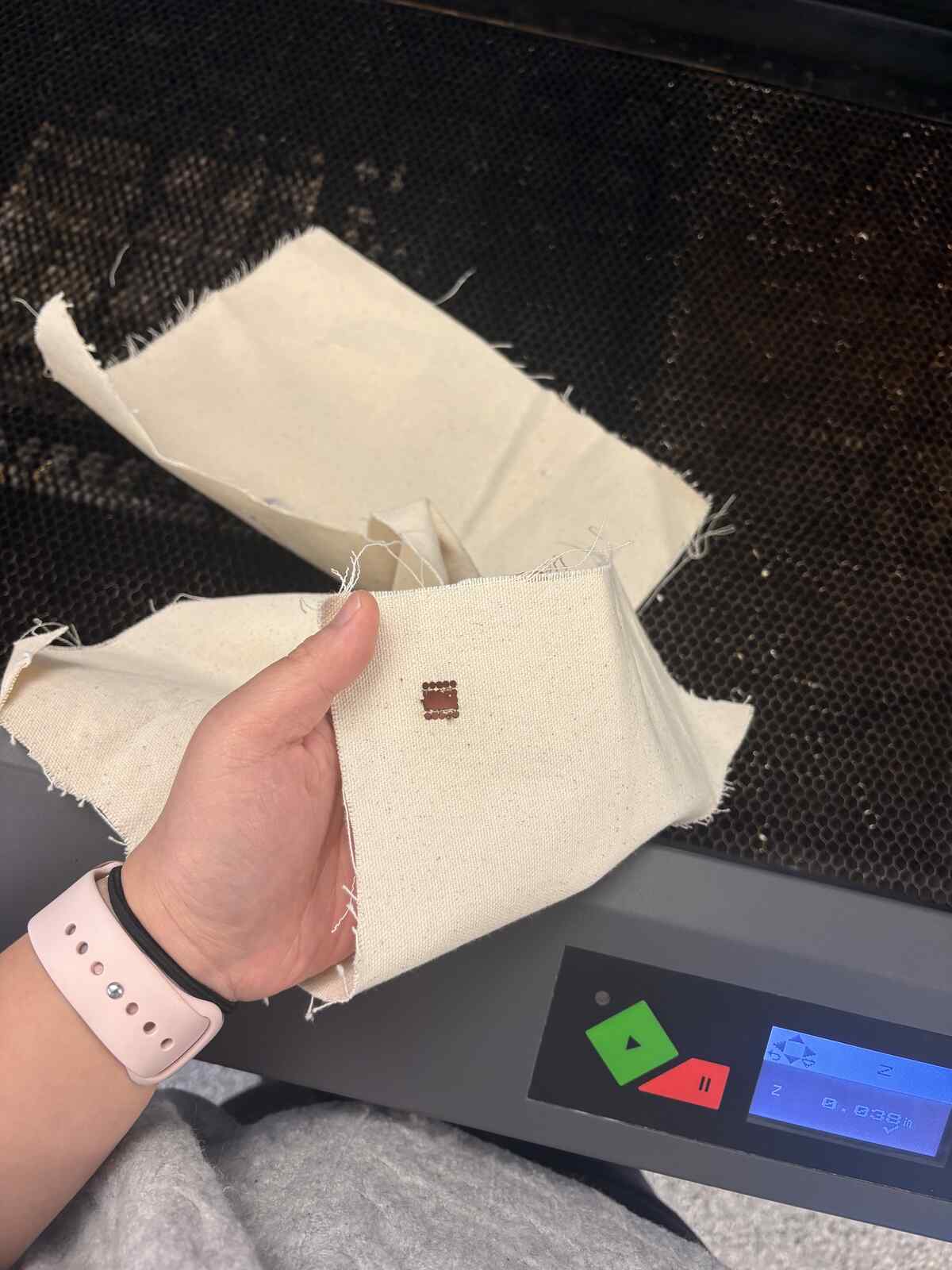
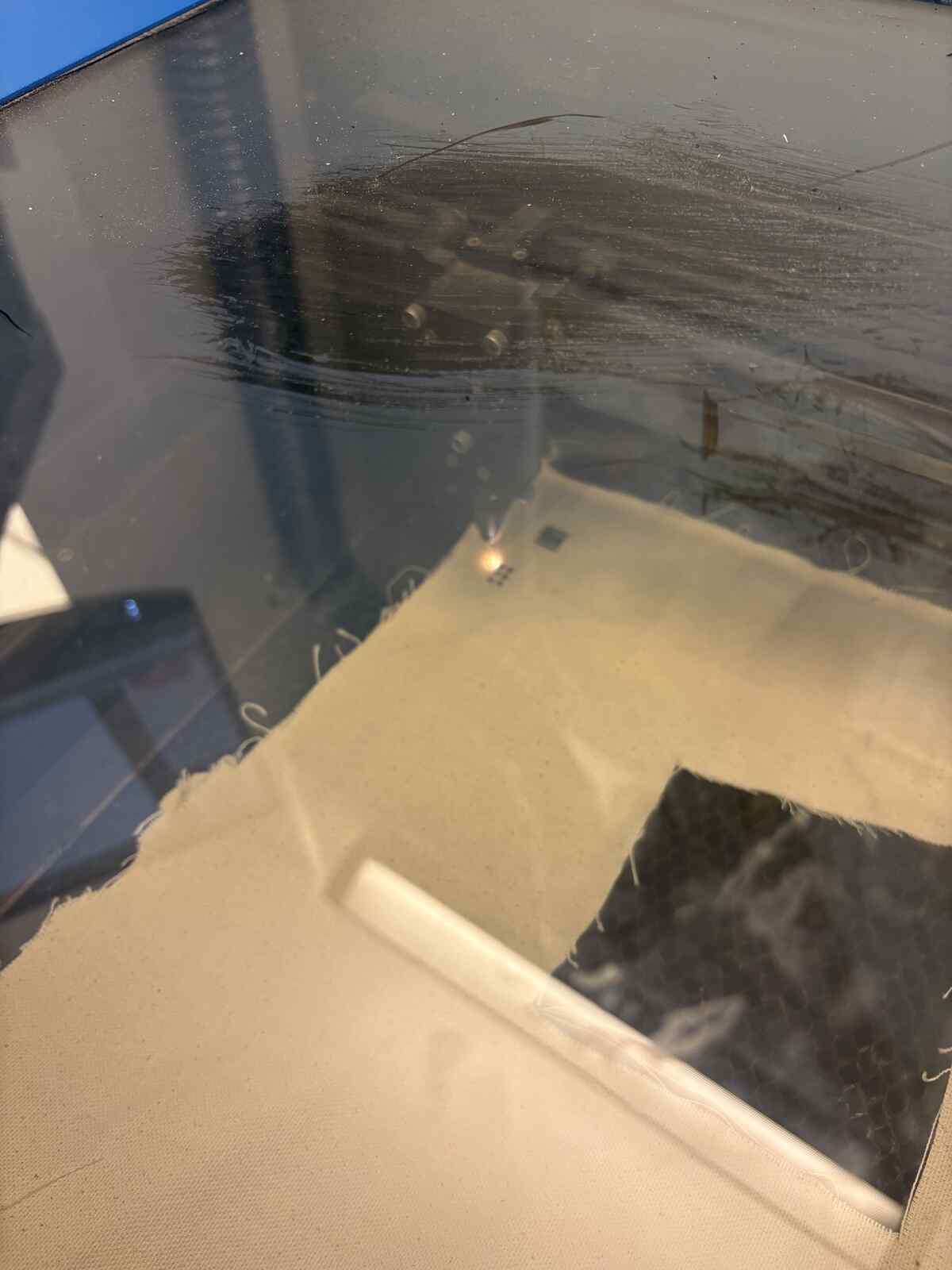
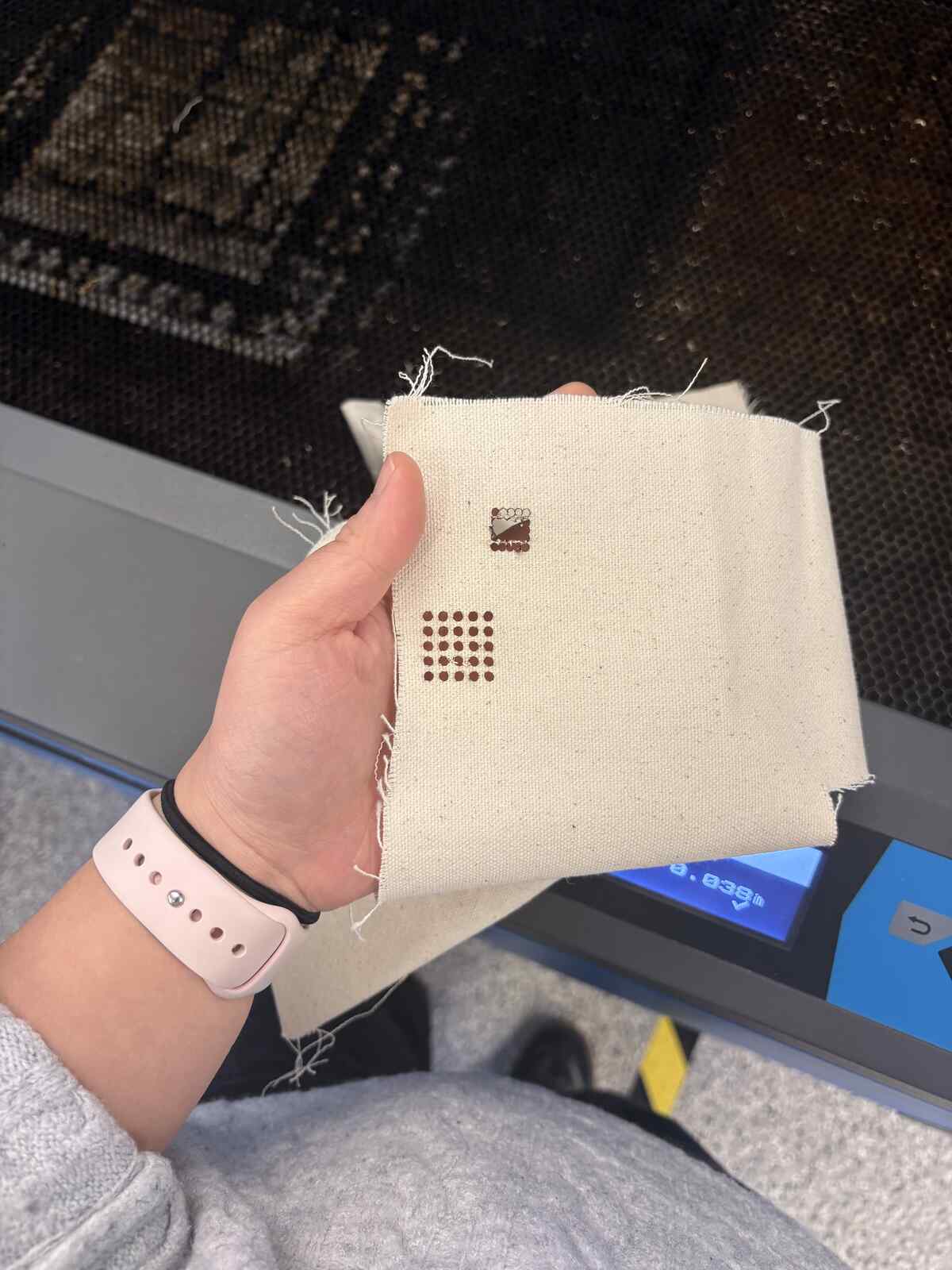
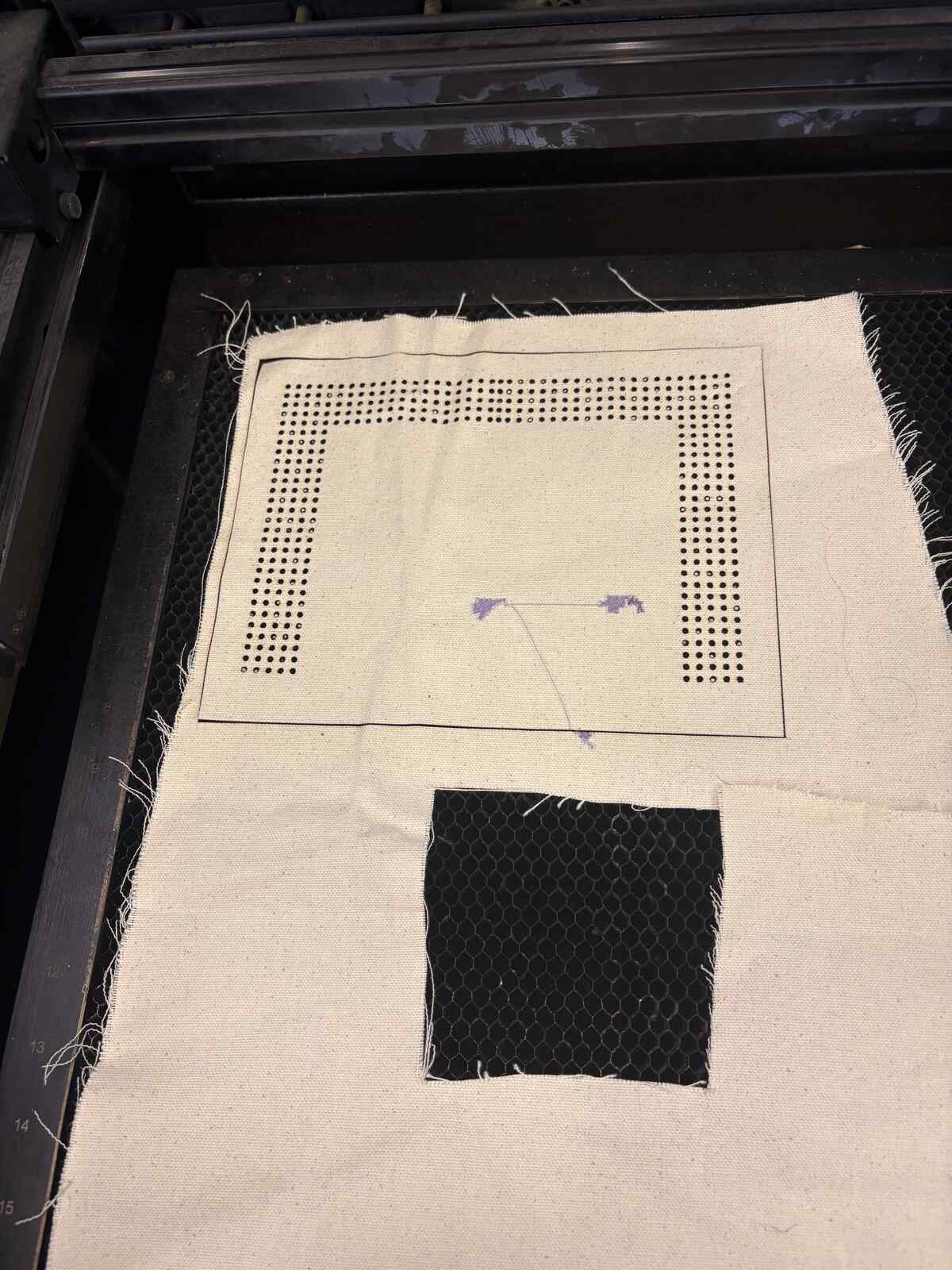
Next, I spent awhile CADding my pocket design. I first 3D printed a test on the same lot material to see if the TPU would be able to adhere to the fabric at all. For this, I designed a sort-of snap design. It was really successful! This gave me the vote of confidence to proceed with printing my pocket.
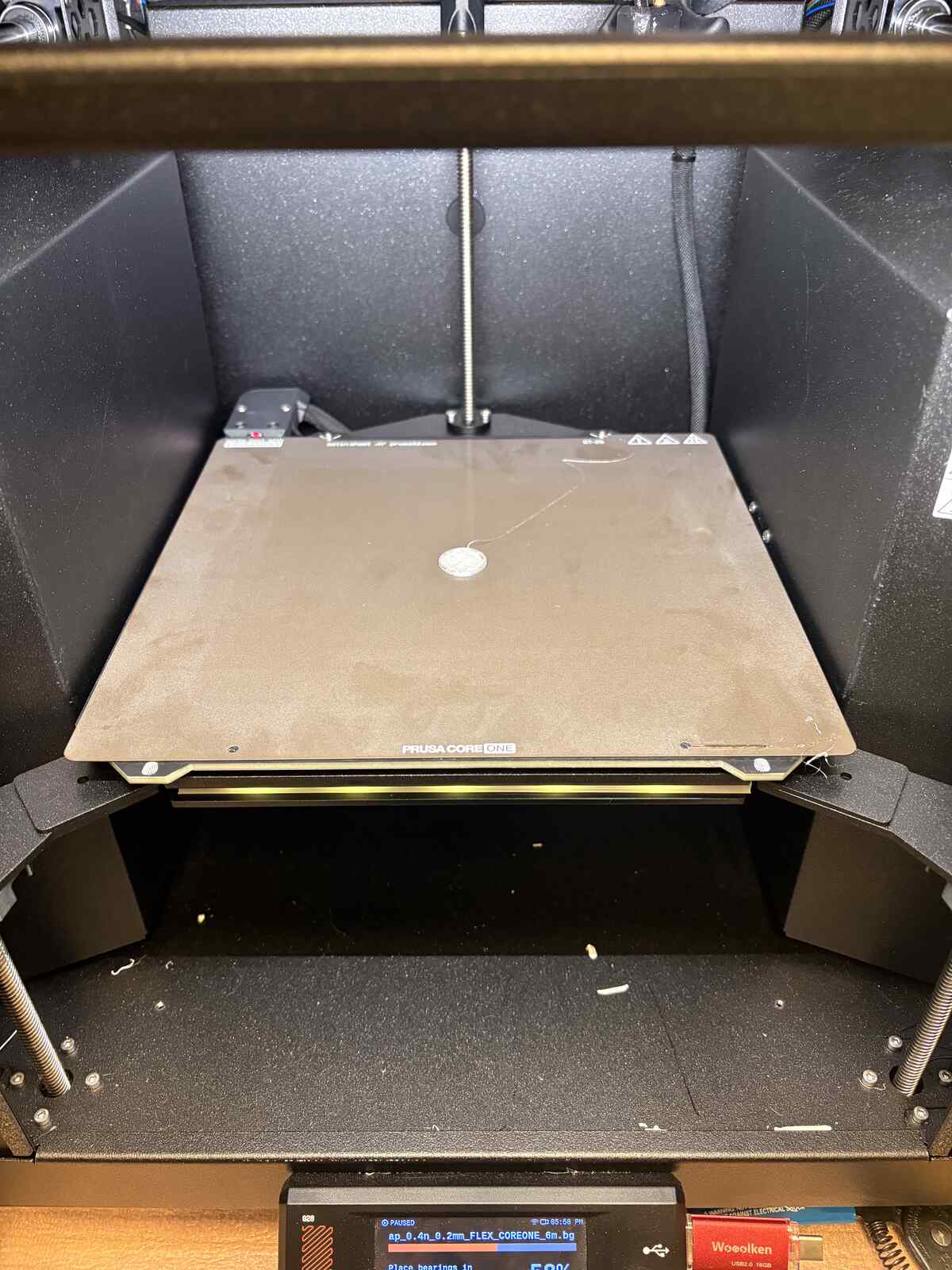
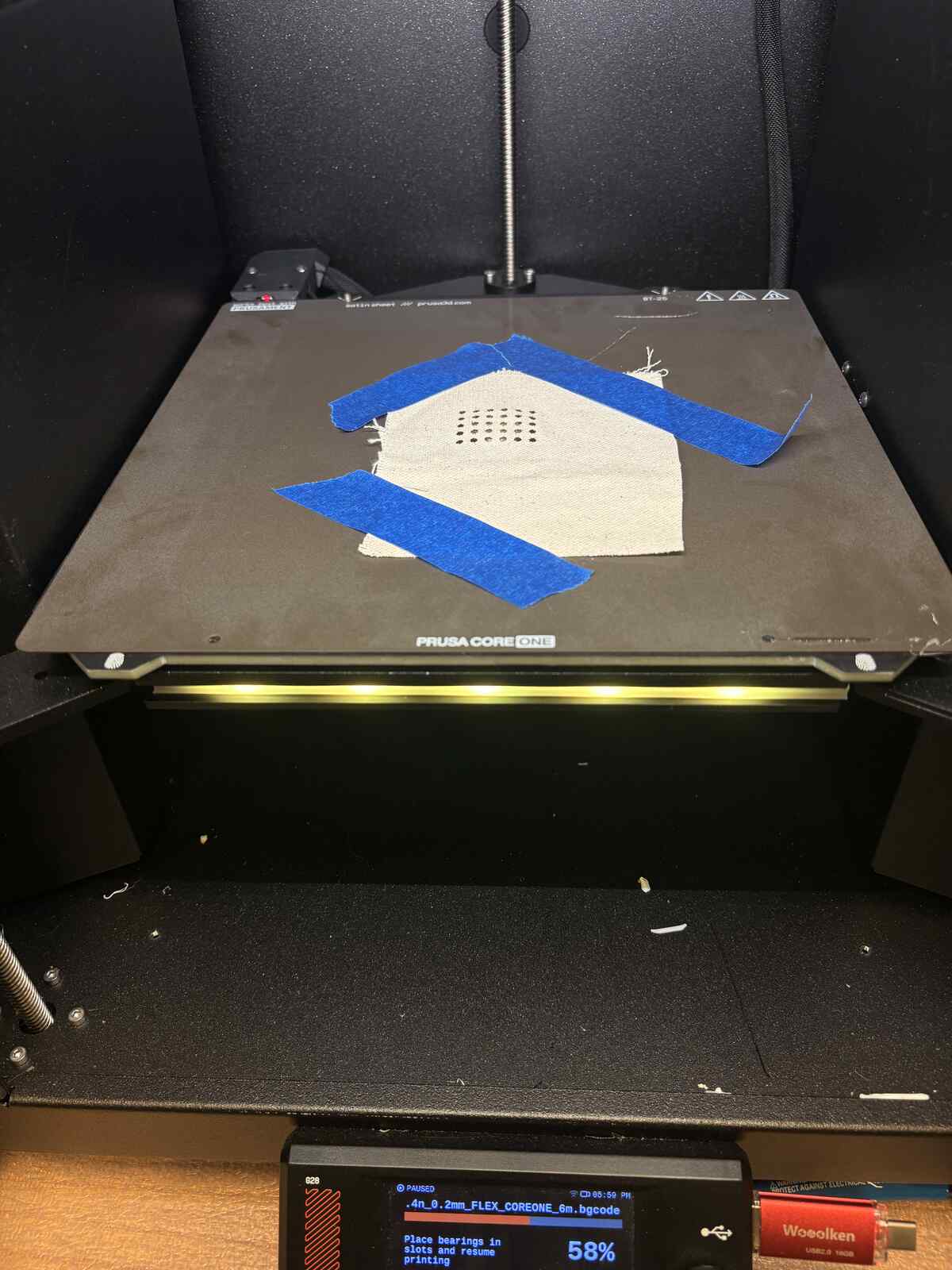
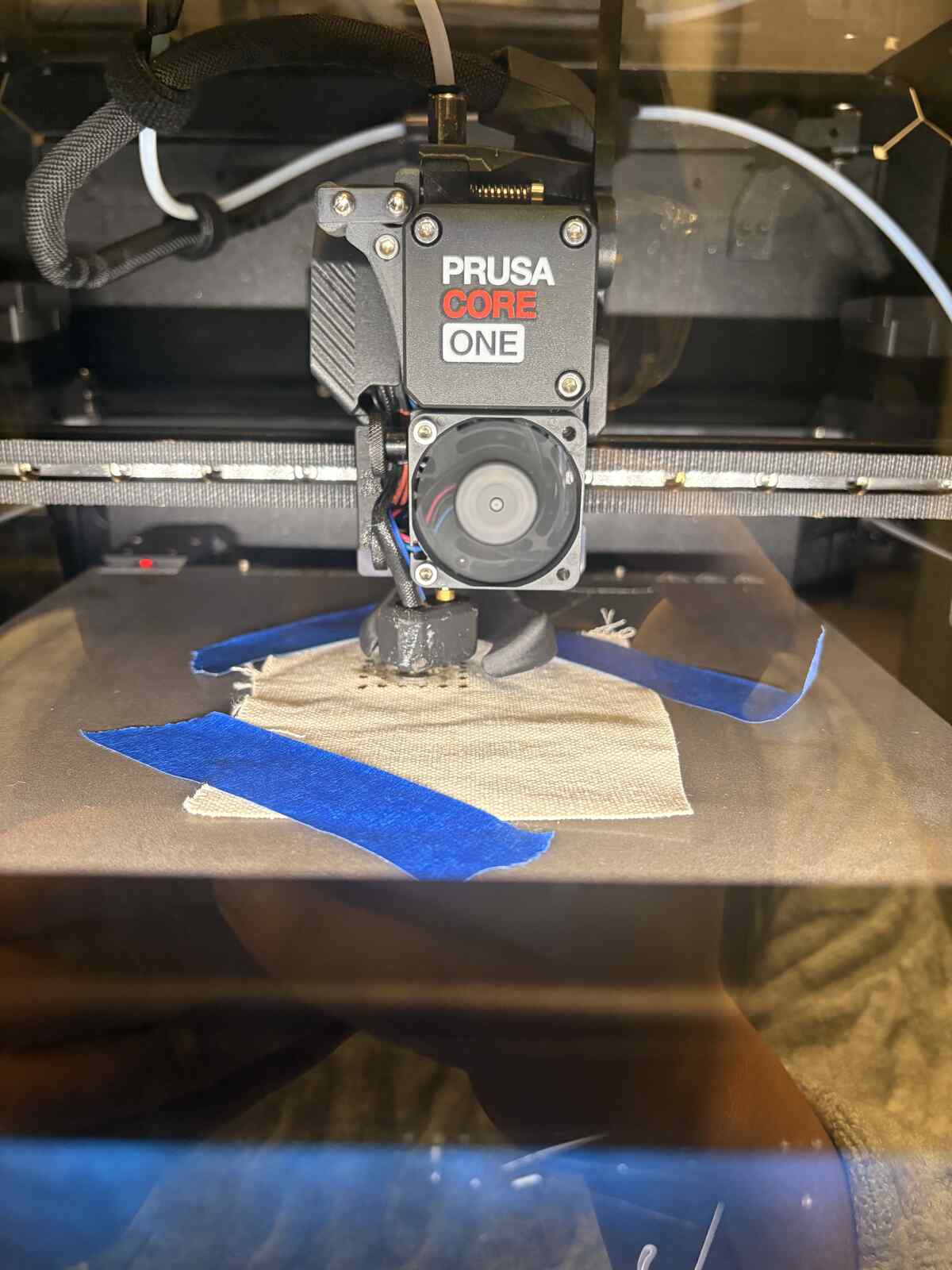
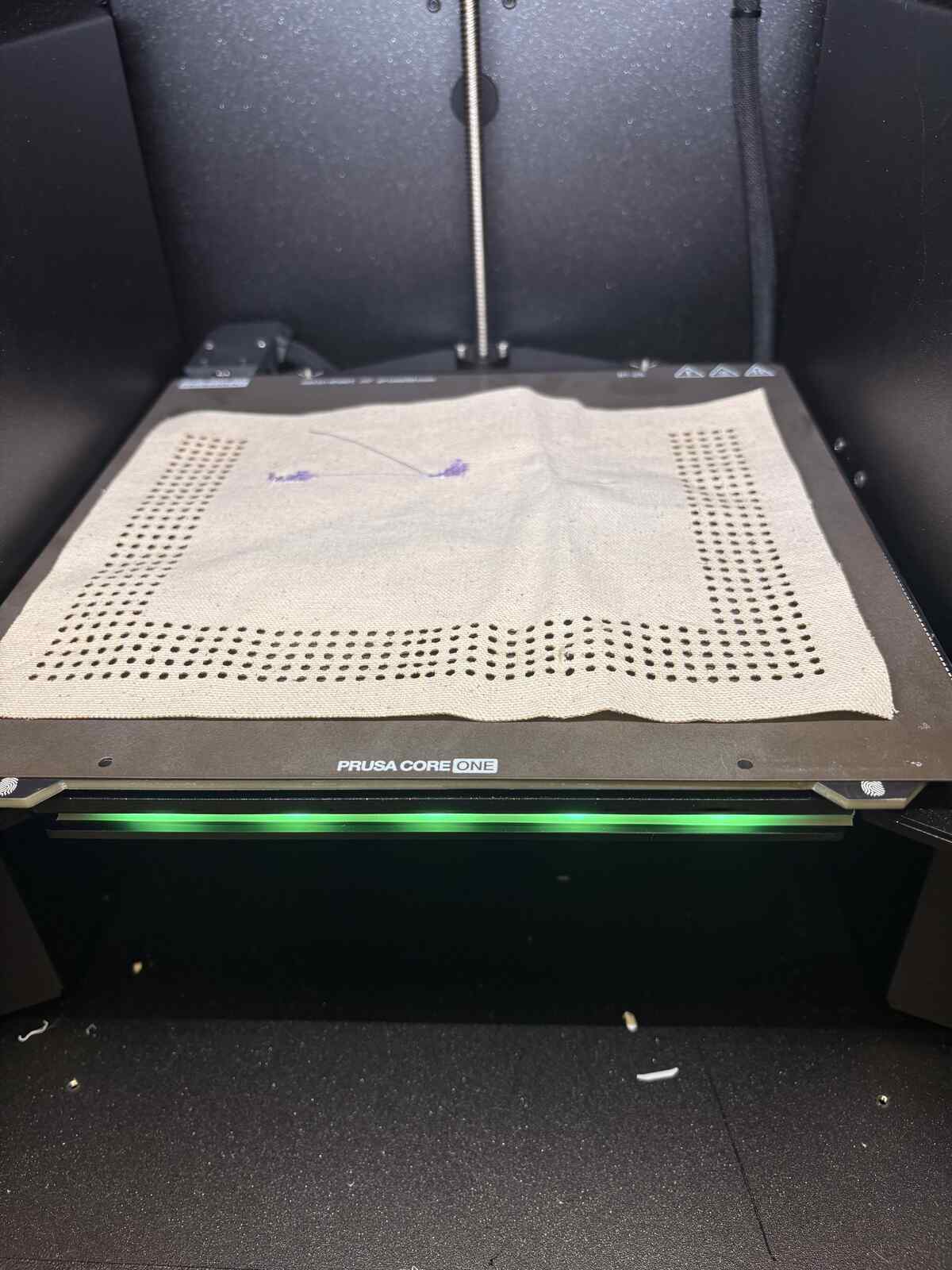
It took 5 hours to print the pocket sheet itself, and then overnight it sat during the “pause” waiting for me to insert my fabric. In the morning, when I came back to the shop, I put the piece of fabric on top and resumed to print over it – or so I thought. I noticed that the printer was making a weird noise, so I asked Anthony for help. He told me the TPU was clogging the nozzle and showed me how the internal nozzle mechanism worked.
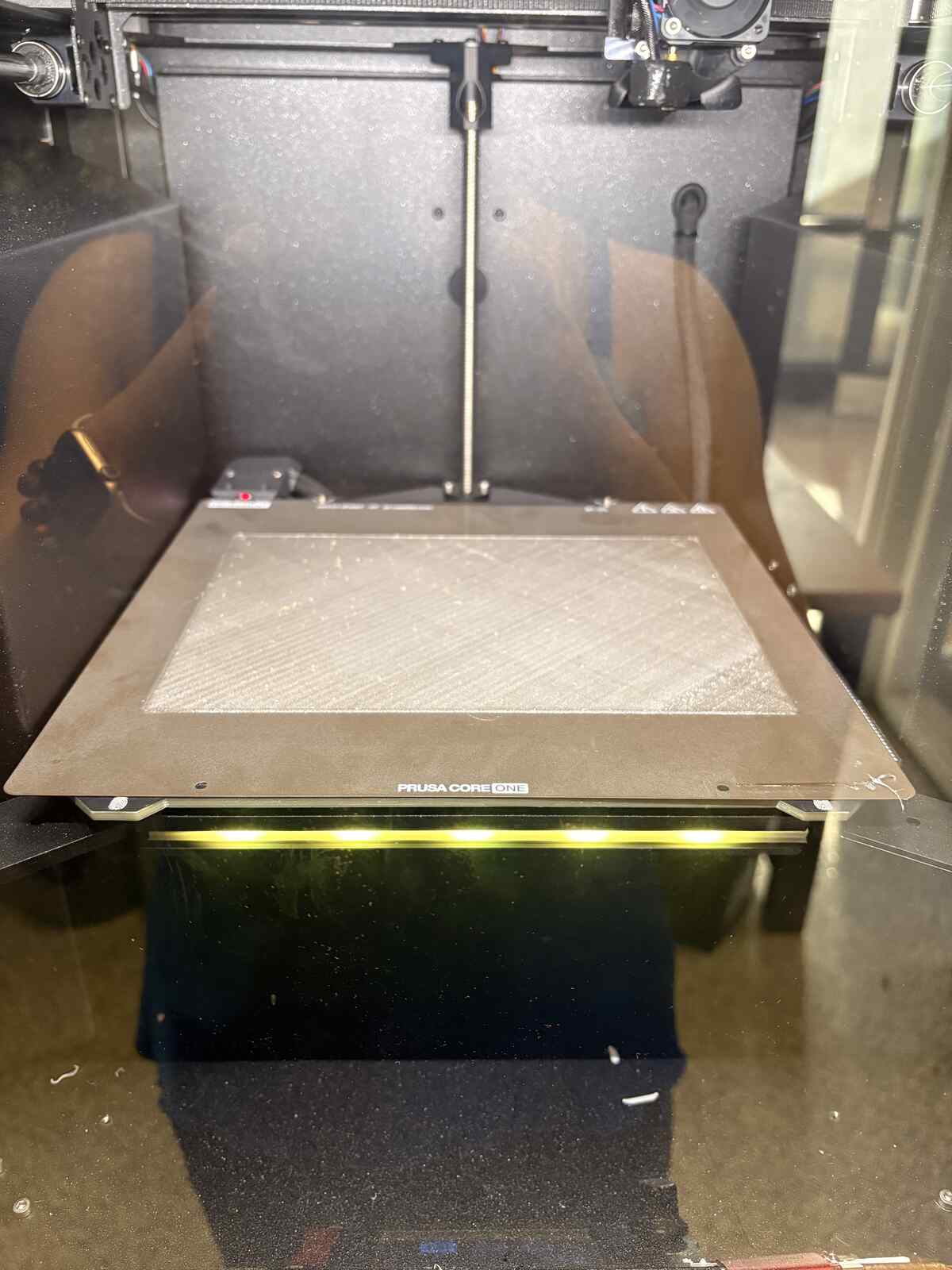
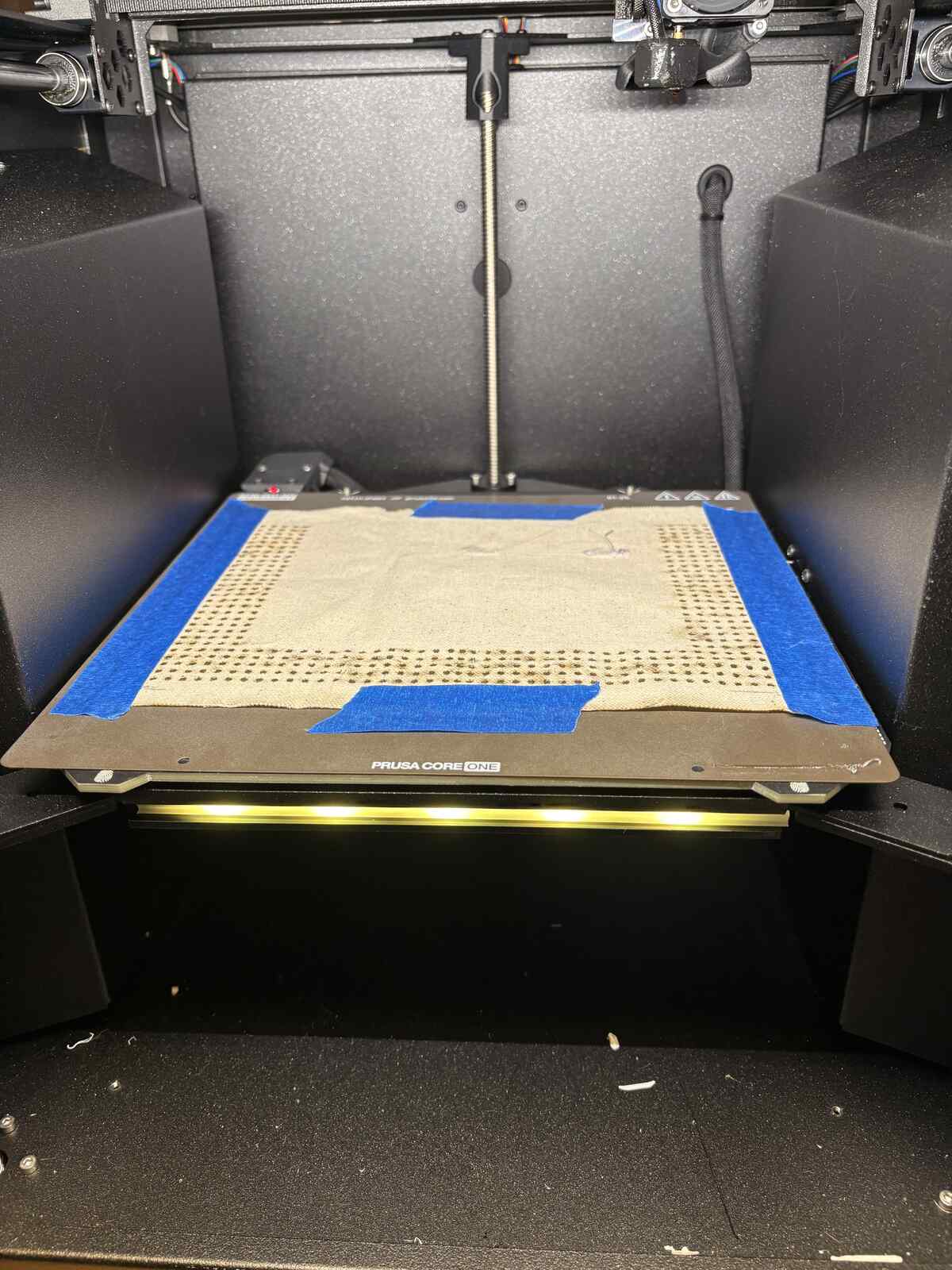
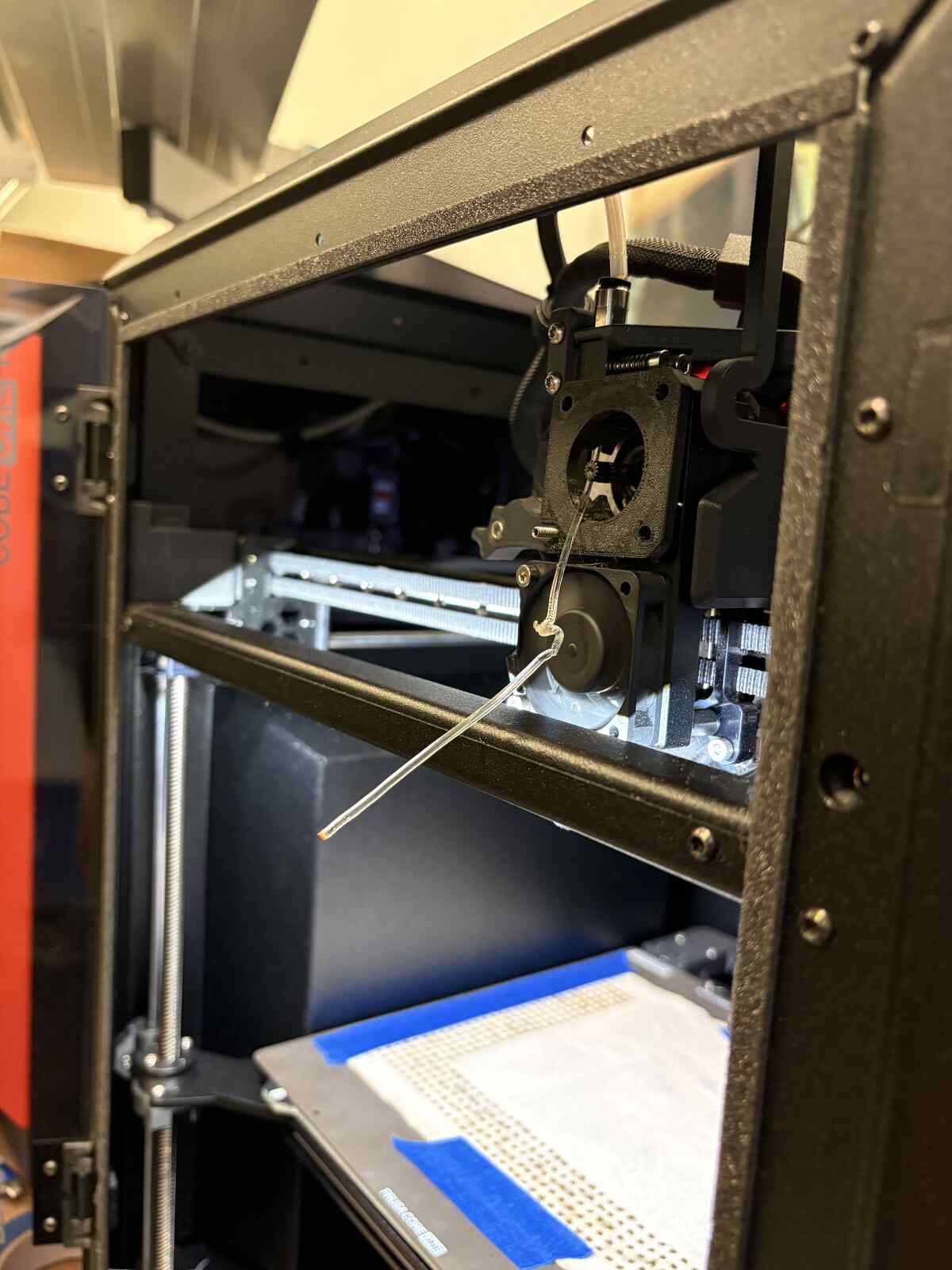
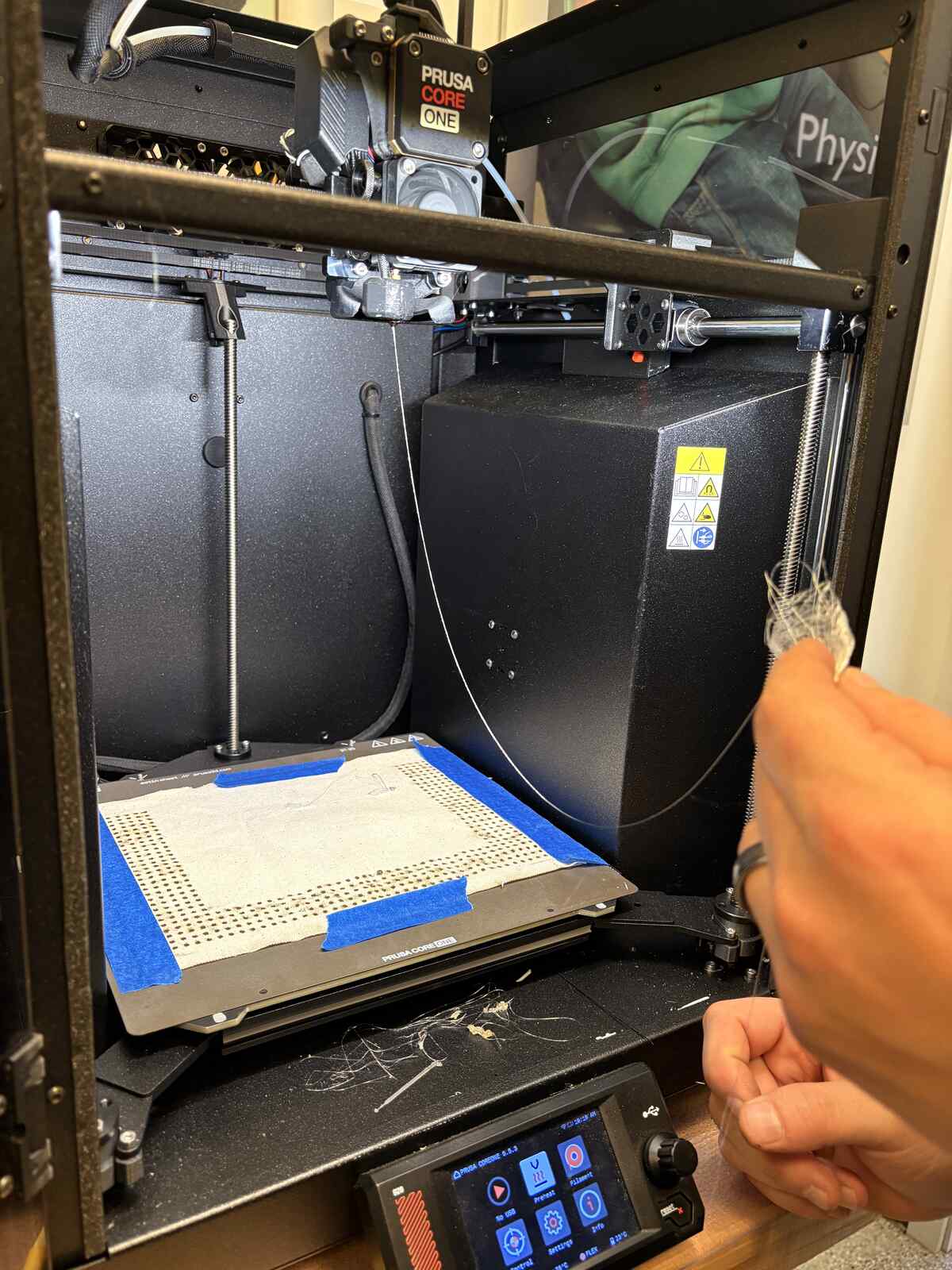
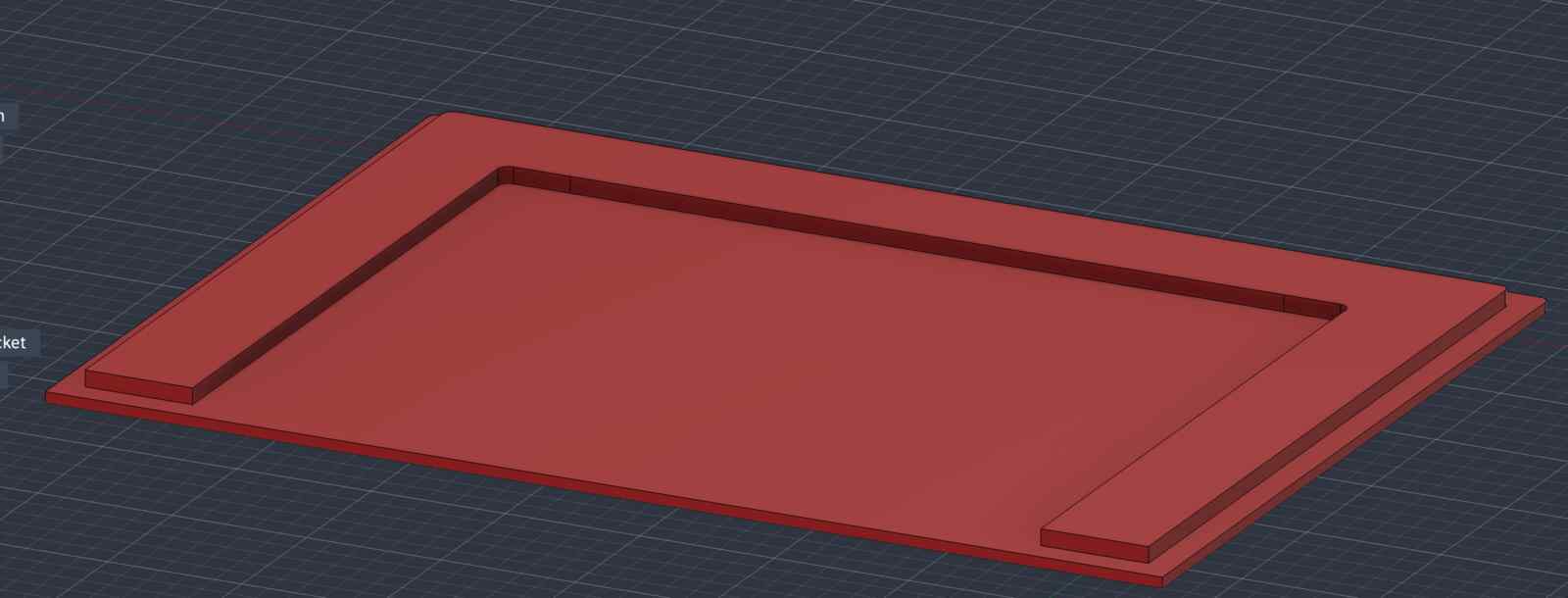
Spoiler alert: He ended up having to do this three or four more times because the TPU was just being extraordinarily hard to work with. Since we had to turn the machine off entirely to reset the filament, I redesigned a CAD file with just the “U-shape” on top. We hoped that after taping the fabric down, the 3D printer’s probing protocol might be able to detect and resume printing at the correct height – all of this was a cross-my-fingers-and-pray moment, since the bed wasn’t heating up to “melt” the plastic underneath.
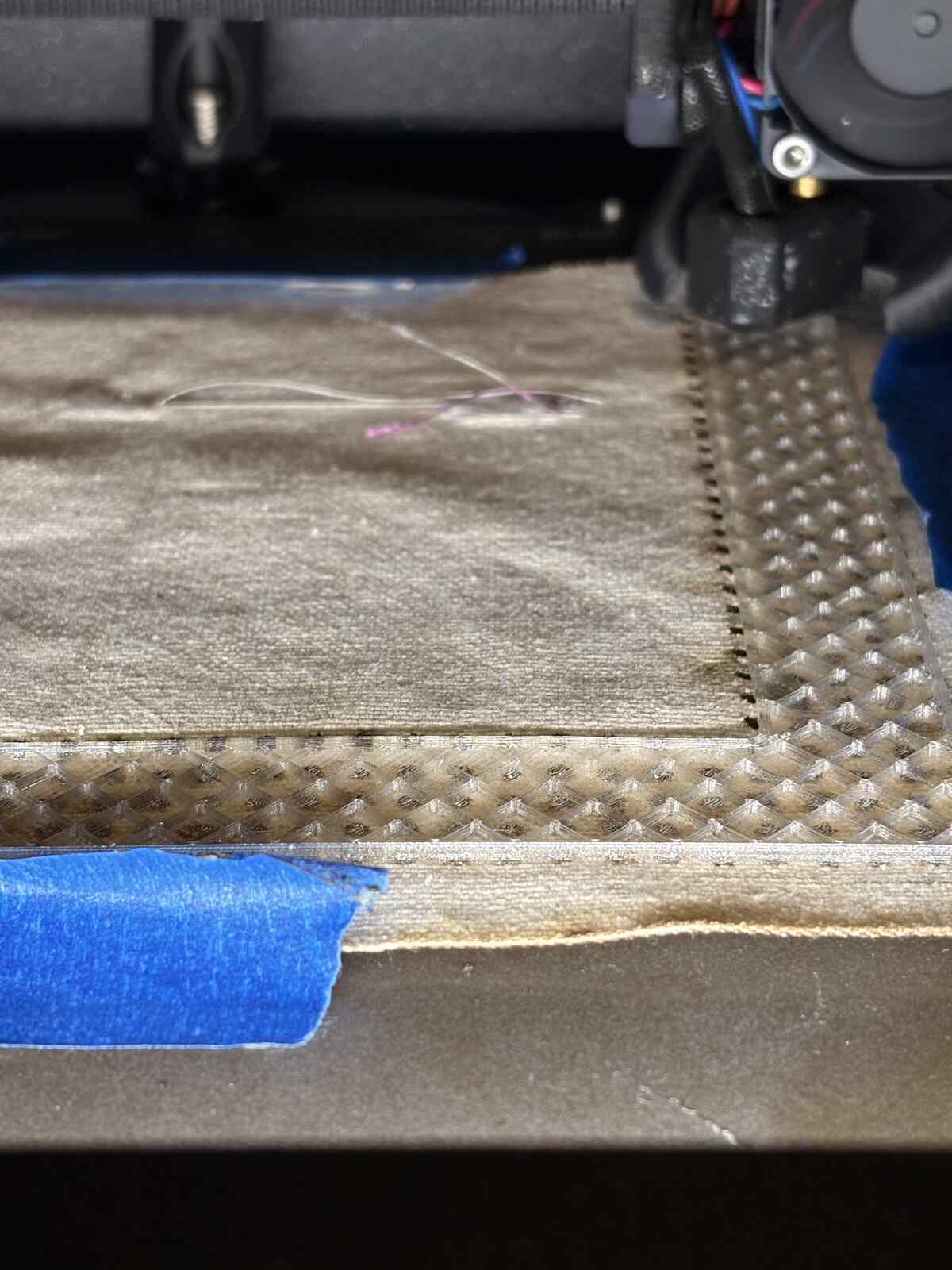
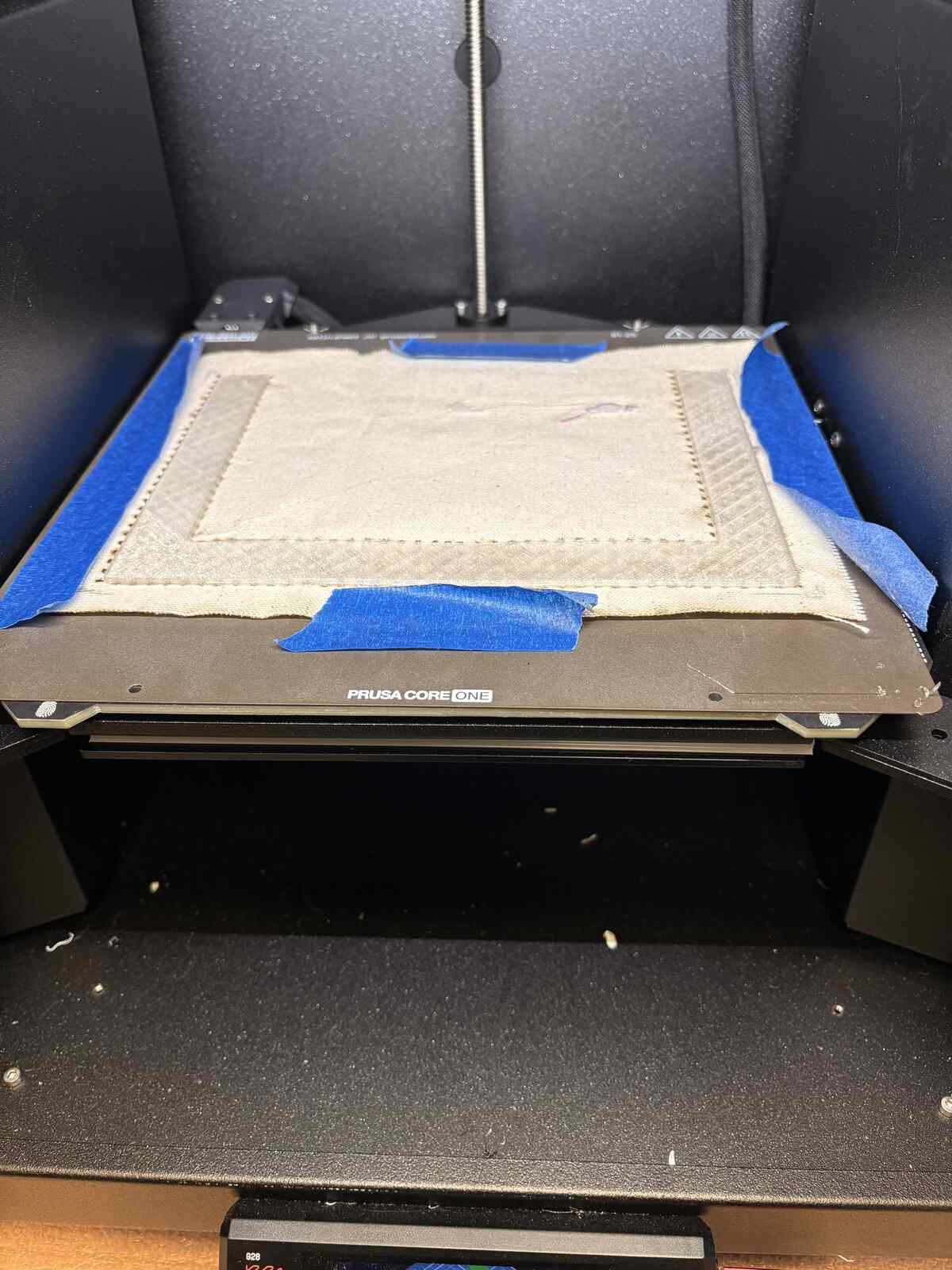
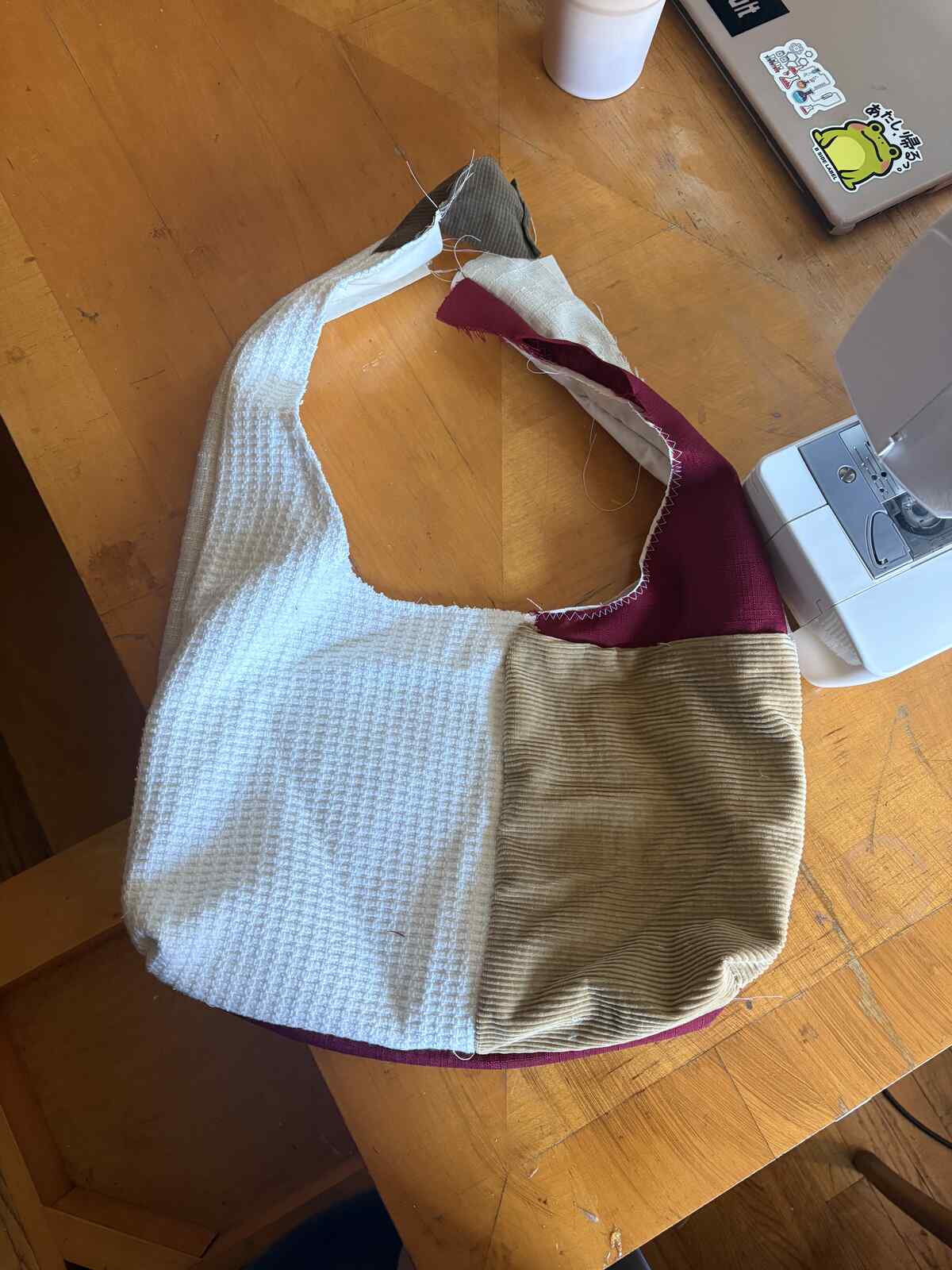
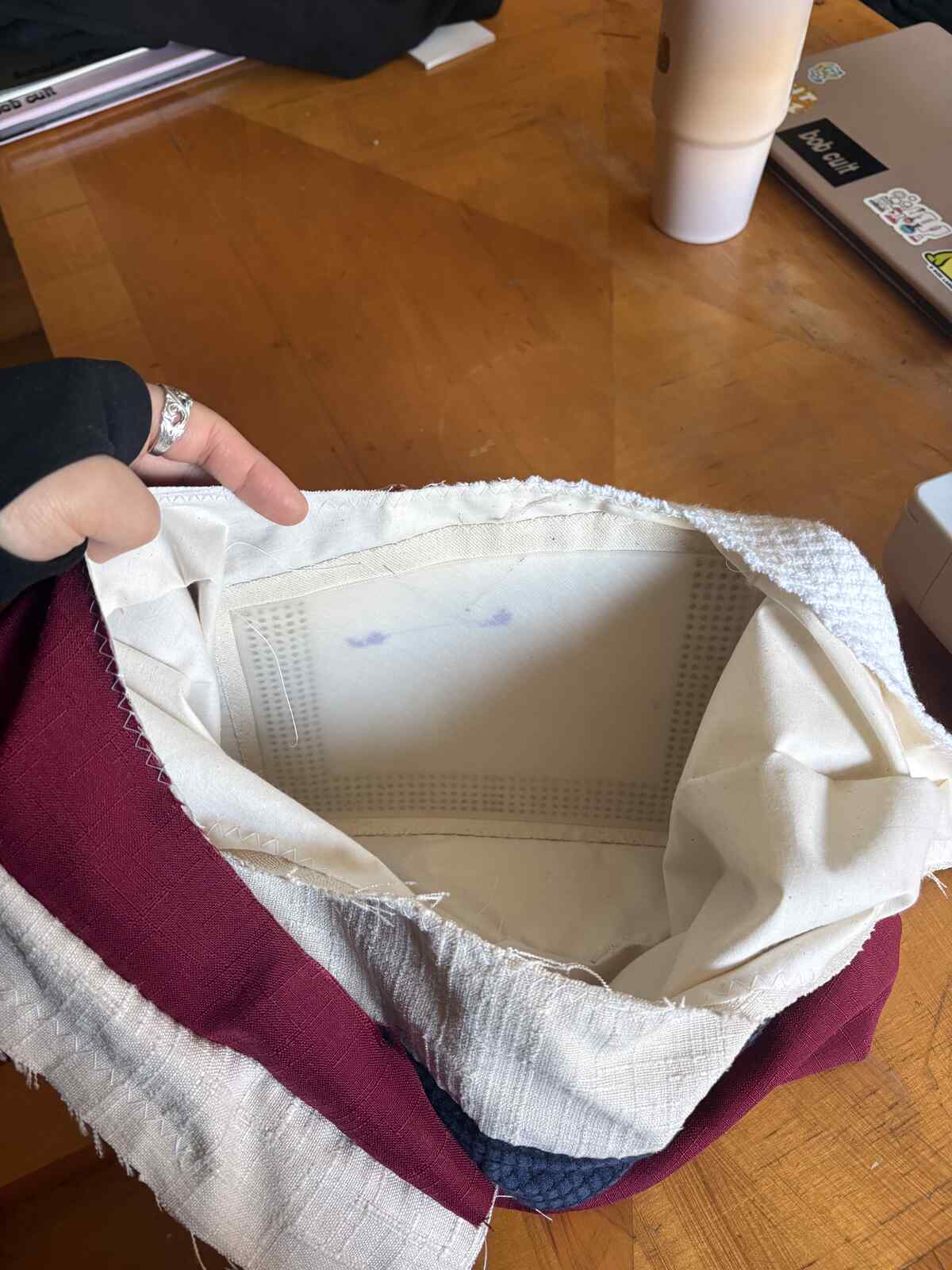
Finally, the U-shaped was printed successfully! I had myself a working pocket. Woohoo!!
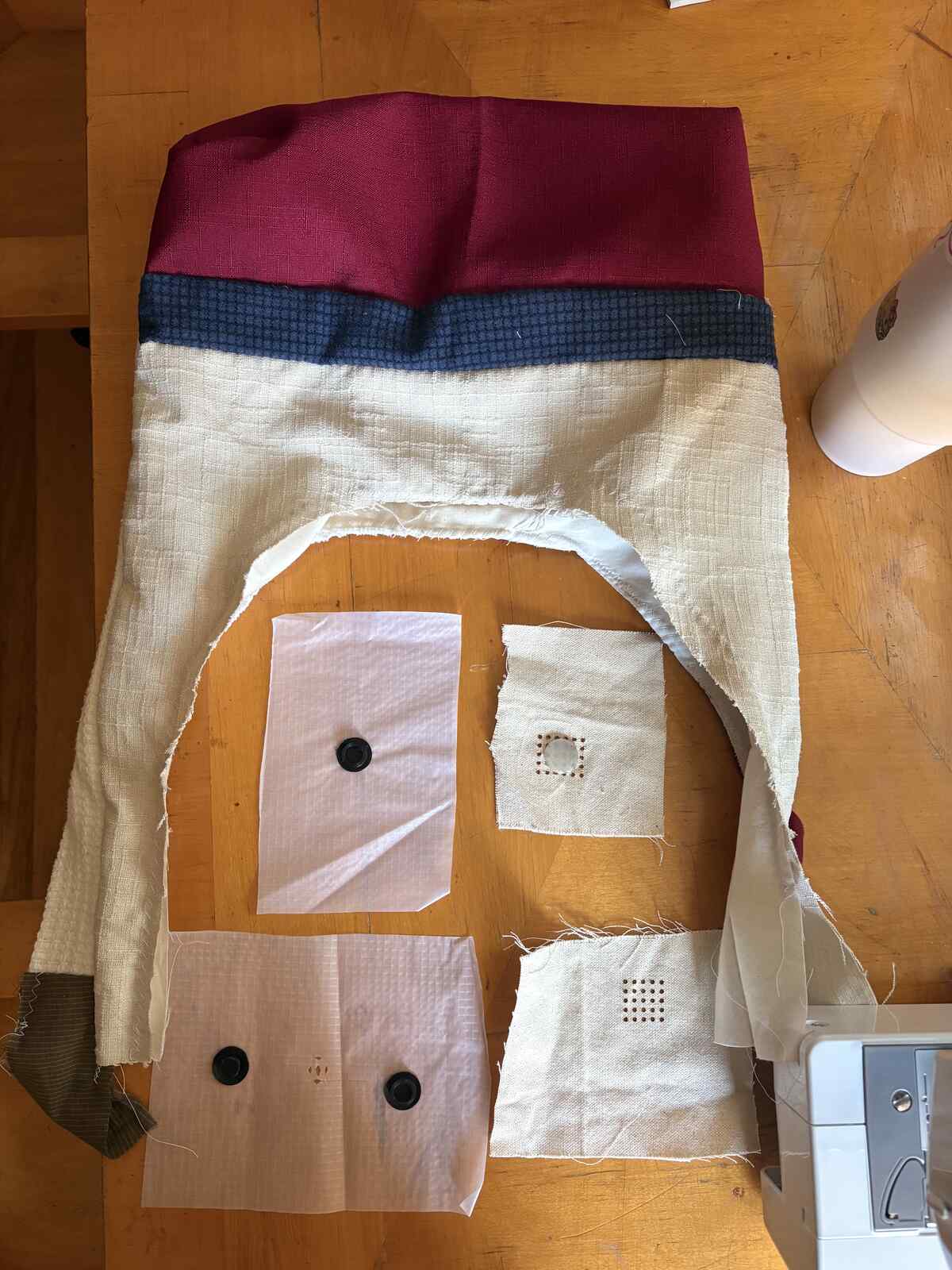
Next, I wanted to test printing snaps since that was the initial inspiration. I wanted to try printing on fabric with a higher plastic content, thinking that it might be heat sealable. I also switched to using PLA since I didn’t want to mess with TPU even more. I had hoped that the PLA would mean it could adhere to the nylon better, but that wasn’t the case. After just very gentle peeling, the button came apart from the nylon, even though it visually looked somewhat bonded.
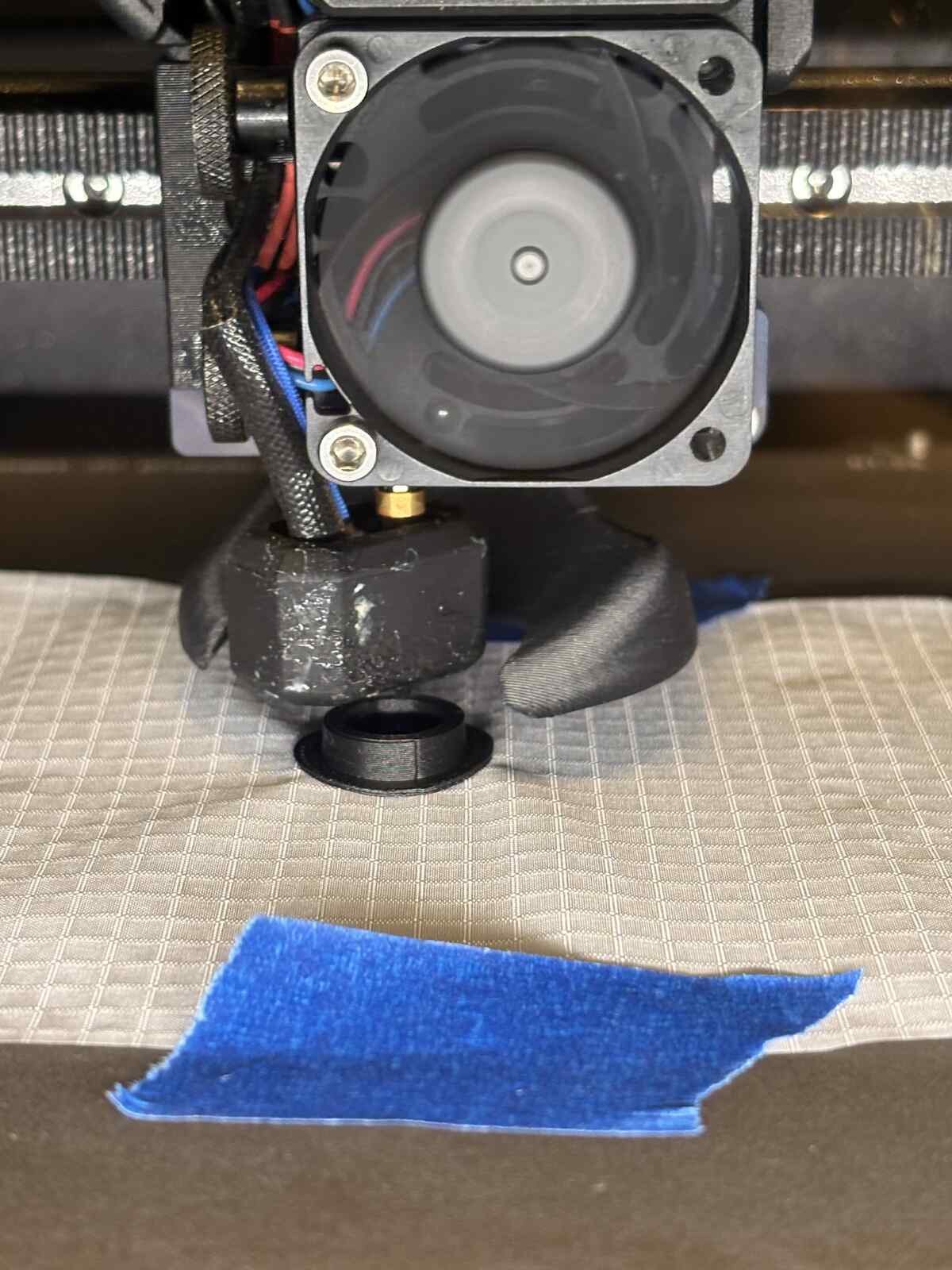
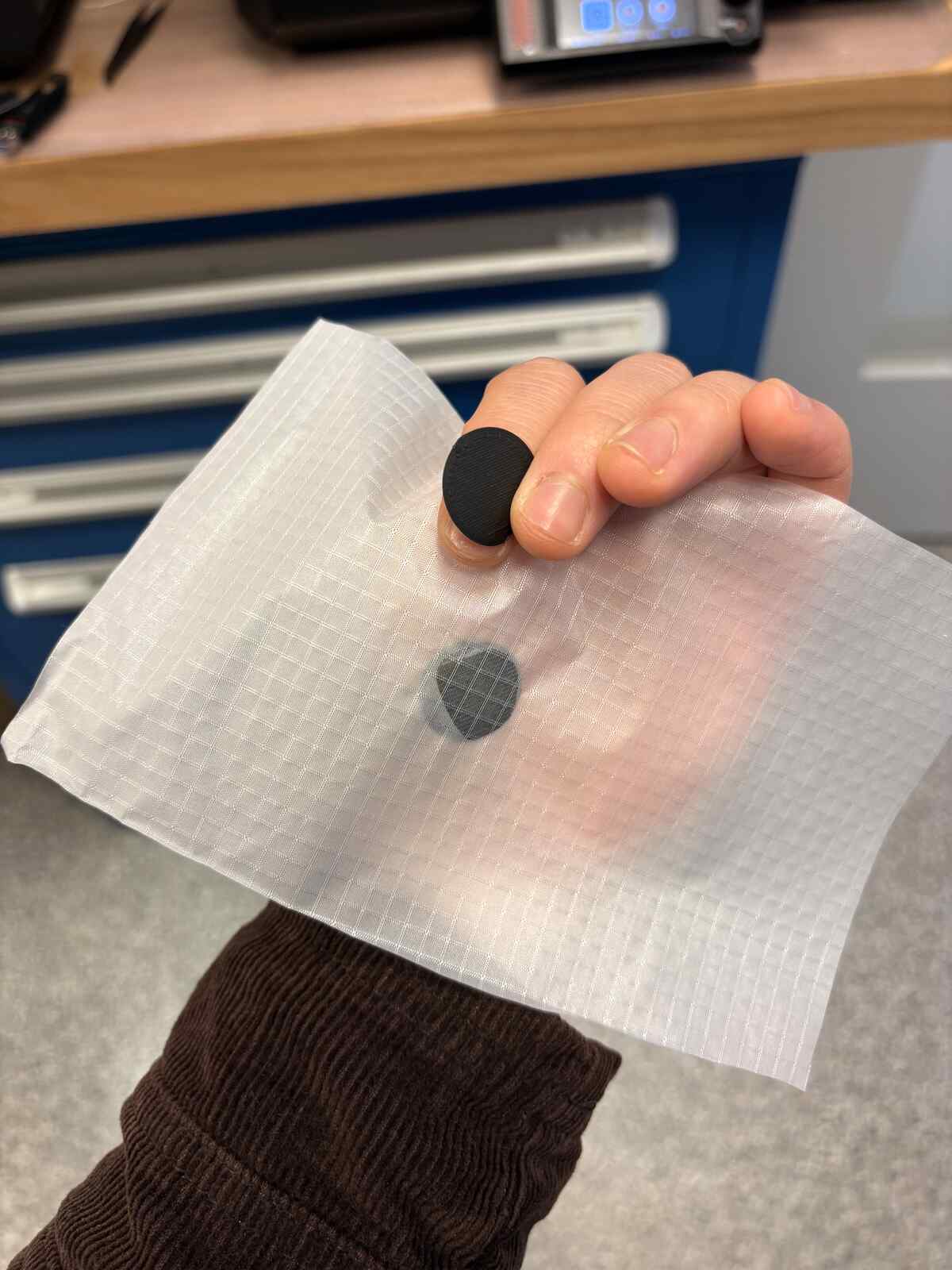
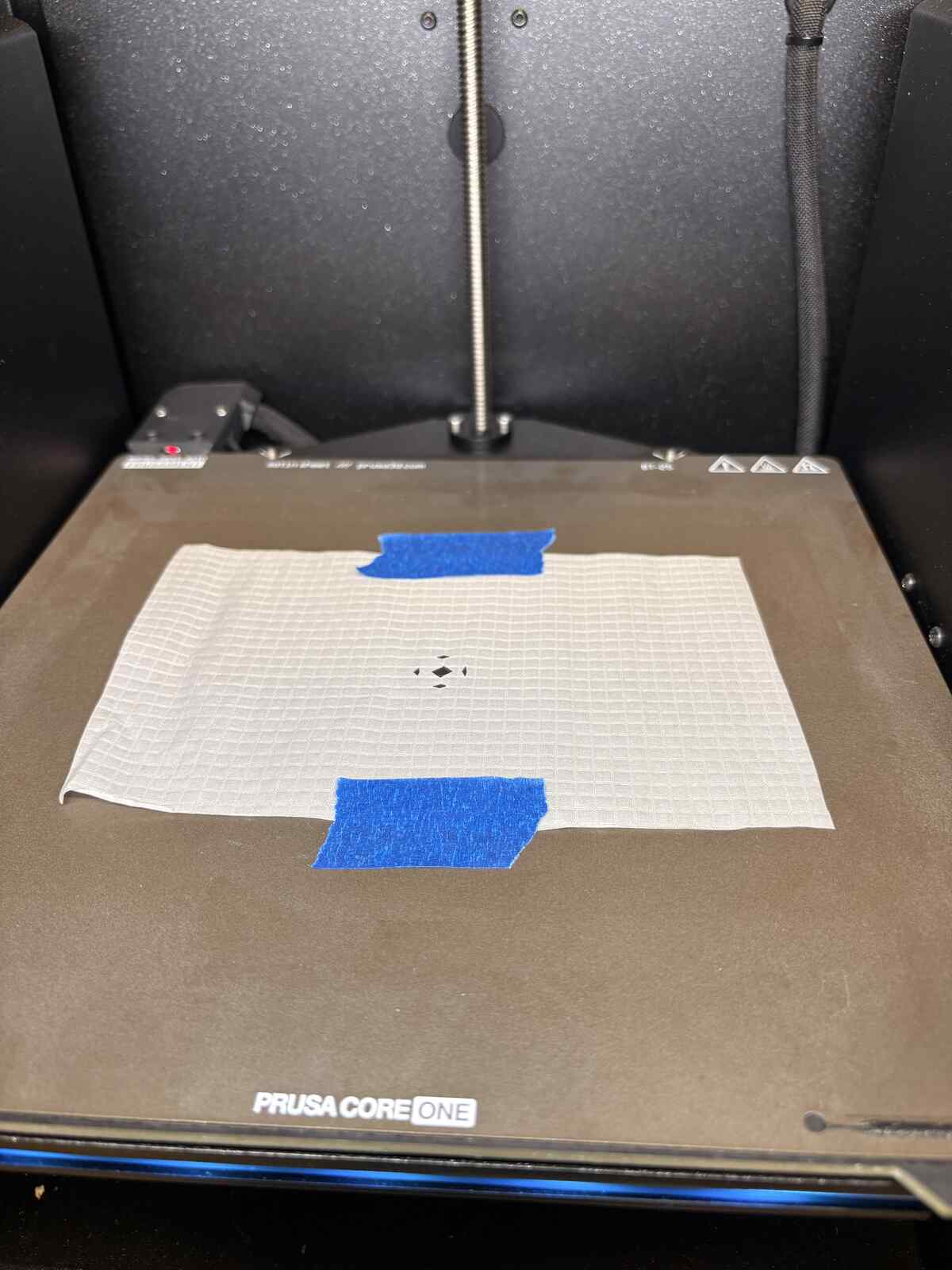
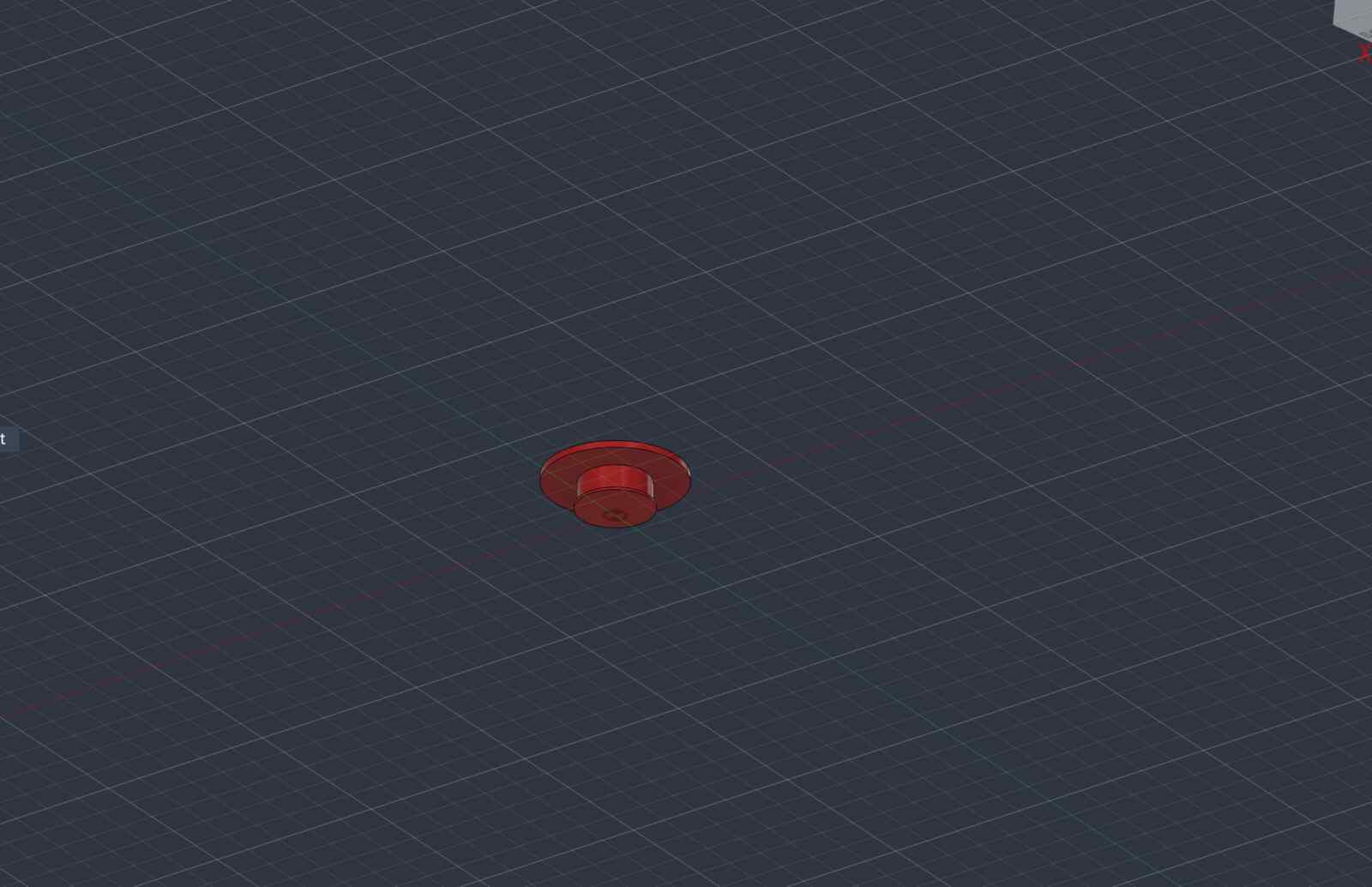
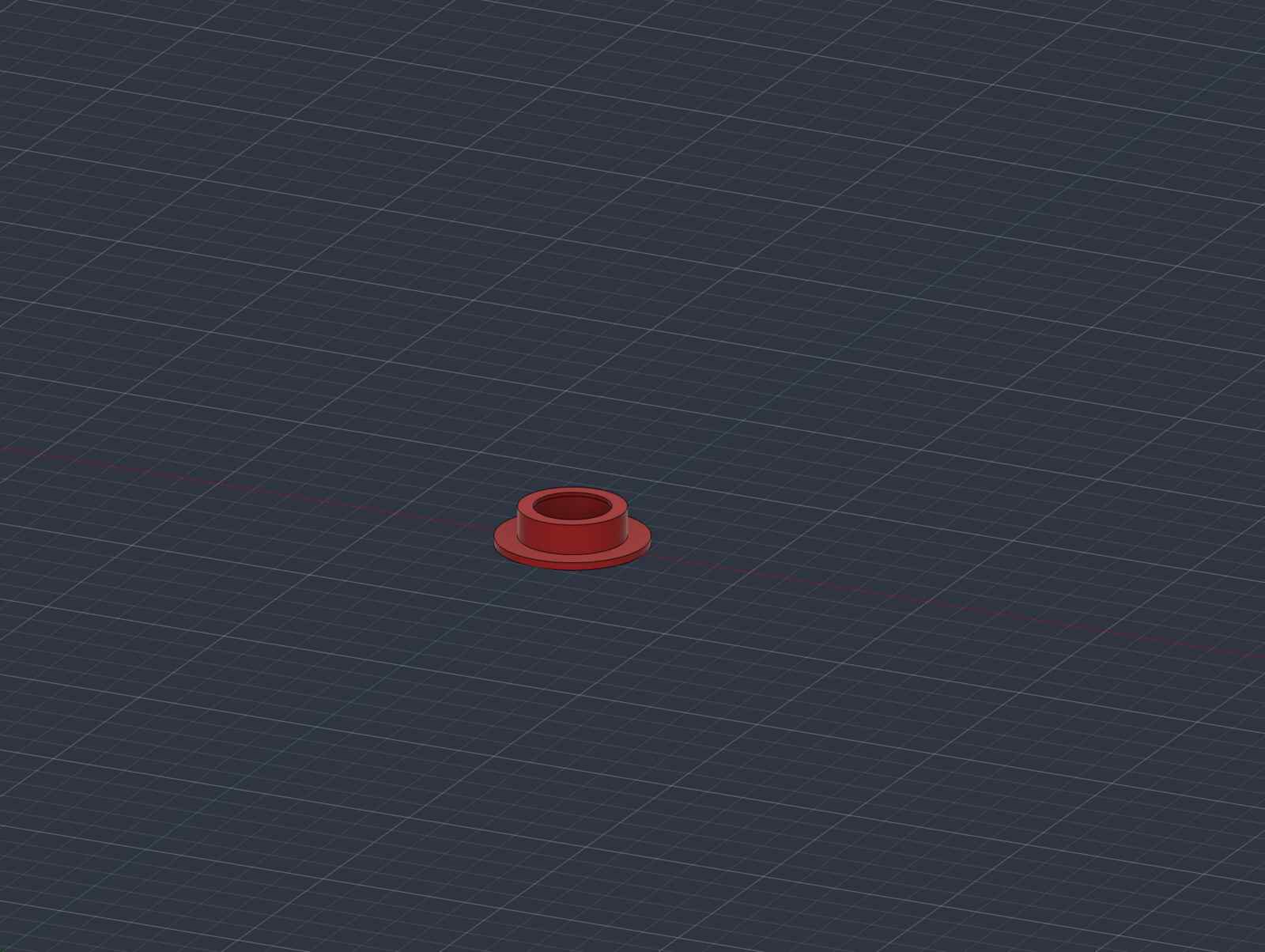
Finally, I ended up cutting holes in the plastic and putting a pause after the first layer of the snap and printing on it. Essentially applying the same technique as with the other fabric. Thankfully, this as expected worked successfully!
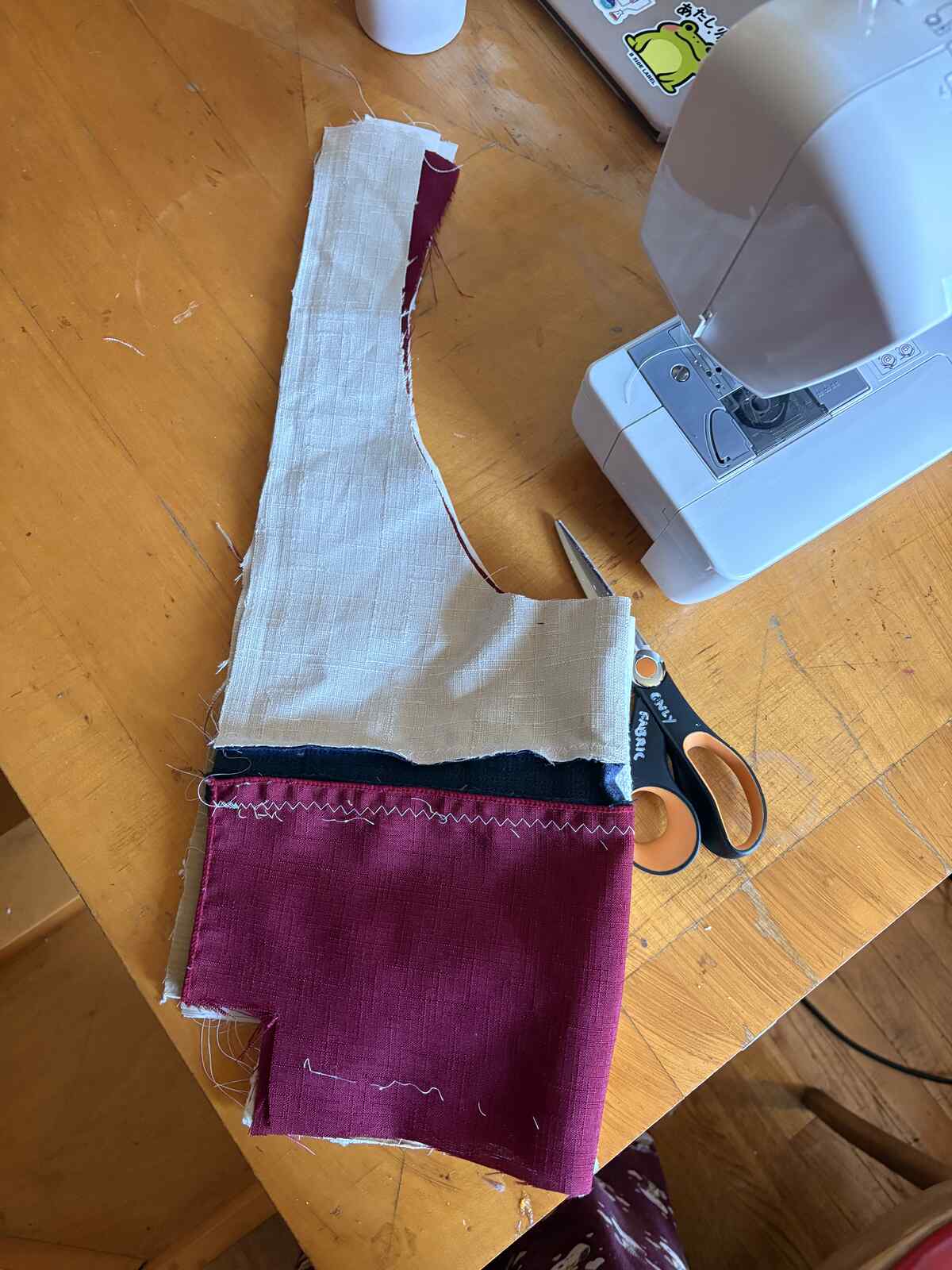
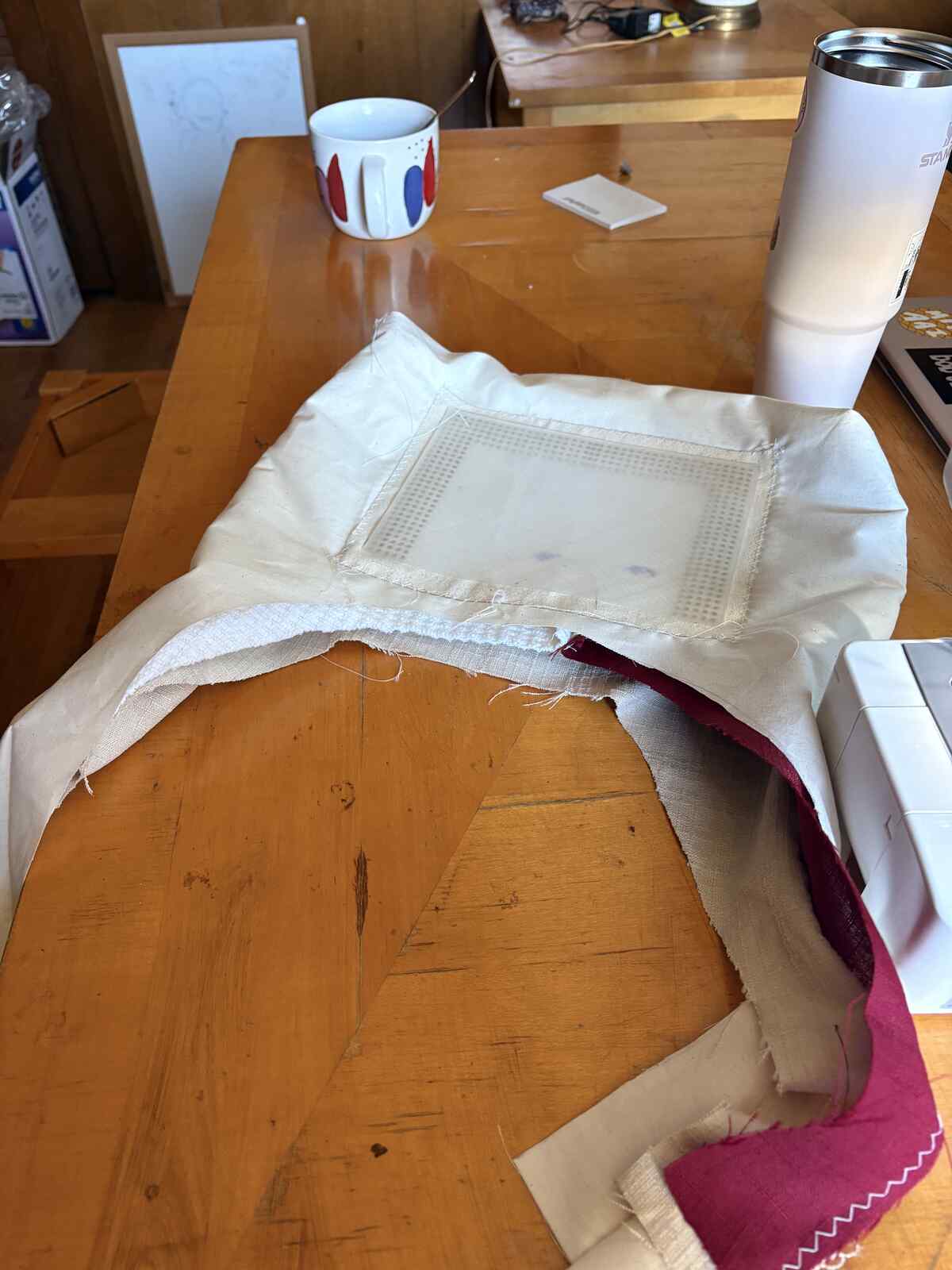
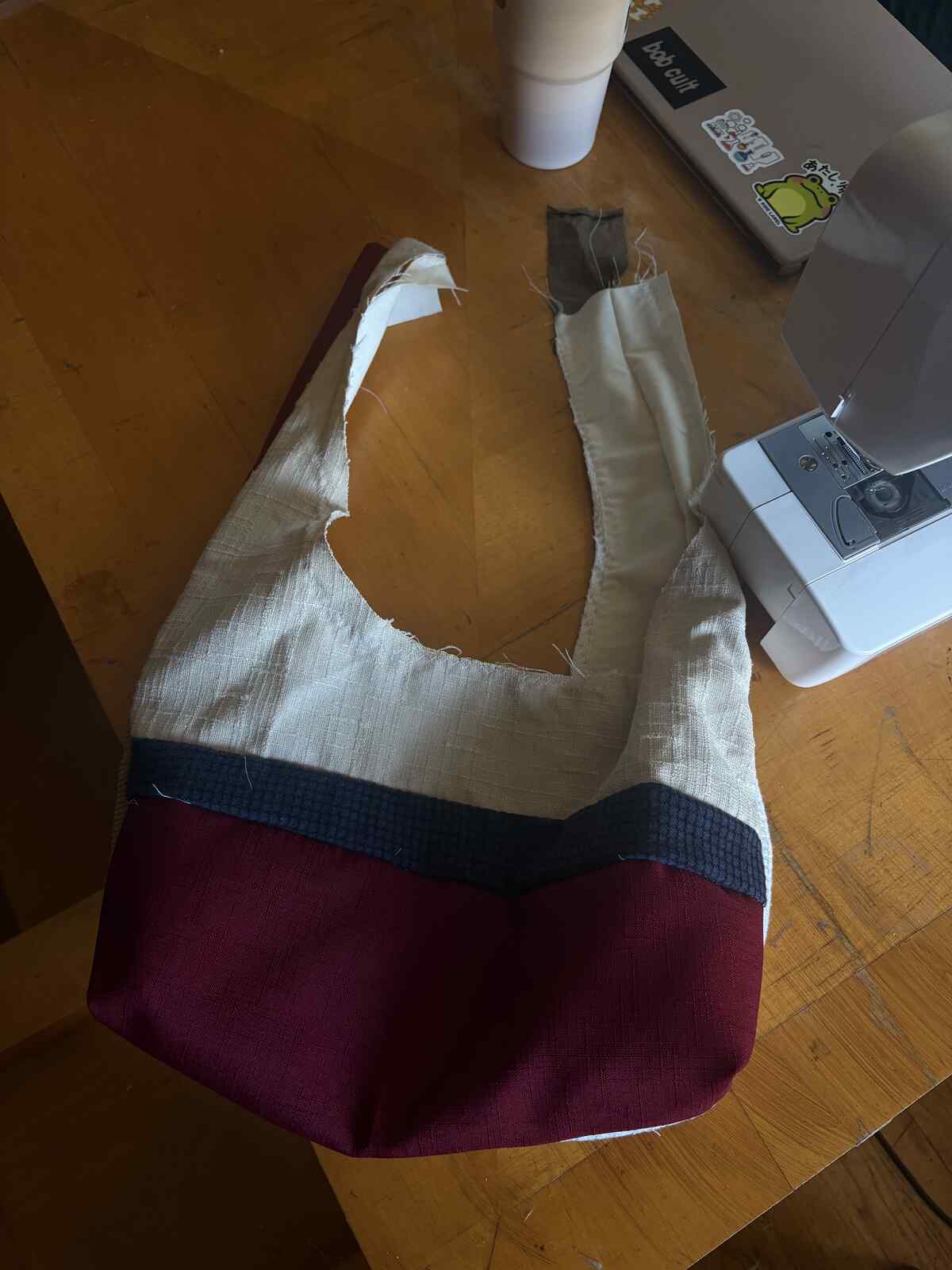
The last part of my project was actually sewing it up into a bag. It’s about 80% of the way there but rather unfinished still. I will try to finish it up in a later week if I have time!
3D Scanning
In looking through what previous students did for this week, I saw that Yohan Guyomard had created a 3D model of the brass rat. I was curious to see how well the Creality 3D scanner would pick up on these details.
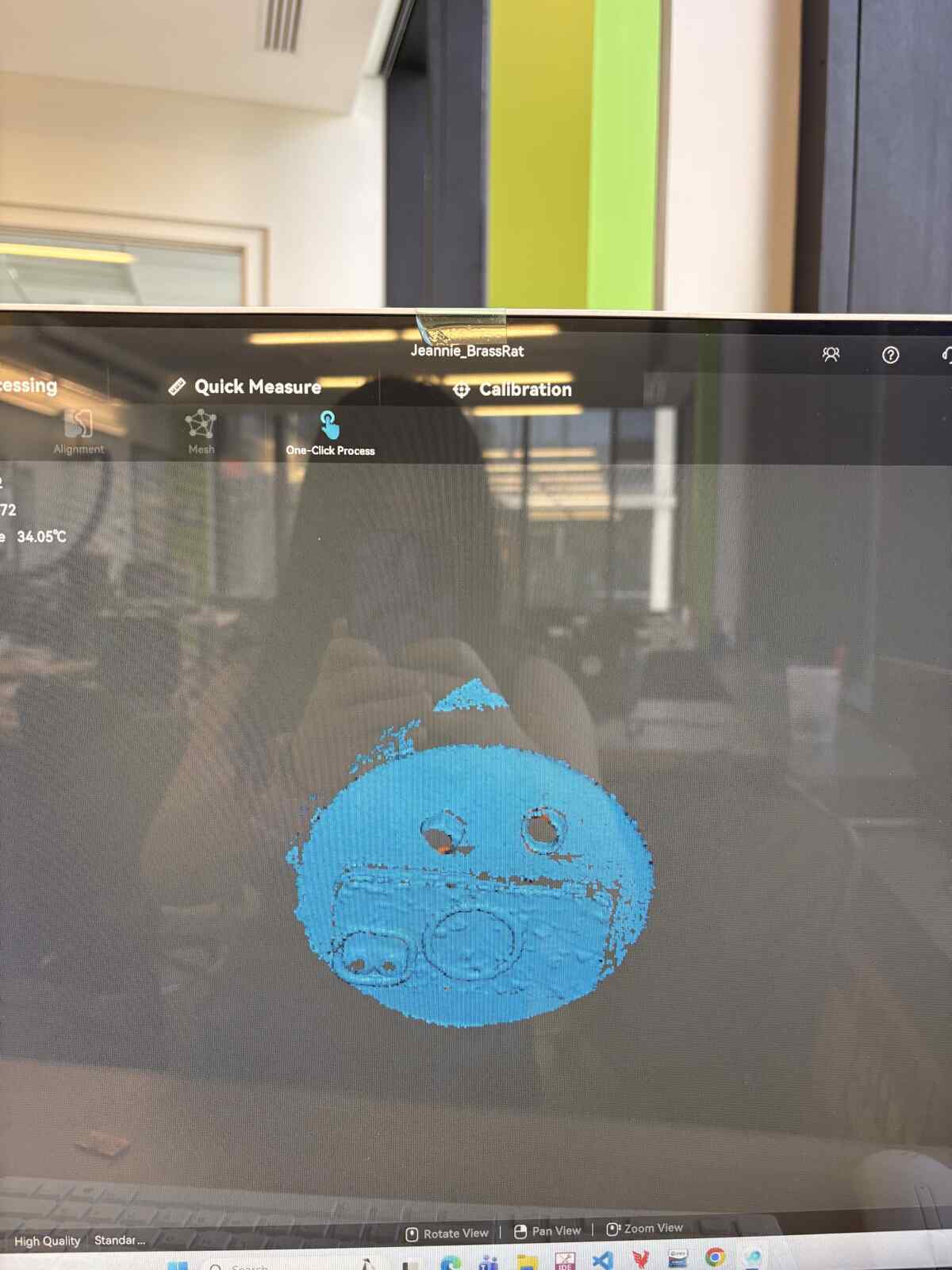
I had a lot of trouble actually getting the camera to focus on the ring when it was the only thing sitting on the rotating platform. To amend this, I first tried to also place a mini Caesar bust we had in the shop on the platform, but it seemed like the camera was more interested in picking up on Caesar than the ring.
As a last resort, I placed my other ring and my phone as a larger object so the scanner could better distinguish the objects I wanted it to scan as opposed to the spinning bed.
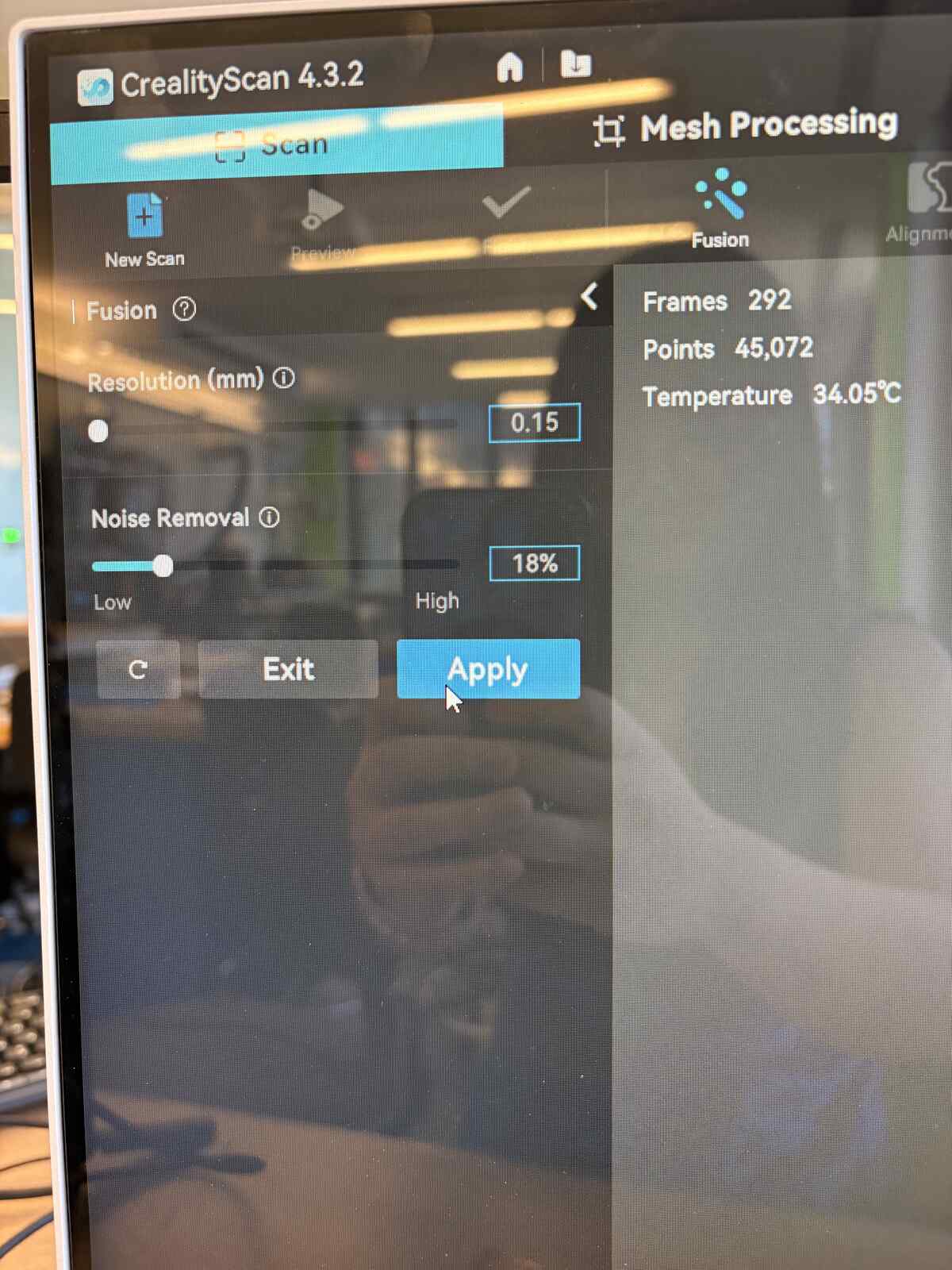
Between the capture and fusion step, I used settings with Resolution of 0.15mm and Noise Removal of 18% (to try and salvage the details on the ring).
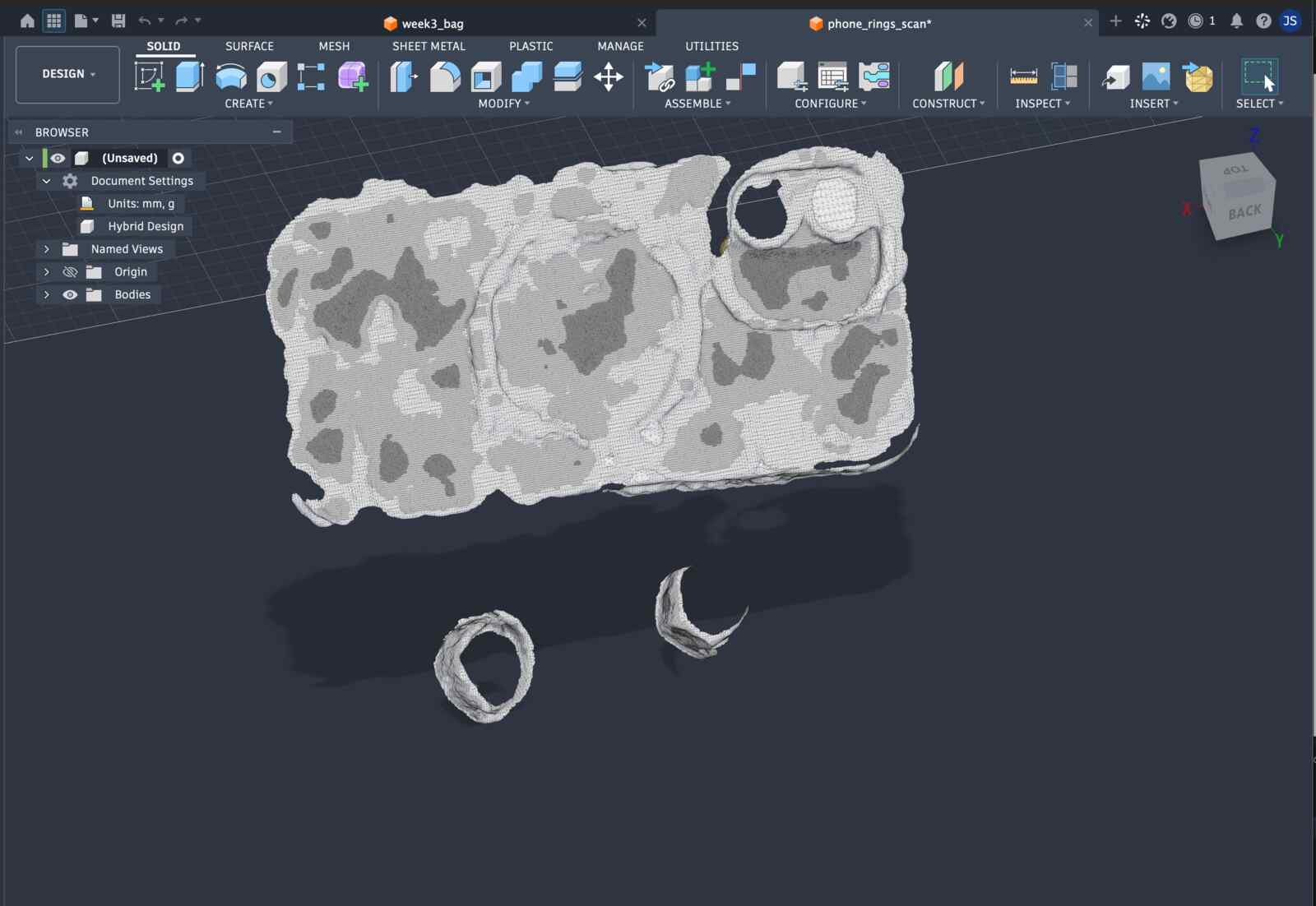
The outcome is mid at best, particularly not picking up the fine grained details of the ring. Hey, it was worth a try at least!
AI Usage
None this week.
Files
- 3D scan of my phone and my two rings in phone_rings_scan.stl
- 3D prints:
- Pocket with rounded corners: pocket_3d_roundedcorners.stl
- Pocket thinner: pocket_3d_thin.stl
- Just the U-shape of the pocket: ushape_3d.stl
- Version 1 of snap top and snap bottom (2mm to deform when snapping): snap_top.stl, snap_bottom.stl
- Version 2 of snap top and snap bottom (0.5mm to deform when snapping): snap_top_0.5.stl, snap_bottom_0.5.stl
- Lasercuts:
- Holes with 5mm spacing: 5mm_apart.dxf
- Pocket: lasercut_pocket.dxf