cut something on the vinylcutter
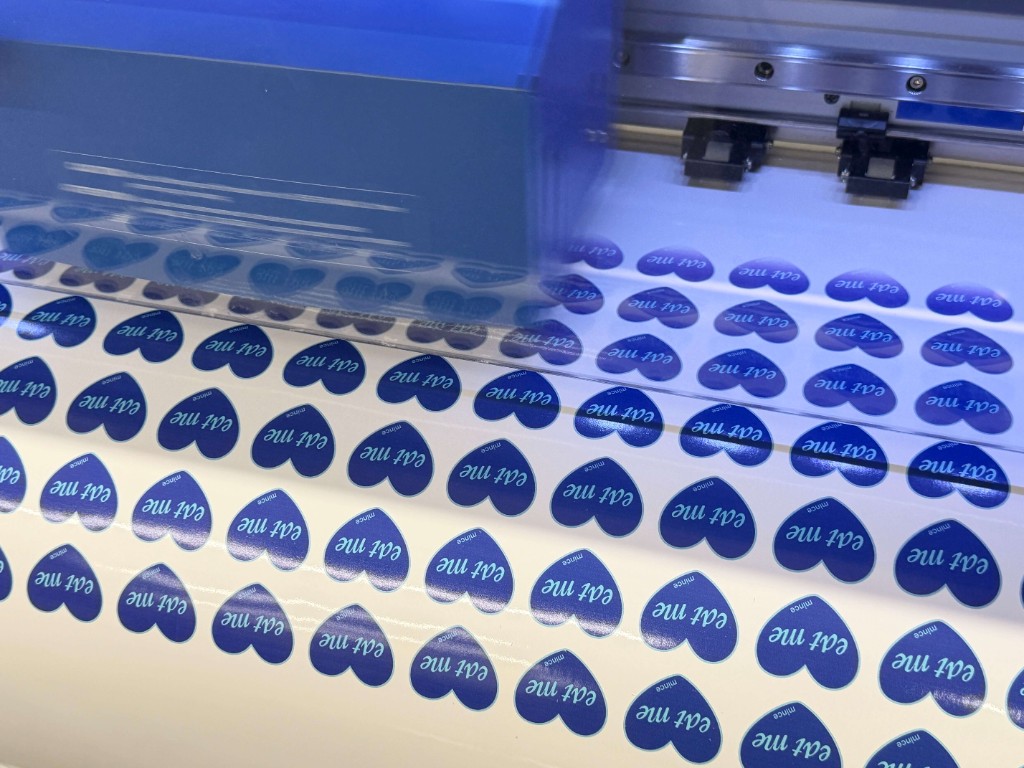
I'm part of a student-run cooking club called MINCE on campus and this past weekend we had a collab pop-up with Hack MIT!! I used the Morningside Academy for Design vinyl cutter (which also prints!) to cut out some packaging stickers to go with their Alice in Wonderland theme this year.
TAKEAWAYS Although I've vinyl cut stickers plenty of times now, I did a test run at first and forgot to include bleeding in my design and had to redesign them to account for errors in cutting.

characterize your lasercutter's focus, power, speed, rate, kerf, joint clearance and types
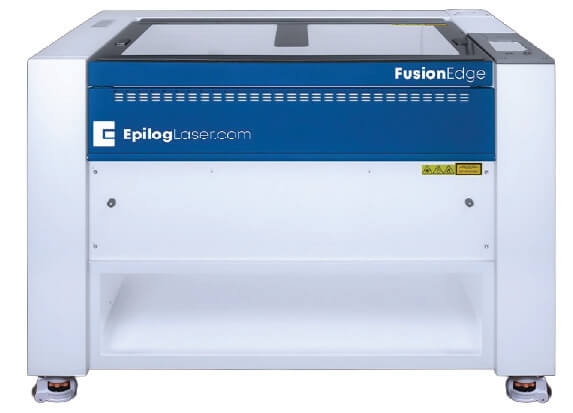
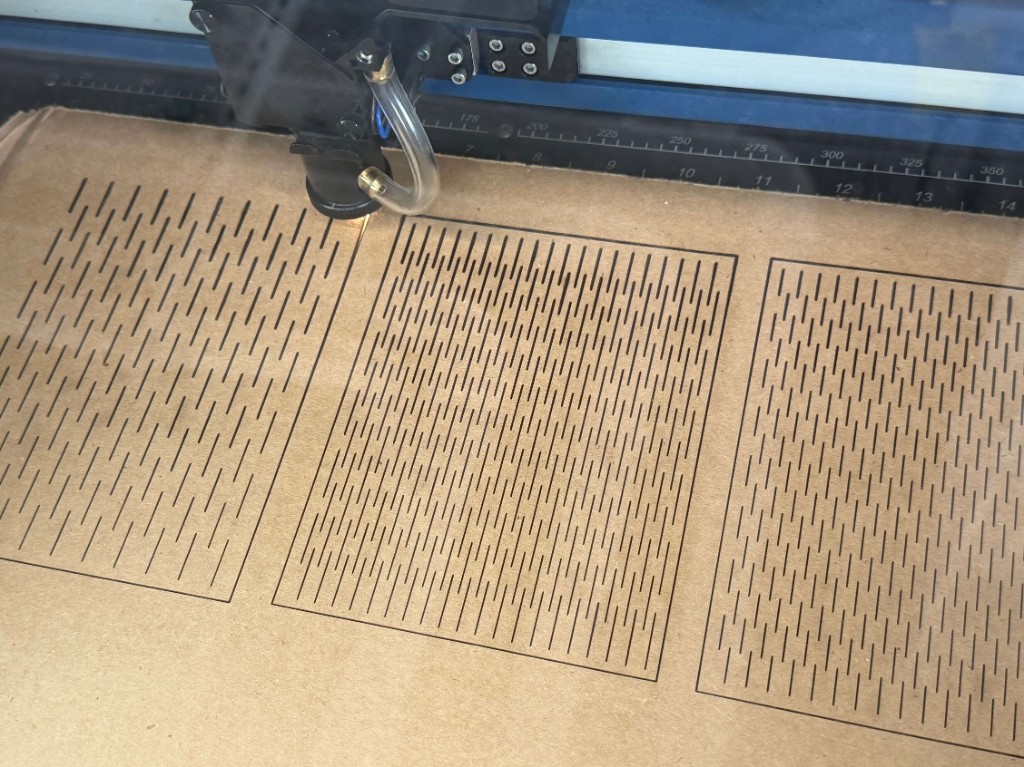
I did some initial test cuts for kerfing experiments to play with the laser settings. The shop recommended 30 speed, 15 power, and 0.1 frequency, but after struggling to cut through the entire thickness I ran these settings 2~3 times to achieve a cleaner cut:
15 speed, 30 power, 0.1 frequency
I also measured the kerf with these settings using a digital caliper, and found it to be 0.018". For my joint clearance, I used 0.23", which was +0.06" to the measurement I got for the thickness of my cardboard. I found that this joint clearance allowed me to achieve a tight and secure fit.
design, lasercut, and document a parametric construction kit, accounting for the lasercutter kerf
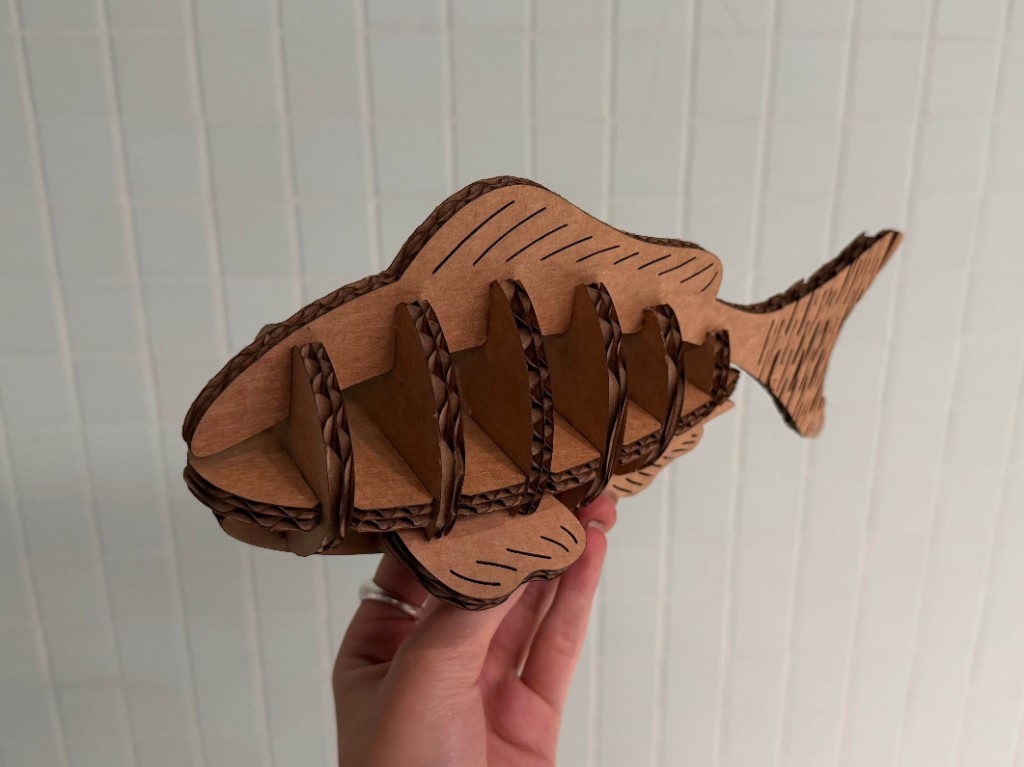
For my parametric construction kit, I wanted to make a fish! During lecture I saw some kerfing techniques that allowed for flexible movement in cardboard, which I thought would be perfect for the movement in a fish's tail.
In my sophomore year I took 4.500 with prof. Larry Sass, which used to be a class where we made chairs using intersecting planes and without the use of external fasteners. I learned how to use Rhino 3D to model these joints and planes, so I applied a similar technique here.
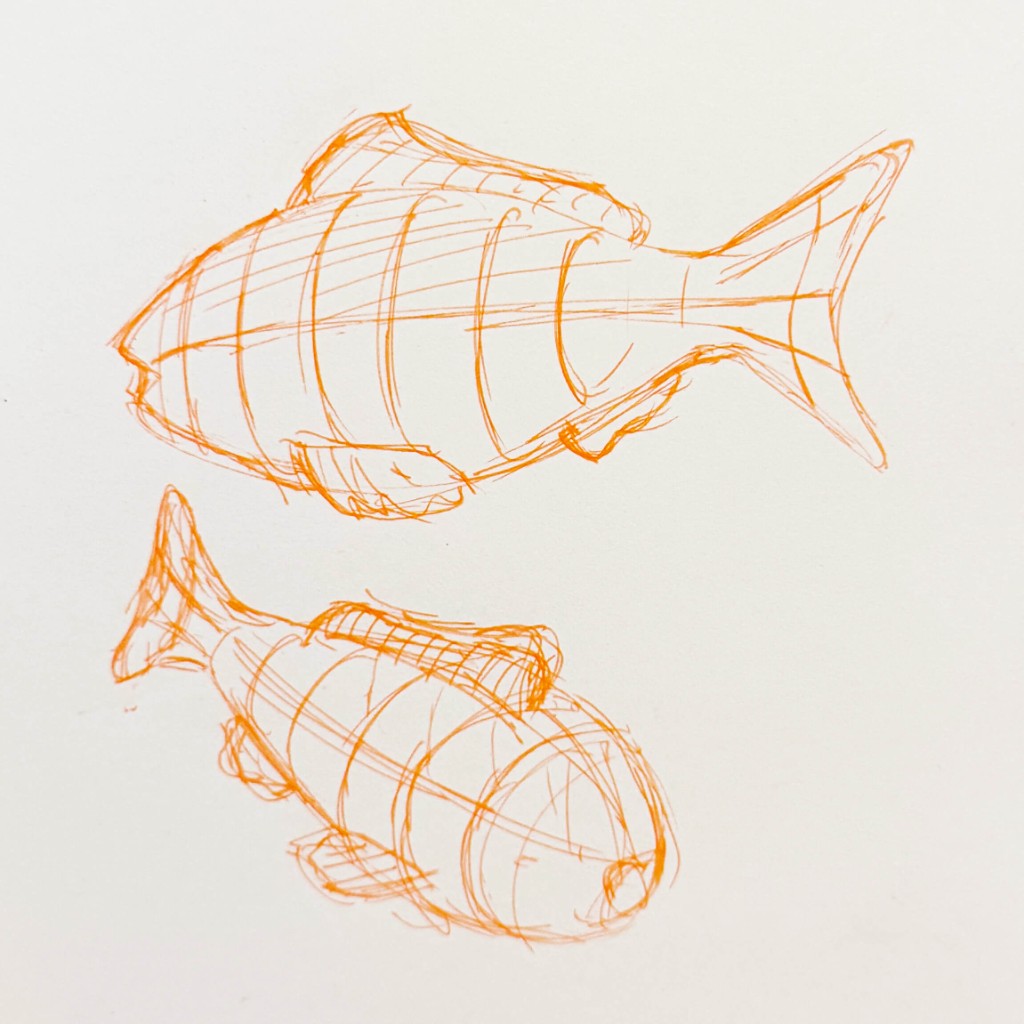
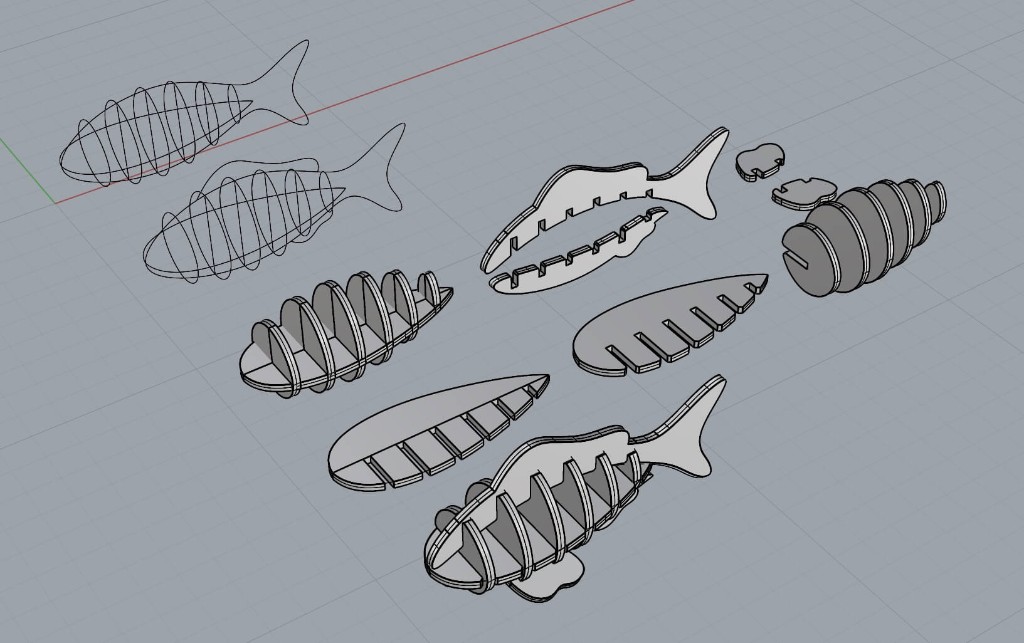
I started out with a sketch of what I wanted the fish to look like, and figured out that I wanted to use a combination of yz planes on a connecting piece in the xy plane, and add details like fins and tails on the xz plane.
I made a simple wireframe in Rhino and then used a never ending mix of extrude crv with boolean difference and union to create joints between each axis. I also made sure to chamfer each joint edge, which I had not learned previously in Larry's class.
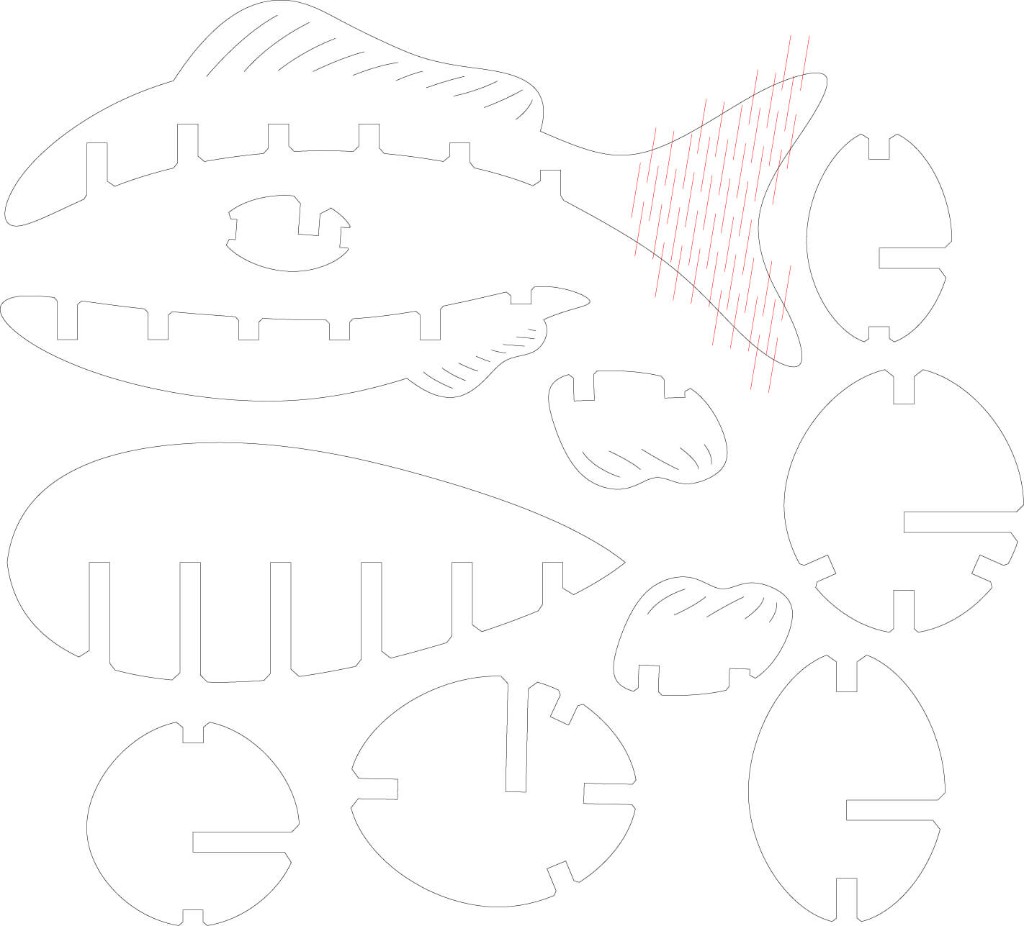
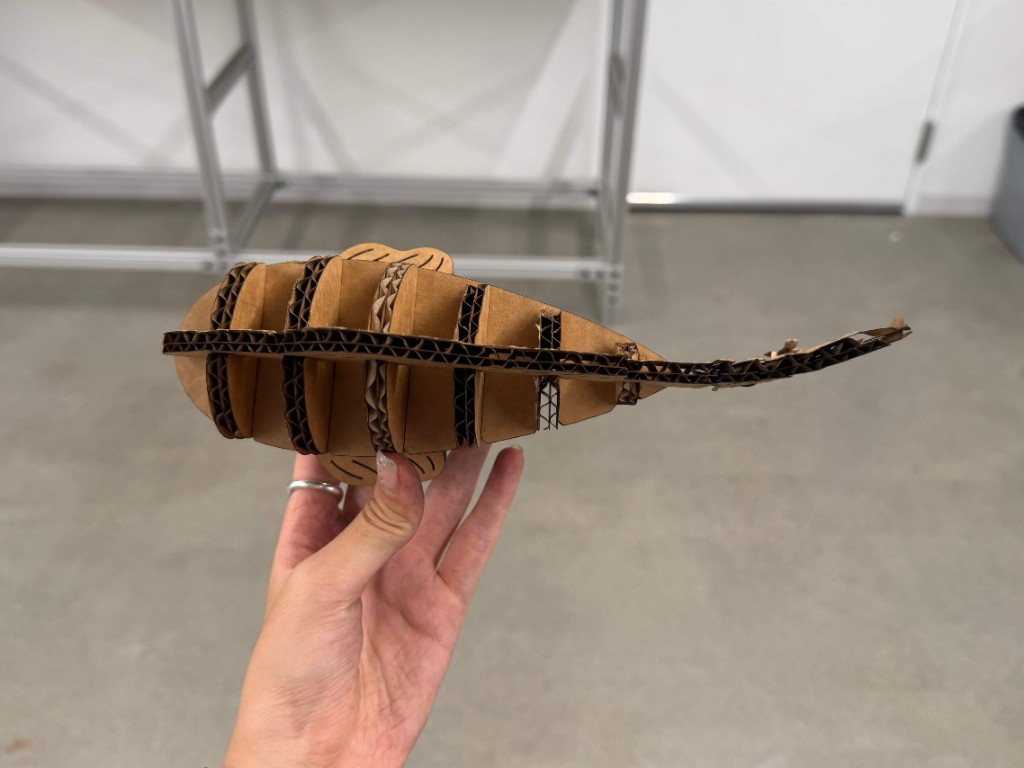
Then I converted all my planes using make2D and added some details on the fin, as well as the kerfing on the tail to allow it to bend.
TAKEAWAYS I'm really happy with how this turned out, but if I could do it again I would better design the kerfing to fit the shape of the tail. I was adapting it from a rectangular test cut and some of the lines ended up cutting off pieces of the tail entirely, and so there might be a better way to adapt to more organic shapes.