For this week's assignment I wanted to create a rhythm game inspired by games like Just Dance and Dance Dance Revolution.
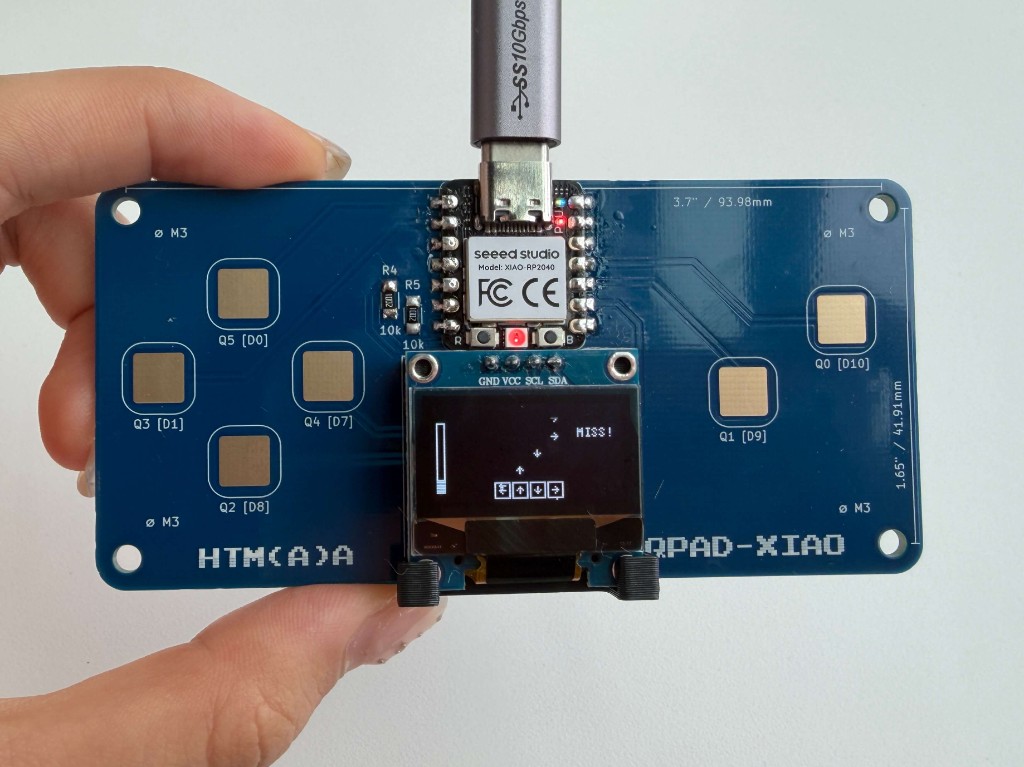
assemble the system
I skimmed through this datasheet for an RP2040. It was a lot of information, but the visuals really helped me understand it.
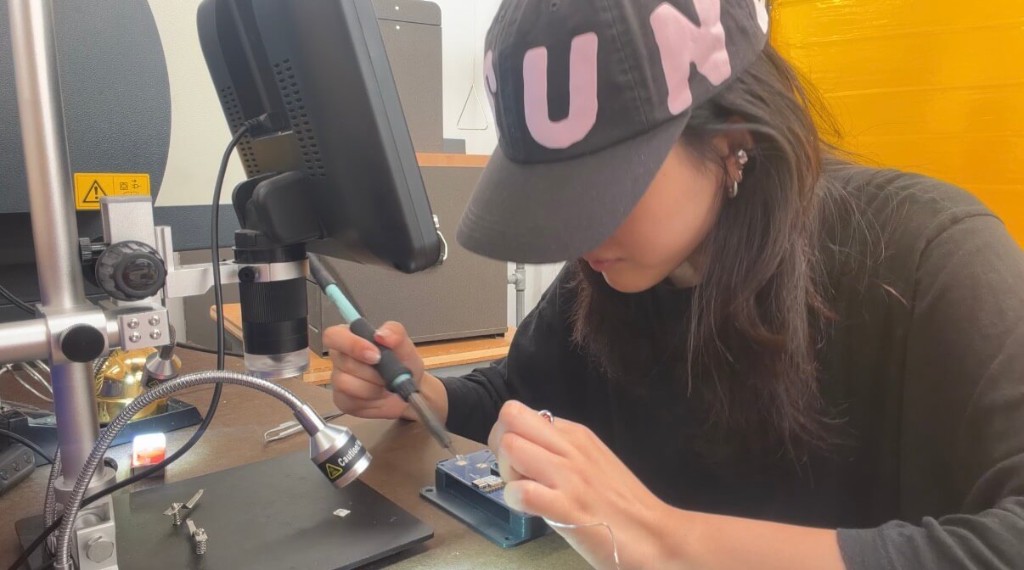
I have a bit of soldering experience but it was my first time working with electronics past an Arduino Micro. With the help of Qilmeg during office hours, I was able to assemble the system and test that all of the inputs were working using Quentin's files. Thankfully, my OLED and inputs were all working on my first try.
write and test a program for an embedded system using a microcontroller to interact (with input &/or output devices) and communicate (with wired or wireless connections)
After preparing the system for programming using this guide, I used the following pins to program my game:
- D1: left arrow
- D8: down arrow
- D0: up arrow
- D7: right arrow
- D9: Q1 (start / restart)
- D10: Q0 (pause / resume)
The game logic is a loop of game states controlled by boolean values for start, pause, and game-over scenes. The capacitive inputs are read each frame, and during active play, an update loop incrementally scales the speed and checks if falling notes pass the target squares.
Depending on the distance between target zone and user input, users receive feedback text (PERFECT, GOOD, BAD, or MISS) and corresponding LED colors (green, yellow, orange, red). These scores also determine the combo streak (reset by miss) and health bar (decreased by bad and miss). I used visual cues in both the UI and LED to increase feedback for every user input. I used Claude to help me debug my code, and explain to me how to program the UI.
try my game -> htmaa_dancedance.ino