1. Pop-Up Color Cube
-
Concept
For the computer-controlled cutting assignment, I made a laser-cut pop-up cube about color.
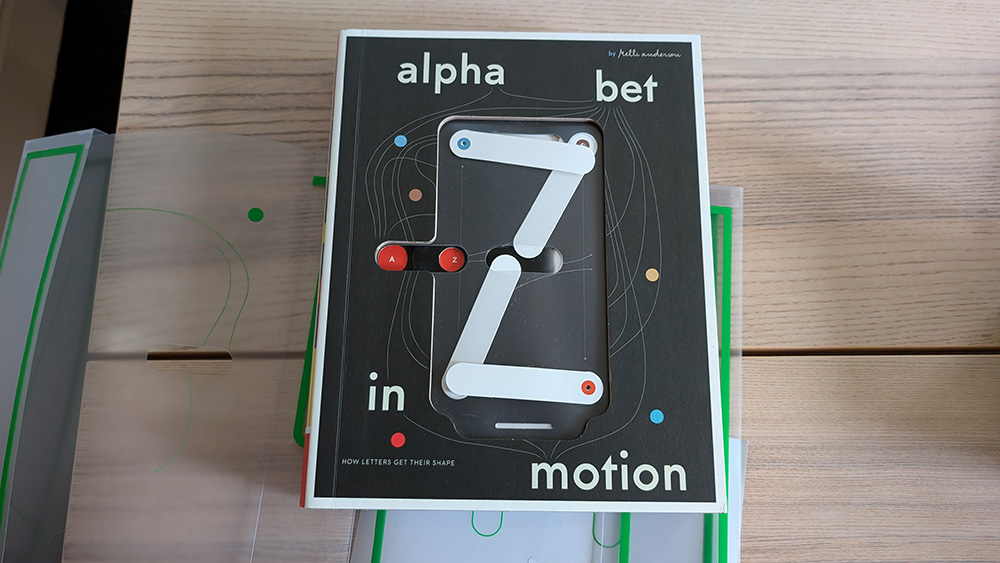
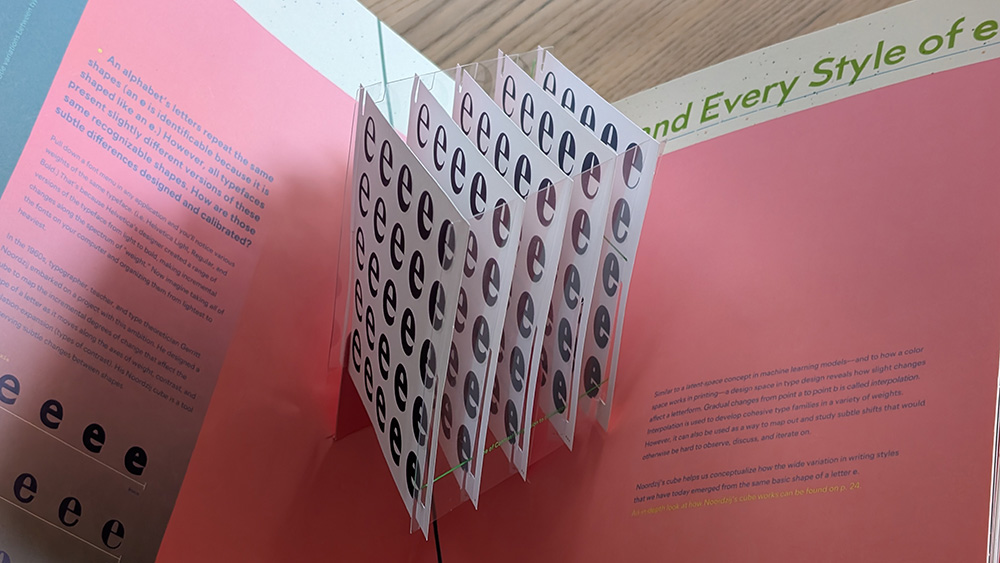
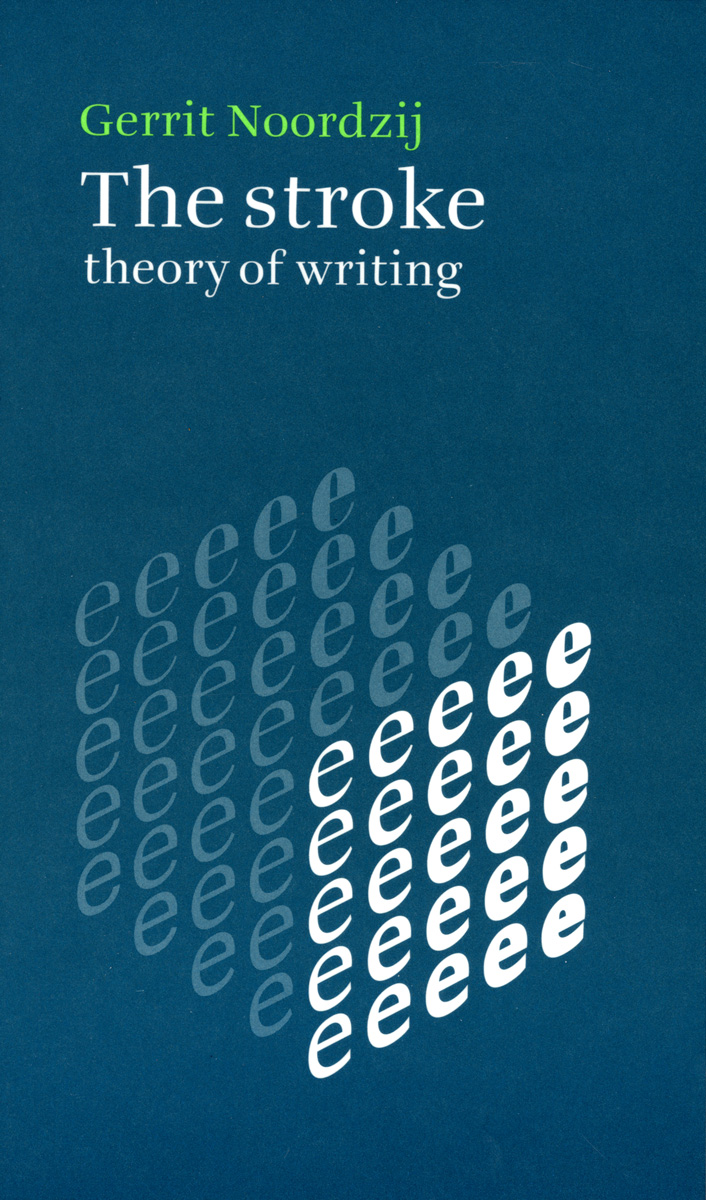
It is based on Kelli Anderson’s Alphabet in Motion. For the letter E, Anderson turned Gerrit Noordzij’s cube into a 3D pop-up. Noordzij’s cube maps letterform contrast along three axes.
-
Improving on a Collapsible Structure
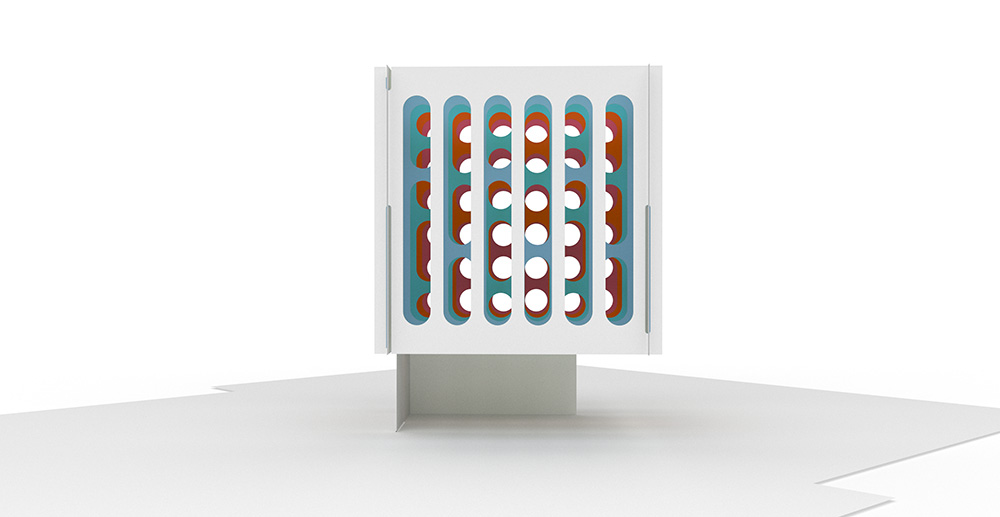
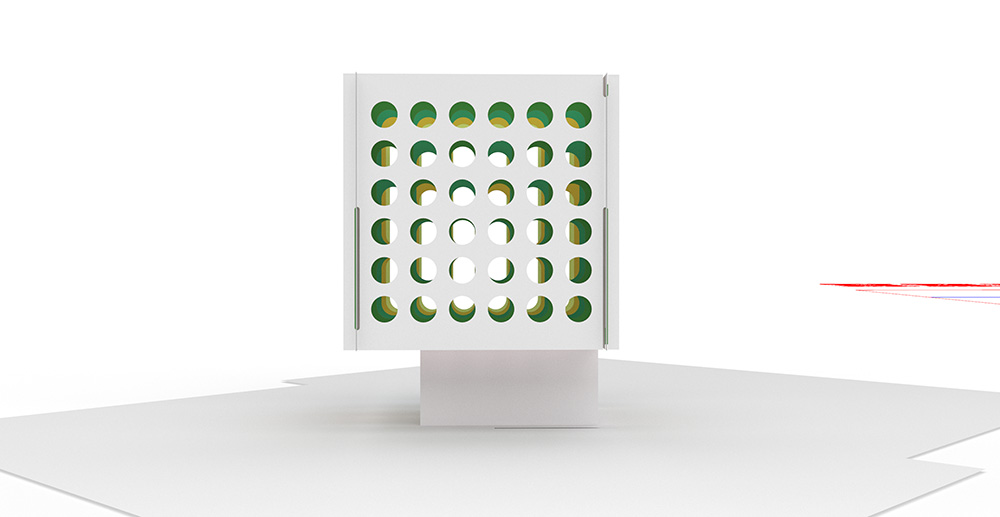
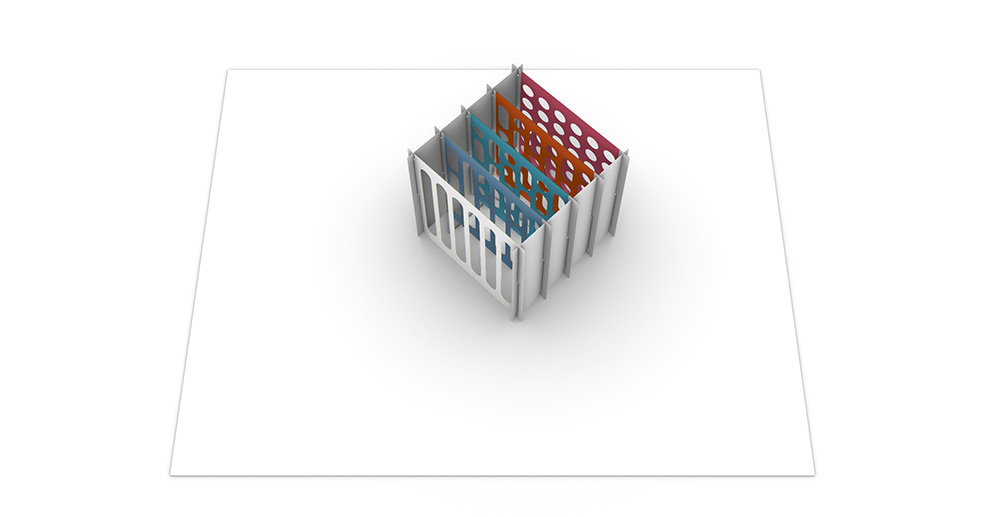
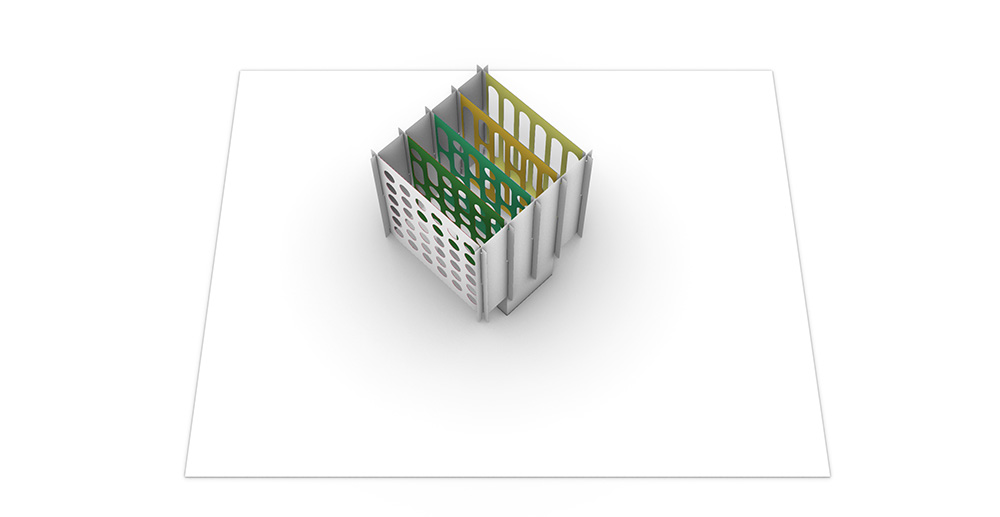
Anderson’s collapsible cube for the letter E uses clear film to make the individual square sheets appear to float. Instead, I wanted to use the layering to create a diorama effect. Because the sides are opaque, viewers have to be at eye level with the cube to look into it, which changes it from an object observed from all sides into an intimate miniature theater.
-
Scenography
My version uses the same paper mechanism to explore color instead of type. I used Josef Albers’ Interaction of Color as a reference. Albers showed that a color changes depending on what surrounds it. He also worked with cut and layered paper.
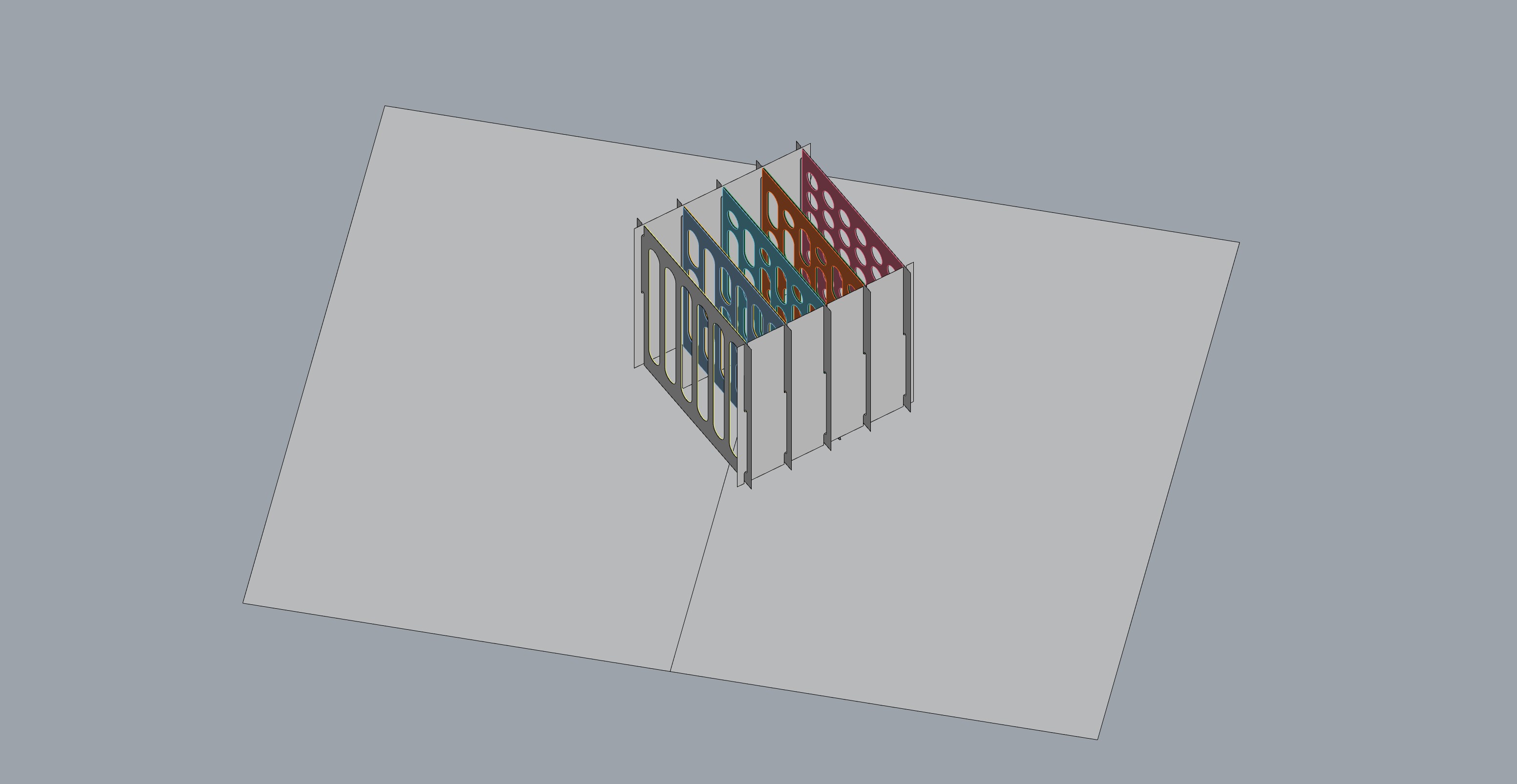
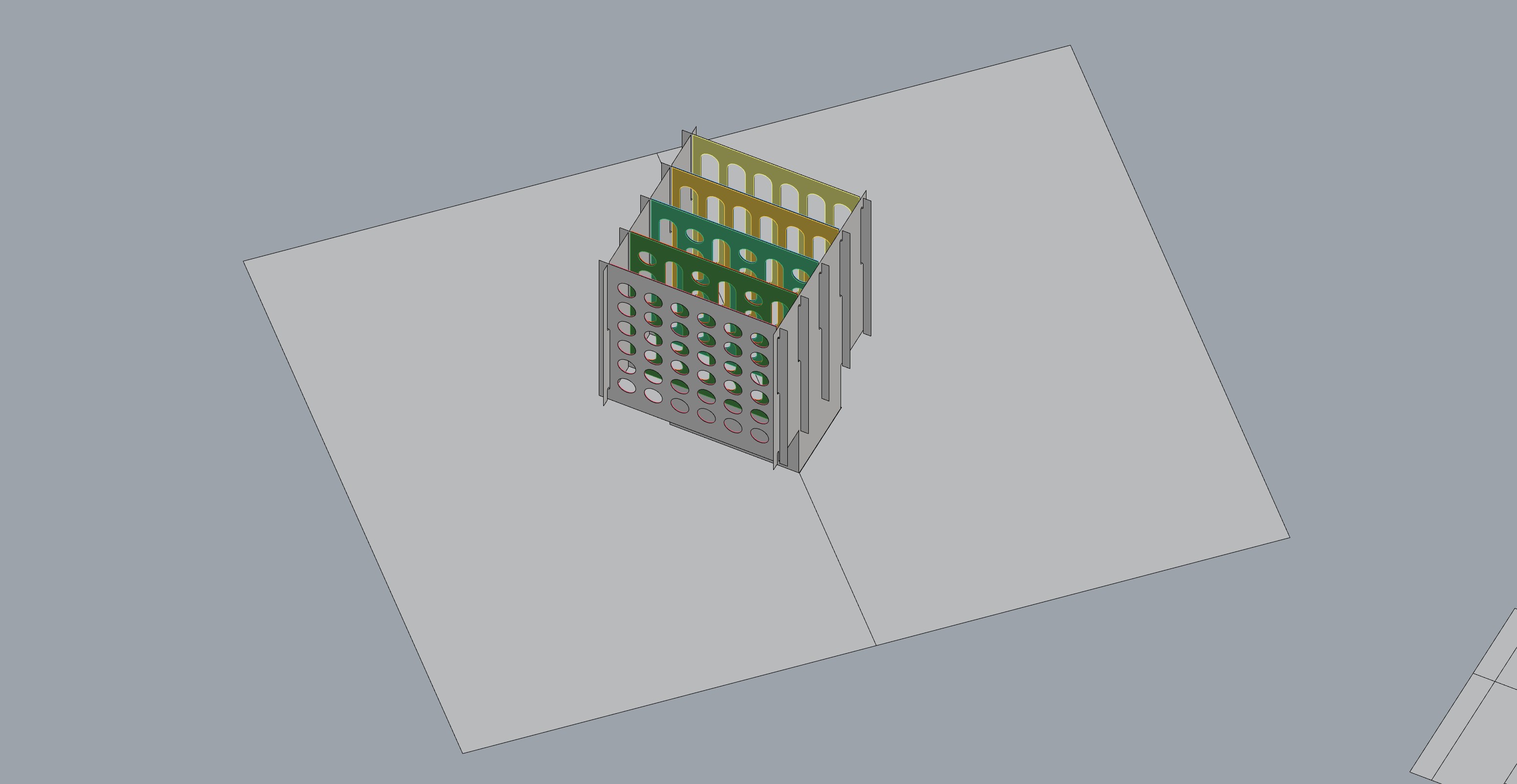
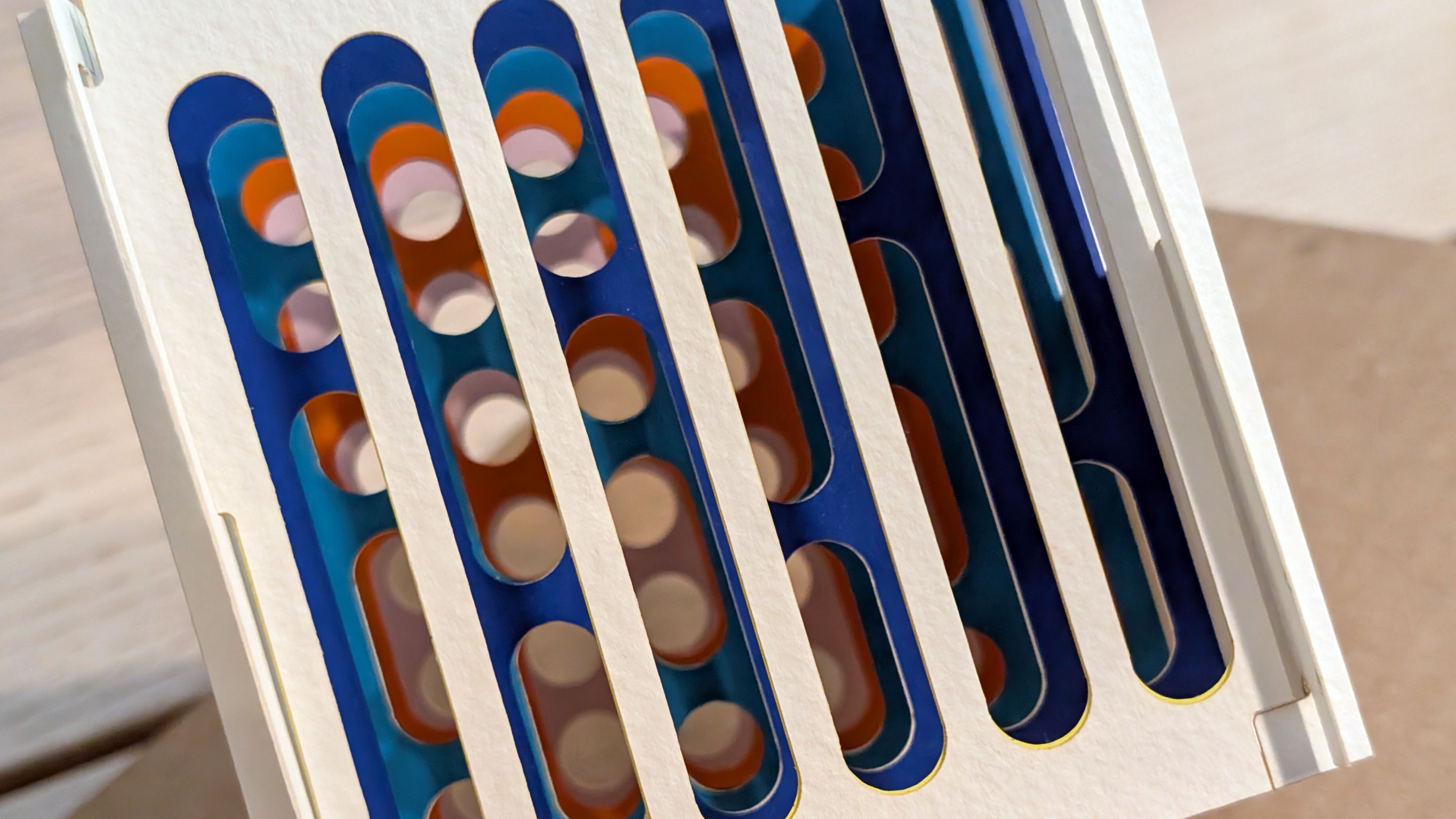
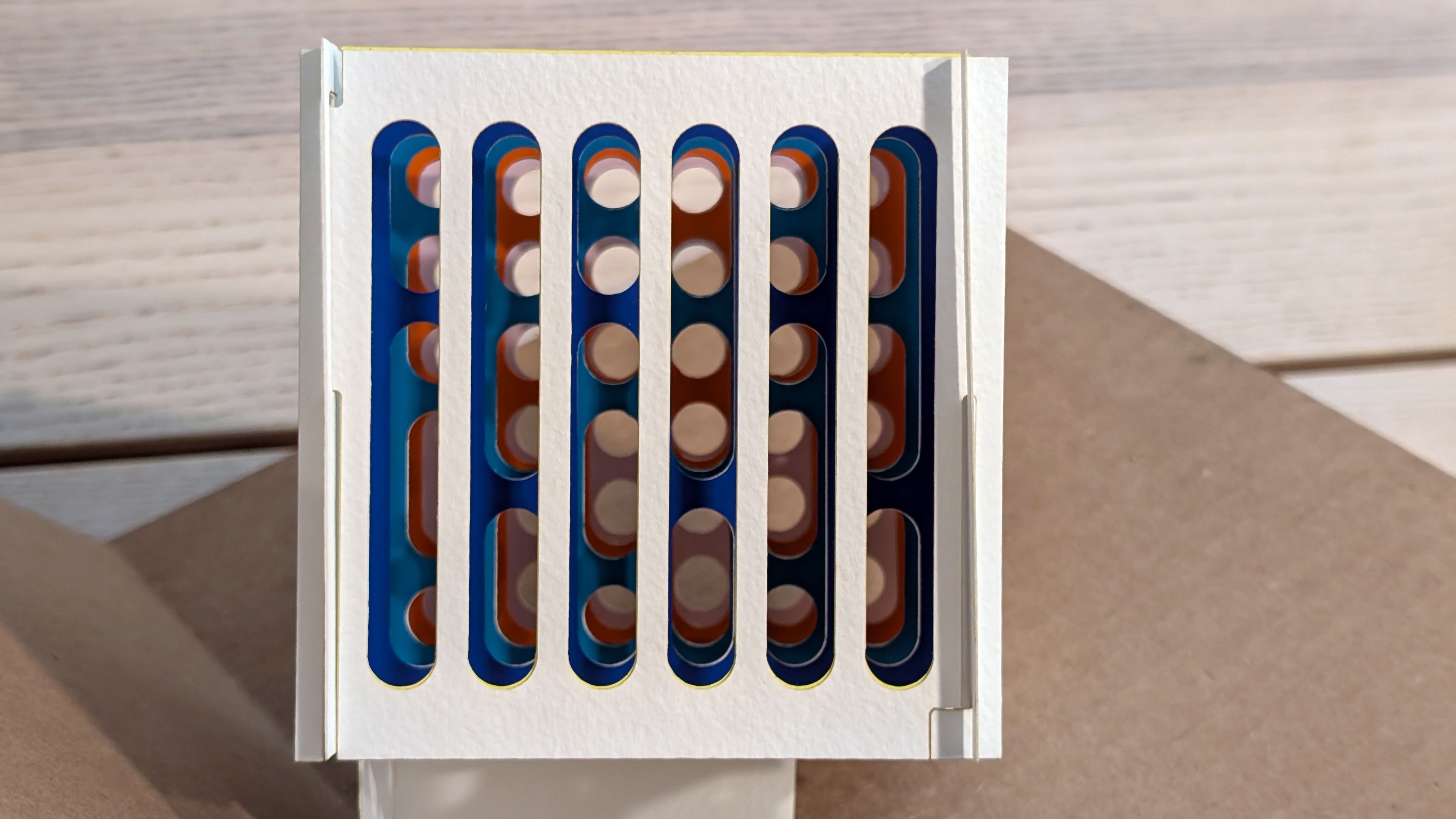
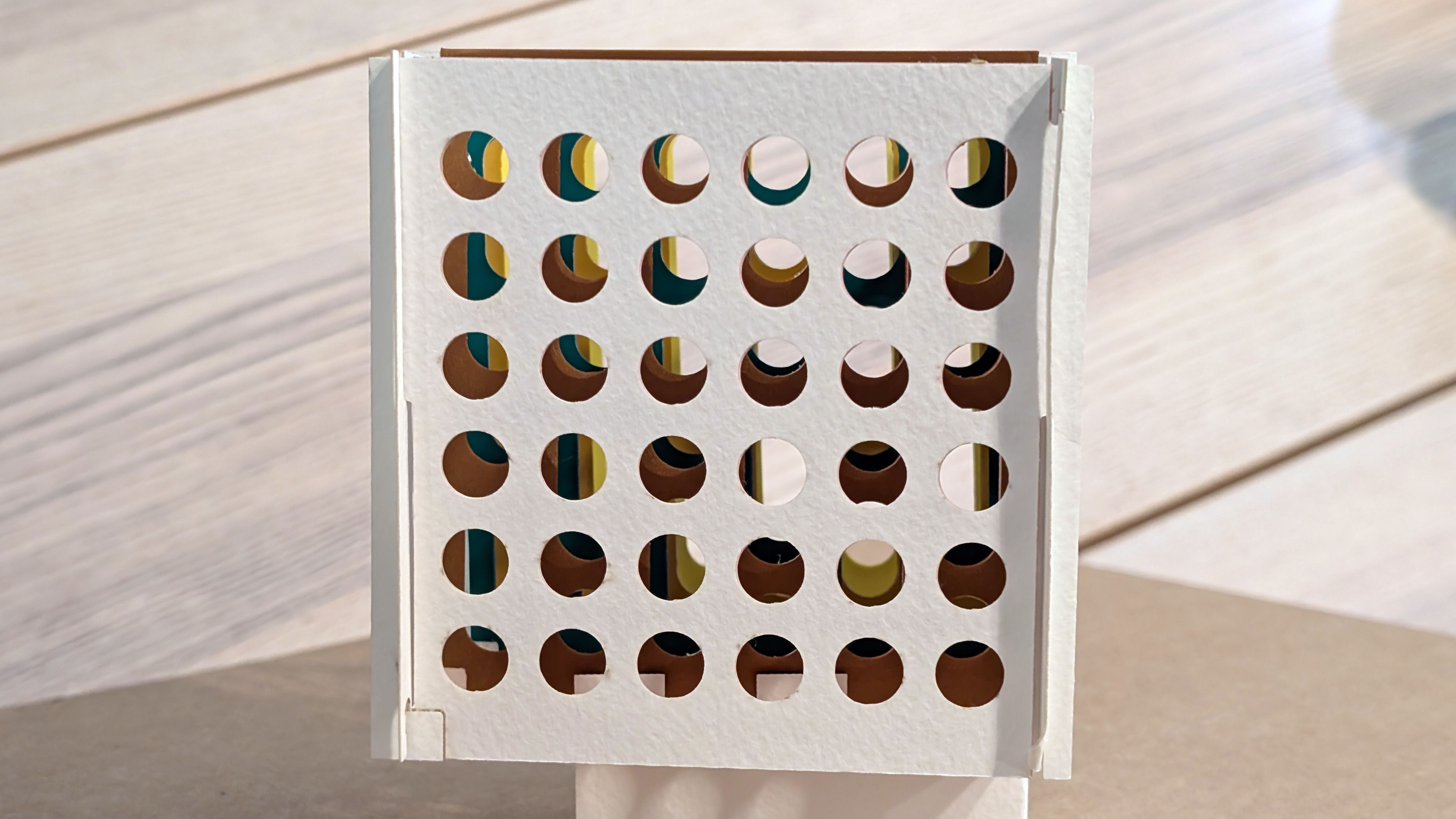
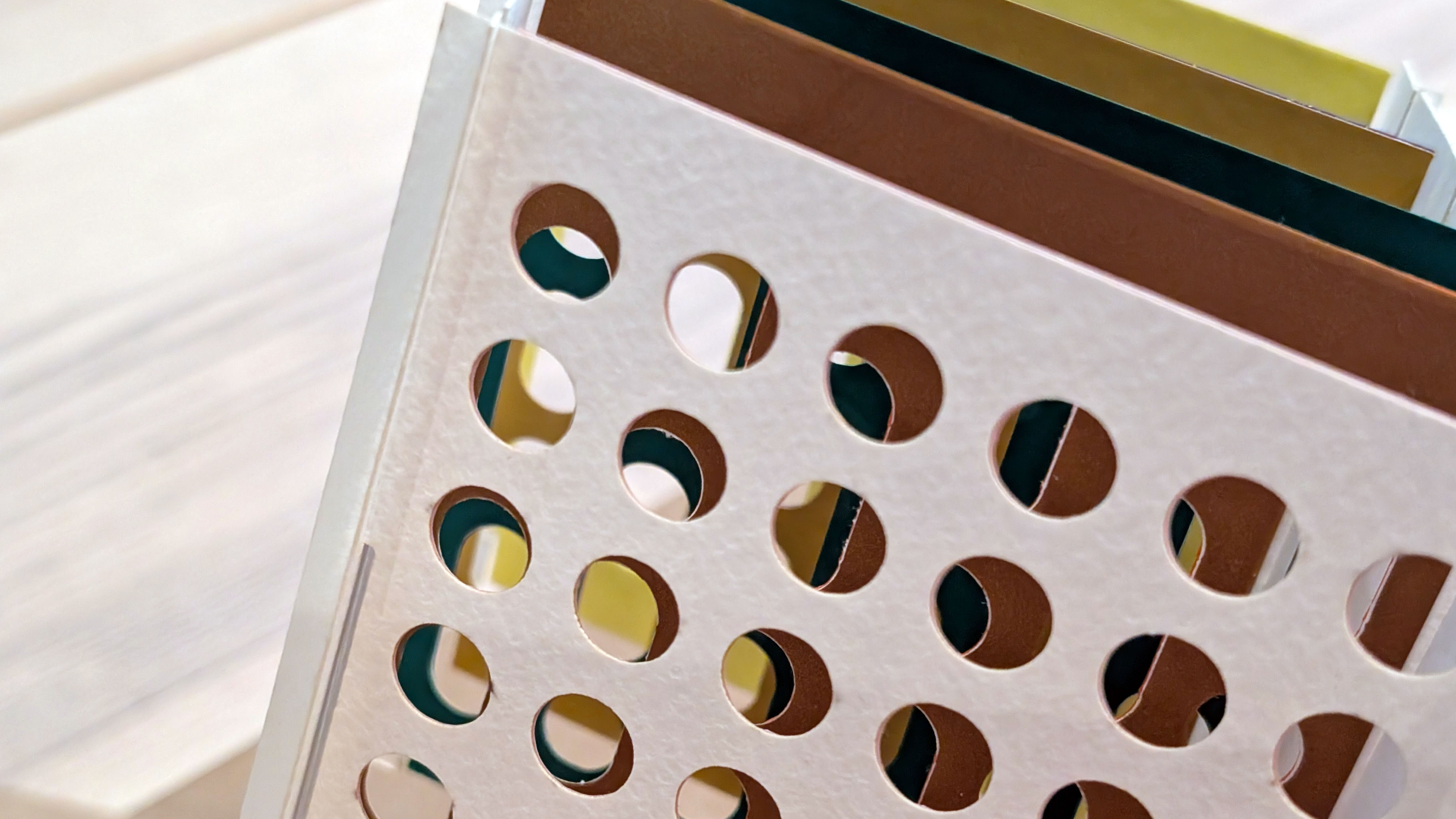
The cube is made of plates with different porosities. The color comes from vinyl stickers. When the cube opens, the plates overlap and the hues mix optically through the holes. This is an exploration of depth, color, and porosity. Because the effect is directional, a duplicate set of colors can appear when the cube is viewed from the opposite direction.
-
Parametric Design
The perforation pattern is parametric. Viewed from the blue/pink side of the cube, the perforations change from larger holes in the front to smaller ones in the back (from about 80% porosity to 50%), so that the colors in the back can blend and filter through to the viewer.
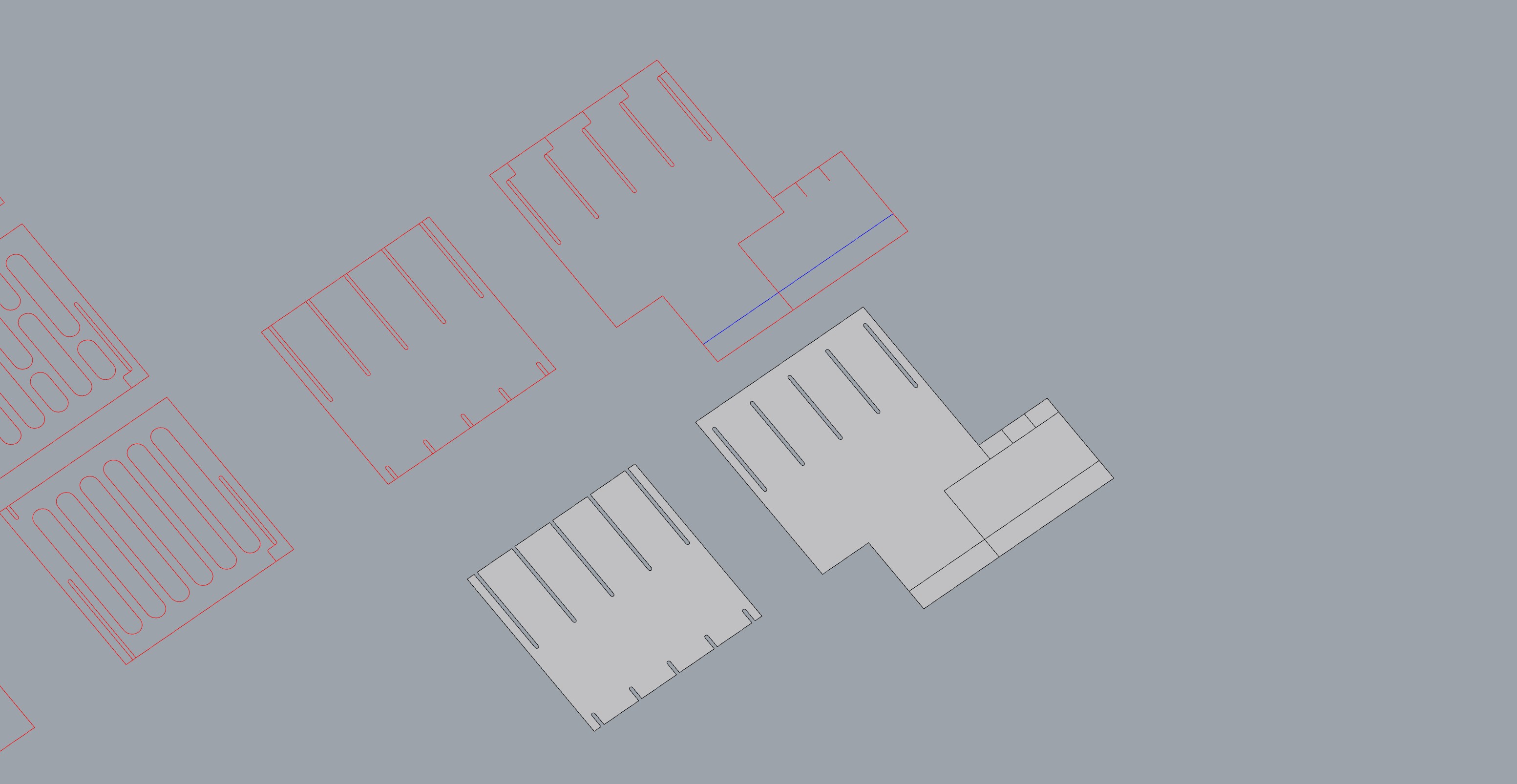
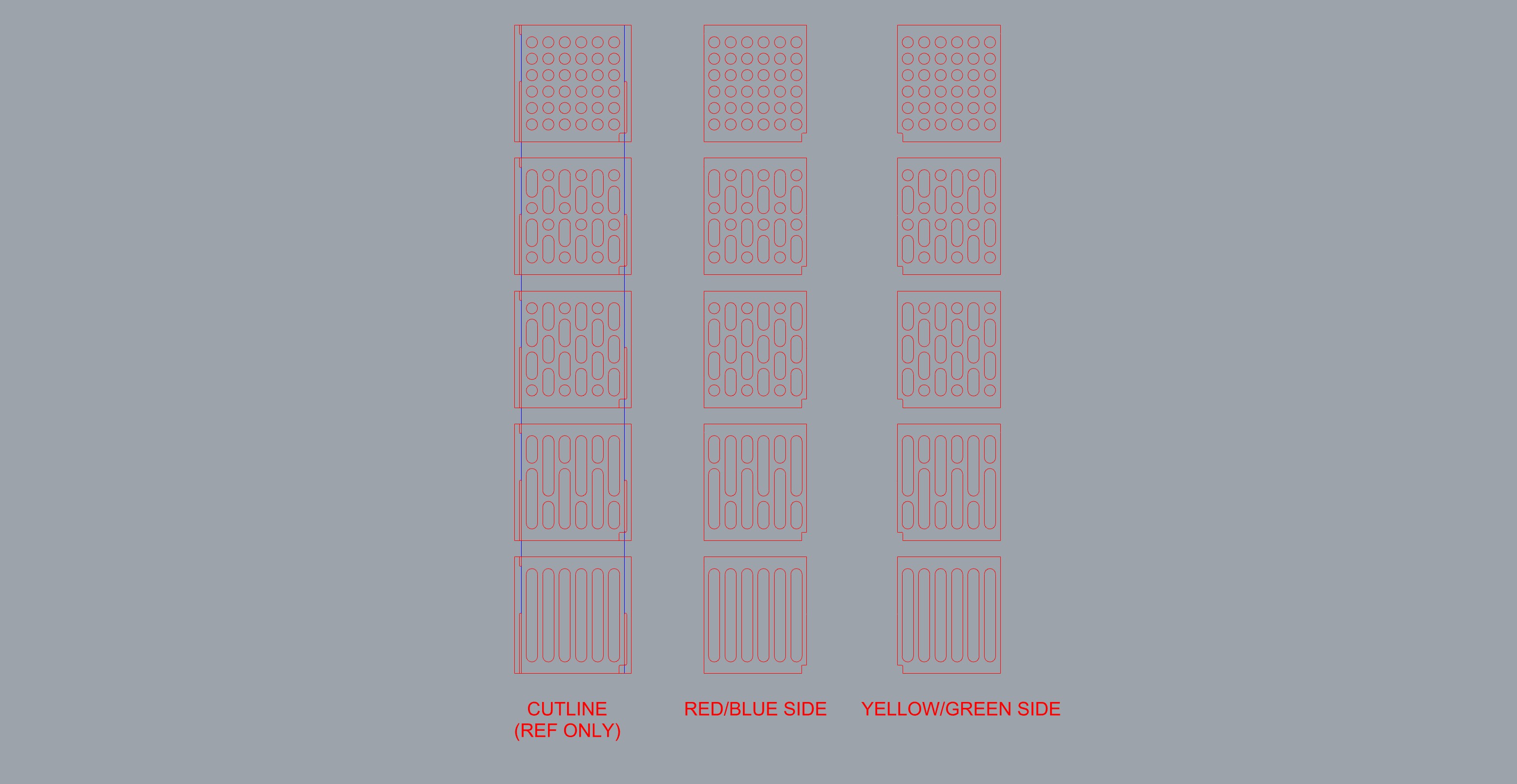
One limitation of this method is that the filter effect works only from the more perforated side. From the 50% side, the smaller holes limit how much the viewer can see, and while some colors are visible through the circular holes, the experience from this side is less visually striking than from the other.
-
Materials
In the final version of the cube, the plates are laser-cut Strathmore 300 Series Watercolor Paper. The colors are vinyl stickers cut on the vinyl cutter.
-
Iteration 1: Mock-Up
The mock-up tested the pop-up mechanism. It opened correctly, but the cube sagged.
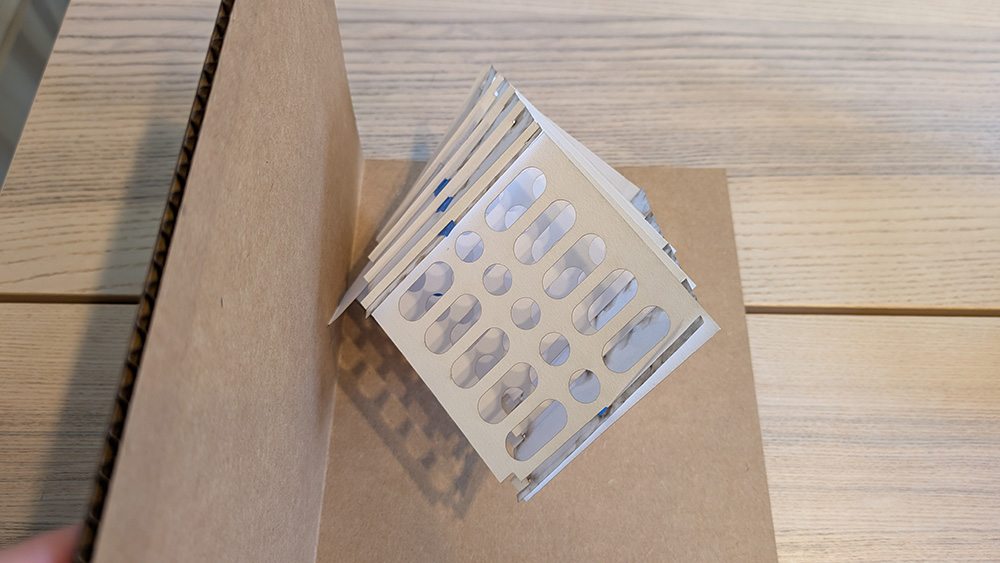
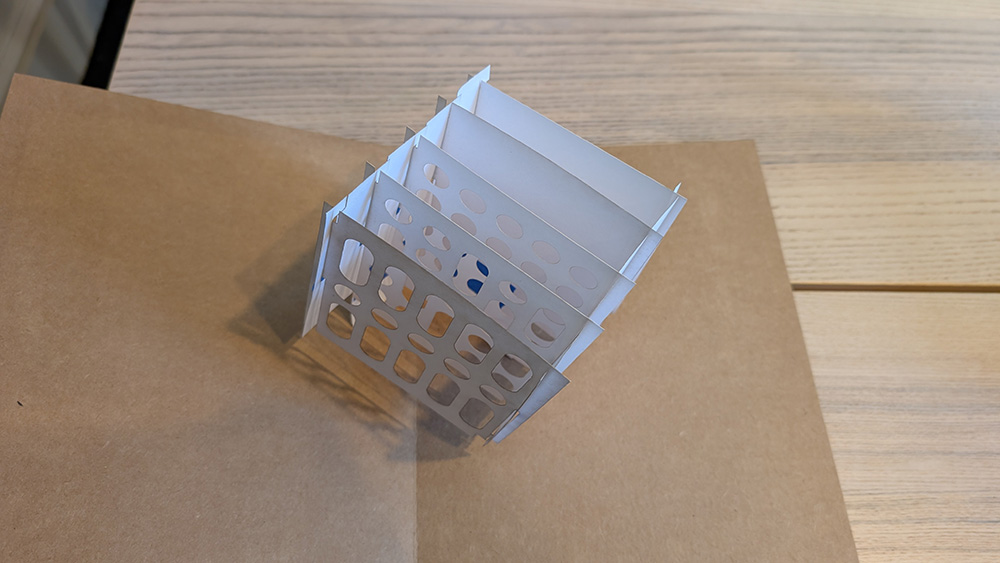
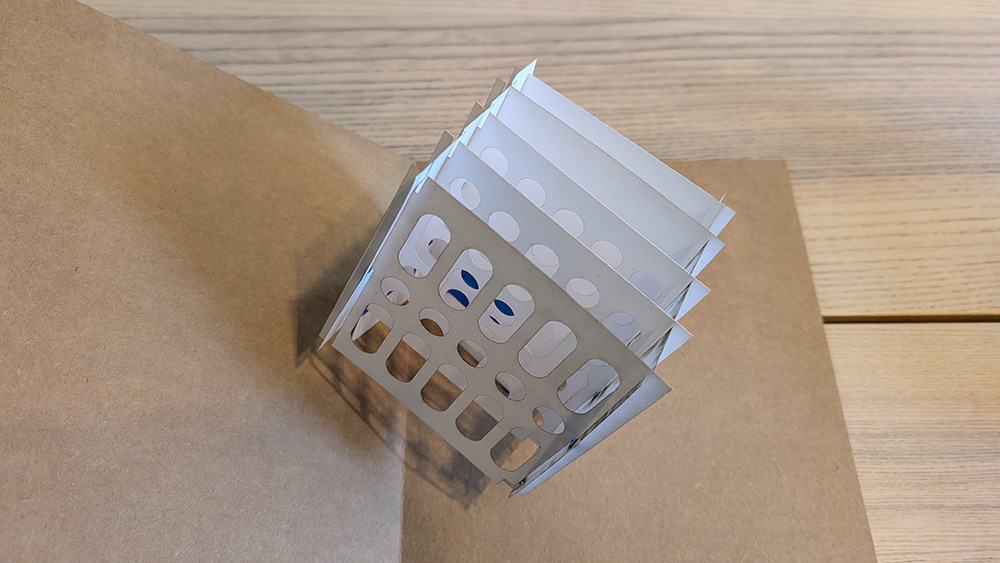
Because the tolerances of the cut pieces were not tight enough and the scoring was too deep, I had to use tape to hold it together.
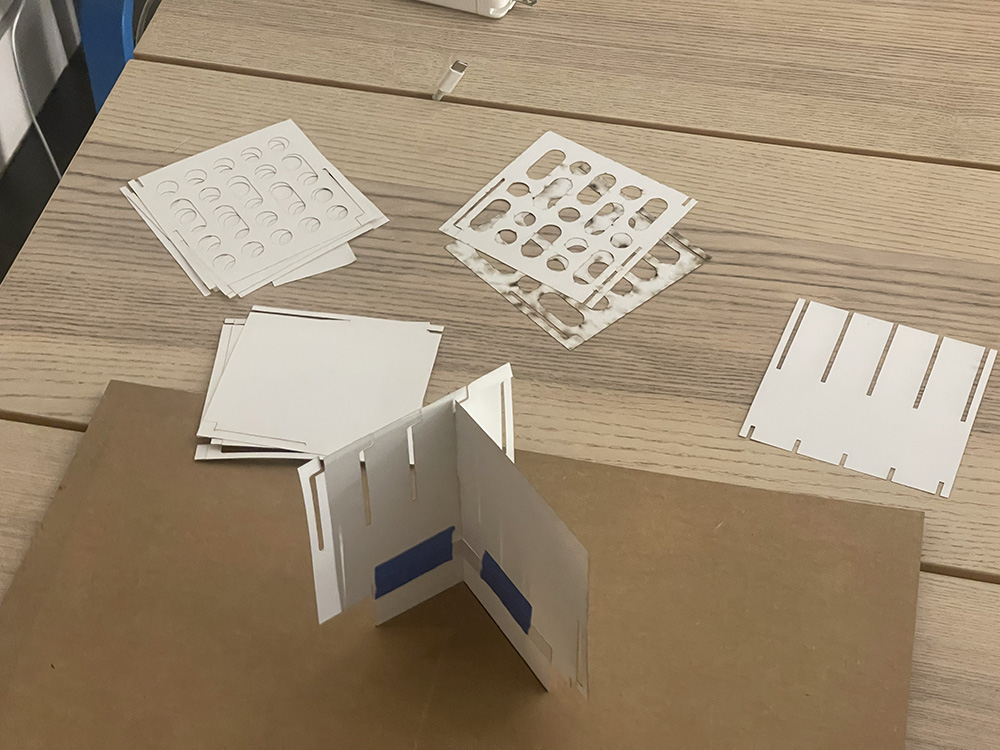
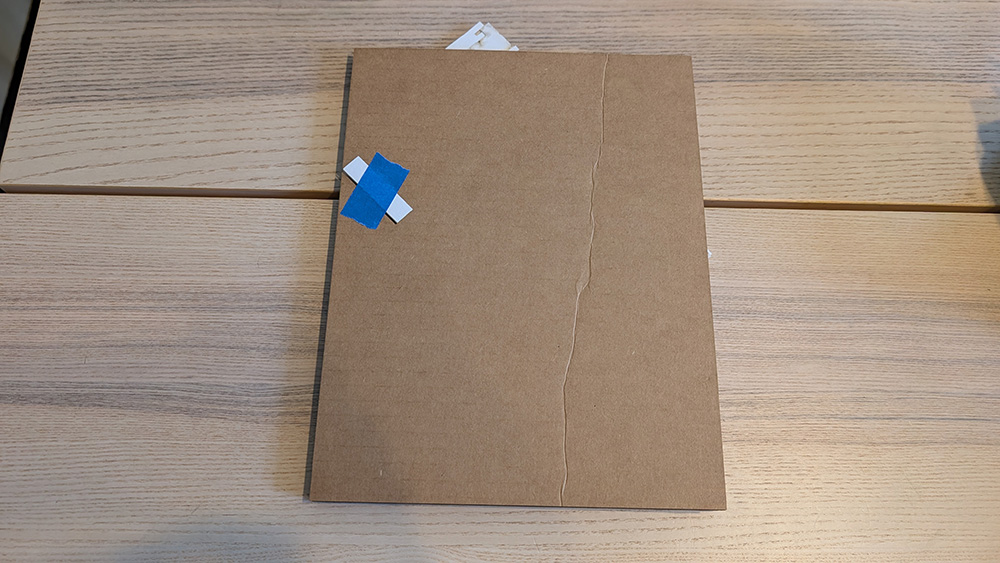
For this iteration, I used Staples cover stock (item #620702), 92 brightness, 67 lb. I accidentally used the same settings to cut both the cardboard base and the cover stock plates, which burned the edges of the cover stock. The base was also slightly too small, so it revealed the folded plates when closed.
-
Iteration 2
For the second iteration, I tightened the tolerances in the design and added the vinyl stickers to the plates, which improved the weight distribution and stopped the sagging. I also switched to Strathmore 300 Series Watercolor Paper. For the cardboard, I cut at 100% power and 12% speed, based on the findings of our group assignment.
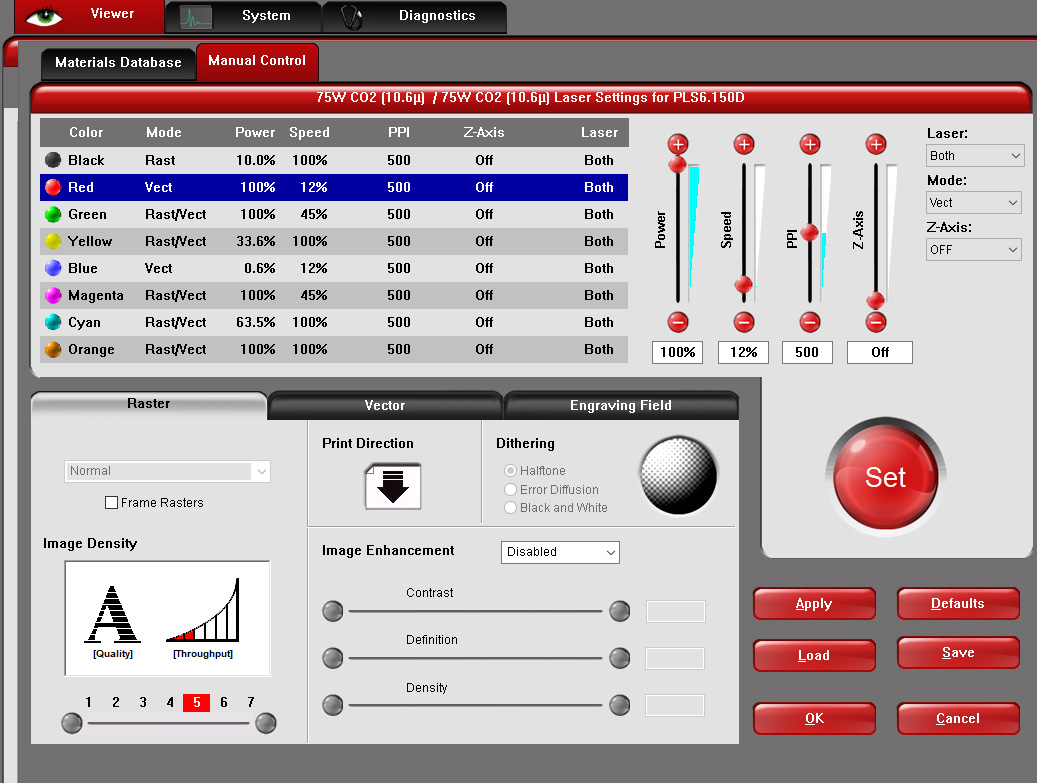
For the paper plates, I used the settings from the material database in the Universal Control Panel (UCP), which I used as the software interface for both jobs: 100% power and 100% speed.
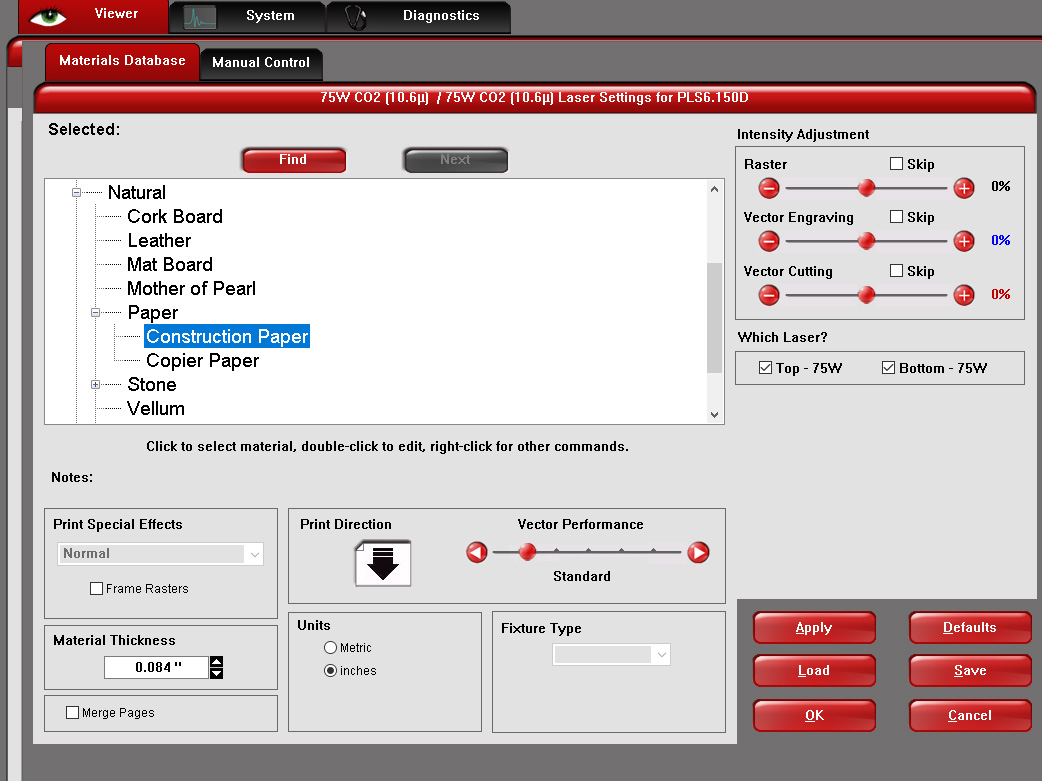
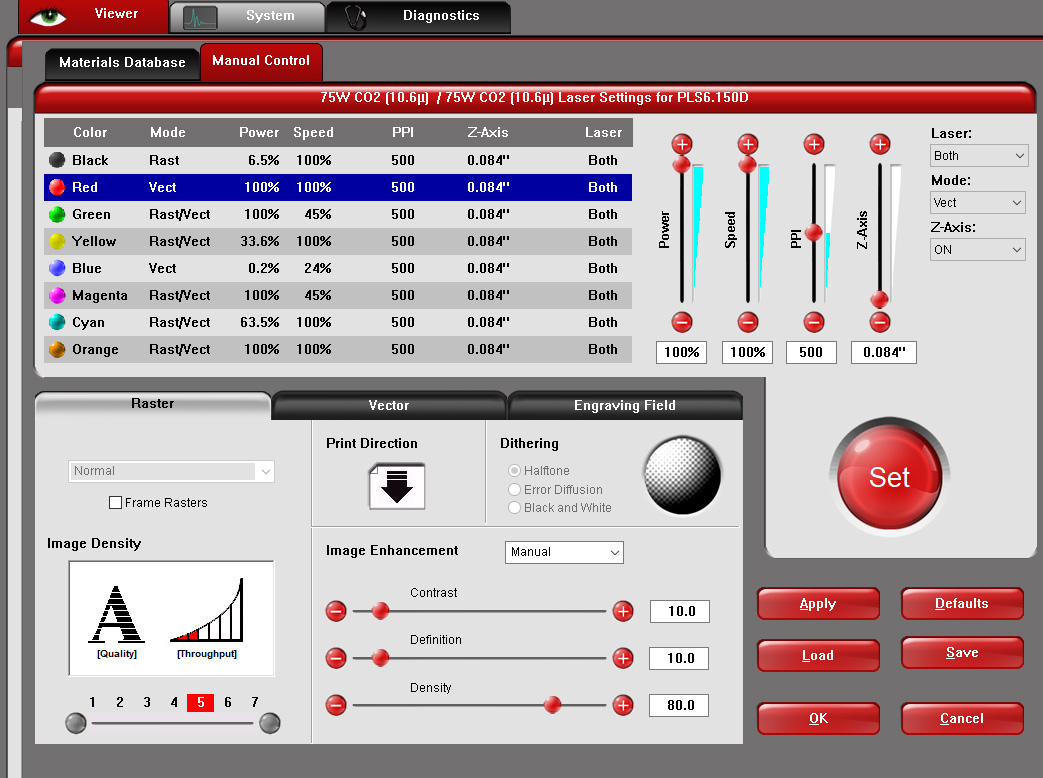
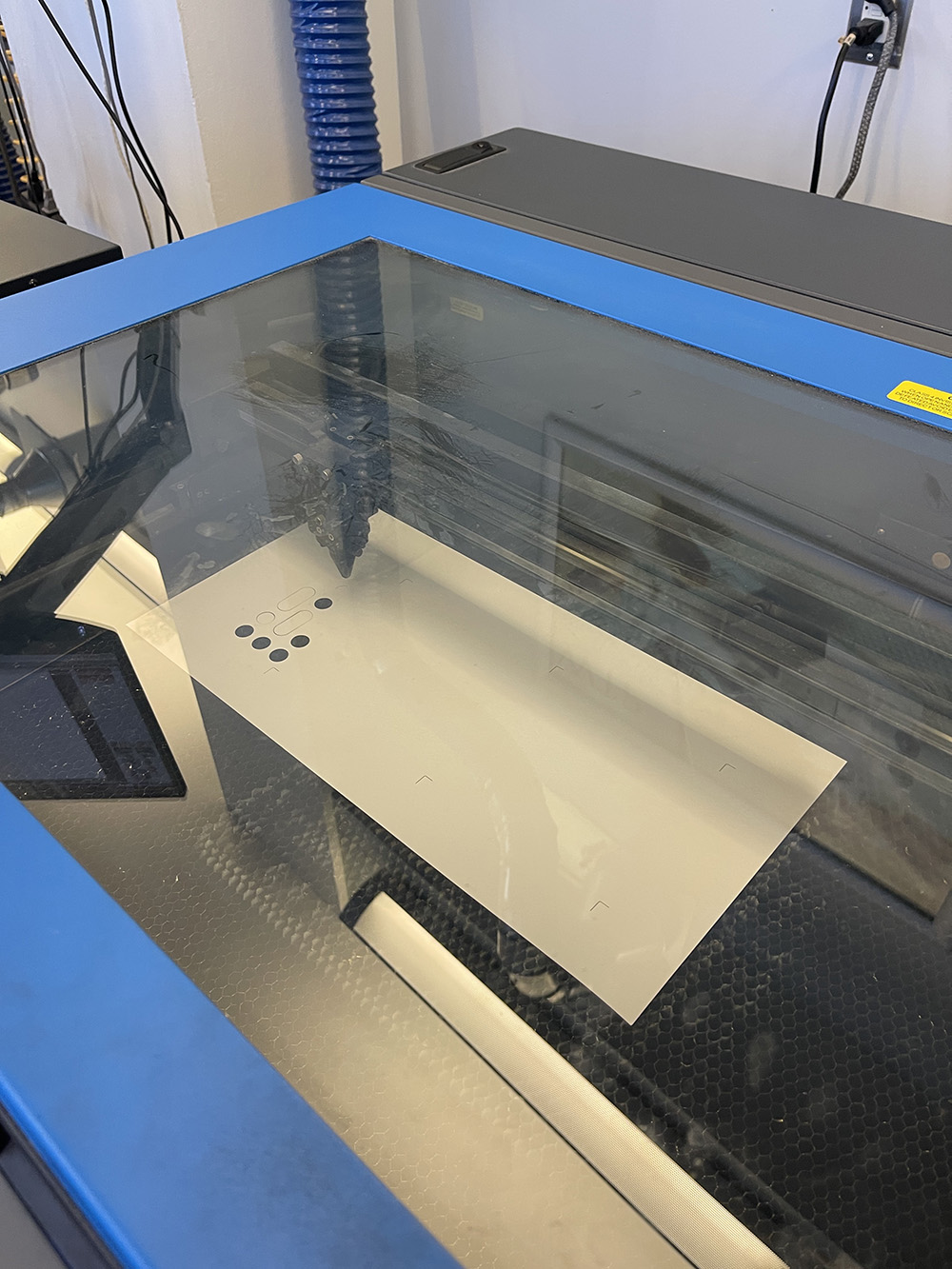
Both worked well. I cut both on the Universal Laser PLS6.150D.
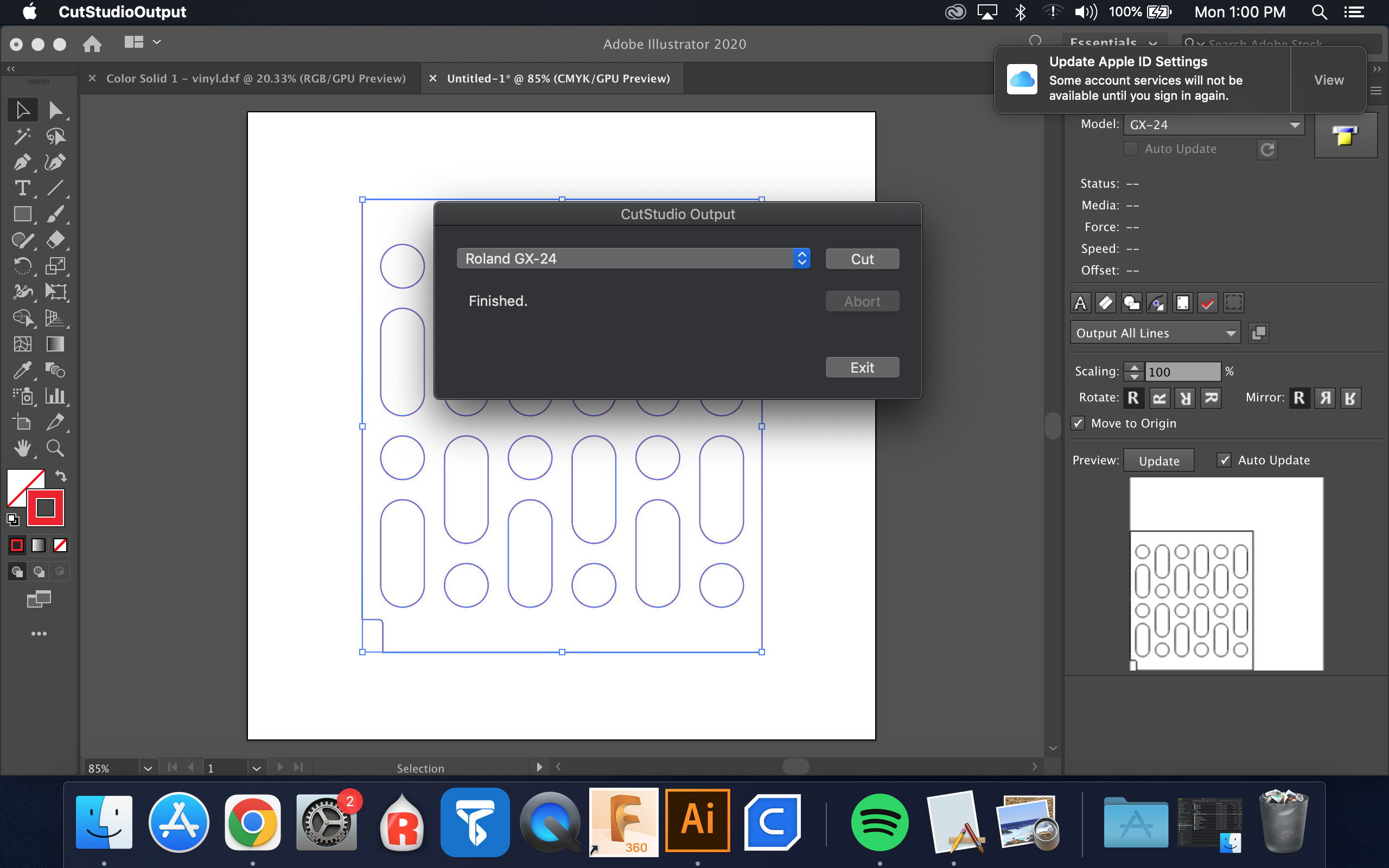
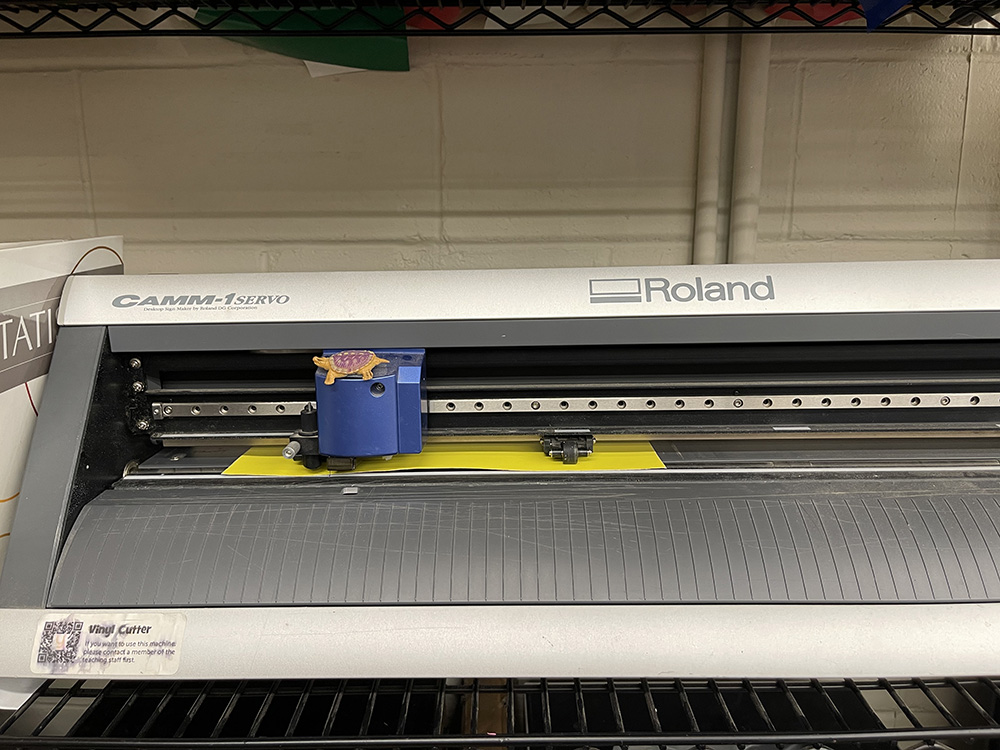
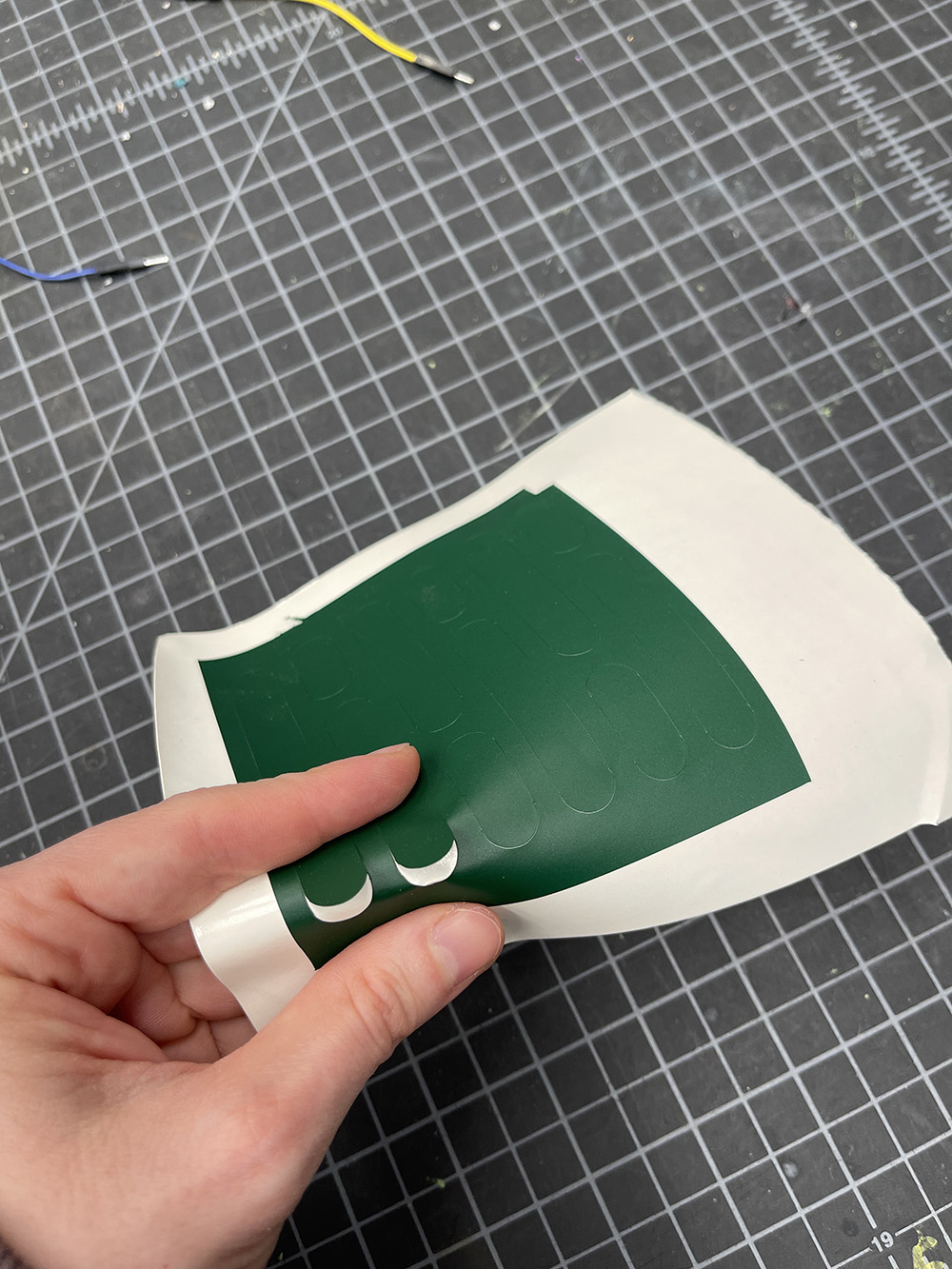
I cut the different colors of vinyl on the Roland CAMM-1 GX-24 using the CutStudio Output plugin in Illustrator, with these settings: force 70 gf, speed 30 cm/s, offset 0.25 mm.
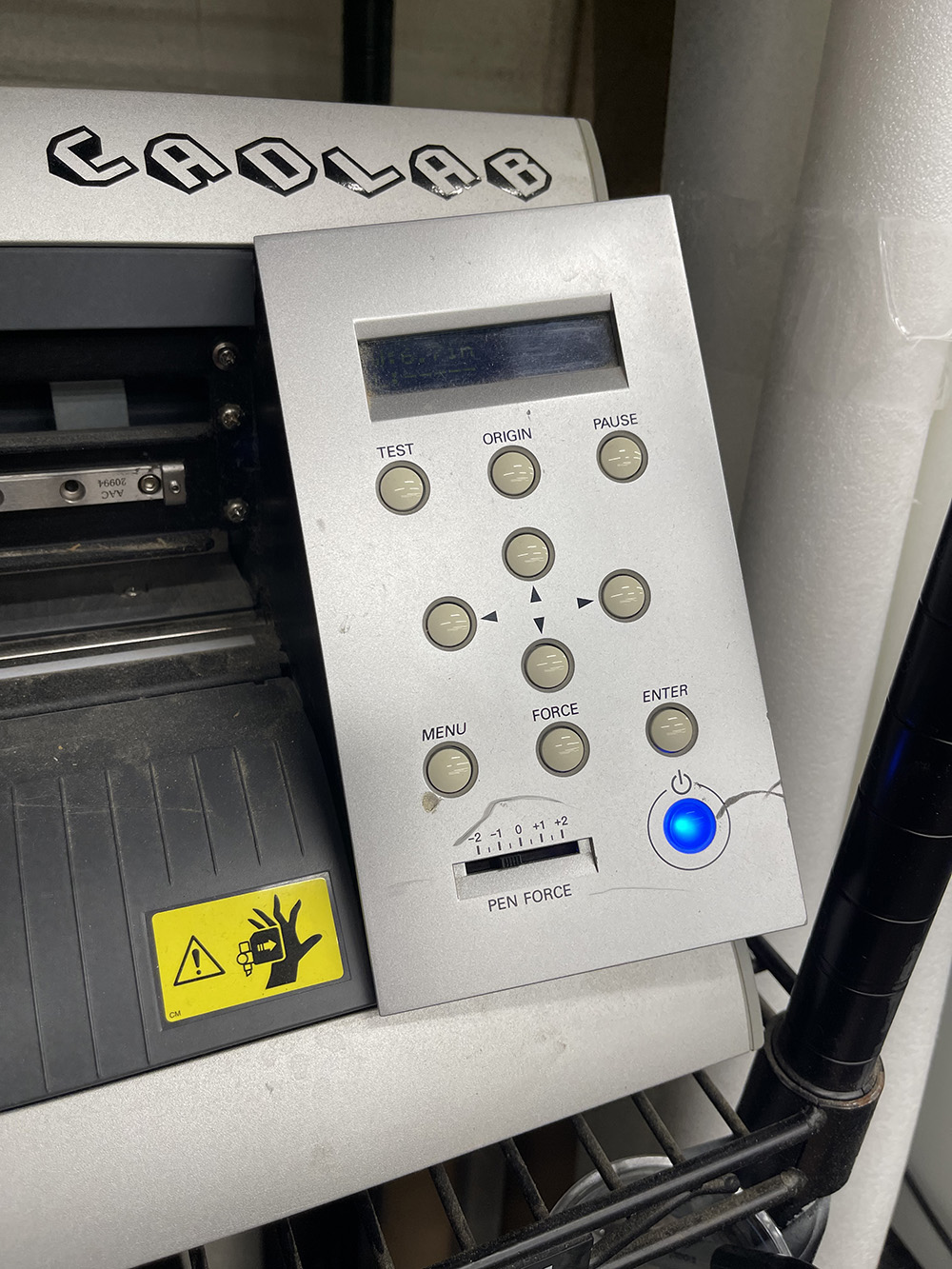
After my first cut, I set the physical pen force slider to −0.5 to fine-tune the force, because I wanted it to cut a bit lighter.
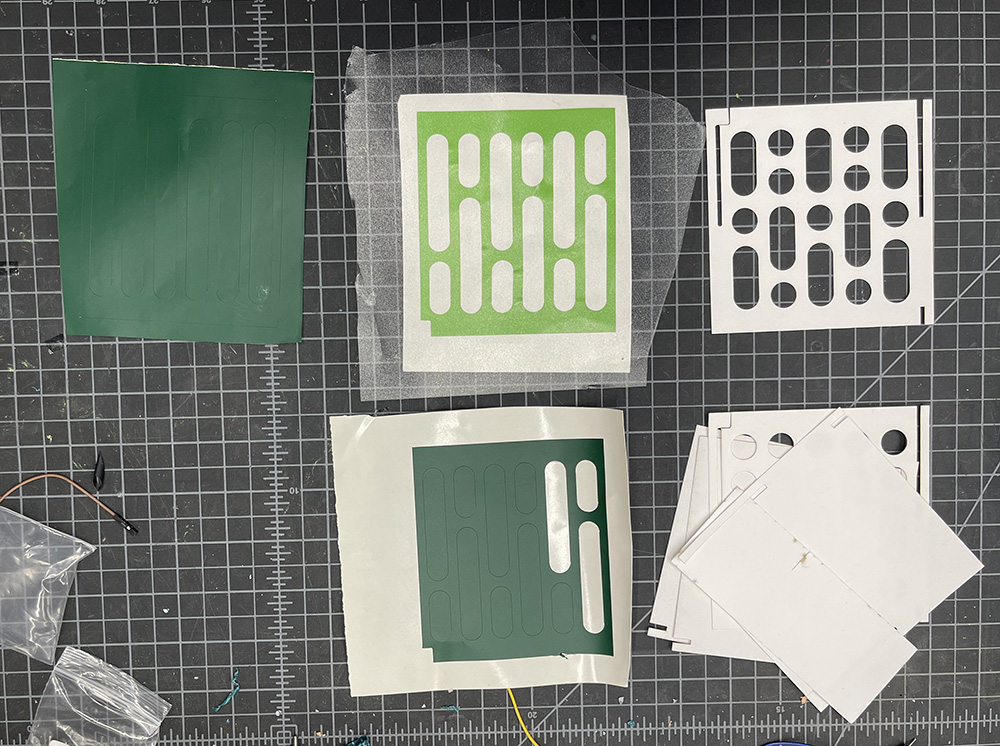
The weeding process was relatively easy, since I mostly had to remove large geometric shapes. I then used transfer tape to align the stickers on the laser-cut paper plates.
Here is the final cube:
-
AI Usage
Identifying AI usage
I used Claude (Anthropic’s AI assistant, model Claude Opus 5.5) to build the HTML for this page. I wrote the project text and made the cube, the models, the photos, and the videos myself. AI was not used to design the cube, the parametric perforation pattern, or the machine settings.
How AI was used
I used Claude in VS Code to build the original page template. For this version, I gave Claude my text and file names. It laid out the page, pointed all media to
images/cube/, fixed HTML errors, wrote the alt text, and caught two file names that didn’t match my folder.