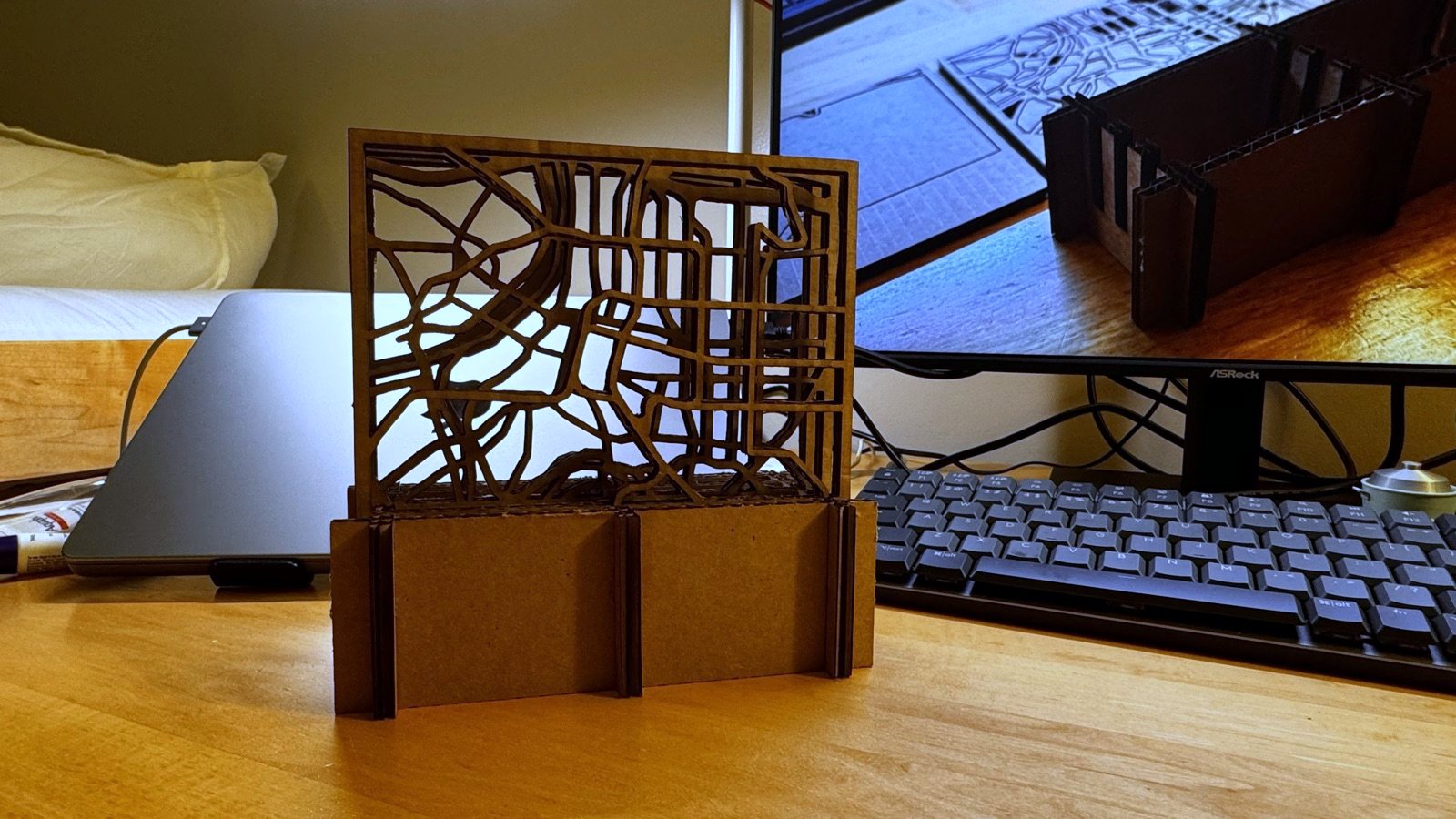
Laser-cut map plate of Taipei standing in its cardboard base, backlit so the street network reads

Week 02 · 09/16

Computer-controlled cutting

A press-fit stand for three cut-through maps of Taipei — rivers, roads, metro — and a first attempt that exploded because I guessed the cardboard thickness.

01 · Parametric construction kit

Taipei in three layers
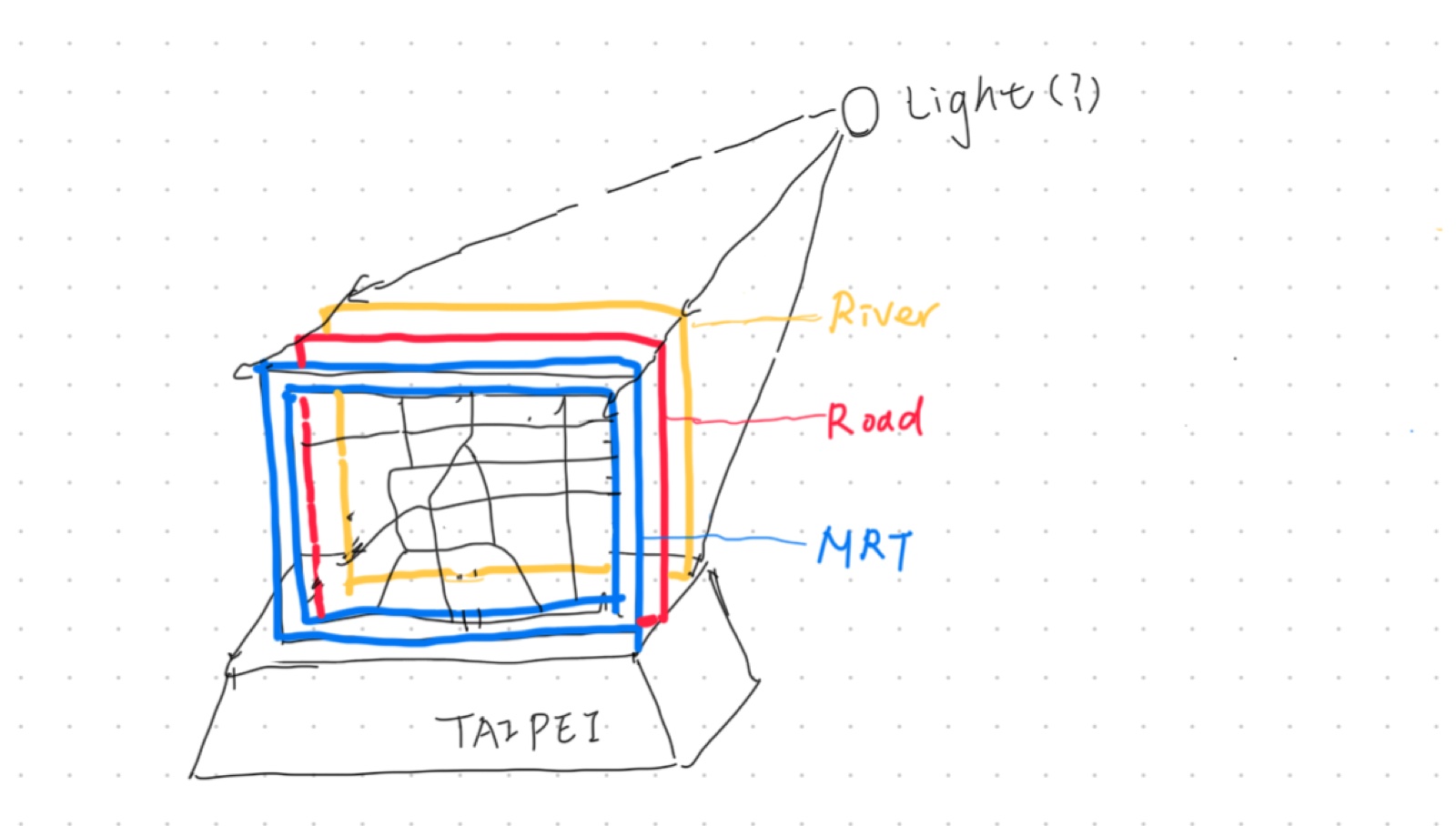
Hand sketch of the stand: three stacked map plates labelled river, road and MRT, with a light behind them
The idea: three plates — river, road, metro — read as one city, with a light behind.

Three cut-through maps of the same 9 km of Taipei stand one behind the other: rivers, roads, metro. Swap the order and you read the city differently. The base is two long rails and three short ribs, slotted together. No glue.

Maps that hold themselves up

The maps come from OpenStreetMap via QGIS. Because they're cut through, the street network is the cardboard: every strip has to connect at both ends, or it flops. Instead of adding support bars I zoomed in until the lines run off the edge and the frame holds them.
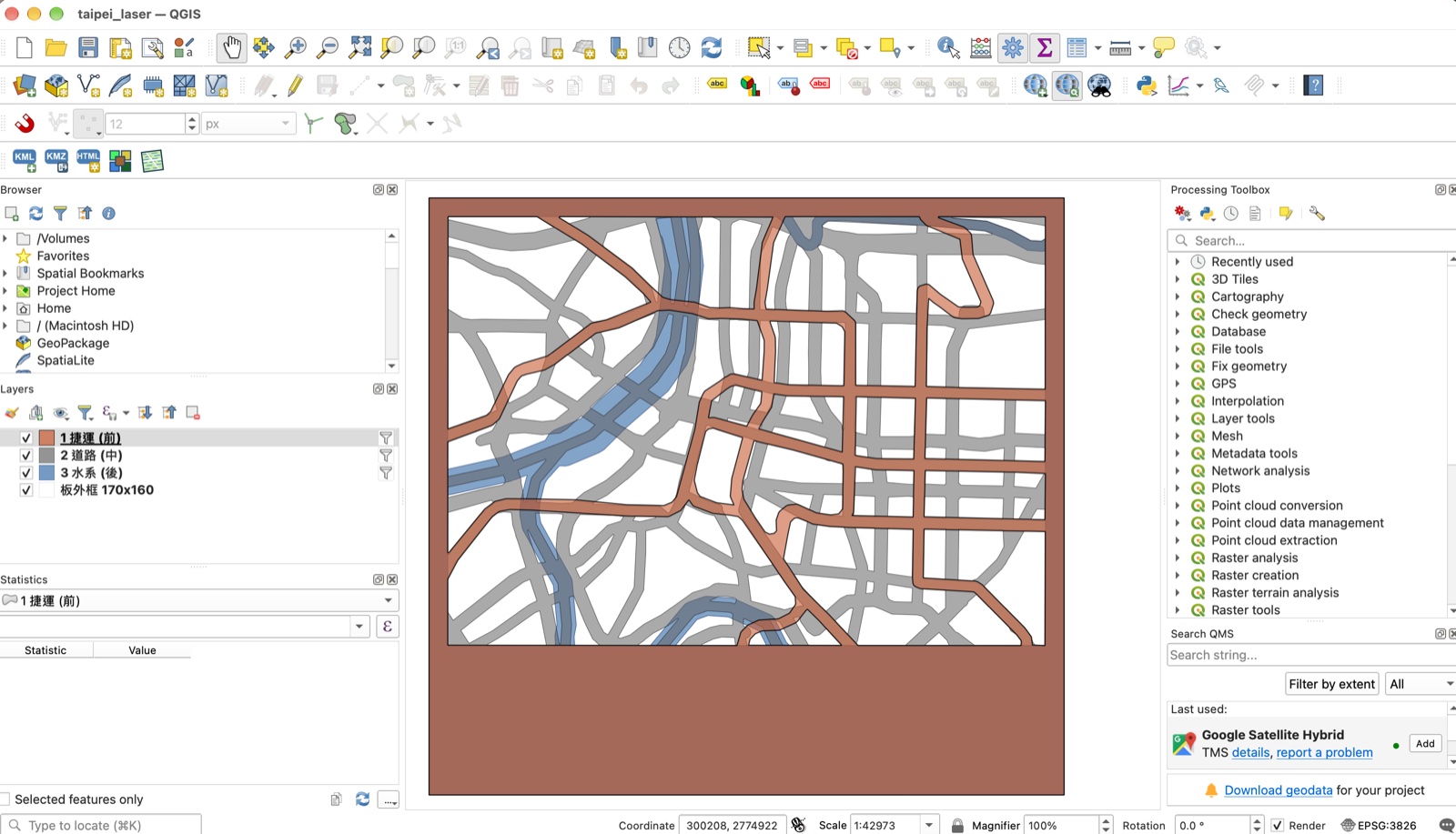
QGIS showing the three map layers overlaid: metro in orange, roads in grey, rivers in blue, inside the plate frame
The three plates overlaid in QGIS — metro, roads, rivers — sharing one frame so they line up when stacked.

The model

The map DWGs come into Fusion at 1:1, so the plates and the base are one model and the slots are cut to the real drawing. Everything is driven by Fusion parameters — board thickness t, kerf, the gap between maps — so the whole stand rebuilds from a few numbers. Structural slots are t − kerf for a tight fit; map slots are t + 0.3 so the plates slide in and out.
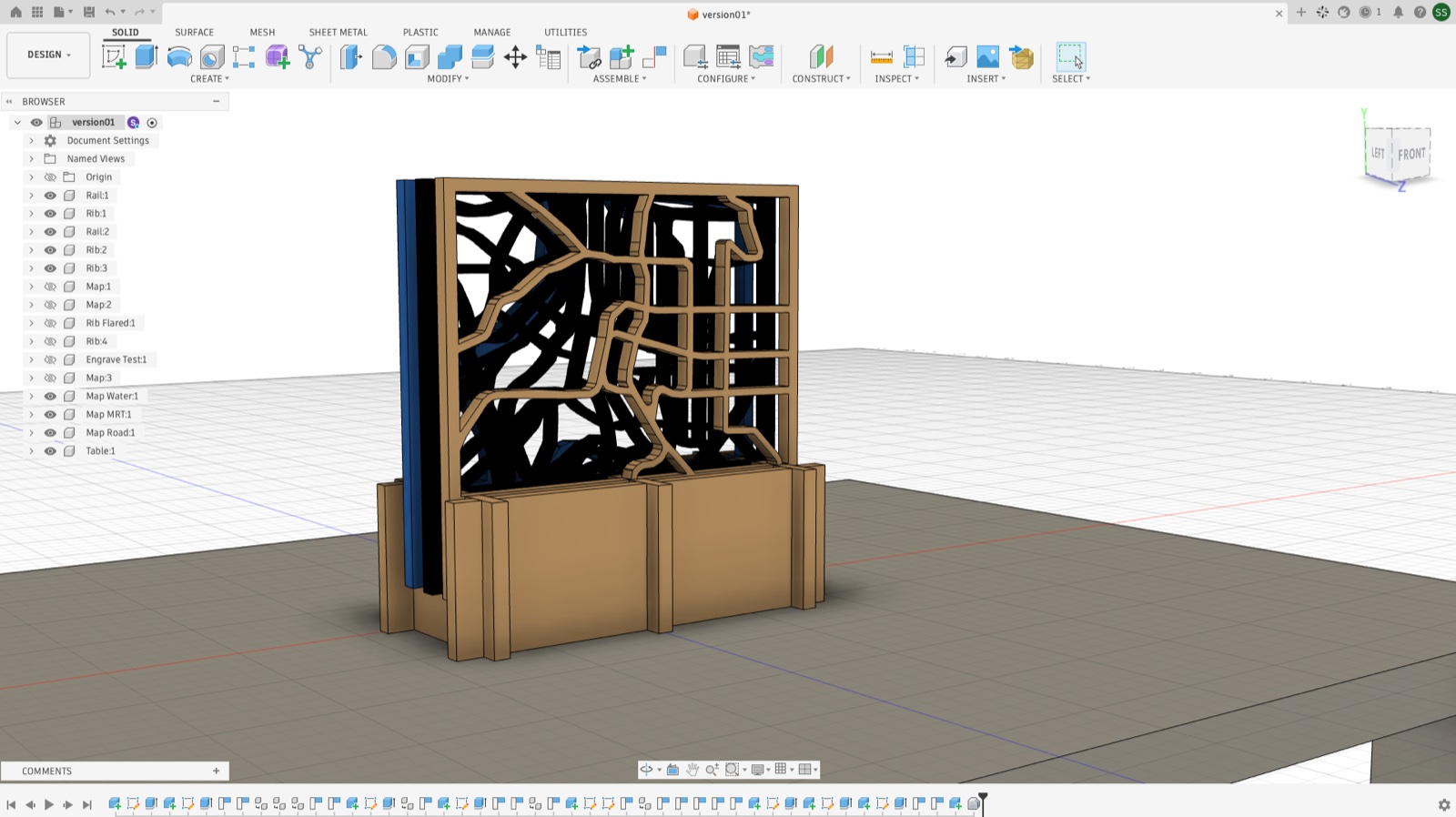
Fusion 360 showing the assembled stand with the three map plates in the browser tree
The QGIS maps imported as DWG and rebuilt in Fusion, so the plates and the base are one model.
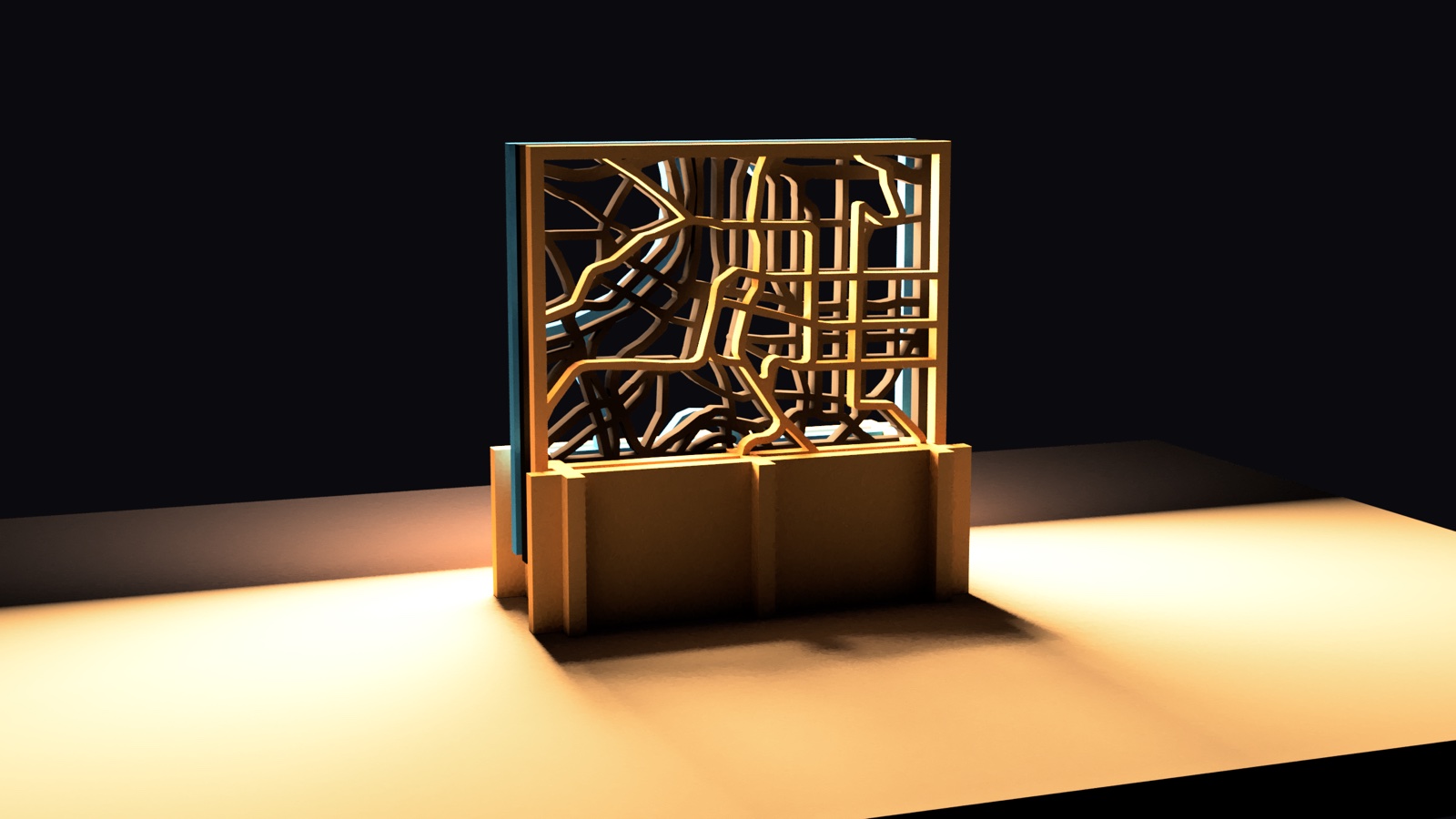
Fusion render of the stand lit from one side, the street network throwing shadows across the table
Rendered with a low side light — the point of cutting through rather than engraving.
Assembly animation: ribs onto the rails, then the map plates drop in.

Cutting

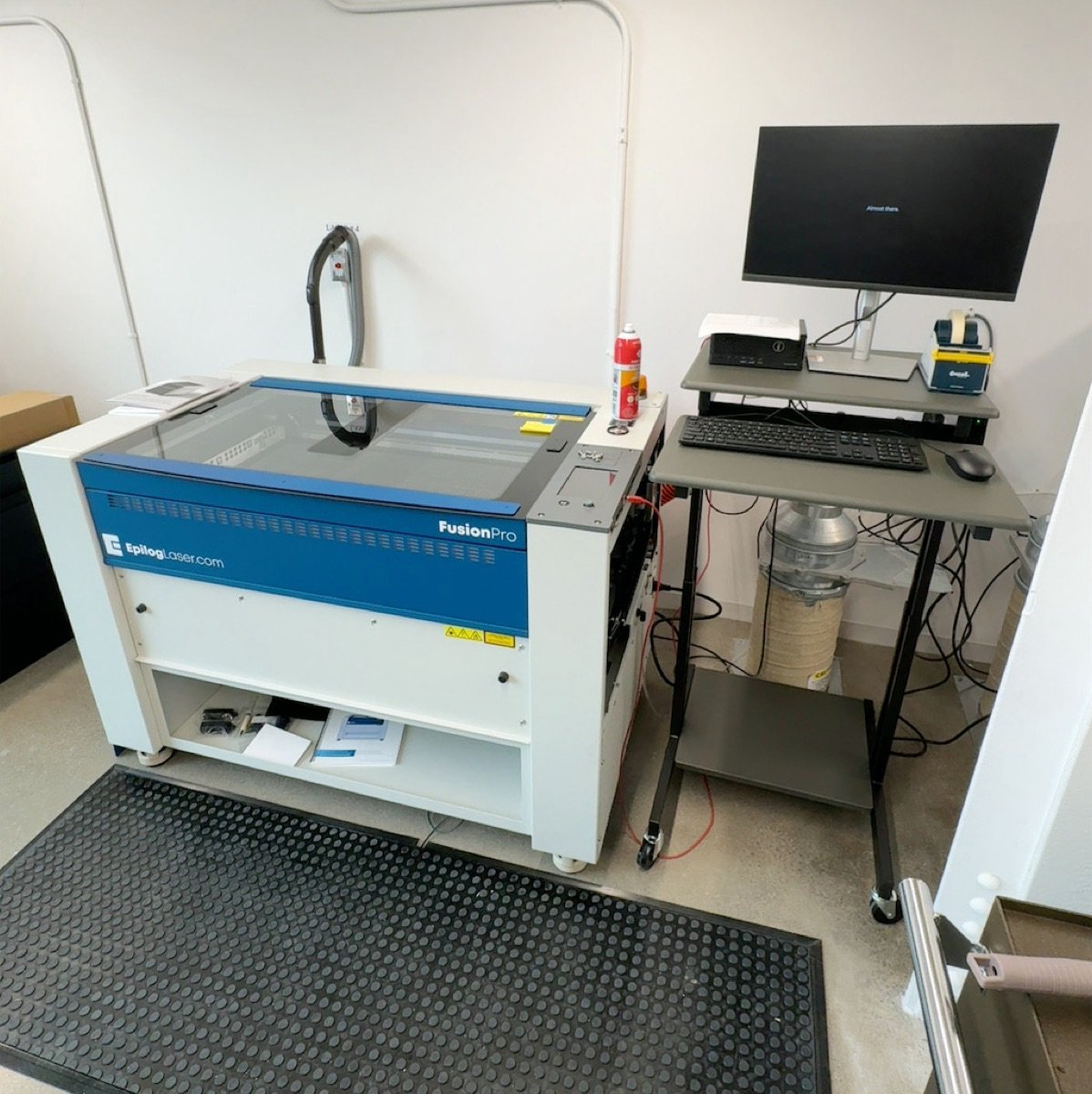
Epilog Fusion Pro laser cutter with its Rhino workstation and pressure mat
Epilog Fusion Pro. Files go in through Rhino on the PC; the laser only runs while you stand on the mat.
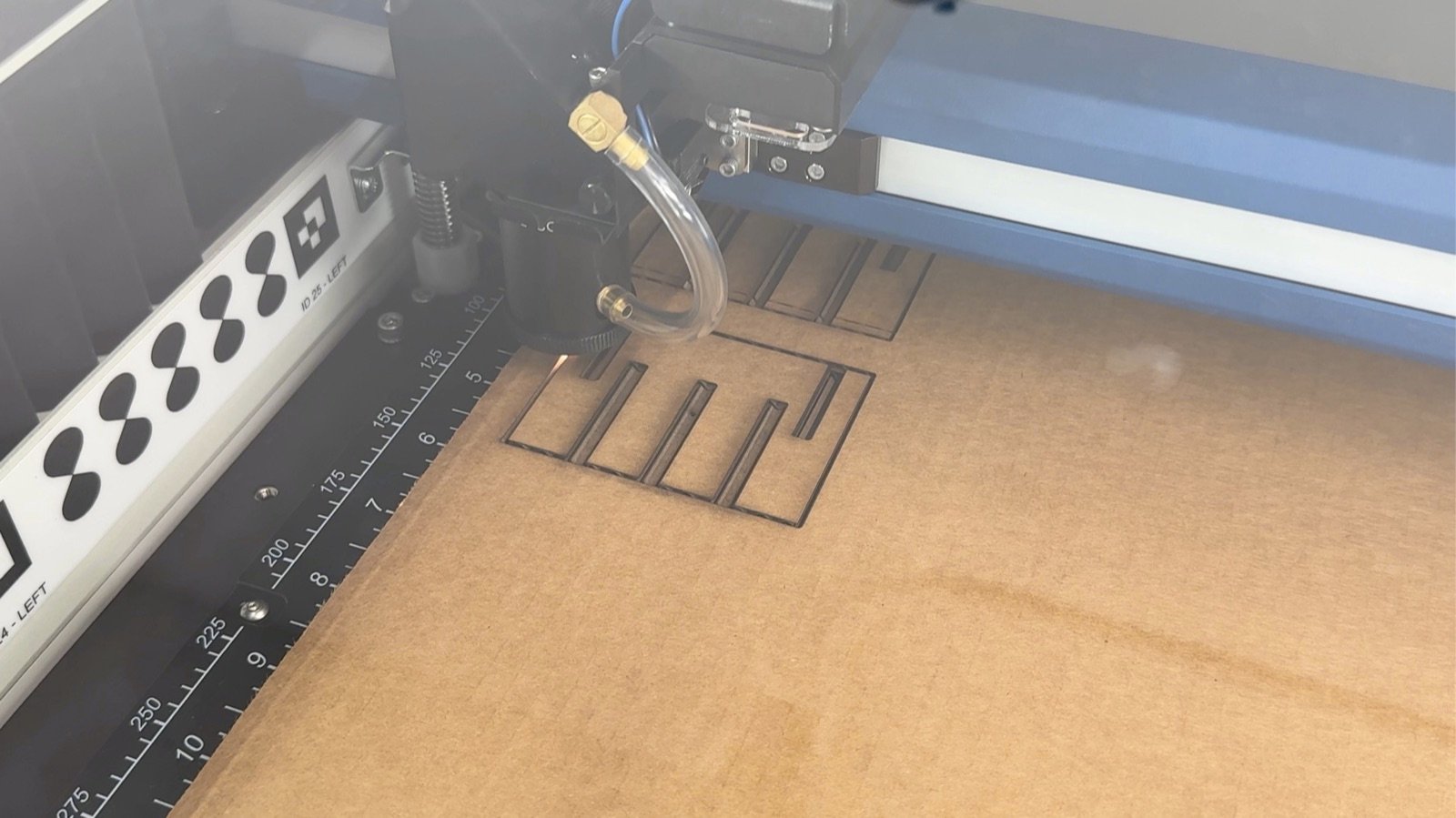
Epilog laser cutting a slotted cardboard rib
Cutting a rib.
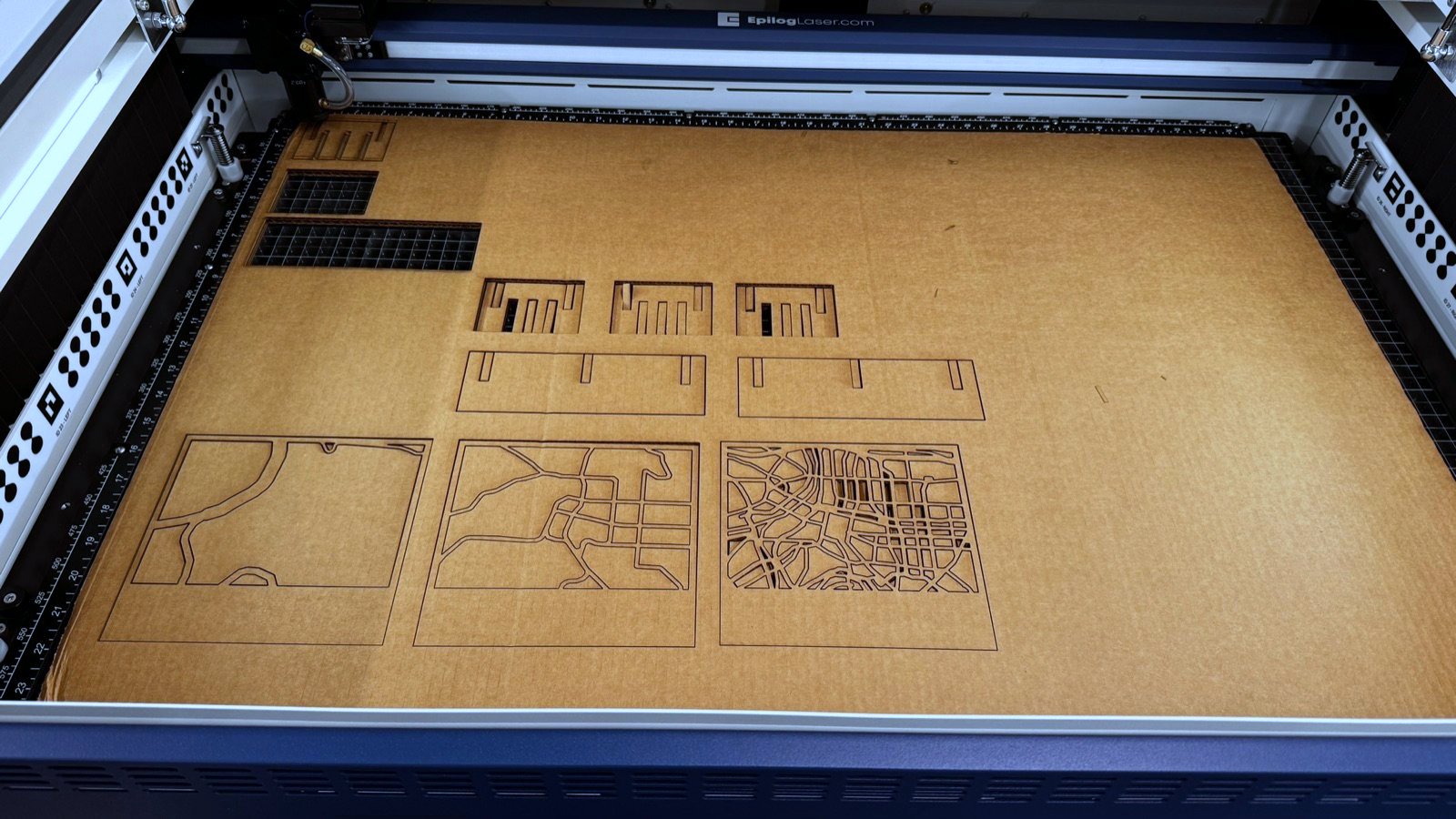
Full cardboard sheet on the laser bed with map plates, ribs and rails cut out
The whole kit on one sheet.

First try: it exploded

I modelled the board as 4 mm without measuring. It's 6.82 mm. Nothing fit, I forced it, and the joints tore.
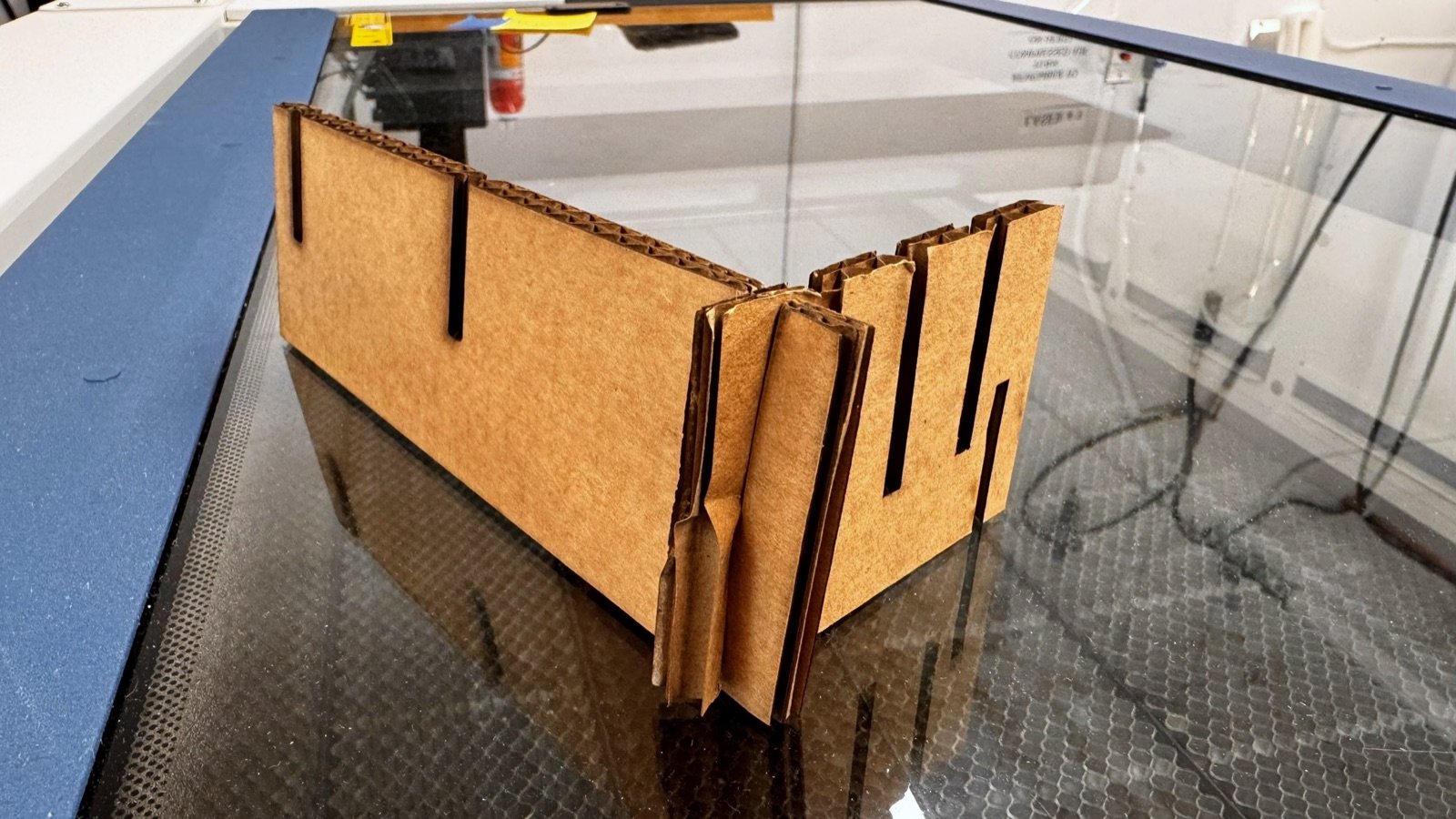
Half-assembled cardboard stand with crushed, torn slot joints
Slots for 4 mm, board 6.82 mm.

Changing t to 6.82 fixed the slots but squeezed one rib wall down to 1.77 mm, so I also re-spaced the map slots. Lesson: measure the material first.

Assembled
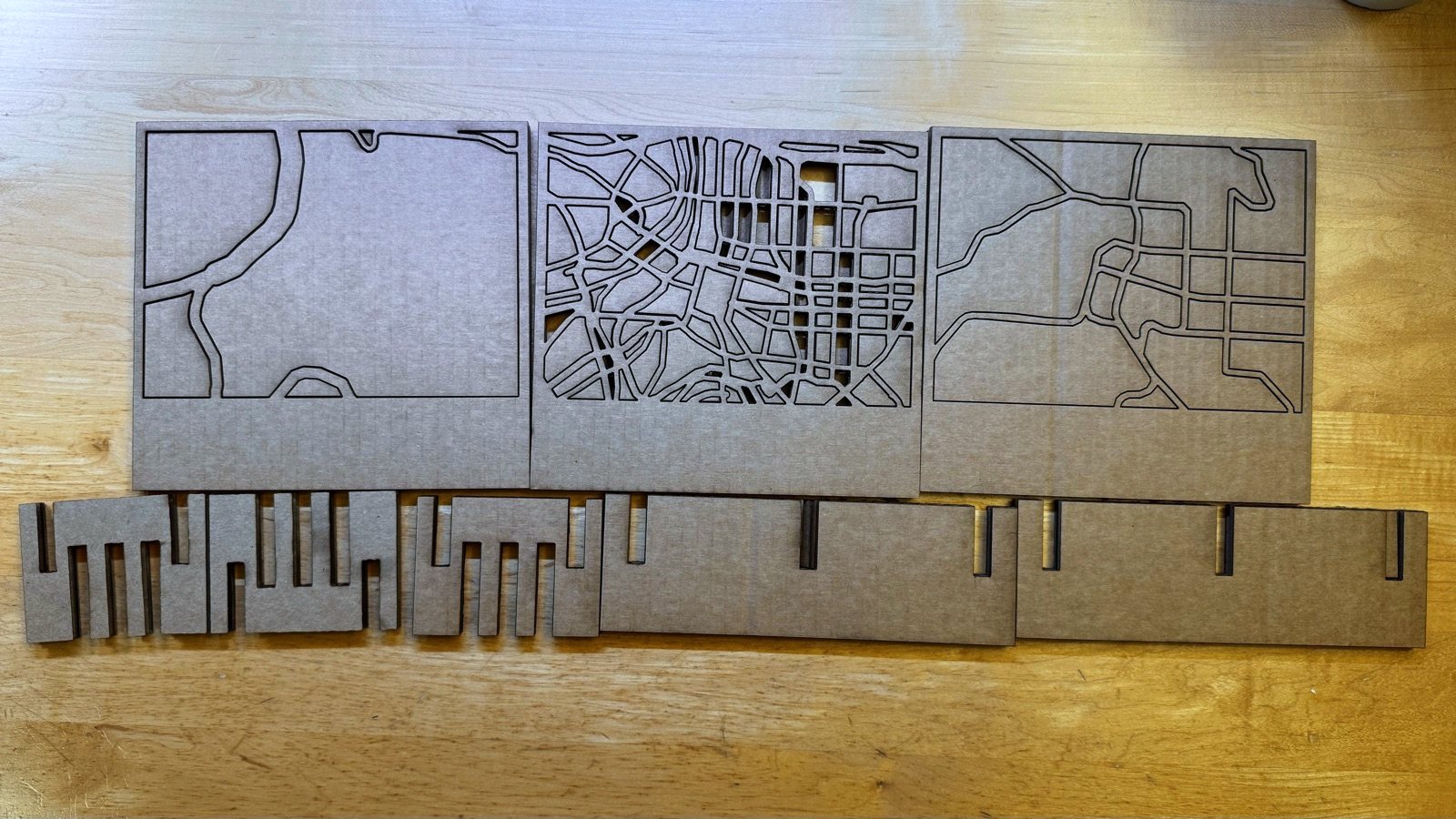
Three cut-through map plates of Taipei above the slotted rails and ribs
Three maps and the base parts.
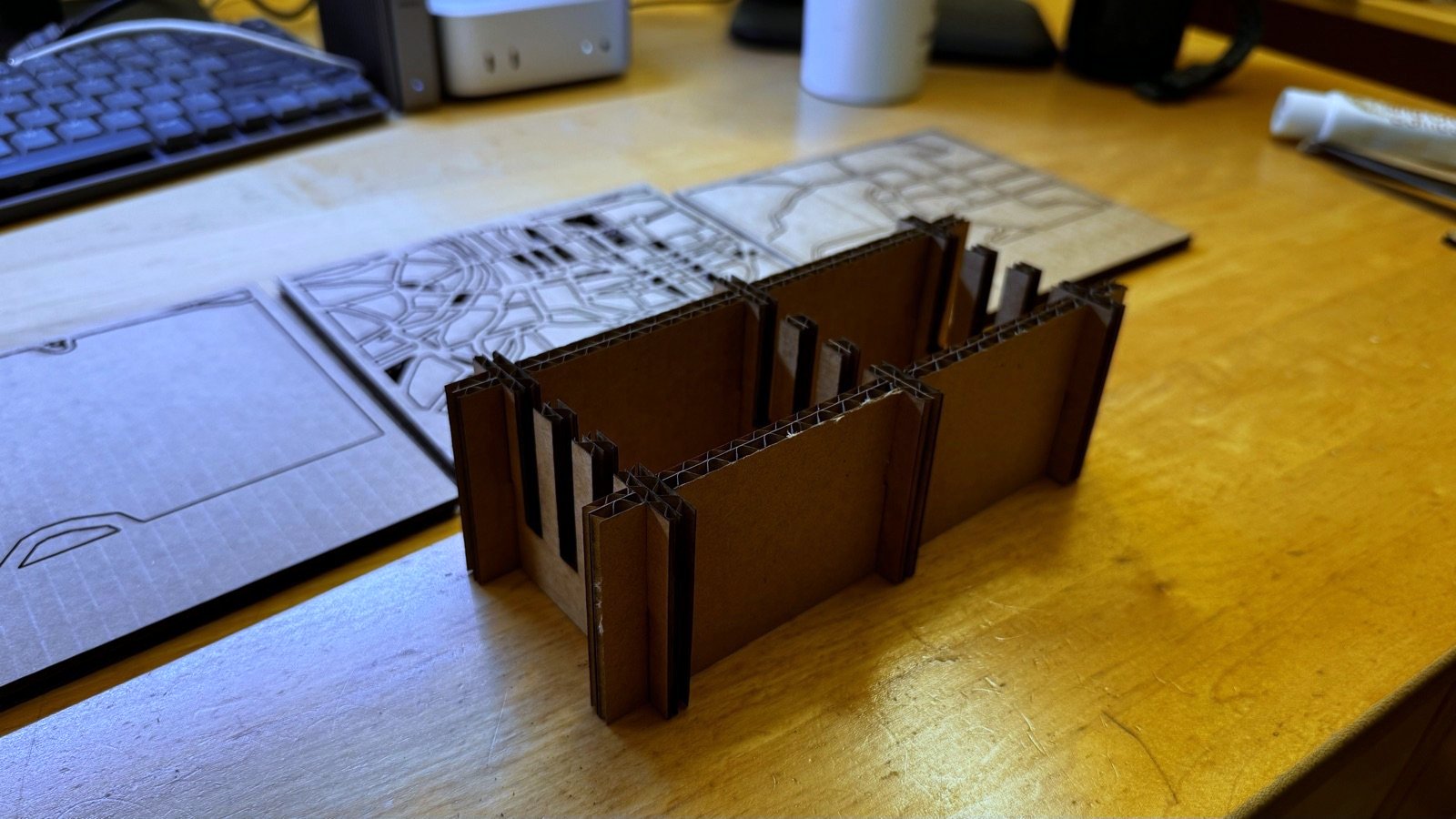
Assembled cardboard stand on a desk
Assembled, no glue.
Laser-cut map plate of Taipei standing in its base, backlit so the street network reads
One plate in. The streets only read once there's light behind them.

02 · Vinyl cutting

My name, in vinyl

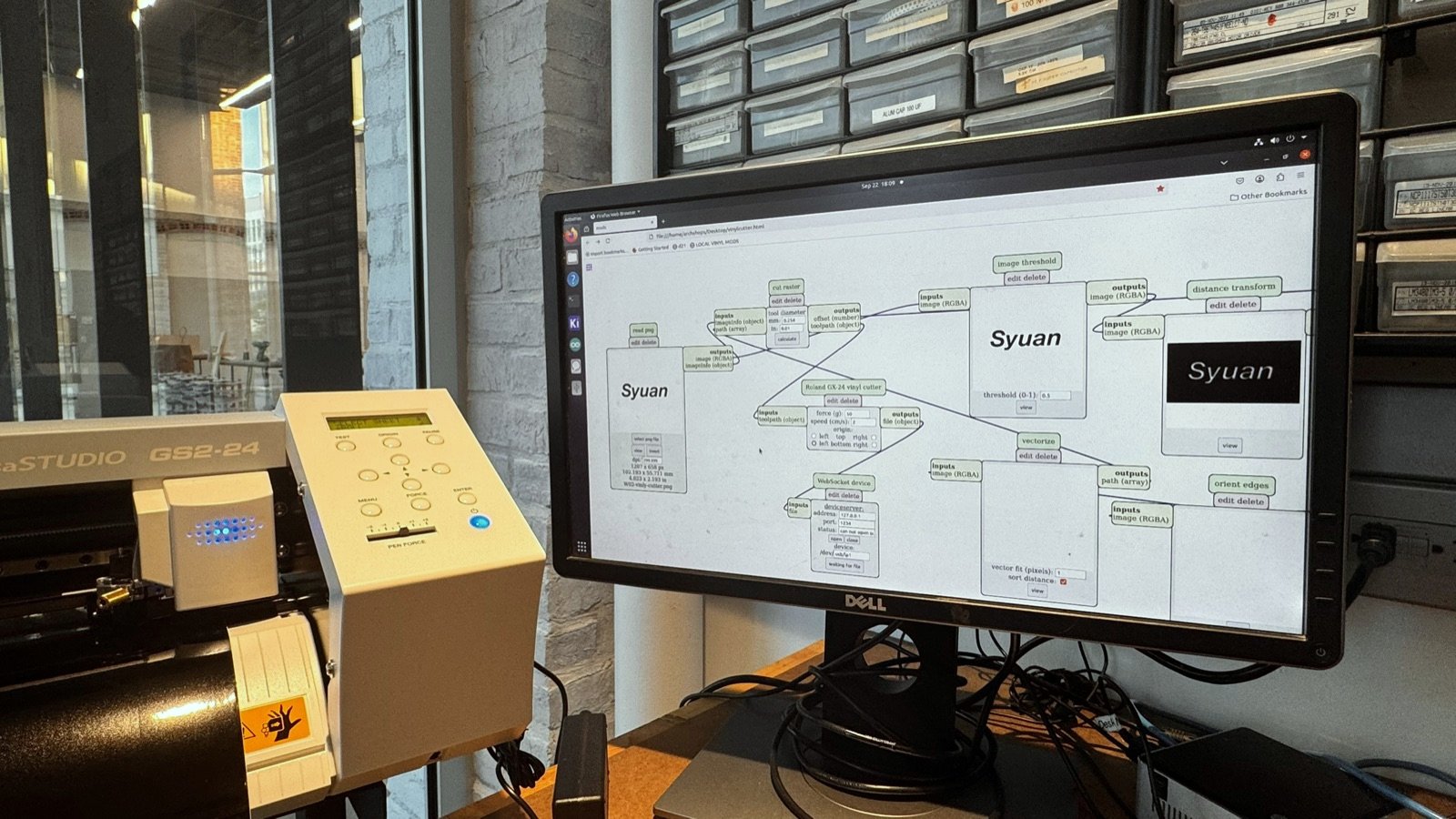
A sticker of my name, set in Affinity Designer and exported as a black-and-white PNG at 300 DPI — black is what gets cut. The shop's web interface takes the PNG and sends it straight to the machine.
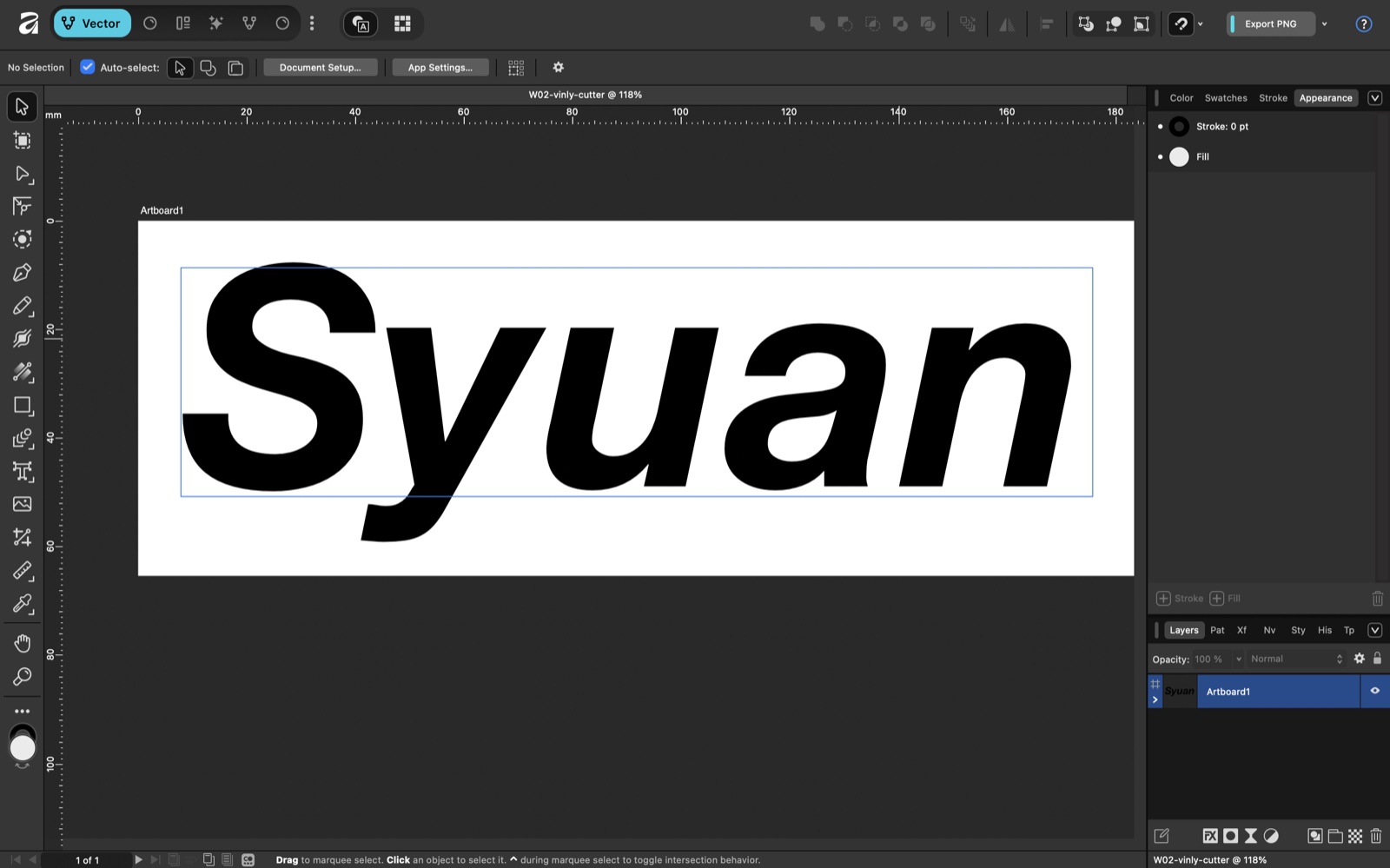
Affinity Designer with the word Syuan set in black italic type on a white artboard
Just type on an artboard. Nothing else — the cutter only sees black and white.
Vinyl cutter beside a monitor showing the cutting software with the name artwork
Two versions on the bed: black text, and text knocked out of a filled box.
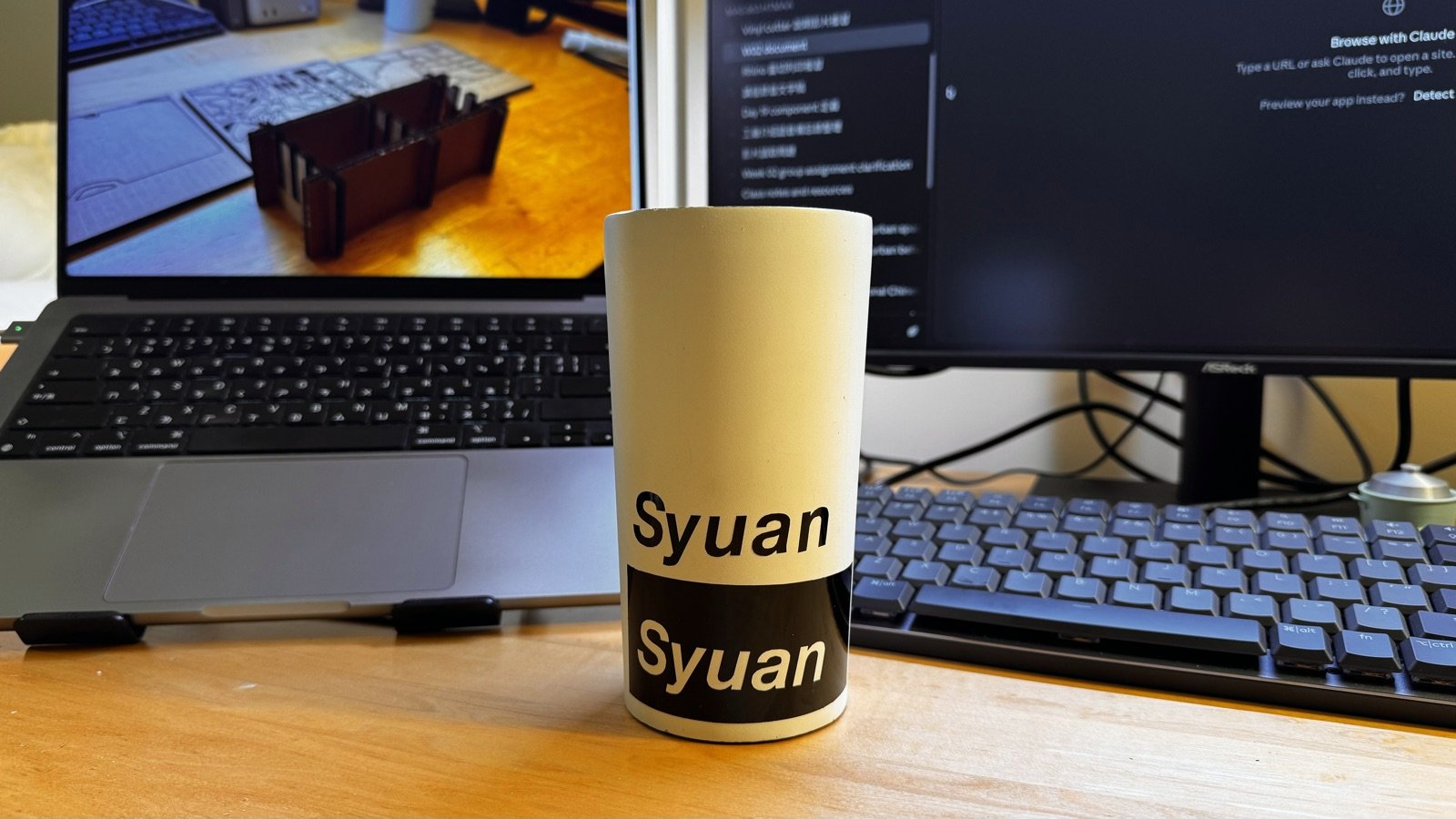
Two vinyl name stickers applied to a white cup
Weeded and transferred onto a cup.

03

AI usage

Claude built the Fusion model through the Fusion MCP, one script at a time with my approval, while I learned the same steps in the GUI. It also wrote the QGIS script that turns OpenStreetMap into cut-through DXFs. The design decisions were mine.