01
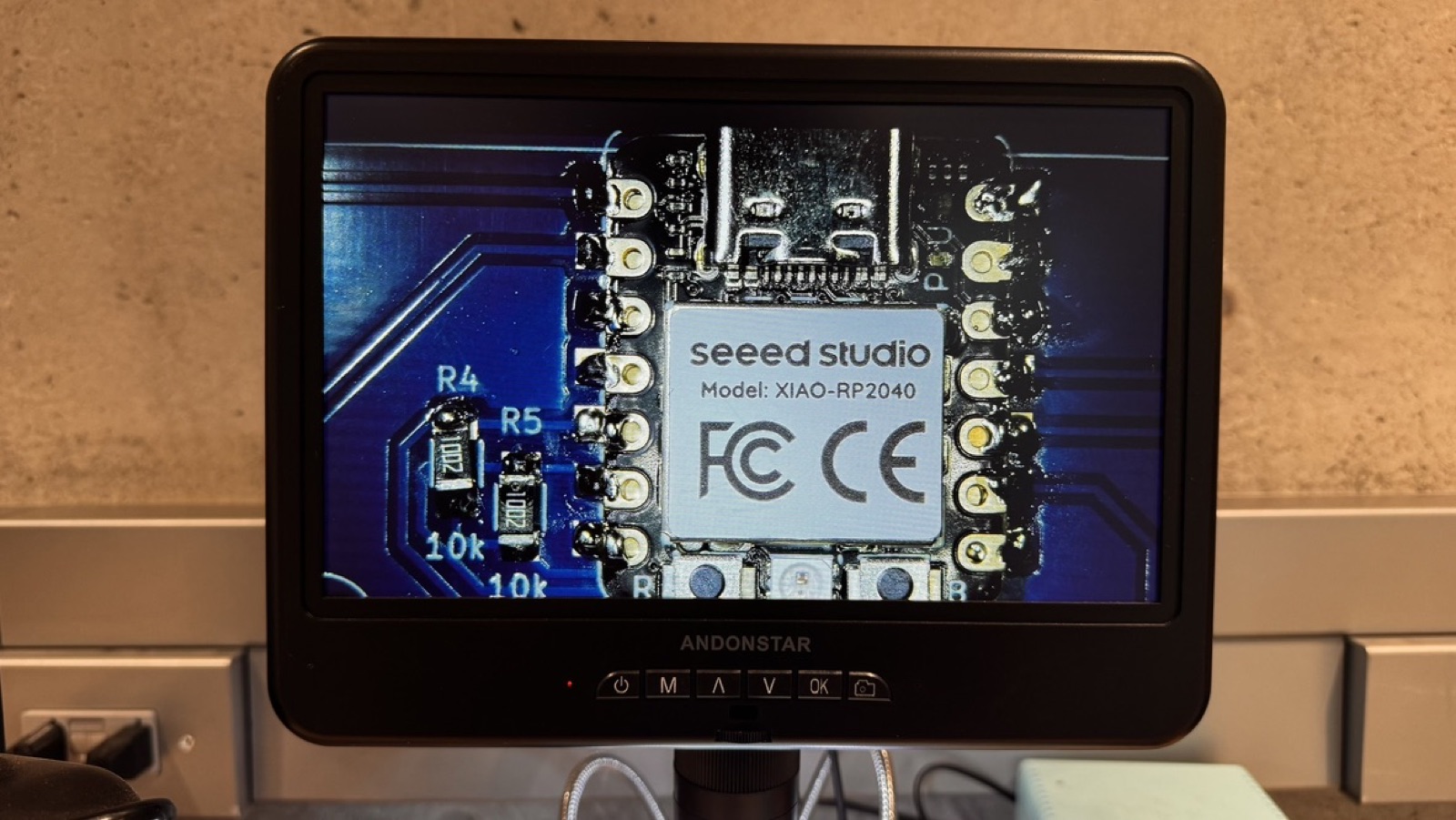
The RP2040 on the XIAO
The chip is a Raspberry Pi RP2040: two Cortex-M0+ cores at 133 MHz, 264 kB of RAM and 30 GPIO pins. It has no flash of its own, so the XIAO adds a 2 MB flash chip, a USB-C port and a 3.3 V regulator around it.
02
Soldering the QPAD
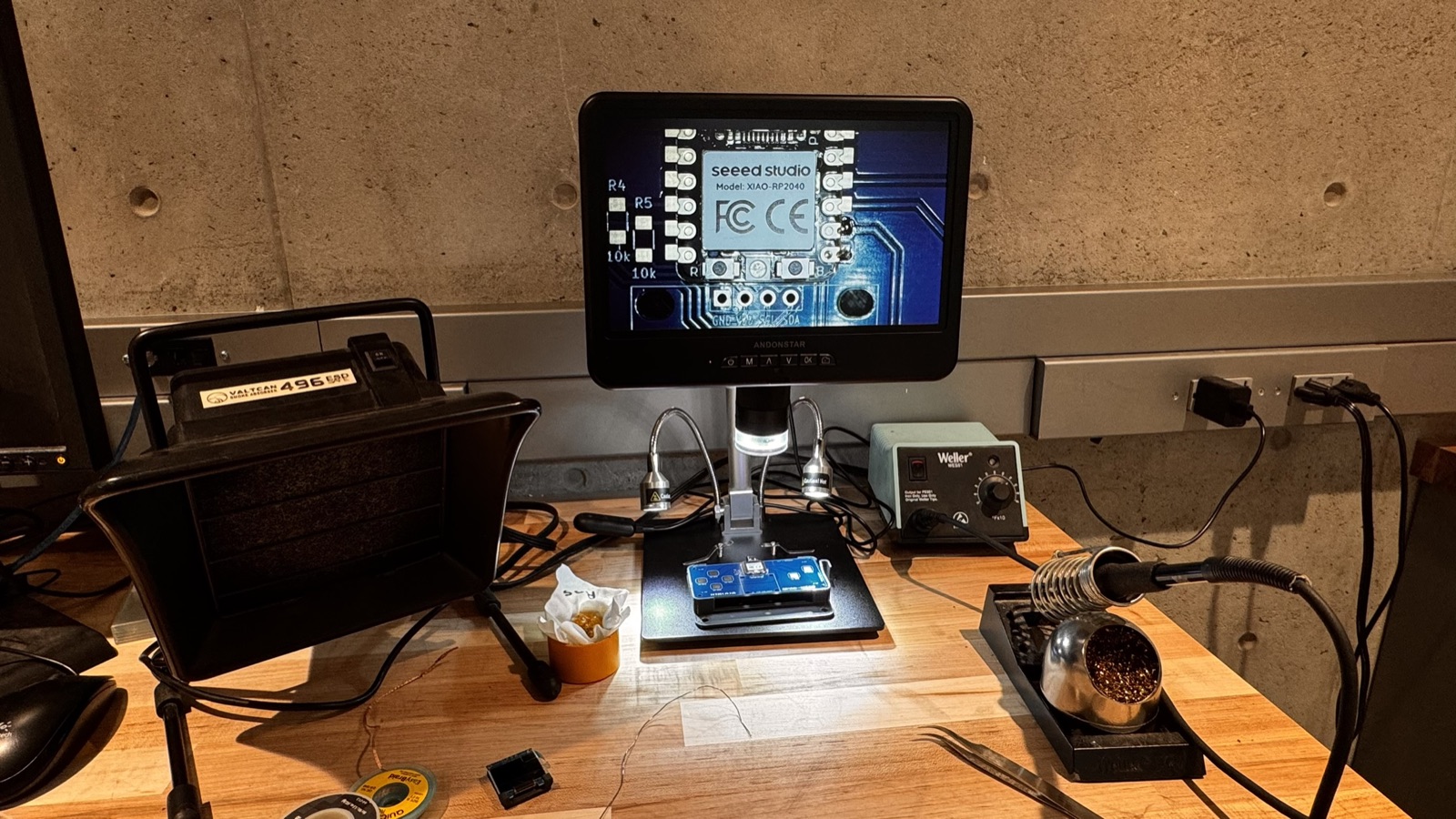
The QPAD is a board with six copper touch pads. I soldered three things onto it: the XIAO RP2040, two 10 kΩ pull-up resistors for I2C (R4 and R5), and the OLED's four-pin header. Testing each part before writing any game code turned up one bad joint.
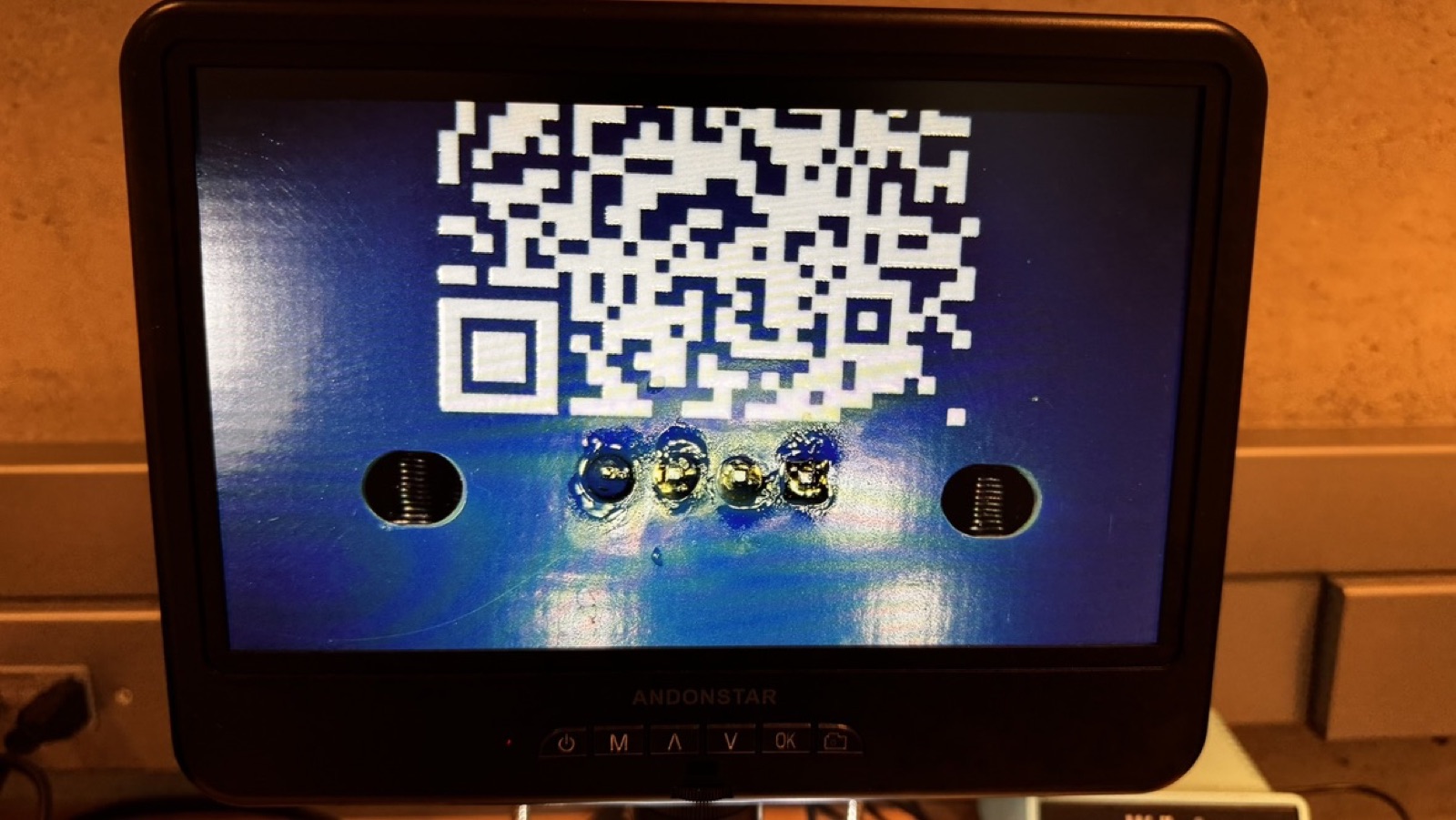
Q1 [D9] didn't respond
I ran the test_touch sketch and pad Q1 [D9] never changed its reading. A multimeter showed no continuity on that pin, so the solder joint was bad. Re-soldering that pad fixed it.
After re-soldering
03
Programming QPAD Heli
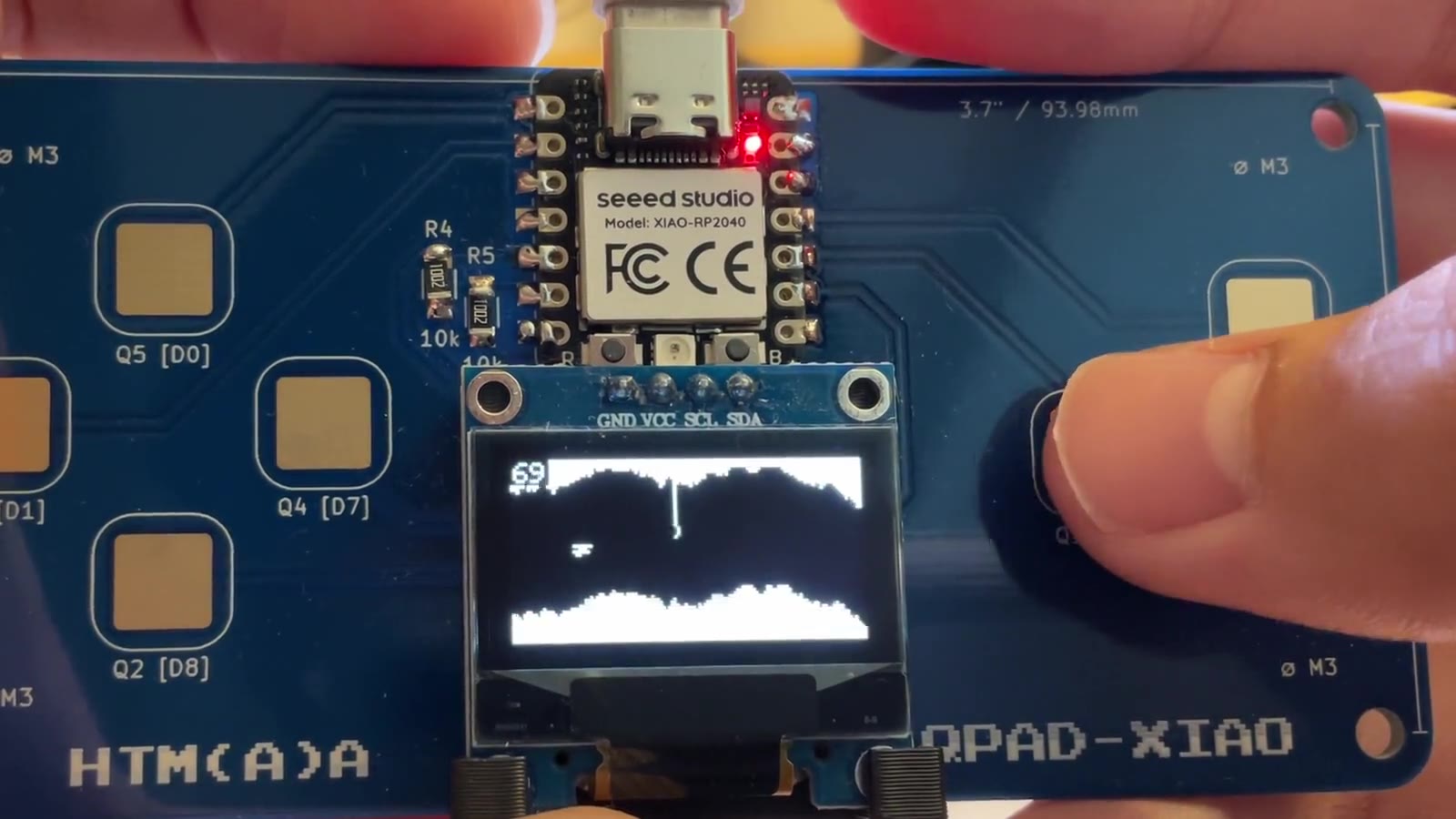
A helicopter flies through a scrolling cave on the QPAD's OLED. Touch pad A is the throttle, and it is analog: a light touch gives a little thrust, a hard press gives a lot. Pad B pauses.
Input. A pad has no sensor. The program pulls it low, lets the pull-up charge it back to 3.3 V and counts how long that takes. A finger adds capacitance, so the count grows with how much of the finger is on the pad: about 0 untouched, 50 to 70 for a light touch, 120 to 150 for a hard press. Thrust is that count, scaled from 50–150 to 0–1.
Output. The OLED is an SSD1306, 128×64 pixels, on I2C address 0x3C at 400 kHz. Sending one full frame takes about 27 ms, and that is what limits the game to about 37 frames per second. Reading the pads takes only about 54 µs. The LED turns green while the throttle is held and red for a moment after a crash.
Timing. Physics always advances in fixed 20 ms steps, however long drawing takes, so the helicopter feels the same whatever the frame rate.
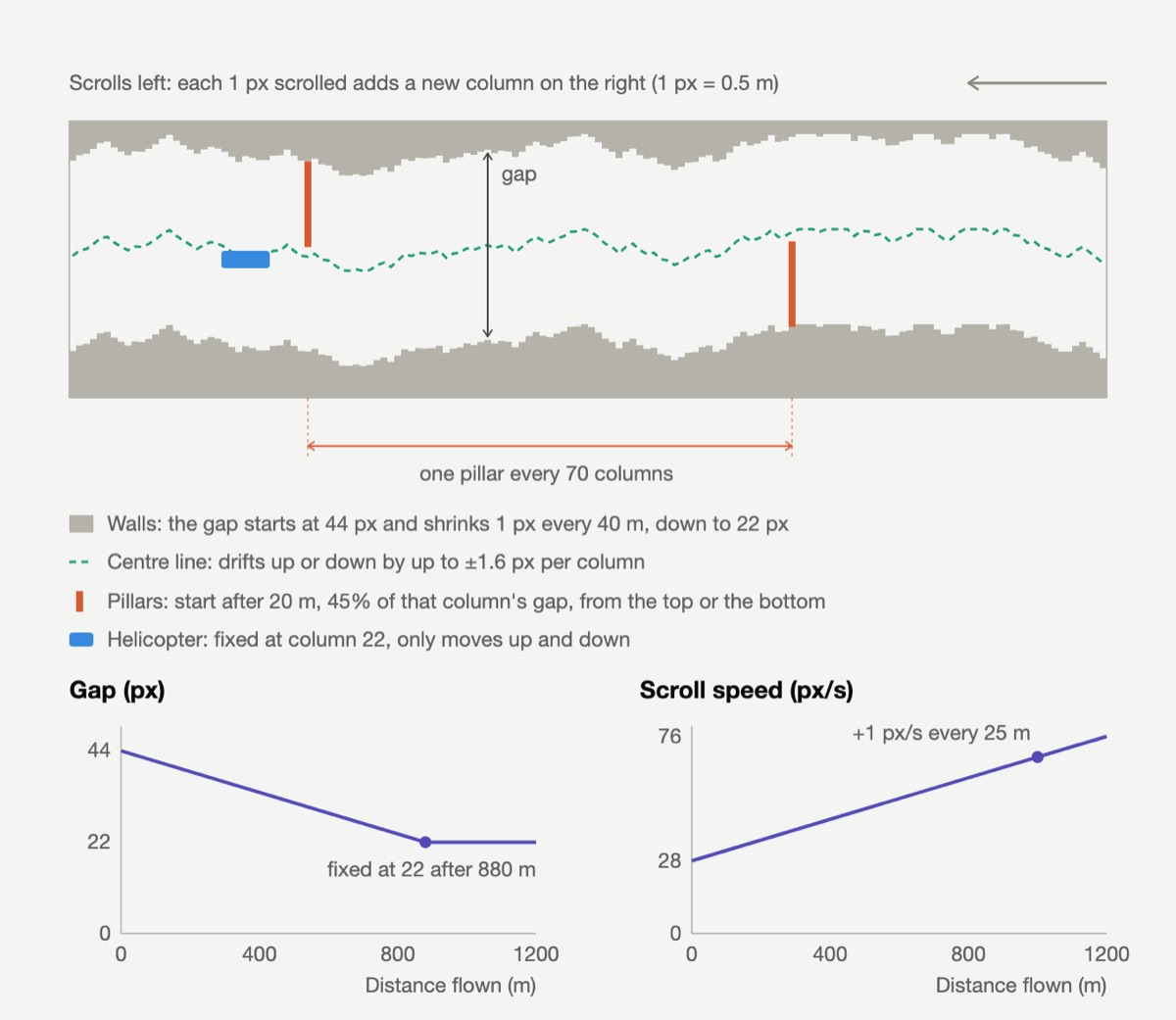
How the cave is generated
04
AI usage
I used AI as a mentor. It wrote the game code, and I learned by asking questions until I understood every line of it.
The soldering and the debugging were mine: I found the dead pad with the test_touch sketch and a multimeter, and re-soldered it.