Abstract
Playing with the vinyl and laser cutter.
Cutting with the vinyl cutter
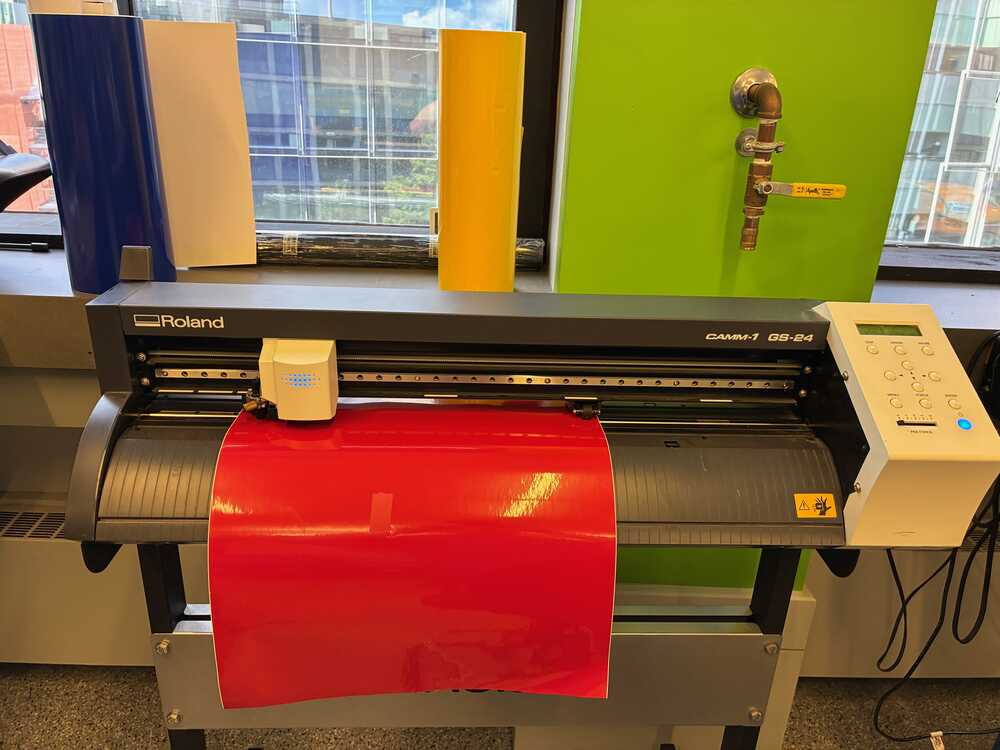
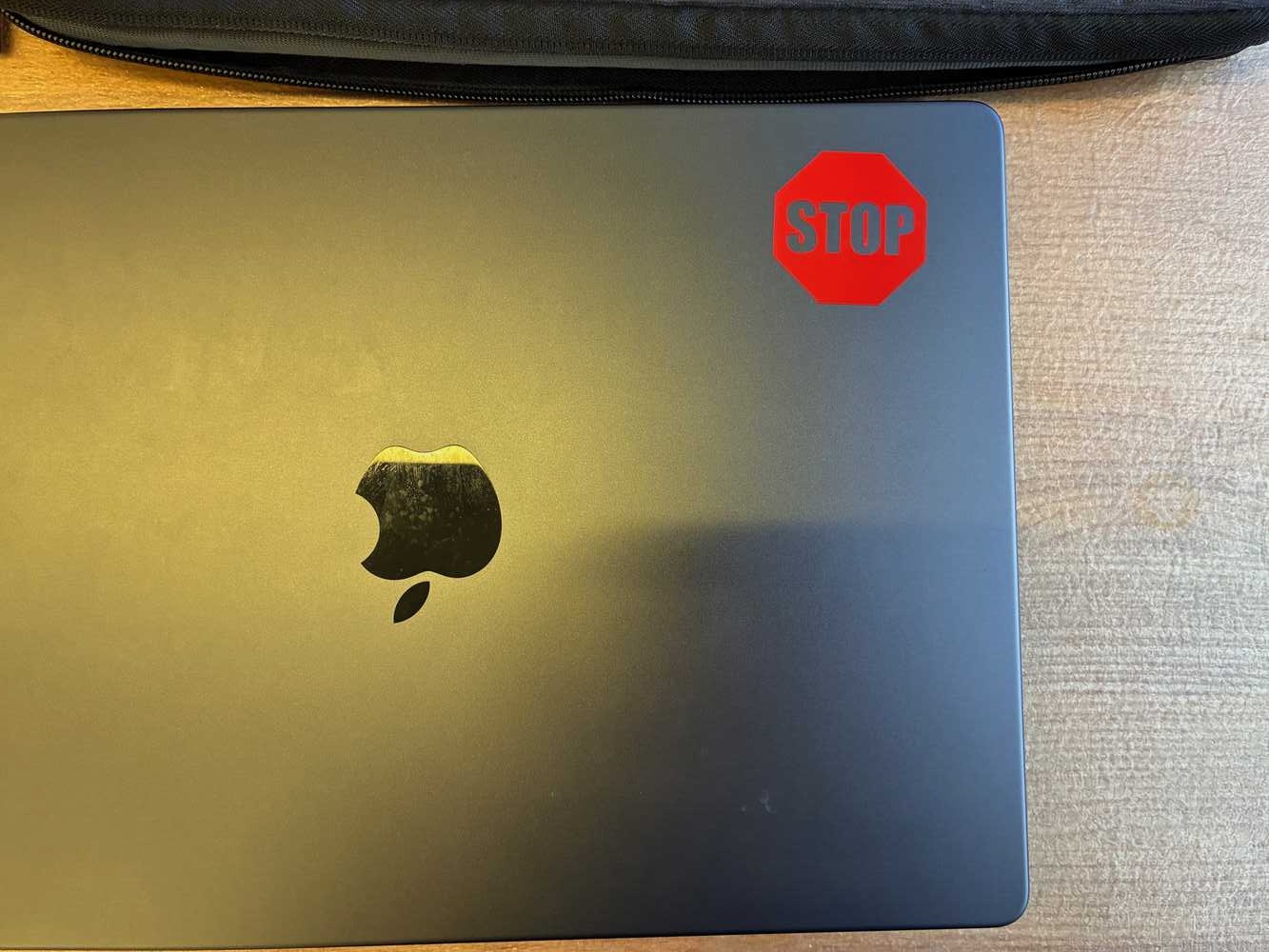
The MIT Police recommends that people tag their laptops with a STOP sticker to deter theft. I was unable to understand from their website how to get such a sticker, and was too lazy to go to the Atlas center to ask in person, so I took matters into my own hands. Using the Roland GS-24 vinyl cutter in the EECS shop, I took this SVG file of a standard STOP sign, used GIMP to convert it to PNG/JPG and to grayscale (see below the results), then used the vinyl cutter with the red vinyl roll set at 150 dpi resolution to obtain a roughly 3 by 3 cm STOP sign.


Below are a few snapshots of the progress on the machine:
- Red vinyl loaded and ready to cut!
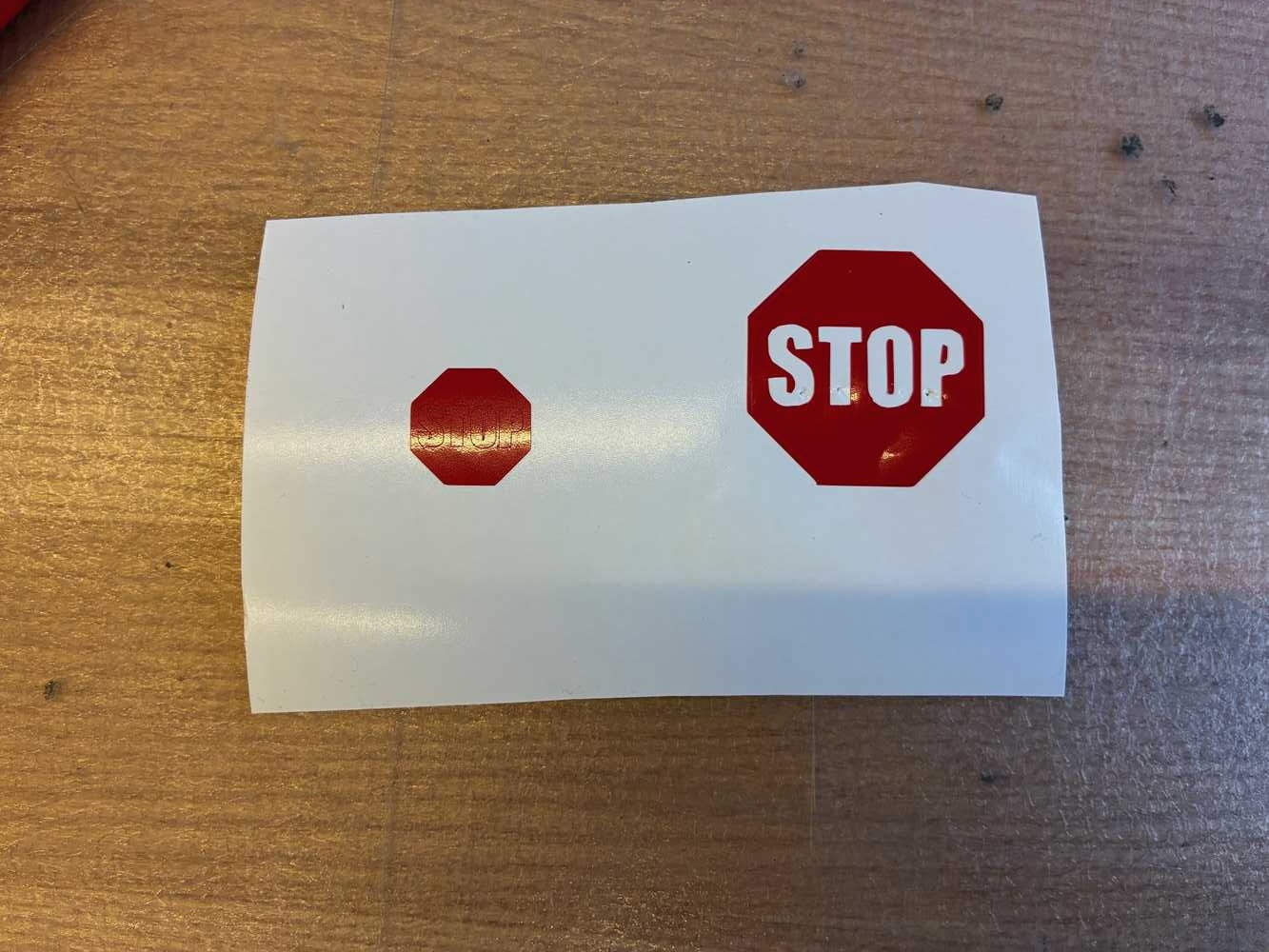
- The Stop sign still on the vinyl roll, after removing the residual vinyl with a tweezer. Next to it, you can see a failed first attempt at a stop sign that turned out to be too small to handle with the tweezers.
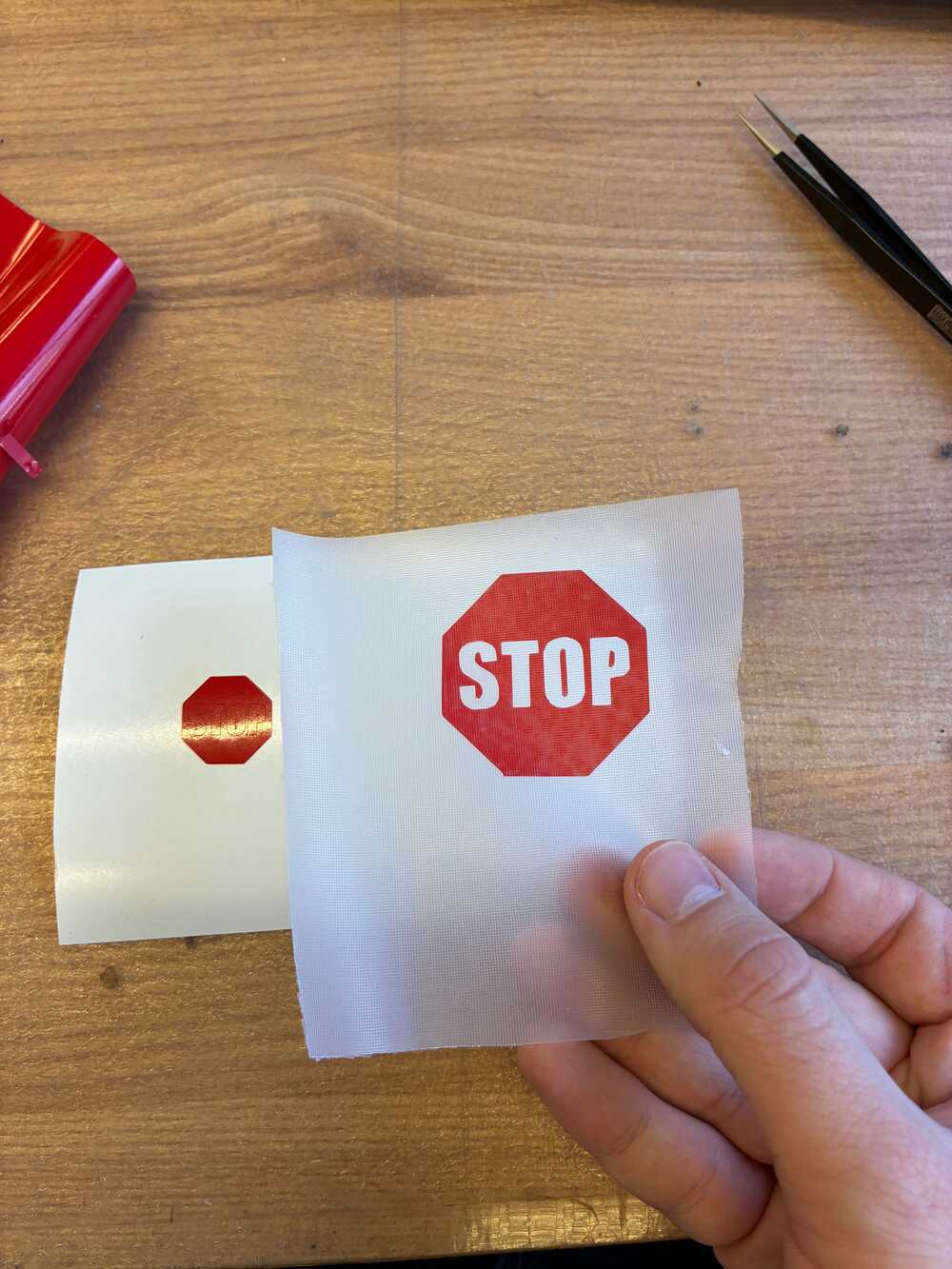
- The stop sign on the transfer paper…
- And my laptop is now safe!
The laser cutter
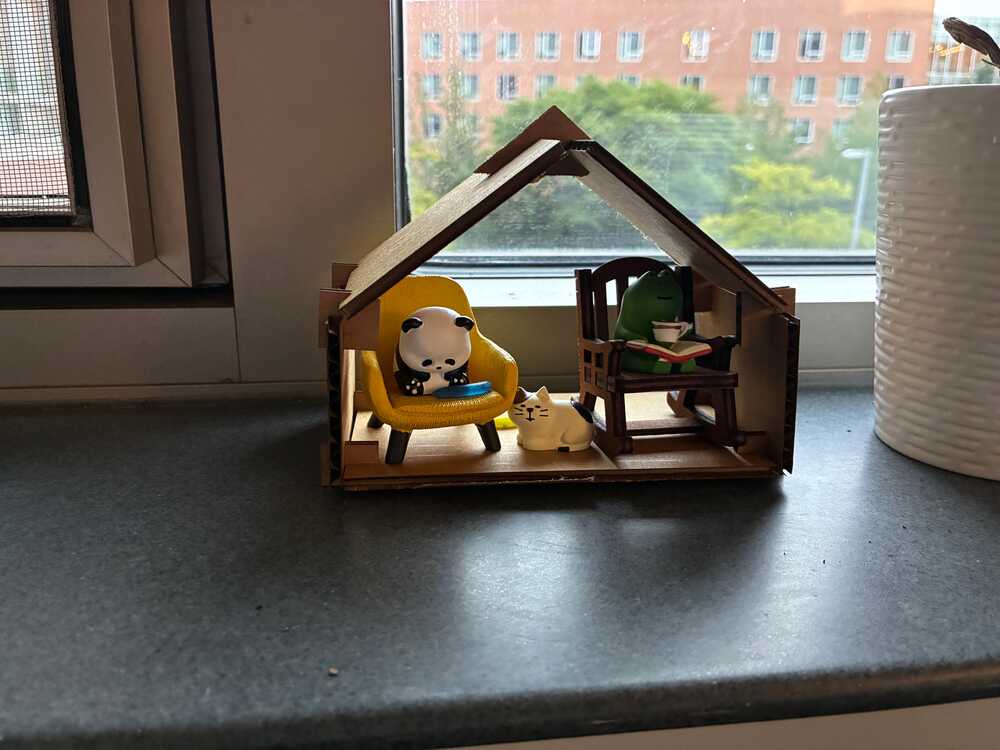
Having never designed much in CAD (before the theremin), I decided to focus my attention first on some practice projects, then on a simple project - a little house for the figurines on my windowsill!
My first practice project was actually redesigning from scratch the joints that were presented in class - partly as it should be easy enough as a first exercise, partly as I was having a bit of trouble visualizing the joints and I thought making and seeing the physical objects would help.
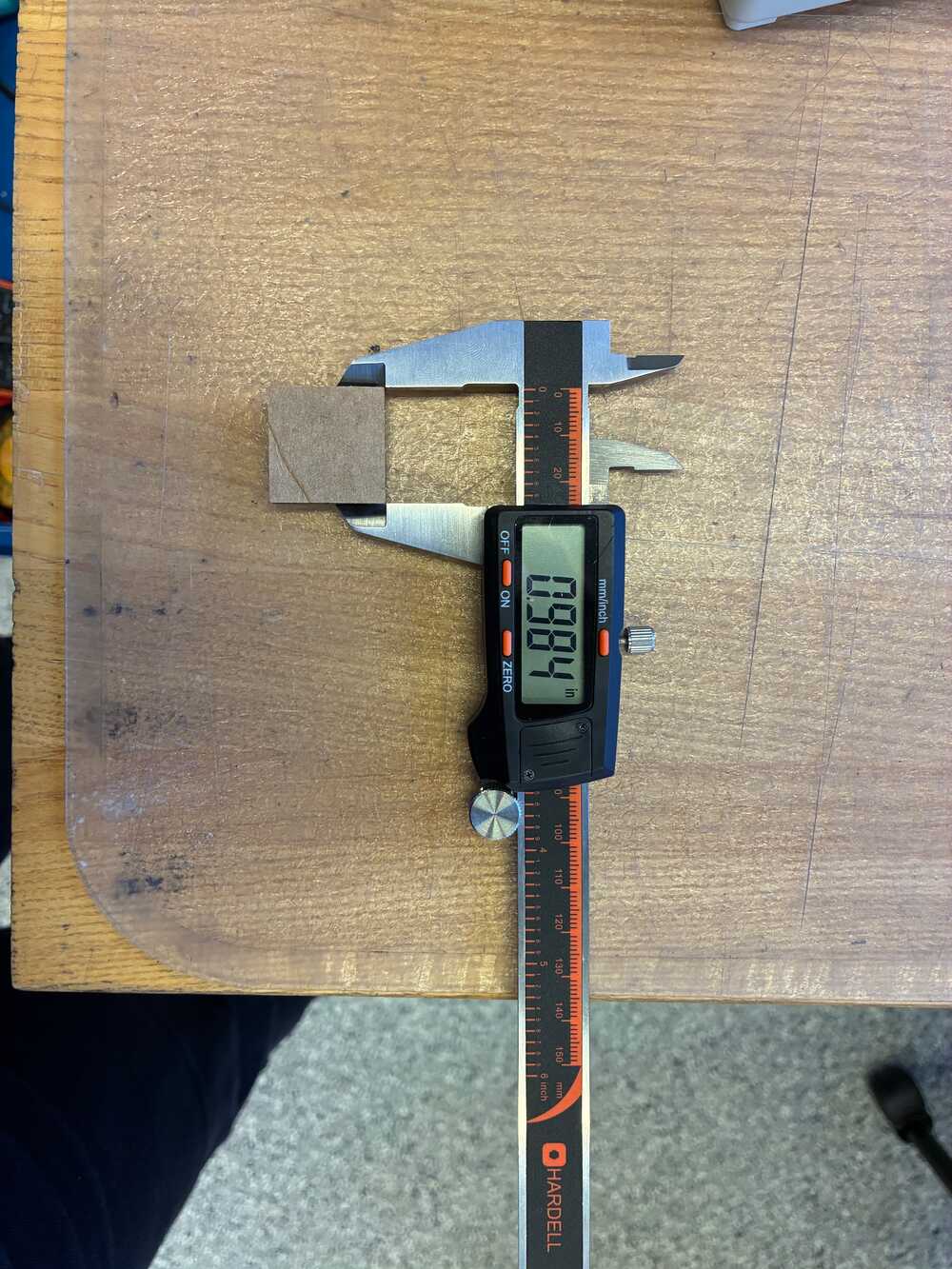
I chose to focus my attention on the four simplest joints: the press-fit, chamfer, snap-fit and the flexured types. All physical dimensions (square size, cardboard thickness, chamfer width, snap-fit cylinder sizes, etc) were input as adjustable parameters. After the components are designed, I used the Arrange function of Fusion, projected the designs on a plane, and used the offset function on the contours to account for the 0.2 mm kerf I found the kerf by cutting a design of a 1 inch square and measuring its actual dimension, which turned out to be 0.984 inch. This was consistent with a 0.04 mm laser beam diameter (in the focal plane), so a 0.02 mm kerf. See Figure 1. . My design for these pieces is available here.
Having a practically-usable design for these joints required several iterations. Some of the failure modes were:
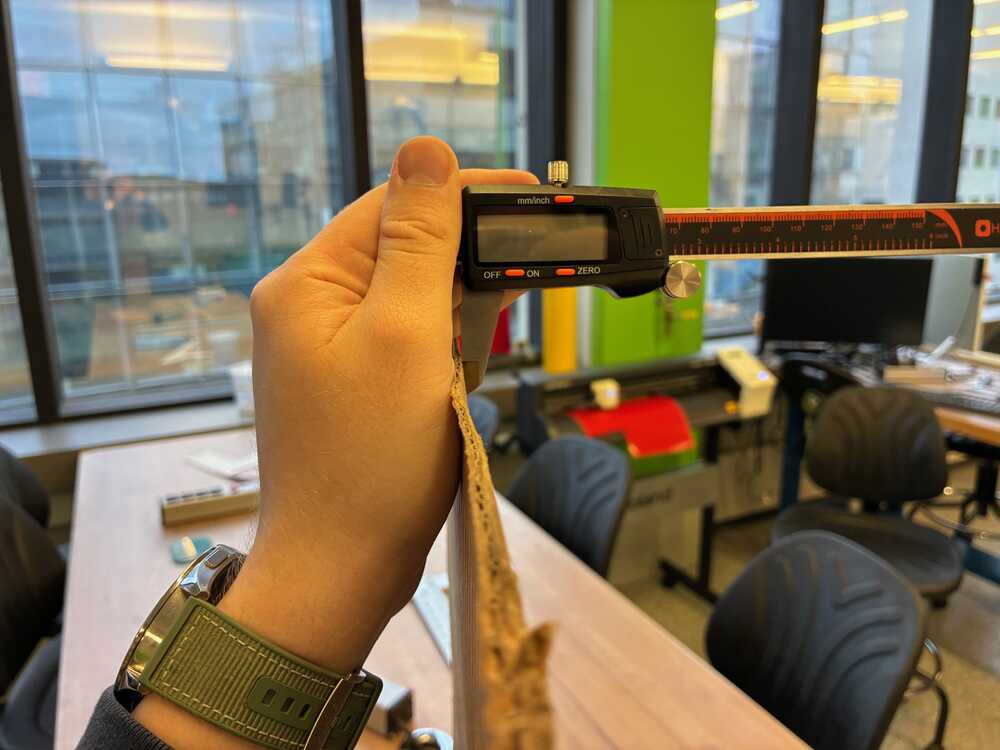
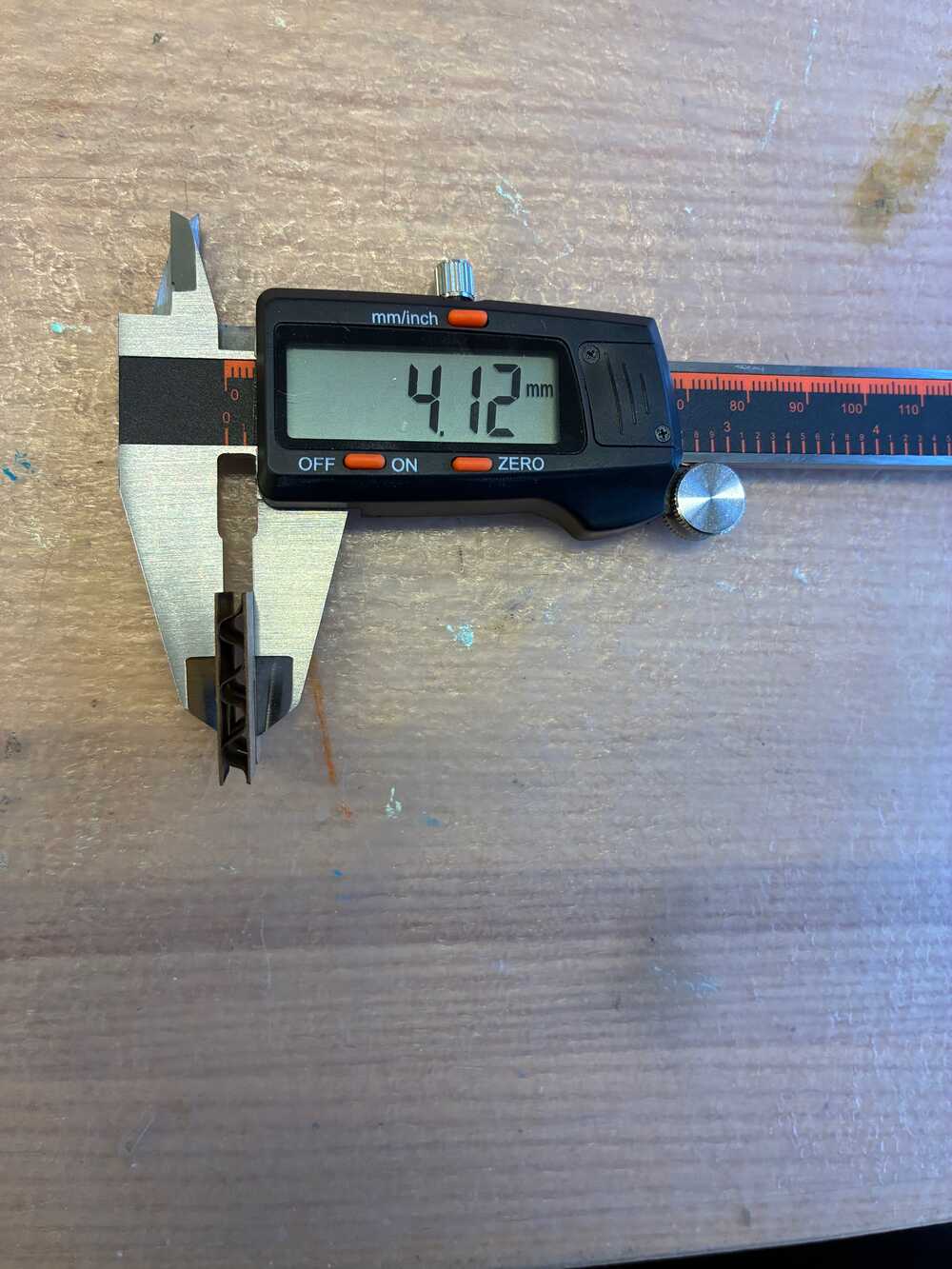
- Incorrectly measuring the cardboard thickness: the edge of the stock is usually flattened with respect to the bulk, so it’s important to measure an unflattened piece of cardboard for a correct thickness estimation. A first batch of joints using the incorrect 2.35 mm edge thickness resulted in slots too thin for the joints to fit together. The correct 4.12 mm bulk thickness resulted in good quality joints.
- Using raster rather than vector cutting mode: on another batch I forgot to specify that the cutting should be done in vector mode rather than raster. With the raster mode, the contour was well defined but done in a “row by row” order, which resulted in undetachable pieces. The raster cut also took very long (10 minutes compared to 1 minute in vector mode for the same batch).
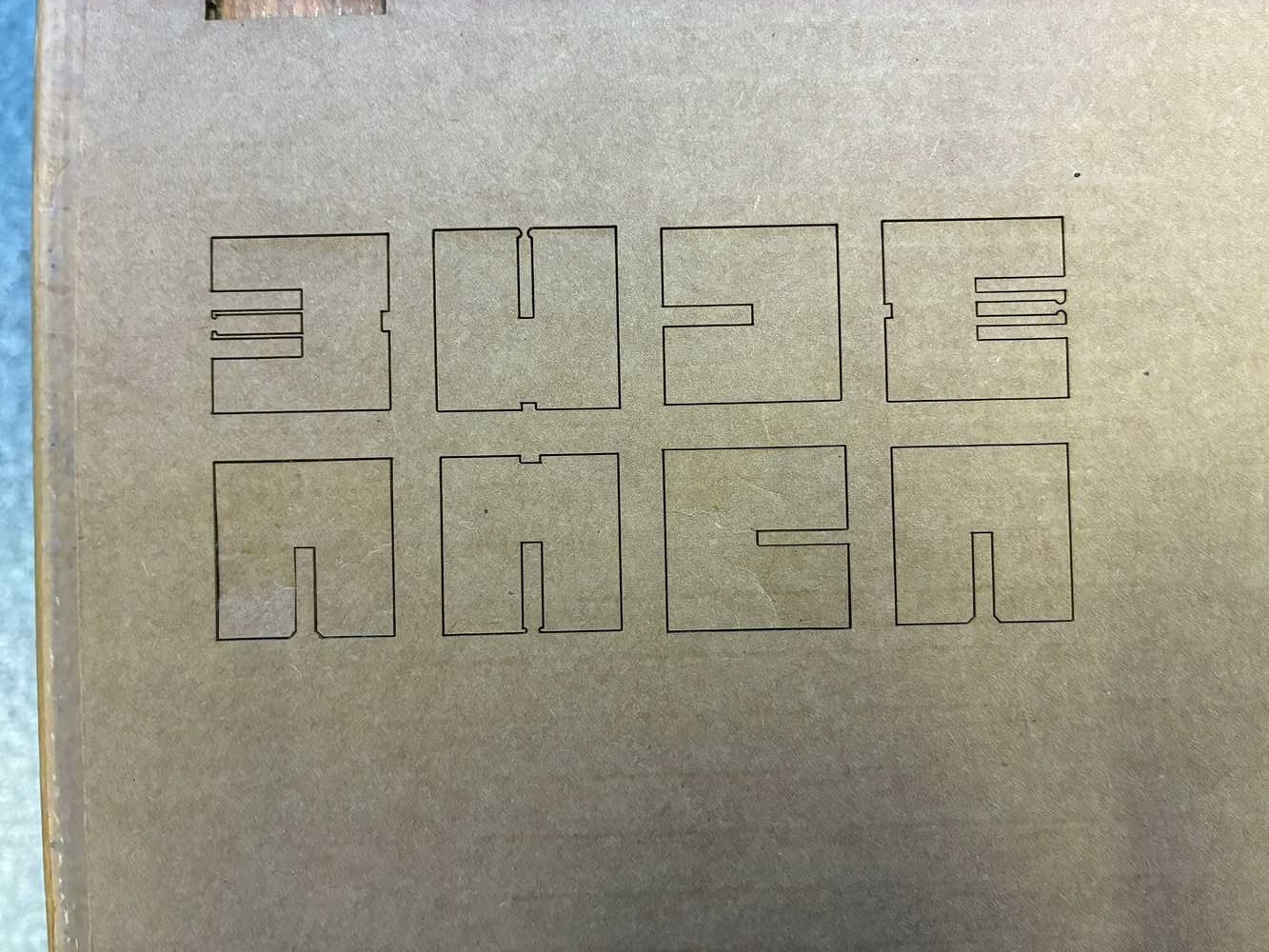
- Incorrect focusing of the laser: while the same piece of stock should use the same z-focus when perfectly flat, most cardboard pieces have an inherent slight bow to them which can slightly change the focus location from one area of the stock to the other. It is worth rechecking the focus alignment before every cut using the alignment piece.
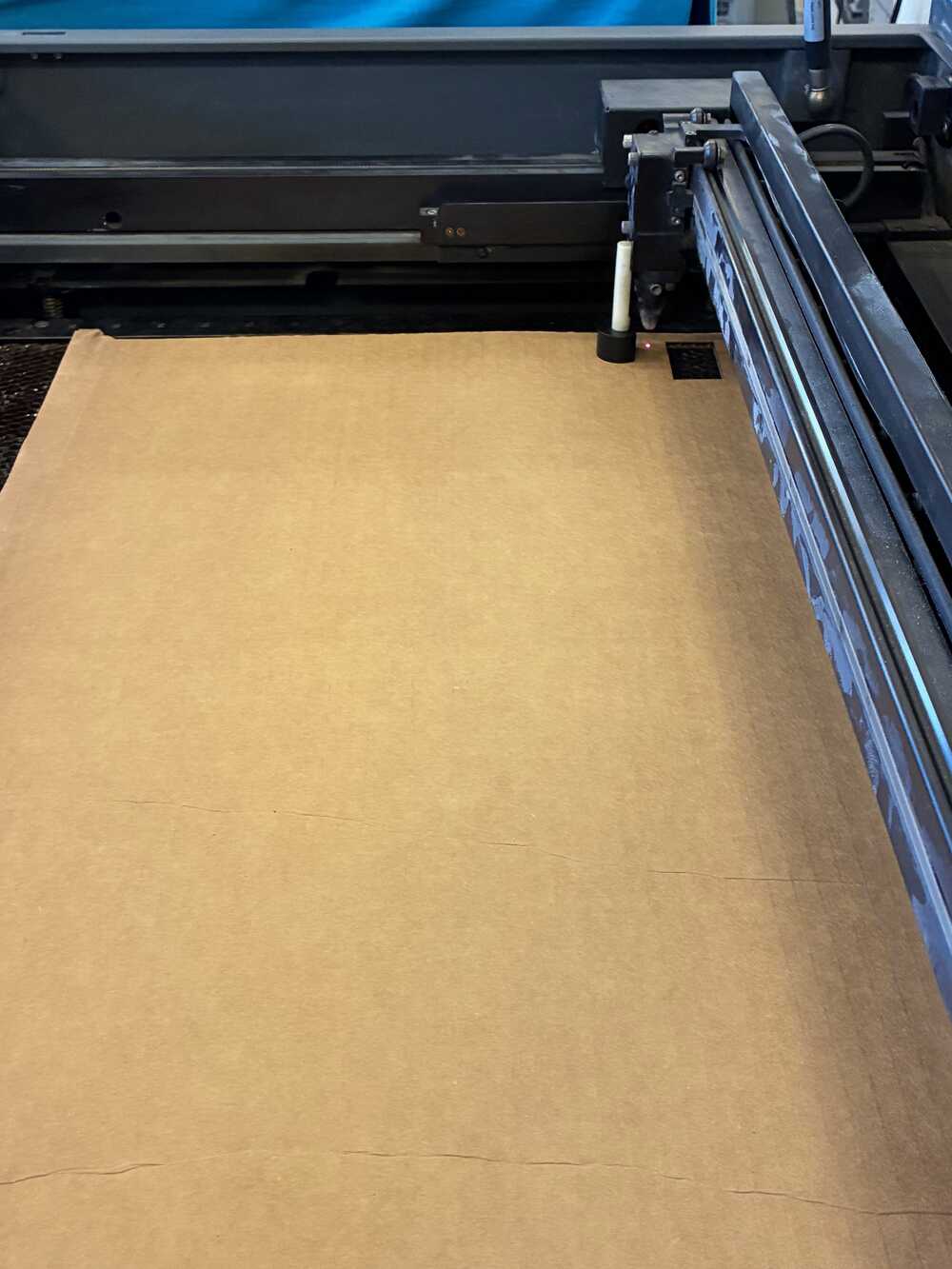
After bypassing these errors, I finally made a joint set where the press-fit and chamfer joints worked well. For these centimeter-sized joints, the snap-fit and flexured joints did not work well. The snap-fit cylinder being only a few millimeters in diameter, it was very fragile to damage when sticking together. The flexured design did not work well either since cardboard is not a homogeneous solid, and a millimeter-wide cantilever was sometimes just the upper and lower sheets of paper with no infill in between. I believe larger joints, with centimeter-wide cantilevers, may work properly.
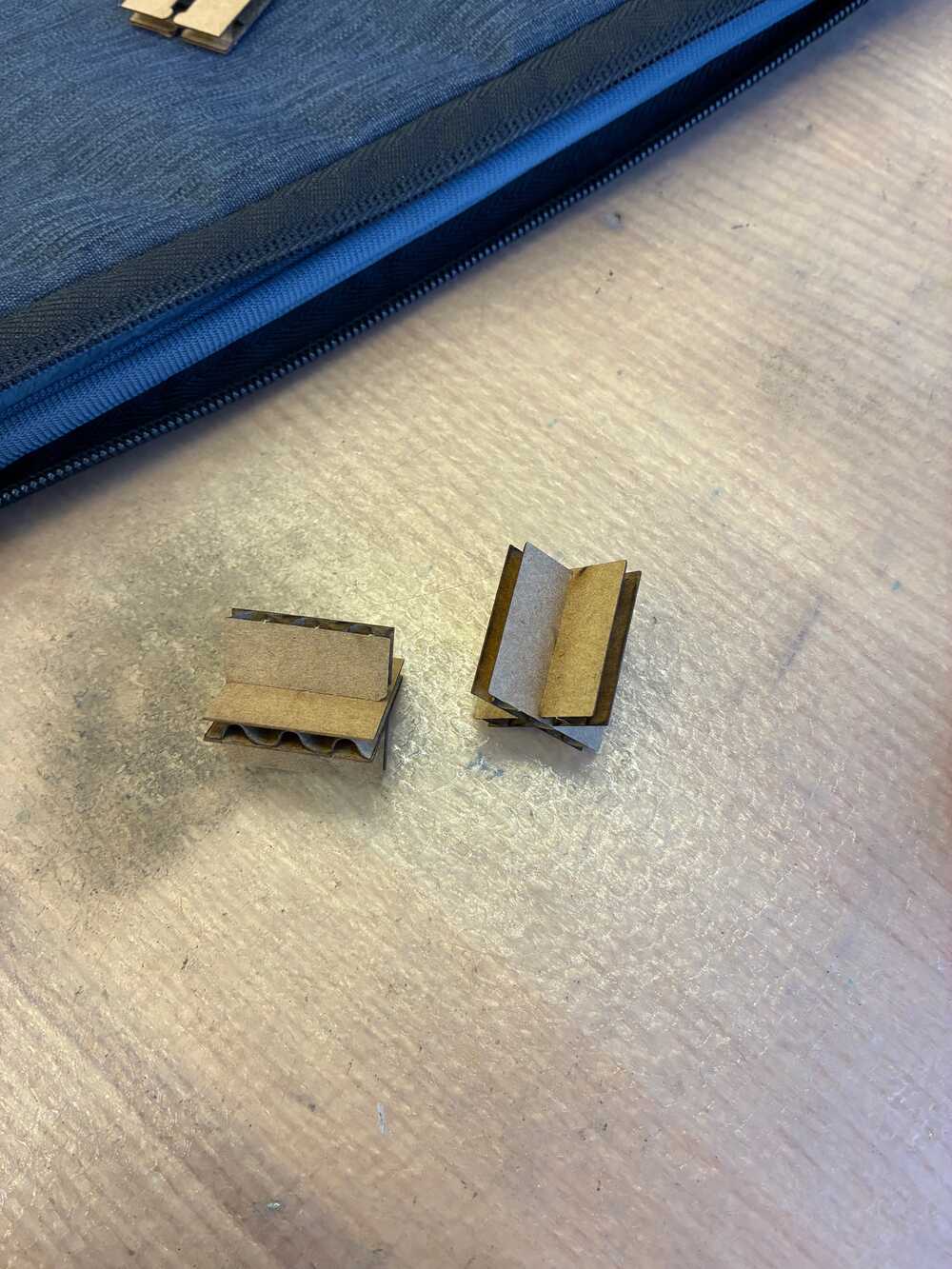
The press-fit and chamfered designs work quite well since cardboard has high static friction, so as long as the slot width matches the cardboard thickness, these joints are quite rigid.
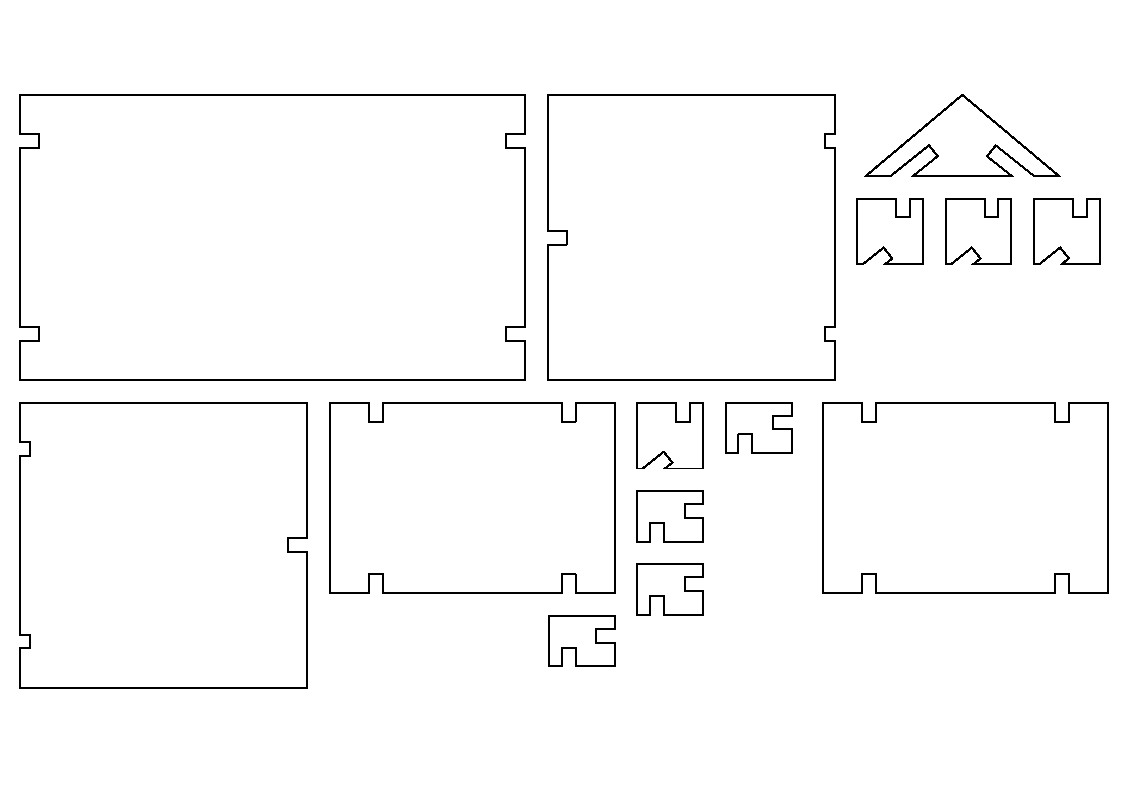
Now onto my actual mini-project: I made this house-like structure out of a bottom panel, two identical side panels, and two identical roof panels. The bottom panel is connected to each side panel through two right-angled joints, so is each side panel to a roof panel through an angled joint, and finally, the two roof panels stick together through an angled joint. I chose all joints to be press-fit for simplicity of design, as a minimally-working version. The design file is available here and a partially deconstructed view is viewable below.
Again, I arranged these components in the plane, projected them, added the laser kerf offset to the curves and exported the printing file as a DXF, available here.
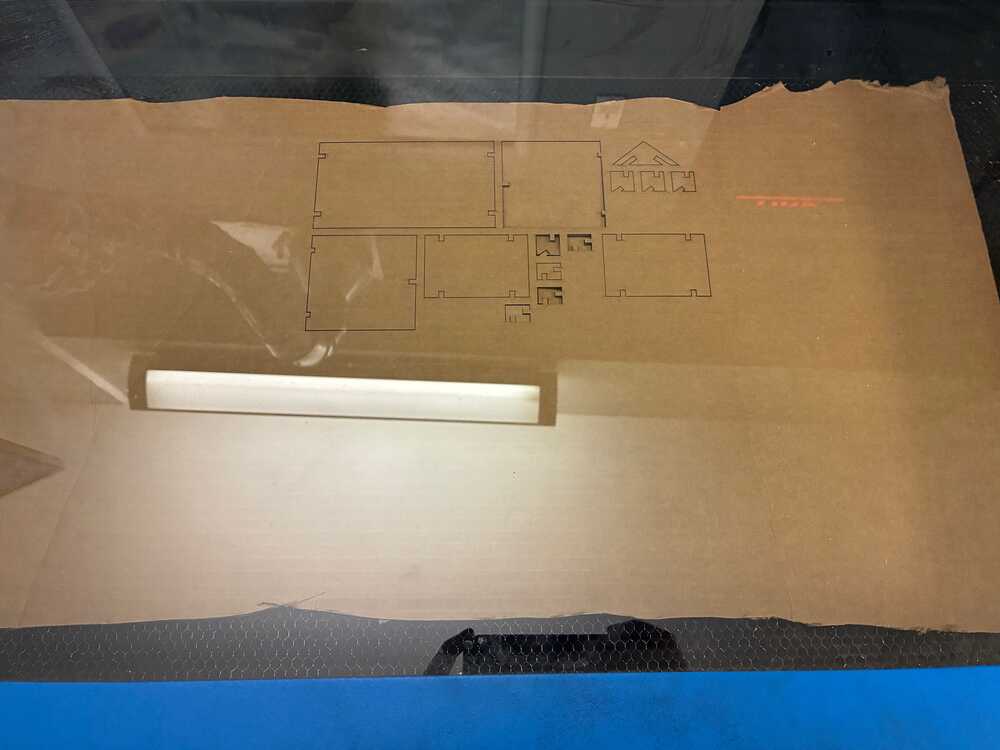
Finally, I assembled the pieces together and made my house. The house is relatively robust but not very aesthetically pleasing. In the current design, the joints stick out, and the angled joints at the base of the roof could have been a bit larger for better support.
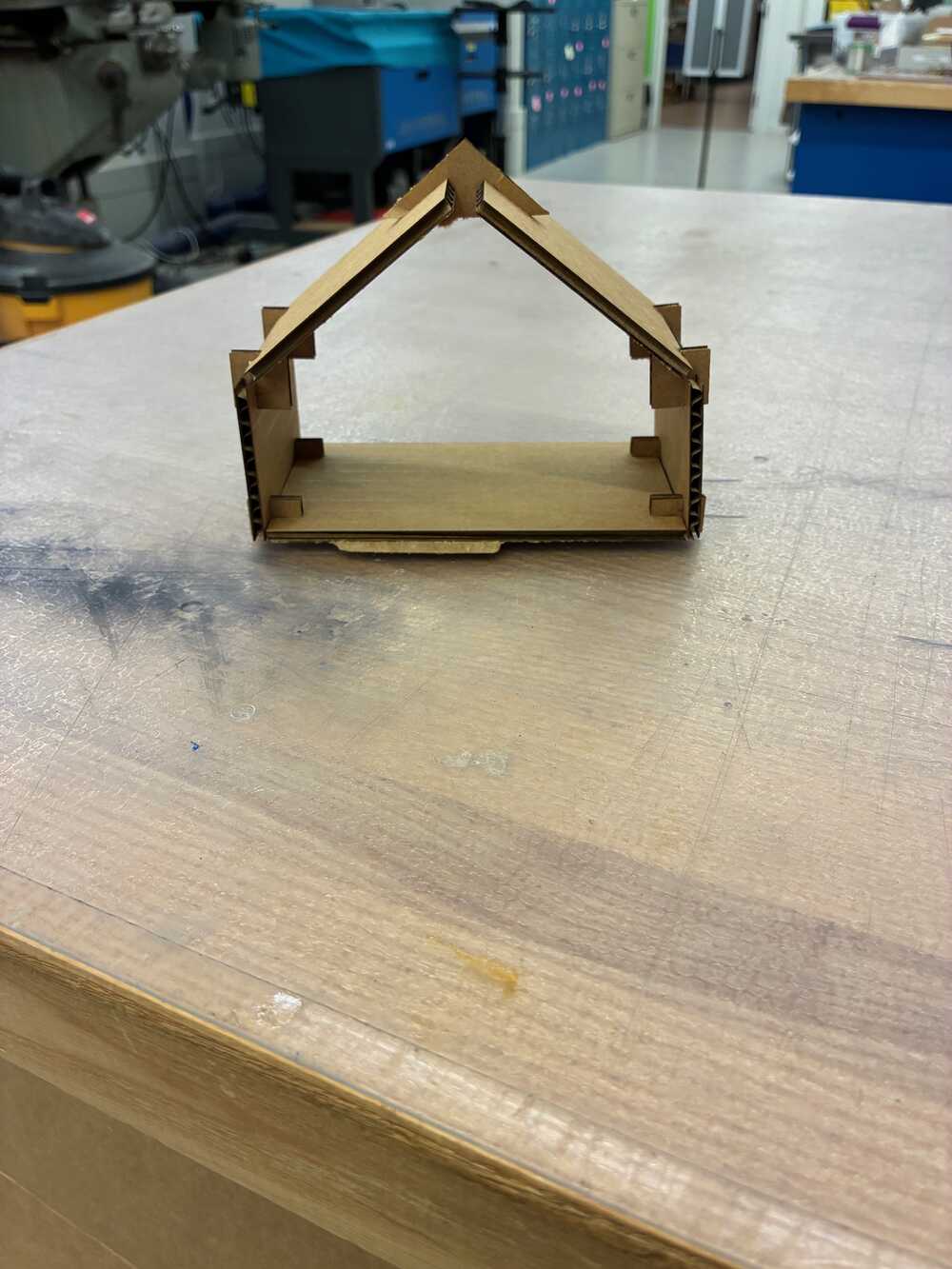
Still, look how happy my figurines are to finally have some shade on the windowsill!