September 16, 2026
Two assignments this week. First, build this website, which was the project management half. Second, learn the laser cutter by making a parametric construction kit out of cardboard — in my case, a fruit bowl for all the bananas I bring back from the Banana Lounge.
I wrote the whole site in VS Code, with Claude helping me on the basic HTML. That is also why it is not very aesthetic for now. The repository lives on Forgejo, and one command publishes the site.
Nothing very hard in this assignment. The one thing I have to stay careful about is photo weight — the pictures coming off my phone are around 10 MB each, so I compress every single one before it goes online. Hopefully the site keeps getting better as the course goes on.
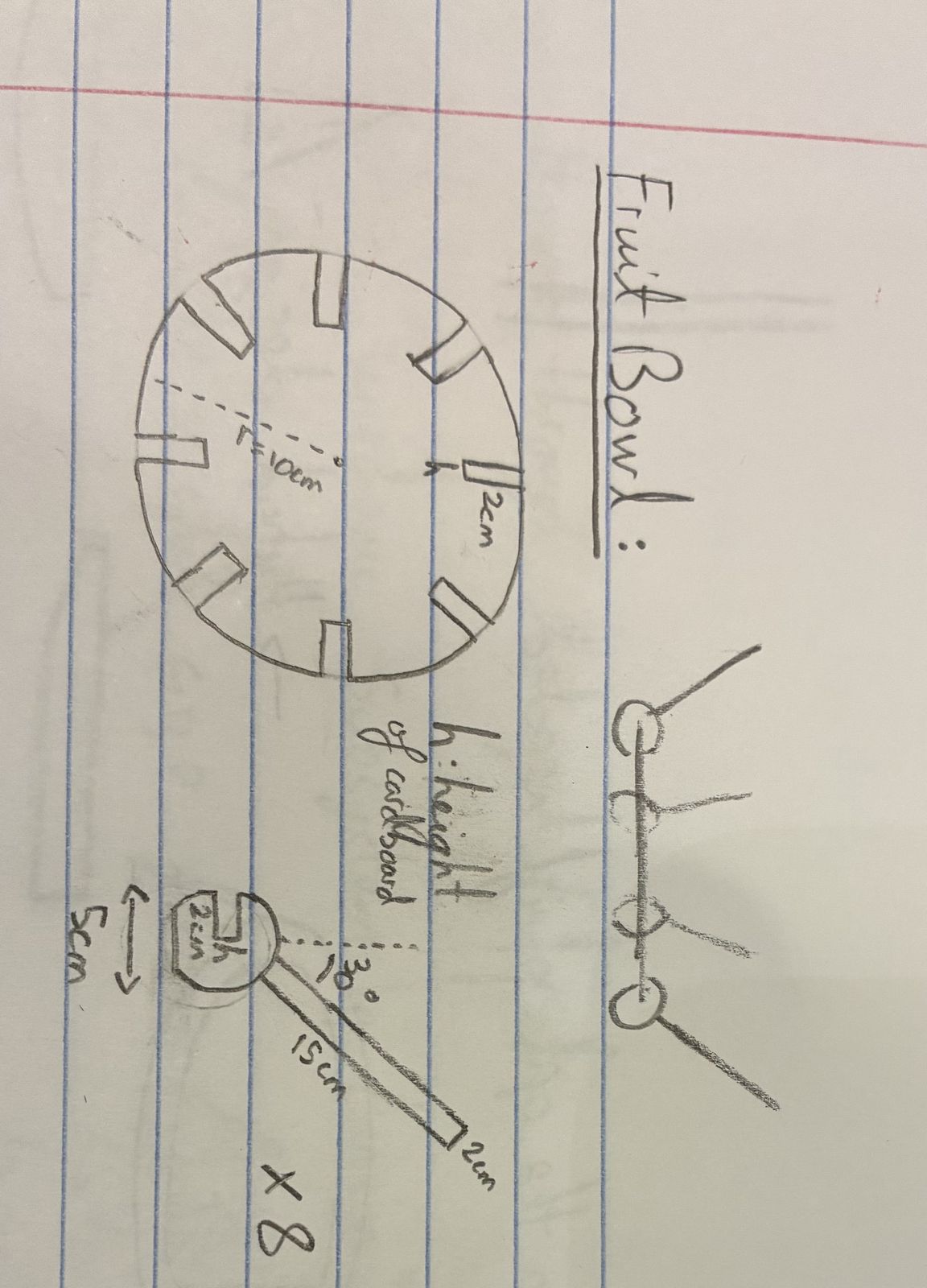
My idea was a modern fruit bowl to hold all the bananas I take from the Banana Lounge, something that could sit in the middle of our table. I asked my three roommates for permission first, and they were down. So I started by drawing what I wanted on paper.
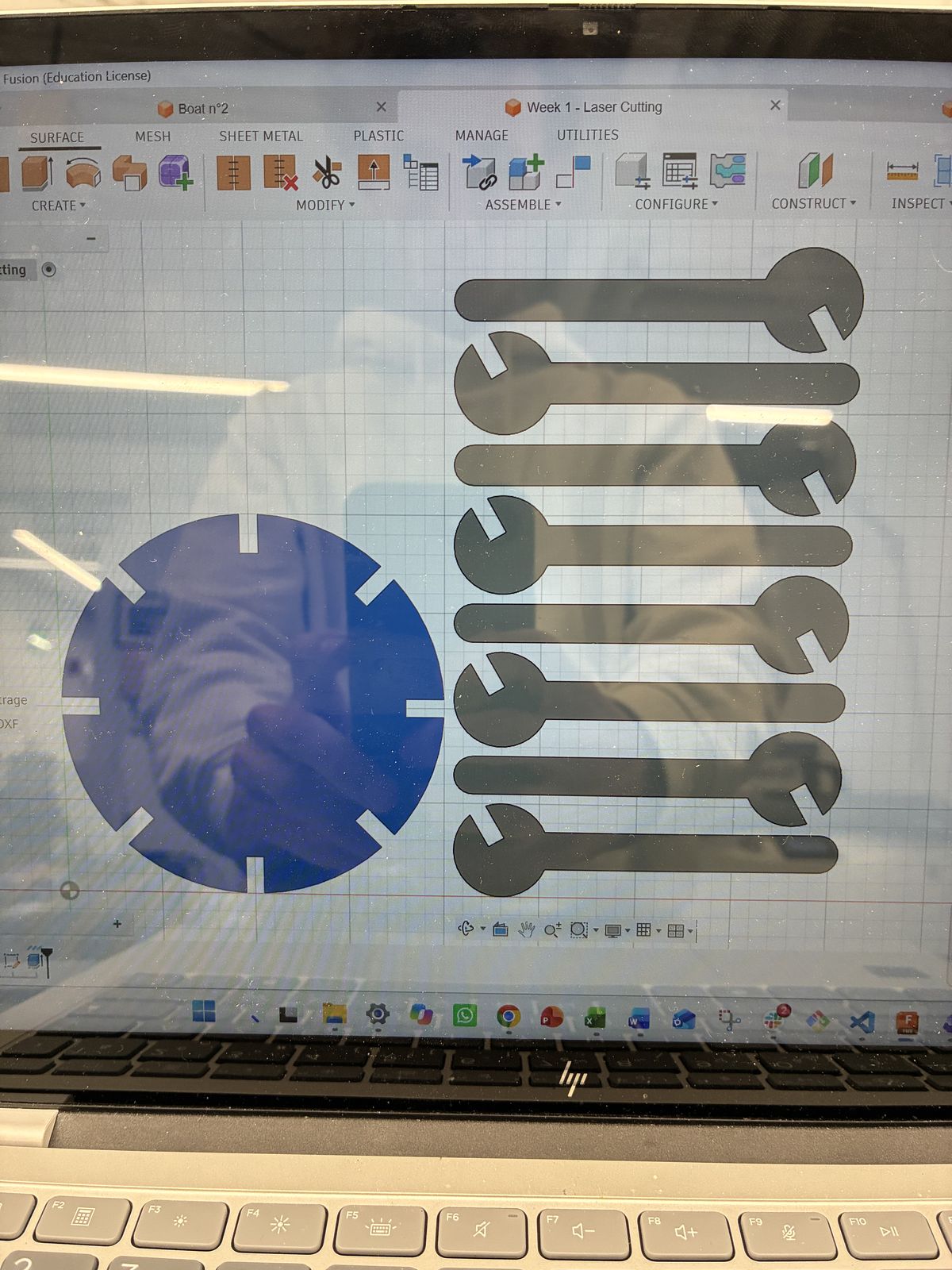
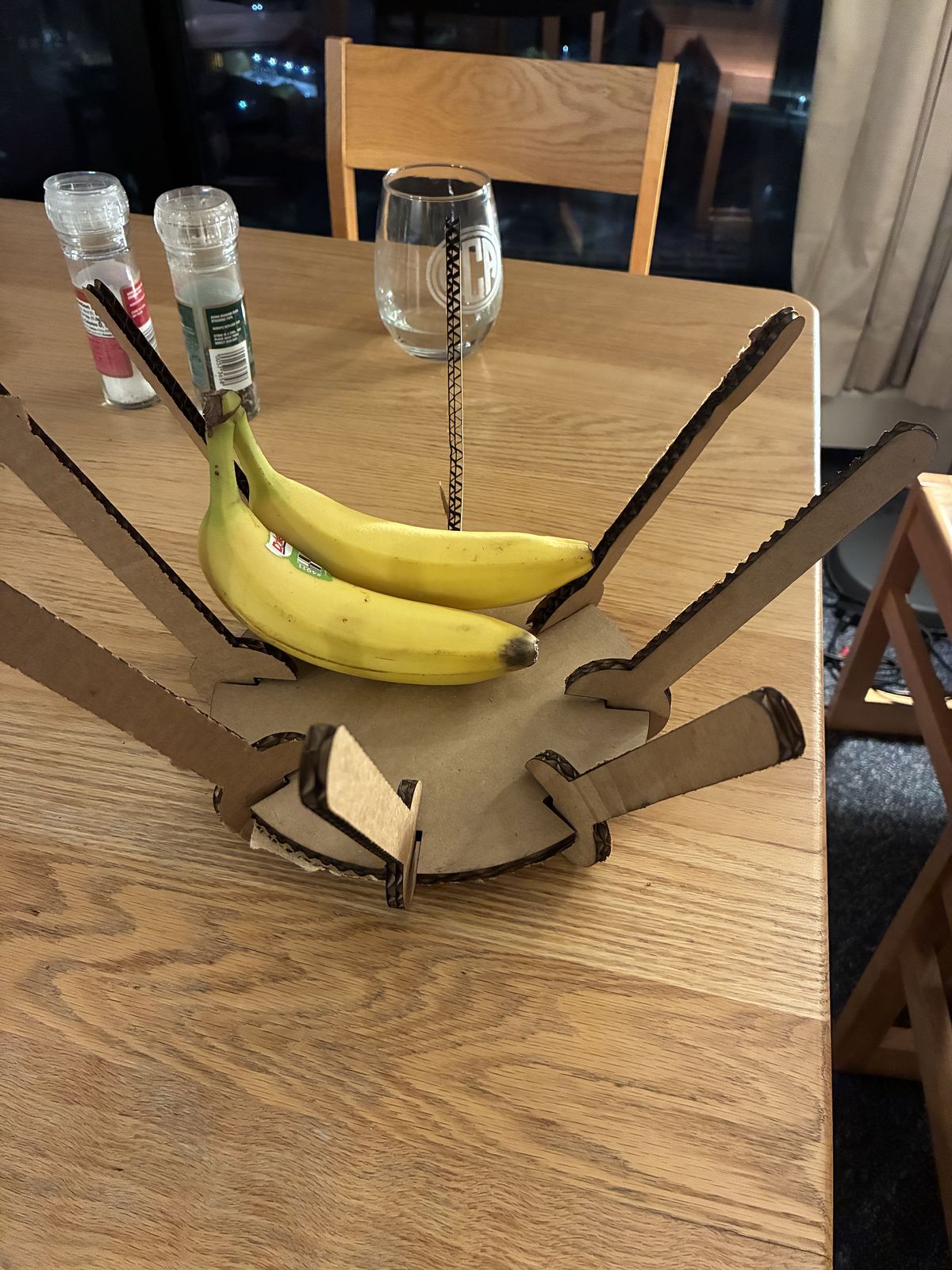
Then I drew it in Fusion as a single 2D sketch driven by parameters: disc radius, arm length, notch depth, number of branches, and cardboard thickness. The bowl is 9 flat parts: one 20 cm disc and 8 identical branches. Every part is one closed outline of lines and arcs, with 5 mm slots — exactly the cardboard thickness — so the pieces interlock without any glue. I exported the sketch as a DXF for the laser cutter.
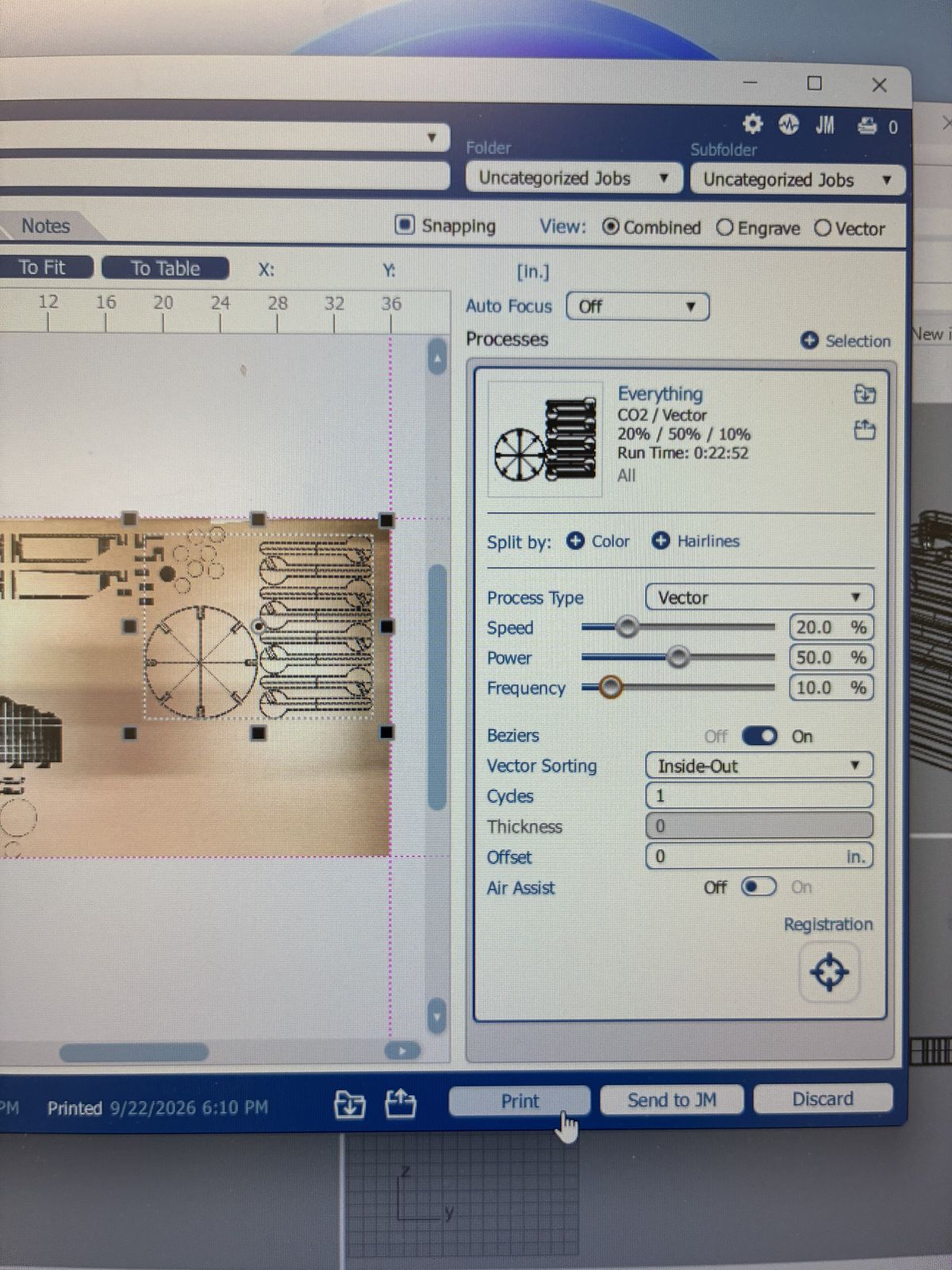
I cut 3/16 in corrugated cardboard on the Epilog Fusion 40: CO2 laser, focus 0.25, 20% speed, 50% power, 10% frequency, and I assumed a 1 mm kerf. The job came out to about 23 minutes.
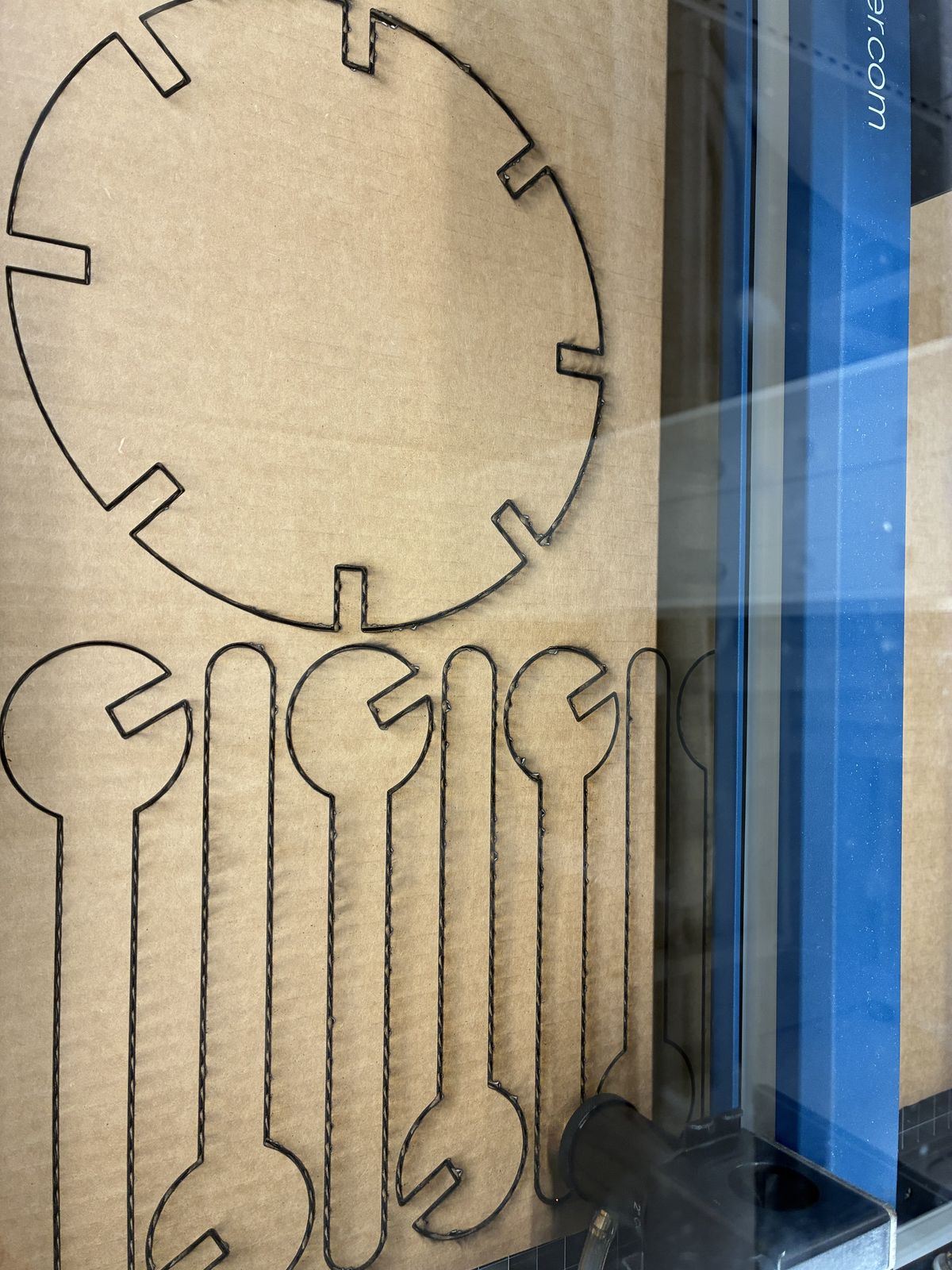
My sheet of cardboard was slightly bent, and it took me a while to understand that the parts sitting on the bent area were getting burned instead of cut through. Not exactly where you want to put your fruit. I fixed it by taping the sheet down so it stayed flat and the distance to the laser was the same everywhere.
Then the laser simply would not cut through, even after ten passes. I tried several different settings and never found the right one. The shop instructor told me the machine itself was having trouble that day.
And the biggest mistake: I did not account properly for the cardboard thickness and the kerf. The result is that the whole structure is wobbly and does not really stand up.
Go and actually measure your material before you draw anything. I designed around a number I assumed rather than a number I had measured, and everything downstream — slot width, kerf compensation, how tight the joints are — depends on it. Next time I measure first, then open Fusion.
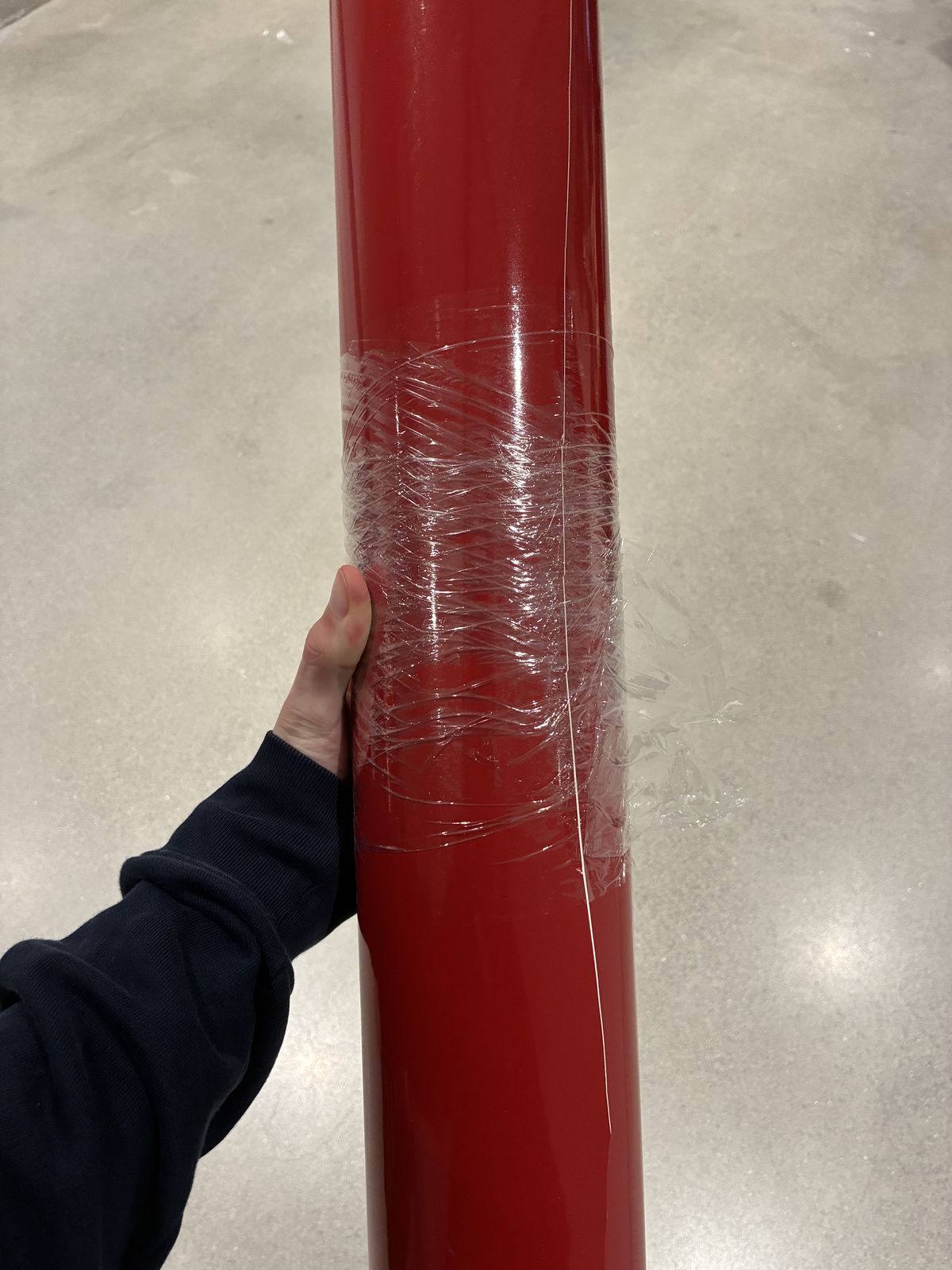
The second part of this week was the vinyl cutter. The choice of design started with the material: the lab had a new roll of red vinyl, and I really wanted to use it.
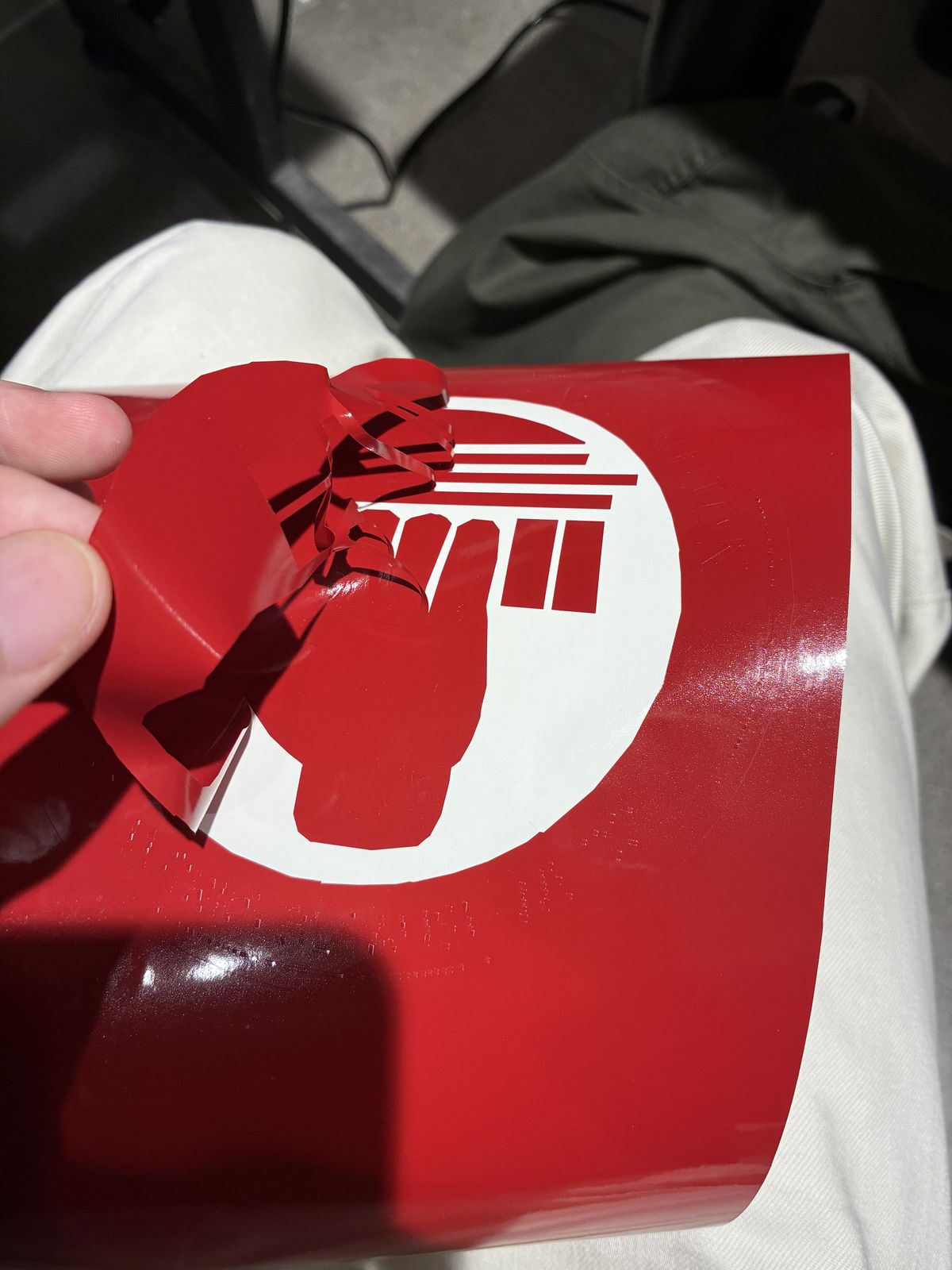
Red made me think of the MIT Graduate Student Union, which I am part of as a TA at Sloan, so I made its logo as a sticker. I found the logo on the internet and turned it into an SVG so that the cutter had proper vectors to follow. Some of the writing was too small for that, and it is the part of the sticker that came out worst.
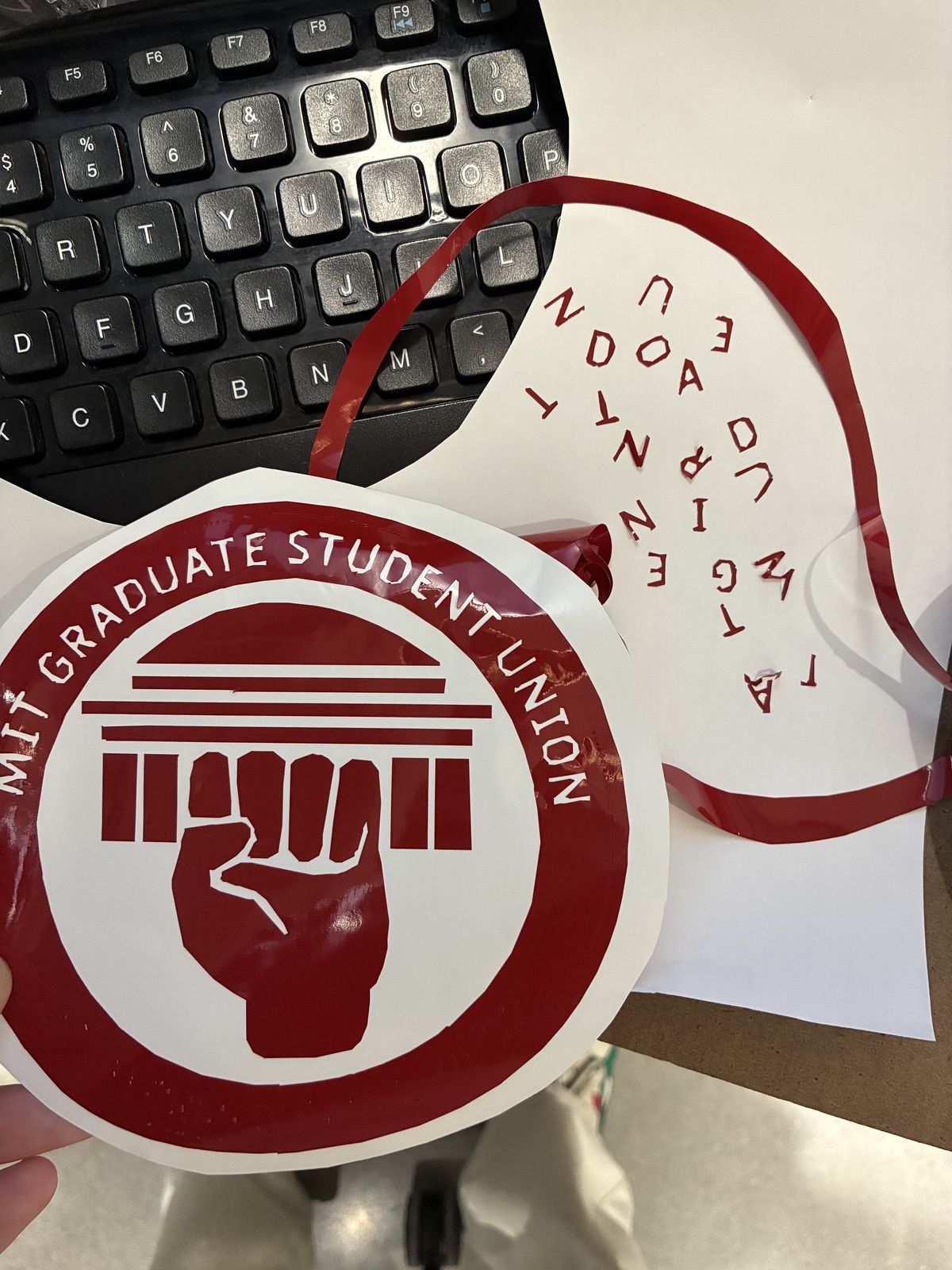
I still have not decided where to put it.