From CAD to acrylic.
This week I set up my project website, practiced parametric CAD, tested the laser cutter, and turned a digital puzzle into a clear acrylic object.
← Back to Home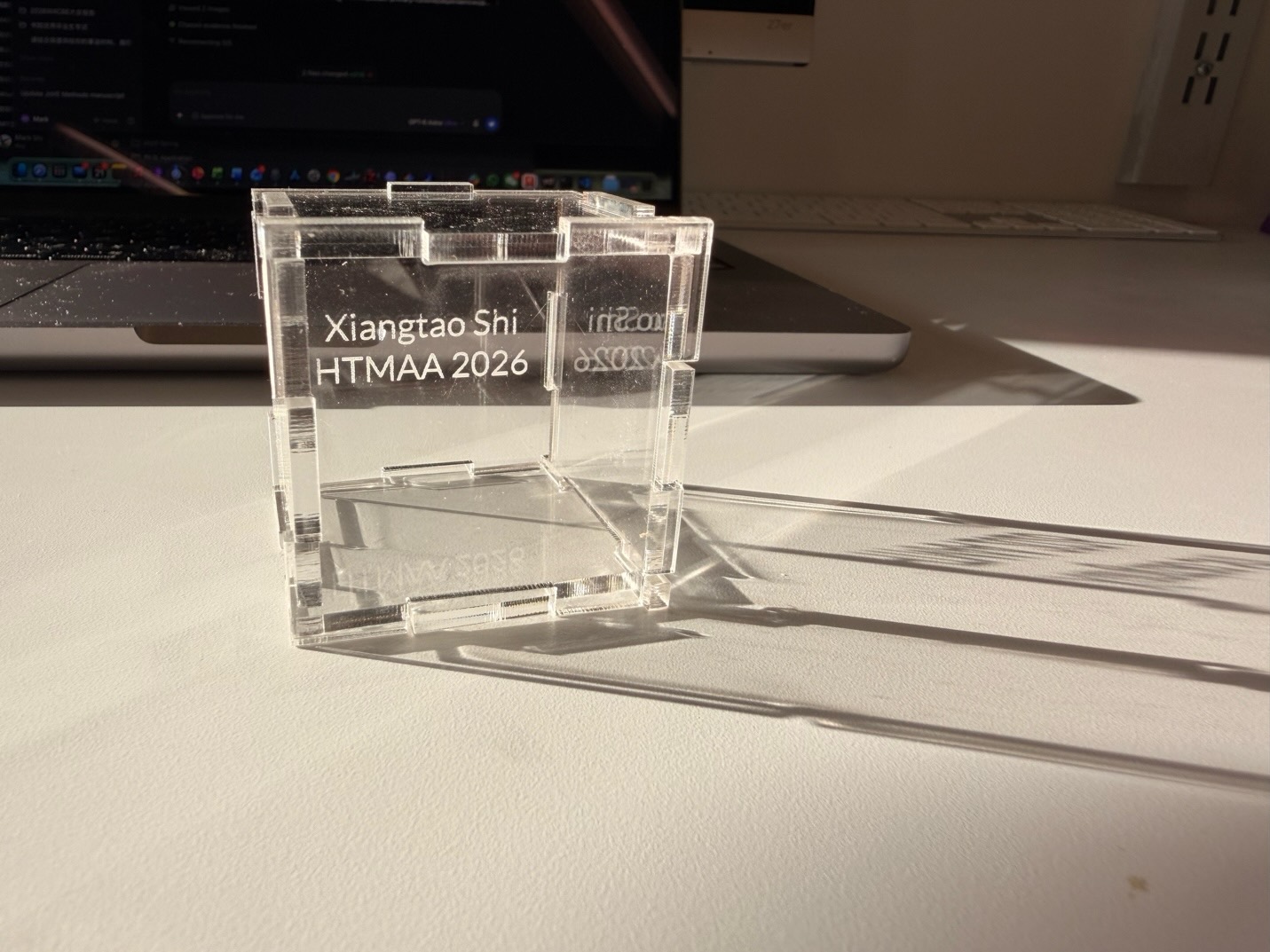
Document the work.
Before making anything, I needed a reliable way to save and share what I was doing.
Git and Forgejo
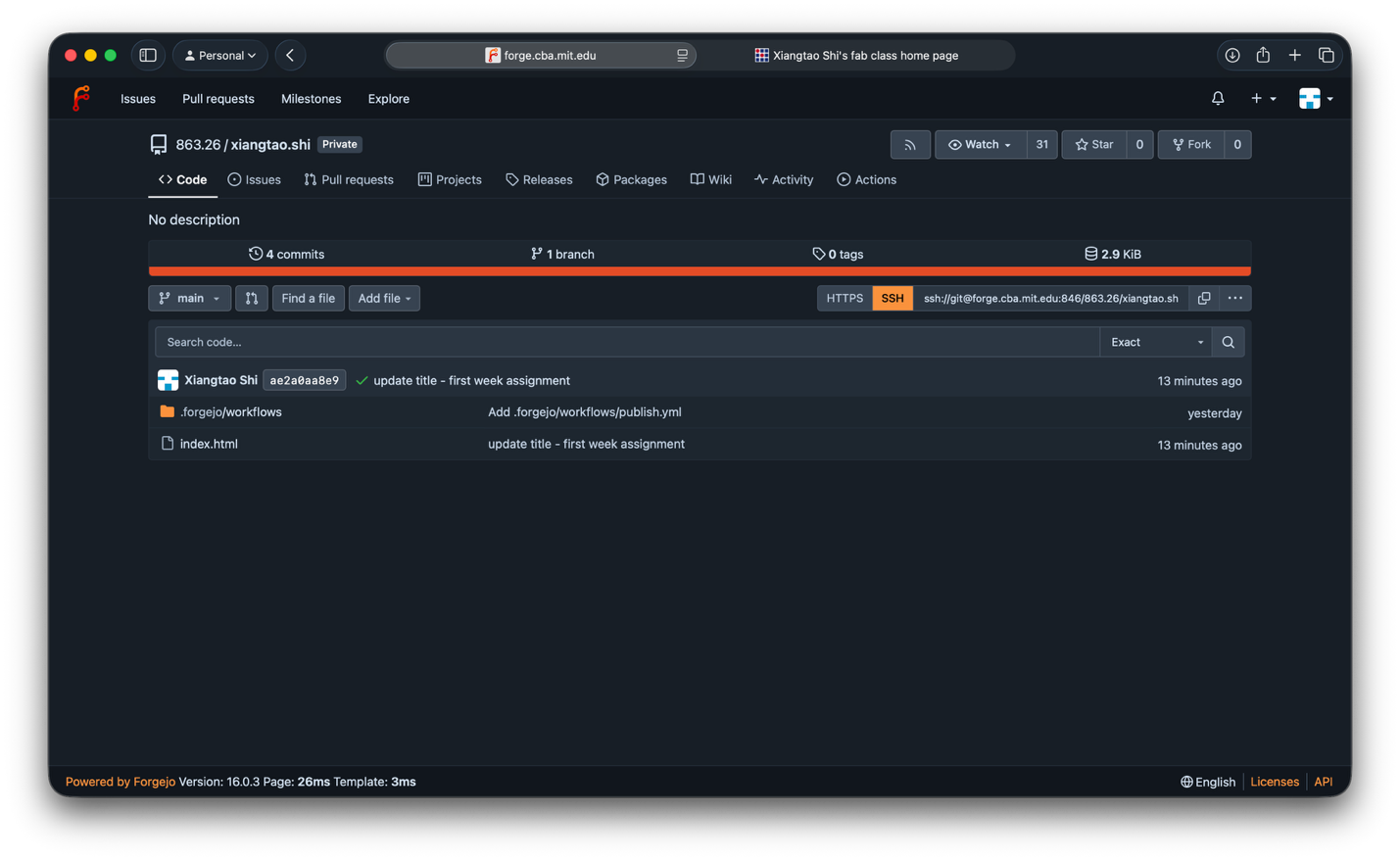
I configured Git and SSH access for the CBA Forgejo server. The SSH connection took some troubleshooting, but I eventually cloned my repository to my computer and could work locally.
Building the site
I started with plain HTML so I could understand the structure of the site before trying a generator such as Hugo. I built a home page and linked it to a folder for each week's documentation.
Designing a 3D puzzle.
I had used CAD briefly to design microfluidic channels, but I wanted to learn it more systematically.
Following the tutorial and recitation, I designed a 3D puzzle in Fusion using parameters rather than fixed dimensions. The short recording shows how the model came together; the interactive view lets you explore its shape.
The modeling process
Explore the model
Change a value.
Update the design.
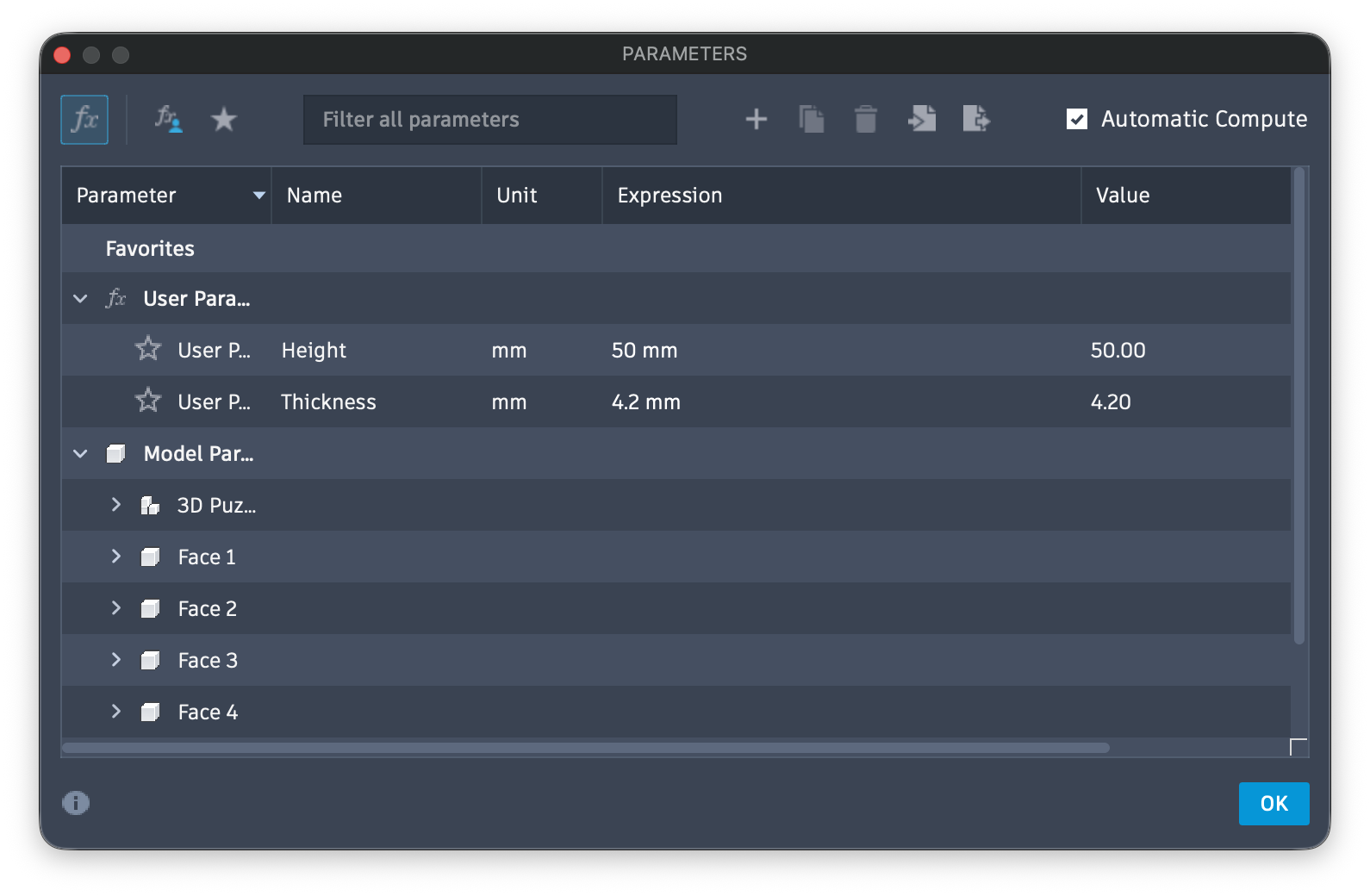
I defined the overall height and material thickness as parameters. That made it easier to adjust the puzzle for the acrylic sheet without rebuilding every part of the model.
Learning what the settings do.
After the lab's safety training, we tested focus, kerf, power, and speed. We also looked at how different laser systems and materials call for different settings. Cardboard cut easily; thicker acrylic needed more power and a slower pass.
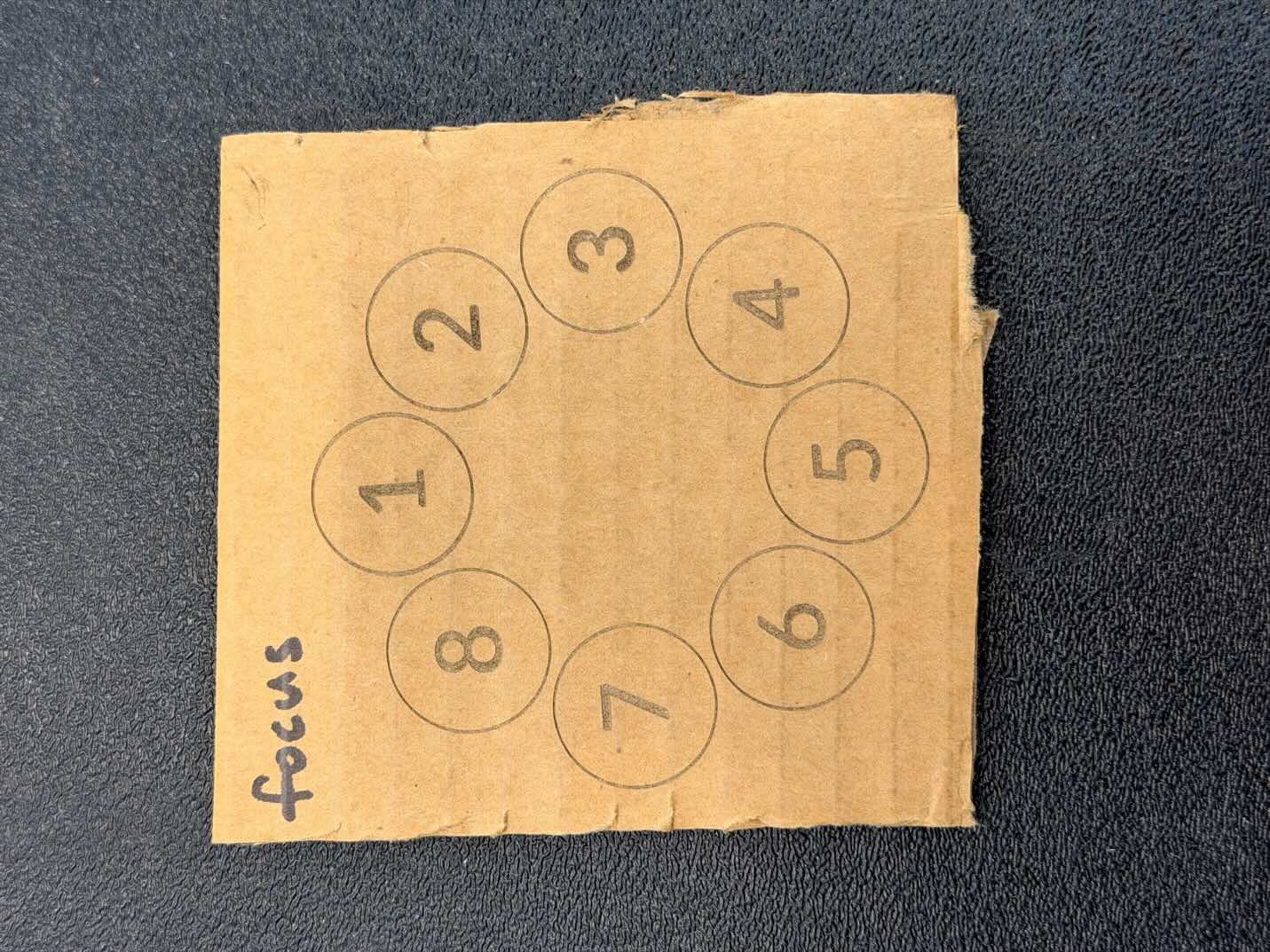
When the beam was out of focus, the line became wider and less distinct. Engraved numbers helped us keep track of each test position.
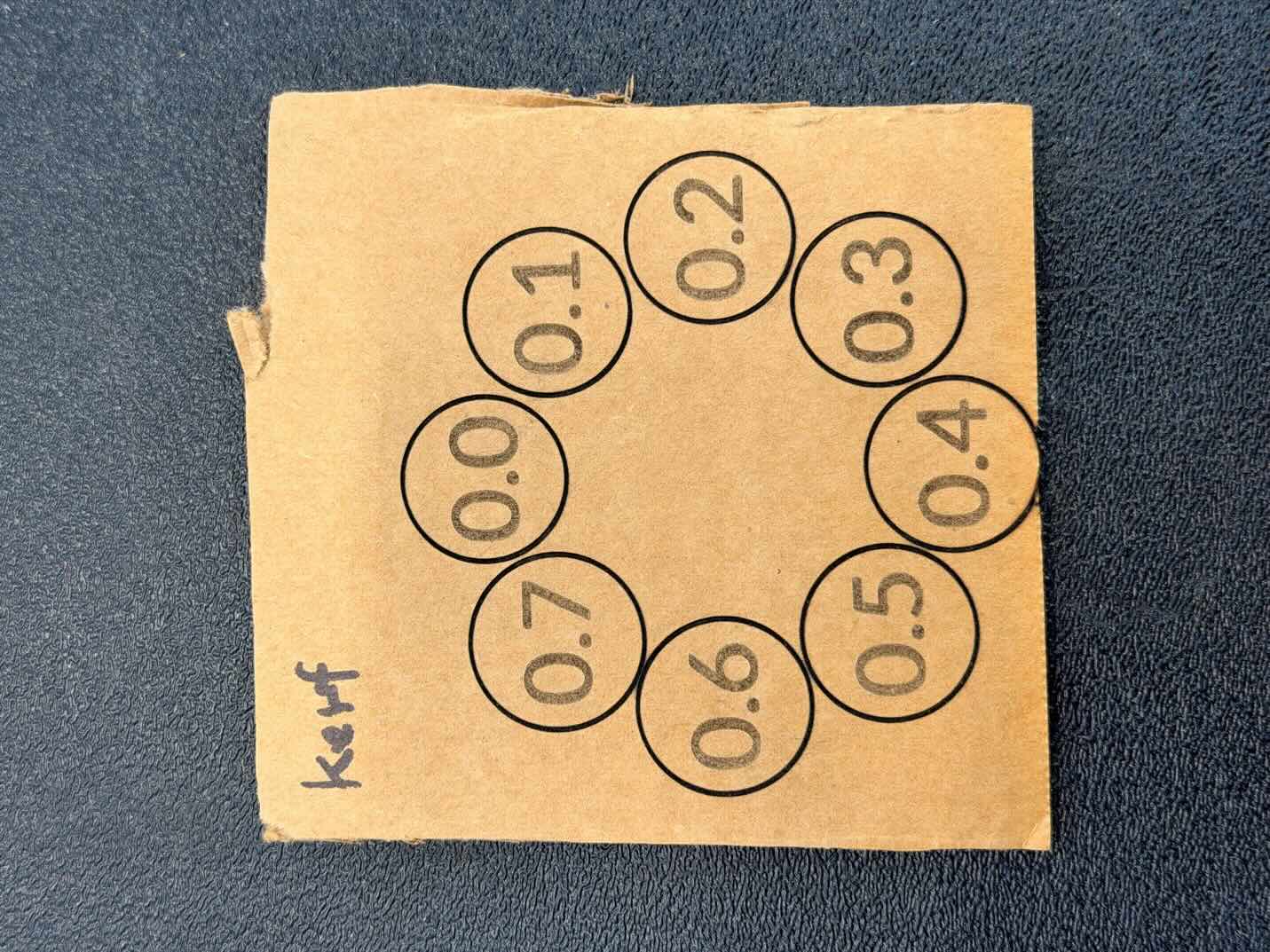
Kerf is the width of material removed by the cut. Comparing offsets from 0.0 to 0.7 showed how that loss changes the spacing of nearby pieces.
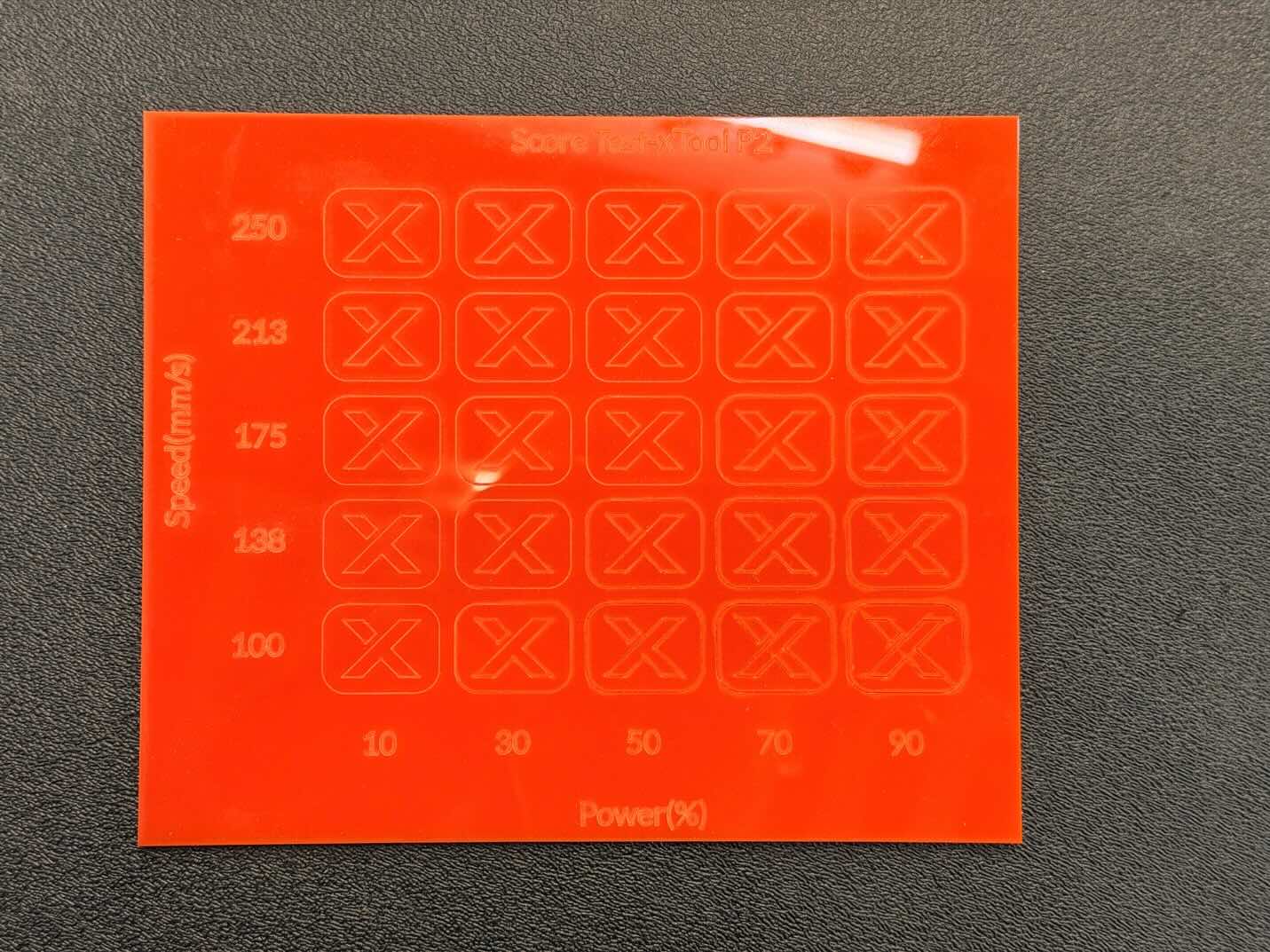
We scored acrylic at several power and speed combinations. The grid let me compare the mark left by each power and speed setting.
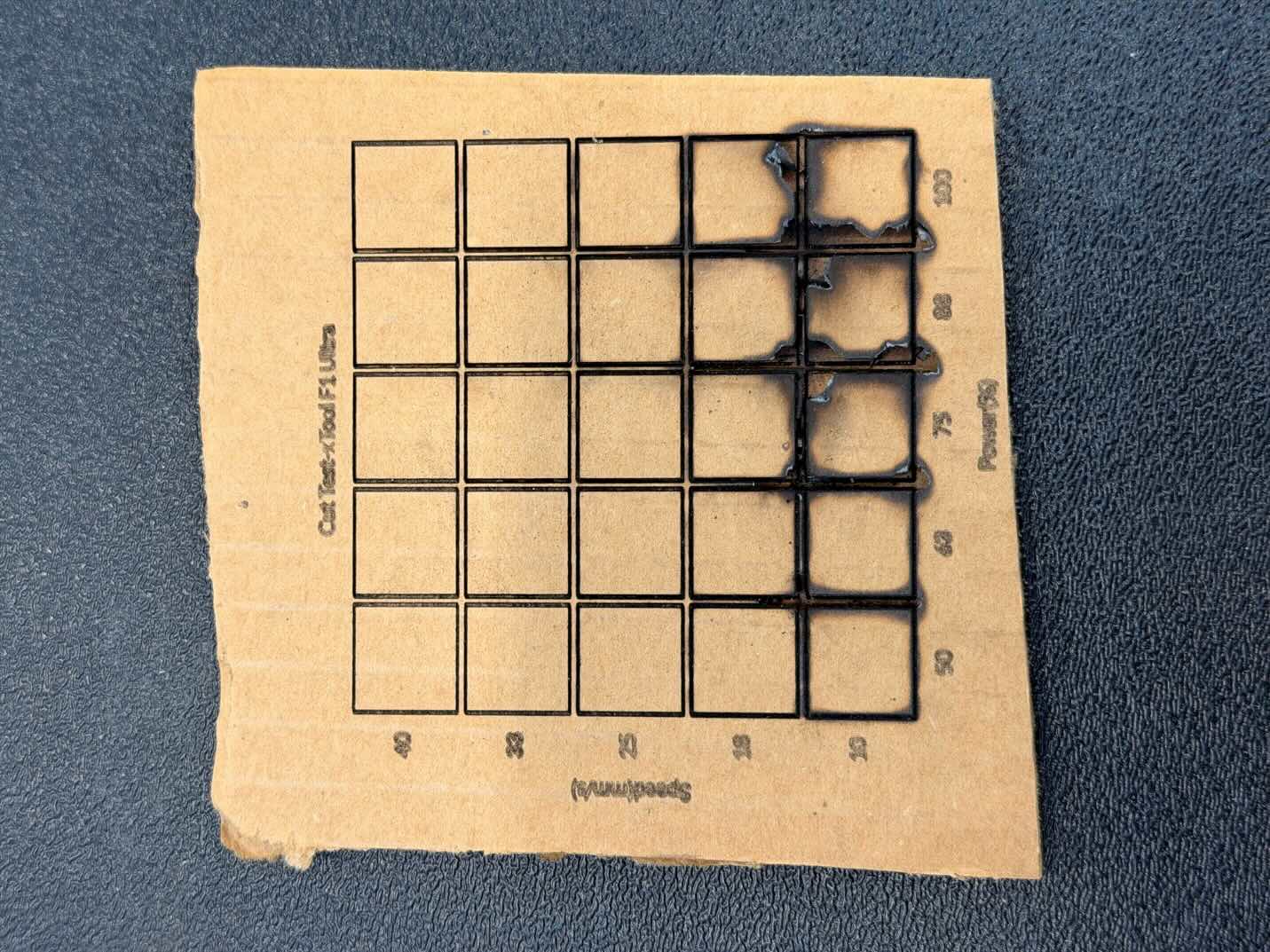
We then tried a cut matrix on cardboard. The higher-energy settings charred the cardboard.
Focus and kerf affect precision, while power and speed affect the result. A test cut is worth doing before a new setting of cutter and materials.
Making the puzzle real.
I wanted to hold the CAD puzzle in my hands, so I cut its panels from transparent acrylic.
I engraved the words first, then cut the outlines on a CO₂ laser. These were the settings I used for this sheet and machine:
500 mm/s
19 mm/s
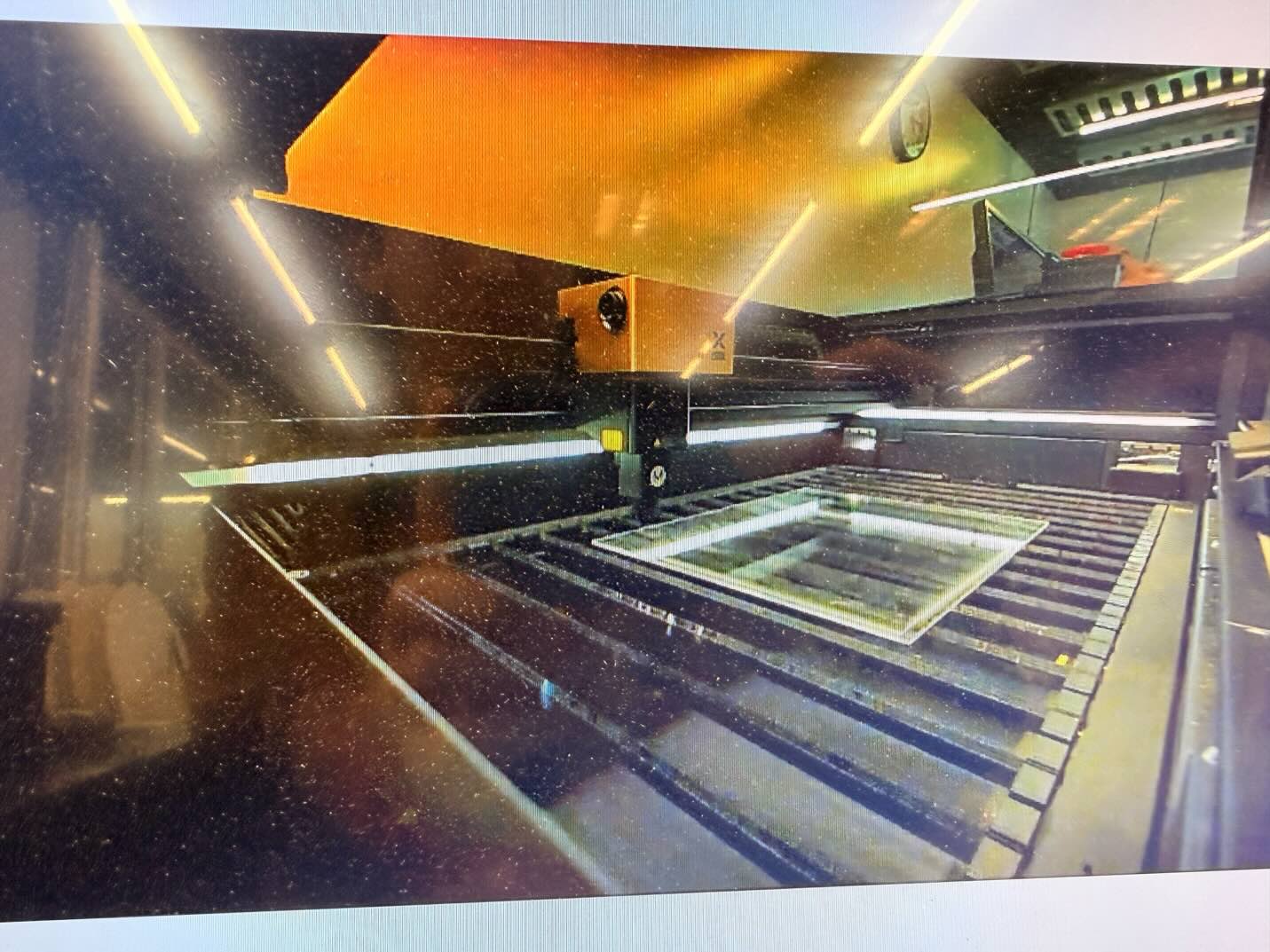
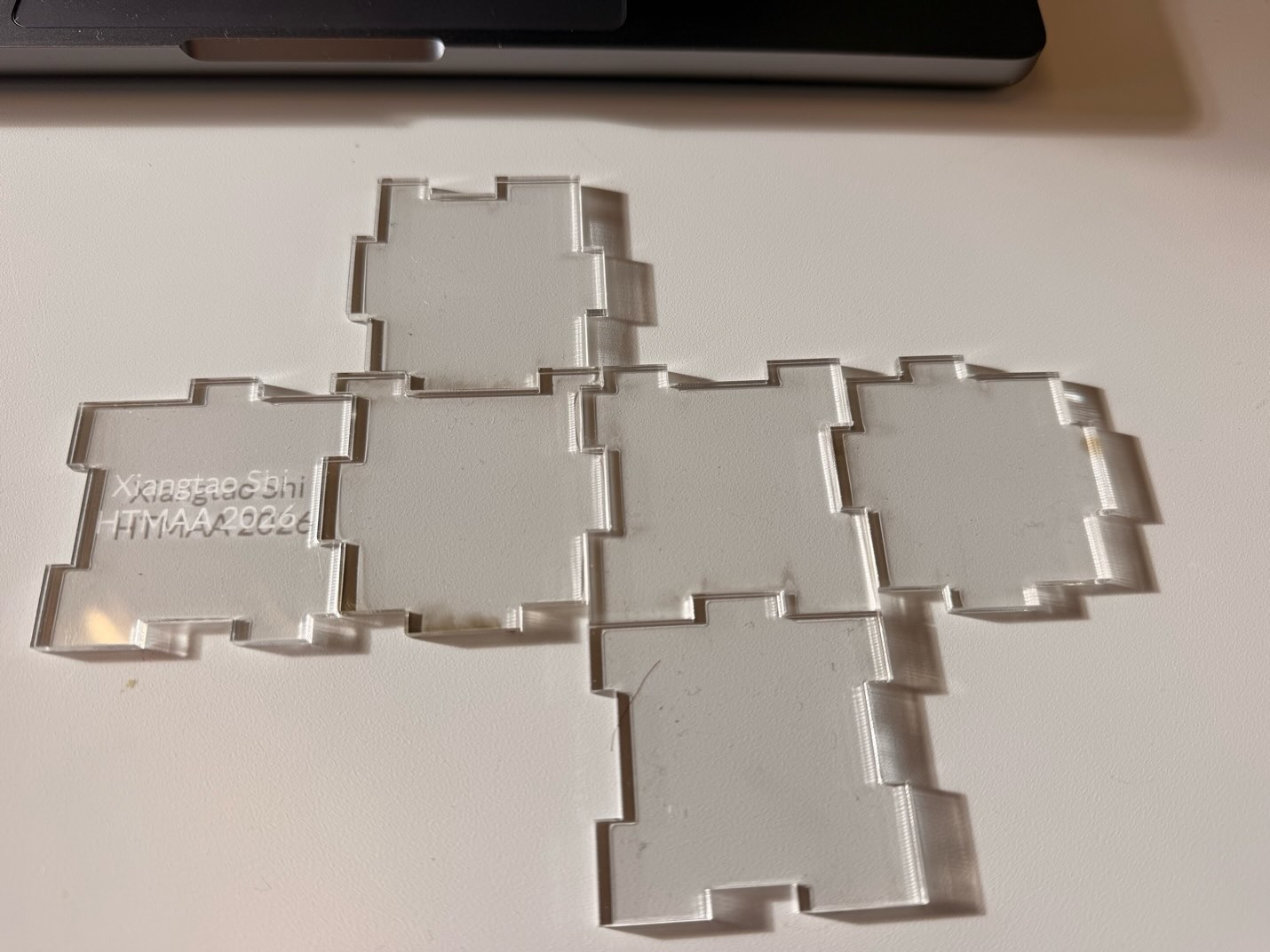
The symmetry made assembly harder than I expected since several orientations seemed possible. But once the pieces fit together, it looks beautiful under the sunlight
A few more things to try.
After the puzzle, I kept experimenting with cutting and engraving. I made a small leaf cutout, an MIT-themed engraving, and a red acrylic name tag for my desk.
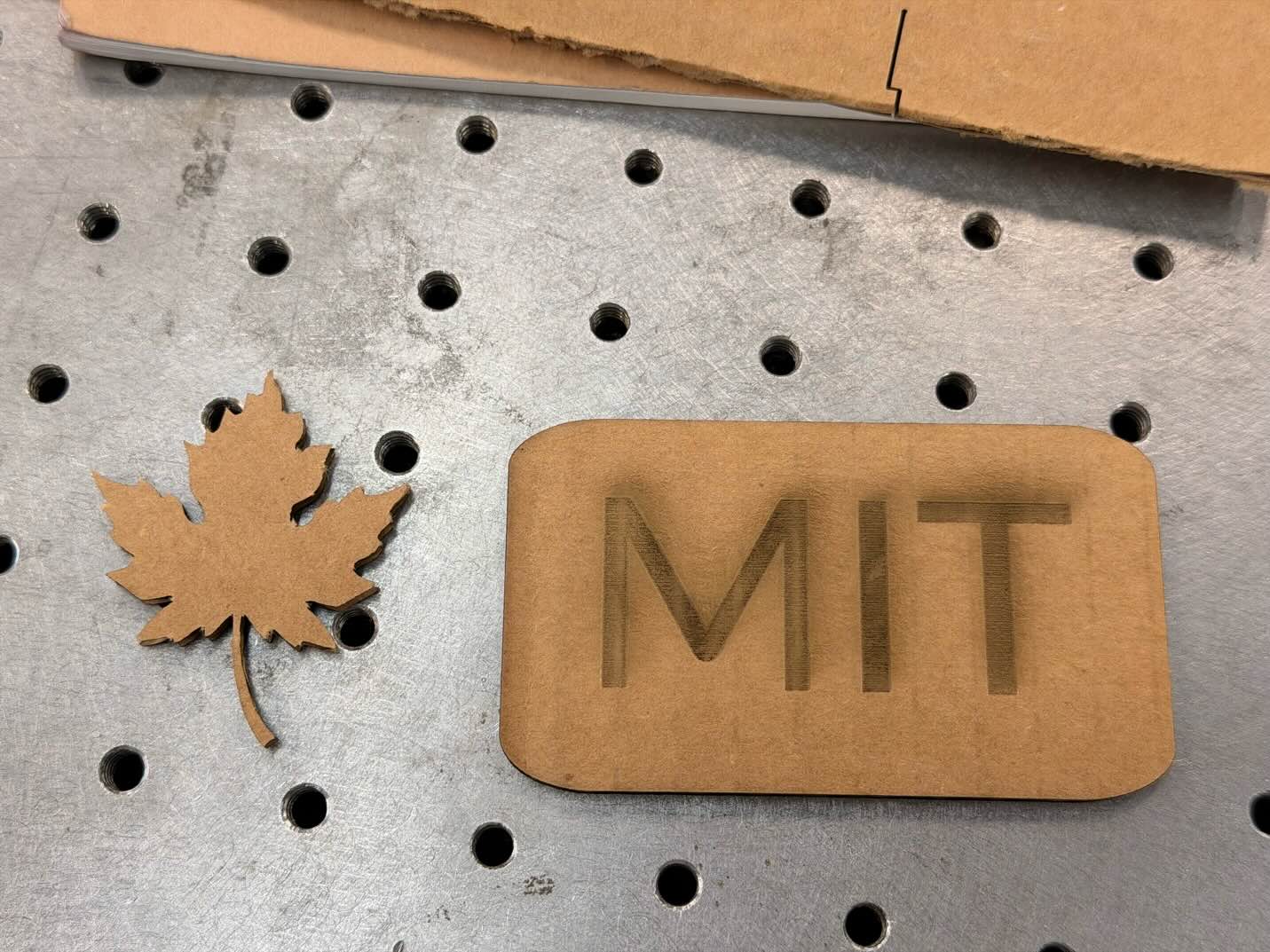
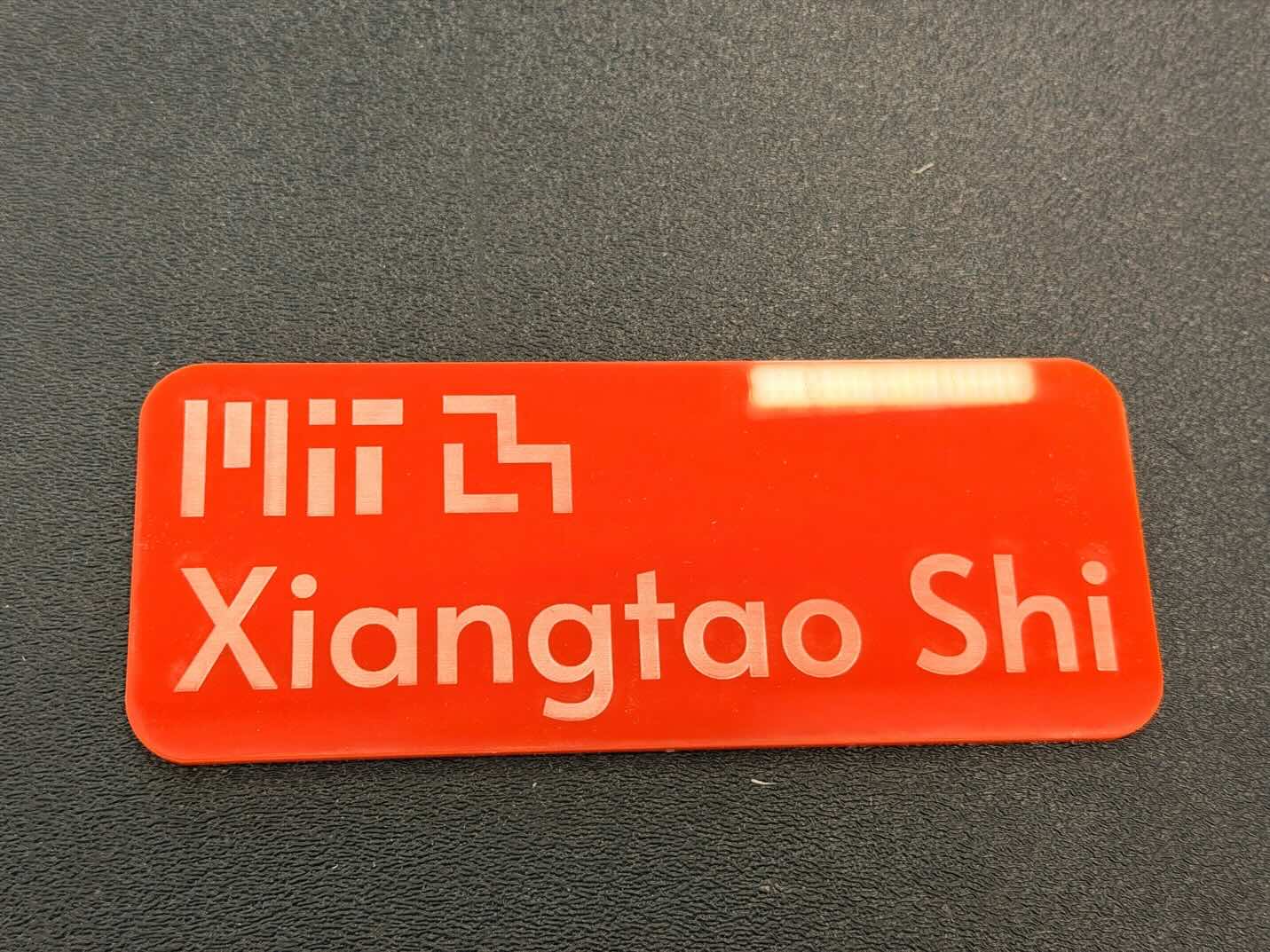
I did not get to the vinyl cutter this week. I plan to return to that part of the assignment later.
For the website, I also want to try Hugo and set up automatic publishing when I push updates.