Individual Assignment — Laser Cutting a Parametric Construction Kit
Our assignment for laser cutting is to cut a parametric construction kit that can be assembled in different ways. As I did research online, I came up with several potential ideas:
-
Polyhedrons: I saw many previous fab lab projects were working on polyhedrons, as they are naturally suitable to be constructed if you design joints that keep certain angles between faces. Great examples include Nadieh’s and Maxallen’s projects. There are also designs that construct through edges instead of faces which is another interesting approach. But I thought since many people worked on this topic, maybe I can explore a few other options?
-
Möbius strip: Since you can make curved surfaces by laser-cutting a pattern of closely spaced slits, I was thinking of bending a long flat surface to make a Mobius strip. Or some deformable structure. However, it doesn’t align with the “construction kit” notion so I will leave it for next time.
-
Chinese Sun-mao (mortise-and-tenon joint): As a Chinese, I’m also very interested in this kind of 3d joint that appear often in architecture.
-
Gears: I’m also very interested in gears! Especially when I saw works by karakurist. I’m also interested in wooden automaton / mechanical automaton (there was an exhibition at MIT museum).
-
DNA: I came up with this because I saw this 3d-printed folding structure that can form a DNA-like (or tetrahelix / Boerdijk–Coxeter helix). I dived deeper into the geometric attributes of this kind of structure and there are interesting tools to calculate the exact angles between edges and surfaces: Geogebra, WolframAlpha, Polyhedra Viewer, Untwisting the Tetrahelix. I’m really interested in this theme but I realized that the angles between its edges are actually varing and far more complicated then I thought. It will be very challenging to design and construct a joint that builds up this structure. Something like this but more complicated.
-
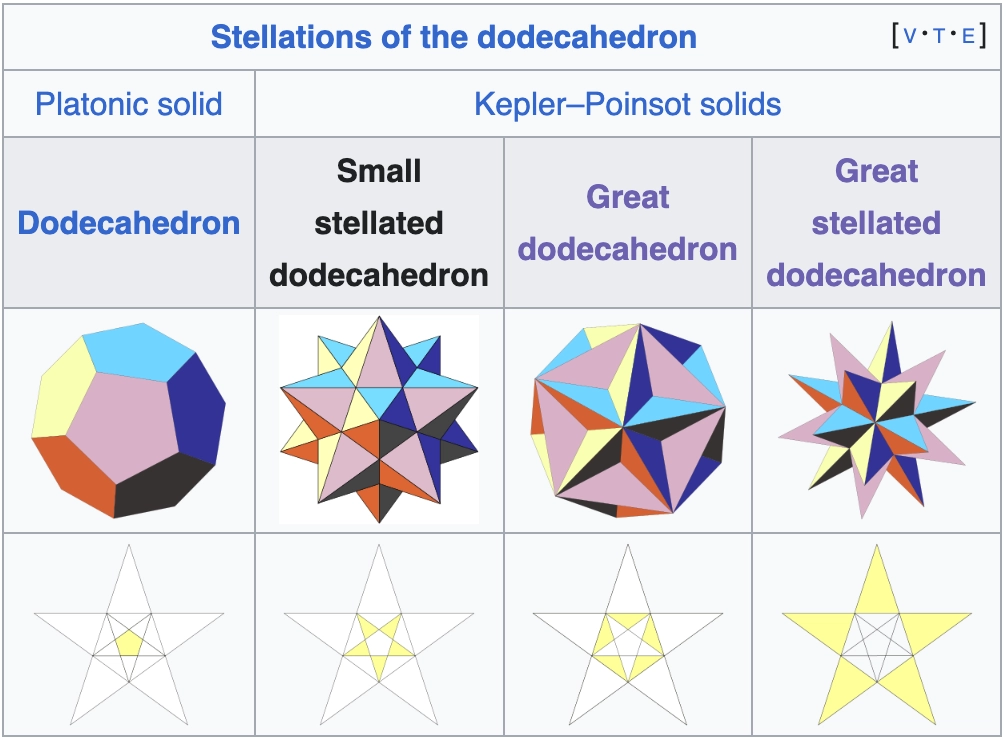
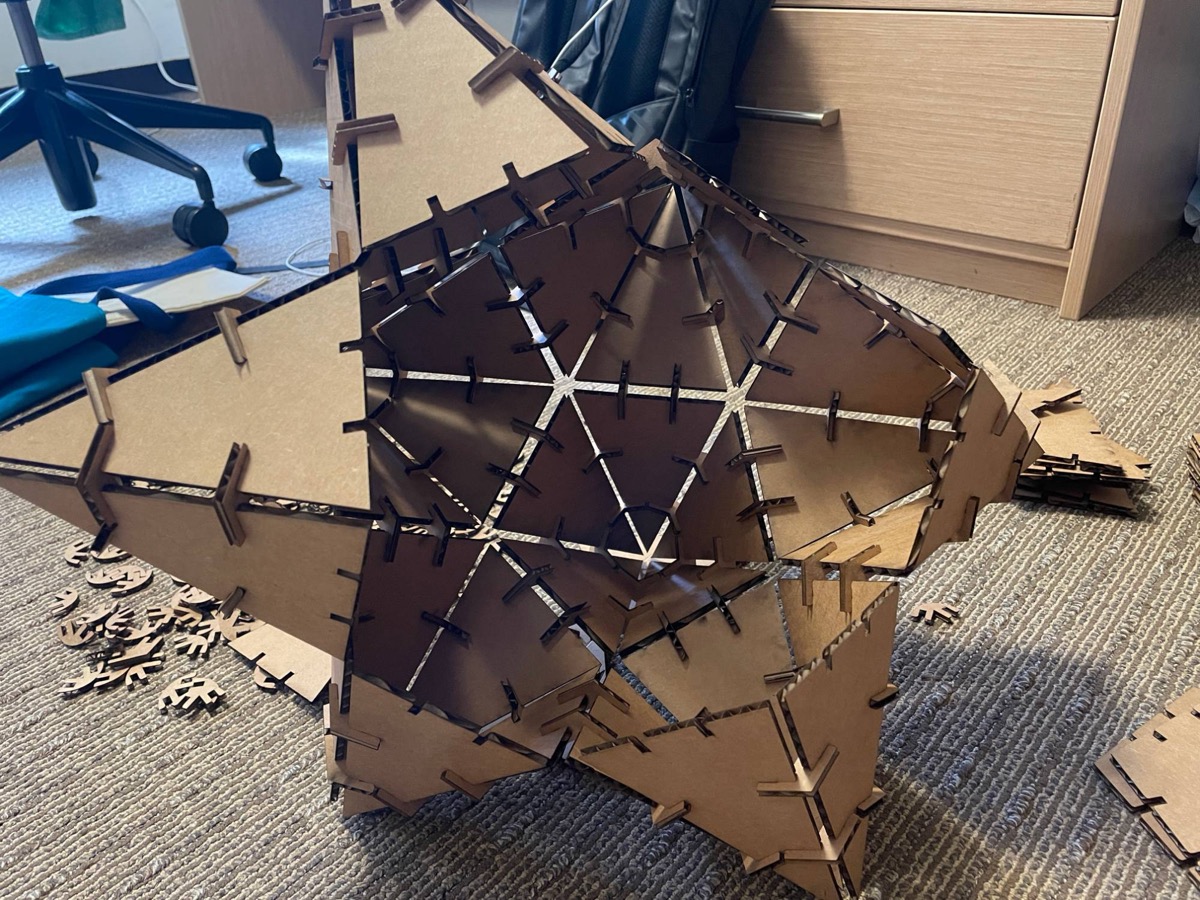
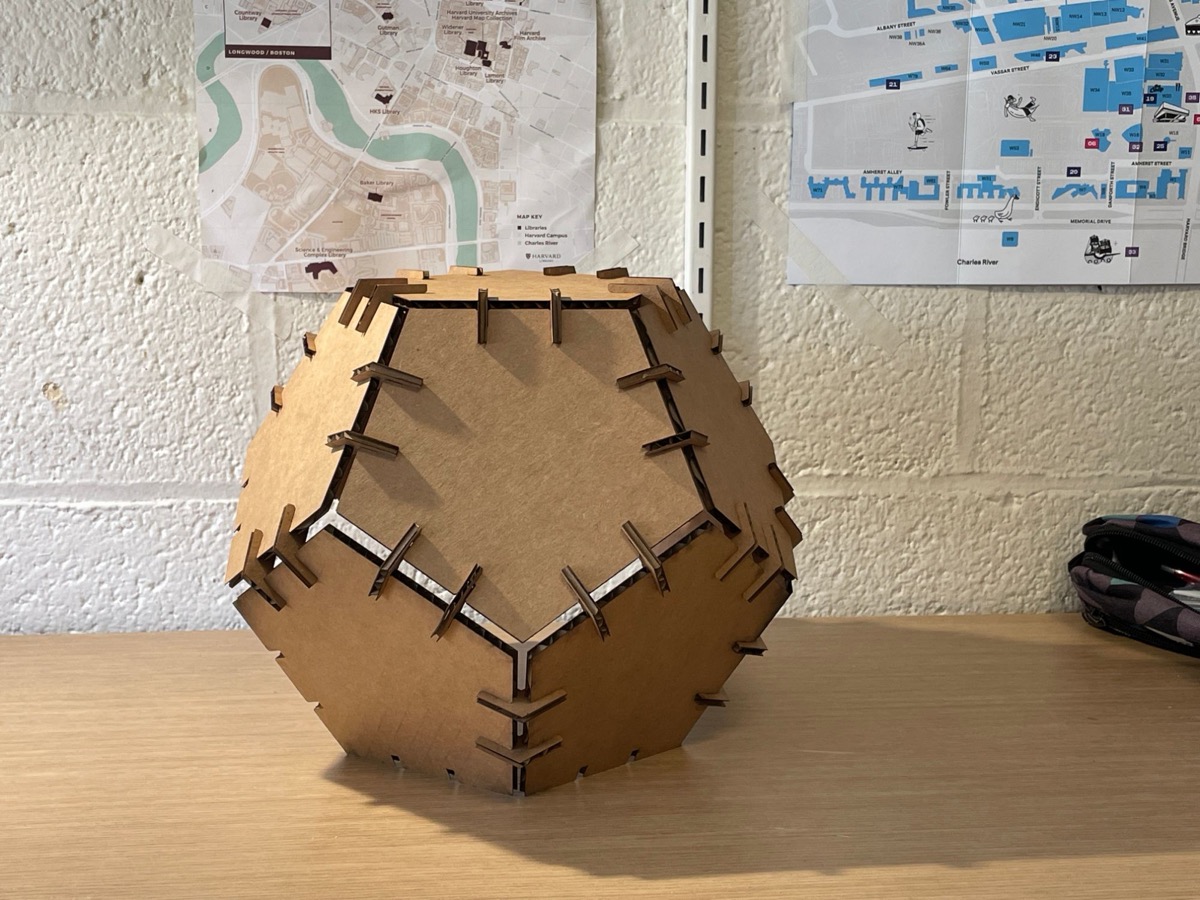
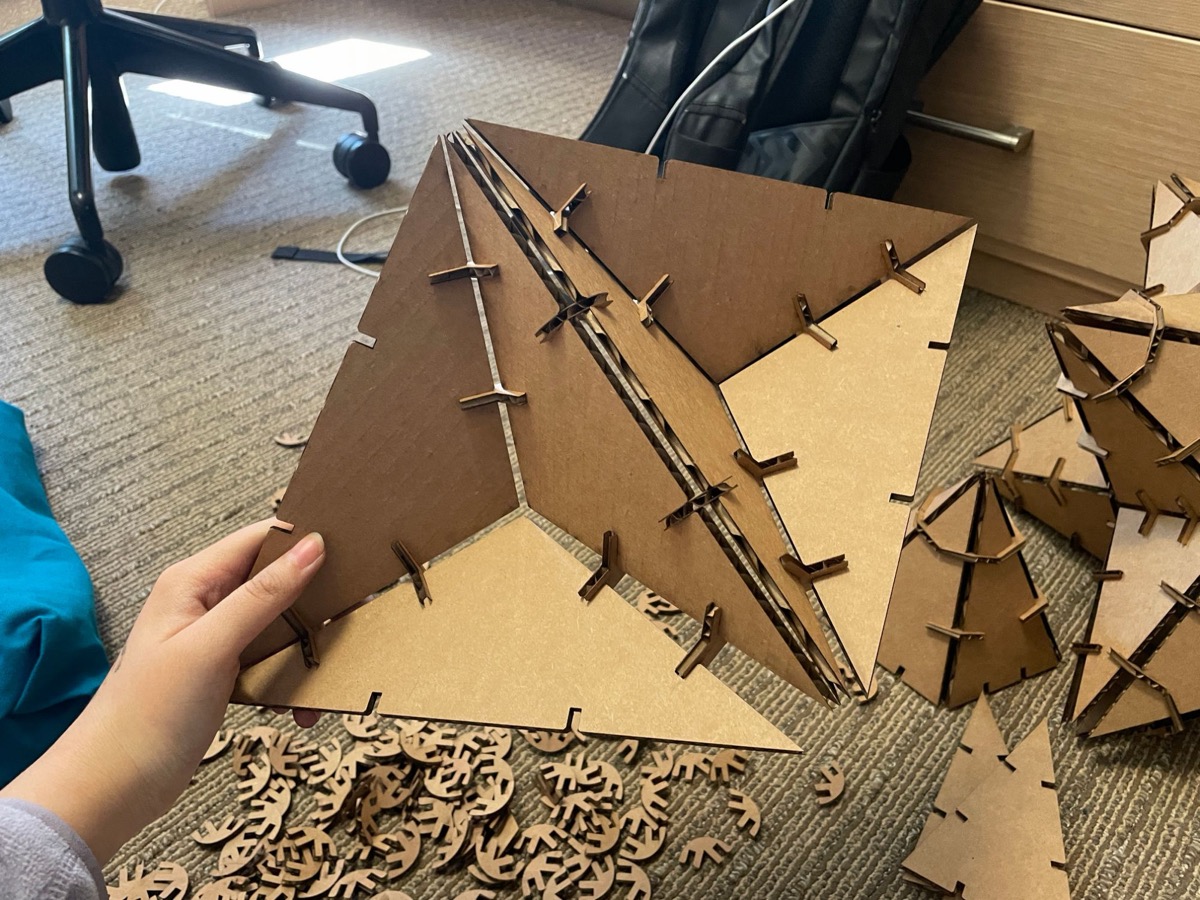
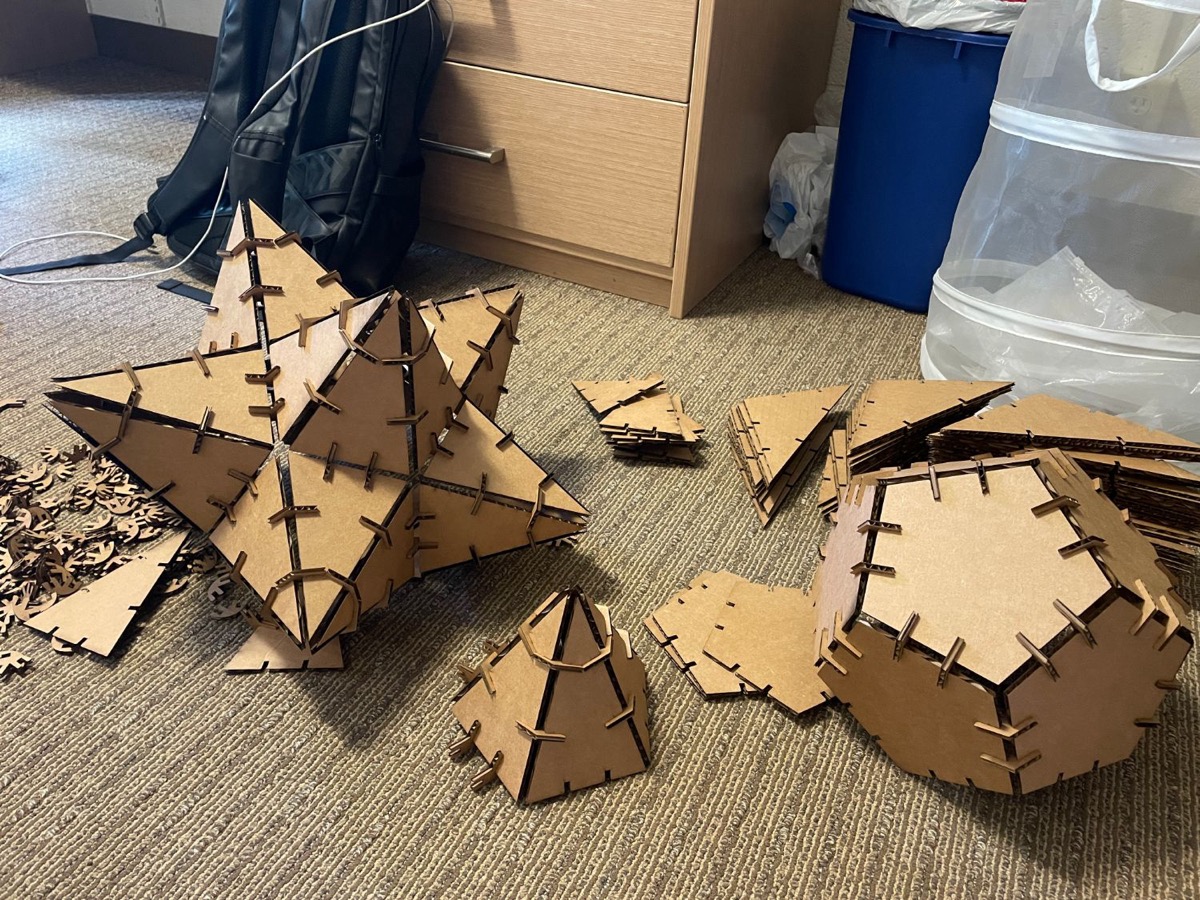
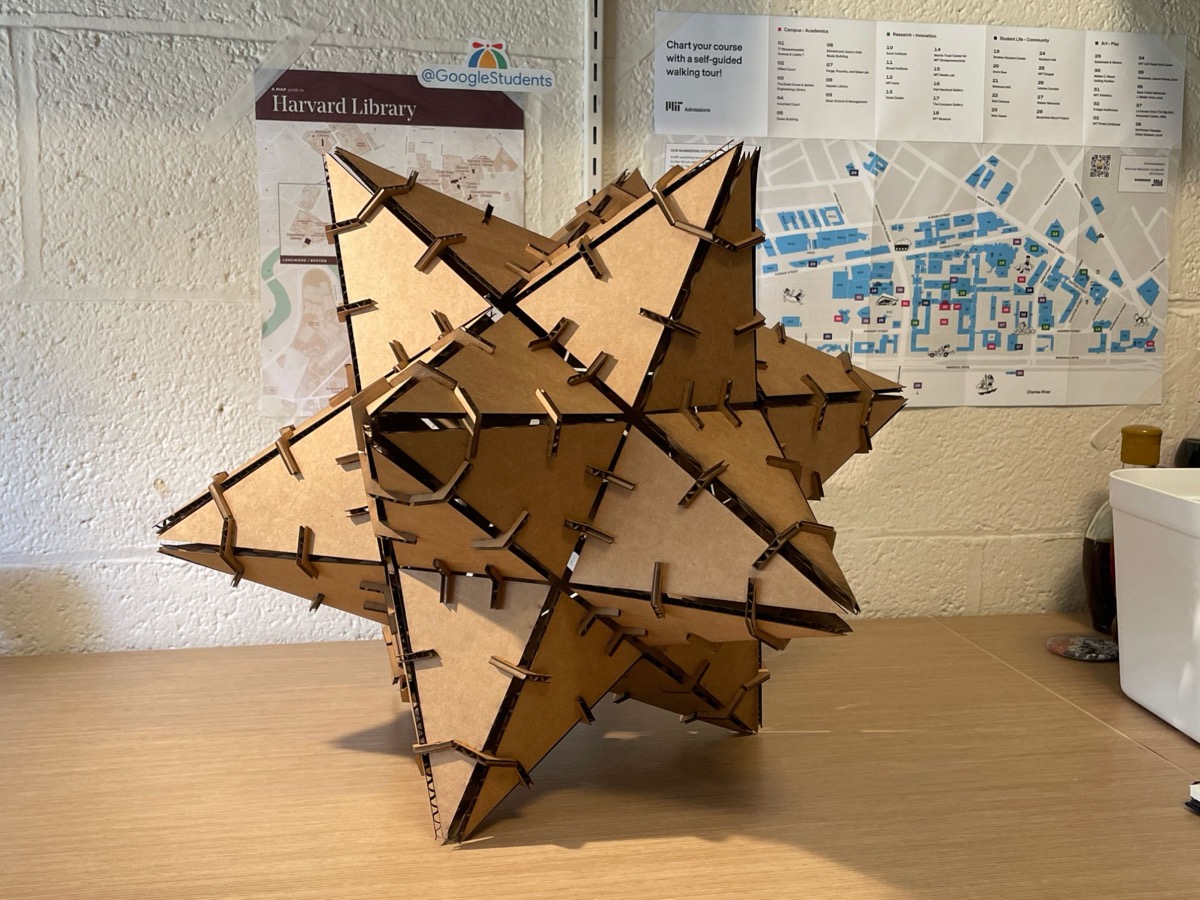
Dodecahedron and Stellated Dodecahedron: And then I saw this. I am interested in the dodecahedron because it begins with a pentagon that already feels familiar. Once a pentagram is drawn inside each face, the solid stops reading as a closed object and starts to suggest directions outward. Extending those planes produces its stellations to much sharper forms. It turns out that if you cut a regular pentagon with an inscribed pentagram, you can actually build three different 3D forms from the same piece and link them together with connectors into even more configurations. Wolfram website and wikipedia has clear visualization. And mayrivercreative assembles many of them creatively!
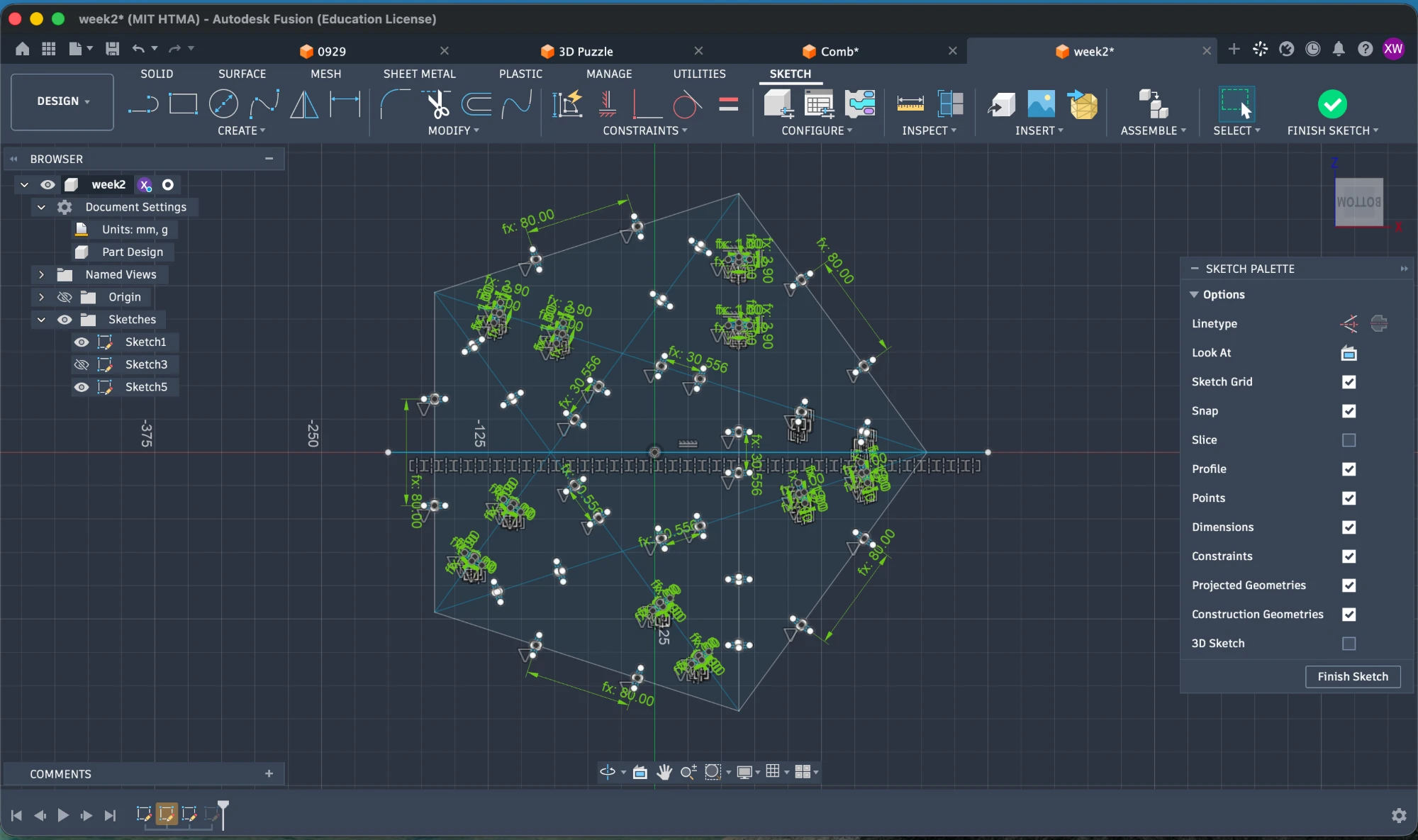
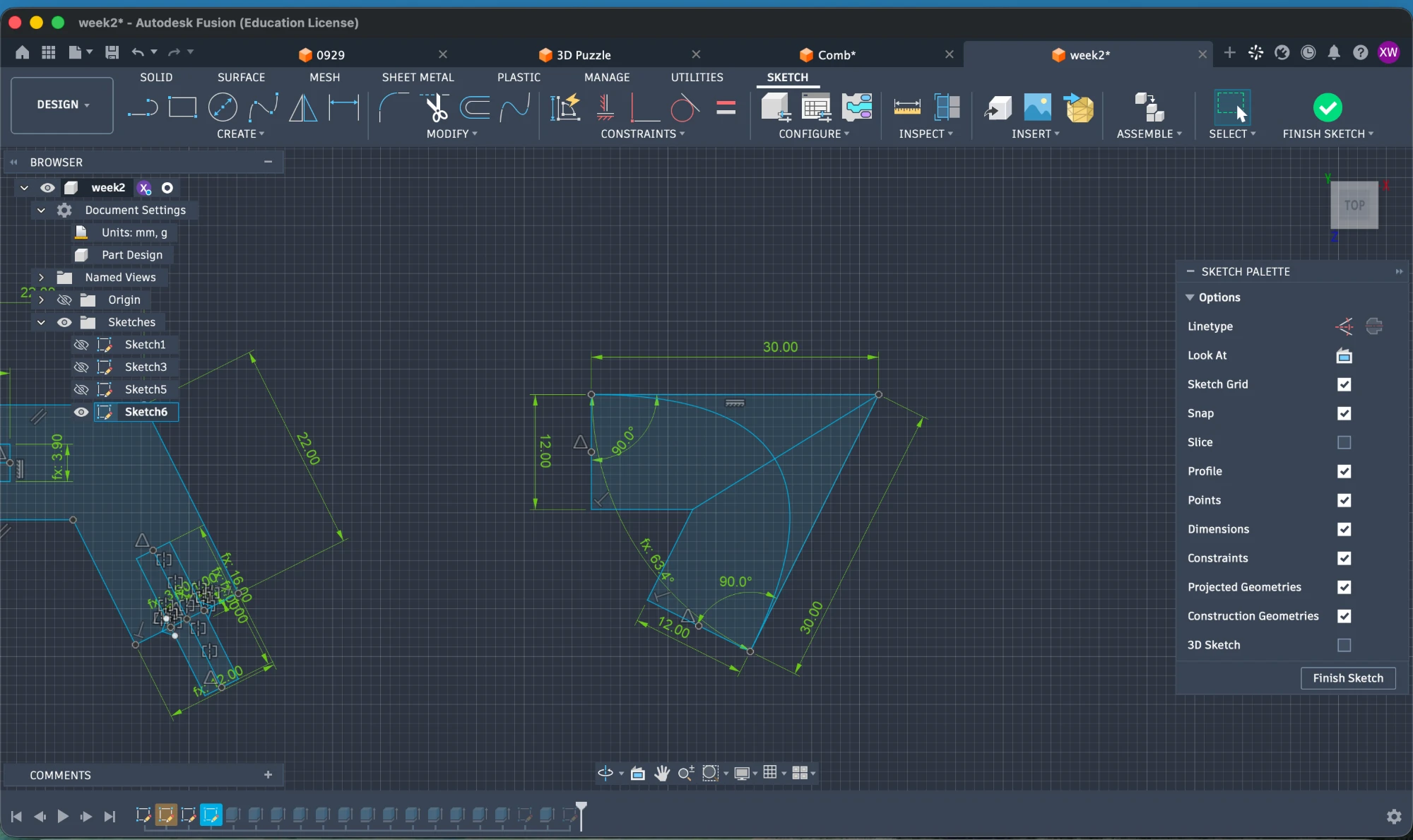
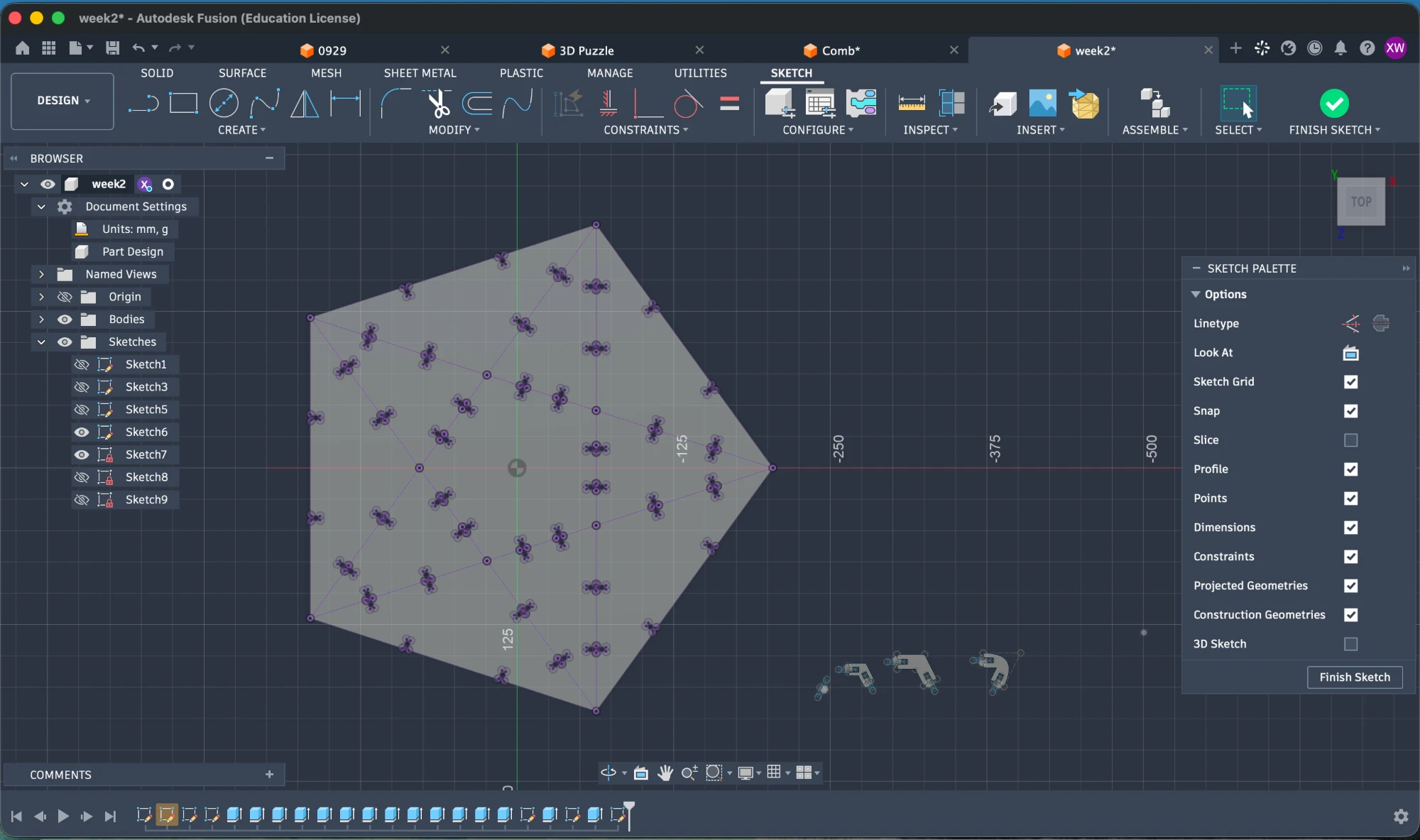
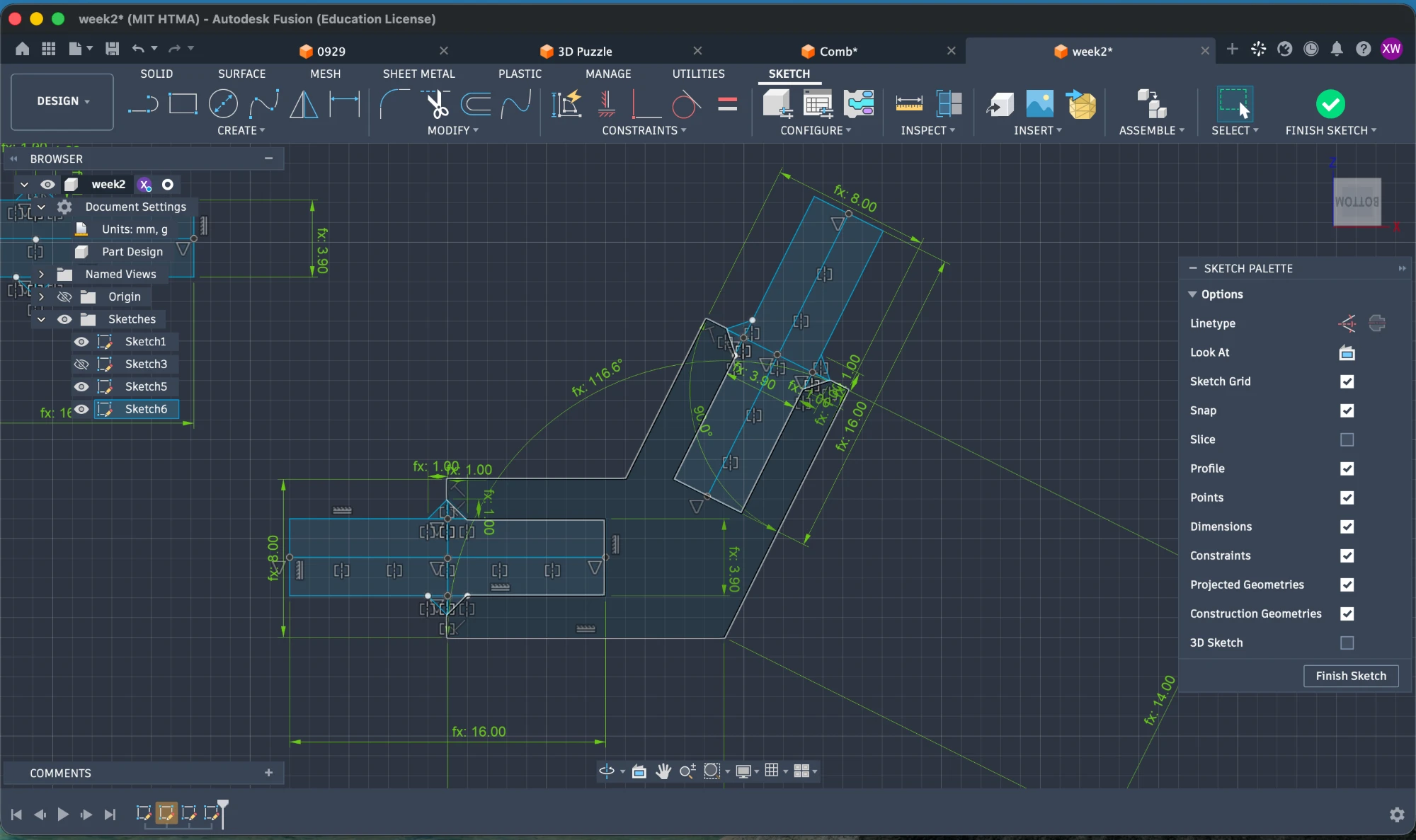
And after that I started designing in CAD. To make the three forms I needed 2 different joints with the needed angles. I got the angle information from this page. I’m new to CAD design and I find the most difficult parts to be
- Setting the right anchors to move/rotate/copy a sketch.
- Keeping the right constraints so that you mount your later modifications cleanly on your previous ones, and changing one early parameter or modification doesn’t ruin up the whole design. (Still not quite figuring this thing out).
- Managing the timeline.
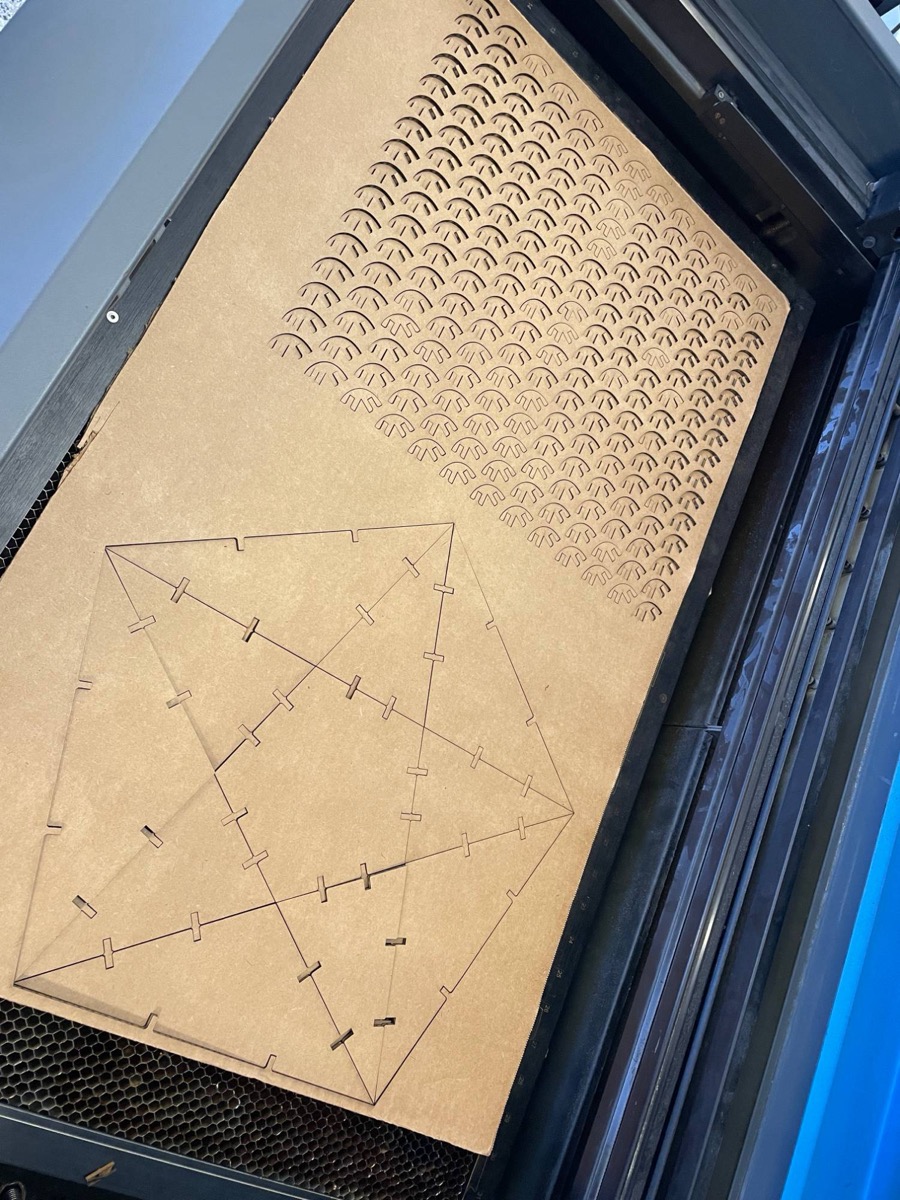
And then I did the laser cutting. A rough procedure to keep in mind is:
- Export your deign in DXL format and drag the design into Inkscape / Illustrator / CorelDRAW.
- For designs to be cut through, modify their color to be red (255,0,0), and for designs to be engraved, make them black or blue. (Of course all of those can be customized in the printer settings). Keep the full outline corners.
- Hit “Shift + P” to open the design in your printing software and set the cutting power and speed.
- Adjust the Z-axis of the printer.
- Move the design to a suitable place using the pointer and move tool.
- Turn on the air pump before printing!
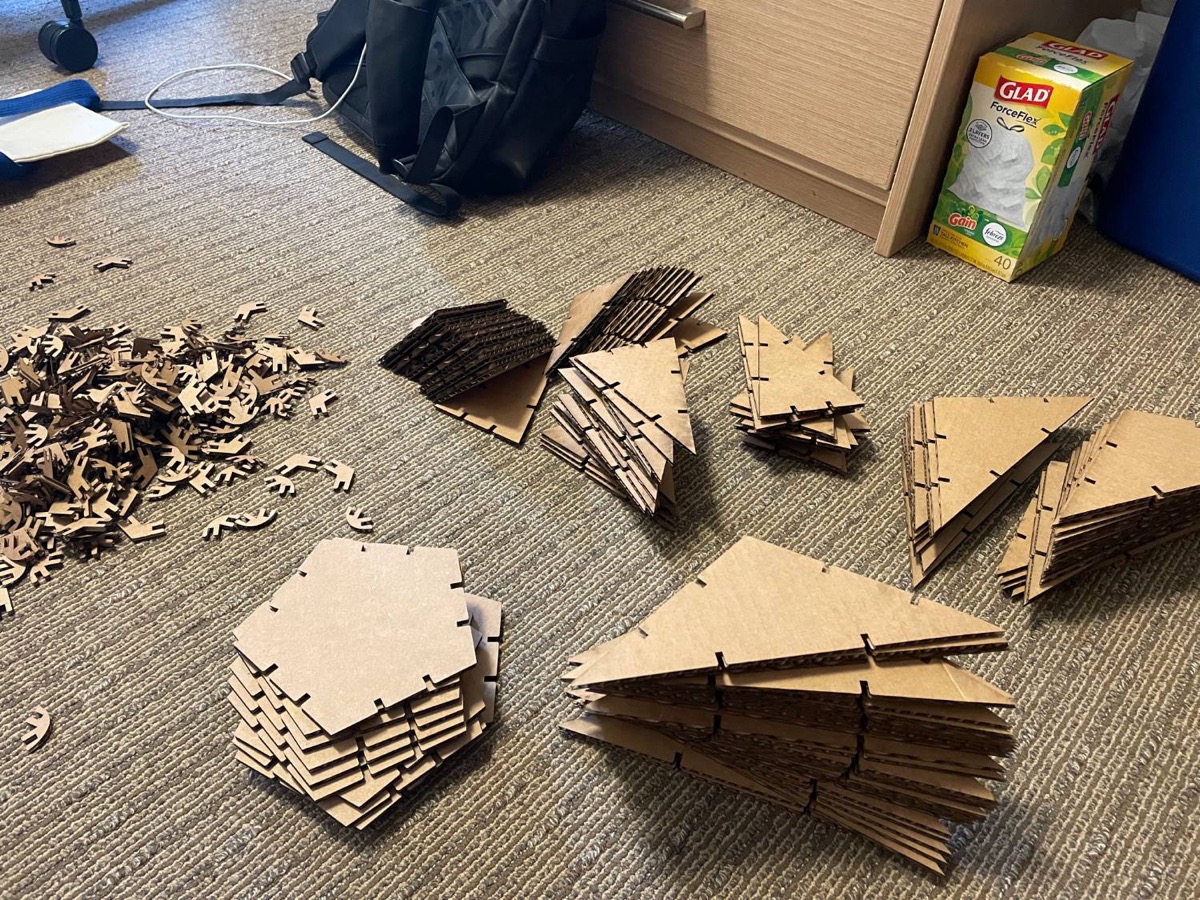
And yay! I managed to print the pieces. What I underestimated was how many faces and nodes the whole thing actually needs. A stellated dodecahedron has 60 faces! I ended up with just enough connectors to assemble one form at a time.
Individual Assignment — Vinyl Cutter
The machine that we use is Roland CAMM-1 GS-24.
Dealing with the Vinyl Machine:
- Be sure to slide and align your pinch rollers (the rubber wheels that press vinyl material down to grip the sheet) to the white marks otherwise the machine won’t start to work!
- Push the Pinch Roller Latch down to clamp the material for cutting.
- Use the “origin” button to set the starting point where the machine starts to cut. It is also where you put your left pinch rollers.
Dealing with the software:
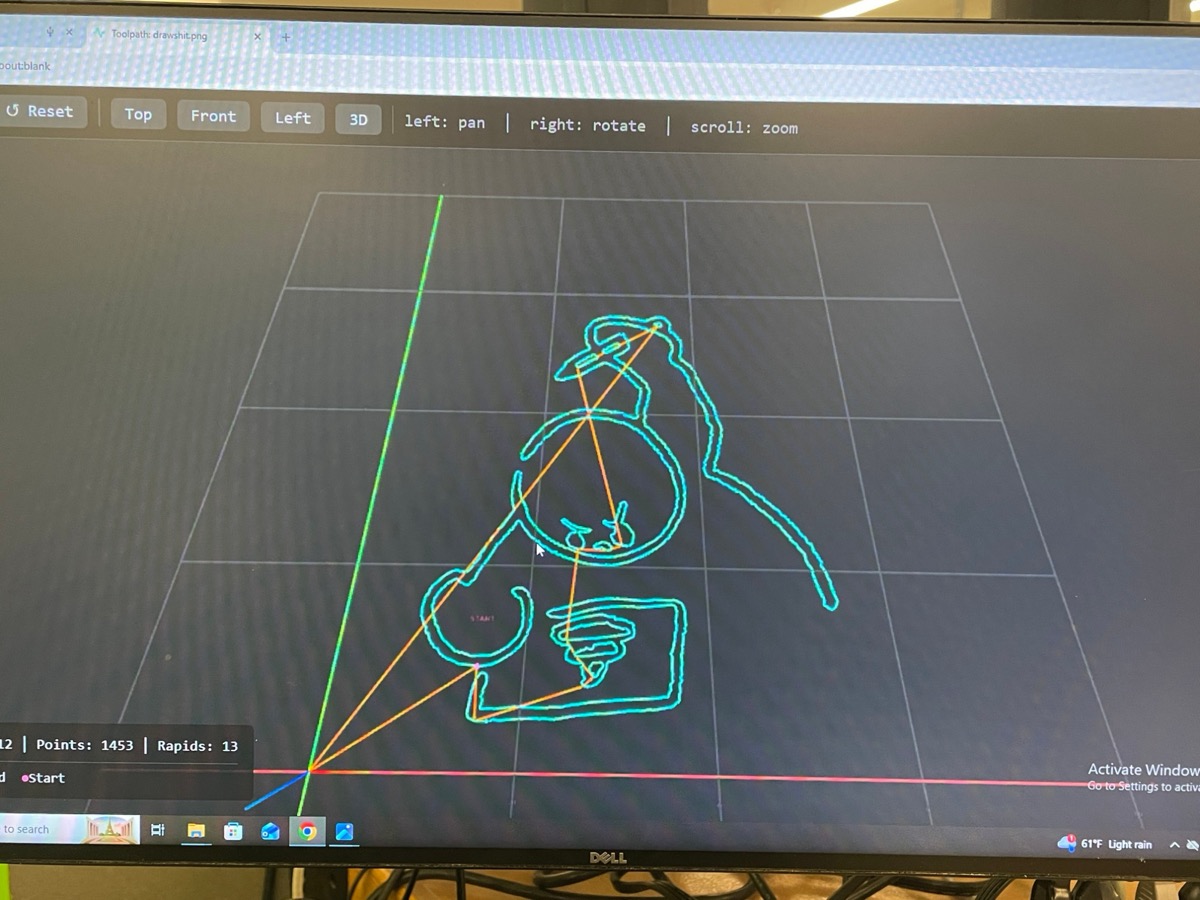
This web tool is developed by prof. Neil to convert designs into machine commands. Detailed instructions witten by Anthony can be found here.
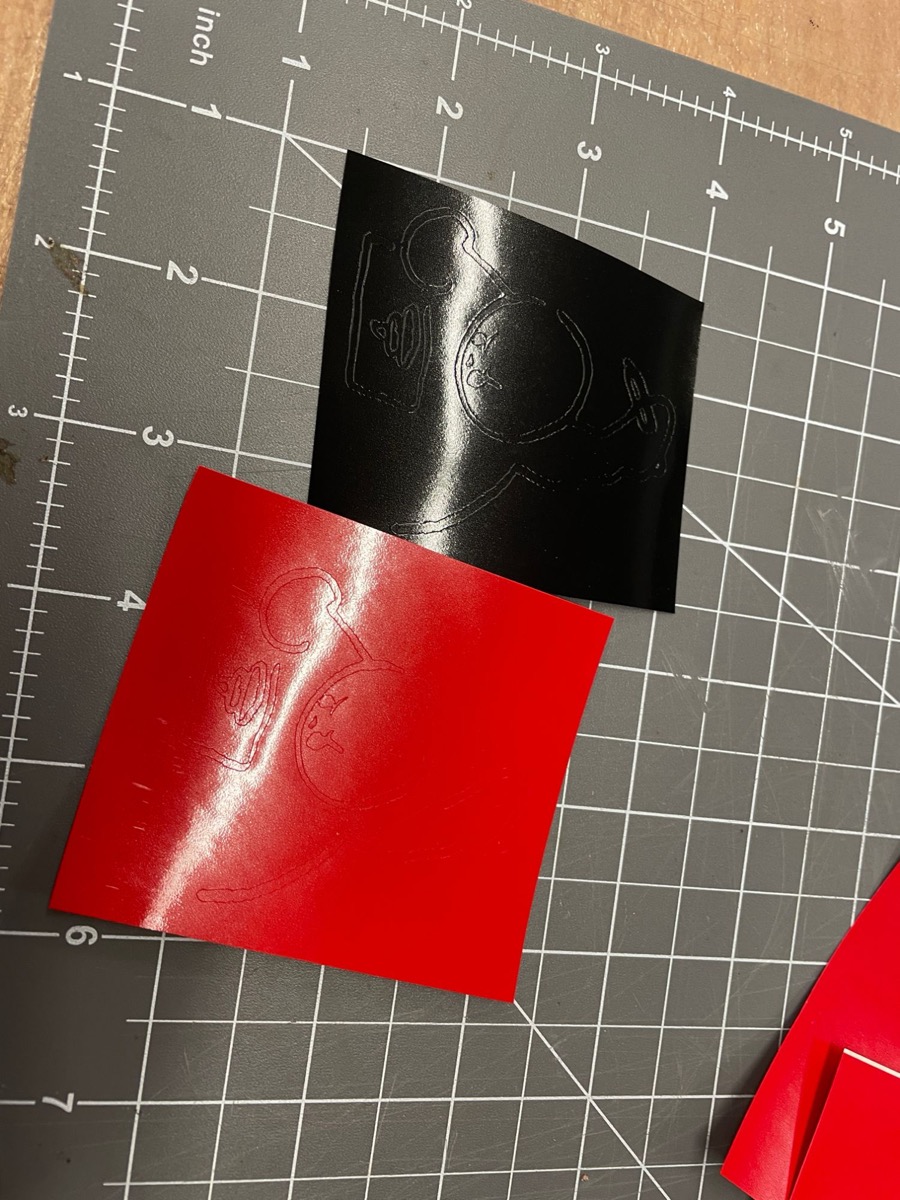
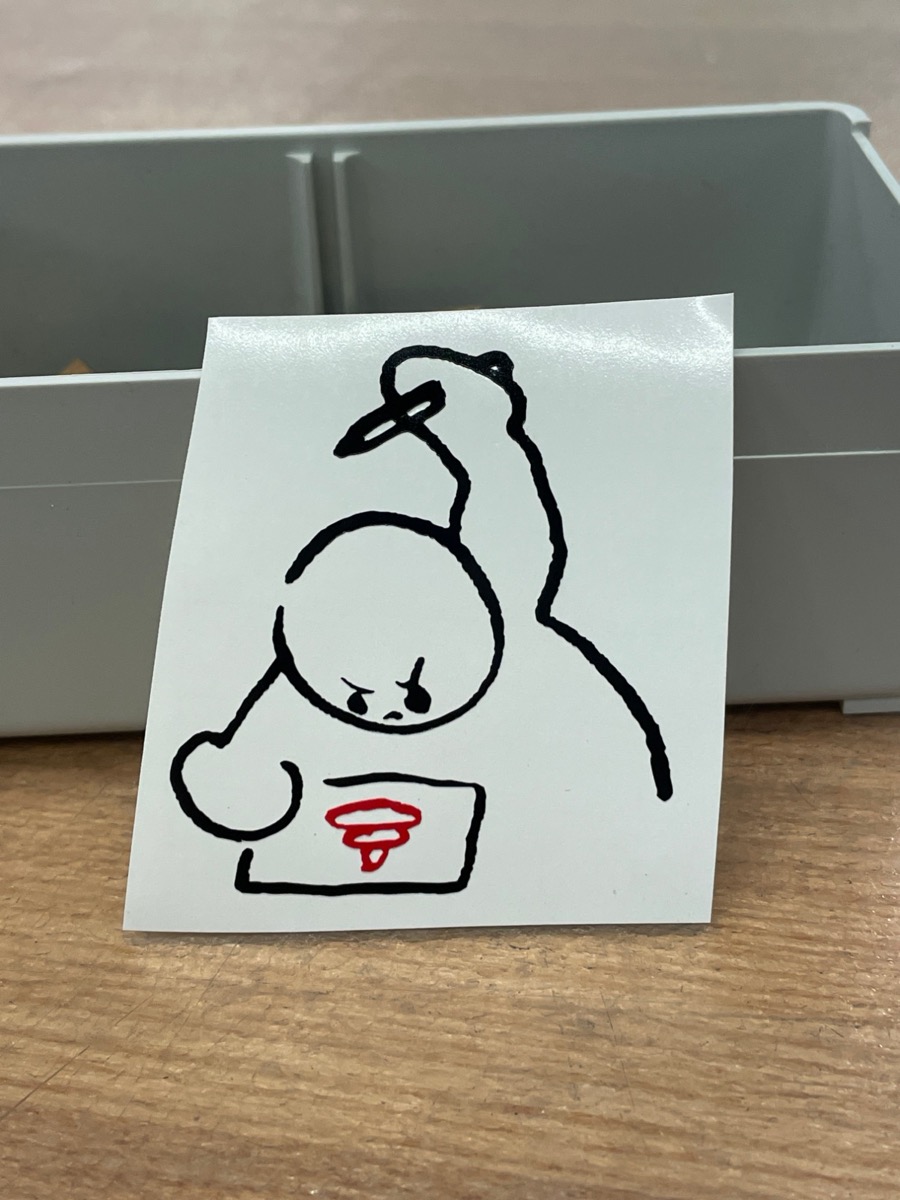
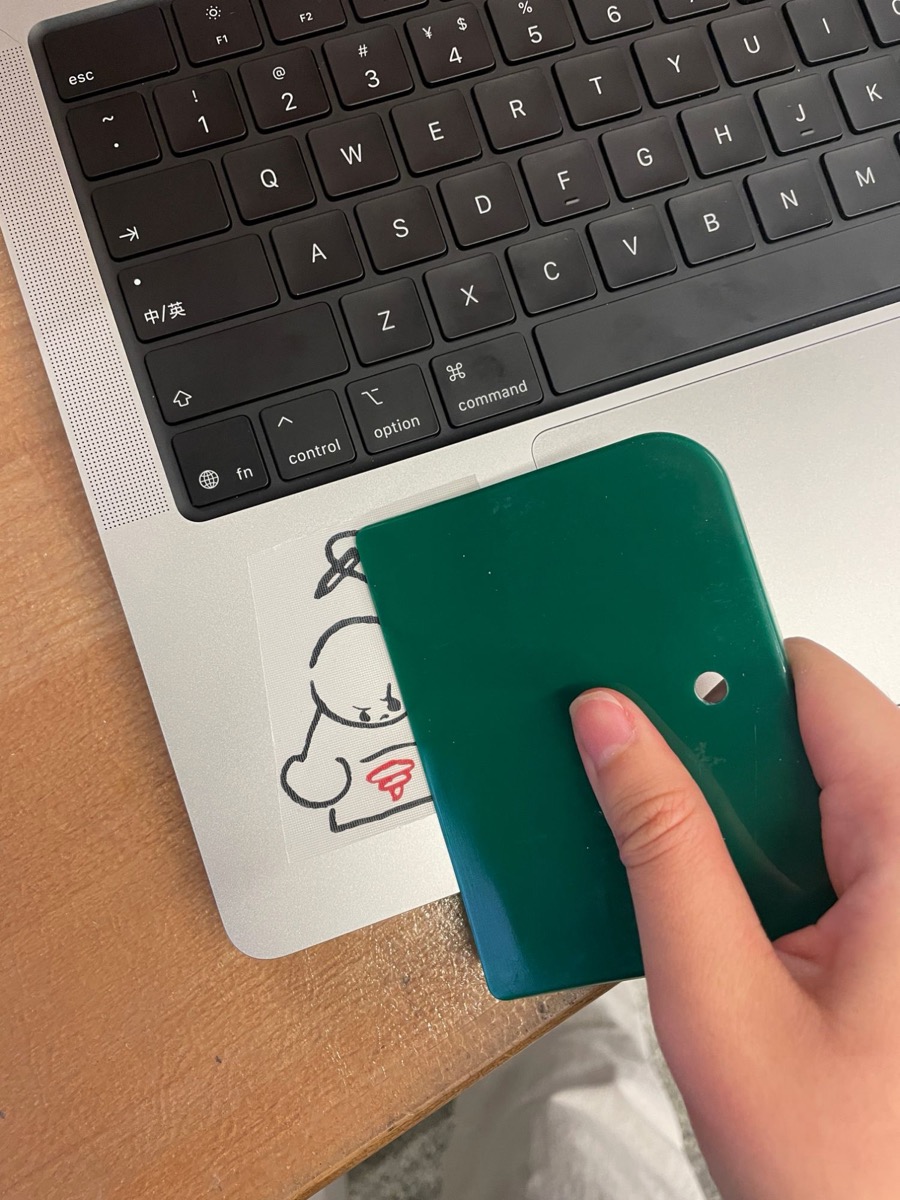
I cut my self-portrait as a sticker. It means: I work hard but draw shit.