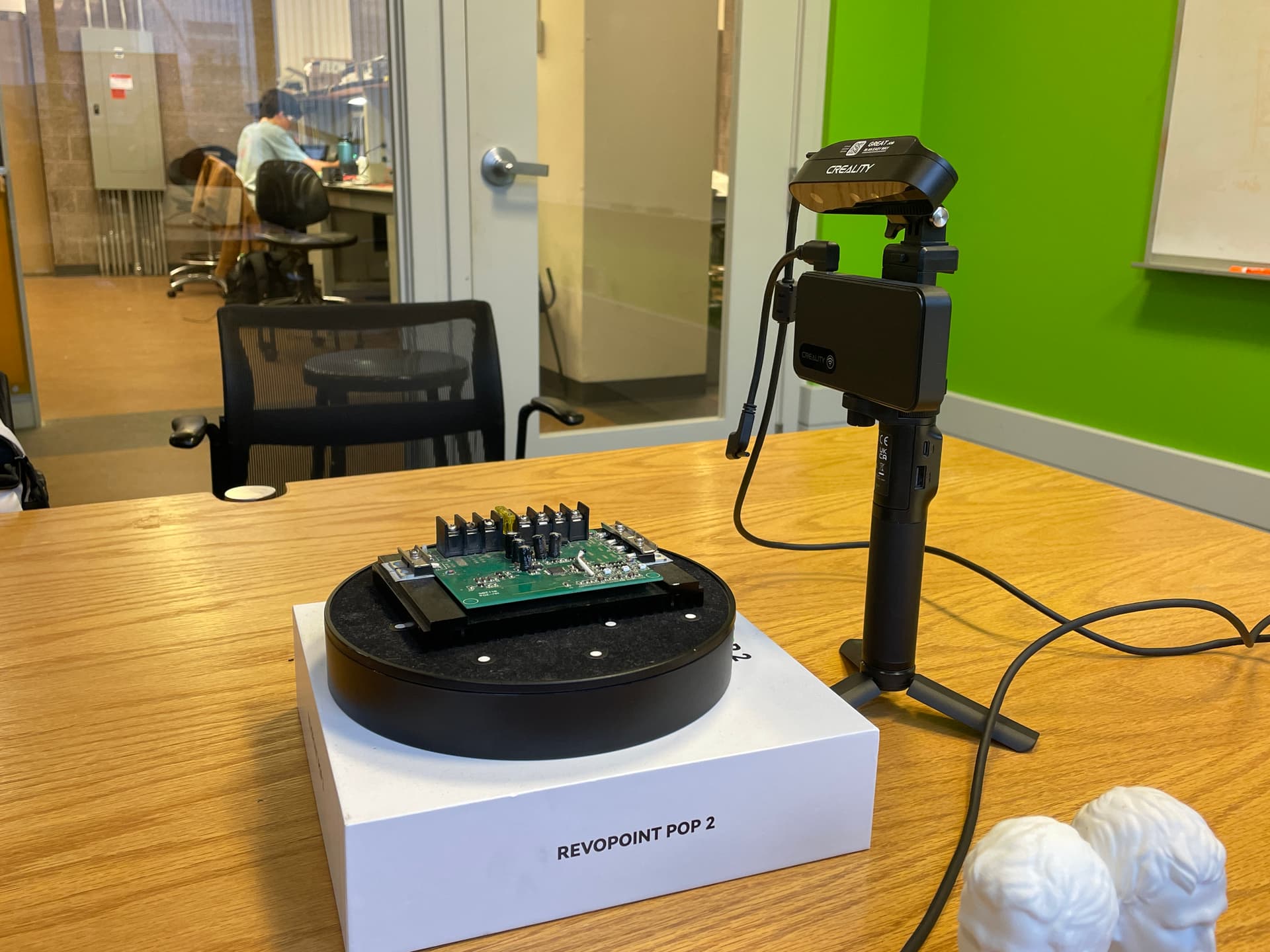
3D Printing & Mechanical Design
I followed this Instructables tutorial to build a 3D-printed linear-motion mechanism.
The original design uses five bearings to support the moving parts.
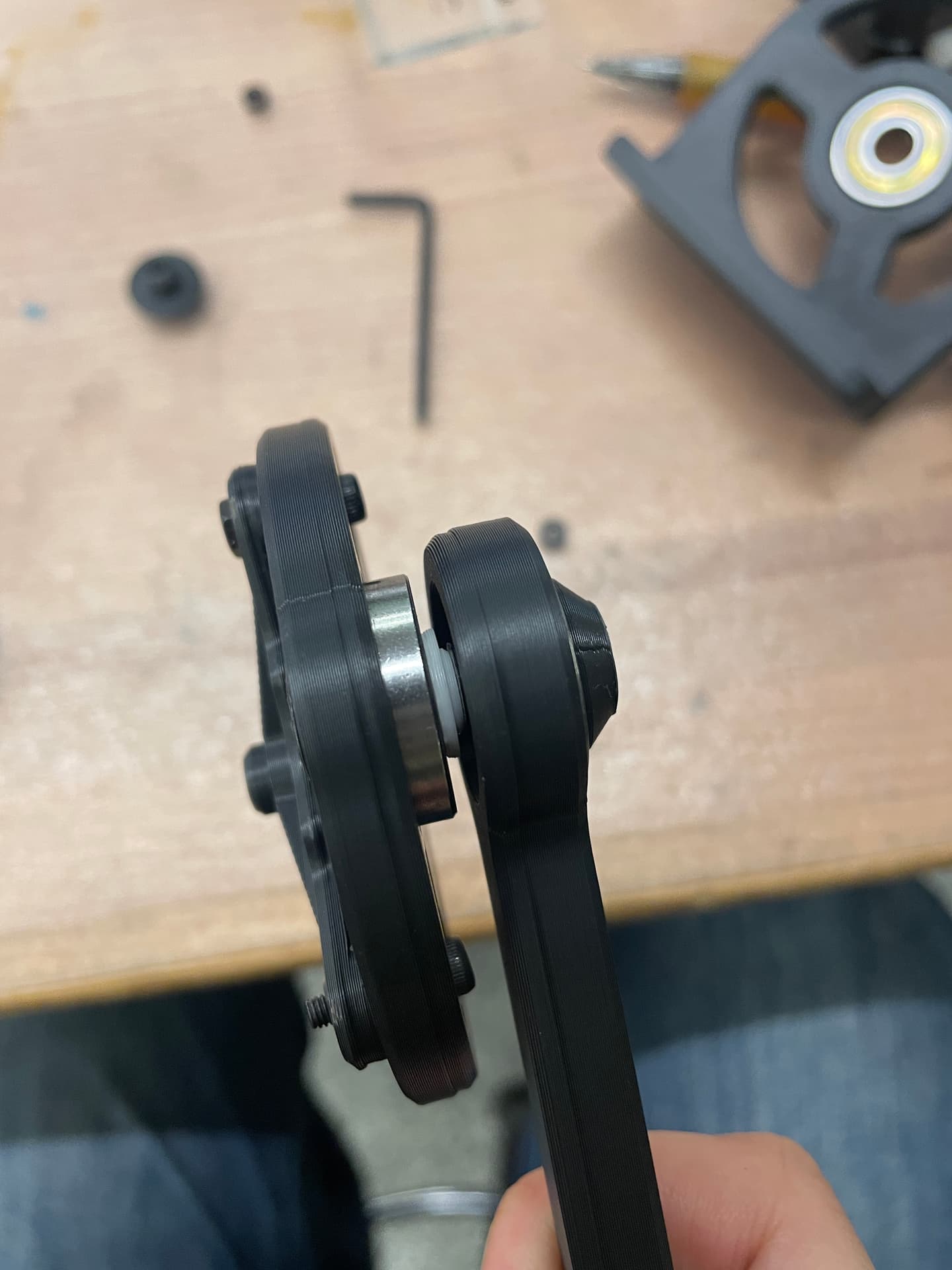
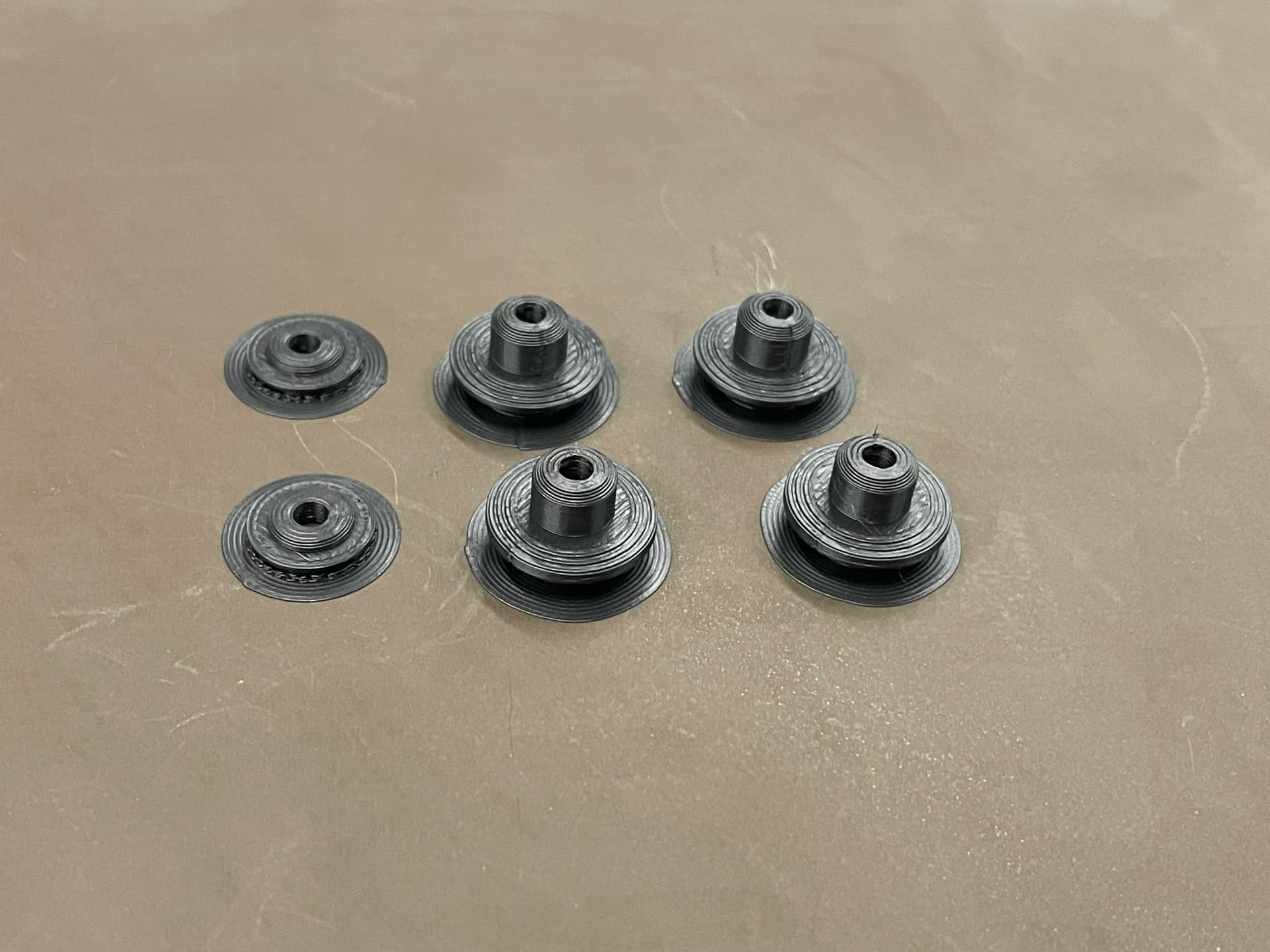
I learned how the bearings work: their inner and outer rings can rotate independently, so they need to be fixed to the two parts that should rotate relative to each other. At first my bearings did not work because the nuts holding the inner rings were large enough to touch the outer rings. Adding washers created the necessary clearance, and the mechanism rotated smoothly.
The original project was driven by an electric drill. I found a suitable motor model and designed a custom drive shaft so that a stepper motor could drive the mechanism instead.




Driving a Stepper Motor with A4988 + XIAO RP2350
For this project, I drove a NEMA17 stepper motor with an A4988 driver and a XIAO RP2350. Figuring out the wiring took some time, so these are my notes from the process.
1. Understanding the Wiring
The setup has three main parts: a NEMA17 stepper motor, an A4988 motor driver, and a XIAO RP2350.
- The driver needs separate supplies for the motor (12 V) and logic (3.3 V for the XIAO; 5 V for an Arduino Uno).
STEPconnects to XIAOD0; each pulse moves the motor one step.DIRconnects to XIAOD1;HIGHandLOWchoose the direction.ENABLEconnects toGNDto enable the motor.RESETandSLEEPconnect to 3.3 V so the driver stays awake.MS1,MS2, andMS3are left unconnected for full-step mode.
The most important lesson: the motor supply, A4988, and XIAO need a common ground. Without it, the driver cannot reliably read the control signals.
2. Connecting the Motor
My NEMA17 has two coils. The wire order is motor-specific, so I checked its datasheet; a multimeter can also identify each coil pair through continuity or resistance.
A+: black →1AA-: blue →1BB+: green →2AB-: red →2B
3. Testing the Motor
Before trying to rotate it, I checked whether the motor was powered correctly. A powered and enabled stepper motor should lock; if its shaft still turns easily by hand, the power or wiring needs checking.
I first generated STEP pulses manually with a 3.3 V logic signal while keeping DIR connected to GND. Each low-to-high transition on STEP should move the motor by one step. Then I connected STEP and DIR to the XIAO and used a simple program for continuous rotation.


4. Controlling Speed with a Potentiometer
I connected the two outer potentiometer pins to 3.3 V and GND, and its middle pin to D2 on the XIAO. The XIAO reads this analog voltage and maps it to the delay between STEP pulses:
turn potentiometer → change voltage → read ADC → change STEP frequency → change motor speed
Changing DIR from HIGH to LOW reverses the motor direction.
5. Setting the Current Limit
The small potentiometer on the A4988 sets VREF, which limits current through the motor coils. Too much current can overheat the motor or driver; too little can cause missed steps. The correct value depends on the motor’s rated current and the current-sense resistors on the specific A4988 board.

Takeaways
- Check the motor datasheet: every motor can use a different wire order.
- All power and control circuits need a shared ground.
STEPcontrols movement andDIRcontrols direction.- Set the current limit before running the motor.
Now I can control the mechanism’s speed and direction with the XIAO RP2350.


3D Scan