Prototype 1: a mannequin with scales
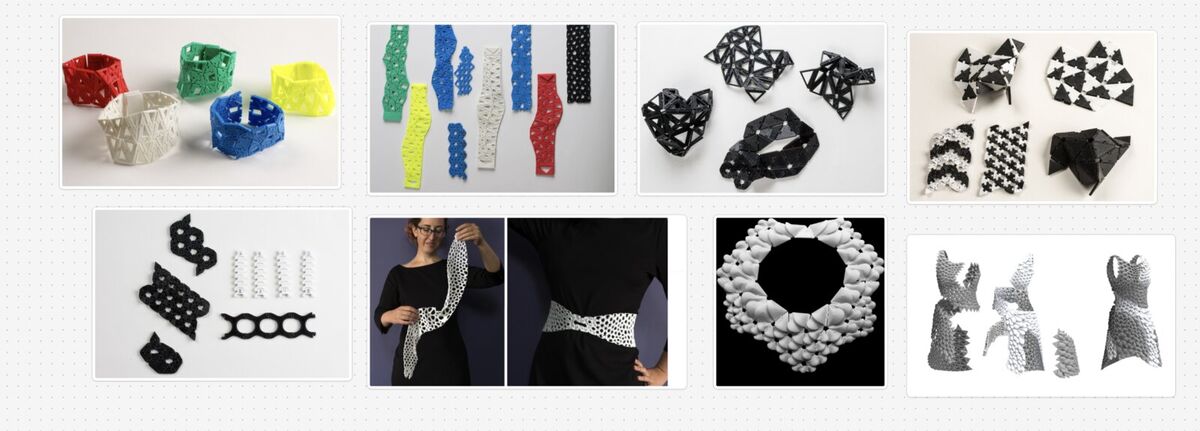
My first idea was 3D printing modular clothing: a garment made of pieces you can take off and rearrange. I looked at Yuima Nakazato's TYPE-1, Refashion: Reconfigurable Garments via Modular Design from UIST '25, and the Kinematics dress. After seeing ANREALAGE's Autumn/Winter 2026–27 collection "GHOST", I thought each scale could be its own panel that comes off.
I designed the scales, the panels and a small mannequin for them to attach to with Claude Fable 5.1.
Printing
I printed on the Bambu Lab H2S in my lab, in PLA (220°C nozzle, 65°C bed): the mannequin in white and the scales in purple. The mannequin could not be made subtractively. It is a hollow shell with a narrow neck and holes all around.
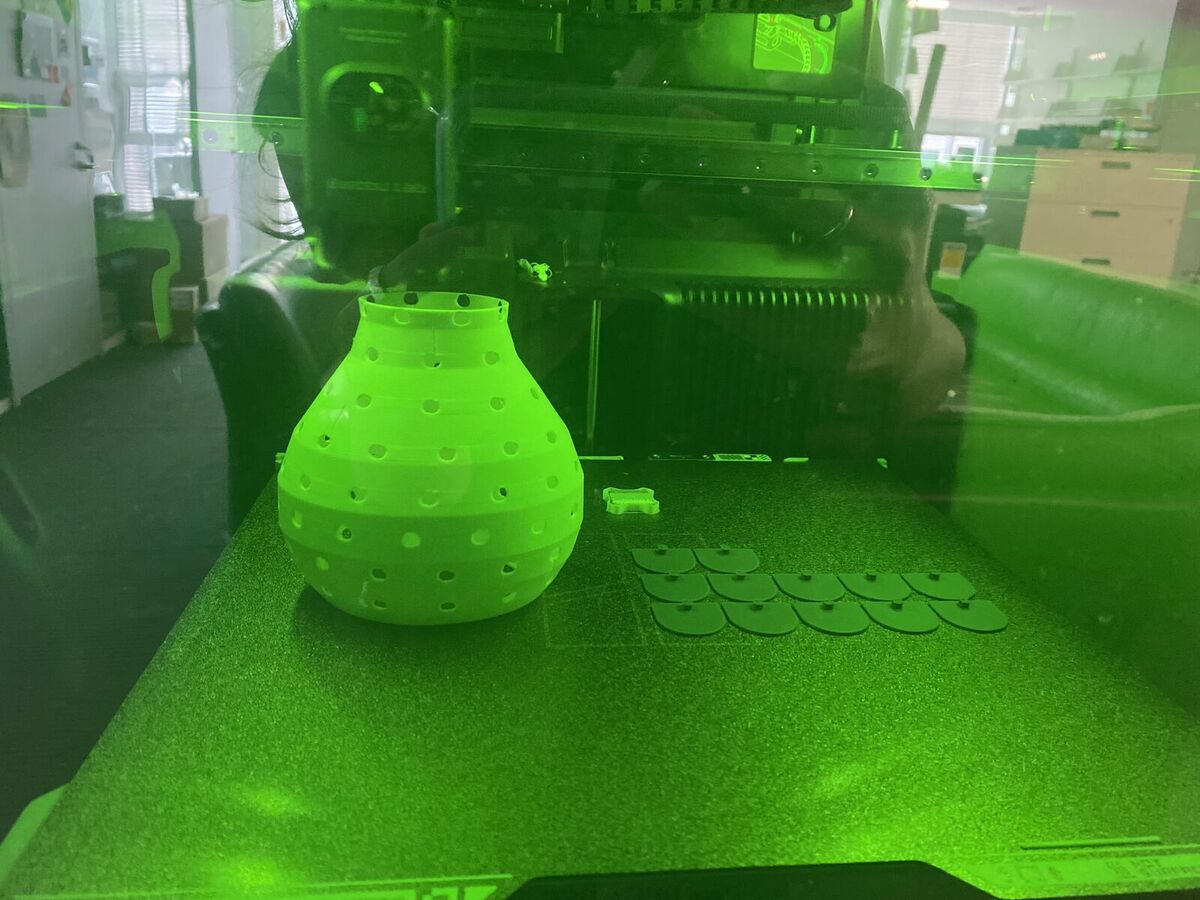
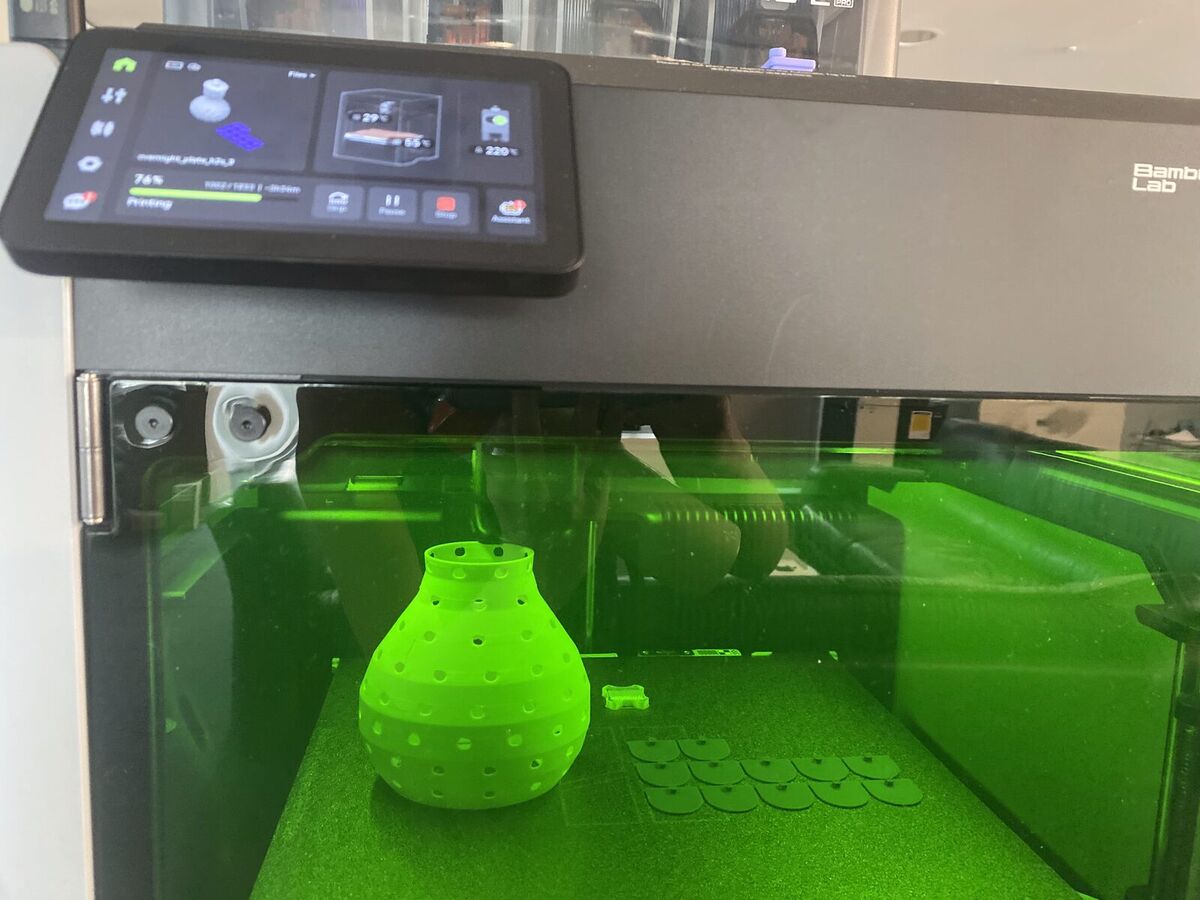
I got these two errors when starting.
- "Prime Tower is too close to others." The prime tower is the waste tower the printer uses to purge between colors, and it was sitting next to the scales. Dragging it to an empty corner of the plate fixed it.
- 132 filament changes. I first gave the scales three colors. Every layer of the first few millimeters then switched colors three or four times, and each change takes one to two minutes, so changes alone added about three hours. For a test print, I learned I should use as few colors as I can.
The printer also turned out to have only a 0.2 mm nozzle, so the whole print took 15 hours.
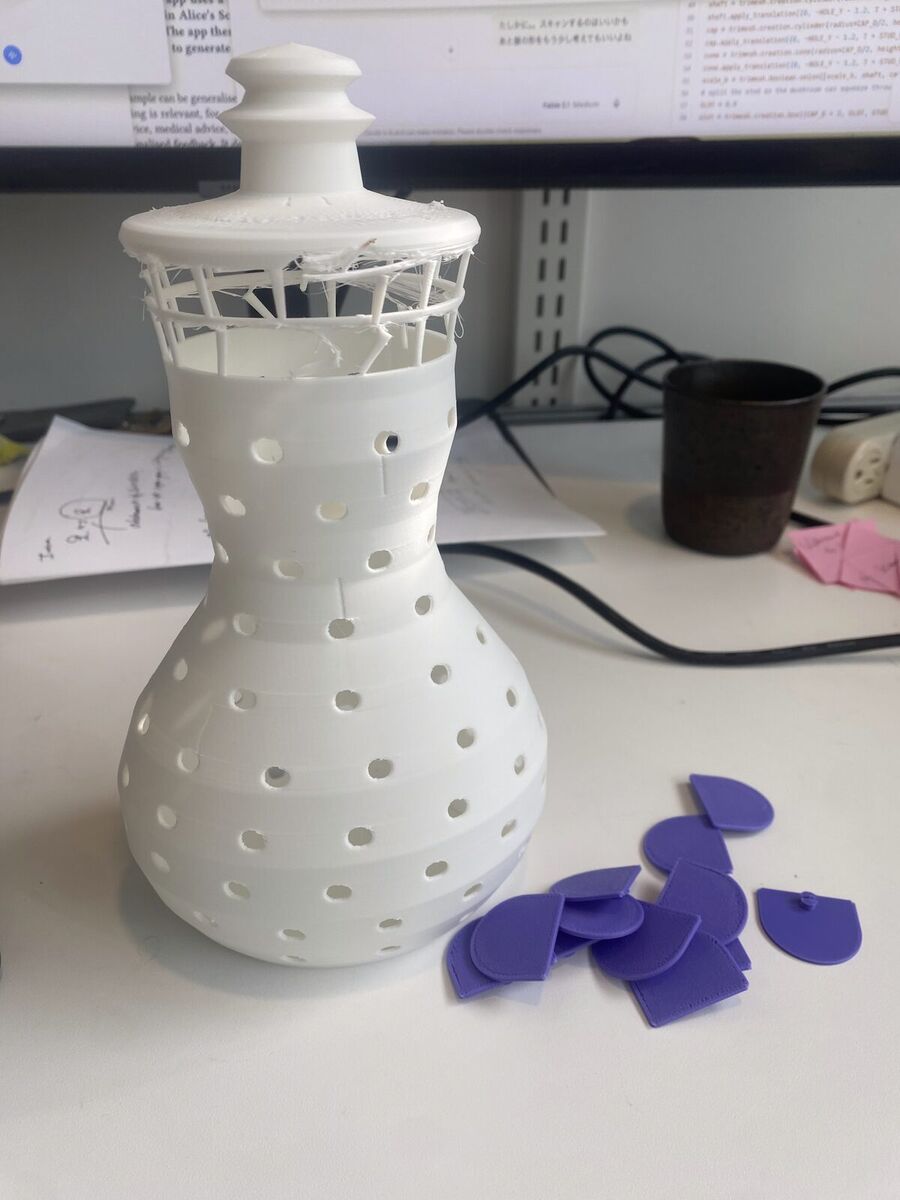
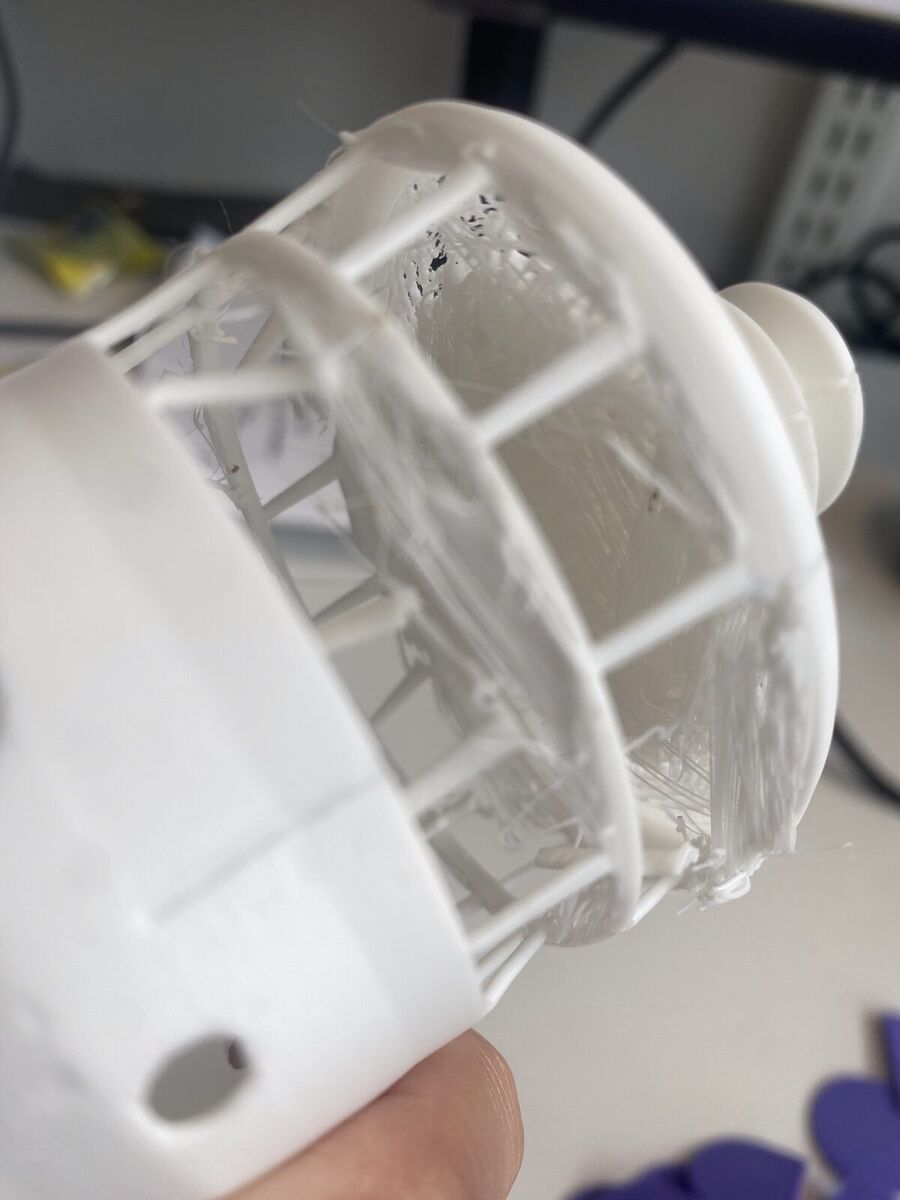
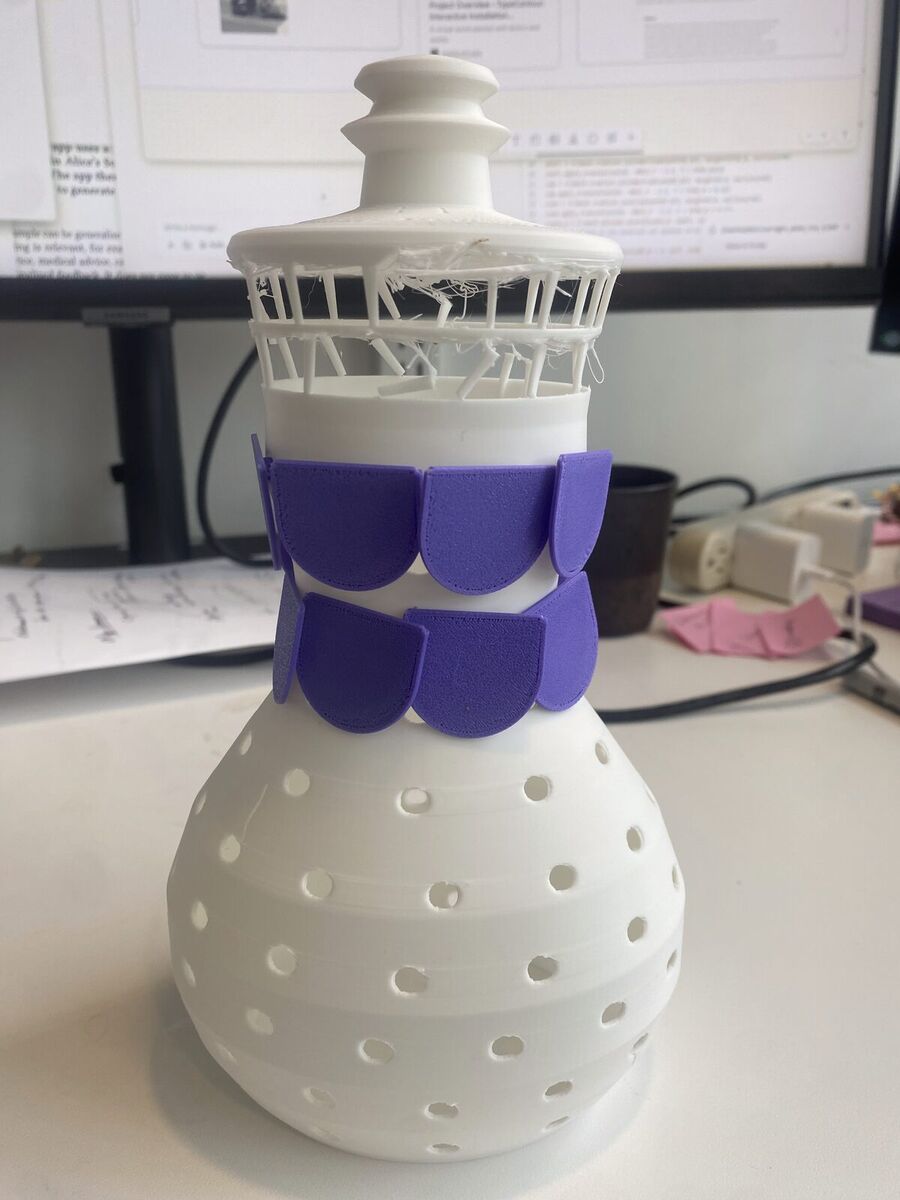
The scales could not overlap. My friend Matt, who is an architect, suggested printing the panels flat, overlapping the scales while they are still a flat sheet, and only then assembling it into a 3D form.
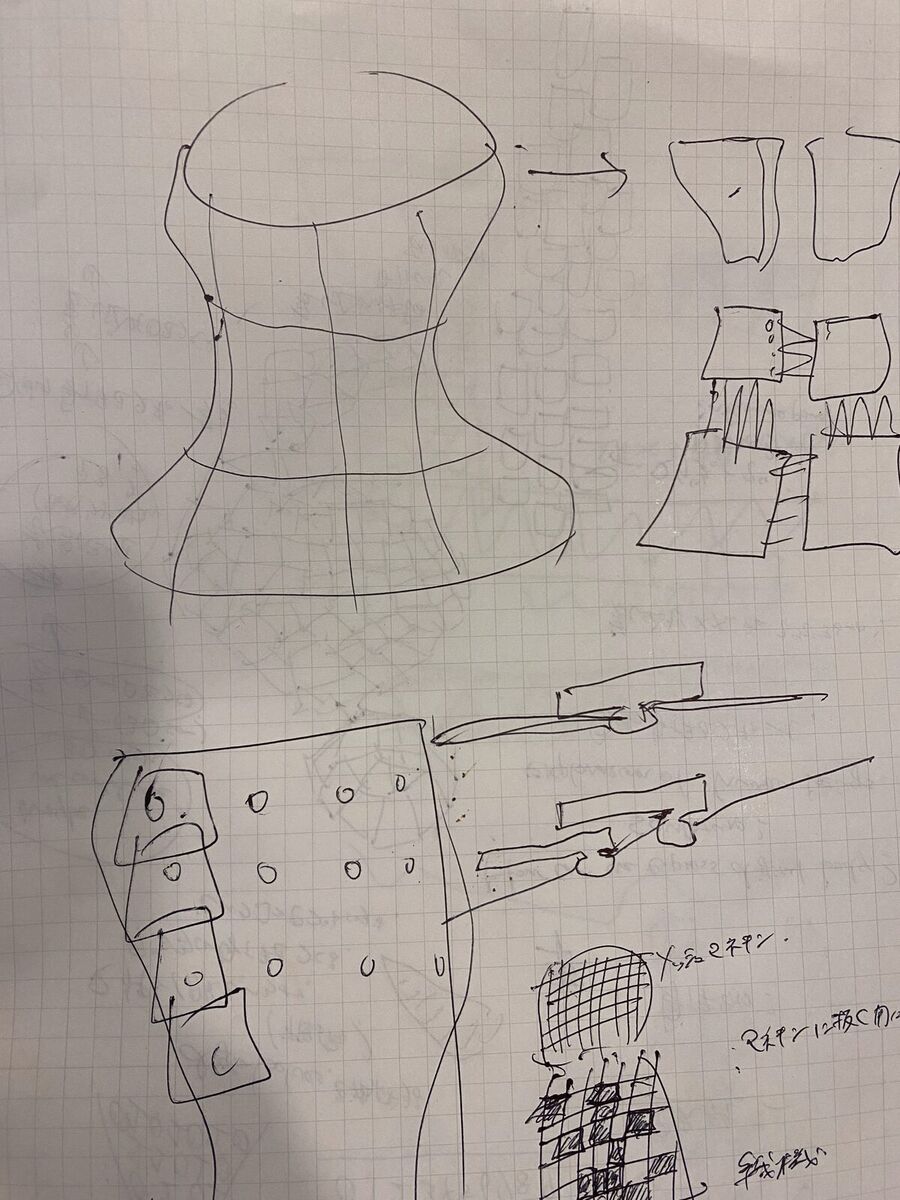
I also did not like how the mannequin and the clothes looked together. I wanted to explore joints the way Kinematics does, so I made a generator with GPT Astra to try different joints and sizes: Kinematics joint generator. I didn't end up printing these, but I would love to explore joints again.
Prototype 2: a datafied body
I thought the way to show our digital selves could be not clothes but the body itself. I wondered how people could reconfigure the body with their own hands: first you see a body built by an algorithm, then you take it apart yourself, then you rebuild it. So I started looking at body sculptures and how they could stand for a datafied body.
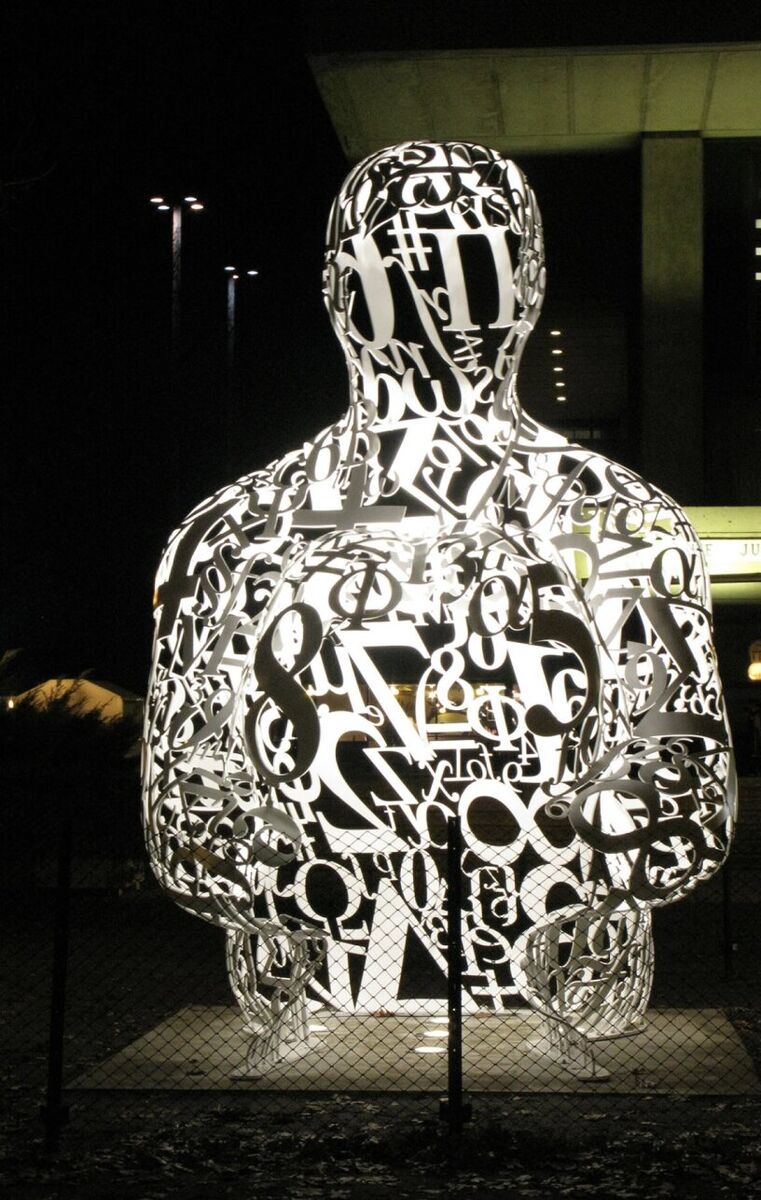
On my way to the gym, I see Jaume Plensa's Alchemist, a seated figure made of numbers and mathematical symbols. It felt like a good picture of how algorithms see the human body: as numbers and characters. I was also drawn to Antony Gormley, who translates the body into abstract blocks or wires.
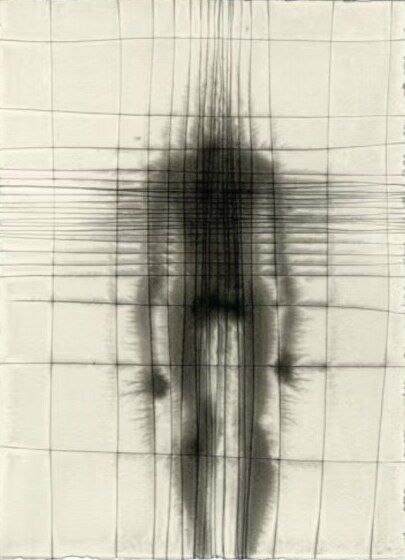
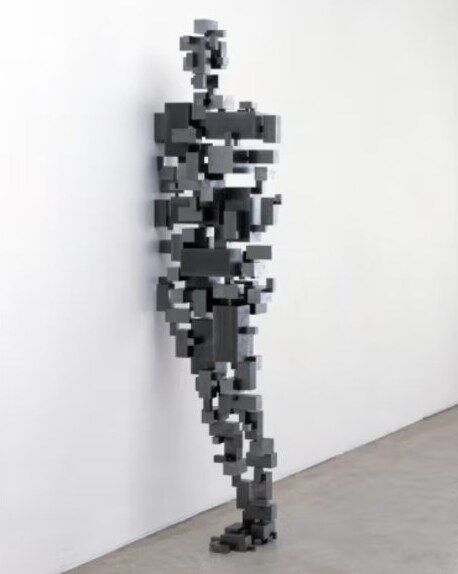
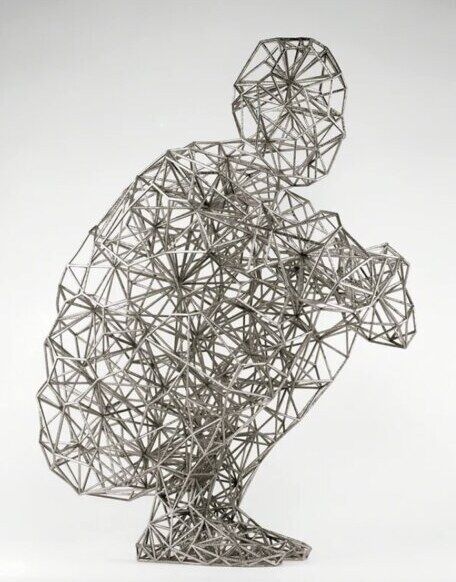
I was also inspired by ANREALAGE's Spring/Summer 2027 collection "SKIN": how their clothes can change with LED panels, and how numbers were used to stand for the body.

Building on these, I decided the numbers should be panels you can attach to the body. I generated an image of that body with GPT Astra, but its lines were too thin to print, so I made a thicker kneeling version as the print file.
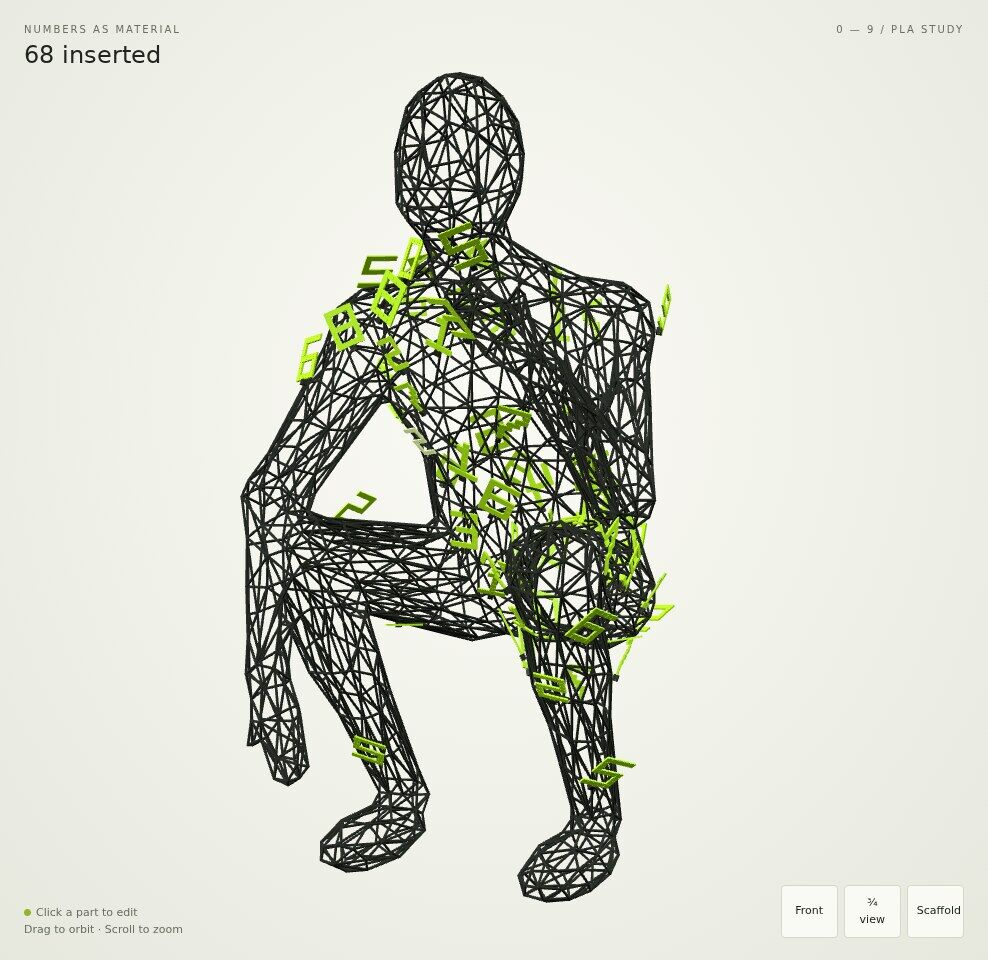
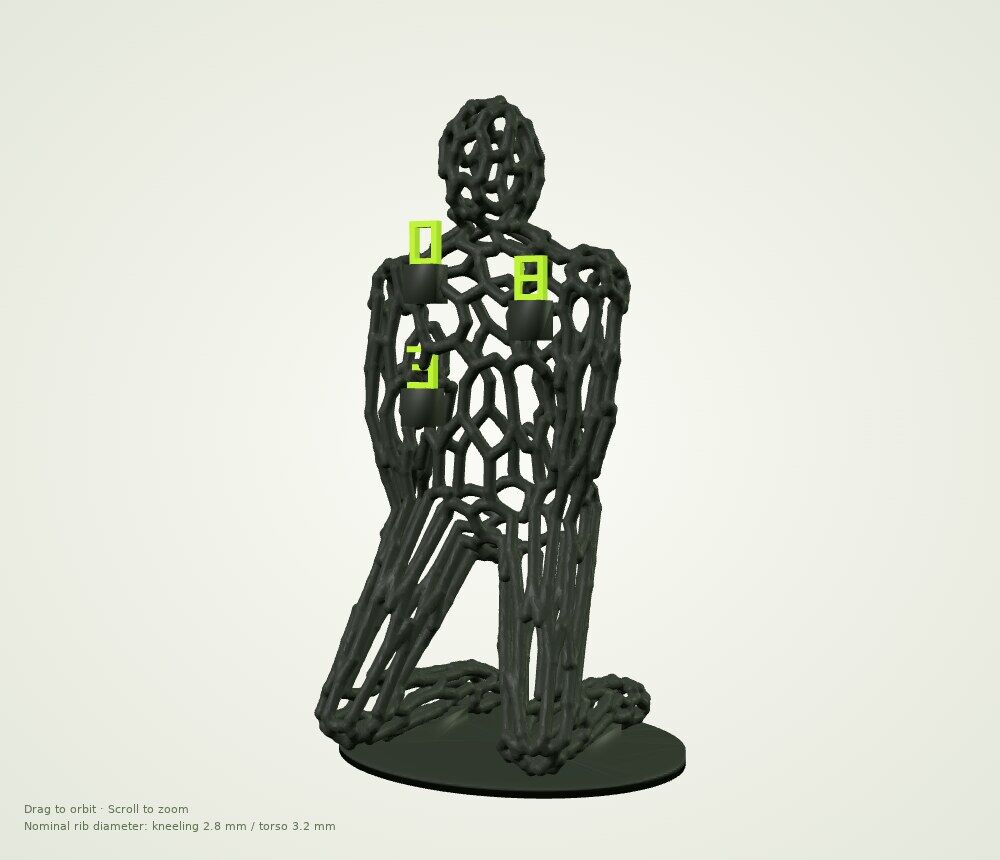
Tree supports vs normal supports
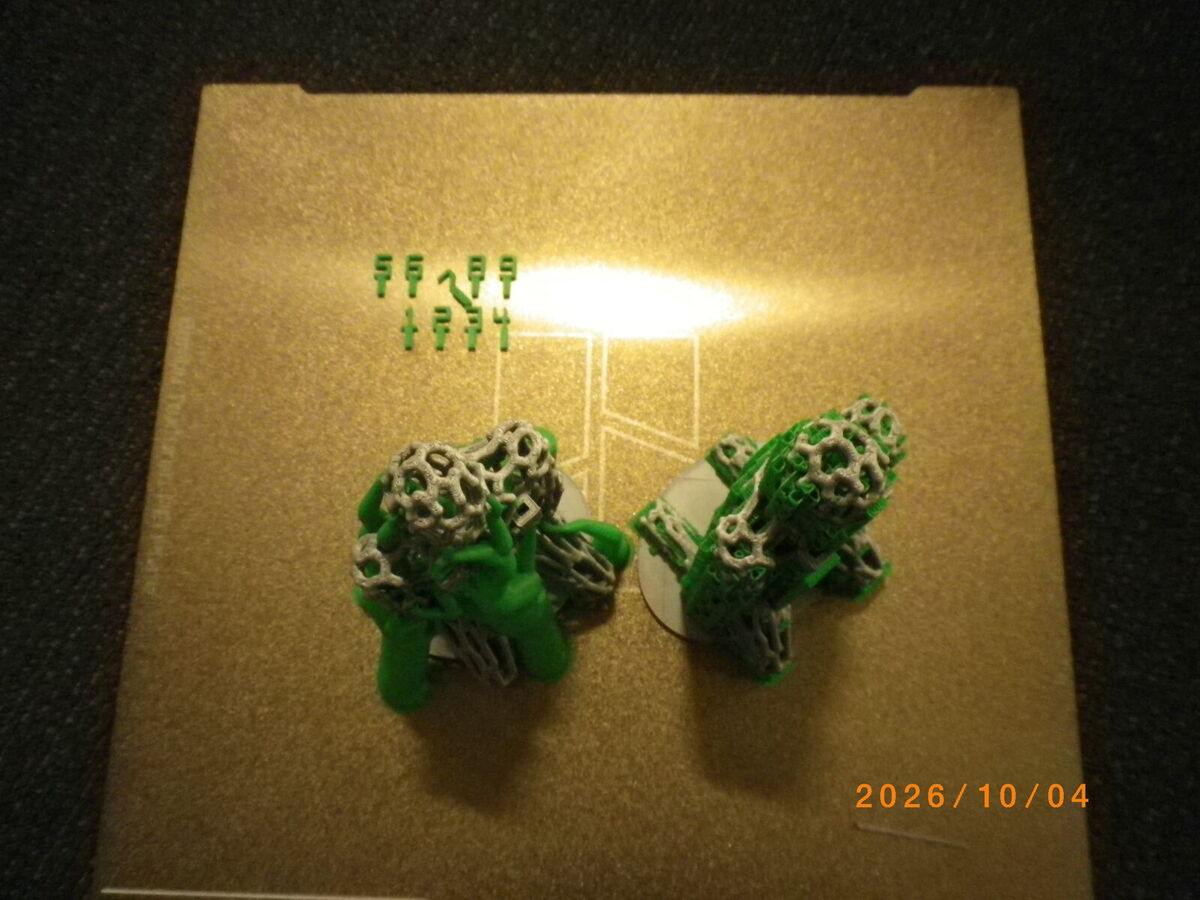
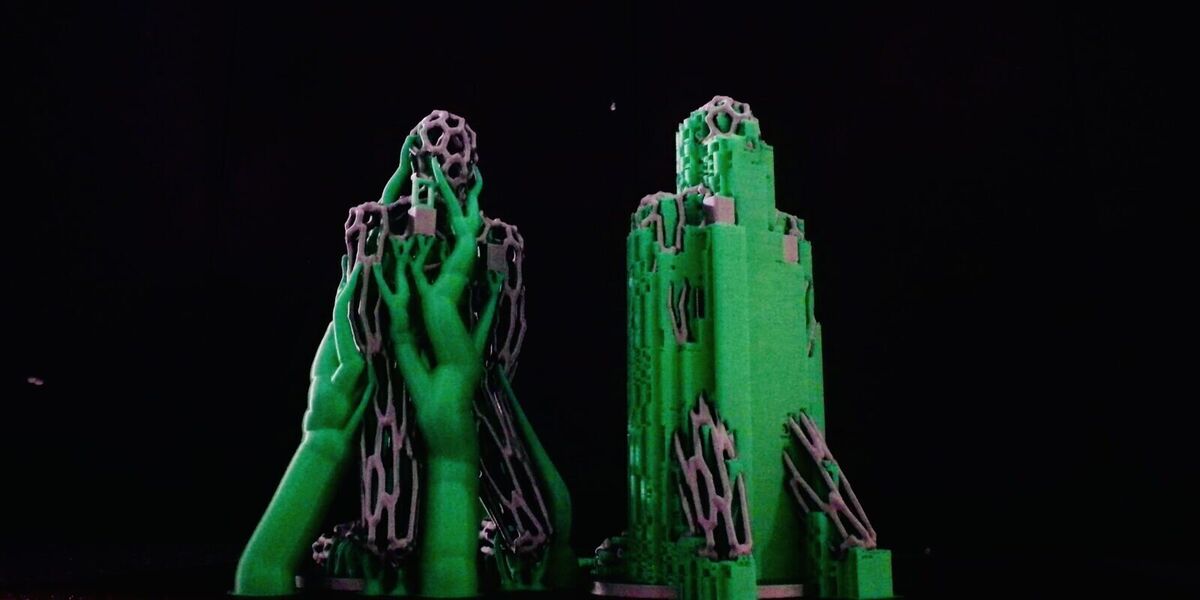
The figure is fragile and needed support. I had one full day on the printer in my lab, so I printed it twice to compare the two support types in Bambu Studio:
- Tree (organic) grows branch-like arms that wrap around the model and hold overhangs from the side.
- Normal (snug) prints straight up, as a solid grid directly under each overhang.
For fine detail, tree is usually the better choice.
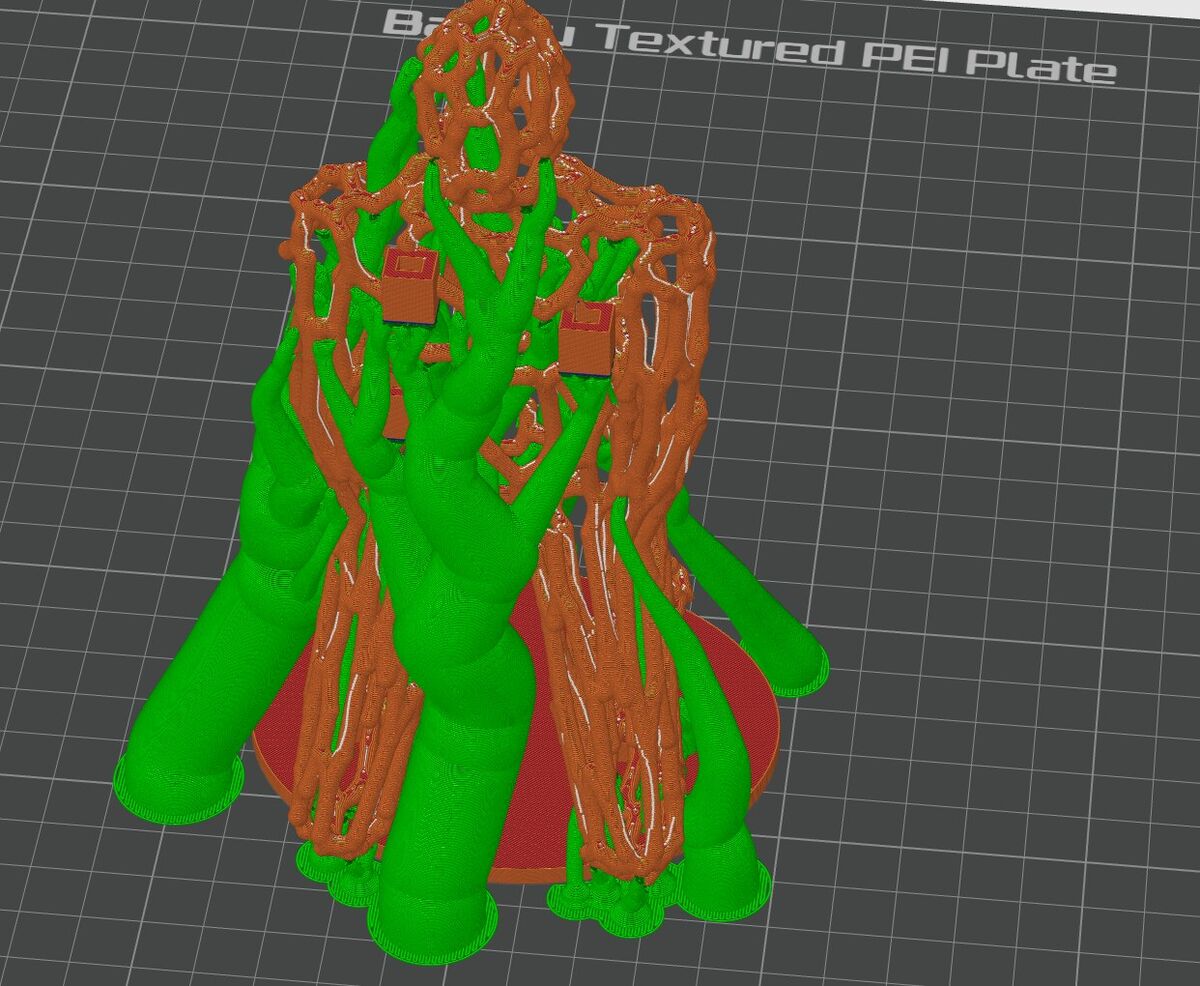
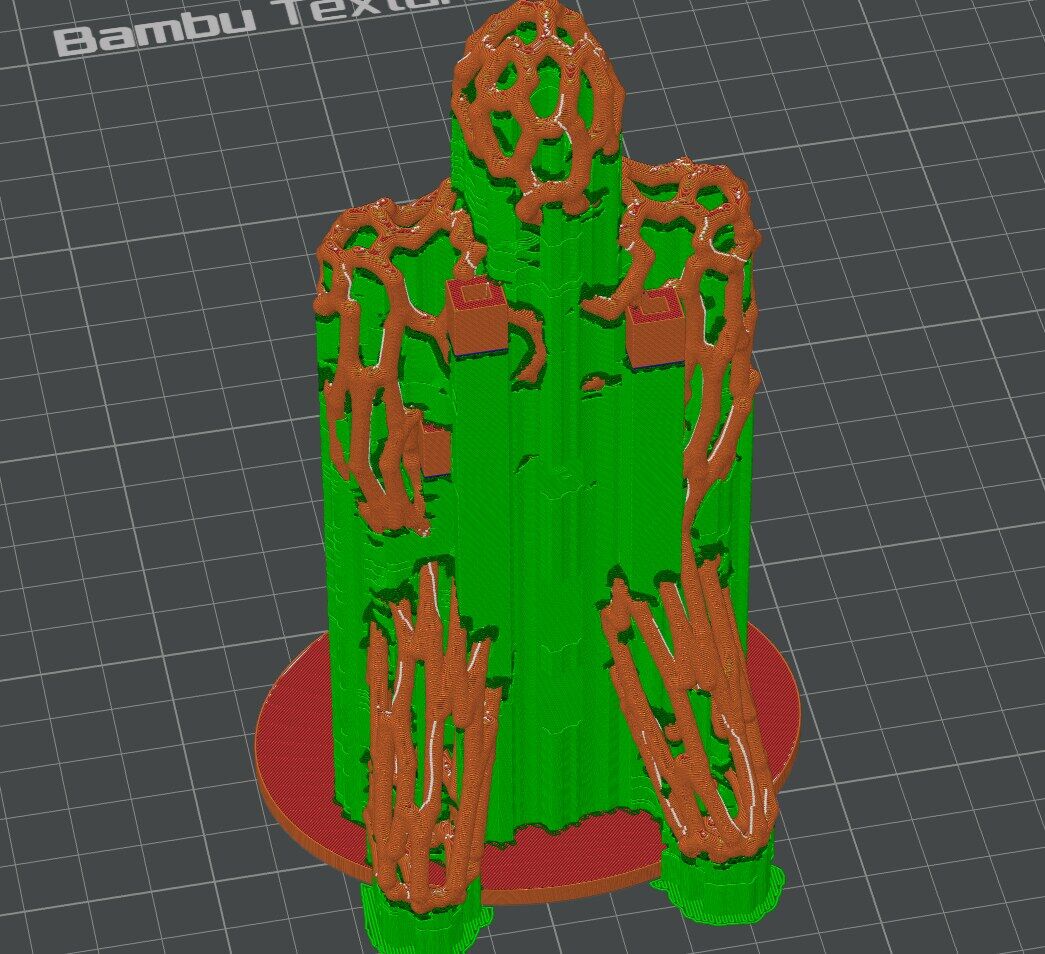
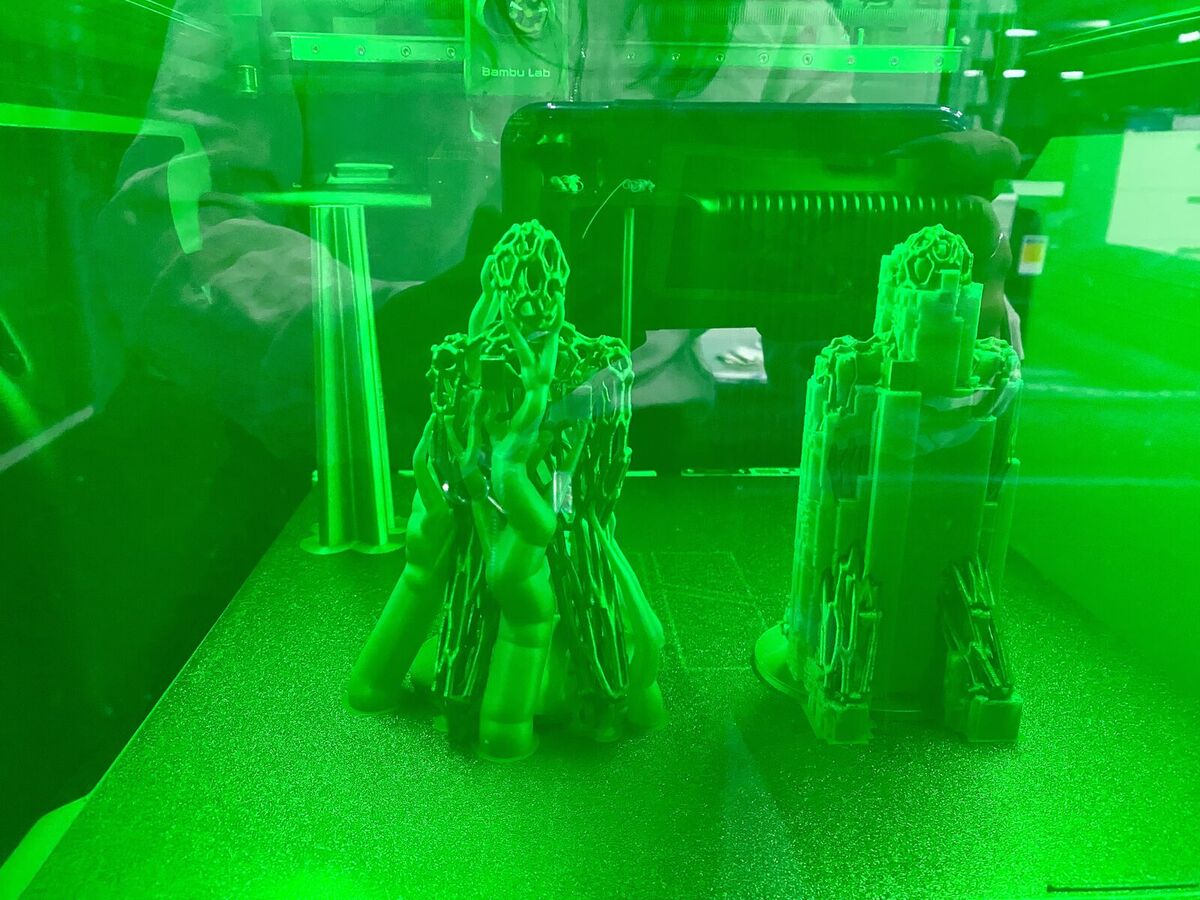
Removing the supports
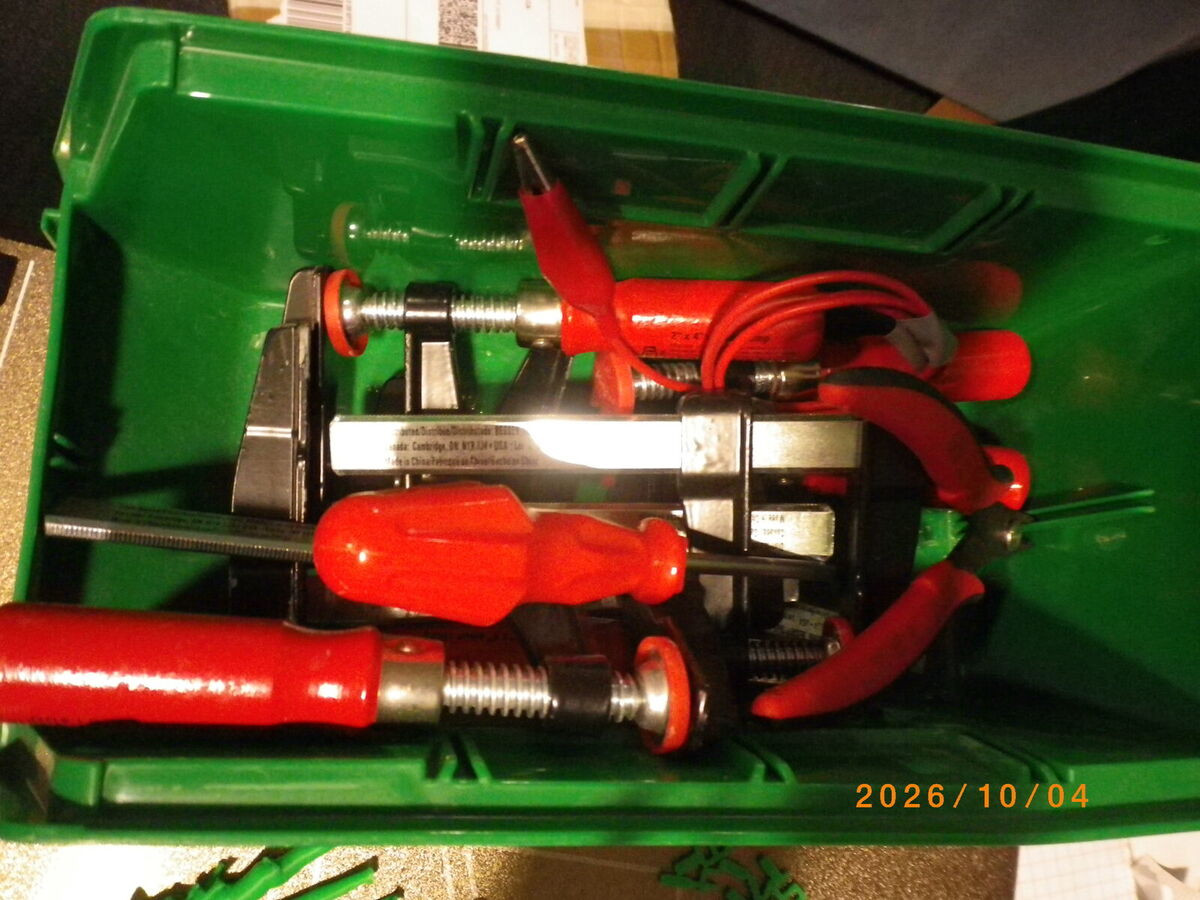
I cut the tree supports away with flush cutters from the clamps bin.
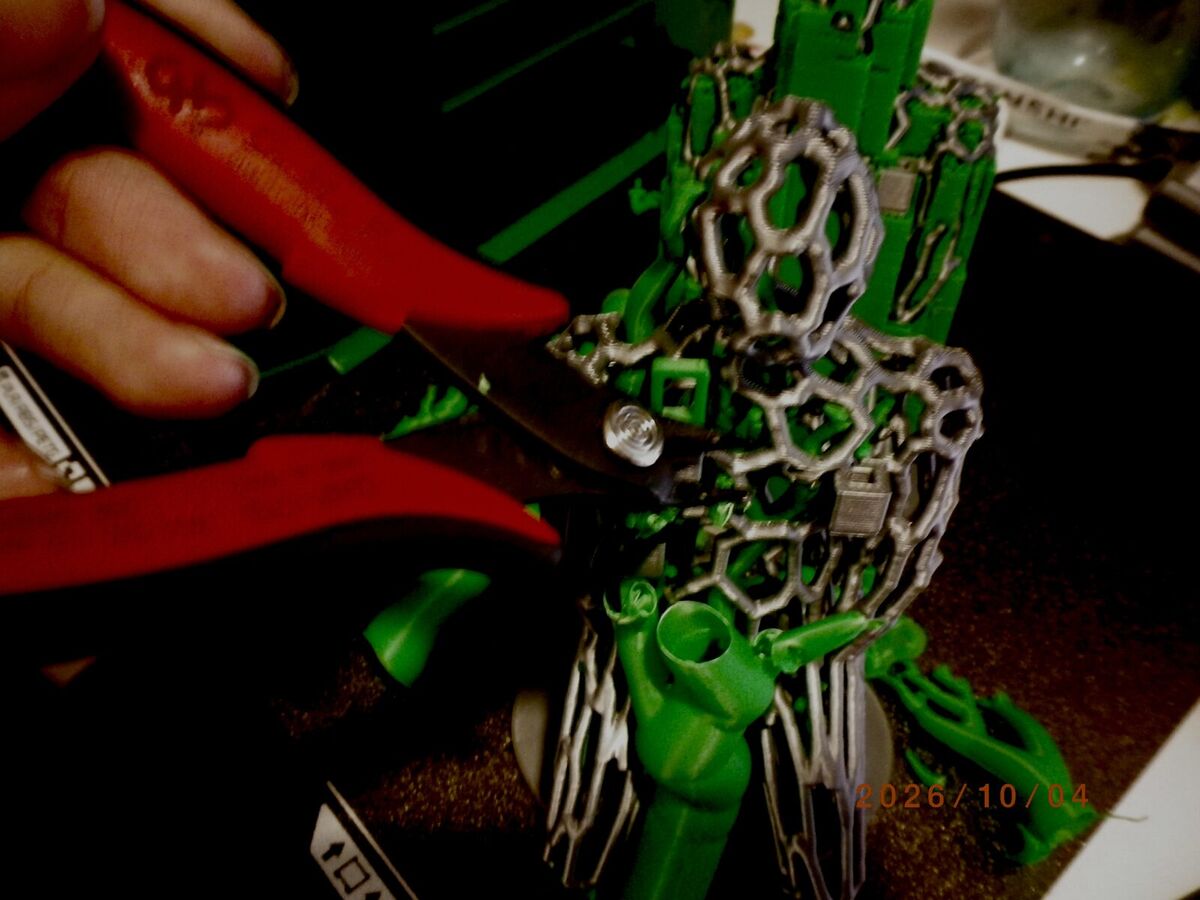
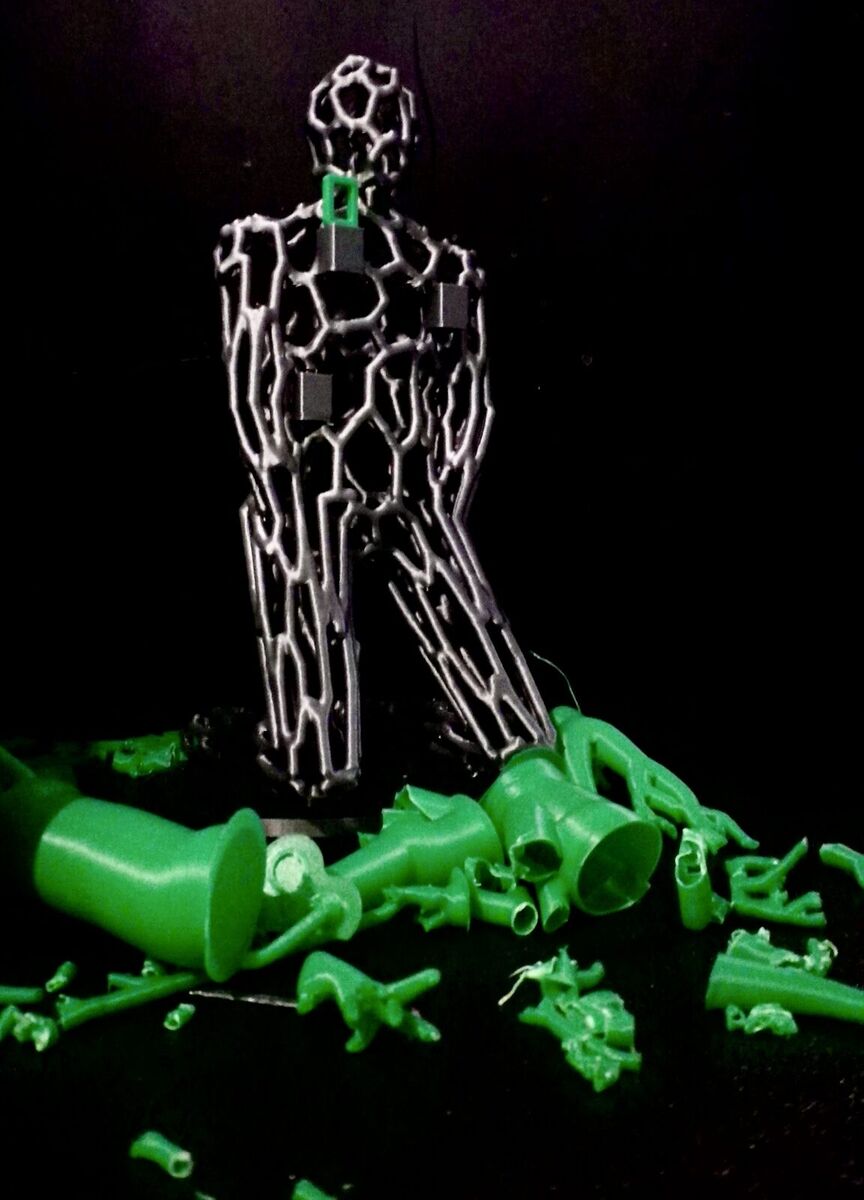
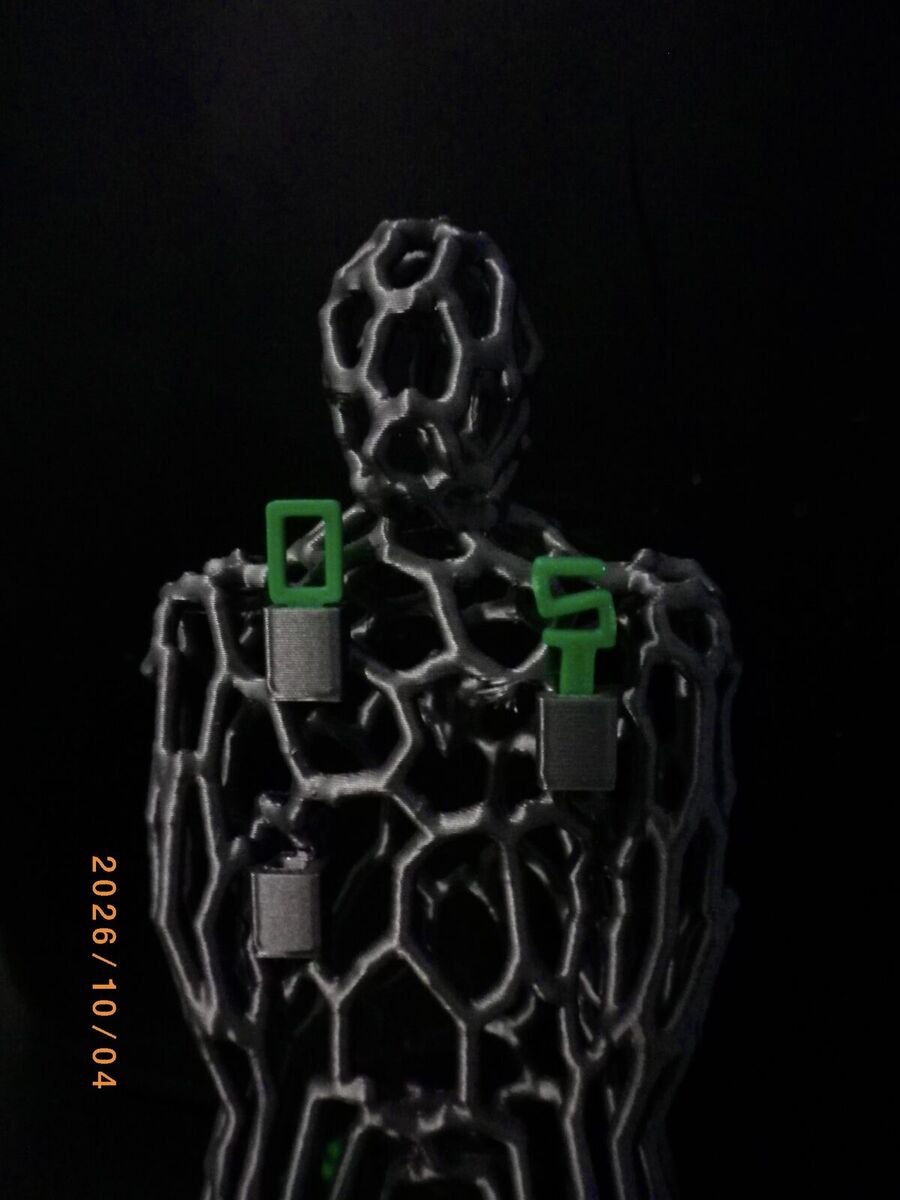
I liked this combination of colors. But the number panels still looked separate from the body. I wanted the panels to be the parts that make up the body, so that rearranging them becomes the body sculpture itself.
Prototype 3: panels that make the body
I was inspired by ANREALAGE's 2022 collection, a figure whose whole surface is made of colored triangles, and thought it would be good if each panel could come off and go back on.

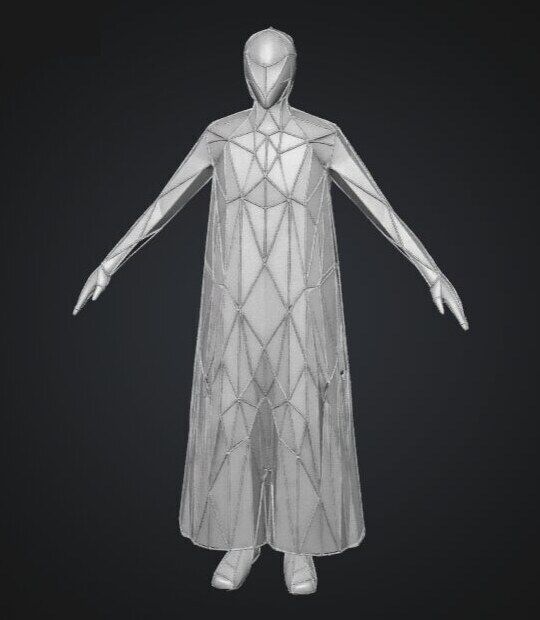
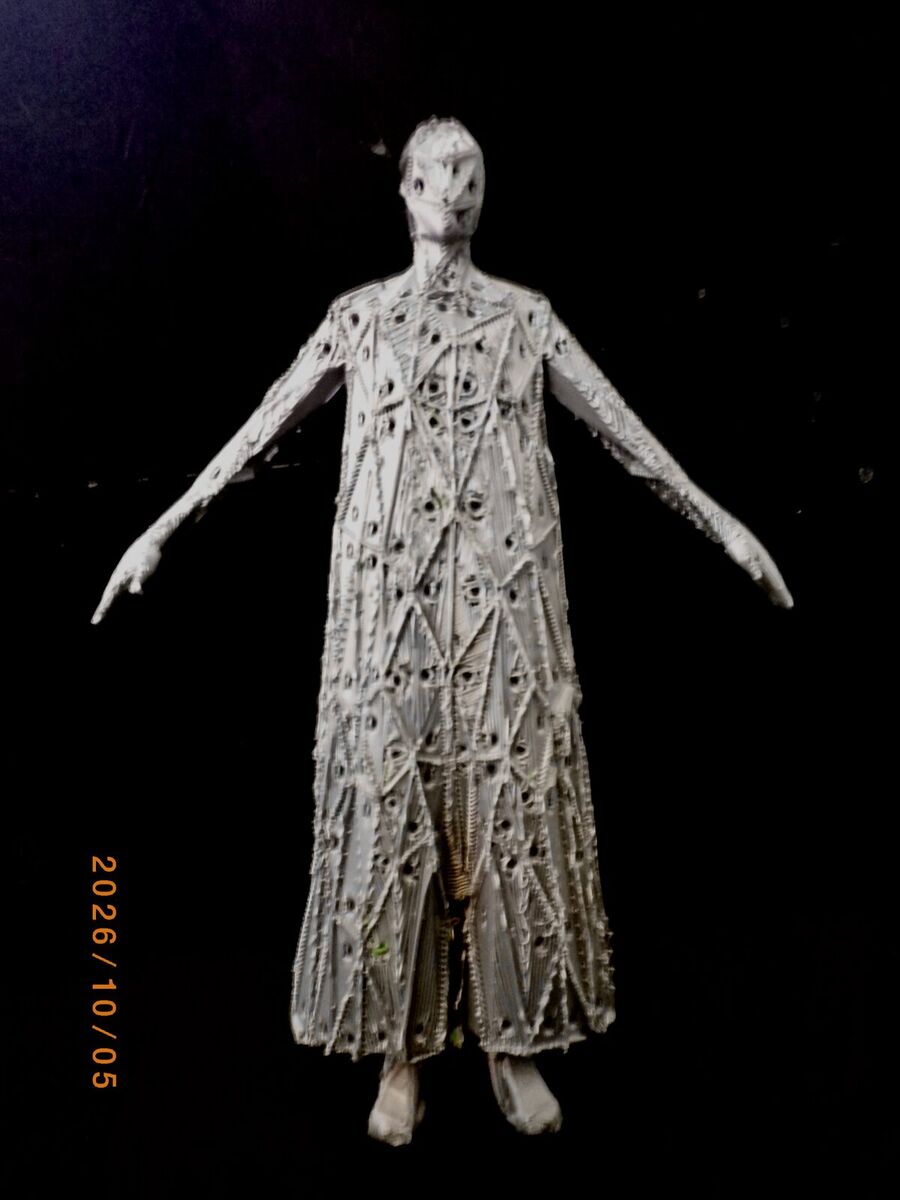
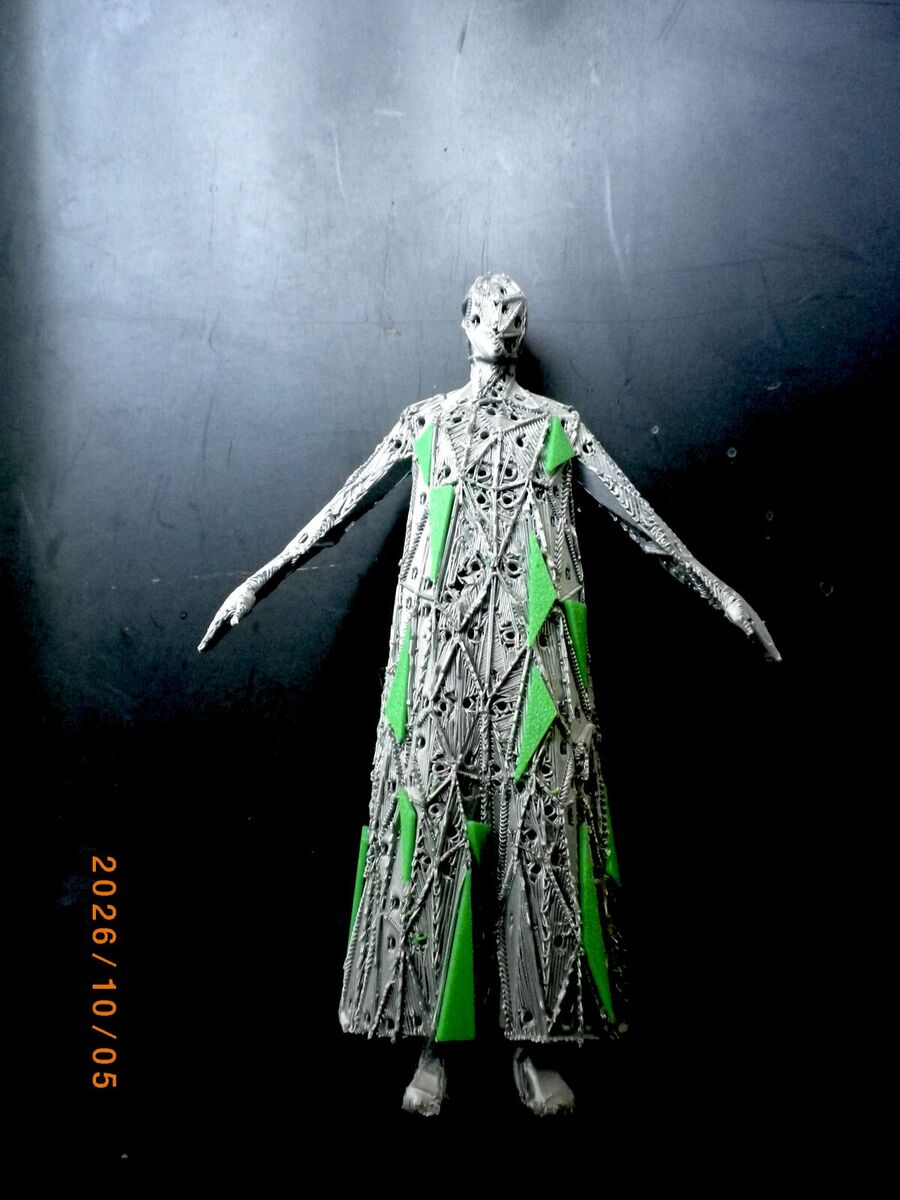
This model has no grooves or pins to attach panels to the body, so with GPT Astra I thickened each line and added a hole to each panel so people can attach them.
When I laid the body down flat on the plate, it needed less support and the print took 4.5 hours.
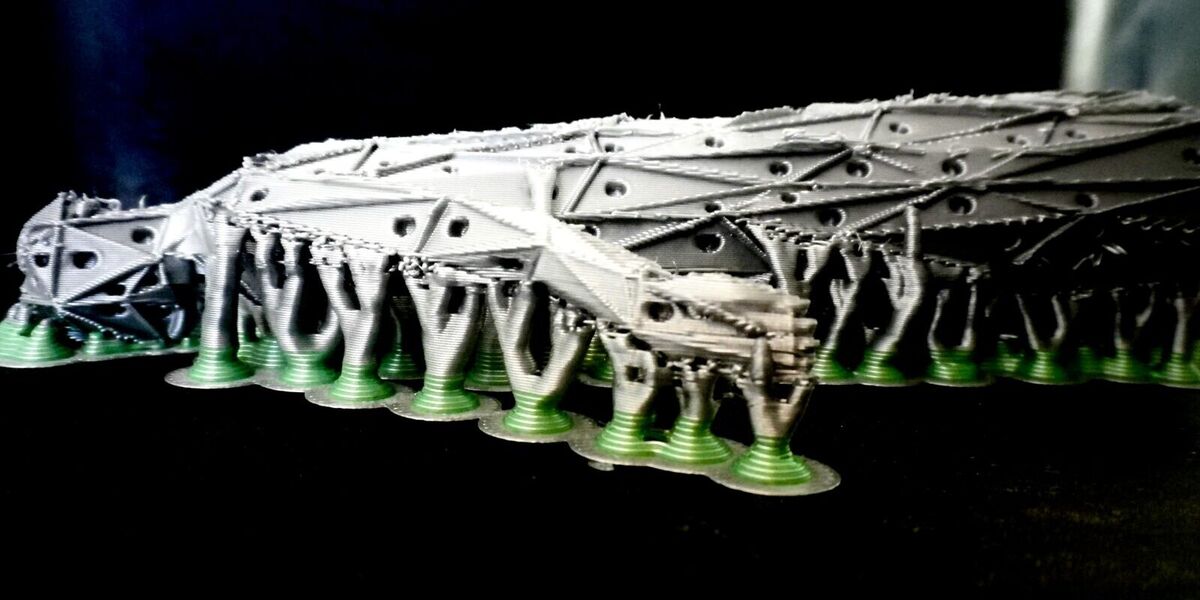
But each panel is very small and delicate, so the supports were hard to remove. The joint worked for some of the panels, but I broke some parts, so it was hard to see what the whole thing looks like when it is assembled. The different triangle shapes look nice, but it takes forever to assemble. So the next step is to explore joints and simplify the triangles so it's feasible for people to play with the sculpture. I also want to test the resin printer.
Use of AI
I used Claude Fable 5.1 to design the scales, the panels and the mannequin, and GPT Astra to build the Kinematics joint generator and to generate the image and 3D print file for prototype 2. I used Meshy to turn the image for prototype 3 into a 3D model.
Files
- Body_150mm_for_resin_or_PLA.3mf — final print file for prototype 3 (Bambu Studio project, 8.6 MB). It is too large for the class repo, so it is not included here.