Installing Git
Nothing is needed to possess a Git repo
(it’s just a folder with a hidden .git subfolder).
To interact with it, though, you need the git program.
This page describes how to obtain this program.
The official installation instructions can be found here: https://git-scm.com/install. The info below is my version of the above. See the section that corresponds to your operating system.
Windows
There are a few ways to use the Git program in Windows. Below, I describe two. Pick whichever one feels better to you.
Option 1: Git Bash
Git Bash installs Git and also Bash and a few other things.
Start by going here: https://git-scm.com/install/windows.
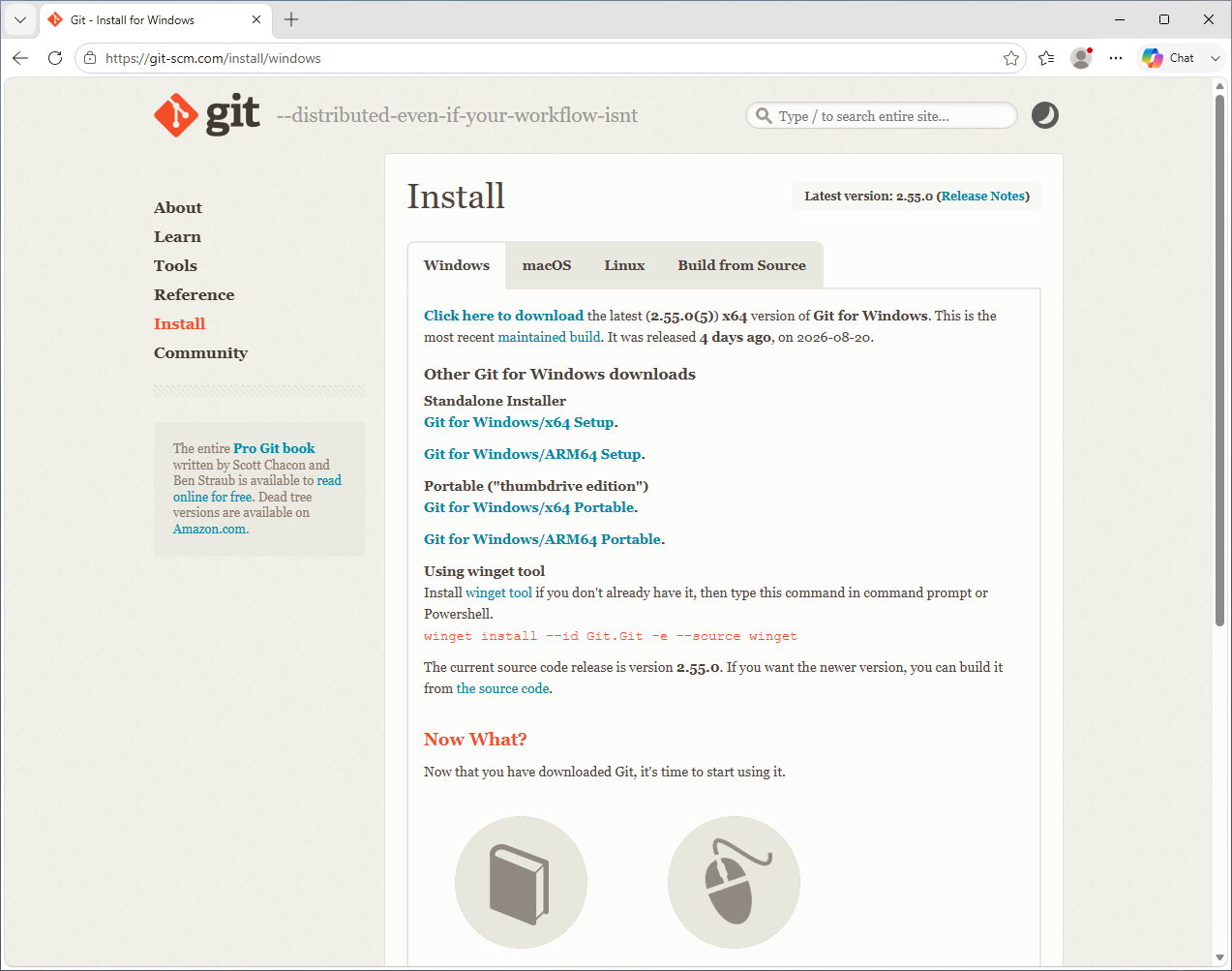
Click Click here to download in the first paragraph.
(It should link to something here.)
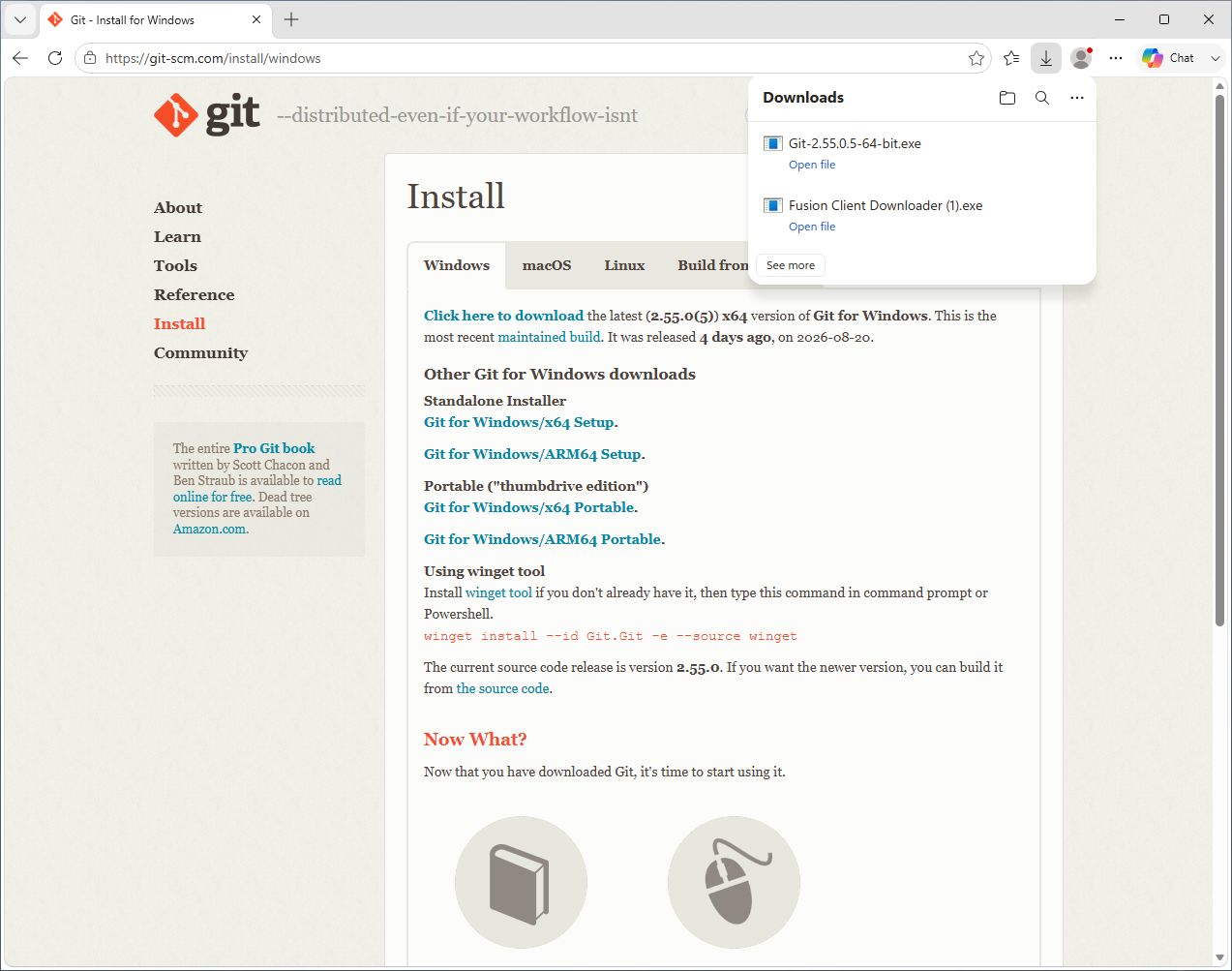
Open the downloaded file.
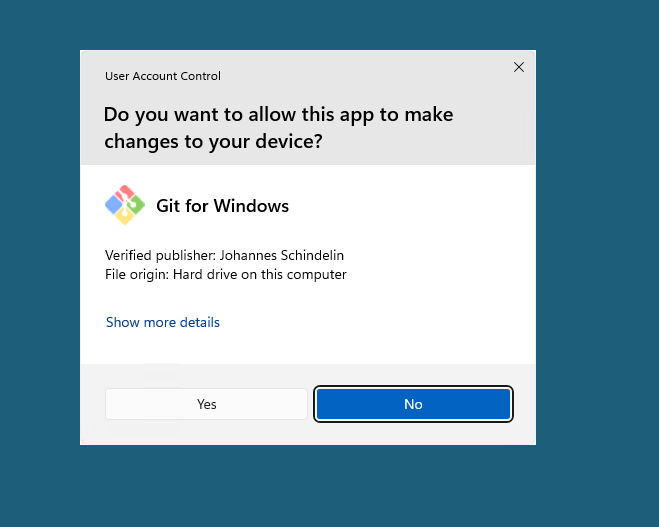
Click Yes.
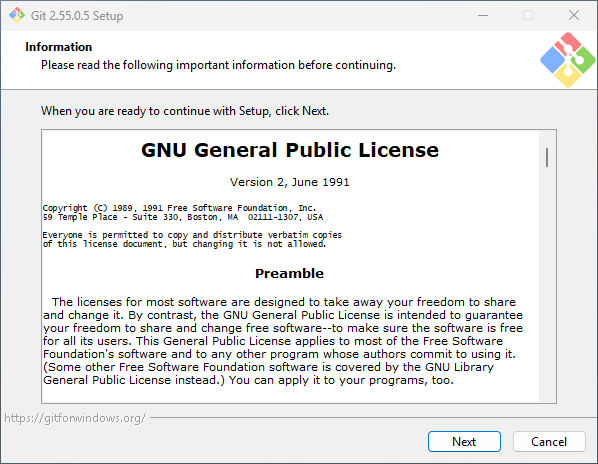
Click Next.
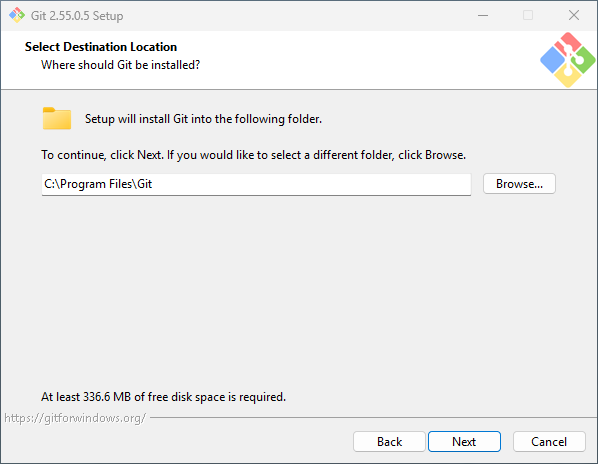
Click Next. Select all the check boxes.
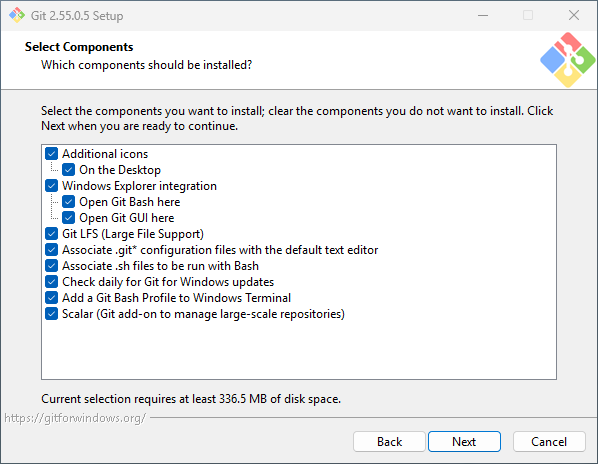
Click Next.
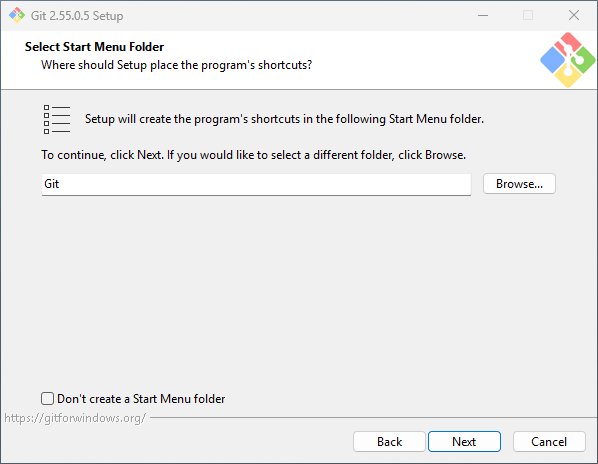
Click Next. Select an editor you know. I love Vim, but if you don’t know what that is, find something you do. Notepad is a safe choice here.
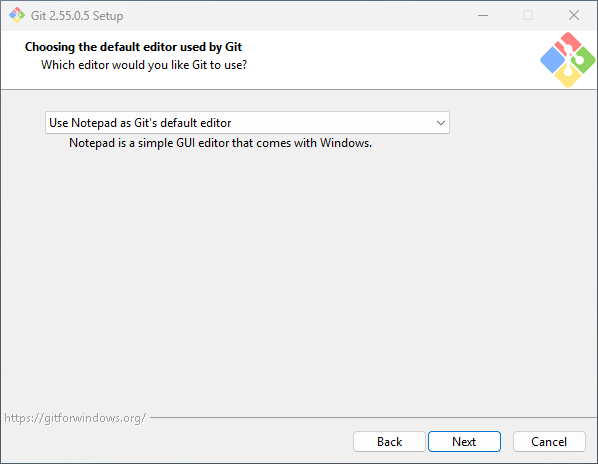
Click Next.
Select Override the default branch name for new repositories.
Keep the name main in the box.
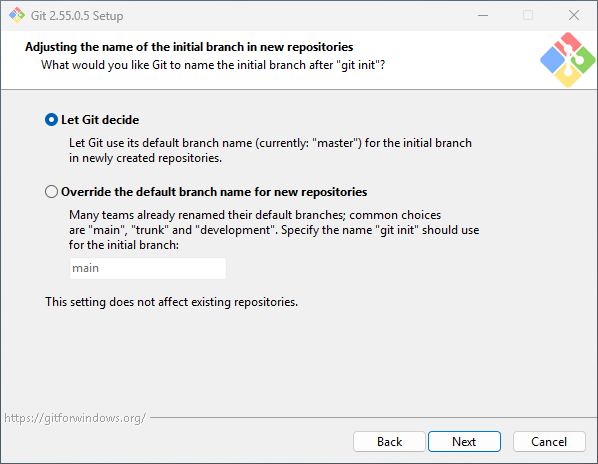
Click Next.
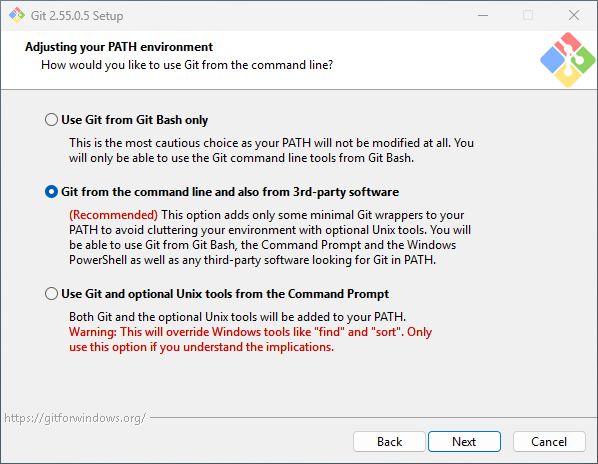
Click Next.
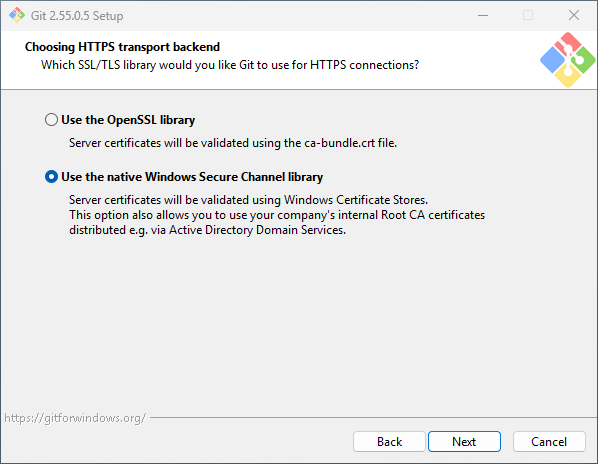
Click Next.
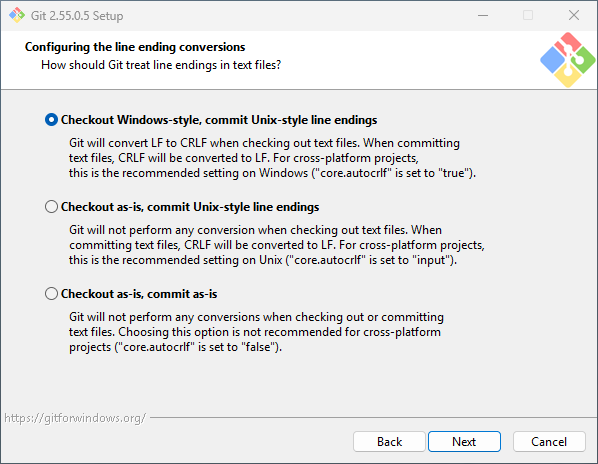
Click Next.
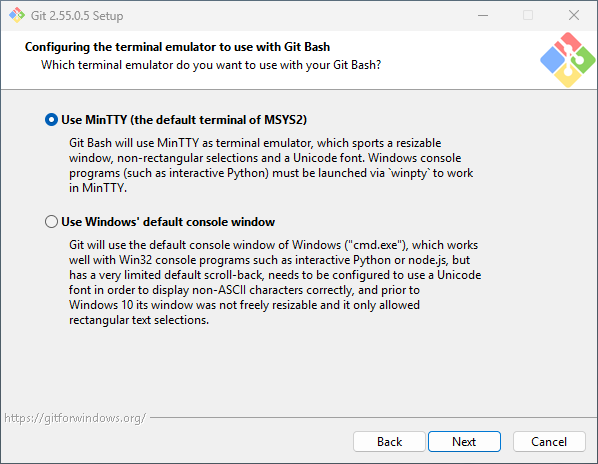
Click Next.
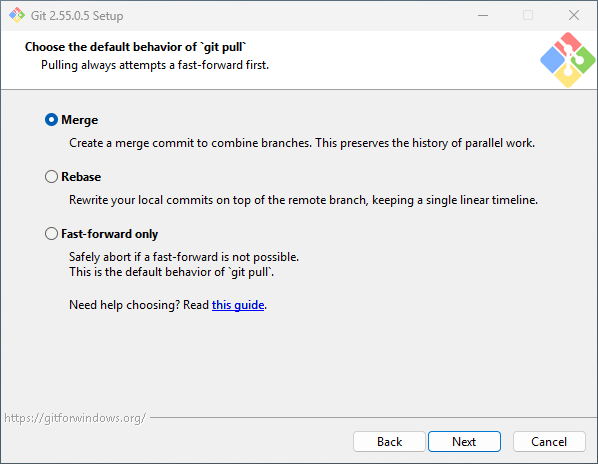
Click Next.
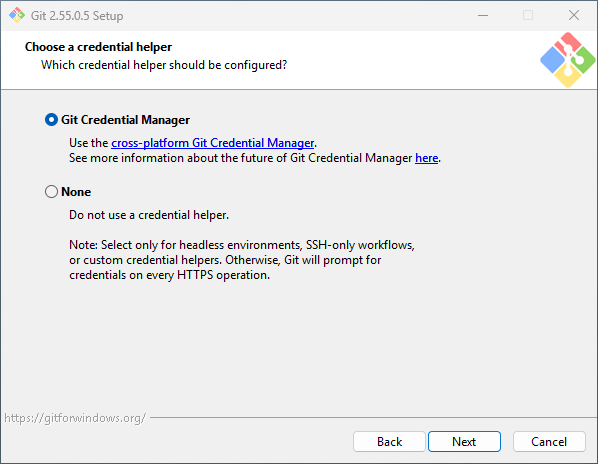
Click Next.
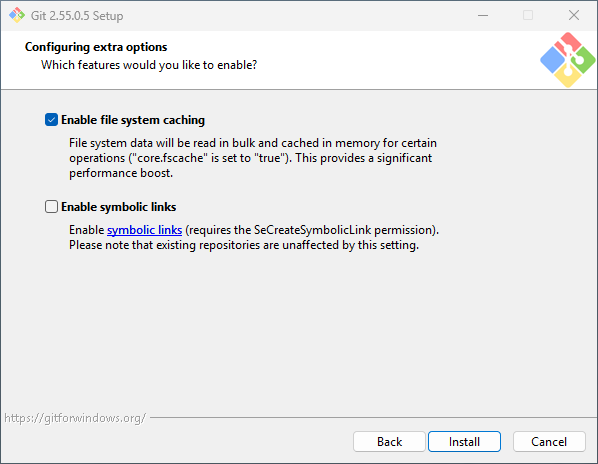
Click Next. Wait for the install to complete.
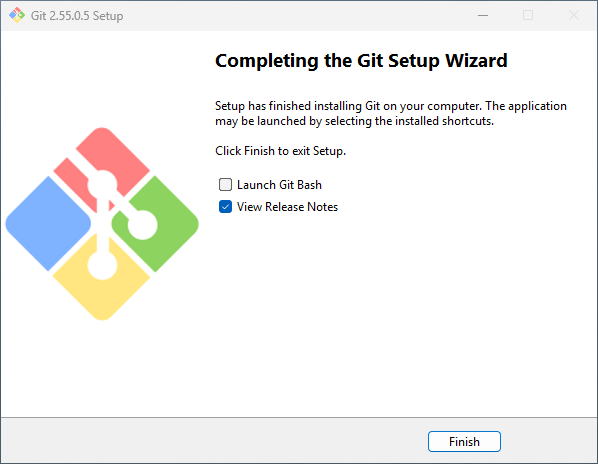
Click Finish. You’re done!
Option 2: WSL2
Install WSL2 using these instructions: https://learn.microsoft.com/en-us/windows/wsl/install. Then, follow the instructions below for the distribution you installed. The default WSL2 distribution is Ubuntu.
macOS
Open the Terminal application. Instructions here: https://support.apple.com/guide/terminal/open-or-quit-terminal-apd5265185d-f365-44cb-8b09-71a064a42125/mac.
Then type or copy/paste the following:
xcode-select --installPress the Enter key.
Bonus points: send me screenshots, and I will add them here.
Ubuntu (and other Debian-based distributions)
Open the Terminal application.
Then type or copy/paste the following:
sudo apt update
sudo apt install git
Press the Enter key.
Other operating systems
Most Linux distributions provide Git in their package manager under the name git.
If you’re using an operating system for which this does not apply,
you probably know what you’re doing,
but feel free to reach out to me if you need help!