A neural network that learns on a $5 board
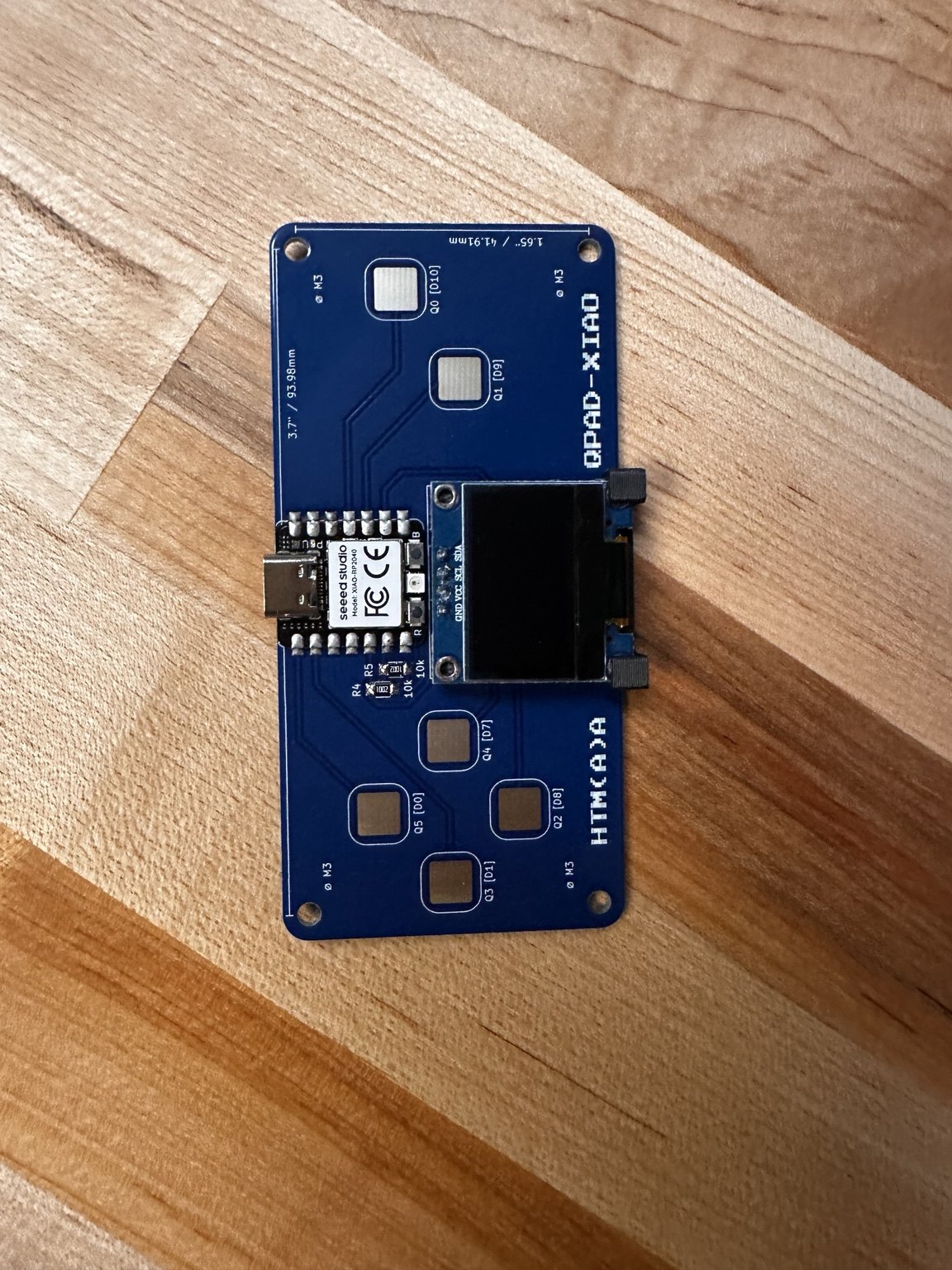
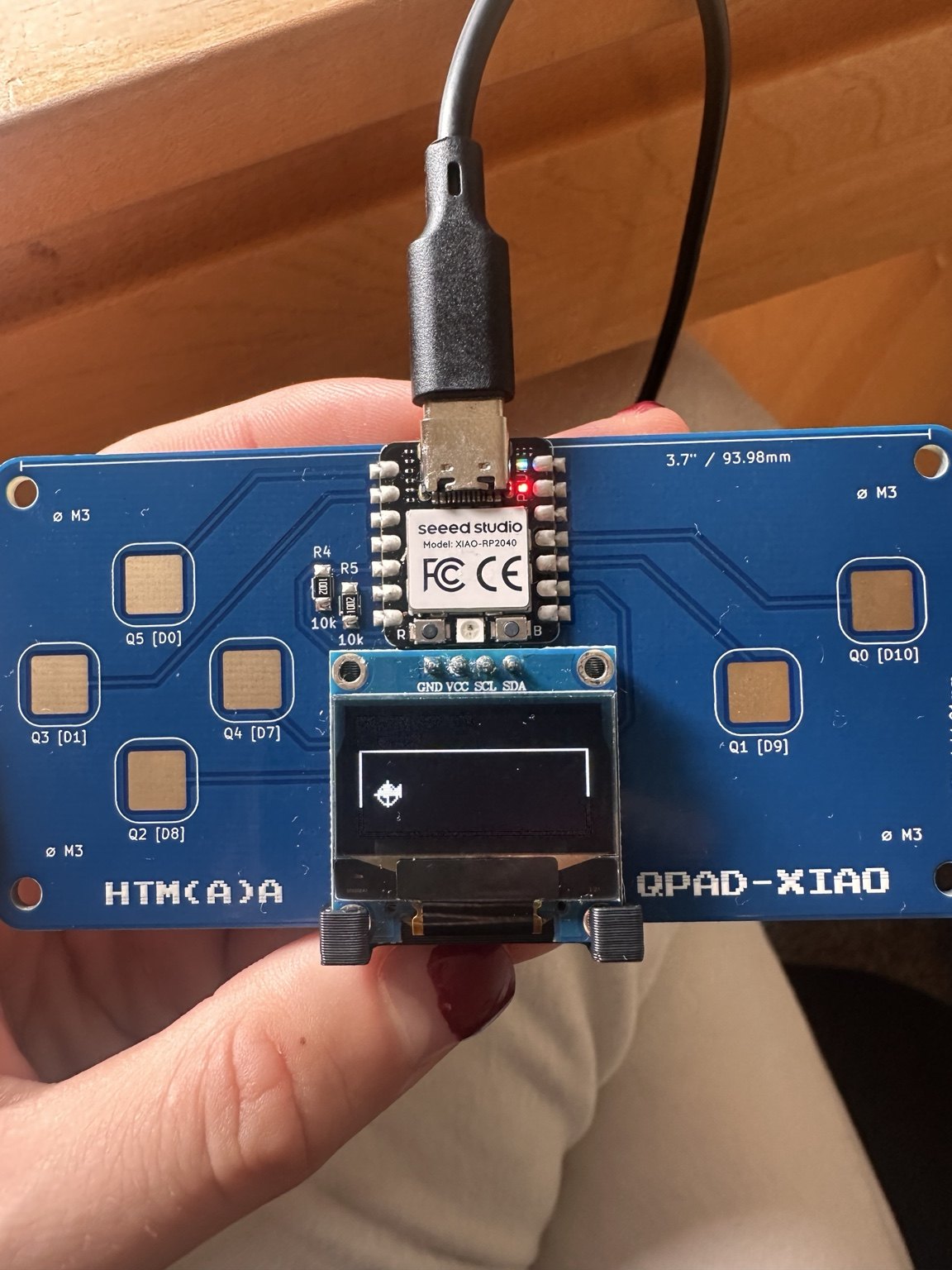
This week we worked with a QPAD: a small board with a Seeed XIAO RP2040, six capacitive touch pads and an OLED display. I wanted to do something with neural networks, but rather than load a model trained on my laptop, I wanted to see whether I could get the RP2040 to learn on its own. So I made a tiny swimmer game where the network starts from random weights and trains on the microcontroller while you play.
What the datasheet told me
| Core | dual Cortex-M0+, up to 133 MHz |
|---|---|
| Memory | 264 kB SRAM, program in 2 MB external flash |
| Used here | GPIO for touch, I²C for the OLED, USB for serial |
A few things in the RP2040 datasheet mattered for the design. It has no hardware floating-point unit, so the network calculations run in software; that helped keep me to a 44-parameter model. It has two processor cores and hardware spinlocks, so I put training on one core and the interface on the other. And since there's no dedicated capacitive-touch peripheral, the pads are read by discharging them and timing how long they take to charge through a pull-up. Touching a pad changes its capacitance, which changes that timing.
Building the board
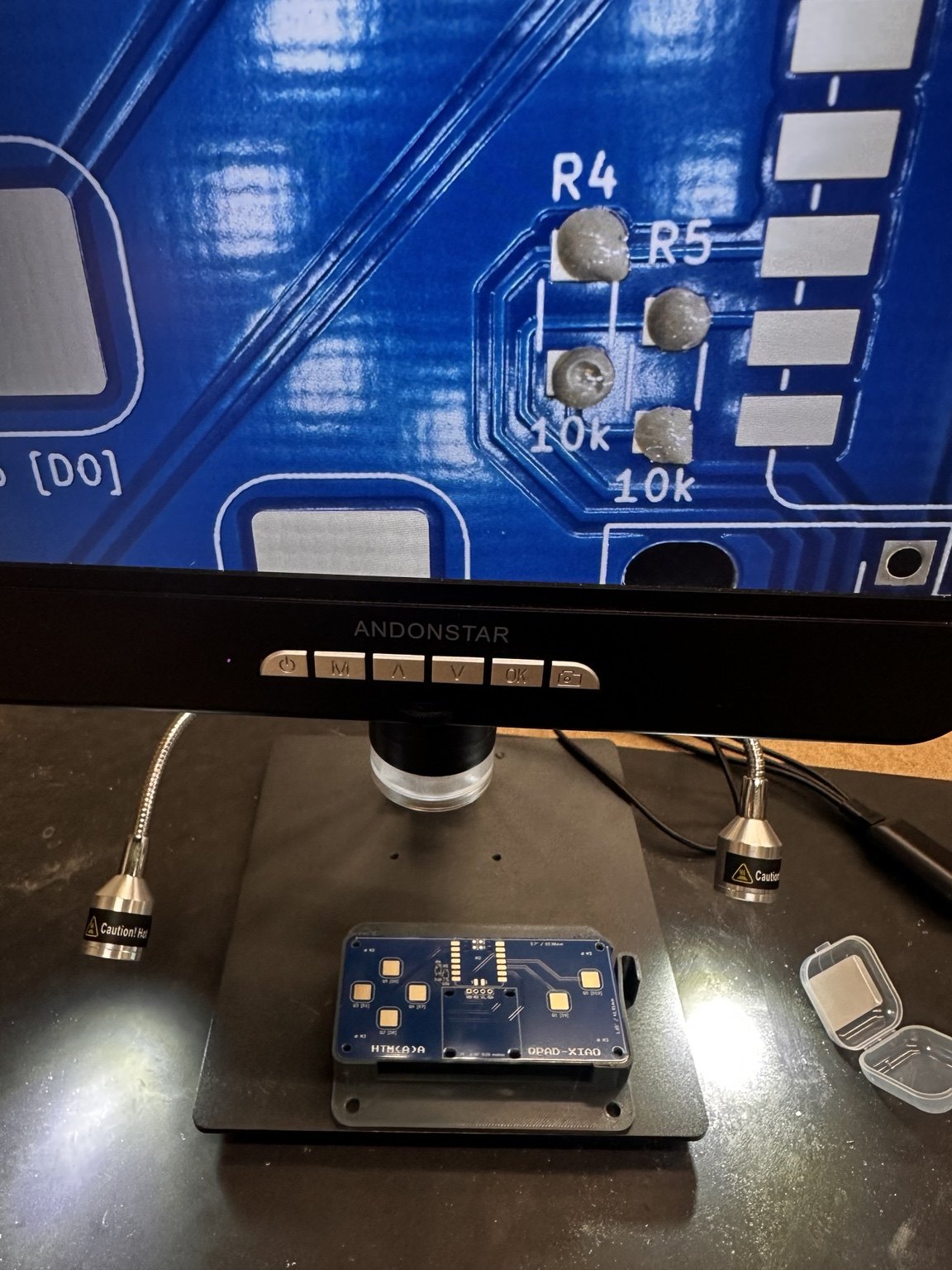
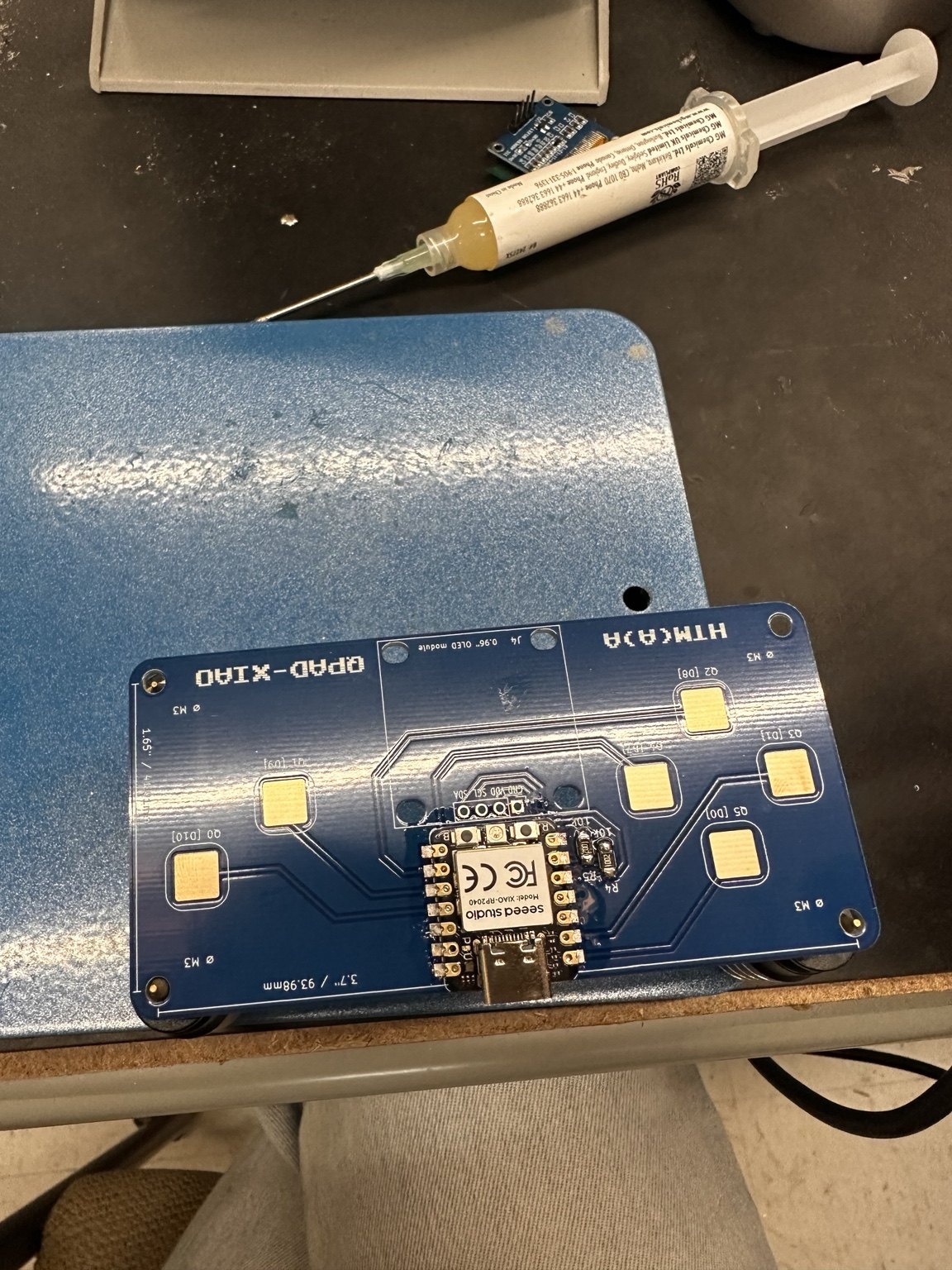
We used a syringe to apply solder paste, checked the placement under the microscope, put the XIAO in position and reflowed the joints with hot air. The castellated pads are closely spaced, so this was easier to get consistent than trying to solder every connection with an iron. The OLED went on afterward.
Exactly what I did at the bench
| Step | Do this |
|---|---|
| 1 | Clean the QPAD PCB with isopropanol. Dispense solder paste from the syringe onto every pad of the XIAO footprint and the resistor pads. Less than you think; a dot about the size of the pad. |
| 2 | Check under the digital microscope. Bridges between castellations get wiped and redone now, not after reflow. |
| 3 | Place the XIAO RP2040 with tweezers, USB-C facing the board edge, castellations centered on the pads. Place the two resistors. |
| 4 | Hot air: about 300 °C, low airflow, circling 2 to 3 cm above the board until the paste goes shiny and the part settles. About 40 seconds. Let it cool untouched. |
| 5 | Inspect again under the microscope. Reflow any dull joint with a fine iron tip. |
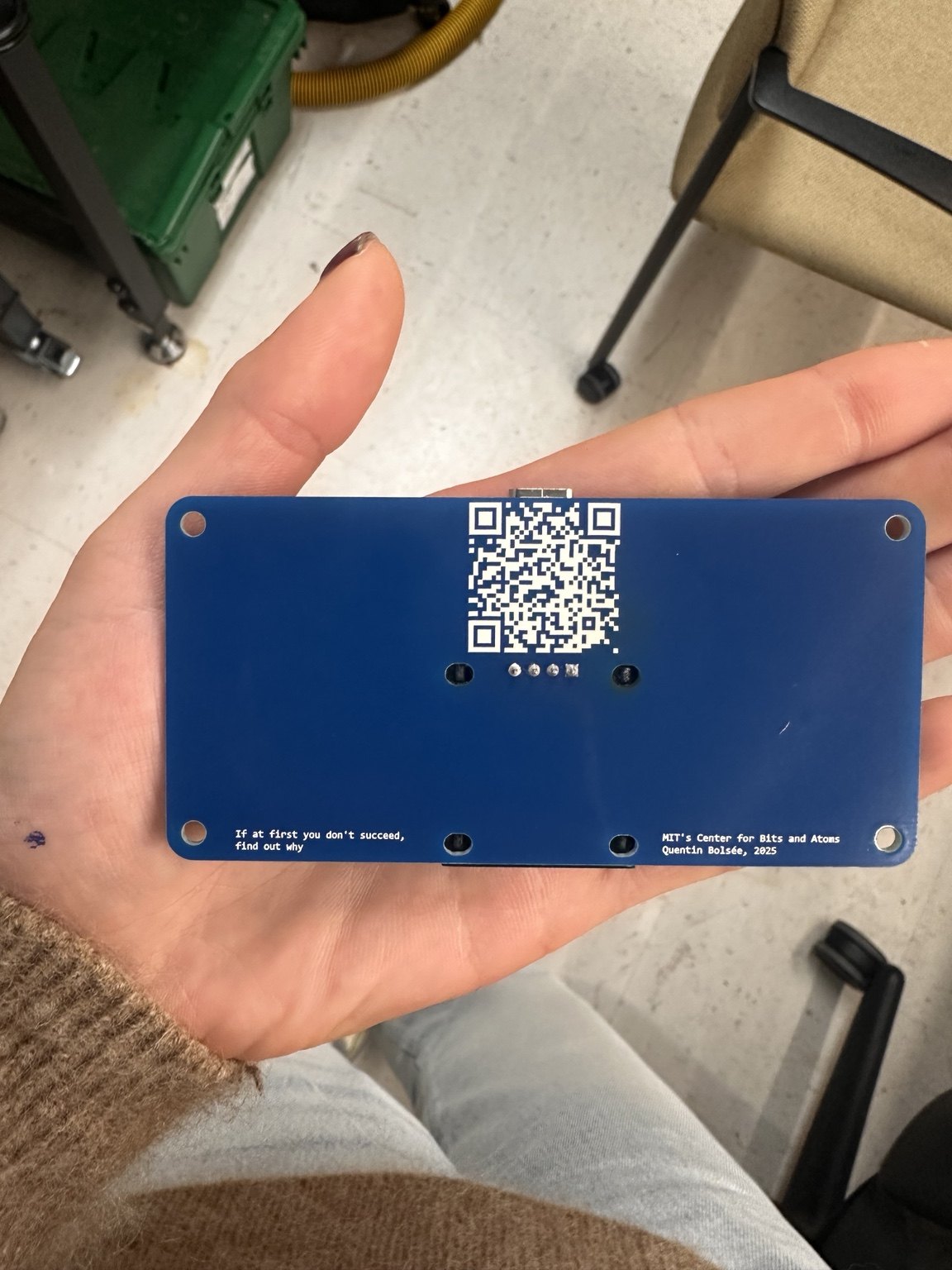
| 6 | Solder the 4-pin header for the OLED (GND, VCC, SCL, SDA) with an iron, seat the SSD1306 module, plug in USB. |
Reproduce the firmware
| IDE | Arduino IDE 2.x |
|---|---|
| Board core | arduino-pico by Earle Philhower. Boards Manager URL: https://github.com/earlephilhower/arduino-pico/releases/download/global/package_rp2040_index.json. Board: Seeed XIAO RP2040 |
| Libraries | Adafruit SSD1306, Adafruit GFX (Library Manager) |
| Display | SSD1306 128×64, I²C address 0x3C, on the XIAO's default Wire pins (D4 = SDA, D5 = SCL) |
| Touch pads | raw GPIO {3, 4, 2, 27, 1, 26} = pads Q0..Q5. No touch peripheral: each pad is driven low, released to the pull-up, and the charge time is counted |
| Flashing | Hold BOOT, tap RESET, release BOOT; the XIAO shows up as a USB drive and the IDE uploads. After the first upload it reflashes normally |
If you’re starting with a fresh board, flash touch_test_rp2040.ino first. It prints the six raw readings and their baseline in the serial monitor at 115200 baud. Check that touching each pad changes its reading by more than the MARGIN value of 12. If one barely responds, inspect its solder joint. Once the pads work, flash the swimmer sketch.
// touch_test_rp2040.ino: how a pad is read, no hardware touch sensing needed
const uint8_t PADS[6] = { 3, 4, 2, 27, 1, 26 };   // Q0..Q5
const int SAMPLES = 32;   // averaged reads per pad
const int MARGIN  = 12;   // counts above baseline that count as a touch

uint16_t readPad(uint8_t pin) {
  pinMode(pin, OUTPUT); digitalWrite(pin, LOW); delayMicroseconds(50);  // discharge
  pinMode(pin, INPUT_PULLUP);
  uint16_t n = 0;
  while (digitalRead(pin) == LOW && n < 2000) n++;                        // charge time
  return n;
}
What it does
The game is simple: there's a little swimmer on the OLED, and you move its target using the touch pads. The network has four inputs, six hidden units and two outputs (4 → 6 → 2). It gets the target offset and velocity as inputs, then chooses thrust in x and y. For training, it simulates 28 time steps, calculates a loss and backpropagates through the simulated motion and the network. So the learning really is happening on the RP2040, rather than on a computer somewhere else.
I considered a walking robot, but contacts with the ground make gradients tricky. Swimming with smooth drag and thrust was an easier way to demonstrate differentiable simulation on such a small chip. It's closely related to the methods I use in my research, just scaled way down.
| Setting | Value | Why |
|---|---|---|
| Network | 4 → 6 → 2, tanh, 44 parameters | small enough for software float on an M0+ |
| Rollout horizon | 28 steps | long enough to reach the target, short enough to backprop in one update |
| Physics | v' = DRAG·v + THRUST·a, x' = x + DT·v', all smooth | differentiable, no contacts |
| Loss | distance to target + overshoot penalty + thrust cost | close, gentle, cheap |
| Update | plain gradient descent with clipping, one BPTT step per 180 ms | paced so you can see it learn |
| Cores | core 0: touch, OLED, serial. core 1: training. Weights shared behind a mutex_t | display never stutters |
One step of the simulation
And backwards
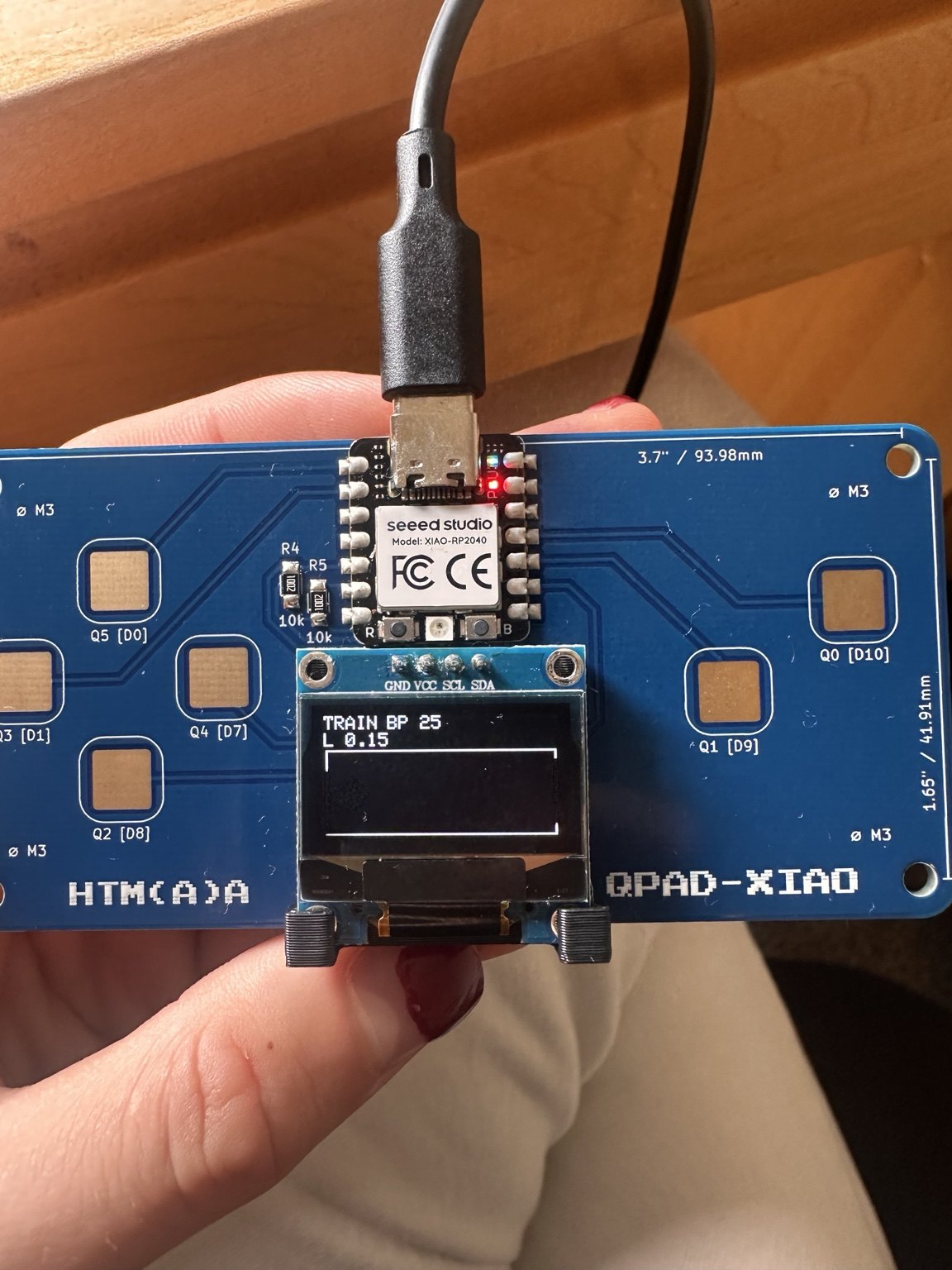
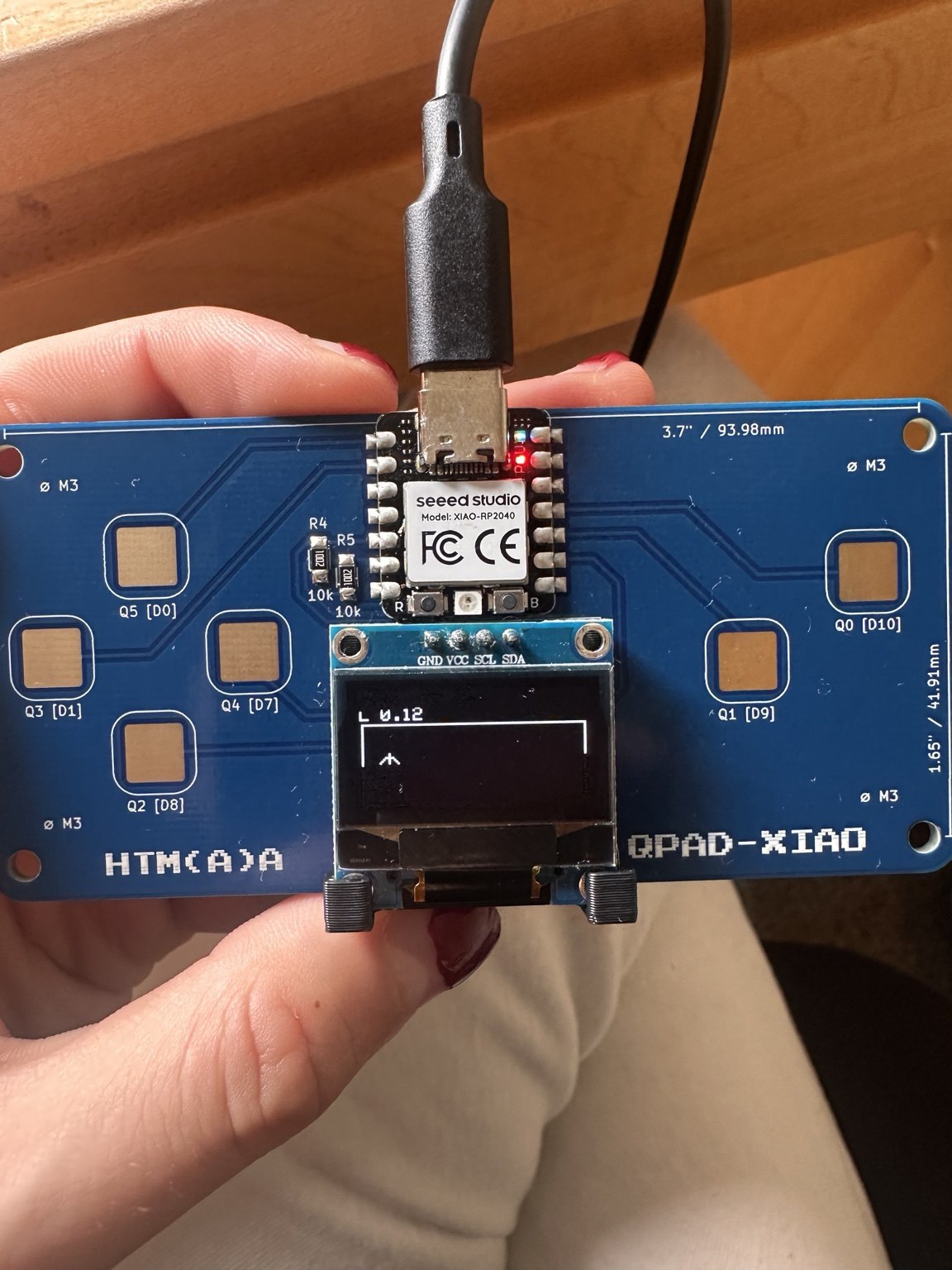
The loss encourages the swimmer to reach its target without overshooting or using more thrust than it needs. Nothing is pretrained or saved between resets: pressing B starts from new random weights.
Controls
| Pad | GPIO | Does |
|---|---|---|
| left | 27 | move target left |
| right | 1 | move target right |
| down | 2 | move target down |
| up | 26 | move target up |
| A | 3 | start training, or freeze the weights to test |
| B | 4 | throw away the brain and start from random |
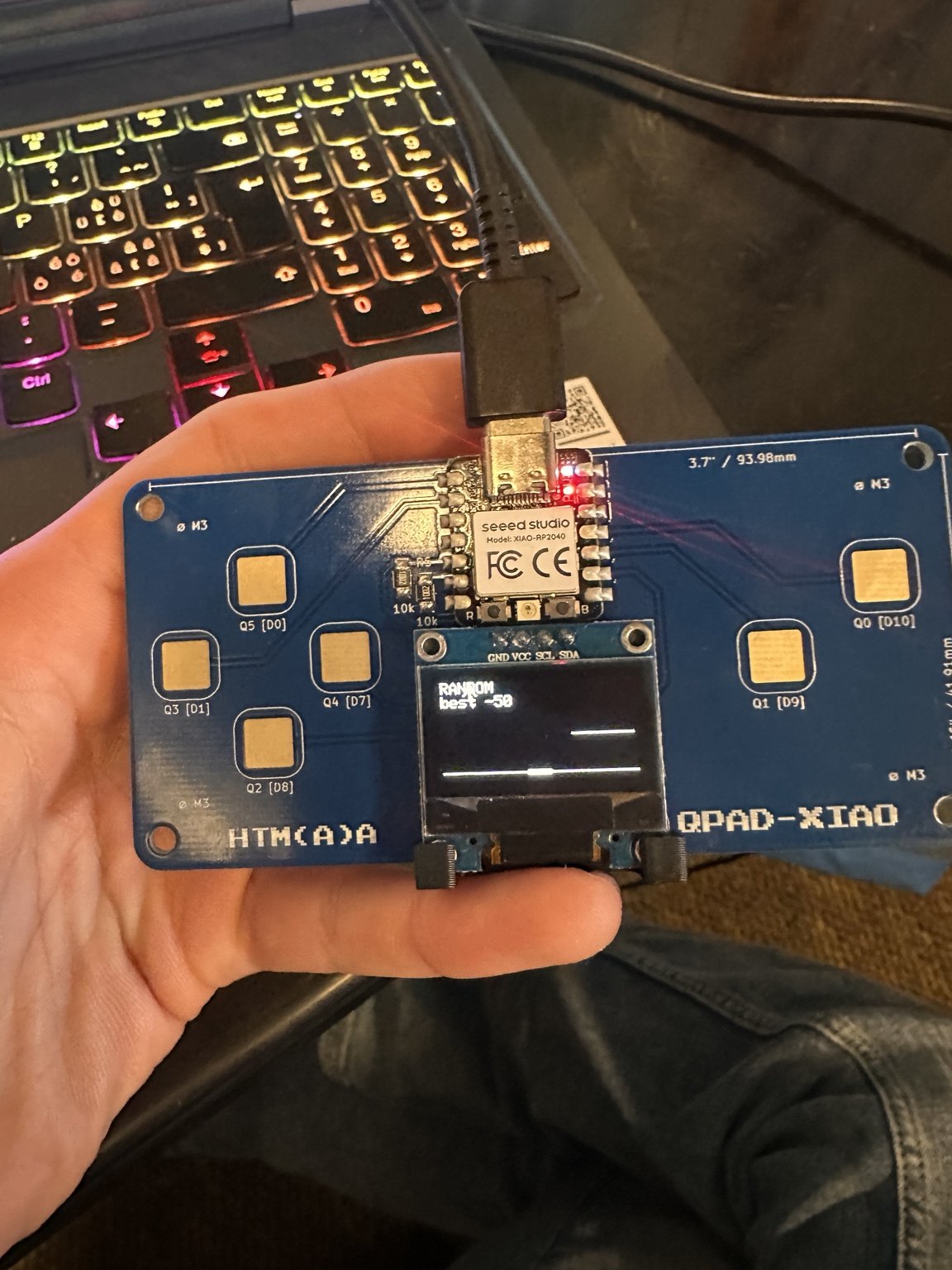
| Mode | What you see |
|---|---|
| RANDOM | Untrained swimmer flailing. Learning is off on purpose. |
| TRAIN | Core 1 does one backprop update at a time and the swimmer visibly gets better. |
| TEST | Weights frozen. Move the target somewhere new and see whether it generalizes. |
The bug that made it too good
I ran into a funny problem with the first version: after resetting it, the swimmer seemed to know what it was doing immediately. The chip was training so quickly that you could barely see the untrained behaviour. I changed the controls so B resets the weights and pauses training, while A starts learning. I also limited updates to one every 180 ms so you can actually watch the process.
void loop1() {
  if (!trainingEnabled) {
    delay(5);
    return;
  }

  // One BPTT step at a time so learning is actually visible on the OLED.
  float l = trainOneBPTTStep();

  mutex_enter_blocking(&mtx);
  trainStep += 1;
  trainLoss = l;
  memcpy(visibleTheta, theta, sizeof(theta));
  mutex_exit(&mtx);

  // Deliberately pace training. Without this, the RP2040 can converge
  // before you have time to see the random policy behave badly.
  delay(180);
}
Code
Forward pass through the network
void networkForward(
  const float *th,
  const float in[N_IN],
  float hidden[N_H],
  float out[N_OUT]
) {
  for (int h = 0; h < N_H; h++) {
    float z = th[idxB1(h)];
    for (int i = 0; i < N_IN; i++) {
      z += th[idxW1(h, i)] * in[i];
    }
    hidden[h] = tanhf(z);
  }

  for (int o = 0; o < N_OUT; o++) {
    float z = th[idxB2(o)];
    for (int h = 0; h < N_H; h++) {
      z += th[idxW2(o, h)] * hidden[h];
    }
    out[o] = tanhf(z);
  }
}
Start of the training step
float trainOneBPTTStep() {
  float tx, ty, cx, cy;

  mutex_enter_blocking(&mtx);
  tx = targetX;
  ty = targetY;
  cx = currentX;
  cy = currentY;
  mutex_exit(&mtx);

  // Small randomized starting condition makes the learned controller useful
  // from more than one exact initial state.
  st[0][0] = 0.20f + 0.10f * (urand(rngState) - 0.5f);
  st[0][1] = 0.45f + 0.10f * (urand(rngState) - 0.5f);
  st[0][2] = 0.08f * (urand(rngState) - 0.5f);
  st[0][3] = 0.08f * (urand(rngState) - 0.5f);

  float loss = 0.0f;

  // ---------------- forward rollout ----------------
  for (int t = 0; t < HORIZON; t++) {
    float x  = st[t][0];
    float y  = st[t][1];
    float vx = st[t][2];
    float vy = st[t][3];

    ins[t][0] = tx - x;
    ins[t][1] = ty - y;
    ins[t][2] = vx;
    ins[t][3] = vy;

    networkForward(theta, ins[t], hid[t], act[t]);

    float nvx = DRAG * vx + THRUST * act[t][0] + cx;
    float nvy = DRAG * vy + THRUST * act[t][1] + cy;

    float nx = x + DT * nvx;
    float ny = y + DT * nvy;

    st[t + 1][0] = nx;
    st[t + 1][1] = ny;
    st[t + 1][2] = nvx;
    st[t + 1][3] = nvy;

    float dx = x - tx;
    float dy = y - ty;
  // ... full sketch continues with the backward pass
A true reset
void resetLearning() {
  // B means a *true* reset:
  //   1. stop learning
  //   2. randomize all weights
  //   3. freeze those random weights
  //   4. let you watch the untrained swimmer
  //
  // Press A when you want training to begin.
  trainingEnabled = false;
  delay(10);

  randomizePolicy();

  mutex_enter_blocking(&mtx);
  memcpy(frozenTheta, theta, sizeof(frozenTheta));
  memcpy(visibleTheta, theta, sizeof(visibleTheta));
  mutex_exit(&mtx);

  randomDemoMode = true;
  testMode = true;

  resetVisible();
}
Before the swimmer
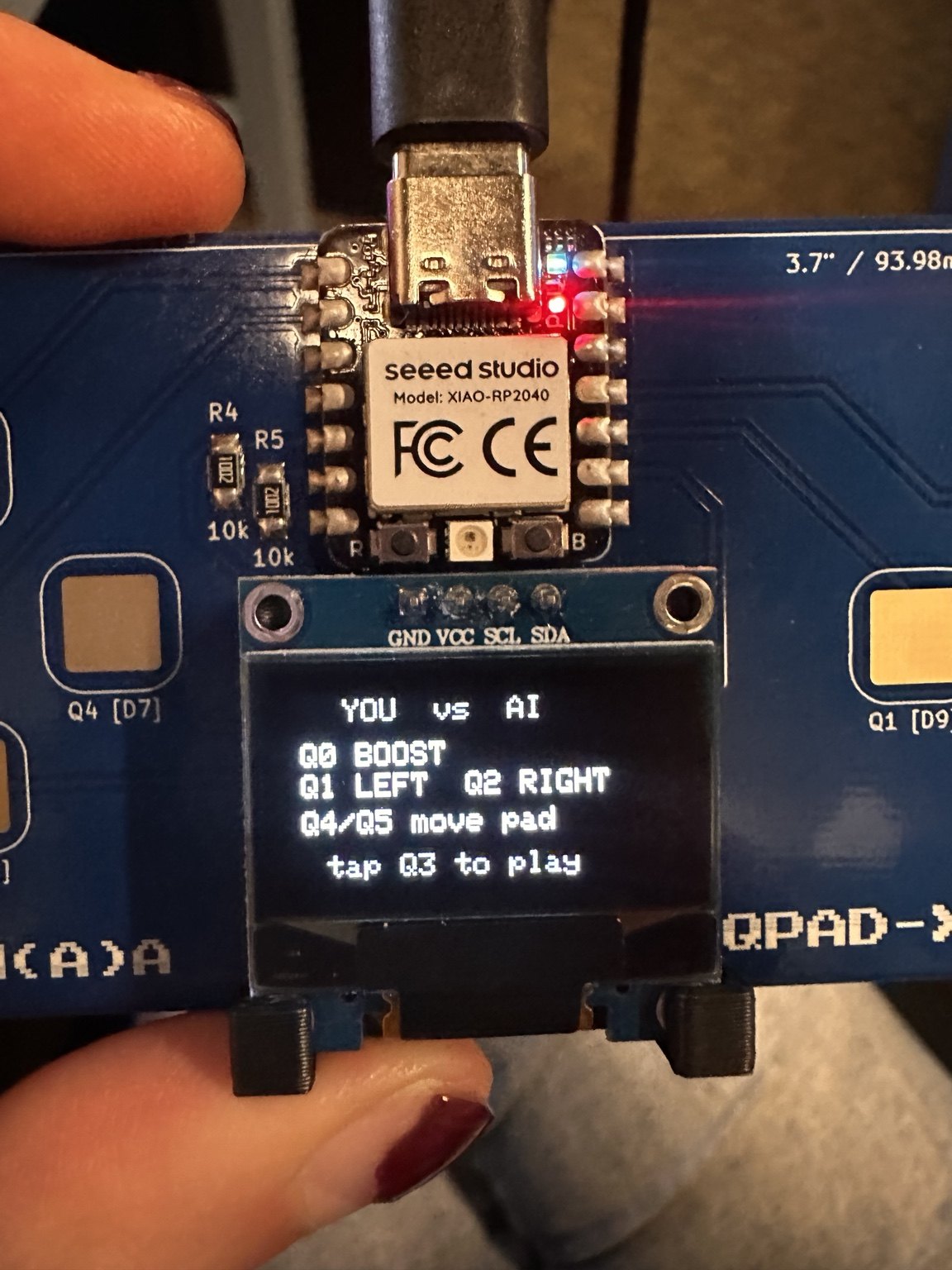
Before the swimmer, I built a little lunar lander game. It used an evolution strategy: try variations of the network weights and keep the ones that worked better, rather than calculate gradients. I also made a YOU vs AI mode. That version was fun, but the swimmer let me demonstrate backpropagation through a simulation, which I found more interesting.
Files
| touch_test_rp2040.ino | pad bring-up: raw counts and baseline over serial |
| qpad_swimmer_bptt.ino | the swimmer: network, differentiable rollout, BPTT, dual-core display |