A print-in-place gearbox, a tiny art gallery and a failed leaf scan
This week we had to test the 3D printers' design limits, print something that would be difficult to make with subtractive tools and try 3D scanning. I ended up with three projects: a planetary gearbox printed in one piece, a phone case that can hold interchangeable mini paintings, and a leaf-scanning attempt that didn't quite go to plan.
Design rules first
For the gearbox, the big question was clearance: how much space do two printed parts need so they can move without fusing together? I designed a test coupon with gaps between 0.15 and 0.5 mm, so I could choose a value before printing the full design. I started with 0.35 mm as an initial setting for a 0.4 mm nozzle. The same CLR parameter is used throughout the CAD files.
I also designed around the usual FDM limitations: overhangs of roughly 45°, short bridges around 20 mm, and horizontal holes that may print undersized. Those are starting assumptions rather than measurements for every printer.
The coupon is a 60 × 15 × 6 mm bar with eight 5 mm pins and hole diameters from 5.15 to 5.50 mm in 0.05 mm steps. Print it flat with 0.2 mm layers, then twist each pin. The smallest gap that moves freely gives you CLR. Measured clearance: add result after testing.
The planetary gearbox
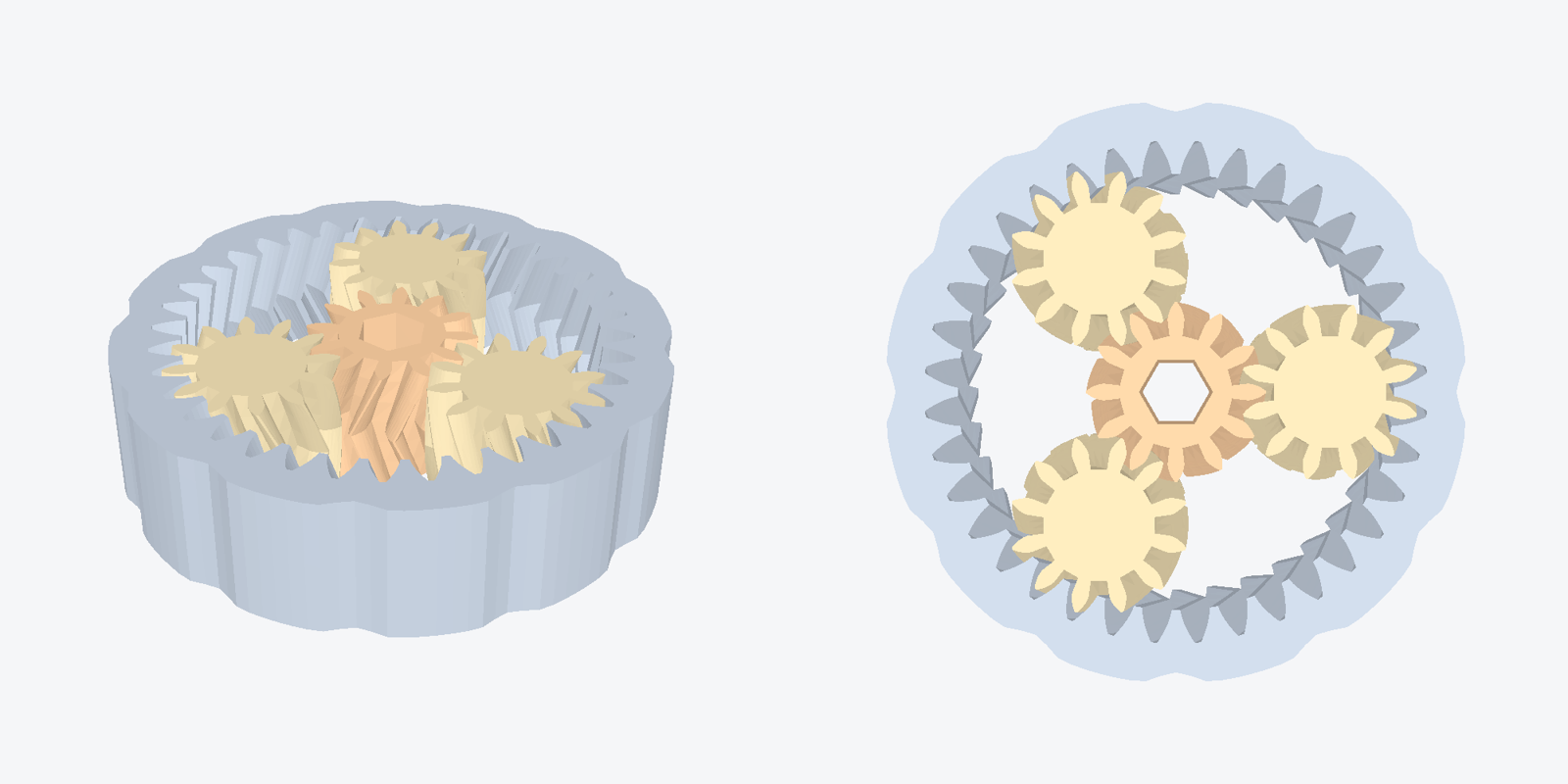
A planetary gearbox has a sun gear in the centre, planet gears around it and a ring gear around the outside. Usually the parts are made separately and assembled. I wanted them to come straight off the printer already meshed. That means leaving enough space between the moving parts while printing them in one piece. It's a good example of something that's awkward or impossible to machine in the assembled state, because the components are already trapped inside one another.
I used herringbone teeth, which are two mirrored sets of helical teeth. They help keep the gears from sliding apart along their axes, so I don't need separate retaining caps in this print-in-place version. They should also make the gearbox run a little more smoothly.
| Module | 1 mm |
|---|---|
| Sun / planet / ring teeth | 12 / 12 / 36 |
| Planets | 3 |
| Ratio | 4:1 with the ring fixed and the carrier as output |
| Height | 12 mm, helix twist 22° |
| Clearance | 0.35 mm (from the coupon) |
| Input | 5 mm hex socket in the sun, so you can turn it with an Allen key |
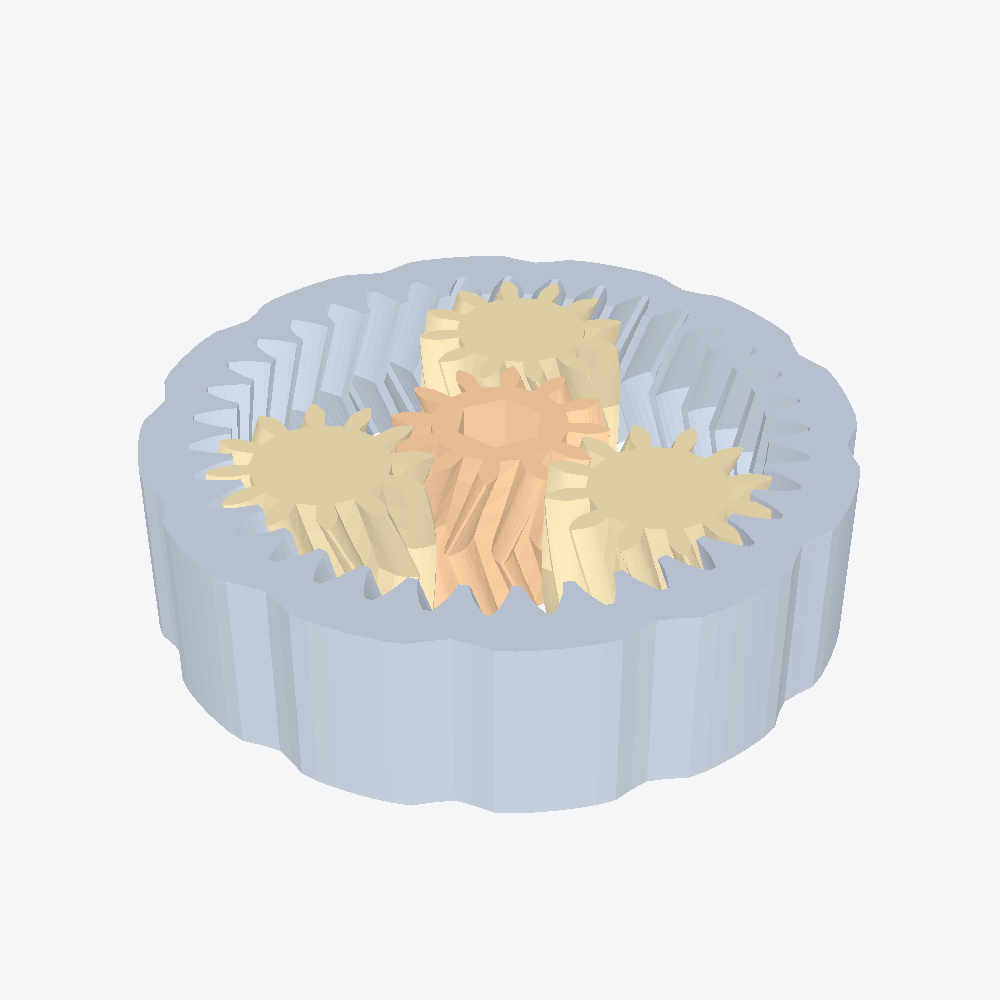
I wrote the CAD in CadQuery. The script generates the involute tooth profile, twists it to make the helical shape and mirrors it for the herringbone. Because the dimensions are parameters, it's easy to change the clearance after measuring the test coupon. I also added checks for the minimum gaps between the sun, planets and ring before exporting the STL.
I did hit a bug in the first version: I'd ordered the points in the involute polygon incorrectly, so the profile crossed over itself. That produced invalid geometry, and the slicer dropped part of the gear. Fixing the point order resolved it. Now I check the volumes before exporting.
# planetary.py, the parameters that matter
M     = 1.0    # module (tooth size)
ZS    = 12     # sun teeth
ZP    = 12     # planet teeth
ZR    = 36     # ring teeth  (ZR = ZS + 2*ZP, always)
NPL   = 3      # planets
H     = 12.0   # height
CLR   = 0.35   # clearance from the design-rule coupon
TWIST = 22.0   # helix angle per half, mirrored for herringbone
SUN_HEX = 5.0  # hex socket across flats
Printing and post-processing
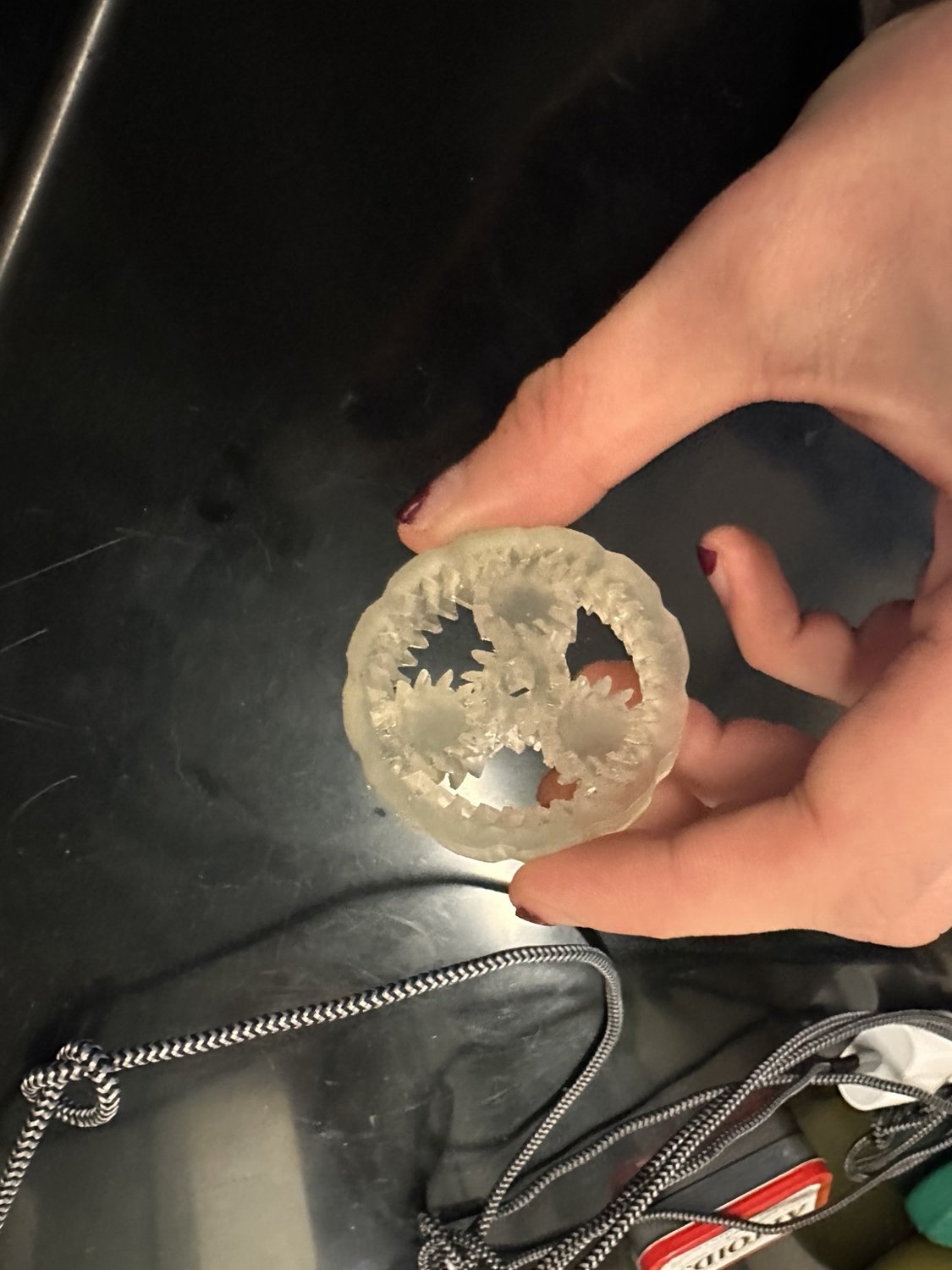
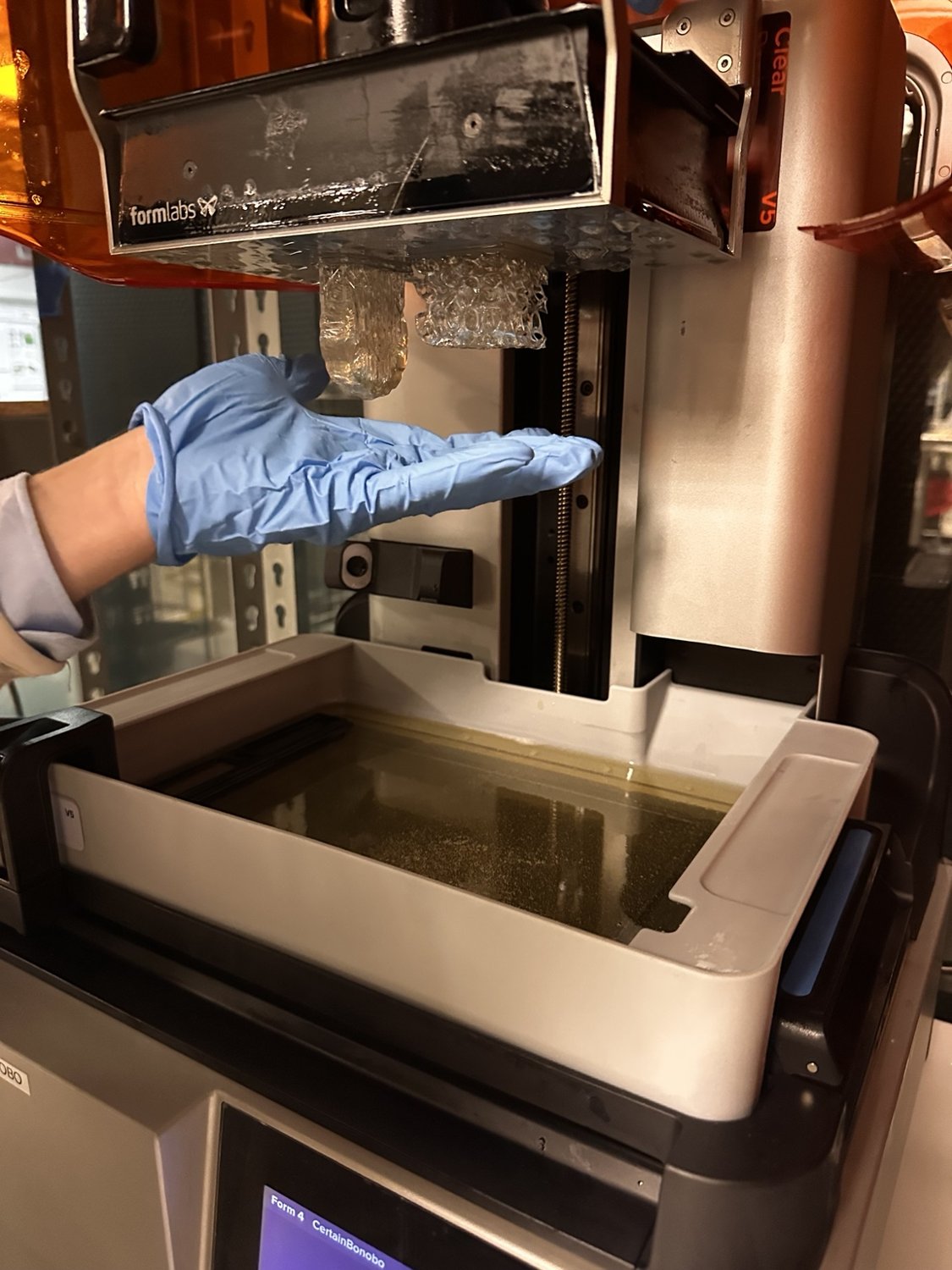
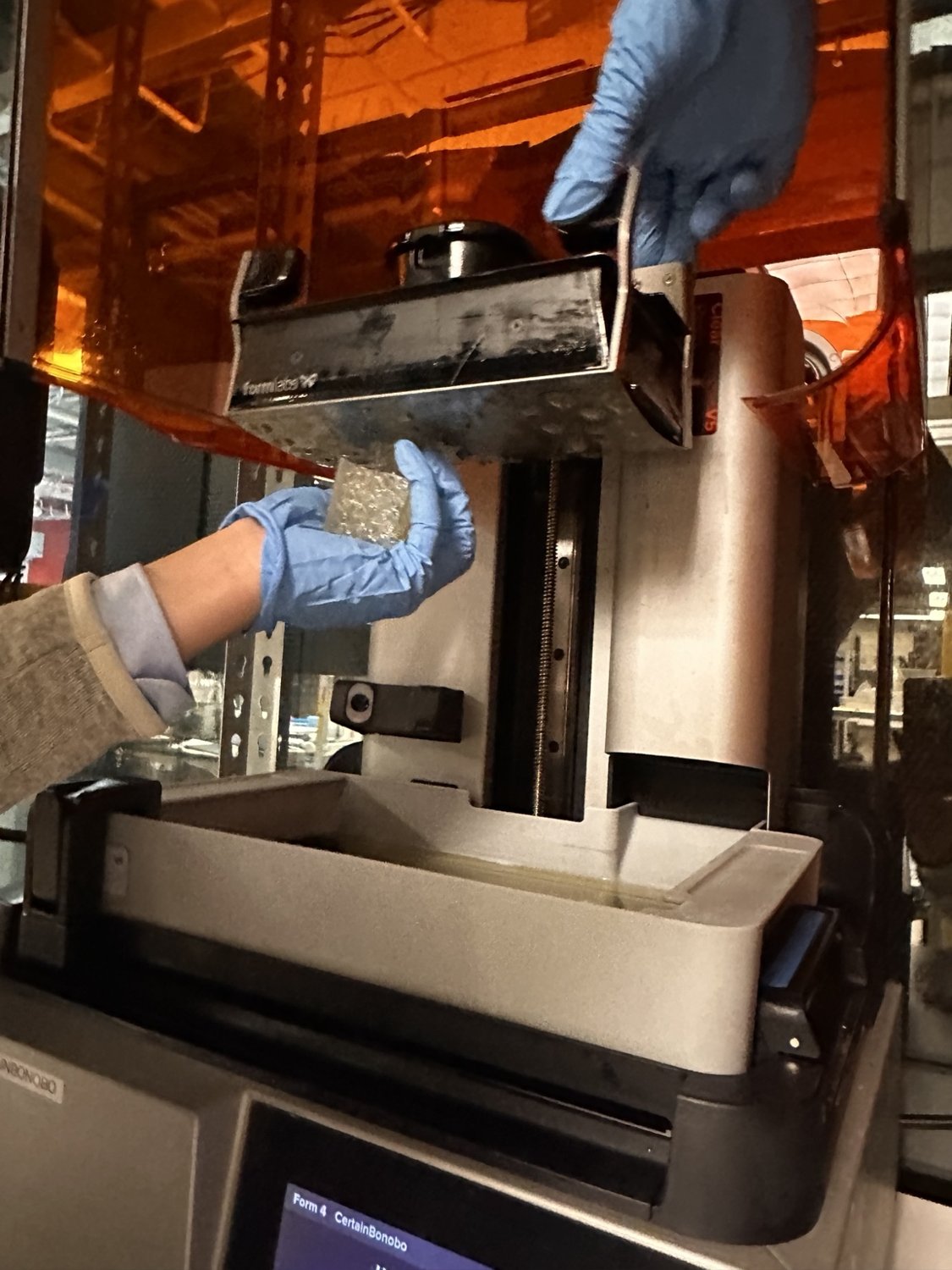
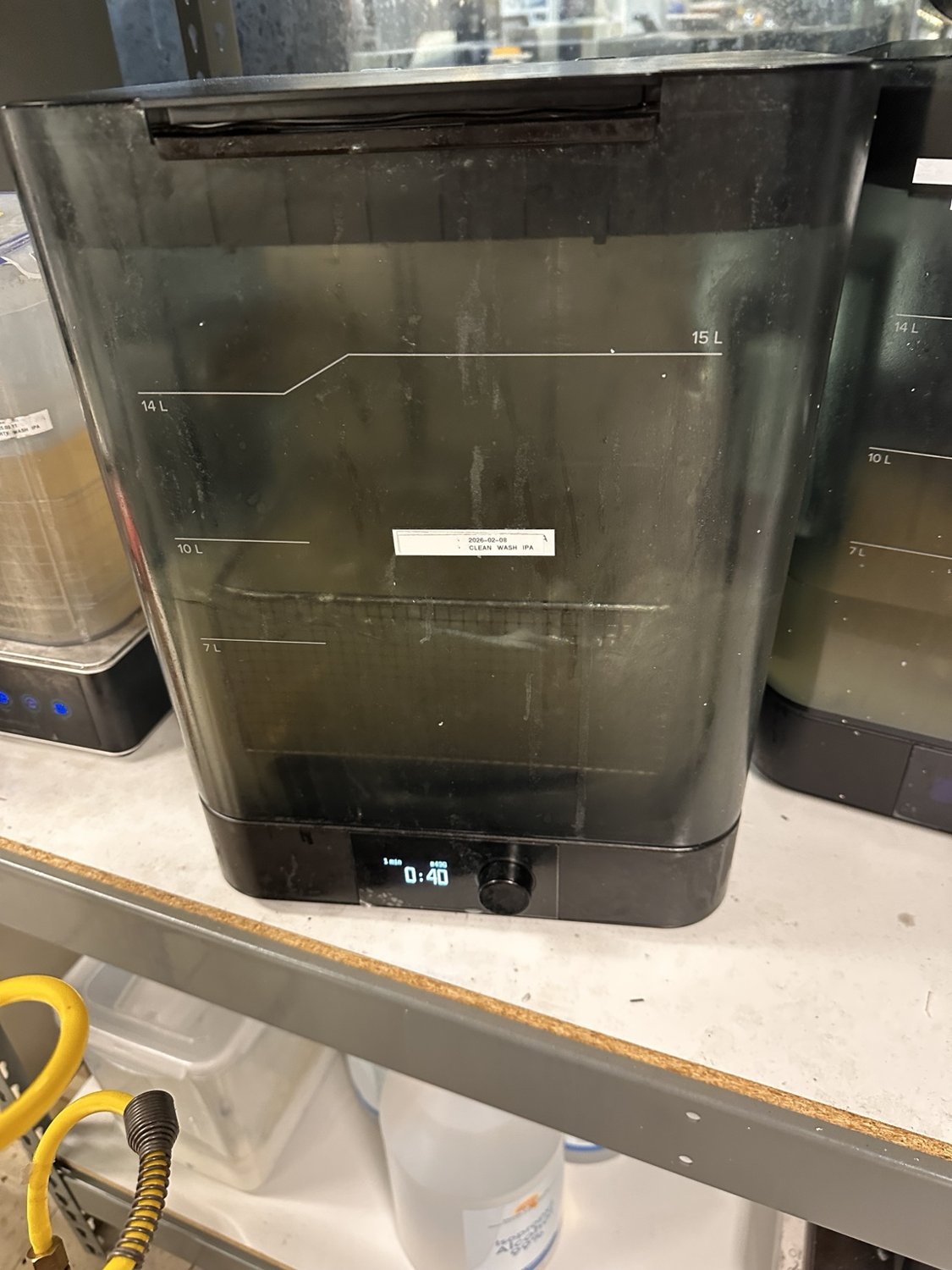
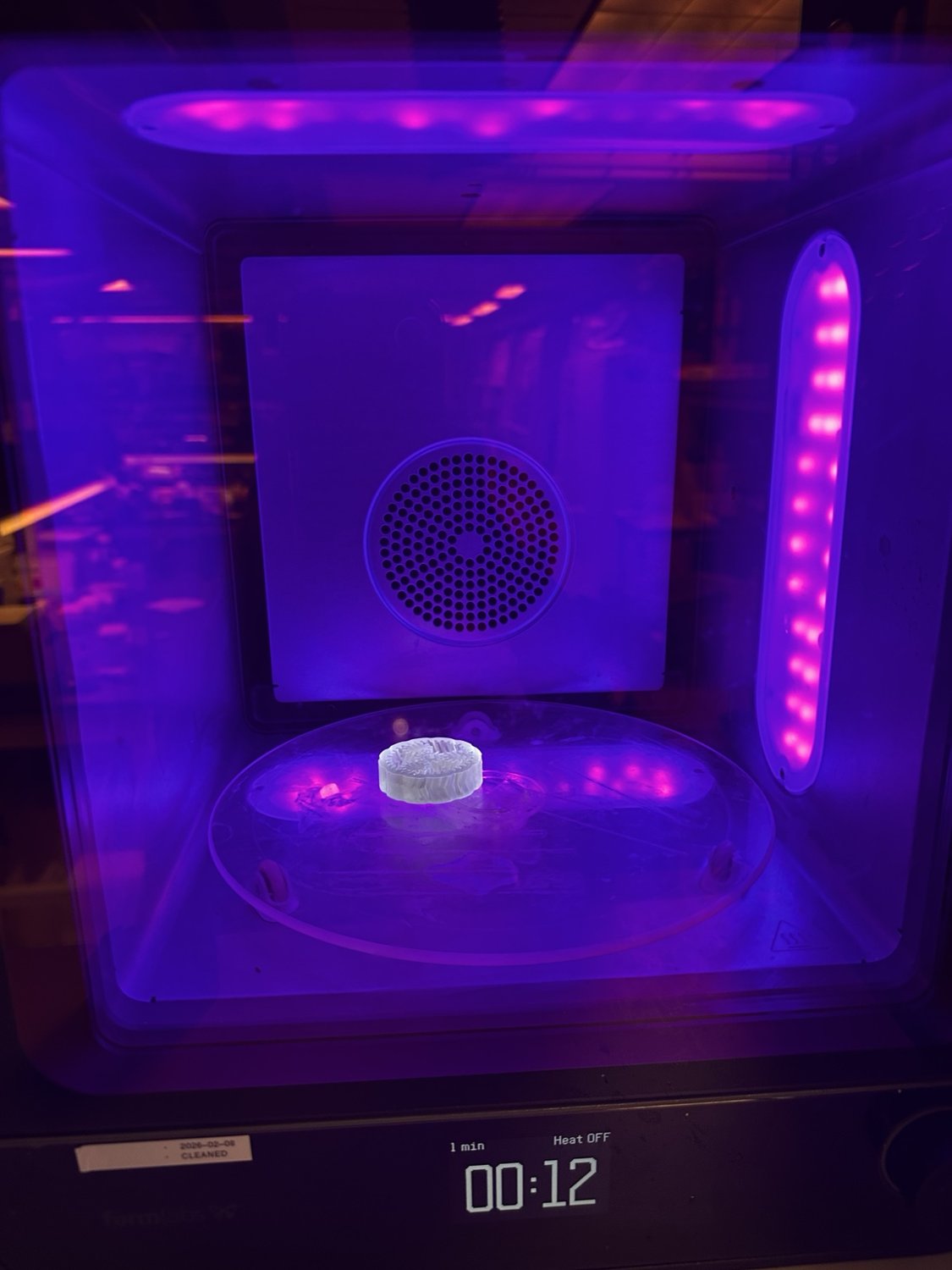
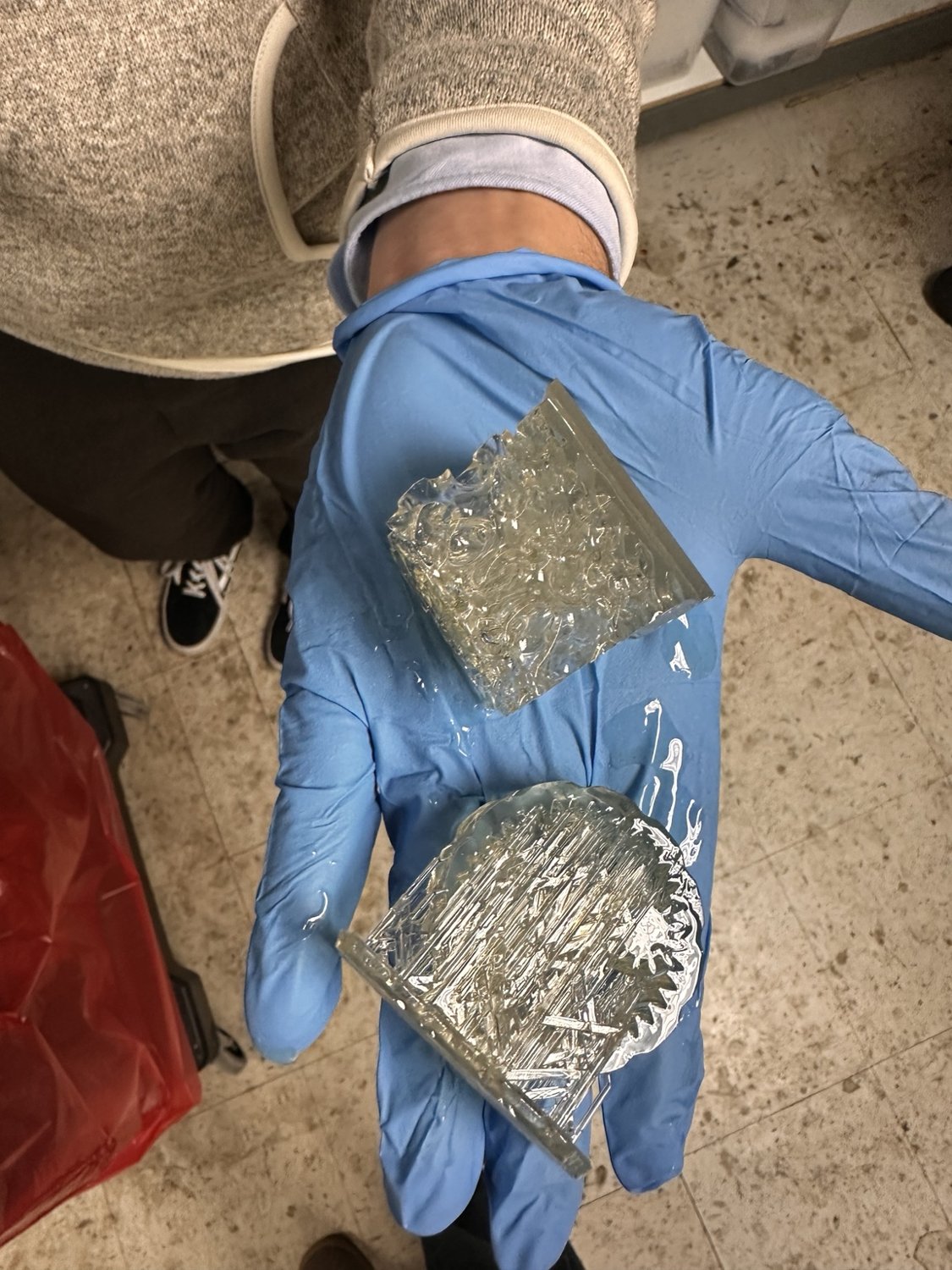
I also tried printing the gearbox in resin on a Formlabs printer. The photos below show it on the build plate, removal, washing and curing. The small gaps between the gears were difficult to clear, and the prints still needed some work before I could count the mechanism as functional.
The phone case
I like painting tiny things, and I wanted a phone case where I could swap the artwork whenever I felt like it. The first idea was to have six little pockets in the back. Technically it worked, but it looked a bit like a pill organizer. So I switched to a single painting card that slides in from the bottom, with a pattern cut into the back of the case to reveal parts of the picture. It looks much cleaner, and swapping the painting is easy.
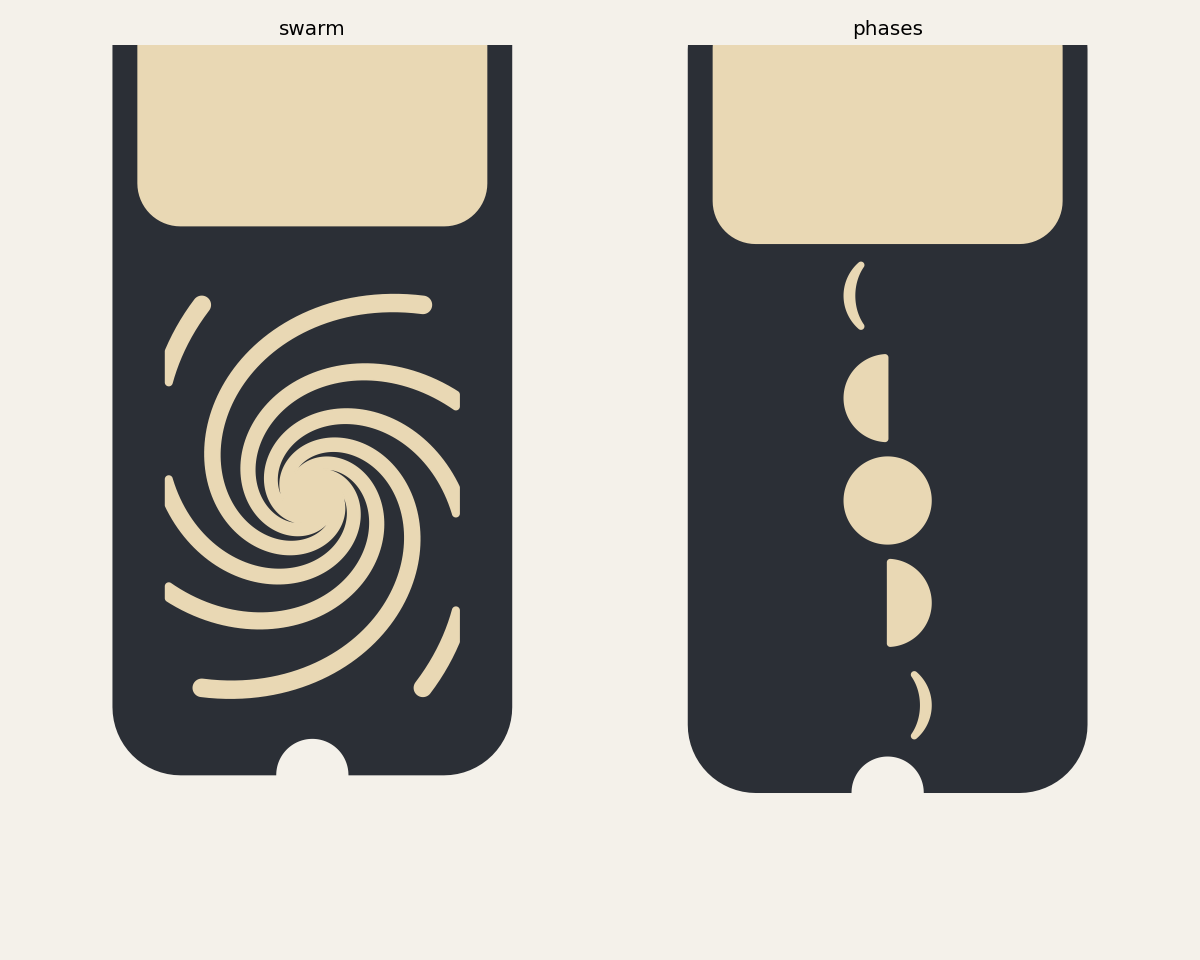
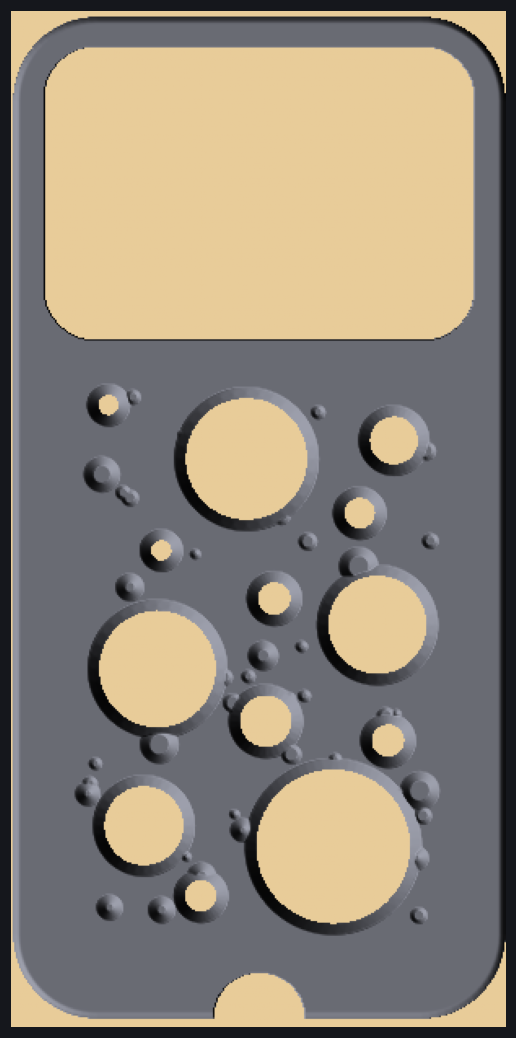
The case is also generated with a parametric Python script. I can change the phone dimensions, wall thickness, lip, painting slot or cutout pattern without redrawing the whole thing. I tried honeycomb, moon shapes, contour lines and ripples. I also tried a lunar-crater pattern, which sounded lovely in theory and looked rather alarming in the render. I abandoned that one.
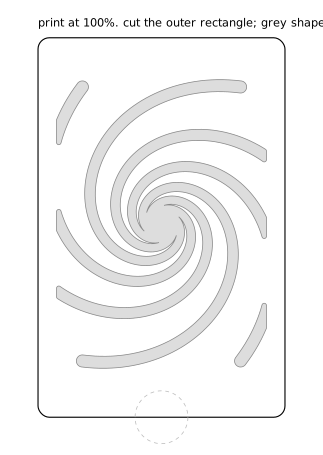
I ended up liking the swarm spiral: six curved arms of openings that get smaller toward the centre. About 29% of the back is open, which lets plenty of the painting show through while leaving material to support the case. The moon-phase pattern is a more subtle option, at about 9% open area.
The inside needed some thought. A solid floor beneath the painting card would create a roughly 70 mm bridge, which is too long for the print settings I was designing around. Instead, the card rests on narrow rails and ribs along the sides. I also filtered out cutout patterns that would leave isolated bits of plastic, and made a small test print of just the lip and corners to check the phone fit before printing the full case.
| Phone | 150.0 × 71.9 × 8.75 mm, corner radius 11 |
|---|---|
| Fit allowance | 0.25 mm per side |
| Wall / lip / shell | 1.6 / 1.1 / 1.2 mm |
| Card | 65.4 × 100.5 mm, slides in from the bottom edge |
| Open area | 29% (swarm), 9% (phases) |
The script exports an SVG template for each pattern too. I can print it at actual size and hold it over a painting to see which parts will show through the case.
Scanning a leaf
For scanning, I chose a leaf. I liked the fine vein detail and thought it would be an interesting object to reconstruct. My plan was to take 60–80 photos from different angles and use photogrammetry to build the 3D shape.
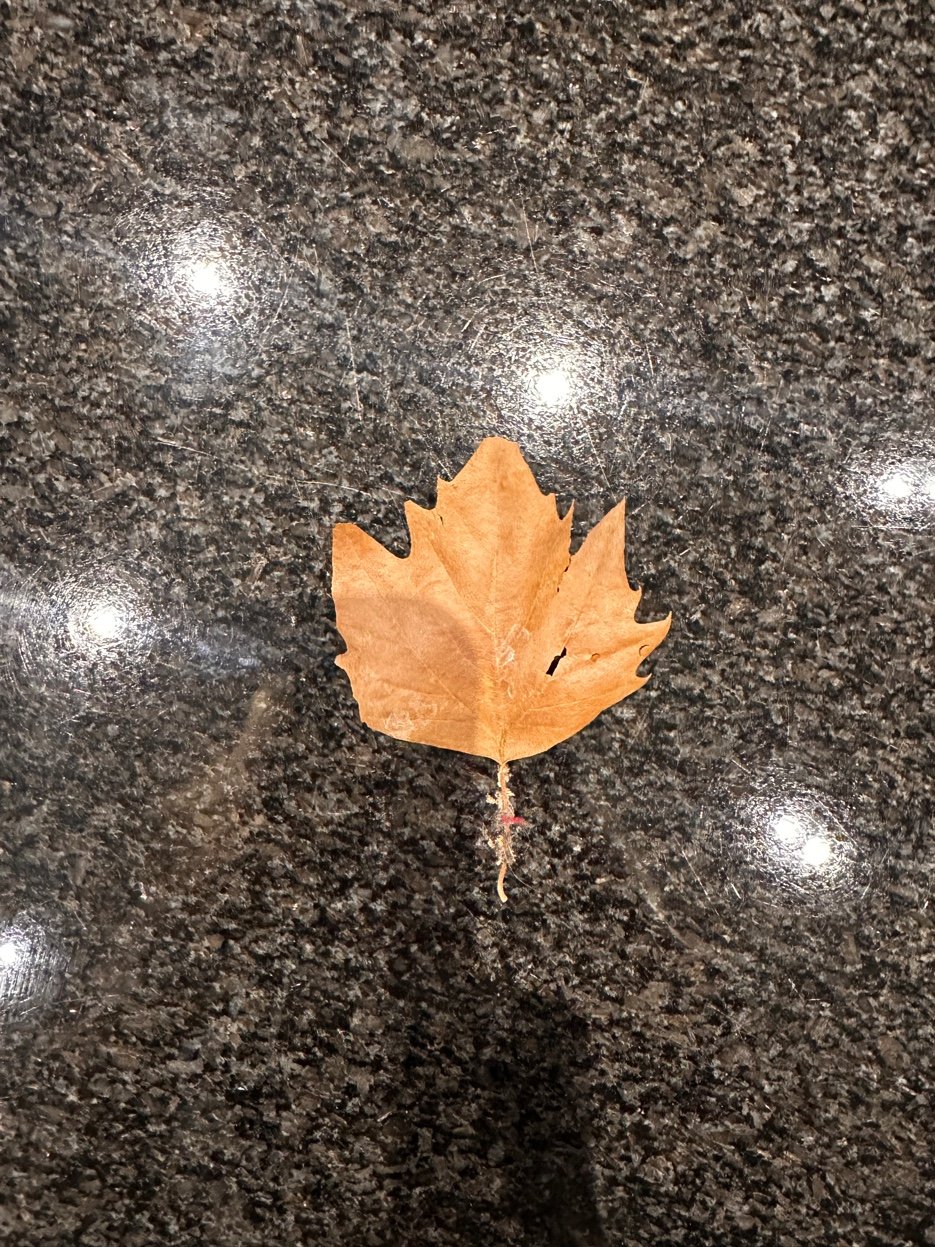
My first attempt was on a granite kitchen counter. Bad choice: the repeating speckles and reflections confused the feature matching, so the reconstruction was mostly noise.
I tried again on a paper towel. The lighting was better, but the towel still had a repeating texture and the leaf was almost flat from most angles. It also moved whenever I got too close. I couldn't get a useful reconstruction from the photos.
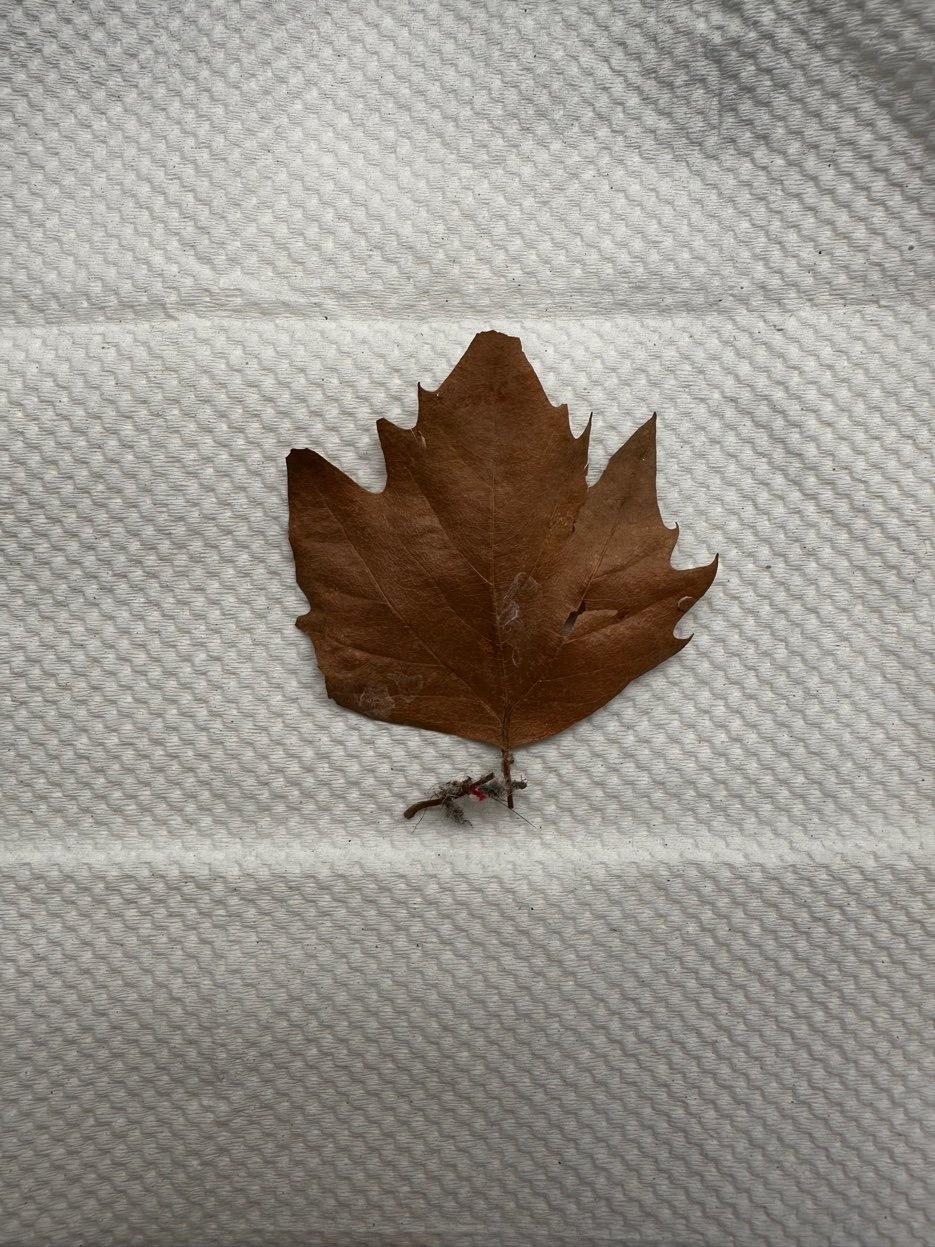
I changed tack and made a relief from one top-down image instead. I separated the leaf from the background, extracted the dark veins with a black-hat filter, and used that information to build a shallow heightfield with raised veins and a little surface texture. I closed the mesh so it could be printed. The result is a 100 mm leaf relief about 2.7 mm thick.
This isn't a true 3D scan: the vein heights are inferred from the photo rather than measured. It does make a printable relief, but it doesn't satisfy the original photogrammetry goal. My next step is to scan something with more depth, probably the printed gearbox, using the lab scanner or a phone scanning app.
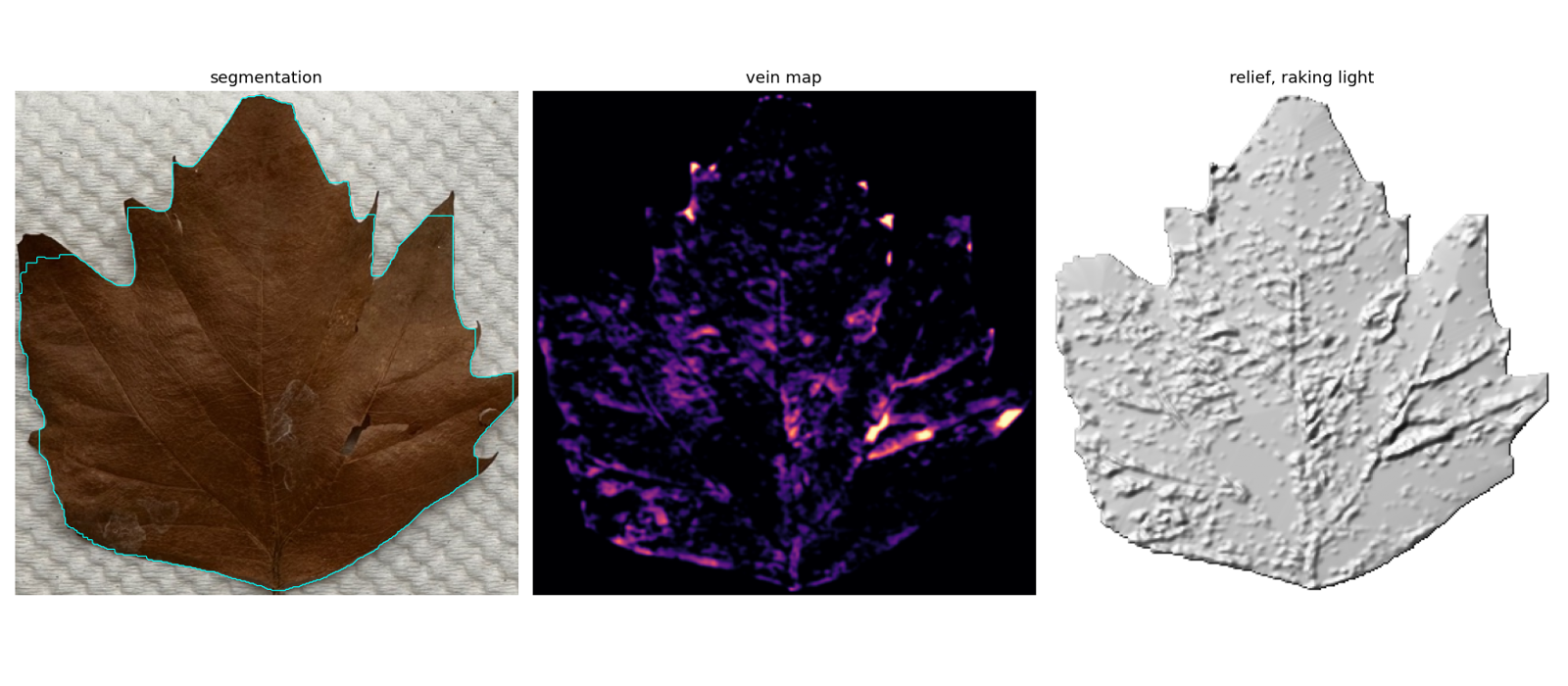
# leaf_relief.py, the heights in mm
BASE = 1.6   # flat plate under everything
DOME = 0.5   # gentle curve across the blade
VEIN = 0.7   # raised veins, from the black-hat filter
CELL = 0.35  # fine surface texture
# vein threshold 0.30 on the normalised filter response,
# below that it picked up every speck of dust on the towel
Reproduce it
pip install cadquery shapely trimesh opencv-python-headless numpy

python3 planetary.py                 # -> planetary.stl, planetary.step, prints min gaps per body
python3 art_case.py --pattern swarm --seed 0    # -> art_case_swarm_s0.stl + _template.svg + .json
python3 art_case.py --pattern phases --seed 0   # the quieter pattern
python3 gallery_case.py                         # also writes fit_test_ring.stl, print this first
python3 leaf_relief.py IMG_2187.jpeg 100   # photo, leaf width in mm -> leaf_relief.stl
Before running planetary.py, set CLR using your clearance test. For art_case.py, check the dimensions in the P dictionary against your actual phone. The values currently in the script are 150.0 × 71.9 × 8.75 mm, an 11 mm corner radius and 0.25 mm of fit allowance per side. For the leaf, measure its real width and pass that as the second argument so the relief prints at the right size.
Print settings
| Part | Orientation | Layer | Walls / infill | Supports | Notes |
|---|---|---|---|---|---|
| Clearance coupon | flat | 0.2 mm | 3 / 20% | none | same material and nozzle as the real parts, or the number is meaningless |
| Planetary gearbox | flat, ring on the bed | 0.15 mm | 3 / 30% | none, ever | supports would fill the gaps. Break the gears free by turning the hex key firmly once, both ways |
| Fit test ring | open side up | 0.2 mm | 3 / 15% | none | 10 minutes. If the phone does not clip in, change fit and reprint before the full case |
| Phone case | back on the bed, open side up | 0.2 mm | 3 / 15% | none | PETG or TPU for the lip to flex; PLA lips crack. Rails are under the 20 mm bridge limit by design |
| Leaf relief | flat | 0.1 mm | 2 / 15% | none | fine layers or the veins disappear |
Add printer, material and slicer settings after printing.
What I learned
My main takeaway was to make clearance a measured parameter rather than guess it. I also learned to check exported meshes for invalid geometry and to design supports and bridges around the limits of the printer. And for photogrammetry, I need a better background and an object with more 3D structure than a leaf.
Files
| planetary.py, planetary.stl | Print-in-place herringbone planetary gearbox |
| art_case.py, art_case_swarm_s0.stl, fit_test_ring.stl (from gallery_case.py, the first version) | Phone case with slide-in painting card, plus the quick fit test |
| art_case_swarm_s0_template.svg | Real-scale template of the swarm openings, for laying over a painting |
| leaf_relief.py | Leaf relief from a single photo (the STL is 10 MB, regenerate it) |