Electronics Production - Making the Central Board
This week's task was to produce a circuit board. I made the central board for my final project, the Marble Musician, which I designed in Week 5. I finished the layout, milled the board out of copper, and soldered on the Raspberry Pi Pico W, the resistors and capacitors, and the pin headers that connect to the module boards, screen, buttons, and microphone. I also created a tutorial on how to use the MODS software in the Arch Lab, which can be found in the Arch lab slack!
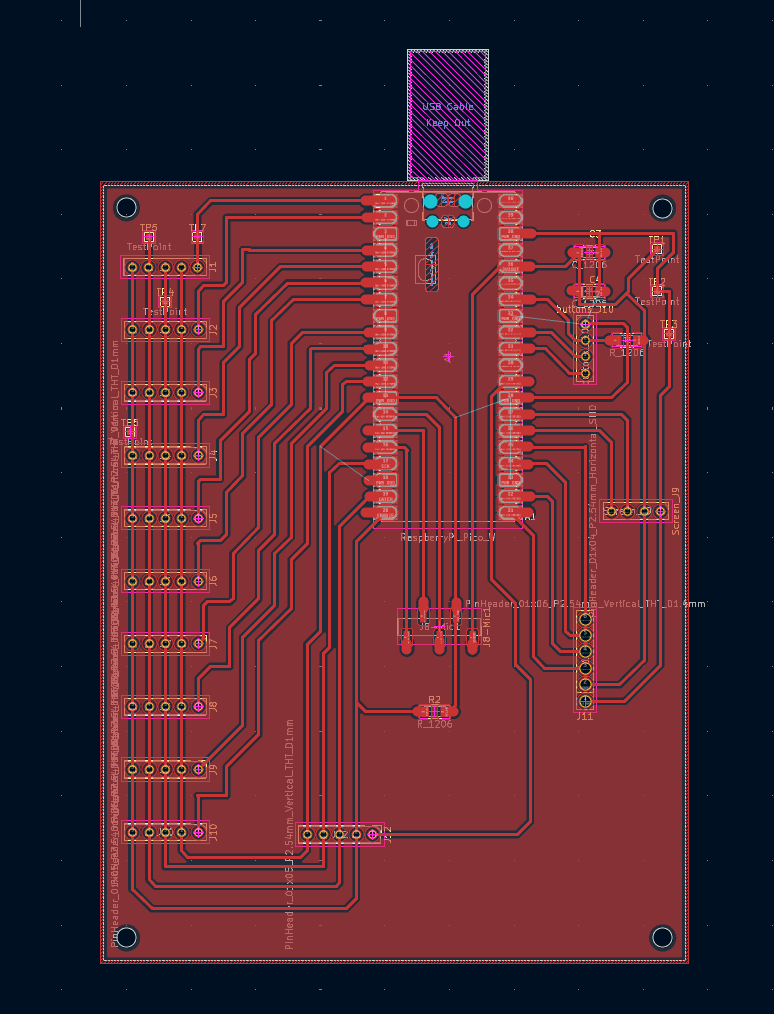
The final board layout in KiCad, ready to be exported for milling. This is slightly different from the one seen in week05, as I wanted to allow for more space between the wires as as advised by one of the TA's (Gert). It also allows for up to 11 modules because I got rid of the presence sensor.
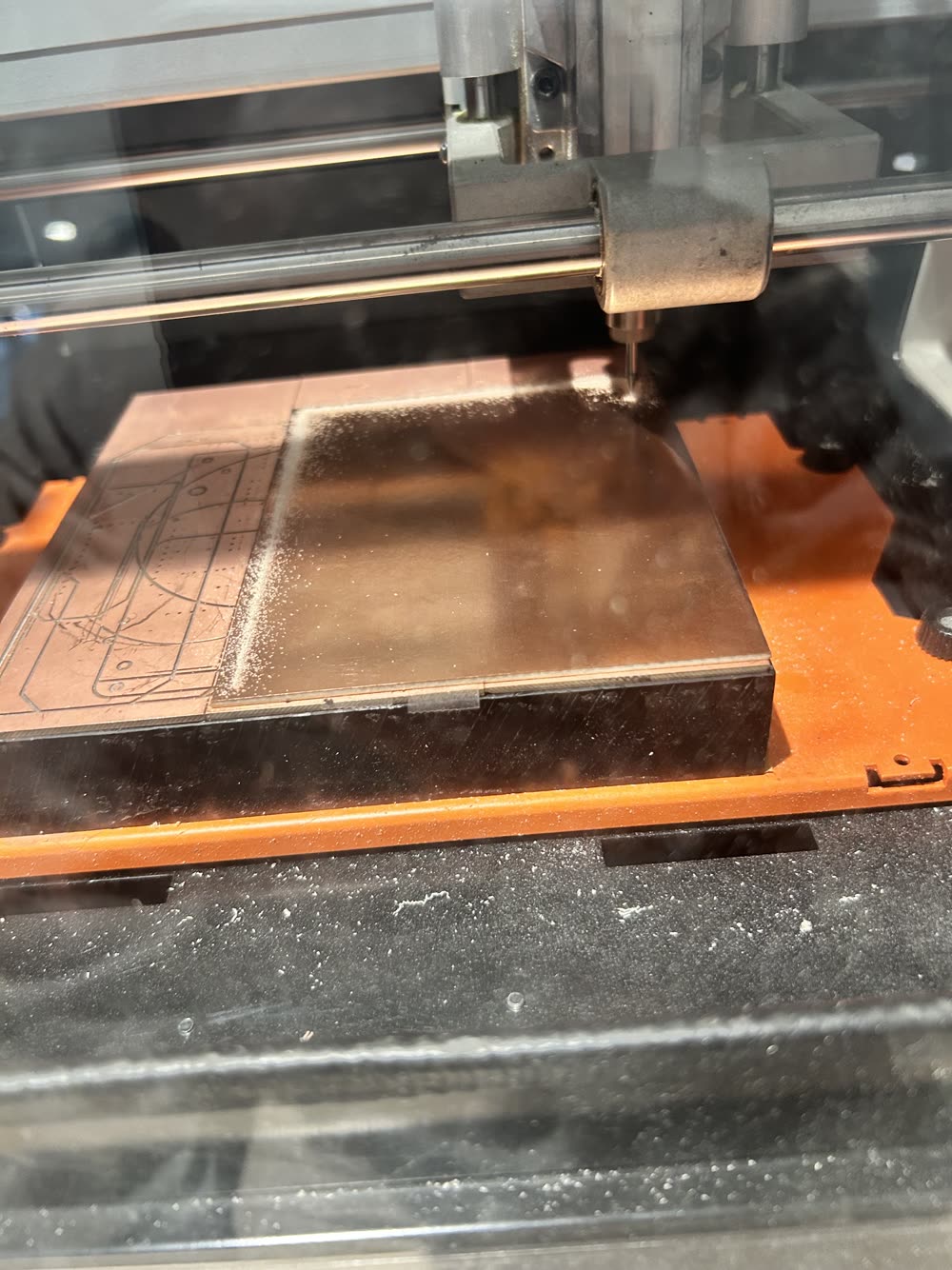
You can see my prep of the software in the tutorial, it is not included as it will drastically change based on which machine and what software you are using. The mill cuts away thin lines of copper around each trace so the traces are isolated from the rest of the copper. This is the initial few pases and it worked! Its a 4x5" board single sided with a 1/64" bit.
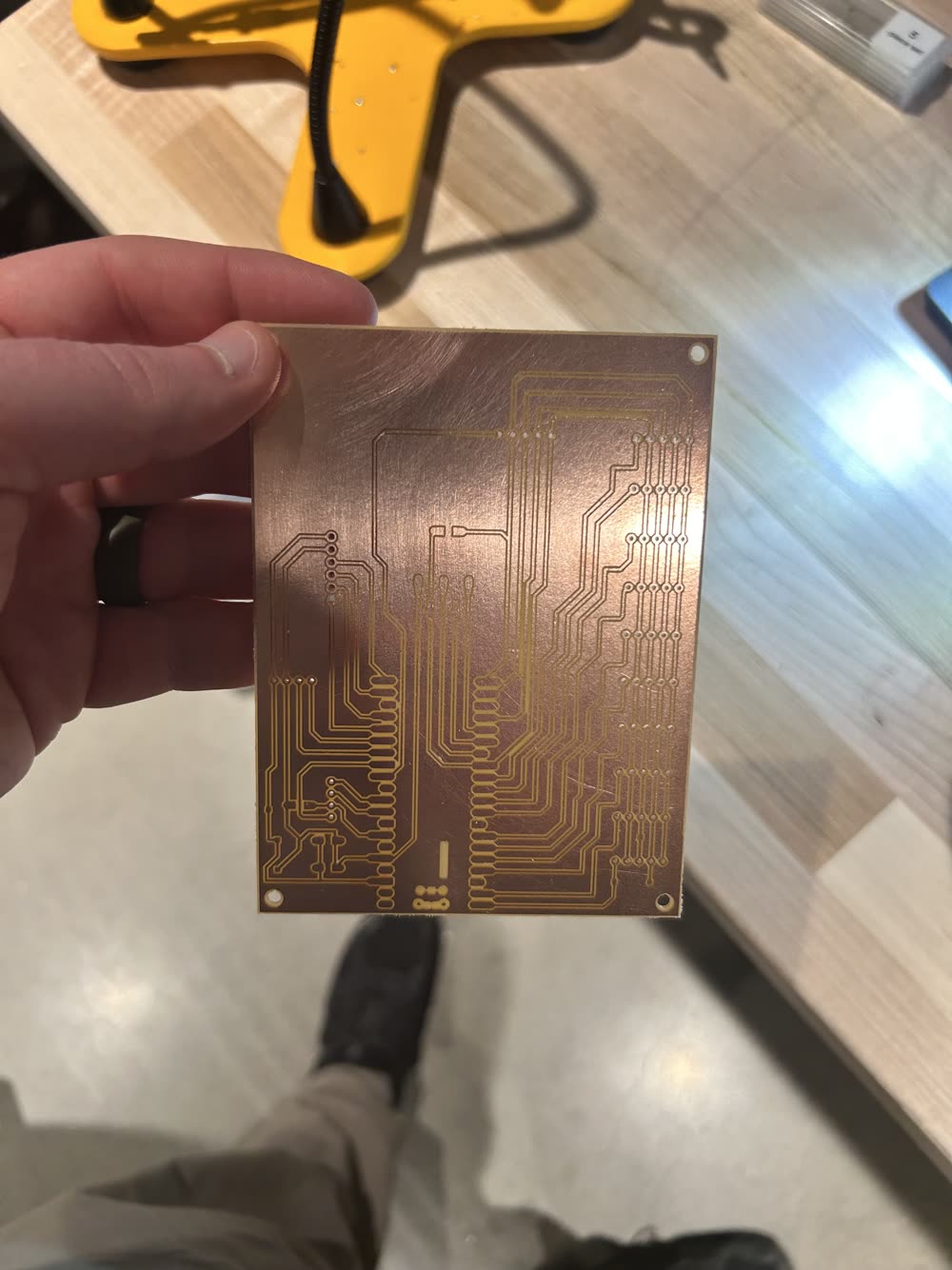
The milled board with all of the traces, pads, and mounting holes cut.
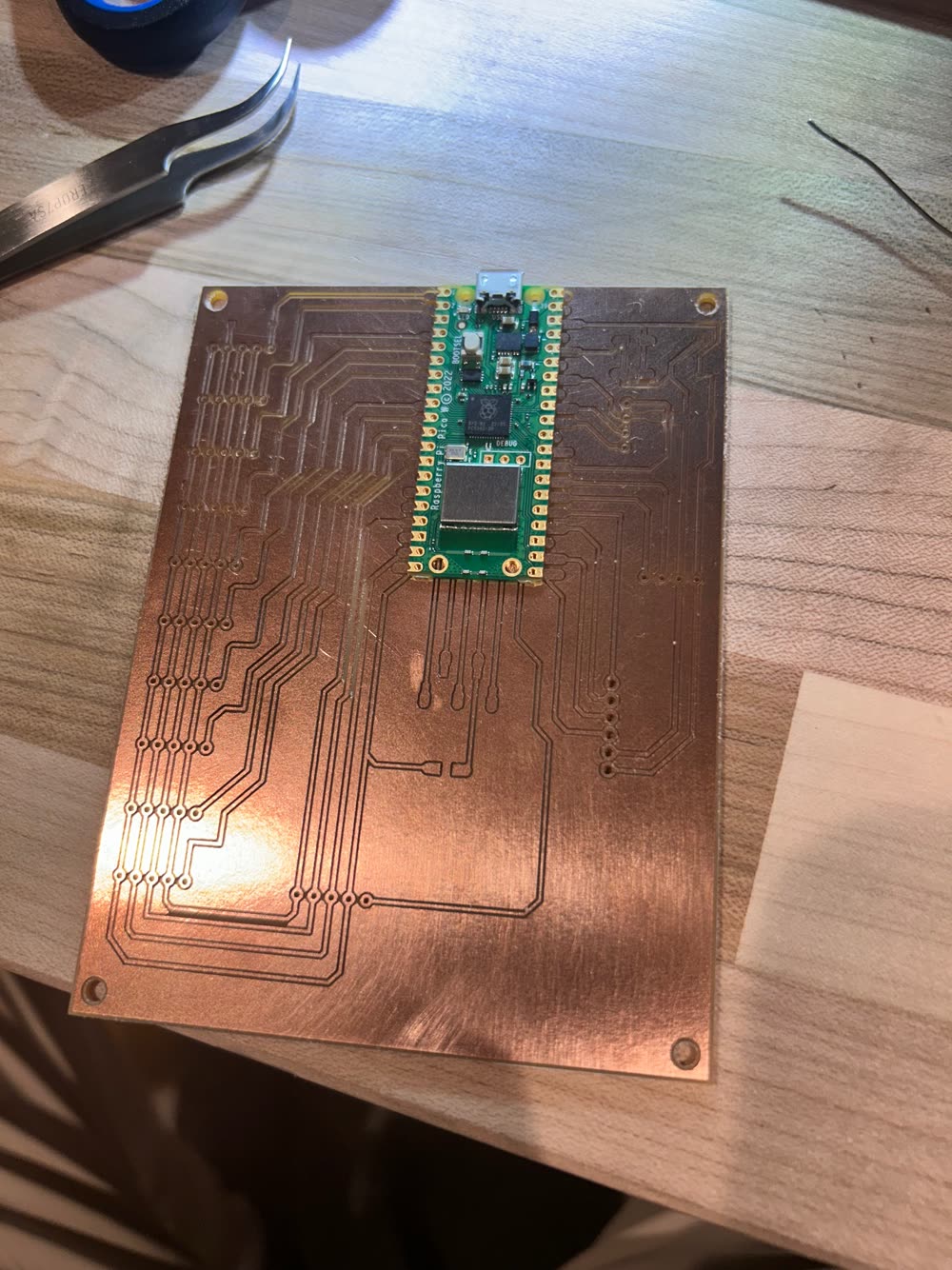
Placing the Raspberry Pi Pico W on its pads before soldering. I uses thin insulating tape under the Pico to both secure it in place, while also ensuring wires under the Pico dont come in contact with metal items on the Pico.
The Pico W soldered down, with the first resistors, capacitors, and headers going on. I had to pause here to get the pinheaders as we didnt have any in the lab.
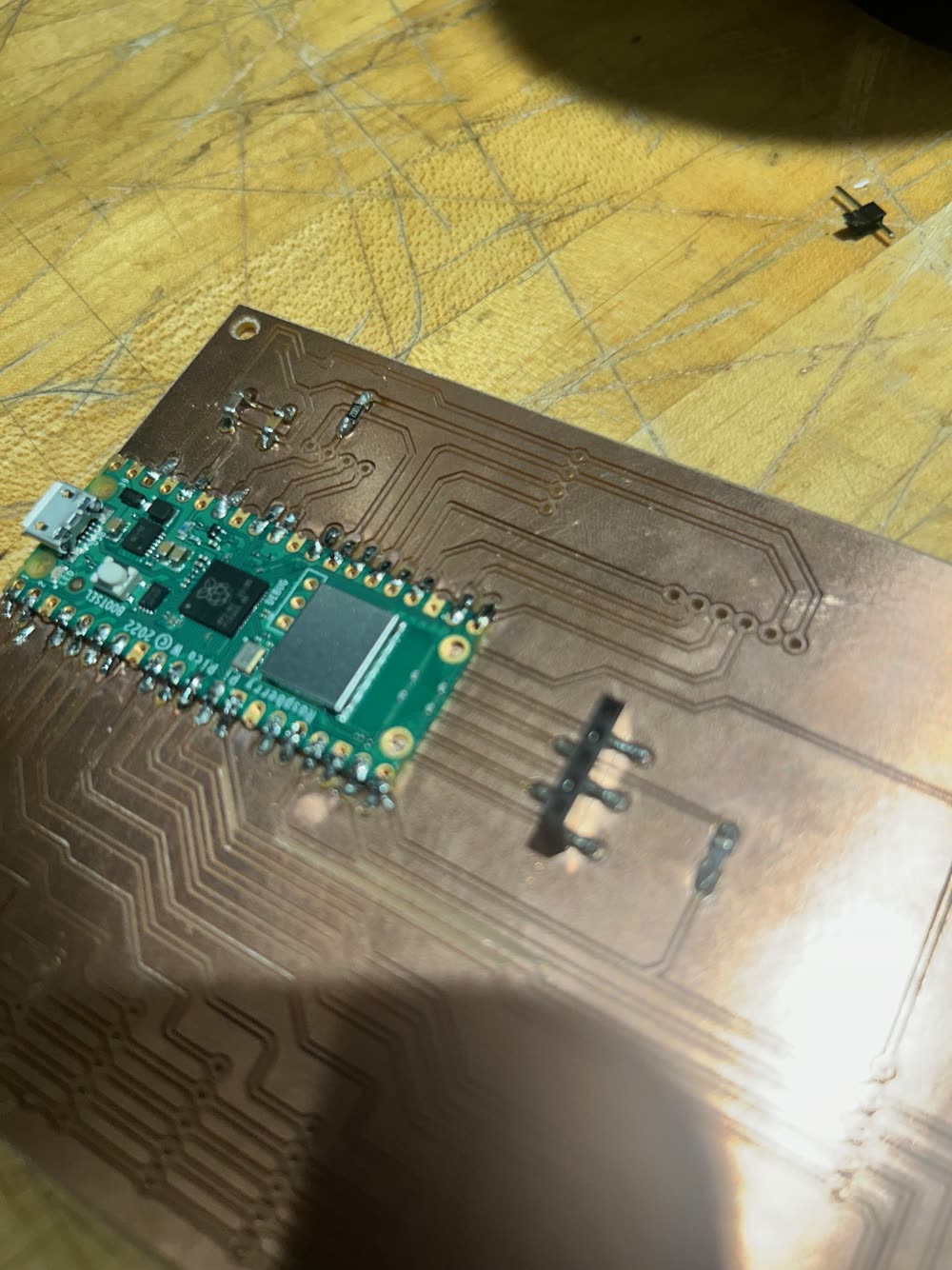
Soldering the rest of the components and the header pins for the module connections. The connections got better as I moves from top right, down, and around to the top left.
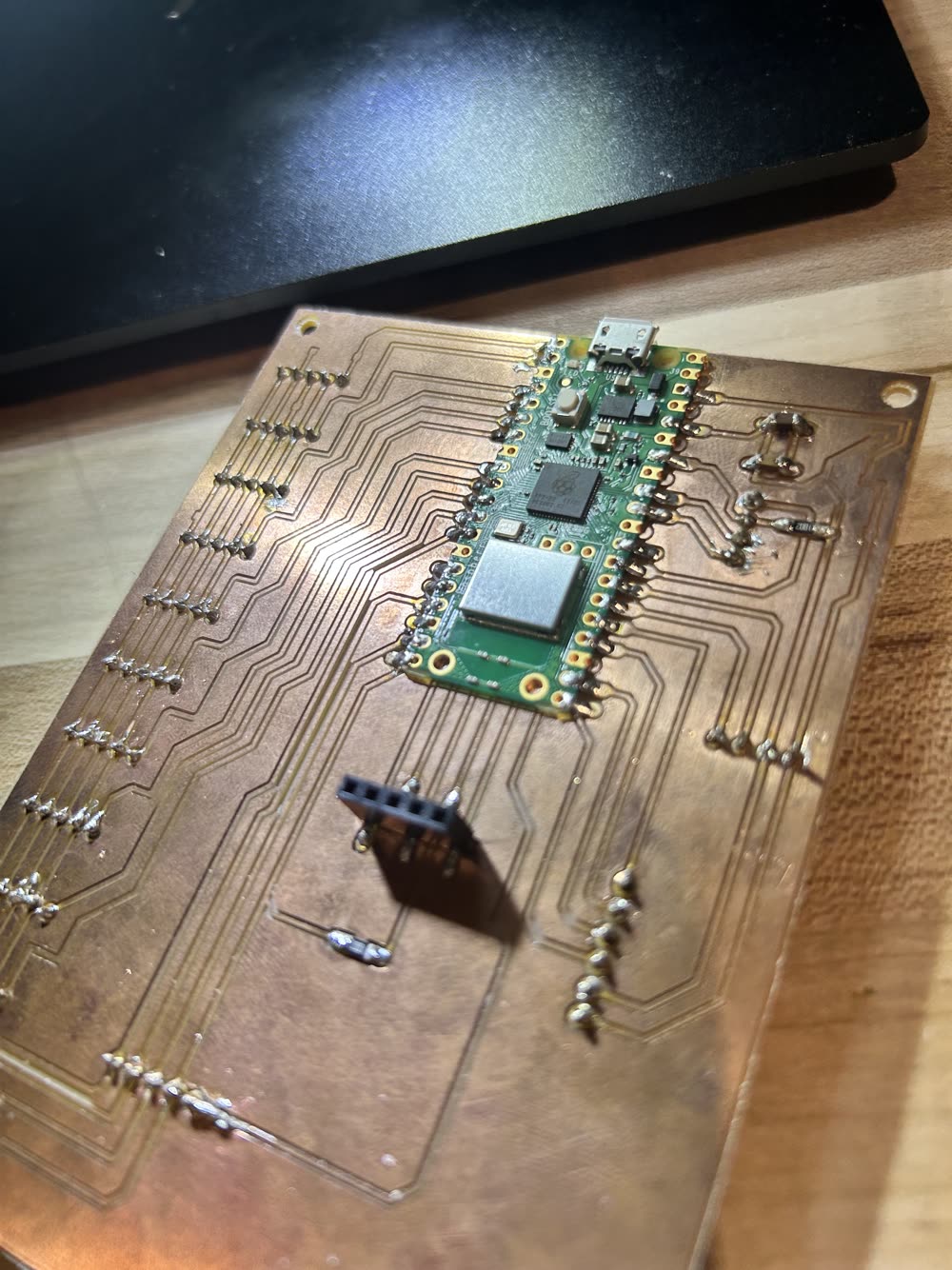
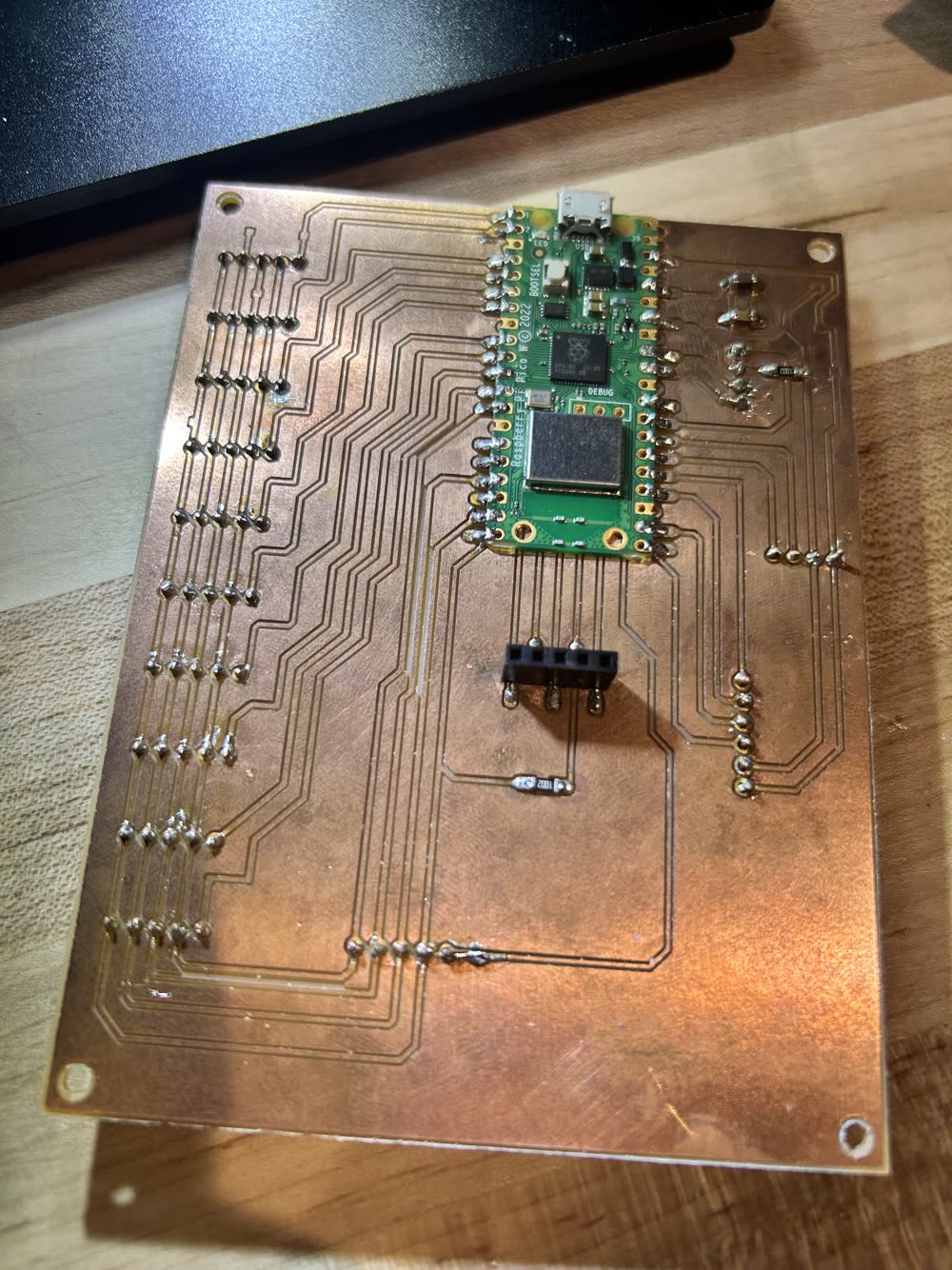
The finished front of the board, with every part soldered in place.
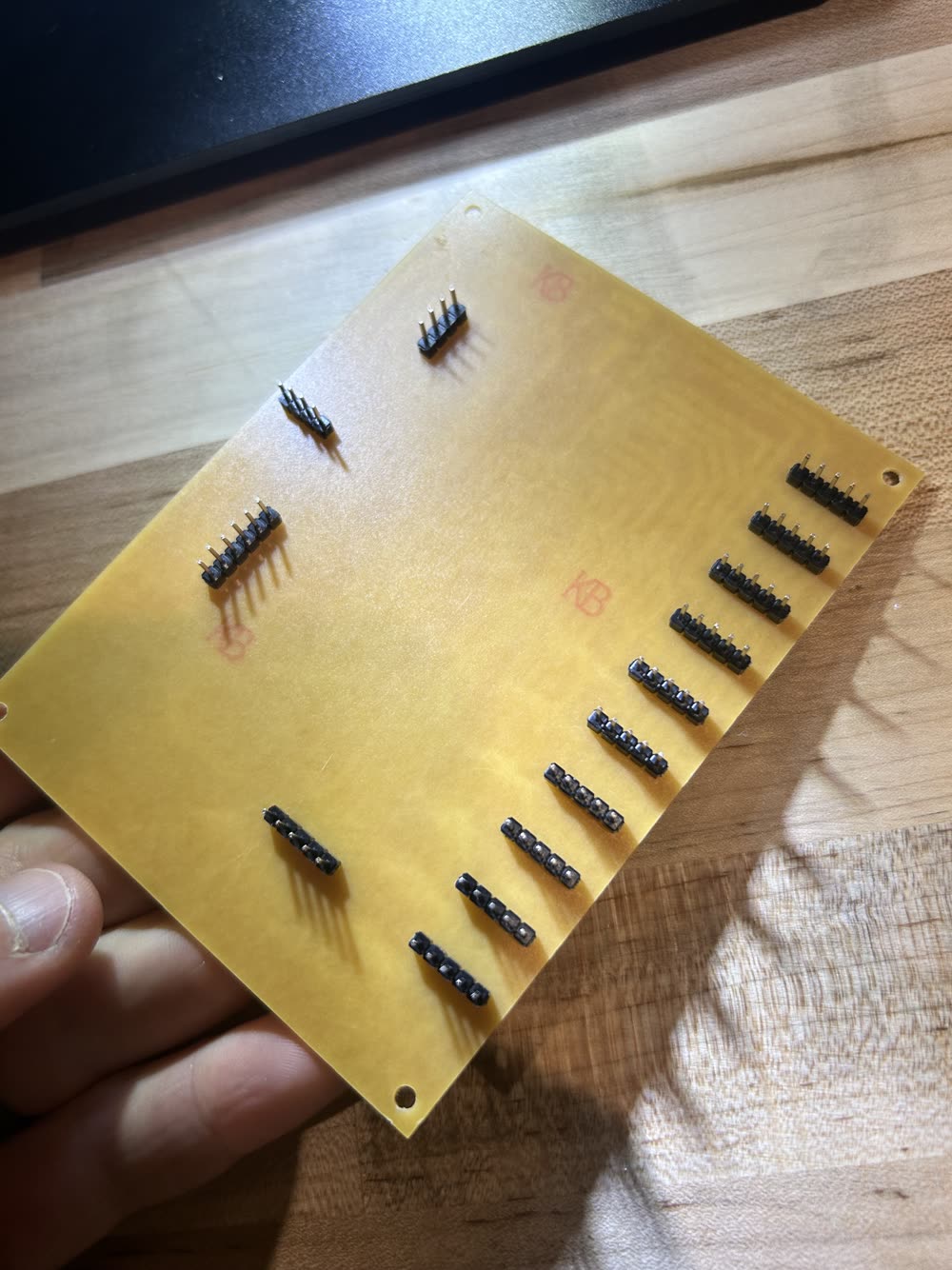
The back of the board, showing the pin headers that the module boards, screen, and buttons plug into. The microphone plugs into the front pinsocket.
AI use notated in the html