Computer-controlled cutting
Assignment
For the individual assignment, I used the laser cutter to make a small finger-jointed cube. I then tried running engraving and cutting in the same job.
Finger-jointed cube
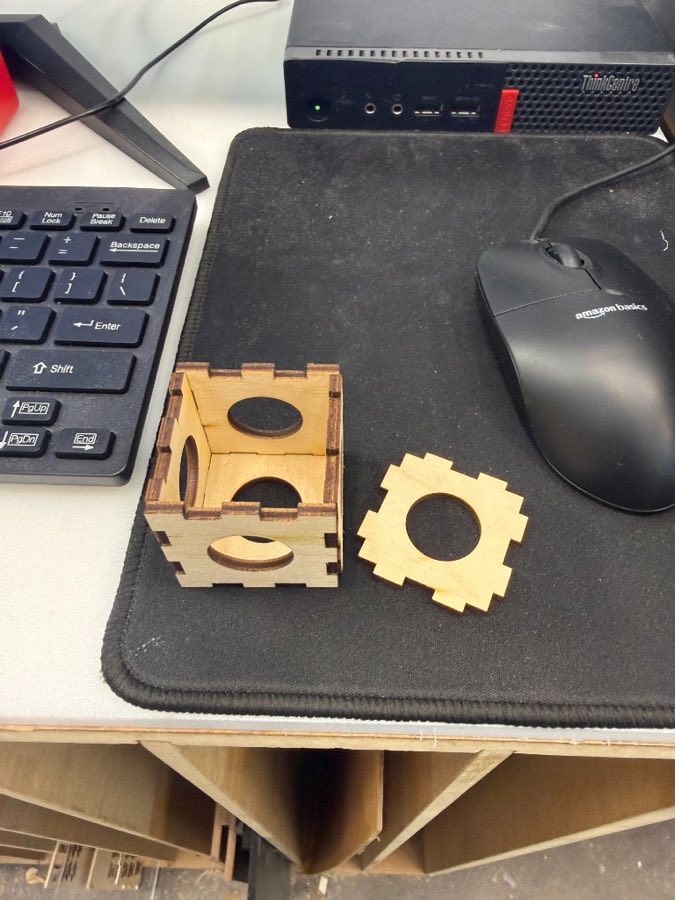
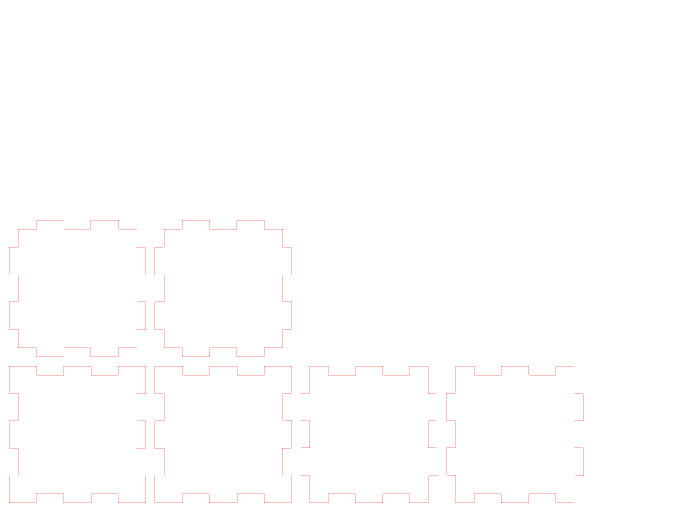
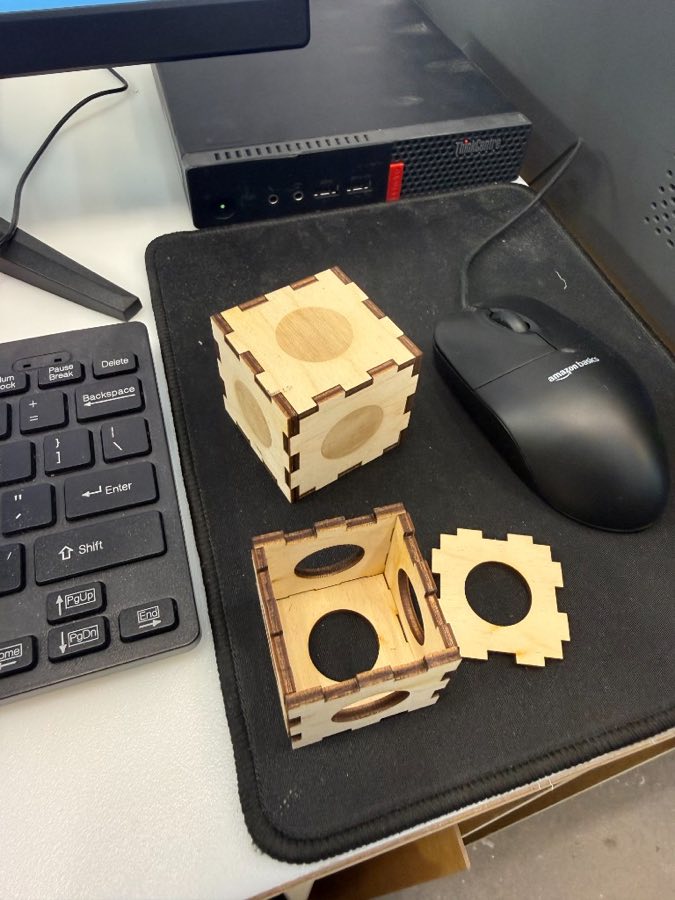
I started by making a cube from laser-cut plywood. The six faces use finger joints along their edges. I used the kerf results from our group tests when sizing the tabs and slots, so the pieces would still fit after the laser removed material.
After cutting, I pressed the sides together by hand. The joints held the box together, and the top can be removed.
Group assignment
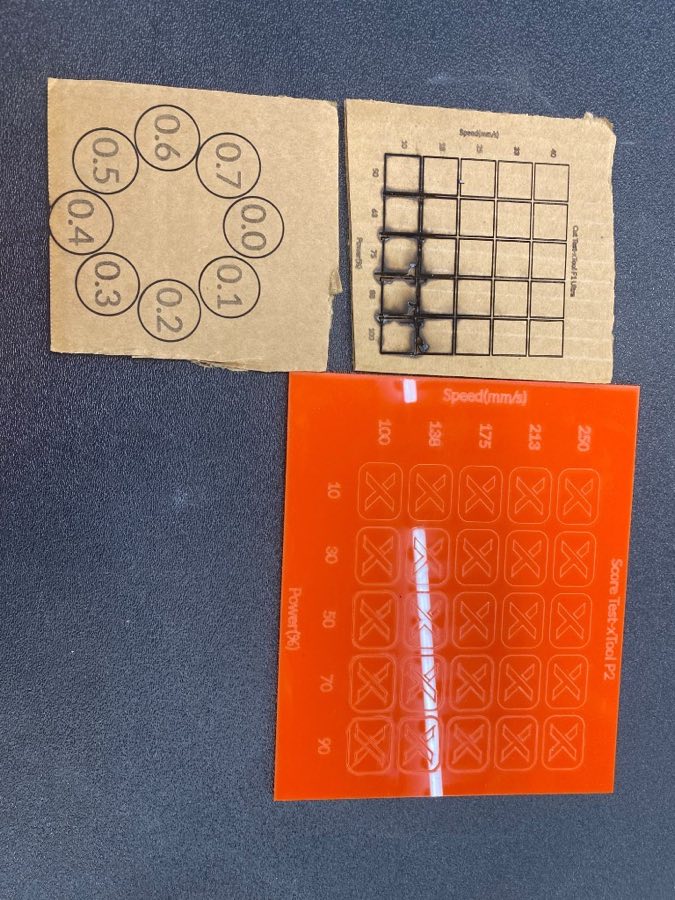
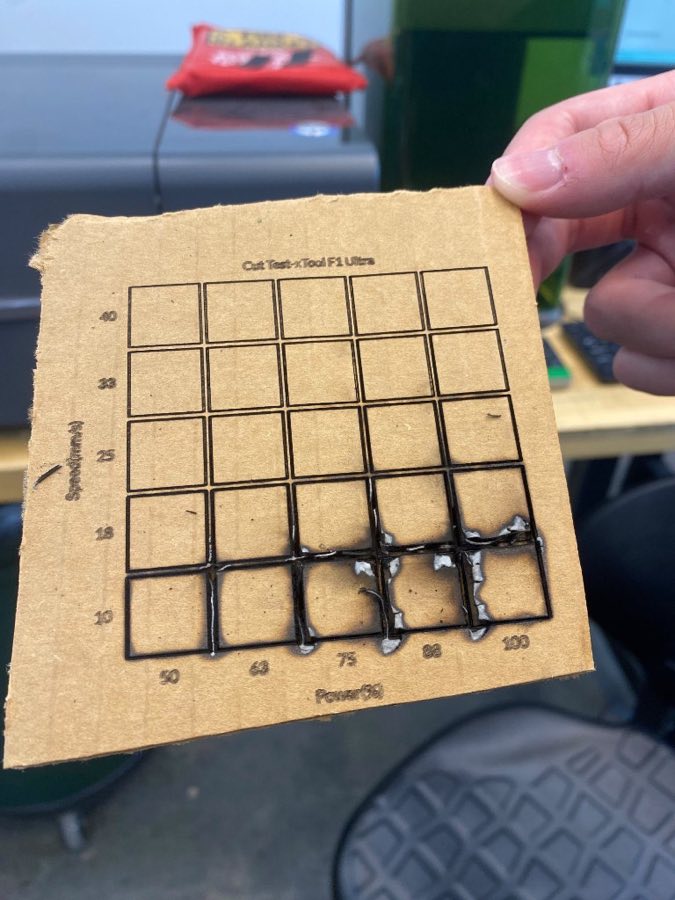
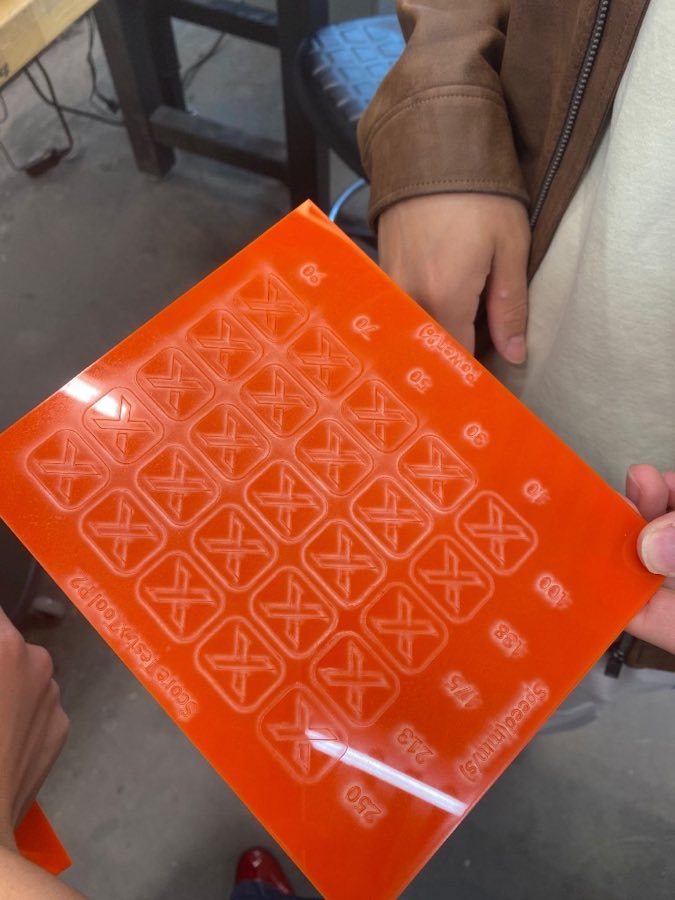
My teammates ran the experiments and gathered the data for focus, power, speed, and kerf. I used their results for my cut.
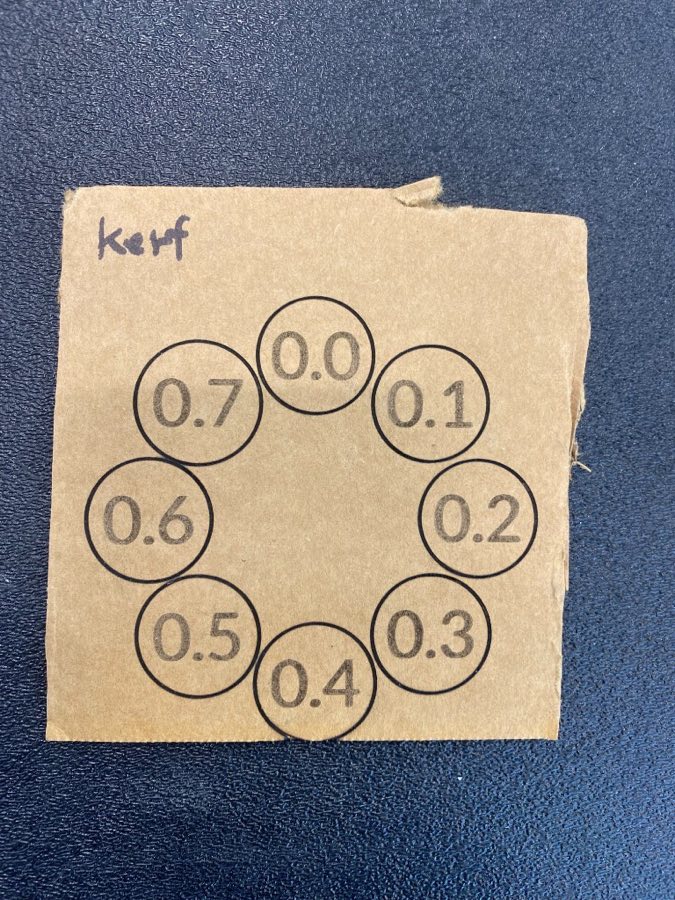
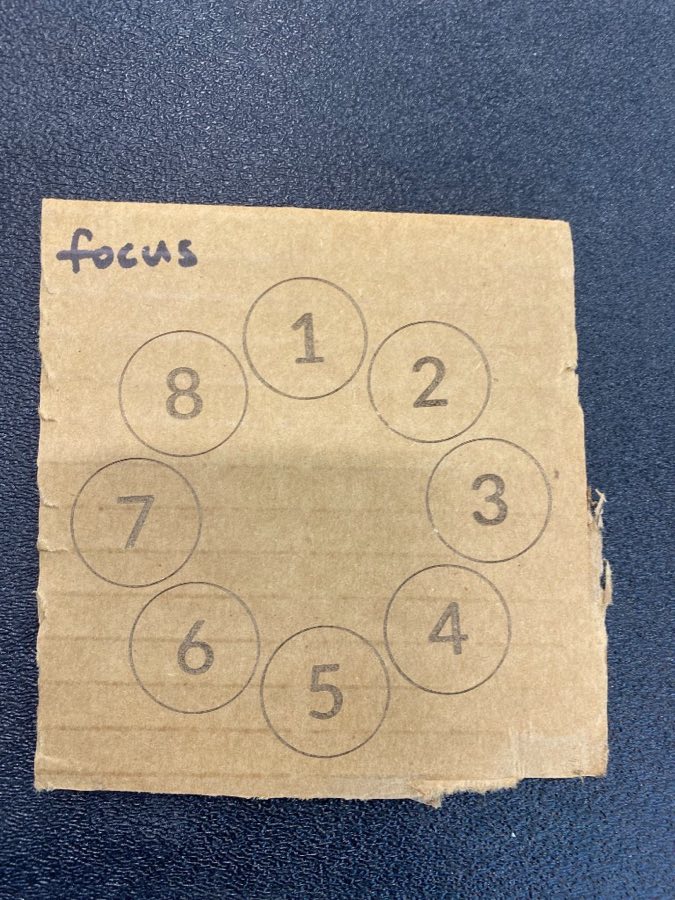
The power and speed tests showed how the cardboard and acrylic changed across a range of settings. The kerf test compared offsets from 0.0 mm to 0.7 mm. The focus test compared eight focus positions.
Engraving and cutting in one job
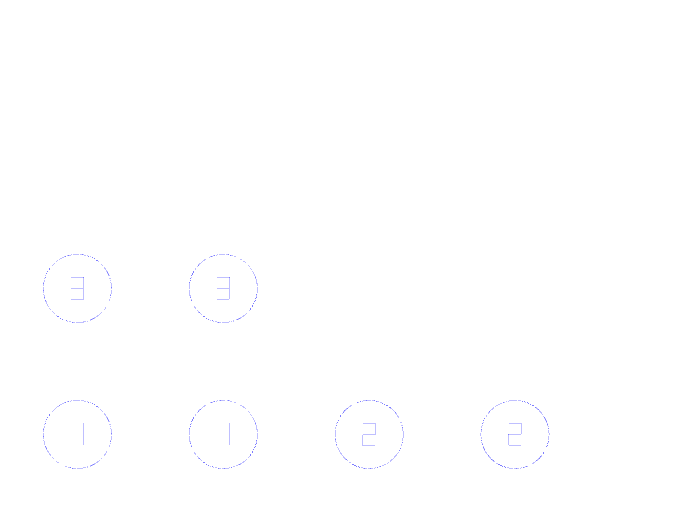
Next, I tried putting engraving and cutting into the same job. I made one layer for the engraved circles and numbers, and a second layer for the outlines that should be cut all the way through. Keeping the operations separate let me give each one different settings.
Failed triangle version
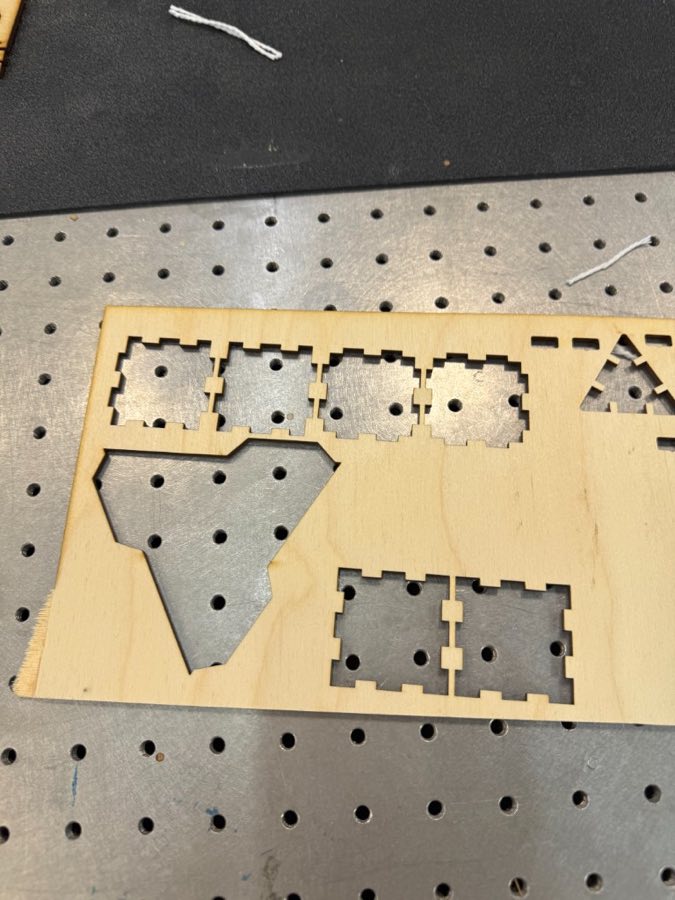
I also tried a version with a triangle-shaped piece. The parts cut, but this version did not turn into a usable box. I stopped this attempt and went back to the square cube design.
What I learned
Kerf matters even on a small box. Without the offset, the tabs and slots would not match the dimensions in the drawing. I also learned to keep engraving and cutting as separate operations, and to engrave before cutting so the parts do not move.