(group) test the design rules for your 3D printer(s)
In addition to the testing the design rules of the Bambu P1 printers in the arch shop (found here), I also tested the design rules of a Bambu X1 Carbon printer in the MAD makerspace. I work there as a monitor and use the space a lot for 3D printing, so I assumed it could be helpful in the future if I ever were to print in this space.
I used some of the test files provided on the class website to print tests for angle, wall thickness, and bridging (unsupported), as well as overhang and clearance (supported).
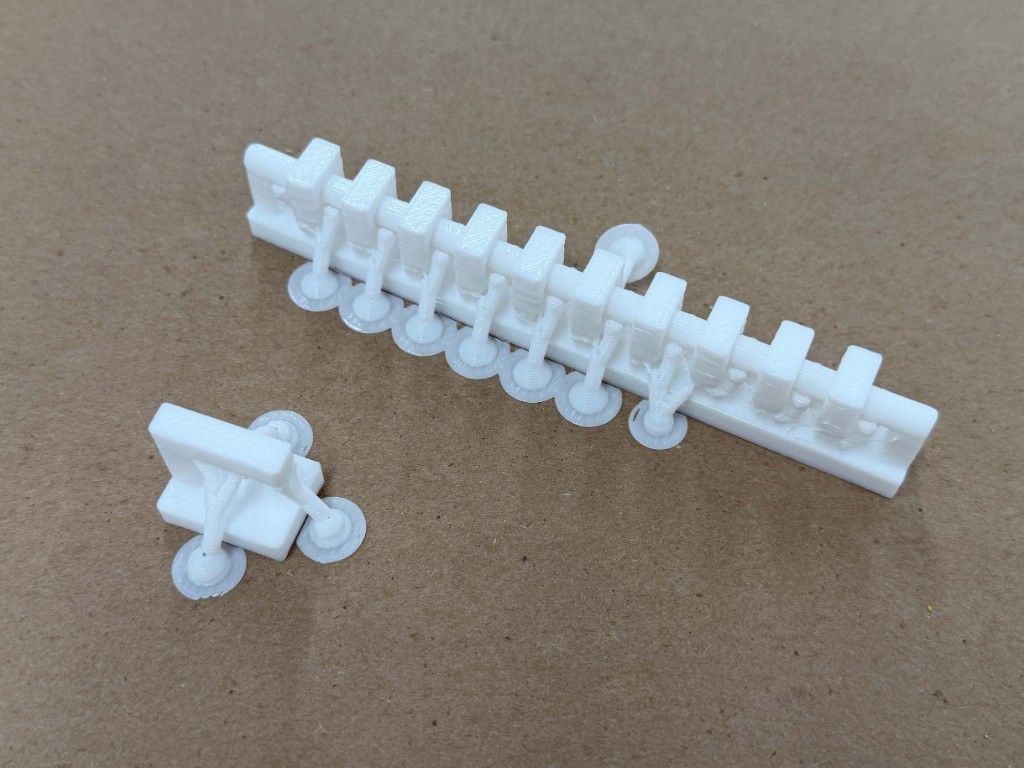
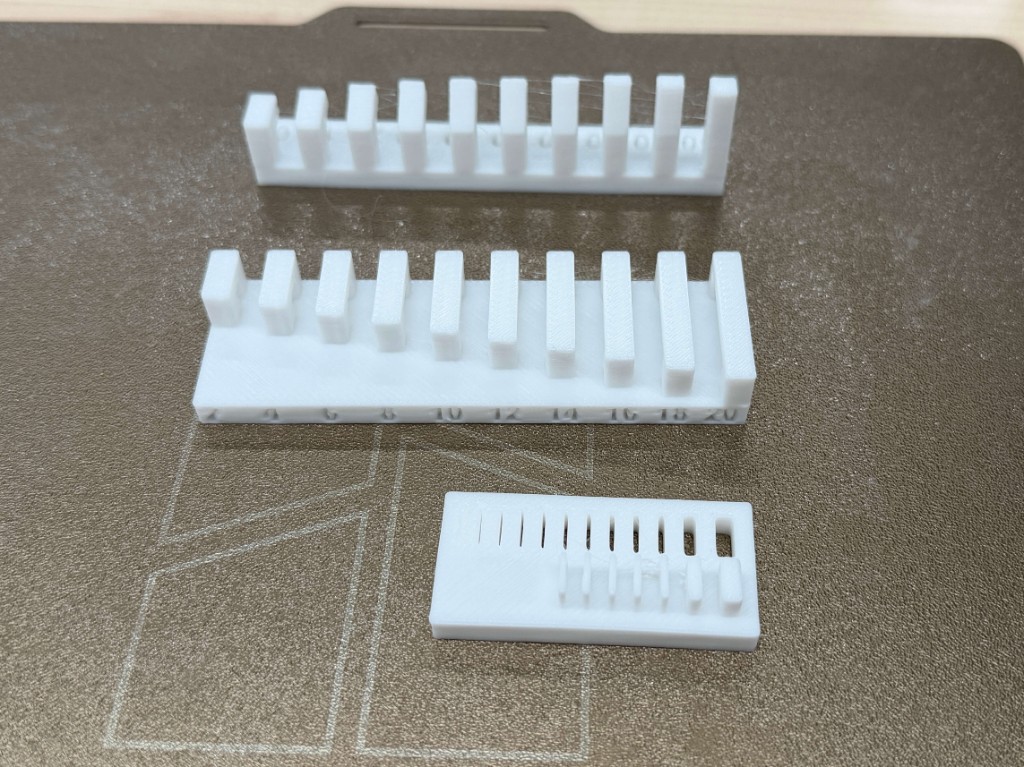
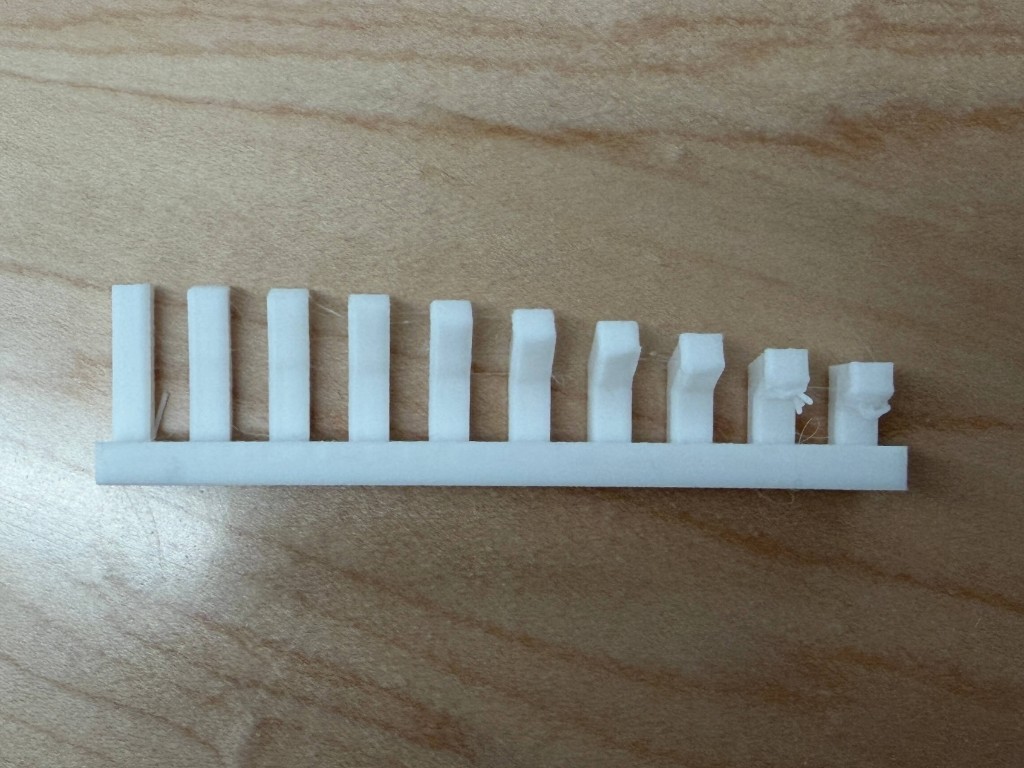
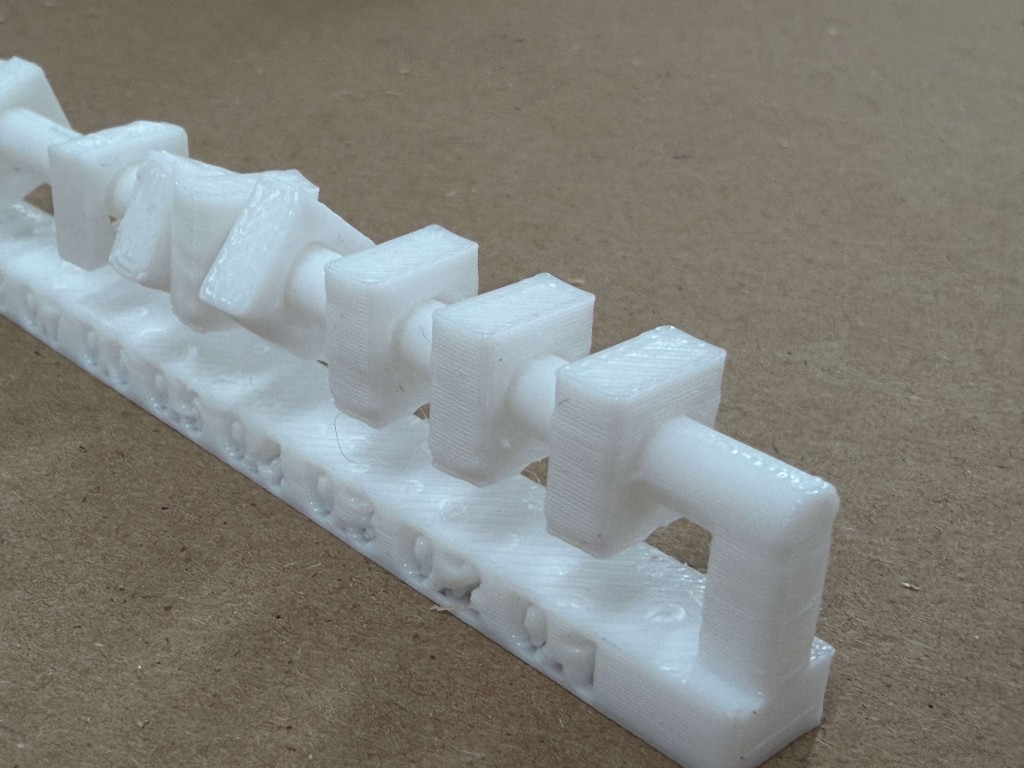
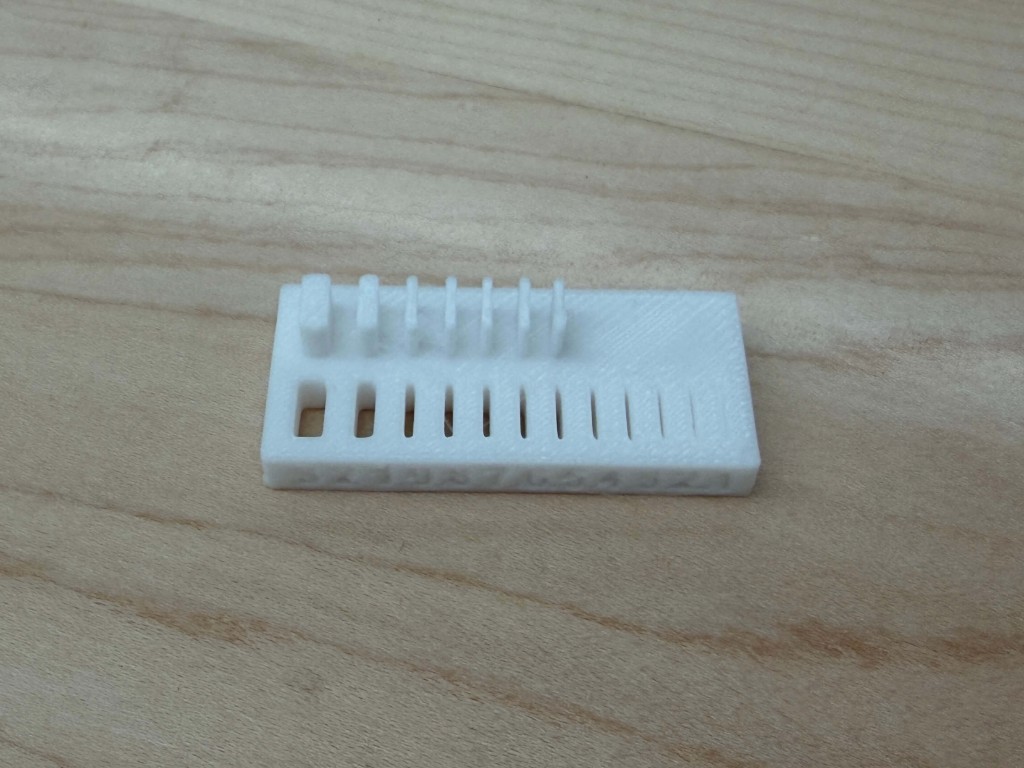
TAKEAWAYS The supported tests were both quite successful; I used tree supports and learned that a 0.4 mm clearance allowed for tight rotations and horizontal movements while a 0.3 mm clearance only allowed for tight horizontal movements. Any less and the parts just fused together. I also observed that the slits for the wall thickness tests were a lot more forgiving than the actual walls themselves, which only started surviving at the 6th wall. The angle test was also quite successful, resulting in a bit of messy printing starting at the 20 degree mark.
design and 3D print an object that could not be made subtractively (small, few cm3, limited by printer time)
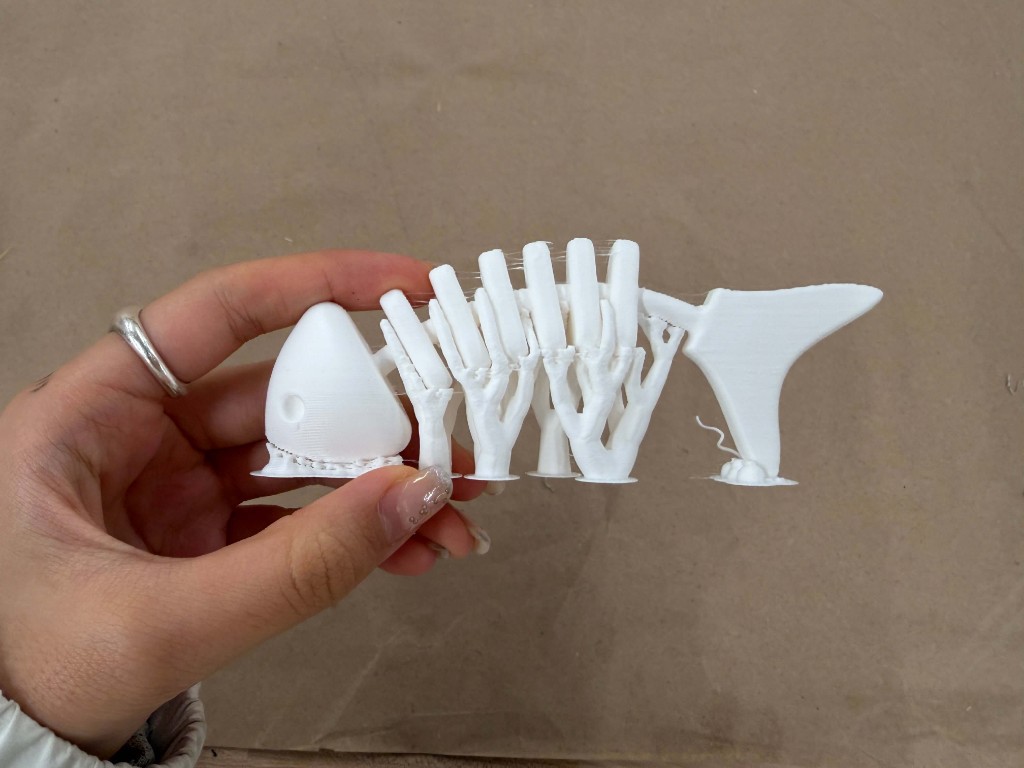
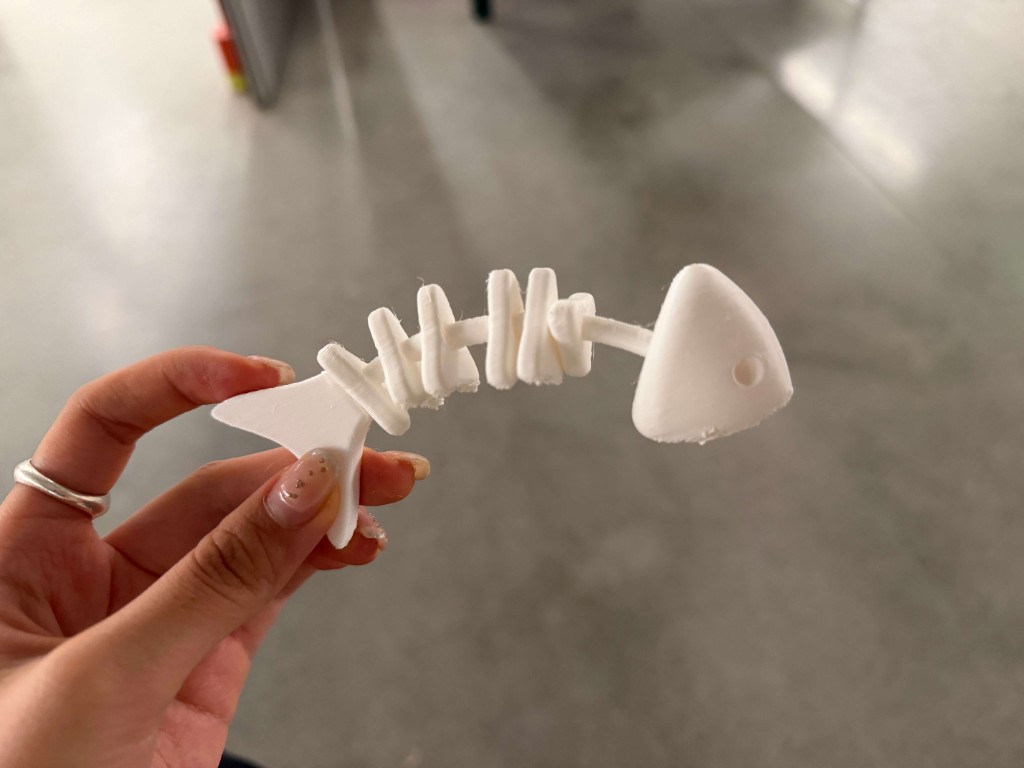
For the 3D printing part of the assignment, I was really inspired by how the clearance test had come out. It printed the parts in place, but after taking the supports out the pieces could move around freely (with enough clearance) and felt like a fidget toy of some sort. I wanted to revisit my fish skeleton from the laser cutting week to see if I could make a fish bone that I could shake and fidget with.
I started in Rhino by designing the fish bone using some of the CAD I made for the laser cutter. I used the exact thickness of the clearance test rod for the fish bone base, and then added individual ribs(?) as free floating objects with a clearance of 0.4 mm, which in my tests I found that provided free movement while still being as tight as possible.
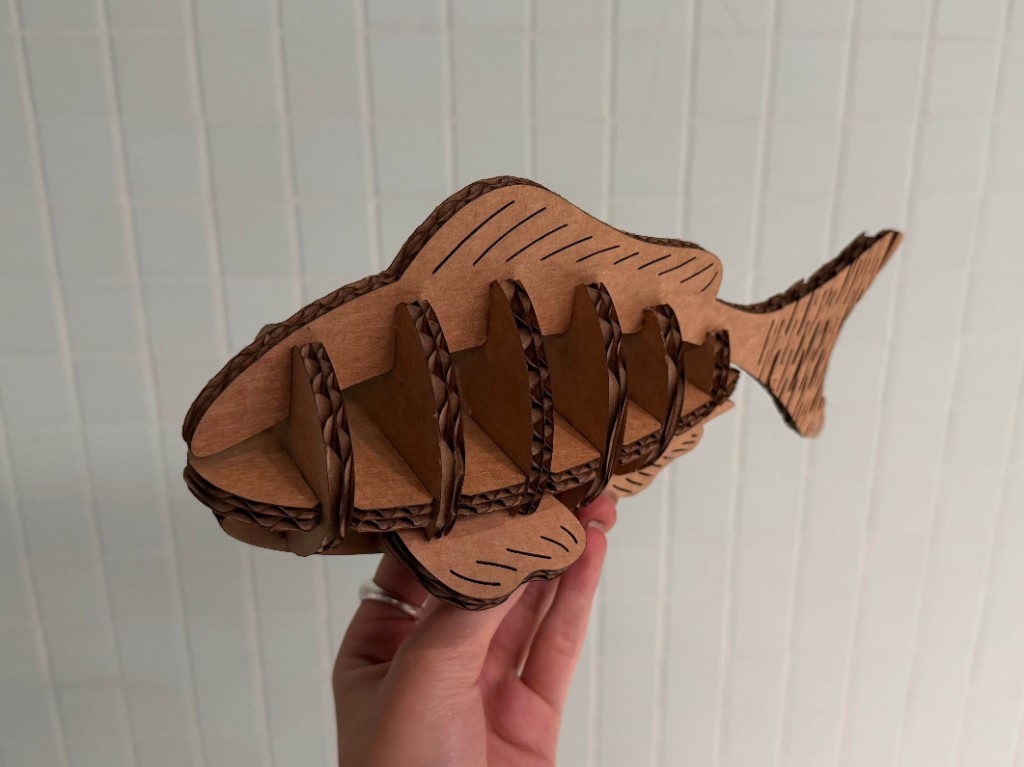
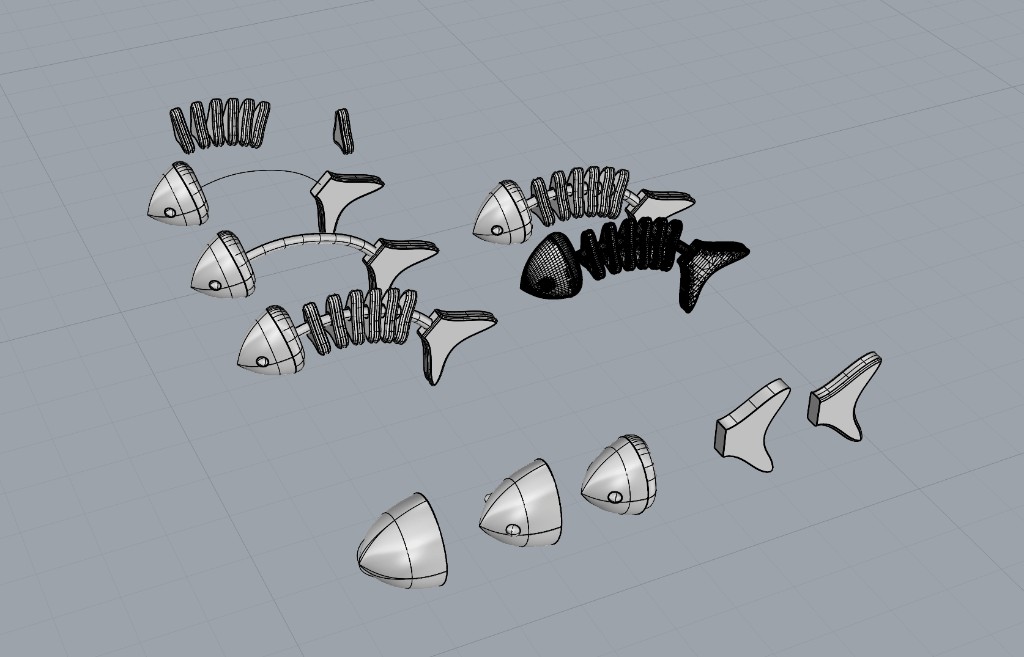
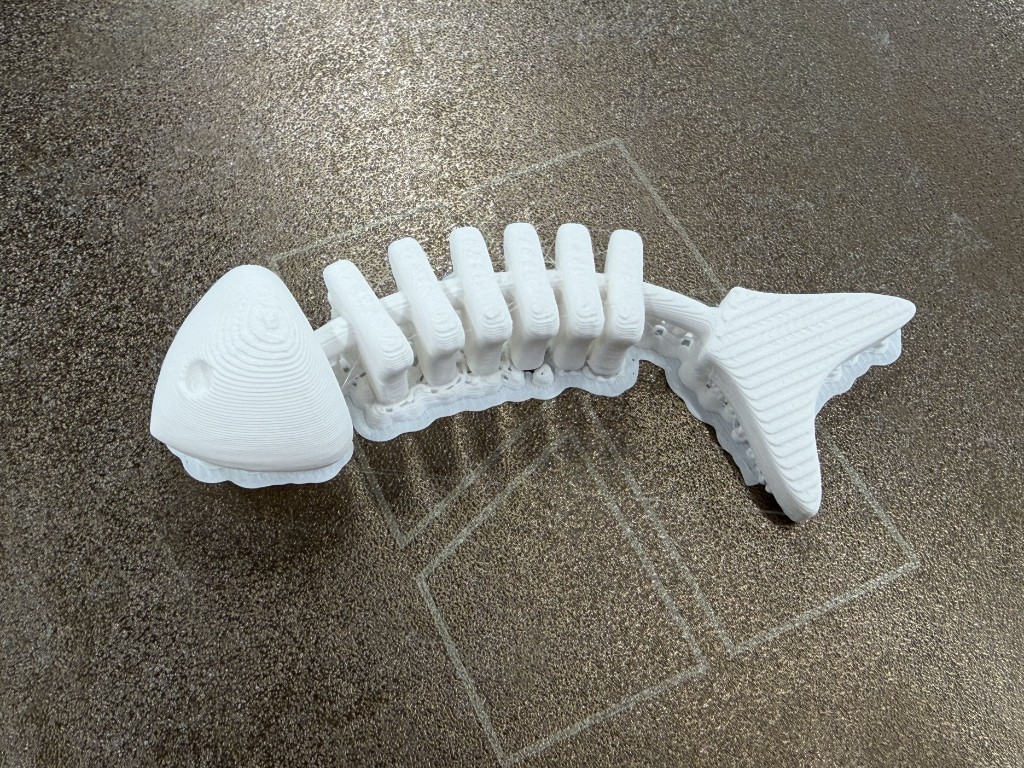
For my first iteration, I printed it on its side because I thought I could save printing time and the use of supports, but two problems arose: the layer lines were too obvious and unclean and the ribs had fused to main skeleton bone.
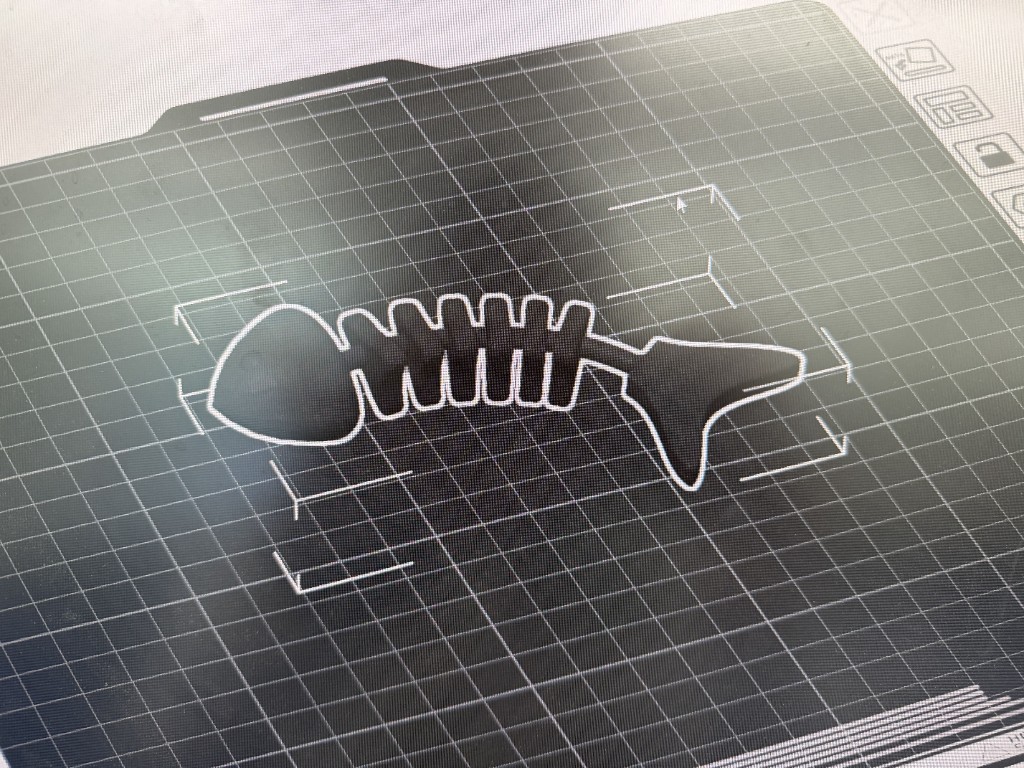
For my second iteration, I increased the clearance to 0.6mm. I realized that because of the curvature in the fish bone, I would need a higher clearance compared to the test print, which was just straight. I also triple checked in the slicer that the ribs and the main bone were separated, and changed the orientation of the printing so that the fish would be symmetric. While the layer lines looked more clean this time, 3 of the ribs still fused onto the main bone.
For my third and last iteration, I kept the orientation but increased the clearance to 0.8 mm. And tada! My fish bone rattles and shakes like a fidget toy. And I'm left with a fish graveyard of failed prints.
TAKEAWAYS I was surprised how little the orientation affected the print time in my case. I originally opted for an uglier print for a quicker print time, but when I went to do my second iteration I found that the print time was actually the same. Note to self it takes longer to do multiple iterations than to do one print nicely the first time.
3D scan an object (and optionally print it)
For the 3D scanning part of this assignment, I tried two softwares: a Revopoint camera and Revo Scan, and Polycam on my phone.
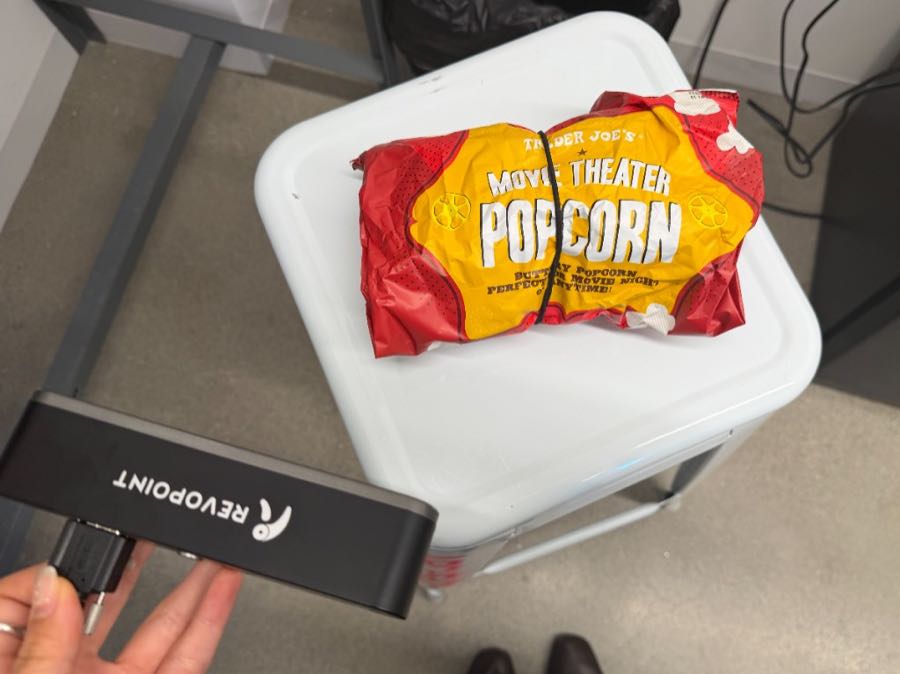
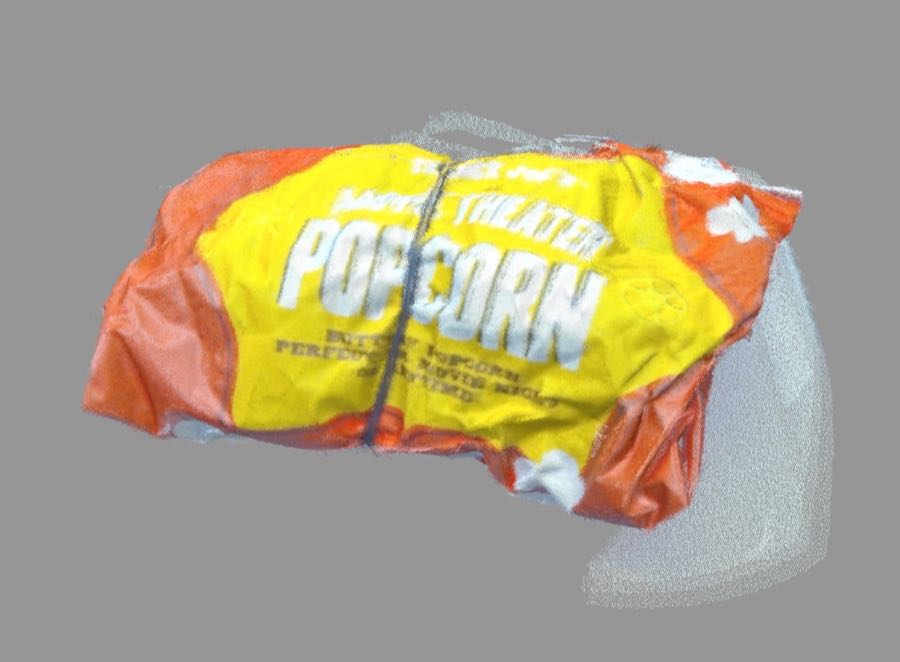
Using the Revopoint camera was a bit tricky, and I first tried scanning a caliper but found that the scanner had a really hard time with metal and screens as those tend to be reflective. Finally, I successfully scanned a bag of leftover popcorn to see how it would do with graphics and the texture of the bag, and it worked surprisingly well! Here's a screenshot because the file is too big.
Using Polycam on my phone, I scanned a dried bouquet of flowers I had in my room. Polycam was definitely a much more intuitive experience, but the final scan was less detailed. I was impressed how quickly it was able to pick up on shapes though. Here's the final scan from that: