Week 1
Laser Cutting
I wanted to make a roller coaster for this week's laser cutting assignment, where a modular support design could mean that the roller coaster would be shuffled around to be various heights and structures with the same underlying parametric construction kit. I used Fusion360 to CAD.
To start off, I wanted to find the best way to design a module. I experimented with various designs until I found one that I thought could be stable, even if stacked on top of each other. There were a few tricky things in this experimentation:
Not only did the module have to stand, it had to "stick together" with the module above it. That means that I needed to create connections that were almost "glue-like" if not stronger in strength connecting two modules stacked on top of each other, and each module itself had to be 3D. I designed this connector to stick neighboring modules together.
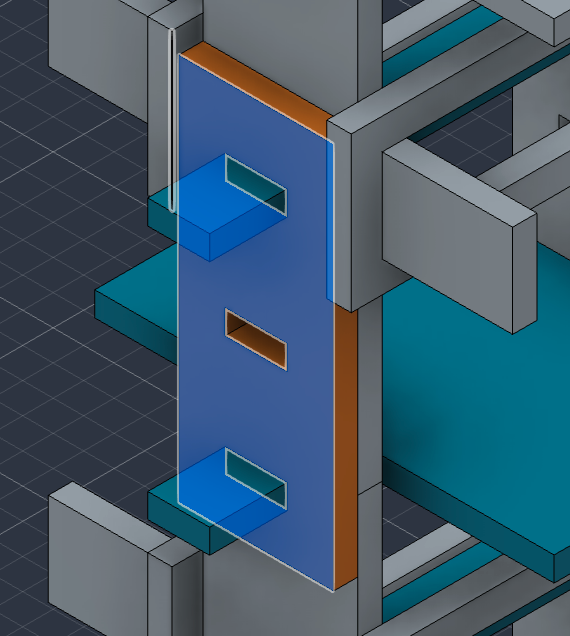
Another design decision was that I didn't want each modular support to feel "boxy," since real-life roller coasters heavily rely on 1D supports instead of 2D boxes, and because I wanted to save on cardboard. That meant I thought a lot about how to make a firm 3D shape out of 1D supports instead of 2D, which was tricky. Here was my initial best attempt:
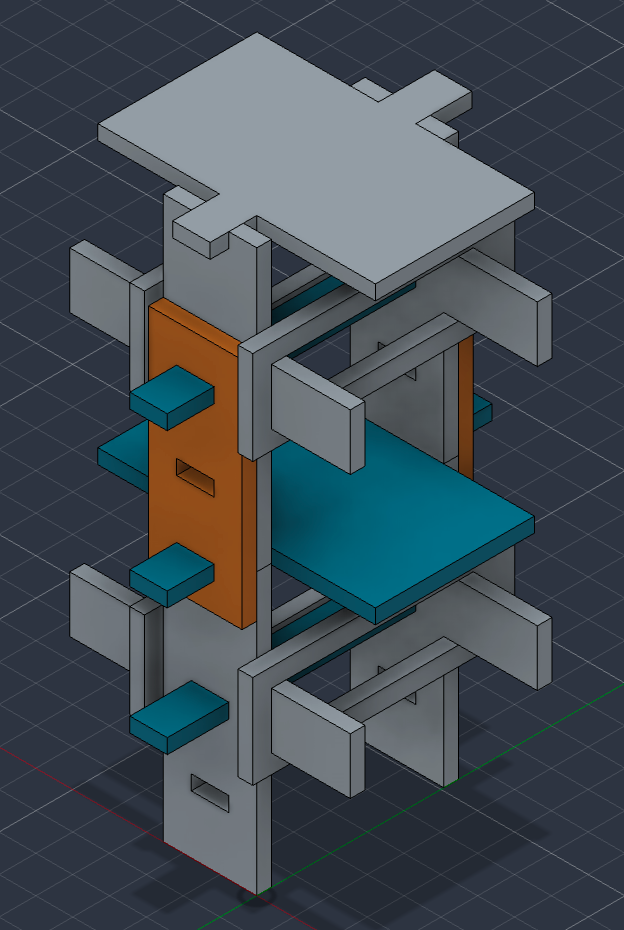
From there, we can assemble and concatenate these supports in a roller coaster design. Here was my initial attempt, after some modifications to the base to make it more stable.
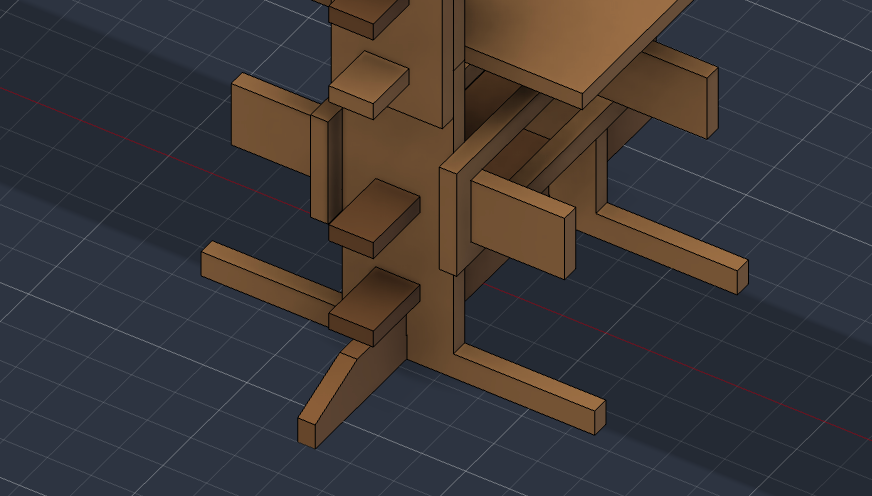
It looks pretty cool!
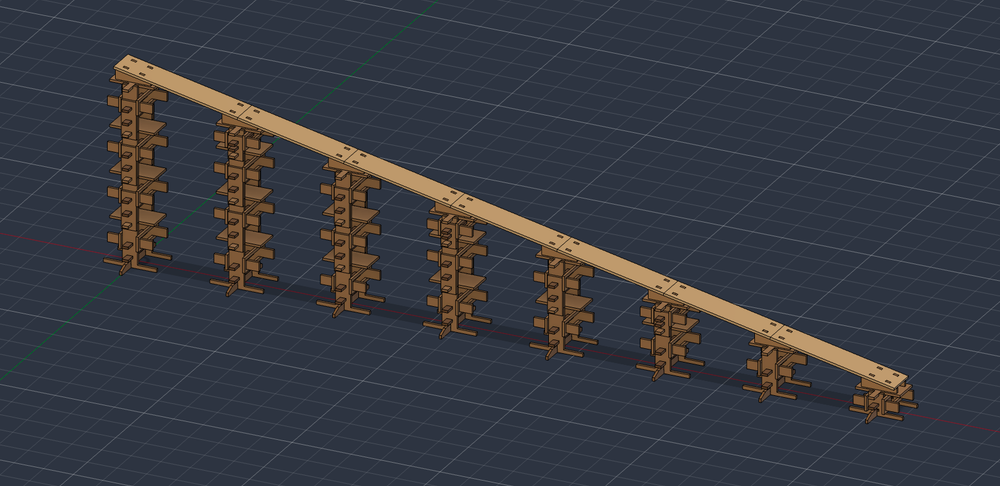
Now, we move towards laser cutting. We convert the parametric design kits to .dxf files on large sheets, and then import it onto Inkscape. Then, we:
- Change the color to be red (for cutting).
- Set the document size to be the same size as our cardboard sheet, and scale our design to fit accordingly.
- Print to the laser-cutter printer. Now, we can open UCP, which gives us control over the laser printer. We:
- Apply 100% power and 13% speed, with 500 PPI for Red, and remove the z-axis.
- Check that the edges of our schematic are within the bounds of the cardboard.
- Power on the machine.
- Turn on the compressor.
- Use the edge-finder to calibrate the z-axis of the printer.
With that, our first cut didn't have enough power, so we reduce to 12% speed and 1000 PPI.
Vinyl Cutting
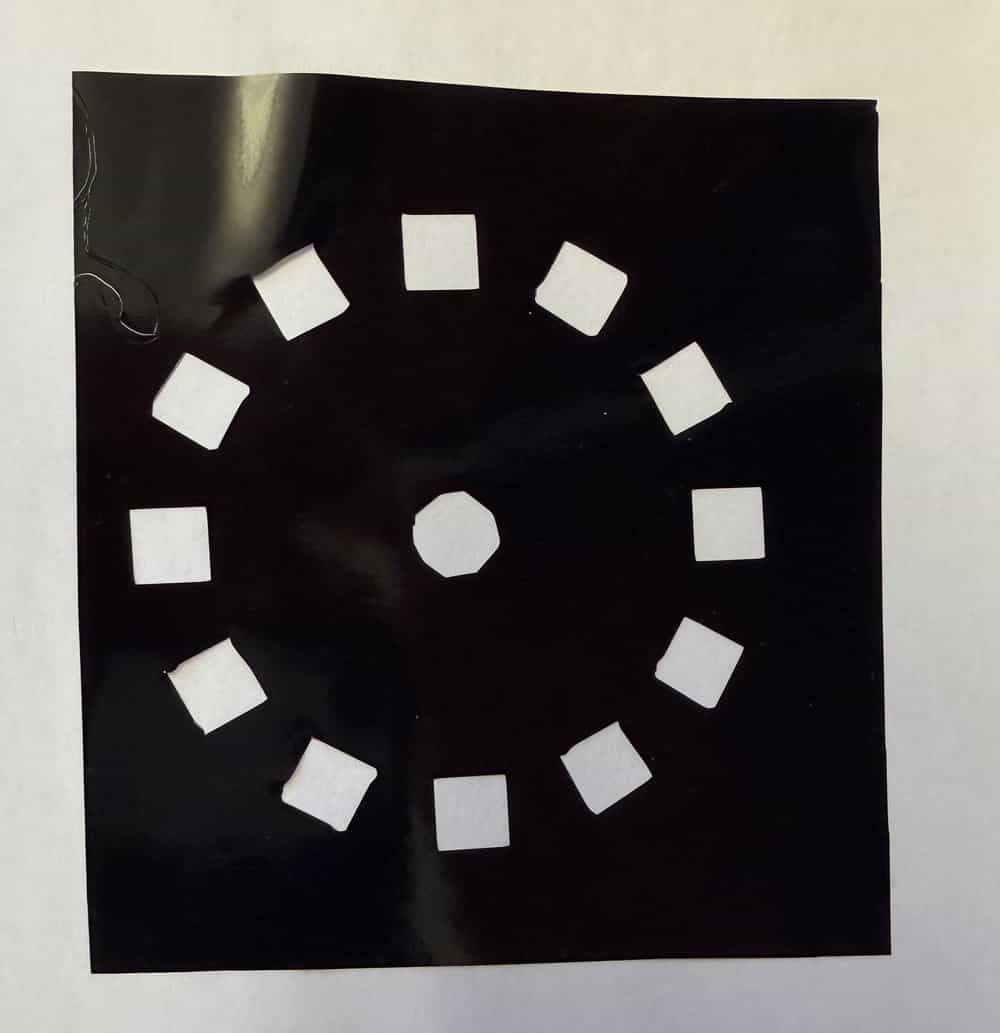
One thing I'm doing this semester is starting a build team that is trying to create an MRI. So, I thought I could vinyl cut some stickers for our club's logo, which is this:

Next, we imported the png of the club logo into mods, our custom vinyl cutting software. Mods is a software that reads a png, calculates the shapes whose boundaries will be cut, detects edges and vectorizes, and shows a preview of the blade's route.
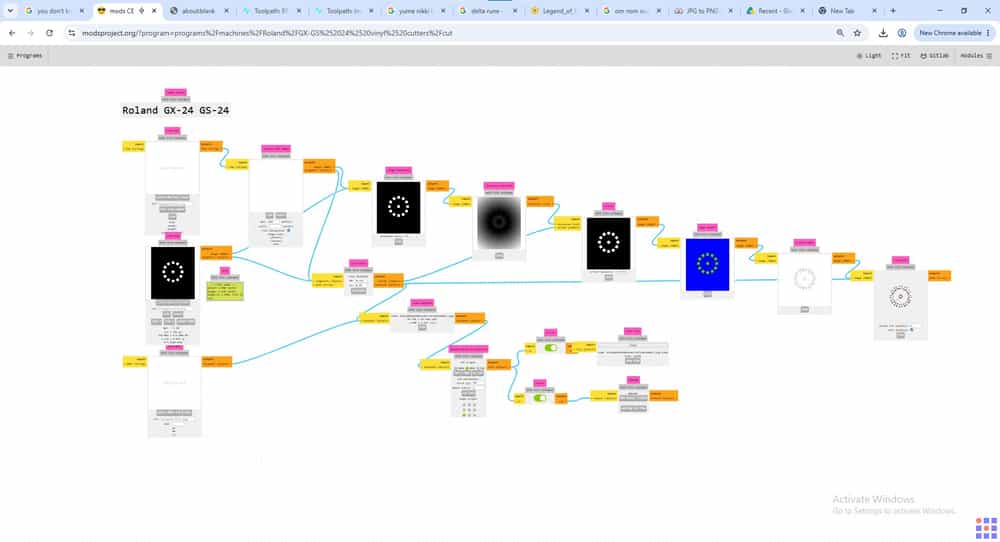
We can click "send file" to the vinyl cutter to start cutting.
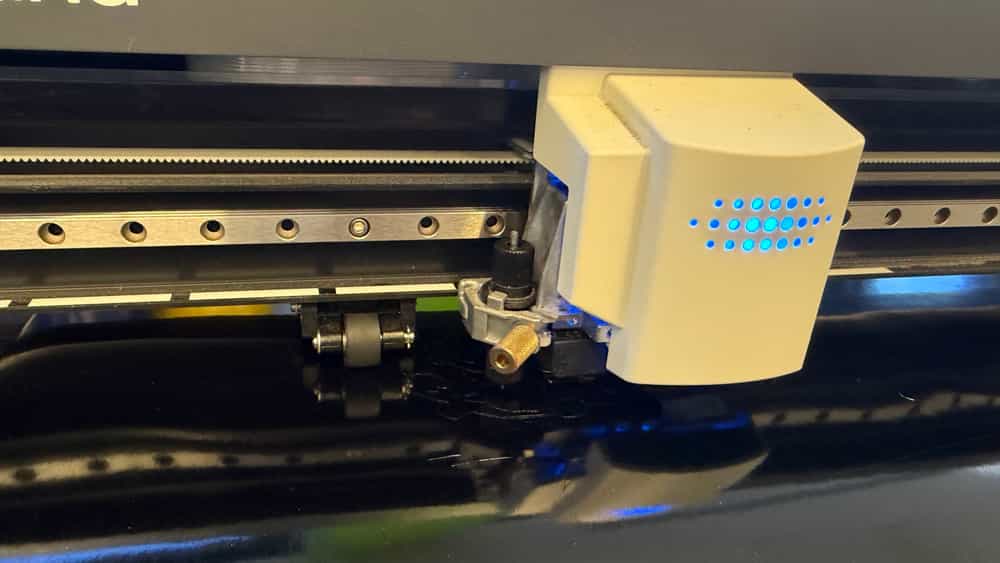
Here's our final sticker!