Week 4: 3D Printing & Scanning
ASSIGNMENT
- design and 3D print an object that could not be made subtractively (small, few cm3, limited by printer time)
- 3D scan an object (and optionally print it)
3D PRINTING
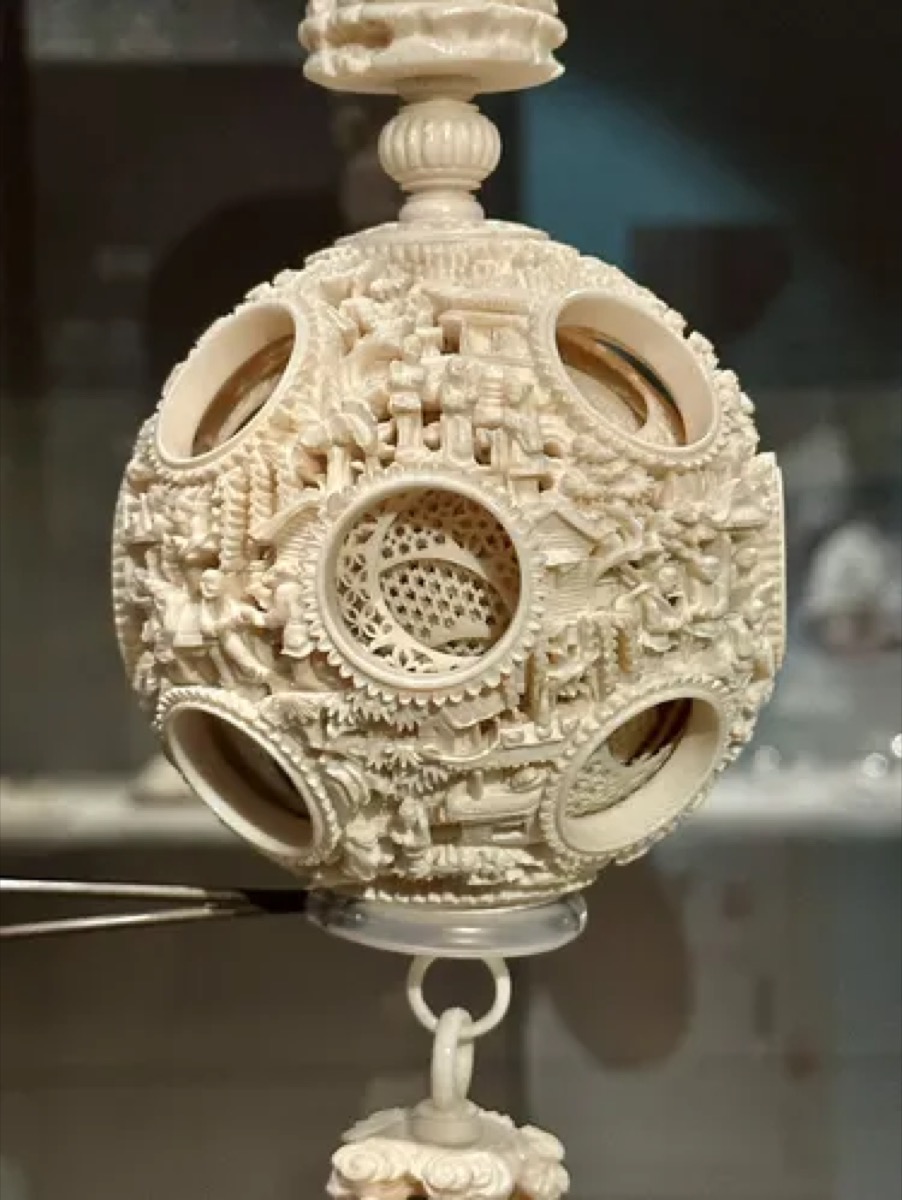
For this week’s assignment, I had a few ideas for additively constructed projects. One main inspiration was the Chinese puzzle ball that I saw in the National Palace Museum of Taipei this summer:
However, after 2 more Google searches, I noticed that a lot of other people had the same idea.
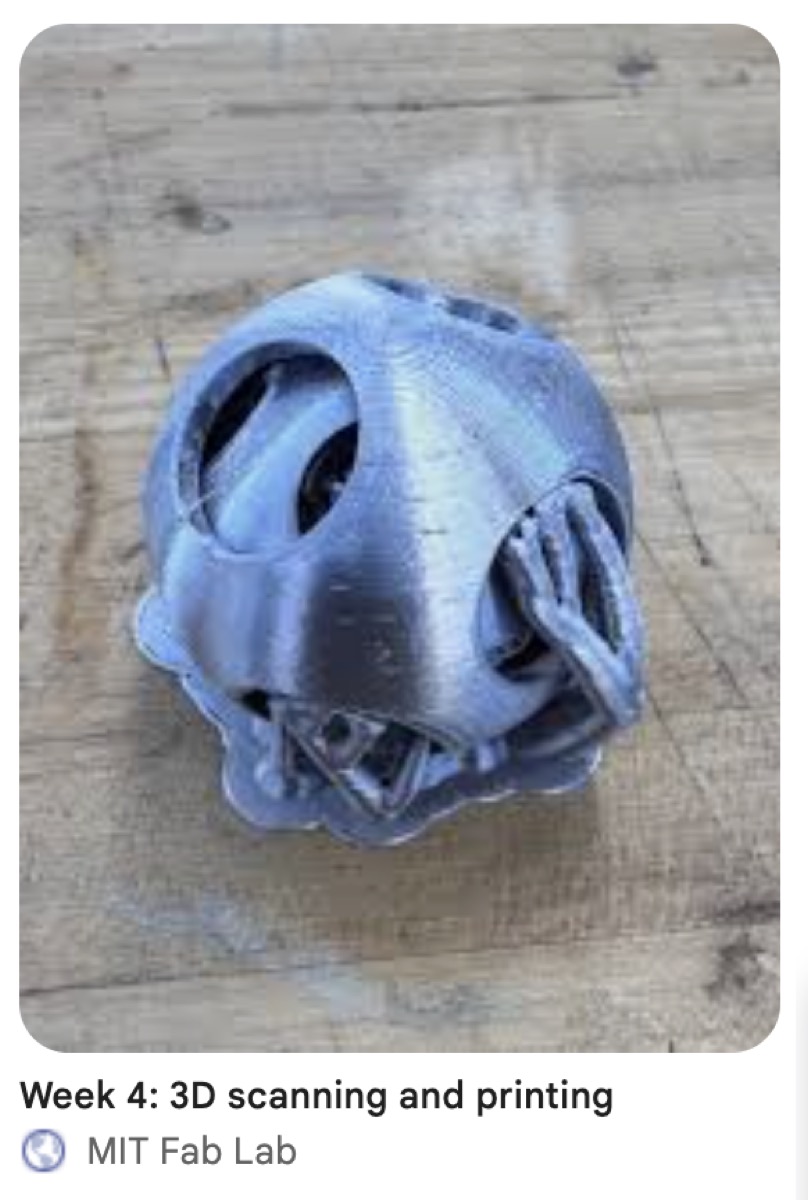
I decided to come up with something slightly more original instead. I identified two things that were difficult to do subtractively, from my experience in woodworking: hollowing out the inside of an object, and creating linkages that can move freely (such as chains or ball & joint linkages).
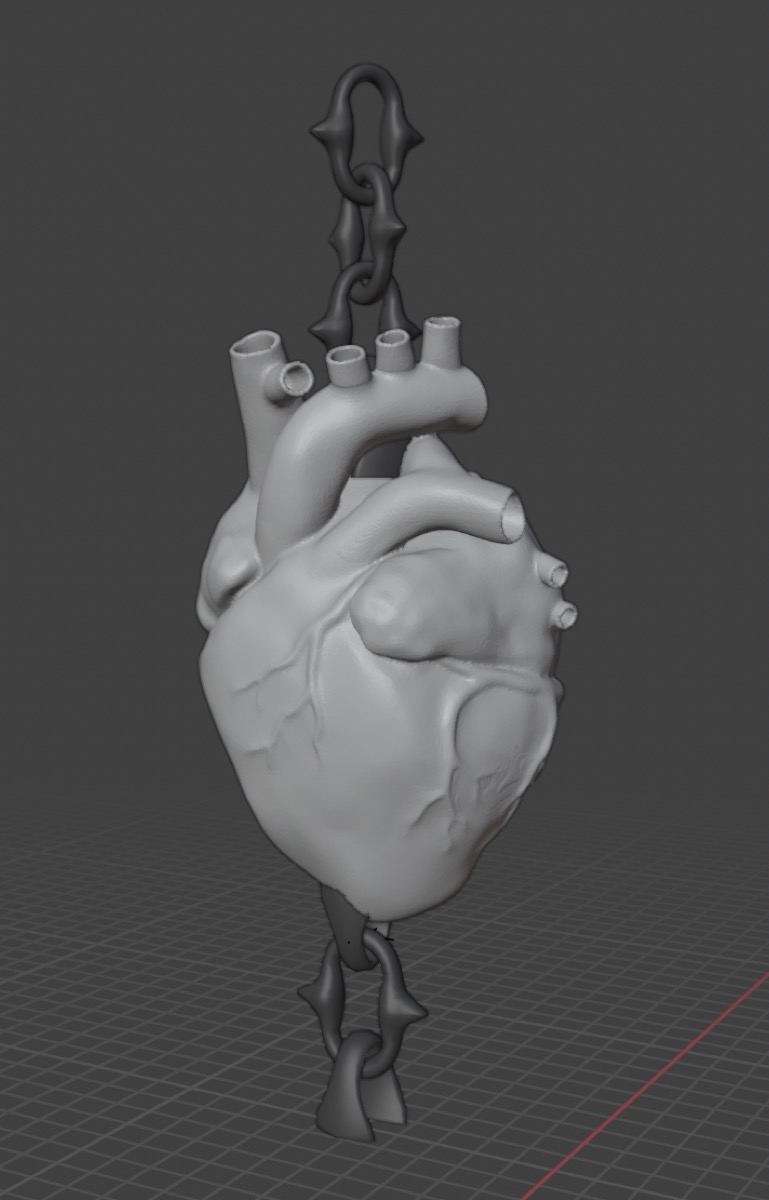
To make a model that could fulfill both of these criteria, I designed a caged heart that was suspended by chains. I imported all the assets from Sketchfab and assembled them within Blender.
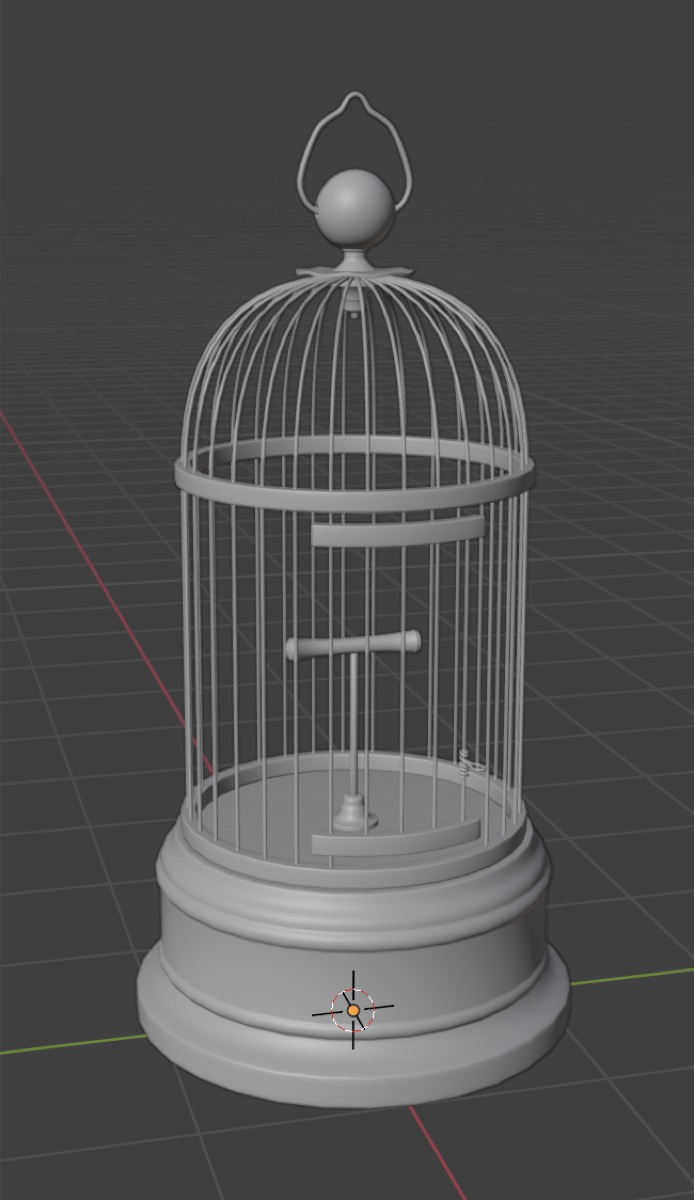
Since this print would only be a few inches tall, I figured the bars were too thin to support themselves, and the gaps between them were too small for me to be able to comfortably remove support material. I removed every other bar and used the solidify modifier to make the structure a little sturdier.
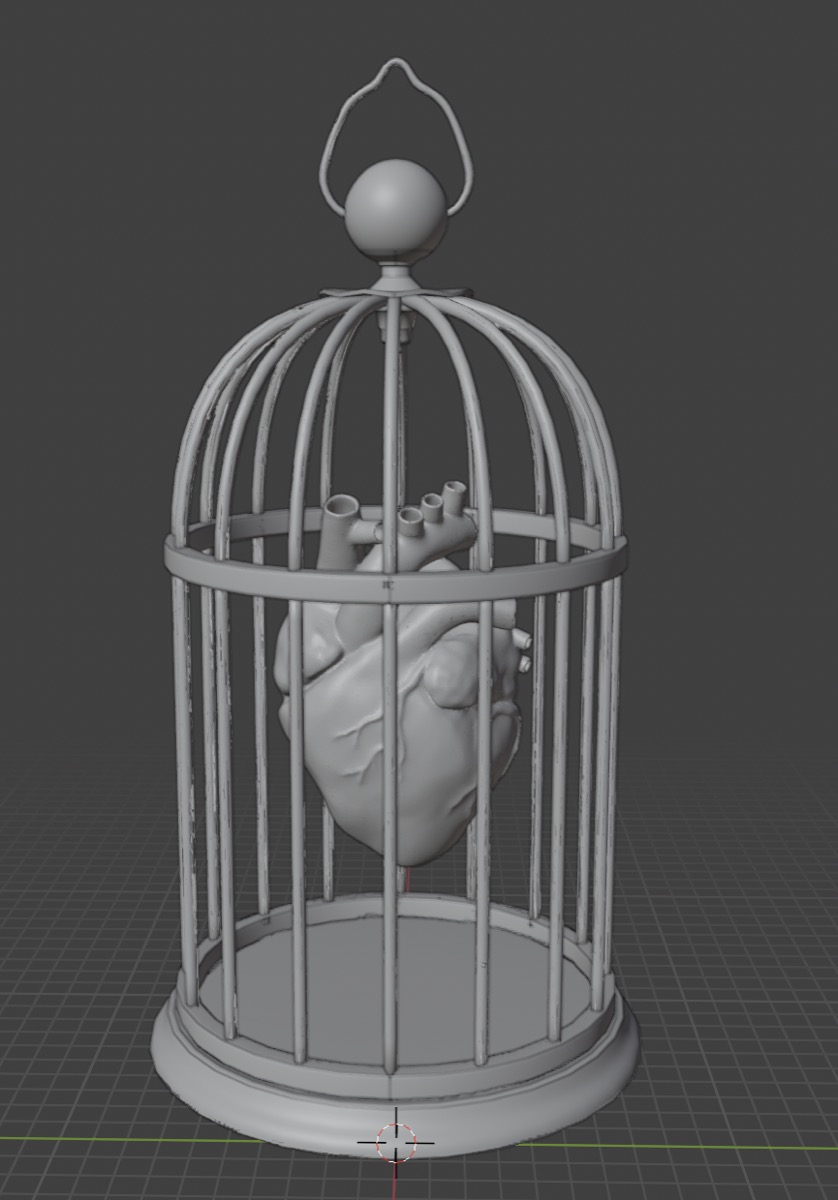
To constrain the heart, I added these chain linkages attached to the top and bottom of the cage. Now it was time for the first print!
I used the Prusa MK4S printers at Harvard’s REEF makerspace. For the gcode, I tried making the cage as large as the machine would allow, at 0.20 mm speed, 15% infill, and with organic supports everywhere starting at 40 degree angles. A lot of the model is suspended, especially the horizontal bars of the cage and the heart, so I wanted to make sure the print wouldn’t start falling apart halfway through.
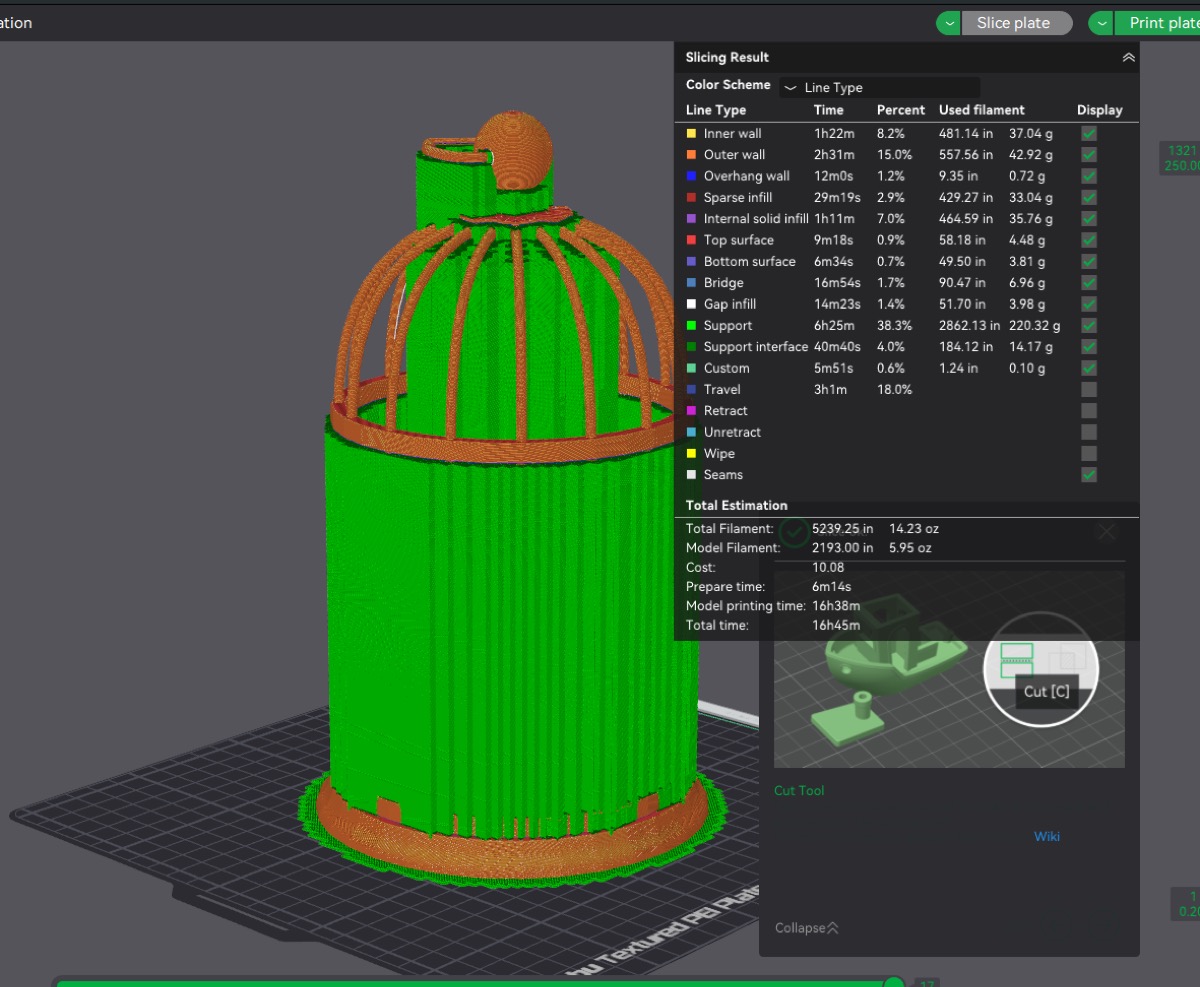
The print took about 11 hours. After a quick beauty sleep, I went back to check on it.
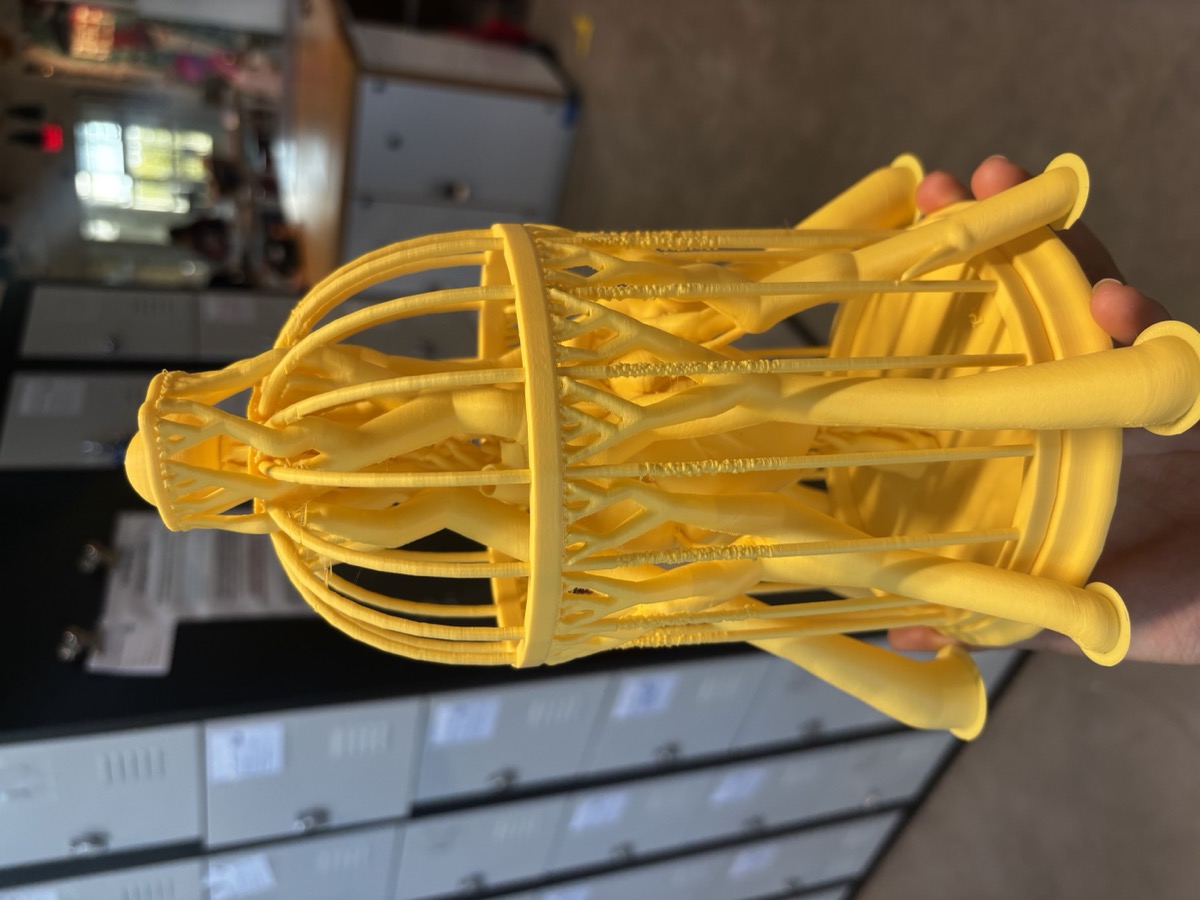
The first print survived until the end, which was a pleasant surprise since the makerspace staff told me it likely wasn’t going to make it. They predicted semi-correctly, since the vibrations from the machine combined with the thin bars did create a lot of fuzziness near the middle of the print. However, the rest of the cage seemed pretty okay! The supports mainly generated around the cage for supporting the central horizontal bar and the chains around the heart, and I began to take them out with snips.
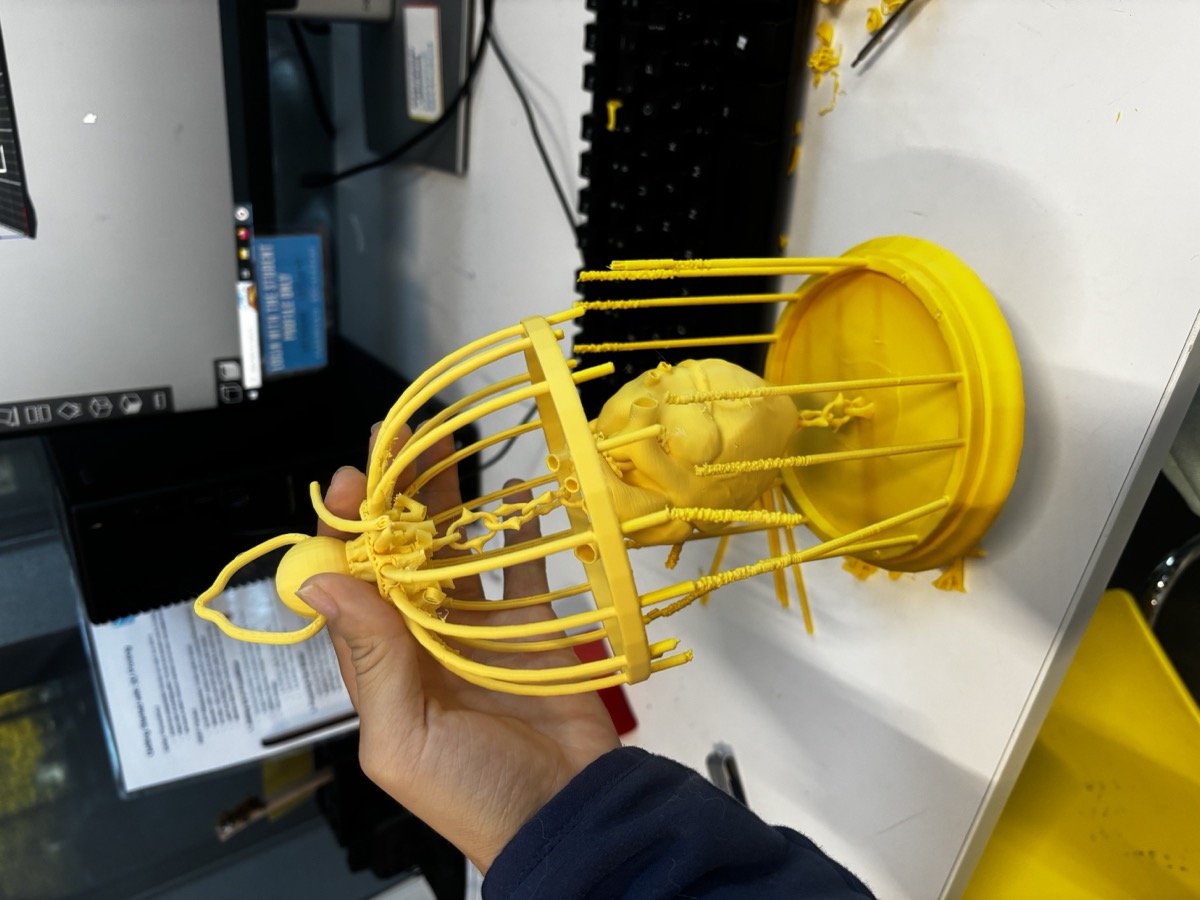
My victory was short-lived, because I soon discovered that many points of the print itself were not much stronger than the supports. When I was trying to take out one part of the support, I accidentally put pressure on the wrong spot and the entire thing exploded in my hands. On the bright side, the chains were completely functional and took much less effort than I expected.
After this failure, I concluded three things:
- The bars were still too thin for the cage to reliably support itself
- The speed of the printer caused too many vibrations and shook the print around, causing lots of small errors
- The bars were still too close together for me to comfortably take out the supports without damaging the surroundings
For my second attempt, I deleted every other bar again (now we’re down to 8 bars from the original 32), added another solidify modifier to make them stronger, and also sized up the chains for good measure, since I thought they looked a bit frail in the first print. I also changed the print settings to 0.10 mm speed, so that there would be fewer vibrations that made my print bumpy. This print took 19 hours.
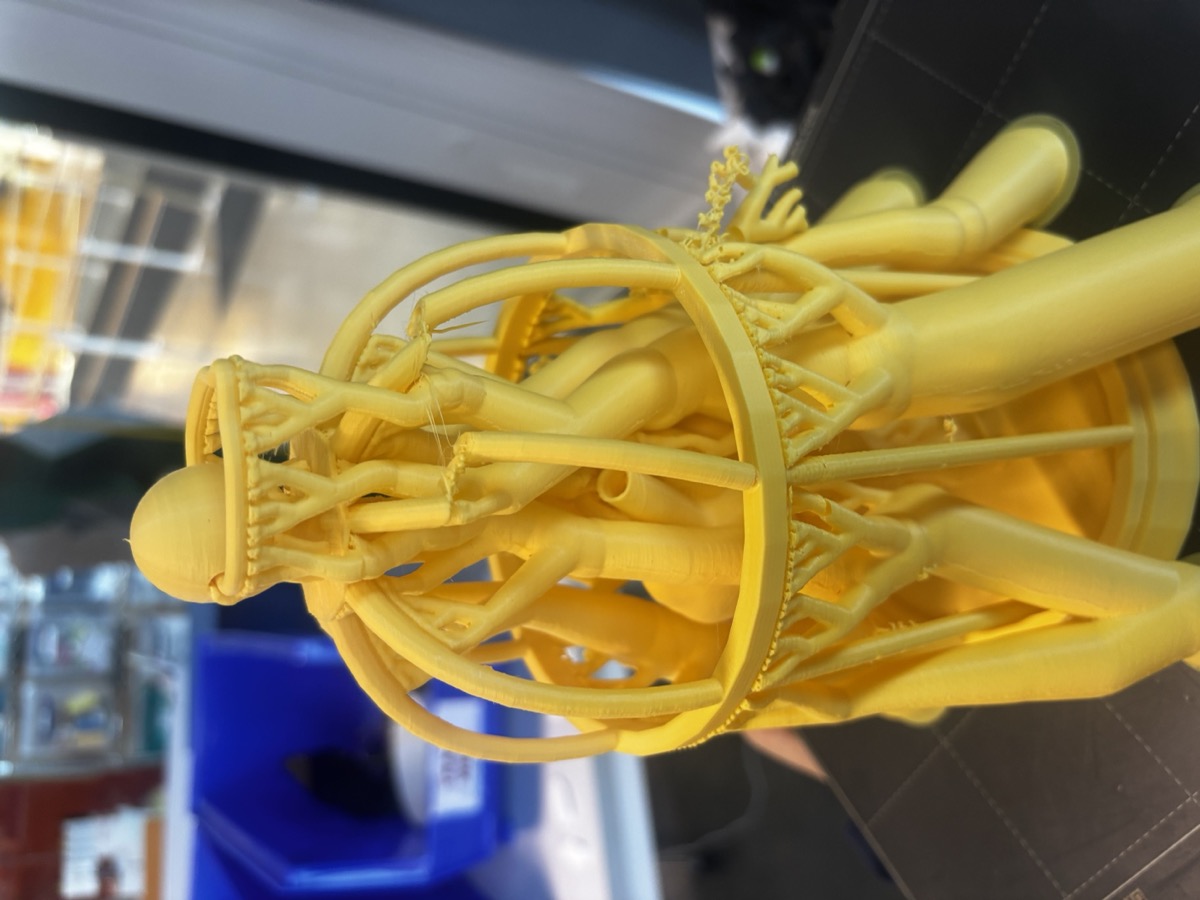
After another slightly longer beauty sleep, I went back to check on the project. The bars looked significantly better this time, except for two spots where the printer somehow messed up. This was an easy fix just by manually aligning the skewed bars. Now it was time to remove the supports again.
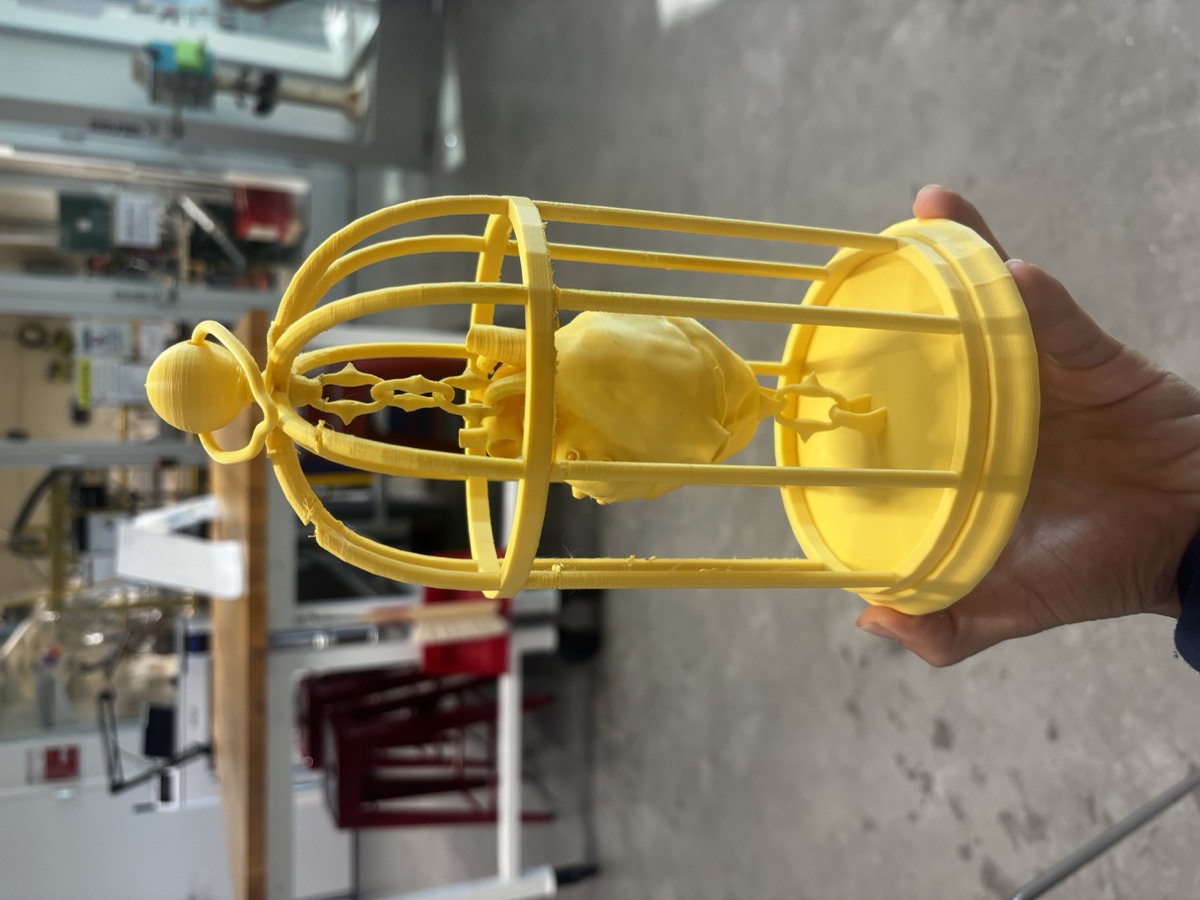
Here is the final product! The support removal went much more smoothly with increased space between the bars, and the heart comfortably sits in the center of the cage with a little bit of leeway from the chains. My only regret is that there are supports inside the hollow heart model that I couldn’t remove through the small openings in the veins, but they’re not visible from the outside regardless.
3D SCANNING
For the second part of this week’s assignment, I used the Revopoint scanner with Qilmeg’s help. I made a complete, colorized scan of my face by standing still while a helper slowly rotated the camera around my face until we captured everything on the front half of my head.
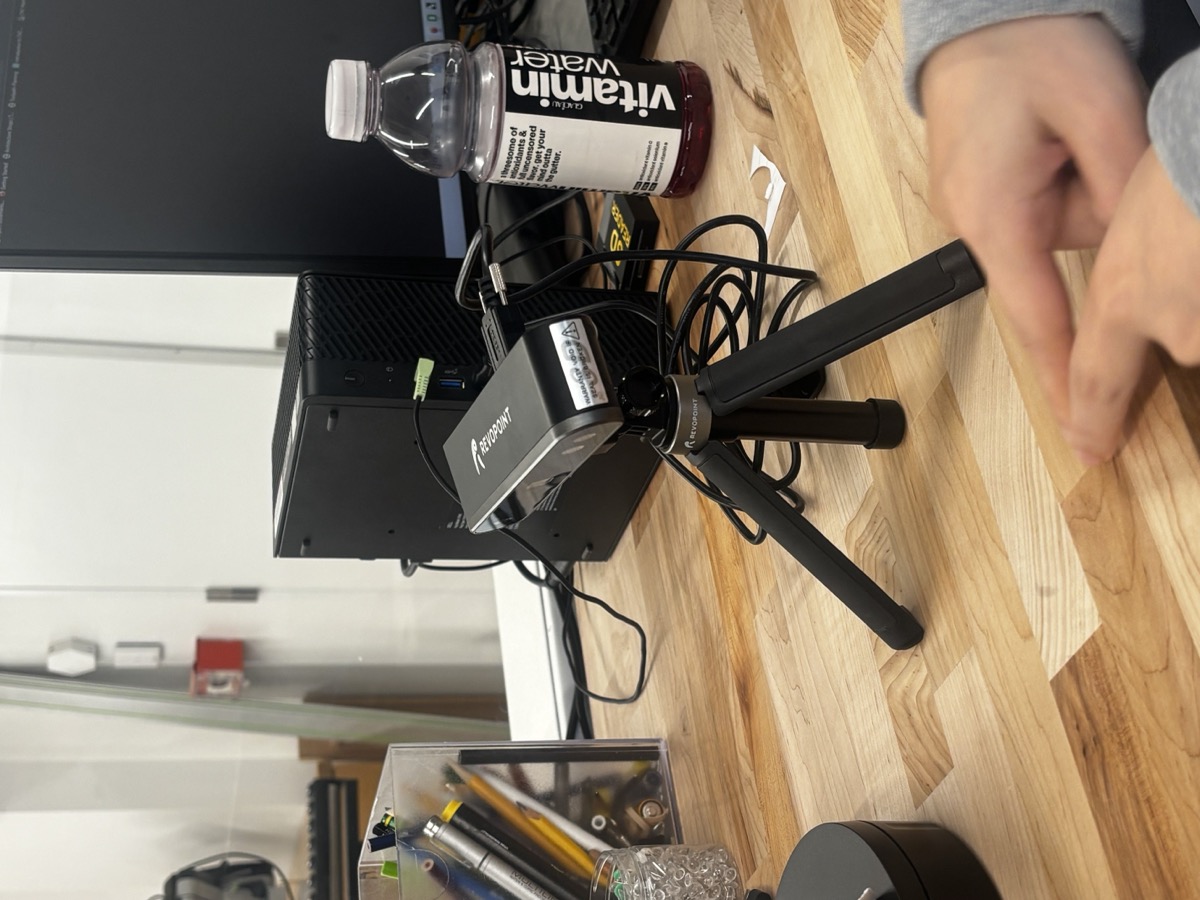
The first scan came out just alright, but we missed the bottom of my chin so there was a hole under my jaw in the mesh. We redid the scan, making sure to point the camera at my face from every angle. It was a bit unintuitive, since I’m so used to taking photos from just one horizontal angle and having my brain fill in the parts of the image that are obscured.
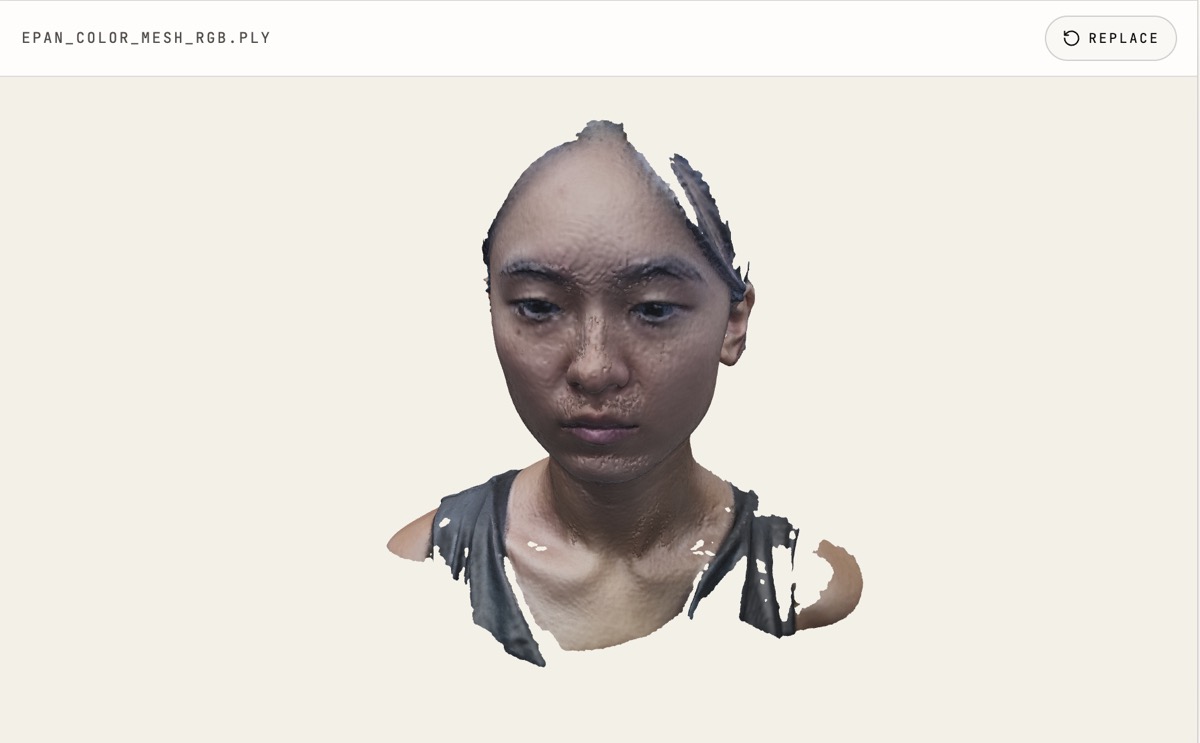
One new thing I learned is that 3D scanners are not very good with hair, since there are too many strands at varying depths. Similarly, they are not good with reflective materials since the changing of reflections at each angle causes it to lose track of its reference point. My final scan came out a little bit bumpier than my actual face, but I would like to smooth it out a bit in Blender for a project in the coming weeks.