Picking up from last week, I came out with the following schematic and pcb layout.
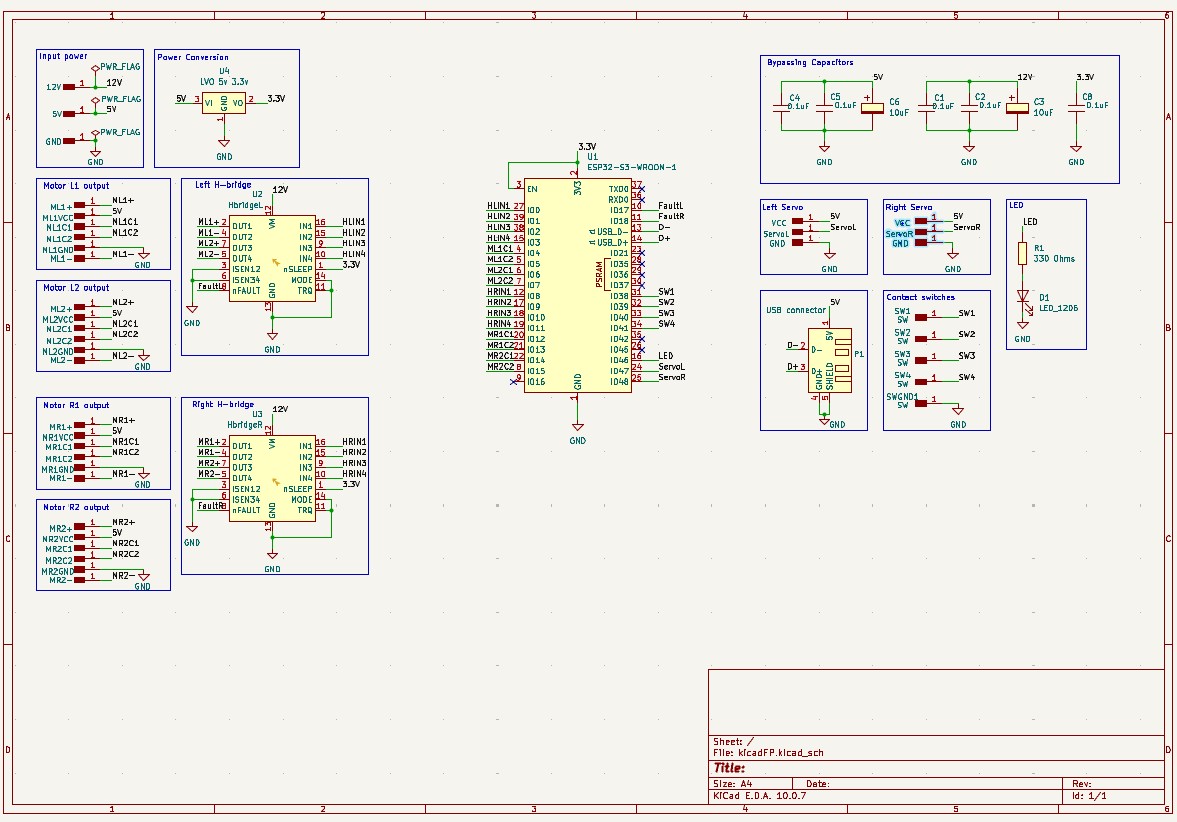
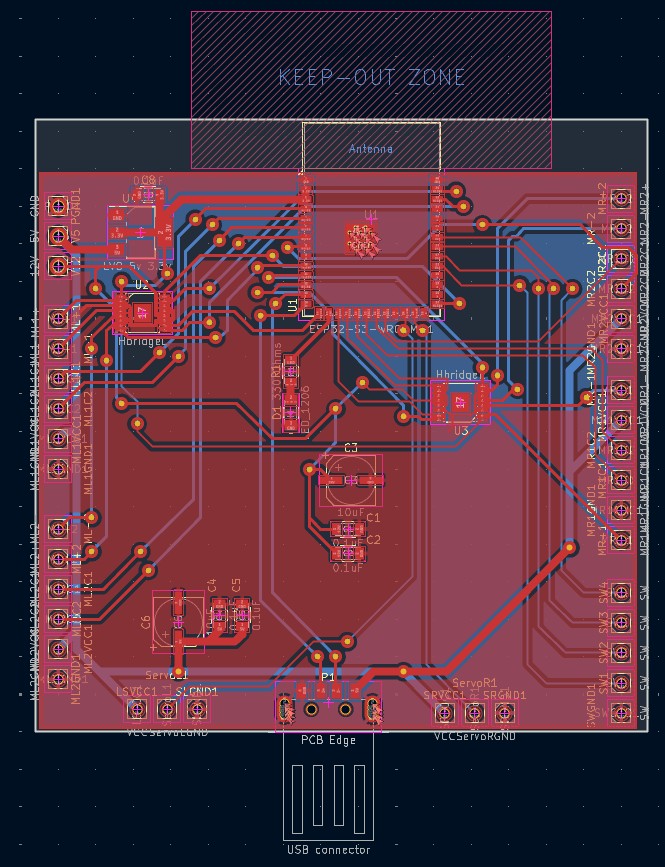
I was trained on EDS's circuit mill, and was ready to start milling, but ran into some errors with the tool pathfinding.
The first error was that I forgot to set the minimum distance between pads and vias in the DRC, so even though I reported a clean DRC, it wasn't going to work. Moreover, the pads on both the ESP32 and the H-bridges were too thick and too close to one another. I went into the footprint for both, reduced the pad sizes, and adjusted the schematic. I also increased the minimum distance from the ground area fill to decrease the milling time by 20 minutes.
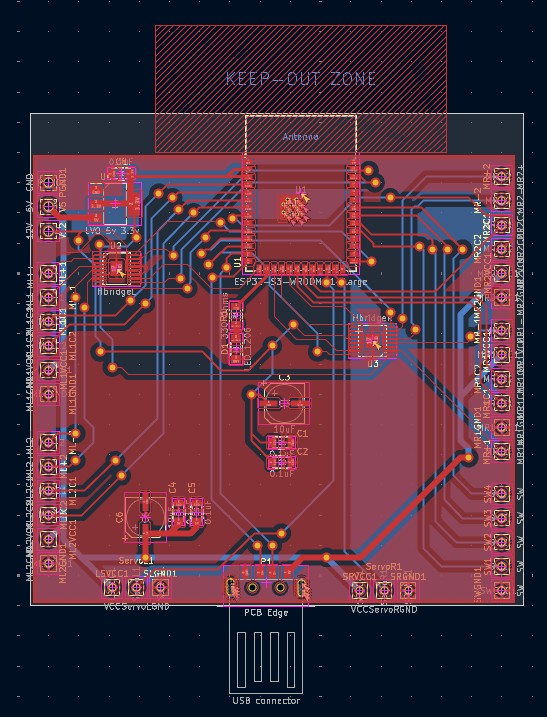
I extracted the Gerber files from Kicad and imported them into Bantam, the software that controlls EDS's circuit mills. I took a cut piece of double sided copper PCB, and placed it onto the machine.
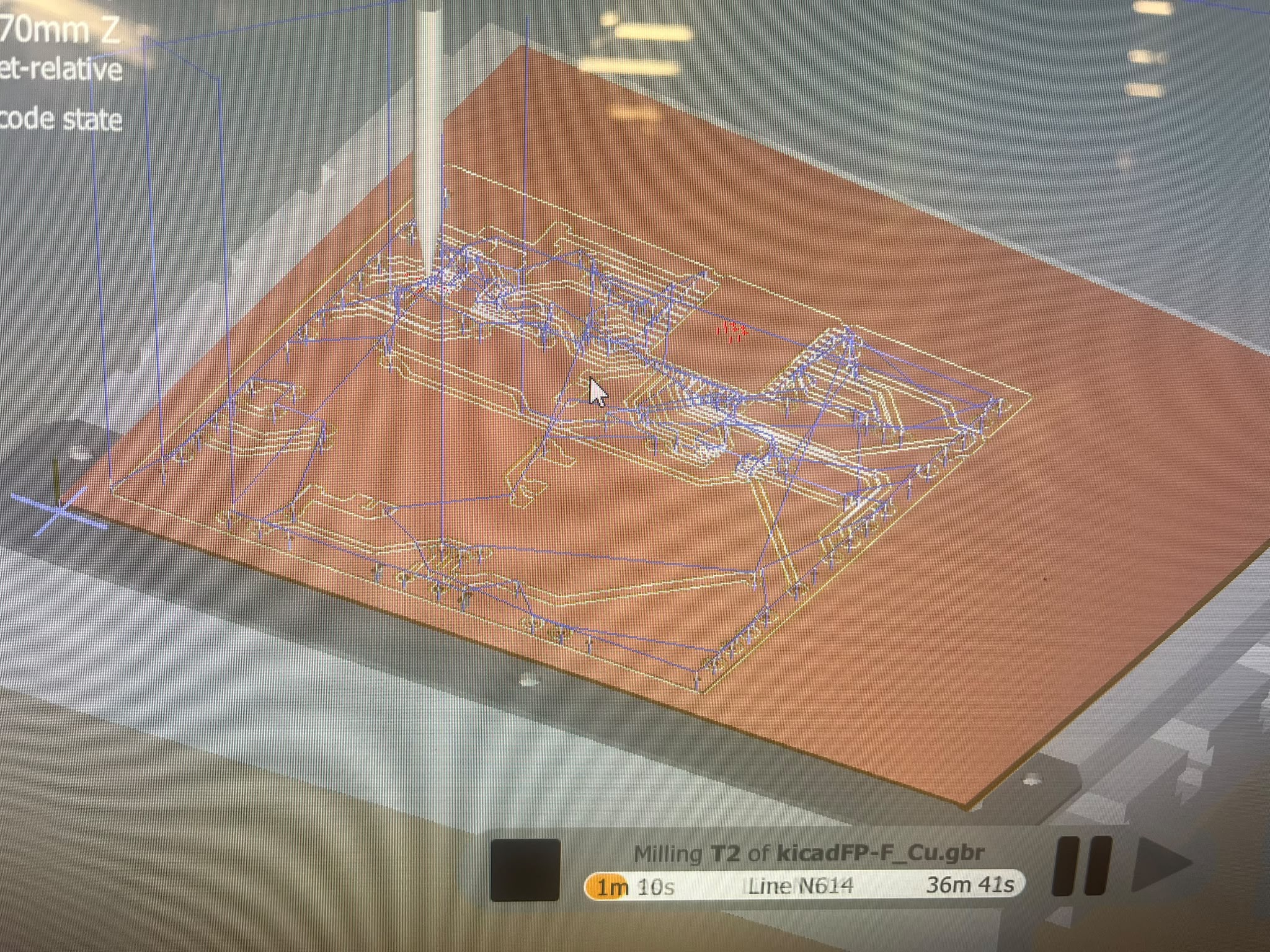
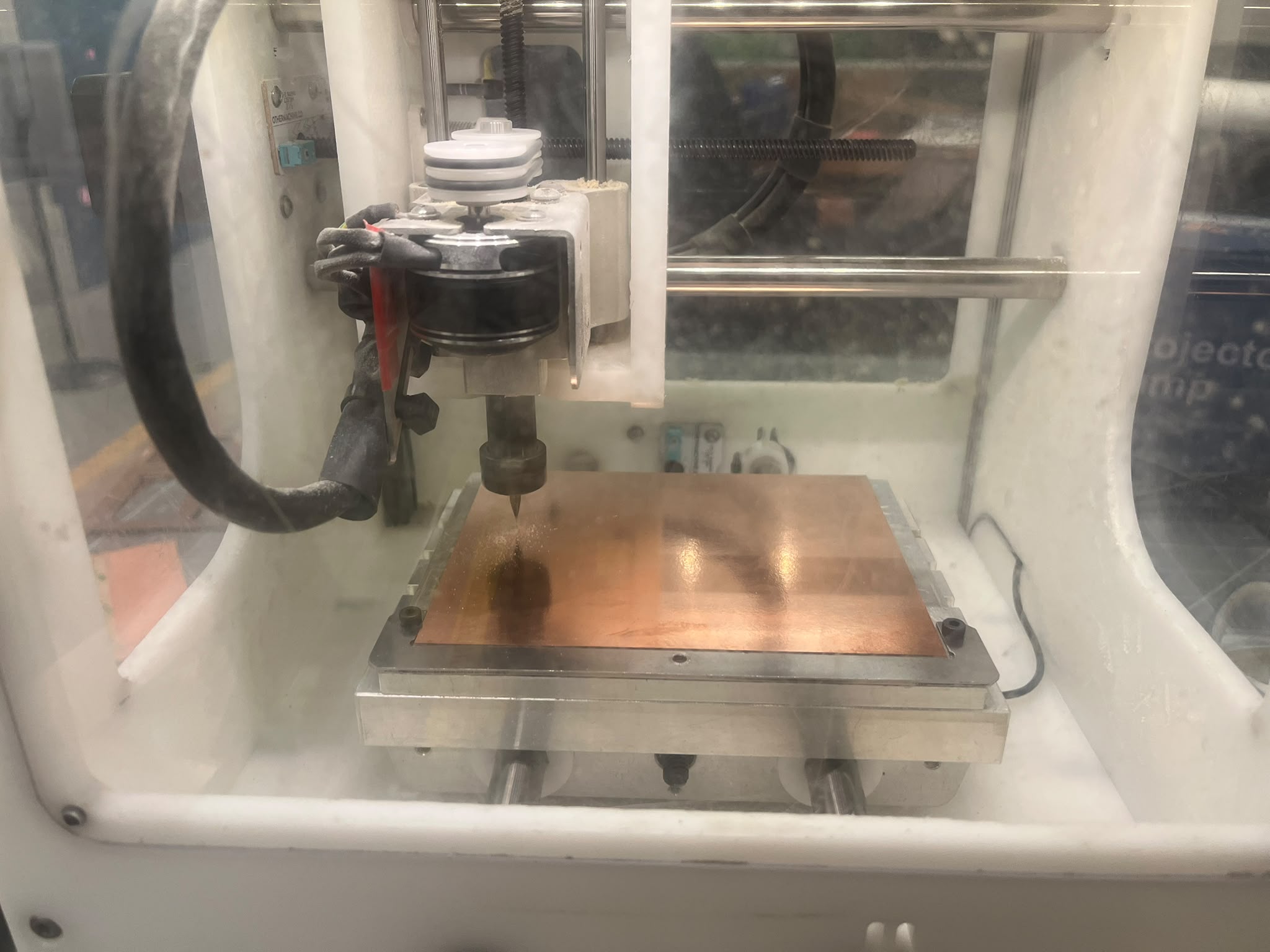
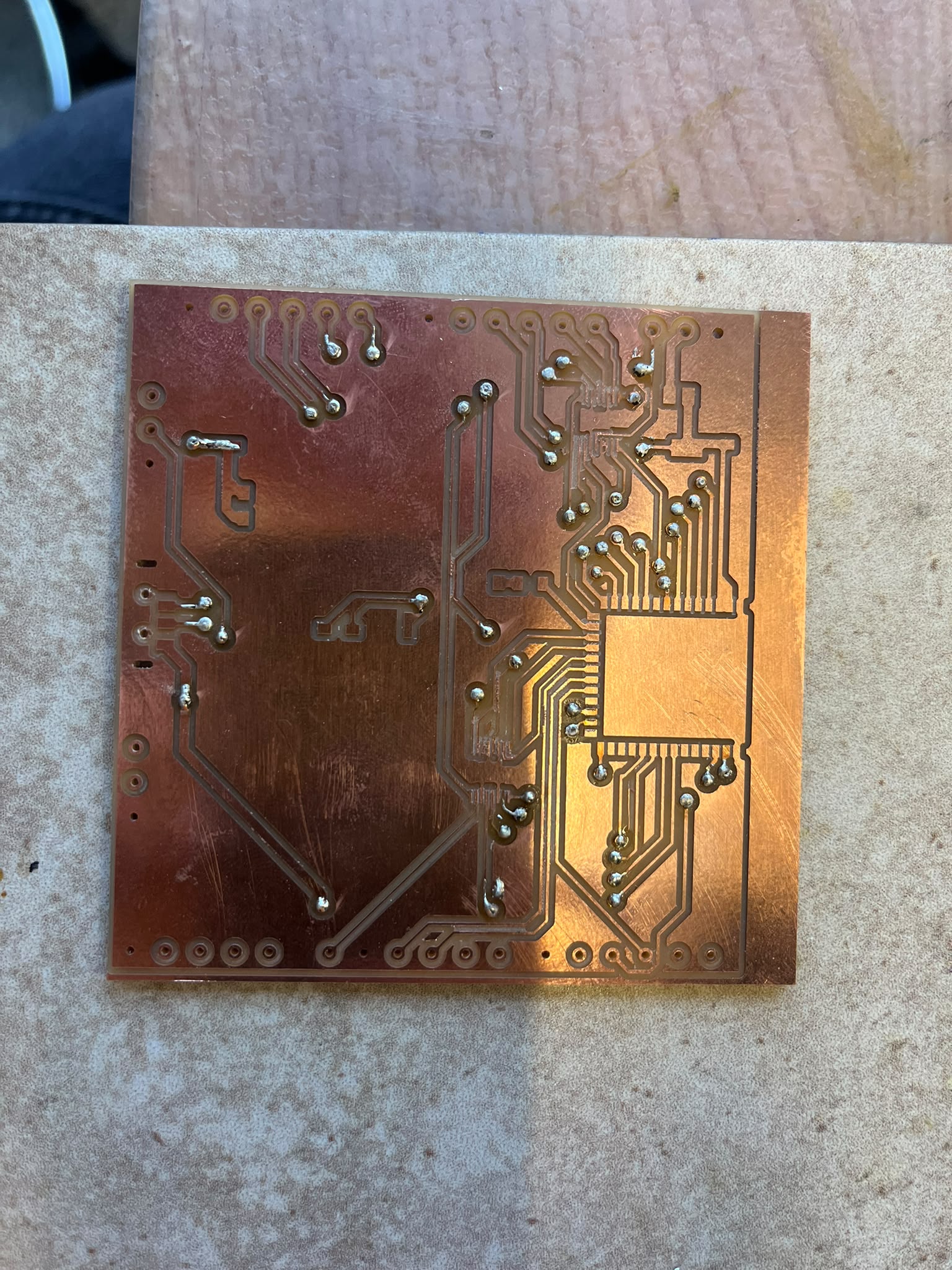
I then proceeded to send the front copper and holes job, flip the board over, and then send the back copper job and the edge cuts job. The board and gathered components ended up looking like this.
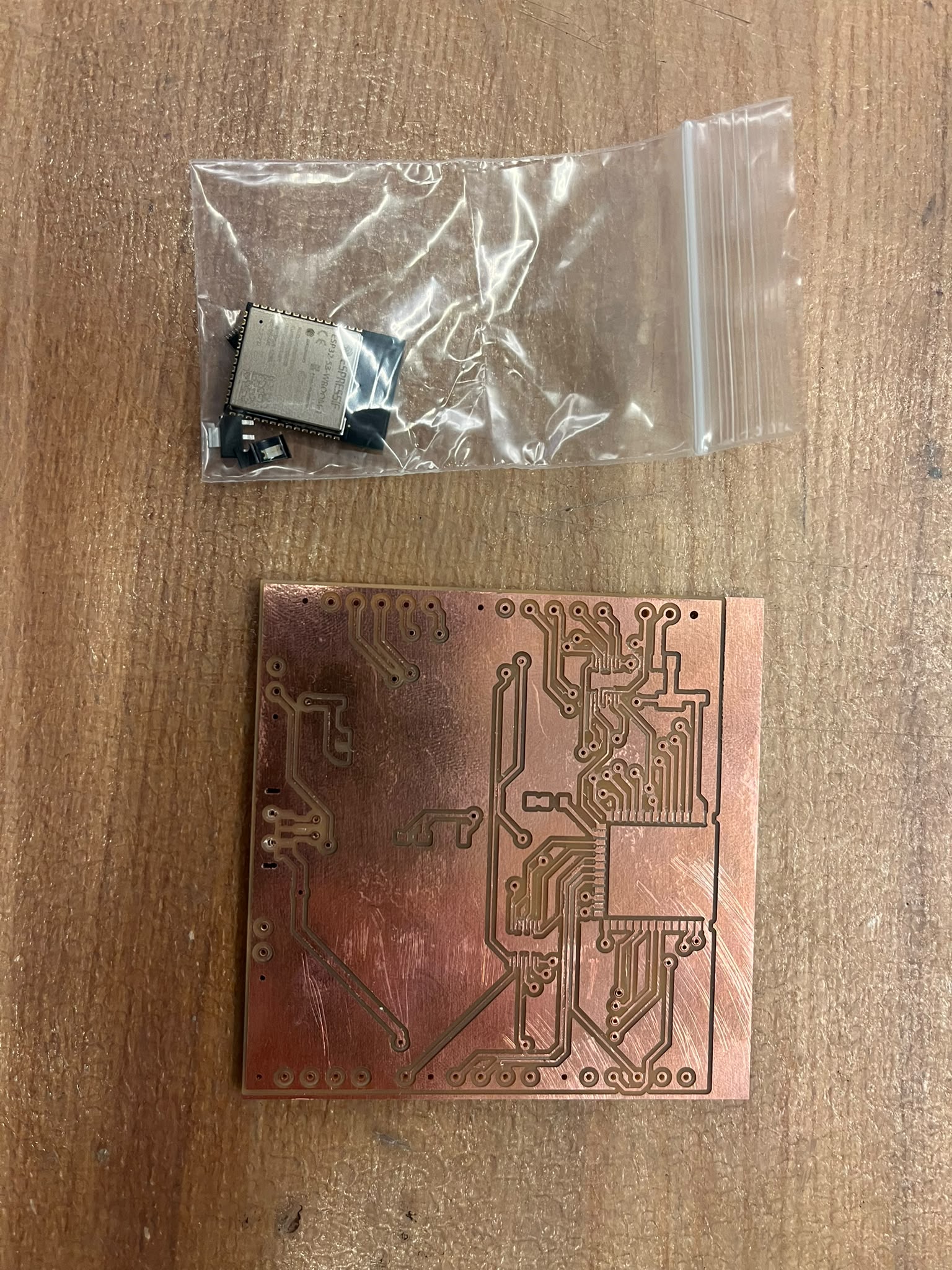
I then had to undertake a specific process to install the vias. Since there's no copper through the board, I have to place a hollow copper tube through the via hole (0.6mm inner diameter to go through the 0.83mm hole I driled), use a punch to taper and flatten the other end, and then sodder the ends for a strong electrical connection. The slightly painstaing process took aboutu an hour and come out as shown below.