Week01
09.17.2026
I’m starting from scratch here. Before I could do anything, I had to troubleshoot SSH. I had some old keys that didn’t work, so I did some cleanup with Claude’s help. Then I worked through parts of the Git tutorial and used Claude to figure out how to push changes directly from the terminal. I tried the same in VS Code, which I’ve used in the past. Now that I’ve confirmed both work, I’m going to hook Claude Code up to my repo and see if I can make changes I’m happy with there.
09.18.2026
Fresh eyes this morning after a full night’s rest. I spent most of my time dialing in a workflow that lets me update Obsidian throughout the week as I work and push those updates to my repo. I have a script that updates both my Hugo repo and my main repo, so the process is mostly automated now. There are still a few steps in between, like testing in my local environment and compressing media, but the weekly workflow is set up so I can document from my phone or my computer with little friction. I also set up Obsidian on my phone, so I can dictate what’s going on and it lands in Obsidian on my computer, ready to push.
Most of the Git setup was foreign to me, so I used Claude to teach me what I was doing, why I was doing it, and why we made the design decisions we did. I’m keeping my Claude conversations structured and asking Claude to export markdown summaries of what we worked on and concluded, so I can go back and review decisions that weren’t clear to me at the time. So far I’ve avoided Claude Code, even though it would be much faster. I think it would do too much too quickly and take away my opportunities to learn. Once we move past this unit, I expect I’ll use Claude Code more than Claude chat.
09.21.2026
I spent yesterday and today getting spun up on Fusion. Despite negative reviews from colleagues and even instructors, I found it pretty intuitive. My strategy was to ask Claude to write me a tutorial and learn by the numbers manually: step one, create a new file; step two, create a new sketch; step three, choose the axis; and so on.
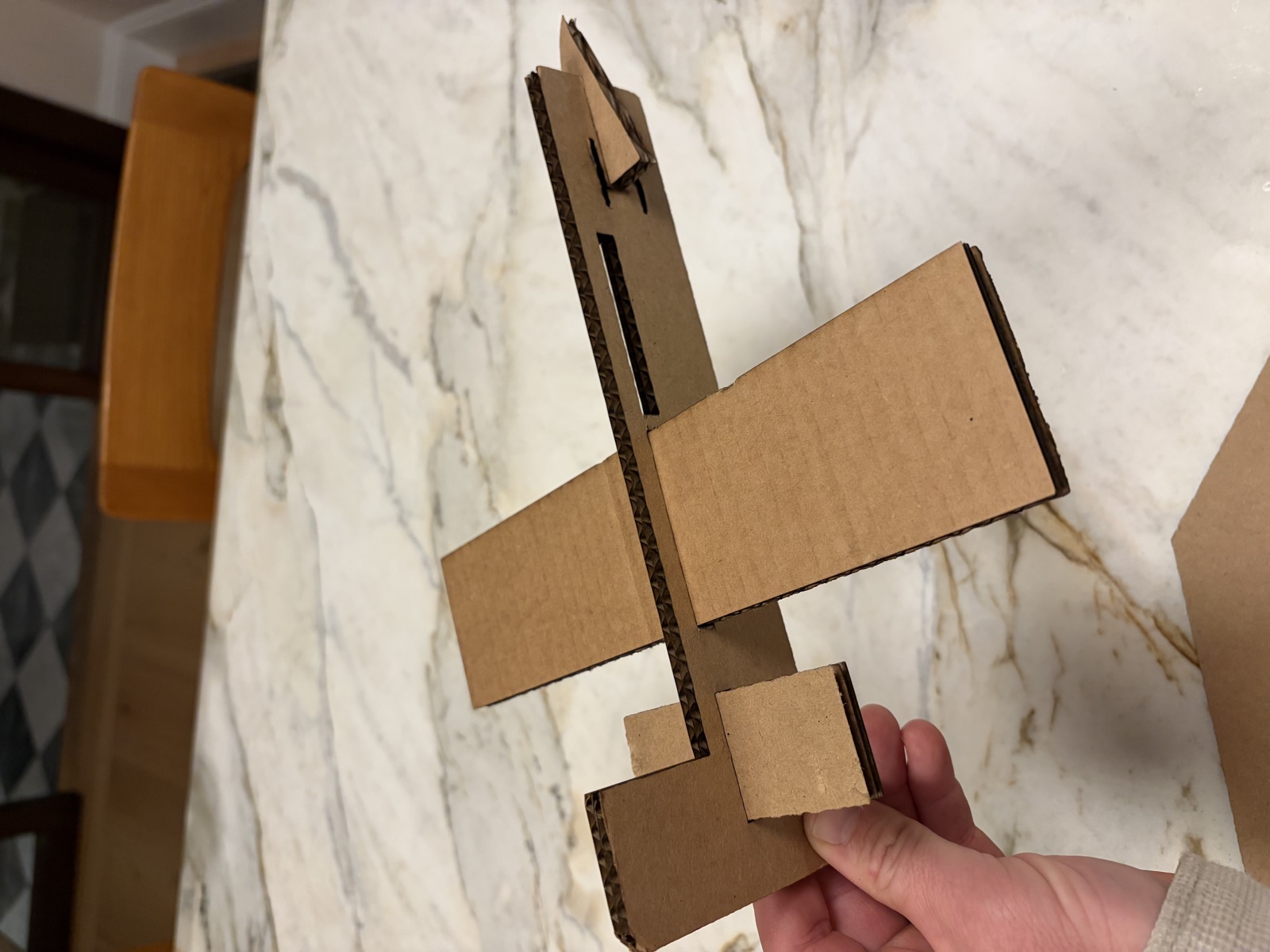
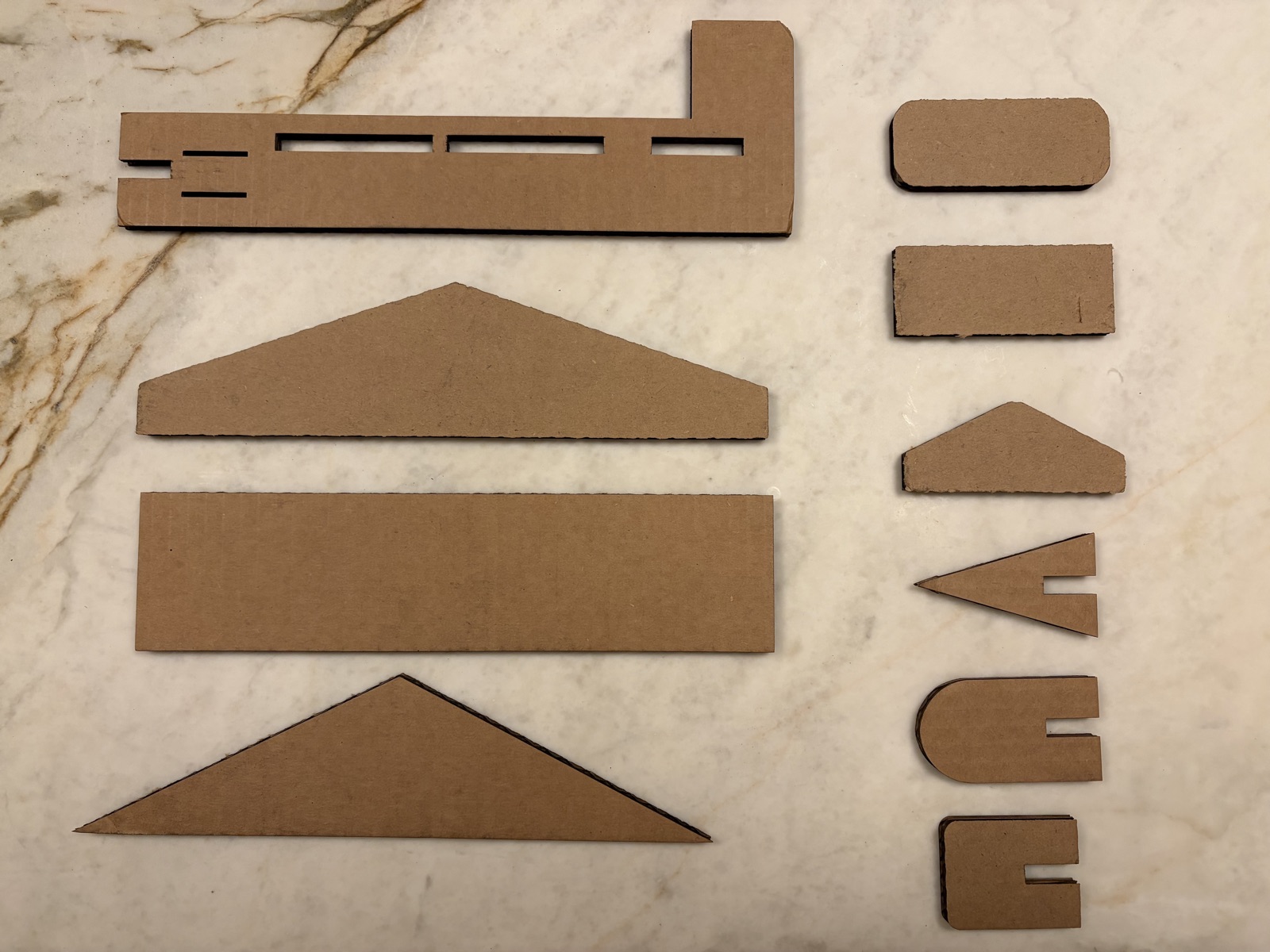
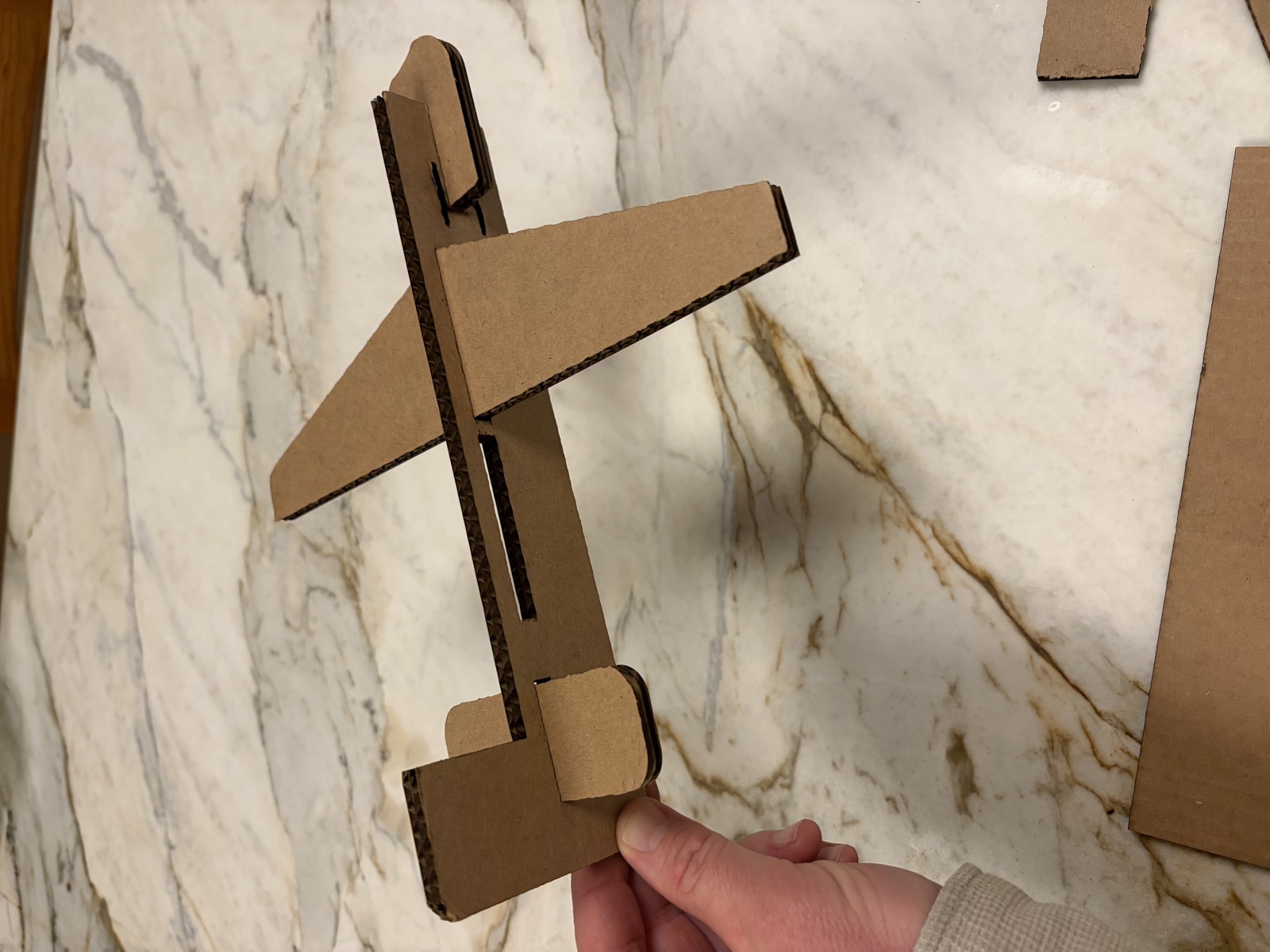
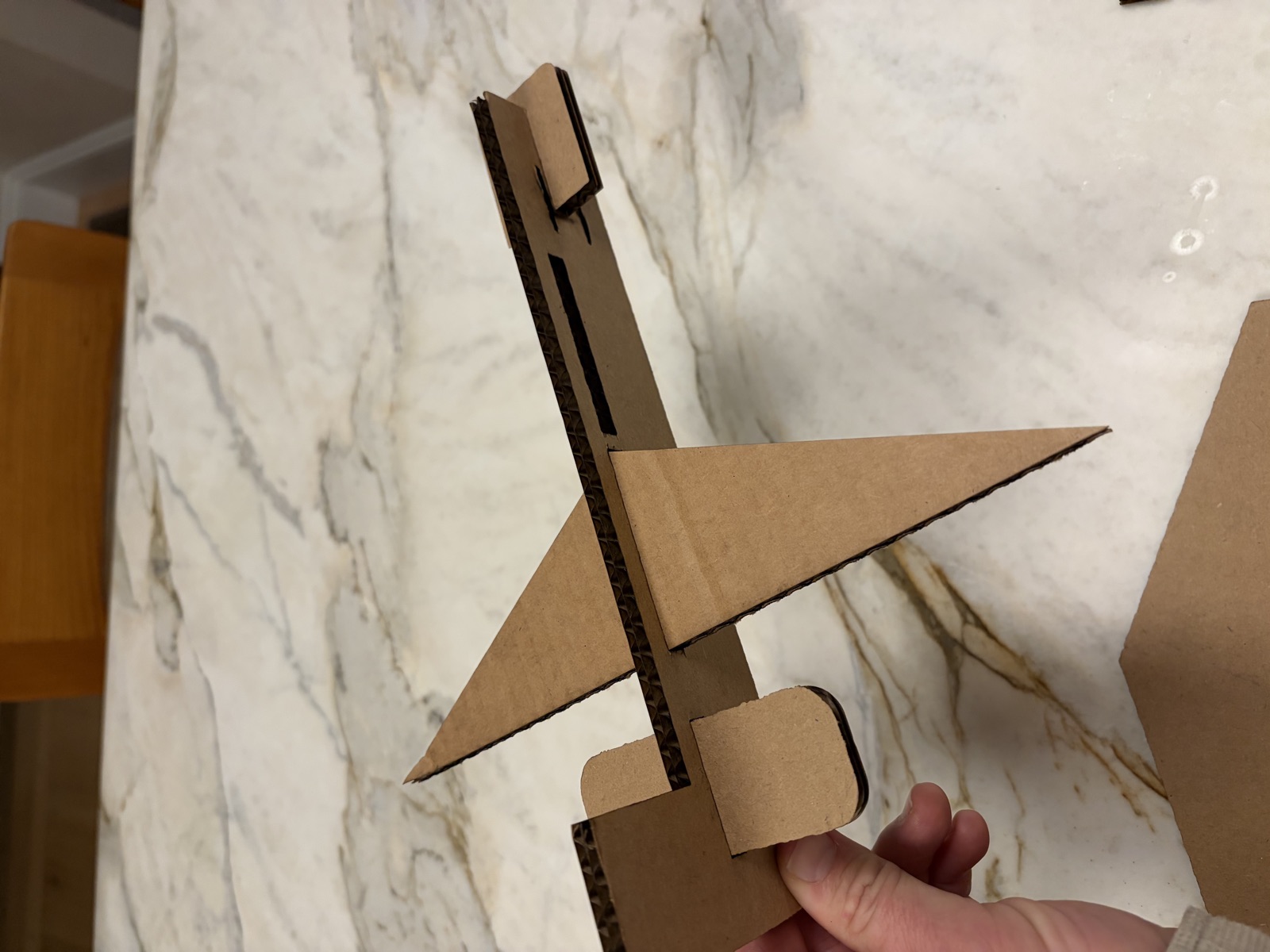
I created all the sketches I’d need for one fuselage, three wing types, three nose types, and three stabilizers. I also added three slots in the front for weighting, each sized to fit a quarter. The idea is that people choose a wing and a wing location (one in the front, one in the center), decide how much to weight the front with quarters, and pick a nose and a stabilizer. Then they get three tosses, and whoever makes it the farthest wins. If I can cut it in time, I’ll try it out on my kids before bed.
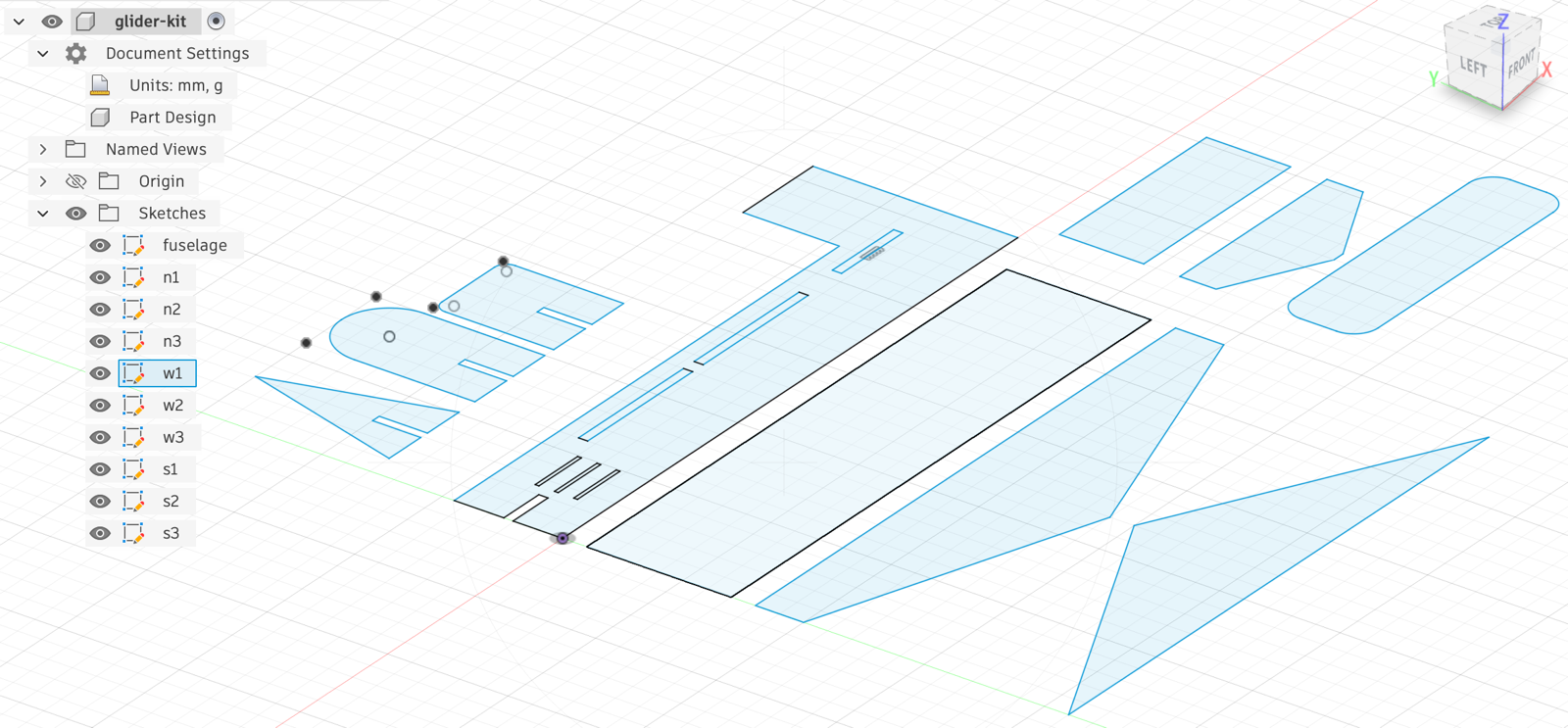
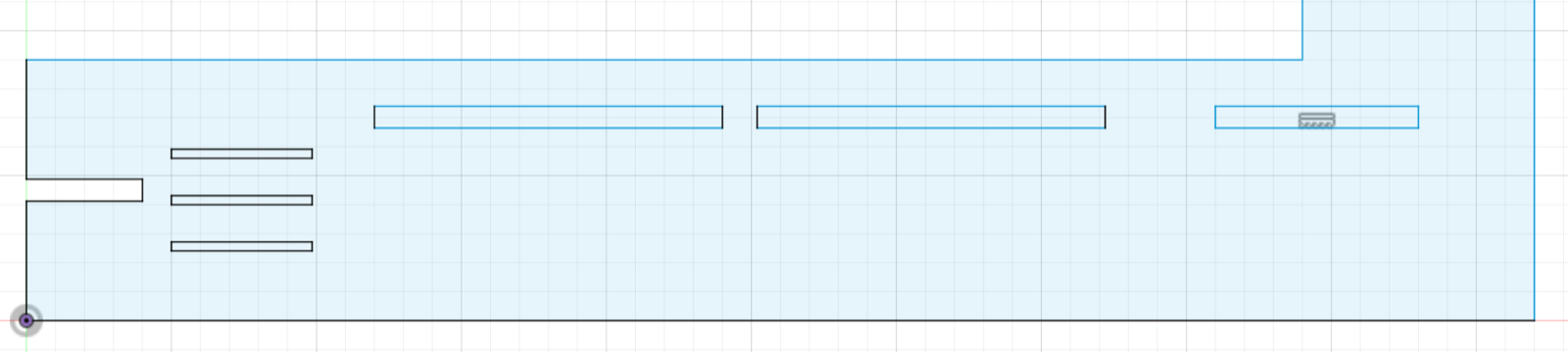
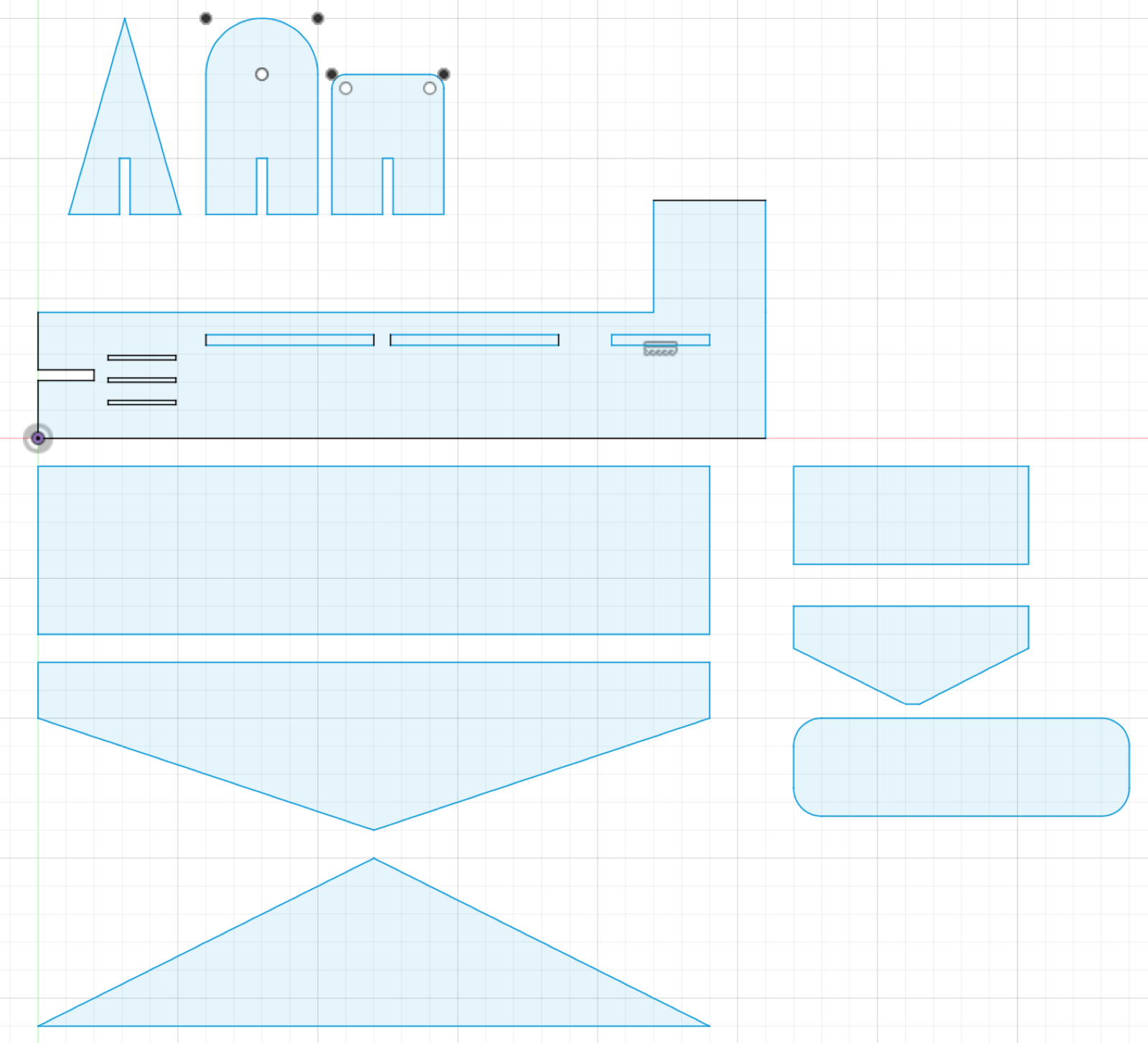
09.22.2026
What remained today was taking this to the laser cutter. I had an orientation, but that was almost a week ago, so I expected some trial and error.
At the lab, Shah helped me troubleshoot Epilog laser #4. I started with the lab’s standard cardboard settings (30 speed, 15 power, 10 frequency), and that only etched the surface. We raised the power to 50 and ran four passes on the fuselage, and it still didn’t cut all the way through. At 65 power the cardboard caught fire. What finally worked was 20 speed, 40 power, and 10 frequency, run about five times.
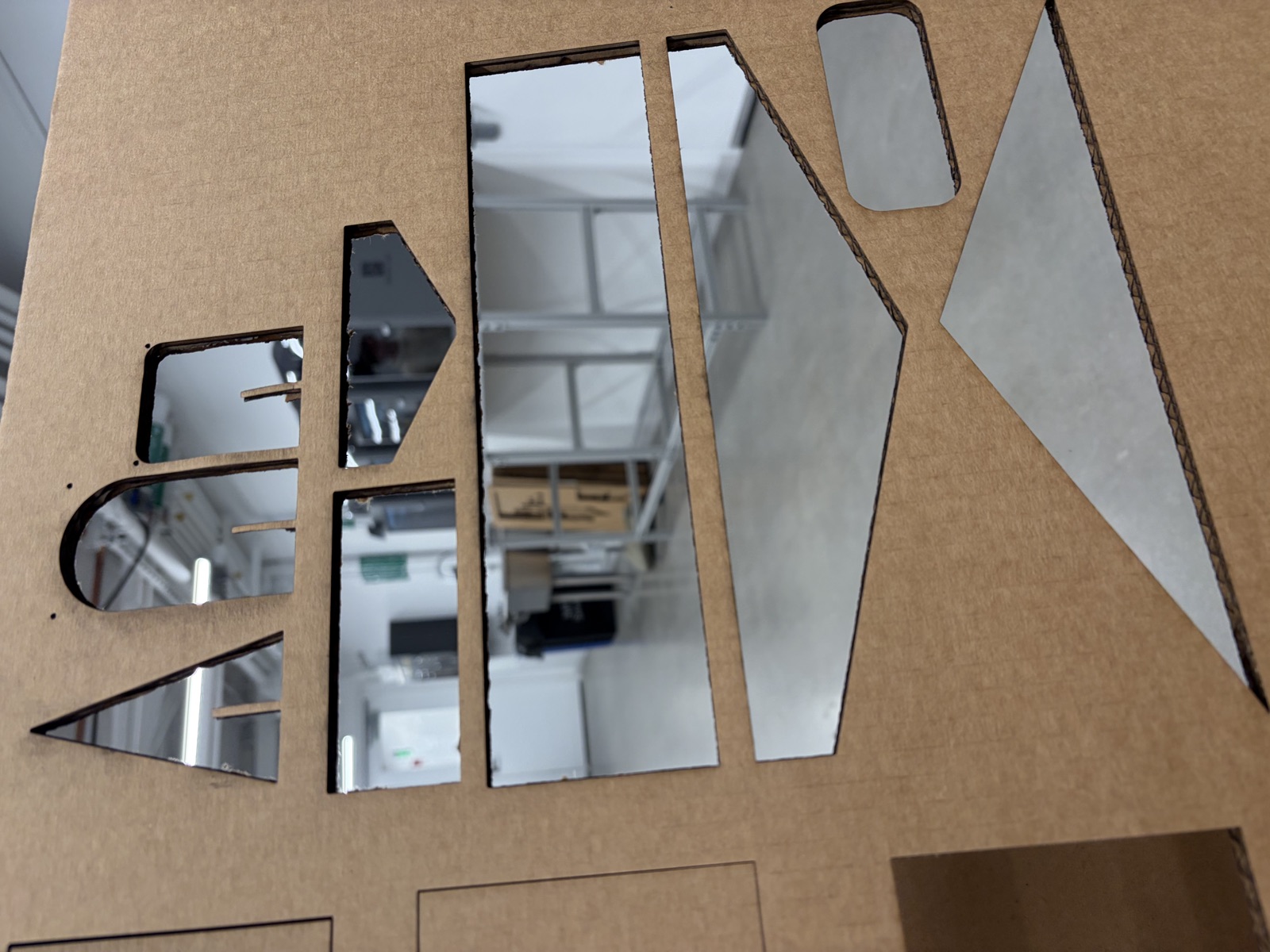
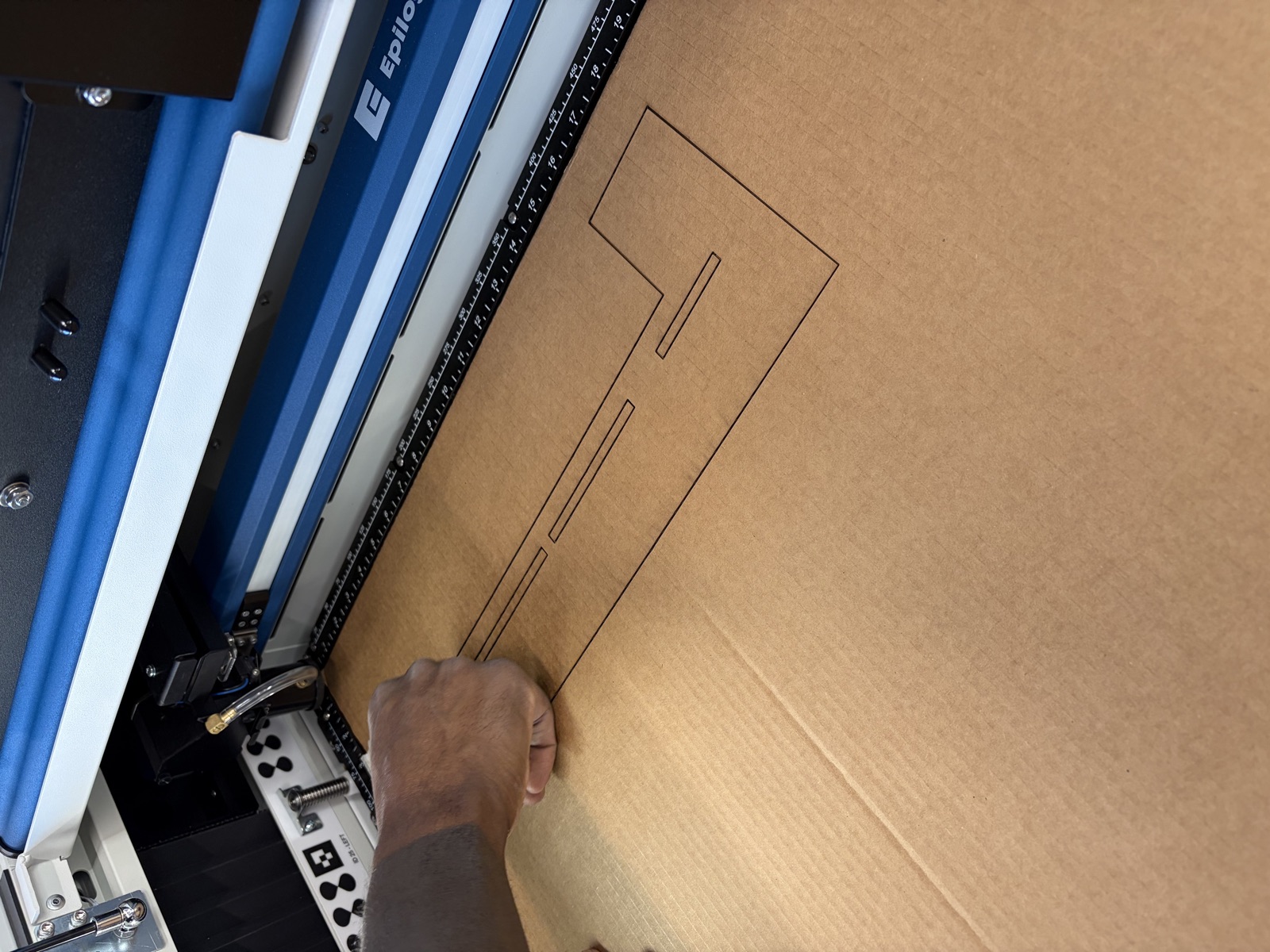
I think this week’s lesson was meant to be about Fusion, programming, and laser cutting, but what I really learned is that frustration compounds dangerously in fabrication. The new computers log off automatically after 10 minutes of inactivity, and when they do, they sign you out of every website. The lasers needed five or six passes to cut through, and when I pushed the power to save passes, I set the cardboard on fire. And so on. I spent around 3 hours on troubleshooting the laser printer tonight. Was not in the time budget!
In the end I made my airplane, and tomorrow I’ll have people test their skills with it. One learning was that so many passes through the laser cutter must have changed the kerf dimensions I had designed, which made some pockets larger than expected.
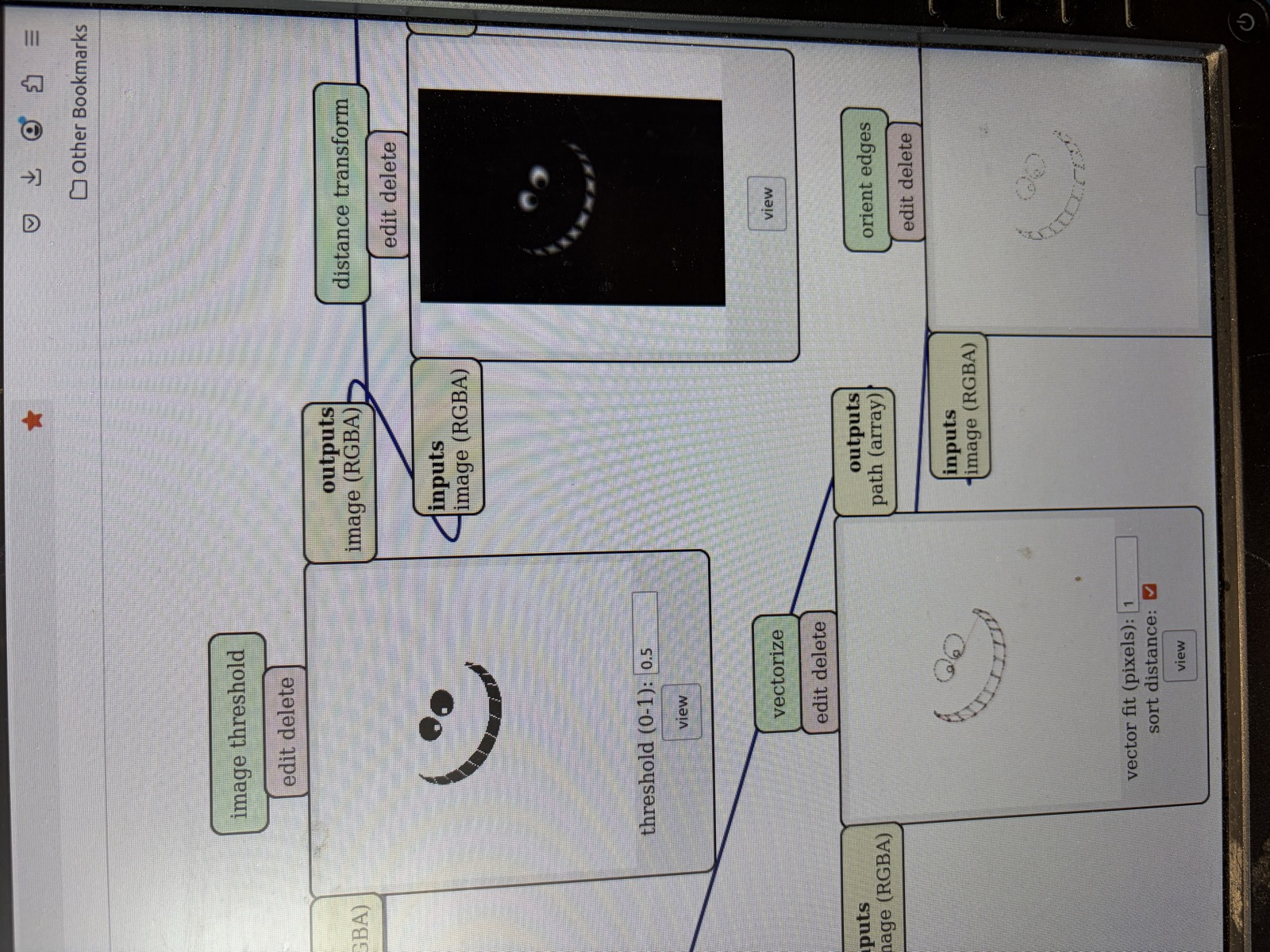
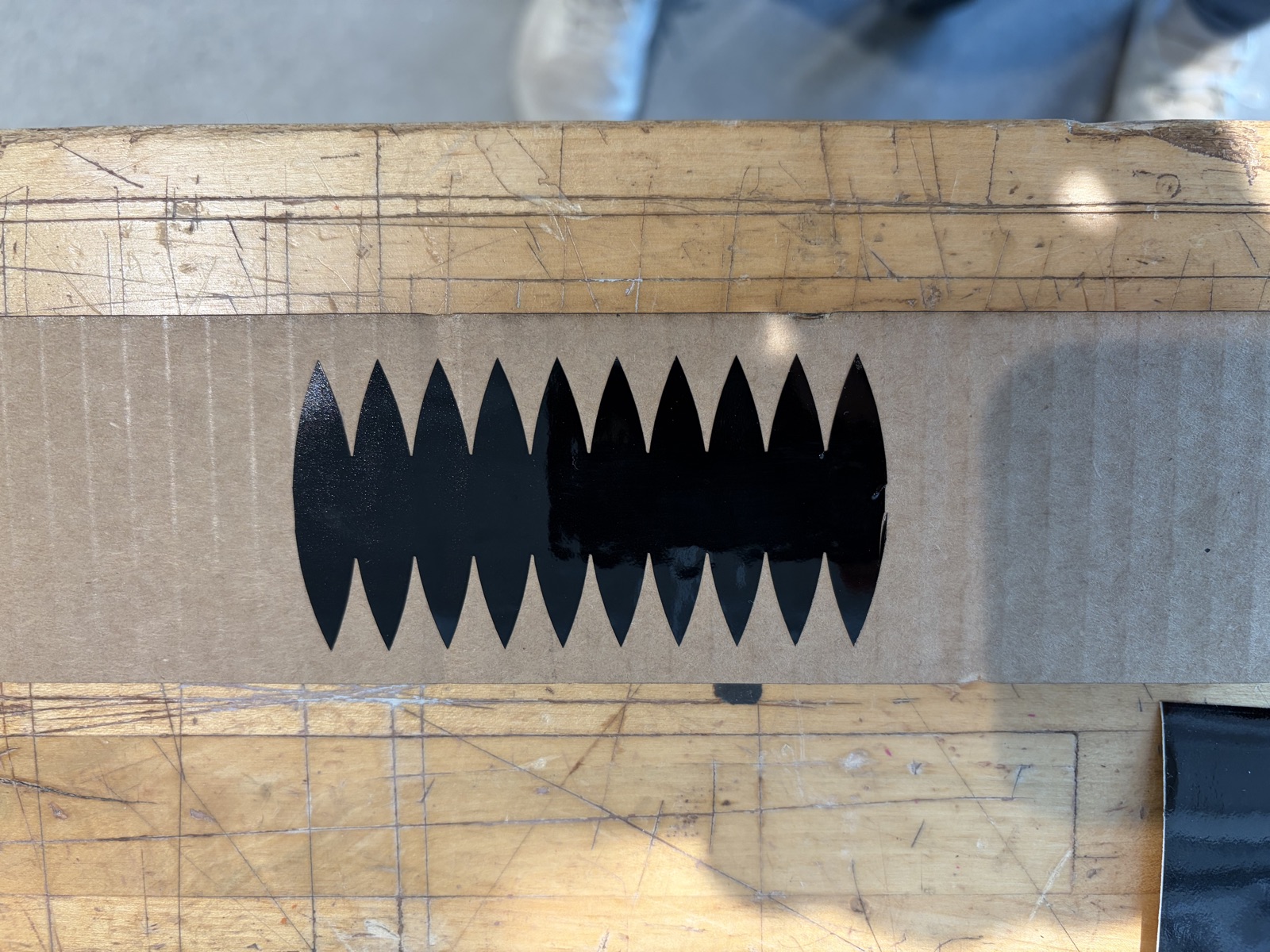
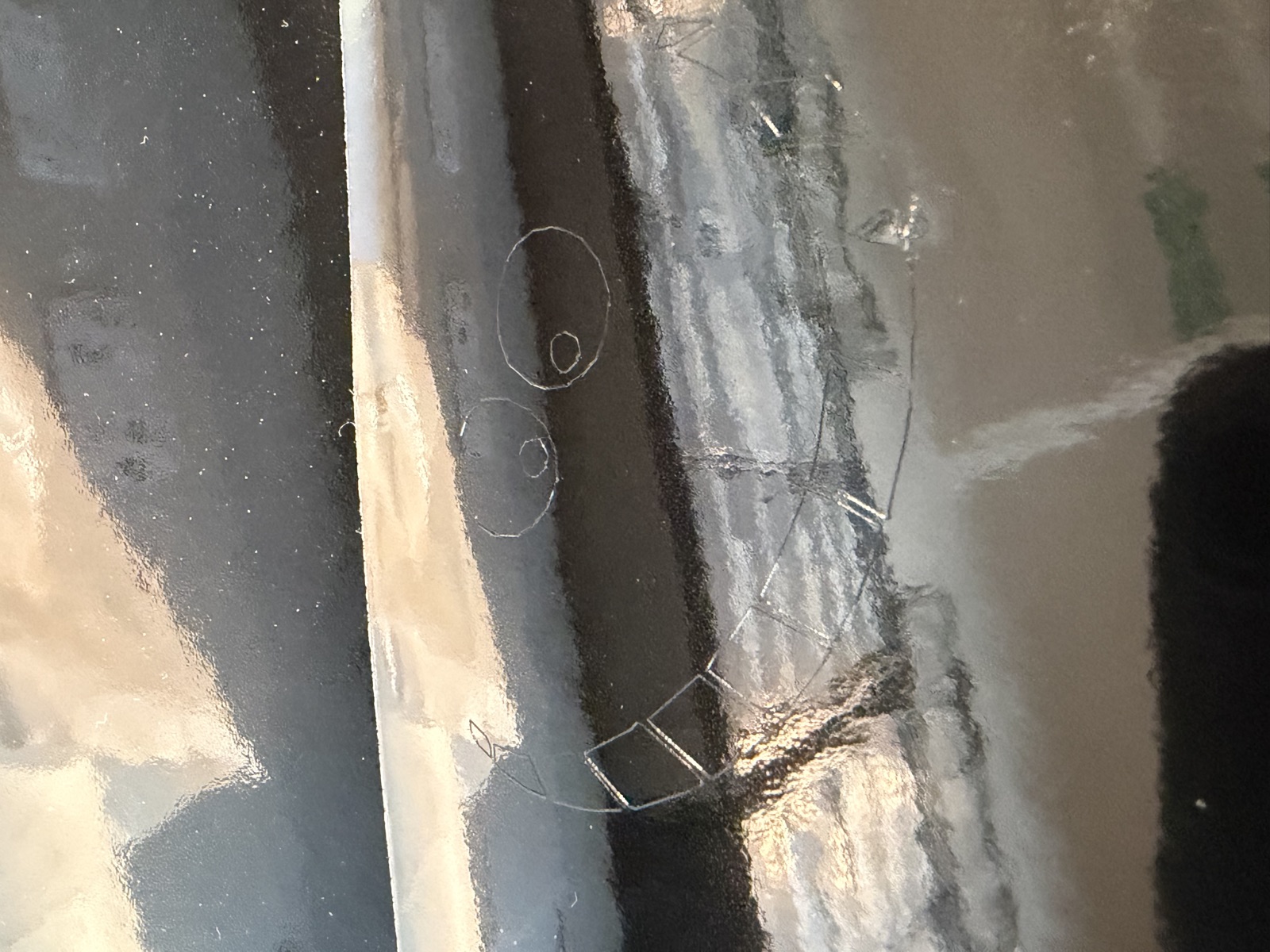
Also managed to get the vinyl cutter working this morning. The issue I was having last night was simply a socket connection that needed to be worked out in the terminal. I had tried to do that last night, but I was apparently running the wrong scripts. The answer to my prayers was in the arch shops tutorials. A couple of failures by having the force setting on 50 and printing things that were too fine, in addition to accidentally printing something that was 24 inches wide (don’t worry, I paused once I realize what was going on).