WEEK 02
Vinyl Cutting and Laser Cutting
Learning to use vinyl cutting and laser cutting machines to build random (cool) things.
September 2026
Vinyl Cutting the Yorushika Sticker
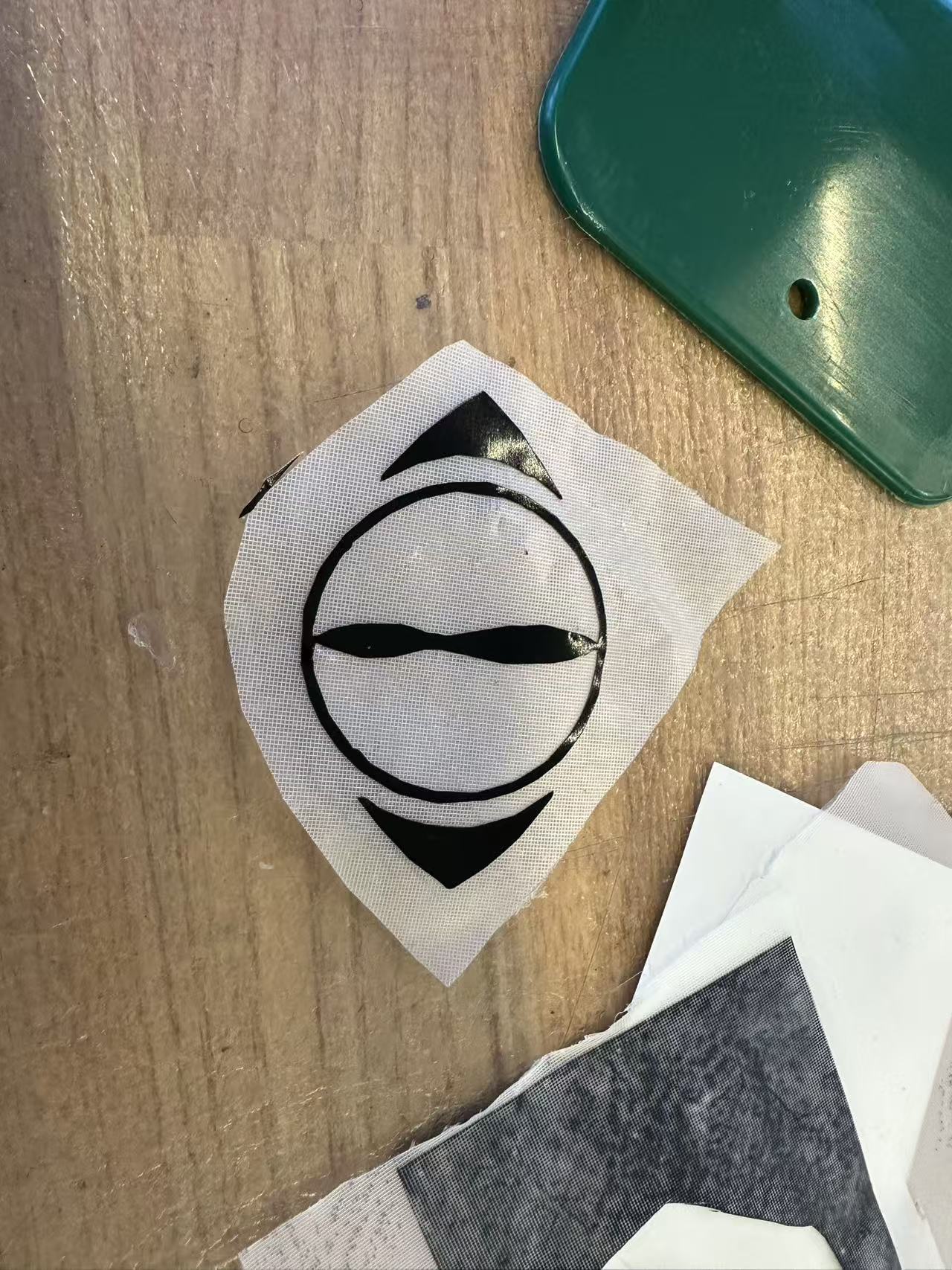
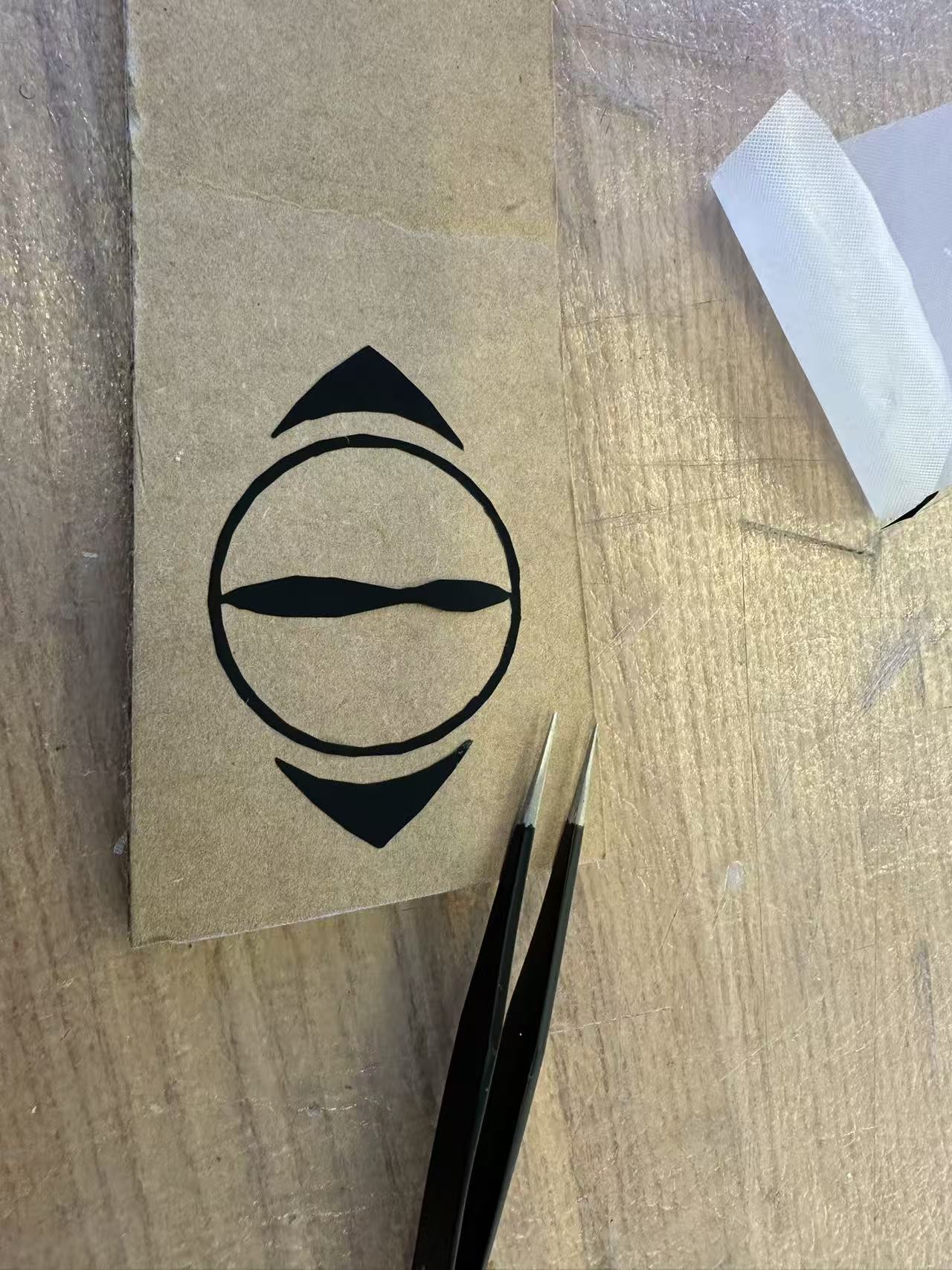
For this week's vinyl cutting task, I wanted to start with something simple so I don't overwhelm myself in the beginning with something too ambitious. So I settled on reproducing the logo for Yorushika, a Japanese pop band. Its design feels a eye-shaped logo with two moons facing each other on the side. So I considered this to be a nice mix of simple structure as well as some sharp angle details.

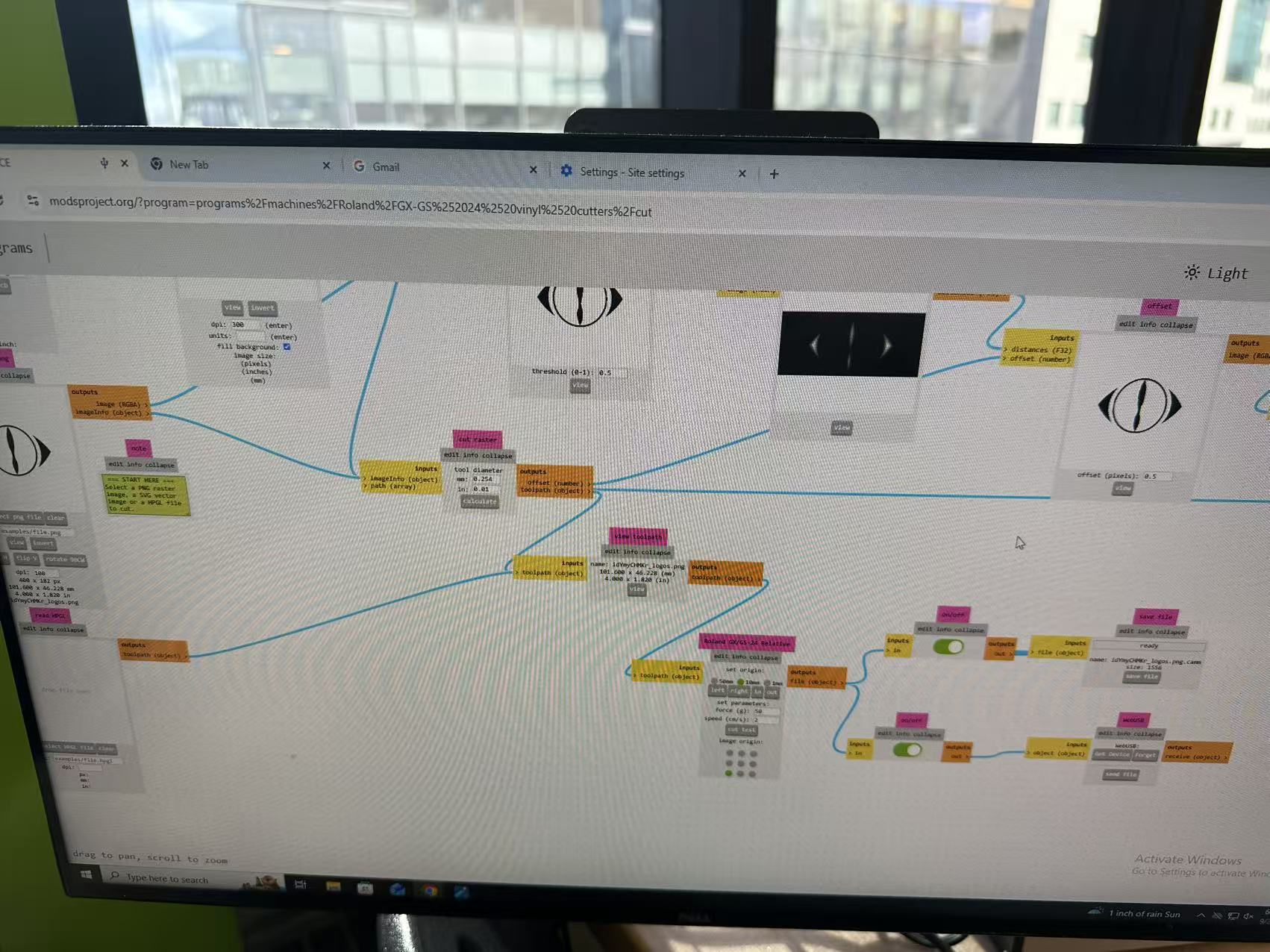
Below is the vinyl pipeline opened in the EECS FabLab computer. For some reason I still don't know, the first couple png files I found could not be parsed correctly. So I ended with with the jpg conversion.
When printing at 100dpi, the size feels very right (4 inch wide), but the edge shows some pixelation. But I decide to proceed from there.
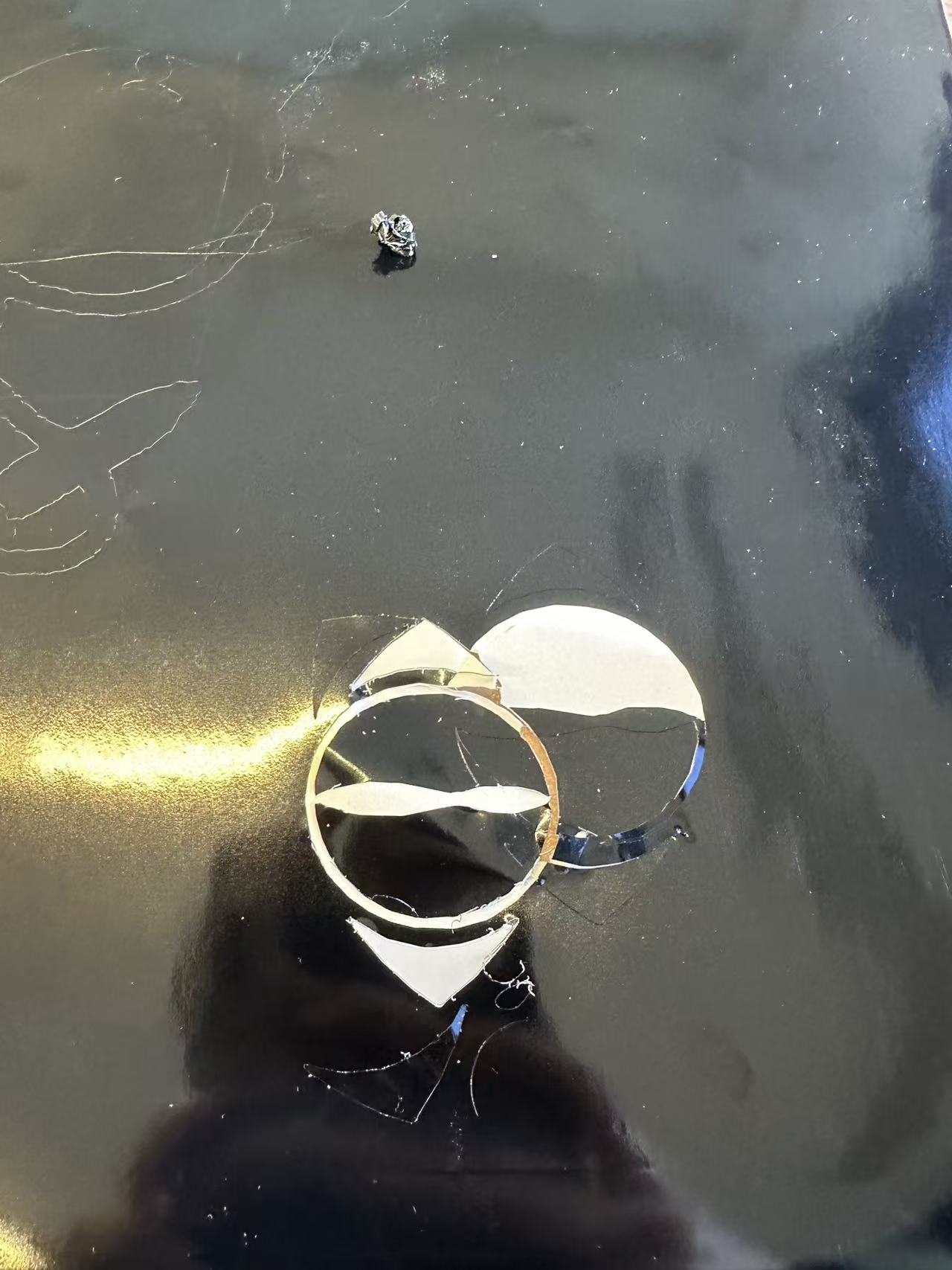
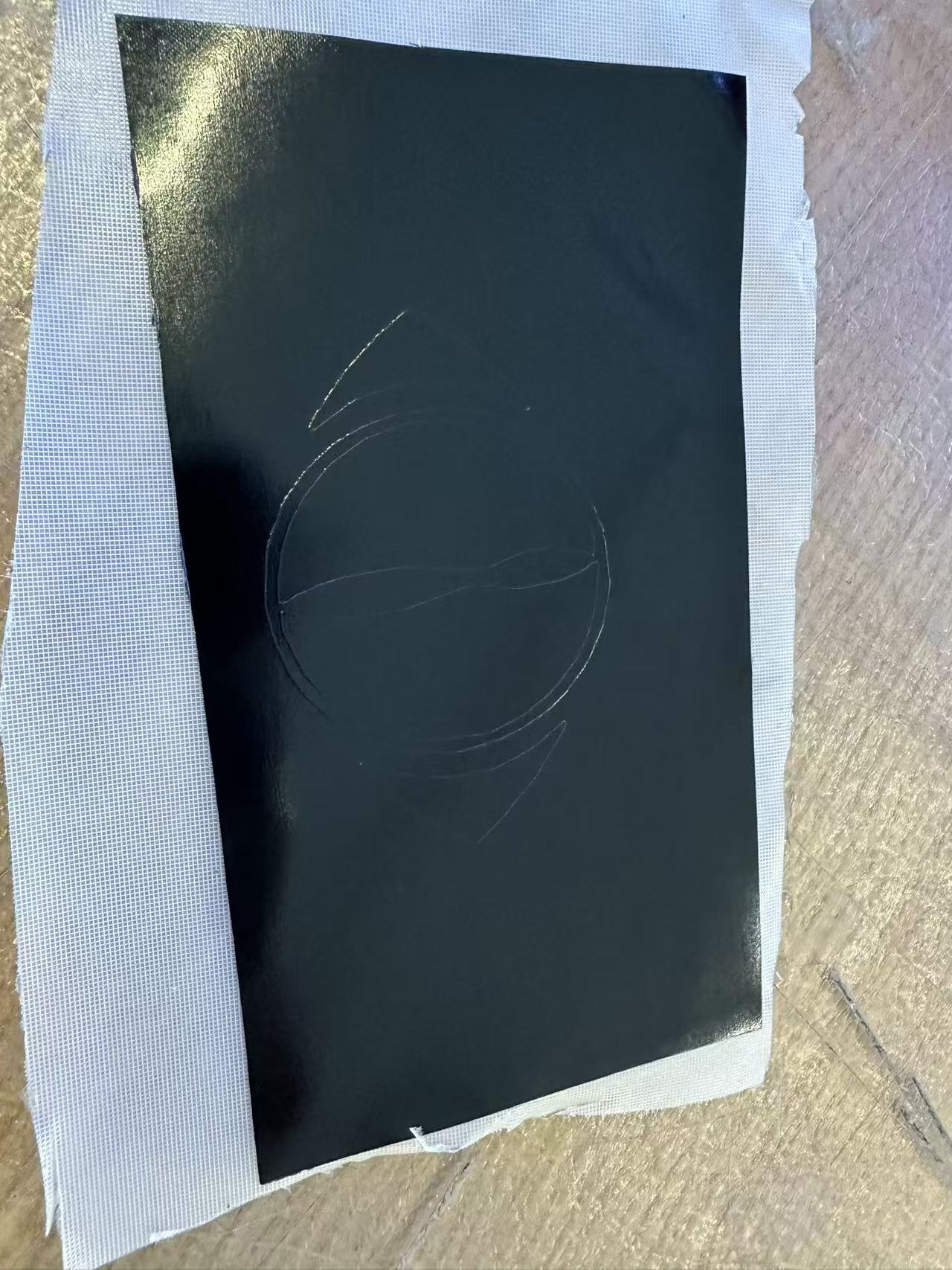
The first couple ones did not go too well. I did not realize the vinyl machine needs a phyiscal button selection of material type "roll" before it starts cutting.
So what happened was that I sent multiple work orders of the same file withour realizing it. So the machine ended up repetitively cutting over the same area over and over again.
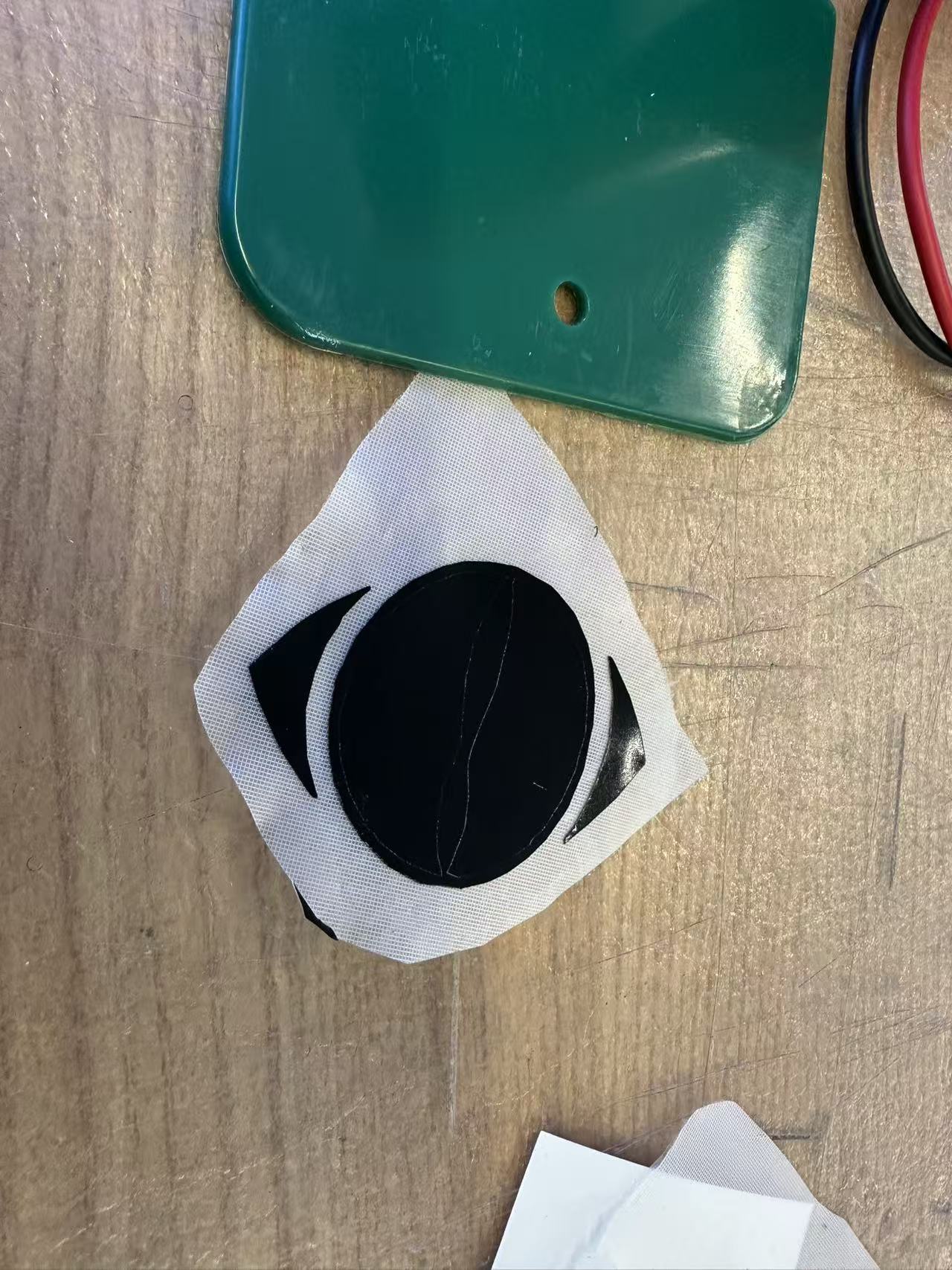
After fixing that, the next cutting went pretty smoothly. I ended up with a nice and clean sticker.
Laser characterization
I did not catch the group laser characterization session, so I brought my own Fusion designs to test a couple things out before actually doing the cutting for my project.
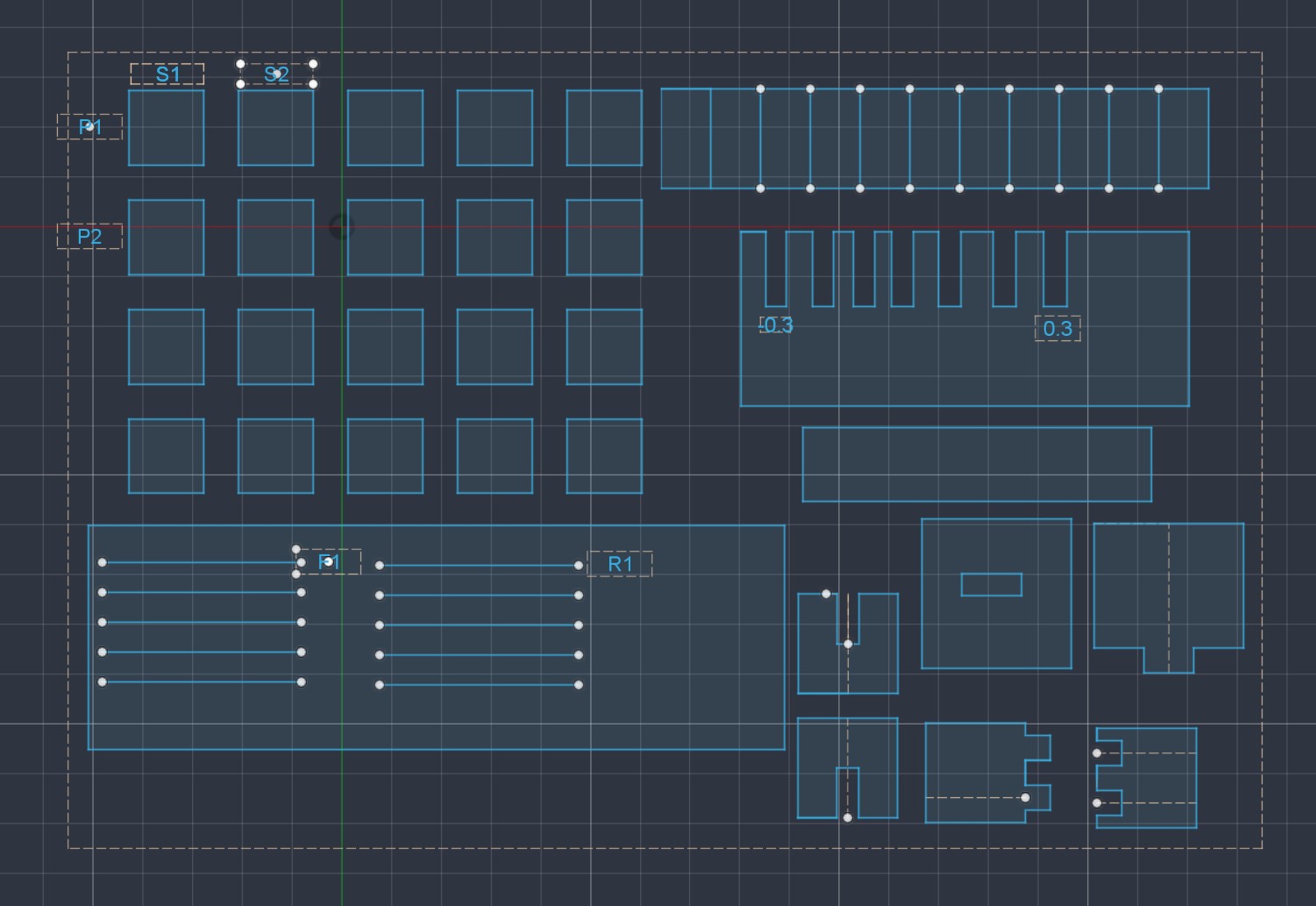
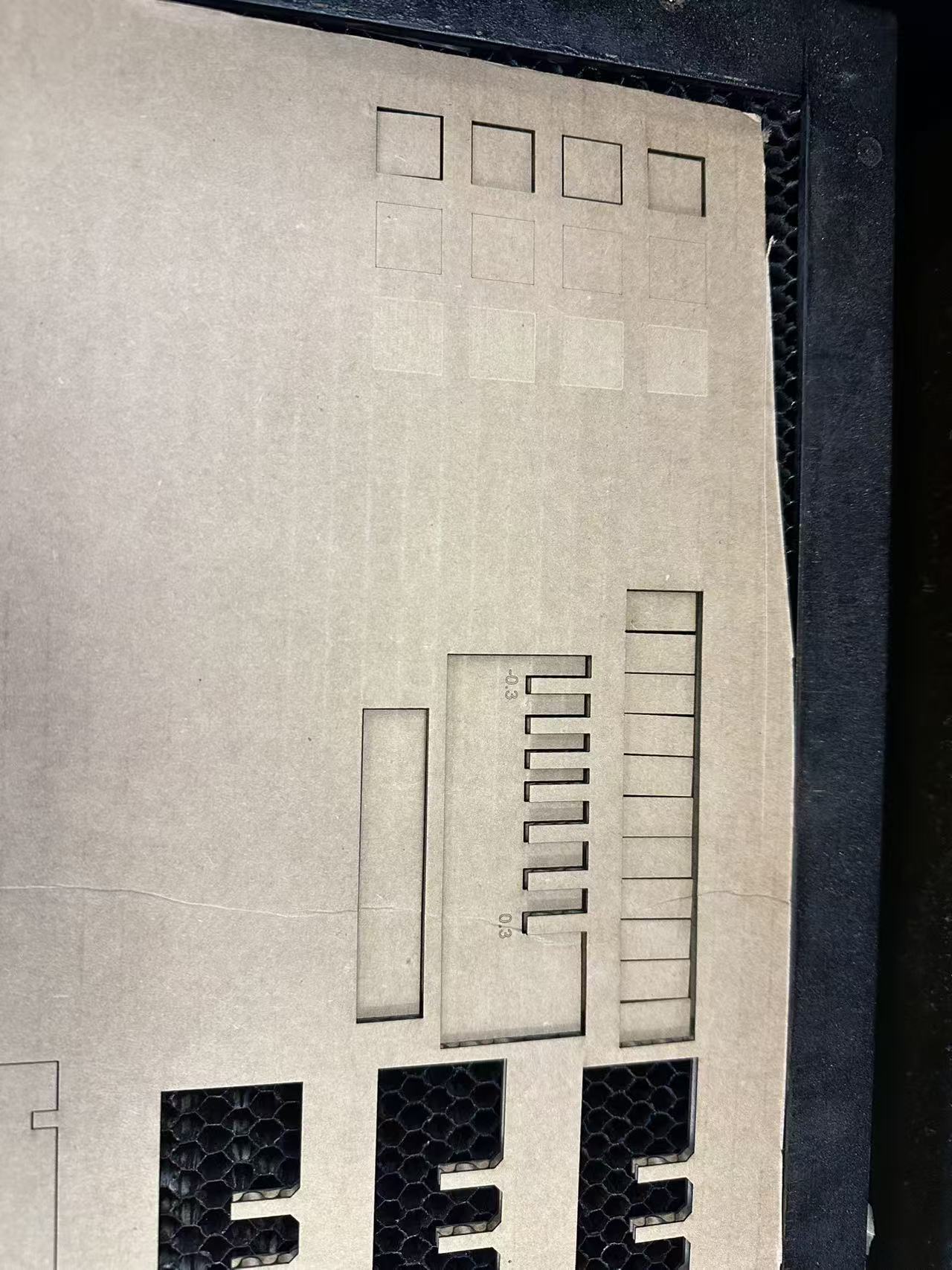
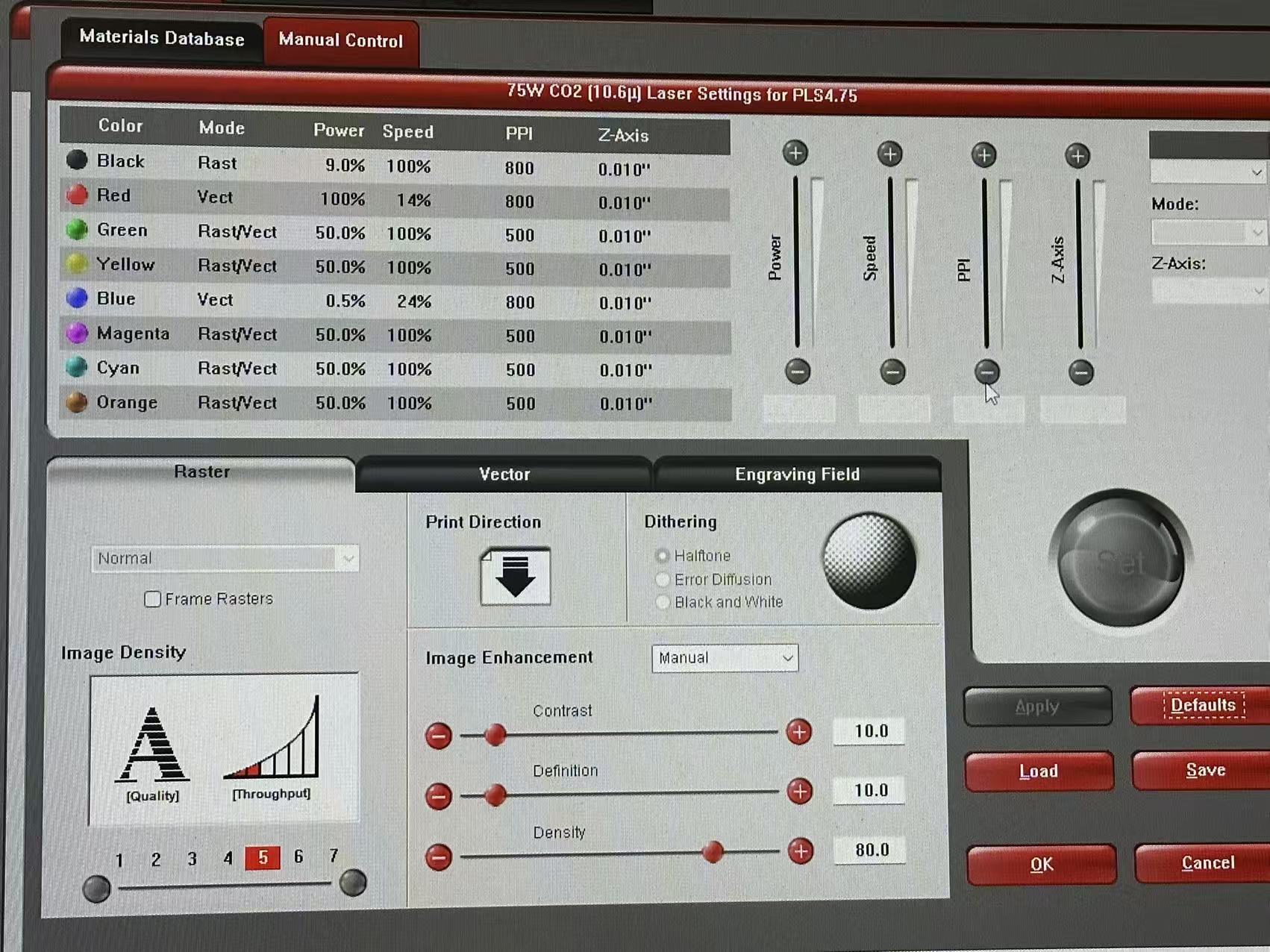
A couple interesting observations from characterization:
- The cardboard thickness is thinner than my initial measurement and I ended up using 4mm instead of 4.4mm. But in hindsight, I should have narrowed it down more aggressively.
- The rastering behaves differently from what I expected. I was envisionly a dark rastered surface like after woodburning, but it actually looks a lot lighter than regular cardboard surface. So in the end, I had to flip the dark and light part in my raster design on the go.
- The cardboard has a little bit curvature which is annoying. The piece can somewhat fall down on the cutter base during cutting which messes up the alignment a little bit. For now I couldn't think of a good solution rather than try to straighten the board as much as poosible in cutter.
Laser cutting
We are finally ready to move on to actual laser cutting. For this week, I decided to make the companion cube from Portal series. It has a very well defined cube geometry, which is perfect for sketching and modelling joints. I also plan to engrave the companion cube pattern on the surface.
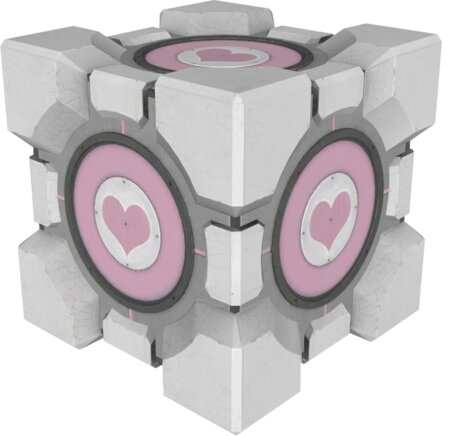
Soon I begin with the Fusion modelling. I plan to have 3 different cube faces for joints and have them share the same face engraving for the companion cube pattern. The three faces will respectively be side A, side B, and side C. There will be 4 tabs (positive joints) for side A, 2 for side B, and 0 for side C.
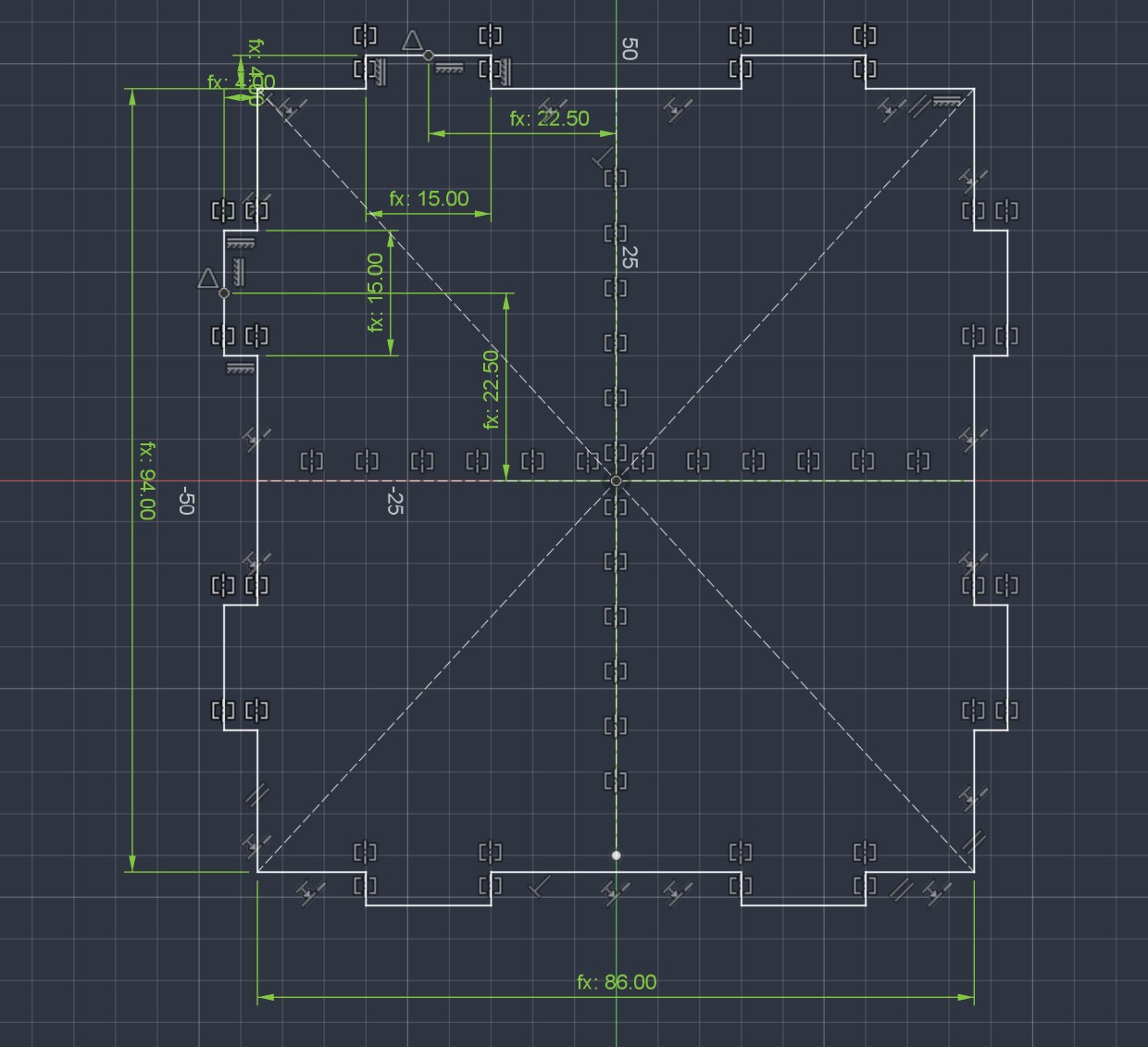
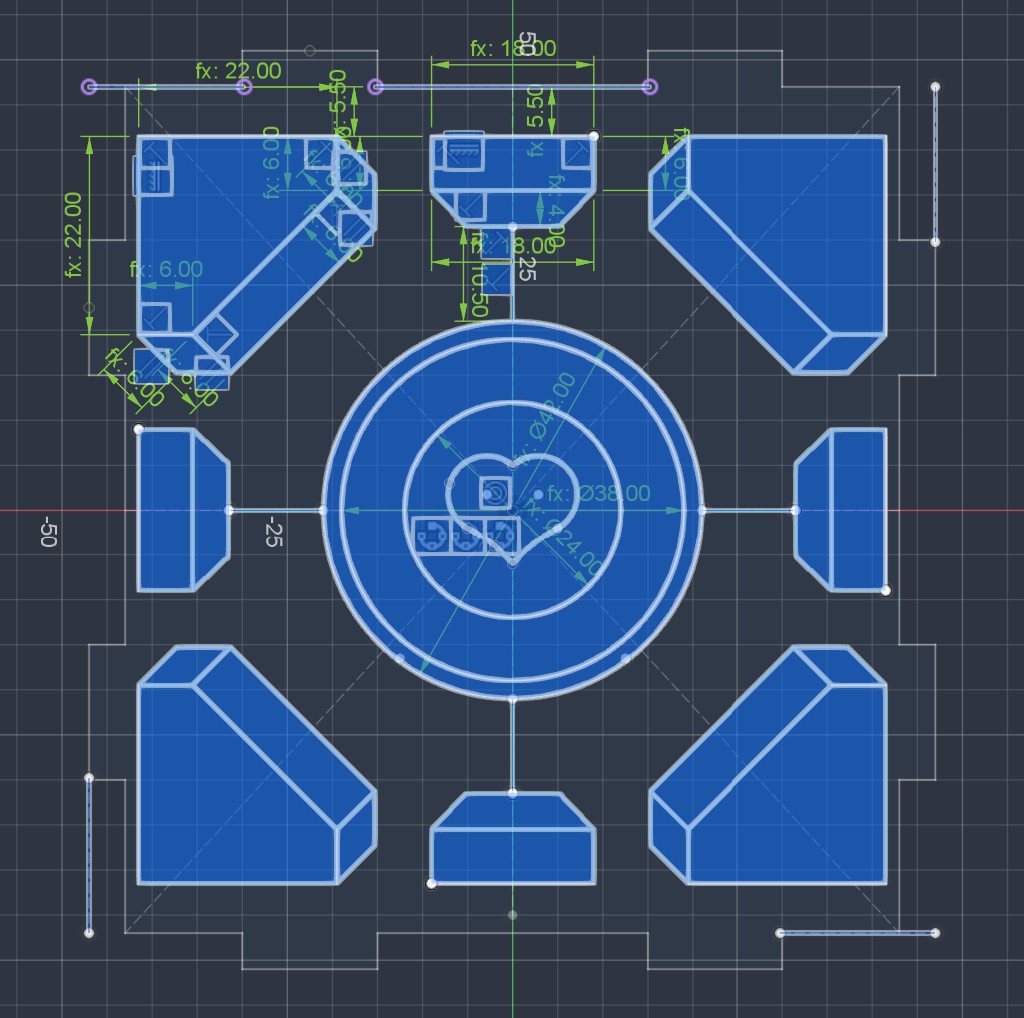
I tried to make the design as parametric as possible. Below is a demo of the same design but with different cube sizes.
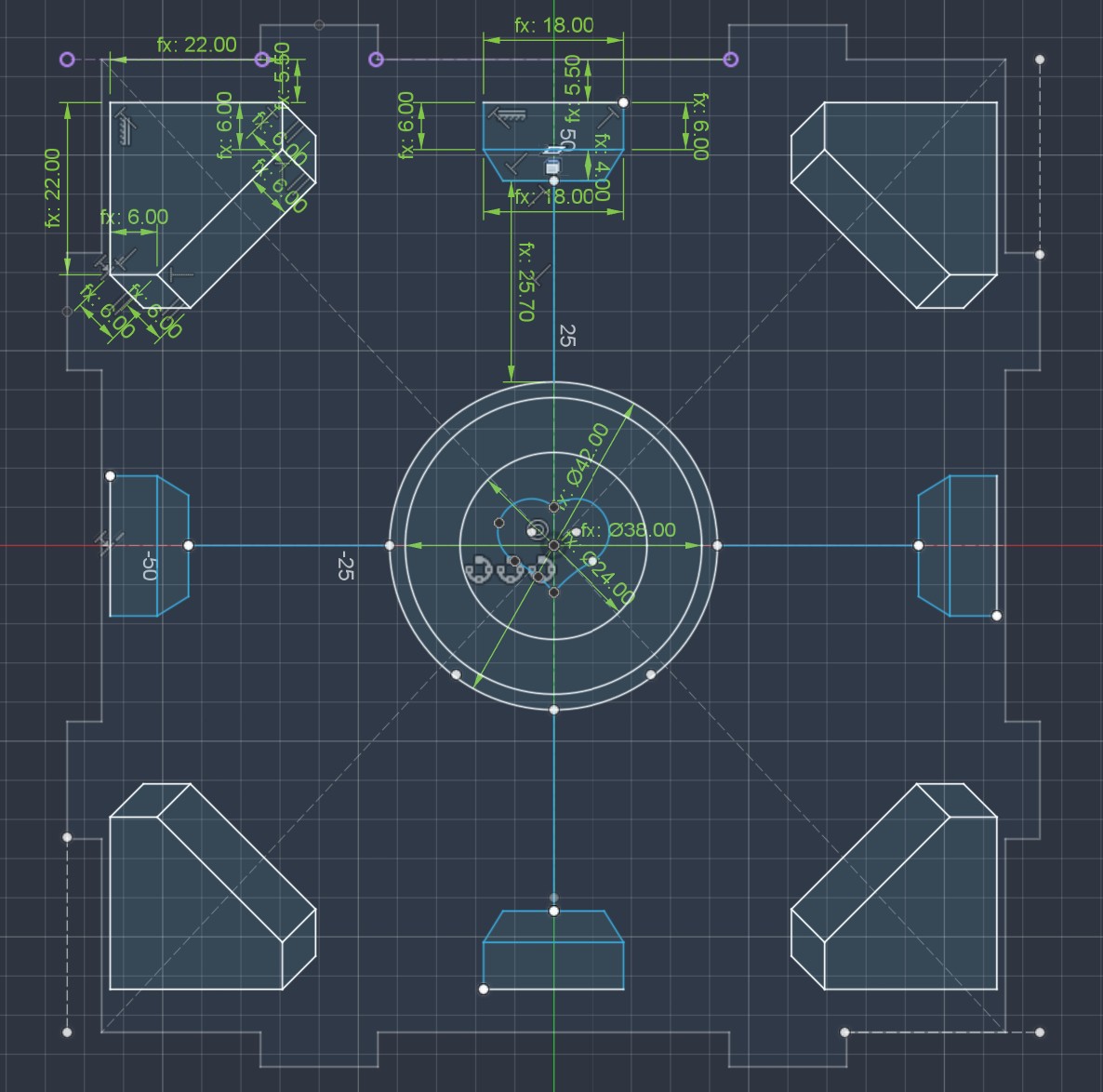
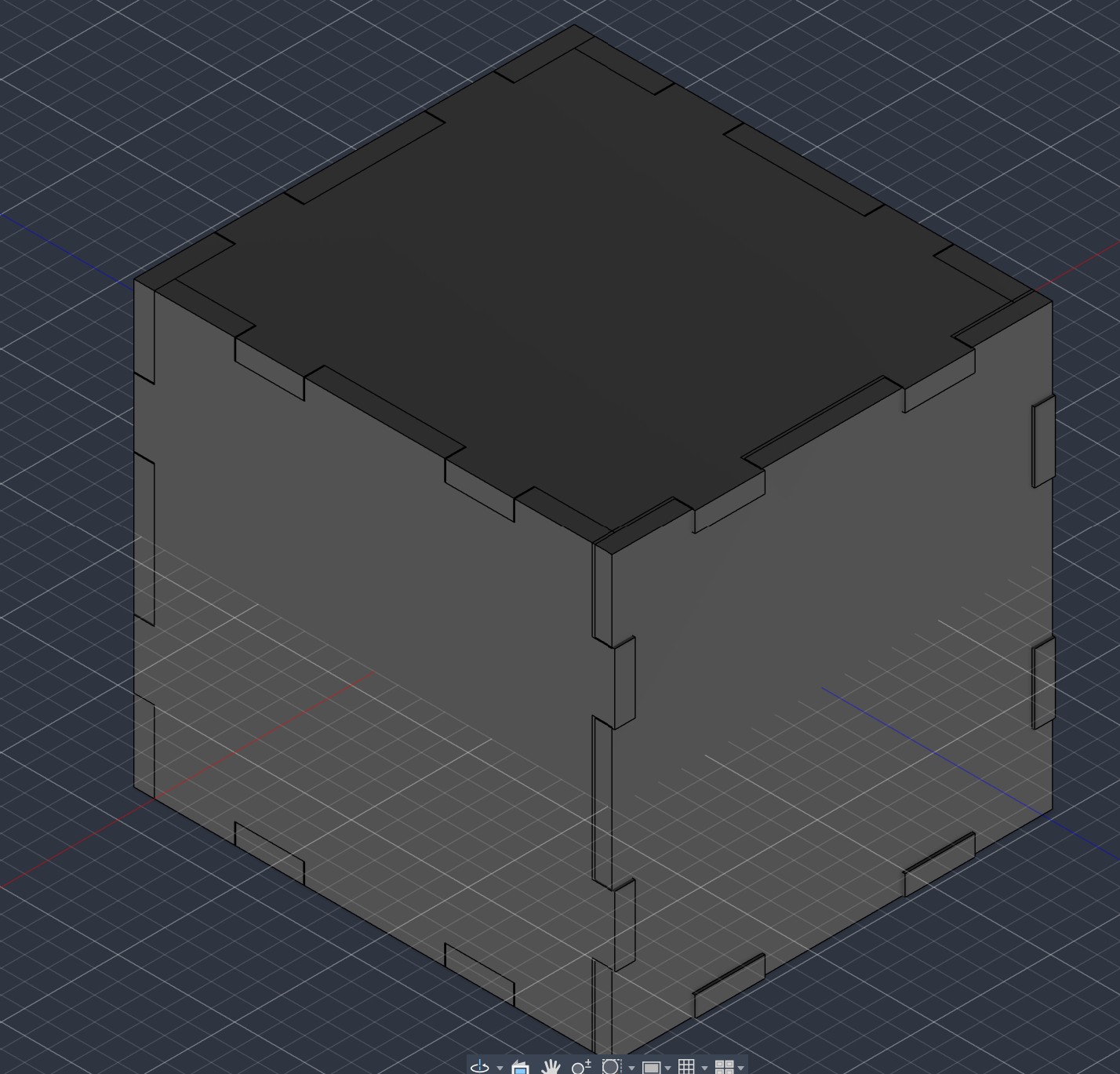
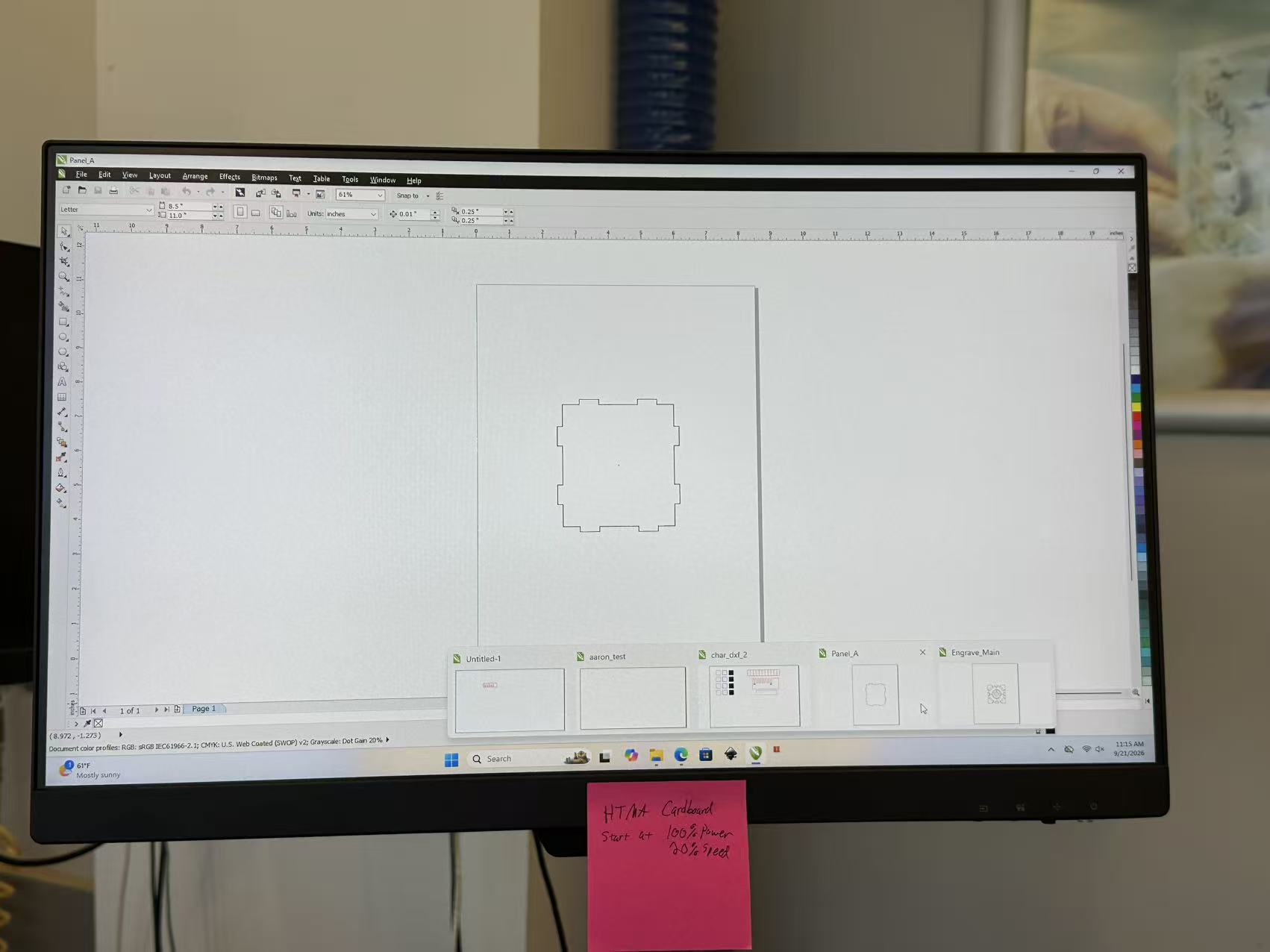
Now we can bring this design to the laser cutter. I started with side A.
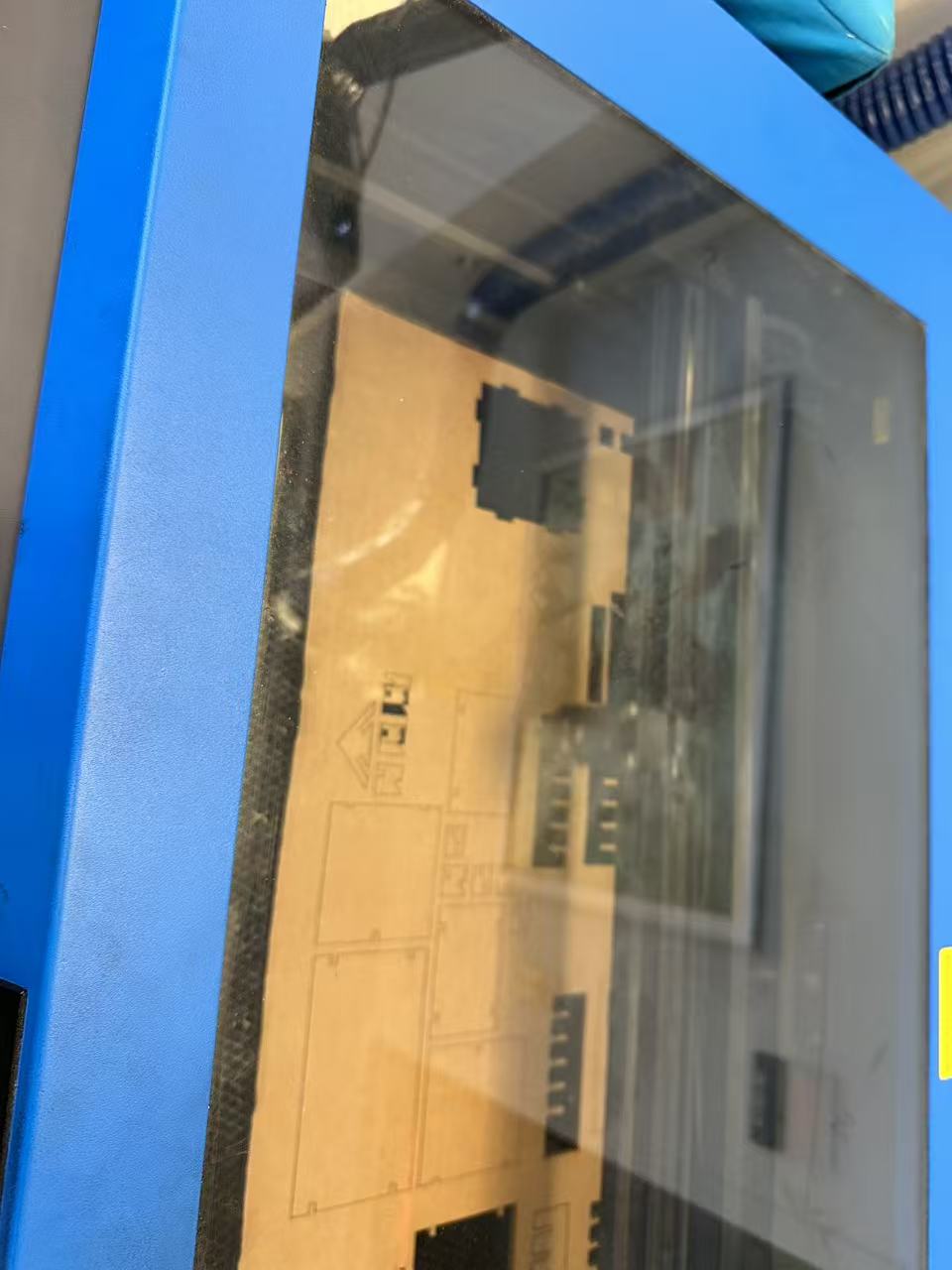
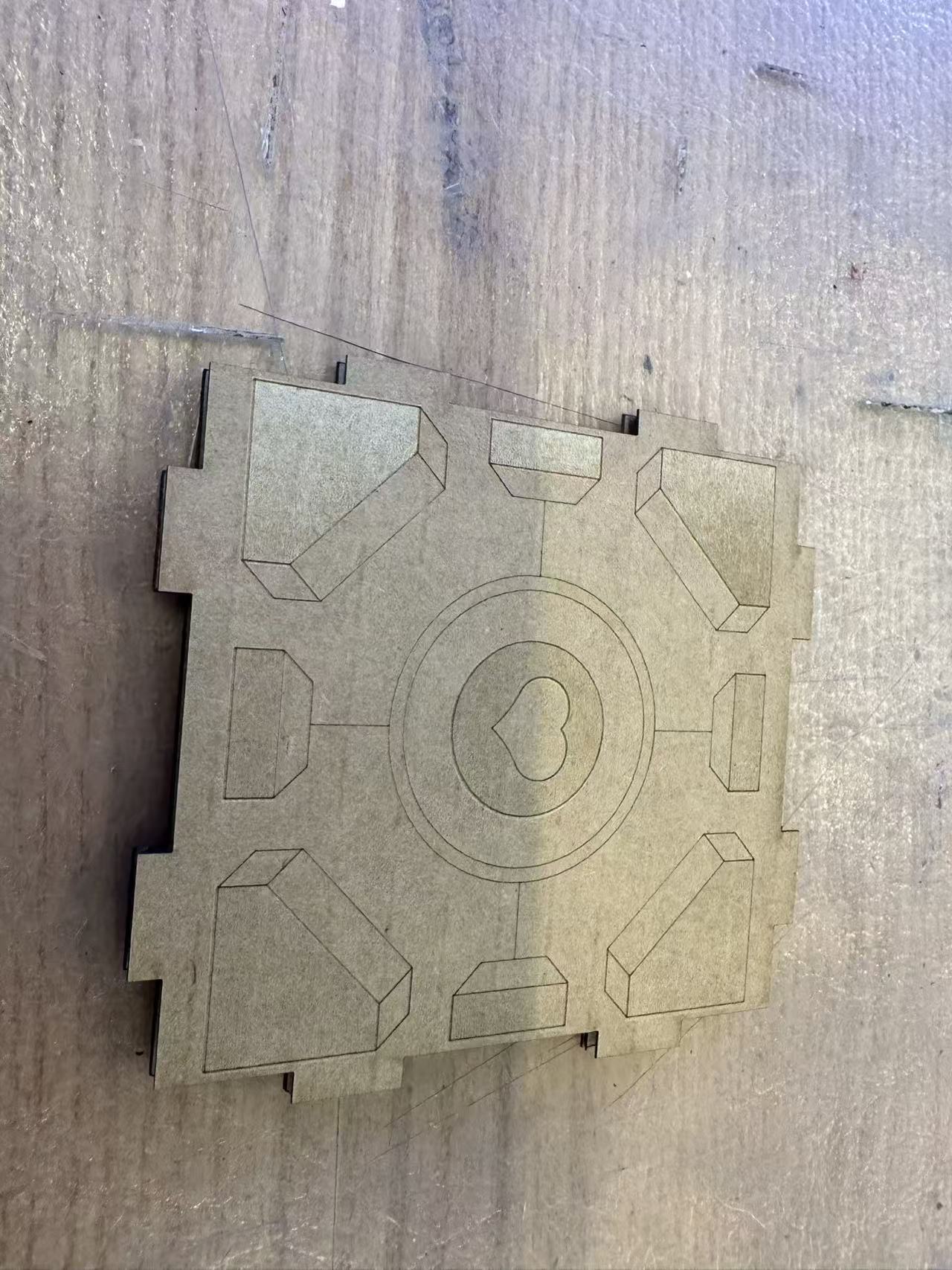
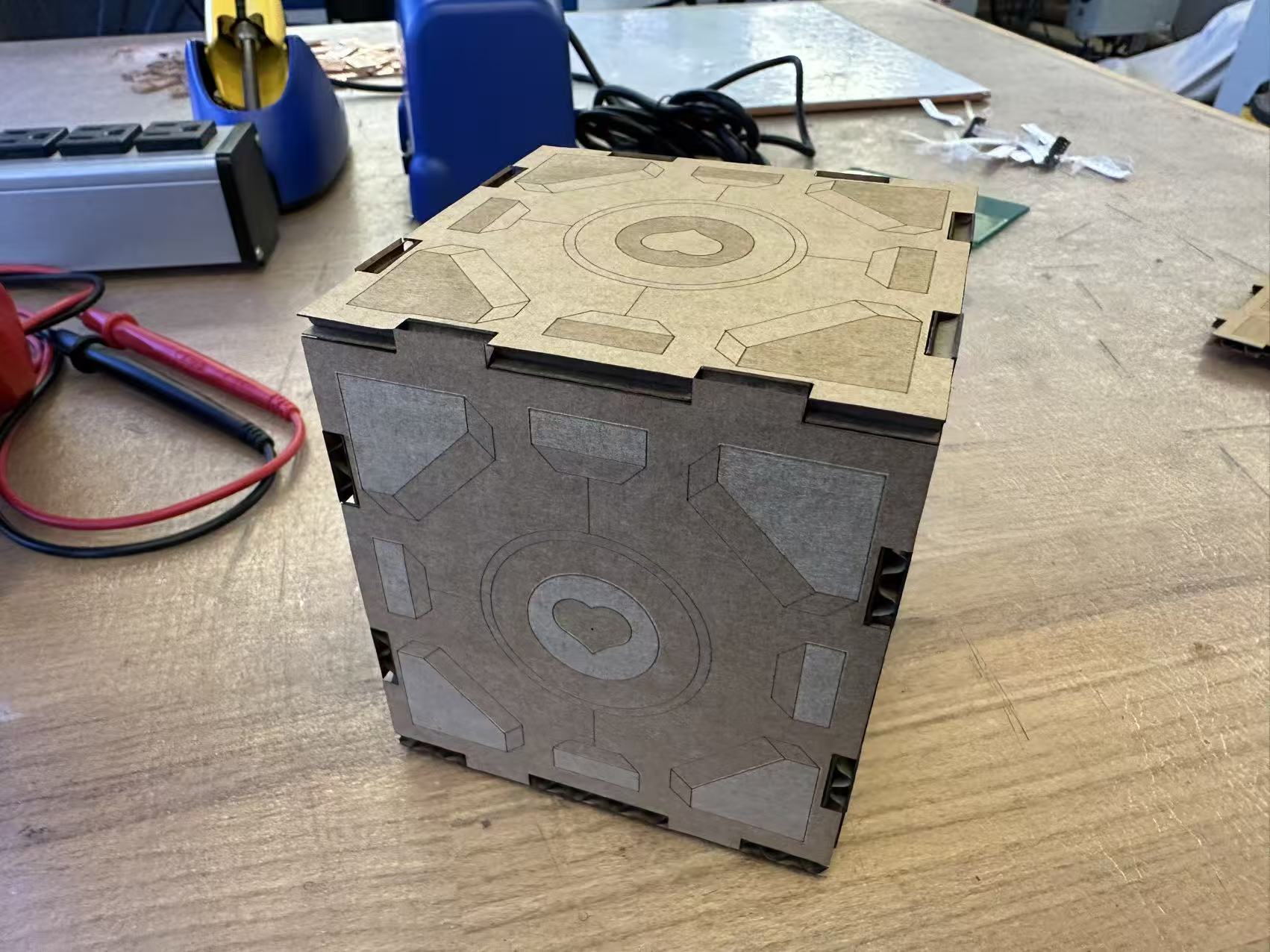
In general I am pretty happy with the design. Two parts I was previously concerned about- the engraving and the edge- turned out to be surprisingly clean. The only thing that would need a bit more work is the joint fit. While they do hold up nicely in picture, they are also somewhat janky that can be easily broken apart. So I may reprint this with a tighter joint design.
I came back to this project in week 4 to see if I can make the joints better. I am a bit concerned about the finger joints breaking the athestics of the cube. So I decide to tighten the joint fit parameters all the way to 0.8mm after some experimentation and add in a chamfer to make insertion easier.
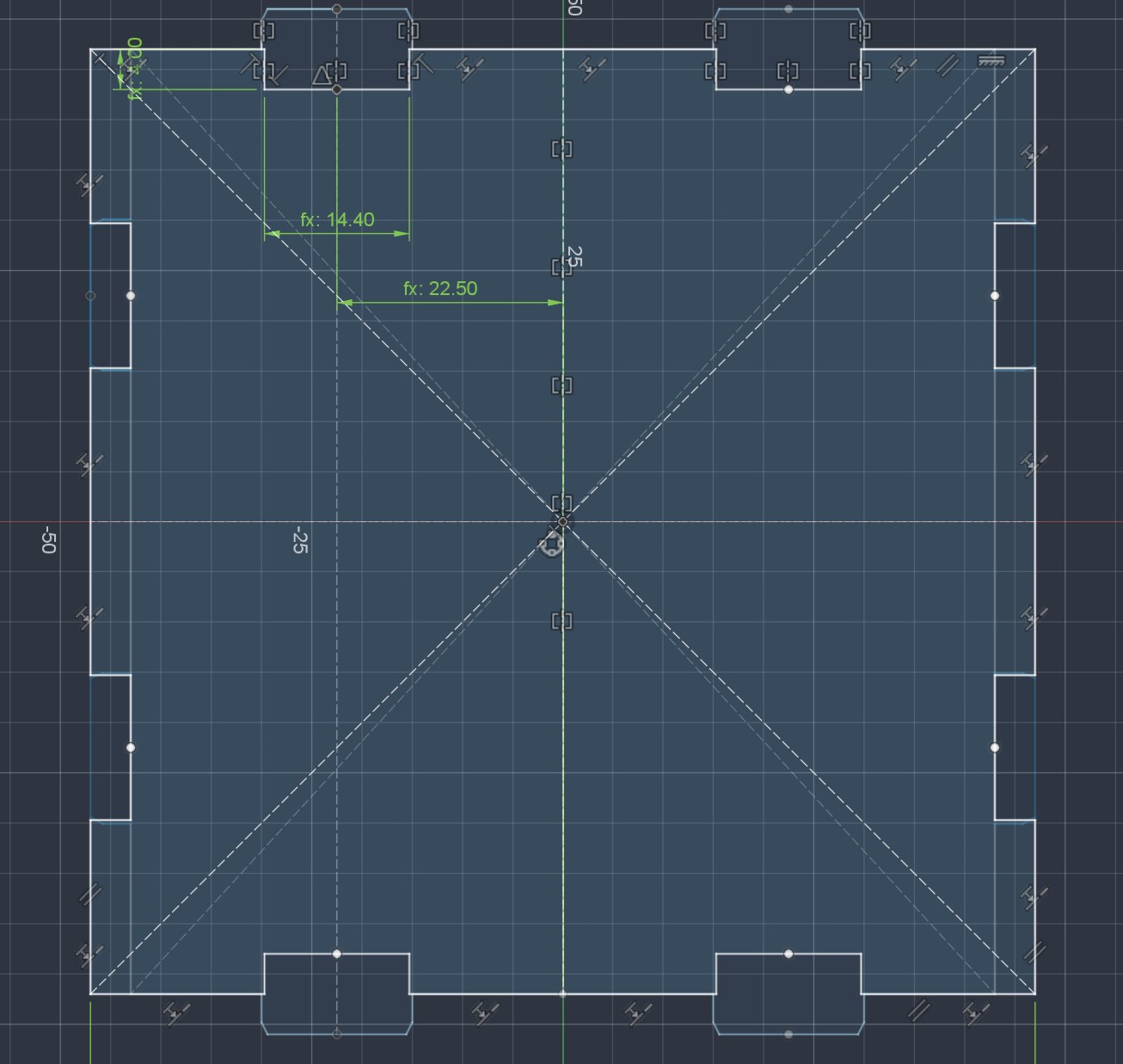
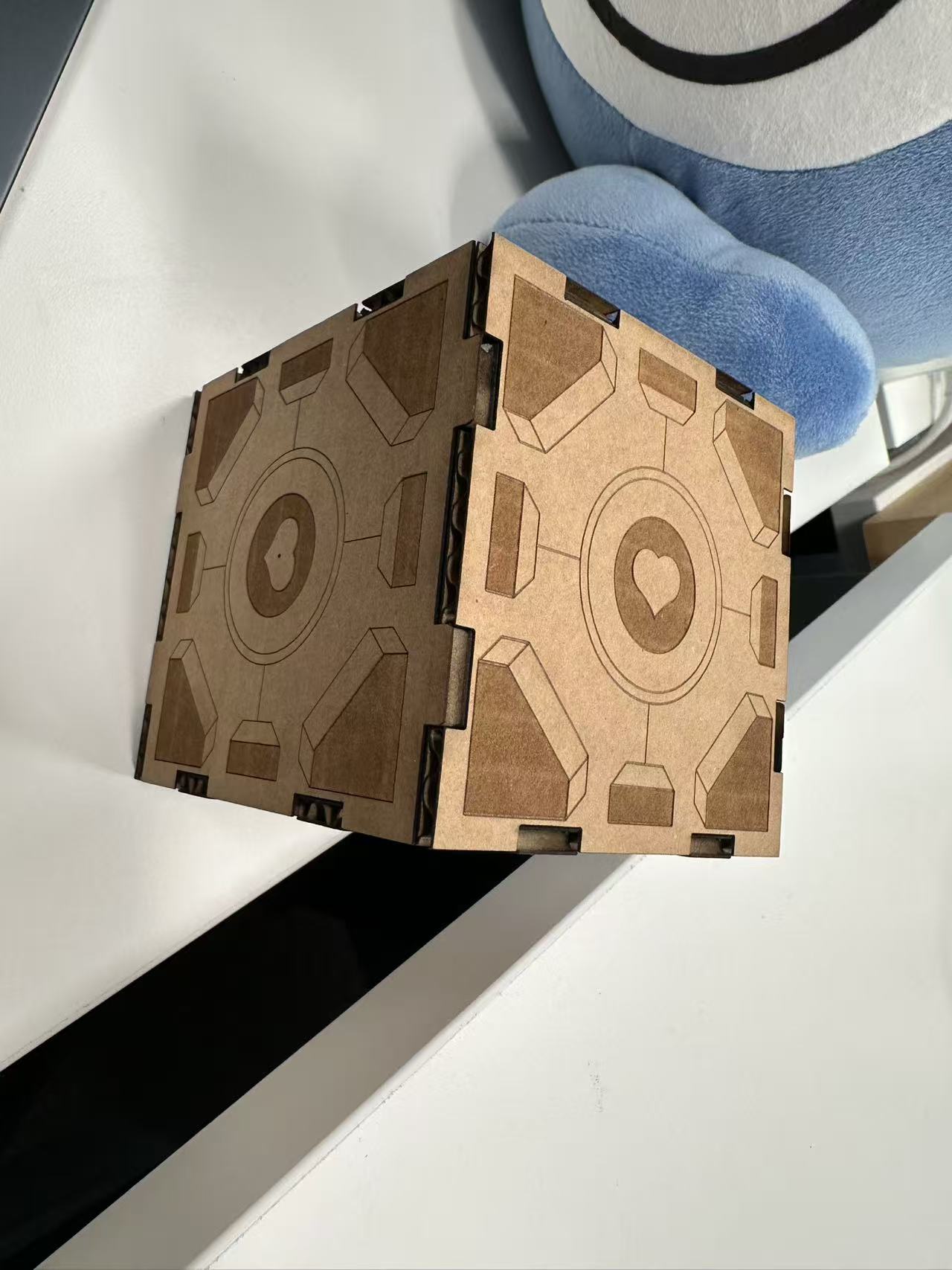
Interestingly when I was doing the initial testing, a 0.4mm fit parameter gave me two sides that fit really nicely onto each other. But when printing all 6, I have to iecrease it all the way to 0.8mm before the fit is tight enough. I susepct this is due to the cardboard's curvature which causes some variance in the laser cutting kerf.
Remarks
Raster engraving behaved a little bit differently than what I expected. But I kinda like the wooly texture it creates.
The joints are definitely the weakest part of the design. But I have improved it a bit in week 4.