This week, I chose to 3D scan my Aegislash plushie (from Pokémon).
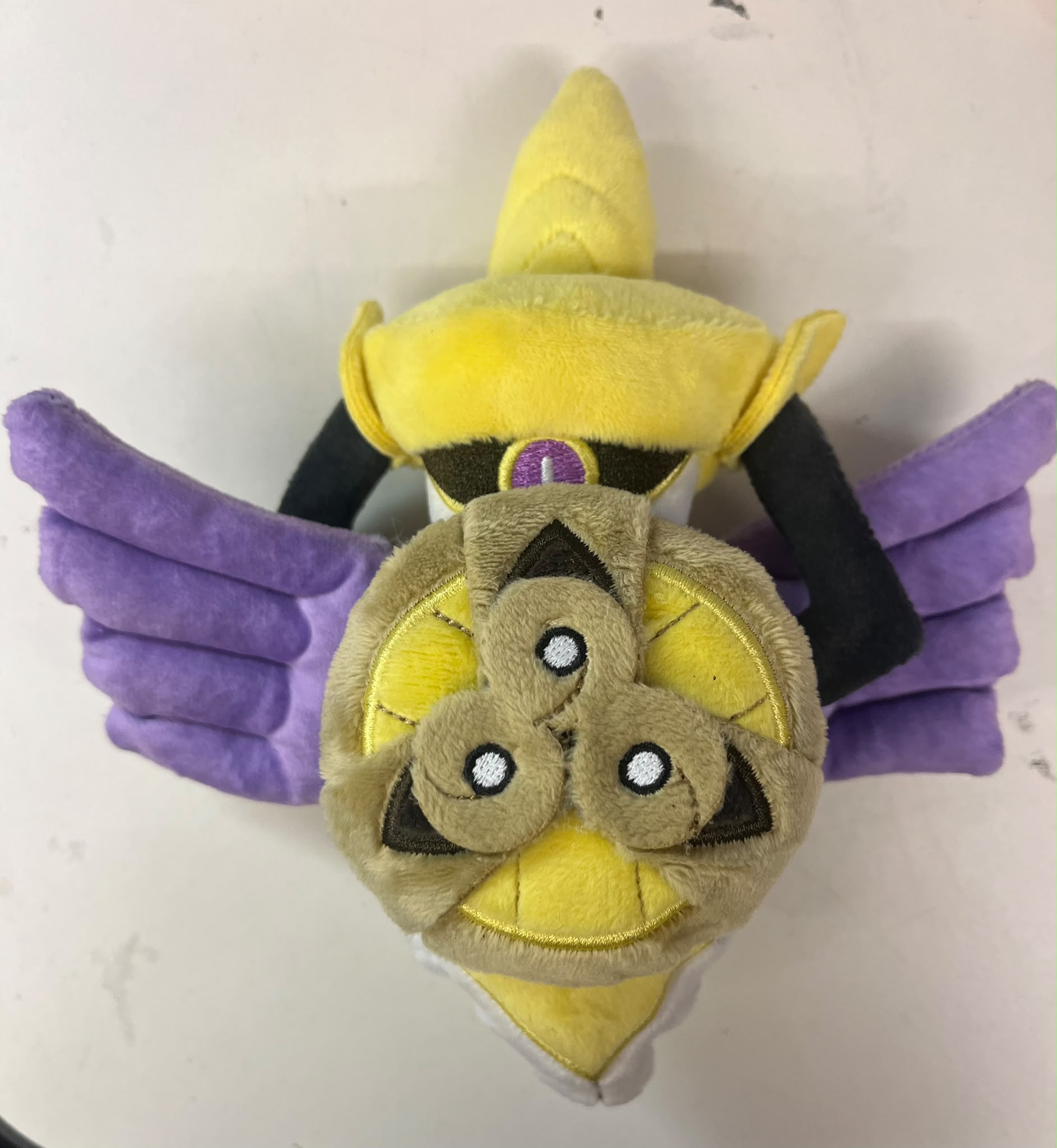
I set up the plushie by the small battery powered lazy susan and pointed the camera at it.
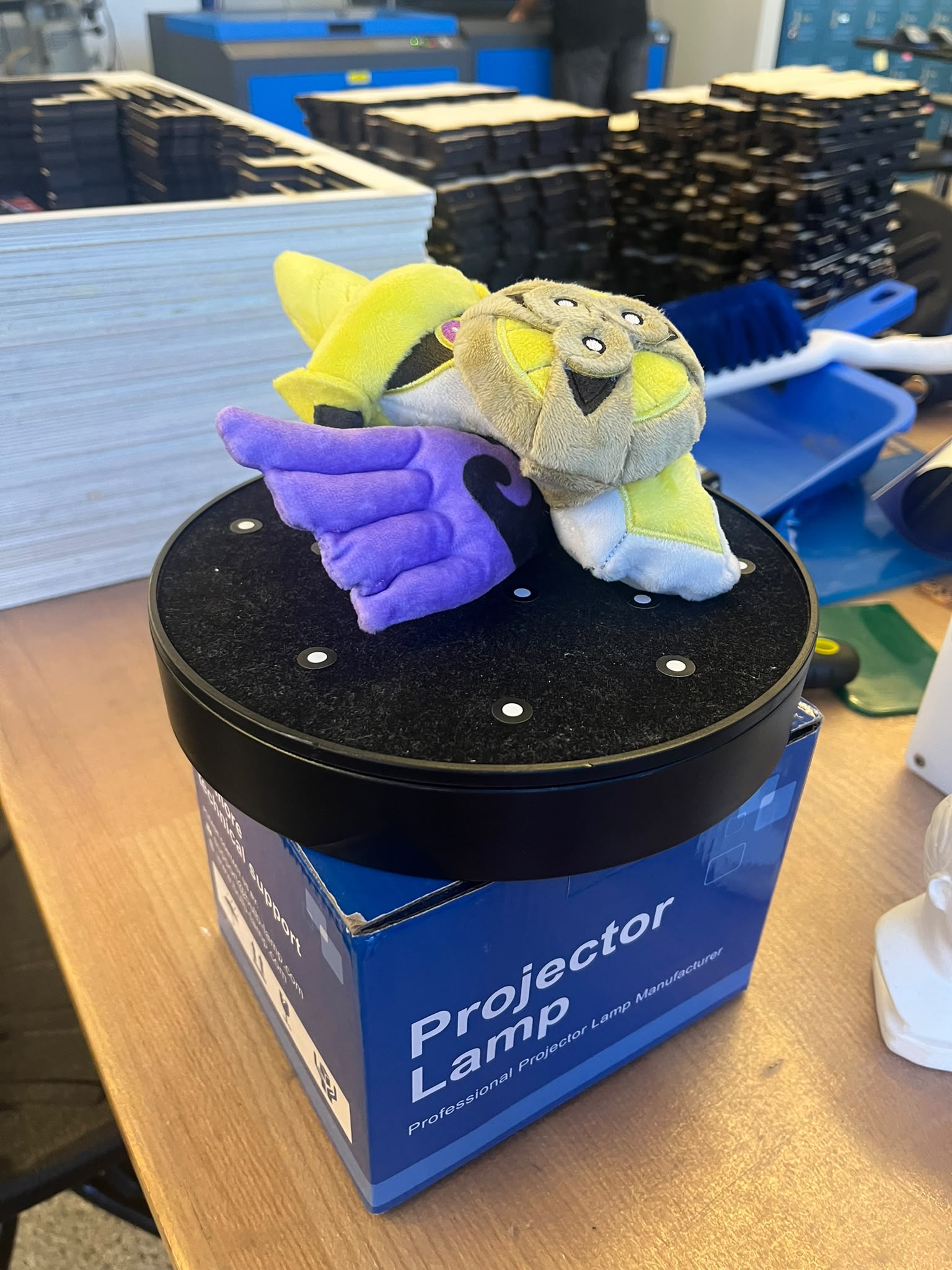
It took about 5 tries as I figured out how to get the plushie to scan without causing interference. If I just left it lying down, it wouldn't capture any data about its back. So, I ended up laying it on its back, doing a couple rotations, and then using my finger to have it stand up. By keeping my finger out of shot, it wasn't detected as part of the object.
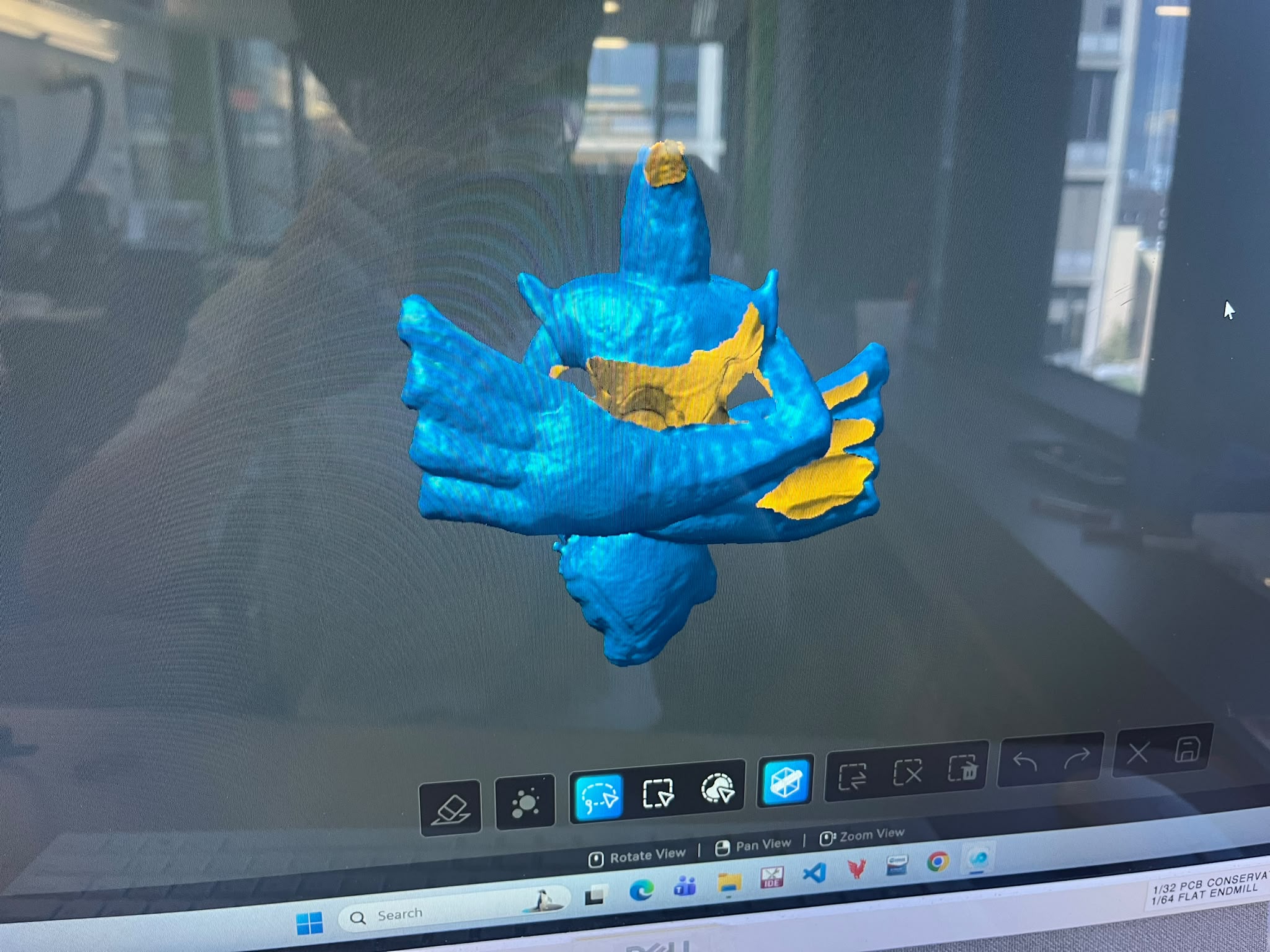
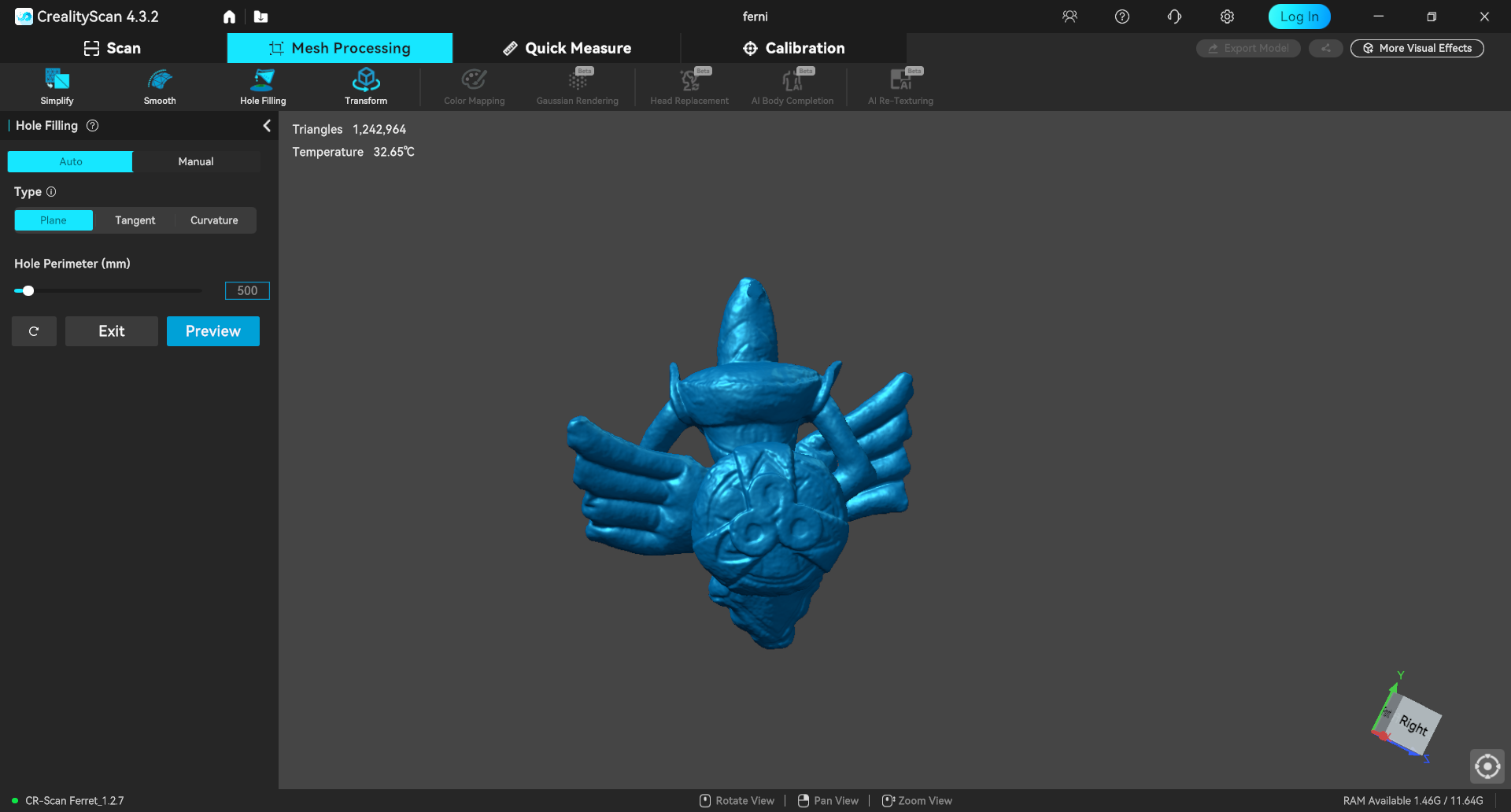
There was still a hole in the back, which I was able to "sew" with just the hole filling features in the creality scan software.
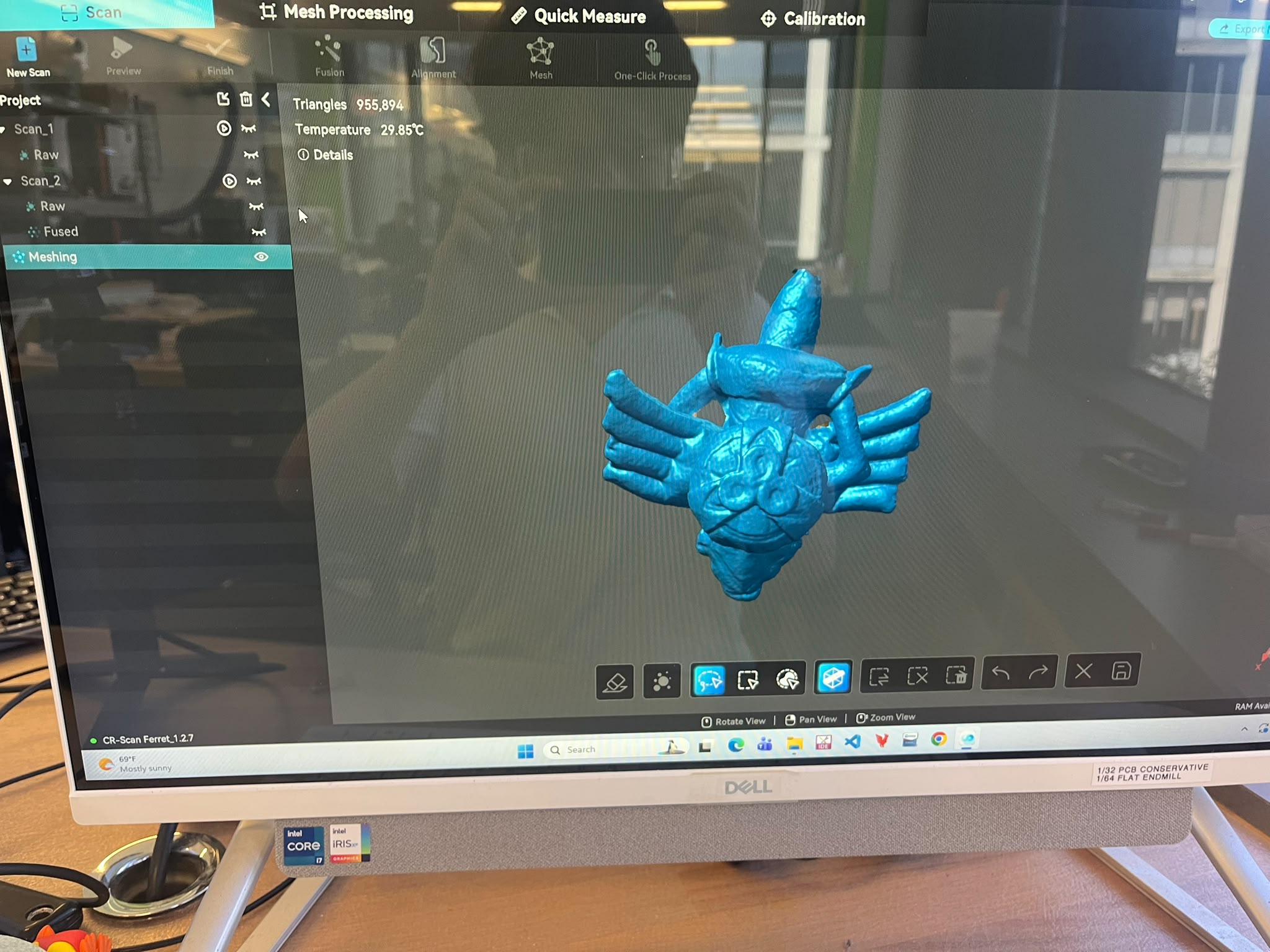
The final STL ended up looking like this
Since I made sure to fill all the holes, it ported very nicely to the prusa slicer software, such that I only had to design a little stand for it at the bottom and was able to send it to the 3D printers in EDS.
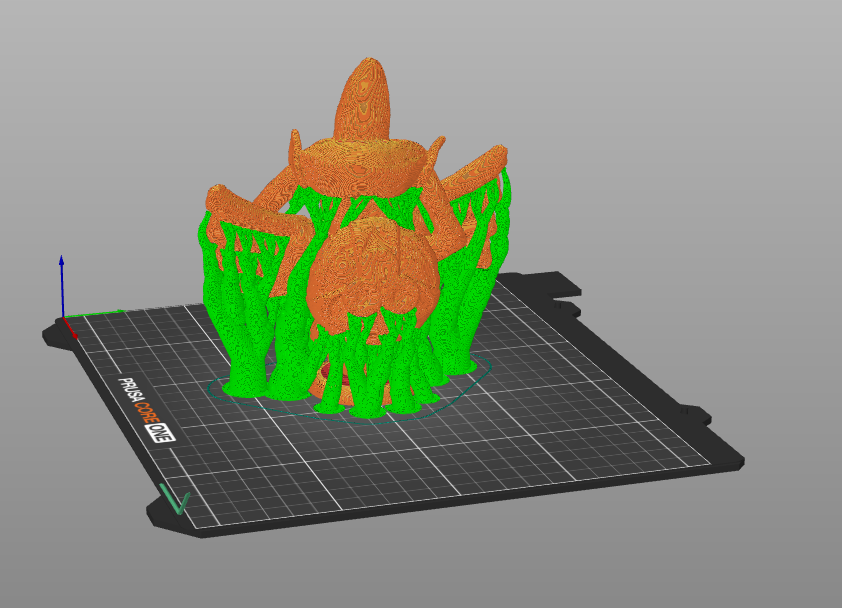
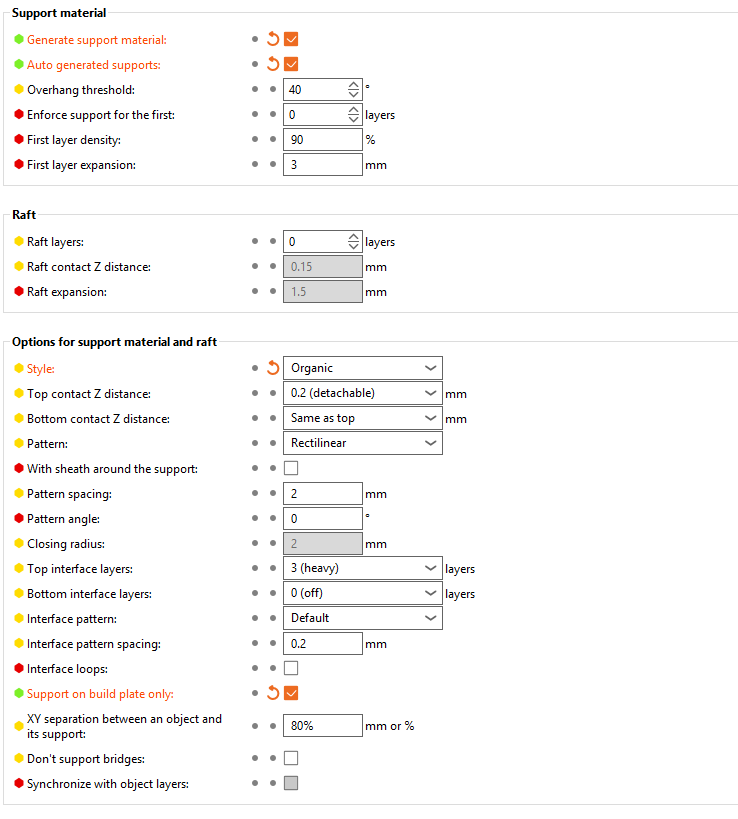
I was personally fine with most of the default settings for printing. However, I personally like using the auto generated organic supports because they come off very easily and they are very strong at supporting the print itself.
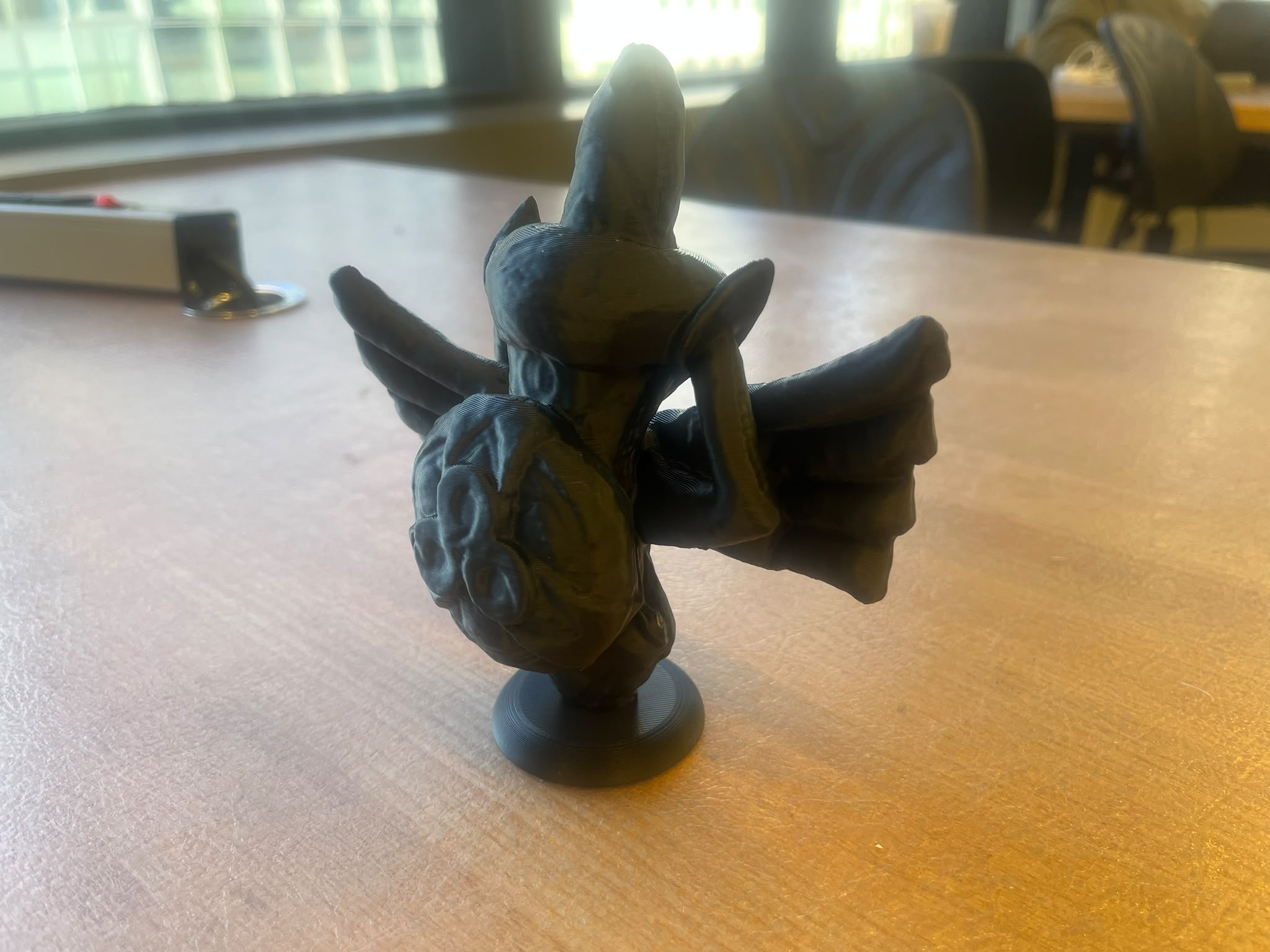
The final print came out quite nicely and the base I added allows it to stand upright
This week, I decided to try two different things. Firstly, a leg joint for my final project that prints in place, such that it prints already assembled.
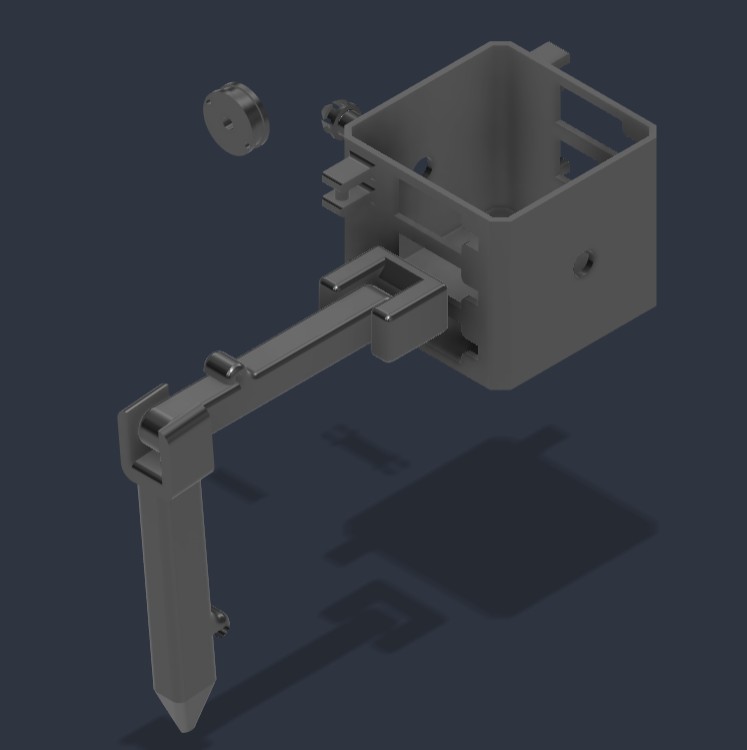
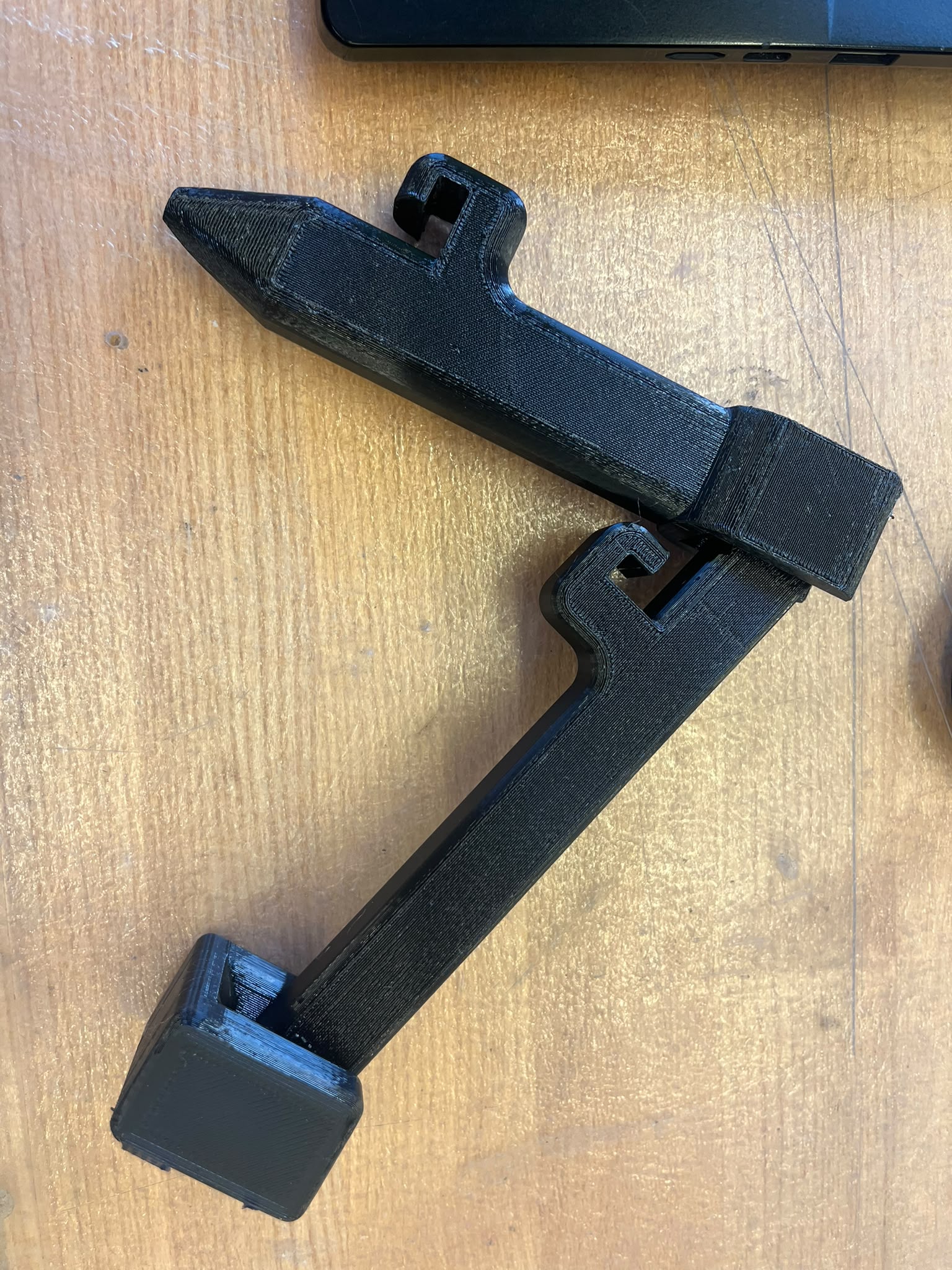
This design took 3 iterations to get the tolerances on the joint right, such that the leg moves freely but without necessarily being loose.
In addition, I tried to print chainmail armor, so I made a repeatable design in cad
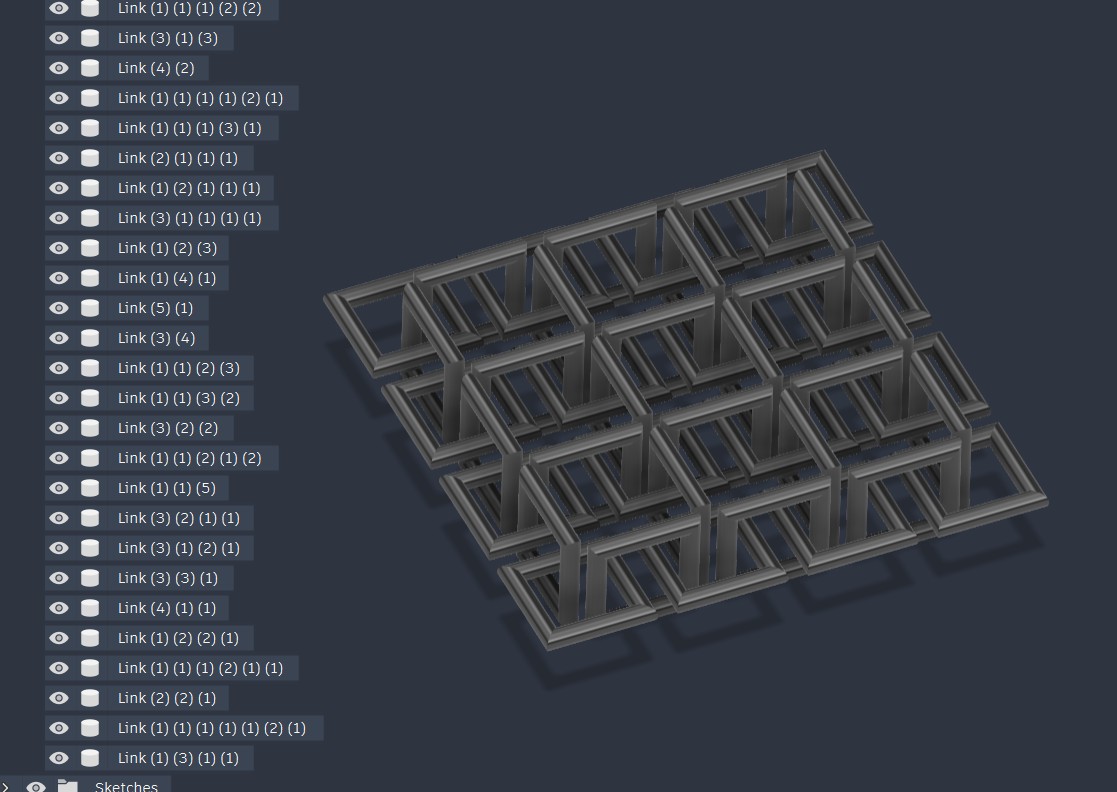
I printed it, but due to the size of an individual chain being too small, it was too brittle and wouldn't come off the organic supports.