Week 3: 3D Printing
Back to (the) Fusion
This week we were going to do 3D printing, which presented an excellent opportunity for me to attempt to make up for my failure to make a working whistle Week 1 (out of cardboard which is admittely not a very befitting material)
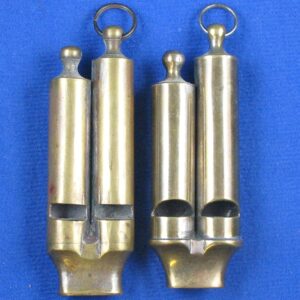
I got back to work, and I found a model of a whistle I really liked. Turns out there is a huge variety of whistles around the world. The one I was most interested in was this double-barrelled whistle.
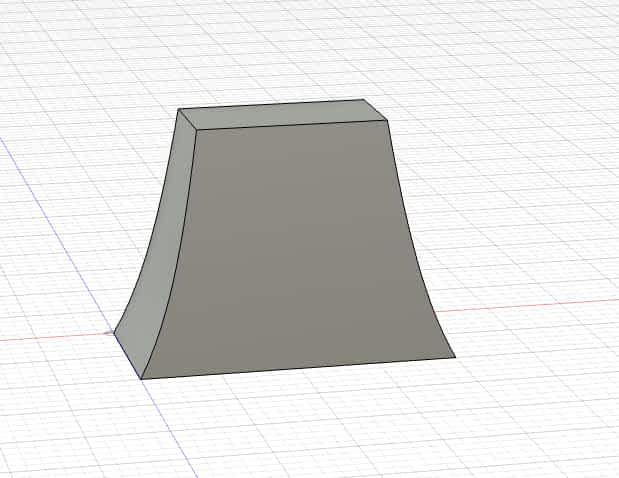
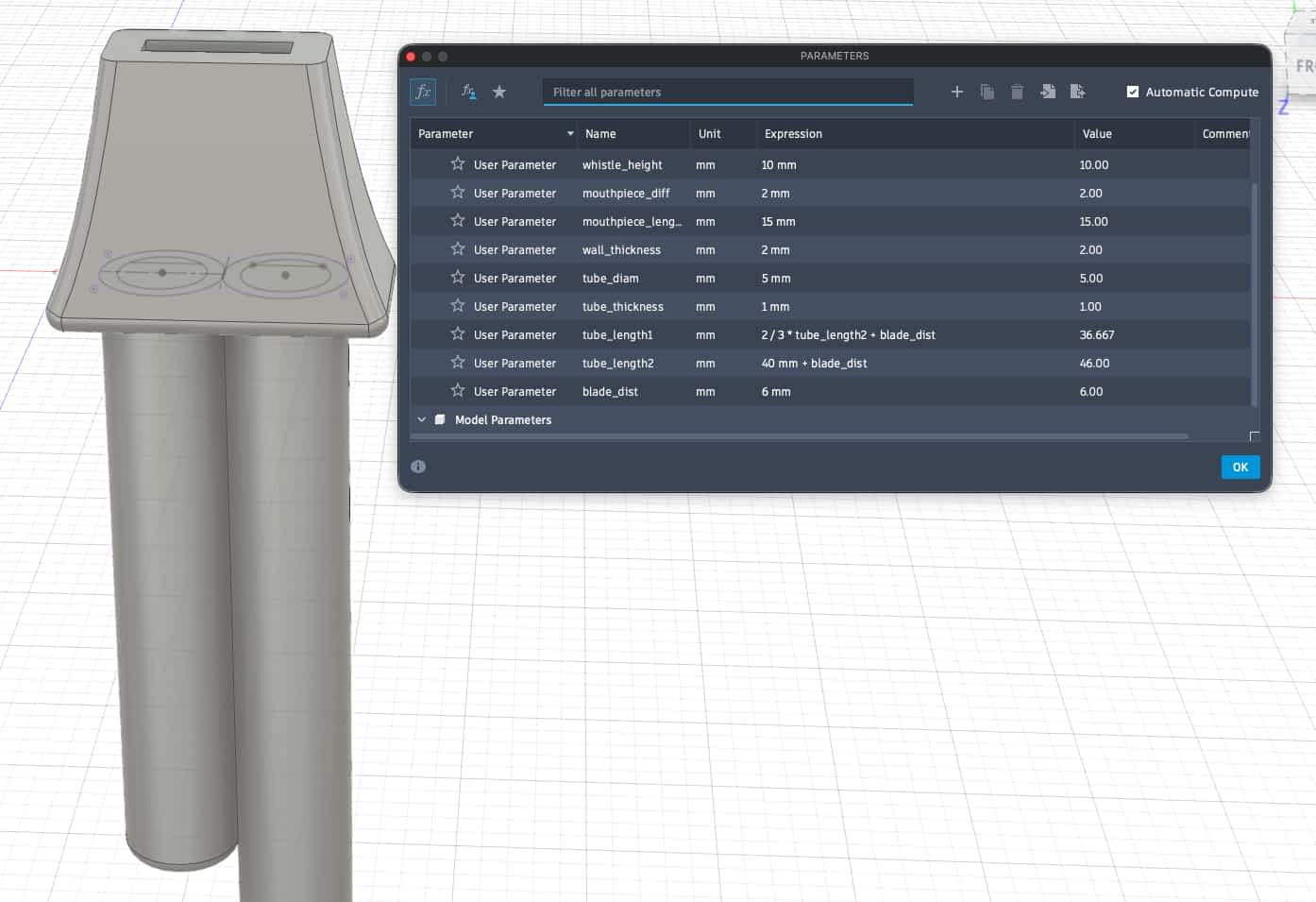
Taking this as inspiration I got to work in Fusion. First I need to make the mouthpiece. This was done by constructing a box and then cutting splices out of it.
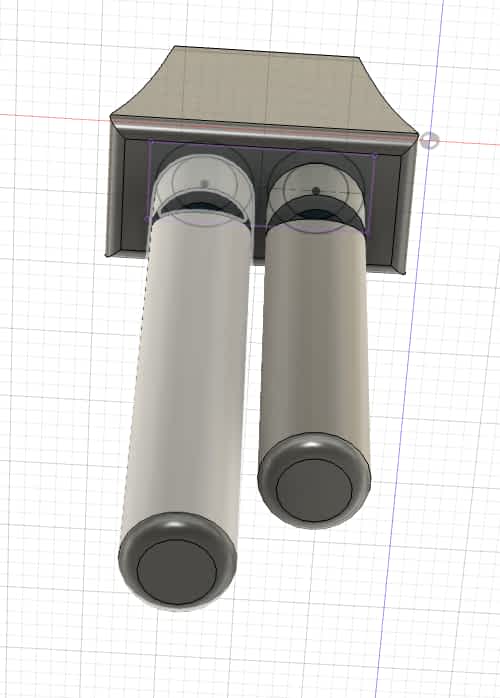
Then I extruded tubes out of it. I really wanted the interval of a just third which I knew to be 4/5. I assumed that the pipe length would correspond directly with pitch so I made the ratios of the two pipes 1:0.8.
Of course all of this was done with paramteric design, so after the basic shape was created I could easily fine-tune the dimensions.
3D Printing
After exporting the STL file it was time to print. Initially the layout looked like this.
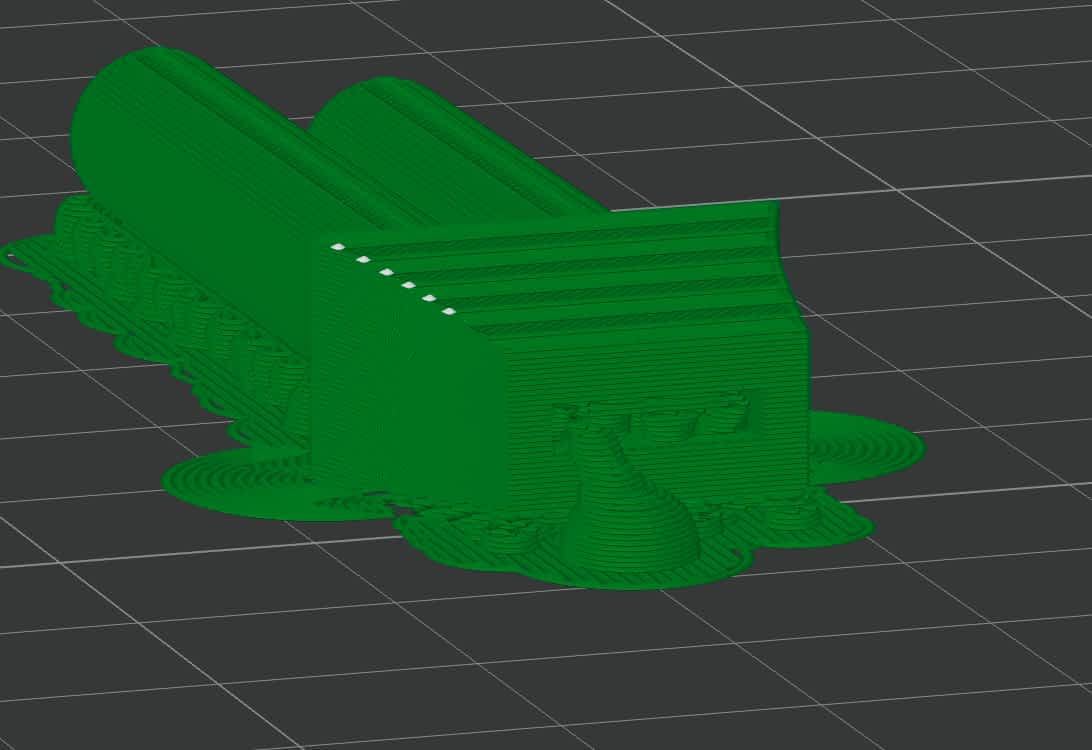
But that was quickly remedied by using the auto orientation feature in BAMBU Studio. Being unfamiliar with 3D printing, I read the guide in the Arch Shop website and decided to use auto tree supports and a 2 layer raft. This would later turn out to be a mistake.
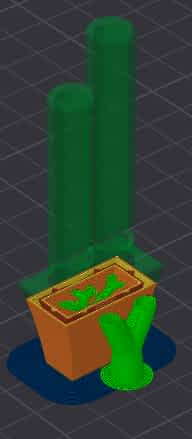
It was much more challenging that I initially thought to remove the extra plastic. However after removing the plastic blocking the blowhole, there was still a tree inside, but air was able to pass so I gave it a try...
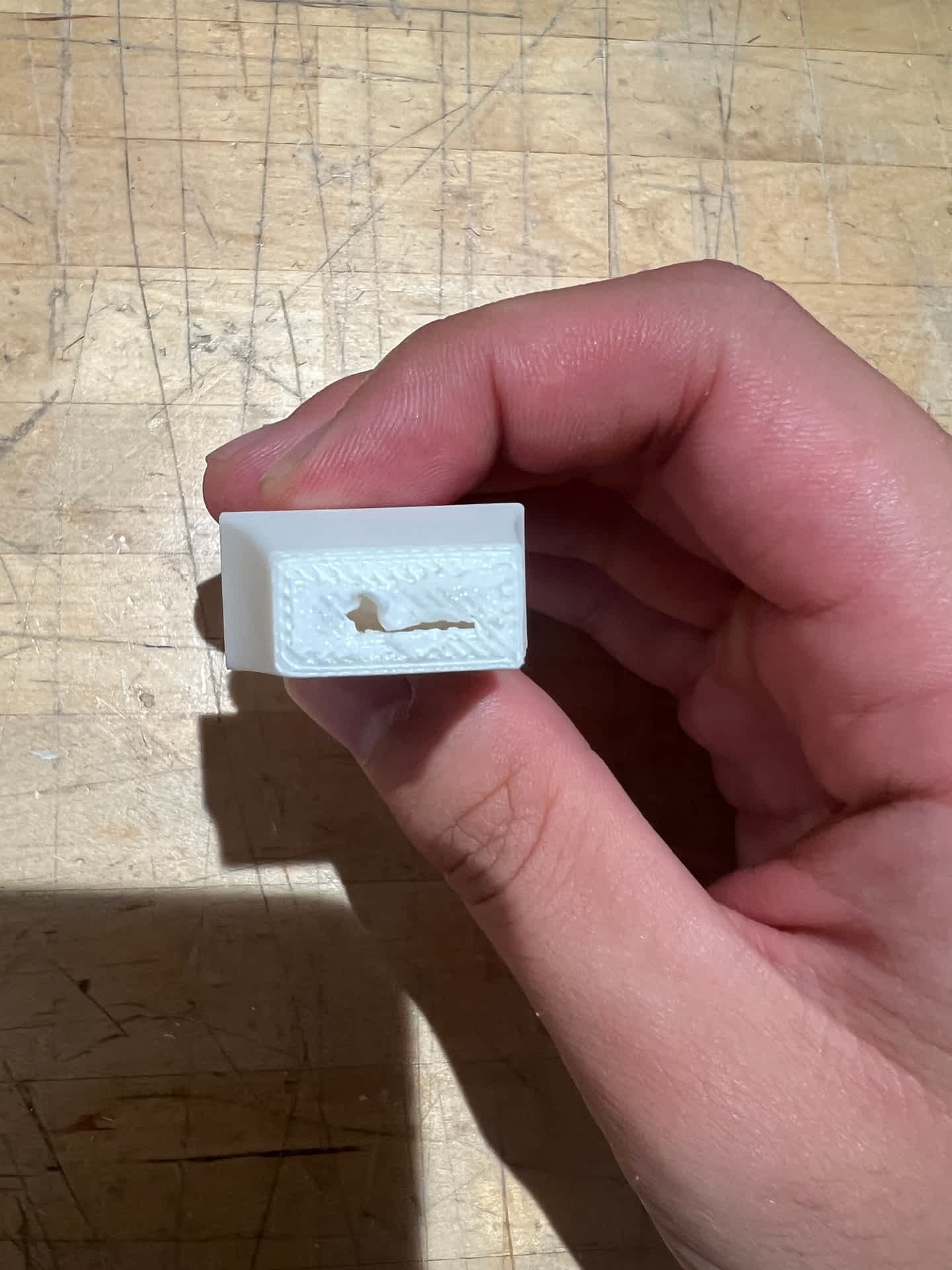
But no dice. Turns out the issue was a more fundamental flaw with the design. So the key sound making mechanism of a whistle is where the air hits the blade or labium (the hole that's open on an angle). However, in order for this to make a distinct pitch the air must be fast and focused, (think blowing across a bottle). So to remedy this I needed to narrow the aperture where the air exited and hit the labium.
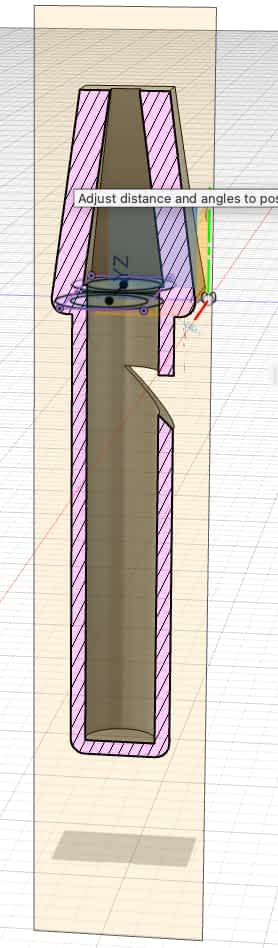
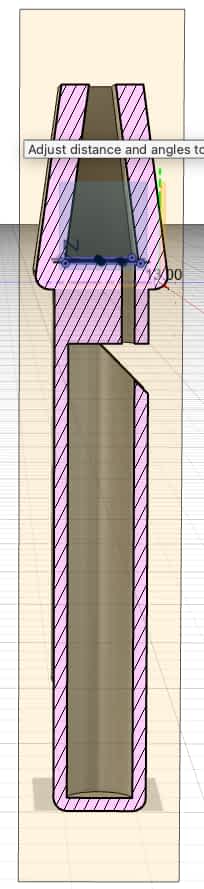
Then I went back to BAMBU Studio and exported the new STL file. This time WITHOUT raft (using brims instead which are MUCH easier to remove), and no autotree supports.
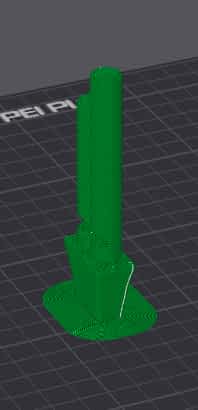
And.... Voila! We have music!
I then wanted to take this to its logical extreme, and make a whistle with five different pitches. This proved to be more challenging, as for aesthetic purposes the pipes need to be of different lengths and also offset at different angles.
I then exported the STL file and printed it. It was a bit of a challenge to remove the plastic, but I was able to get it to work. All of the pipes weren't sounding, but I think there were problems with the size differences. The printer wasn't pringing very consistently and some of the air holes seemed like they were clogged. It sounded, but it was quite a hauntingly shrill sound.
3D scanning
I downloaded Polycam onto my phone. Polycam has multiple modes for scanning, for my purposes 3D object scanning was the most appropriate.
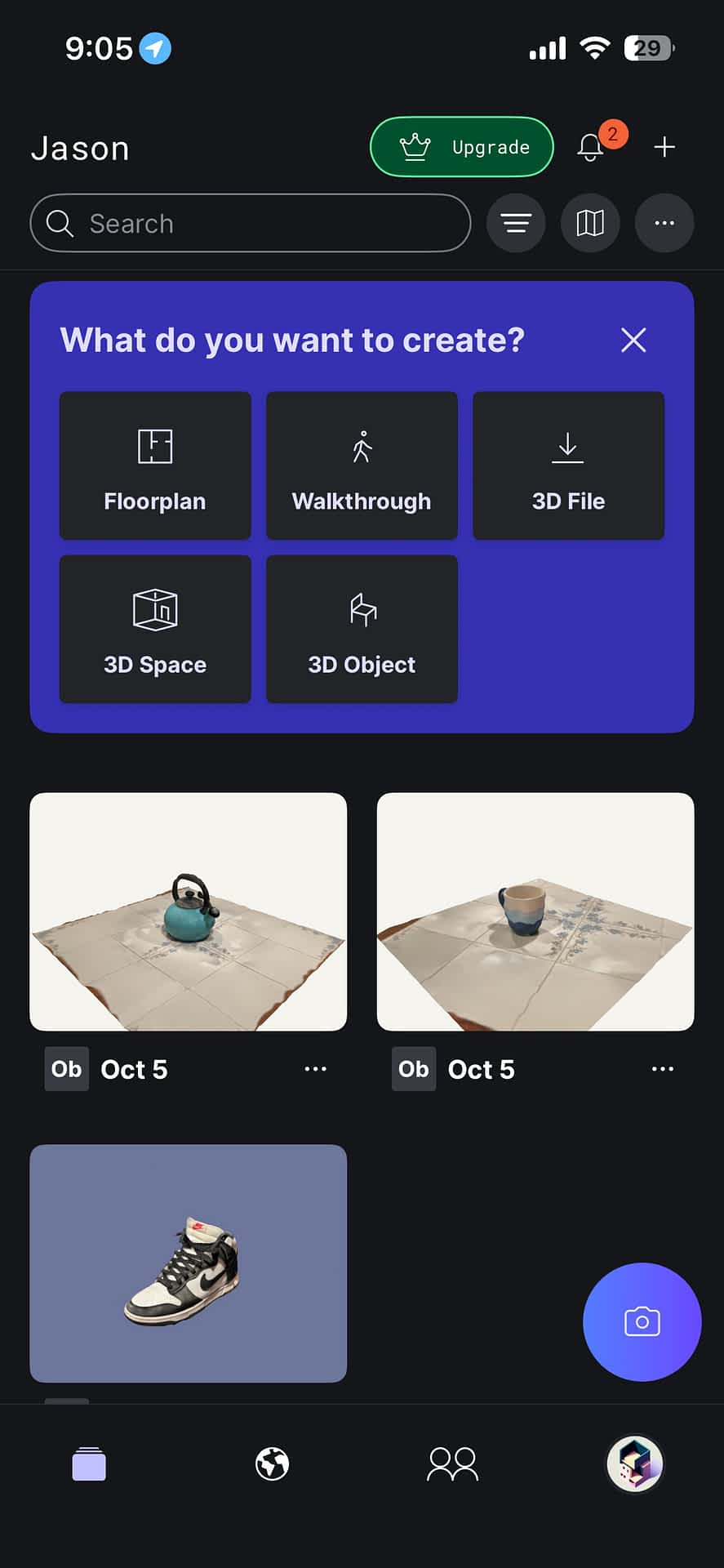
I decided to scan a mug and a tea kettle.
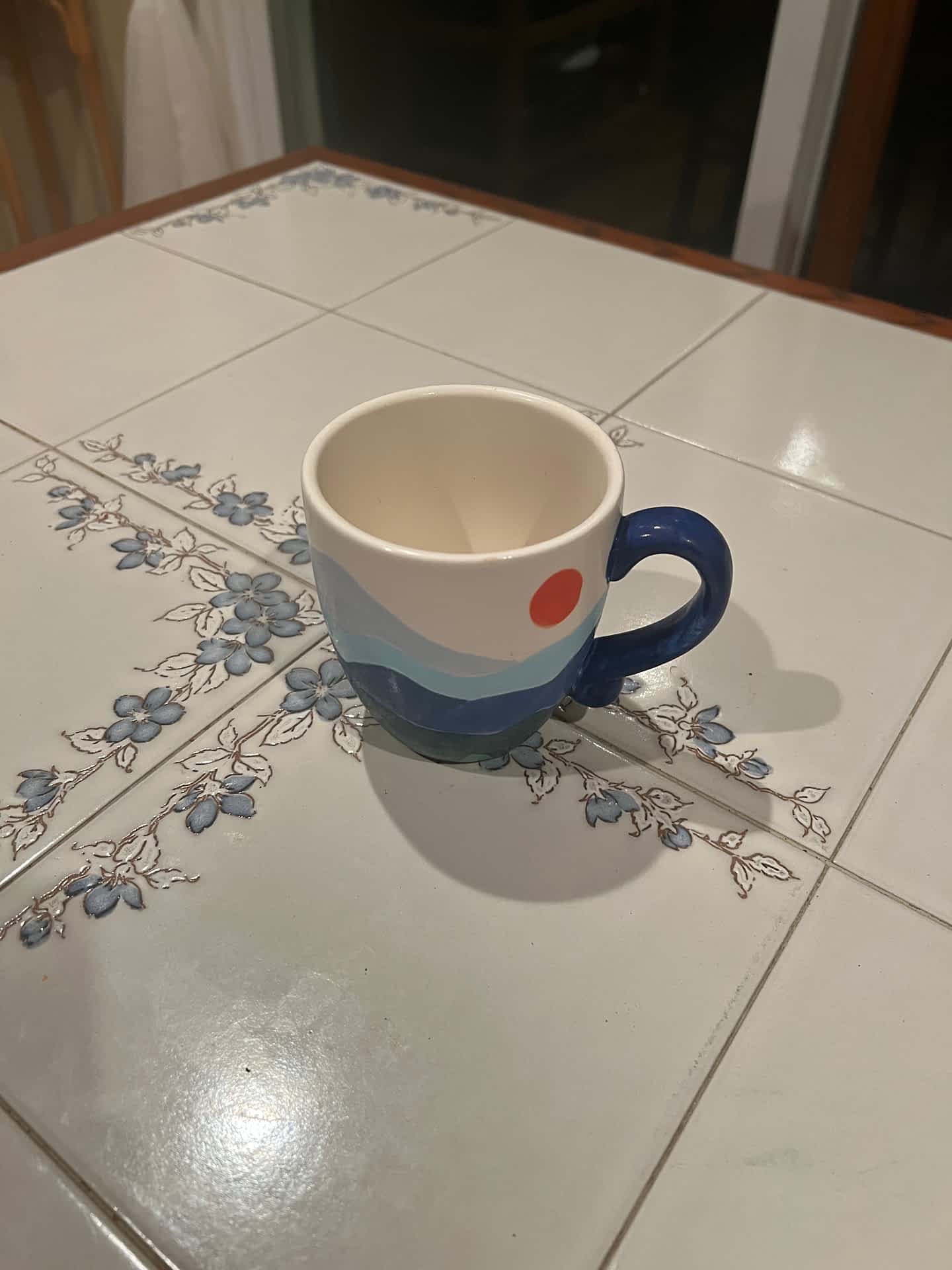
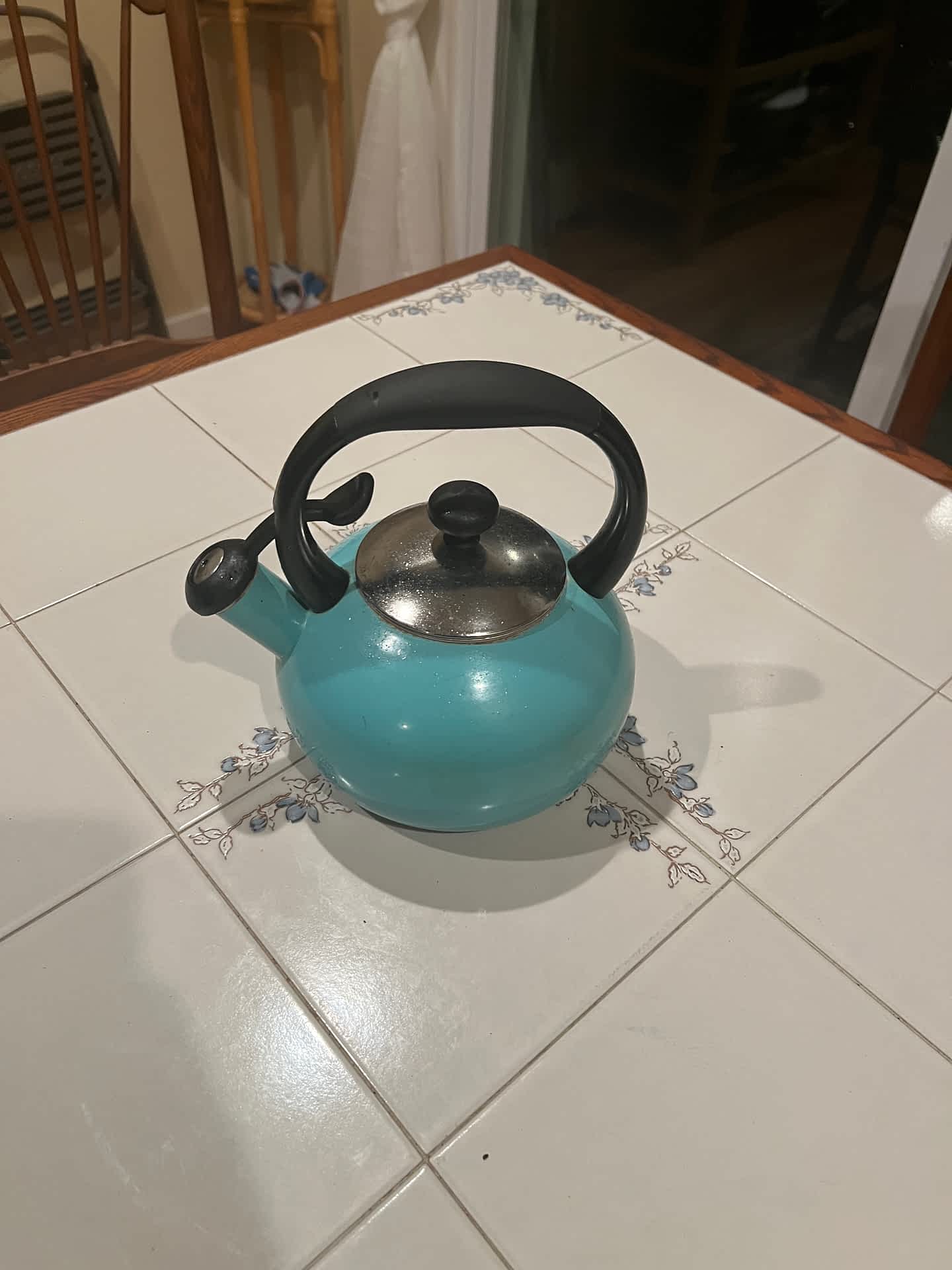
I wanted to try out RealityScan but it's not available on Mac. This is how Polymorph did, I was only able to export the scans as GLB files with the free tier. A little lumpy, but I think it's looks good.
Group Portion
For the group portion I printed out a parameter measuring model and detailed what the successful parameters for the P1S BAMBU printers were.