Week 5: Electronics Production
This week was a weird combination of nightmarish, fun, and rewarding. I spent ten hours in E15-043 this week soldering components and testing that everything was correct. I figured that after doing the QPAD, soldering everything would be a breeze this time around. Boy was I wrong...
After last week's assignment, where I designed my earth-field NMR pulse controller, this week was all about making and testing it. This, however, was not as straightforward as it sounds. I would say that this week ended up being more of a test of patience than anything else. Once everything was soldered and un-shorted, the rest of the assignment was a breeze. I asked Claude to write a simple program setting different pins on the Xiao to 'HIGH' to make sure that the signals were responsive to the button being pressed, and everything was successful as you will see later. It was the soldering which made me want to pull my hair out. It has been at least a few years — since quite early on in my undergraduate — that I have audibly exclaimed "YEAH!" upon completing an assignment. I must also say here that I am indebted to many of my colleagues and TAs. If it wasn't for the good people of HTMAA helping me out, I'm afraid I'd still be hunting for shorts 24 hours later.
Milling the PCB
Milling the PCB was quite straightforward, but we got off to a shaky start. Upon showing up to the electronics shop around noon to complete this week's group assignment, we started trying to mill the model with the lines on it to see the clearance/tolerance/how thin we could mill the lines. The Carvera, however, woke up on the wrong side of the bed and decided to be uncooperative. Essentially, we would start the process and everything would run smoothly, but when it was going to start milling, it attempted doing it without holding anything. Without exaggerating, we were trying to figure this out for at least an hour. A couple of the TAs even came in to look at it and they could not figure out what was wrong.
As far as being able to document what fixed it, I will be no good in providing detail. I was modifying some things on my computer in preparation for milling my own PCB when Cesar randomly said "got it!" and the Carvera started working again. Had I been looking at the screen, I'd be able to tell you what the fix was in detail, but all I can pass along is Cesar's words: "we just had to tell it that it wasn't holding anything." In any case, after a lot of troubleshooting, this thing almost magically started working and we could complete the group assignment as well as start on our individual ones.
As far as generating the files to tell the Carvera what to do, I just very meticulously stuck to Quentin's guide and I managed to do everything properly. As far as common pitfalls to fall into, they were largely avoided thanks to tips from my colleagues. Daniel, for example, told me to make sure to lock the dimensions when doing the gerber2image, which facilitated everything. He also helped me by indicating which files to drag into the interface as a group (i.e. to include the drill files with the edgecuts, and to drag the copper layer on top afterwards). The first annoying problem I ran into was when I put it into mods.
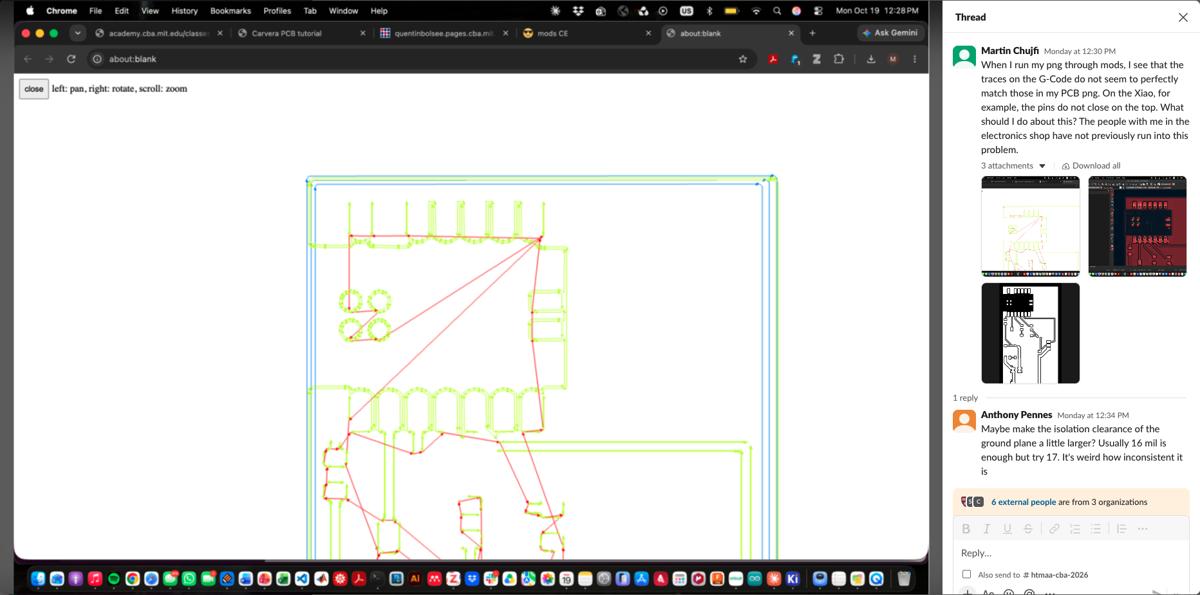
When I first put my PCB image into mods, I got this weird issue where the traces of some pads did not form a closed loop (pictured above for reference). The pads on the Xiao, for instance, were not squares but three-sided buckets, so everything was leaking to ground. To fix this, I simply changed the zone clearance and the track-to-track spacing clearance in the PCB editor on KiCad to 0.5 mm. Once I did this, I re-ran the DRC and bumped into a few new issues that I did not have before. First, I had to slightly change some of my routings as they were now too close to these small little circles which are part of the 2x2 2.54mm connector footprints. That was an easy fix. Then, however, I had some items which now appeared as unconnected, which was weird because I did not change anything in the schematic. These ended up being a few of the pins which sit under the Xiao which all went to ground in my schematic. To fix this, I simply put them in the schematic as unconnected pins and then I was good to go. I updated my PCB from the schematic, went through the process of generating drill files again, and by the end of it my problem was fixed!
Finally, I put a new FR1 plate on the Carvera and started milling. My board took less than 10 minutes to mill, and once it was done I simply sanded it and I was ready to start soldering.
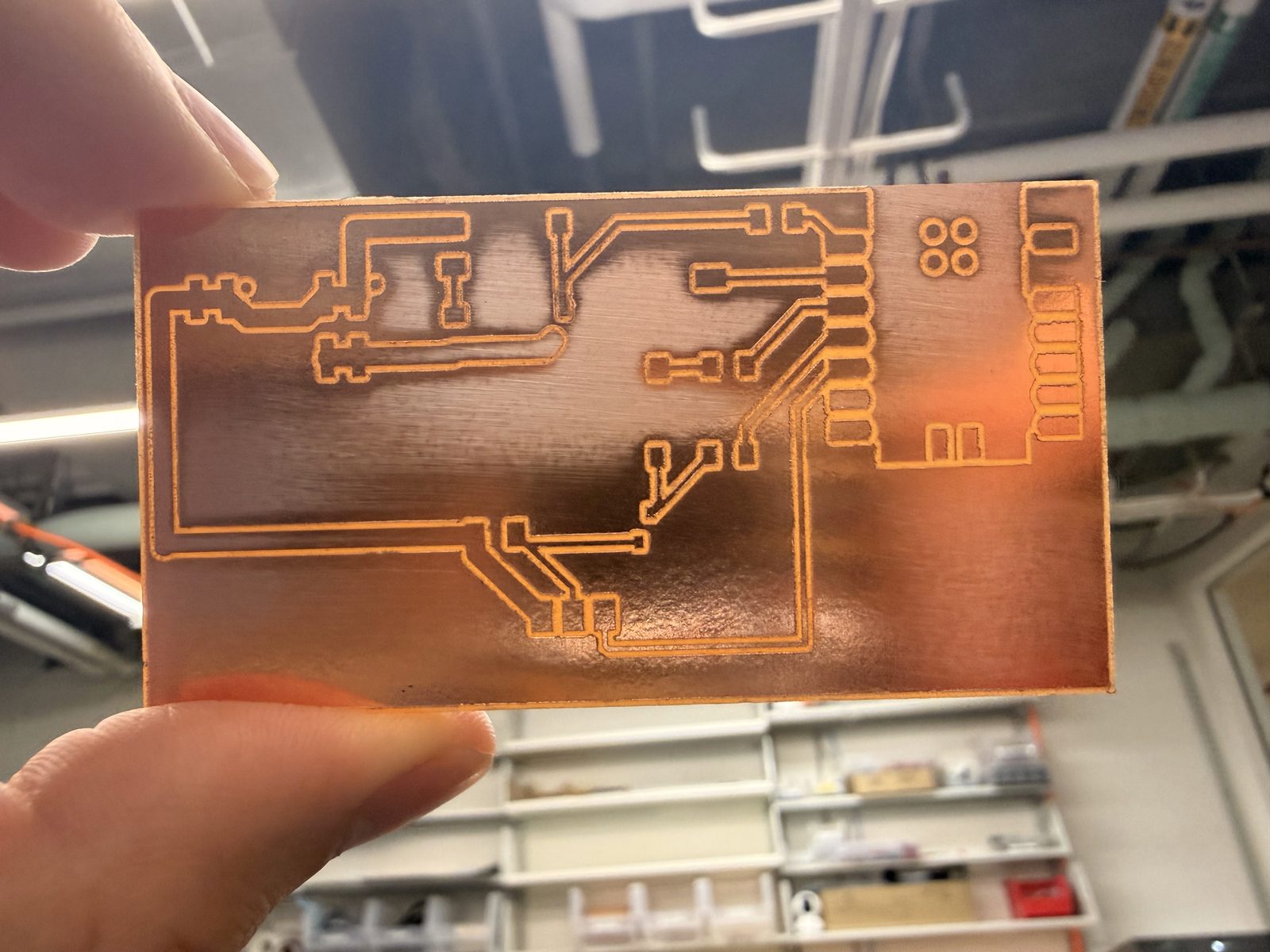
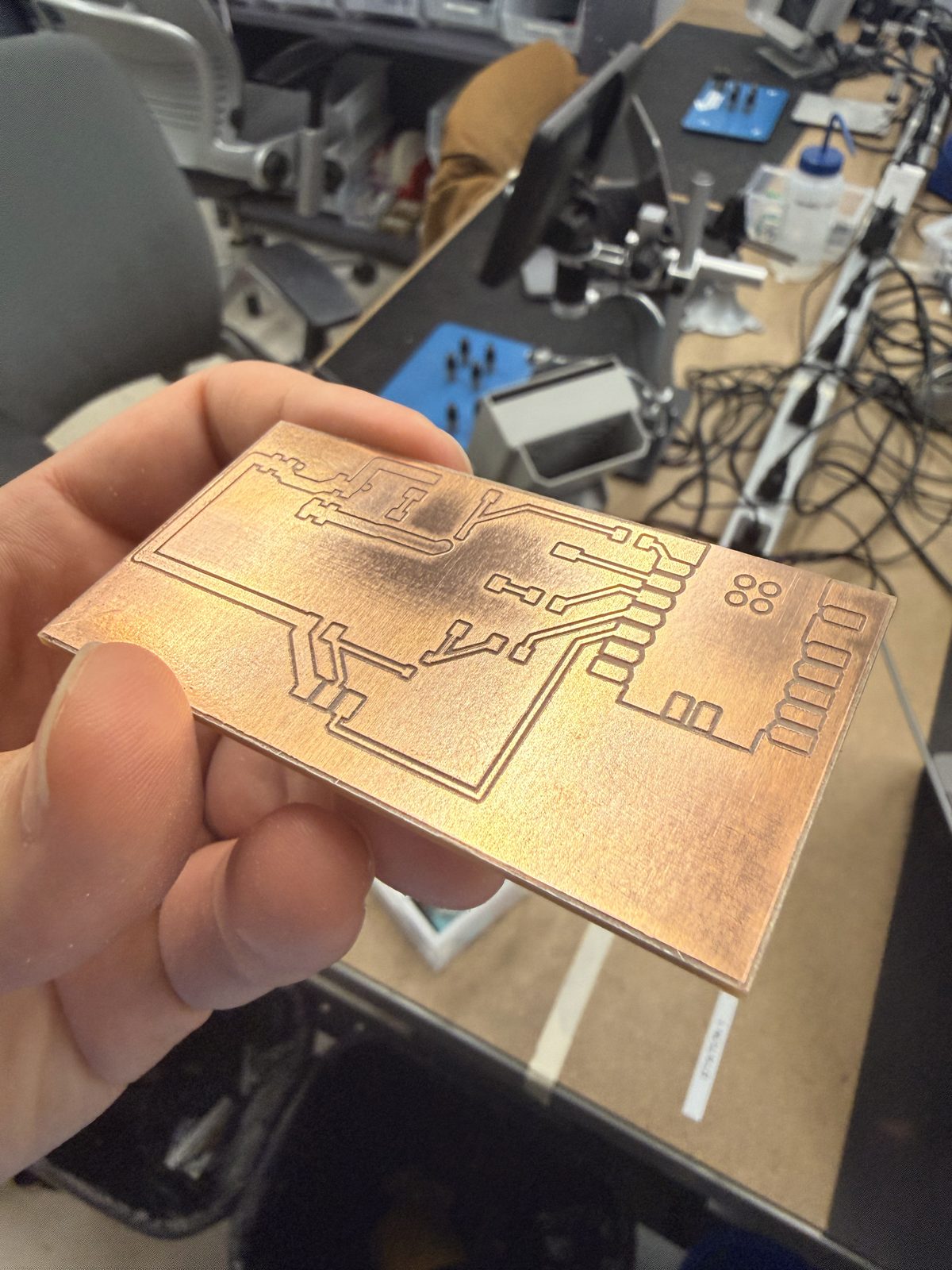
Soldering
As previously mentioned, soldering everything on my board was a horrific experience, and it is going to keep me up at night for the foreseeable future. I'll try to give some detail about specific stumbling blocks and issues I ran into, but to keep it concise: I shorted everything I laid my hands on. Like I said before, I expected this time would go smoothly, but it was tough.
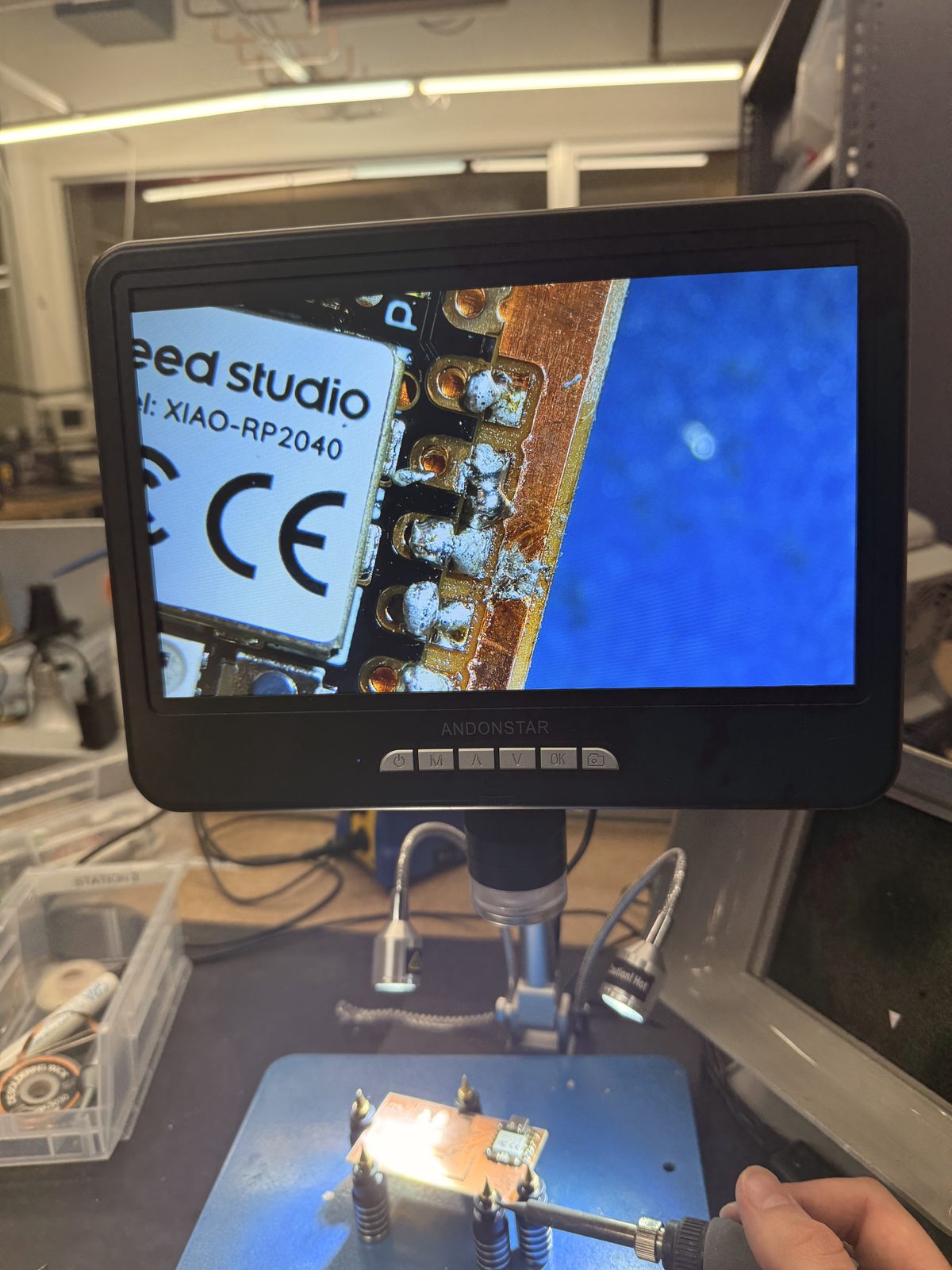
I began by soldering the Xiao. This took me approximately seven years. To be a little kinder to myself, I have to note that the soldering irons were not getting up to temperature and needed to be calibrated. I honestly believe a lot of the clunkyness and the poor quality of many of my joints were due to this. It was difficult to get all the pads up to temperature, and once they reached it, too much solder would often flow into them as a result. Getting the ground pad on the Xiao was particularly annoying.
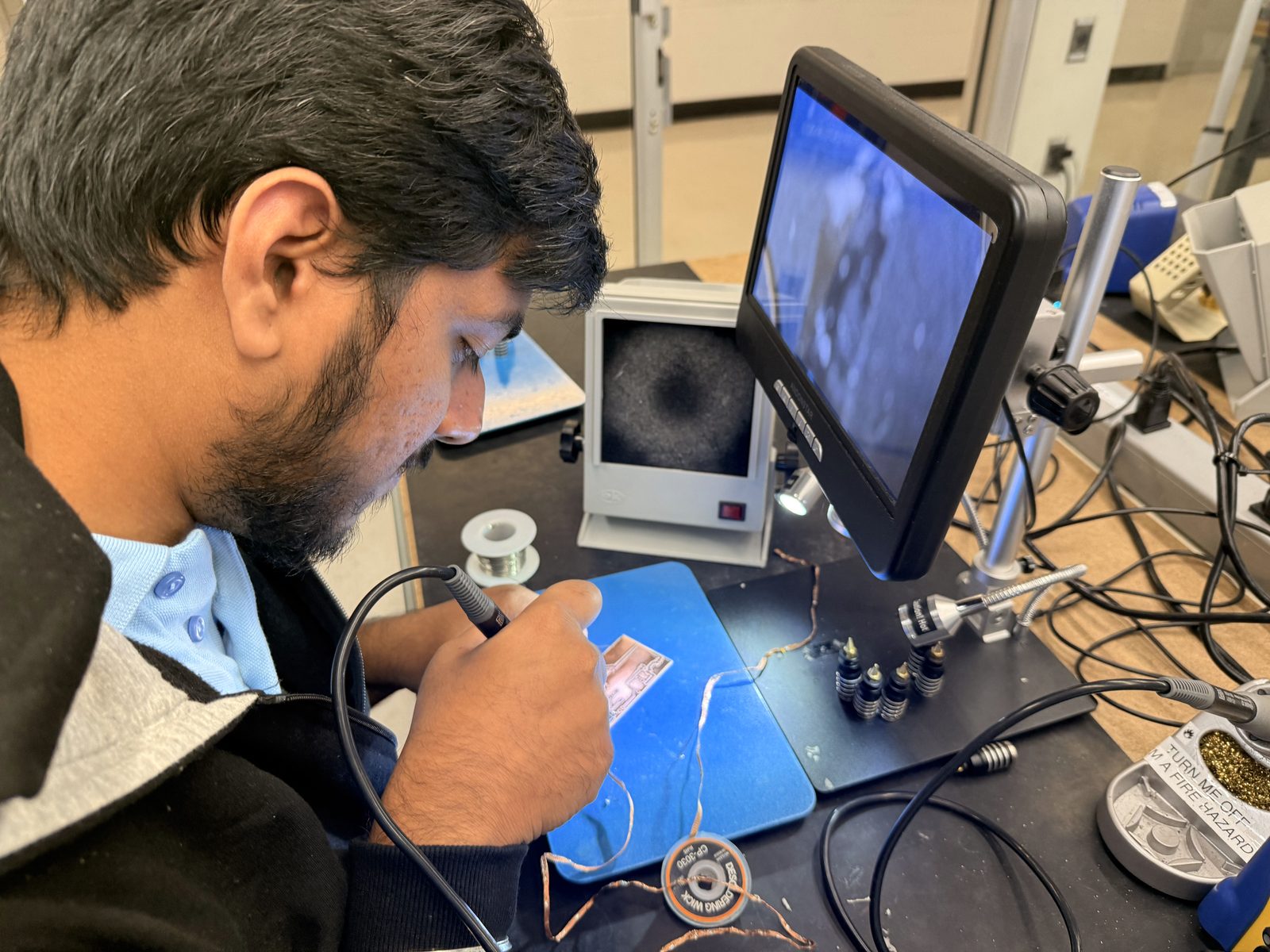
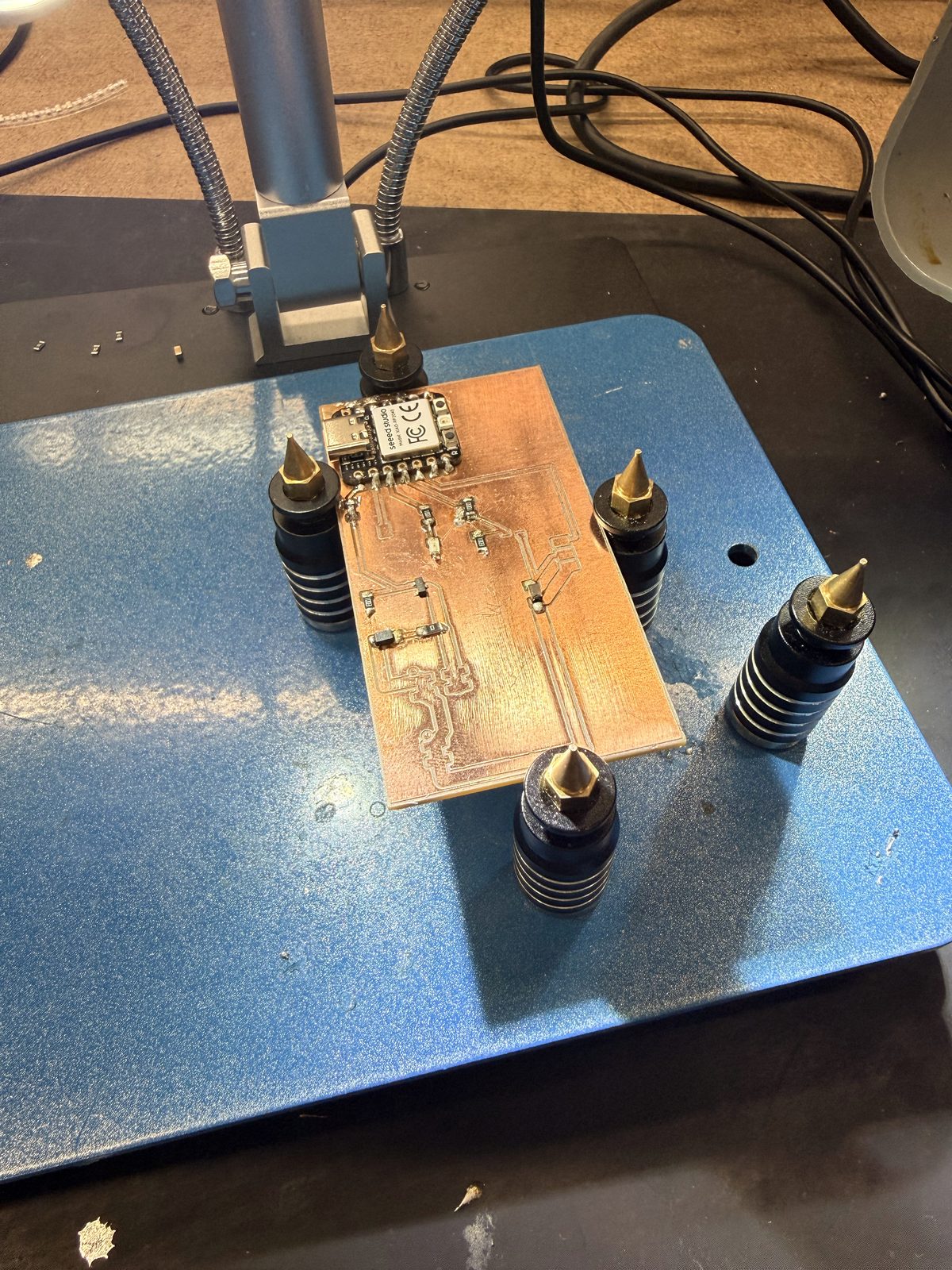
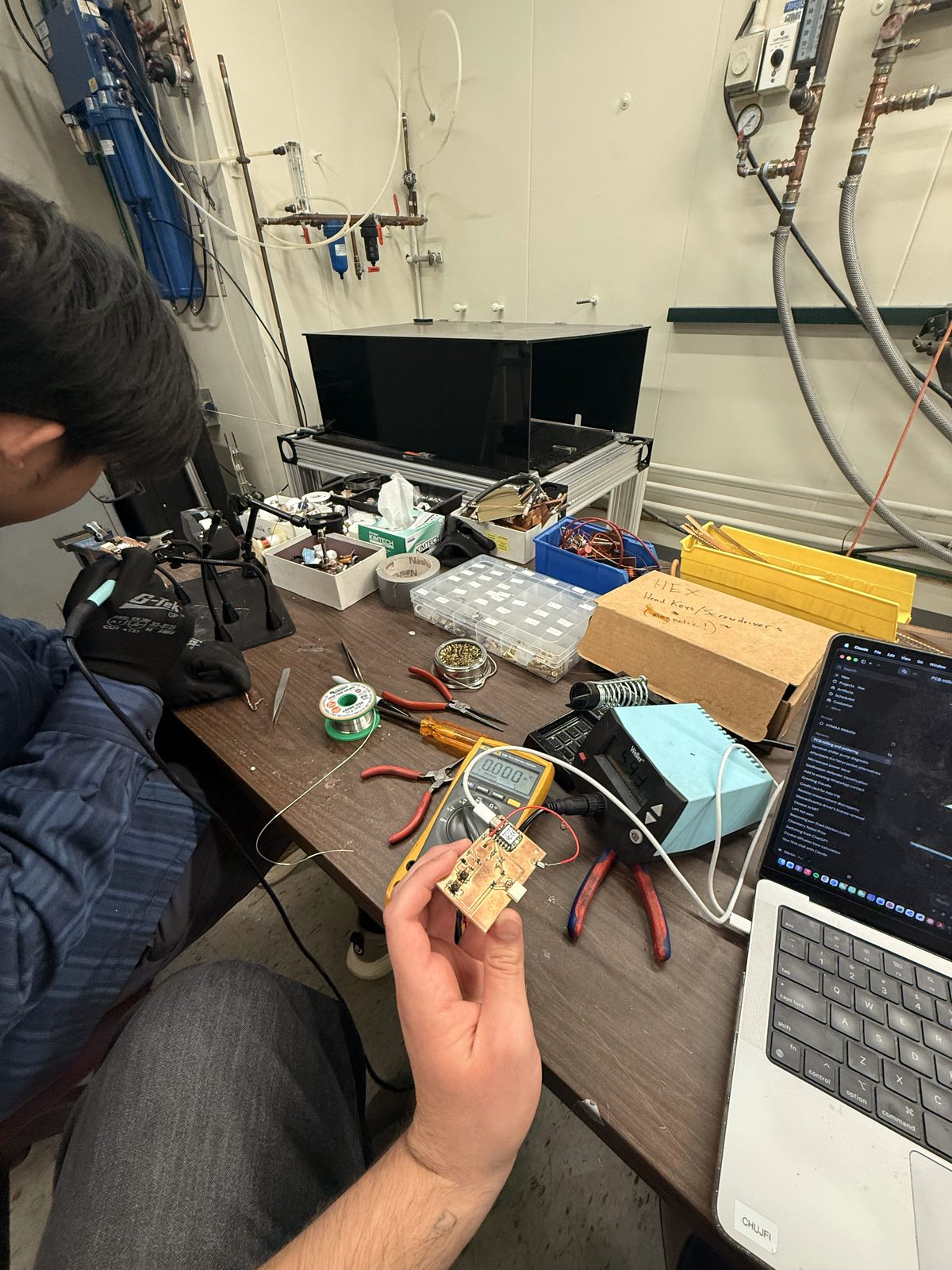
In any case, I had a couple of shorts I needed to deal with, and I was able to successfully fix a couple of them on my own. There was an instance, however, where I needed Siddarth to bail me out, because I just could not get that thing fixed. He suggested I use a different soldering iron which had a fatter, wider tip. It did really good at fixing the short, but I found it a little harder to use for the small components than the finer tips. Siddarth is pictured below saving my life:
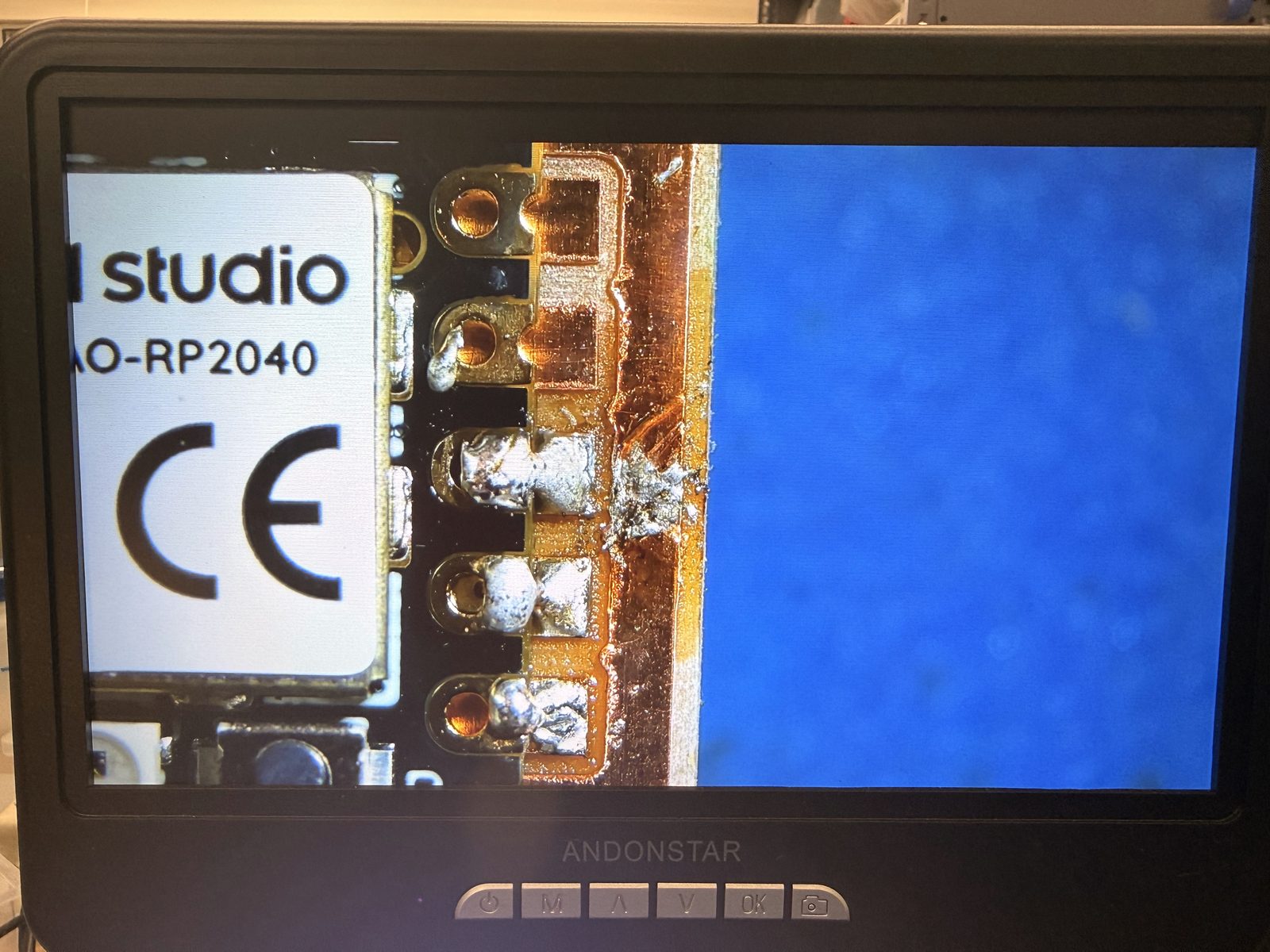
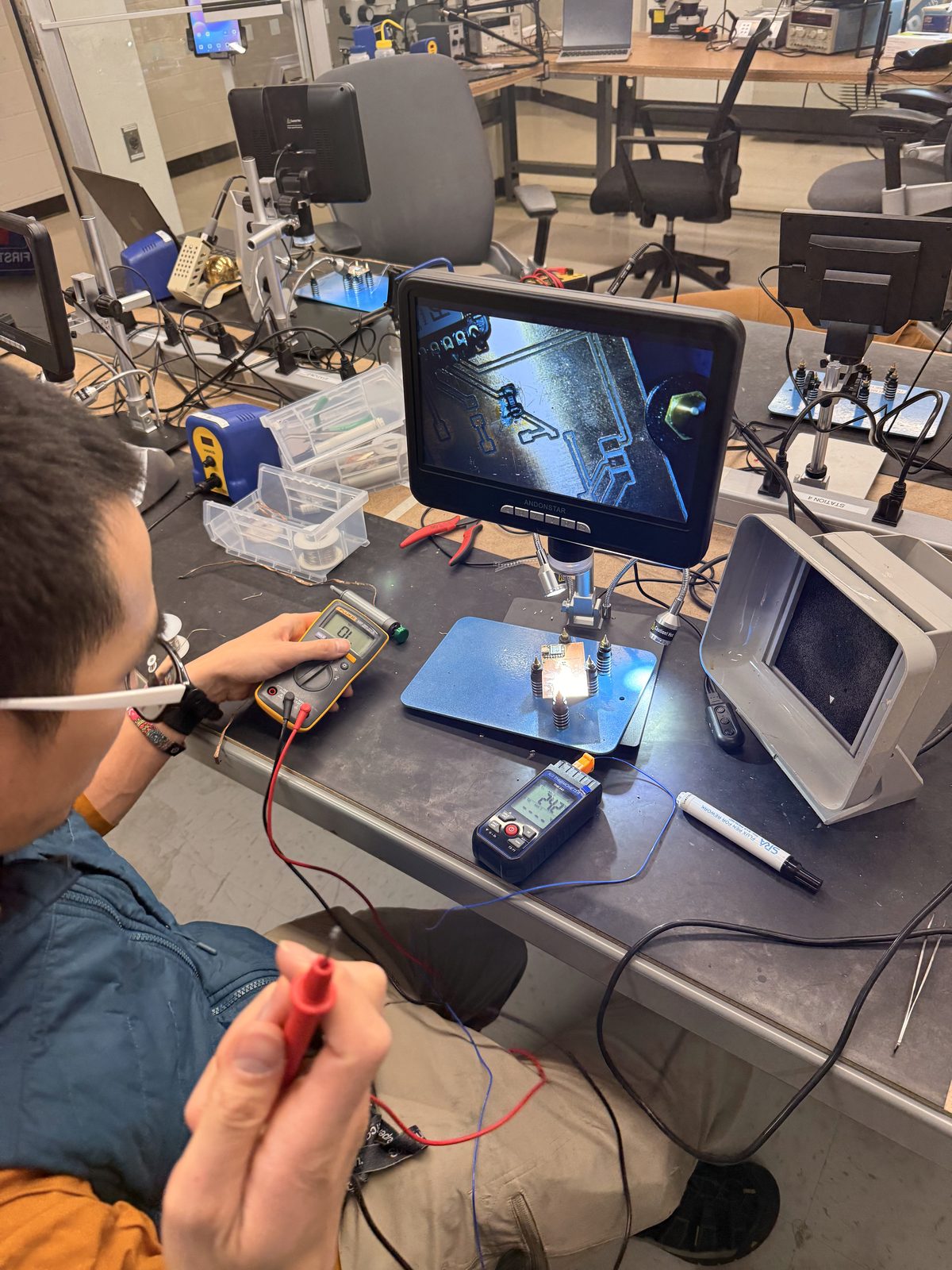
I continued attaching components and soon ran into more trouble. After the Xiao, I attached all the resistors since they were the smallest components and I figured it would be good to get those out of the way early. When trying to attach the gate resistor to my auxiliary MOSFET, I got a short that I was again unable to fix on my own after trying for a long time. This time, it was Alan who bailed me out:
Luckily at this point, I had gotten enough bad soldering out of my system that the rest of the components went relatively smoothly. Don't get me wrong, I still had plenty of shorts and bad joints, but this time I was able to fix everything on my own. Once I finished the resistors, I moved on to the LED, then my coil diodes, then the MOSFETs, and finally the connectors.
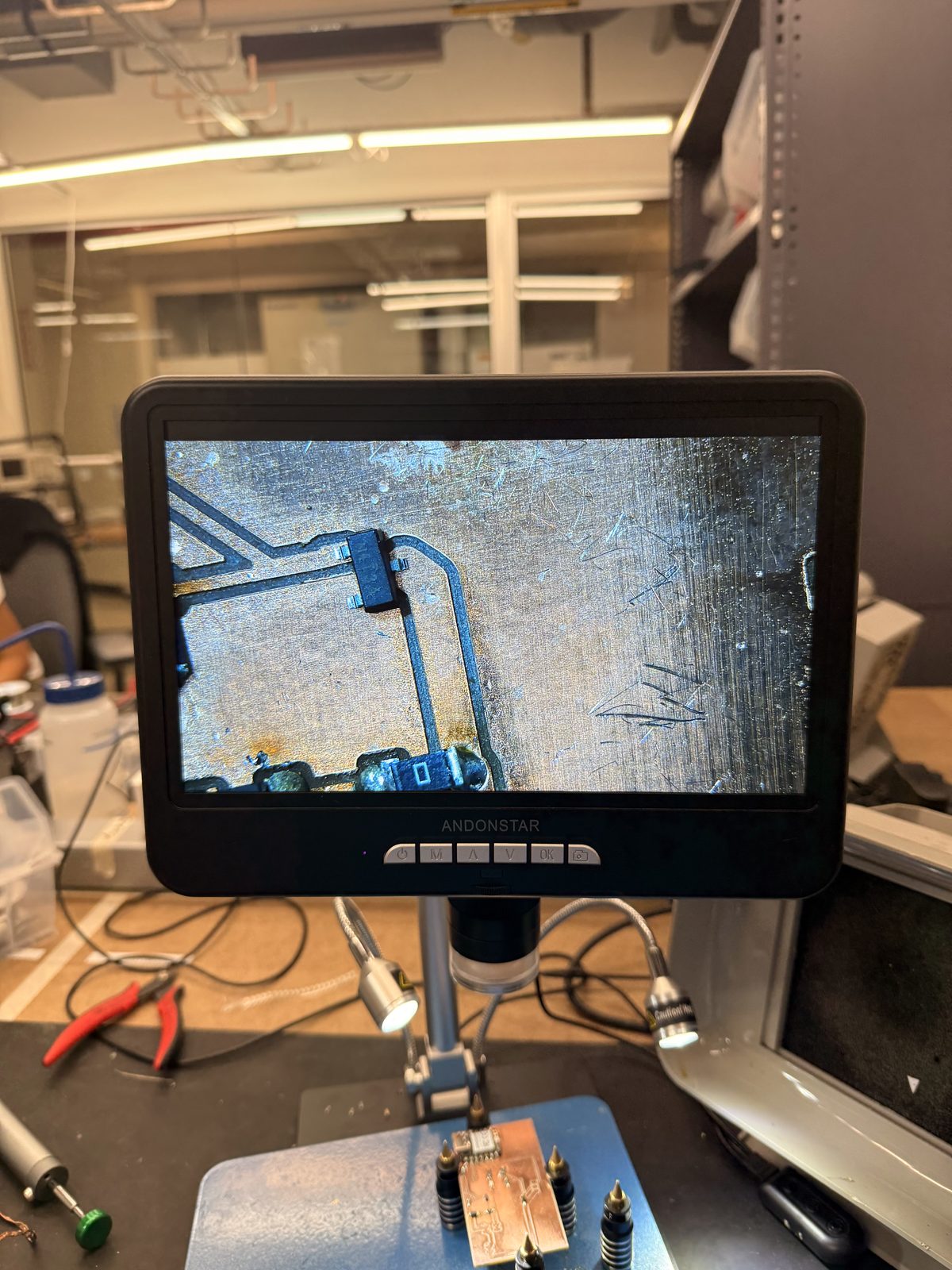
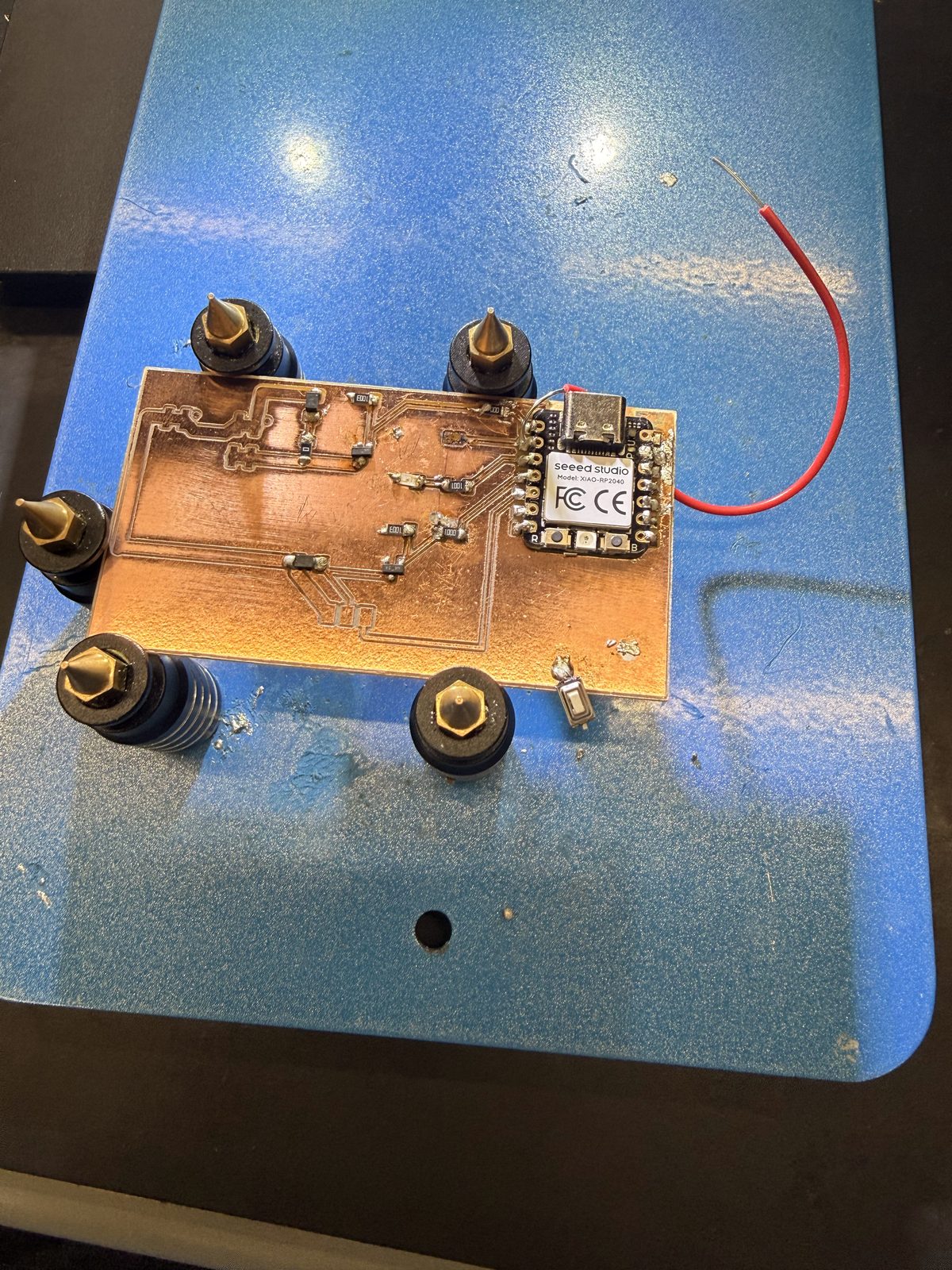
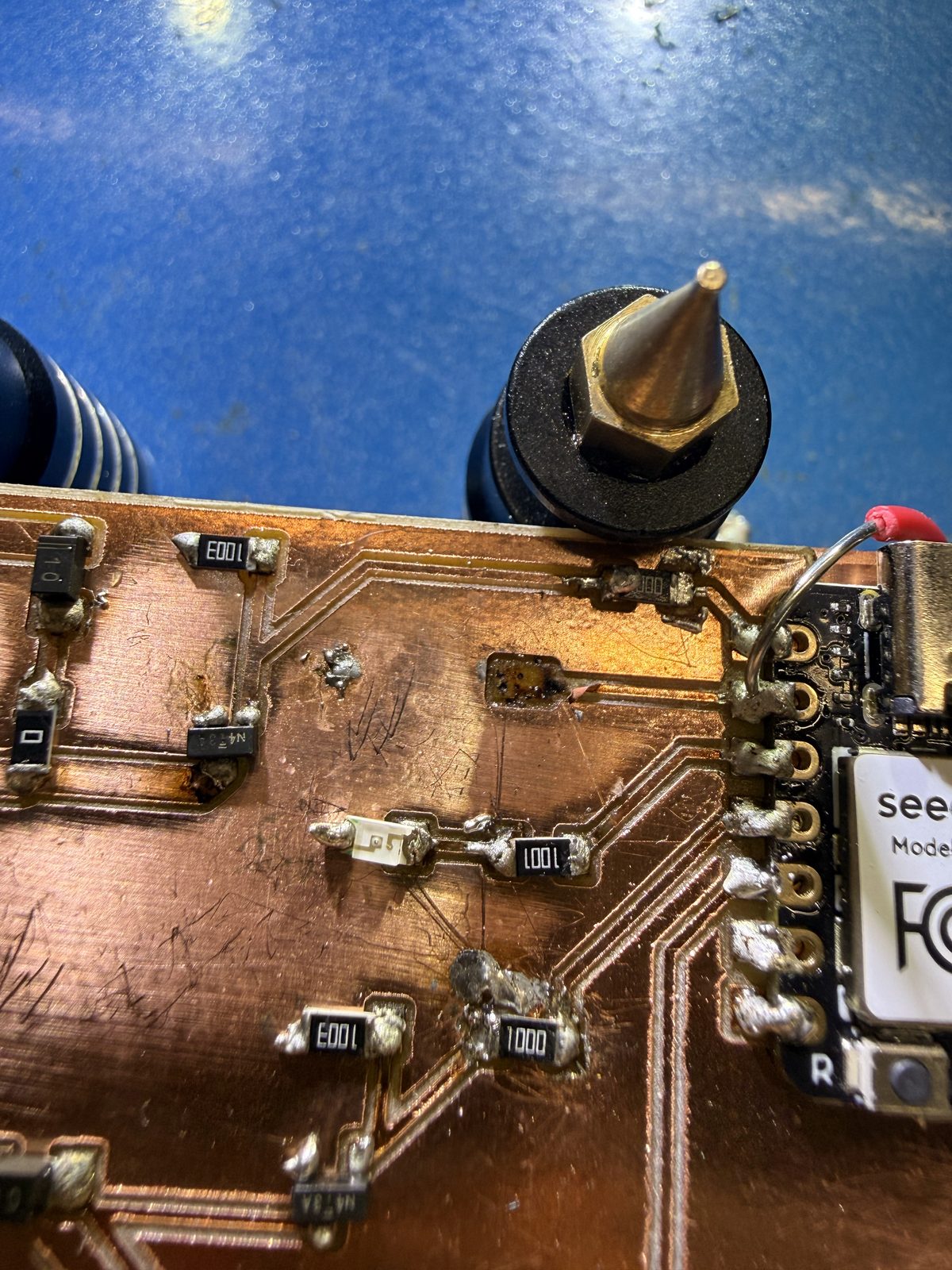
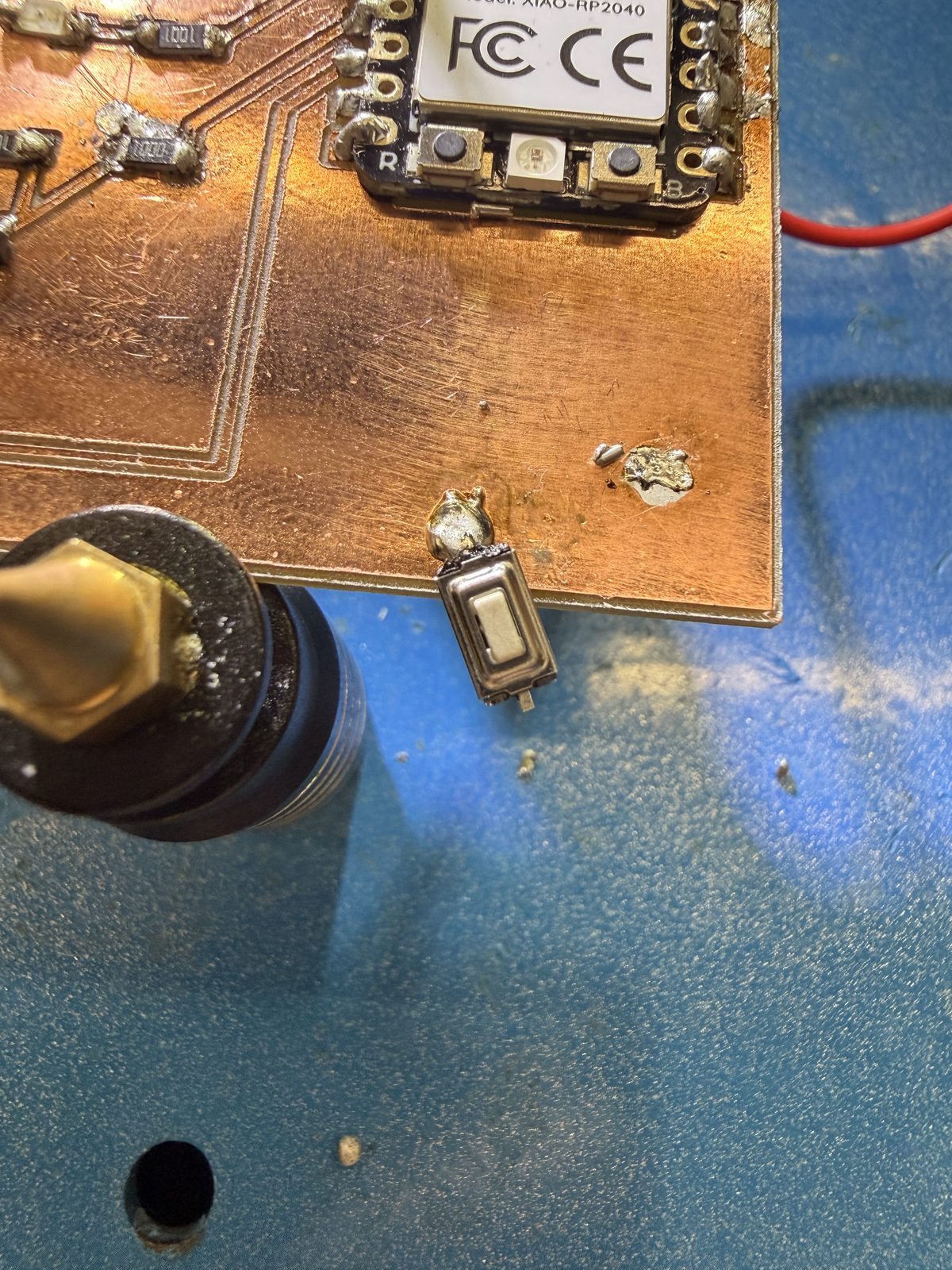
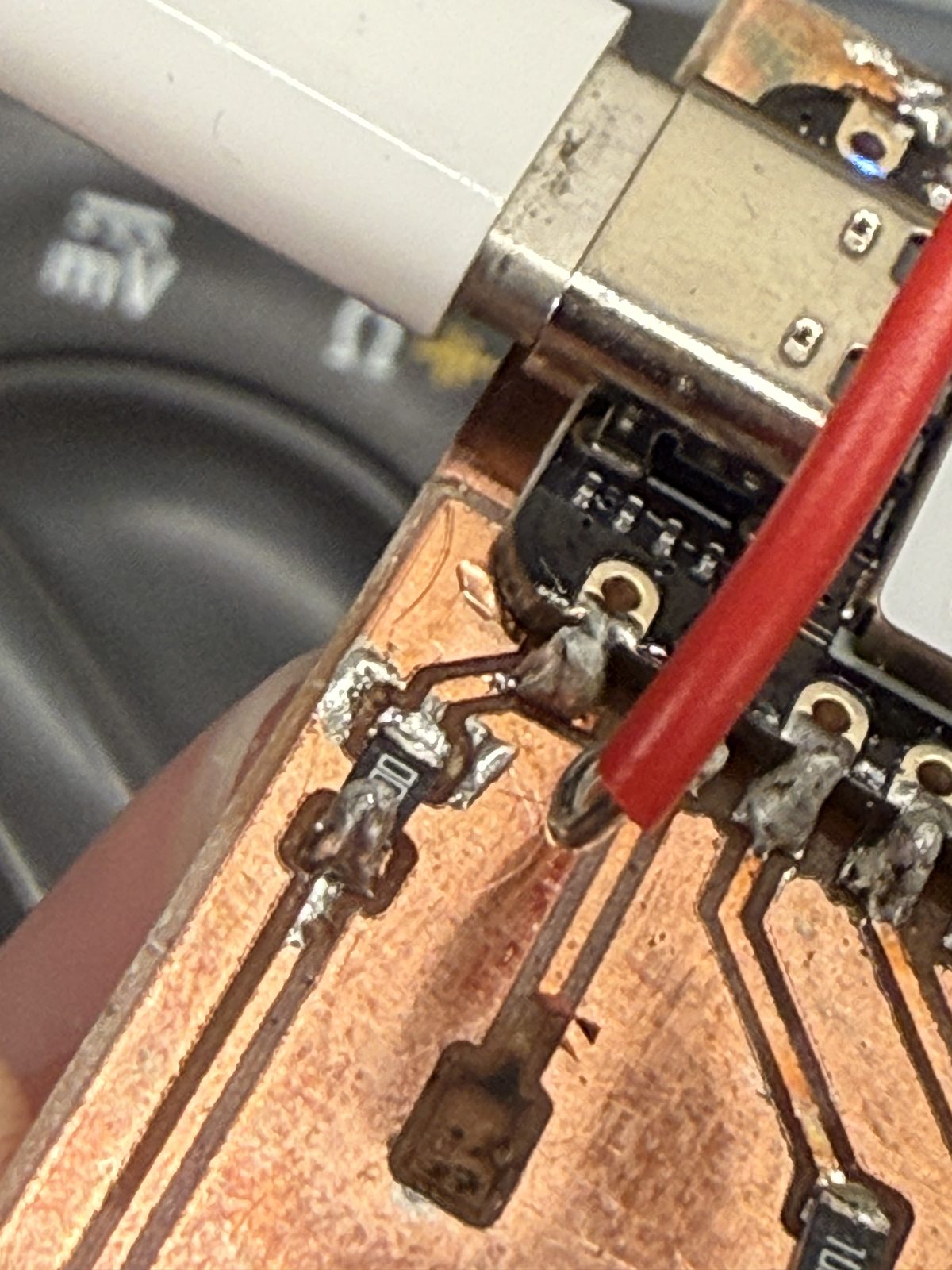
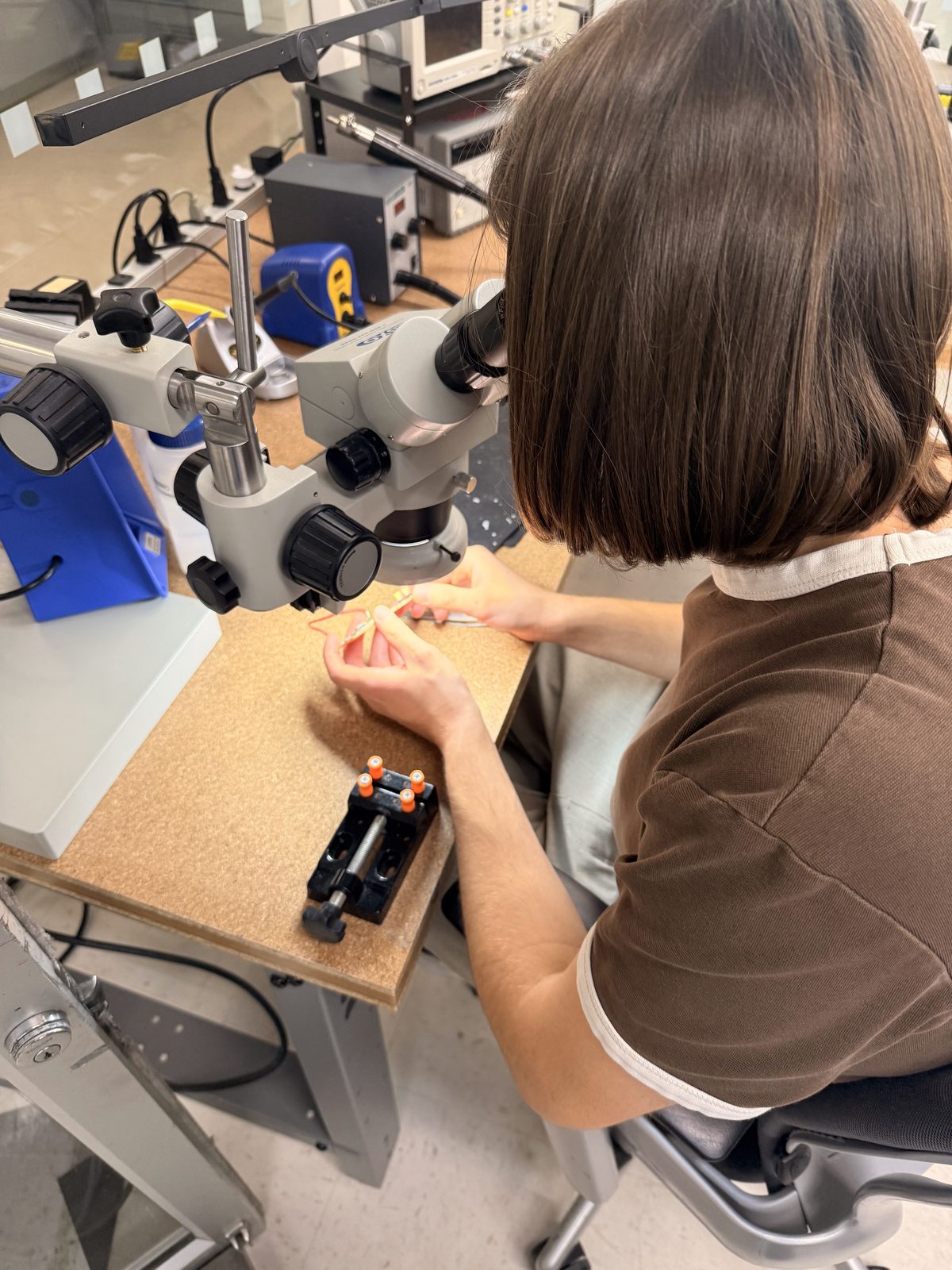
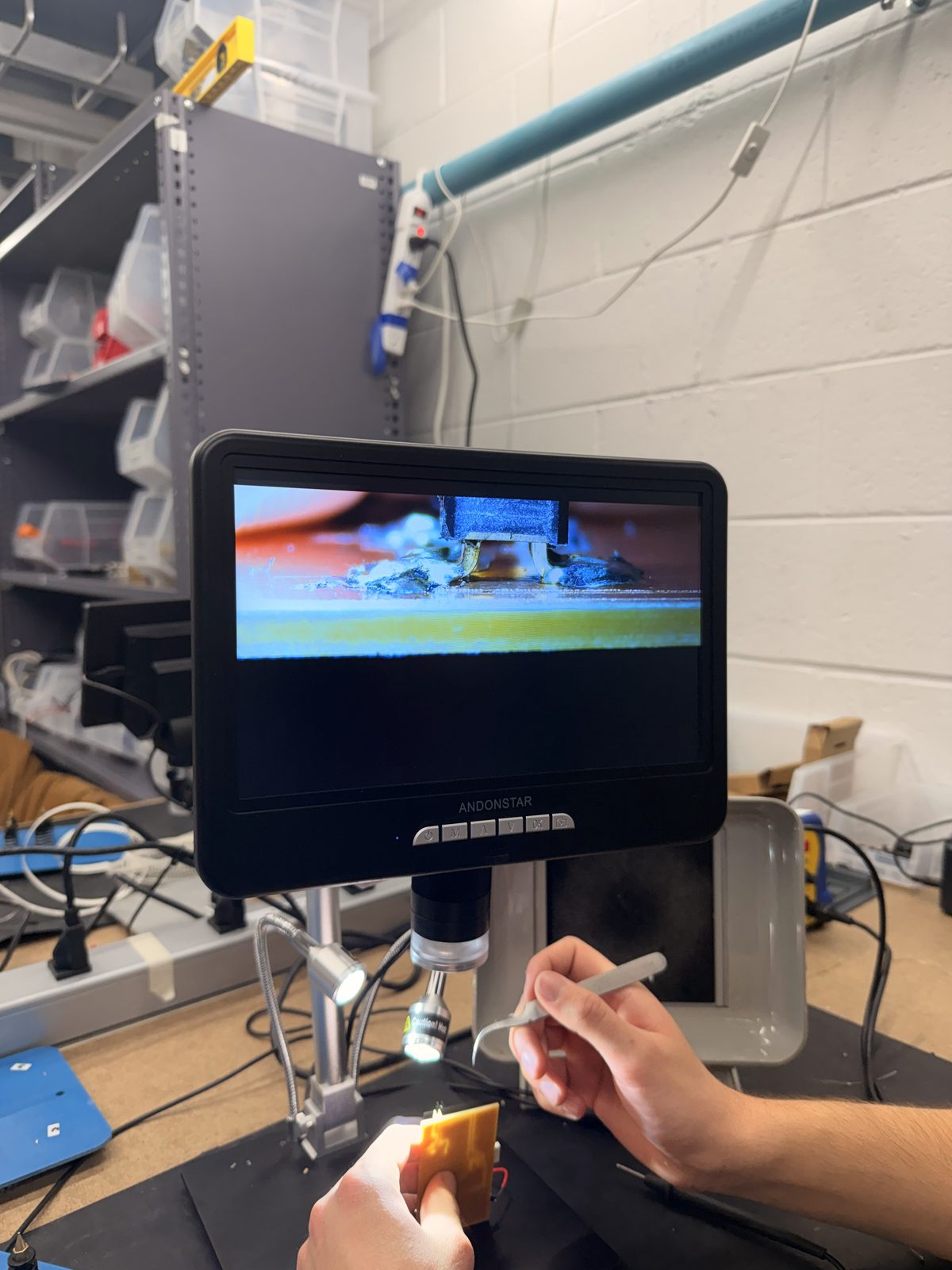
I thought everything was dandy. I had been checking nothing was shorting as I attached the components, and everything had seemingly gone smoothly. When I was doing what I thought was my final check, I was getting a short on the part of my board which connected to the Xiao's D0 pin. On this line, I have two resistors (1 gate and 1 pull-down), my MOSFET, and the headers it switches on/off which connect to my coil. Here, it wasn't a matter of fixing the short as much as it was about finding it. I looked for it for at least an hour. Nothing! I was about to lose it, honestly. Luckily for me, Michal happened to stop by the electronics shop at that time and he offered to help. He took a look at my board under the regular soldering microscope and we could not find anything — it all looked fine. When he took it to look under the "real" microscope (I don't know how else to refer to it, but the more science-y looking one), he was able to find the problem. The soldering on my pads looked good, nothing was visibly making contact with the ground pour from the top. When we looked under my connectors by viewing the board from the side, however, we noticed that some solder had crept under the leg of the component, and one tiny little microscopic "finger" of solder was reaching down from the part to the plate and touching ground. It was so small that simply by running a tweezer under it with little force, the short was fixed. We found a similar short on the other identical connector. When everything was fixed, I told Michal I loved him and gave him a hug. I'm not kidding. I was losing my sanity at this point.
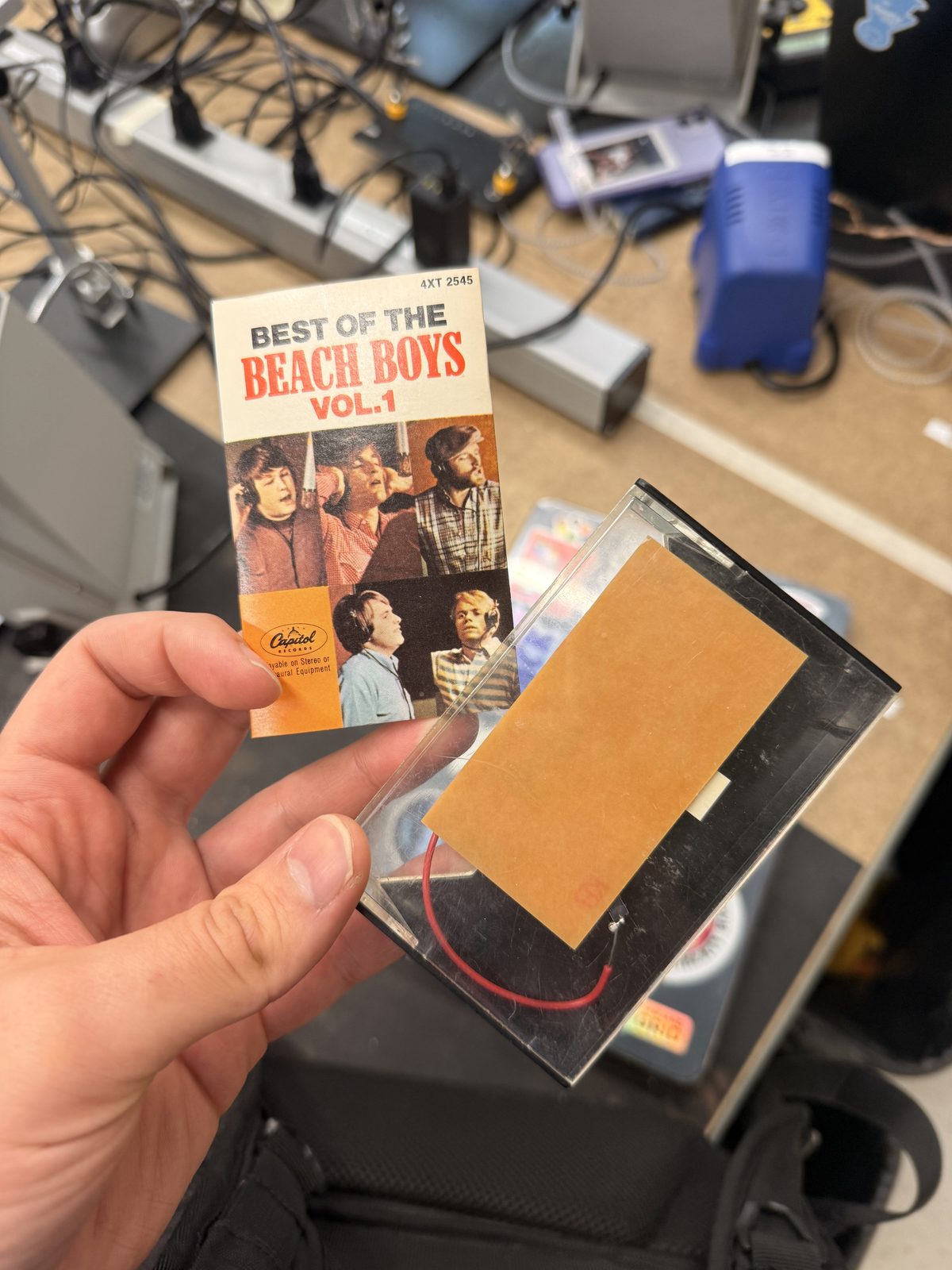
Finally, I did a preliminary test where I just went around my PCB and made sure that everything which is supposed to talk to each other was indeed talking to each other and that nothing was shorted. Once this was done and life was worth living again, I put my PCB in a Beach Boys cassette case for easy transportation and I was off.
Detailed Testing
Though I had technically completed the assignment, I decided to do some more testing the day after to make sure everything was working correctly by running a simple program on my board. Since I was tight on time, I asked Claude to write me a simple test script (which I will attach below) and checked that all the signals I'm supposed to get at each component was working. The findings are summarized in the table below:
| Test | Expected Result | Obtained Result |
|---|---|---|
| Programming Xiao and testing LED's response to button press | LED blinks three times at start-up. Pressing button lights the LED and serial monitor prints state of the button, gates, and TRIG. | Successful! |
| MOSFET Gate signals | 3.3 V when button pressed, 0 V otherwise (shows Xiao is driving MOSFETs). | Successful! |
| MOSFET switches | Resistance from COIL- to GND and AUX to GND on MOSFETs should read OL when button is released, and should drop to a few ohms when pressed. | Successful! |
Test code
The test sketch Claude wrote for me is below (you can also download it). Holding the button lights the LED and turns on Q1 (GATE1), each press toggles Q2 (GATE2), and the serial monitor prints the state of the button, both gates, and TRIG.
// Board test sketch for the XIAO board.
// Pin mapping taken from the schematic. Double-check it against yours:
//   D0 -> GATE1 (Q1 gate, switches COIL-)
//   D1 -> SW1   (button to GND)
//   D2 -> R6 -> D3 LED
//   D3 -> GATE2 (Q2 gate, switches AUX)
//   D4 -> TRIG  (J3 pin 2)
//
// What it does:
//   - Hold the button: the LED lights and Q1 turns on (GATE1 high).
//   - Each press also toggles Q2 (GATE2).
//   - Pull TRIG (J3 pin 2) to GND with a jumper wire: it shows up in the Serial Monitor.
//   - Prints the state of everything twice a second in the Serial Monitor (115200 baud).

const int GATE1_PIN = D0;
const int BUTTON_PIN = D1;
const int MY_LED_PIN = D2;
const int GATE2_PIN = D3;
const int TRIG_PIN = D4;

bool gate2On = false;
bool lastPressed = false;
unsigned long lastPrint = 0;

void setup() {
  pinMode(GATE1_PIN, OUTPUT);
  pinMode(GATE2_PIN, OUTPUT);
  pinMode(MY_LED_PIN, OUTPUT);
  pinMode(BUTTON_PIN, INPUT_PULLUP);  // pressed = LOW
  pinMode(TRIG_PIN, INPUT_PULLUP);    // pulled to GND = LOW
  digitalWrite(GATE1_PIN, LOW);
  digitalWrite(GATE2_PIN, LOW);

  Serial.begin(115200);

  // Start-up blink so you can see the board is alive.
  for (int i = 0; i < 3; i++) {
    digitalWrite(MY_LED_PIN, HIGH); delay(200);
    digitalWrite(MY_LED_PIN, LOW);  delay(200);
  }
}

void loop() {
  bool pressed = digitalRead(BUTTON_PIN) == LOW;
  bool trig = digitalRead(TRIG_PIN) == LOW;

  // Button held: LED on and Q1 on.
  digitalWrite(MY_LED_PIN, pressed ? HIGH : LOW);
  digitalWrite(GATE1_PIN, pressed ? HIGH : LOW);

  // Each new press toggles Q2.
  if (pressed && !lastPressed) {
    gate2On = !gate2On;
    digitalWrite(GATE2_PIN, gate2On ? HIGH : LOW);
  }
  lastPressed = pressed;

  if (millis() - lastPrint > 500) {
    lastPrint = millis();
    Serial.print("button: ");  Serial.print(pressed ? "PRESSED" : "up");
    Serial.print(" | GATE1: "); Serial.print(pressed ? "HIGH" : "LOW");
    Serial.print(" | GATE2: "); Serial.print(gate2On ? "HIGH" : "LOW");
    Serial.print(" | TRIG: ");  Serial.println(trig ? "pulled LOW" : "high (open)");
  }
  delay(20);  // simple debounce
}
AI Documentation
To see my AI usage, please see here.