3D Scanning and Printing

This week I learned about 3D scanning and printing, and how to use the 3D scanner and printer.

3D Printing Sketch

For 3D printing, this week's assignment is "design and 3D print an object that could not be made subtractively". So after some online research, I found a really fitting concept which is a "ball trapped in a cage" model that people have been doing a lot.
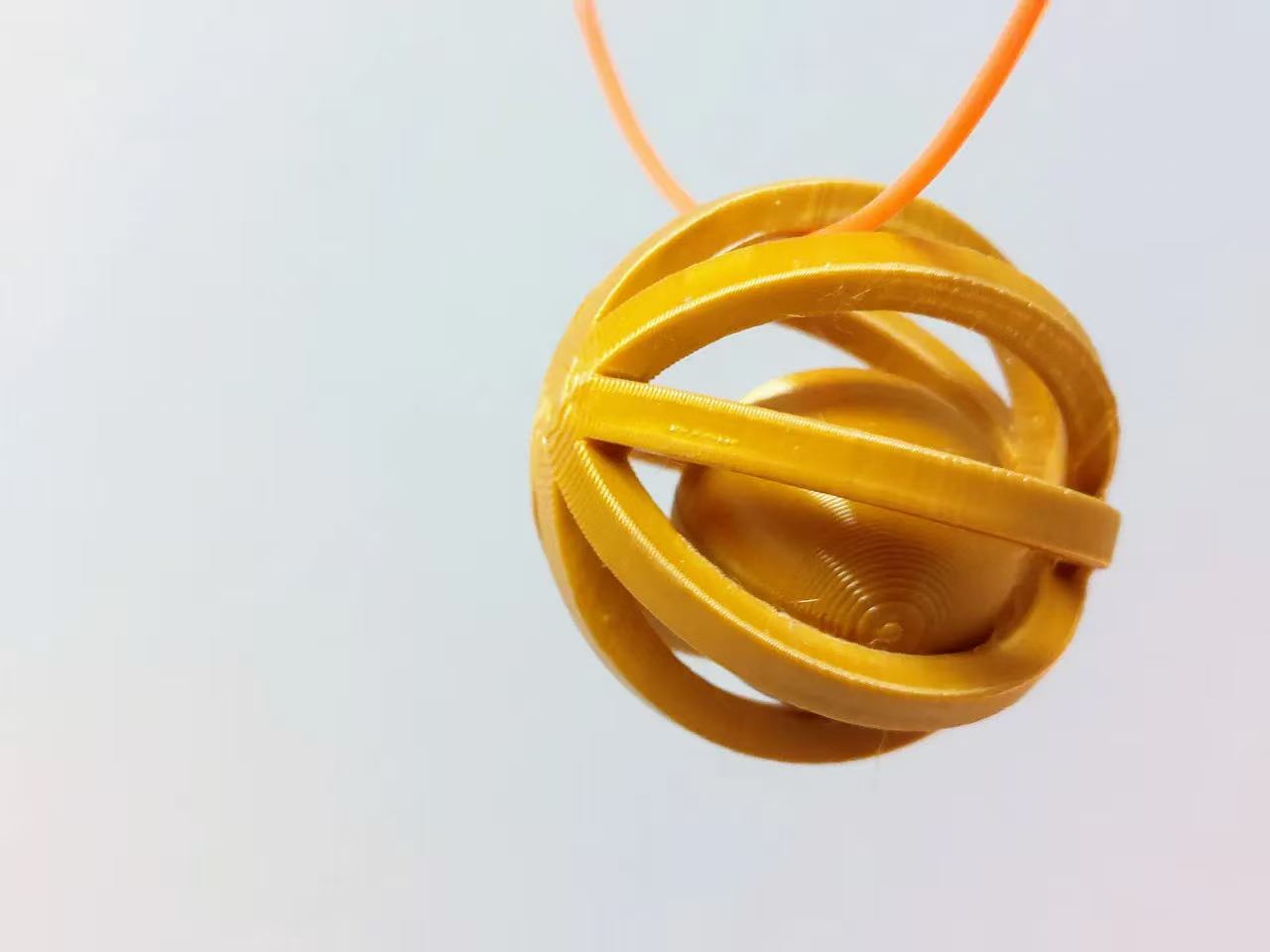
Example 3D printed ball in a cage
3D printed ball in a cage.

But I want to add a more ambitious twist to the project. I want to use this model to formulate a slider mechanism. What's more, I think it would be a really fitting way to demonstrate the concept of Hilbert curve.
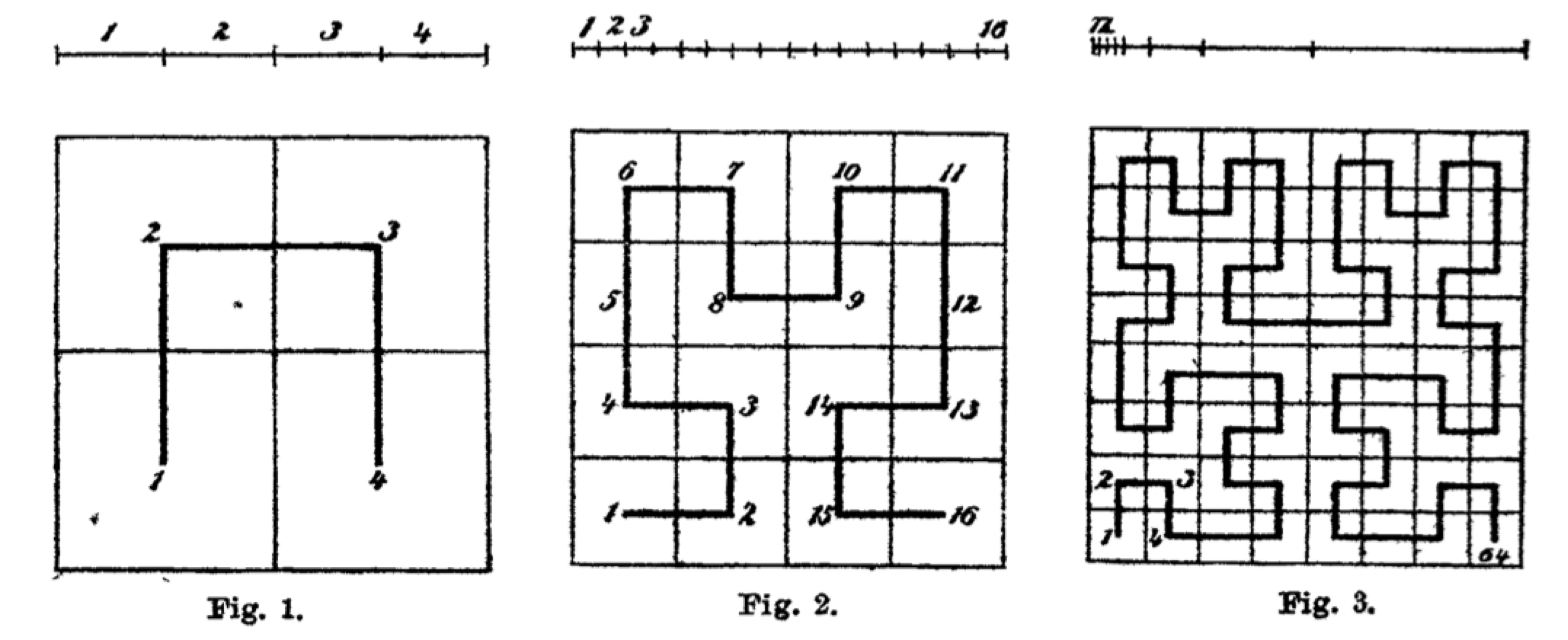
Hilbert curve in original paper
Hilbert curve in original paper.

The pattern of Hilbert curve itself is beautiful and elegant. But the gimmick of Hilbert curve itself is that it represents a very natural way to map a 1D line to a 2D surface and vice versa. So I think it would be cool if we can some how demonstrate this mapping process in a physical way. Soon I came up with an idea with ribbon to map this 1D geometry.
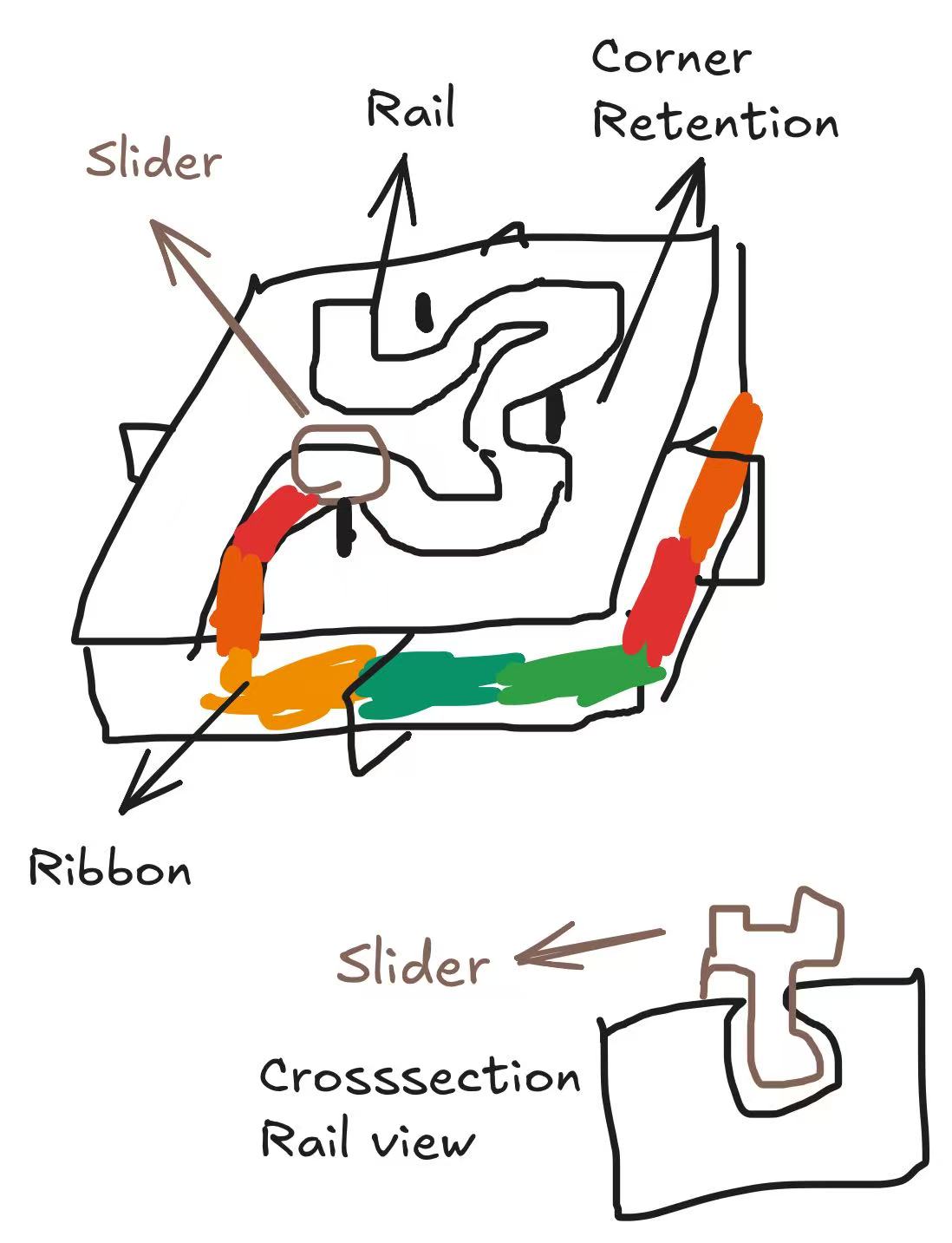
Hilbert curve object diagram
Hilbert curve object diagram. The printed box contain hollow structure in the shape of Hilbert curve for the slider to move along. The ribbon is attached to the slider and will be pulled to span the curve. Spare ribbon are stored along the side of the box to demonstrate 1D relationship. I am a bit worried about ribbon cutting corners so I put in some corner retention bins on top of the box.

3D Printing Design

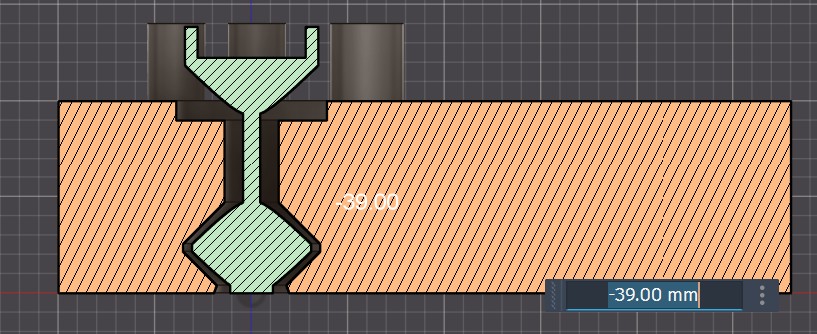
Next up, I chose to model this in Fusion since I care about the mechanical structure aspect. The first thing I did is to model a simple test object with rails, slider, and corner structure to do a quick test.
Drag to orbit, scroll to zoom.
Side view of the slider test object
Side view of the slider test object. Here you can see a change I made compared to the original design: Instead of having the slider fully enclosed in the box, I made it going through the layer after realizing that the slider would be better if printed directly up from the bottom layer.
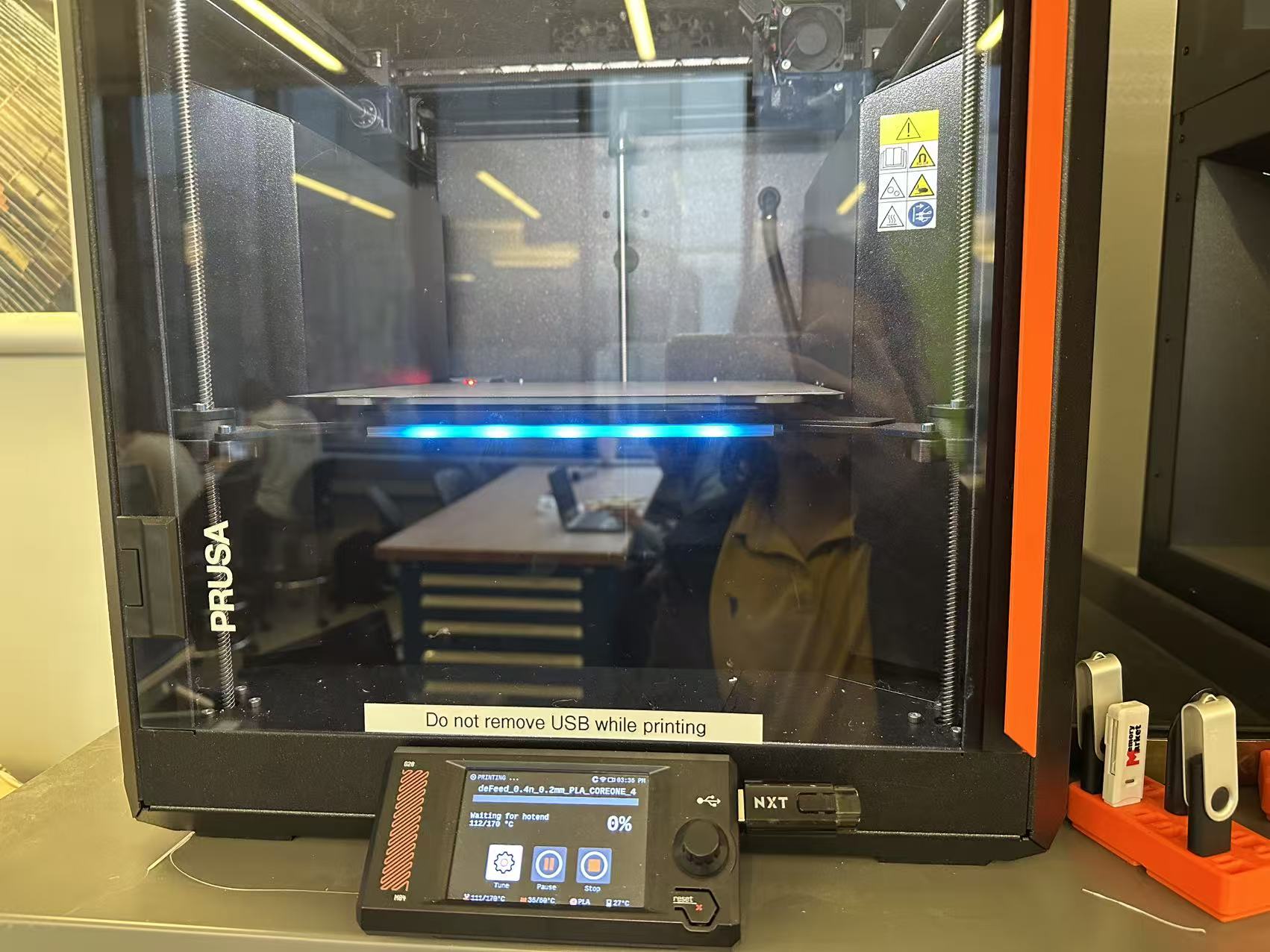
Slider in printing
Test slider in printing.
The result worked out really nicely. I was initially worried that the slider bottom part would be garbled up by the printer due to its 3mm diameter. But it actually printed out really well.

Now I can move on to model and print the main object. I really want to see the capacity of AI agents in modeling, and I accessed the work and found there are only repetitive designs if we want to push it to order 3 Hilbert curve. So I have ChatGPT Codex hooked to Fusion through MCP to do the modeling.
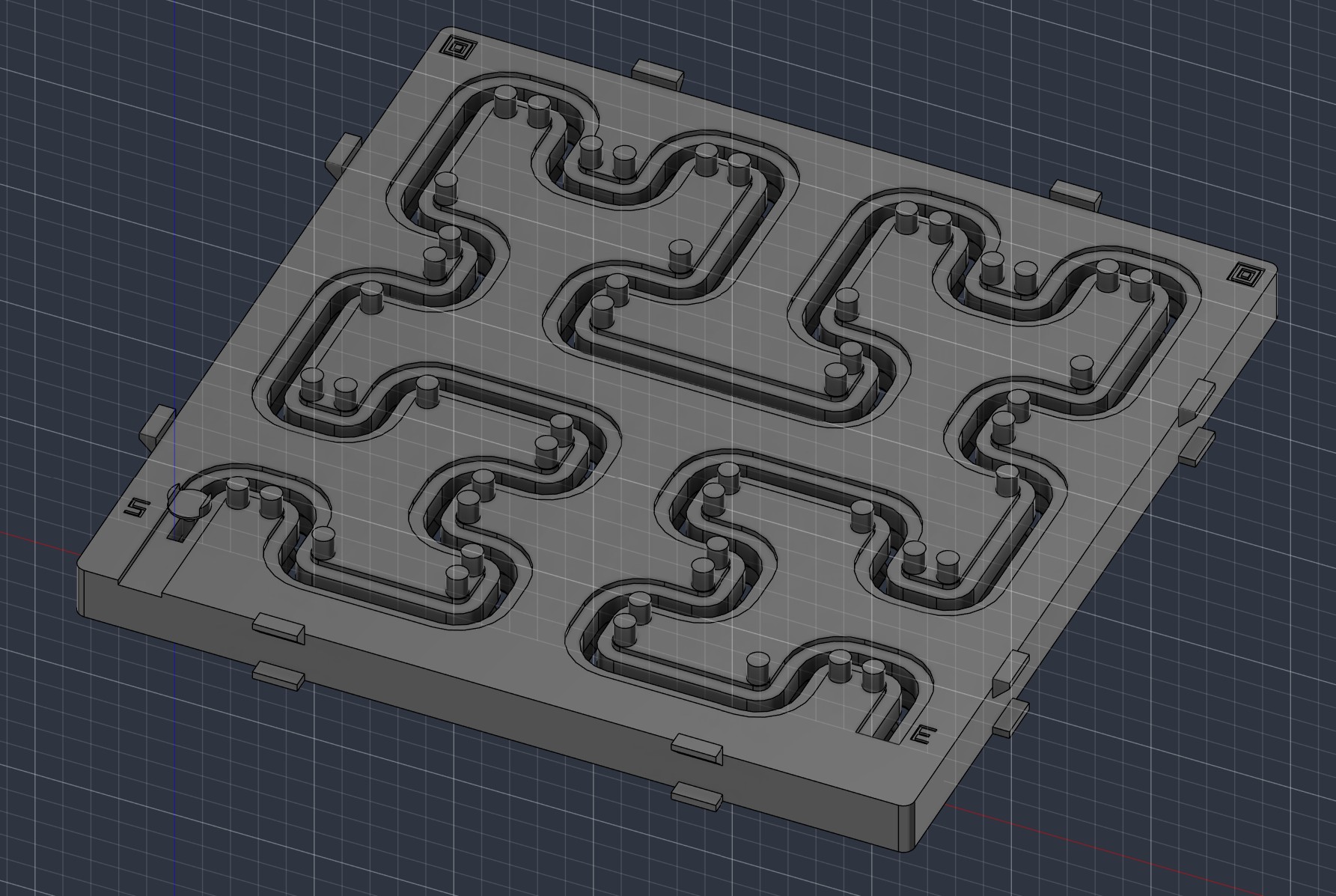
Hilbert curve order 3 model
Codex generated Hilbert curve order 3 model. It initially missed my instructions to have ribbon be stored along the side of the box. But after some checking, the model looks pretty solid. The model processing through MCP took about 30 minutes (not counting prompting time).

Next up I went to print the full model. The total printing time took about 7 hours under default settings.
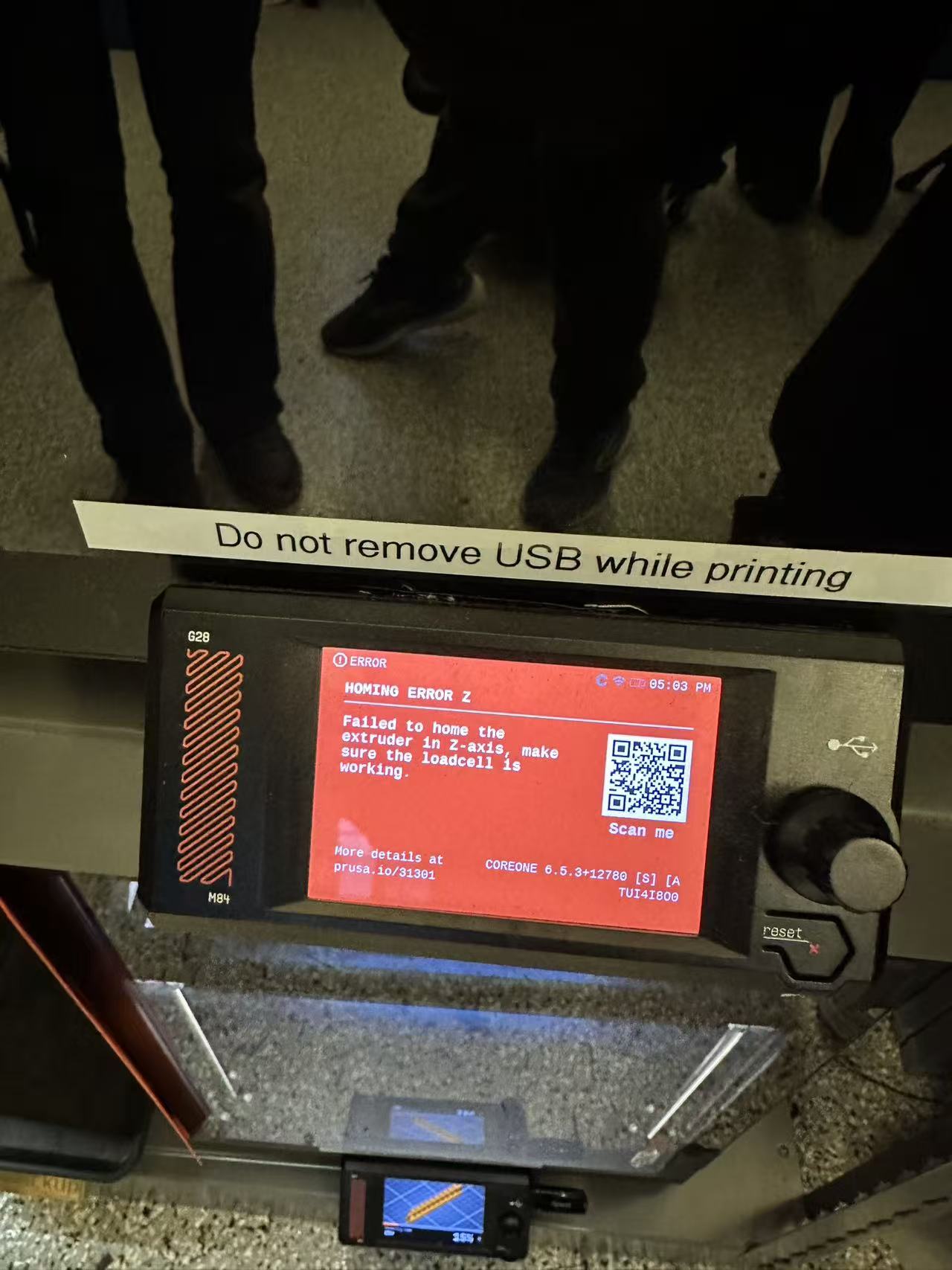
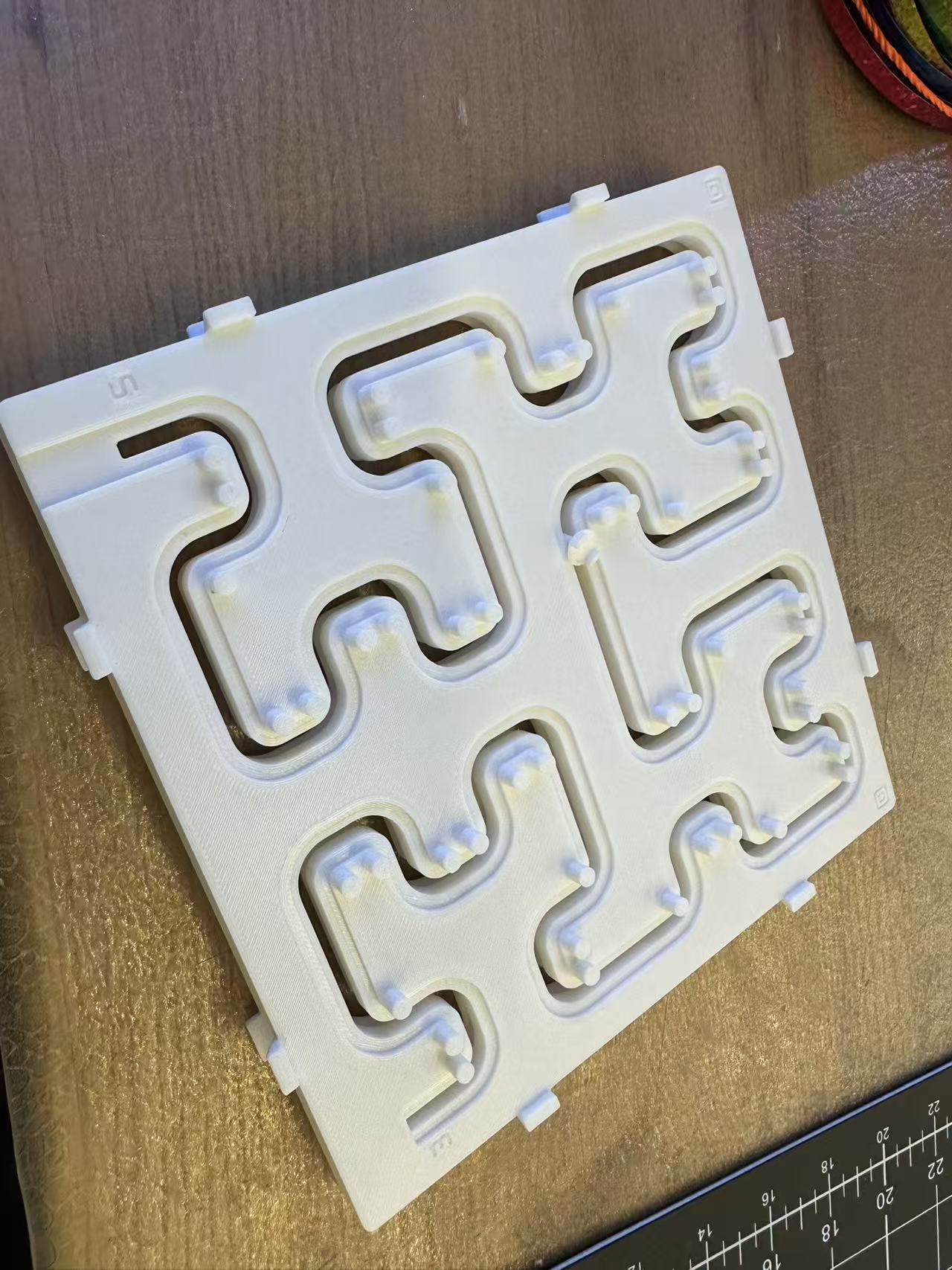
Printer issue
An interesting printer issue we encountered on Sunday. Likely caused by the nonflat pad on the bottom.
Printed Hilbert curve object
Printed Hilbert order 3 curve object. I had one failure when using a different printer. But after switching back to the one I used to print my slider with the same model, it printed out really well. So I suspect there is some luck factor after all with my slider design.

Next up I went to install the ribbon as planned. But I soon found a issue with ribbon: The one I have was pretty anisotropic and did happyily bend around the corners.
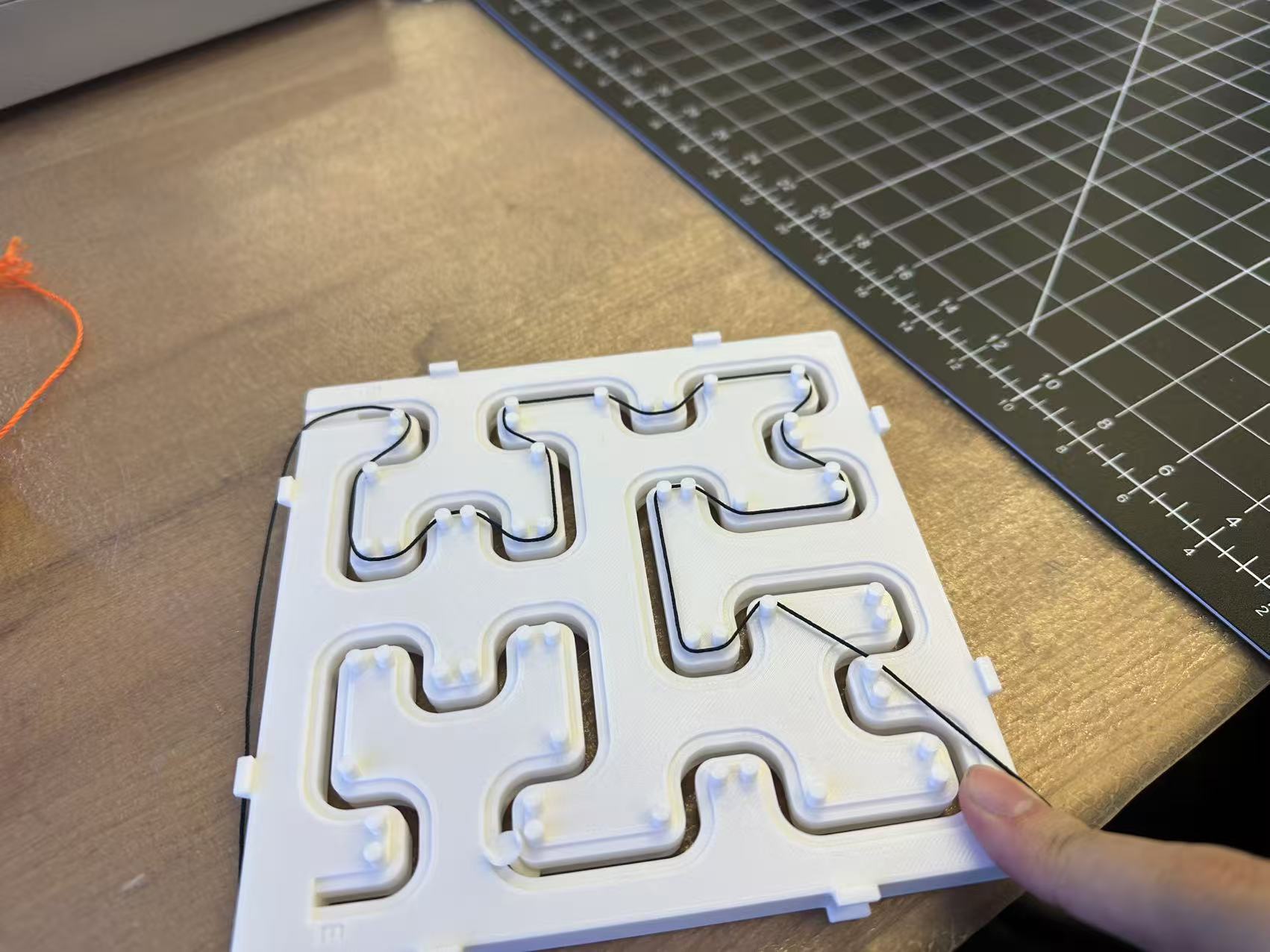
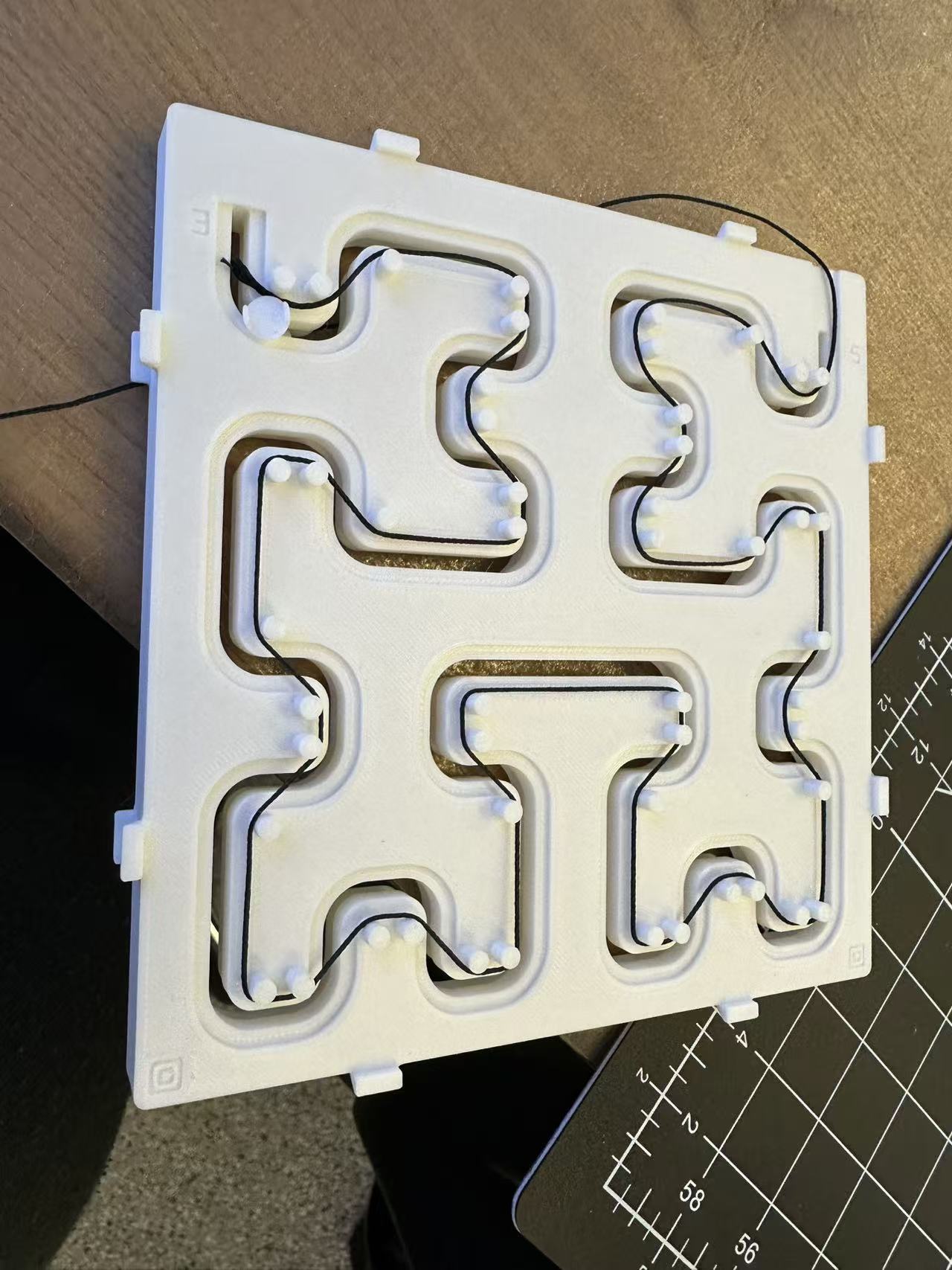
Yarn stuck on object
So then I borrowed some yarn from Anthony to see if that would work instead. Unfortunately I ran into a new issue: While the yarn bends around my corner retention bins just fine, I soon found out that as the corner number yarn wrapped around increses, the traction force accumulated grows very fast. When I was half way through my curve, the yarn had already become too heavy to pull.
Finished Hilbert curve object
So in the end I had to pull the length already of time and then wrap it around my slider to complete the curve. While this is not an elegant solution, I did manage to get the product I had in mind.

3D Scanning

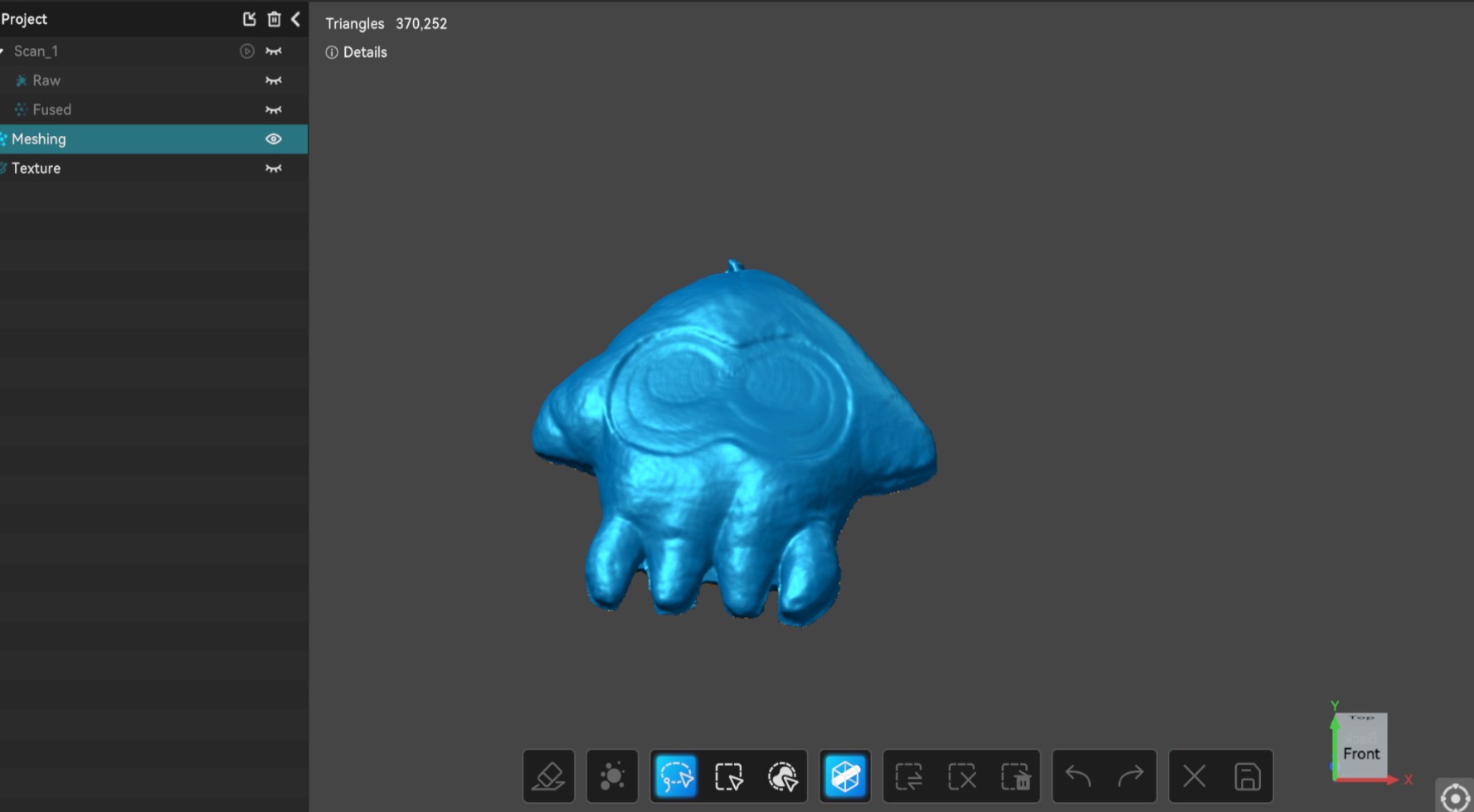
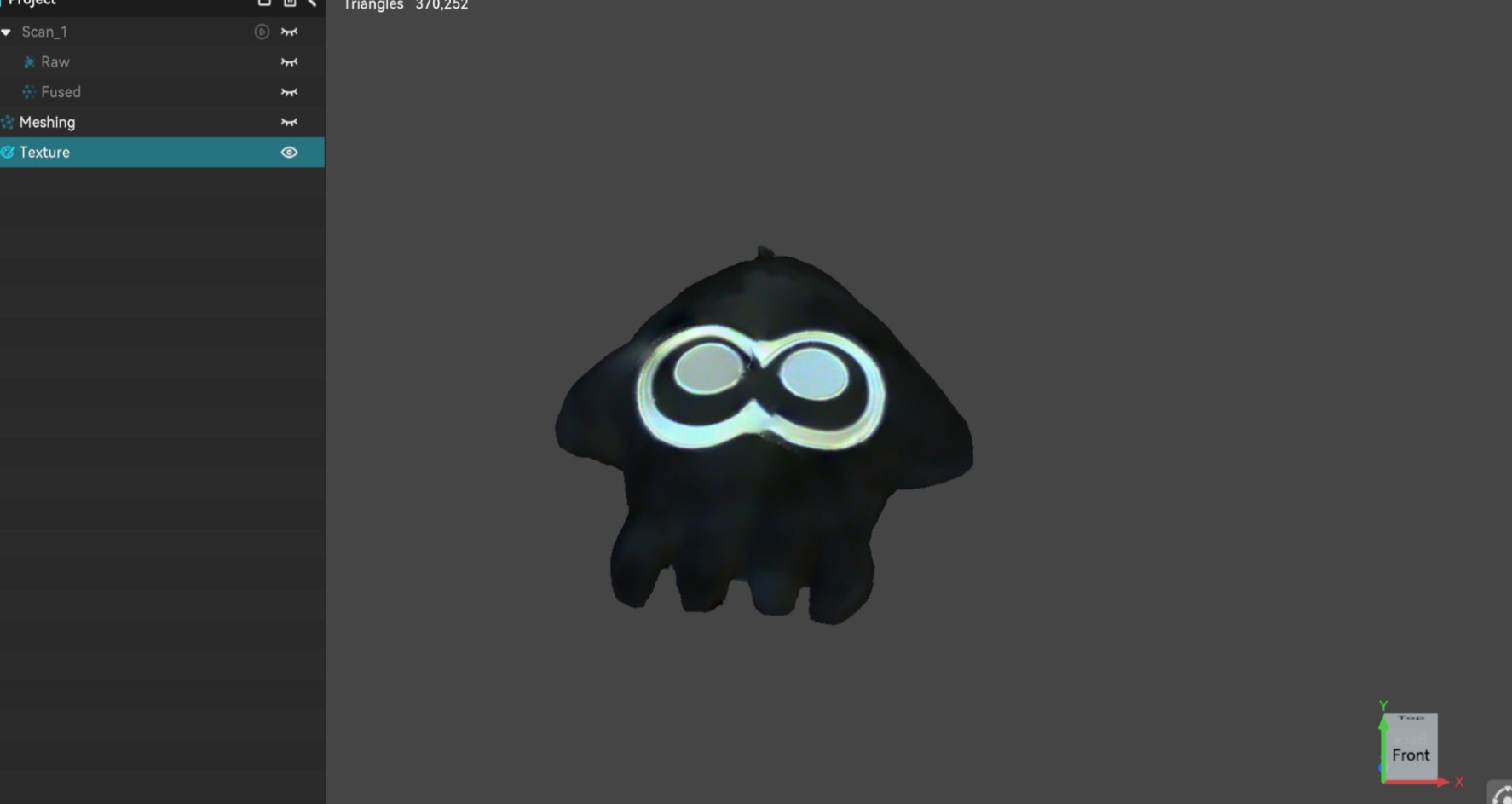
For 3D scanning, I used the CR-scan Ferret Pro with its proprietary software Creality. I used the Inkling plush from my desk. Since it was almost purely black, I initially had some worry but the results were surprisingly decent.
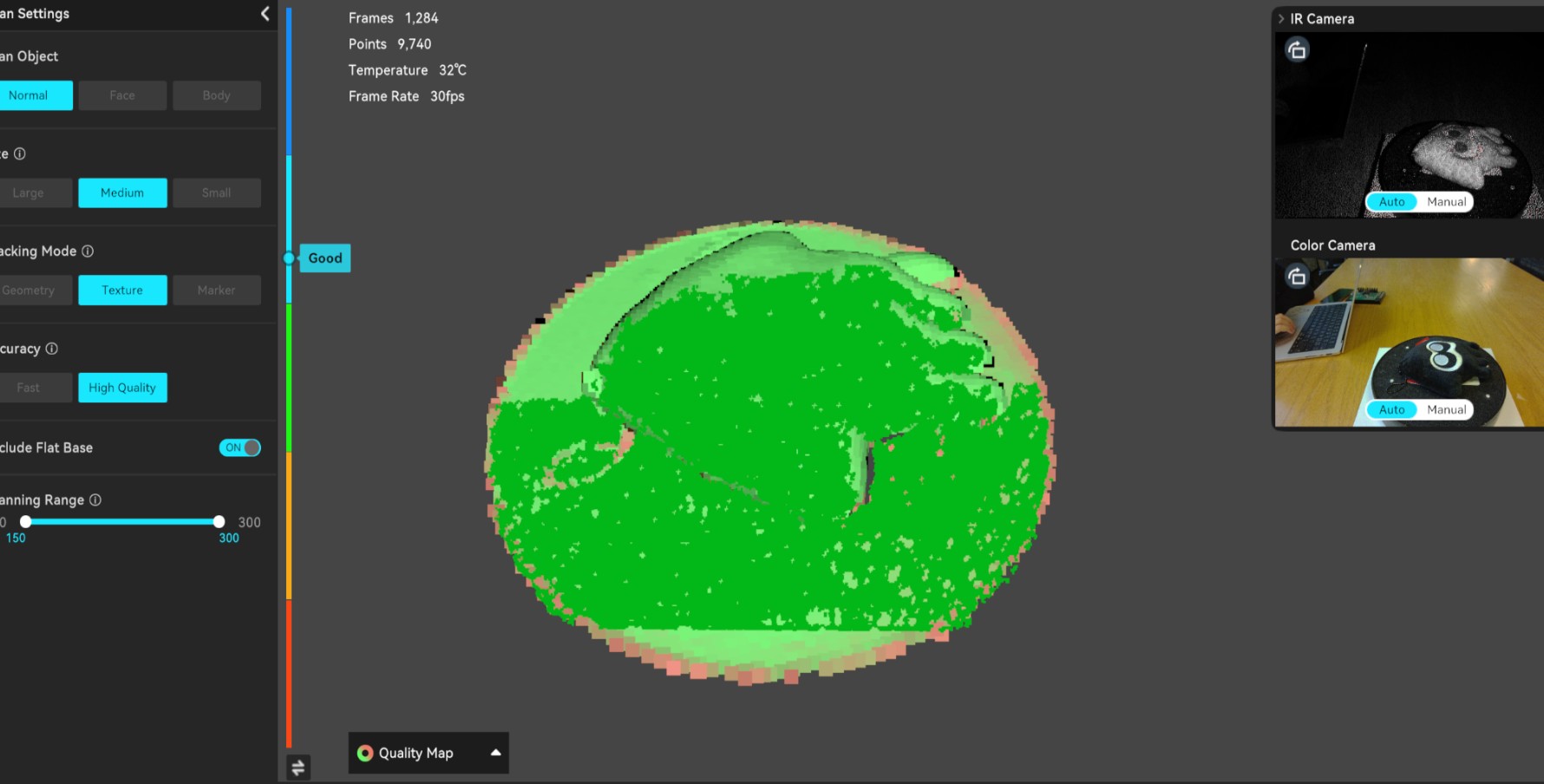
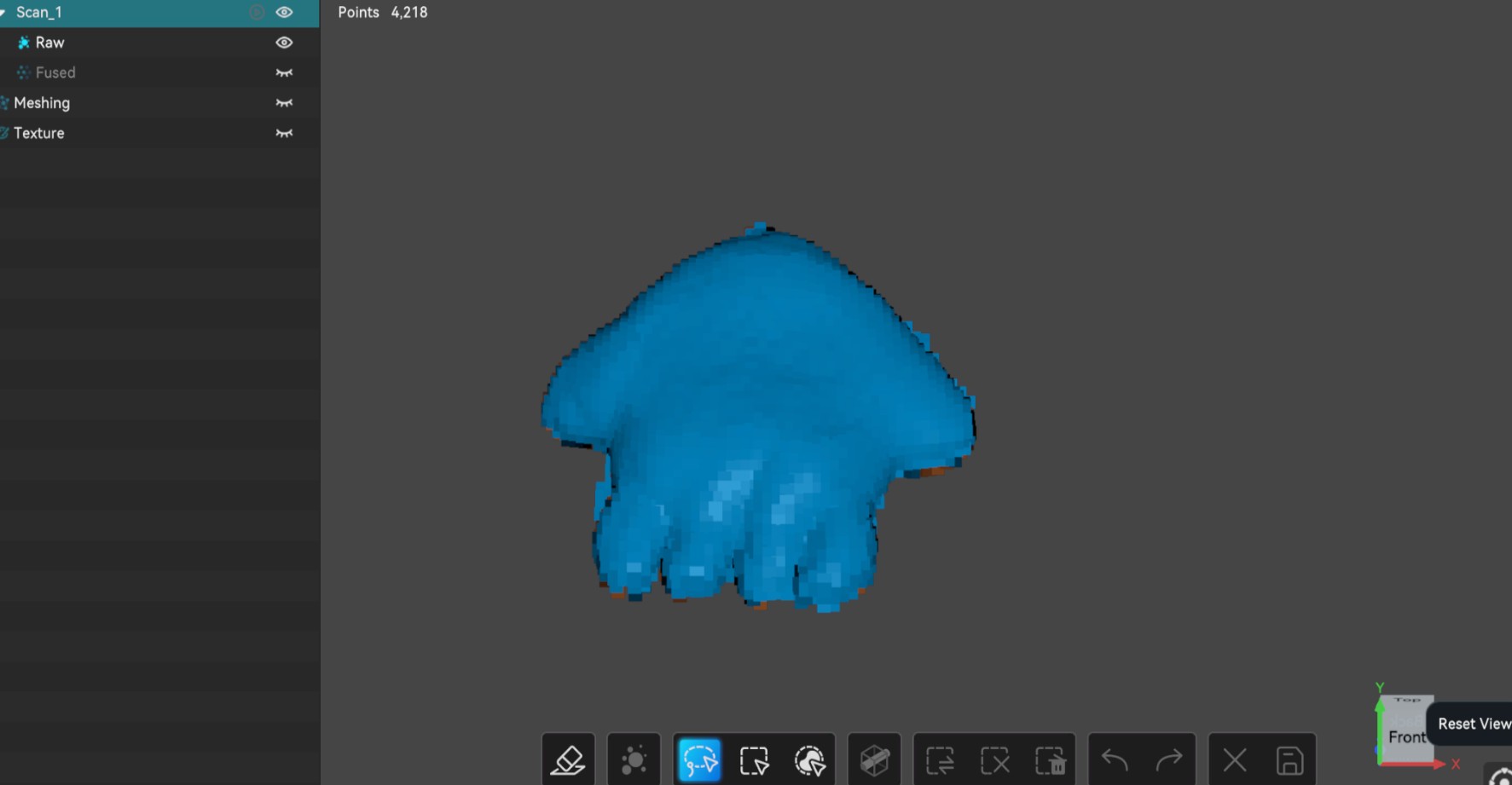
Inkling under scan.
Plush in scanning
Creality screenshot of plush in scanning.
Cleaned-up raw scan result
Raw scan result after cleaning up of background voxels.
Mesh scan result
Mesh scan result where the face pattern are pretty clean.
Mesh scan result
Textured mesh result ready for export.

Remarks

The idea of using 3D printing hollow structure is pretty new to me. And I am very glad to see how great the results can be with simple designs.

The agent 3D modelling also surpoass my expectations. With careful prompting, it created what I had in mind within only a few iterations.

The 3D scanning was straightforward to perform compared to traditional modeling. However, its quality is still a bit limited, so I feel for most applications, I would still prefer the group-up appproach.

Next Steps

Model

Download the Test Slider (.obj) I cannot put the entire model design here due to file size limit, but it's also available upon request.