Week 2
COMPUTER-AIDED CUTTING
Vinyl-Cutting
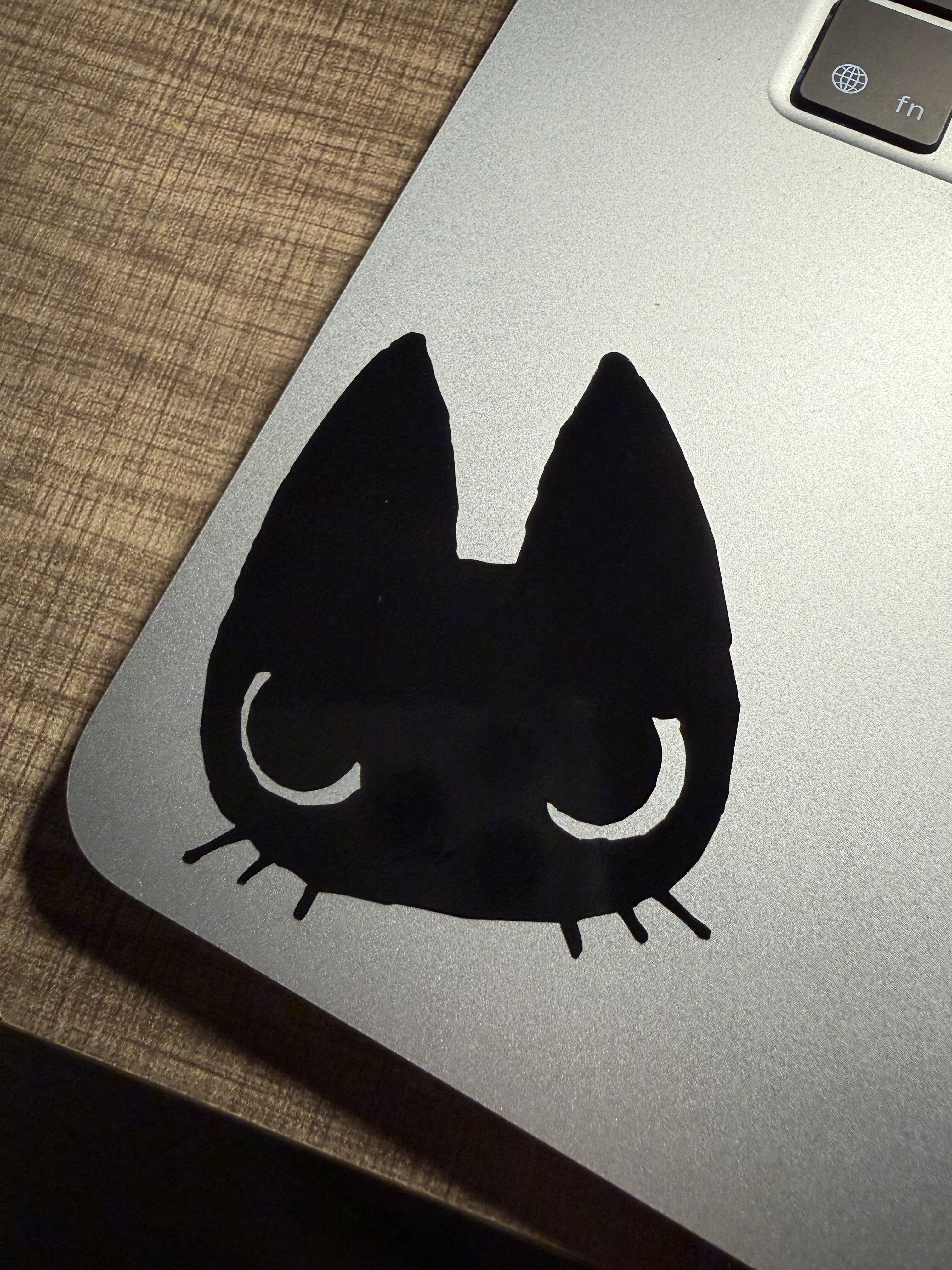
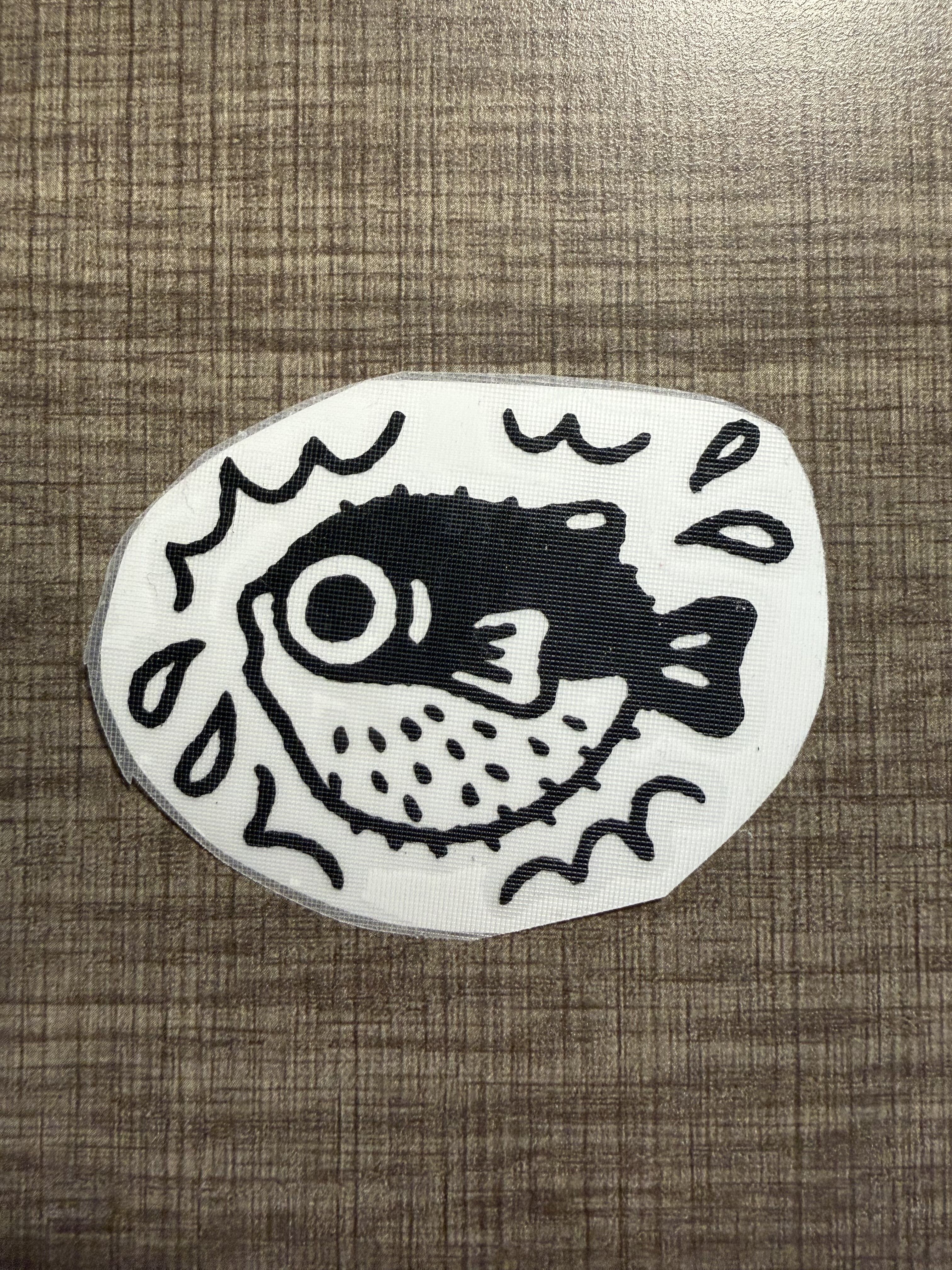
Since vinyls are monochrome, I searched Pinterest for some simple illustration stickers I liked and ended up choosing a cat and a pufferfish. The process was fairly simple. I modified the dpi to achieve the desired sticker size, cut it, removed the negative using tweezers, attached transfer paper onto the item, and took it home. I attached the cat sticker onto my laptop. Maybe I stuck the transfer paper on too firmly, it wasd slightly difficult to remove the transfer paper from the sticker despite the sticker being stuck to the laptop surface. I had to use tweezers to peel a corner of the sticker off the transfer paper and try again. Luckily, with no damage, my cat sticker is on my laptop now!
I fear I also attached the transfer paper on firmly for the pufferfish. I already had difficulty removing the negative in the pufferfish’s belly due to the sesame seed-sized spikes so I have put off trying to attach it to a surface. I do not look forward to trying to peel the spikes off the transfer paper. Maybe it will stay admired without it being stuck on anything. I noticed that the Arch shop has silver vinyl so I may return later to cut some more silver stickers for my black water bottle.
Laser-Cutting
Inspiration
I was looking for inspiration on pinterest and came across this beautiful shape carved in wood:
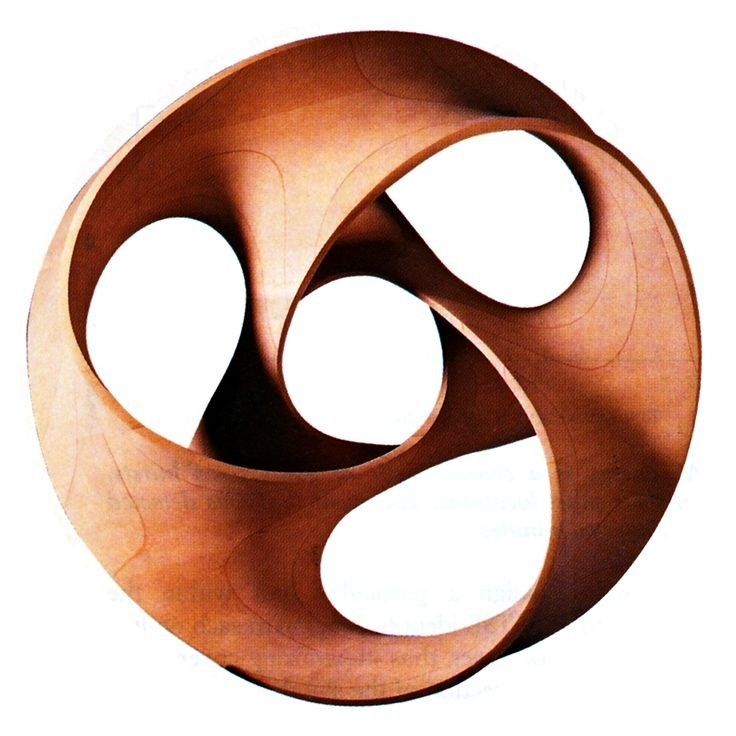
I ended up finding the original paper studying the surface that the artist based their carving from and turns out the professor publicized the STL file for this shape. So I took the STL, imported it, and decided to take the cross sections from the shape to create a press fit skeleton.
Creating Cross-section Skeleton
First, I created some radial construction planes at 15 degree intervals. I realized this was getting a little tedious so when it came turn to make xz-plane parallel construction planes, I used a script instead (script file). Other than y = 0, I made 5 xz-plane parallel (transverse) planes on each side of the y = 0 plane.
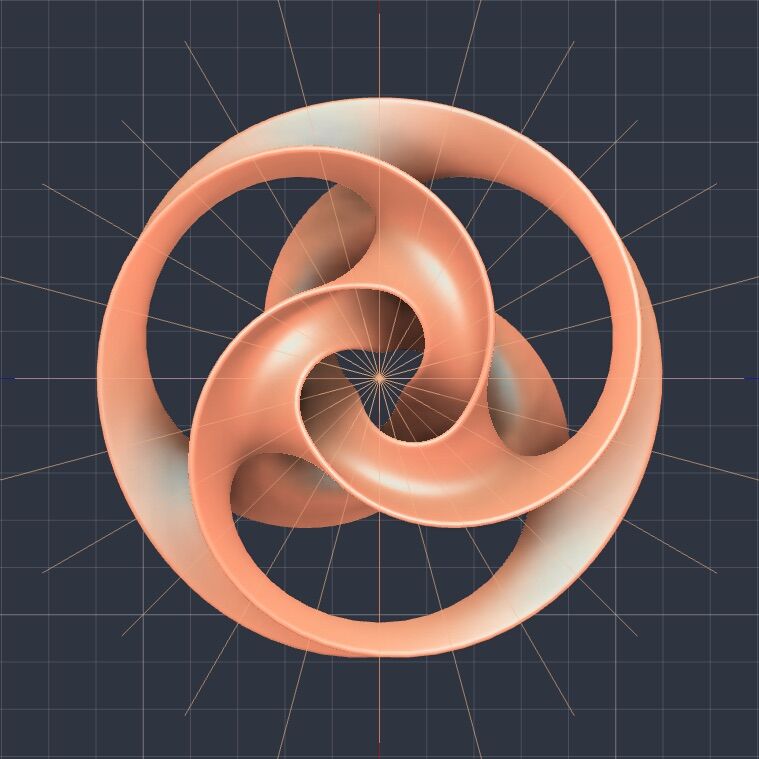
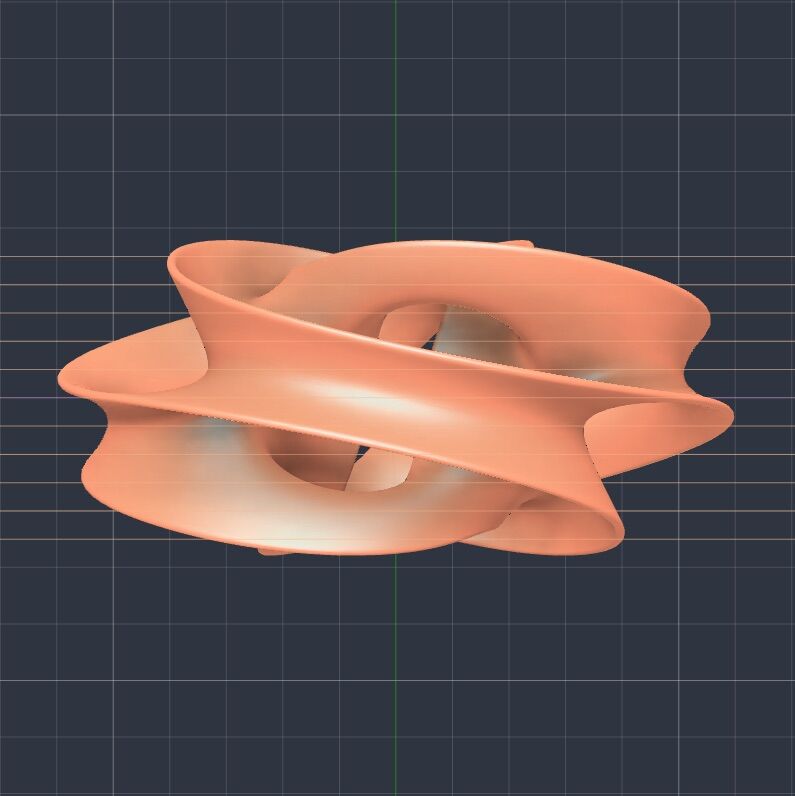
After creating the construction planes, I retrieved the cross section of the mesh. I did this manually at first using ‘Create Mesh Section Sketch’ and then got too lazy so I created another script (script file). This command is actually not surfaced by the fusion API so after drawing inspiration from this youtube video, I created my own scripts from this.
Once I had my cross section meshs, I extruded them. Again, super tedious to go through 35 construction planes and extrude each one, so I made another script extruding by my parameter ‘cardboard_thickness’.
Now that I have the skeleton, I cut out press fit joints from each side. Although chamfers are recommended for these joints, I realized after a few trial cuts that for cardboard, it was fine without one (and it ended up saving me tons of time). At first, I drew arbitrary lines but realized this sometimes resulted in slices that would cut through the rib entirely. Thus, for each intersection, I calculated the intersection on each face of the piece and projected it onto one of the faces. This part was the most tedious and unfortunately not automatable because I had to manually inspect the figure to imagine which direction the cuts should face for easy assembly
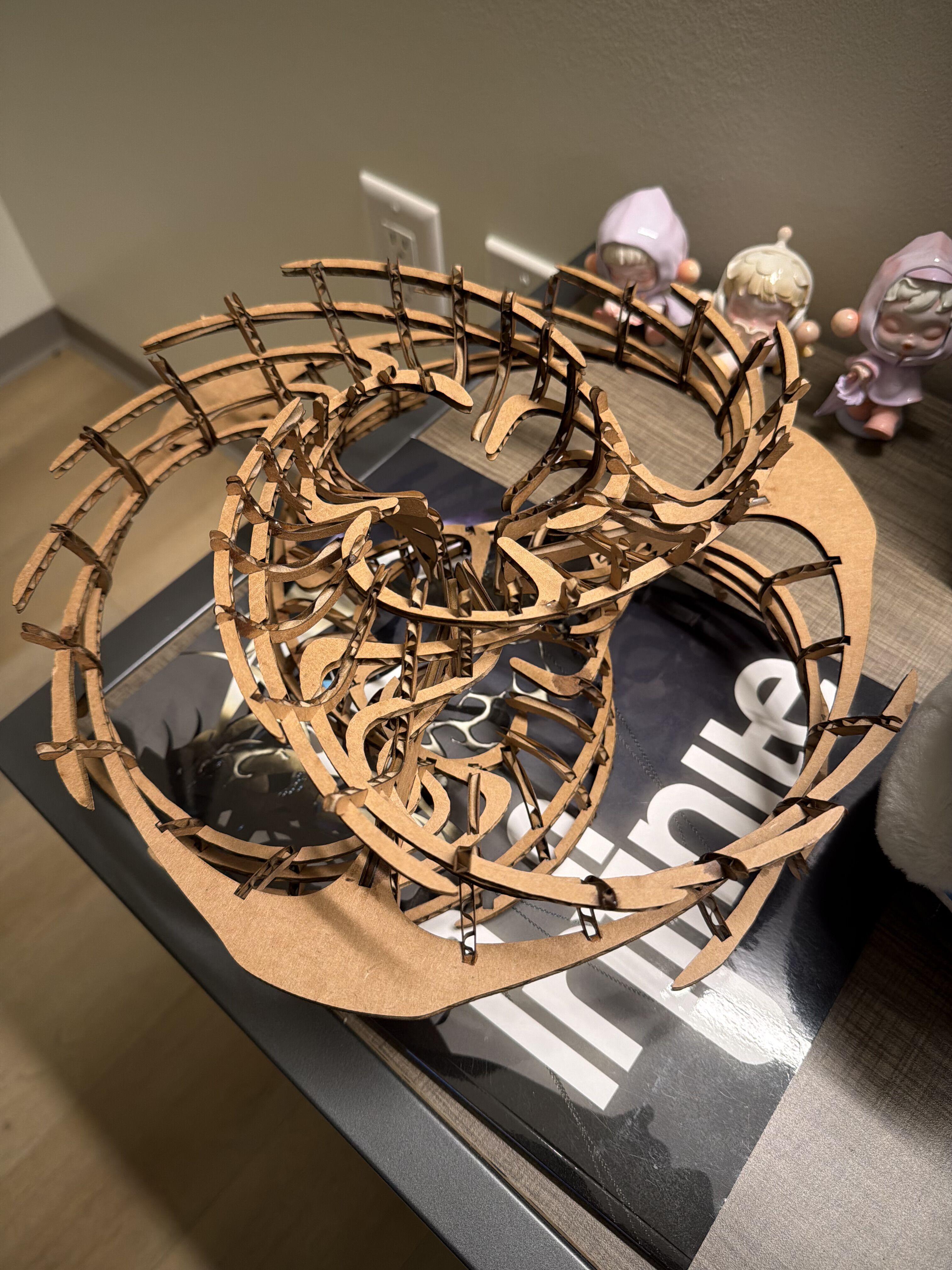
The resulting structure is shown here:
Cutting
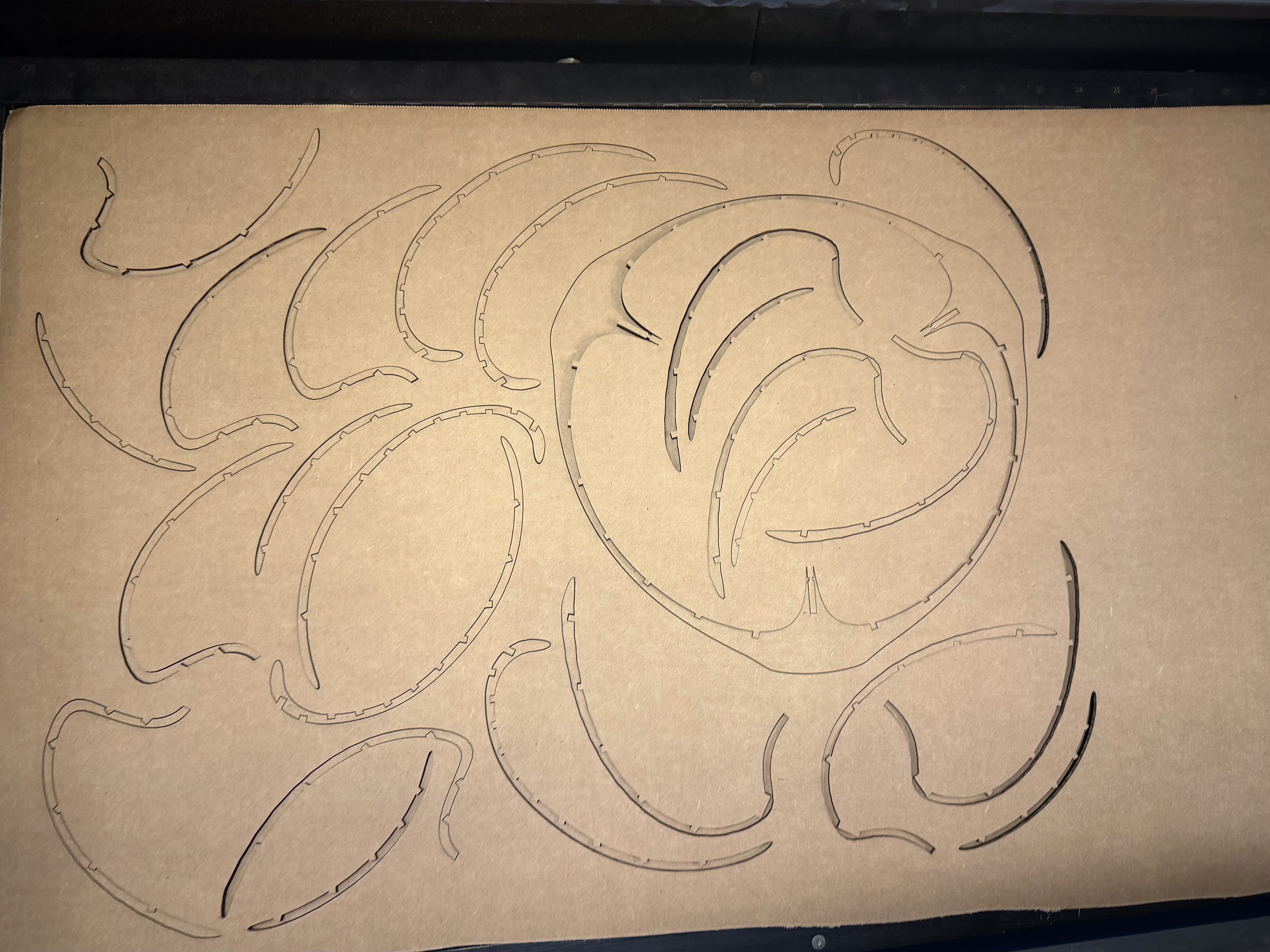
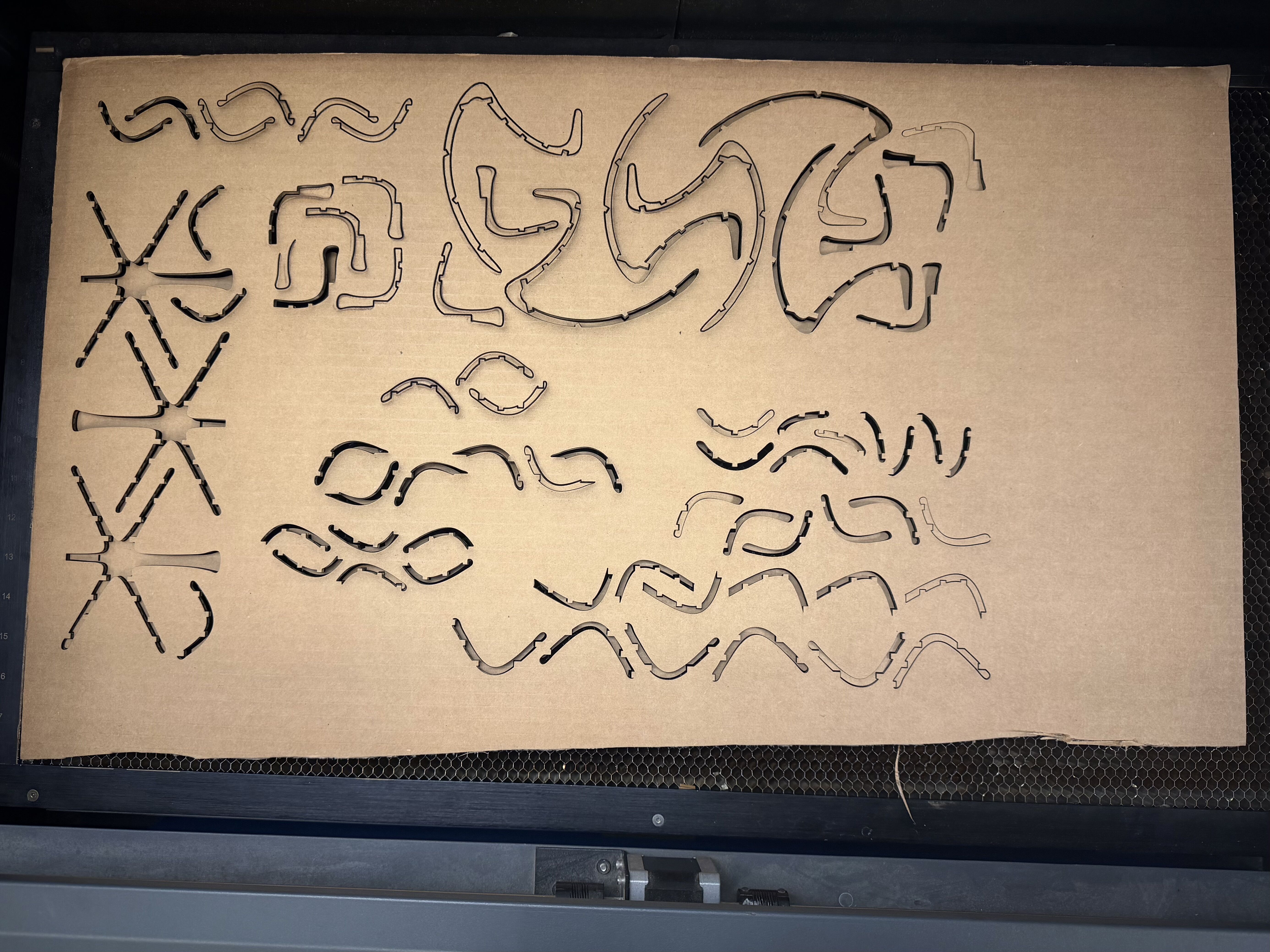
With the settings we found in our group assignment, I cut out the pieces laid out. Testing out the configurations prior allowed me to choose the perfect speed so that I did not have to do a lot of manual work in pushing out pieces. Most of the pieces simply fell through upon picking up the cardboard so I just made sure to organize the pieces by its type and putting them in separate ziploc bags so that I don’t have to search through a jumble of similar looking pieces later.
Assembly
Assembly was surprisingly fun. I loved legos as a kid, so despite the whole assembly taking 5 hours, it did not feel like a laborous task. At first, I looked at my model and used the “Find in Browser” to find which bag number to retrieve the piece from. I started with the transverse planes and piece 3 since it was the largest and most structurally sound piece. I think the hardest part was starting without everything falling apart because it felt like I needed at least 2 more hands to hold things in place and connect all the joints before moving onto the next piece. With the help of 3 glasses, I constructed the first part.
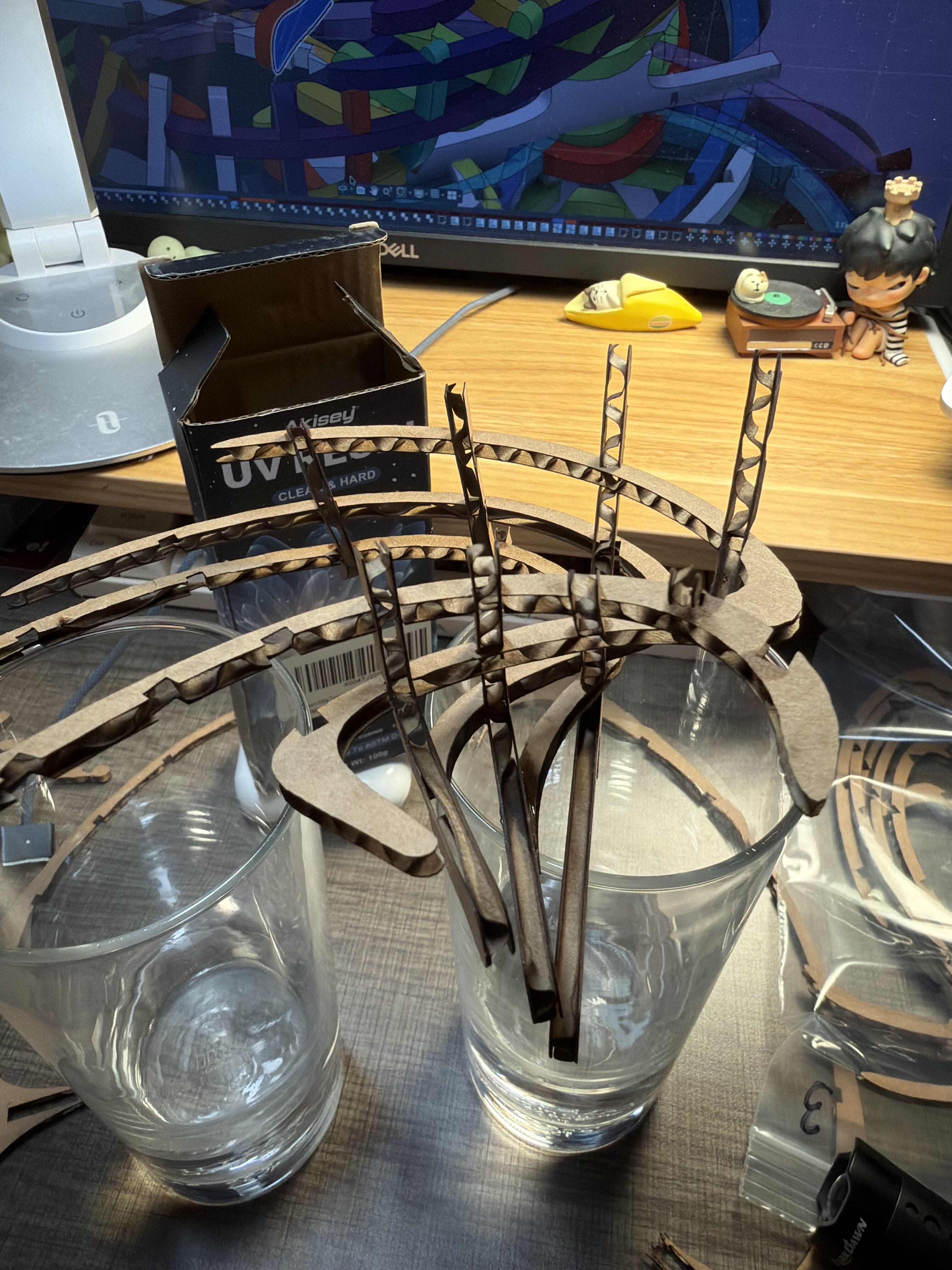
The structure is essentially made of 6 of these components joined together with a couple extra pieces doing the connecting. I think in the future, I would inflate the model so that the pieces aren’t so thin. Depending on the direction of the cut, the cardboard was sometimes quite weak and so I had to use UV resin glue to ensure that the cardboard wouldn’t just slip right out. After 5 hours, an aching back, and a mixture of UV resin and chared cardboard dust under my fingernails, I finished assmebling it!!