

Week 4
3D SCANNING & PRINTING
3D Printing
3-Way Gear
The inspiration actually came from scrolling reels… where I came upon a video about hyperboloid gears.
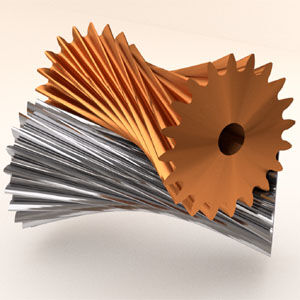
I thought this concept of non-standard gears are cool so I wondered if there was something but for 3 gears working together in 3D space. I came across this paper and thought the shape was so interesting for all 3 gears to be driven by each other. They mentioned creating this using a script for Rhino, so I recreated it (with the help of AI) in Fusion and ended up creating this behemoth:
The finished print looked great!
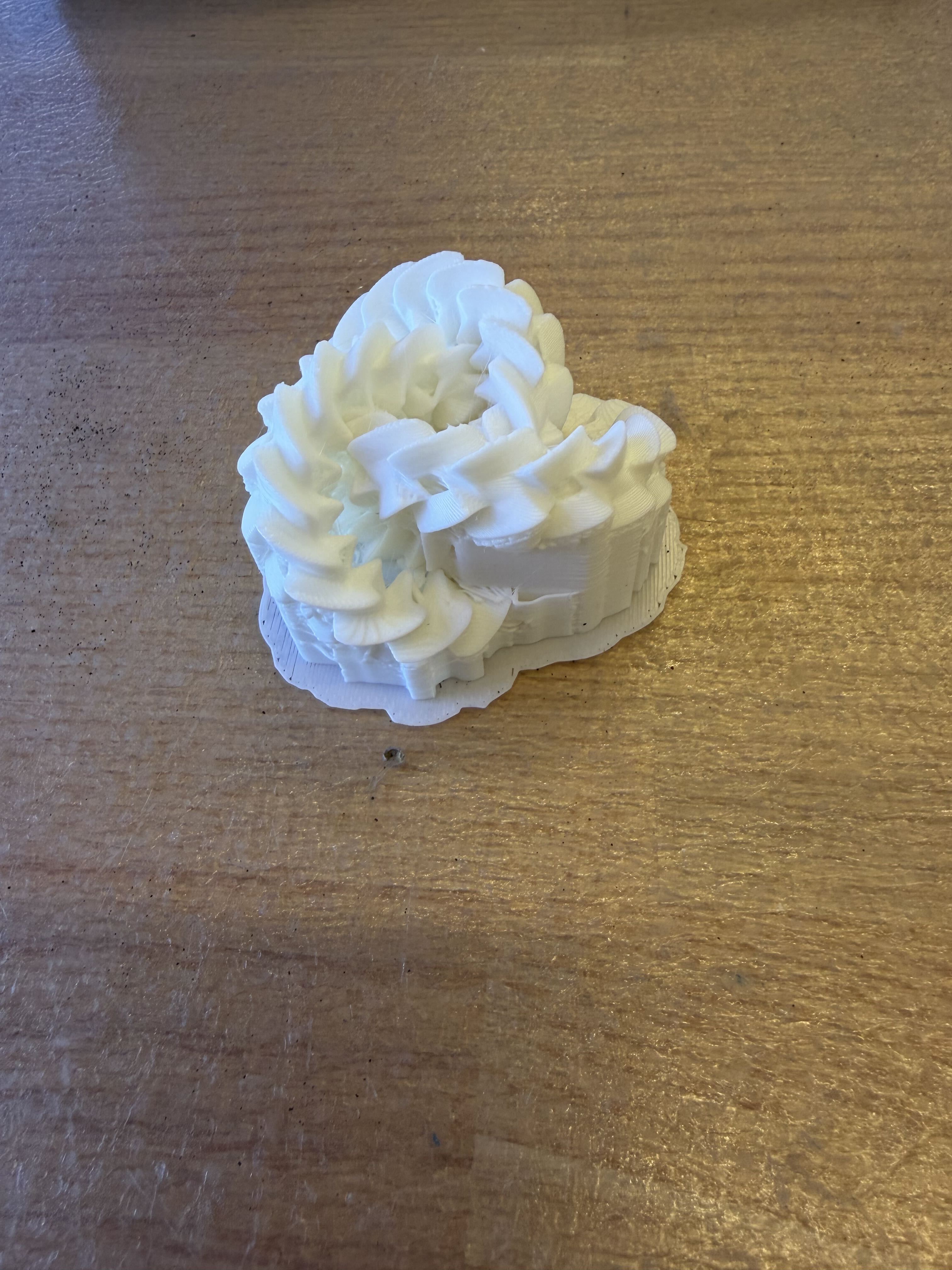
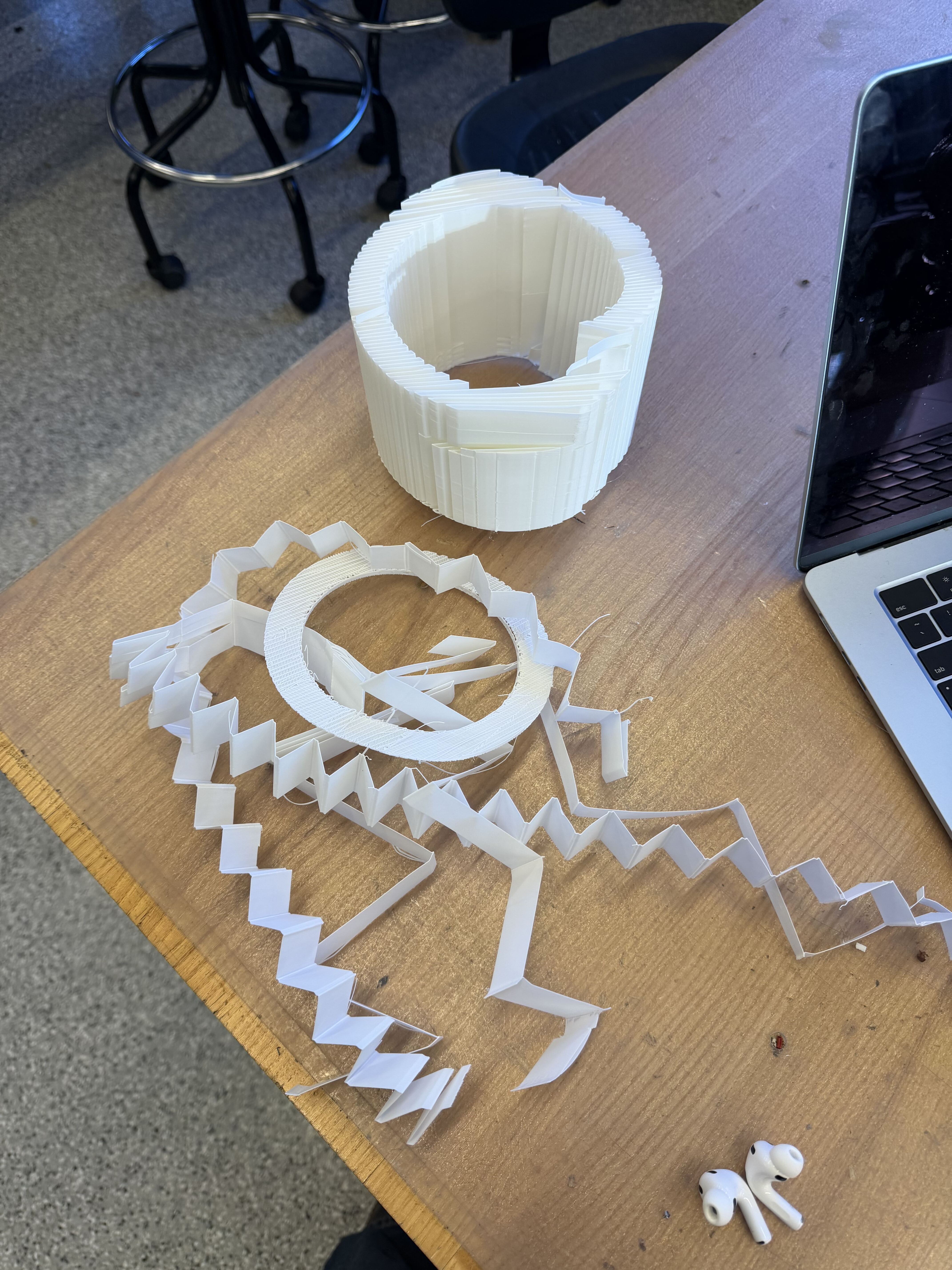
Removing the supports was… not so fun. After ripping at the rings for about an hour, I had my gears, raw fingers, and many many plastic particles (still finding them in the crevices of my laptop). I lowkey mutilated some of the edges because the needle nose pliers weren’t precise enough grab some parts of the support and it ended up chipping many parts of the gear :(
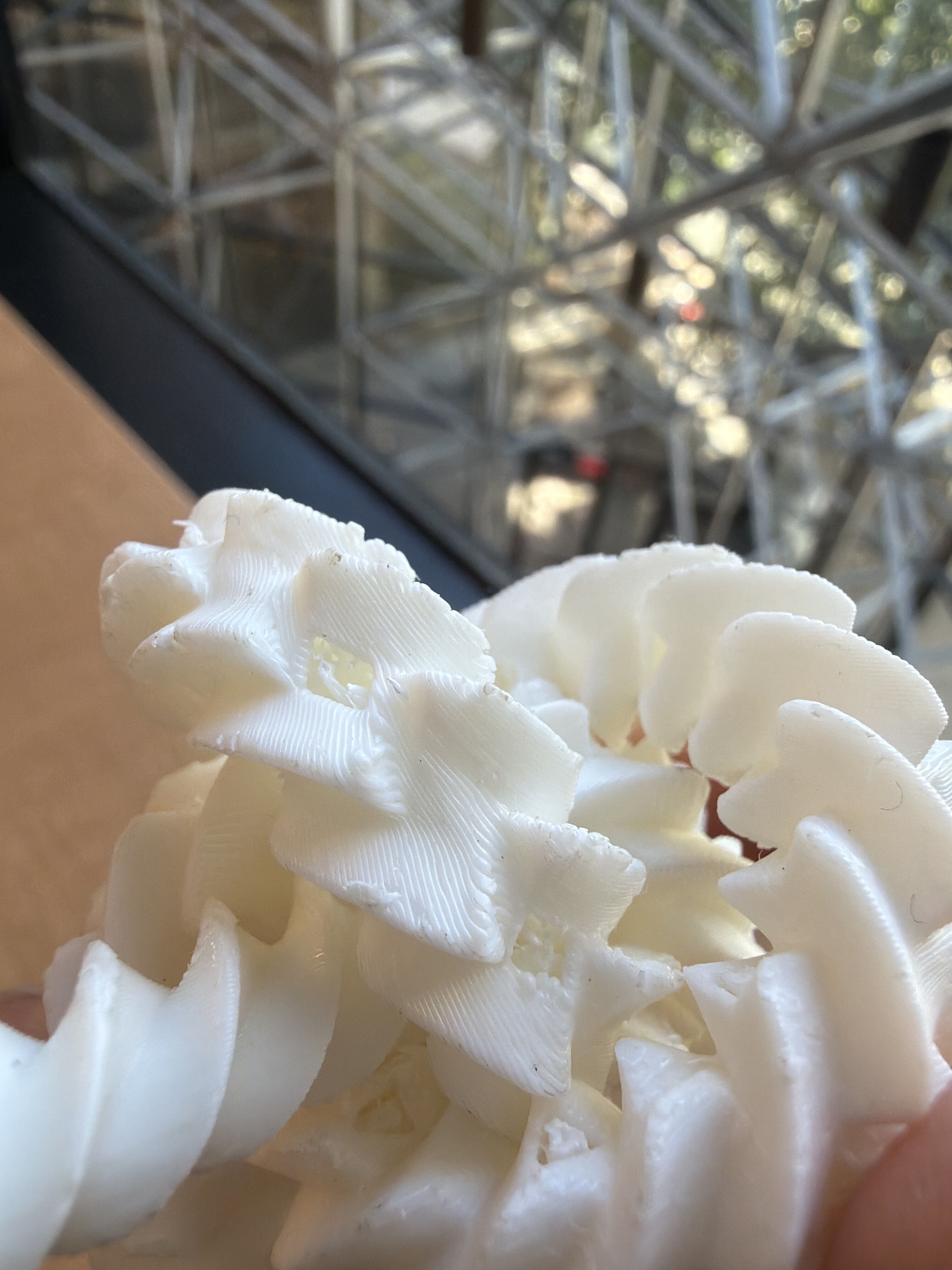
Then, I saw that they motorized a worm gear to make the gear move without human force. So I recreated it as well (without the motor part):
Removing the support for this was so much easier, and after some messing around, I got the gear to move relatively smoothly!
After asking Anthony if there’s a way to sand down the edges for smoother movement, I got introduced to the Stratasys printer :o It should essentially create dissolvable supports so that I won’t mutilate my print again… We’ve started the prints but it’s expected to take 12 hours, so I’ll come back to update this page when it’s finished.
Lamp
I’m the #1 hater of overhead lights and have probably way too many lamps in my room (5 lamps for an ~12x12ft room ? hmm). During my occasional lamp shopping sessions, I came across Leora Studio. They 3D print lamps with “plant-based polymer” (aka probably PLA) and sell them for $350… While I understand that artistic vision and creativity should hold monetary value, I personally don’t vibe with the greenwashing and feel like I can recreate something somewhat similar. Thus, I modeled a recreation of their O4 lamp in Fusion. I first started with a sphere and created a construction plane slicing the sphere in half to get a cross section of the sphere where I drew a bunch of splines. I projected this sketch onto a sphere to produce the below:


Some of the most inner rings looked slightly awkward being elongated and perfectly symmetrical across the cross section line. So I deleted them and created new construction planes tangent to the sphere at the middle points of the concentric curves. I sketched new less symmetric curves and projected them again. One key point is to split the reference sphere so that the projection doesn’t project all the way to the opposite side of the sphere.

To raise the edges of the paths I drew, I first tried using pipe, but Fusion doesn’t let you choose the orientation of the pipe if you use “triangular” as a profile shape so some of the pipes would look triangular, but sometimes, the flat edge of the triangular edge would be raised instead, resulting in a roughly rectangular raised path. I wasn’t a big fan of the non-uniform look so instead, I used a script to create a profile of a triangular ridge with the midpoint above the path and swept it along the paths. My script is linked here. Lastly, I sliced the sphere where I thought a base would look best and built a base, sliced the sphere where the base should be, and constructed the corresponding part to fit it into the base. Here’s the final model of the lamp:
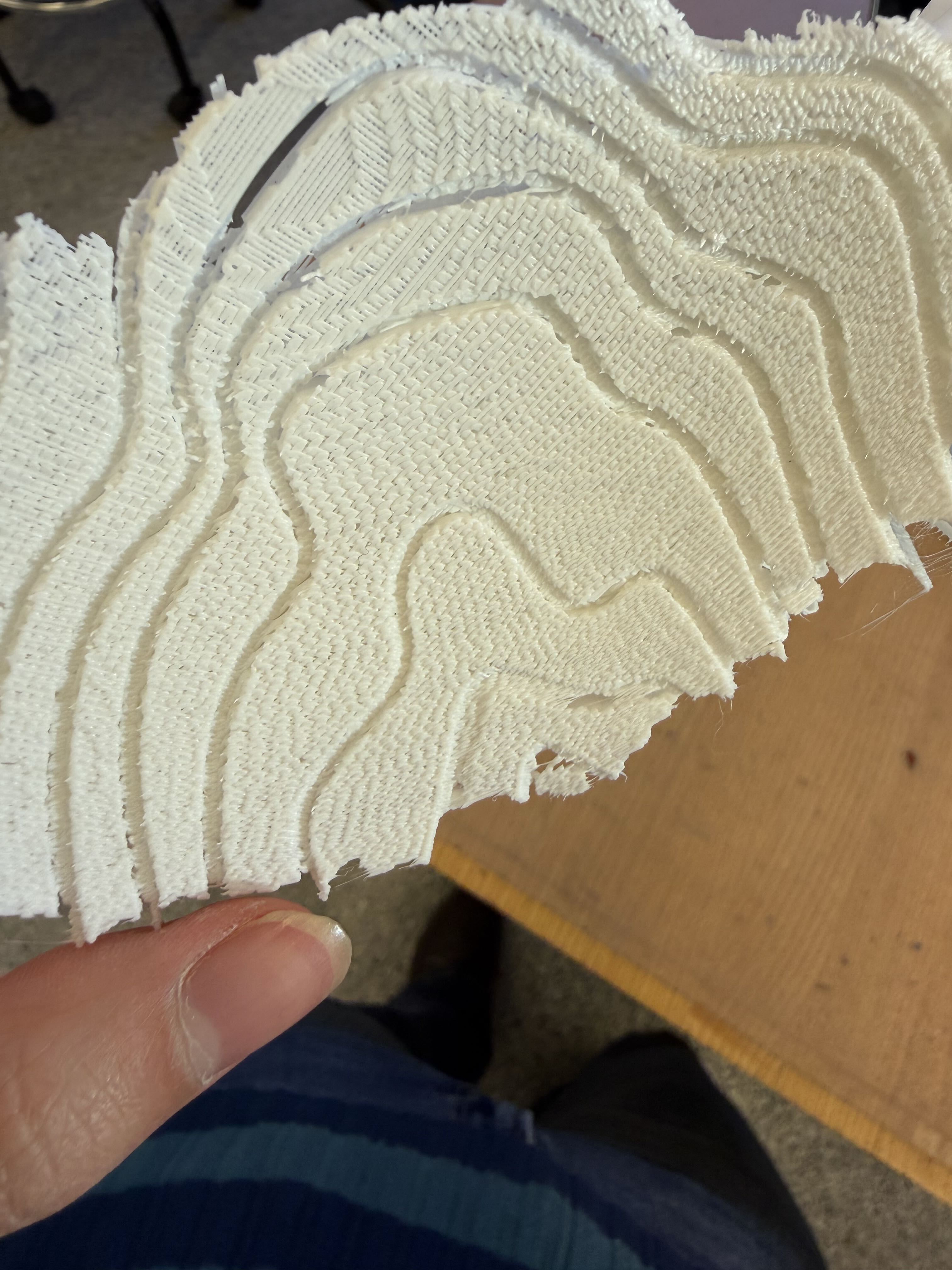
To save time on printing, I printed the lampshade portion upside down so that the opening is on the top. I didn’t realize the default support pattern was set to monotonic instead of organic so I printed with monotonic supports. Here it is, 22 hours later:
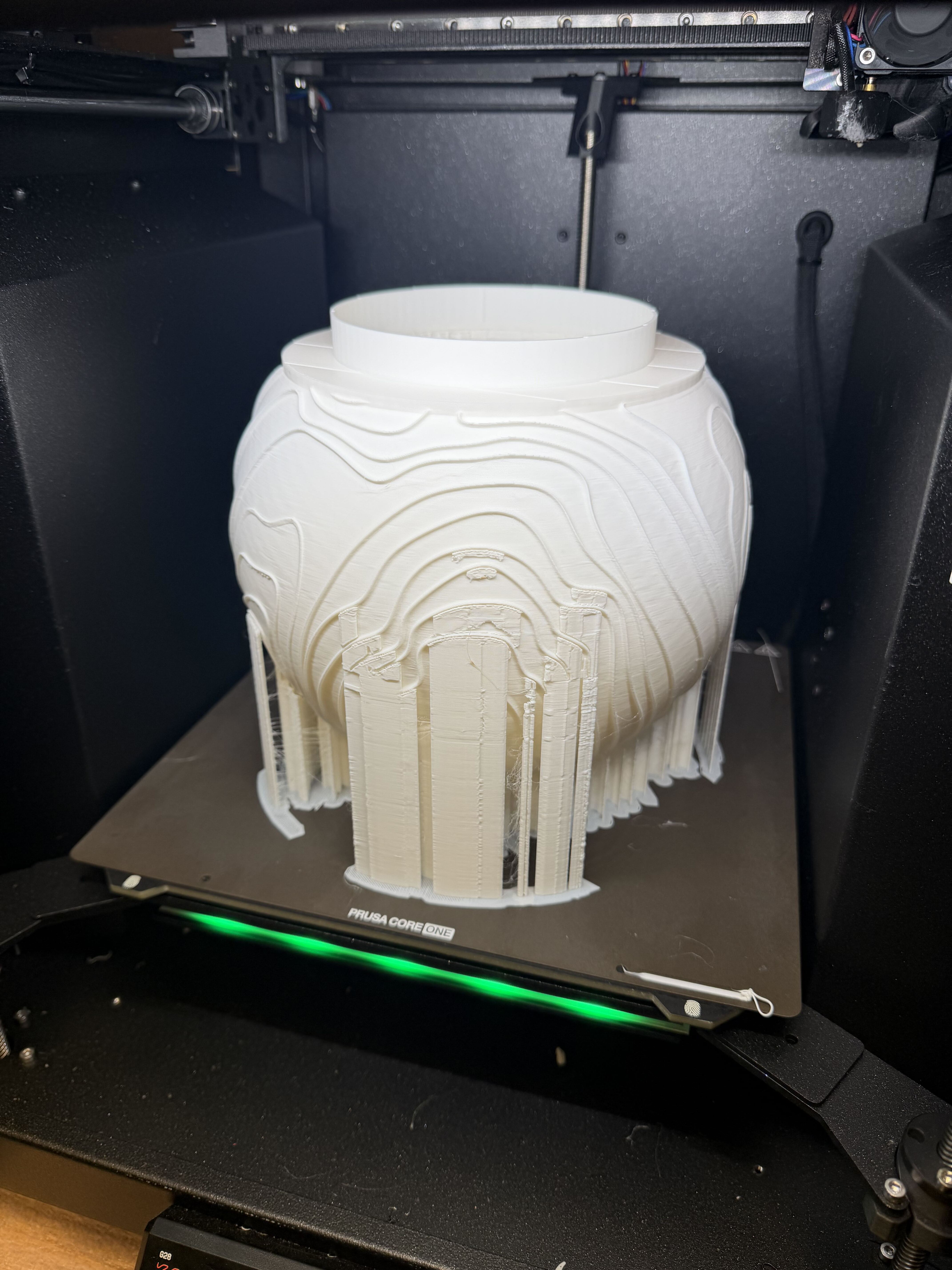
I realized in hindsight that perhaps I shouldn’t have printed it upside down. Even if printing it upside down saves time/filament, it made the bottom (top part of lamp when flipped right side up) kinda scratchy.
Anyways… here is the lamp once I took it home and put in a rechargeable lightbulb!

3D Scanning
Scanned gear
I first tried scanning the gear I printed to see if it’s possible to recreate the mesh. It did relatively well at capturing the top surface, but struggled at capturing the shape of the bottom and inner surfaces of the gear rings. This is not surprising since the camera is stationary at a fixed angle relative to the y-axis of the spinning base.
This was made with Creality and rendered with 0.2M triangles.
Since the gear scan wasn’t amazing, I decided to try with a smoother object so I grabbed a banana from the banana lounge and scanned it. I decided to test out different scanning methods. There were geometry, texture, and marker, but decided to try with geometry and texture scans. The geometry scan did better, but both scans got the general shape of the banana except for the bottom side. I did have the option to close the mesh, but the bottom would just be flat and not reflective of a true banana.