Laser Cutting
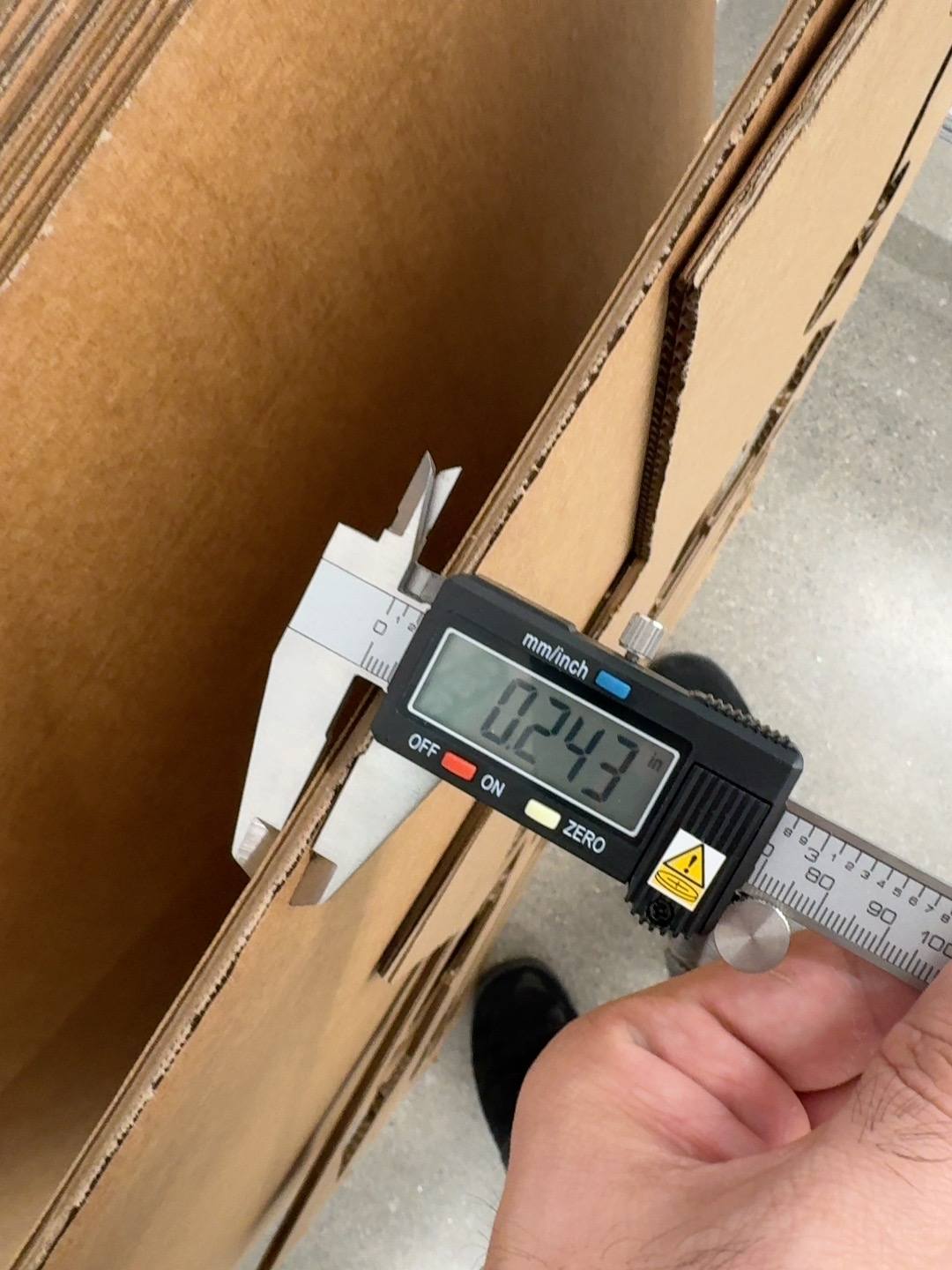
For laser cutting, I started with understanding the setup and getting familiarized with the material. In the Architecture shop we got provided with corrugated cardboard. To start with, I measured the dimension, which is a vital step and connects to all the other stages. It was 0.243".
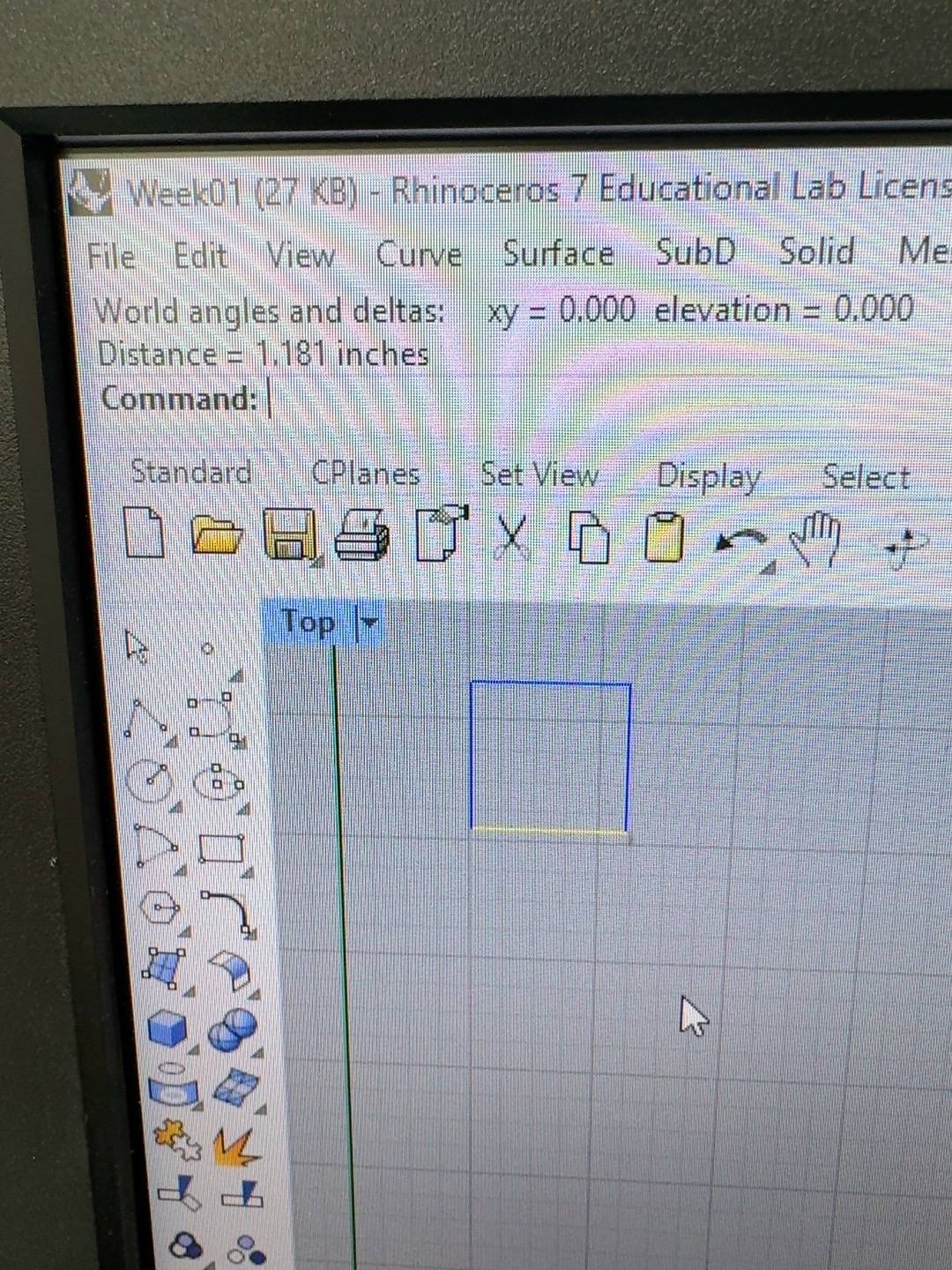
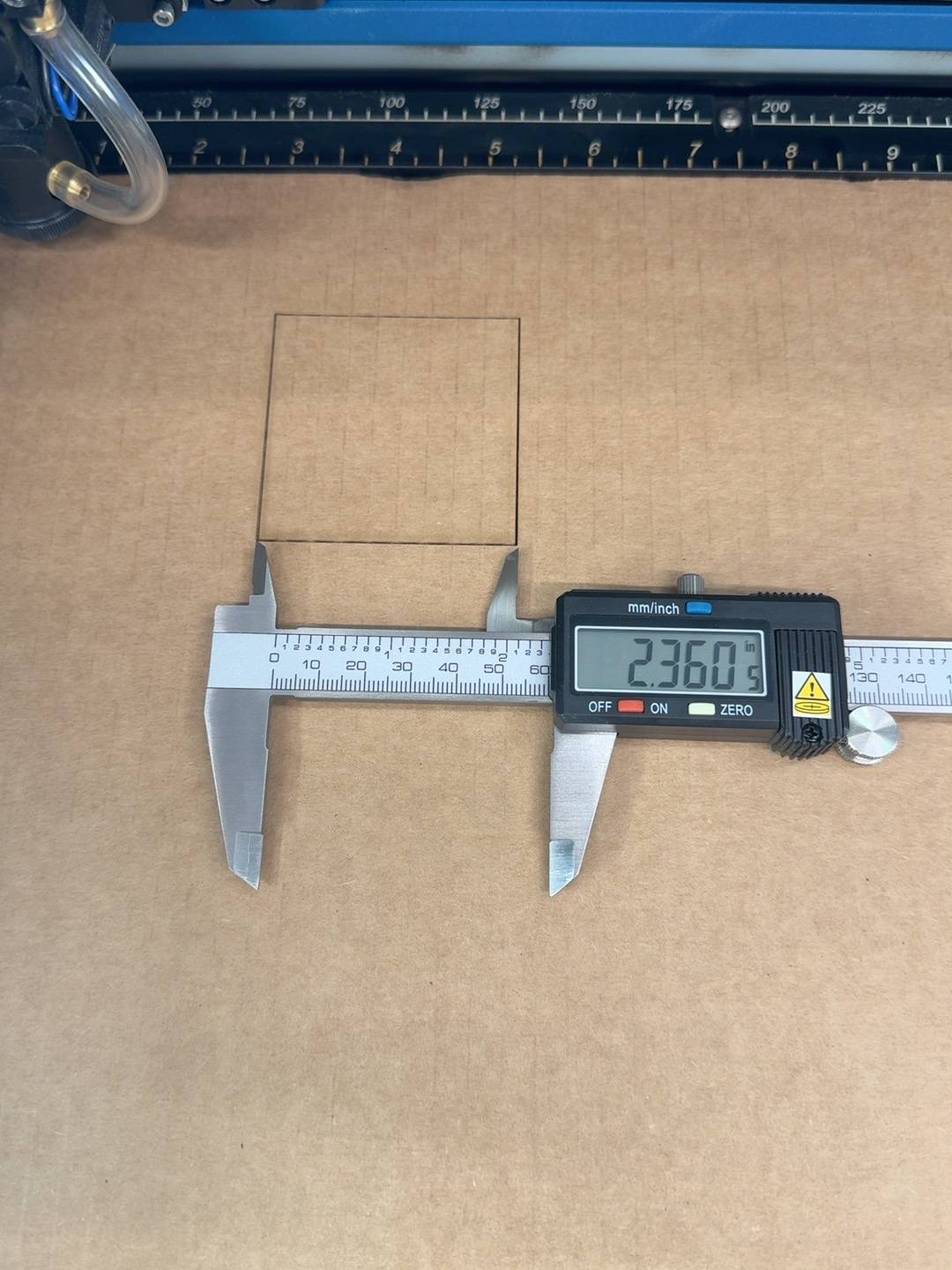
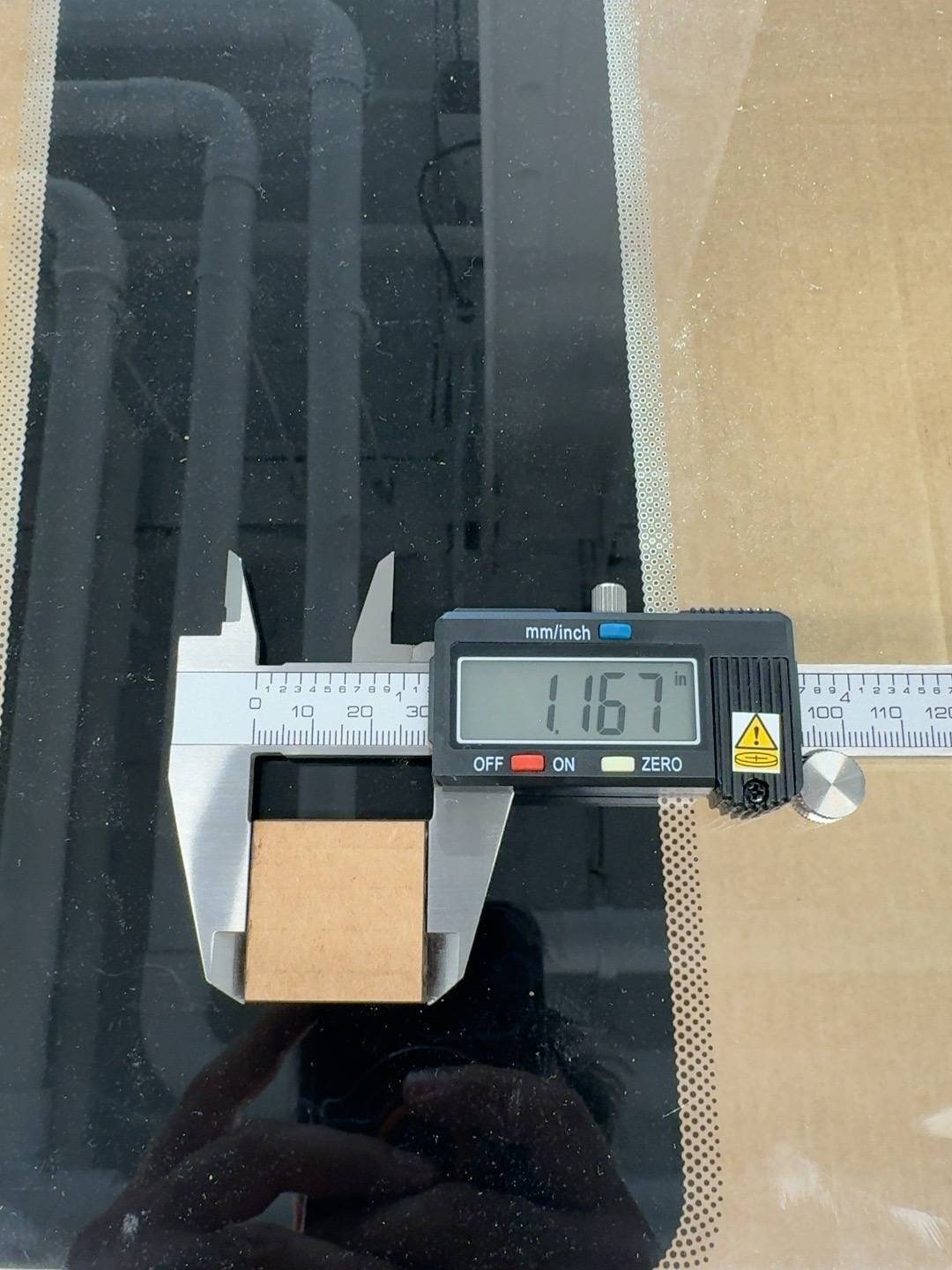
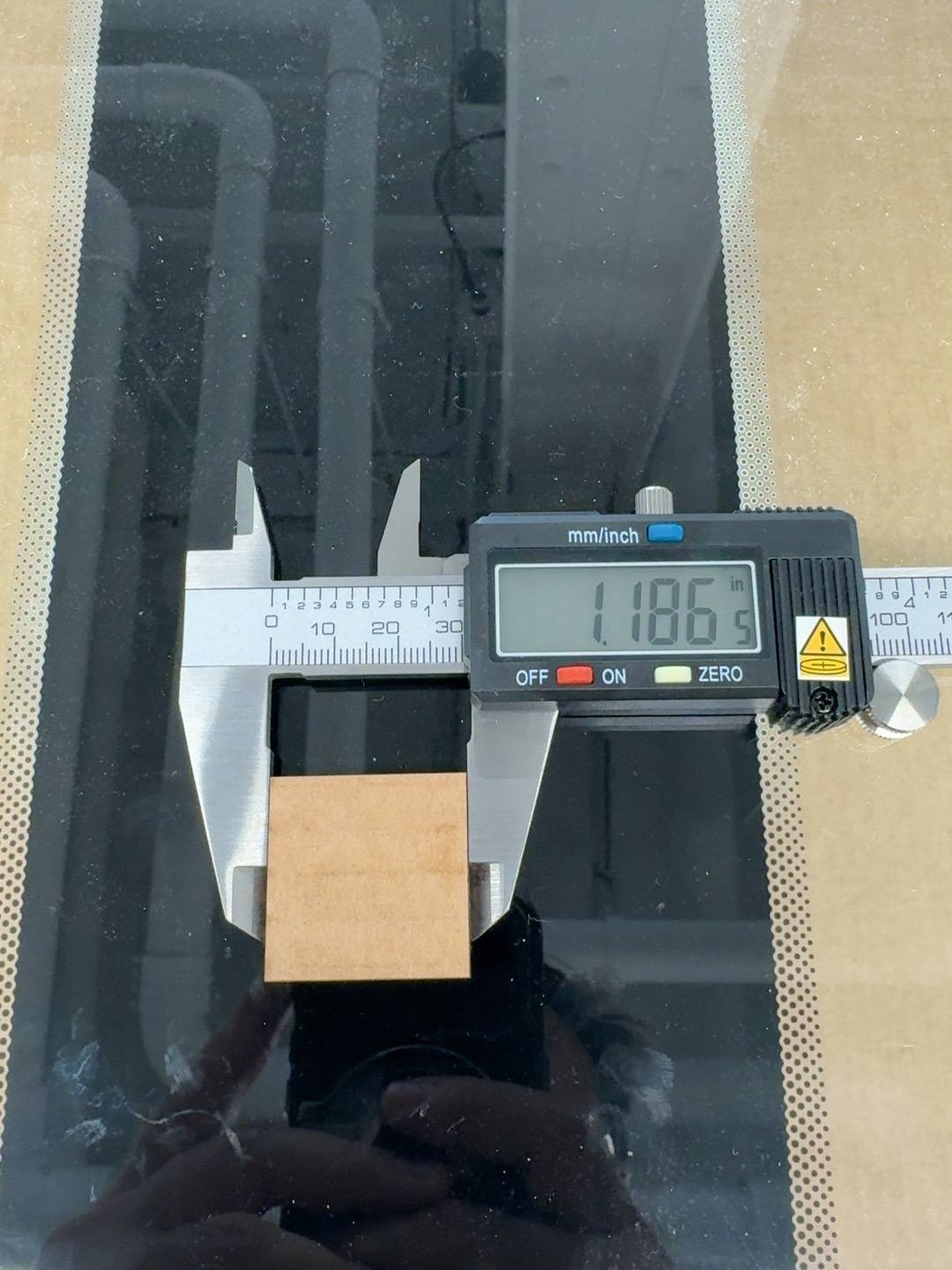
Afterwards, to start with initial cutting and checking dimensions, I drew a 3x3cm square (1.181in) and cut it. The cut turned out to be 2.360in. Apparently I mistakenly scaled to the view while printing from Rhino. I adjusted the settings, selected 1:1 scale print and tried again, and here we go, spot on.
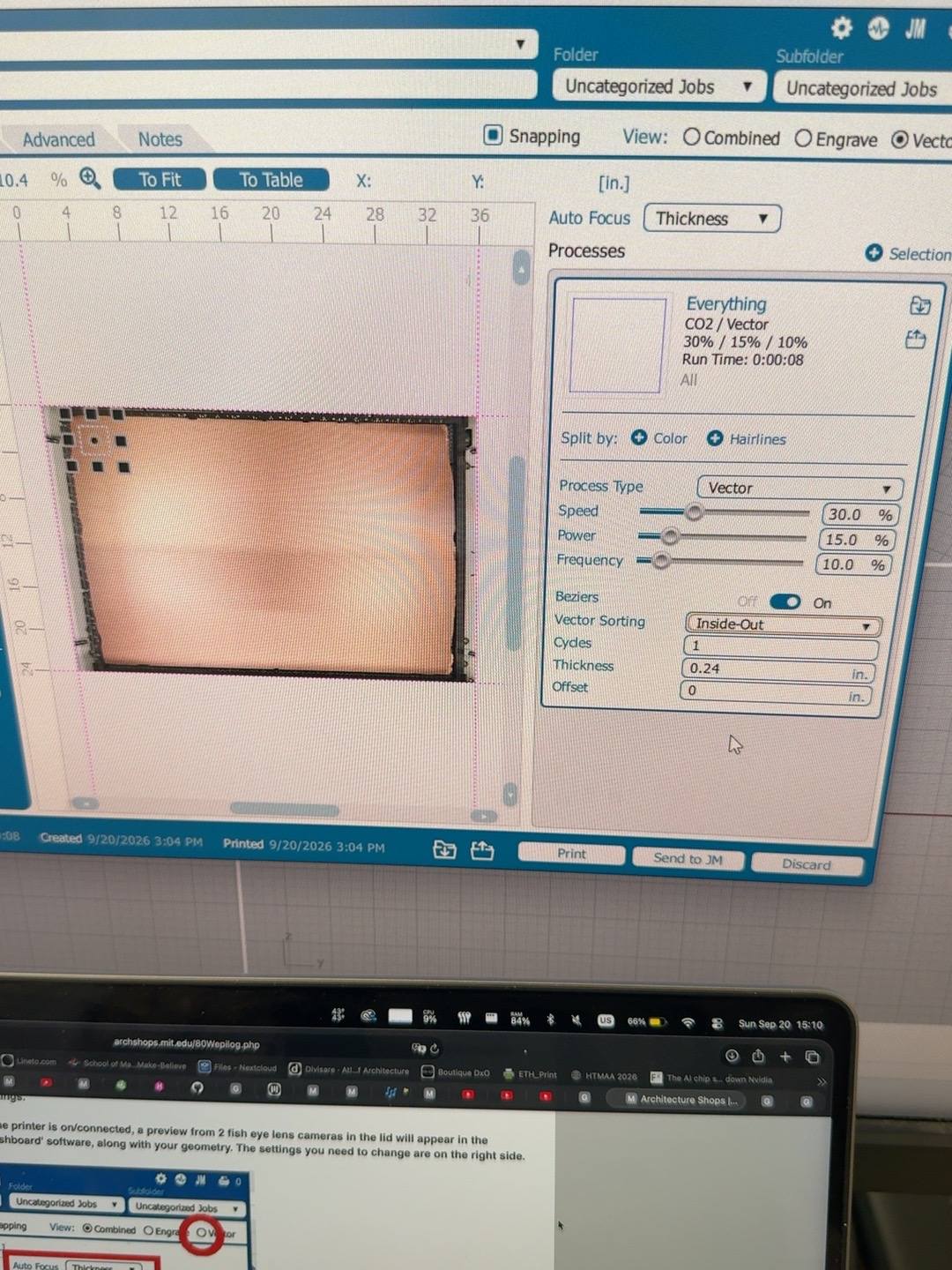
Now it was time to actually cut :) I duplicated the square and assigned different power and speed to find the required settings for a clean cut.
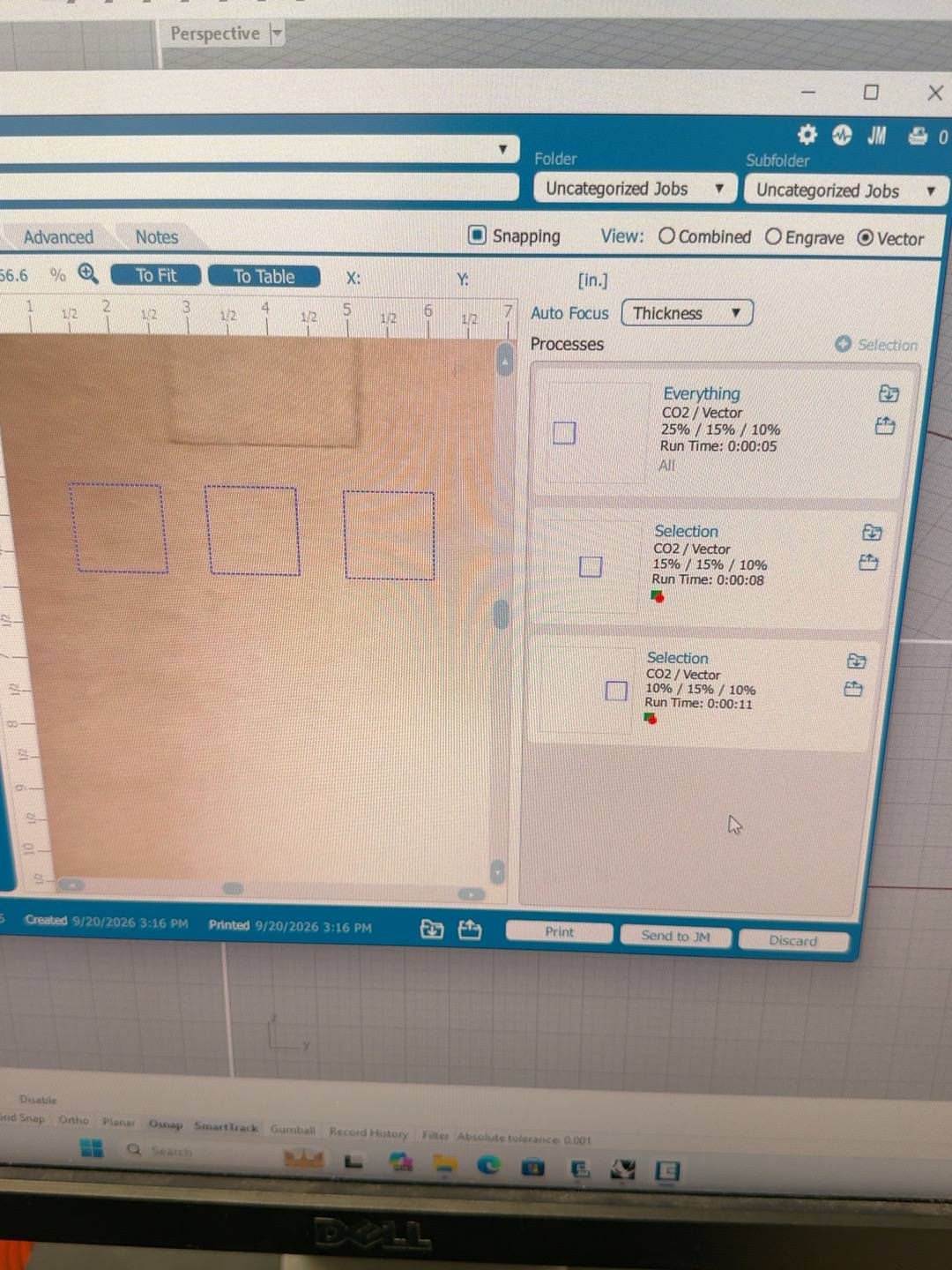
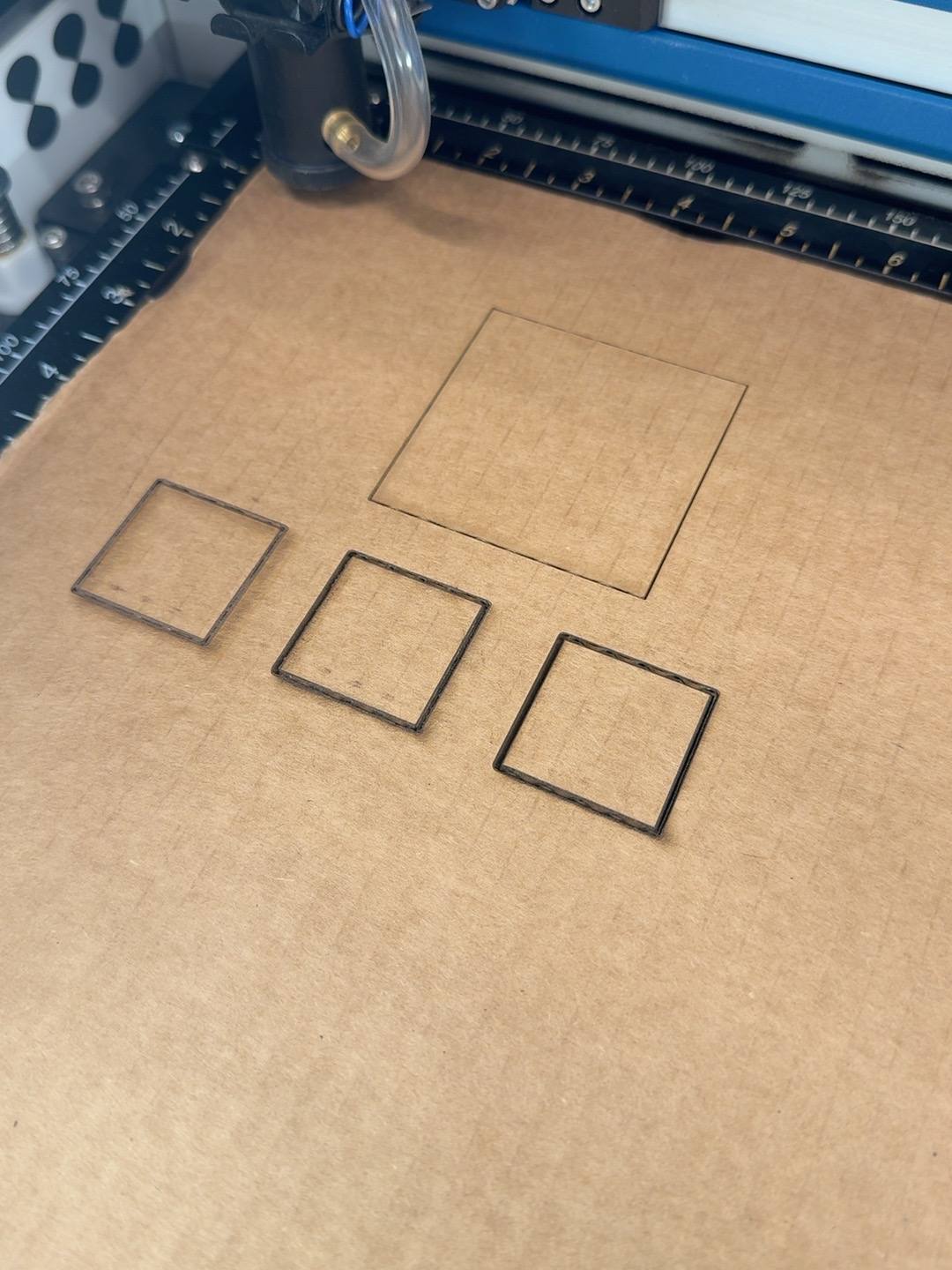
After several iterations, I found the magic numbers "10x40x10".
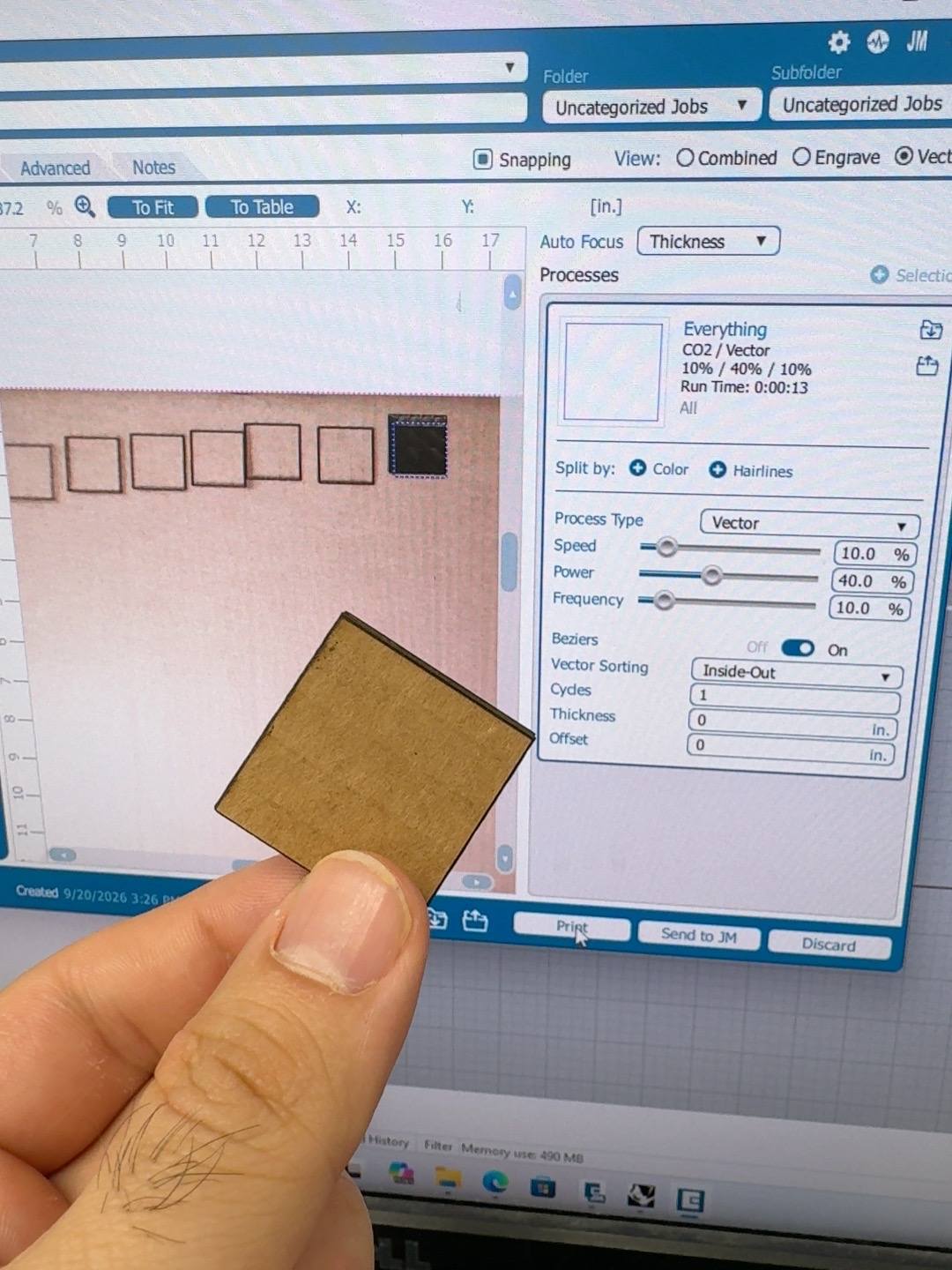
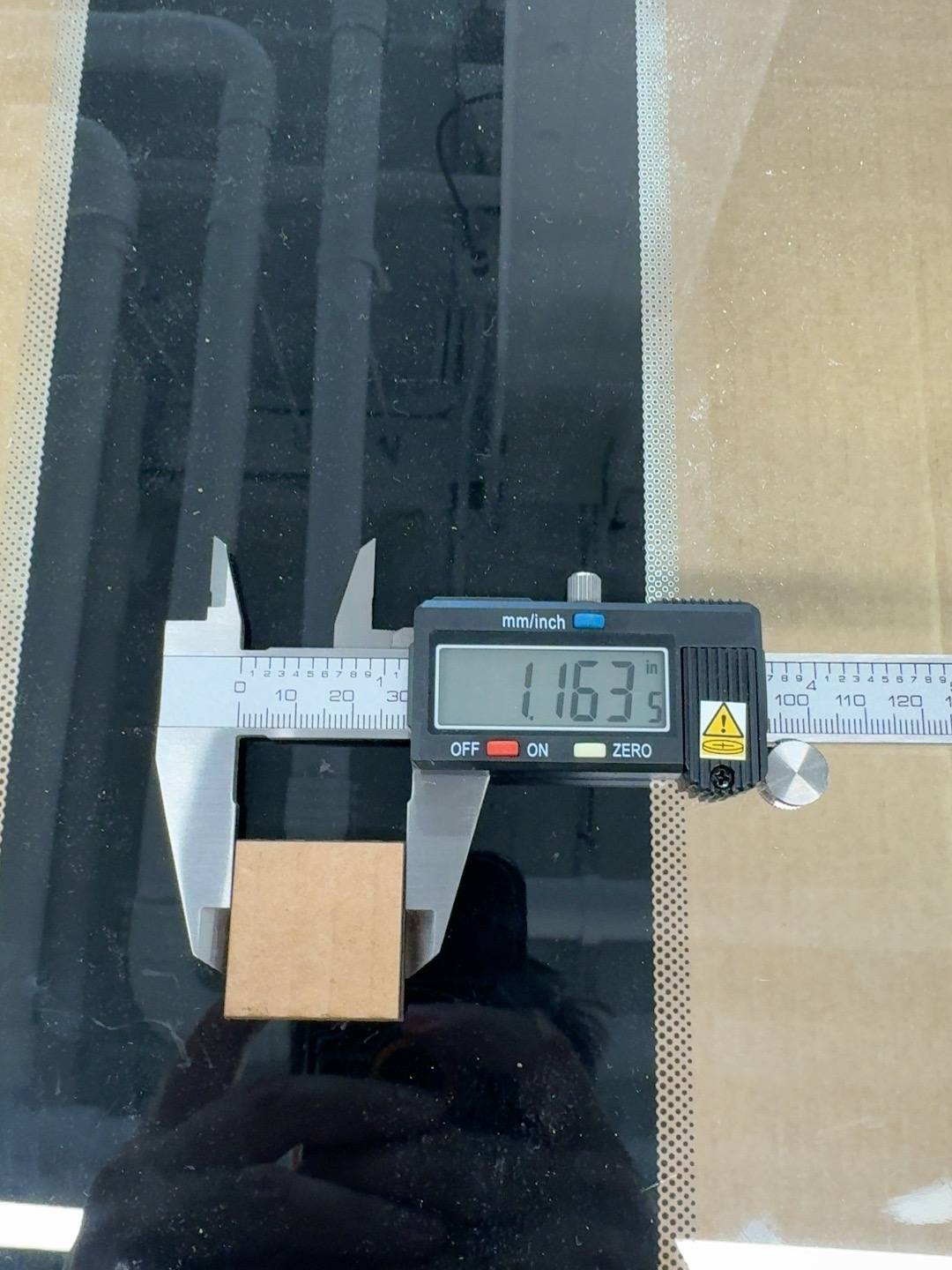
Now time to measure kerfs. I started laser cutting the same square, measured the cut material and subtracted it from the digital dimensions. After having iterations of cut, measure, subtract, offset, cut again, I found the final kerf size for my laser cutter and its settings - "0.00525in".
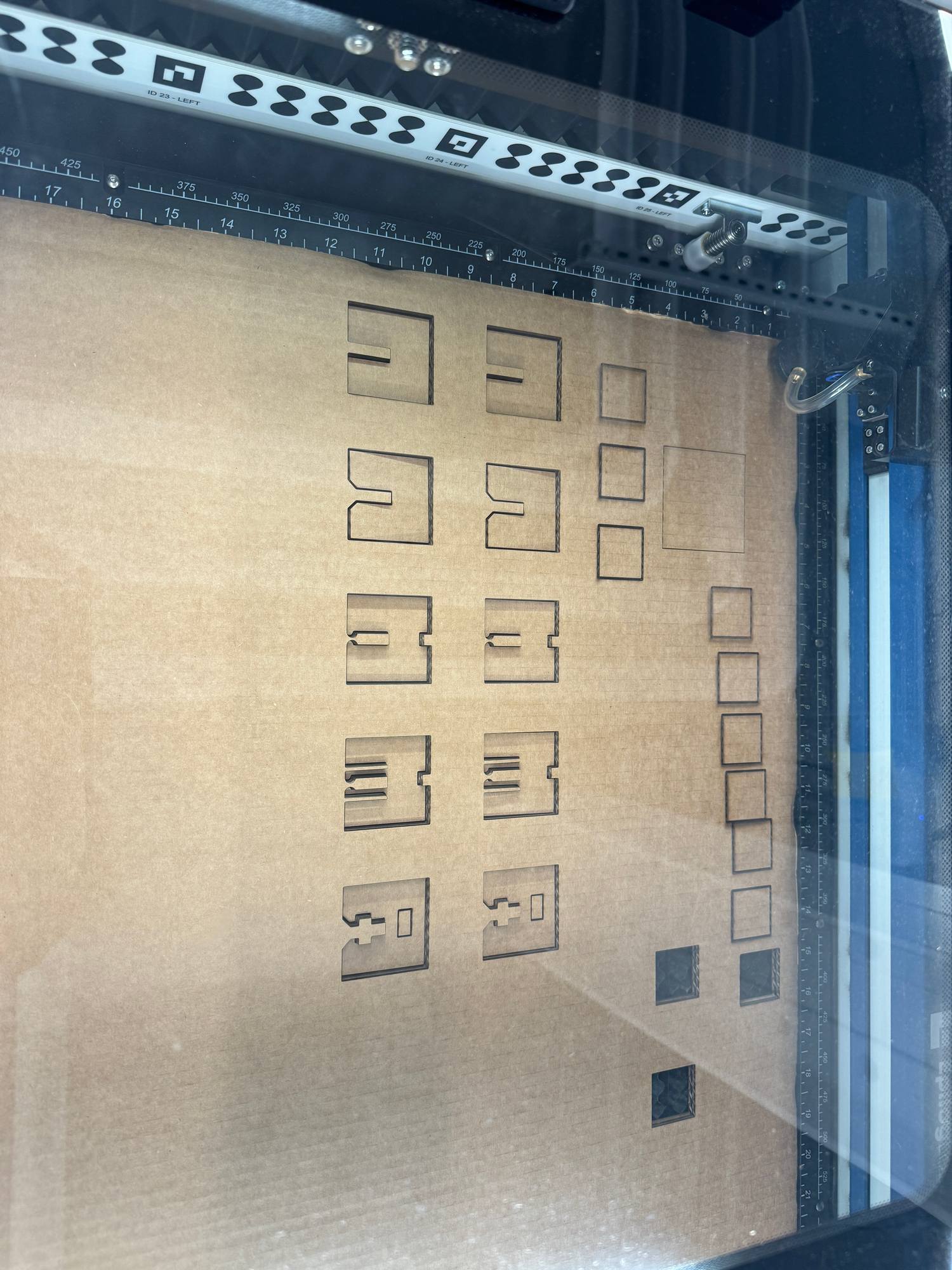
Now time to test some joinery. I downloaded the sample file from the course website to check the different joinery types and understand the pros and cons of each and how they work.
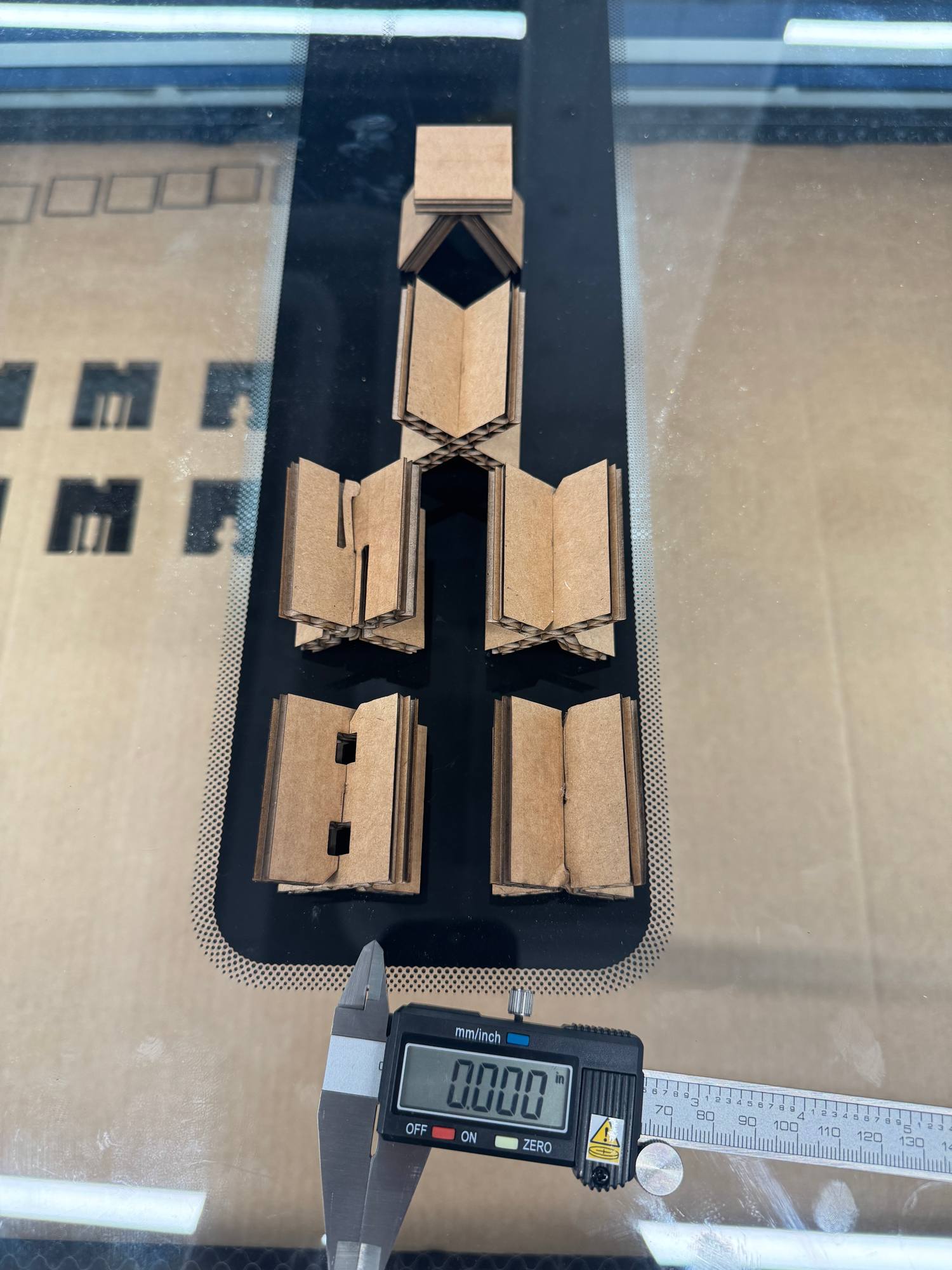
After the joinery test, I want to test myself and try to draw, cut and assemble a simple small 3x3cm cube with finger joints, and here is the small cute cube:
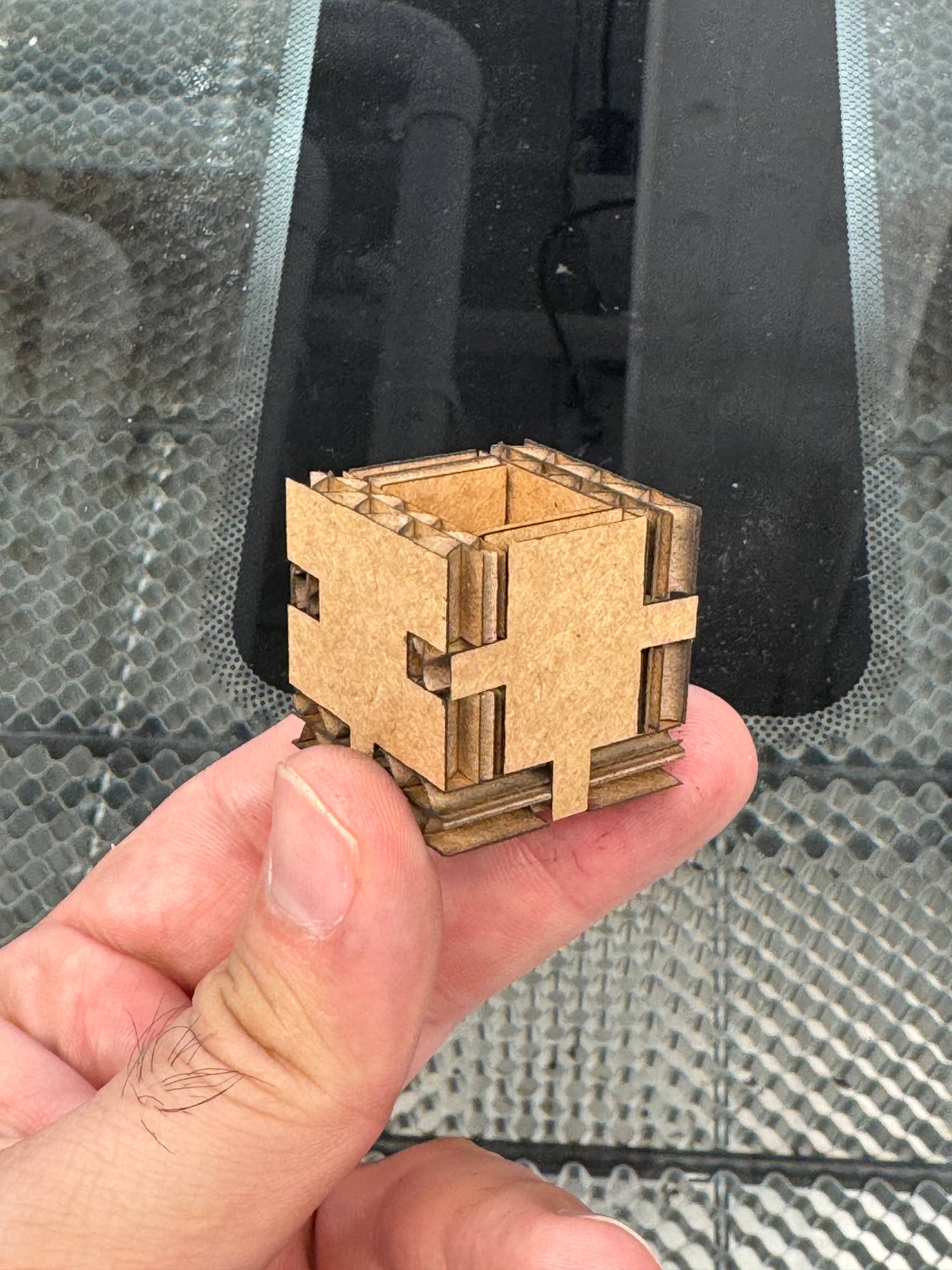
Now, as I tested my understanding of joinery cutting and assembly, I would like to use it in a small demo piece that I would use on my desk.
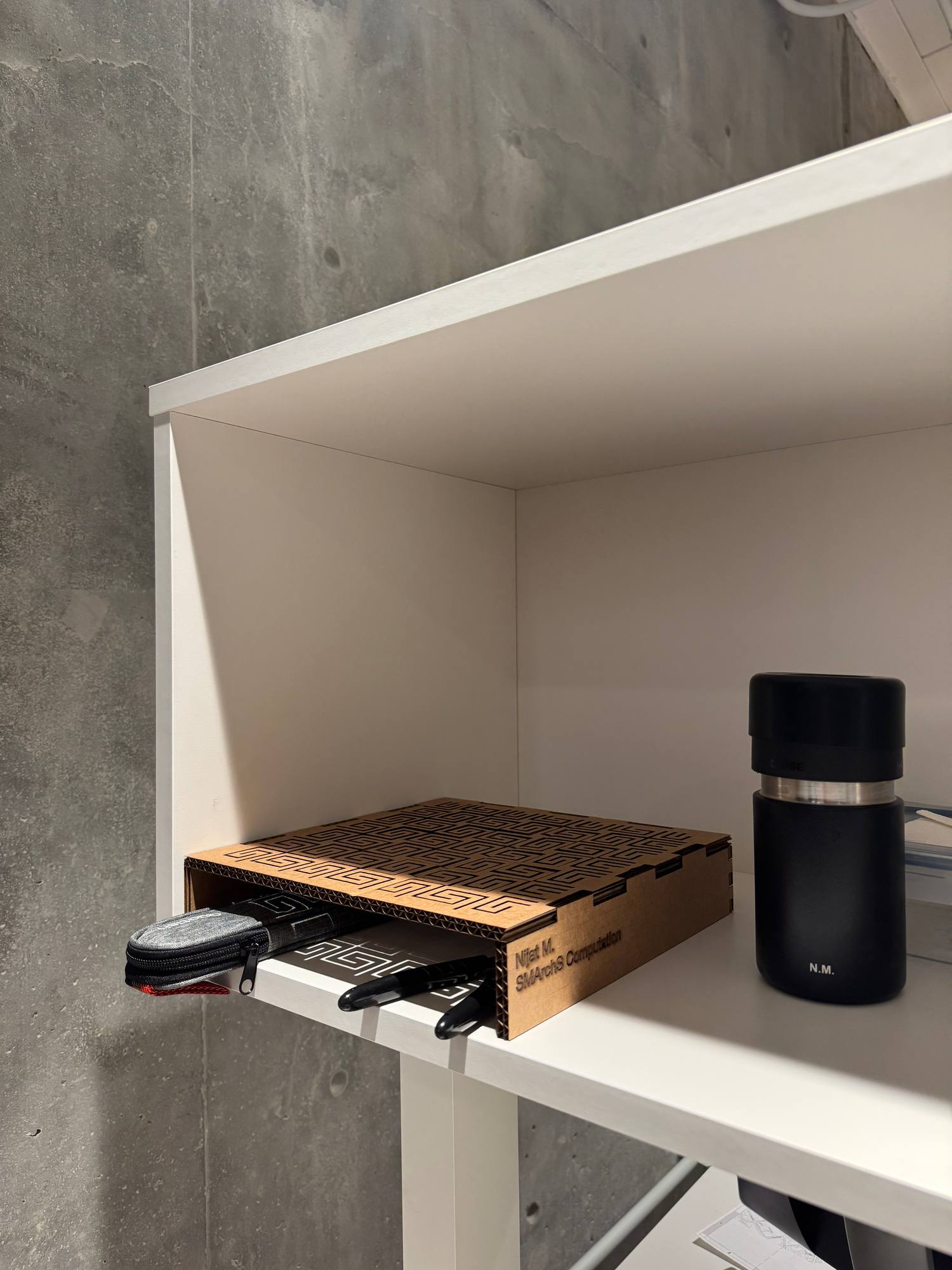
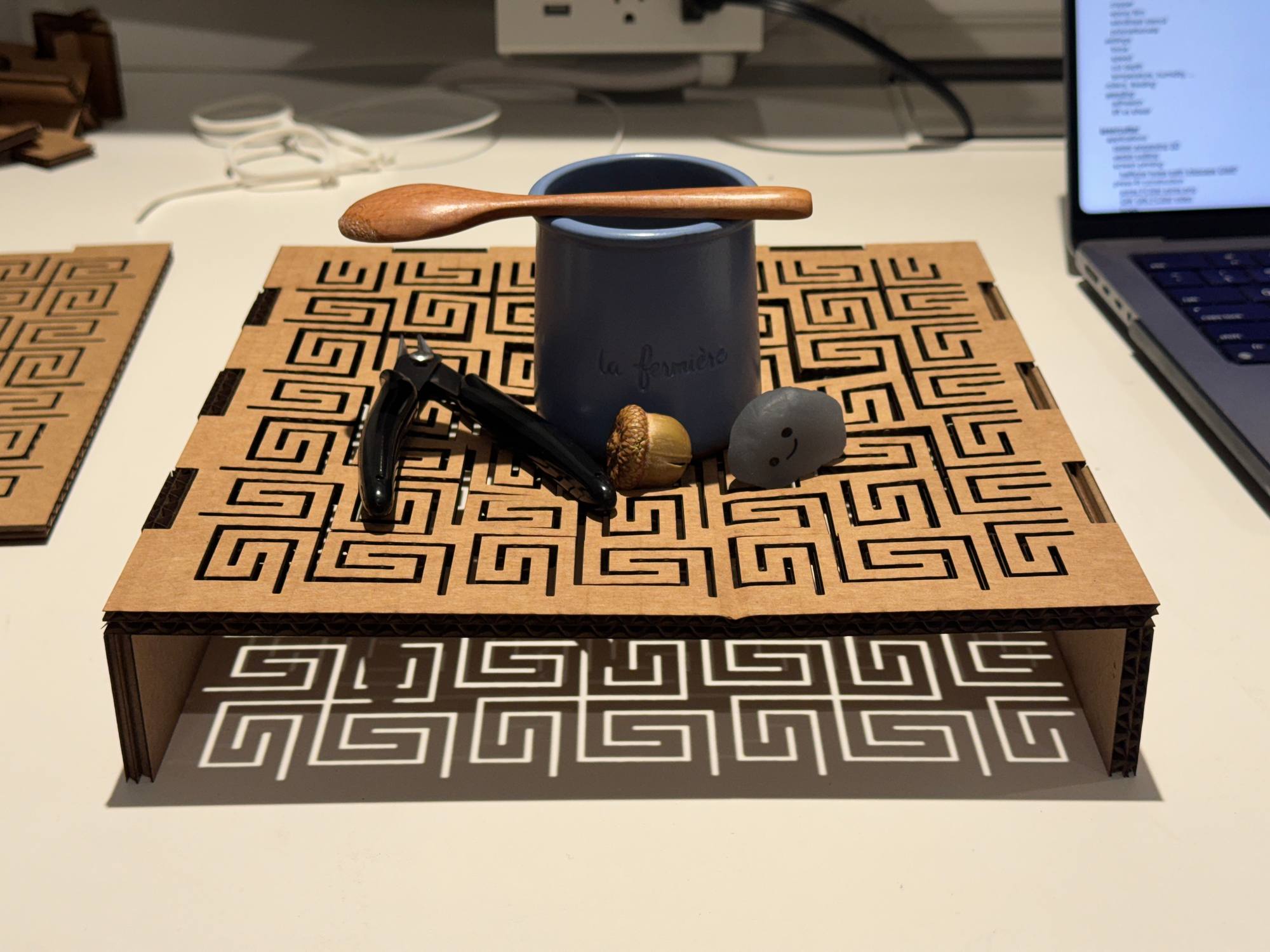
I would like to have a small riser shelf where I can put small things underneath, but let the light pass through it so that I can see them, as well as if I put something on top of them, they wouldn't accidentally roll/slide, as well as I can remember by looking from the side as the top layer would bend.
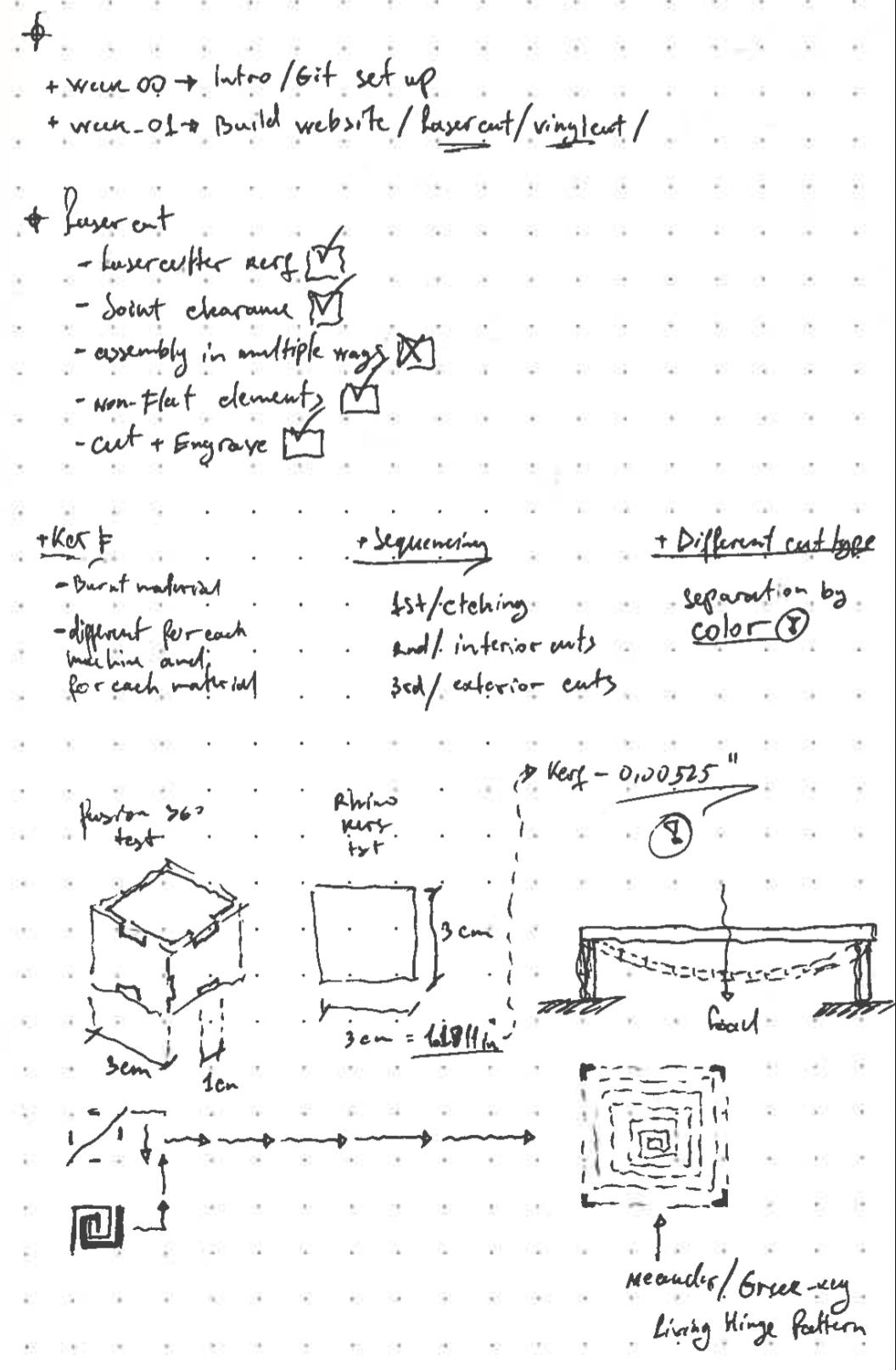
I researched 2D curving surfaces for laser cutting and decided to use the "Meander/Greek-key Living Hinge Pattern". I designed the shelf with 25.4x25.4x5cm (10x10x2in) dimensions.
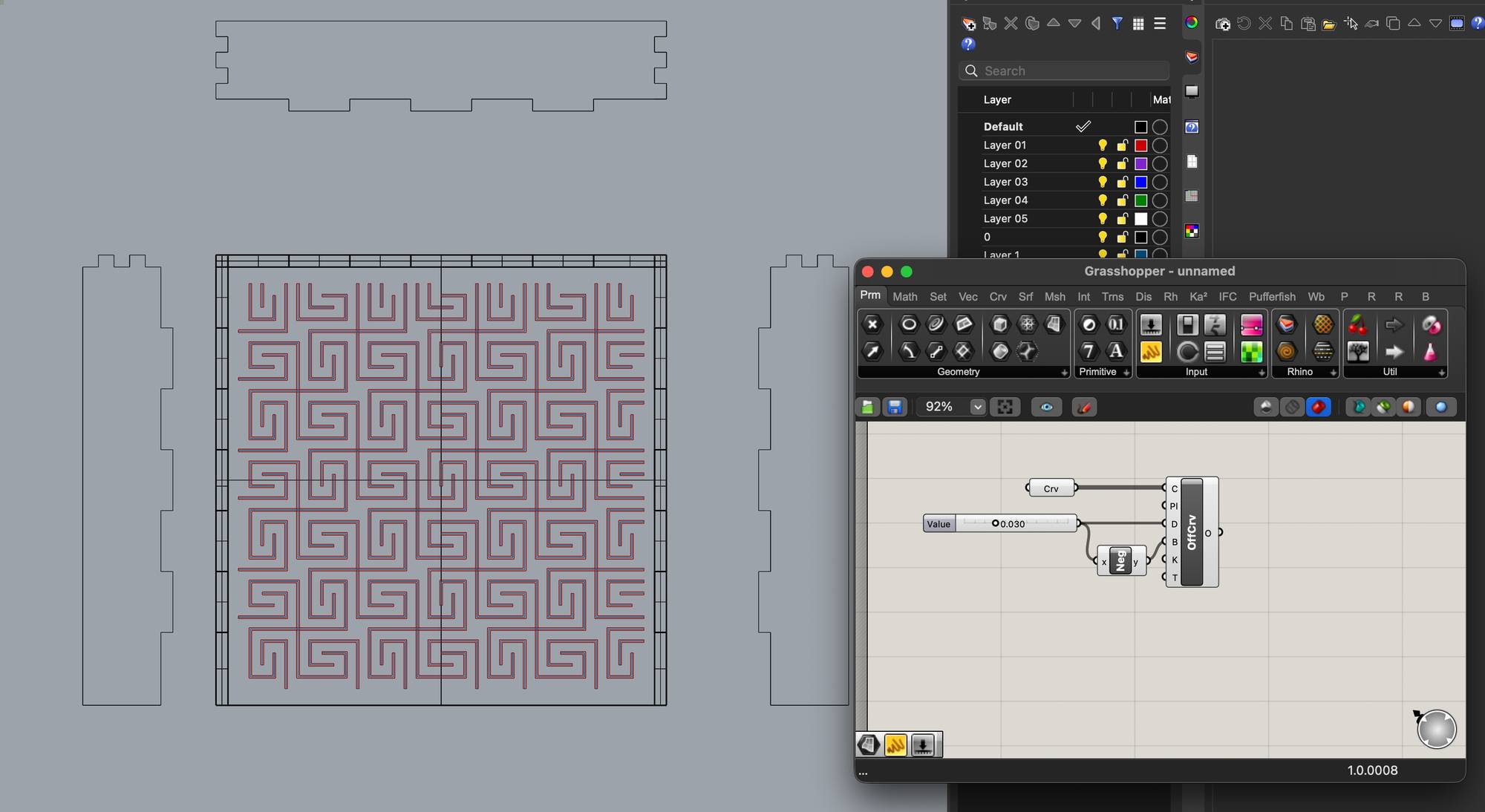
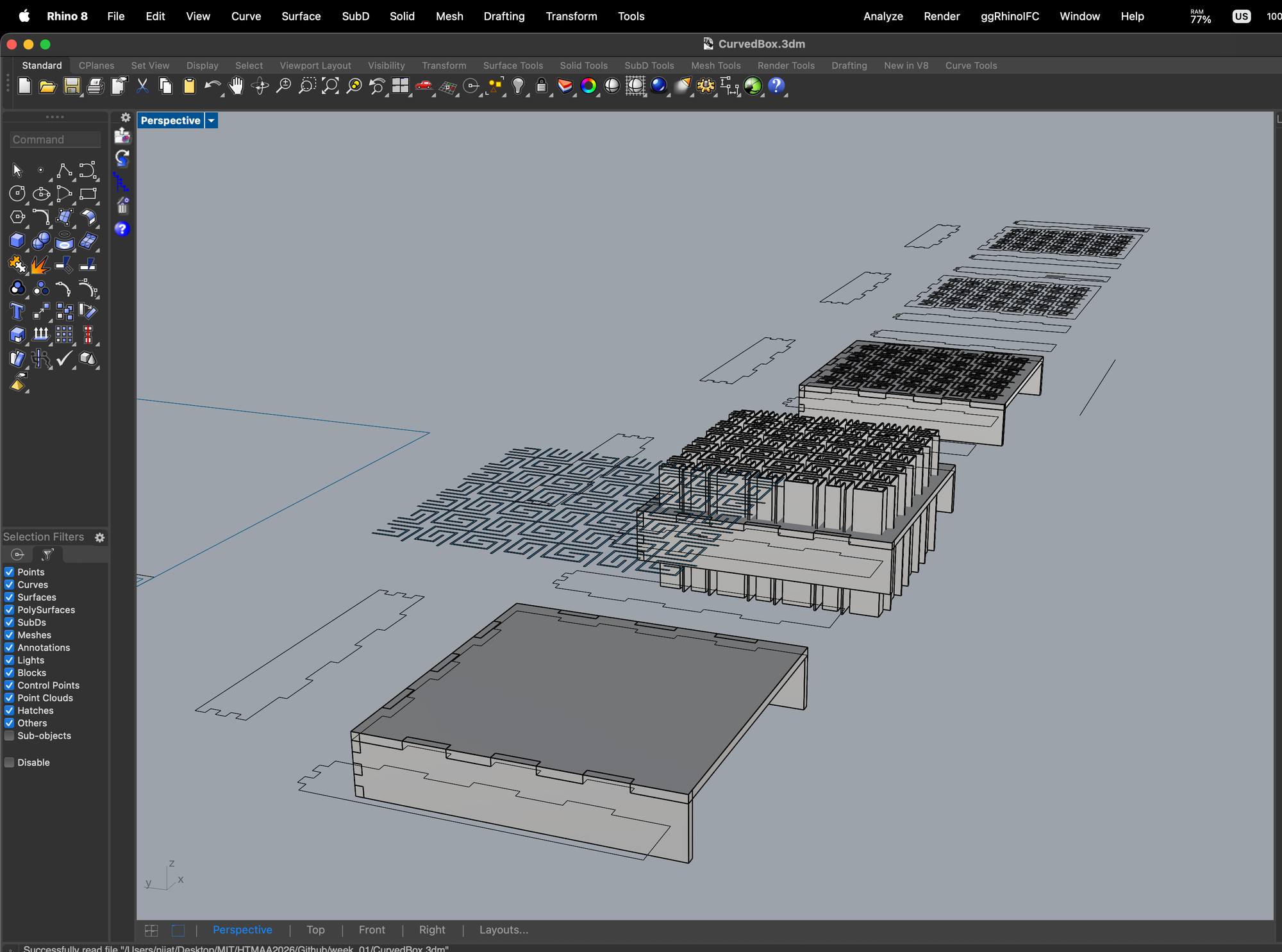
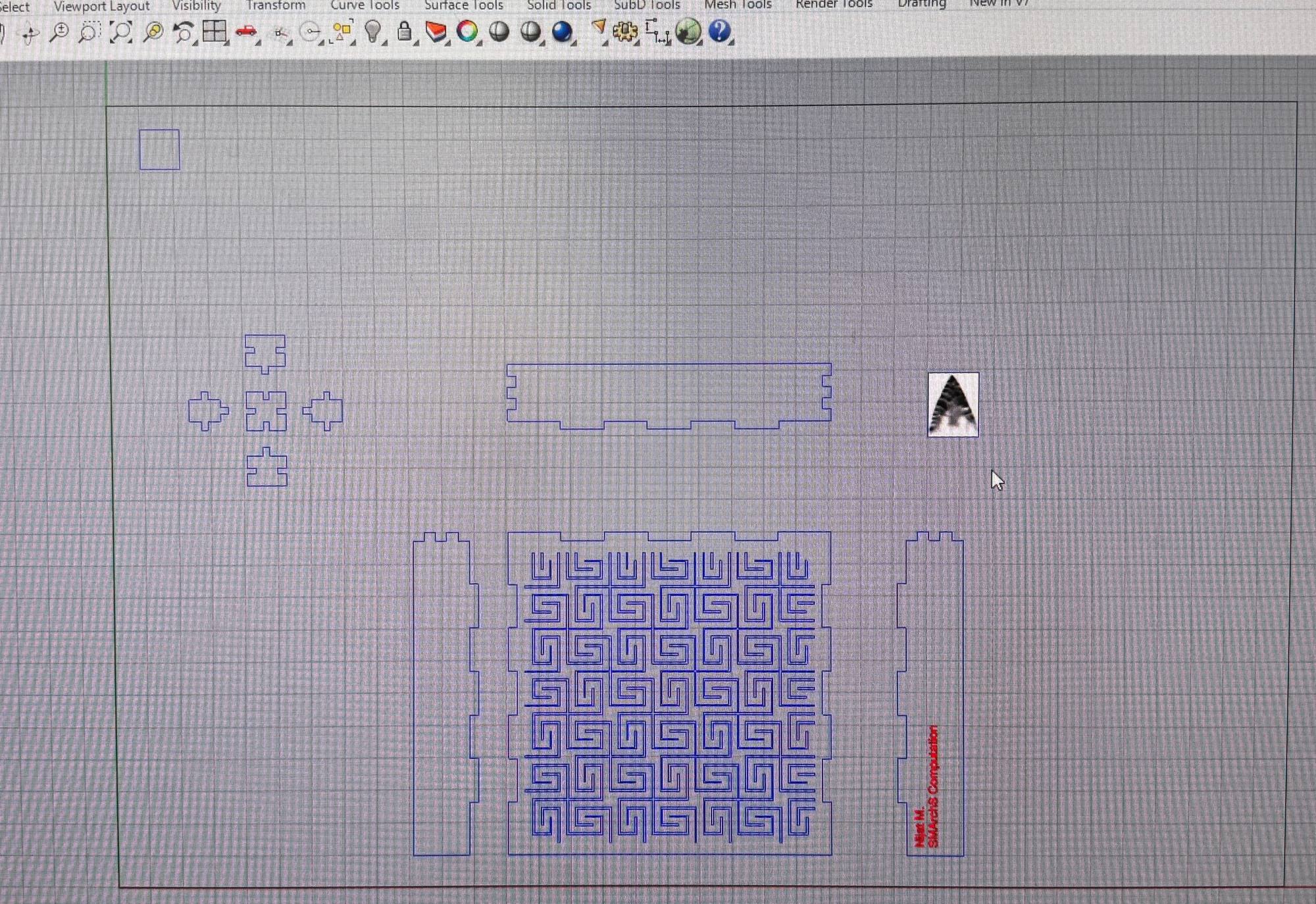
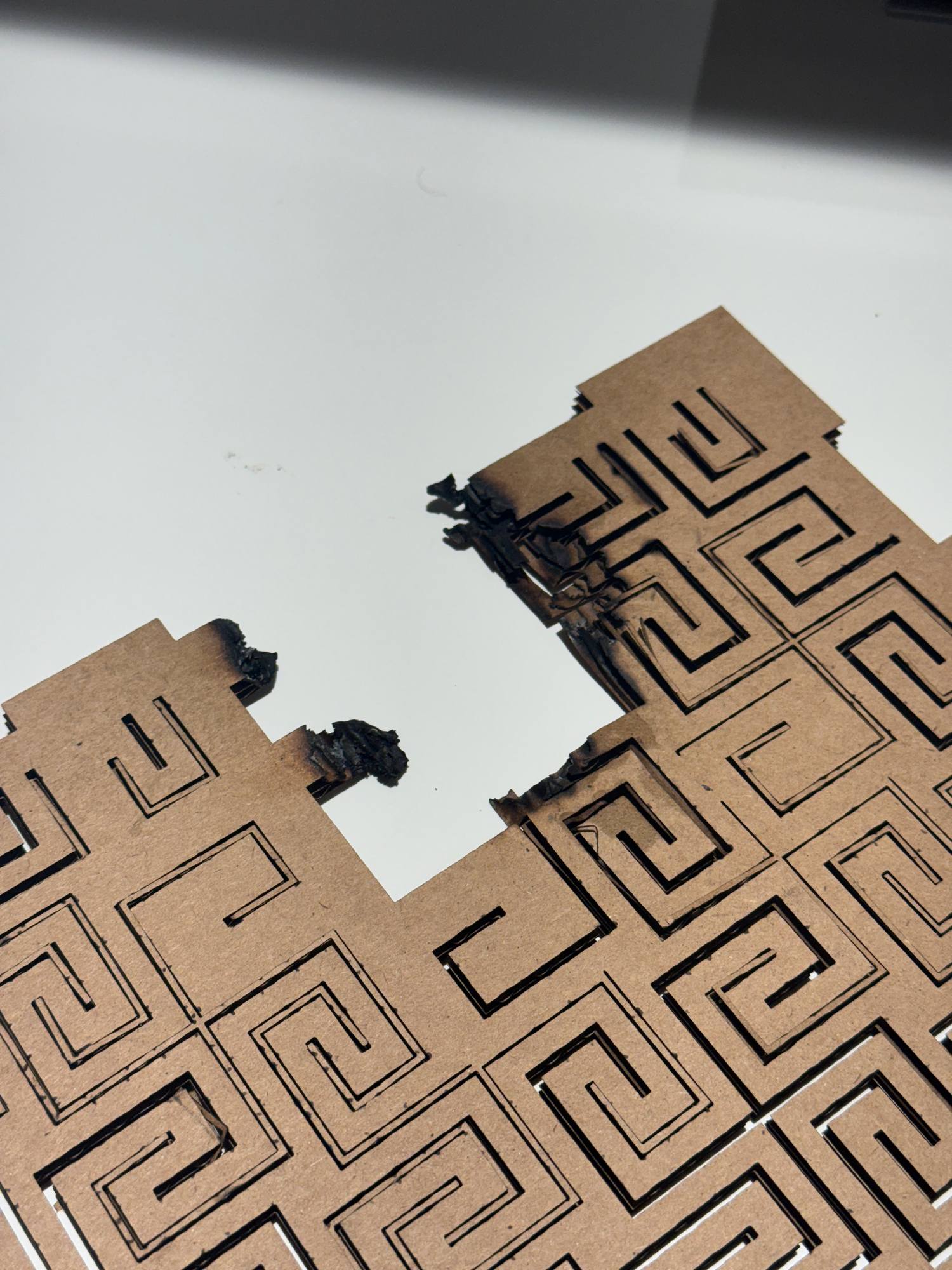
While the first side panels cut smooth and clean, at the end of the meander pattern cut, the cardboard ignited and started a small FIREEE!!!
FIRE PROTOCOL
- Stop the print
- Analyse the situation briefly (2-3 sec)
- Is the fire getting bigger or smaller? (In my case the fire was small but was getting bigger slowly)
- Grab the Fire Extinguishing Spray that should be located next to the PC/Monitor
- Spray on the fire and extinguish it
- Take your material and double (triple) check that it's fully off and damp enough so that it wouldn't self-reignite
- Clean the laser and the machine
- Notify the next users (or place a post-it for them to know before use)
- Notify the lab administrator so that they can assess the current state of the machine/laser (In my case I was the last one using it on that day, late evening, so 1st thing the next morning, Jen was notified about the incident and the machine was briefly inspected)
Engraving
Now I want to engrave my name and my program on my shelf. Therefore I started testing different power and speed settings for the engraving.
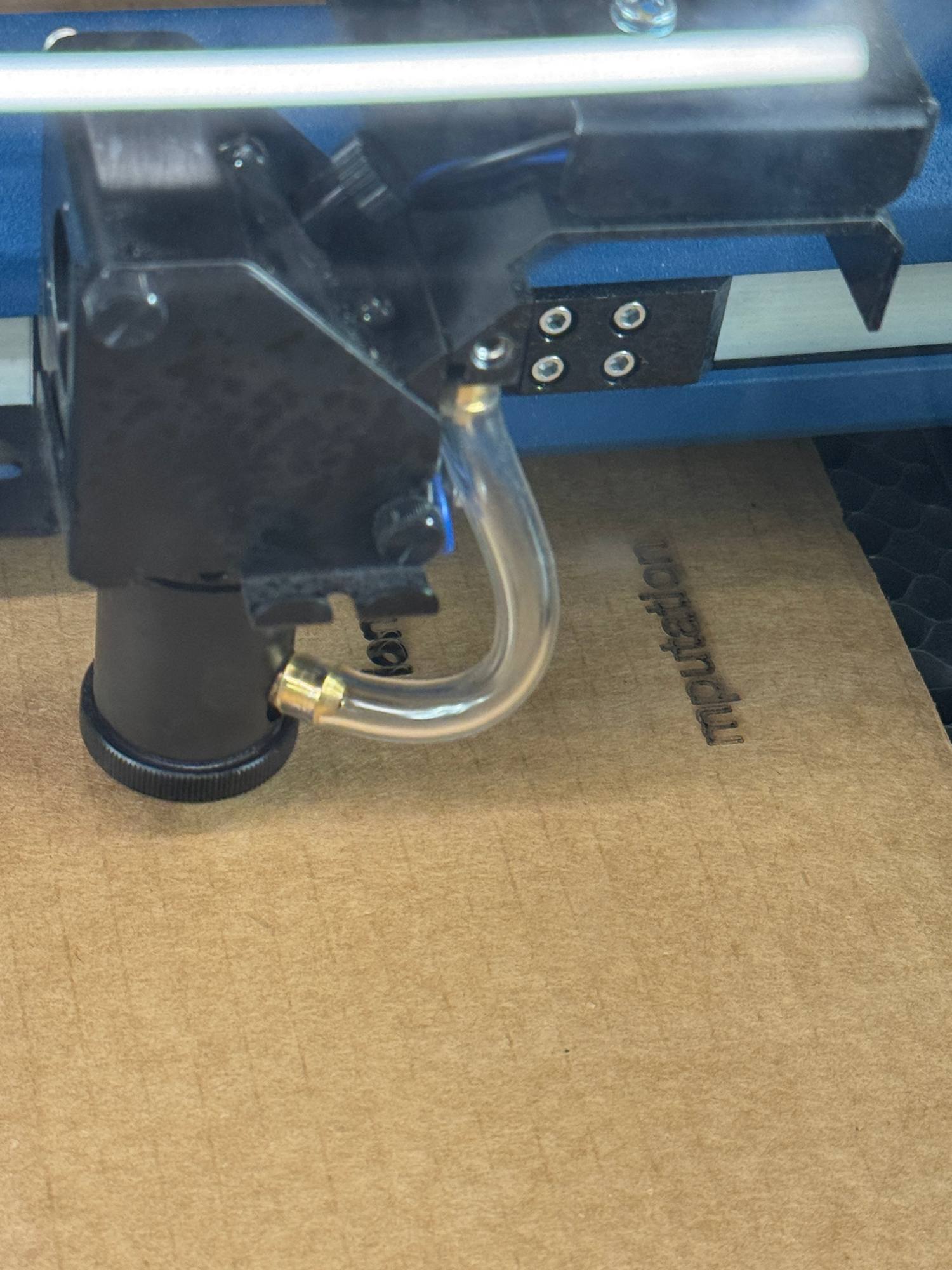
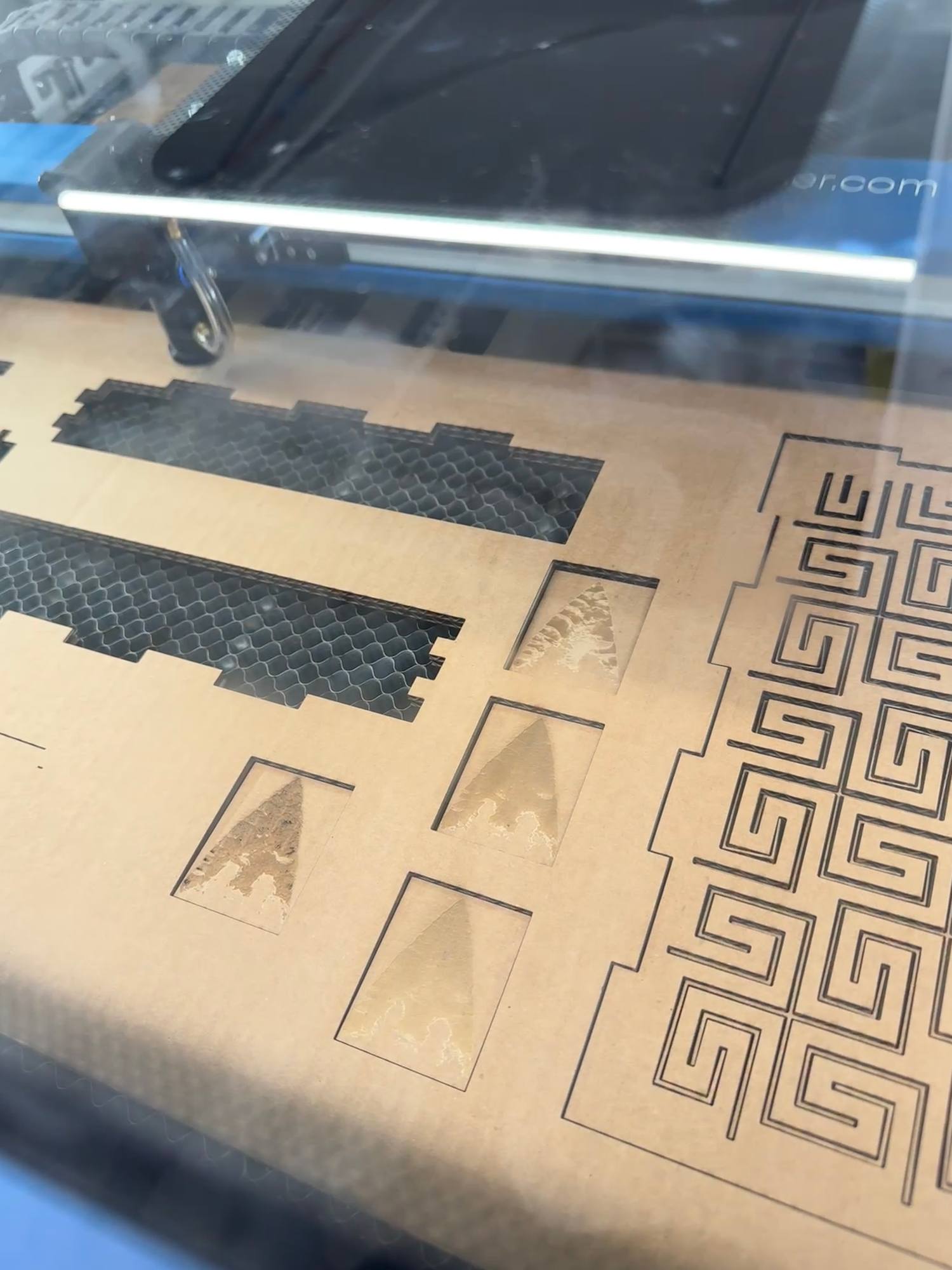
After testing vector engraving I want to learn and test some pixel engraving. As I am really interested in ancient archery and stone arrows, I wanted to etch a small stone arrow sample.
First I placed it in Rhino, printed to the laser cutting software and used the same settings that I used for vector etching, quite a fail.
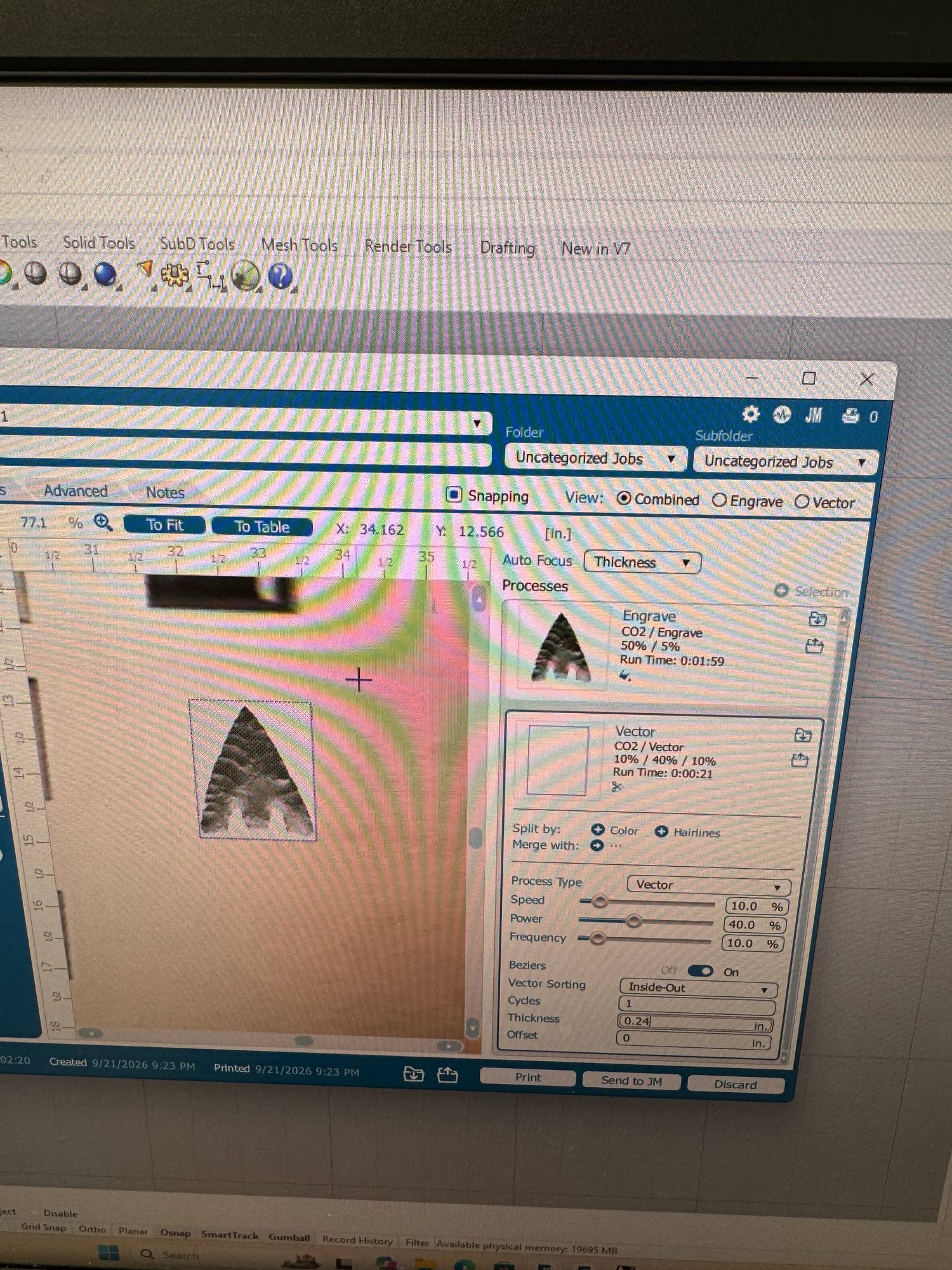
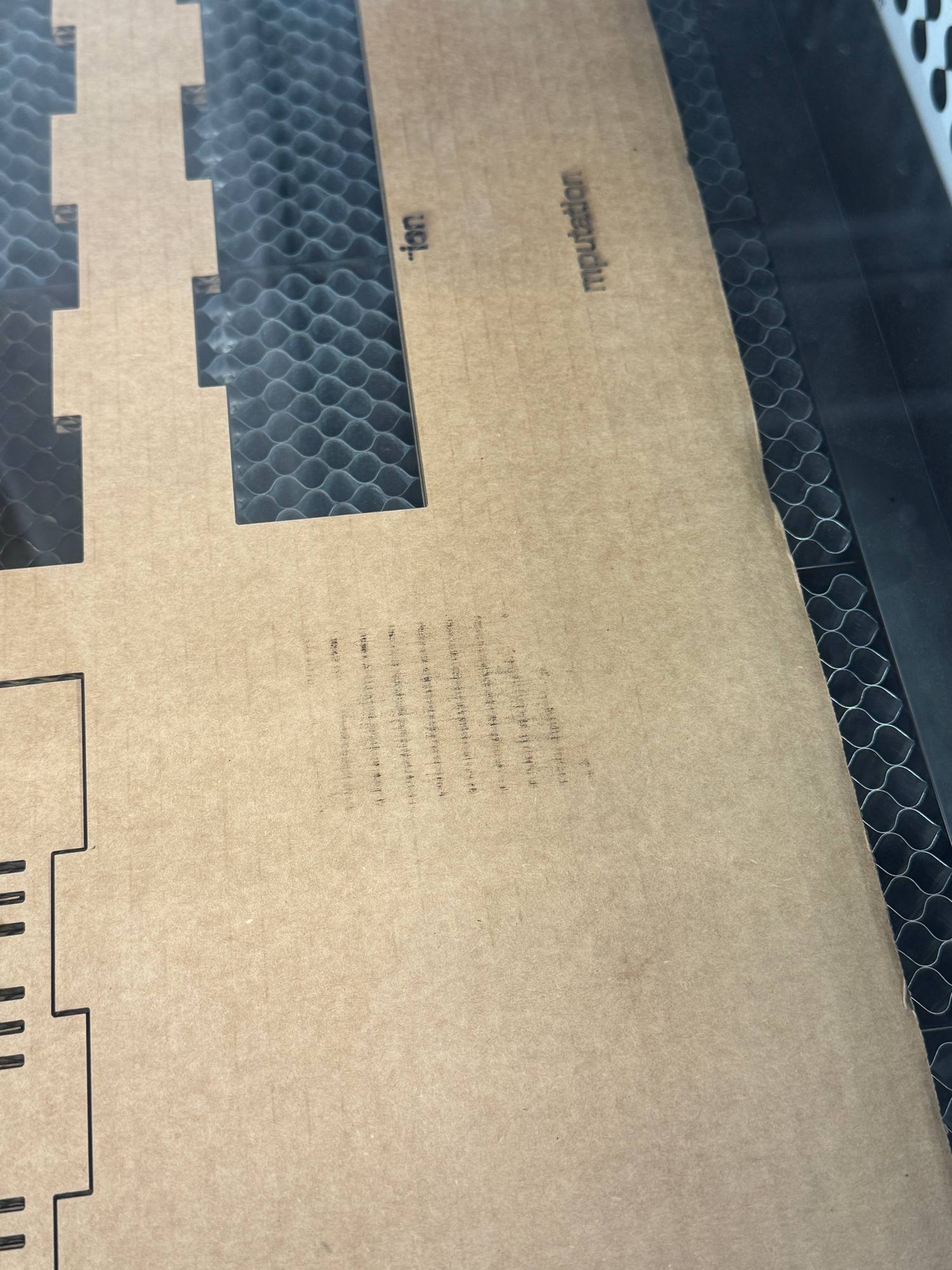
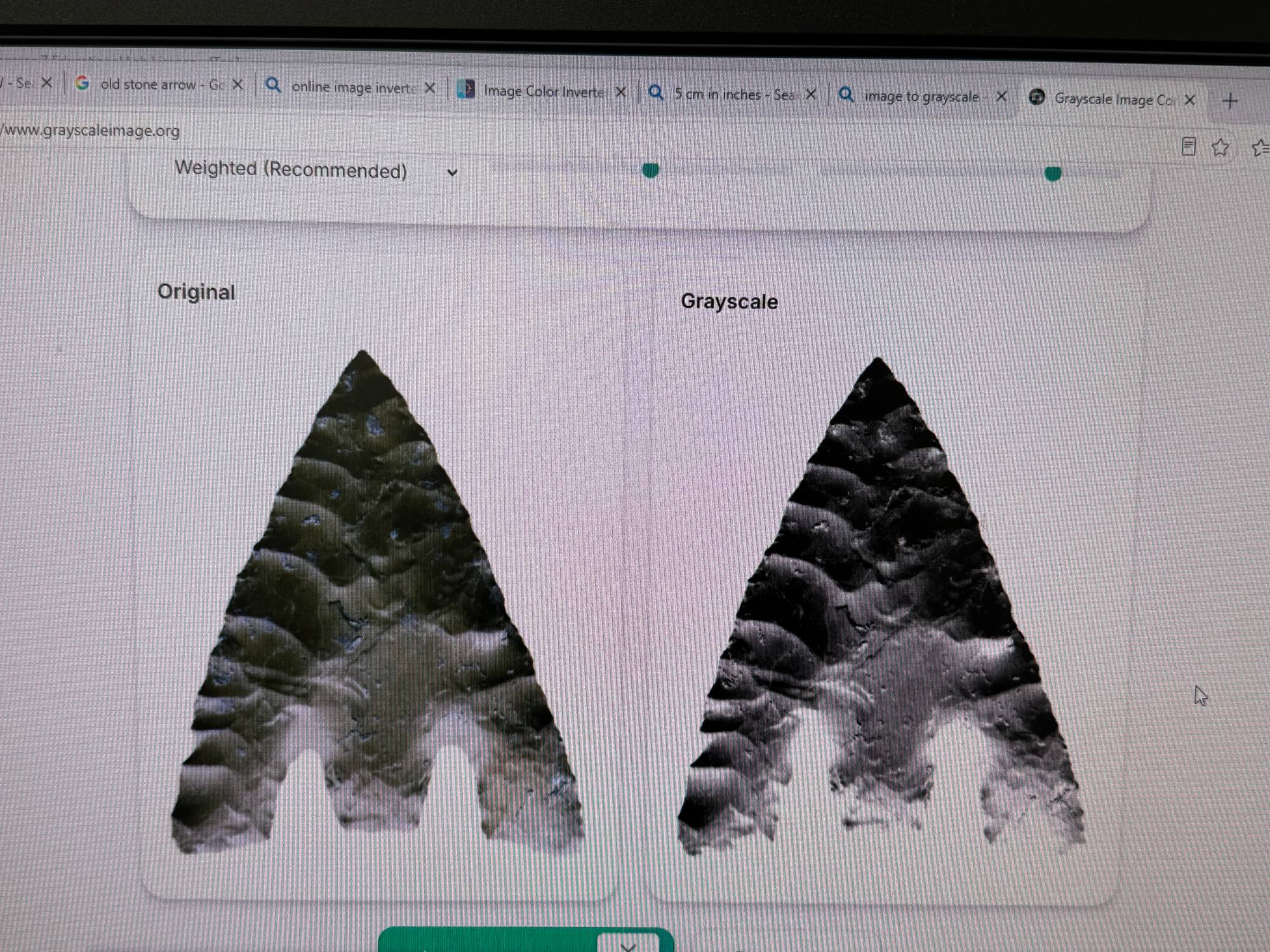
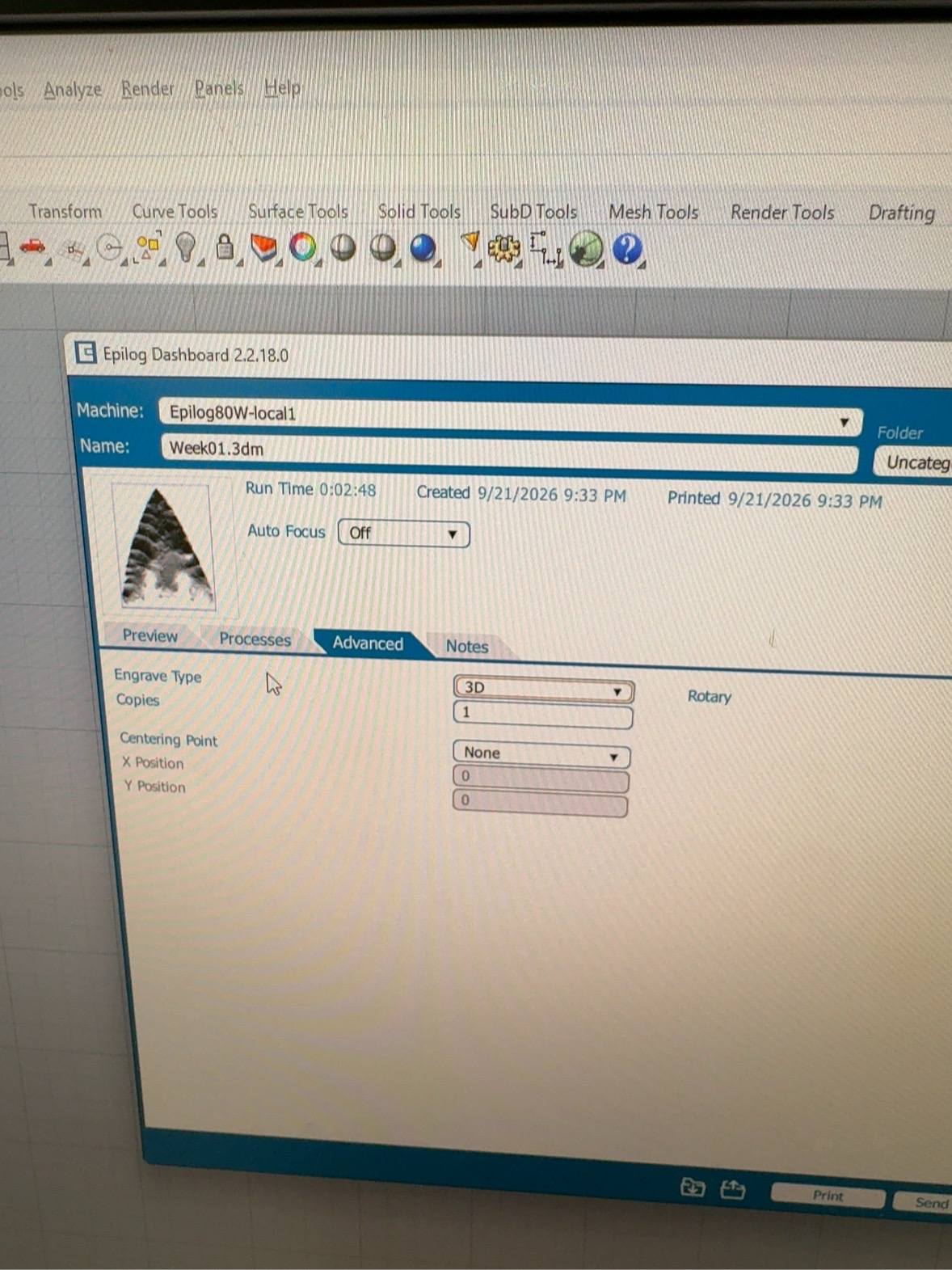
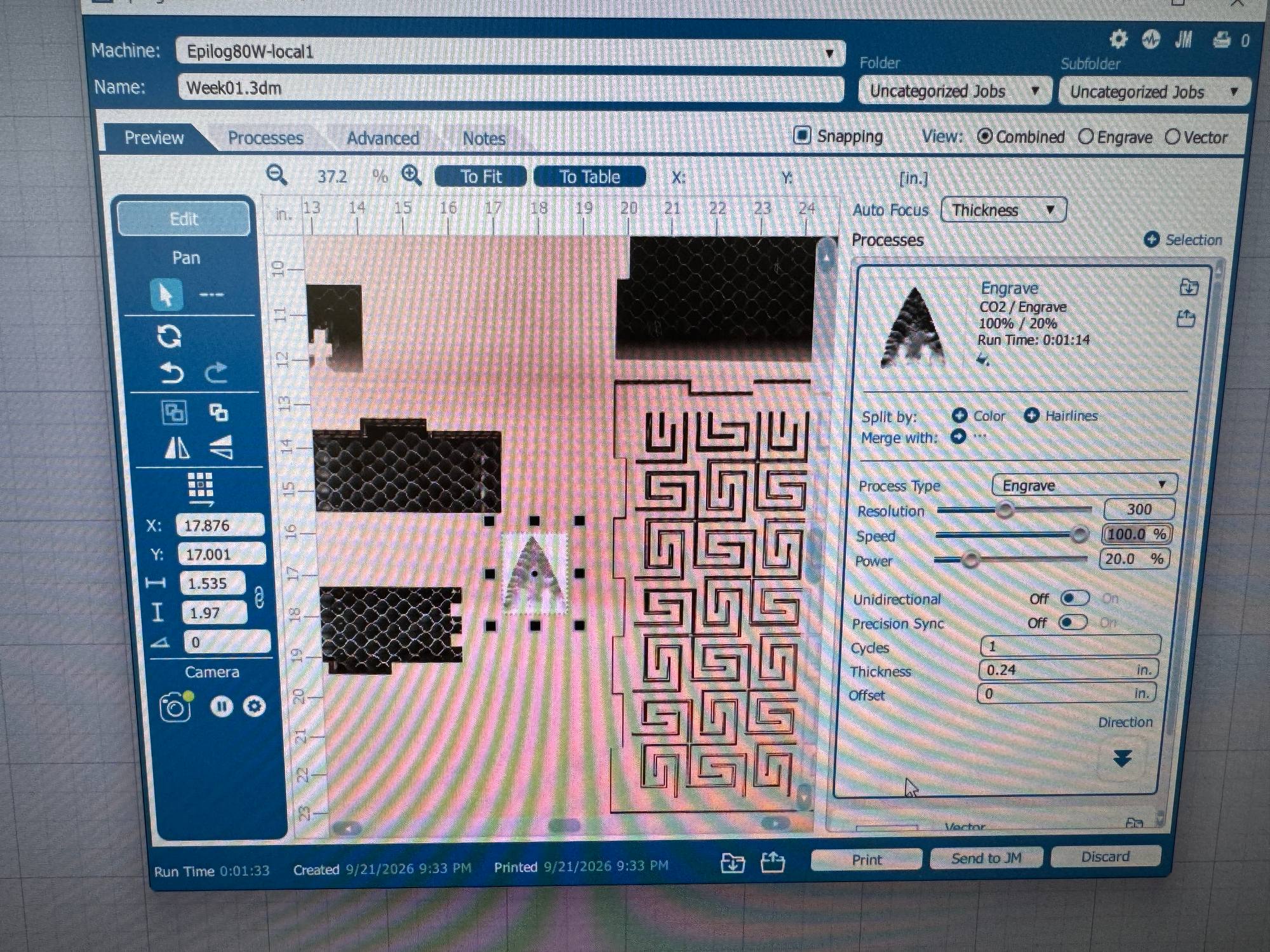
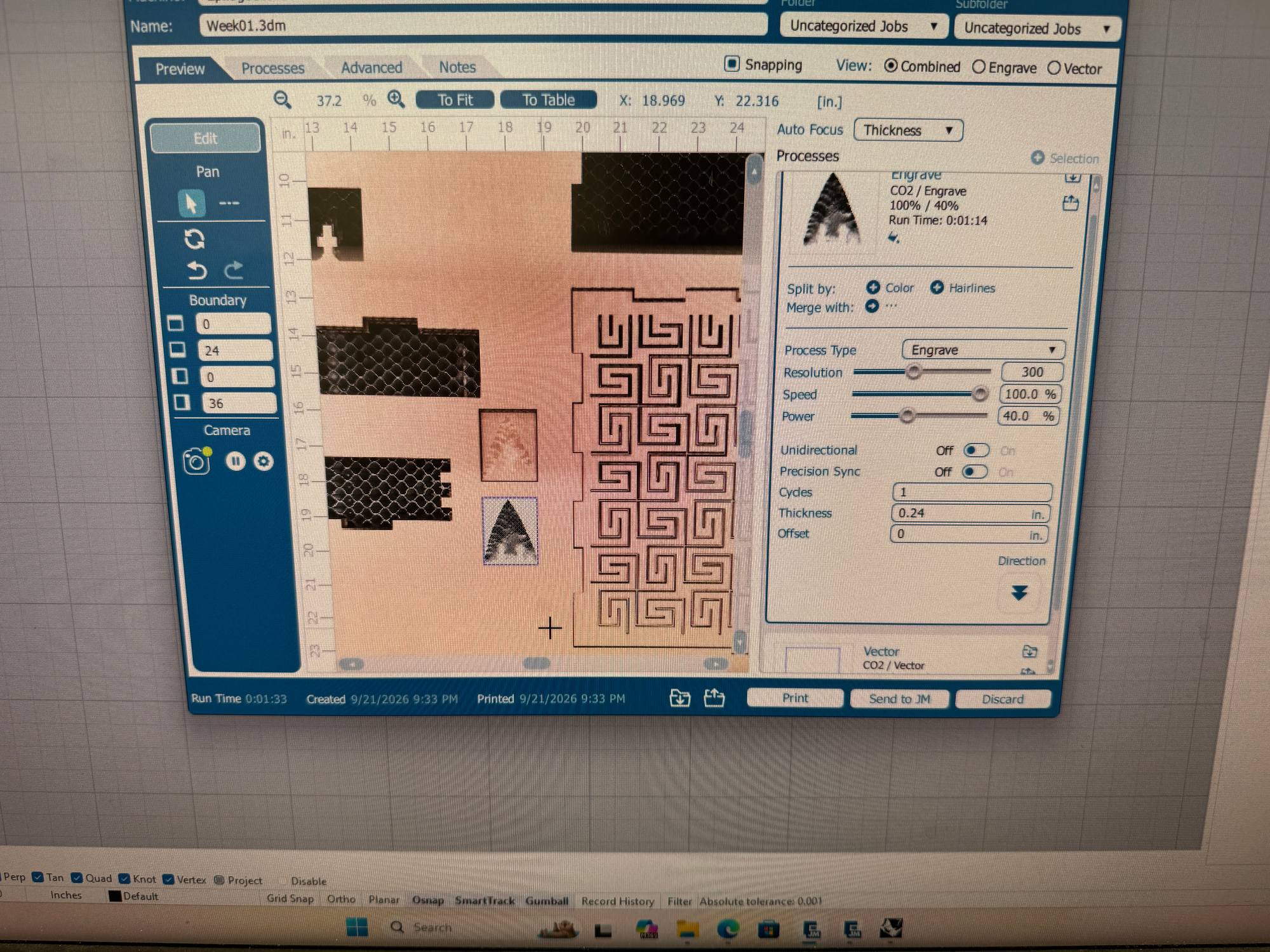
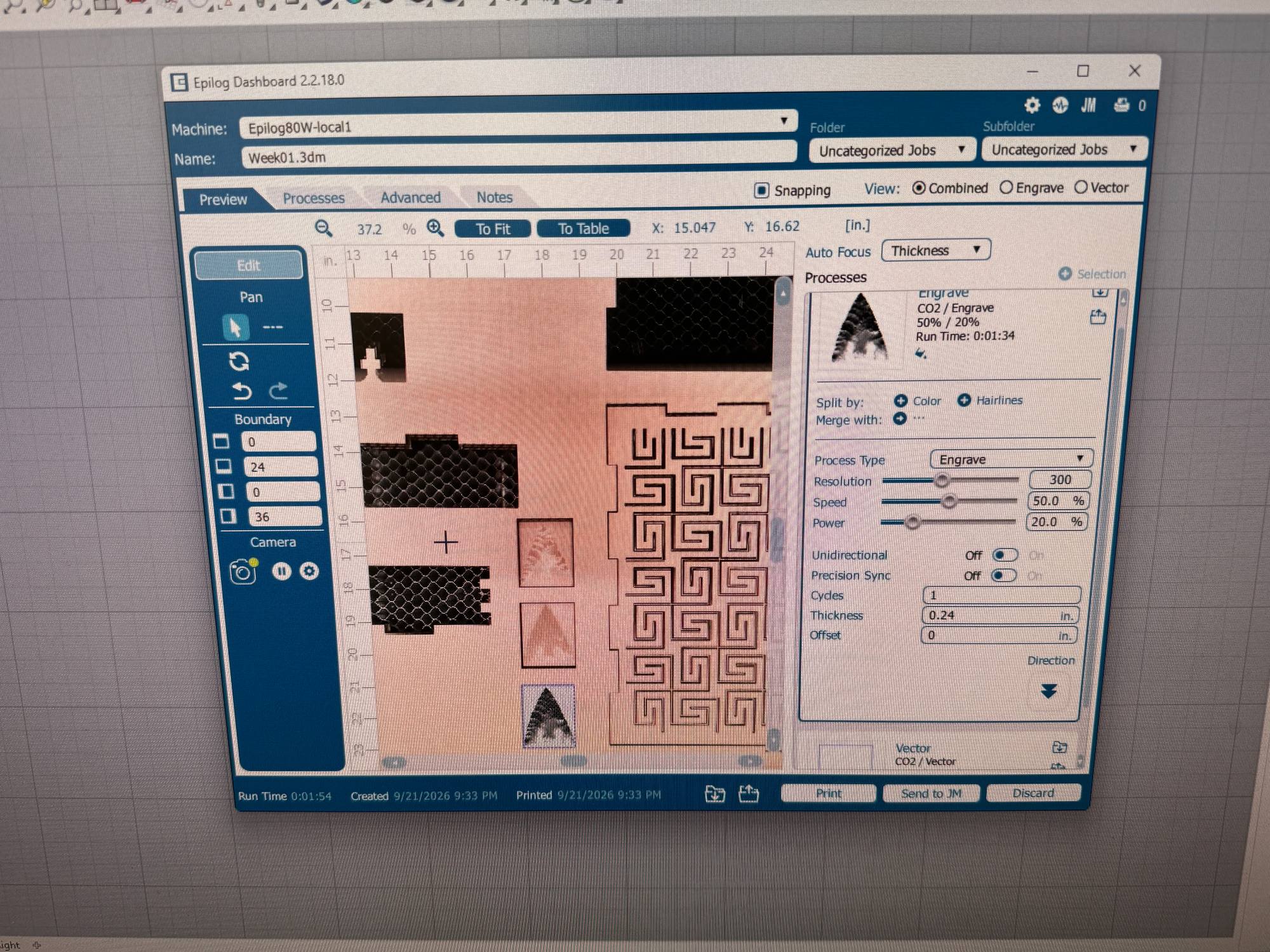
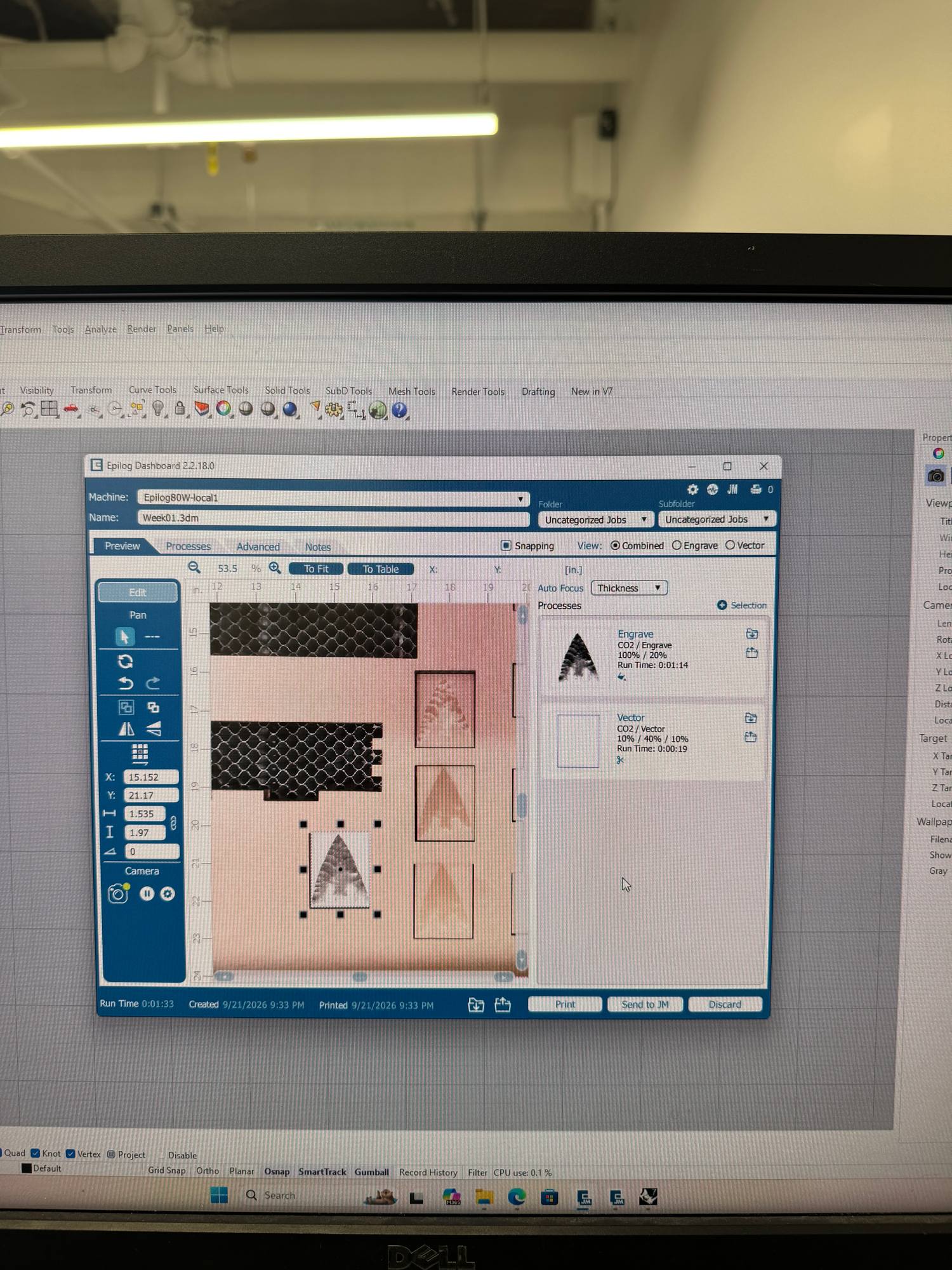
I researched a bit and looked into how I can use the binary colour intensity as laser intensity and found out that I can toggle 3D in the engraving settings. Here I did several tests with different speed and power settings (S100 P20, S100 P40, S50 P20, S100 P20-4 cycles) and found the S100 P20 settings to be the most appealing output for me.
Vinyl cutting
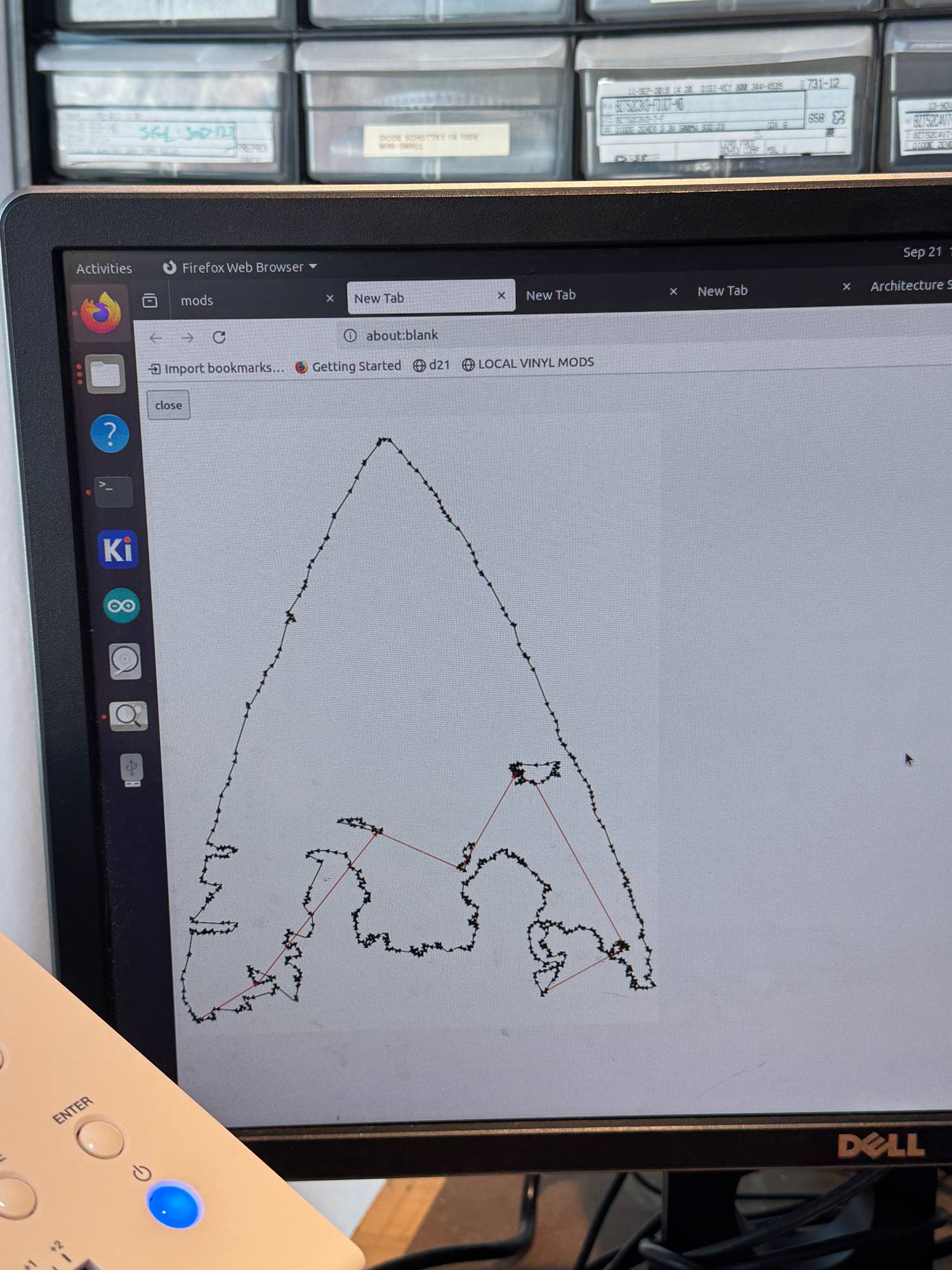
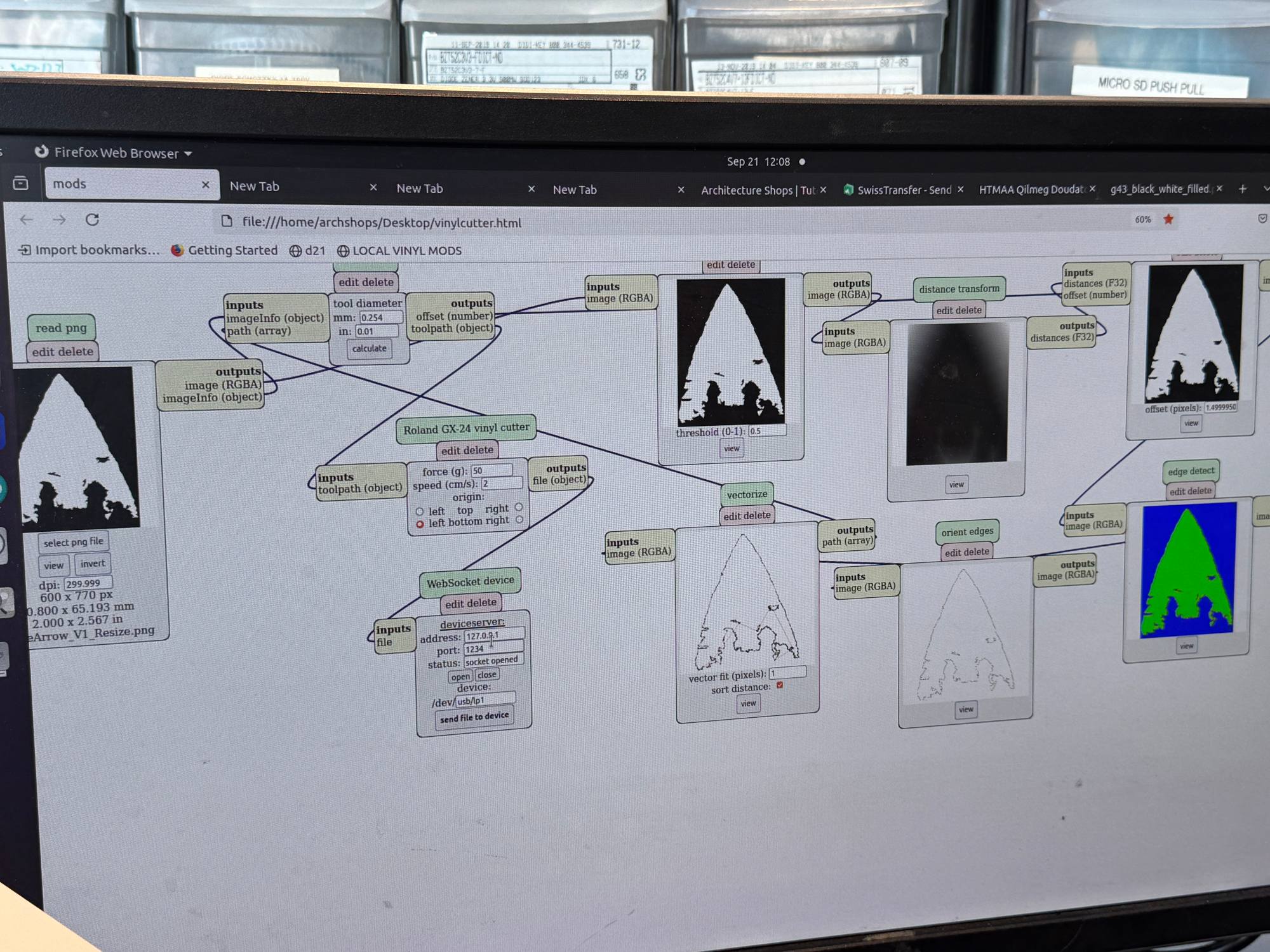
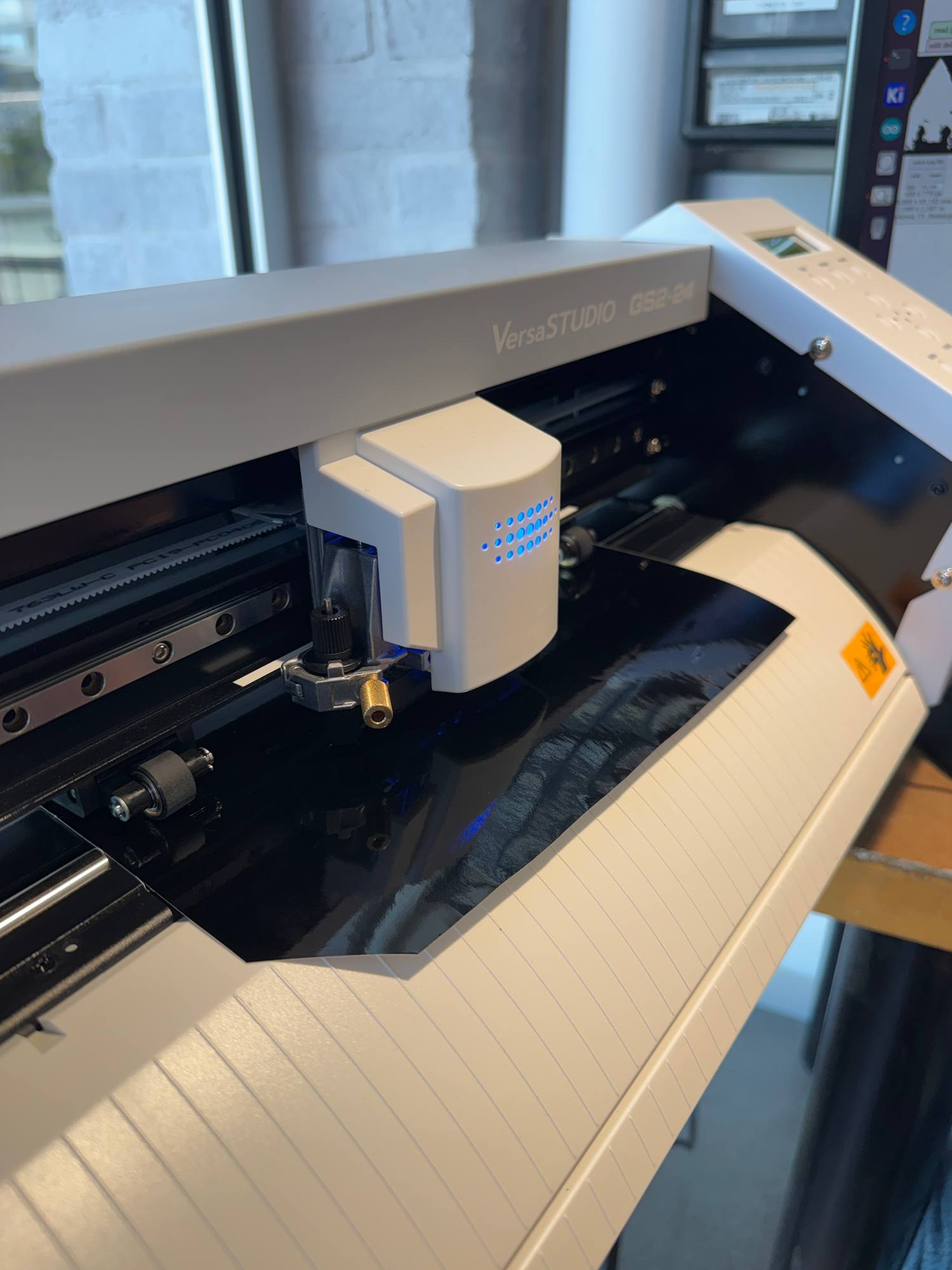
Now I wanted to do the same stone arrow cut out of vinyl. Therefore I adjusted the binary colour and size further.
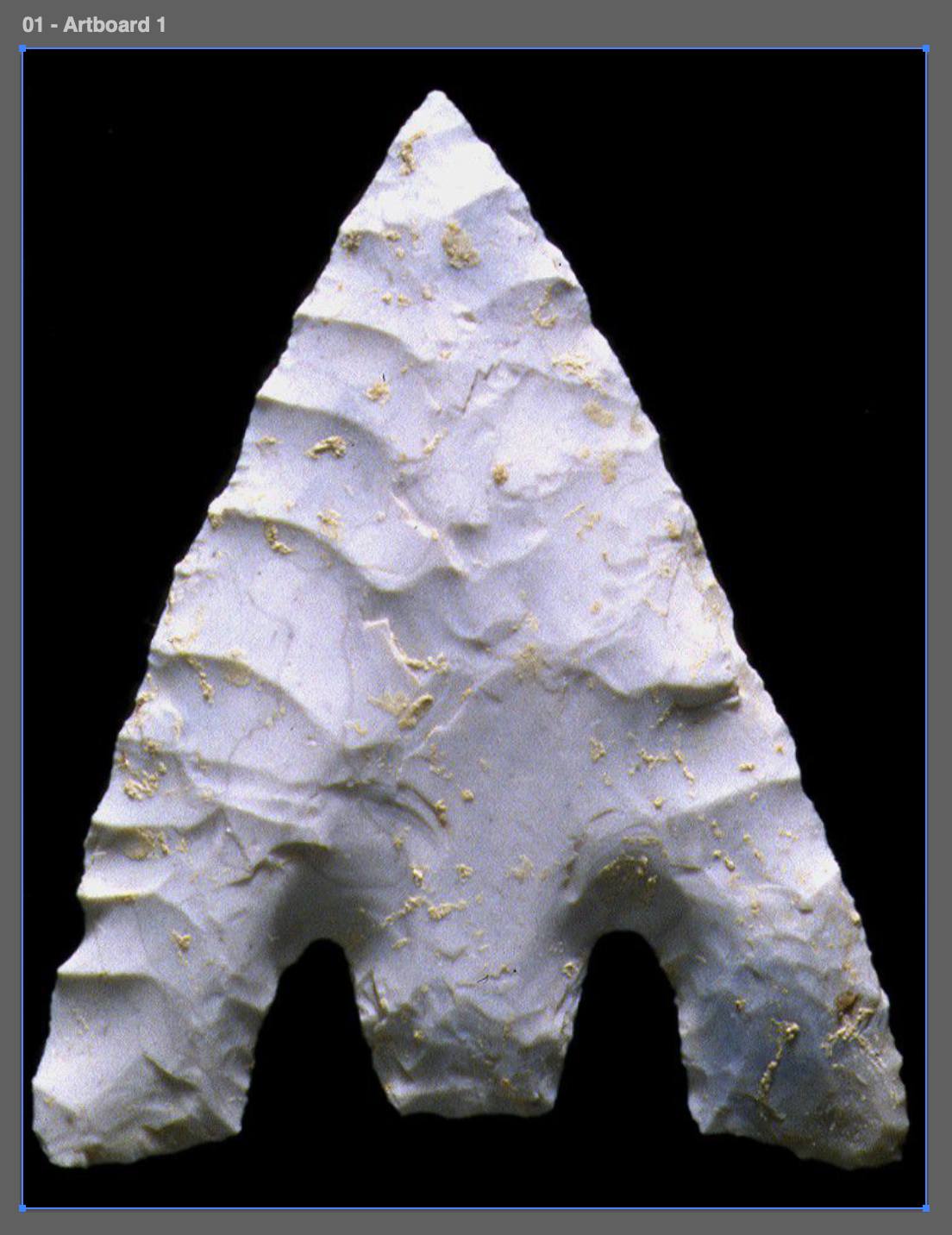
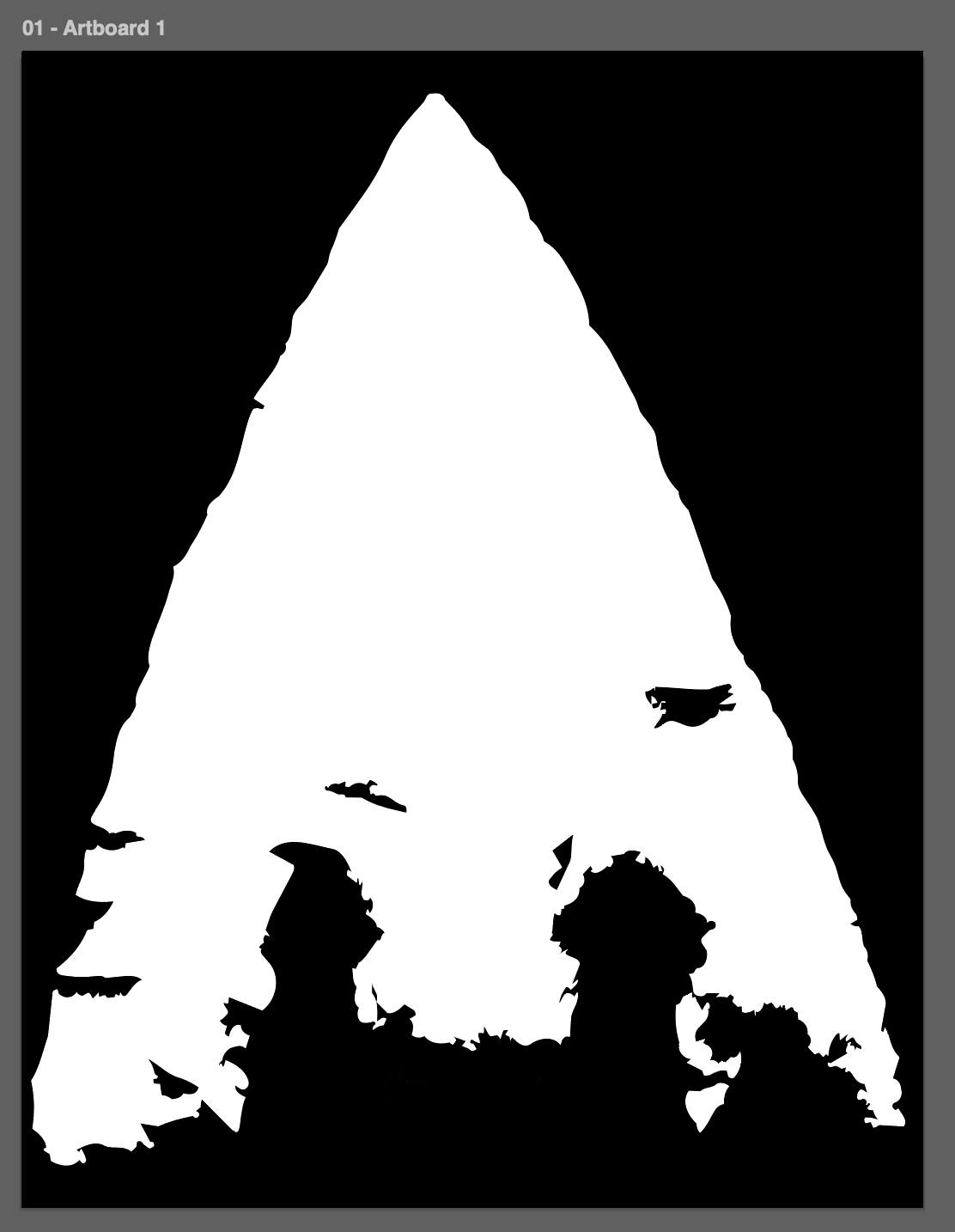
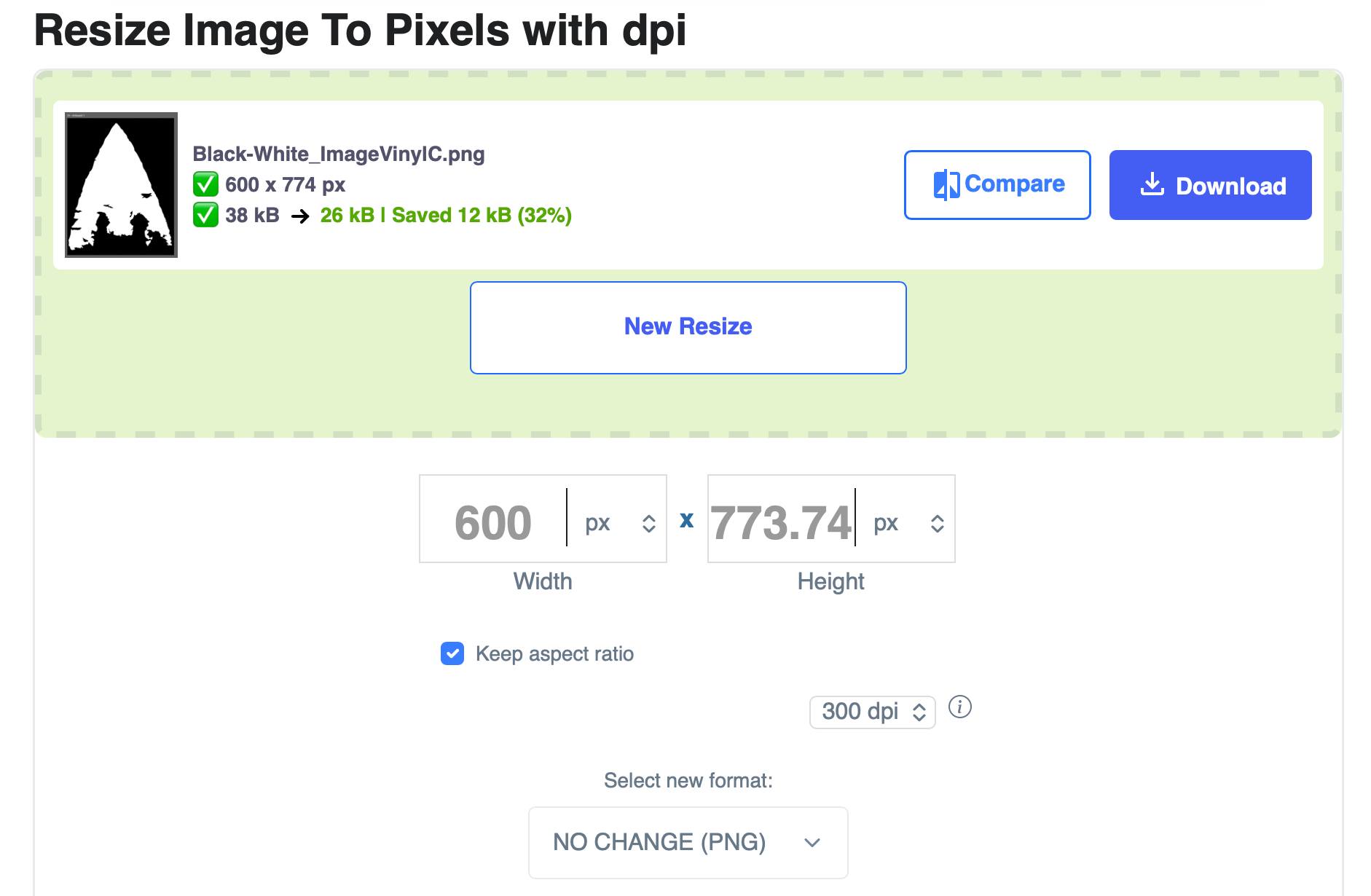
As I wanted to cut a 5cm (1.97in) piece, I exported the image at 600 px and 300 dpi.
Final demo
AI usage
AI was used to suggest parameters and to troubleshoot issues with pixel-based image engraving.