Soldering
I had really brief soldering experience and did my last one 4 years ago. Now that I was back at the soldering table, I felt quite rusty, especially while soldering tiny resistors.
Soo, for our board we were provided with:
- 1x RP2040 XIAO module
- 1x OLED display
- 2x 10k resistor, 1206 format
- 1x QPAD circuit board
as well as, for assembly support:
- 1x 3D printed OLED support
- 1x 3D printed jig
I followed the soldering tutorial by Quentin Bolsée, which was super fun and easy to follow.
Here is my super fun and joyful soldering timelapse (with a shoulder cramp after a long, tense session of soldering)
Plugged it into my laptop and voilà, beautiful lights from the XIAO board that show it's working.
Embedded programming
Now that our board is ready, it's time to test the board with sample code to see if everything is working.
Ideally, I want to code and work from VS Code and dive further into the dev chain (toolchain + libraries + IDE + bootloader + header programming), but for the sake of simplicity, this week I will focus on working with the Arduino IDE.
I checked Quentin's repo to see if some example samples exist. I found several samples in several languages (directly for Arduino (C/C++) and for MicroPython).
Now it's time to connect to my board and start developing. . . sounds easy, rightttt?
.
.
.
I guesss not that straightforward : /
So to start with, I initialized with the necessary packages: added the board URL in settings, added the RP2040 board manager and installed the necessary RP2040 packages.
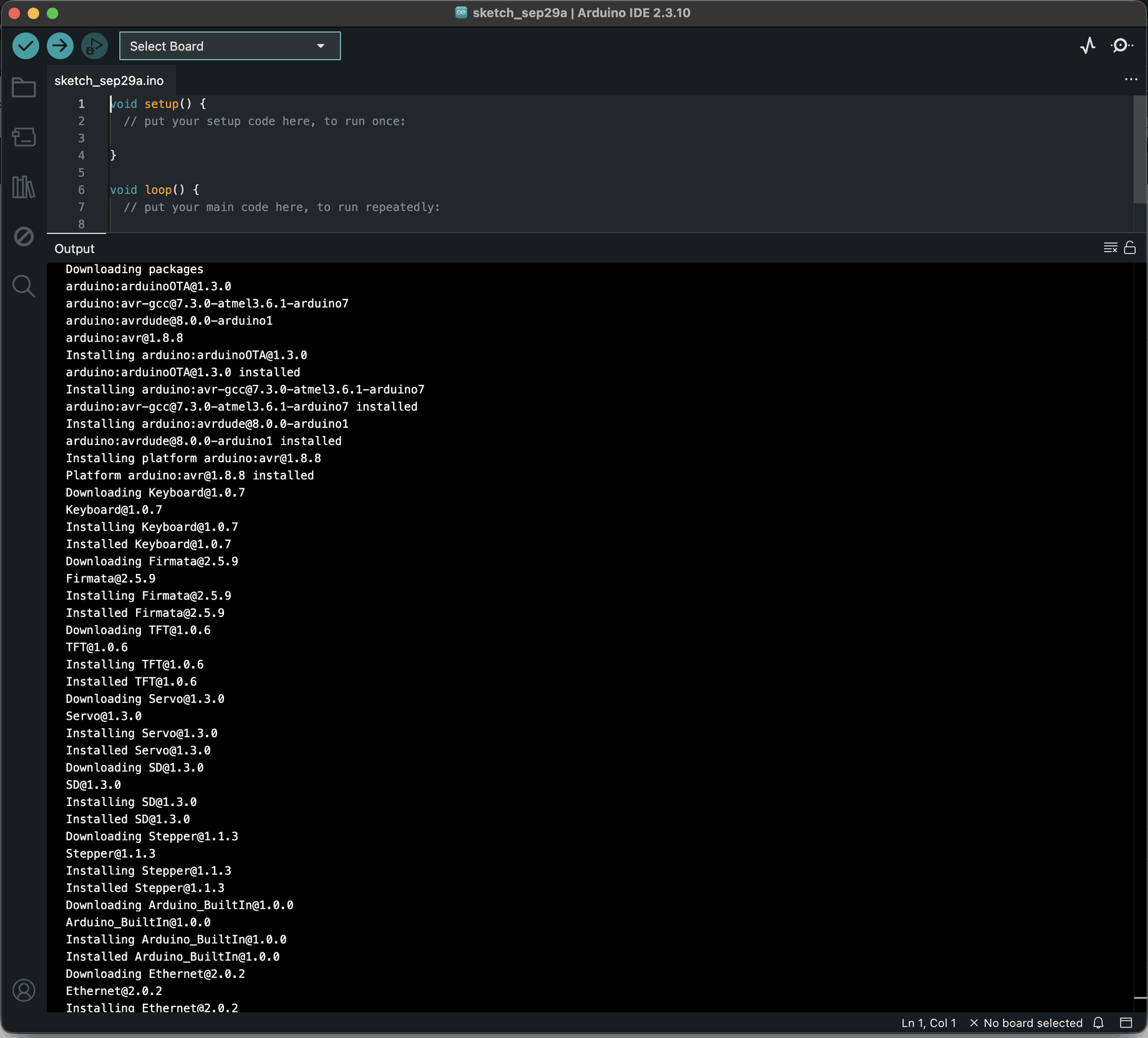
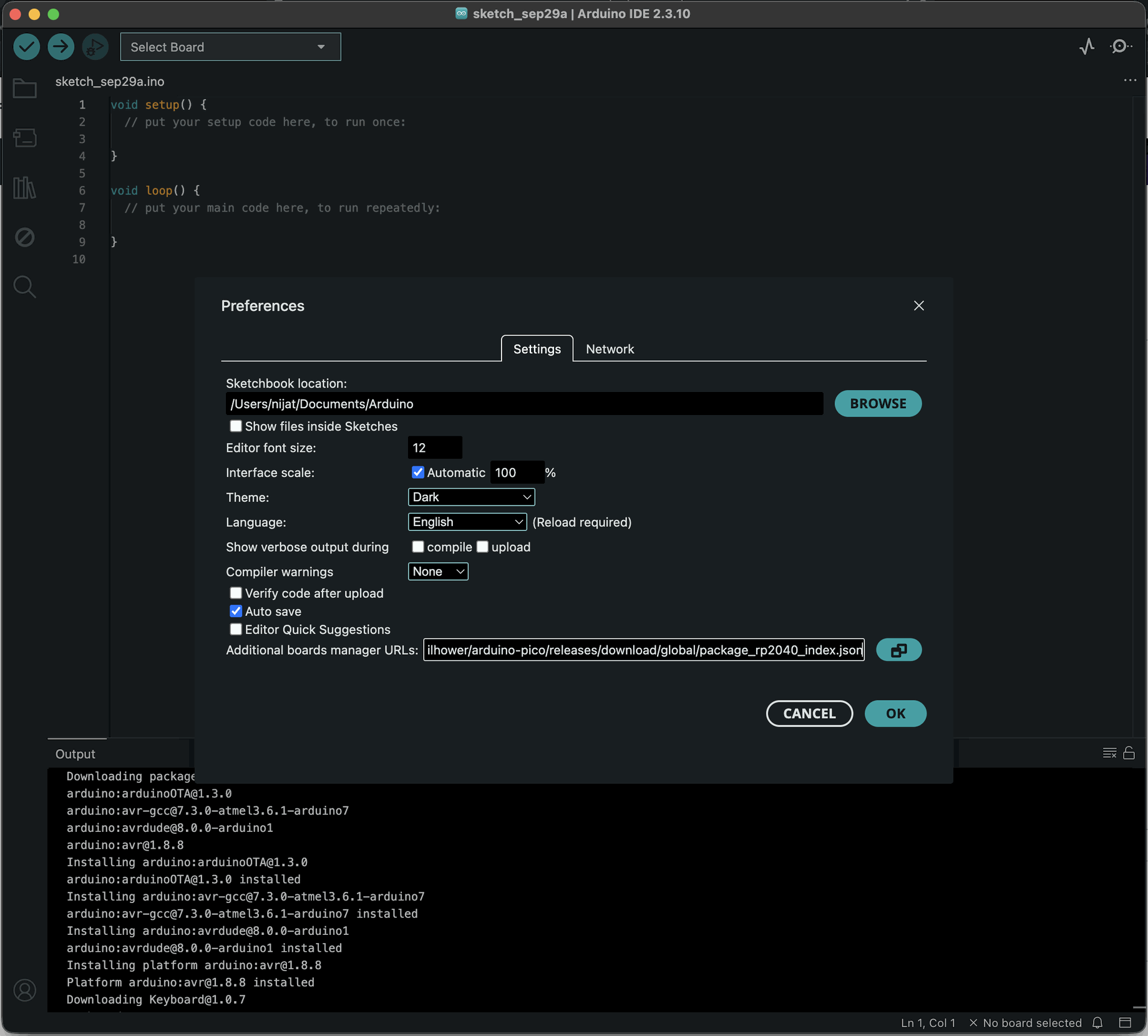
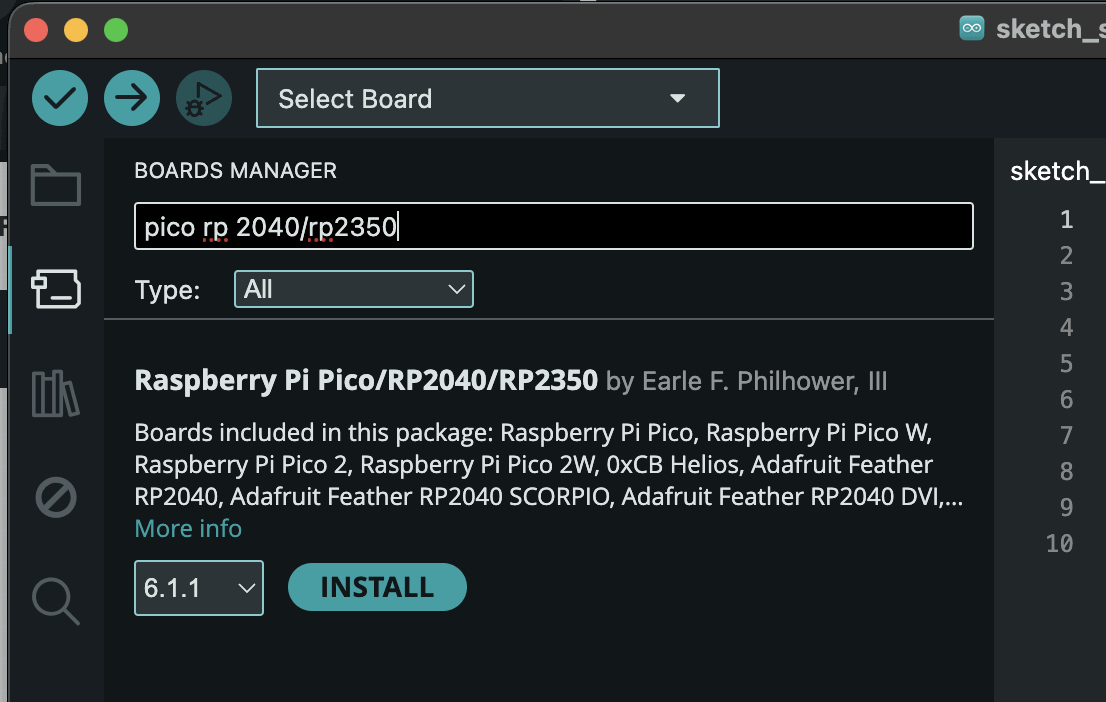
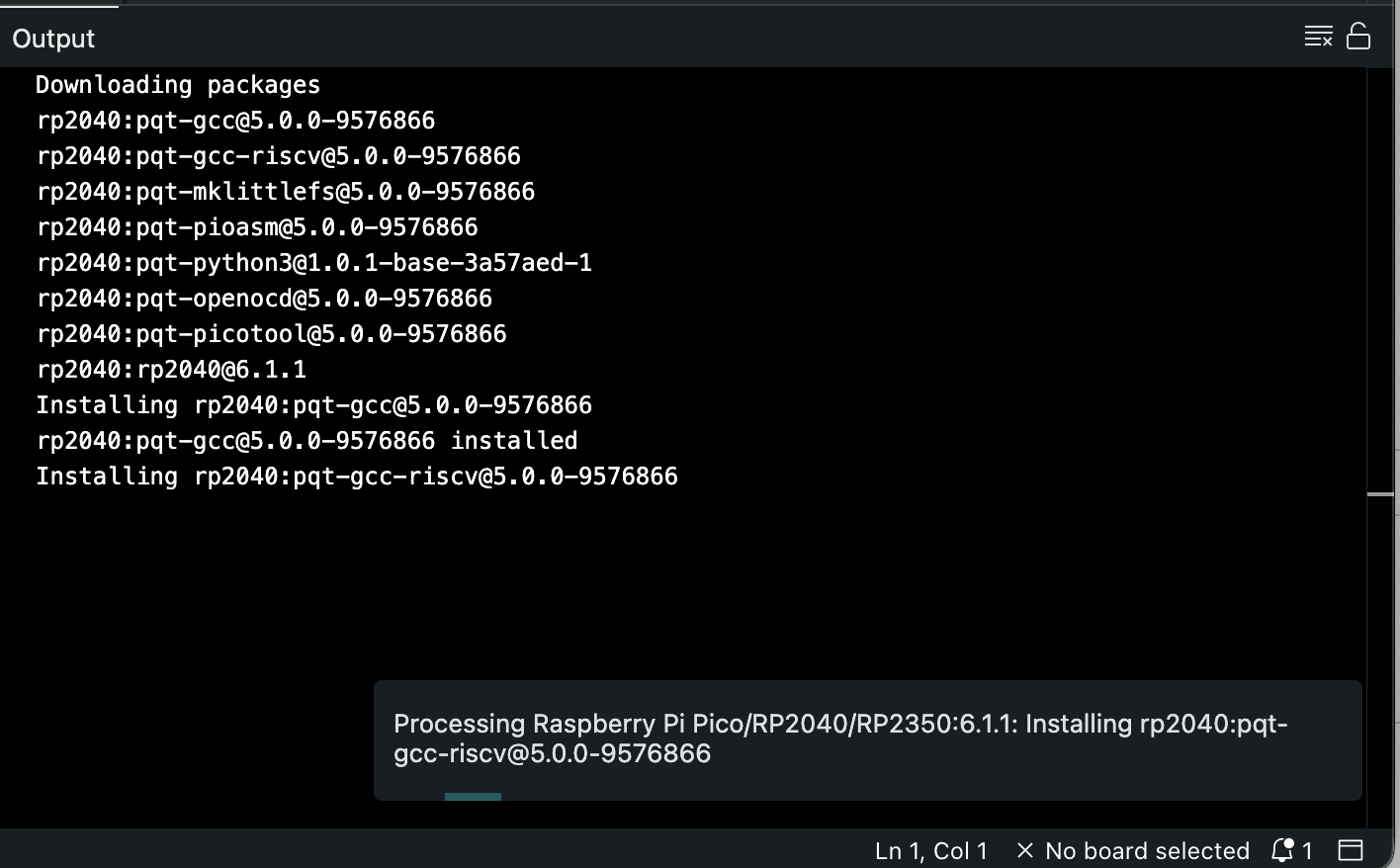
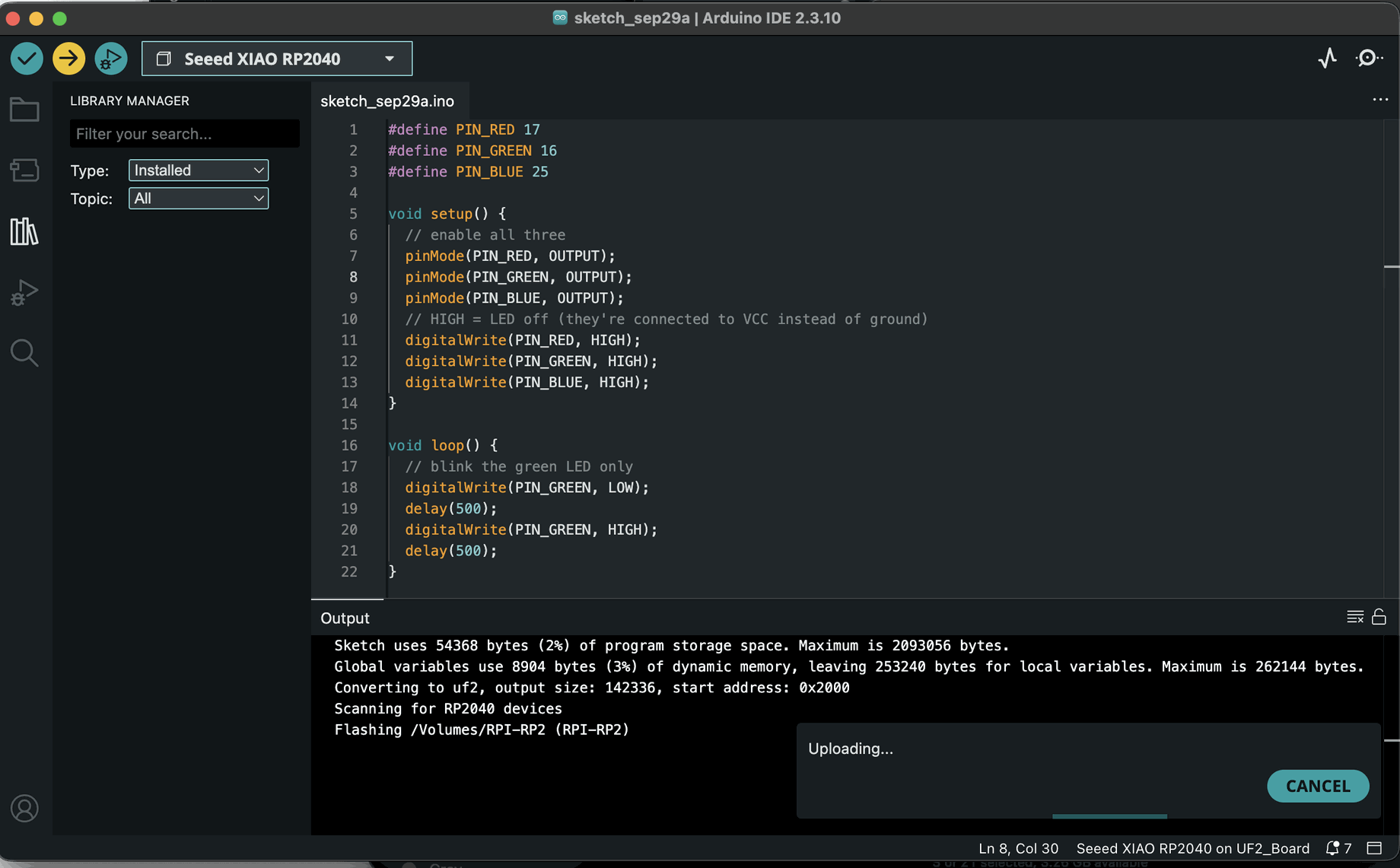
Unfortunately, I got stuck in the uploading phase and started chasing where the problem was. I was trying to understand whether it was a problem in the soldering, or whether I had somehow damaged the XIAO unit.
I started double-checking the soldering and checking the resistors with a meter; it all looked fine.
Then I checked if my laptop sees it, and yes, it sees it.
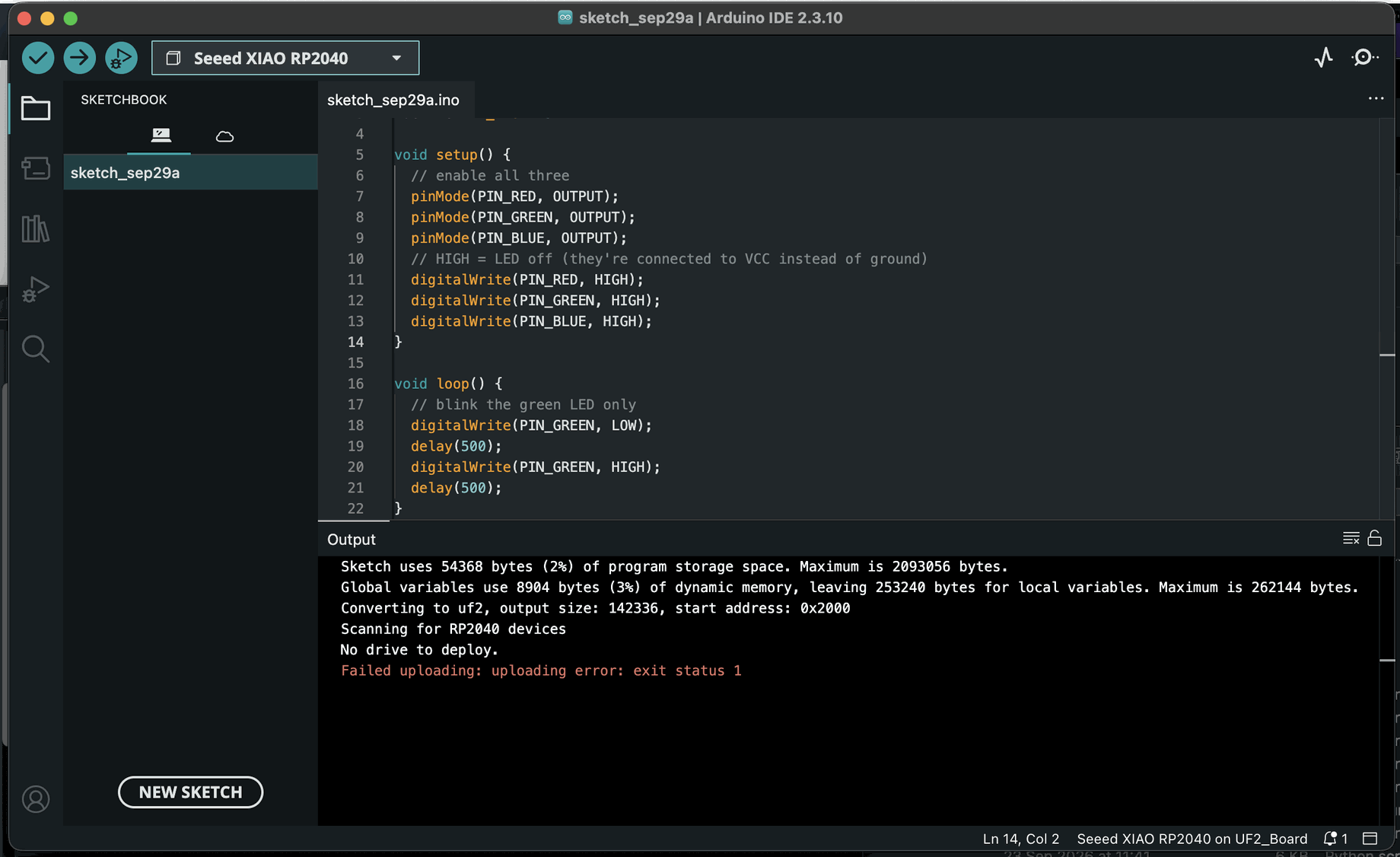
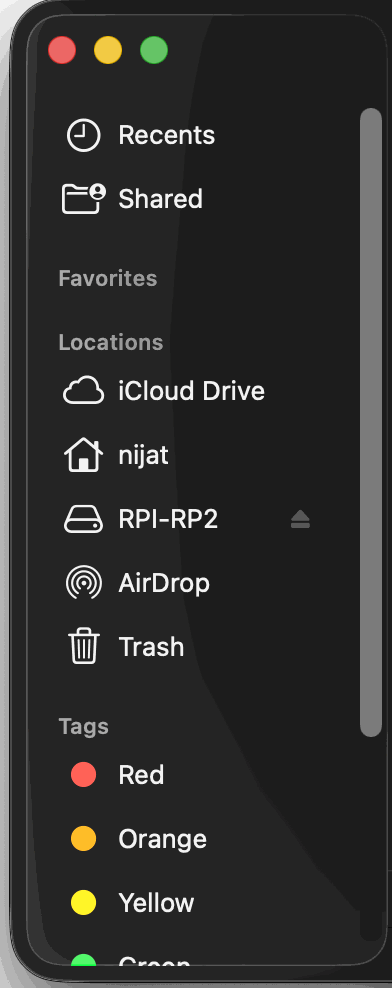
Then I thought it was some kind of problem related to the Arduino software, so I exported the binary and tried to deploy it via the terminal.
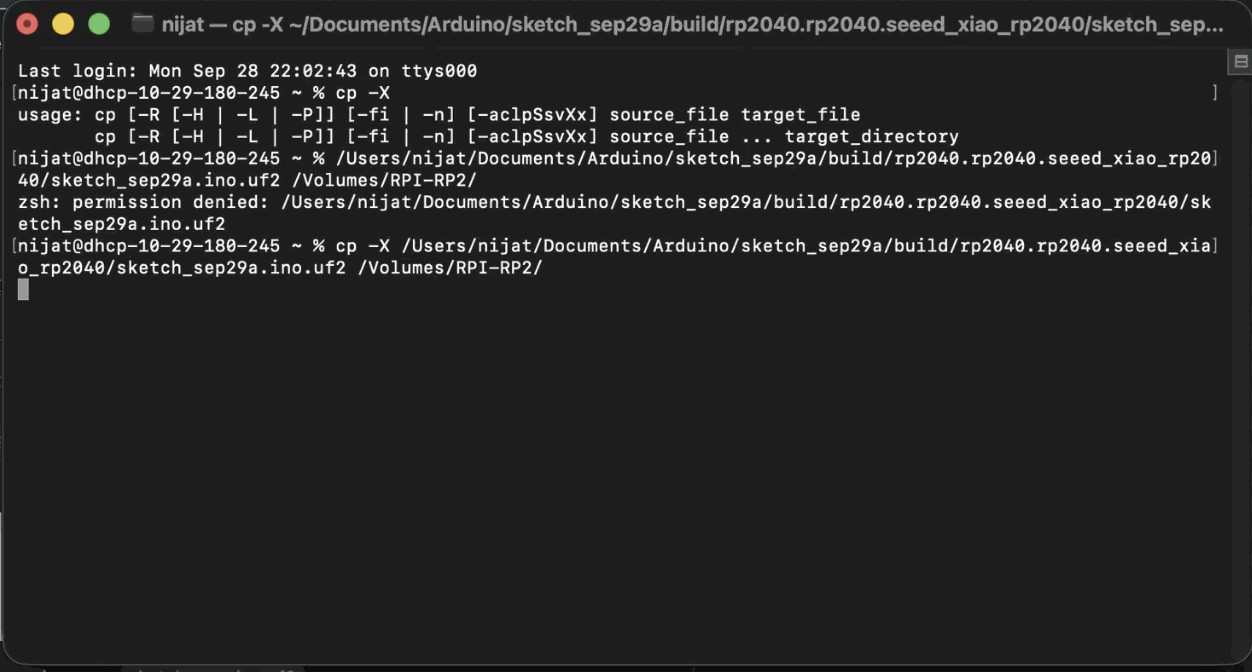
Still failed.
Then I thought I didn't have write access, so I started checking in System Settings whether it was locked and didn't have permission. It all looked good, sooo it should have worked.

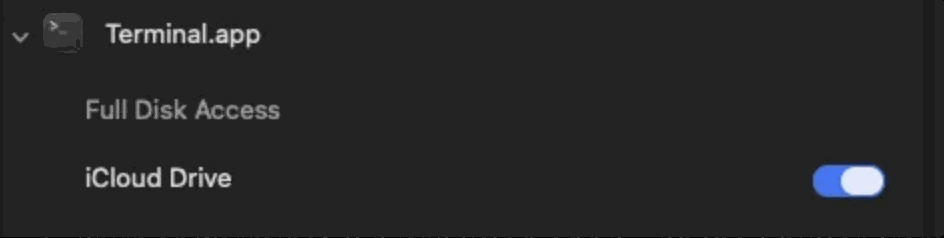
Even though I had initialised with the B button and plugged in the board, I restarted everything and did it again.
- Restart laptop
- Hold B on the board and plug it in
And it finally worked.
I started uploading and it worked. Then I unplugged it, plugged it back in and again: fail.
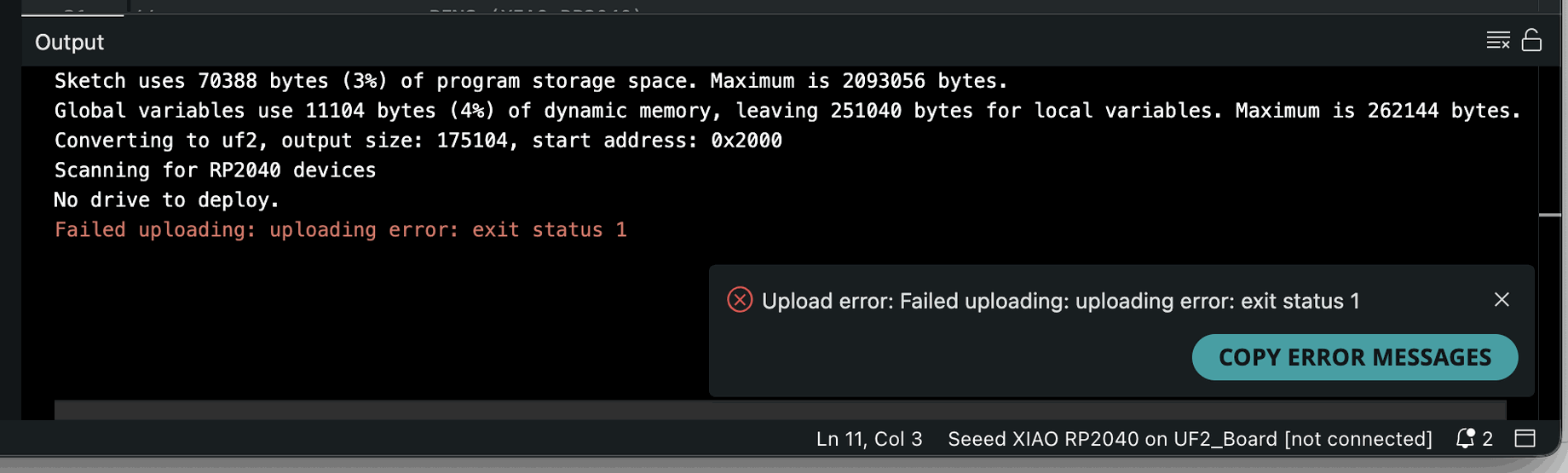
Apparently, after the first initialization I should choose the USB modem and continue deployment with that selected port. I chose it and it's done, working smoothly.

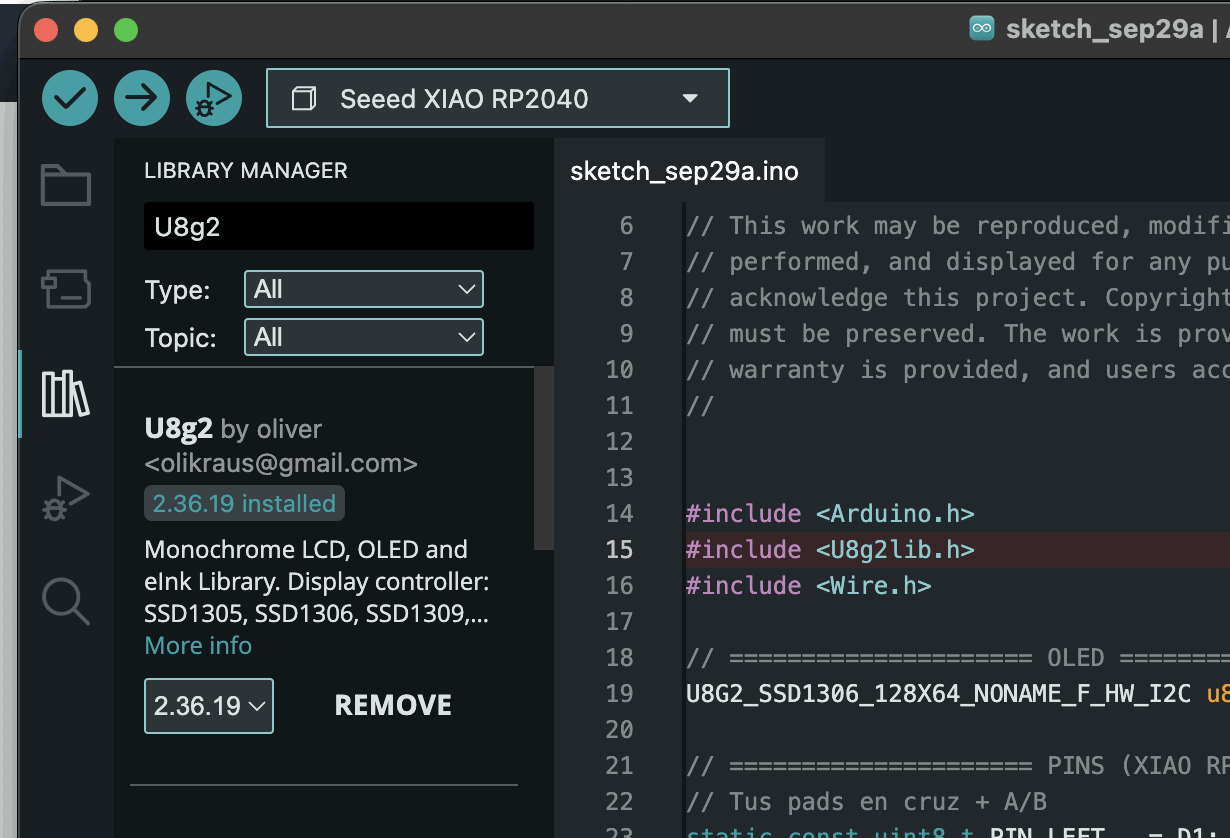
Added the necessary libraries and IT WORKEDDDD : )
Here is the green line of happinesss : D
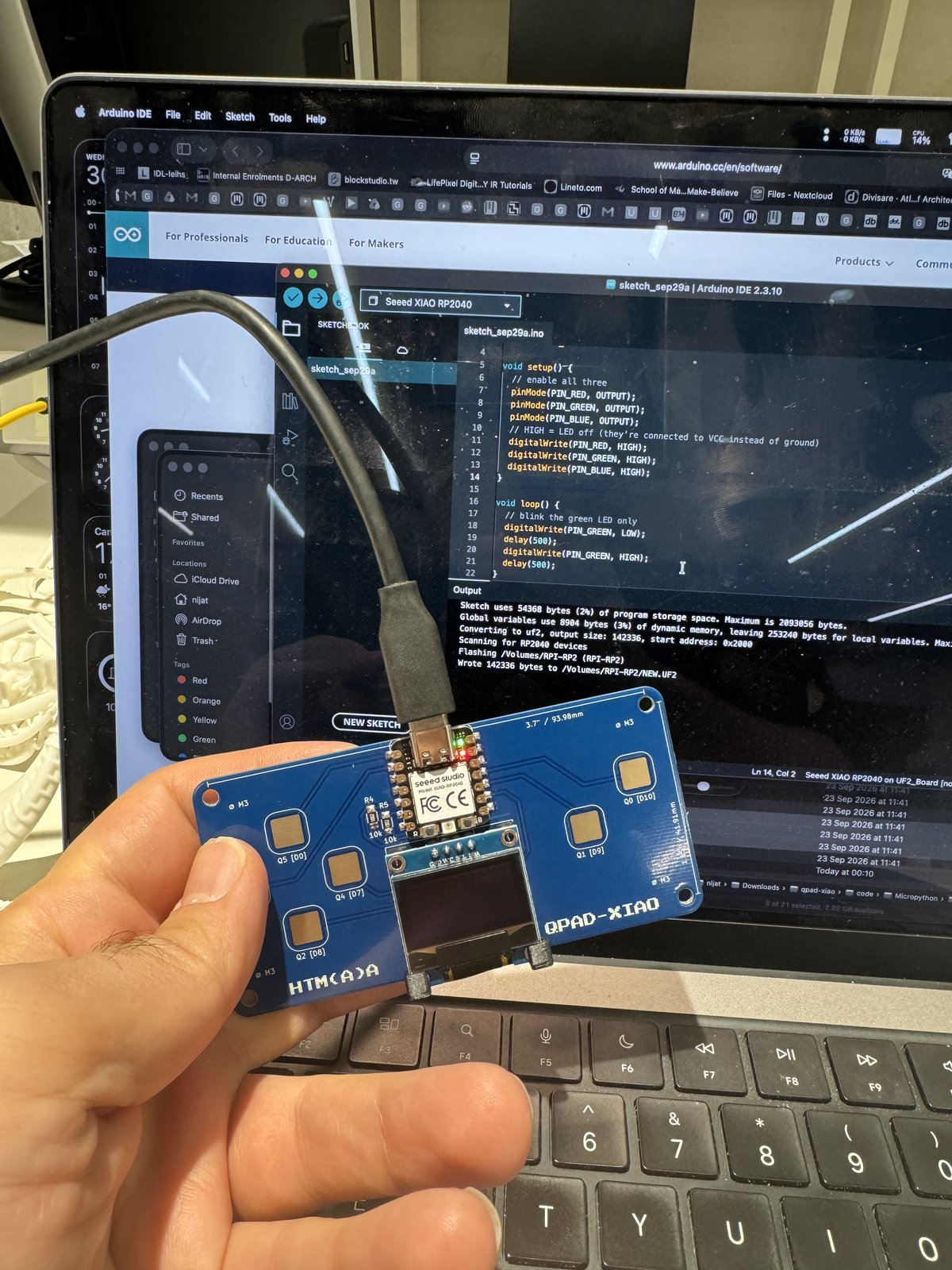
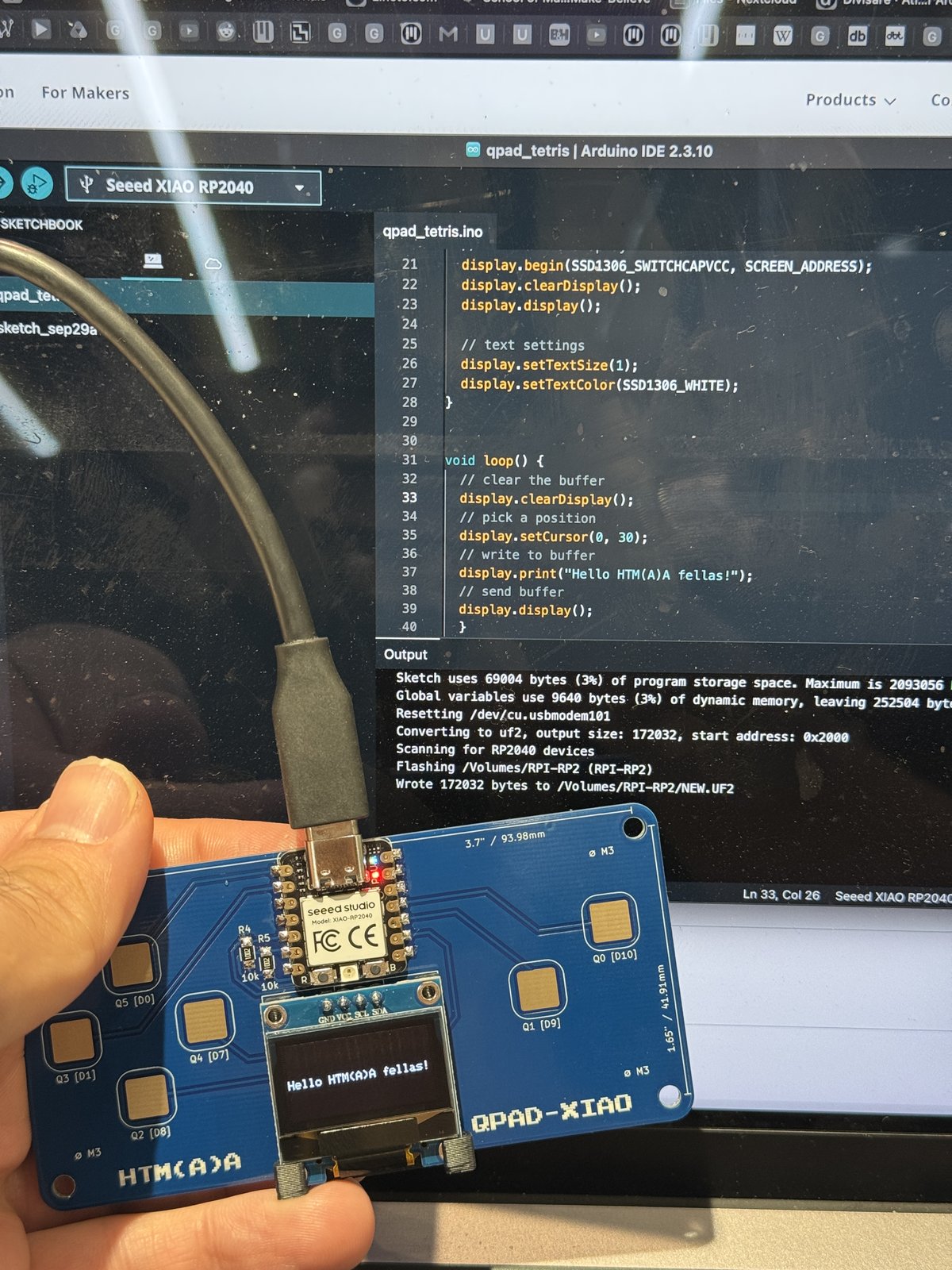
Now it was time to test the text deployment. I used Quentin's repo, copied his code and adjusted it to "Hello HTM(A)A fellas!", and here is the beauty.
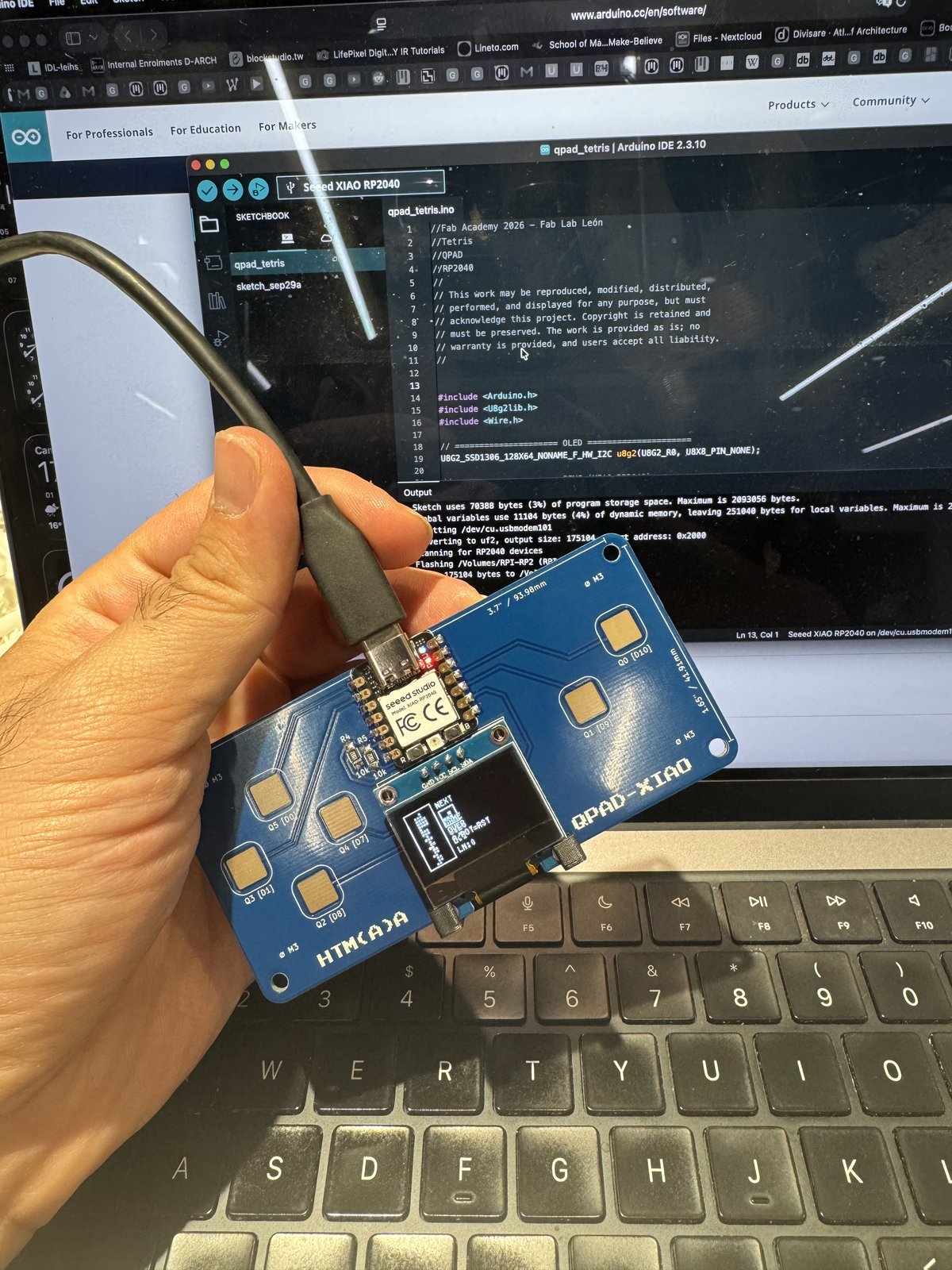
After the text, I wanted something interactive: I read the Tetris code base, copied and tested it from the same repo, and spent quite a while playing the game rather than working on my work : )
Main Demo
I wanted to have something interactive with a morphing feature, then I thought of using gravity and a grid morph. I googled current similar demos, rewrote it with the help of Claude Opus 5.5 and made a small demo.
Then I found out that I can have separate apps in one sketch and recall them. In this case, I wanted to have a menu, one application with text and one with the grid morph.
// -------------------------------- Menu --------------------------------
const int LIST_Y       = 16;          // top of the first row
const int ROW_H        = 12;
const int VISIBLE_ROWS = 4;

void menuUpdate() {
  if (padRepeat(PAD_DOWN)) menuIndex = (menuIndex + 1) % N_APPS;            // wraps around
  if (padRepeat(PAD_UP))   menuIndex = (menuIndex + N_APPS - 1) % N_APPS;

  // scroll so the selected row stays visible
  if (menuIndex < menuScroll)                 menuScroll = menuIndex;
  if (menuIndex >= menuScroll + VISIBLE_ROWS) menuScroll = menuIndex - VISIBLE_ROWS + 1;

  if (padPressed(PAD_Q0)) openApp(menuIndex);
}

void menuDraw() {
  display.setTextSize(1);
  display.setTextColor(SSD1306_WHITE);

  // title + position
  display.setCursor(2, 2);
  display.print("qpad-NM-test");
  char count[8];
  snprintf(count, sizeof(count), "%d/%d", menuIndex + 1, N_APPS);
  display.setCursor(SCREEN_W - 2 - textWidth(count, 1), 2);
  display.print(count);

  // rows: the selected one gets a small bar on each side
  for (int r = 0; r < VISIBLE_ROWS; r++) {
    int i = menuScroll + r;
    if (i >= N_APPS) break;
    int y = LIST_Y + r * ROW_H;
    display.setCursor(10, y + 2);
    display.print(APPS[i].name);
    if (i == menuIndex) {
      display.fillRect(2,            y + 1, 2, 9, SSD1306_WHITE);  // left bar
      display.fillRect(SCREEN_W - 4, y + 1, 2, 9, SSD1306_WHITE);  // right bar
    }
  }
}
// ------------------------------- State -------------------------------
const int      IN_MENU      = -1;
const uint32_t EXIT_HOLD_MS = 1000;   // how long to hold Q0 + Q1
const uint32_t HINT_MS      = 1800;   // "hold Q0+Q1: menu" on app start
const uint32_t FRAME_MS     = 16;     // ~60 frames per second at most

int      currentApp = IN_MENU;
int      menuIndex  = 0;              // selected row
int      menuScroll = 0;              // first visible row
bool     exitHolding = false;
uint32_t exitHoldStart = 0;
uint32_t hintUntil = 0;

void openApp(int i) {
  currentApp = i;
  APPS[i].begin();
  inputLocked = true;                 // the tap on Q0 must not reach the app
  exitHolding = false;
  hintUntil = millis() + HINT_MS;
}

void openMenu() {
  currentApp = IN_MENU;
  inputLocked = true;                 // wait until Q0 + Q1 are released
  exitHolding = false;
}

// Returns true while Q0 + Q1 are held together. Opens the menu after EXIT_HOLD_MS.
bool updateExitGesture(uint32_t now) {
  if (!(padNow[PAD_Q0] && padNow[PAD_Q1])) { exitHolding = false; return false; }
  if (!exitHolding) { exitHolding = true; exitHoldStart = now; }
  if (now - exitHoldStart >= EXIT_HOLD_MS) openMenu();
  return true;
}

// Drawn on top of every app: the exit progress bar or the start hint.
void drawAppOverlay(uint32_t now) {
  if (exitHolding) {
    int w = (int)((now - exitHoldStart) * SCREEN_W / EXIT_HOLD_MS);
    display.fillRect(0, SCREEN_H - 4, SCREEN_W, 4, SSD1306_BLACK);
    display.fillRect(0, SCREEN_H - 3, w, 3, SSD1306_WHITE);
  } else if (isBefore(hintUntil)) {
    drawToast("hold Q0+Q1: menu");
  }
}
And now I wanted to have another application with cloth morphing and textile patterns that I can merge with my future final project.
AI usage
AI (Claude Opus 5.5) was used for bug fixing and for implementing the textile patterns and fabric simulations from a different language (JavaScript).